Grammarly's free plan covers the checks most people want: grammar and spelling fixes, basic punctuation, tone detection and 100 AI prompts a month.
Best of · 69 tools ranked
Best Free AI Tools
Find the best free AI tools for the work you actually do. The page is grouped by the kind of work, from writing and images to coding and customer support, and each group links to every free tool we rank in that category. Each pick shows what the free plan lets you do and where it stops, so you can try a tool before paying for anything.
Our top 3 Free AI Tools
The same free ChatGPT account that handles writing also makes images from a description, with limited and slower generation on the free plan.
Enterprise teams and L&D professionals creating multilingual training, onboarding, and sales enablement videos at scale
Best free AI writing tools
5 picksFree writing plans are built around a monthly allowance, so the question is what you run out of first. Grammarly gives grammar fixes plus 100 AI prompts a month, Paperpal's allowance resets on the calendar month and suits manuscripts, and Wrizzle needs no login at all. QuillBot and GPTZero split between paraphrasing and AI detection.
#ToolScoreFree plan gives youPaid from
Write without mistakes, see writing tone, 100 AI prompts/month
↻ Renews monthlyPaid $12/moShow detailsHide details01 Grammarly: Best for everyday grammar and tone checks8.3Score 8.3 out of 10Write without mistakes, see writing tone, 100 AI prompts/month↻ Renews monthly$12/moVisit site ↗ReviewDetailsCloseShow more about Grammarly
Write without mistakes, see writing tone, 100 AI prompts/month
↻ Renews monthlyPaid $12/mo
Show detailsHide detailsGrammarly: Best for everyday grammar and tone checks
8.3Score 8.3 out of 10Write without mistakes, see writing tone, 100 AI prompts/month↻ Renews monthly$12/moVisit site ↗ReviewDetailsClose
Grammarly's free plan covers the checks most people want: grammar and spelling fixes, basic punctuation, tone detection and 100 AI prompts a month. Full sentence rewrites and plagiarism checks wait on Pro, and free users get one brand tone. Pick it over Paperpal or QuillBot if you write across email, documents and the browser rather than in one academic format.
- Grammarly works across an impressive range of platforms including Chrome, Safari, Firefox, Edge, Windows, Mac, iOS, Android, Microsoft Word, and Google Docs.
- The plagiarism checker is built directly into the editor rather than being a separate export tool, a useful workflow for academic and content marketing use.
- The free plan is significantly limited, though it does include tone detection and 100 AI prompts a month alongside basic grammar, spelling, and punctuation; most meaningful features still require a paid Pro subscription.
200 suggestions/month language editing, 5 uses/day writing features, 5 AI detection scans/day (1,200 words), 7,000 words/month plagiarism, 5 PDF uploads/month
↻ Renews monthlyPaid $12/moShow detailsHide details02 Paperpal: Best for academic writing and manuscripts8.2Score 8.2 out of 10200 suggestions/month language editing, 5 uses/day writing features, 5 AI detection scans/day (1,200 words), 7,000 words/month plagiarism, 5 PDF uploads/month↻ Renews monthly$12/moVisit site ↗ReviewDetailsCloseShow more about Paperpal
200 suggestions/month language editing, 5 uses/day writing features, 5 AI detection scans/day (1,200 words), 7,000 words/month plagiarism, 5 PDF uploads/month
↻ Renews monthlyPaid $12/mo
Show detailsHide detailsPaperpal: Best for academic writing and manuscripts
8.2Score 8.2 out of 10200 suggestions/month language editing, 5 uses/day writing features, 5 AI detection scans/day (1,200 words), 7,000 words/month plagiarism, 5 PDF uploads/month↻ Renews monthly$12/moVisit site ↗ReviewDetailsClose
With 200 language suggestions a month, five AI detection scans a day and 7,000 words of plagiarism checking, Paperpal's free plan is useful for a real manuscript. The allowance resets every calendar month. It is tuned to scholarly conventions, so general copy fits it less well. Researchers should start here before Grammarly, which knows less about journal style.
- Built specifically for academic and research writing, trained on scholarly literature and journal submission standards rather than general web content.
- Offers over 30 journal-specific readiness checks in a single pre-submission workflow, a feature rarely found in competing tools.
- Highly specialized focus means it is not useful for general-purpose writing tasks outside academia.
10,000 words a month, 1 Advanced Scan, 5 AI Highlights in the Chrome extension
↻ Renews monthlyPaid $12.99/moShow detailsHide details03 GPTZero: Best for checking text for AI use7.8Score 7.8 out of 1010,000 words a month, 1 Advanced Scan, 5 AI Highlights in the Chrome extension↻ Renews monthly$12.99/moVisit site ↗ReviewDetailsCloseShow more about GPTZero
10,000 words a month, 1 Advanced Scan, 5 AI Highlights in the Chrome extension
↻ Renews monthlyPaid $12.99/mo
Show detailsHide detailsGPTZero: Best for checking text for AI use
7.8Score 7.8 out of 1010,000 words a month, 1 Advanced Scan, 5 AI Highlights in the Chrome extension↻ Renews monthly$12.99/moVisit site ↗ReviewDetailsClose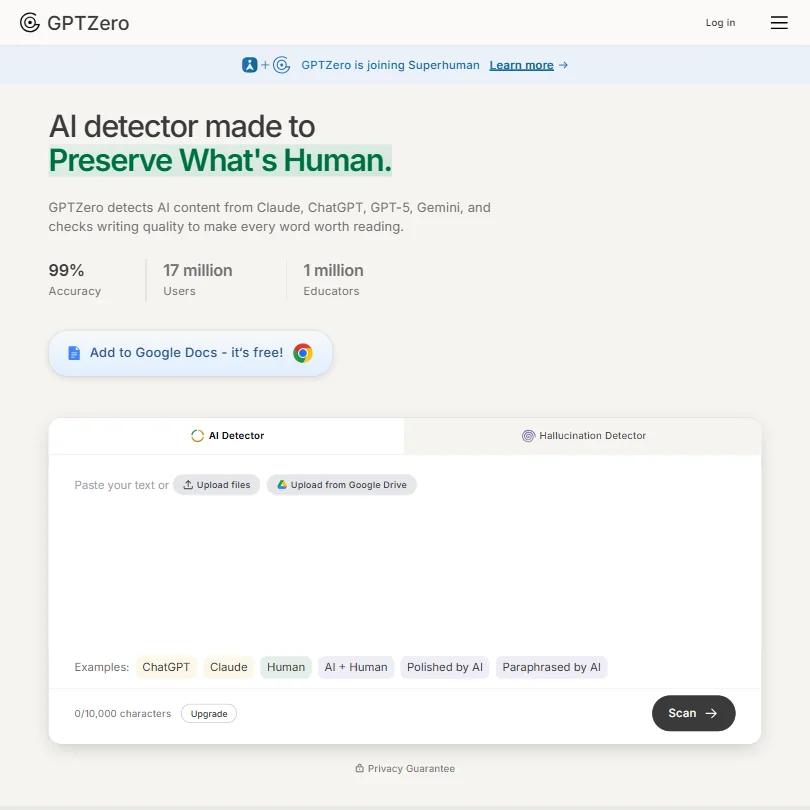
GPTZero is a detector first: it scans text for AI use from the web and from a Chrome extension, with word allowances that grow on paid plans. It has no mobile app. Teachers, editors and publishers who need a verdict on a piece of text should look here before the general writing tools in this section.
- Sentence-level AI detection granularity allows users to pinpoint exactly which parts of a document are flagged as AI-generated.
- Batch uploading supports up to 250 files at once, making it a practical time-saver for educators grading large sets of essays.
- The 99% accuracy figure is GPTZero's own claim, so treat it as a marketing number rather than a guarantee.
Free plan, limits not published
Paid $29/moShow detailsHide details04 Rezi#1 of 7 AI resume builders7.6Score 7.6 out of 10Free plan, limits not published$29/moVisit site ↗ReviewDetailsCloseShow more about Rezi
Free plan, limits not published
Paid $29/mo
Show detailsHide detailsRezi#1 of 7 AI resume builders
7.6Score 7.6 out of 10Free plan, limits not published$29/moVisit site ↗ReviewDetailsClose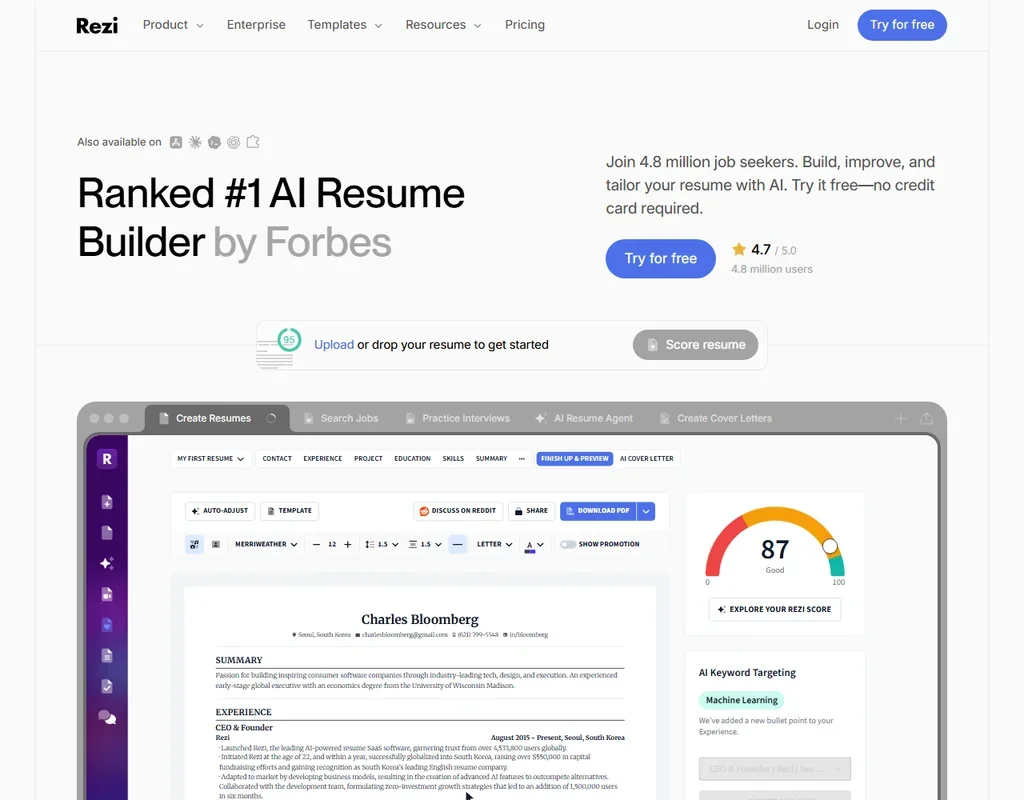
- The Lifetime plan gives all features for one payment of $149.
- The Rezi Score rates a resume against 23 key metrics for applicant tracking systems.
- The free plan allows 1 resume, 1 AI interview and 3 PDF downloads.
Free plan, limits not published
Paid $29/moShow detailsHide details05 Teal#2 of 7 AI resume builders7.5Score 7.5 out of 10Free plan, limits not published$29/moVisit site ↗ReviewDetailsCloseShow more about Teal
Free plan, limits not published
Paid $29/mo
Show detailsHide detailsTeal#2 of 7 AI resume builders
7.5Score 7.5 out of 10Free plan, limits not published$29/moVisit site ↗ReviewDetailsClose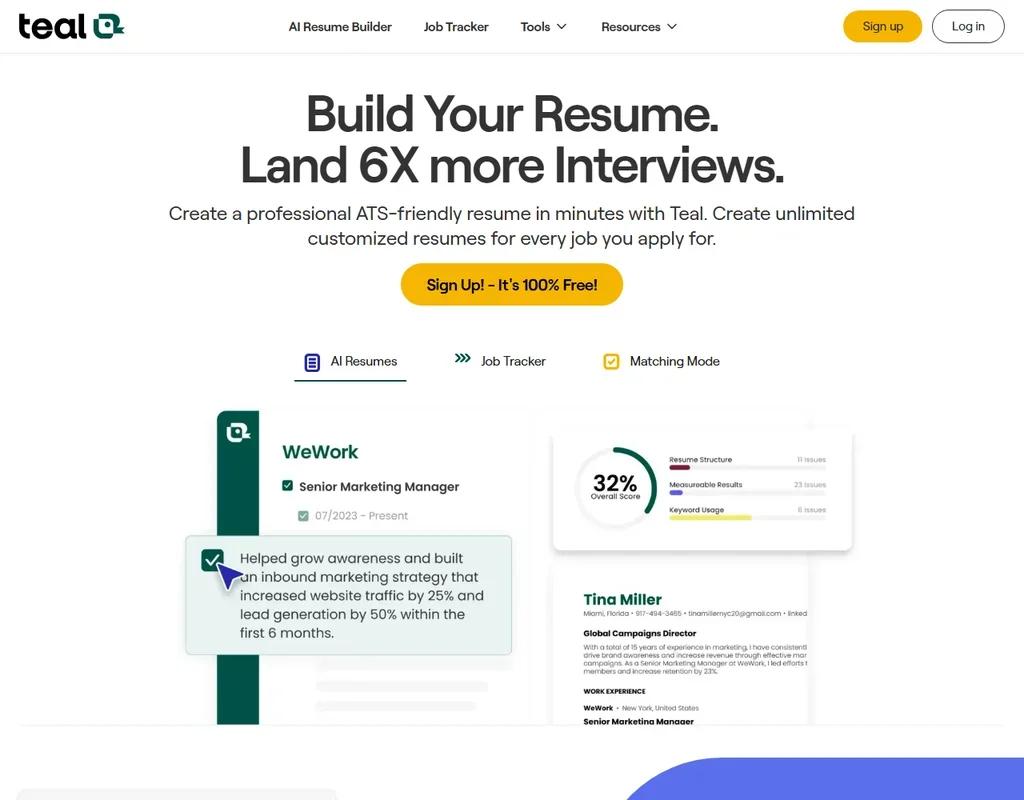
- Unlimited resumes, unlimited job tracking and unlimited PDF downloads are on the free plan.
- A match score from 0 to 100% weighs your resume's keywords, skills and experience against a job description.
- Resumes export as PDF, with no Word download.
Best free AI image generators
5 picksA free image plan usually means a small allowance that refills, and the real difference is who owns the result. ChatGPT makes a limited number of images on its free plan, more slowly than on paid ones. NightCafe and starryai let you keep commercial rights from the free tier, while Leonardo holds commercial use for paid plans and makes free creations public by default. Firefly sits apart for its licensed training data.
#ToolScoreFree plan gives youPaid from
Unlimited text chat, limited deep research
Paid $8/moShow detailsHide details06 ChatGPT: Best for a first image from the chat you know8.8Score 8.8 out of 10Unlimited text chat, limited deep research$8/moVisit site ↗ReviewDetailsCloseShow more about ChatGPT
Unlimited text chat, limited deep research
Paid $8/mo
Show detailsHide detailsChatGPT: Best for a first image from the chat you know
8.8Score 8.8 out of 10Unlimited text chat, limited deep research$8/moVisit site ↗ReviewDetailsClose
The same free ChatGPT account that handles writing also makes images from a description, with limited and slower generation on the free plan. It is the easiest first try because there is nothing new to sign up for. When you want a daily allowance built for images, NightCafe or starryai are made for that alone.
- The Free plan includes unlimited text chats with GPT-6 Luna, subject to abuse guardrails.
- Web search is included on every individual plan, including Free.
- Go, the cheapest paid plan, still does not unlock GPT-6.1 Sol, GPT-6 Astra or GPT-6 Sol, and may include ads.
5 credits/day, public generations, limited features
✓ No watermarkPaid $12.49/moShow detailsHide details07 NightCafe Creator: Best for daily credits plus commercial use8.6Score 8.6 out of 105 credits/day, public generations, limited features✓ No watermark$12.49/moVisit site ↗ReviewDetailsCloseShow more about NightCafe Creator
5 credits/day, public generations, limited features
✓ No watermarkPaid $12.49/mo
Show detailsHide detailsNightCafe Creator: Best for daily credits plus commercial use
8.6Score 8.6 out of 105 credits/day, public generations, limited features✓ No watermark$12.49/moVisit site ↗ReviewDetailsClose
NightCafe gives unlimited base Stable Diffusion images and five credits each login day, and its free tier carries ownership and commercial use. The trade-off is that free creations appear in the public feed unless you pay for privacy. It is the better free pick for anyone who wants to sell or post what they make, ahead of Leonardo, which reserves that for paid plans.
- Every user can create unlimited base Stable Diffusion images for free, with commercial use allowed on the free plan.
- Paid plans unlock more than 50 image models, including Flux, GPT Image, Seedream and Ideogram.
- There is no native phone app; using NightCafe on a phone means adding the website to the home screen from a browser.

#8starryai: Best for phone-first images without a watermark
Up to 25 images a day, no watermark, you keep copyright
✓ No watermarkNot listedShow detailsHide details08starryai: Best for phone-first images without a watermarkn/aUp to 25 images a day, no watermark, you keep copyright✓ No watermarkNot listedVisit site ↗ReviewDetailsCloseShow more about starryai
#8starryai: Best for phone-first images without a watermark
Up to 25 images a day, no watermark, you keep copyright
✓ No watermarkNot listed
Show detailsHide detailsstarryai: Best for phone-first images without a watermark
n/aUp to 25 images a day, no watermark, you keep copyright✓ No watermarkNot listedVisit site ↗ReviewDetailsClose
starryai gives up to 25 images a day with no watermark, and you keep the copyright to what you make. It is built for the phone, so it suits quick ideas on the go. The paid Unlimited Pro tier has no published price, and there is no indemnity against claims over generated images. Choose it over NightCafe if you mainly work from a handset.
- Every account can generate up to 25 images a day for free with no watermark.
- starryai runs as native apps on both iOS and Android, not just the web.
- starryai sells a paid Unlimited Pro tier but publishes no price for it anywhere on its site.
Limited free generations each day across image, video, audio
? Watermark not stated↻ Daily creditsPaid $9.99/moShow detailsHide details09 Adobe Firefly: Best for licensed-data images inside Adobe apps8.1Score 8.1 out of 10Limited free generations each day across image, video, audio? Watermark not stated↻ Daily credits$9.99/moVisit site ↗ReviewDetailsCloseShow more about Adobe Firefly
Limited free generations each day across image, video, audio
? Watermark not stated↻ Daily creditsPaid $9.99/mo
Show detailsHide detailsAdobe Firefly: Best for licensed-data images inside Adobe apps
8.1Score 8.1 out of 10Limited free generations each day across image, video, audio? Watermark not stated↻ Daily credits$9.99/moVisit site ↗ReviewDetailsClose
Firefly's free plan gives limited generations each day across image, video and audio models, and Adobe does not train on your content. Paid plans are annual commitments paid in monthly instalments. Pick it if you already work in Photoshop or Express and want results cleared for commercial use, rather than a pure art playground.
- The free plan gives limited daily generations across image, video and audio models at no cost.
- Adobe will not use your content to train its models, except content you choose to submit to Adobe Stock, which is opt-in.
- No paid plan has a true month-to-month price; every one is an annual commitment paid in monthly instalments.
150 fast tokens a day plus a 150-token bank, public creations
✓ No watermarkPaid $12/moShow detailsHide details10 Leonardo.Ai: Best for daily tokens across many models8.0Score 8.0 out of 10150 fast tokens a day plus a 150-token bank, public creations✓ No watermark$12/moVisit site ↗ReviewDetailsCloseShow more about Leonardo.Ai
150 fast tokens a day plus a 150-token bank, public creations
✓ No watermarkPaid $12/mo
Show detailsHide detailsLeonardo.Ai: Best for daily tokens across many models
8.0Score 8.0 out of 10150 fast tokens a day plus a 150-token bank, public creations✓ No watermark$12/moVisit site ↗ReviewDetailsClose
Leonardo refills 150 fast tokens a day and holds a 150-token bank, enough to explore many models without paying. Free creations are public and use basic quality settings, and commercial use is for paid plans only. It suits people who want control over models, and custom model training and an API become available when you upgrade.
- The free plan gives 150 Fast Tokens a day plus a 150 Token Bank, at no cost.
- Its own models accept a fixed seed, a negative prompt field and adjustable prompt enhancement for precise control.
- Leonardo does not offer vector output.
Best free AI video tools
5 picksVideo is where free plans bite hardest, because clips cost the most credits to render. Higgsfield, HeyGen and Kling all mark free output with a watermark, and Google Veo adds an invisible SynthID mark, so treat them as ways to judge quality first. Kling refills daily, which suits trying prompts, HeyGen's three videos a month suit a presenter, and Descript edits video by editing its transcript.
#ToolScoreFree plan gives youPaid from
10 min video/month, 9 AI avatars, 25 AI-generated video assets, 160+ languages
✕ Watermarked↻ Renews monthlyPaid $19/moShow detailsHide details11 Synthesia#1 of 8 AI avatar video tools9.3Score 9.3 out of 1010 min video/month, 9 AI avatars, 25 AI-generated video assets, 160+ languages✕ Watermarked↻ Renews monthly$19/moVisit site ↗ReviewDetailsCloseShow more about Synthesia
10 min video/month, 9 AI avatars, 25 AI-generated video assets, 160+ languages
✕ Watermarked↻ Renews monthlyPaid $19/mo
Show detailsHide detailsSynthesia#1 of 8 AI avatar video tools
9.3Score 9.3 out of 1010 min video/month, 9 AI avatars, 25 AI-generated video assets, 160+ languages✕ Watermarked↻ Renews monthly$19/moVisit site ↗ReviewDetailsClose
- Supports 160+ languages, making it practical for global teams needing multilingual video content without hiring voice actors.
- No camera, microphone or studio required; the entire production workflow runs in-browser from script to export.
- Higher-tier pricing creates a feature wall that enterprise buyers can clear but smaller teams and individual users quietly cannot.
60 media minutes a month, 100 AI credits once, 720p export with watermark, 5 GB storage
✕ WatermarkedOne-off creditsPaid $24/moShow detailsHide details12 Descript: Best for editing video through its transcript9.0Score 9.0 out of 1060 media minutes a month, 100 AI credits once, 720p export with watermark, 5 GB storage✕ WatermarkedOne-off credits$24/moVisit site ↗ReviewDetailsCloseShow more about Descript
60 media minutes a month, 100 AI credits once, 720p export with watermark, 5 GB storage
✕ WatermarkedOne-off creditsPaid $24/mo
Show detailsHide detailsDescript: Best for editing video through its transcript
9.0Score 9.0 out of 1060 media minutes a month, 100 AI credits once, 720p export with watermark, 5 GB storage✕ WatermarkedOne-off credits$24/moVisit site ↗ReviewDetailsClose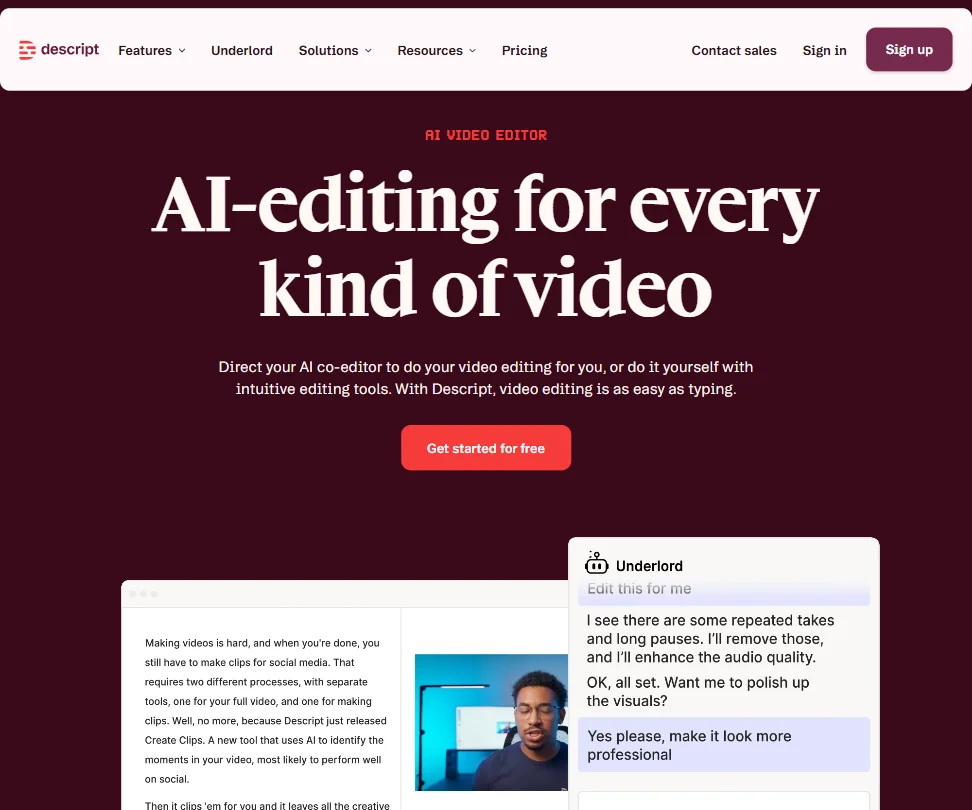
Descript's free plan edits video through its transcript, with 60 media minutes a month and 100 AI credits given once. Exports stop at 720p with a watermark, so it suits learning the editor on a short project rather than publishing.
- Text-based video editing allows users to edit footage simply by editing the transcript, making the process intuitive and fast.
- Underlord AI is deeply integrated into the workflow, handling script writing, layout design, B-roll generation, and clip creation for social formats.
- Despite being around since 2017, some rough edges in the product still haven't been resolved.
Free plan, limits not published
✓ No watermarkPaid $4.99/moShow detailsHide details13 Google Veo: Best for sound-included clips from a Google account9.0Score 9.0 out of 10Free plan, limits not published✓ No watermark$4.99/moVisit site ↗ReviewDetailsCloseShow more about Google Veo
Free plan, limits not published
✓ No watermarkPaid $4.99/mo
Show detailsHide detailsGoogle Veo: Best for sound-included clips from a Google account
9.0Score 9.0 out of 10Free plan, limits not published✓ No watermark$4.99/moVisit site ↗ReviewDetailsClose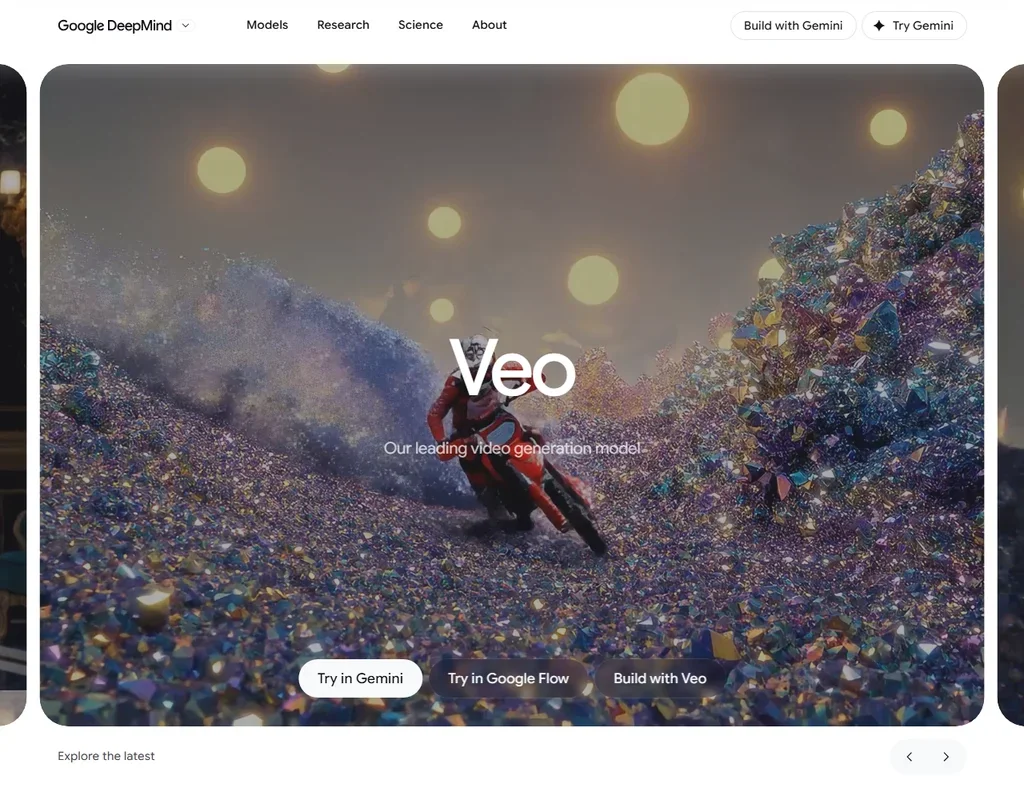
Google Veo's free plan comes through Flow with 50 credits a day that do not roll over, enough for two Veo 3.1 Fast clips at 20 credits each, and every clip arrives with dialogue and sound effects already made. Output carries an invisible SynthID mark, not a visible one. Without a subscription, generation can be unavailable at peak hours, roughly 2 PM to 5 PM UTC. Pick it when you want to hear what a prompt sounds like, not only see it.
- Veo 3.1 generates dialogue and sound effects together with the video from the prompt.
- A free Google account gets 50 Flow credits a day.
- One generation is 4, 6 or 8 seconds, and 1080p and 4K generations are 8 seconds.
Free plan, limits not published
✕ WatermarkedPaid $19/moShow detailsHide details14 Higgsfield: Best for trying top video models at no cost9.0Score 9.0 out of 10Free plan, limits not published✕ Watermarked$19/moVisit site ↗ReviewDetailsCloseShow more about Higgsfield
Free plan, limits not published
✕ WatermarkedPaid $19/mo
Show detailsHide detailsHiggsfield: Best for trying top video models at no cost
9.0Score 9.0 out of 10Free plan, limits not published✕ Watermarked$19/moVisit site ↗ReviewDetailsClose
Higgsfield's free account works but stamps a watermark on every generation and runs one job at a time. That makes it a way to try the headline video models, including Seedance, Kling and Veo 3, before paying. It stays a trial for anything you plan to publish. Pick it over Kling if you want several models in one place.
- Kling 3.0, Veo 3.1, Seedance 2.0, Nano Banana Pro, GPT Image 2 and Flux 2 are all on the account alongside Higgsfield's own Soul models.
- Seedance 2.0 generates synchronized dialogue and sound in the same pass as the video.
- Every generation on the free account carries a visible watermark.
3 videos a month, watermarked, 500+ stock avatars, 1 voice clone
✕ Watermarked↻ Renews monthlyPaid $29/moShow detailsHide details15 HeyGen: Best for a first talking-avatar video8.9Score 8.9 out of 103 videos a month, watermarked, 500+ stock avatars, 1 voice clone✕ Watermarked↻ Renews monthly$29/moVisit site ↗ReviewDetailsCloseShow more about HeyGen
3 videos a month, watermarked, 500+ stock avatars, 1 voice clone
✕ Watermarked↻ Renews monthlyPaid $29/mo
Show detailsHide detailsHeyGen: Best for a first talking-avatar video
8.9Score 8.9 out of 103 videos a month, watermarked, 500+ stock avatars, 1 voice clone✕ Watermarked↻ Renews monthly$29/moVisit site ↗ReviewDetailsClose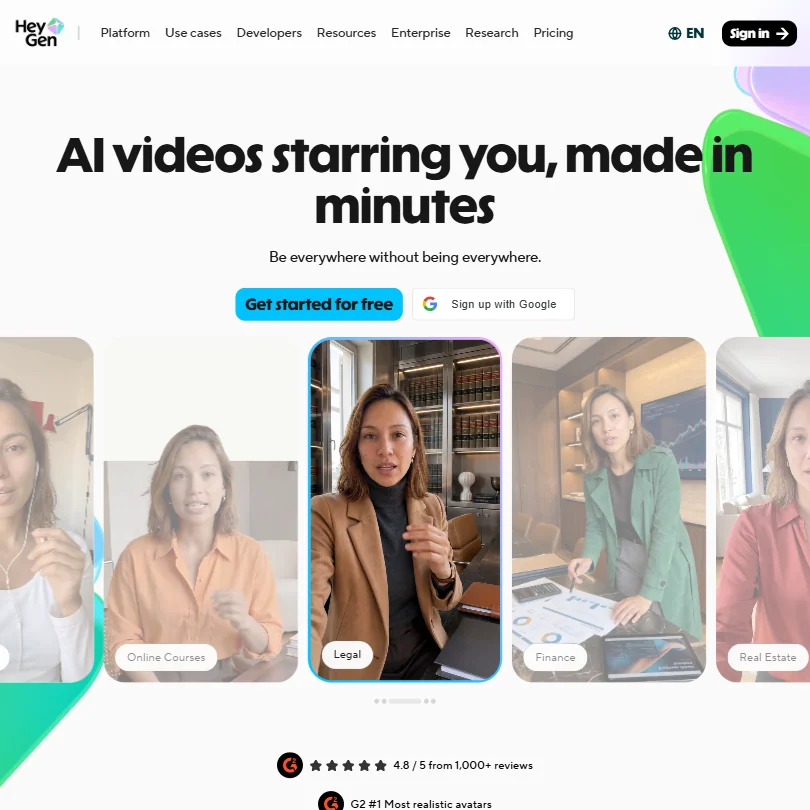
HeyGen's free plan is permanent and gets you three watermarked videos a month, with 500+ stock avatars and one voice clone. It is easy enough to produce a first video without reading documentation. Those three videos are the cap, so regular output needs a paid plan. For talking presenters, choose it over Kling, which makes clips without avatars.
- HeyGen supports video translation across 175+ languages with lip-sync matched to the new voice, making localization highly accessible.
- The AI Studio editor allows users to adjust tone, delivery, gesture timing, and emotional register through text controls without re-recording.
- The feature set is described as getting 'busy,' suggesting a steeper learning curve for new users navigating the full platform.
Best free AI audio tools
5 picksAudio free plans split into creating and finishing. ElevenLabs and Suno hand out monthly or daily credits for voices and songs but withhold commercial use, and Mureka asks you to credit it. Speechify and Auphonic work on audio you already have: Speechify caps playback at 1.5x, and Auphonic gives two hours a month.
#ToolScoreFree plan gives youPaid from
10k credits/month; Text to Speech, Speech to Text, Sound Effects, Voice Design, Music, 3 Projects in Studio
✓ No watermark↻ Renews monthlyPaid $6/moShow detailsHide details16 ElevenLabs: Best for realistic voiceovers and voice cloning8.5Score 8.5 out of 1010k credits/month; Text to Speech, Speech to Text, Sound Effects, Voice Design, Music, 3 Projects in Studio✓ No watermark↻ Renews monthly$6/moVisit site ↗ReviewDetailsCloseShow more about ElevenLabs
10k credits/month; Text to Speech, Speech to Text, Sound Effects, Voice Design, Music, 3 Projects in Studio
✓ No watermark↻ Renews monthlyPaid $6/mo
Show detailsHide detailsElevenLabs: Best for realistic voiceovers and voice cloning
8.5Score 8.5 out of 1010k credits/month; Text to Speech, Speech to Text, Sound Effects, Voice Design, Music, 3 Projects in Studio✓ No watermark↻ Renews monthly$6/moVisit site ↗ReviewDetailsClose
ElevenLabs gives 10k credits a month across text to speech, speech to text, sound effects, voice design and music, plus three Studio projects. The free plan carries no commercial license, and audio you generate or upload trains its models unless you opt out. Pick it over Speechify for creating voiceovers, and over Suno if you need speech.
- More than 11,000 voices are available across 70+ languages through the Eleven v3 model.
- Instant voice cloning is available from the cheapest paid plan, with professional cloning opening on Creator.
- The free plan carries no commercial license, so its output cannot be used commercially without upgrading.
Free songs, non-commercial, credit Mureka
✕ WatermarkedPaid $8/moShow detailsHide details17 Mureka: Best for songs with section editing8.2Score 8.2 out of 10Free songs, non-commercial, credit Mureka✕ Watermarked$8/moVisit site ↗ReviewDetailsCloseShow more about Mureka
Free songs, non-commercial, credit Mureka
✕ WatermarkedPaid $8/mo
Show detailsHide detailsMureka: Best for songs with section editing
8.2Score 8.2 out of 10Free songs, non-commercial, credit Mureka✕ Watermarked$8/moVisit site ↗ReviewDetailsClose
On Mureka's free tier you can generate songs, but Mureka owns the output and licenses it back for non-commercial use, with credit given to Mureka. Reference-track upload and editing are locked until Pro, where ownership transfers to you. Musicians who want to edit song sections by hand should pick it over Suno, once they are ready to pay.
- Pro and Premier subscribers own the songs they generate, with full commercial rights.
- Premier includes stem separation of up to twelve stems, plus MIDI and DAW session downloads.
- The free tier forbids commercial use and requires giving Mureka attribution credit.
50 credits daily, free models, no commercial use
✓ No watermark↻ Daily creditsPaid $8/moShow detailsHide details18 Suno: Best for full songs with vocals8.1Score 8.1 out of 1050 credits daily, free models, no commercial use✓ No watermark↻ Daily credits$8/moVisit site ↗ReviewDetailsCloseShow more about Suno
50 credits daily, free models, no commercial use
✓ No watermark↻ Daily creditsPaid $8/mo
Show detailsHide detailsSuno: Best for full songs with vocals
8.1Score 8.1 out of 1050 credits daily, free models, no commercial use✓ No watermark↻ Daily credits$8/moVisit site ↗ReviewDetailsClose
Suno's free plan never expires: 50 credits a day buys about ten songs on an earlier model, in a shared queue. There is no commercial use and no stem separation, and prompts and outputs train its models. Commercial rights come with paid plans. Choose it over Mureka for a quick full song with vocals every day.
- The free plan gives 50 credits a day forever and never expires.
- Pro and Premier assign you full ownership of songs generated from your prompts.
- The free plan has no commercial rights and no stem separation at all.
Listen up to 1.5x speed, 10 robotic voices, text-to-speech features only
? Watermark not statedPaid $29/moShow detailsHide details19 Speechify: Best for listening to documents read aloud7.5Score 7.5 out of 10Listen up to 1.5x speed, 10 robotic voices, text-to-speech features only? Watermark not stated$29/moVisit site ↗ReviewDetailsCloseShow more about Speechify
Listen up to 1.5x speed, 10 robotic voices, text-to-speech features only
? Watermark not statedPaid $29/mo
Show detailsHide detailsSpeechify: Best for listening to documents read aloud
7.5Score 7.5 out of 10Listen up to 1.5x speed, 10 robotic voices, text-to-speech features only? Watermark not stated$29/moVisit site ↗ReviewDetailsClose
Speechify's free plan needs no card and gives ten robotic-sounding voices at up to 1.5x speed, text-to-speech only. The large voice library, cloning and dubbing sit in Speechify Studio, a separate product. It reads aloud rather than creates, so students with long PDFs should choose it over ElevenLabs, which spends credits on every character.
- An ongoing free plan lets you try the Reader with no credit card before paying for Premium.
- Premium billed annually works out to about $11.58 a month, a clear discount against the $29 monthly rate.
- The free plan limits you to 10 robotic sounding voices and playback speeds capped at 1.5x.
2 hours a month, all basic AI algorithms, Auphonic jingle added
✕ Watermarked↻ Renews monthlyPaid $13/moShow detailsHide details20 Auphonic: Best for automatic podcast clean-up7.2Score 7.2 out of 102 hours a month, all basic AI algorithms, Auphonic jingle added✕ Watermarked↻ Renews monthly$13/moVisit site ↗ReviewDetailsCloseShow more about Auphonic
2 hours a month, all basic AI algorithms, Auphonic jingle added
✕ Watermarked↻ Renews monthlyPaid $13/mo
Show detailsHide detailsAuphonic: Best for automatic podcast clean-up
7.2Score 7.2 out of 102 hours a month, all basic AI algorithms, Auphonic jingle added✕ Watermarked↻ Renews monthly$13/moVisit site ↗ReviewDetailsClose
Auphonic gives two hours of processing a month with all basic AI algorithms, but adds its own jingle to the output. Multitrack productions are capped under 20 minutes on the free tier, and speech recognition is not included. Podcasters wanting levelling and filler-word cutting should try it before ElevenLabs, which makes audio rather than fixing it.
- The free tier processes 2 hours of audio every month on an ongoing basis, not a time limited trial.
- It levels, denoises and normalizes loudness to a target like -16 LUFS in one pass, and cuts filler words and silence automatically.
- Free tier output carries an Auphonic jingle, and multitrack productions are capped under 20 minutes on the free tier and base plans.
Best free AI design tools
5 picksDesign free plans tend to give you the editor and ration the AI. Figma's Starter adds 150 AI credits a day, Gamma gives one-off credits and brands its output, and UXPin allows two prototypes. Adobe Express covers social templates, while Kittl is for vector artwork that stays personal-use until you upgrade.
#ToolScoreFree plan gives youPaid from
Free plan, limits not published
? Watermark not statedPaid $20/moShow detailsHide details21 Meshy#1 of 6 AI 3D model generators9.2Score 9.2 out of 10Free plan, limits not published? Watermark not stated$20/moVisit site ↗ReviewDetailsCloseShow more about Meshy
Free plan, limits not published
? Watermark not statedPaid $20/mo
Show detailsHide detailsMeshy#1 of 6 AI 3D model generators
9.2Score 9.2 out of 10Free plan, limits not published? Watermark not stated$20/moVisit site ↗ReviewDetailsClose
- Text, single-image and multi-view image to 3D are all available.
- Auto rigging and a library of more than 600 animations are built in.
- Non-Enterprise inputs and outputs can be used for training unless you opt out by email.
Templates, stock, and scheduling to one account per network
? Watermark not statedPaid $9.99/moShow detailsHide details22 Adobe Express: Best for social posts from templates8.6Score 8.6 out of 10Templates, stock, and scheduling to one account per network? Watermark not stated$9.99/moVisit site ↗ReviewDetailsCloseShow more about Adobe Express
Templates, stock, and scheduling to one account per network
? Watermark not statedPaid $9.99/mo
Show detailsHide detailsAdobe Express: Best for social posts from templates
8.6Score 8.6 out of 10Templates, stock, and scheduling to one account per network? Watermark not stated$9.99/moVisit site ↗ReviewDetailsClose
Adobe Express's free plan includes templates, stock and scheduling to one account per network, with commercial use available and no training on your content. More templates and generative credits come with Premium. Small teams making social posts with a brand kit should choose it ahead of Kittl, which suits print and merchandise.
- The free plan alone includes more than 100,000 templates, over a million Adobe Stock photos, videos and music tracks, and more than 4,000 fonts, at no cost.
- Real-time co-editing and commenting let more than one person work on the same project together.
- Generative AI on the paid Premium plan is capped at 250 credits a month per user.
400 one-time credits, up to 10 cards per prompt
✕ WatermarkedOne-off creditsPaid $12/moShow detailsHide details23 Gamma: Best for decks generated from a prompt8.6Score 8.6 out of 10400 one-time credits, up to 10 cards per prompt✕ WatermarkedOne-off credits$12/moVisit site ↗ReviewDetailsCloseShow more about Gamma
400 one-time credits, up to 10 cards per prompt
✕ WatermarkedOne-off creditsPaid $12/mo
Show detailsHide detailsGamma: Best for decks generated from a prompt
8.6Score 8.6 out of 10400 one-time credits, up to 10 cards per prompt✕ WatermarkedOne-off credits$12/moVisit site ↗ReviewDetailsClose
Gamma's free plan gives 400 one-off credits, which do not renew, and up to 10 cards per prompt. Output carries Gamma branding until Plus. It generates a whole deck or web page from a prompt, so it saves time on presentations. Use it before Figma if the goal is a shareable deck and not an interface design.
- Turns a written prompt, an outline or an uploaded Word document, PDF or Google Doc into a structured deck automatically.
- Imports existing PDF and PPTX files and exports finished decks to PDF, PPTX, PNG or Google Slides.
- Free plan output carries Gamma's own branding, which is only removed starting on the Plus plan.
Free plan, limits not published
? Watermark not statedPaid $20/moShow detailsHide details24 Tripo AI#2 of 6 AI 3D model generators8.5Score 8.5 out of 10Free plan, limits not published? Watermark not stated$20/moVisit site ↗ReviewDetailsCloseShow more about Tripo AI
Free plan, limits not published
? Watermark not statedPaid $20/mo
Show detailsHide detailsTripo AI#2 of 6 AI 3D model generators
8.5Score 8.5 out of 10Free plan, limits not published? Watermark not stated$20/moVisit site ↗ReviewDetailsClose
- Quad retopology rebuilds a mesh to a polygon count you set.
- Paid plans keep inputs and outputs out of training data.
- Free plan models are public and for non-commercial use only.
2 prototypes, 50 AI credits, GPT 5-mini only, MUI 20 components
✓ No watermarkPaid $29/moShow detailsHide details25 UXPin: Best for prototyping with real code components8.5Score 8.5 out of 102 prototypes, 50 AI credits, GPT 5-mini only, MUI 20 components✓ No watermark$29/moVisit site ↗ReviewDetailsCloseShow more about UXPin
2 prototypes, 50 AI credits, GPT 5-mini only, MUI 20 components
✓ No watermarkPaid $29/mo
Show detailsHide detailsUXPin: Best for prototyping with real code components
8.5Score 8.5 out of 102 prototypes, 50 AI credits, GPT 5-mini only, MUI 20 components✓ No watermark$29/moVisit site ↗ReviewDetailsClose
UXPin's free plan allows two prototypes and 50 AI credits on a single model, with Material UI components. Developer handoff starts on paid plans. What sets it apart is designing with real React components, so the prototype matches the product. Choose it over Figma if your developers already keep a component library.
- Merge lets you design with real React, MUI, Bootstrap, Ant Design or Shadcn/ui components instead of static shapes.
- Forge can turn a text prompt, or a screenshot, wireframe or sketch, into a UI built from your own component library.
- The free plan is limited to two prototypes and the single GPT 5-mini model.
Best free multi-model AI tools
5 picksThese tools put several companies' models behind one account, so a free plan works as a sampler. Krea's free tier handles images only, Tensor refills daily, and RunDiffusion gives daily tokens with ten gigabytes of storage. Scenario and Krea hold back commercial rights on free, and Higgsfield stamps a watermark on every generation.
#ToolScoreFree plan gives youPaid from
Free plan, limits not published
✓ No watermarkPaid $9/moShow detailsHide details26 Krea: Best for image models plus a node canvas9.4Score 9.4 out of 10Free plan, limits not published✓ No watermark$9/moVisit site ↗ReviewDetailsCloseShow more about Krea
Free plan, limits not published
✓ No watermarkPaid $9/mo
Show detailsHide detailsKrea: Best for image models plus a node canvas
9.4Score 9.4 out of 10Free plan, limits not published✓ No watermark$9/moVisit site ↗ReviewDetailsClose
Krea's free plan works entirely on images, with video concurrency set to zero, and it carries no commercial license. In return you get a broad model menu, a node canvas and an agent. Designers who want one place to explore image styles should pick it over Higgsfield, though video makers cannot use it until they pay.
- Krea's free plan gives 100 compute units a day with no credit card required, full access to the real time image models.
- It includes current third party models: Kling 3.0, Veo 3.1, Seedance 2.0, Nano Banana Pro, GPT-IMG-2 and Flux 2.
- The free plan cannot generate video at all; video concurrency is set to zero.
Free plan, limits not published
✕ WatermarkedPaid $19/moShow detailsHide details27Higgsfield: Best for one account across many video models9.0Score 9.0 out of 10Free plan, limits not published✕ Watermarked$19/moVisit site ↗ReviewDetailsCloseShow more about Higgsfield
Free plan, limits not published
✕ WatermarkedPaid $19/mo
Show detailsHide detailsHiggsfield: Best for one account across many video models
9.0Score 9.0 out of 10Free plan, limits not published✕ Watermarked$19/moVisit site ↗ReviewDetailsCloseHiggsfield suits this group when video is the point. Its free account works across several companies' models in one credit pool, stamping a watermark on every generation and running one job at a time. Each model is priced per generation. Choose it over Krea if you want video on a free account, since Krea's free tier handles images only.
- Kling 3.0, Veo 3.1, Seedance 2.0, Nano Banana Pro, GPT Image 2 and Flux 2 are all on the account alongside Higgsfield's own Soul models.
- Seedance 2.0 generates synchronized dialogue and sound in the same pass as the video.
- Every generation on the free account carries a visible watermark.
Up to 100 tokens a day, 10 GB of storage retained
? Watermark not statedPaid $10.99/moShow detailsHide details28 RunDiffusion: Best for open-source models and ComfyUI8.0Score 8.0 out of 10Up to 100 tokens a day, 10 GB of storage retained? Watermark not stated$10.99/moVisit site ↗ReviewDetailsCloseShow more about RunDiffusion
Up to 100 tokens a day, 10 GB of storage retained
? Watermark not statedPaid $10.99/mo
Show detailsHide detailsRunDiffusion: Best for open-source models and ComfyUI
8.0Score 8.0 out of 10Up to 100 tokens a day, 10 GB of storage retained? Watermark not stated$10.99/moVisit site ↗ReviewDetailsClose
RunDiffusion's free plan gives up to 100 tokens a day and ten gigabytes of storage, and it runs open-source tools like ComfyUI and Auto1111 in the browser. Commercial rights are listed and uploads are not used for training. Pick it over Tensor if you want a workspace you control and its own fine-tuned Juggernaut models.
- A free plan gives up to 100 tokens a day with access to ComfyUI and Auto1111 and 10 GB of storage.
- It trains its own Juggernaut and Photo Flux fine-tunes in house, alongside other companies' models like Kling 3.0 Pro, Veo 3.1 and Nano Banana Pro.
- Seedance 2.0 is not among the models listed; the site names Bytedance Seedance 1.5 Pro instead.
Personal and evaluation use only, no commercial rights
? Watermark not statedPaid $15/moShow detailsHide details29 Scenario: Best for game art in a consistent style7.8Score 7.8 out of 10Personal and evaluation use only, no commercial rights? Watermark not stated$15/moVisit site ↗ReviewDetailsCloseShow more about Scenario
Personal and evaluation use only, no commercial rights
? Watermark not statedPaid $15/mo
Show detailsHide detailsScenario: Best for game art in a consistent style
7.8Score 7.8 out of 10Personal and evaluation use only, no commercial rights? Watermark not stated$15/moVisit site ↗ReviewDetailsClose
Scenario's free plan is for personal and evaluation use only, with no commercial rights. Standard accounts may have content used to improve its AI, with no opt-out short of an Enterprise contract. In return you get 550+ models and a workflow canvas. Game teams wanting on-brand assets should pick it over Krea once past the evaluation stage.
- The free plan gives 50 credits every day with no credit card required.
- Paid plans include a full commercial license to sell or deliver work to clients without royalties.
- Free plan output is for personal and evaluation use only, with no commercial rights.
Daily free credits and community models, commercial use is paid
✕ Watermarked↻ Daily creditsPaid $9.90/moShow detailsHide details30 Tensor: Best for community Stable Diffusion models7.6Score 7.6 out of 10Daily free credits and community models, commercial use is paid✕ Watermarked↻ Daily credits$9.90/moVisit site ↗ReviewDetailsCloseShow more about Tensor
Daily free credits and community models, commercial use is paid
✕ Watermarked↻ Daily creditsPaid $9.90/mo
Show detailsHide detailsTensor: Best for community Stable Diffusion models
7.6Score 7.6 out of 10Daily free credits and community models, commercial use is paid✕ Watermarked↻ Daily credits$9.90/moVisit site ↗ReviewDetailsClose
Tensor refills free daily credits and hosts a huge library of community checkpoints and LoRAs, with ComfyUI workflows and training built in. Commercial use is for paid plans, and premium video models run on a separate currency. Anime and Stable Diffusion fans should choose it over RunDiffusion for the community models, and expect to upgrade for commercial work.
- The free Starter plan never expires and includes 50 credits a day for image and video generation.
- Even the free plan gives access to more than a million community models and LoRAs.
- The Pro plan's fast-generation pool is capped at 200 generations a month, not unlimited.
Best free AI social media tools
5 picksFree social plans cap the number of accounts, posts and AI credits instead of the days you can use them. Metricool allows one brand and 20 posts a month, Publer three accounts without X, and Typefully even includes API access. TubeBuddy and vidIQ are YouTube-specific, so pick by platform before you compare allowances.
#ToolScoreFree plan gives youPaid from
Free plan with API and MCP access, monthly post caps
↻ Renews monthlyPaid $99 per year/moShow detailsHide details31 Typefully: Best for writing and scheduling X threads7.8Score 7.8 out of 10Free plan with API and MCP access, monthly post caps↻ Renews monthly$99 per year/moVisit site ↗ReviewDetailsCloseShow more about Typefully
Free plan with API and MCP access, monthly post caps
↻ Renews monthlyPaid $99 per year/mo
Show detailsHide detailsTypefully: Best for writing and scheduling X threads
7.8Score 7.8 out of 10Free plan with API and MCP access, monthly post caps↻ Renews monthly$99 per year/moVisit site ↗ReviewDetailsClose
Typefully's Free plan is a real one and gives creators scheduling, with API and MCP access included, which most rivals in this category reserve for paid plans. Monthly post caps are restrictive, though. If you write threads and posts for X, pick it over Publer, which leaves X out of its free tier entirely.
- The free plan is genuinely usable, offering 15 posts per month, one social set, and API access, which most competitors lock behind paid tiers.
- Pixel-perfect preview lets users see exactly how posts will look before publishing, reducing formatting surprises across platforms.
- Monthly post caps are restrictive by category standards.
1 brand, 20 posts/month, 30-day analytics, 5 competitor profiles, AI assistant (5 credits/brand/month)
↻ Renews monthlyPaid $20/moShow detailsHide details32 Metricool: Best for one brand with analytics7.2Score 7.2 out of 101 brand, 20 posts/month, 30-day analytics, 5 competitor profiles, AI assistant (5 credits/brand/month)↻ Renews monthly$20/moVisit site ↗ReviewDetailsCloseShow more about Metricool
1 brand, 20 posts/month, 30-day analytics, 5 competitor profiles, AI assistant (5 credits/brand/month)
↻ Renews monthlyPaid $20/mo
Show detailsHide detailsMetricool: Best for one brand with analytics
7.2Score 7.2 out of 101 brand, 20 posts/month, 30-day analytics, 5 competitor profiles, AI assistant (5 credits/brand/month)↻ Renews monthly$20/moVisit site ↗ReviewDetailsClose
Metricool's free plan covers one brand with 20 posts a month, 30-day analytics, five competitor profiles and five AI credits per brand a month. The AI allowance is tight. It reads as an analytics tool as much as a scheduler, so people who want to see how posts perform should choose it over Publer, then watch the post cap.
- Single dashboard covers scheduling, analytics, ads management, and link-in-bio without requiring multiple subscriptions.
- The free tier is genuinely usable, offering one brand, 20 posts per month, 30 days of analytics history, and five competitor profiles.
- The Hashtag Tracker is a separate add-on rather than included in standard paid plans, adding potential extra cost.
1 user, 3 social accounts (no X), 10 scheduled posts per account, 25 drafts, 24-hour post history
Paid $5/moShow detailsHide details33 Publer: Best for scheduling across three accounts7.0Score 7.0 out of 101 user, 3 social accounts (no X), 10 scheduled posts per account, 25 drafts, 24-hour post history$5/moVisit site ↗ReviewDetailsCloseShow more about Publer
1 user, 3 social accounts (no X), 10 scheduled posts per account, 25 drafts, 24-hour post history
Paid $5/mo
Show detailsHide detailsPubler: Best for scheduling across three accounts
7.0Score 7.0 out of 101 user, 3 social accounts (no X), 10 scheduled posts per account, 25 drafts, 24-hour post history$5/moVisit site ↗ReviewDetailsClose
Publer's free plan gives one user three social accounts, but no X, with ten scheduled posts per account and 25 drafts. Analytics need the paid Business plan. For scheduling across several networks at no cost, it beats Typefully, provided you do not need X, and it has mobile apps for iOS and Android.
- Publer's Professional plan starts at just $5 a month, making it one of the most affordable real social schedulers on the market.
- The free plan is genuinely functional, offering three social accounts and ten scheduled posts per account at no cost.
- X/Twitter is not available on the free tier, which is a notable omission for users who rely on that platform.
Limited access to basic SEO and video tools, no credit card required
Paid $15/moShow detailsHide details34 TubeBuddy: Best for YouTube search tips in the browser6.8Score 6.8 out of 10Limited access to basic SEO and video tools, no credit card required$15/moVisit site ↗ReviewDetailsCloseShow more about TubeBuddy
Limited access to basic SEO and video tools, no credit card required
Paid $15/mo
Show detailsHide detailsTubeBuddy: Best for YouTube search tips in the browser
6.8Score 6.8 out of 10Limited access to basic SEO and video tools, no credit card required$15/moVisit site ↗ReviewDetailsClose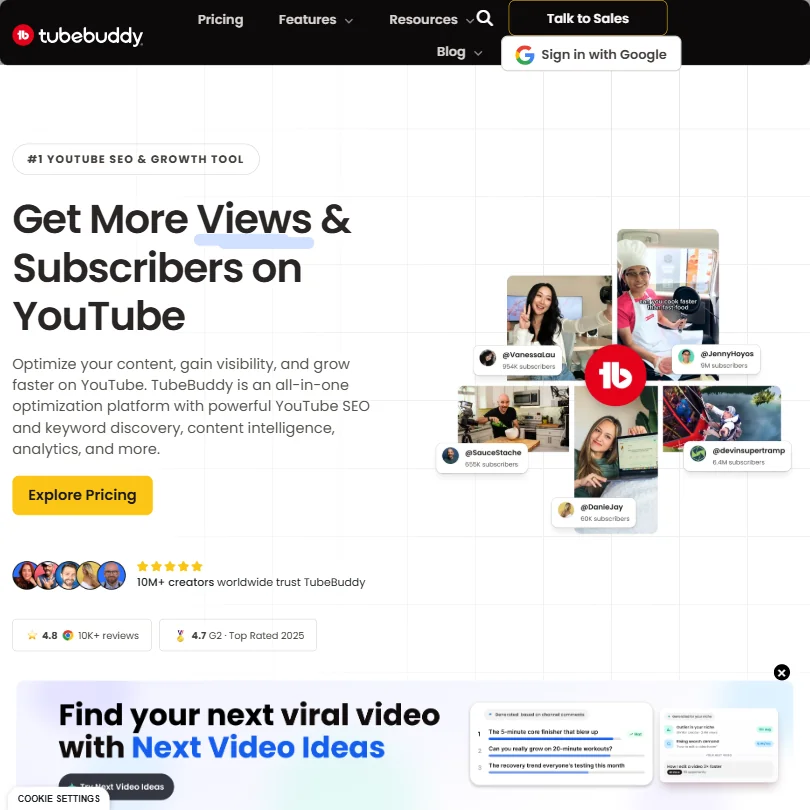
TubeBuddy is a browser extension that works inside YouTube Studio, and its free plan covers basic SEO and video tools with no card needed. A/B thumbnail testing sits behind higher tiers. It optimizes what you have already made, so choose it over vidIQ if you want hints appearing directly in YouTube rather than in a separate dashboard.
- Keyword Explorer helps creators find topics with real searchable volume and lower competition directly within YouTube's interface.
- SEO Studio scores titles and descriptions in real time and provides actionable suggestions without leaving YouTube Studio.
- A/B thumbnail testing, one of the most valuable features, is locked behind higher-priced subscription tiers.
150 AI Credits/month, niche trends, content ideas, AI Coach tips
↻ Renews monthlyPaid $19/moShow detailsHide details35 vidIQ: Best for YouTube keyword and idea help6.7Score 6.7 out of 10150 AI Credits/month, niche trends, content ideas, AI Coach tips↻ Renews monthly$19/moVisit site ↗ReviewDetailsCloseShow more about vidIQ
150 AI Credits/month, niche trends, content ideas, AI Coach tips
↻ Renews monthlyPaid $19/mo
Show detailsHide detailsvidIQ: Best for YouTube keyword and idea help
6.7Score 6.7 out of 10150 AI Credits/month, niche trends, content ideas, AI Coach tips↻ Renews monthly$19/moVisit site ↗ReviewDetailsClose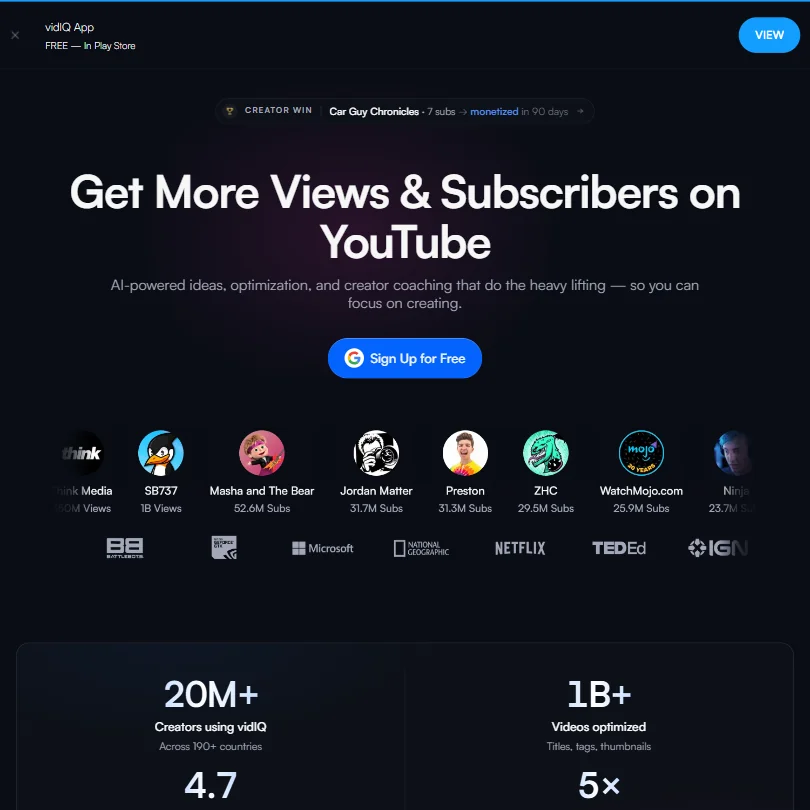
vidIQ's free plan gives 150 AI credits a month, niche trends, a content ideas feed and AI Coach tips. It leans toward finding ideas and keywords before you film, so pick it over TubeBuddy if the hard part is deciding what to make, not tidying what you have already posted. Coaching is a separate, costly plan.
- The free plan includes 150 AI credits per month and a basic ideas feed, offering more value than most competing tools at no cost.
- vidIQ extends beyond YouTube to cover Instagram Reels, a cross-platform expansion that competitors like TubeBuddy and Morningfame have not matched.
- The AI clipping tool produces generated clips rather than curated ones.
Best free AI SEO tools
5 picksSEO suites are priced for professionals, so a free plan here is a taste of the data rather than a workday. Ahrefs lets you see its data on your own site, Semrush offers a limited free account, and Koala gives 5,000 free words with no card. Rank Math and SEOPress work differently: their free WordPress plugins do real on-page work, scoring each post against its keywords, and the paid editions add the extras.
#ToolScoreFree plan gives youPaid from
Core WordPress SEO plugin, a small Content AI sample
Paid $10 (€8.99)/moShow detailsHide details36 Rank Math: Best for WordPress SEO at no cost8.8Score 8.8 out of 10Core WordPress SEO plugin, a small Content AI sample$10 (€8.99)/moVisit site ↗ReviewDetailsCloseShow more about Rank Math
Core WordPress SEO plugin, a small Content AI sample
Paid $10 (€8.99)/mo
Show detailsHide detailsRank Math: Best for WordPress SEO at no cost
8.8Score 8.8 out of 10Core WordPress SEO plugin, a small Content AI sample$10 (€8.99)/moVisit site ↗ReviewDetailsClose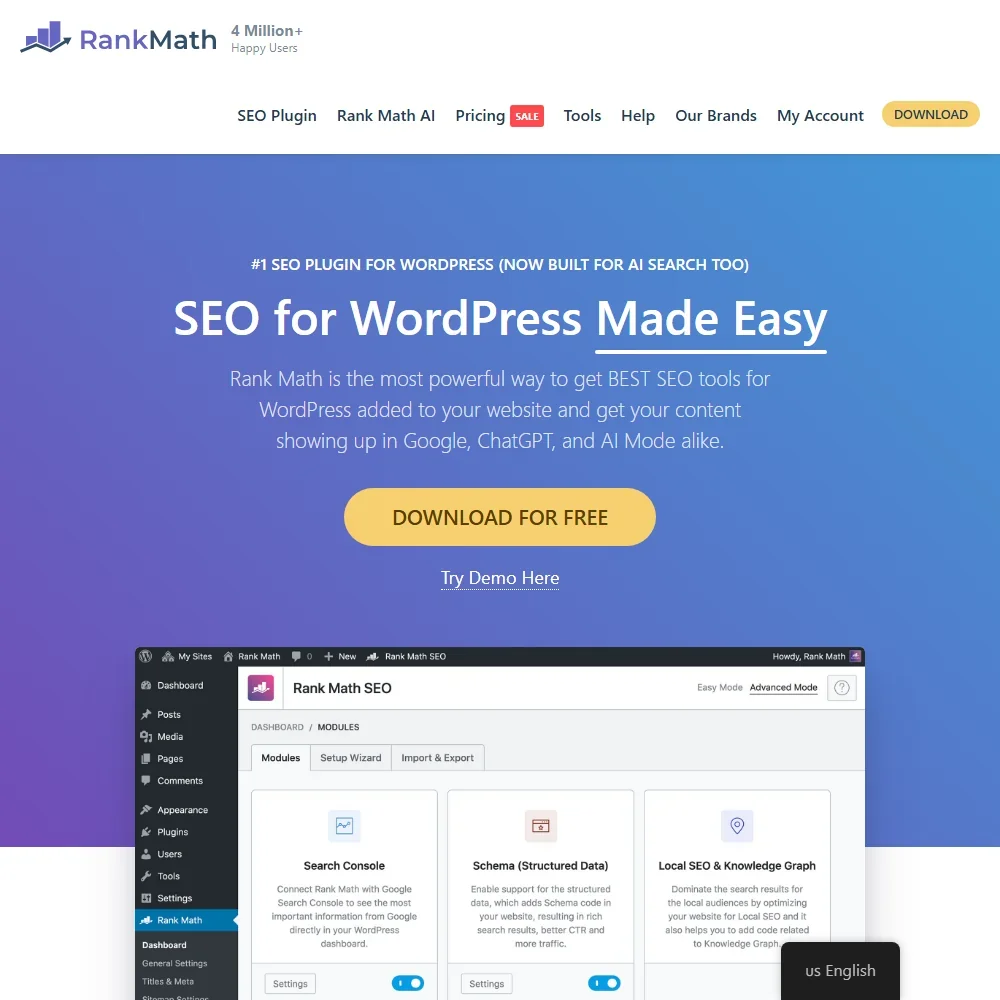
The free Rank Math plugin scores each post inside the WordPress editor against up to five focus keywords, and it already includes redirects, a 404 monitor, basic local SEO and WooCommerce schema. Search Console data refreshes every 3 days. Where it stops: there is no keyword rank tracker, and Content AI arrives as a small monthly sample because the AI is sold separately. Pick it if your site runs on WordPress, and add Koala AI when posts still need writing.
- The core Rank Math SEO plugin is free and brings Google Search Console data into WordPress.
- Rank Math PRO tracks 500 keywords on PRO, 10,000 on Business and 50,000 on Agency, with 12 months of position history.
- Content AI is a separate subscription from Rank Math PRO.
Limited free account plus a 7-day free trial
Paid $139.95/moShow detailsHide details37 Semrush: Best for trying a limited free SEO account8.3Score 8.3 out of 10Limited free account plus a 7-day free trial$139.95/moVisit site ↗ReviewDetailsCloseShow more about Semrush
Limited free account plus a 7-day free trial
Paid $139.95/mo
Show detailsHide detailsSemrush: Best for trying a limited free SEO account
8.3Score 8.3 out of 10Limited free account plus a 7-day free trial$139.95/moVisit site ↗ReviewDetailsClose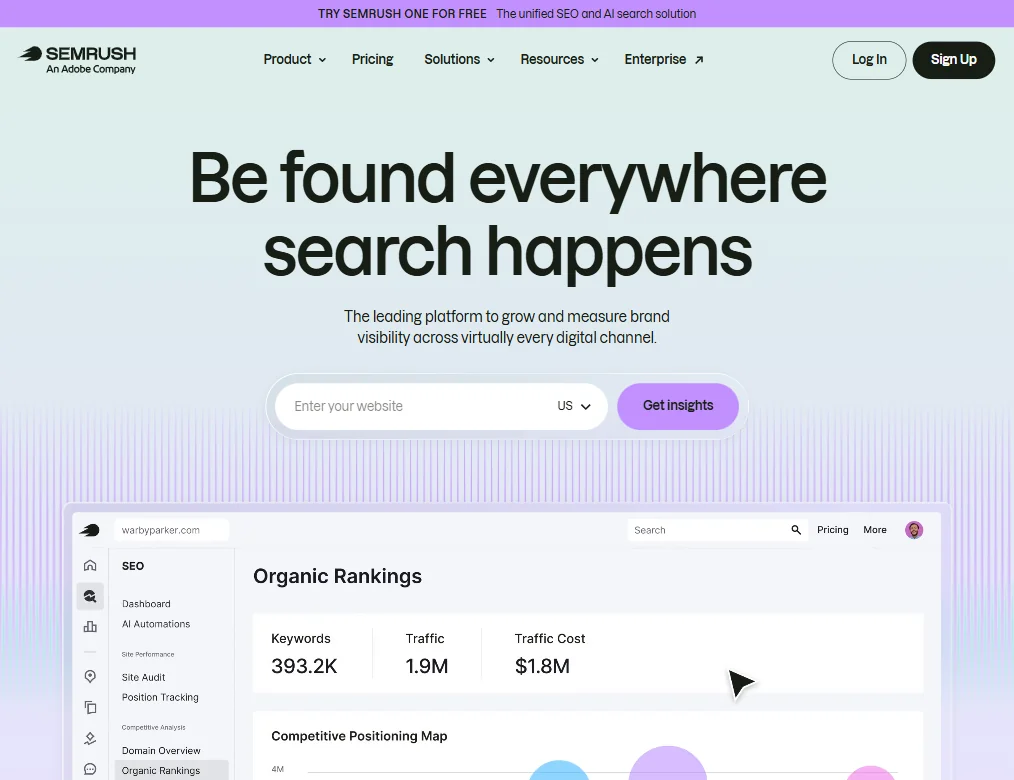
Semrush offers a limited free account, and the paid plan listed starts with 5 websites and 500 tracked keywords. Think of the free account as a way to see whether the data answers your questions. The breadth of tools means a steep learning curve. Choose it over Ahrefs if you want AI search visibility reports alongside classic keyword work.
- Semrush covers an exceptionally wide range of SEO capabilities including site auditing, rank tracking, keyword research, backlink analysis, PPC tools, and social scheduling all in one platform.
- The Keyword Magic Tool draws from a database of 28 billion keywords, giving users access to one of the largest keyword datasets available.
- The sheer breadth of tools creates a significant learning curve.
Core on-page SEO and sitemaps; no redirects, schemas or site audit
Paid $4.08/moShow detailsHide details38 SEOPress: Best for a free plugin with no ads or telemetry8.1Score 8.1 out of 10Core on-page SEO and sitemaps; no redirects, schemas or site audit$4.08/moVisit site ↗ReviewDetailsCloseShow more about SEOPress
Core on-page SEO and sitemaps; no redirects, schemas or site audit
Paid $4.08/mo
Show detailsHide detailsSEOPress: Best for a free plugin with no ads or telemetry
8.1Score 8.1 out of 10Core on-page SEO and sitemaps; no redirects, schemas or site audit$4.08/moVisit site ↗ReviewDetailsClose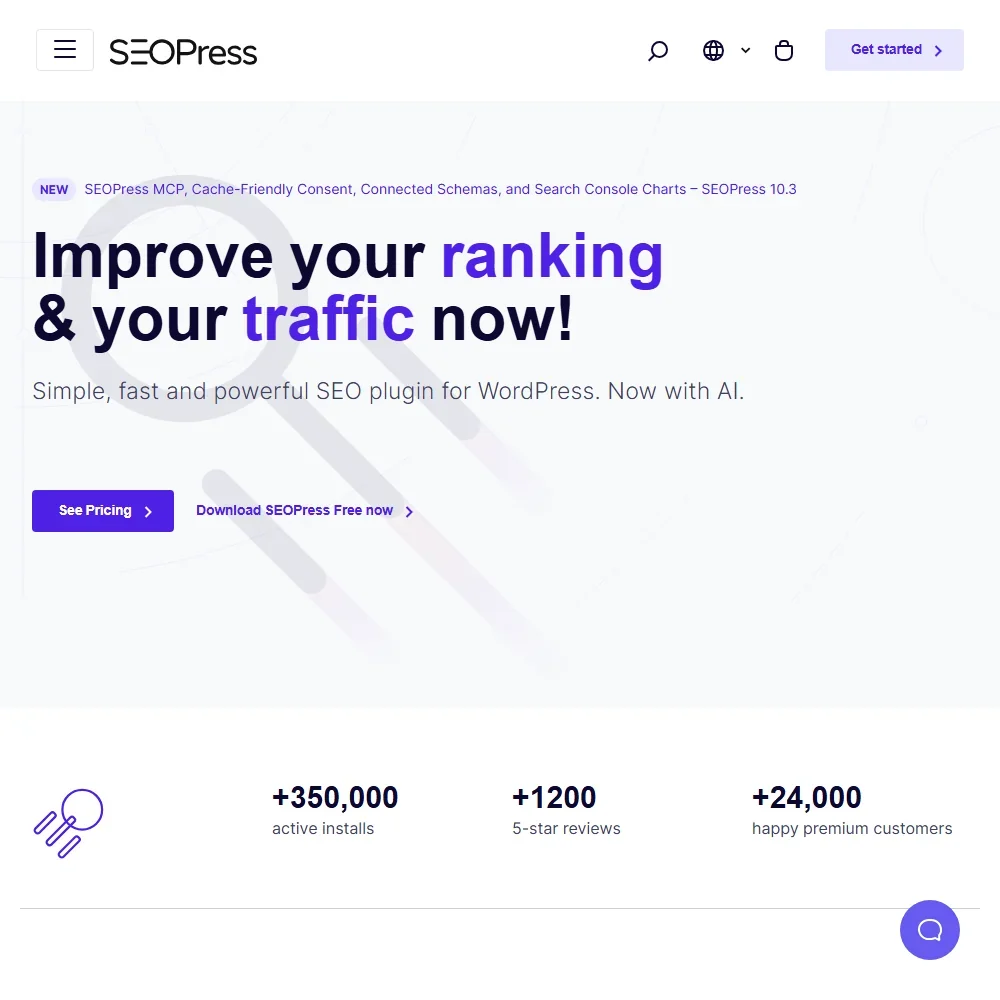
SEOPress's free edition, from a French team, covers content analysis with unlimited target keywords per post, sitemaps and tracking code for Google Analytics, Tag Manager or Matomo, and it carries no ads or telemetry. It also includes 14 MCP tools for AI assistants. Redirects, schemas, the site audit and Search Console stats wait for PRO, and AI generation is limited until then. Choose Rank Math instead if you want redirects without paying.
- PRO runs its AI on your own OpenAI, Claude, Gemini, Mistral or DeepSeek key at no extra SEOPress cost.
- The free edition analyzes content for unlimited target keywords per post.
- PRO has no rank tracker; rank tracking needs the SEOPress Insights add-on, priced per site.
Free plan, limits not published
Paid $29/moShow detailsHide details39 Ubersuggest#3 of 9 SEO platforms7.9Score 7.9 out of 10Free plan, limits not published$29/moVisit site ↗ReviewDetailsCloseShow more about Ubersuggest
Free plan, limits not published
Paid $29/mo
Show detailsHide detailsUbersuggest#3 of 9 SEO platforms
7.9Score 7.9 out of 10Free plan, limits not published$29/moVisit site ↗ReviewDetailsClose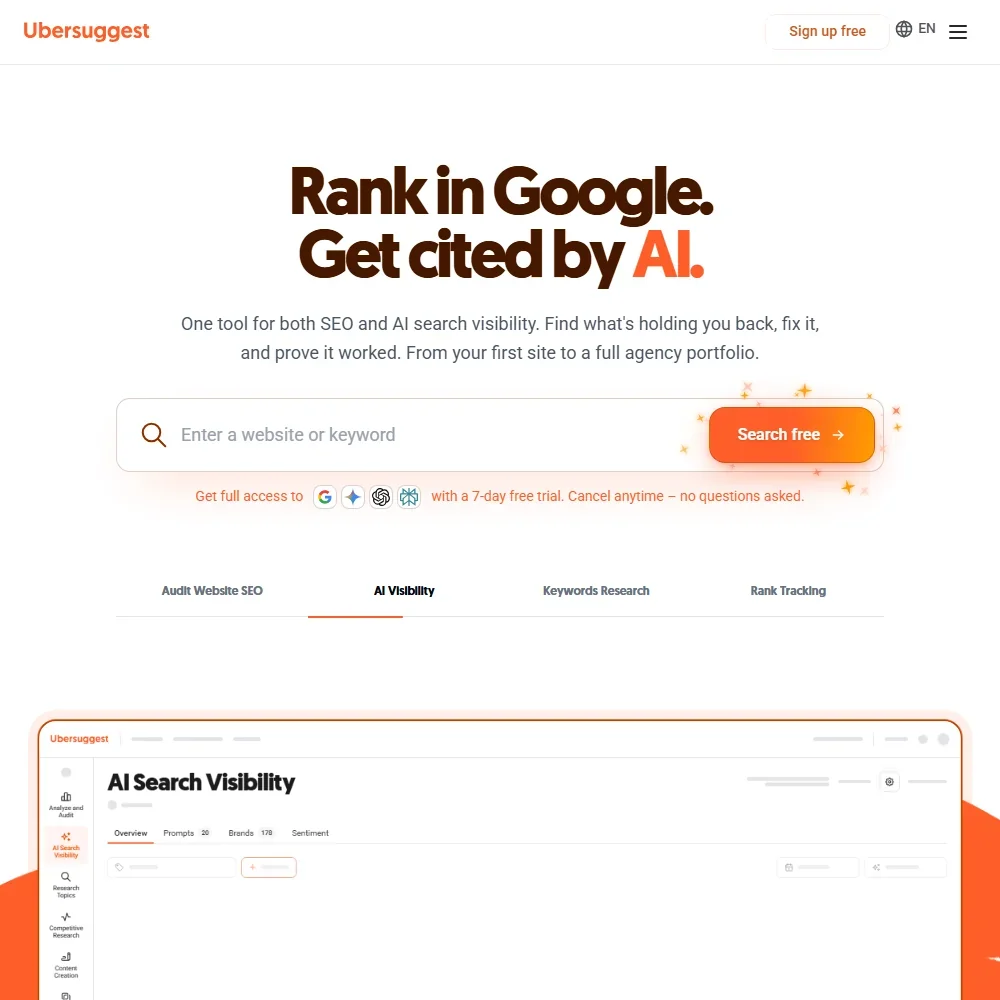
- Lifetime plans are paid once with no monthly fees.
- AI search visibility tracks ChatGPT, Gemini, Google AI Overview and Perplexity.
- There is no white-label reporting, client portal, account switcher or single sign-on.
Ahrefs data on your own site, key issues to fix
Paid $29/moShow detailsHide details40 Ahrefs: Best for checking your own site's SEO health7.7Score 7.7 out of 10Ahrefs data on your own site, key issues to fix$29/moVisit site ↗ReviewDetailsCloseShow more about Ahrefs
Ahrefs data on your own site, key issues to fix
Paid $29/mo
Show detailsHide detailsAhrefs: Best for checking your own site's SEO health
7.7Score 7.7 out of 10Ahrefs data on your own site, key issues to fix$29/moVisit site ↗ReviewDetailsClose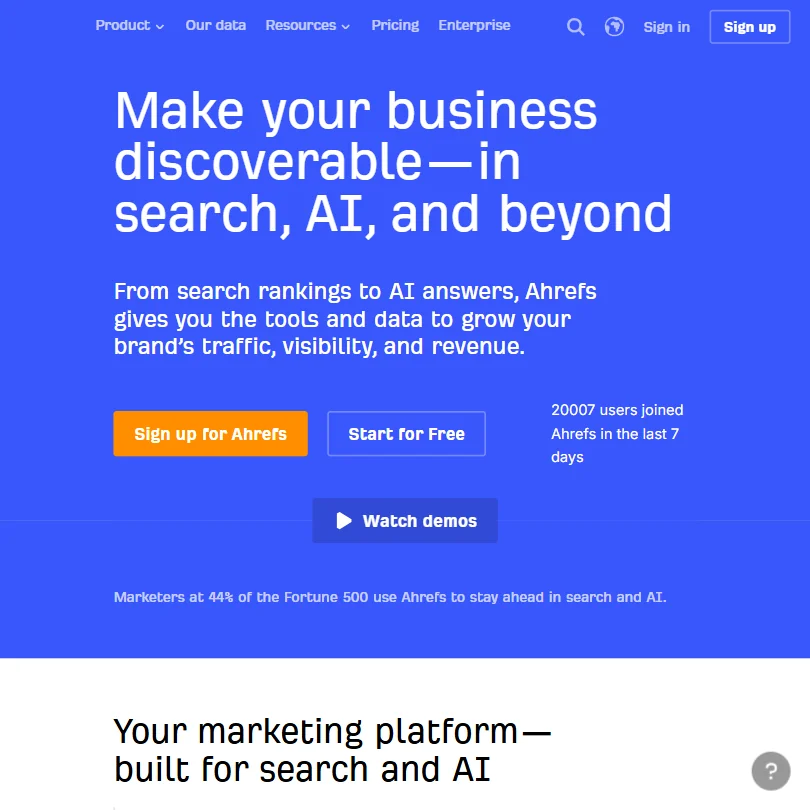
Ahrefs Free gives you Ahrefs data on your own site and a list of key issues to fix, which is the right fit for a site owner and no use for researching competitors. There is no free trial of the paid plans, and the Lite plan is the real entry point. Pick it over Semrush when your own site's health is the question.
- Ahrefs has one of the largest web crawlers available, providing industry-leading backlink data that has been refined since 2011.
- The platform covers keyword research, rank tracking, site audits, content tools, and AI search visibility all in one place.
- The platform has grown so large that most teams will only use a fraction of the available tools at any one time.
Best free AI e-commerce tools
5 picksStore tools rarely give away their main product, so free here means a small tier tied to your traffic or orders. Rep AI has a free visitor tier, Triple Whale shows business data on one screen, and LimeSpot's Turbo suits very small stores. Rebuy's free offer is its post-purchase product.
#ToolScoreFree plan gives youPaid from
Free Monetize offers; free tier for development stores
Paid $25/moShow detailsHide details41 Rebuy: Best for free post-purchase offers on Shopify8.3Score 8.3 out of 10Free Monetize offers; free tier for development stores$25/moVisit site ↗ReviewDetailsCloseShow more about Rebuy
Free Monetize offers; free tier for development stores
Paid $25/mo
Show detailsHide detailsRebuy: Best for free post-purchase offers on Shopify
8.3Score 8.3 out of 10Free Monetize offers; free tier for development stores$25/moVisit site ↗ReviewDetailsClose
Rebuy's free angle is Monetize, a post-purchase offers product that pays the merchant per qualifying order instead of charging, with a free tier for Shopify development stores. The wider personalization suite has no free tier, and its price rises with order volume. Shopify stores should choose it over LimeSpot if post-purchase upsells matter most.
- Rebuy Generated Revenue is reported as a distinct metric, showing the revenue driven directly by Rebuy's widgets, links, search and recommendations.
- Combining packages brings an automatic discount of up to 30 percent.
- Rebuy works only with Shopify, including Shopify Plus and Hydrogen, and no other platform.
One view of business data, daily Moby AI use
↻ Daily creditsPaid $219/moShow detailsHide details42 Triple Whale: Best for profit and ad data on one screen8.2Score 8.2 out of 10One view of business data, daily Moby AI use↻ Daily credits$219/moVisit site ↗ReviewDetailsCloseShow more about Triple Whale
One view of business data, daily Moby AI use
↻ Daily creditsPaid $219/mo
Show detailsHide detailsTriple Whale: Best for profit and ad data on one screen
8.2Score 8.2 out of 10One view of business data, daily Moby AI use↻ Daily credits$219/moVisit site ↗ReviewDetailsClose
Triple Whale's free plan gives a single view of your business data plus daily use of its Moby AI, which is a useful starting point for working out profit after ad spend. The paid Foundation plan adds the rest. It connects to Shopify, WooCommerce and BigCommerce, so it fits stores that want numbers in one place before buying recommendation tools.
- Tracks orders to their source with multi-touch attribution and its own first-party Triple Pixel.
- Runs cohort analysis, lifetime value analytics and profit insights alongside inventory management and forecasting.
- Sells its Enterprise tier only by contacting sales, with no published figure.
Free visitor tier, then $12 per extra 1,000
Paid $104/moShow detailsHide details43 Rep AI: Best for an AI sales chat for stores8.1Score 8.1 out of 10Free visitor tier, then $12 per extra 1,000$104/moVisit site ↗ReviewDetailsCloseShow more about Rep AI
Free visitor tier, then $12 per extra 1,000
Paid $104/mo
Show detailsHide detailsRep AI: Best for an AI sales chat for stores
8.1Score 8.1 out of 10Free visitor tier, then $12 per extra 1,000$104/moVisit site ↗ReviewDetailsClose
Rep AI starts with a free visitor tier, and charges $12 for every additional 1,000 visitors beyond it. It acts as a sales associate that chats with shoppers, answers order questions and hands over to a person. It works with Shopify, WooCommerce and Salesforce Commerce Cloud. Choose it when conversation is where your store loses sales.
- Free to install with 100 free visitors a month and no expiry below that threshold.
- Its behavioral AI opens a conversation with a hesitating shopper on its own.
- Price grows with monthly visitors, at $12 for every additional 1,000 beyond the free tier.
Turbo free tier for very small stores, metered by orders
Paid $9.99/moShow detailsHide details44 LimeSpot: Best for product recommendations for small shops8.0Score 8.0 out of 10Turbo free tier for very small stores, metered by orders$9.99/moVisit site ↗ReviewDetailsCloseShow more about LimeSpot
Turbo free tier for very small stores, metered by orders
Paid $9.99/mo
Show detailsHide detailsLimeSpot: Best for product recommendations for small shops
8.0Score 8.0 out of 10Turbo free tier for very small stores, metered by orders$9.99/moVisit site ↗ReviewDetailsClose
LimeSpot Turbo is the free-to-low-cost product, with a free tier for very small stores and charges that rise with monthly orders, and it does not work on Shopify Plus. It covers recommendations, bundles and upsells with no contract. Pick it over Rebuy when your store is small and you want to avoid a commitment.
- LimeSpot Turbo is free for up to 10 orders a month.
- Advanced A/B Testing runs multi-variate tests with statistical significance and confidence tracking.
- LimeSpot Turbo does not work on Shopify Plus stores.
100 monthly sessions, instant search, autocomplete
↻ Renews monthlyPaid $39.99/moShow detailsHide details45 Fast Simon: Best for AI search and filters for stores7.6Score 7.6 out of 10100 monthly sessions, instant search, autocomplete↻ Renews monthly$39.99/moVisit site ↗ReviewDetailsCloseShow more about Fast Simon
100 monthly sessions, instant search, autocomplete
↻ Renews monthlyPaid $39.99/mo
Show detailsHide detailsFast Simon: Best for AI search and filters for stores
7.6Score 7.6 out of 10100 monthly sessions, instant search, autocomplete↻ Renews monthly$39.99/moVisit site ↗ReviewDetailsClose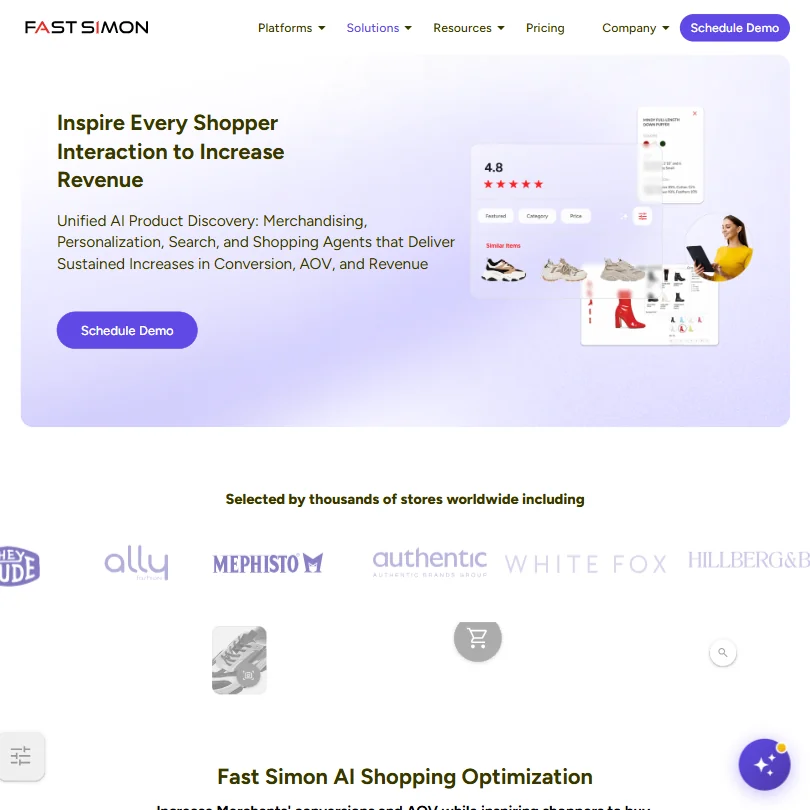
Fast Simon's free plan includes 100 monthly sessions, AI instant search, autocomplete, typo correction, filters, a no-code editor, manual curation and daily catalog sync. Synonym handling and custom filters need a paid plan, and price rises with sessions. Stores on Shopify, WooCommerce, BigCommerce, Adobe Commerce or Wix should pick it over Rep AI for better search.
- Its free plan includes 100 monthly sessions with AI instant search, autocomplete and typo correction.
- It works with Shopify, WooCommerce, BigCommerce, Adobe Commerce and Wix.
- The price rises with monthly sessions, from 100 on the free plan to 30,000 on Top Pro.
Best free AI productivity tools
5 picksFree productivity plans give you the whole tool at a lower ceiling. Fireflies and ClickUp have plans that do not expire, MeetGeek allows three hours of transcription a month, and Brisk Teaching and MagicSchool are free for teachers. ChatGPT offers unlimited text chat, and the real choice is which kind of work you need an assistant for.
#ToolScoreFree plan gives youPaid from
Free plan, limits not published
Free onlyShow detailsHide details46 Brisk Teaching: Best for free AI help inside Google Docs and Slides9.6Score 9.6 out of 10Free plan, limits not publishedFree onlyVisit site ↗ReviewDetailsCloseShow more about Brisk Teaching
Free plan, limits not published
Free only
Show detailsHide detailsBrisk Teaching: Best for free AI help inside Google Docs and Slides
9.6Score 9.6 out of 10Free plan, limits not publishedFree onlyVisit site ↗ReviewDetailsClose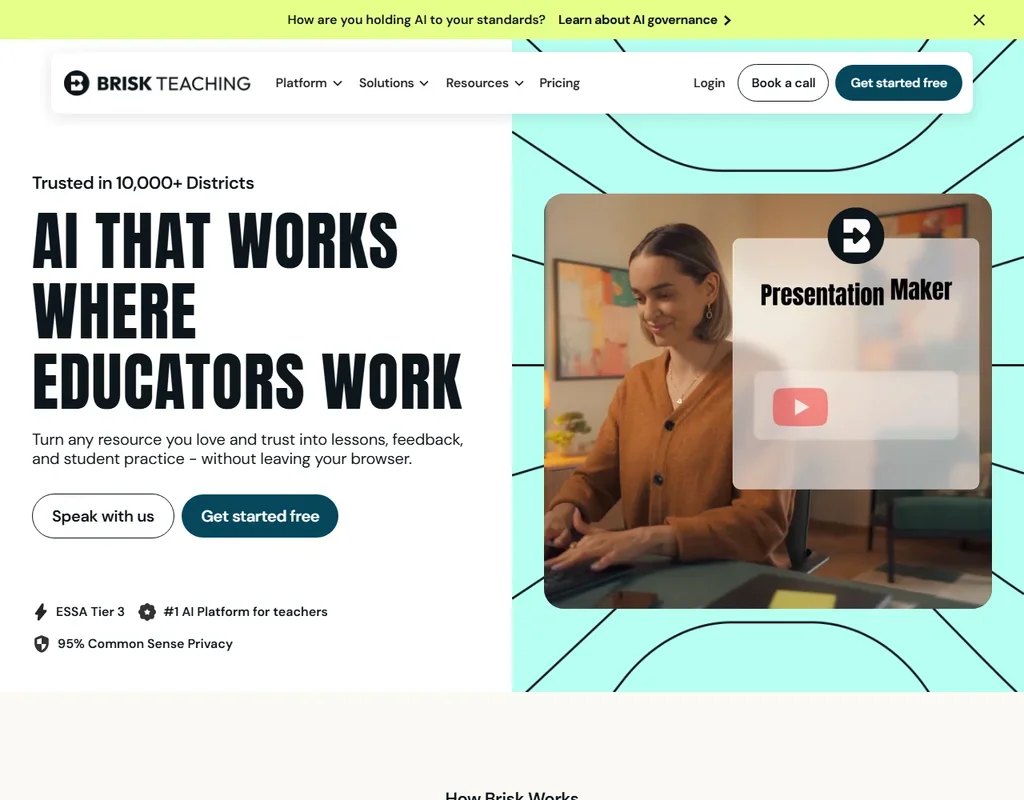
Teachers pay nothing here, and the free plan runs more than 20 tools on the standard AI model with no usage cap stated. It works as a Chrome and Edge extension inside Google Docs, Slides, YouTube and LMS pages, turning an article or video into a quiz, lesson plan or slides. The Turbo model and the full tool set start on the school Premium plan. Pick it over MagicSchool if you want AI where you already write lessons.
- It is free for teachers, with 20-plus tools on the standard AI model.
- It works inside Google Docs, Slides, YouTube and LMS pages and can build a presentation, worksheet and quiz from a YouTube video.
- The Turbo model, 35-plus tools, the district dashboard and custom privacy agreements start on the school Premium plan.
AI credits included
Paid $9/moShow detailsHide details47 ClickUp: Best for tasks, docs and chat in one place9.6Score 9.6 out of 10AI credits included$9/moVisit site ↗ReviewDetailsCloseShow more about ClickUp
AI credits included
Paid $9/mo
Show detailsHide detailsClickUp: Best for tasks, docs and chat in one place
9.6Score 9.6 out of 10AI credits included$9/moVisit site ↗ReviewDetailsClose
ClickUp's Free Forever plan covers tasks, collaborative docs and one form, with AI credits for its AI across chat, tasks and docs. ClickUp Brain now comes with monthly AI credits on every plan. Teams that want docs, views and time tracking together should choose it over MeetGeek or Fireflies, which each do one job.
- ClickUp's free plan includes unlimited tasks, unlimited free plan members and collaborative docs.
- Brain's chat lets you choose between Claude, ChatGPT and Gemini.
- Paid plans are priced per user, from $12 a user a month on Core.
3 hours a month, 3 months of storage, AI summaries
↻ Renews monthlyPaid $15.99/moShow detailsHide details48 MeetGeek: Best for bot or bot-free meeting notes9.3Score 9.3 out of 103 hours a month, 3 months of storage, AI summaries↻ Renews monthly$15.99/moVisit site ↗ReviewDetailsCloseShow more about MeetGeek
3 hours a month, 3 months of storage, AI summaries
↻ Renews monthlyPaid $15.99/mo
Show detailsHide detailsMeetGeek: Best for bot or bot-free meeting notes
9.3Score 9.3 out of 103 hours a month, 3 months of storage, AI summaries↻ Renews monthly$15.99/moVisit site ↗ReviewDetailsClose
Three hours of transcription a month come free, with AI summaries, chat across all your meetings, 100+ transcription languages and recording with or without a bot. Transcripts are kept for three months and each meeting stops at two hours, so regular calls outgrow it quickly. Video recording and team spaces start on Business. Choose it over Fireflies.ai when you also want notes from in-person meetings, which its iOS and Android app records.
- No-bot Recording captures Zoom, Google Meet and Microsoft Teams calls through a Chrome extension or desktop recorder, included on the free Basic plan.
- AI Chat and search across all meetings is included from the free Basic plan.
- The free Basic plan caps transcription at 3 hours a month and keeps transcripts for 3 months.
Live transcripts, clips and API, free forever
∞ No expiryPaid $18/moShow detailsHide details49 Fireflies.ai: Best for free meeting transcripts and summaries9.1Score 9.1 out of 10Live transcripts, clips and API, free forever∞ No expiry$18/moVisit site ↗ReviewDetailsCloseShow more about Fireflies.ai
Live transcripts, clips and API, free forever
∞ No expiryPaid $18/mo
Show detailsHide detailsFireflies.ai: Best for free meeting transcripts and summaries
9.1Score 9.1 out of 10Live transcripts, clips and API, free forever∞ No expiry$18/moVisit site ↗ReviewDetailsClose
Fireflies has a free forever plan that gives live transcripts, clips and an API, and your meetings are not used for training. It joins calls with a bot or records through its desktop app without one. Premium AI features run on credits capped at 20 a seat on Pro. Choose it over ClickUp if meetings are your main work.
- The free plan includes unlimited transcription and live transcription at no cost.
- It does not use personal information to train its AI models and contractually prohibits its vendors from doing so.
- AI credits for premium AI features stay capped at 20 per seat on the Pro plan, rising only on higher tiers.
Free plan, limits not published
Paid $8.33/moShow detailsHide details50 MagicSchool: Best for a K-12 library of 80+ teacher tools9.1Score 9.1 out of 10Free plan, limits not published$8.33/moVisit site ↗ReviewDetailsCloseShow more about MagicSchool
Free plan, limits not published
Paid $8.33/mo
Show detailsHide detailsMagicSchool: Best for a K-12 library of 80+ teacher tools
9.1Score 9.1 out of 10Free plan, limits not published$8.33/moVisit site ↗ReviewDetailsClose
The free teacher plan opens more than 80 teacher tools, the Raina chatbot, quizzes, Class Writing Feedback and Student Rooms that teachers control. It stops at a standard generation limit, and the 50+ student tools and unlimited output history start on Plus. Its AI providers are contractually barred from training on your data. Choose it over Brisk Teaching when you want one web platform for both you and your students.
- It has more than 80 AI teacher tools covering lesson plans, quizzes, slides, rubrics and differentiated materials.
- Class Writing Feedback sends AI-generated feedback on written assignments in batches, based on your rubric, and is on every plan.
- The free plan has standard generation limits, and Plus is needed to remove the generation cap.
Best free AI research tools
5 picksResearch tools tend to ration the expensive part, which is reading and summarising papers. Consensus gives unlimited basic searches, Anara gives 2,000 AI words a day, and AnswerThis includes five basic queries and a 50-PDF library. Elicit and Rayyan are built for systematic reviews, so start with the one that matches your method.
#ToolScoreFree plan gives youPaid from
Free plan, limits not published
Paid $8.33/moShow detailsHide details51 Rayyan: Best for screening papers for systematic reviews8.2Score 8.2 out of 10Free plan, limits not published$8.33/moVisit site ↗ReviewDetailsCloseShow more about Rayyan
Free plan, limits not published
Paid $8.33/mo
Show detailsHide detailsRayyan: Best for screening papers for systematic reviews
8.2Score 8.2 out of 10Free plan, limits not published$8.33/moVisit site ↗ReviewDetailsClose
Rayyan's free tier is worth trying for screening references in a systematic review, with the platform used by more than a million researchers. It does not search databases itself, so you import references from sources like PubMed. Pick it over Elicit if you already have a reference list to screen and want deduplication and PRISMA diagrams.
- The Systematic Auto-Resolver deduplicates references quickly using a configurable protocol, solving one of the most tedious parts of multi-database systematic reviews.
- ResearchPilot AI provides zero-shot relevance ratings, meaning it can score reference relevance without requiring training examples from the user.
- The tool does not perform its own database searches, users must import references manually from external sources like PubMed or Embase in RIS or BibTeX format.
Limited Research Agent and Research Reports
Paid $19/moShow detailsHide details52 Elicit: Best for structured literature review support7.8Score 7.8 out of 10Limited Research Agent and Research Reports$19/moVisit site ↗ReviewDetailsCloseShow more about Elicit
Limited Research Agent and Research Reports
Paid $19/mo
Show detailsHide detailsElicit: Best for structured literature review support
7.8Score 7.8 out of 10Limited Research Agent and Research Reports$19/moVisit site ↗ReviewDetailsClose
Elicit's free Basic plan gives limited use of its Research Agent and Research Reports, and it is a real plan rather than a teaser. It offers a systematic review workflow for up to 5,000 papers, and a Chrome and Edge extension for capturing papers. It has no mobile app. Choose it over Consensus for structured review work.
- Semantic search across 138 million academic papers means users don't need exact keyword phrasing to find relevant literature.
- Built specifically for rigorous, citation-dependent research workflows rather than general-purpose AI use.
- Not designed for general-purpose AI queries, so users expecting quick answers or tidy summaries will be disappointed.
Free plan, limits not published
Paid $19/moShow detailsHide details53 Paperguide#2 of 13 literature search tools7.7Score 7.7 out of 10Free plan, limits not published$19/moVisit site ↗ReviewDetailsCloseShow more about Paperguide
Free plan, limits not published
Paid $19/mo
Show detailsHide detailsPaperguide#2 of 13 literature search tools
7.7Score 7.7 out of 10Free plan, limits not published$19/moVisit site ↗ReviewDetailsClose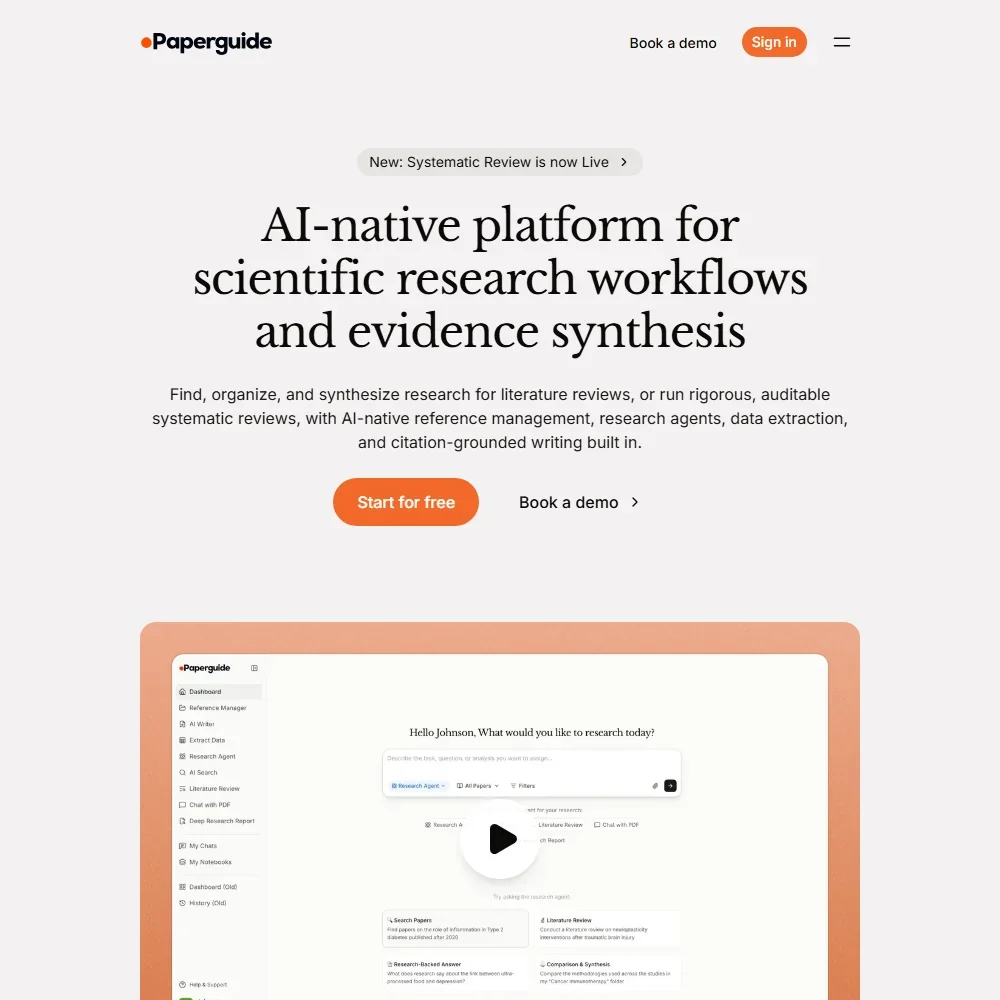
- Answers to research questions cite every claim to its source paper.
- Systematic reviews run from protocol through dual screening to PRISMA reporting, from Plus up.
- There is no citation map and no alerts for new papers.
2,000 AI words/day, 5 uploads/day, 20MB/120 pages per import, GDPR only
Paid $12/moShow detailsHide details54 Anara: Best for cited answers from your own papers7.3Score 7.3 out of 102,000 AI words/day, 5 uploads/day, 20MB/120 pages per import, GDPR only$12/moVisit site ↗ReviewDetailsCloseShow more about Anara
2,000 AI words/day, 5 uploads/day, 20MB/120 pages per import, GDPR only
Paid $12/mo
Show detailsHide detailsAnara: Best for cited answers from your own papers
7.3Score 7.3 out of 102,000 AI words/day, 5 uploads/day, 20MB/120 pages per import, GDPR only$12/moVisit site ↗ReviewDetailsClose
Anara's free tier gives 2,000 AI words a day, five uploads a day and imports up to 20 MB or 120 pages each, with every answer cited to its source. Image-heavy documents will hit the import limits. Pick it over AnswerThis if your reading is mostly your own papers rather than searching new ones.
- Supports document libraries of up to 10,000 pages per upload, far exceeding most comparable tools.
- Every AI-generated answer is traceable back to the specific source passage, eliminating hallucinated citations.
- Founding date and headquarters are not publicly disclosed.
5 basic queries, 50 PDF library, 250M+ paper search, AI Writer
Paid $35/moShow detailsHide details55 AnswerThis: Best for paper search with a PDF library6.8Score 6.8 out of 105 basic queries, 50 PDF library, 250M+ paper search, AI Writer$35/moVisit site ↗ReviewDetailsCloseShow more about AnswerThis
5 basic queries, 50 PDF library, 250M+ paper search, AI Writer
Paid $35/mo
Show detailsHide detailsAnswerThis: Best for paper search with a PDF library
6.8Score 6.8 out of 105 basic queries, 50 PDF library, 250M+ paper search, AI Writer$35/moVisit site ↗ReviewDetailsClose
AnswerThis's free plan gives five basic queries, a 50-PDF library, a 250M+ paper search and an AI Writer, with Zotero and Mendeley sync included. The library cap is the first limit you will meet. Choose it over Anara if you want to find papers as well as read them.
- PRISMA-compliant systematic review pipelines set it apart from lighter competitors like Consensus or Research Rabbit.
- Searches a database of over 250 million papers, giving researchers broad and deep coverage.
- Free users face PDF upload caps, limiting usability without a paid plan.
Best free AI customer service tools
5 picksSupport tools price by agent, conversation or contact, and free plans cap whichever one they charge for. Zoho and Help Scout give you seats, Botpress counts 100 conversations with no overages, and Chatbase runs on 50 message credits a month. Tidio is the one to start from if you want live chat with an AI agent on top.
#ToolScoreFree plan gives youPaid from
Up to 3 agents, basic ticketing and email support
Paid $9/moShow detailsHide details56 Zoho: Best for a free helpdesk for three agents9.0Score 9.0 out of 10Up to 3 agents, basic ticketing and email support$9/moVisit site ↗ReviewDetailsCloseShow more about Zoho
Up to 3 agents, basic ticketing and email support
Paid $9/mo
Show detailsHide detailsZoho: Best for a free helpdesk for three agents
9.0Score 9.0 out of 10Up to 3 agents, basic ticketing and email support$9/moVisit site ↗ReviewDetailsClose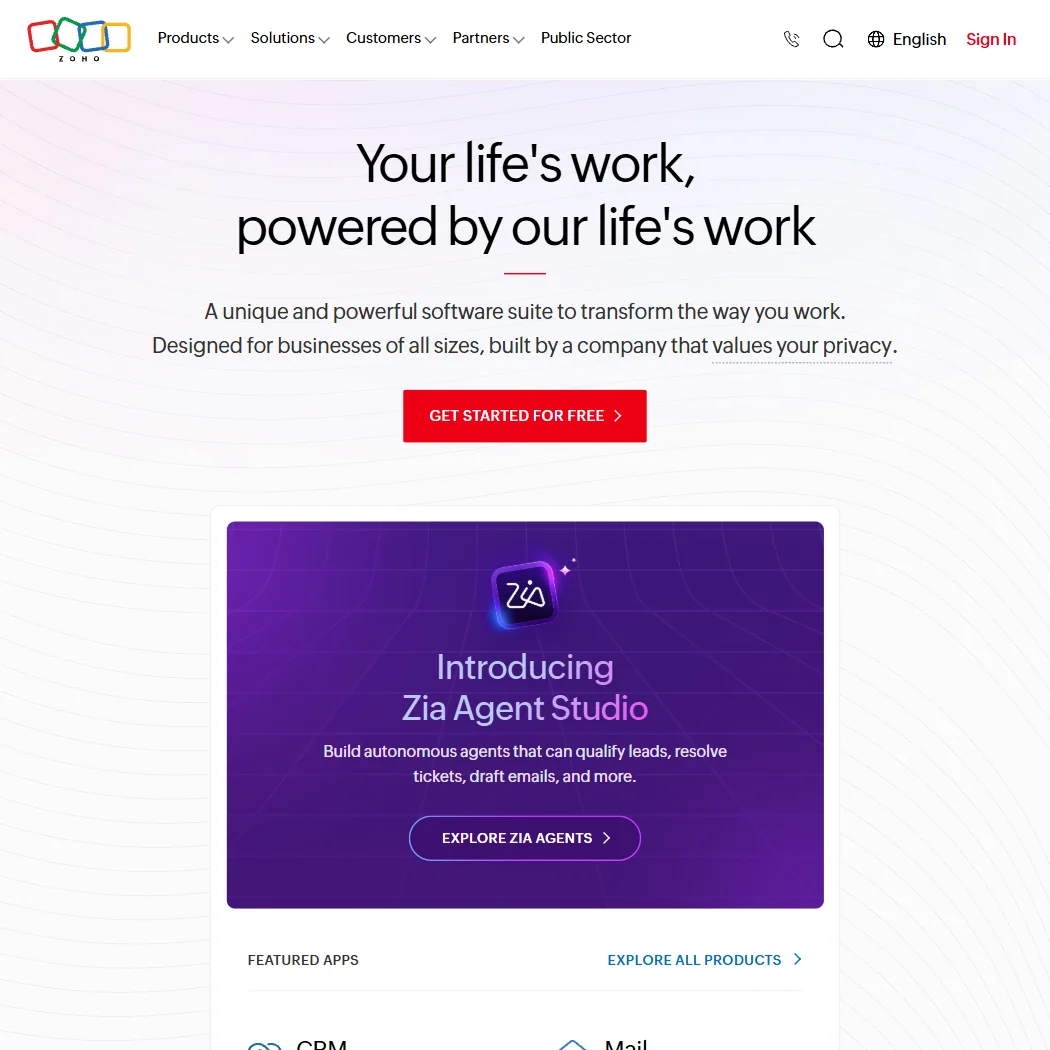
Zoho Desk's free plan covers up to three agents with basic ticketing and email support, and Zoho CRM is free for up to three users, which is unusual at this tier. A 15-day trial covers the paid features. The suite is broad enough that choosing is hard, so pick it over Help Scout if CRM and support should live together.
- Zoho Desk offers mature, full-featured SLA management with configurable routing and escalation logic.
- The platform covers an exceptionally wide surface area with 55+ apps, making it viable as an all-in-one replacement for multiple point solutions.
- Zia AI agent performance depends heavily on training investment, meaning out-of-the-box autonomous agents may underperform without significant configuration effort.
50 message credits/month, 1 member, 1 agent, limited models; agent deleted after 14 days inactivity
↻ Renews monthlyPaid $40/moShow detailsHide details57 Chatbase: Best for a trained chatbot for one site7.9Score 7.9 out of 1050 message credits/month, 1 member, 1 agent, limited models; agent deleted after 14 days inactivity↻ Renews monthly$40/moVisit site ↗ReviewDetailsCloseShow more about Chatbase
50 message credits/month, 1 member, 1 agent, limited models; agent deleted after 14 days inactivity
↻ Renews monthlyPaid $40/mo
Show detailsHide detailsChatbase: Best for a trained chatbot for one site
7.9Score 7.9 out of 1050 message credits/month, 1 member, 1 agent, limited models; agent deleted after 14 days inactivity↻ Renews monthly$40/moVisit site ↗ReviewDetailsClose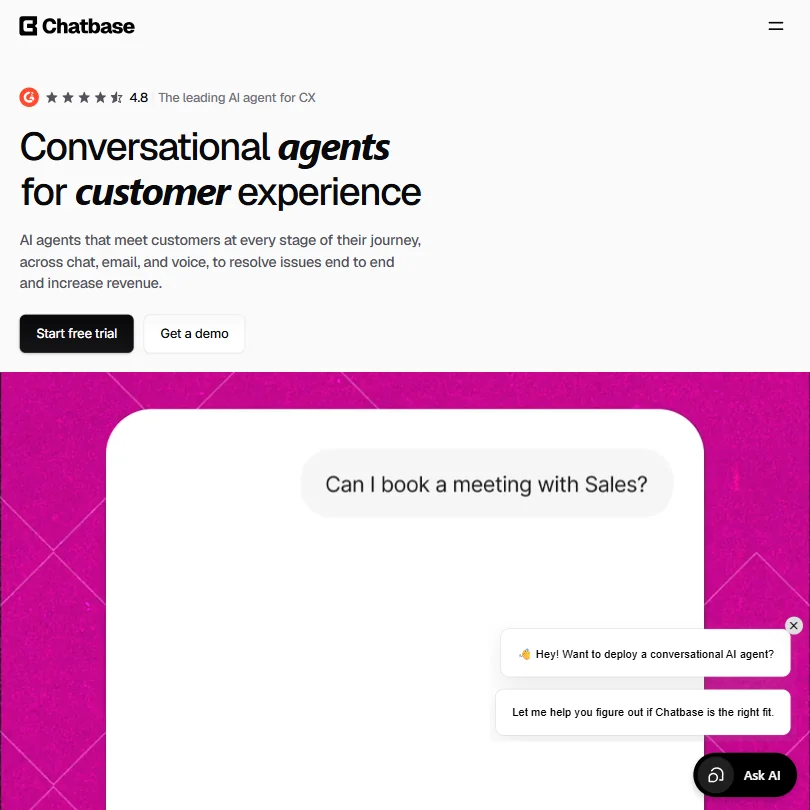
Chatbase's free plan gives 50 message credits a month, one member, one agent and a limited choice of models, and the agent is deleted after 14 days of inactivity. You train it on your own data and deploy it to web chat and WhatsApp. It suits a quick test on one website. For a human inbox, Help Scout fits better.
- Supports multiple AI models including GPT, Claude, Gemini, and DeepSeek, giving users rare flexibility to switch between providers.
- No-code platform makes it accessible to non-technical teams without requiring engineering resources to deploy.
- Founded in 2023, making it a very young company competing against established players like Intercom and Zendesk with over a decade of experience.
Up to 5 users, 1 Inbox, 1 Docs site, 100 contacts/mo, 10 saved replies, 10 tags
↻ Renews monthlyPaid $30/moShow detailsHide details58 Help Scout: Best for a shared inbox for small teams7.8Score 7.8 out of 10Up to 5 users, 1 Inbox, 1 Docs site, 100 contacts/mo, 10 saved replies, 10 tags↻ Renews monthly$30/moVisit site ↗ReviewDetailsCloseShow more about Help Scout
Up to 5 users, 1 Inbox, 1 Docs site, 100 contacts/mo, 10 saved replies, 10 tags
↻ Renews monthlyPaid $30/mo
Show detailsHide detailsHelp Scout: Best for a shared inbox for small teams
7.8Score 7.8 out of 10Up to 5 users, 1 Inbox, 1 Docs site, 100 contacts/mo, 10 saved replies, 10 tags↻ Renews monthly$30/moVisit site ↗ReviewDetailsClose
Help Scout's free plan is a real one: up to five users, one inbox, one Docs site, 100 contacts a month, ten saved replies and ten tags. It leans human-first, with AI added on top, and WhatsApp starts on Standard. Growing support teams that want people answering customers should choose it over Chatbase or Botpress.
- The shared inbox is mature and feature-rich, including assignment, tagging, SLAs, snooze, saved replies, and workflow automation that requires no developer involvement.
- AI features are genuinely integrated rather than bolted on, with AI Answers acting as an autonomous agent inside Beacon and inbox AI handling drafting, editing, and translating.
- Help Scout is not designed for enterprise teams or solo operators, leaving those outside the small-to-mid-sized sweet spot underserved.
100 conversations, no top-ups or overages
Paid $189/moShow detailsHide details59 Botpress: Best for building support agents without engineers7.5Score 7.5 out of 10100 conversations, no top-ups or overages$189/moVisit site ↗ReviewDetailsCloseShow more about Botpress
100 conversations, no top-ups or overages
Paid $189/mo
Show detailsHide detailsBotpress: Best for building support agents without engineers
7.5Score 7.5 out of 10100 conversations, no top-ups or overages$189/moVisit site ↗ReviewDetailsClose
Botpress counts 100 conversations on the free plan, with no top-ups and no overages, and you get Studio, Desk and the Agent Development Kit with no time limit. Custom domains for knowledge bases need Plus. It resolves multi-step tickets such as refunds and account updates. Pick it over Chatbase when the agent must do things as well as answer.
- Botpress Studio and Botpress Desk are both included on every plan, including the free tier, which is genuinely unusual in this category.
- The Agent Development Kit (ADK) is available on all plans including free, whereas most platforms gate API access behind paid tiers.
- Custom domain support for knowledge bases is only available on Plus plans and above, limiting free tier users in meaningful ways.
Free plan, limits not published
Paid $29/moShow detailsHide details60 Tidio: Best for live chat with an AI agent7.2Score 7.2 out of 10Free plan, limits not published$29/moVisit site ↗ReviewDetailsCloseShow more about Tidio
Free plan, limits not published
Paid $29/mo
Show detailsHide detailsTidio: Best for live chat with an AI agent
7.2Score 7.2 out of 10Free plan, limits not published$29/moVisit site ↗ReviewDetailsClose
Tidio's free plan starts without a credit card, and its Lyro AI agent learns from FAQ uploads, a website scraper or articles imported from Zendesk. Anything outside that training data passes to a human. It also connects to Messenger, Instagram and WhatsApp. Small businesses wanting live chat first and AI second should pick it over Botpress.
- Lyro AI agent performs better than expected, handling repetitive queries like order status, return policies, and FAQs without human intervention.
- Available across web, iOS, Android, Windows, Mac, and Chrome, giving small teams the flexibility to run support on the go.
- Pricing structure is likely to frustrate buyers who don't fit the specific use case Tidio is optimized for.
Best free AI automation tools
5 picksAutomation free plans differ by who runs the engine. n8n's Community Edition is unlimited but you host it yourself, MindStudio hosts one agent for you with 1,000 runs a month, and HubSpot's free tier covers two users. UiPath's free access is real but built for trying rather than running at scale.
#ToolScoreFree plan gives youPaid from
1 agent, 1,000 runs/month, 200+ AI models, no coding required
↻ Renews monthlyPaid $20/moShow detailsHide details61 MindStudio: Best for building one agent with 200+ models9.3Score 9.3 out of 101 agent, 1,000 runs/month, 200+ AI models, no coding required↻ Renews monthly$20/moVisit site ↗ReviewDetailsCloseShow more about MindStudio
1 agent, 1,000 runs/month, 200+ AI models, no coding required
↻ Renews monthlyPaid $20/mo
Show detailsHide detailsMindStudio: Best for building one agent with 200+ models
9.3Score 9.3 out of 101 agent, 1,000 runs/month, 200+ AI models, no coding required↻ Renews monthly$20/moVisit site ↗ReviewDetailsClose
MindStudio's free plan gives one agent, 1,000 runs a month and access to 200+ models, with no coding needed. That is enough to build and use something real. A newer plain-language app builder called Remy is still in alpha. Pick it over n8n if you would rather have someone else host the engine.
- The MindStudio Service Router lets you access 200+ AI models including Claude, Google Veo3, and FLUX from a single workflow, preventing vendor lock-in.
- The no-code drag-and-drop visual editor makes building AI agents accessible to non-technical users without hiding the option for custom code.
- The platform only launched in 2023, raising legitimate questions about production-readiness and long-term stability for enterprise use cases.
Self-hosted, unlimited workflows
Paid $20/moShow detailsHide details62 n8n: Best for unlimited workflows you host yourself8.8Score 8.8 out of 10Self-hosted, unlimited workflows$20/moVisit site ↗ReviewDetailsCloseShow more about n8n
Self-hosted, unlimited workflows
Paid $20/mo
Show detailsHide detailsn8n: Best for unlimited workflows you host yourself
8.8Score 8.8 out of 10Self-hosted, unlimited workflows$20/moVisit site ↗ReviewDetailsClose
n8n's Community Edition is free, self-hosted and unlimited in workflows, with no execution limits enforced by n8n. There is no free cloud tier, only a trial with no credit card. Running it yourself takes technical skill, and non-technical users tend to bounce off. Pick it over MindStudio if you have someone who can host it.
- The self-hosted community edition is genuinely free with no workflow limits, which is rare among automation platforms.
- Code nodes allow JavaScript or Python to be inserted anywhere in a workflow, so developers never feel constrained by visual node limitations.
- Non-technical users tend to bounce off the platform quickly due to its complexity and technical design philosophy.
Free CRM and marketing tools for up to 2 users
Paid $20/moShow detailsHide details63 HubSpot: Best for a free CRM for two users8.7Score 8.7 out of 10Free CRM and marketing tools for up to 2 users$20/moVisit site ↗ReviewDetailsCloseShow more about HubSpot
Free CRM and marketing tools for up to 2 users
Paid $20/mo
Show detailsHide detailsHubSpot: Best for a free CRM for two users
8.7Score 8.7 out of 10Free CRM and marketing tools for up to 2 users$20/moVisit site ↗ReviewDetailsClose
HubSpot's free tier covers Marketing, Sales, Service, Content, Data and Revenue tools for up to two users, with no credit card needed. It handles basic contact management well. A 14-day trial covers the paid product, and you can opt out of training. Choose it over Zoho for a CRM with marketing alongside, and over Retool for customer data.
- The visual workflow builder is highly intuitive, supporting automation across marketing, sales, and service from a single interface with webhooks, form submissions, deal stage changes, and behavioral event triggers.
- HubSpot's unified CRM acts as a central data layer, giving marketing, sales, and support teams shared visibility into contact records, deal stages, tickets, and email activity.
- The platform has grown sprawling and complex, meaning what you actually pay for depends heavily on which version and tier you need.
Try It Now free access, limited in what runs at scale
Paid $25/moShow detailsHide details64 UiPath: Best for trying robotic process automation8.6Score 8.6 out of 10Try It Now free access, limited in what runs at scale$25/moVisit site ↗ReviewDetailsCloseShow more about UiPath
Try It Now free access, limited in what runs at scale
Paid $25/mo
Show detailsHide detailsUiPath: Best for trying robotic process automation
8.6Score 8.6 out of 10Try It Now free access, limited in what runs at scale$25/moVisit site ↗ReviewDetailsClose
UiPath offers a Try It Now free access option, and the paid Basic plan for individuals and small teams comes next. The free access is real but built for trying, not running at scale. It pairs robots with AI agents and process mining. Choose it over n8n only if the work involves large business processes with desktop software.
- UiPath has nearly two decades of enterprise RPA experience, giving it a proven and stable automation foundation.
- The platform combines RPA robots, AI agents, and human-in-the-loop orchestration via Maestro into a unified automation loop.
- Teams that underestimate setup complexity frequently report dissatisfaction, suggesting a steep and punishing onboarding curve.
Free plan, limits not published
Paid $12/moShow detailsHide details65 Retool: Best for internal tools and workflows8.5Score 8.5 out of 10Free plan, limits not published$12/moVisit site ↗ReviewDetailsCloseShow more about Retool
Free plan, limits not published
Paid $12/mo
Show detailsHide detailsRetool: Best for internal tools and workflows
8.5Score 8.5 out of 10Free plan, limits not published$12/moVisit site ↗ReviewDetailsClose
Retool starts from a drag-and-drop app builder, adds AI-assisted app generation with AppGen, and runs workflows and a managed database. Its Team plan is priced per builder and per internal user, with 5,000 workflow runs a month. It sits between no-code and developer tools, so pick it over n8n when you are building internal apps and not running automations.
- The drag-and-drop app builder allows developers to ship internal tools in an afternoon that would otherwise take weeks of custom engineering.
- Enterprise-grade governance features including audit logging, permission controls, staging environments, and source control are built into the core product, not added as afterthoughts.
- Retool occupies an awkward middle ground between no-code and developer platform, which creates real friction for teams that don't fit that specific profile.
Best free AI developer tools
5 picksDeveloper tools give away the editor and meter the agent. GitHub's free tier counts completions at 2,000 a month, Cursor limits agent and Chat requests, Devin limits agent requests but keeps tab completions generous, and CodeRabbit reviews public repositories without a time limit. Emergent gives 10 credits to build and test an app, and keeps publishing for paid plans.
#ToolScoreFree plan gives youPaid from
Free reviews on public repositories
Paid $24/moShow detailsHide details66 CodeRabbit: Best for AI code review on public repos9.1Score 9.1 out of 10Free reviews on public repositories$24/moVisit site ↗ReviewDetailsCloseShow more about CodeRabbit
Free reviews on public repositories
Paid $24/mo
Show detailsHide detailsCodeRabbit: Best for AI code review on public repos
9.1Score 9.1 out of 10Free reviews on public repositories$24/moVisit site ↗ReviewDetailsClose
CodeRabbit's free plan reviews public repositories with no time limit, and every paid plan starts with a 14-day trial. That suits open-source maintainers, who rarely have a tooling budget. It installs as a GitHub app in minutes and reviews with 40+ linters. Choose it over GitHub Copilot for review, not for writing code.
- Two-click installation on GitHub and GitLab makes onboarding fast with minimal friction for engineering teams.
- Automatically reviews every pull request with walkthrough summaries, inline comments, and bug detection without manual triggers.
- The per-seat cost requires justification over tools already embedded in an existing developer stack.
Up to 2,000 completions a month, choice of several models
↻ Renews monthlyPaid $10/moShow detailsHide details67 GitHub Copilot: Best for autocomplete inside your editor8.5Score 8.5 out of 10Up to 2,000 completions a month, choice of several models↻ Renews monthly$10/moVisit site ↗ReviewDetailsCloseShow more about GitHub Copilot
Up to 2,000 completions a month, choice of several models
↻ Renews monthlyPaid $10/mo
Show detailsHide detailsGitHub Copilot: Best for autocomplete inside your editor
8.5Score 8.5 out of 10Up to 2,000 completions a month, choice of several models↻ Renews monthly$10/moVisit site ↗ReviewDetailsClose
GitHub's free Copilot tier gives up to 2,000 completions a month with a choice of models including Haiku 4.5 and GPT-5 mini. Agent mode and unlimited completions come with Pro. It works inside your existing editor, so pick it over Cursor if you do not want to switch editors, and over Devin if you want suggestions rather than an autonomous agent.
- Trained on massive real-world codebases hosted on GitHub, giving it contextual depth that standalone AI tools cannot replicate.
- Autocomplete functionality is the most-used and most reliable feature, and the core of the product experience.
- Struggles with unusual architectures or opinionated codebases where its suggestions become less accurate or relevant.
10 credits, build and test in the workspace, no custom domain
Paid $20/moShow detailsHide details68 Emergent: Best for a full-stack app from a prompt8.4Score 8.4 out of 1010 credits, build and test in the workspace, no custom domain$20/moVisit site ↗ReviewDetailsCloseShow more about Emergent
10 credits, build and test in the workspace, no custom domain
Paid $20/mo
Show detailsHide detailsEmergent: Best for a full-stack app from a prompt
8.4Score 8.4 out of 1010 credits, build and test in the workspace, no custom domain$20/moVisit site ↗ReviewDetailsClose
With 10 free credits you can build and test a web or mobile app in Emergent's workspace, with a database, sign-in and hosting built into the platform. Code generation, testing and app calls all spend those credits, and publishing to production and custom domains wait for Standard. Its terms license your content for training. Choose it over Cursor when you want a working app described in plain words rather than a code editor.
- It builds full stack apps with a React or Next.js front end, a FastAPI or Next.js back end and a managed MongoDB database.
- Emergent Auth handles email and password, Google sign-in and phone one-time codes without extra setup.
- Its Terms of Service license your content for training its AI systems, with no opt-out.
Limited agent and Chat requests, Cursor's own models only
Paid $8/moShow detailsHide details69 Cursor: Best for an AI-first code editor8.2Score 8.2 out of 10Limited agent and Chat requests, Cursor's own models only$8/moVisit site ↗ReviewDetailsCloseShow more about Cursor
Limited agent and Chat requests, Cursor's own models only
Paid $8/mo
Show detailsHide detailsCursor: Best for an AI-first code editor
8.2Score 8.2 out of 10Limited agent and Chat requests, Cursor's own models only$8/moVisit site ↗ReviewDetailsClose
Cursor's free plan gives limited agent and Chat requests on Cursor's own models. The catch is that it is a full editor built on VS Code, so you replace your editor instead of adding a plugin. Pick it over GitHub Copilot if you want agentic coding across a whole codebase and can accept the switch.
- Cursor is a full IDE fork of VS Code, preserving familiar muscle memory, extensions, and keybindings while deeply integrating AI as the primary interface.
- Runs its own Grok and Composer models on every plan and adds Claude and Gemini on Premium and up, so developers can pick the right model for each task.
- Cursor requires replacing your existing editor entirely rather than functioning as a plugin, which is a significant commitment for developers invested in their current setup.
Light quota for coding with agents, limited model availability, unlimited inline edits and Tab completions
Paid $20/moShow detailsHide details70 Devin: Best for unlimited tab completions and inline edits7.7Score 7.7 out of 10Light quota for coding with agents, limited model availability, unlimited inline edits and Tab completions$20/moVisit site ↗ReviewDetailsCloseShow more about Devin
Light quota for coding with agents, limited model availability, unlimited inline edits and Tab completions
Paid $20/mo
Show detailsHide detailsDevin: Best for unlimited tab completions and inline edits
7.7Score 7.7 out of 10Light quota for coding with agents, limited model availability, unlimited inline edits and Tab completions$20/moVisit site ↗ReviewDetailsClose
Devin's free tier gives a light quota for agent work with limited model choice, but unlimited inline edits and Tab completions, which is generous. It runs mainly as a web app with a terminal, browser and editor in the cloud. Choose it over Cursor when you want a task handed off to an autonomous agent.
- Devin operates autonomously on complex, multi-hour tasks like codebase migrations and large refactors, not just autocomplete suggestions.
- The cloud-based environment includes a terminal, browser, and code editor, requiring no local installation for the core agent.
- The underlying model routing logic between SWE-1.7 and third-party models is not documented in any useful detail.
How to choose a free AI tool
Free plans across AI categories are built on very different ideas. An image tool hands out credits each day, a meeting recorder gives you a permanent seat, and a support platform lets you run a handful of agents or conversations. Before comparing names, work out which job you need done, what the allowance counts, what gets stamped on the result and whether you may use it for paid work. The sections below walk through those questions with examples from all fourteen kinds of tool on this page.
Start with the job, not the tool
Pick the kind of work first, because the best free option in one area has little to do with the best in another.
- Writing and editing. Grammarly keeps grammar checks open and adds 100 AI prompts a month, Paperpal handles academic text, and Wrizzle needs no login at all.
- Images. NightCafe Creator and starryai are the most generous on a daily basis, and Leonardo.Ai gives a daily token allowance with a bank on top.
- Video. HeyGen, Kling AI, Higgsfield and Descript all have free plans, and all stamp a watermark on the result. Google Veo also has a free plan, and its clips carry an invisible SynthID mark unless you switch on a visible one.
- Audio and voice. ElevenLabs gives a monthly credit pot, Suno writes songs from a daily allowance, and Auphonic processes recordings for two hours a month.
- Design and slides. Figma, Kittl, Adobe Express and Gamma cover layouts and decks, and UXPin suits interface prototypes.
- Research. Anara, AnswerThis, Rayyan and Elicit help with papers, with Anara counting AI words per day and AnswerThis counting queries.
- Productivity and meetings. Fireflies.ai and MeetGeek record meetings, ClickUp organizes tasks, Brisk Teaching and MagicSchool help teachers build lessons, and ChatGPT covers general questions.
- Customer service. Zoho, Help Scout, Chatbase and Botpress each give a different small slice of a helpdesk or chatbot.
- Automation. MindStudio, n8n, HubSpot and UiPath let you try workflows before committing.
- Coding. GitHub Copilot, Cursor, Devin and CodeRabbit all have a no-cost way in.
- Marketing and social. Metricool, Publer and Typefully schedule posts, vidIQ and TubeBuddy serve YouTube channels, and Ahrefs and Rank Math open a small door into SEO.
Most people need two or three of these jobs, so the table below pairs a typical task with a starting point and a second option.
| Task | Start with | Second option, and the trade-off |
|---|---|---|
| Produce a few social images a day | starryai | NightCafe has a smaller daily count but allows commercial use too |
| Voiceover for a short video | ElevenLabs | Speechify reads text aloud, but its free voices are the robotic kind |
| Test a short video idea | Kling AI | Google Veo works the same way, with 50 free credits a day and an invisible SynthID mark on clips |
| Build a presentation | Gamma | Adobe Express offers templates, stock and scheduling on its free plan |
| Review papers | AnswerThis | Anara allows more AI words a day, but imports stop at 20MB per file |
| Take meeting notes | Fireflies.ai | ClickUp gives notes inside a task tool, with AI credits on every plan |
| Answer customers | Zoho | Botpress gives 100 conversations without top-ups |
| Write code with help | GitHub Copilot | Devin offers unlimited inline edits and Tab completions on its free plan |
What you actually get for free
Free plans ration different things, so a plan that feels generous in one category can disappear in an afternoon in another.
- Daily credits. NightCafe gives 5 credits per login day, 3 more for the daily challenge, and unlimited base Stable Diffusion images. starryai allows up to 25 images a day, Suno gives 50 credits (ten songs) and Scenario gives 50 credits. Figma sets 150 AI credits a day up to 500 a month. In a normal week this suits steady, small jobs.
- Monthly pots. Grammarly counts 100 AI prompts, ElevenLabs 10,000 credits, vidIQ 150 AI credits, Auphonic 2 hours of audio and HeyGen 3 videos. MeetGeek allows 3 hours of transcription, with transcripts kept for 3 months.
- One-time grants. Gamma starts you with 400 credits, and Koala AI gives 5,000 words at signup. These suit one real project better than experiments.
- Feature caps. Metricool allows 1 brand and 20 posts a month, Publer 3 social accounts and 10 scheduled posts per account, UXPin 2 prototypes and AnswerThis a library of 50 PDFs. Here the question is whether the cap matches how you really work.
- Seats and conversations. Zoho covers up to 3 agents, Help Scout up to 5 users with 100 contacts a month, MindStudio 1 agent with 1,000 runs a month and Botpress 100 conversations without top-ups.
- Coding allowances. Devin keeps inline edits and Tab completions unlimited, GitHub Copilot includes 2,000 completions a month, and n8n's self-hosted community edition has no execution limits set by n8n.
Which tools fit which person
- Students. Start with Paperpal for language edits, 7,000 plagiarism words a month and five AI scans a day. Add Anara for reading, since it allows 2,000 AI words a day, and Gamma for the one presentation that needs its 400 signup credits.
- Freelancers and creators. Start with starryai for pictures, because the daily 25 come without a watermark. Add ElevenLabs for voiceover, Kittl for logos and layouts, and vidIQ if you publish on YouTube.
- Small businesses. Start with Zoho for support, since 3 agents cover an early team, and Fireflies.ai for calls. Add Metricool for 20 posts a month, and MeetGeek if you also hold meetings in person.
- Developers. Start with GitHub Copilot or Cursor's free plan. Add CodeRabbit for pull request summaries on unlimited repos, and n8n when you want to connect services on your own server.
- Marketers. Start with Publer or Typefully for scheduling, since Typefully even hands free users API access. Add Ahrefs for data on your own site and Rank Math if the site runs on WordPress.
- Video makers. Start with Kling AI or Google Veo to test ideas, Descript to edit, and HeyGen when you need a talking presenter, since it includes 500 stock avatars on the free plan.
Where free plans stop
| Limit | Examples | What happens when you hit it |
|---|---|---|
| Daily credits | NightCafe, starryai, Suno, Scenario, Figma | The allowance returns the next day, so waiting costs hours rather than money |
| Monthly pot | Grammarly (100 AI prompts), ElevenLabs (10,000 credits), vidIQ (150 credits), MeetGeek (3 hours of transcription) | Work waits for the new month or for a paid plan |
| Mark on the result | HeyGen, Higgsfield, Kling AI, Descript, Gamma | The mark stays on every file until you pay |
| Rights | Suno, Mureka, Leonardo.Ai, Kittl | Free output is for personal use, and commercial rights come with a paid plan |
| Size or quality | Kling AI (720p), Krea (2K upscaling), Fireflies.ai (720p recording), Anara (20MB, 120 pages per import) | Larger or sharper files need a higher plan |
| Seats and volume | Zoho (3 agents), Help Scout (5 users), Botpress (100 conversations) | The free tier stops covering new users or traffic |
Each meter suits a habit, so pick tools whose counting matches how you work. Daily credits reward short regular sessions, monthly pots reward planning and one-time grants reward patience. Two tools that reset on different schedules often cover each other, for example NightCafe in the morning and starryai in the afternoon.
What you give up by staying free
Some plans withhold entire features, not only volume. Suno has no stem separation on its free plan, Mureka reserves reference tracks for paid tiers, Krea's free plan cannot make video, and Auphonic leaves out speech recognition and adds its own jingle. Grammarly puts sentence rewrites, a plagiarism scan and AI detection behind Pro, and Rank Math's free plugin has no keyword rank tracker.
Quality and teamwork also move upward. Kling AI exports at 720p on free, Leonardo.Ai limits you to Basic quality settings and public creations, UXPin allows GPT 5-mini only, and Brisk Teaching keeps its Turbo model for school plans. Free plans mostly serve one person, so shared workspaces, approvals and client management arrive with paid tiers, as with Metricool's Advanced plan.
Privacy and commercial use
Where a tool states how it treats your content, it falls into one of two groups.
| Statement | Examples |
|---|---|
| Not used for training | Paperpal, Wrizzle, Adobe Firefly, Speechify, Fireflies.ai, Anara, Zoho, Chatbase, Botpress, n8n, CodeRabbit, Kittl |
| You can opt out | Grammarly, Leonardo.Ai, ElevenLabs, ChatGPT, GitHub Copilot, Cursor, Figma, Gamma, Higgsfield |
Keep unpublished or client material with the first group, and switch training off immediately in the second. Commercial rights vary even more. NightCafe and starryai state that free output may be used commercially, while Suno, Mureka, Leonardo.Ai and Tensor.Art reserve that for paid plans. Watermarks matter most for image, video and audio. NightCafe, starryai, Leonardo.Ai, ElevenLabs and Suno do not mark free output, whereas the video tools listed above do, apart from Google Veo, which adds an invisible SynthID mark.
Mistakes to avoid
- Publishing a watermarked clip. HeyGen, Kling AI and Descript mark free videos. Use free plans to test the idea, then export the final version after upgrading, for example on Higgsfield Starter at $19 a month.
- Selling music made on a free plan. Suno states that free output is personal and non-commercial, and Mureka says free generations stay credited to Mureka. Move to Suno Pro at $10 a month ($8 billed yearly) before a song goes into a client project.
- Treating daily credits as a bank. Kling AI hands out credits every day, while Leonardo.Ai adds a 150 token bank to its daily tokens. Check which kind you have before planning a long project.
- Building on a free chatbot you stop using. Chatbase deletes an agent after 14 days without activity, and Botpress stops at 100 conversations. Export your content before a quiet spell.
- Expecting unlimited AI inside a free workspace. ClickUp's free plan now includes AI credits, but heavy AI use needs a paid plan, up to MAX at $120 a user each month. Price it before rolling the tool out to a team.
When it is worth paying
The signs are practical: you ration work around a meter, you rework files to hide a watermark, or you turn down jobs because rights are missing. When two of those apply, a cheap paid plan is usually the better use of money than another workaround.
| If you are | Upgrade to | What changes |
|---|---|---|
| A video creator | Kling AI Standard ($8.80) | A monthly pool of 660 credits replaces the daily trickle |
| A musician or voice artist | Suno Pro ($10) or ElevenLabs Starter ($6) | Commercial use, with 2,500 credits a month on Suno and 30,000 on ElevenLabs |
| A student or researcher | Paperpal Prime or Anara Plus ($12) | Uncapped editing on Paperpal, 4,000 AI words a day on Anara |
| A developer | GitHub Copilot Pro ($10) or Cursor Premium ($30) | Cloud agent and code review on GitHub; cloud agents, Bugbot and Claude, GPT and Gemini on Cursor |
| A social media manager | Publer Professional ($5) | Unlimited scheduling, drafts and X support |
| A small support team | Help Scout Standard ($30 per user) | Up to 25 users and 20 inboxes, plus an AI inbox assistant |
Billing choices shift prices as much as plans do. Paperpal Prime costs $12 a month on annual billing and $25 monthly, and Kling AI discounts the first month of Standard to $6.99. Trials also exist: Grammarly has 7 days of Pro, CodeRabbit gives 14 days on its paid plans, UXPin 14 days without a card, Adobe Express 30 days of Premium and Zoho 15 days.
Putting a free toolkit together
A solo shop owner launching a product can cover a whole week without paying anything.
- Monday, write and fix. Draft the product page text with ChatGPT, then proofread in Grammarly, whose grammar checks sit apart from its 100 AI prompts.
- Tuesday, make the visuals. Generate product scenes in starryai, lay them out in Kittl or Adobe Express, and keep NightCafe in reserve for a second set of images.
- Wednesday, add sound and motion. Record a voiceover with ElevenLabs inside its 10,000 monthly credits, and test a short clip in Kling AI. The clip is watermarked, so treat it as a preview.
- Thursday and Friday, publish and learn. Schedule posts in Publer or Metricool, and let Fireflies.ai take notes on the review call with a supplier or customer.
A student can run a similar week with Anara for reading, Paperpal for the final edit and Gamma for the closing deck.
What would this stack cost you?
Add our top picks (Grammarly, ChatGPT, Synthesia and 5 more) to the calculator and see the monthly total, then swap in the plans you would pay for.
How we picked
Every tool here is ranked by its score, and each score is worked out from the vendor’s own published pages: pricing, plans, features and terms. No score is adjusted by hand. 68 of the 69 tools have enough published facts to show a score, and on average 94% of each score comes from facts the vendor publishes. The facts behind these scores were checked between 13 September 2026 and 31 October 2026.
| Ranked as | On this page | What we score | Scoring guide |
|---|---|---|---|
| Multi-model AI platforms14 reviewed | 5 | 5 criteria, 28 checked facts: for video, for images, pricing, workflow and teams, privacy and trust | How we score these → |
| SEO platforms9 reviewed | 3 | 6 criteria, 25 checked facts: keyword research and rank tracking, site audit, pricing, content writing and optimization, works with your tools, team and support | How we score these → |
| Literature search tools13 reviewed | 3 | 6 criteria, 29 checked facts: finding papers, reading and analysing papers, systematic reviews, pricing, citing and writing, access | How we score these → |
| Helpdesks16 reviewed | 3 | 7 criteria, 24 checked facts: AI that answers your customers, pricing, channels, security and privacy, running a support team, integrations, support and branding | How we score these → |
| Workflow automation tools11 reviewed | 3 | 7 criteria, 20 checked facts: AI agents, building workflows, pricing, apps it connects to, reliability and control, hosting and security, support | How we score these → |
| AI coding assistants16 reviewed | 3 | 5 criteria, 17 checked facts: agents and your codebase, pricing, model freedom, privacy and security, where it works | How we score these → |
| AI resume builders7 reviewed | 2 | 4 criteria, 15 checked facts: job-search tools, getting your resume out, pricing, privacy and trust | How we score these → |
| AI art platforms8 reviewed | 2 | 4 criteria, 20 checked facts: what you can make with it, the community around it, rights and privacy, pricing and what you get free | How we score these → |
| AI image generators7 reviewed | 2 | 5 criteria, 26 checked facts: what it makes, control and automation, rights and privacy, pricing, openness and support | How we score these → |
| AI avatar video tools8 reviewed | 2 | 5 criteria, 20 checked facts: avatars, pricing, training and interactivity, languages and output, teams and privacy | How we score these → |
| AI voice generators8 reviewed | 2 | 4 criteria, 19 checked facts: what you can make, workflow and output, pricing, privacy and trust | How we score these → |
| AI music generators5 reviewed | 2 | 4 criteria, 16 checked facts: what you can make, workflow and output, pricing and rights, privacy and trust | How we score these → |
| AI 3D model generators6 reviewed | 2 | 4 criteria, 17 checked facts: what it makes, files and tools, pricing, privacy and trust | How we score these → |
| AI social media management tools19 reviewed | 2 | 6 criteria, 28 checked facts: publishing, pricing, AI content, agencies and teams, listening and competitors, privacy and support | How we score these → |
| YouTube and Pinterest growth tools3 reviewed | 2 | 5 criteria, 14 checked facts: research and testing, pricing, scheduling and reach, AI help, apps and support | How we score these → |
| WordPress SEO plugins4 reviewed | 2 | 5 criteria, 24 checked facts: on-page SEO, AI writing and linking, search data and tracking, pricing, support and agencies | How we score these → |
| AI merchandising tools5 reviewed | 2 | 4 criteria, 17 checked facts: what it sells beyond recommendations, where it plugs in, pricing, privacy and trust | How we score these → |
| AI teacher platforms6 reviewed | 2 | 4 criteria, 22 checked facts: what it makes for teachers, in the classroom, pricing, student data and trust | How we score these → |
| AI meeting assistants20 reviewed | 2 | 4 criteria, 18 checked facts: what it captures, where it works, pricing, privacy and trust | How we score these → |
| AI chatbot builders11 reviewed | 2 | 7 criteria, 24 checked facts: AI that answers your customers, pricing, channels, security and privacy, running a support team, integrations, support and branding | How we score these → |
| AI writing assistants7 reviewed | 1 | 5 criteria, 20 checked facts: what it helps with, pricing, where it works, teams and control, privacy and security | How we score these → |
| Academic writing tools2 reviewed | 1 | 5 criteria, 17 checked facts: research and citations, checking your work, pricing, where you write, privacy and security | How we score these → |
| AI detectors and humanizers5 reviewed | 1 | 5 criteria, 20 checked facts: detecting AI text, rewriting, pricing, where it works, teams and trust | How we score these → |
| AI assistants23 reviewed | 1 | 4 criteria, 13 checked facts: what it can do, where it works, pricing, privacy and trust | How we score these → |
| AI video editors8 reviewed | 1 | 5 criteria, 23 checked facts: editing, pricing, recording, AI in the editor, teams | How we score these → |
| AI video generators9 reviewed | 1 | 5 criteria, 27 checked facts: what it can generate, pricing, resolution and watermarks, voice, privacy and platforms | How we score these → |
| Audio cleanup tools5 reviewed | 1 | 4 criteria, 20 checked facts: what it fixes, workflow and output, pricing, privacy and trust | How we score these → |
| AI graphic design tools9 reviewed | 1 | 5 criteria, 23 checked facts: what you can make, workflow and output, pricing, teams and platforms, privacy and trust | How we score these → |
| AI presentation makers5 reviewed | 1 | 5 criteria, 20 checked facts: what you can make, workflow and output, pricing, teams and platforms, privacy and trust | How we score these → |
| AI UI design tools9 reviewed | 1 | 5 criteria, 22 checked facts: what you can make, workflow and output, pricing, teams and platforms, privacy and trust | How we score these → |
| X and LinkedIn growth tools6 reviewed | 1 | 5 criteria, 19 checked facts: growing an audience, pricing, where it posts, writing and repurposing, analytics and teams | How we score these → |
| E-commerce analytics tools4 reviewed | 1 | 4 criteria, 23 checked facts: what it measures, where it plugs in, pricing, privacy and trust | How we score these → |
| AI shopping assistants3 reviewed | 1 | 4 criteria, 17 checked facts: what it does for the shopper, where it plugs in, pricing, privacy and trust | How we score these → |
| AI site search tools5 reviewed | 1 | 4 criteria, 15 checked facts: what the search does beyond the basics, where it plugs in, pricing, privacy and trust | How we score these → |
| AI work management tools9 reviewed | 1 | 4 criteria, 17 checked facts: what it manages, working with others, pricing, privacy and trust | How we score these → |
| Systematic review platforms4 reviewed | 1 | 6 criteria, 27 checked facts: running the review, extraction and analysis, teams, pricing, finding papers, citing and exports | How we score these → |
| Paper readers8 reviewed | 1 | 6 criteria, 29 checked facts: finding papers, reading and analysing papers, systematic reviews, pricing, citing and writing, access | How we score these → |
| AI agent builders18 reviewed | 1 | 7 criteria, 20 checked facts: AI agents, building workflows, pricing, apps it connects to, reliability and control, hosting and security, support | How we score these → |
| Go-to-market platforms15 reviewed | 1 | 7 criteria, 20 checked facts: AI agents, building workflows, pricing, apps it connects to, reliability and control, hosting and security, support | How we score these → |
| Code review and security tools5 reviewed | 1 | 5 criteria, 14 checked facts: review quality, security scanning, pricing, fits your stack, privacy and deployment | How we score these → |
| AI app builders7 reviewed | 1 | 3 criteria, 6 checked facts: pricing, what you can ship, trust and compliance | How we score these → |
Common questions
Can I use free-plan output commercially?
It depends on the tool, so check before you publish. NightCafe and starryai let you keep commercial rights from the free tier. ElevenLabs, Suno, Mureka, Kittl, Krea and Scenario keep commercial use for paid plans, and Mureka also asks you to credit it on free output. Leonardo holds commercial use for paying subscribers too.
Do free plans use my work to train their AI?
It depends on the tool. Fireflies, Paperpal and Adobe Firefly state they do not train on your content, while Leonardo, ChatGPT and ElevenLabs let you opt out, and ElevenLabs trains by default until you do. For client material, start with a tool that states it does not train, and switch training off on the others before uploading.
Which free tools work without a credit card?
Wrizzle needs no login at all, and Koala, Tidio, Speechify, HubSpot and TubeBuddy start without a card. n8n's cloud trial needs none either, and its self-hosted edition is free. Zoho and Help Scout also offer free plans.
Is a free trial the same as a free plan?
No. A plan keeps working after the first weeks, while a trial ends. Zoho gives 15 days on paid features, and CodeRabbit offers a 14-day trial on its paid plans. If you want to rely on a tool, pick one whose plan has no time limit, such as Elicit's Basic plan.
Is a daily refill better than one-off credits?
For learning a tool, yes. Daily refills such as Suno's 50 credits or Figma's 150 AI credits let you return and try again at no cost. One-off credits like Gamma's 400 suit a single job you plan to finish. Credits that expire daily reward short regular sessions and punish occasional use.