Smodin's Starter plan opens every tool at once: AI detector, humanizer, plagiarism checker, AI writer, AI chat and a career toolkit.
Best of · 65 tools ranked
Best AI Tools Under $10/mo
Find the best AI tools under $10 a month for writing, design, video, research and more. Picks are grouped by the kind of work, each group ends with a link to the full list for that category, and every pick says what the entry plan buys and where the next plan starts to matter.
Our top 3 AI Tools Under $10/mo
For $8 a month, Go lifts ChatGPT's image limits along with messages and uploads, which makes it the cheapest route to regular images if you already chat with it every day.
Google AI Plus, at $4.99, adds 200 Flow credits a month to the 50 a day every account gets, and a Veo 3.1 Fast clip of eight seconds costs 20 credits, so the monthly credits alone cover ten clips with dialogue and sound effects.
Best AI writing tools under $10/mo
5 picksEntry plans in writing tools are usually priced by words or checks, so read the monthly allowance first. Wrizzle gives the most generation for its price, Smodin bundles a detector, humanizer and plagiarism checker, and LanguageTool proofreads in more than 30 languages. Wordtune is a rewriting assistant that keeps a free tier.
#ToolScoreEntry plan includesStarts at
Starter: All AI tools included: AI Detector, Humanizer, Plagiarism Checker, AI Writer, AI Chat, Career Toolkit
From $10Show detailsHide details01 Smodin: Best for one plan for detector and humanizer7.2Score 7.2 out of 10Starter: All AI tools included: AI Detector, Humanizer, Plagiarism Checker, AI Writer, AI Chat, Career Toolkit$10Visit site ↗ReviewDetailsCloseShow more about Smodin
Starter: All AI tools included: AI Detector, Humanizer, Plagiarism Checker, AI Writer, AI Chat, Career Toolkit
From $10
Show detailsHide detailsSmodin: Best for one plan for detector and humanizer
7.2Score 7.2 out of 10Starter: All AI tools included: AI Detector, Humanizer, Plagiarism Checker, AI Writer, AI Chat, Career Toolkit$10Visit site ↗ReviewDetailsClose
Smodin's Starter plan opens every tool at once: AI detector, humanizer, plagiarism checker, AI writer, AI chat and a career toolkit. Premium adds better models, unlimited writing output, bulk processing and the Chrome extension. A free Quick Scan lets you try the detector before paying. Students juggling checks and drafts get the most from it, though it has no WordPress integration for bloggers.
- Smodin bundles an AI essay writer, plagiarism checker, and AI humanizer into one subscription, eliminating the need for multiple separate tools.
- The platform supports over 100 languages with depth that goes beyond the thin multilingual wrappers common in competing tools.
- The AI humanizer feature is described as having a short half-life, likely to become unreliable as AI detection tools continue to improve.
Standard: Unlimited GPT-4.1-mini access in 30+ AI writer tools, 100,000 words/month with advanced model in 30+ AI writing tools, 20,000 words/month in AI detector, 10,000 words/month in AI humanizer, 200 chats/month in ChatPDF
✓ Free plan tooFrom $7.99Show detailsHide details02 Wrizzle AI: Best for high word counts for the lowest price6.1Score 6.1 out of 10Standard: Unlimited GPT-4.1-mini access in 30+ AI writer tools, 100,000 words/month with advanced model in 30+ AI writing tools, 20,000 words/month in AI detector, 10,000 words/month in AI humanizer, 200 chats/month in ChatPDF✓ Free plan too$7.99Visit site ↗ReviewDetailsCloseShow more about Wrizzle AI
Standard: Unlimited GPT-4.1-mini access in 30+ AI writer tools, 100,000 words/month with advanced model in 30+ AI writing tools, 20,000 words/month in AI detector, 10,000 words/month in AI humanizer, 200 chats/month in ChatPDF
✓ Free plan tooFrom $7.99
Show detailsHide detailsWrizzle AI: Best for high word counts for the lowest price
6.1Score 6.1 out of 10Standard: Unlimited GPT-4.1-mini access in 30+ AI writer tools, 100,000 words/month with advanced model in 30+ AI writing tools, 20,000 words/month in AI detector, 10,000 words/month in AI humanizer, 200 chats/month in ChatPDF✓ Free plan too$7.99Visit site ↗ReviewDetailsClose
Wrizzle's Standard plan is the volume play: unlimited use of a lighter GPT model across more than 30 writing tools, 100,000 words a month on the advanced model and 20,000 words a month in the detector. Pick it when you need a lot of drafts, paraphrasing and checks on a tight budget. The lighter model can lose structure in long pieces, so Wordtune is the better pick for careful rewrites of one important passage.
- Offers a no-login free tier with five generations per day, which is more generous than most competing tools.
- Bundles over 30 writing tools into a single platform, including an AI Text Generator, Paraphraser, Humanizer, and ChatPDF.
- Founding date, headquarters, and user base are all unknown, which raises credibility concerns for a paid product.
Advanced: 30 rewrites/day, 15 AI summarizations/month, unlimited AI recommendations, spelling & grammar checks; 3-day free trial
✓ Free plan tooFrom $4.89Show detailsHide details03 Wordtune: Best for rewriting sentences on a free plan5.8Score 5.8 out of 10Advanced: 30 rewrites/day, 15 AI summarizations/month, unlimited AI recommendations, spelling & grammar checks; 3-day free trial✓ Free plan too$4.89Visit site ↗ReviewDetailsCloseShow more about Wordtune
Advanced: 30 rewrites/day, 15 AI summarizations/month, unlimited AI recommendations, spelling & grammar checks; 3-day free trial
✓ Free plan tooFrom $4.89
Show detailsHide detailsWordtune: Best for rewriting sentences on a free plan
5.8Score 5.8 out of 10Advanced: 30 rewrites/day, 15 AI summarizations/month, unlimited AI recommendations, spelling & grammar checks; 3-day free trial✓ Free plan too$4.89Visit site ↗ReviewDetailsClose
Wordtune's free Basic plan covers 10 rewrites a day, three summaries a month and unlimited spelling and grammar checks, which is enough for light editing. Advanced raises that to 30 rewrites a day and 15 summaries, and Unlimited removes the caps. It has mobile apps and a browser overlay for most text fields. Pick it over Wrizzle AI when you are rewording sentences rather than drafting from scratch.
- Built on proprietary AI models from AI21 Labs, not a generic GPT wrapper, giving it a distinct output style.
- Fact-verified AI suggestions claim to cross-check generated content against five or more sources before surfacing.
- No WordPress integration, limiting utility for content publishers who work directly in CMS environments.
Premium: Many more grammar, style and spelling corrections, more app integrations
✓ Free plan tooFrom $4.99Show detailsHide details04 LanguageTool: Best for proofreading in 30+ languages5.5Score 5.5 out of 10Premium: Many more grammar, style and spelling corrections, more app integrations✓ Free plan too$4.99Visit site ↗ReviewDetailsCloseShow more about LanguageTool
Premium: Many more grammar, style and spelling corrections, more app integrations
✓ Free plan tooFrom $4.99
Show detailsHide detailsLanguageTool: Best for proofreading in 30+ languages
5.5Score 5.5 out of 10Premium: Many more grammar, style and spelling corrections, more app integrations✓ Free plan too$4.99Visit site ↗ReviewDetailsClose
LanguageTool's free plan already checks grammar, spelling and punctuation, with limited suggestions. Premium adds many more grammar, style and spelling corrections and more app integrations. It costs $5.83 a month billed yearly, $4.99 a month on a plan for two years, or $24.90 if you pay monthly, so a longer term is the real bargain. It corrects rather than writes, so Wordtune is the better pick when sentences need rewording.
- Supports grammar, style, and spelling checking across 30+ languages including multiple dialects, making it genuinely useful for multilingual users.
- Has been operational since 2003, predating most competitors including Grammarly, indicating long-term stability and refinement.
- The tool is narrower in scope than competitors like Grammarly, which may disappoint users expecting a full-featured writing assistant.

#5Sudowrite: Best for fiction drafting on a credit budget
Hobby & Student: 225,000 credits per month; free trial, no card needed
From $10Show detailsHide details05Sudowrite: Best for fiction drafting on a credit budgetn/aHobby & Student: 225,000 credits per month; free trial, no card needed$10Visit site ↗ReviewDetailsCloseShow more about Sudowrite
#5Sudowrite: Best for fiction drafting on a credit budget
Hobby & Student: 225,000 credits per month; free trial, no card needed
From $10
Show detailsHide detailsSudowrite: Best for fiction drafting on a credit budget
n/aHobby & Student: 225,000 credits per month; free trial, no card needed$10Visit site ↗ReviewDetailsClose
Sudowrite's Hobby & Student plan is $10 a month billed yearly, or $19 month to month, with 225,000 credits a month, and a free trial needs no card. It is built for novelists and screenwriters, with a Story Bible to plan a book and tools to write, expand, rewrite and get feedback on scenes. Credits go faster on long drafts, and Professional raises them to 1,000,000. Pick it over Wordtune when you are writing fiction, not polishing sentences.
- Built exclusively for fiction writing from the ground up, not a repurposed business-copy tool with a creative mode added on.
- Proprietary Muse model was designed specifically for creative writing, unlike generic AI models adapted for narrative use.
- Narrow feature scope means it is entirely unsuitable for non-fiction, blog posts, ad copy, or any business writing use case.
Best AI image generators under $10/mo
5 picksAt this budget, image tools split into chat assistants and credit subscriptions. ChatGPT Go and Google AI Plus raise the image limits of the two assistants most people already use. Firefly and Artbreeder sell a monthly allowance, one on licensed training data and the other with every image released as CC0. Playform lets you generate freely and charges for clean downloads.
#ToolScoreEntry plan includesStarts at
Go: Best for longer conversations; more messages, uploads, image creation, longer memory
✓ Free plan tooFrom $8Show detailsHide details06 ChatGPT: Best for more images for $8 a month8.8Score 8.8 out of 10Go: Best for longer conversations; more messages, uploads, image creation, longer memory✓ Free plan too$8Visit site ↗ReviewDetailsCloseShow more about ChatGPT
Go: Best for longer conversations; more messages, uploads, image creation, longer memory
✓ Free plan tooFrom $8
Show detailsHide detailsChatGPT: Best for more images for $8 a month
8.8Score 8.8 out of 10Go: Best for longer conversations; more messages, uploads, image creation, longer memory✓ Free plan too$8Visit site ↗ReviewDetailsClose
For $8 a month, Go lifts ChatGPT's image limits along with messages and uploads, which makes it the cheapest route to regular images if you already chat with it every day. Firefly is the better buy when you want an allowance on models trained on licensed content.
- The Free plan includes unlimited text chats with GPT-6 Luna, subject to abuse guardrails.
- Web search is included on every individual plan, including Free.
- Go, the cheapest paid plan, still does not unlock GPT-6.1 Sol, GPT-6 Astra or GPT-6 Sol, and may include ads.
Firefly Standard: 2,000 credits/mo
✓ Free plan tooFrom $9.99Show detailsHide details07 Adobe Firefly: Best for licensed training data and commercial use8.1Score 8.1 out of 10Firefly Standard: 2,000 credits/mo✓ Free plan too$9.99Visit site ↗ReviewDetailsCloseShow more about Adobe Firefly
Firefly Standard: 2,000 credits/mo
✓ Free plan tooFrom $9.99
Show detailsHide detailsAdobe Firefly: Best for licensed training data and commercial use
8.1Score 8.1 out of 10Firefly Standard: 2,000 credits/mo✓ Free plan too$9.99Visit site ↗ReviewDetailsClose
Firefly Standard gives 2,000 generative credits a month, with commercial rights and a promise not to train on your content. Pro doubles the credits to 4,000. Paid plans are annual commitments paid in monthly instalments, and the image tool has no seed or negative prompt field. Choose it over Artbreeder when you need clean licensing and sit in other Adobe apps all day.
- The free plan gives limited daily generations across image, video and audio models at no cost.
- Adobe will not use your content to train its models, except content you choose to submit to Adobe Stock, which is opt-in.
- No paid plan has a true month-to-month price; every one is an annual commitment paid in monthly instalments.
Google AI Plus: Get 2x higher usage limits
✓ Free plan tooFrom $4.99Show detailsHide details08 Gemini: Best for Nano Banana Pro for under $57.9Score 7.9 out of 10Google AI Plus: Get 2x higher usage limits✓ Free plan too$4.99Visit site ↗ReviewDetailsCloseShow more about Gemini
Google AI Plus: Get 2x higher usage limits
✓ Free plan tooFrom $4.99
Show detailsHide detailsGemini: Best for Nano Banana Pro for under $5
7.9Score 7.9 out of 10Google AI Plus: Get 2x higher usage limits✓ Free plan too$4.99Visit site ↗ReviewDetailsClose
Google AI Plus is $4.99 a month, doubles Gemini's limits and adds Nano Banana Pro for regenerating images on top of Nano Banana 2. It is an assistant first rather than an image studio, so it suits people who make pictures now and then inside Google's apps.
- Gemini is free to use with any personal Google account, with Google's Flash models included.
- Google AI Pro at $19.99 a month includes Gemini 4 Argon, Google's newest frontier model.
- The free plan's context window is capped at 32,000 tokens, far below the 1 million tokens on Pro and Ultra.
Starter: 1200 Credits/year (~12000 SDXL images)
✓ Free plan tooFrom $8.99Show detailsHide details09 Artbreeder: Best for blending and remixing existing images7.3Score 7.3 out of 10Starter: 1200 Credits/year (~12000 SDXL images)✓ Free plan too$8.99Visit site ↗ReviewDetailsCloseShow more about Artbreeder
Starter: 1200 Credits/year (~12000 SDXL images)
✓ Free plan tooFrom $8.99
Show detailsHide detailsArtbreeder: Best for blending and remixing existing images
7.3Score 7.3 out of 10Starter: 1200 Credits/year (~12000 SDXL images)✓ Free plan too$8.99Visit site ↗ReviewDetailsClose
Artbreeder's Starter plan buys about 12,000 SDXL images, and free accounts already get unlimited base Splicer generation. The twist is licensing: every image on any plan is released as CC0. That suits artists who remix with sliders more than they prompt. It has no dedicated upscaling, outpainting or background removal, so Firefly is the better fit for client work you want to keep.
- Every plan, including free, gives unlimited base Splicer generation without spending credits.
- Paid tiers include a 2048px high-resolution download upscaled from the 512px base image.
- Every image made on Artbreeder, on any plan, must be released under Creative Commons CC0, so it can be reused by anyone else too.
Plus: Unlimited generations with watermark, 1 credit per download, 2x/4x upscale free, video clips, bulk download, 2 GB storage
✓ Free plan tooFrom $10Show detailsHide details10 Playform: Best for free generating, paying only for clean downloads7.3Score 7.3 out of 10Plus: Unlimited generations with watermark, 1 credit per download, 2x/4x upscale free, video clips, bulk download, 2 GB storage✓ Free plan too$10Visit site ↗ReviewDetailsCloseShow more about Playform
Plus: Unlimited generations with watermark, 1 credit per download, 2x/4x upscale free, video clips, bulk download, 2 GB storage
✓ Free plan tooFrom $10
Show detailsHide detailsPlayform: Best for free generating, paying only for clean downloads
7.3Score 7.3 out of 10Plus: Unlimited generations with watermark, 1 credit per download, 2x/4x upscale free, video clips, bulk download, 2 GB storage✓ Free plan too$10Visit site ↗ReviewDetailsClose
Playform's Plus plan gives unlimited generations with a watermark, one credit per download, free 2x and 4x upscaling, video clips and bulk download. The watermark stays until Pro, which adds unlimited watermark-free downloads. That model rewards experimenting with sketch, style and face tools before you commit credits. It runs in the browser only and has no API, so developers who need an API should look elsewhere.
- Playform does not use content you submit or generate to train or fine-tune its general-purpose image models.
- You own all intellectual property in the images you generate, and retain full commercial rights to them.
- Every free-plan generation carries a watermark, which costs 2 credits per image to remove.
Best AI video tools under $10/mo
5 picksVideo credits go fast, so the number of clips an entry plan makes matters more than its price. Kling and Vidu spell out roughly how many ten-second clips you get, and PixVerse stops its cheapest plan at 720p. Captions is different again: it is built around editing and captioning videos you film, with 200 credits a month on Basic.
#ToolScoreEntry plan includesStarts at
✓ Free plan tooFrom $4.99Show detailsHide details11 Google Veo: Best for clips with native sound for $4.999.0Score 9.0 out of 10✓ Free plan too$4.99Visit site ↗ReviewDetailsCloseShow more about Google Veo
✓ Free plan tooFrom $4.99
Show detailsHide detailsGoogle Veo: Best for clips with native sound for $4.99
9.0Score 9.0 out of 10✓ Free plan too$4.99Visit site ↗ReviewDetailsClose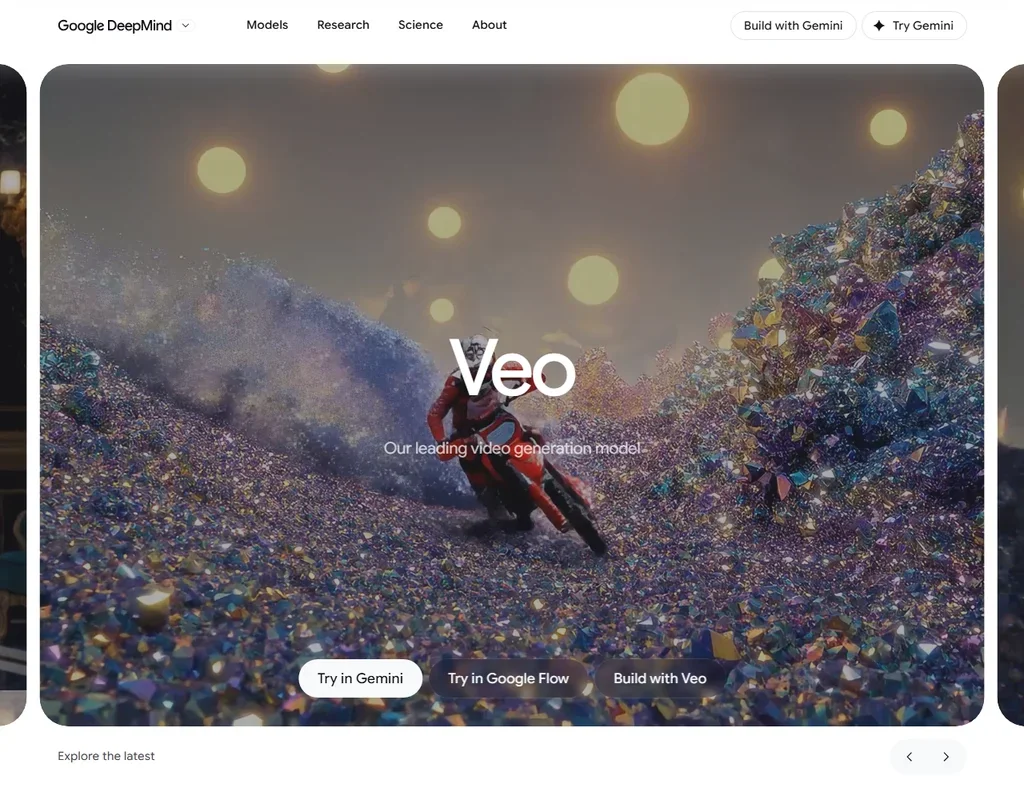
Google AI Plus, at $4.99, adds 200 Flow credits a month to the 50 a day every account gets, and a Veo 3.1 Fast clip of eight seconds costs 20 credits, so the monthly credits alone cover ten clips with dialogue and sound effects. 1080p upscaling is free on Plus, while 4K upscaling in Flow is Ultra only. The Quality model costs 100 credits a clip and stretches far less. Pick it when audio in the clip matters more than length.
- Veo 3.1 generates dialogue and sound effects together with the video from the prompt.
- A free Google account gets 50 Flow credits a day.
- One generation is 4, 6 or 8 seconds, and 1080p and 4K generations are 8 seconds.
Standard: List $10
✓ Free plan tooFrom $8.80Show detailsHide details12 Kling AI: Best for cinematic clips with a daily free allowance8.9Score 8.9 out of 10Standard: List $10✓ Free plan too$8.80Visit site ↗ReviewDetailsCloseShow more about Kling AI
Standard: List $10
✓ Free plan tooFrom $8.80
Show detailsHide detailsKling AI: Best for cinematic clips with a daily free allowance
8.9Score 8.9 out of 10Standard: List $10✓ Free plan too$8.80Visit site ↗ReviewDetailsClose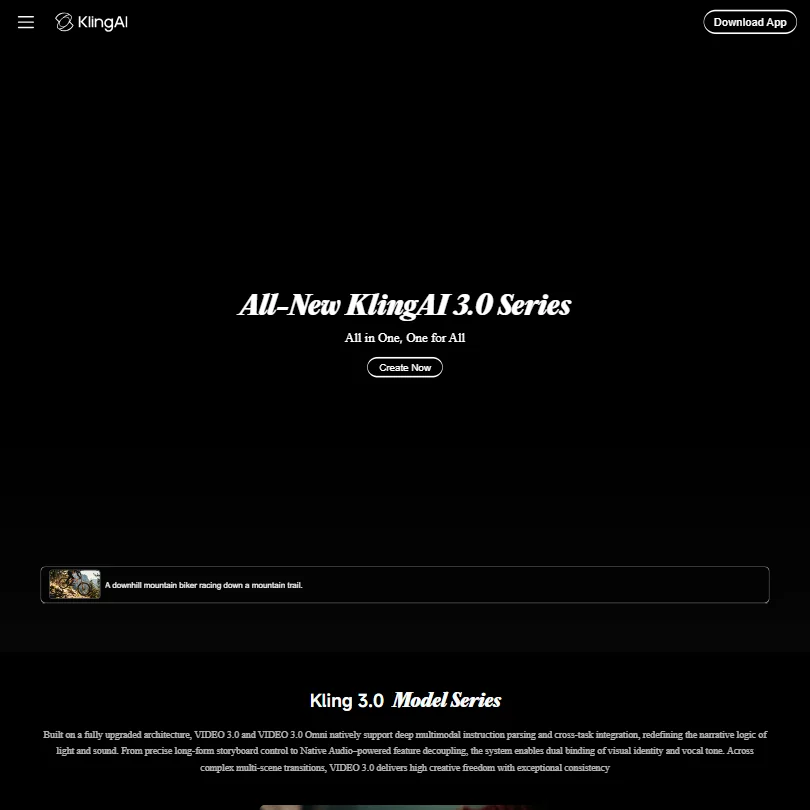
Kling's Standard plan gives 660 credits a month, enough for about five ten-second 1080p clips with audio, or about eight without it. The first month is discounted. The free plan keeps daily credits but adds a watermark and caps output at 720p. Its terms allow training on what you make. Choose it over PixVerse when motion and cinematic control matter most.
- Kling VIDEO 3.0 generates sound, speech and lip sync together with the picture, in English, Chinese, Japanese, Korean and Spanish.
- Start and end frames, multi-shot storyboards and element references give close control over each shot.
- Standard's 660 monthly credits make about five ten-second 1080p clips with audio, or about eight without.
Standard: 800 credits
✓ Free plan tooFrom $10Show detailsHide details13 Vidu AI: Best for multi-reference and anime-style video8.9Score 8.9 out of 10Standard: 800 credits✓ Free plan too$10Visit site ↗ReviewDetailsCloseShow more about Vidu AI
Standard: 800 credits
✓ Free plan tooFrom $10
Show detailsHide detailsVidu AI: Best for multi-reference and anime-style video
8.9Score 8.9 out of 10Standard: 800 credits✓ Free plan too$10Visit site ↗ReviewDetailsClose
Vidu's Standard plan brings 800 credits a month, about ten ten-second Cinematic clips, plus commercial use and four videos generating at once. The free plan is watermarked and non-commercial. Up to seven reference images keep characters consistent, and anime-style output is a strength. Its terms allow training on your uploads, which can rule it out for client footage.
- Vidu Q3 generates dialogue, voiceover, sound effects and music together with the picture, in clips of up to 16 seconds.
- Reference to video keeps characters, products and settings consistent from up to seven reference images.
- Standard's 800 monthly credits make about ten ten-second Q3 Cinematic clips.
Standard: 1,200 Credits per month
✓ Free plan tooFrom $10Show detailsHide details14 PixVerse: Best for beginners making short social videos8.8Score 8.8 out of 10Standard: 1,200 Credits per month✓ Free plan too$10Visit site ↗ReviewDetailsCloseShow more about PixVerse
Standard: 1,200 Credits per month
✓ Free plan tooFrom $10
Show detailsHide detailsPixVerse: Best for beginners making short social videos
8.8Score 8.8 out of 10Standard: 1,200 Credits per month✓ Free plan too$10Visit site ↗ReviewDetailsClose
PixVerse Standard gives 1,200 credits a month, roughly two minutes of 720p at the V6 rate, and it stops at 720p: 1080p and 4K start on Pro. Free credits expire each day and the output is watermarked. Commercial rights are included on paid plans. It is the gentlest start for short clips, with templates and lip sync, while Kling gives more control.
- V6 and C1 generate dialogue, sound effects and ambient sound with the picture.
- Native multi-shot turns one generation into wide, medium and close-up shots.
- Standard is capped at 720p; 1080p and 4K start on Pro.
Basic: 200 credits a month
✓ Free plan tooFrom $9.99Show detailsHide details15 Captions: Best for captions and quick edits for talking videos7.8Score 7.8 out of 10Basic: 200 credits a month✓ Free plan too$9.99Visit site ↗ReviewDetailsCloseShow more about Captions
Basic: 200 credits a month
✓ Free plan tooFrom $9.99
Show detailsHide detailsCaptions: Best for captions and quick edits for talking videos
7.8Score 7.8 out of 10Basic: 200 credits a month✓ Free plan too$9.99Visit site ↗ReviewDetailsClose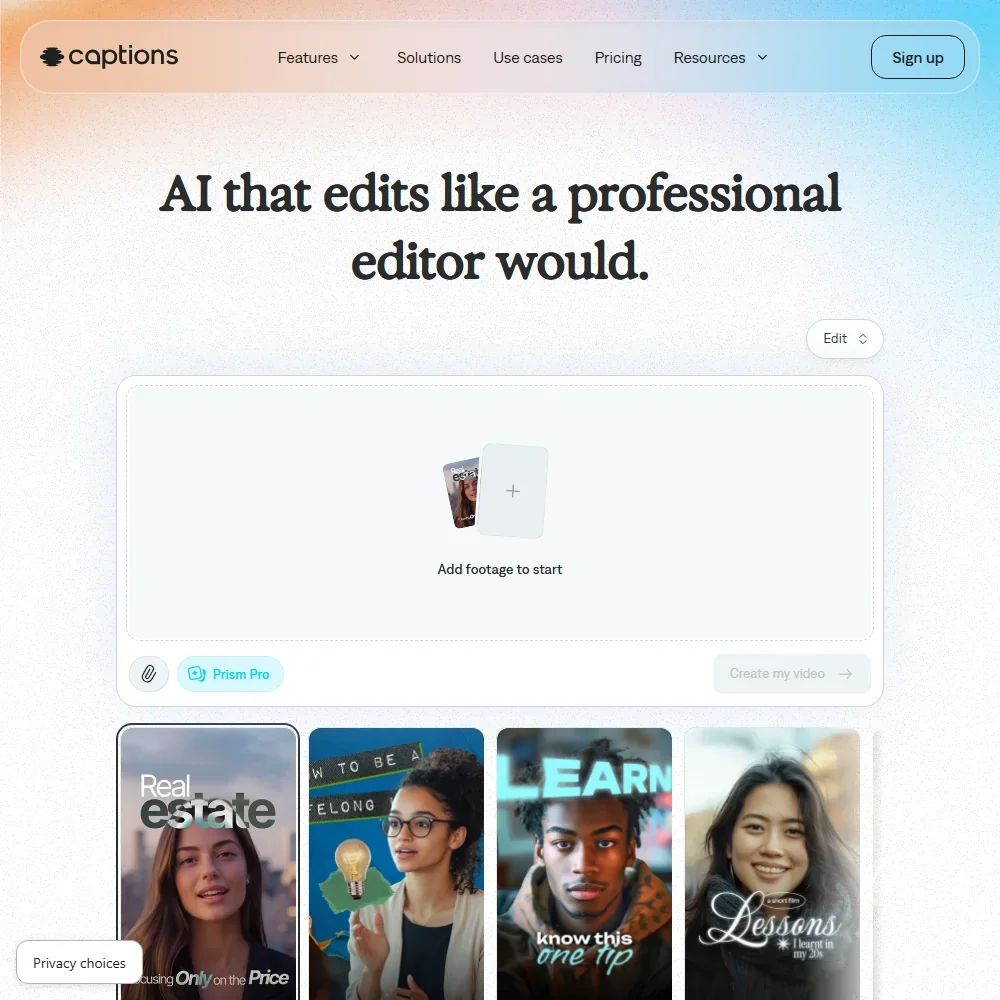
Basic, at $9.99 a month, adds 200 credits a month to the free plan's one-time allotment and opens AI Edit, chat editing and clips. Unused credits roll over up to three times the monthly amount, exports carry no watermark and commercial use is allowed. Max at $24.99 moves you to 500 credits. Creators who film themselves and want auto captions, dubbing and Lipdub should pick it over Kling AI.
- The free plan exports without a watermark.
- Dubbing and Lipdub translate speech into more than 30 languages, with lip movement synced to the new audio.
- Captions trains its AI models on your data, and training data exclusion comes with Enterprise plans.
Best AI audio tools under $10/mo
5 picksAudio plans divide by what comes out. ElevenLabs sells voices and dubbing, Suno and Mureka sell finished songs, and AssemblyAI and Deepgram bill transcription by usage with no monthly plan. On the voice and music tools, the first paid plan is where commercial rights begin, which is the main thing it adds over the free one.
#ToolScoreEntry plan includesStarts at
Universal-3.5 Pro: Highly accurate STT model, 99 languages, 12.5M+ hours training data, no minimum commitment
From $0.15Show detailsHide details16 AssemblyAI: Best for transcription billed by the hour8.6Score 8.6 out of 10Universal-3.5 Pro: Highly accurate STT model, 99 languages, 12.5M+ hours training data, no minimum commitment$0.15Visit site ↗ReviewDetailsCloseShow more about AssemblyAI
Universal-3.5 Pro: Highly accurate STT model, 99 languages, 12.5M+ hours training data, no minimum commitment
From $0.15
Show detailsHide detailsAssemblyAI: Best for transcription billed by the hour
8.6Score 8.6 out of 10Universal-3.5 Pro: Highly accurate STT model, 99 languages, 12.5M+ hours training data, no minimum commitment$0.15Visit site ↗ReviewDetailsClose
AssemblyAI has no monthly plans: you pay from $0.15 an hour of audio and nothing else, which makes budgeting a matter of estimating hours. The service covers 99 languages and offers redaction, word timestamps and a self-hosted option. It is an API with a browser playground, no app. Developers wanting low per-hour cost choose it, while Deepgram suits those who also need text to speech.
- Pay-as-you-go pricing by the hour means you pay only for the audio you actually process, with no seat count or subscription.
- New accounts get a $50 signup credit, enough for up to 185 hours of pre-recorded transcription or 333 hours of streaming.
- There is no ongoing free plan; the $50 signup credit is a one-time allowance, not a recurring tier.
Starter: 30k credits/month; Commercial License, Instant Voice Cloning, 20 Projects in Studio, Music commercial use, Dubbing Studio, Image & Video
✓ Free plan tooFrom $6Show detailsHide details17 ElevenLabs: Best for voice cloning and dubbing with commercial rights8.5Score 8.5 out of 10Starter: 30k credits/month; Commercial License, Instant Voice Cloning, 20 Projects in Studio, Music commercial use, Dubbing Studio, Image & Video✓ Free plan too$6Visit site ↗ReviewDetailsCloseShow more about ElevenLabs
Starter: 30k credits/month; Commercial License, Instant Voice Cloning, 20 Projects in Studio, Music commercial use, Dubbing Studio, Image & Video
✓ Free plan tooFrom $6
Show detailsHide detailsElevenLabs: Best for voice cloning and dubbing with commercial rights
8.5Score 8.5 out of 10Starter: 30k credits/month; Commercial License, Instant Voice Cloning, 20 Projects in Studio, Music commercial use, Dubbing Studio, Image & Video✓ Free plan too$6Visit site ↗ReviewDetailsClose
Starter gives 30,000 credits a month, three times the free allowance, and is where the commercial license begins. It also adds instant voice cloning, Dubbing Studio and 20 Studio projects. Professional cloning waits for Creator. Audio you upload trains the models unless you opt out. Pick it for narration, dubbing and character voices, and look to Suno or Mureka if you want songs.
- More than 11,000 voices are available across 70+ languages through the Eleven v3 model.
- Instant voice cloning is available from the cheapest paid plan, with professional cloning opening on Creator.
- The free plan carries no commercial license, so its output cannot be used commercially without upgrading.
Pro: 5,000 Gold a month, up to 500 songs or 250 minutes of speech
✓ Free plan tooFrom $8Show detailsHide details18 Mureka: Best for song editing with reference tracks8.2Score 8.2 out of 10Pro: 5,000 Gold a month, up to 500 songs or 250 minutes of speech✓ Free plan too$8Visit site ↗ReviewDetailsCloseShow more about Mureka
Pro: 5,000 Gold a month, up to 500 songs or 250 minutes of speech
✓ Free plan tooFrom $8
Show detailsHide detailsMureka: Best for song editing with reference tracks
8.2Score 8.2 out of 10Pro: 5,000 Gold a month, up to 500 songs or 250 minutes of speech✓ Free plan too$8Visit site ↗ReviewDetailsClose
Mureka's Pro plan gives 5,000 Gold a month and unlocks what the free tier withholds: commercial use, reference track uploads and song editing. Free output is non-commercial and must credit Mureka. Premier raises the allowance to 20,000. It exports stems, MIDI and WAV and can split stems, so a musician who edits sections will get more from it than from Suno's prompt-first approach.
- Pro and Premier subscribers own the songs they generate, with full commercial rights.
- Premier includes stem separation of up to twelve stems, plus MIDI and DAW session downloads.
- The free tier forbids commercial use and requires giving Mureka attribution credit.
Pro: 2,500 credits/month, best models and editing tools, commercial use rights
✓ Free plan tooFrom $8Show detailsHide details19 Suno: Best for complete songs with vocals you can own8.1Score 8.1 out of 10Pro: 2,500 credits/month, best models and editing tools, commercial use rights✓ Free plan too$8Visit site ↗ReviewDetailsCloseShow more about Suno
Pro: 2,500 credits/month, best models and editing tools, commercial use rights
✓ Free plan tooFrom $8
Show detailsHide detailsSuno: Best for complete songs with vocals you can own
8.1Score 8.1 out of 10Pro: 2,500 credits/month, best models and editing tools, commercial use rights✓ Free plan too$8Visit site ↗ReviewDetailsClose
Suno's free plan refills 50 credits daily, about ten songs, but carries no commercial use and no stem separation. Pro gives 2,500 credits a month, commercial rights, two stem separation types, uploads of up to 30 minutes and a priority queue. Prompts and outputs train its models. Choose it over Mureka for quick full songs; Mureka offers more section editing.
- The free plan gives 50 credits a day forever and never expires.
- Pro and Premier assign you full ownership of songs generated from your prompts.
- The free plan has no commercial rights and no stem separation at all.
Growth: Pre-paid annual credits redeemed against actual usage; save up to 20%; higher concurrency limits; STT streaming from $0.0042/min (Nova-3 Monolingual)
From $0.26Show detailsHide details20 Deepgram: Best for speech-to-text and voice agent building7.3Score 7.3 out of 10Growth: Pre-paid annual credits redeemed against actual usage; save up to 20%; higher concurrency limits; STT streaming from $0.0042/min (Nova-3 Monolingual)$0.26Visit site ↗ReviewDetailsCloseShow more about Deepgram
Growth: Pre-paid annual credits redeemed against actual usage; save up to 20%; higher concurrency limits; STT streaming from $0.0042/min (Nova-3 Monolingual)
From $0.26
Show detailsHide detailsDeepgram: Best for speech-to-text and voice agent building
7.3Score 7.3 out of 10Growth: Pre-paid annual credits redeemed against actual usage; save up to 20%; higher concurrency limits; STT streaming from $0.0042/min (Nova-3 Monolingual)$0.26Visit site ↗ReviewDetailsClose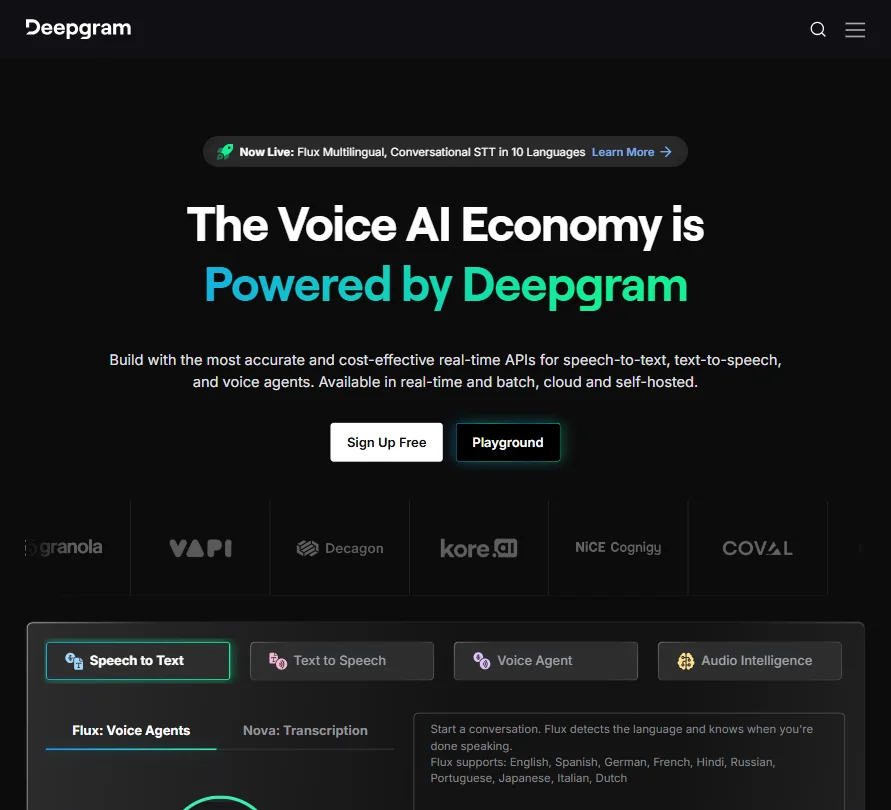
Deepgram starts with $200 of free credit that does not expire, then bills usage with no flat plan: streaming speech-to-text from $0.0048 a minute and text to speech from $0.0150 per 1,000 characters. Keyterm prompting helps with jargon and a redaction feature is built in. It trains on your content by default, so opt out per request or account. Developers building voice products choose it over AssemblyAI.
- New accounts get $200 in free credit with no card required and no expiration date.
- Deepgram is SOC 2 Type 1 and Type 2 certified, with GDPR-ready EU data residency.
- There is no flat monthly plan: every tier is metered, pay-as-you-go usage billing.
Best AI design tools under $10/mo
5 picksDesign tools at this price mostly let you start free and pay for one step up. Adobe Express wraps templates and a scheduler around Firefly, Penpot is open source with a low per-editor price, and Framer publishes websites. MockFlow and Visily lean toward wireframes, each with a free plan and paid tiers that raise the AI credits.
#ToolScoreEntry plan includesStarts at
Premium
✓ Free plan tooFrom $9.99Show detailsHide details21 Adobe Express: Best for social posts from templates plus scheduling8.6Score 8.6 out of 10Premium✓ Free plan too$9.99Visit site ↗ReviewDetailsCloseShow more about Adobe Express
Premium
✓ Free plan tooFrom $9.99
Show detailsHide detailsAdobe Express: Best for social posts from templates plus scheduling
8.6Score 8.6 out of 10Premium✓ Free plan too$9.99Visit site ↗ReviewDetailsClose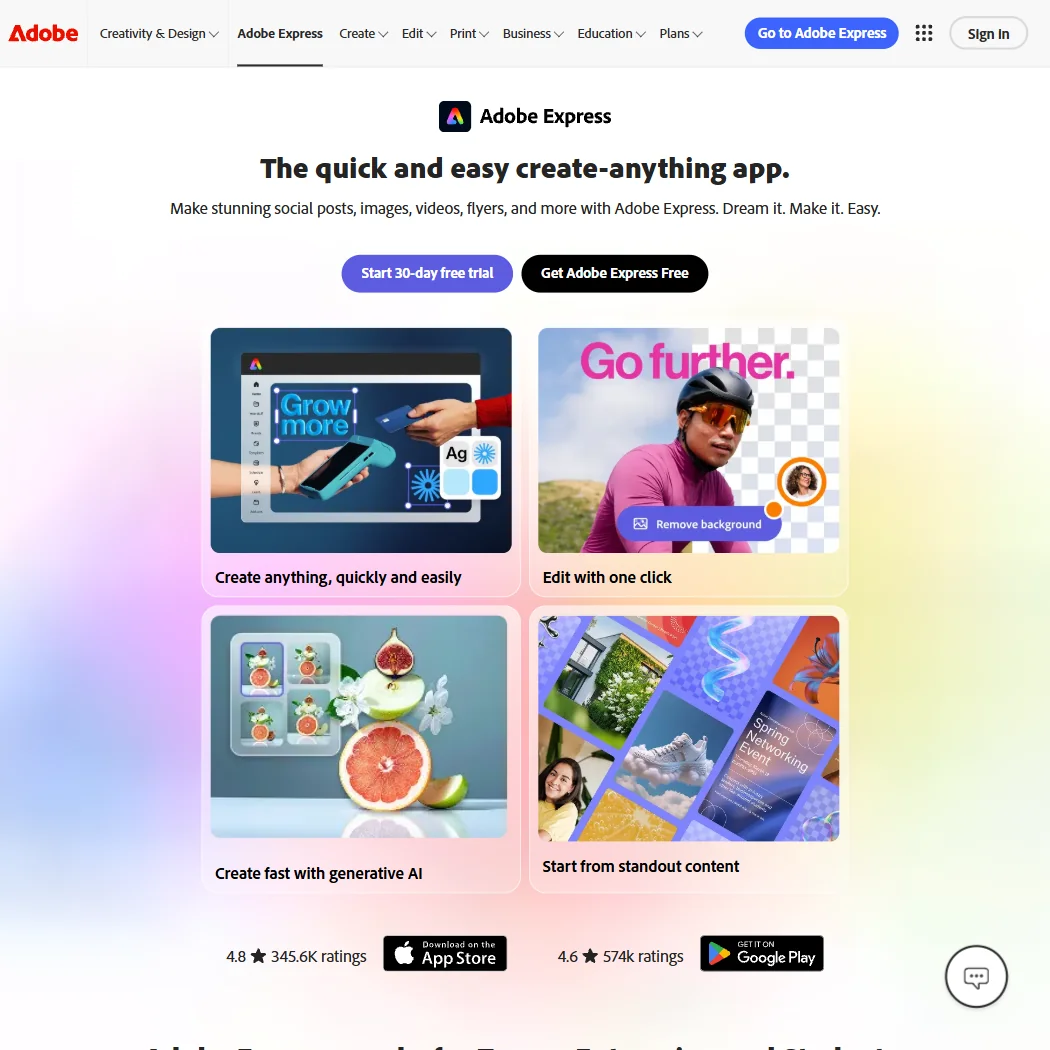
Premium opens Adobe Express's generative tools at 250 AI credits a month per user, and the free plan already covers templates, stock and scheduling to one account per network. A brand kit and live co-editing suit small teams, and commercial rights and no-training are both stated. There is no vector node editing, so pick Penpot for interface work instead.
- The free plan alone includes more than 100,000 templates, over a million Adobe Stock photos, videos and music tracks, and more than 4,000 fonts, at no cost.
- Real-time co-editing and commenting let more than one person work on the same project together.
- Generative AI on the paid Premium plan is capped at 250 credits a month per user.
22 Homestyler#1 of 8 AI room and building renderers7.9Score 7.9 out of 10✓ Free plan tooFreeVisit site ↗ReviewDetailsCloseShow more about Homestyler
Homestyler#1 of 8 AI room and building renderers
7.9Score 7.9 out of 10✓ Free plan tooFreeVisit site ↗ReviewDetailsClose
- The free Basic plan includes the cloud 3D floor planner, unlimited 1K renders and more than 100,000 3D models and materials.
- AutoCAD floor plans can be imported as DWG files, including multi-floor plans.
- Paid plan prices are not published without signing in.
Plus: Per editor; unlimited boards and viewers, team collaboration, 60-day revision history, 800 AI credits/editor/month
✓ Free plan tooFrom $9Show detailsHide details23 MockFlow: Best for wireframes on a one-seat free plan7.9Score 7.9 out of 10Plus: Per editor; unlimited boards and viewers, team collaboration, 60-day revision history, 800 AI credits/editor/month✓ Free plan too$9Visit site ↗ReviewDetailsCloseShow more about MockFlow
Plus: Per editor; unlimited boards and viewers, team collaboration, 60-day revision history, 800 AI credits/editor/month
✓ Free plan tooFrom $9
Show detailsHide detailsMockFlow: Best for wireframes on a one-seat free plan
7.9Score 7.9 out of 10Plus: Per editor; unlimited boards and viewers, team collaboration, 60-day revision history, 800 AI credits/editor/month✓ Free plan too$9Visit site ↗ReviewDetailsClose
MockFlow's entry point is the free Basic plan: one editor, a 500-component limit and licensing for personal and nonprofit use only. Business use needs a paid plan, starting with Vibe Whiteboarding and its 600 AI credits a month. Its Bridge feature lets the board AI run on your own Claude account. It suits solo wireframing; Visily is the better pick when you start from a screenshot.
- A single prompt generates a mind map, a wireframe or a flow diagram.
- AI can also generate UI content, including images, text, color palettes and translations.
- The free Basic plan includes only one editor seat.
Cloud Pro 100: 100 credits a month (1 credit = 1 image); $89.99 a year on annual billing. Output up to 256 MP.
✓ Free plan tooFrom $9.99Show detailsHide details24 Upscayl#1 of 6 AI image upscalers7.9Score 7.9 out of 10Cloud Pro 100: 100 credits a month (1 credit = 1 image); $89.99 a year on annual billing. Output up to 256 MP.✓ Free plan too$9.99Visit site ↗ReviewDetailsCloseShow more about Upscayl
Cloud Pro 100: 100 credits a month (1 credit = 1 image); $89.99 a year on annual billing. Output up to 256 MP.
✓ Free plan tooFrom $9.99
Show detailsHide detailsUpscayl#1 of 6 AI image upscalers
7.9Score 7.9 out of 10Cloud Pro 100: 100 credits a month (1 credit = 1 image); $89.99 a year on annual billing. Output up to 256 MP.✓ Free plan too$9.99Visit site ↗ReviewDetailsClose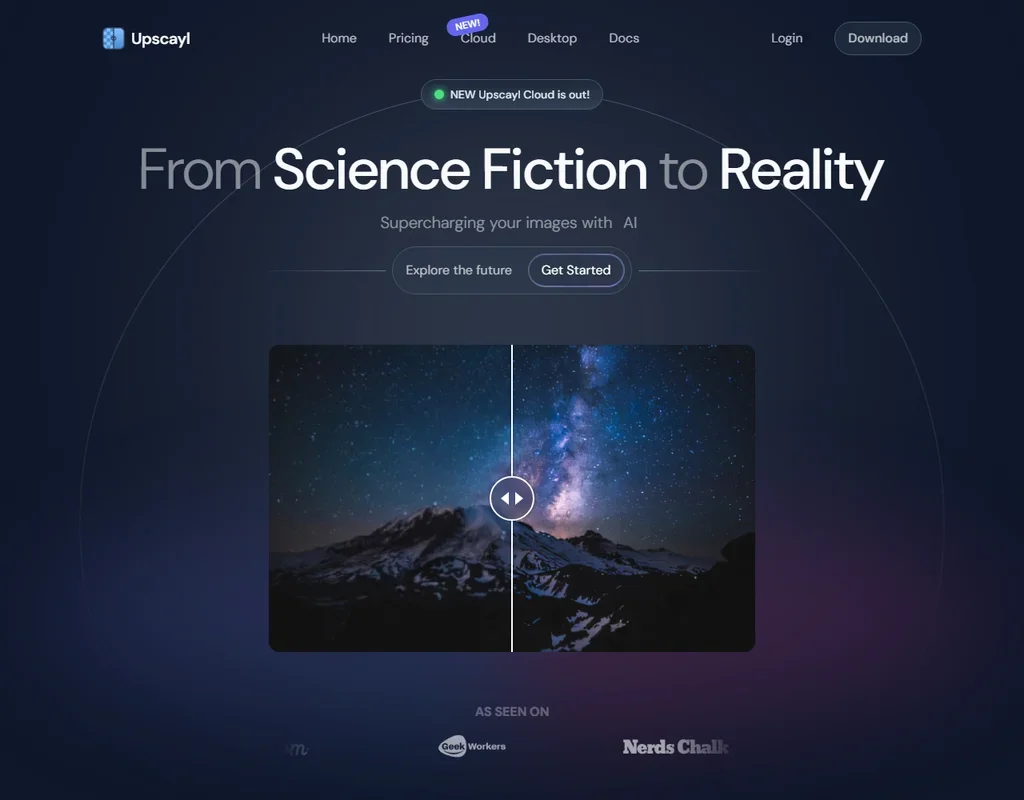
- The desktop app is free, open source and unlimited on your own computer.
- Processing happens on your machine, with no internet connection needed.
- It fixes pixelation while enlarging but cannot de-blur or adjust focus.
Pro: 3,000 AI credits/editor/month, unlimited boards & elements, Figma export/import, Export to Code, MCP server
✓ Free plan tooFreeShow detailsHide details25 Visily: Best for turning screenshots into wireframes7.6Score 7.6 out of 10Pro: 3,000 AI credits/editor/month, unlimited boards & elements, Figma export/import, Export to Code, MCP server✓ Free plan tooFreeVisit site ↗ReviewDetailsCloseShow more about Visily
Pro: 3,000 AI credits/editor/month, unlimited boards & elements, Figma export/import, Export to Code, MCP server
✓ Free plan tooFree
Show detailsHide detailsVisily: Best for turning screenshots into wireframes
7.6Score 7.6 out of 10Pro: 3,000 AI credits/editor/month, unlimited boards & elements, Figma export/import, Export to Code, MCP server✓ Free plan tooFreeVisit site ↗ReviewDetailsClose
Visily's free Starter plan gives 300 AI credits a month, two editable boards and 2,500 elements per board, with watermarked exports. Pro lifts that to 3,000 credits, with unlimited boards, Figma import and export, export to code and an MCP server. Non-designers get the most from the screenshot-to-wireframe flow. It has no stored brand kit, which Adobe Express offers.
- Typing what a screen needs to do returns a working layout from Visily's design generator.
- A Screenshot Editor turns a screenshot of an app or web page into an editable wireframe, and a separate feature does the same from a hand-drawn sketch.
- There is no public developer API; only an MCP server for supported AI coding tools.
Best multi-model AI tools under $10/mo
5 picksThese platforms put many image and video models behind one pool of credits, so an entry plan is really a credit budget. Tensor and SeaArt suit hobbyists who want community models and LoRA training, PicLumen leans on a standing free plan, Pika focuses on short social video, and getimg.ai is image first with an API and no free plan.
#ToolScoreEntry plan includesStarts at
Basic: 5,000 compute units a month
✓ Free plan tooFrom $9Show detailsHide details26 Krea#1 of 13 multi-model AI platforms9.4Score 9.4 out of 10Basic: 5,000 compute units a month✓ Free plan too$9Visit site ↗ReviewDetailsCloseShow more about Krea
Basic: 5,000 compute units a month
✓ Free plan tooFrom $9
Show detailsHide detailsKrea#1 of 13 multi-model AI platforms
9.4Score 9.4 out of 10Basic: 5,000 compute units a month✓ Free plan too$9Visit site ↗ReviewDetailsClose
- Krea's free plan gives 100 compute units a day with no credit card required, full access to the real time image models.
- It includes current third party models: Kling 3.0, Veo 3.1, Seedance 2.0, Nano Banana Pro, GPT-IMG-2 and Flux 2.
- The free plan cannot generate video at all; video concurrency is set to zero.
Pro: 300/day + 1000 permanent bonus credits (monthly term) or 25000 permanent bonus credits (yearly term)
✓ Free plan tooFrom $9.90Show detailsHide details27 Tensor: Best for community models and LoRA training7.6Score 7.6 out of 10Pro: 300/day + 1000 permanent bonus credits (monthly term) or 25000 permanent bonus credits (yearly term)✓ Free plan too$9.90Visit site ↗ReviewDetailsCloseShow more about Tensor
Pro: 300/day + 1000 permanent bonus credits (monthly term) or 25000 permanent bonus credits (yearly term)
✓ Free plan tooFrom $9.90
Show detailsHide detailsTensor: Best for community models and LoRA training
7.6Score 7.6 out of 10Pro: 300/day + 1000 permanent bonus credits (monthly term) or 25000 permanent bonus credits (yearly term)✓ Free plan too$9.90Visit site ↗ReviewDetailsClose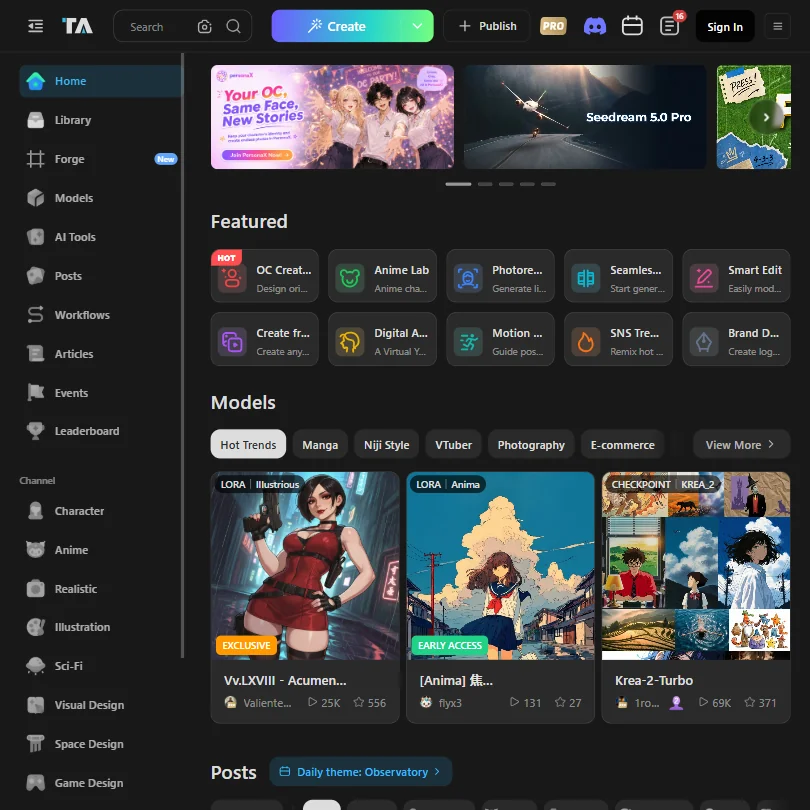
Tensor's Pro plan gives 300 credits a day plus 1,000 permanent bonus credits, but the fast-generation pool stops at 200 generations a month. Commercial rights sit on paid plans only, and only two plans exist, Starter and Pro. Hobbyists who like open checkpoints, ComfyUI workflows and LoRA training get the most from it, while PicLumen is simpler for plain prompts.
- The free Starter plan never expires and includes 50 credits a day for image and video generation.
- Even the free plan gives access to more than a million community models and LoRAs.
- The Pro plan's fast-generation pool is capped at 200 generations a month, not unlimited.
Beginner: 9,000 credits/month
✓ Free plan tooFrom $5.99Show detailsHide details28 SeaArt AI: Best for phone-first creators on a low entry plan7.0Score 7.0 out of 10Beginner: 9,000 credits/month✓ Free plan too$5.99Visit site ↗ReviewDetailsCloseShow more about SeaArt AI
Beginner: 9,000 credits/month
✓ Free plan tooFrom $5.99
Show detailsHide detailsSeaArt AI: Best for phone-first creators on a low entry plan
7.0Score 7.0 out of 10Beginner: 9,000 credits/month✓ Free plan too$5.99Visit site ↗ReviewDetailsClose
SeaArt's Beginner plan gives 9,000 credits a month, about 1,500 images, and comes cheaper billed yearly. LoRA training is on every plan, and iOS and Android apps make it a phone-friendly pick. First and last frame control for video starts at Standard, so animators will outgrow Beginner. Choose it over Tensor if you create on a phone.
- The free plan does not require payment to start creating.
- Beginner, the cheapest paid plan at $5.99 a month, already removes the watermark from video downloads.
- Video first and last frame control is limited to Standard, Professional and Master; it is not on Beginner.
Lite: 750 credits/month
✓ Free plan tooFrom $7.59Show detailsHide details29 PicLumen: Best for cheap image generation with a relaxed mode6.5Score 6.5 out of 10Lite: 750 credits/month✓ Free plan too$7.59Visit site ↗ReviewDetailsCloseShow more about PicLumen
Lite: 750 credits/month
✓ Free plan tooFrom $7.59
Show detailsHide detailsPicLumen: Best for cheap image generation with a relaxed mode
6.5Score 6.5 out of 10Lite: 750 credits/month✓ Free plan too$7.59Visit site ↗ReviewDetailsClose
PicLumen's Lite plan gives 750 credits a month, and the free plan has no commercial-use rights, so paid tiers are where rights and model access grow. A relaxed mode keeps generating on PicLumen's own models once credits run low. It has no API, and its companion iOS app, Naivideo, makes video from a phone. Pick it for budget hobby images over getimg.ai.
- PicLumen has a standing free plan with 20 Lumens a day, enough for about 20 images or one video.
- The cheapest paid plan, Lite, is watermark-free for $7.59 a month.
- The free plan carries no commercial-use rights.
Starter: 900 credits/month
✓ Free plan tooFrom $8Show detailsHide details30 Pika: Best for playful video effects with Veo and Seedance6.2Score 6.2 out of 10Starter: 900 credits/month✓ Free plan too$8Visit site ↗ReviewDetailsCloseShow more about Pika
Starter: 900 credits/month
✓ Free plan tooFrom $8
Show detailsHide detailsPika: Best for playful video effects with Veo and Seedance
6.2Score 6.2 out of 10Starter: 900 credits/month✓ Free plan too$8Visit site ↗ReviewDetailsClose
Pika's free plan is unusual: no watermark and all models, but no monthly credits, only credit packs. Starter gives 900 credits a month, and a commercial license waits until Creator, so neither free nor Starter covers client work. Its Pikaffects and lip sync suit social clips. Pick it over PixVerse for effects and Veo access, noting Kling and Flux are not among its models.
- Pika combines its own Pika 2.5 video model with Seedance, Veo 3.1, Wan 3.0 and GPT Image 2.5 in one account.
- The free plan and the $10 Starter plan are both watermark-free.
- Kling and Flux are not among the models Pika lists.
Best AI social media tools under $10/mo
3 picksSocial schedulers count differently. Buffer charges per channel, Publer adds platforms and analytics as you climb its tiers, and Hypefury sells one channel with an AI post generator trained on your own posts. If you post on X, Publer's free plan leaves it out while its first paid plan includes it.
#ToolScoreEntry plan includesStarts at
Essentials: 1 channel; unlimited scheduling, AI posts generator, autoplugs, cross-posting, analytics, engagement builder
From $6Show detailsHide details31 Hypefury: Best for solo creators growing on social platforms8.2Score 8.2 out of 10Essentials: 1 channel; unlimited scheduling, AI posts generator, autoplugs, cross-posting, analytics, engagement builder$6Visit site ↗ReviewDetailsCloseShow more about Hypefury
Essentials: 1 channel; unlimited scheduling, AI posts generator, autoplugs, cross-posting, analytics, engagement builder
From $6
Show detailsHide detailsHypefury: Best for solo creators growing on social platforms
8.2Score 8.2 out of 10Essentials: 1 channel; unlimited scheduling, AI posts generator, autoplugs, cross-posting, analytics, engagement builder$6Visit site ↗ReviewDetailsClose
Hypefury's Essentials plan covers one channel with unlimited scheduling, an AI post generator trained on your own posts, autoplugs, cross-posting, analytics and an engagement builder. There is no free tier, only a seven-day trial. Analytics stay shallow, and it is not built for agencies. Personal brands that want auto first comments should pick it over Buffer.
- Autoplugs feature automatically posts a pre-written first comment on your own content after it goes live, saving time for creators promoting newsletters or offers.
- Unlimited scheduling across all connected channels, allowing creators to plan a full week of content in a single session.
- Analytics are shallow and not suitable for anyone needing advanced reporting beyond basic post-level engagement metrics.
Professional: Unlimited scheduling, drafts, media storage, workspaces, RSS automations, X/Twitter integration, eternal post history
✓ Free plan tooFrom $5Show detailsHide details32 Publer: Best for scheduling across platforms for a few dollars7.0Score 7.0 out of 10Professional: Unlimited scheduling, drafts, media storage, workspaces, RSS automations, X/Twitter integration, eternal post history✓ Free plan too$5Visit site ↗ReviewDetailsCloseShow more about Publer
Professional: Unlimited scheduling, drafts, media storage, workspaces, RSS automations, X/Twitter integration, eternal post history
✓ Free plan tooFrom $5
Show detailsHide detailsPubler: Best for scheduling across platforms for a few dollars
7.0Score 7.0 out of 10Professional: Unlimited scheduling, drafts, media storage, workspaces, RSS automations, X/Twitter integration, eternal post history✓ Free plan too$5Visit site ↗ReviewDetailsClose
Publer's free plan allows three social accounts, but no X, and 10 scheduled posts per account. Professional unlocks unlimited scheduling, workspaces, RSS automations and X. Business adds unlimited AI prompts, analytics, best times to post and API access, so analytics are the reason to upgrade. It suits people posting across many platforms, where Buffer's per-channel pricing adds up.
- Publer's Professional plan starts at just $5 a month, making it one of the most affordable real social schedulers on the market.
- The free plan is genuinely functional, offering three social accounts and ten scheduled posts per account at no cost.
- X/Twitter is not available on the free tier, which is a notable omission for users who rely on that platform.
Essentials: 1 channel, unlimited posts, unlimited ideas, advanced analytics, hashtag manager, first comment scheduling Save 2 months.
✓ Free plan tooFrom $6Show detailsHide details33 Buffer: Best for per-channel scheduling that grows with you5.7Score 5.7 out of 10Essentials: 1 channel, unlimited posts, unlimited ideas, advanced analytics, hashtag manager, first comment scheduling Save 2 months.✓ Free plan too$6Visit site ↗ReviewDetailsCloseShow more about Buffer
Essentials: 1 channel, unlimited posts, unlimited ideas, advanced analytics, hashtag manager, first comment scheduling Save 2 months.
✓ Free plan tooFrom $6
Show detailsHide detailsBuffer: Best for per-channel scheduling that grows with you
5.7Score 5.7 out of 10Essentials: 1 channel, unlimited posts, unlimited ideas, advanced analytics, hashtag manager, first comment scheduling Save 2 months.✓ Free plan too$6Visit site ↗ReviewDetailsClose
Buffer's free plan holds three channels with 10 scheduled posts each and 100 ideas, and the AI Assistant is on every plan. Essentials adds unlimited posts, advanced analytics, a hashtag manager and first comment scheduling, but is priced per channel, so costs climb with each account you add. Choose it when you manage only one or two channels and want clean analytics.
- Per-channel billing model means solo creators and small businesses only pay for the accounts they actually connect, not a bloated seat-based tier.
- Covers 11 social media networks, giving broad platform support for most small business and creator use cases.
- Per-channel pricing becomes expensive and complicated for agencies managing 20 or more client accounts.
Best AI SEO tools under $10/mo
5 picksTwo different jobs sit here. Koala writes long articles from a monthly word allowance and publishes them to WordPress, while Rank Math, SEOPress, Yoast SEO and All in One SEO are plugins that check and tune posts inside WordPress. Rank Math is a WordPress SEO plugin whose PRO plan, billed yearly in euros, adds rank tracking to on-page checks. Pick Koala when you need the draft itself, and Rank Math or one of the other plugins to tune posts already on your WordPress site.
#ToolScoreEntry plan includesStarts at
✓ Free plan tooFrom $10 (€8.99)Show detailsHide details34 Rank Math: Best for SEO settings inside WordPress8.8Score 8.8 out of 10✓ Free plan too$10 (€8.99)Visit site ↗ReviewDetailsCloseShow more about Rank Math
✓ Free plan tooFrom $10 (€8.99)
Show detailsHide detailsRank Math: Best for SEO settings inside WordPress
8.8Score 8.8 out of 10✓ Free plan too$10 (€8.99)Visit site ↗ReviewDetailsClose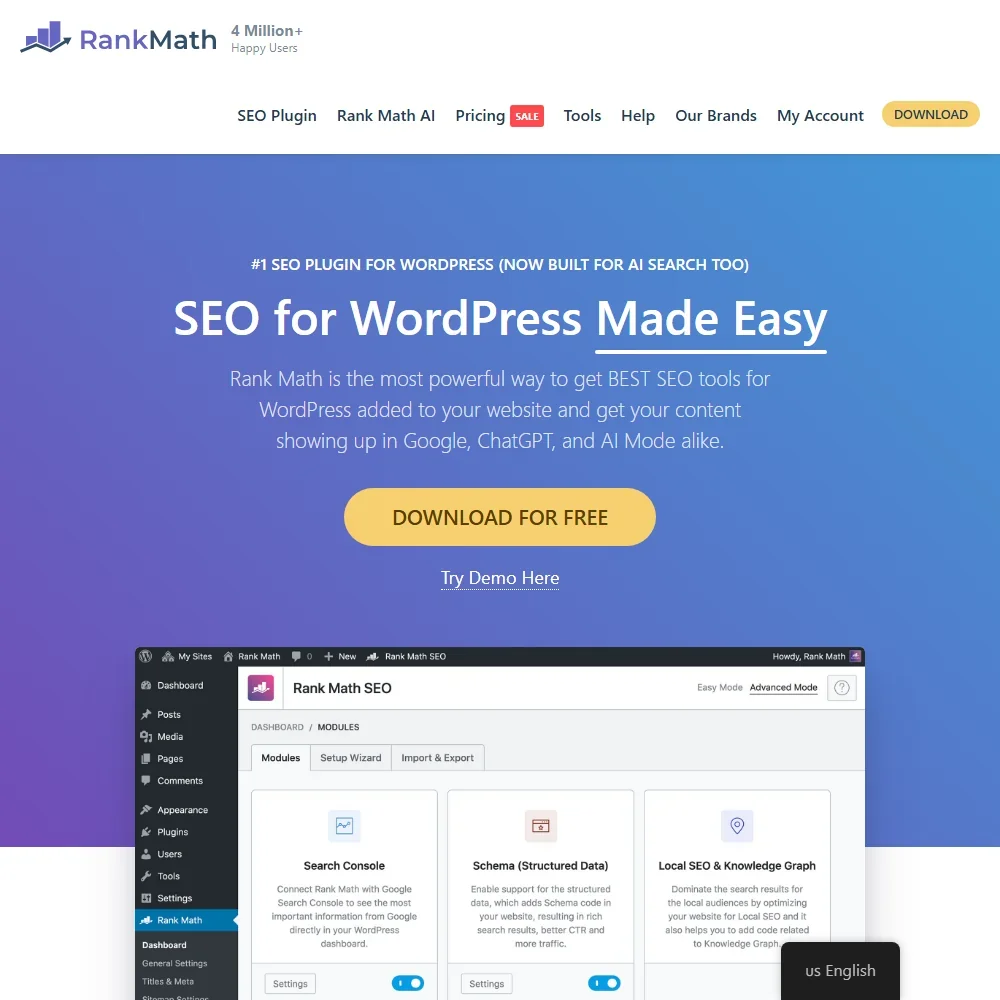
PRO costs €8.99 a month billed yearly (€7.99 for the first year), with no monthly option. Over the free plugin it adds rank tracking for 500 keywords, daily Search Console data and multiple locations for local SEO. Content AI writing is a separate subscription from €5.99 a month, and Business at €27.99 lifts tracking to 10,000 keywords. WordPress site owners should pick it for on-page work and pair it with Koala AI for drafts.
- The core Rank Math SEO plugin is free and brings Google Search Console data into WordPress.
- Rank Math PRO tracks 500 keywords on PRO, 10,000 on Business and 50,000 on Agency, with 12 months of position history.
- Content AI is a separate subscription from Rank Math PRO.
PRO (1 site): Renews at the same price; 14-day money-back guarantee
✓ Free plan tooFrom $4.08Show detailsHide details35 SEOPress: Best for the full plugin for one site8.1Score 8.1 out of 10PRO (1 site): Renews at the same price; 14-day money-back guarantee✓ Free plan too$4.08Visit site ↗ReviewDetailsCloseShow more about SEOPress
PRO (1 site): Renews at the same price; 14-day money-back guarantee
✓ Free plan tooFrom $4.08
Show detailsHide detailsSEOPress: Best for the full plugin for one site
8.1Score 8.1 out of 10PRO (1 site): Renews at the same price; 14-day money-back guarantee✓ Free plan too$4.08Visit site ↗ReviewDetailsClose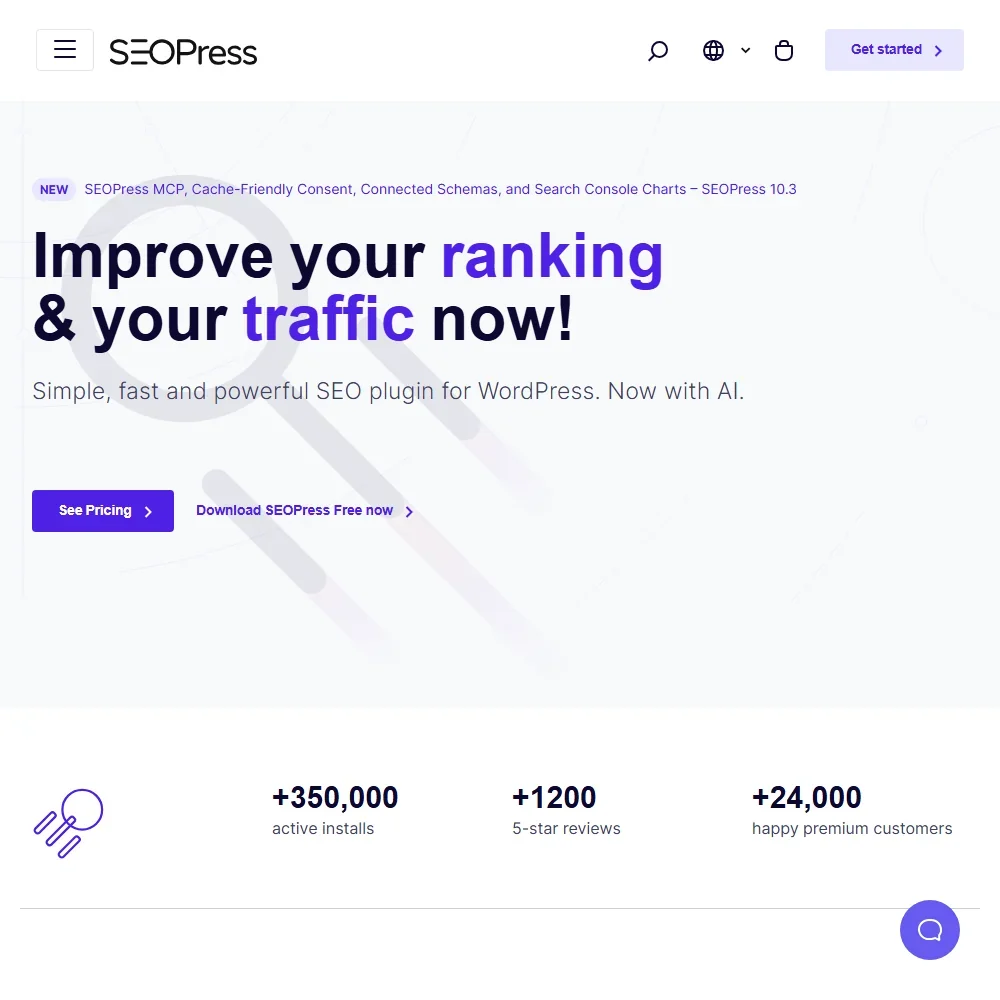
SEOPress PRO costs $49 a year for one site and renews at the same price. That buys what the free plugin leaves out: redirects and 404 monitoring, schemas, local and WooCommerce SEO, a site audit, internal link suggestions and Search Console stats. AI metadata comes included, written on your own AI key. Rank tracking is the separate Insights add-on, $99 a year per site. Pick it over All in One SEO for the lower yearly bill.
- PRO runs its AI on your own OpenAI, Claude, Gemini, Mistral or DeepSeek key at no extra SEOPress cost.
- The free edition analyzes content for unlimited target keywords per post.
- PRO has no rank tracker; rank tracking needs the SEOPress Insights add-on, priced per site.
Basic: 1 site, monthly AI credits; first year discounted; 14-day money-back guarantee
✓ Free plan tooFrom $8.25Show detailsHide details36 All in One SEO: Best for WooCommerce SEO on the entry plan7.5Score 7.5 out of 10Basic: 1 site, monthly AI credits; first year discounted; 14-day money-back guarantee✓ Free plan too$8.25Visit site ↗ReviewDetailsCloseShow more about All in One SEO
Basic: 1 site, monthly AI credits; first year discounted; 14-day money-back guarantee
✓ Free plan tooFrom $8.25
Show detailsHide detailsAll in One SEO: Best for WooCommerce SEO on the entry plan
7.5Score 7.5 out of 10Basic: 1 site, monthly AI credits; first year discounted; 14-day money-back guarantee✓ Free plan too$8.25Visit site ↗ReviewDetailsClose
Basic covers one site for $99 a year at renewal, after a discounted first year, and every paid plan includes WooCommerce SEO, a site audit and a monthly AI allowance, 10,000 credits or about 200 requests on Basic. Local SEO starts at Plus, redirects and the internal link assistant at Pro, and rank tracking at Elite. Pick it for a single store on WordPress, since Yoast SEO sells WooCommerce support as a separate plan.
- Every paid plan includes TruSEO Analysis, Smart Schema Markup and unlimited SEO audits.
- WooCommerce SEO is on every paid plan.
- The first year is discounted and renewals are at the full price.
Essentials: 15,000 words/mo, 250 chat messages, GPT-5.2 & Claude 4.5 Sonnet, KoalaImages, bulk writing, WordPress integration
✓ Free plan tooFrom $9Show detailsHide details37 Koala AI: Best for long SEO articles with WordPress publishing7.5Score 7.5 out of 10Essentials: 15,000 words/mo, 250 chat messages, GPT-5.2 & Claude 4.5 Sonnet, KoalaImages, bulk writing, WordPress integration✓ Free plan too$9Visit site ↗ReviewDetailsCloseShow more about Koala AI
Essentials: 15,000 words/mo, 250 chat messages, GPT-5.2 & Claude 4.5 Sonnet, KoalaImages, bulk writing, WordPress integration
✓ Free plan tooFrom $9
Show detailsHide detailsKoala AI: Best for long SEO articles with WordPress publishing
7.5Score 7.5 out of 10Essentials: 15,000 words/mo, 250 chat messages, GPT-5.2 & Claude 4.5 Sonnet, KoalaImages, bulk writing, WordPress integration✓ Free plan too$9Visit site ↗ReviewDetailsClose
Koala's Essentials plan gives 15,000 words a month and 250 chat messages, with bulk writing, KoalaImages and WordPress integration. Signing up gives 5,000 free words to try first. Auto internal linking and Deep Research wait for Professional. It is built for blog posts at scale rather than general writing, so bloggers who publish weekly should choose it over Yoast SEO, whose AI stops at post ideas and a starter draft.
- Deep Research mode produces factual, cited content rather than hollow AI-generated filler, which users in the SEO space consistently confirmed.
- The Outline Editor lets you control H2 and H3 structure before generation runs, avoiding the need to rebuild structure after the fact.
- As a two-year-old product, Koala AI's long-term reliability and feature stability are still being proven in the market.
Premium: One site. Up to five keyphrases, redirect manager, internal linking, AI titles and meta descriptions, Local, News and Video SEO; 30-day money-back guarantee
✓ Free plan tooFrom $9.90Show detailsHide details38 Yoast SEO: Best for AI titles and meta without credits7.5Score 7.5 out of 10Premium: One site. Up to five keyphrases, redirect manager, internal linking, AI titles and meta descriptions, Local, News and Video SEO; 30-day money-back guarantee✓ Free plan too$9.90Visit site ↗ReviewDetailsCloseShow more about Yoast SEO
Premium: One site. Up to five keyphrases, redirect manager, internal linking, AI titles and meta descriptions, Local, News and Video SEO; 30-day money-back guarantee
✓ Free plan tooFrom $9.90
Show detailsHide detailsYoast SEO: Best for AI titles and meta without credits
7.5Score 7.5 out of 10Premium: One site. Up to five keyphrases, redirect manager, internal linking, AI titles and meta descriptions, Local, News and Video SEO; 30-day money-back guarantee✓ Free plan too$9.90Visit site ↗ReviewDetailsClose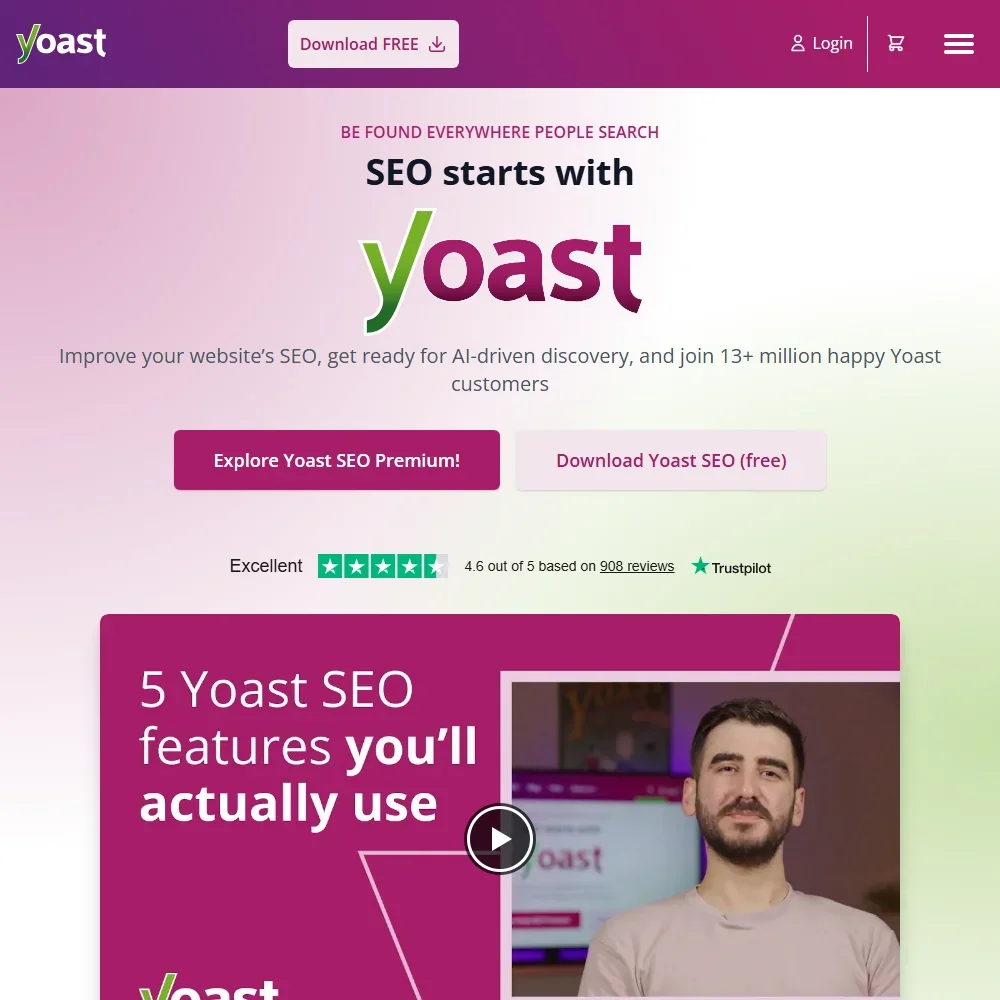
At $118.80 a year for one site, Yoast SEO Premium adds up to five keyphrases, a redirect manager, internal linking suggestions and the former Local, News and Video add-ons. Its AI tools for titles, meta descriptions, post ideas and a starter draft come with no credits to count. Every extra site needs another subscription, and WooCommerce SEO is its own plan. Choose it over Rank Math if you want AI in the price rather than a second subscription.
- The free plugin includes SEO analysis, schema, XML sitemaps, llms.txt management and a bulk editor.
- All AI tools are included in Premium, with no separate AI subscription and no credit top-ups.
- Each subscription covers one site, so more sites need more subscriptions.
Best AI e-commerce tools under $10/mo
3 picksTwo very different shop tools share this section. LimeSpot adds recommendations, bundles and upsells to a Shopify or BigCommerce store, with a free tier for very small stores, while Photoroom cleans up product photos and removes backgrounds. Choose by whether your problem is selling more per visit or making better images.
#ToolScoreEntry plan includesStarts at
LimeSpot Turbo: Rises with monthly orders; up to 250 orders is $19.99. Not for Shopify Plus.
✓ Free plan tooFrom $9.99Show detailsHide details39 LimeSpot: Best for small Shopify stores adding upsells8.0Score 8.0 out of 10LimeSpot Turbo: Rises with monthly orders; up to 250 orders is $19.99. Not for Shopify Plus.✓ Free plan too$9.99Visit site ↗ReviewDetailsCloseShow more about LimeSpot
LimeSpot Turbo: Rises with monthly orders; up to 250 orders is $19.99. Not for Shopify Plus.
✓ Free plan tooFrom $9.99
Show detailsHide detailsLimeSpot: Best for small Shopify stores adding upsells
8.0Score 8.0 out of 10LimeSpot Turbo: Rises with monthly orders; up to 250 orders is $19.99. Not for Shopify Plus.✓ Free plan too$9.99Visit site ↗ReviewDetailsClose
LimeSpot Turbo starts at $9.99 a month and rises with monthly orders, reaching $19.99 for up to 250 orders, with a free tier for very small stores and a 15-day trial. It covers recommendations, bundles and upsells, but does not work on Shopify Plus. Stores that expect revenue to grow should note that Max prices by store revenue. Pick it over Photoroom to lift order value.
- LimeSpot Turbo is free for up to 10 orders a month.
- Advanced A/B Testing runs multi-variate tests with statistical significance and confidence tracking.
- LimeSpot Turbo does not work on Shopify Plus stores.
Pro: 8,000 AI credits and 1,000 exports a month
✓ Free plan tooFrom $7.50Show detailsHide details40 Photoroom: Best for product photos on a small credit budget6.6Score 6.6 out of 10Pro: 8,000 AI credits and 1,000 exports a month✓ Free plan too$7.50Visit site ↗ReviewDetailsCloseShow more about Photoroom
Pro: 8,000 AI credits and 1,000 exports a month
✓ Free plan tooFrom $7.50
Show detailsHide detailsPhotoroom: Best for product photos on a small credit budget
6.6Score 6.6 out of 10Pro: 8,000 AI credits and 1,000 exports a month✓ Free plan too$7.50Visit site ↗ReviewDetailsClose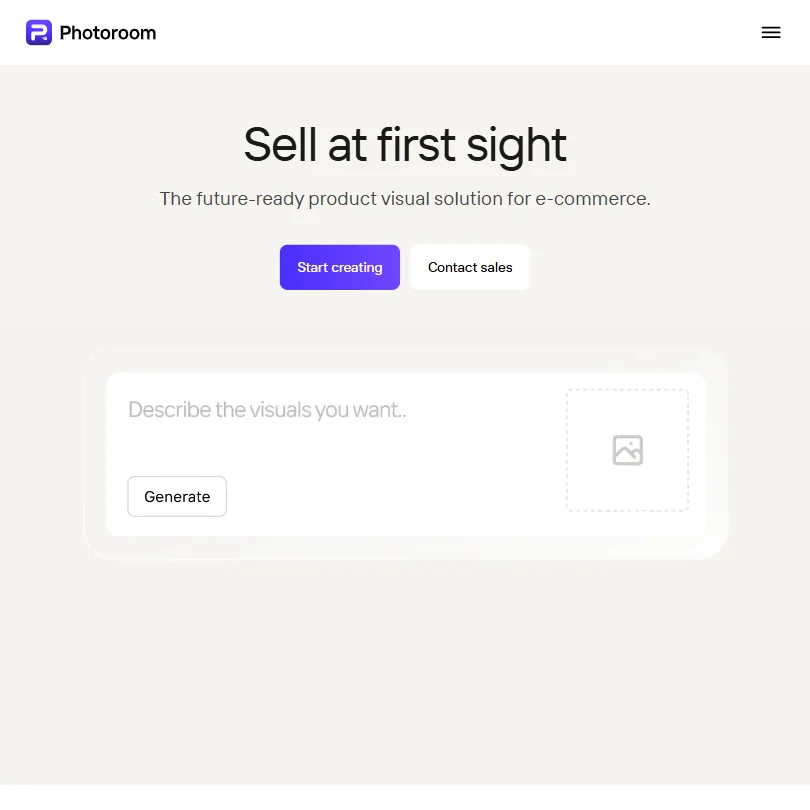
Photoroom's Pro plan gives 8,000 AI credits and 1,000 exports a month for $7.50 billed yearly, and Max raises that to 25,000 credits and 3,000 exports. It handles background removal, AI product photography and batch editing with Shopify sync. Complex edges such as hair and translucent packaging trip it up. Sellers whose listings need cleaner photos should choose it over LimeSpot.
- The background remover is fast and accurate, particularly on product images with clean subjects, backed by 80 million users.
- Purpose-built for e-commerce sellers, meaning every feature decision is shaped around product visual workflows.
- Not a general-purpose design tool, no logo generator, wireframing, or presentation builder, which will disappoint broader creative users.
Merchandising & Product Recommendations: Base fee plus per-view usage from 1.2 cents per 10k down to 0.08 cents; 14-day free trial
From $5.90Show detailsHide details41 Kimonix: Best for AI search for Shopify from $5.904.7Score 4.7 out of 10Merchandising & Product Recommendations: Base fee plus per-view usage from 1.2 cents per 10k down to 0.08 cents; 14-day free trial$5.90Visit site ↗ReviewDetailsCloseShow more about Kimonix
Merchandising & Product Recommendations: Base fee plus per-view usage from 1.2 cents per 10k down to 0.08 cents; 14-day free trial
From $5.90
Show detailsHide detailsKimonix: Best for AI search for Shopify from $5.90
4.7Score 4.7 out of 10Merchandising & Product Recommendations: Base fee plus per-view usage from 1.2 cents per 10k down to 0.08 cents; 14-day free trial$5.90Visit site ↗ReviewDetailsClose
Kimonix's Agentic Search plan starts at $5.90 a month plus usage, and its merchandising plan, which sorts collections by sales, stock and margin, starts at $19 plus usage. Both come with free trials, no setup fee and no minimum contract. It works only on Shopify and Shopify Plus.
- Kimonix combines collection sorting, cross-selling, personalized emails and A/B testing in one Shopify app.
- Kimonix carries no setup fee and no minimum contract, and can be cancelled at any time.
- Kimonix has no bundle building feature.
Best AI productivity tools under $10/mo
5 picksProductivity picks split into work managers and assistants. ClickUp manages tasks for teams and keeps its stronger AI above the entry plan, while Brisk Teaching and MagicSchool build lessons for teachers. Rows is a spreadsheet with a monthly count of AI tasks, and ChatGPT and Grok are general assistants whose cheapest paid plans extend usage rather than add the top models.
#ToolScoreEntry plan includesStarts at
✓ Free plan tooFreeShow detailsHide details42 Brisk Teaching: Best for no bill for classroom teachers9.6Score 9.6 out of 10✓ Free plan tooFreeVisit site ↗ReviewDetailsCloseShow more about Brisk Teaching
✓ Free plan tooFree
Show detailsHide detailsBrisk Teaching: Best for no bill for classroom teachers
9.6Score 9.6 out of 10✓ Free plan tooFreeVisit site ↗ReviewDetailsClose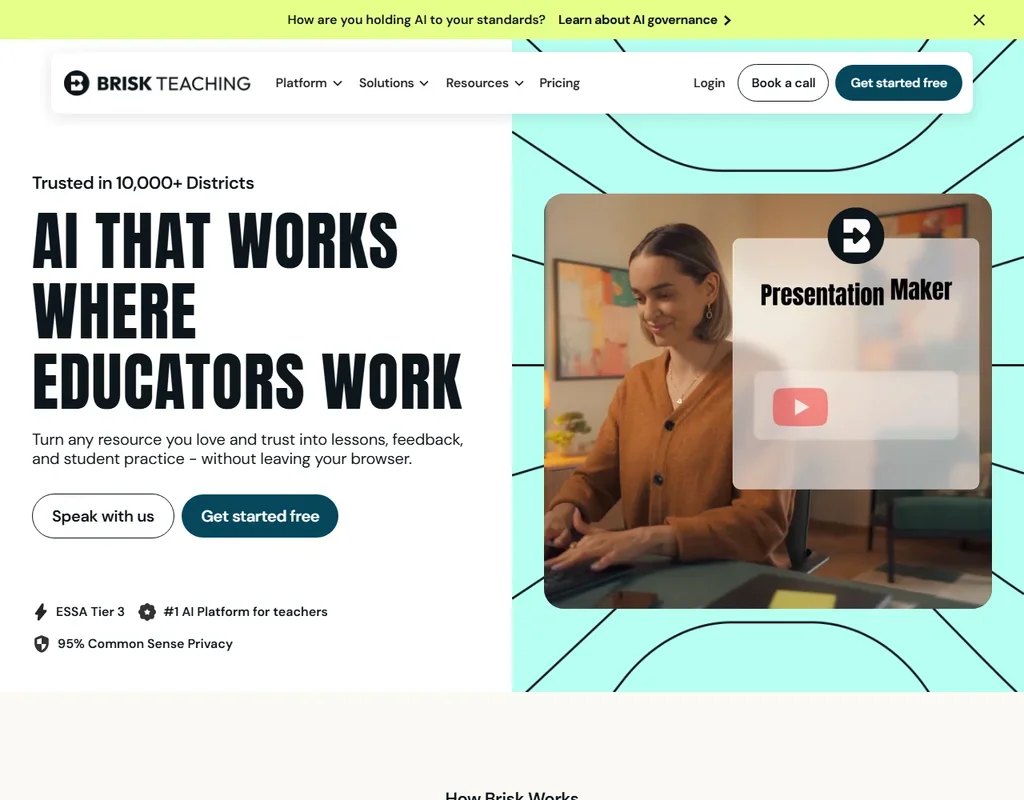
Nothing at this price needs buying, because Brisk Teaching is free for teachers, with more than 20 tools on its standard AI model and no usage cap stated. The push upward comes from a school, since the Turbo model, 35+ tools and the district dashboard sit on Premium, priced by quote. Pick it over MagicSchool if you want AI inside Google Docs, Slides and YouTube through a Chrome or Edge extension.
- It is free for teachers, with 20-plus tools on the standard AI model.
- It works inside Google Docs, Slides, YouTube and LMS pages and can build a presentation, worksheet and quiz from a YouTube video.
- The Turbo model, 35-plus tools, the district dashboard and custom privacy agreements start on the school Premium plan.
Core: Formerly Unlimited; AI credits included
✓ Free plan tooFrom $9Show detailsHide details43 ClickUp: Best for docs, wikis and tasks in one tool9.6Score 9.6 out of 10Core: Formerly Unlimited; AI credits included✓ Free plan too$9Visit site ↗ReviewDetailsCloseShow more about ClickUp
Core: Formerly Unlimited; AI credits included
✓ Free plan tooFrom $9
Show detailsHide detailsClickUp: Best for docs, wikis and tasks in one tool
9.6Score 9.6 out of 10Core: Formerly Unlimited; AI credits included✓ Free plan too$9Visit site ↗ReviewDetailsClose
ClickUp's paid Core plan covers docs, wikis, many views and time tracking, and its AI, ClickUp Brain, now comes with monthly credits on every plan. The free plan includes collaborative docs and trial access to the advanced AI features. The AI notetaker waits for the higher add-on. Choose it over Rows when you want wikis and many views, and expect to pay extra for AI.
- ClickUp's free plan includes unlimited tasks, unlimited free plan members and collaborative docs.
- Brain's chat lets you choose between Claude, ChatGPT and Gemini.
- Paid plans are priced per user, from $12 a user a month on Core.
✓ Free plan tooFrom $8.33Show detailsHide details44 MagicSchool: Best for the Plus plan for K-12 teachers9.1Score 9.1 out of 10✓ Free plan too$8.33Visit site ↗ReviewDetailsCloseShow more about MagicSchool
✓ Free plan tooFrom $8.33
Show detailsHide detailsMagicSchool: Best for the Plus plan for K-12 teachers
9.1Score 9.1 out of 10✓ Free plan too$8.33Visit site ↗ReviewDetailsClose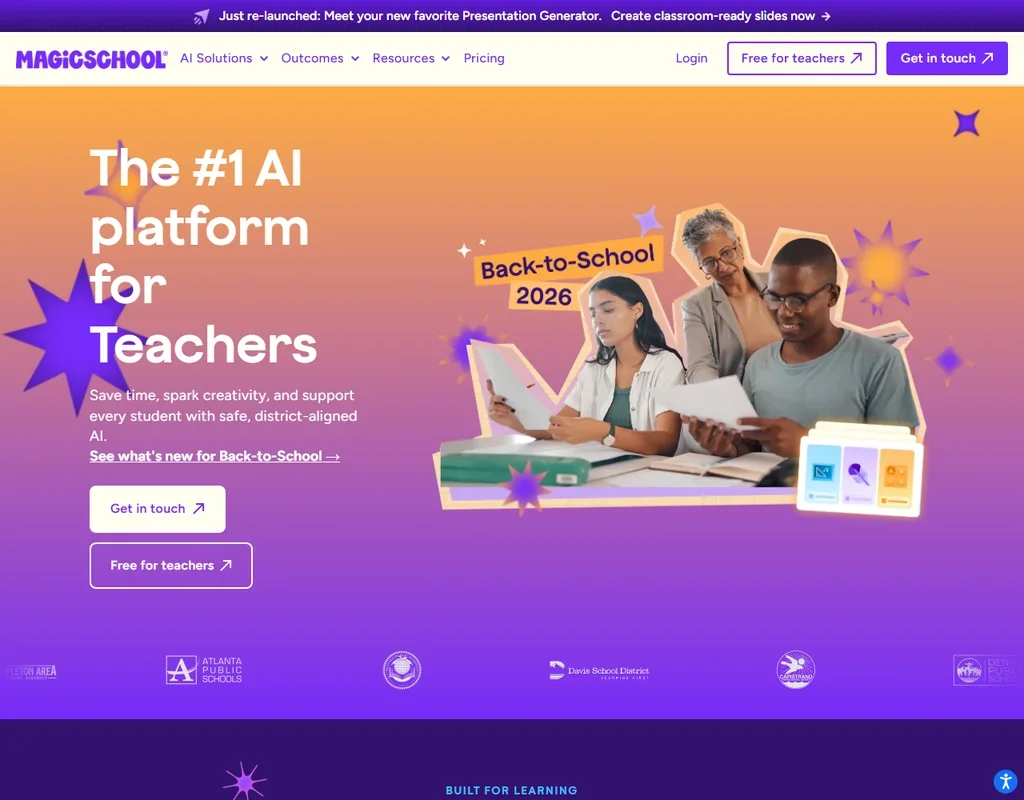
Plus costs $8.33 a month billed annually or $12.99 monthly, so only the annual price fits this budget. It removes the free plan's generation cap, adds unlimited output history and editing, and opens 50+ student tools with student learning insights. SIS and LMS integration and SSO come with the district Enterprise plan. Teachers who run Student Rooms with a class should choose it over Brisk Teaching.
- It has more than 80 AI teacher tools covering lesson plans, quizzes, slides, rubrics and differentiated materials.
- Class Writing Feedback sends AI-generated feedback on written assignments in batches, based on your rubric, and is on every plan.
- The free plan has standard generation limits, and Plus is needed to remove the generation cap.
Plus: 200 AI Tasks/month, automate data tables per day, 10 accounts, 10 guests
✓ Free plan tooFrom $8Show detailsHide details45 Rows: Best for a spreadsheet that pulls live data9.1Score 9.1 out of 10Plus: 200 AI Tasks/month, automate data tables per day, 10 accounts, 10 guests✓ Free plan too$8Visit site ↗ReviewDetailsCloseShow more about Rows
Plus: 200 AI Tasks/month, automate data tables per day, 10 accounts, 10 guests
✓ Free plan tooFrom $8
Show detailsHide detailsRows: Best for a spreadsheet that pulls live data
9.1Score 9.1 out of 10Plus: 200 AI Tasks/month, automate data tables per day, 10 accounts, 10 guests✓ Free plan too$8Visit site ↗ReviewDetailsClose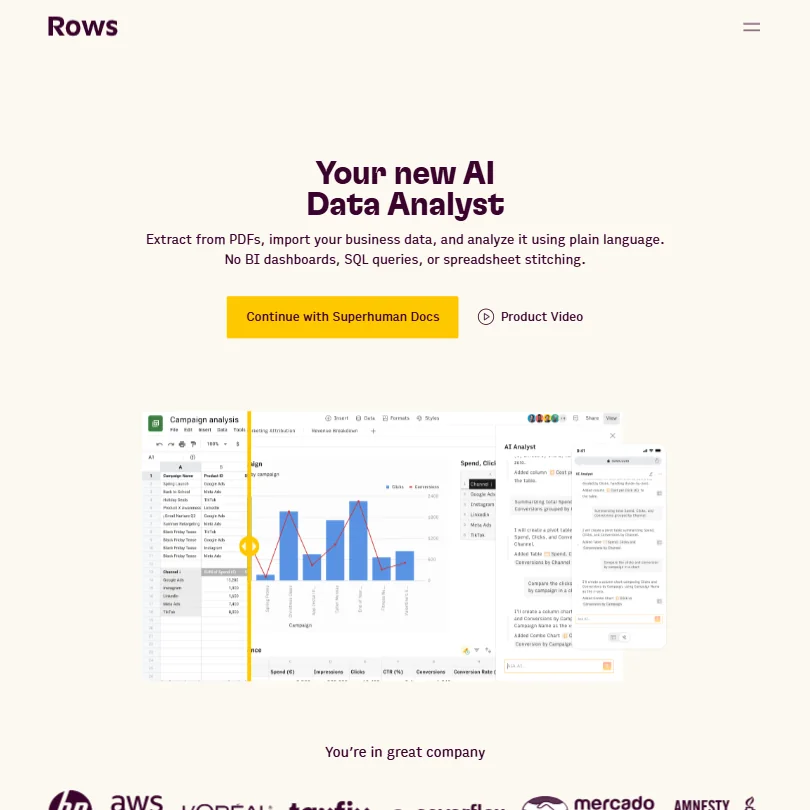
Rows gives 5 AI tasks a month free, and Plus raises that to 200 per user. File imports rise from 1 MB on Free to 5 MB on Plus, and 100 MB only arrives on Pro, so large files outgrow the entry plan fast. Live connections to over 50 sources put analysis in the grid. Analysts who want data from ad platforms should pick it over ChatGPT.
- Rows connects directly to databases and warehouses such as Snowflake, Amazon Redshift, MySQL, PostgreSQL and BigQuery.
- Rows is SOC 2 Type II certified, audited every year, and GDPR compliant.
- AI Tasks are capped at 5 a month on Free and only 200 a month on Plus, the cheapest paid plan.
Go: Best for longer conversations; more messages, uploads, image creation, longer memory
✓ Free plan tooFrom $8Show detailsHide details46ChatGPT: Best for a general assistant with images and memory8.8Score 8.8 out of 10Go: Best for longer conversations; more messages, uploads, image creation, longer memory✓ Free plan too$8Visit site ↗ReviewDetailsCloseShow more about ChatGPT
Go: Best for longer conversations; more messages, uploads, image creation, longer memory
✓ Free plan tooFrom $8
Show detailsHide detailsChatGPT: Best for a general assistant with images and memory
8.8Score 8.8 out of 10Go: Best for longer conversations; more messages, uploads, image creation, longer memory✓ Free plan too$8Visit site ↗ReviewDetailsCloseGo adds more messages, uploads, image creation and longer memory to the free plan's unlimited text chat. It does not unlock the top models, which wait for Plus and above, and you can opt out of training. It runs on web and mobile. Choose it over Grok when you want image creation, voice, memory and deep research together in one app.
- The Free plan includes unlimited text chats with GPT-6 Luna, subject to abuse guardrails.
- Web search is included on every individual plan, including Free.
- Go, the cheapest paid plan, still does not unlock GPT-6.1 Sol, GPT-6 Astra or GPT-6 Sol, and may include ads.
Best AI research tools under $10/mo
5 picksResearch tools differ by where they sit in the work. Semantic Scholar finds papers at no cost, Keenious searches literature by meaning, Scholarcy summarizes papers you already have, R Discovery recommends new ones, and Rayyan screens references for systematic reviews. Paid plans mostly lift upload sizes, chat limits and summary counts.
#ToolScoreEntry plan includesStarts at
Essential: AI-powered tools for serious researchers, billed quarterly ($24.99/quarter)
✓ Free plan tooFrom $8.33Show detailsHide details47 Rayyan: Best for screening references for systematic reviews8.2Score 8.2 out of 10Essential: AI-powered tools for serious researchers, billed quarterly ($24.99/quarter)✓ Free plan too$8.33Visit site ↗ReviewDetailsCloseShow more about Rayyan
Essential: AI-powered tools for serious researchers, billed quarterly ($24.99/quarter)
✓ Free plan tooFrom $8.33
Show detailsHide detailsRayyan: Best for screening references for systematic reviews
8.2Score 8.2 out of 10Essential: AI-powered tools for serious researchers, billed quarterly ($24.99/quarter)✓ Free plan too$8.33Visit site ↗ReviewDetailsClose
Rayyan's Essential plan has no monthly option: it is billed quarterly, with AI tools for serious researchers, and the free tier stays available. Advanced adds shared workflows for small groups. It offers AI-assisted screening, deduplication, PRISMA diagrams and ResearchPilot, but you import references yourself because it does not search databases. Review teams should choose it over Scholarcy.
- The Systematic Auto-Resolver deduplicates references quickly using a configurable protocol, solving one of the most tedious parts of multi-database systematic reviews.
- ResearchPilot AI provides zero-shot relevance ratings, meaning it can score reference relevance without requiring training examples from the user.
- The tool does not perform its own database searches, users must import references manually from external sources like PubMed or Embase in RIS or BibTeX format.
Prime: Unlimited AI Assistant and Chat PDF, Literature Review, exports, interactive literature maps, paper audio and translation
✓ Free plan tooFrom $6Show detailsHide details48 R Discovery: Best for paper discovery with unlimited AI chat6.5Score 6.5 out of 10Prime: Unlimited AI Assistant and Chat PDF, Literature Review, exports, interactive literature maps, paper audio and translation✓ Free plan too$6Visit site ↗ReviewDetailsCloseShow more about R Discovery
Prime: Unlimited AI Assistant and Chat PDF, Literature Review, exports, interactive literature maps, paper audio and translation
✓ Free plan tooFrom $6
Show detailsHide detailsR Discovery: Best for paper discovery with unlimited AI chat
6.5Score 6.5 out of 10Prime: Unlimited AI Assistant and Chat PDF, Literature Review, exports, interactive literature maps, paper audio and translation✓ Free plan too$6Visit site ↗ReviewDetailsClose
R Discovery's Prime costs $69 a year, about $6 a month, or $12 when billed monthly. It makes the AI Assistant and Chat PDF unlimited and adds literature review, exports, interactive literature maps, and paper audio and translation. Prime also syncs your reading lists to a reference manager. Pick it over Semantic Scholar when you want summaries and chat on top of search, since Semantic Scholar is free.
- Covers a very large article database for broad literature access.
- AI-generated summaries help researchers quickly triage papers and decide what is worth reading in full.
- AI summaries are useful for triage only and do not capture what a paper actually argues at a deeper level.
✓ Free plan tooFrom $10 (€8.99)Show detailsHide details49 Scholarcy: Best for turning papers into flashcard summaries6.0Score 6.0 out of 10✓ Free plan too$10 (€8.99)Visit site ↗ReviewDetailsCloseShow more about Scholarcy
✓ Free plan tooFrom $10 (€8.99)
Show detailsHide detailsScholarcy: Best for turning papers into flashcard summaries
6.0Score 6.0 out of 10✓ Free plan too$10 (€8.99)Visit site ↗ReviewDetailsClose
Scholarcy's free summarizer covers up to 10 summaries. The monthly plan adds unlimited summarization, a library, notes, a literature matrix, one-click bibliographies and up to 100 flashcard exports. It cannot find papers, so you bring your own, and there is no Google Docs export or mobile app. Choose it when you work from Zotero.
- The flashcard-based summary format is specifically tailored to academic reading workflows, making it more useful than generic AI summarizers.
- The Enhance feature allows users to dial in summary depth, from a single-sentence overview to a detailed researcher-level breakdown.
- Scholarcy is not a discovery engine, it cannot search academic databases or find papers for you, limiting its utility in the research workflow.
✓ Free plan tooFreeShow detailsHide details50 Semantic Scholar: Best for searching papers with no plan to buy6.0Score 6.0 out of 10✓ Free plan tooFreeVisit site ↗ReviewDetailsCloseShow more about Semantic Scholar
✓ Free plan tooFree
Show detailsHide detailsSemantic Scholar: Best for searching papers with no plan to buy
6.0Score 6.0 out of 10✓ Free plan tooFreeVisit site ↗ReviewDetailsClose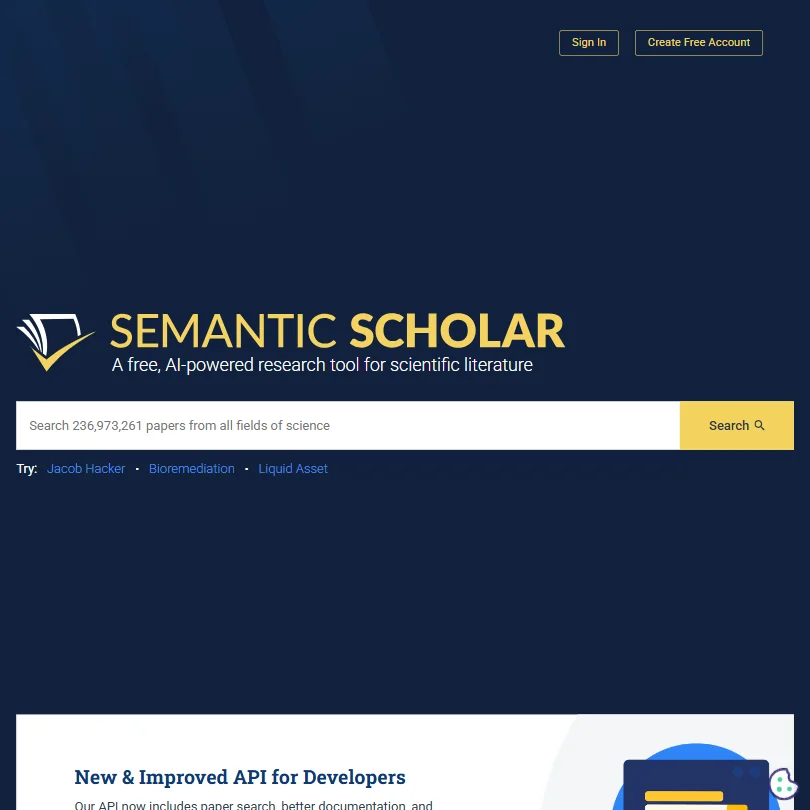
Semantic Scholar has no plans: the whole product is free, including search across 236 million papers, the Semantic Reader, Scholar's Hub and an API. That makes it the starting point for finding papers before you spend on summarizers. There are no premium features or priority access to upgrade to. Researchers on a zero budget should begin here, then add Keenious.
- Completely free with no paywalls, paid plans, or enterprise pricing tiers, the entire tool is accessible without any cost.
- Indexes over 200 million papers across STEM, social sciences, and humanities, making it one of the largest academic search databases available.
- As a free, nonprofit tool, it likely lacks the customer support infrastructure and dedicated account management that paid enterprise tools offer.
For Individuals: Unlimited responses per conversation, unlimited conversations per day, 20 MB max file upload
✓ Free plan tooFrom $10Show detailsHide details51 Keenious: Best for chatting with literature in your own words5.1Score 5.1 out of 10For Individuals: Unlimited responses per conversation, unlimited conversations per day, 20 MB max file upload✓ Free plan too$10Visit site ↗ReviewDetailsCloseShow more about Keenious
For Individuals: Unlimited responses per conversation, unlimited conversations per day, 20 MB max file upload
✓ Free plan tooFrom $10
Show detailsHide detailsKeenious: Best for chatting with literature in your own words
5.1Score 5.1 out of 10For Individuals: Unlimited responses per conversation, unlimited conversations per day, 20 MB max file upload✓ Free plan too$10Visit site ↗ReviewDetailsClose
Keenious's individual plan gives unlimited responses and conversations a day with uploads up to 20 MB. The free tier restricts you to five AI responses per conversation, three conversations a day and 3 MB uploads, which dense PDFs overshoot. It searches by meaning, with chat on Gemini. Pick it over Semantic Scholar when you want to question a paper.
- Field map visualization shows how different research clusters relate to each other, offering a genuinely unique spatial view of academic literature.
- Combines visual research mapping with conversational AI in a way that competitors like Elicit and Consensus do not replicate.
- Free tier document upload is capped at 3 MB, which is too small for many dense academic PDFs.
Best AI customer service tools under $10/mo
5 picksSupport tools at this price run on very different meters. Zoho and tawk.to start free, Gorgias bills a ticket base plus a charge per AI resolution, and Fin and eesel AI charge per outcome or per ticket. Your monthly cost therefore follows your ticket volume more than the plan name.
#ToolScoreEntry plan includesStarts at
Express: For small teams, includes email ticketing and basic automation
✓ Free plan tooFrom $9Show detailsHide details52 Zoho: Best for a free helpdesk inside a bigger suite9.0Score 9.0 out of 10Express: For small teams, includes email ticketing and basic automation✓ Free plan too$9Visit site ↗ReviewDetailsCloseShow more about Zoho
Express: For small teams, includes email ticketing and basic automation
✓ Free plan tooFrom $9
Show detailsHide detailsZoho: Best for a free helpdesk inside a bigger suite
9.0Score 9.0 out of 10Express: For small teams, includes email ticketing and basic automation✓ Free plan too$9Visit site ↗ReviewDetailsClose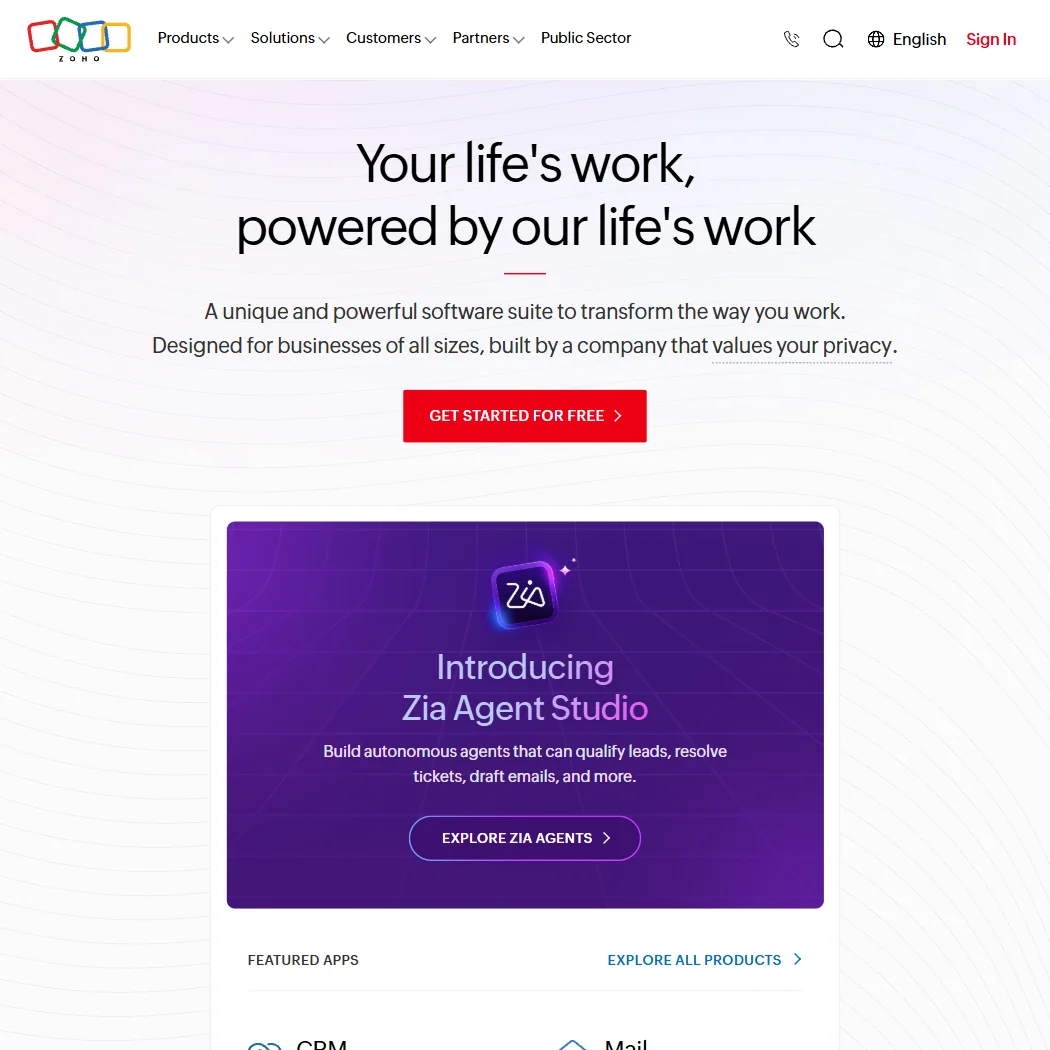
Zoho Desk is free for up to three agents, and Express adds email ticketing and basic automation for small teams. Live chat, telephony and Zia AI start at Professional, so the entry plan is a ticket inbox rather than an AI agent. A 15-day trial is included. Pick it over tawk.to when you also want a CRM and a path to wider Zoho tools.
- Zoho Desk offers mature, full-featured SLA management with configurable routing and escalation logic.
- The platform covers an exceptionally wide surface area with 55+ apps, making it viable as an all-in-one replacement for multiple point solutions.
- Zia AI agent performance depends heavily on training investment, meaning out-of-the-box autonomous agents may underperform without significant configuration effort.
Fin with your current helpdesk: 50 outcomes/month minimum; works with Salesforce, HubSpot, Freshdesk and more; set up in under an hour
From $0.99Show detailsHide details53 Fin: Best for paying only for resolved conversations8.5Score 8.5 out of 10Fin with your current helpdesk: 50 outcomes/month minimum; works with Salesforce, HubSpot, Freshdesk and more; set up in under an hour$0.99Visit site ↗ReviewDetailsCloseShow more about Fin
Fin with your current helpdesk: 50 outcomes/month minimum; works with Salesforce, HubSpot, Freshdesk and more; set up in under an hour
From $0.99
Show detailsHide detailsFin: Best for paying only for resolved conversations
8.5Score 8.5 out of 10Fin with your current helpdesk: 50 outcomes/month minimum; works with Salesforce, HubSpot, Freshdesk and more; set up in under an hour$0.99Visit site ↗ReviewDetailsClose
Fin charges $0.99 per outcome with a minimum of 50 outcomes a month, and has no free tier. It works on top of Salesforce, HubSpot or Freshdesk, or with Intercom's helpdesk at an extra $19 per seat. Cost follows resolutions, not seats, which rewards high-volume support. Teams that want a flat free helpdesk should choose tawk.to or Zoho.
- Fin's average resolution rate is 76%, with some customers above 85%.
- Built on proprietary models (Apex 1.0 and Apex Flash) trained specifically on customer experience data rather than general-purpose LLMs.
- No free tier is available, making it inaccessible for teams that want to test before committing financially.
Starter: ~50 tickets/mo helpdesk base; AI Agent add-on pay-per-resolution; unlimited agents
From $10Show detailsHide details54 Gorgias: Best for Shopify stores answering support tickets7.6Score 7.6 out of 10Starter: ~50 tickets/mo helpdesk base; AI Agent add-on pay-per-resolution; unlimited agents$10Visit site ↗ReviewDetailsCloseShow more about Gorgias
Starter: ~50 tickets/mo helpdesk base; AI Agent add-on pay-per-resolution; unlimited agents
From $10
Show detailsHide detailsGorgias: Best for Shopify stores answering support tickets
7.6Score 7.6 out of 10Starter: ~50 tickets/mo helpdesk base; AI Agent add-on pay-per-resolution; unlimited agents$10Visit site ↗ReviewDetailsClose
Gorgias's Starter plan covers about 50 tickets a month with unlimited agents, and AI Agent adds a charge per resolution on top. Basic jumps to around 300 tickets. It is built into Shopify and aimed at ecommerce, so non-Shopify shops get less. Stores selling online should pick it over Zoho when upsells during chat matter.
- Native one-click Shopify integration pulls order data, customer history, and product catalog directly into the conversation view.
- Agents can issue refunds, apply discounts, cancel orders, and initiate upsells without leaving the ticket interface.
- For non-Shopify ecommerce brands, the value proposition becomes significantly more complicated and less compelling.
Tickets: 250 tickets per month (up to 50,000 tickets per month) Scales up to $20,000/mo with usage.
From $0.40Show detailsHide details55 eesel AI: Best for an AI agent priced per ticket7.1Score 7.1 out of 10Tickets: 250 tickets per month (up to 50,000 tickets per month) Scales up to $20,000/mo with usage.$0.40Visit site ↗ReviewDetailsCloseShow more about eesel AI
Tickets: 250 tickets per month (up to 50,000 tickets per month) Scales up to $20,000/mo with usage.
From $0.40
Show detailsHide detailseesel AI: Best for an AI agent priced per ticket
7.1Score 7.1 out of 10Tickets: 250 tickets per month (up to 50,000 tickets per month) Scales up to $20,000/mo with usage.$0.40Visit site ↗ReviewDetailsClose
eesel gives $50 of usage credit with no card needed and all features unlocked, then agents pause until you add payment. Dashboard questions and simple lookups stay free. Tickets cost $100 a month for 250, which works out near $0.40 each. With no seat fees, it suits teams that want AI answers on top of an existing helpdesk.
- Autonomous AI agents handle support tickets start to finish without requiring a human in the loop for every interaction.
- Integrates directly with existing knowledge sources including Confluence, Notion, Google Docs, SharePoint, and past tickets on day one.
- The 1.2M+ supported users figure refers to end-customers of clients, not direct eesel users, which overstates the apparent scale.
✓ Free plan tooFrom $0Show detailsHide details56 tawk.to: Best for free live chat with unlimited agents6.5Score 6.5 out of 10✓ Free plan too$0Visit site ↗ReviewDetailsCloseShow more about tawk.to
✓ Free plan tooFrom $0
Show detailsHide detailstawk.to: Best for free live chat with unlimited agents
6.5Score 6.5 out of 10✓ Free plan too$0Visit site ↗ReviewDetailsClose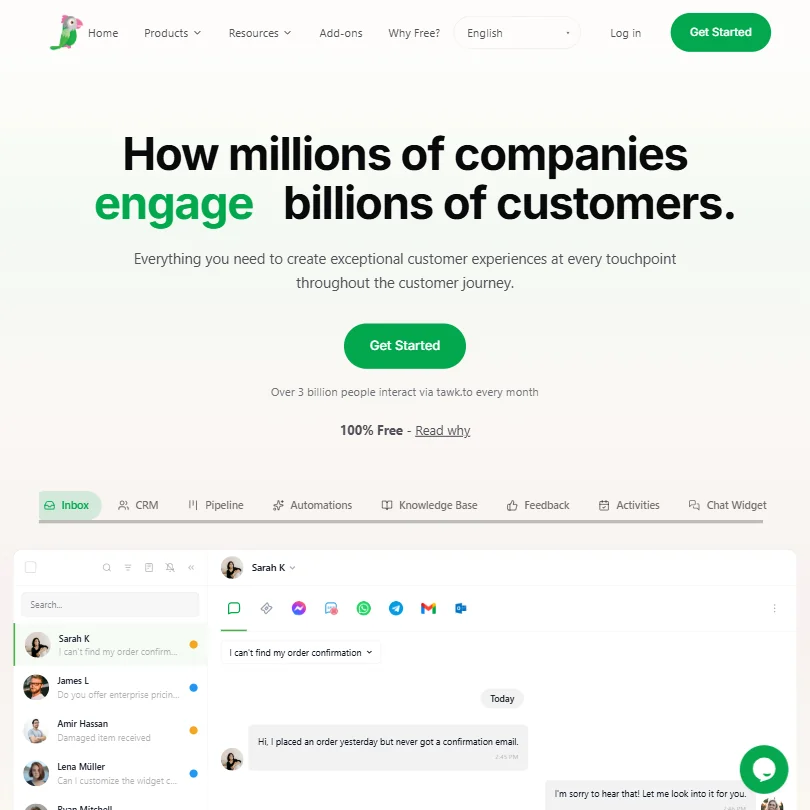
tawk.to is free forever with unlimited agents and chats, an inbox, CRM, pipeline, knowledge base and automations. Costs appear in add-ons: removing the tawk.to branding on the widget is paid, and the AI chatbot's autonomous abilities are gated behind add-ons. Small shops wanting live chat at no cost should pick it over Zoho.
- The core platform is genuinely free with unlimited agents and full chat history included at no cost.
- tawk.to holds over 20% market share in its category, suggesting strong reliability and widespread adoption since 2013.
- Removing tawk.to branding from the chat widget requires an additional paid add-on, which undermines the fully-free positioning for many businesses.
Best AI automation tools under $10/mo
5 picksMost agent builders here start free and then jump to custom pricing, so the entry plan is a place to build and test rather than run at scale. StackAI and CrewAI cap runs per month, Cassidy gives a credit allowance, Lyzr charges per agent run, and Bardeen's $10 Basic plan adds premium scrapers and enrichment to its 100 monthly credits.
#ToolScoreEntry plan includesStarts at
✓ Free plan tooFrom $0Show detailsHide details57 StackAI: Best for governed agents on a free runs allowance8.4Score 8.4 out of 10✓ Free plan too$0Visit site ↗ReviewDetailsCloseShow more about StackAI
✓ Free plan tooFrom $0
Show detailsHide detailsStackAI: Best for governed agents on a free runs allowance
8.4Score 8.4 out of 10✓ Free plan too$0Visit site ↗ReviewDetailsClose
StackAI's free plan gives 500 runs a month, two projects and one seat, with support through a Discord community. Beyond that, pricing jumps straight to Enterprise at a custom rate, with VPC or on-prem deployment and compliance features. Regulated teams prototyping agents should start here before comparing CrewAI. There is no mid tier between.
- No-code drag-and-drop visual flow builder makes it accessible for enterprise IT teams without deep coding expertise.
- Supports 100+ integrations and multiple LLMs including OpenAI and Anthropic Claude, avoiding vendor lock-in on AI models.
- Asana's pending acquisition creates significant uncertainty around pricing, roadmap, and the product's future as a standalone platform.

#58CrewAI: Best for multi-agent workflows from an open-source base
✓ Free plan tooFreeShow detailsHide details58CrewAI: Best for multi-agent workflows from an open-source basen/a✓ Free plan tooFreeVisit site ↗ReviewDetailsCloseShow more about CrewAI
#58CrewAI: Best for multi-agent workflows from an open-source base
✓ Free plan tooFree
Show detailsHide detailsCrewAI: Best for multi-agent workflows from an open-source base
n/a✓ Free plan tooFreeVisit site ↗ReviewDetailsClose
CrewAI's Basic plan gives 50 workflow executions a month with a visual editor, GitHub integration and an AI copilot. Enterprise brings unlimited executions, a dedicated VPC, SSO and role-based access. It grew from an open-source framework, so developers can start in code. Pick it over StackAI when you want both a no-code builder and an API.
- Supports both no-code visual editor and code-first Python API, making it accessible to non-developers and engineers alike.
- All visual editor work exports to Python, preventing vendor lock-in and enabling clean handoffs to engineering teams.
- Trying to serve both no-code and developer audiences simultaneously risks being a poor fit for both if execution falls short.
LYZR CLOUD: Per agent run, fully managed cloud infrastructure
✓ Free plan tooFrom $0.03Show detailsHide details59 Lyzr: Best for paying per agent run, hosted or self-hosted7.7Score 7.7 out of 10LYZR CLOUD: Per agent run, fully managed cloud infrastructure✓ Free plan too$0.03Visit site ↗ReviewDetailsCloseShow more about Lyzr
LYZR CLOUD: Per agent run, fully managed cloud infrastructure
✓ Free plan tooFrom $0.03
Show detailsHide detailsLyzr: Best for paying per agent run, hosted or self-hosted
7.7Score 7.7 out of 10LYZR CLOUD: Per agent run, fully managed cloud infrastructure✓ Free plan too$0.03Visit site ↗ReviewDetailsClose
Lyzr bills per agent run: $0.08 on its managed cloud and $0.03 when self-hosted in your VPC or on-prem. A free Community plan is listed, and Agent Studio subscription tiers exist too. Cost tracks usage, so a busy agent gets expensive. Regulated teams that want data kept in their own environment should pick it over Cassidy.
- The Control Plane governance layer provides configurable policies that can block, flag, or reroute agent outputs, giving enterprises meaningful oversight of AI behavior.
- Immutable audit logs track every tool call and user interaction with timestamps, which is a critical feature for regulated industries.
- Pricing is completely invisible on the website, making it impossible to evaluate cost without engaging the sales team.

#60Cassidy AI: Best for internal automations for small teams
✓ Free plan tooFreeShow detailsHide details60Cassidy AI: Best for internal automations for small teamsn/a✓ Free plan tooFreeVisit site ↗ReviewDetailsCloseShow more about Cassidy AI
#60Cassidy AI: Best for internal automations for small teams
✓ Free plan tooFree
Show detailsHide detailsCassidy AI: Best for internal automations for small teams
n/a✓ Free plan tooFreeVisit site ↗ReviewDetailsClose
Cassidy's free Starter plan gives three seats, one workspace, 10,000 AI credits a month, five agents, five workflows and 30,000 pages of storage. Business is custom. Office add-ons, browser extensions and Gmail and Outlook add-ons put agents where staff already work. It is for internal operations, not a customer helpdesk, which Zoho covers.
- Model-agnostic architecture allows users to choose between OpenAI, Anthropic, and Google without vendor lock-in.
- No-code workflow builder enables non-technical operations staff to build multi-step automations without engineering support.
- Cassidy is not a full helpdesk replacement, meaning teams needing end-to-end customer service tooling will need additional solutions.

#61Bardeen: Best for scraping leads from a Chrome extension
Basic: 100 credits/month included; build your own scrapers, premium scrapers, enrichment, teams
✓ Free plan tooFrom $10Show detailsHide details61Bardeen: Best for scraping leads from a Chrome extensionn/aBasic: 100 credits/month included; build your own scrapers, premium scrapers, enrichment, teams✓ Free plan too$10Visit site ↗ReviewDetailsCloseShow more about Bardeen
#61Bardeen: Best for scraping leads from a Chrome extension
Basic: 100 credits/month included; build your own scrapers, premium scrapers, enrichment, teams
✓ Free plan tooFrom $10
Show detailsHide detailsBardeen: Best for scraping leads from a Chrome extension
n/aBasic: 100 credits/month included; build your own scrapers, premium scrapers, enrichment, teams✓ Free plan too$10Visit site ↗ReviewDetailsClose
For $10 a month, Bardeen's Basic plan keeps the same 100 monthly credits as its free plan but adds premium scrapers, contact enrichment and team use, all from a Chrome extension that sends results to Salesforce or Google Sheets. Credits are the ceiling: Premium jumps to 1,000 a month. Pick it over the agent builders here when the job is finding and enriching sales leads.
- No-code visual scraper builder makes it accessible to non-technical users like sales reps and solopreneurs.
- AI qualification layer filters leads against your ideal customer profile before you ever review them.
- The platform is English-first, which limits usability for international teams without prior investigation.
Best AI developer tools under $10/mo
5 picksCoding tools here mix a full assistant with a free tier, a multi-model assistant paid in credits, a pull request reviewer priced per seat, an IDE with daily quotas and an open-source agent. Greptile reviews code but does not write it, and Cline runs in your editor with whichever model you connect.
#ToolScoreEntry plan includesStarts at
Pro: Access to Cloud agent and code review, Unlimited code completion and next edit suggestions, Access to 3rd party agents (Claude Code and Codex), Model selection, $15 monthly total credits for Pro
✓ Free plan tooFreeShow detailsHide details62 GitHub Copilot: Best for in-editor coding help with a free tier8.5Score 8.5 out of 10Pro: Access to Cloud agent and code review, Unlimited code completion and next edit suggestions, Access to 3rd party agents (Claude Code and Codex), Model selection, $15 monthly total credits for Pro✓ Free plan tooFreeVisit site ↗ReviewDetailsCloseShow more about GitHub Copilot
Pro: Access to Cloud agent and code review, Unlimited code completion and next edit suggestions, Access to 3rd party agents (Claude Code and Codex), Model selection, $15 monthly total credits for Pro
✓ Free plan tooFree
Show detailsHide detailsGitHub Copilot: Best for in-editor coding help with a free tier
8.5Score 8.5 out of 10Pro: Access to Cloud agent and code review, Unlimited code completion and next edit suggestions, Access to 3rd party agents (Claude Code and Codex), Model selection, $15 monthly total credits for Pro✓ Free plan tooFreeVisit site ↗ReviewDetailsClose
Copilot's free tier gives 2,000 completions a month, and Pro adds unlimited completions, next edit suggestions, cloud agent and code review, model selection and third-party agents such as Claude Code and Codex. Pro+ is where premium models and four times the usage start. Developers living in GitHub should pick it over Windsurf.
- Trained on massive real-world codebases hosted on GitHub, giving it contextual depth that standalone AI tools cannot replicate.
- Autocomplete functionality is the most-used and most reliable feature, and the core of the product experience.
- Struggles with unusual architectures or opinionated codebases where its suggestions become less accurate or relevant.
Plus: Base weekly usage pool shared with Grok, Grok models only (no Claude, GPT or Gemini), no cloud agents or Bugbot; includes Grok Chat, Voice, Imagine, Build and X Premium perks
✓ Free plan tooFrom $8Show detailsHide details63 Cursor: Best for an AI editor for $8 a month8.2Score 8.2 out of 10Plus: Base weekly usage pool shared with Grok, Grok models only (no Claude, GPT or Gemini), no cloud agents or Bugbot; includes Grok Chat, Voice, Imagine, Build and X Premium perks✓ Free plan too$8Visit site ↗ReviewDetailsCloseShow more about Cursor
Plus: Base weekly usage pool shared with Grok, Grok models only (no Claude, GPT or Gemini), no cloud agents or Bugbot; includes Grok Chat, Voice, Imagine, Build and X Premium perks
✓ Free plan tooFrom $8
Show detailsHide detailsCursor: Best for an AI editor for $8 a month
8.2Score 8.2 out of 10Plus: Base weekly usage pool shared with Grok, Grok models only (no Claude, GPT or Gemini), no cloud agents or Bugbot; includes Grok Chat, Voice, Imagine, Build and X Premium perks✓ Free plan too$8Visit site ↗ReviewDetailsClose
Plus, at $8 a month or $80 a year, adds a weekly usage pool shared with Grok, along with Grok Chat, Voice, Imagine and X Premium perks. It runs Cursor's own Grok models, with no Claude, GPT or Gemini, and cloud agents and Bugbot reviews wait for Premium at $30. It replaces your editor rather than adding a plugin. Pick it over GitHub Copilot when you want a whole AI editor at the lowest price.
- Cursor is a full IDE fork of VS Code, preserving familiar muscle memory, extensions, and keybindings while deeply integrating AI as the primary interface.
- Runs its own Grok and Composer models on every plan and adds Claude and Gemini on Premium and up, so developers can pick the right model for each task.
- Cursor requires replacing your existing editor entirely rather than functioning as a plugin, which is a significant commitment for developers invested in their current setup.

#64BLACKBOX AI: Best for 400 models and credits on one plan
Pro: $10 worth of model credits, 400+ models, unlimited free agent requests
✓ Free plan tooFrom $10Show detailsHide details64BLACKBOX AI: Best for 400 models and credits on one plann/aPro: $10 worth of model credits, 400+ models, unlimited free agent requests✓ Free plan too$10Visit site ↗ReviewDetailsCloseShow more about BLACKBOX AI
#64BLACKBOX AI: Best for 400 models and credits on one plan
Pro: $10 worth of model credits, 400+ models, unlimited free agent requests
✓ Free plan tooFrom $10
Show detailsHide detailsBLACKBOX AI: Best for 400 models and credits on one plan
n/aPro: $10 worth of model credits, 400+ models, unlimited free agent requests✓ Free plan too$10Visit site ↗ReviewDetailsClose
Blackbox AI's Pro plan includes $10 of model credits, access to 400+ models and unlimited free agent requests. Multi-agent execution and the app builder wait for Pro Plus, and Figma-to-code is on Pro Max. A free plan described as unlimited exists too. Choose it over GitHub when you want to switch between many models.
- The Chairman LLM architecture automatically dispatches competing agents in parallel and selects the best result, removing the burden of manual model selection from users.
- Supports 50+ programming languages and integrates with 35+ IDEs, giving it unusually broad compatibility across developer environments.
- Figma-to-code conversion is locked behind the $40/month Pro Max tier, creating a real cost barrier for solo developers who would benefit most from it.
Pro: Unlimited repos, 50 credits/seat, $1 per additional credit, unlimited users, custom rules, unlimited external app connections Custom pricing available for annual contracts.
✓ Free plan tooFreeShow detailsHide details65 Greptile: Best for AI review of every pull request7.6Score 7.6 out of 10Pro: Unlimited repos, 50 credits/seat, $1 per additional credit, unlimited users, custom rules, unlimited external app connections Custom pricing available for annual contracts.✓ Free plan tooFreeVisit site ↗ReviewDetailsCloseShow more about Greptile
Pro: Unlimited repos, 50 credits/seat, $1 per additional credit, unlimited users, custom rules, unlimited external app connections Custom pricing available for annual contracts.
✓ Free plan tooFree
Show detailsHide detailsGreptile: Best for AI review of every pull request
7.6Score 7.6 out of 10Pro: Unlimited repos, 50 credits/seat, $1 per additional credit, unlimited users, custom rules, unlimited external app connections Custom pricing available for annual contracts.✓ Free plan tooFreeVisit site ↗ReviewDetailsClose
Greptile's free Starter plan covers one active developer, unlimited repos and 50 credits a month, with one credit per standard review. Pro costs $30 per seat with extra credits at $1 each and custom rules. It reviews pull requests with context from the whole codebase but does not write code. Teams that merge often should pair it with Copilot.
- Indexes the entire codebase into a graph structure covering files, functions, and dependencies, not just the diff being reviewed.
- Catches breaking changes in files three or more layers removed from the PR, which most diff-only tools miss.
- Earlier versions had a significant false positive noise problem, which required a dedicated v4 release to address.
✓ Free plan tooFreeShow detailsHide details66 Cline: Best for a free open-source coding agent7.2Score 7.2 out of 10✓ Free plan tooFreeVisit site ↗ReviewDetailsCloseShow more about Cline
✓ Free plan tooFree
Show detailsHide detailsCline: Best for a free open-source coding agent
7.2Score 7.2 out of 10✓ Free plan tooFreeVisit site ↗ReviewDetailsClose
Cline's open-source core is free for individuals, so the entry plan is no plan at all. It works across IDE, CLI and SDK and accepts any model, including self-hostable open-weights ones. Developers on IntelliJ or WebStorm have no free path in. Pick it over Blackbox AI when open source and model choice outweigh a bundled credit pool.
- Fully open-source runtime gives developers complete control over the underlying model and infrastructure.
- Model-agnostic architecture supports GPT-4o, Claude, and open-weights models, avoiding vendor lock-in.
- The tool requires developers to manage their own API keys and model infrastructure unless they pay for ClinePass.
How to choose an AI tool under $10 a month
At this price, two tools with the same sticker can behave nothing alike. One gives a monthly pool of credits, another bills per task, a third charges per seat or per channel, and a few sit at exactly $10 where billing choices decide whether you are under budget at all. This guide starts from the job you need done, explains what a cheap plan actually hands you in each kind of tool, and ends with how to stretch a small budget across several categories without paying for the same thing twice.
Start with the job, not the tool
Cheap plans are narrow, so choose by task before you compare prices.
- Writing and checking. Wrizzle and Wordtune have free tiers, LanguageTool proofreads in more than 30 languages, and Smodin bundles a detector, a humanizer and a plagiarism checker behind its Starter plan.
- Images. Adobe Firefly sells 2,000 monthly credits, Artbreeder releases every image into the public domain, Playform charges only for clean downloads, and ChatGPT Go and Google AI Plus raise image limits inside an assistant.
- Video. Kling AI, Vidu AI and PixVerse sell credit pools, Google Veo comes with Google AI Plus, and Captions edits talking videos with auto captions.
- Audio. ElevenLabs and Mureka sit on monthly credits, Suno writes songs, and AssemblyAI and Deepgram transcribe speech by the hour.
- Design and sites. Adobe Express, Penpot, Visily and MockFlow cover layouts and wireframes, while Framer builds websites.
- Model hubs. SeaArt AI, PicLumen, Tensor, Pika and getimg.ai put many image and video models behind one account.
- Social, SEO and stores. Publer, Buffer and Hypefury schedule posts, Koala AI drafts articles, and LimeSpot and Photoroom serve online shops.
- Productivity and research. ChatGPT, Rows and ClickUp organize work, Brisk Teaching and MagicSchool build lessons for teachers, and Semantic Scholar, Rayyan, Scholarcy, Keenious and R Discovery handle papers.
- Support, automation and code. Zoho, tawk.to, StackAI, Cassidy AI, GitHub Copilot, Greptile and Cline each start small.
Match the job to the pricing style in the table, because the cheapest tool is often the one whose meter fits your habit.
| Job | Start with | Runner-up, and the trade-off |
|---|---|---|
| Short videos for social posts | Kling AI | PixVerse costs more per month but states its clip prices in plain numbers |
| Voiceover you can sell | ElevenLabs | Mureka gives music with ownership, not speech |
| Clean product photos | Photoroom | Adobe Firefly makes new images instead of editing yours |
| A simple website | Framer | Penpot is open source and free in the cloud, though it is built for interface design |
| Scheduling posts | Publer | Buffer charges per channel but keeps a free tier of 3 channels |
| Reading papers | Semantic Scholar | Scholarcy summarizes papers you already have |
| Answering customers | tawk.to | Zoho Desk adds ticketing and basic automation from $9 |
| Code review | Greptile | GitHub Copilot Free offers 2,000 completions a month, which helps while writing rather than afterwards |
What the price actually buys
A small monthly fee buys very different units depending on the kind of tool, so translate the headline into something you would actually produce.
- Video credits. Kling AI's Standard plan has 660 credits, and at 6 to 12 credits a second that is roughly one to two minutes of footage. PixVerse Standard has 1,200 credits, enough for about thirteen ten-second clips at 720p. Vidu's Standard plan has 800, which is ten Cinematic clips of ten seconds in 1080p, or about thirty Flash ones.
- Image and model credits. Firefly Standard gives 2,000 credits, SeaArt AI's Beginner plan 9,000 credits (about 1,500 images), PicLumen Lite 750 and Pika Starter 900. Playform Plus gives unlimited watermarked generations and charges 1 credit for each clean download.
- Voice and music. ElevenLabs Starter has 30,000 credits, a commercial license, 20 Studio projects and instant voice cloning. Mureka Pro has 5,000 Gold a month and lets you keep what you make.
- Per use billing. Fin charges $0.99 per outcome with a 50 outcome minimum, eesel AI charges $0.40 per ticket, and Lyzr $0.03 per agent run on its self-hosted version. A quiet month costs almost nothing, and a busy one costs more than a subscription.
- Per channel or seat. Publer Professional at $5 and Buffer Essentials at $6 per channel remove the posting caps, while Rows Plus costs $8 per user for 200 AI tasks a month.
- Words and sessions. Wrizzle Standard has 100,000 words a month on its advanced model, Koala AI Essentials has 15,000 words and 250 chat messages, and Photoroom Pro has 8,000 AI credits and 1,000 exports.
Which tool fits which person
- Students. Start with Semantic Scholar, which is entirely free across more than 236 million papers. Add Wordtune for rewording within its 10 free rewrites a day, and Keenious or Rayyan when you want AI help beyond search.
- Creators. Start with ElevenLabs Starter for voice, because the commercial license is included. Add Kling AI for clips and Artbreeder for images, since Artbreeder's free accounts also get unlimited base generations.
- Small shops. Start with Photoroom for product images, at 1,000 exports a month. Add LimeSpot Turbo for on-site recommendations, which scales with orders, and Publer for posts.
- Developers. Start with GitHub Copilot Free for 2,000 completions a month. Add Greptile for review of one developer's work, and Cline for its free open-source core, though IntelliJ and WebStorm users have no free path.
- Marketers. Start with Buffer or Publer for scheduling. Add Koala AI for article drafts, noting that its free offer is 5,000 words at signup.
- Support teams. Start with tawk.to, which includes unlimited agents and chats. Add Zoho Desk when you need ticketing, with its free plan covering 3 agents.
Where the entry plans stop
| Limit | Tools | What you run into |
|---|---|---|
| Monthly credit pool | Kling AI (660), PixVerse (1,200), Vidu AI (800), Pika (900), PicLumen (750) | New renders wait for next month or a top up |
| Watermarks and downloads | Playform (clean downloads cost credits), Kling AI free (watermark), Visily (watermarked exports) | Clean files cost extra or need a higher plan |
| Commercial rights | Pika Starter, Tensor, PicLumen Lite (limited license), Vidu AI free (non-commercial) | Client work needs a higher tier |
| Resolution | PixVerse Standard (720p), Kling AI free (720p) | Sharper output needs a pricier plan |
| Minimum or metered billing | Fin (50 outcomes), Gorgias (about 50 tickets), eesel AI ($50 credit, then agents pause) | Spend rises with volume or the agent stops |
| Seats and projects | StackAI (1 seat, 2 projects), CrewAI (50 executions), Greptile (1 active developer) | A second person or a bigger workload means paying |
Most of these limits are easy to live with once you know them. Count the units a real project needs, keep cheap monthly plans for work with a deadline, and use pay per use tools only where traffic is small and steady.
What the cheapest plan leaves out
Entry tiers usually hold back the features that make output finished. PixVerse Standard stops at 720p, and Pika's Starter has no commercial license. Cursor Plus runs Cursor's own Grok models, while Claude, GPT and Gemini wait for Premium.
Depth is the other gap. Framer's $10 Basic plan billed yearly offers 1,000 credits and a custom domain, but only 2 CMS collections. Rows Plus caps AI at 200 tasks a month, and Scholarcy's paid plan caps flashcard exports at 100. If a project needs a larger library, more collaborators or branded output, price the tier above before committing.
Privacy and commercial use
Training statements are clear for a good share of these tools, and the table sorts them.
| Statement | Tools |
|---|---|
| Never used for training | Playform, Keenious, Brisk Teaching, MagicSchool, eesel AI, StackAI, Lyzr, Cline, Adobe Express, Adobe Firefly, ClickUp, Rows, Zoho, Wrizzle |
| You can opt out | Wordtune, ElevenLabs, ChatGPT, Grok, GitHub Copilot, AssemblyAI, Deepgram, Fin, PixVerse |
| Training not excluded | Pika, Framer, PicLumen, Buffer, Gorgias, CrewAI, Greptile, Suno, Vidu AI, Kling AI |
Framer states that non-Enterprise customers grant it a license to use inputs and outputs, deidentified, for training. Put sensitive text and client files through the first group. For rights, Artbreeder releases every image as CC0, so anyone may reuse it commercially, while ElevenLabs Starter, Mureka Pro and Vidu Standard include commercial use. Watermarks vary: Pika's free and Starter plans have none, Artbreeder's free tier has none, and the free plans of Kling AI and Vidu AI do.
Mistakes to avoid
- Paying before counting seconds. Kling AI's 660 credits and PixVerse's 1,200 are not many clips at 1080p or with audio. Work out one finished video in credits first.
- Assuming $10 includes commercial rights. Pika Starter has no commercial license, Vidu AI's free plan is non-commercial, and Tensor reserves it for paid plans. Check the rights line before you sell anything.
- Ignoring minimum and metered billing. Fin's 50 outcome minimum, Gorgias's roughly 50 tickets and eesel AI's $50 credit all behave differently from a flat fee.
- Missing that a plan is billed quarterly. Rayyan has no monthly plan and bills $24.99 a quarter for Essential, and Smodin bills immediately with no trial.
- Paying when free already covers it. Semantic Scholar is free in full, tawk.to includes unlimited agents, and Cline's core is free. Spend on the tool that fills a real gap instead.
When to move up a plan
The signs are plain: a job keeps stalling on a cap, you need rights to sell the result, or output has a mark you cannot remove. Fix the one limit that hurts most rather than upgrading everything.
| If you are | Upgrade to | What changes |
|---|---|---|
| Someone making clips | Kling AI Standard ($8.80) | A fixed monthly pool of 660 credits replaces the free daily allowance |
| A musician or narrator | ElevenLabs Starter ($6) or Mureka Pro ($8 billed yearly) | Commercial use, plus voice cloning on ElevenLabs |
| A designer | Adobe Express Premium ($9.99) | A larger template library, after 30 days of Premium free |
| Someone scheduling posts | Buffer Essentials ($6 per channel) | Unlimited posts and ideas, with advanced analytics |
| An online shop | Photoroom Pro ($7.50 billed yearly) | 8,000 AI credits and 1,000 exports |
| A researcher | R Discovery Prime ($6 billed yearly) | Unlimited AI Assistant, Chat PDF and literature review |
| A developer | Blackbox AI Pro ($10) | $10 of model credits and 400+ models |
Billing is where small plans differ most. Pika is $10 a month or $8 billed yearly, PicLumen Lite is $7.59 or $6.09 yearly, and SeaArt AI's Beginner plan is $5.99 or $4.79 yearly. Trials let you test before paying: Penpot and Buffer give 14 days, Zoho 15, LimeSpot 15, Hypefury 7, Wordtune 3 and Adobe Express 30 days of Premium.
Building a cheap toolkit
One creator can run a month of content for the price of a single plan.
- Draft and fix for free. Use Wordtune's free rewrites for key sentences and LanguageTool's free plan to check the final text.
- Make images without paying. Generate base images in Artbreeder, or use PicLumen's free 20 daily Lumens when you need a few quick ones.
- Pay once for voice. Take ElevenLabs Starter at $6 for narration with a commercial license, and leave the rest of the budget unspent.
- Schedule on a free tier. Queue posts in Buffer, which allows 3 channels and 10 scheduled posts per channel.
A shop owner can swap steps two and three for Photoroom Pro product shots and a LimeSpot Turbo recommendations widget.
What would this stack cost you?
Add our top picks (Smodin, ChatGPT, Google Veo and 5 more) to the calculator and see the monthly total, then swap in the plans you would pay for.
How we picked
Every tool here is ranked by its score, and each score is worked out from the vendor’s own published pages: pricing, plans, features and terms. No score is adjusted by hand. 60 of the 65 tools have enough published facts to show a score, and on average 92% of each score comes from facts the vendor publishes. The facts behind these scores were checked between 13 September 2026 and 31 October 2026.
| Ranked as | On this page | What we score | Scoring guide |
|---|---|---|---|
| Multi-model AI platforms14 reviewed | 5 | 5 criteria, 28 checked facts: for video, for images, pricing, workflow and teams, privacy and trust | How we score these → |
| AI video generators9 reviewed | 4 | 5 criteria, 27 checked facts: what it can generate, pricing, resolution and watermarks, voice, privacy and platforms | How we score these → |
| WordPress SEO plugins4 reviewed | 4 | 5 criteria, 24 checked facts: on-page SEO, AI writing and linking, search data and tracking, pricing, support and agencies | How we score these → |
| AI agent builders18 reviewed | 4 | 7 criteria, 20 checked facts: AI agents, building workflows, pricing, apps it connects to, reliability and control, hosting and security, support | How we score these → |
| Literature search tools13 reviewed | 3 | 6 criteria, 29 checked facts: finding papers, reading and analysing papers, systematic reviews, pricing, citing and writing, access | How we score these → |
| Helpdesks16 reviewed | 3 | 7 criteria, 24 checked facts: AI that answers your customers, pricing, channels, security and privacy, running a support team, integrations, support and branding | How we score these → |
| AI coding assistants16 reviewed | 3 | 5 criteria, 17 checked facts: agents and your codebase, pricing, model freedom, privacy and security, where it works | How we score these → |
| AI detectors and humanizers5 reviewed | 2 | 5 criteria, 20 checked facts: detecting AI text, rewriting, pricing, where it works, teams and trust | How we score these → |
| AI writing assistants7 reviewed | 2 | 5 criteria, 20 checked facts: what it helps with, pricing, where it works, teams and control, privacy and security | How we score these → |
| AI assistants23 reviewed | 2 | 4 criteria, 13 checked facts: what it can do, where it works, pricing, privacy and trust | How we score these → |
| AI art platforms8 reviewed | 2 | 4 criteria, 20 checked facts: what you can make with it, the community around it, rights and privacy, pricing and what you get free | How we score these → |
| Speech-to-text APIs3 reviewed | 2 | 4 criteria, 10 checked facts: what the API does, output and integrations, pricing, privacy and trust | How we score these → |
| AI music generators5 reviewed | 2 | 4 criteria, 16 checked facts: what you can make, workflow and output, pricing and rights, privacy and trust | How we score these → |
| AI graphic design tools9 reviewed | 2 | 5 criteria, 23 checked facts: what you can make, workflow and output, pricing, teams and platforms, privacy and trust | How we score these → |
| AI social media management tools19 reviewed | 2 | 6 criteria, 28 checked facts: publishing, pricing, AI content, agencies and teams, listening and competitors, privacy and support | How we score these → |
| AI merchandising tools5 reviewed | 2 | 4 criteria, 17 checked facts: what it sells beyond recommendations, where it plugs in, pricing, privacy and trust | How we score these → |
| AI teacher platforms6 reviewed | 2 | 4 criteria, 22 checked facts: what it makes for teachers, in the classroom, pricing, student data and trust | How we score these → |
| AI support agents9 reviewed | 2 | 7 criteria, 24 checked facts: AI that answers your customers, pricing, channels, security and privacy, running a support team, integrations, support and branding | How we score these → |
| AI image generators7 reviewed | 1 | 5 criteria, 26 checked facts: what it makes, control and automation, rights and privacy, pricing, openness and support | How we score these → |
| AI video editors8 reviewed | 1 | 5 criteria, 23 checked facts: editing, pricing, recording, AI in the editor, teams | How we score these → |
| AI voice generators8 reviewed | 1 | 4 criteria, 19 checked facts: what you can make, workflow and output, pricing, privacy and trust | How we score these → |
| AI room and building renderers8 reviewed | 1 | 4 criteria, 14 checked facts: what you can render, workflow and teams, pricing, privacy and trust | How we score these → |
| AI diagram tools3 reviewed | 1 | 5 criteria, 15 checked facts: what you can make, workflow and output, pricing, teams and platforms, privacy and trust | How we score these → |
| AI image upscalers6 reviewed | 1 | 4 criteria, 17 checked facts: what it does, where it runs, pricing, privacy and trust | How we score these → |
| AI UI design tools9 reviewed | 1 | 5 criteria, 22 checked facts: what you can make, workflow and output, pricing, teams and platforms, privacy and trust | How we score these → |
| X and LinkedIn growth tools6 reviewed | 1 | 5 criteria, 19 checked facts: growing an audience, pricing, where it posts, writing and repurposing, analytics and teams | How we score these → |
| AI writers7 reviewed | 1 | 6 criteria, 25 checked facts: keyword research and rank tracking, site audit, pricing, content writing and optimization, works with your tools, team and support | How we score these → |
| AI work management tools9 reviewed | 1 | 4 criteria, 17 checked facts: what it manages, working with others, pricing, privacy and trust | How we score these → |
| AI data analysts2 reviewed | 1 | 4 criteria, 17 checked facts: what it does with your data, where it works, pricing, privacy and trust | How we score these → |
| Systematic review platforms4 reviewed | 1 | 6 criteria, 27 checked facts: running the review, extraction and analysis, teams, pricing, finding papers, citing and exports | How we score these → |
| Paper readers8 reviewed | 1 | 6 criteria, 29 checked facts: finding papers, reading and analysing papers, systematic reviews, pricing, citing and writing, access | How we score these → |
| Code review and security tools5 reviewed | 1 | 5 criteria, 14 checked facts: review quality, security scanning, pricing, fits your stack, privacy and deployment | How we score these → |
Common questions
Which of these tools charge by usage instead of a monthly plan?
AssemblyAI and Deepgram bill by the hour or minute, and Fin, eesel AI and Lyzr bill by outcome, ticket or agent run. That suits uneven workloads, since a quiet month costs less, but you cannot predict the bill the way you can with a flat subscription.
Do unused credits carry over to the next month?
It depends on the tool. Playform's Pro plan rolls over 30 credits a month, and Tensor's bonus credits are permanent. Pika's free plan runs on credit packs rather than a monthly allowance, and PixVerse's free credits expire each day.
What if the cheapest paid plan costs more than my budget?
Some picks stay in budget only through a free plan. MockFlow's first paid plan is $12, Greptile's Pro is $30 per seat and Windsurf's Pro is $20. Use the free tier of those, or choose a tool in the same section with a lower paid plan.
Which plans are priced per person or per channel?
Rows charges per user, Penpot per editor, Greptile per seat and Buffer per channel, so a team of five pays several times the headline figure. Hypefury's Essentials covers one channel, and Gorgias's Starter allows unlimited agents with a ticket allowance instead of seats.
When is a free plan better than a cheap paid one?
When the free plan is the whole product. Semantic Scholar has no paid tier, tawk.to offers unlimited agents and chats, and Cline's open-source core is free for individuals. Pay instead when the free plan withholds the thing you need, such as commercial rights on Suno or ElevenLabs.