Adobe Express is Adobe's template-based app for social posts, flyers, video and documents, built around Firefly generative AI throughout the editor. Whether it suits you comes down to wanting quick, template-led design and AI edits rather than precise vector or pixel-level control.
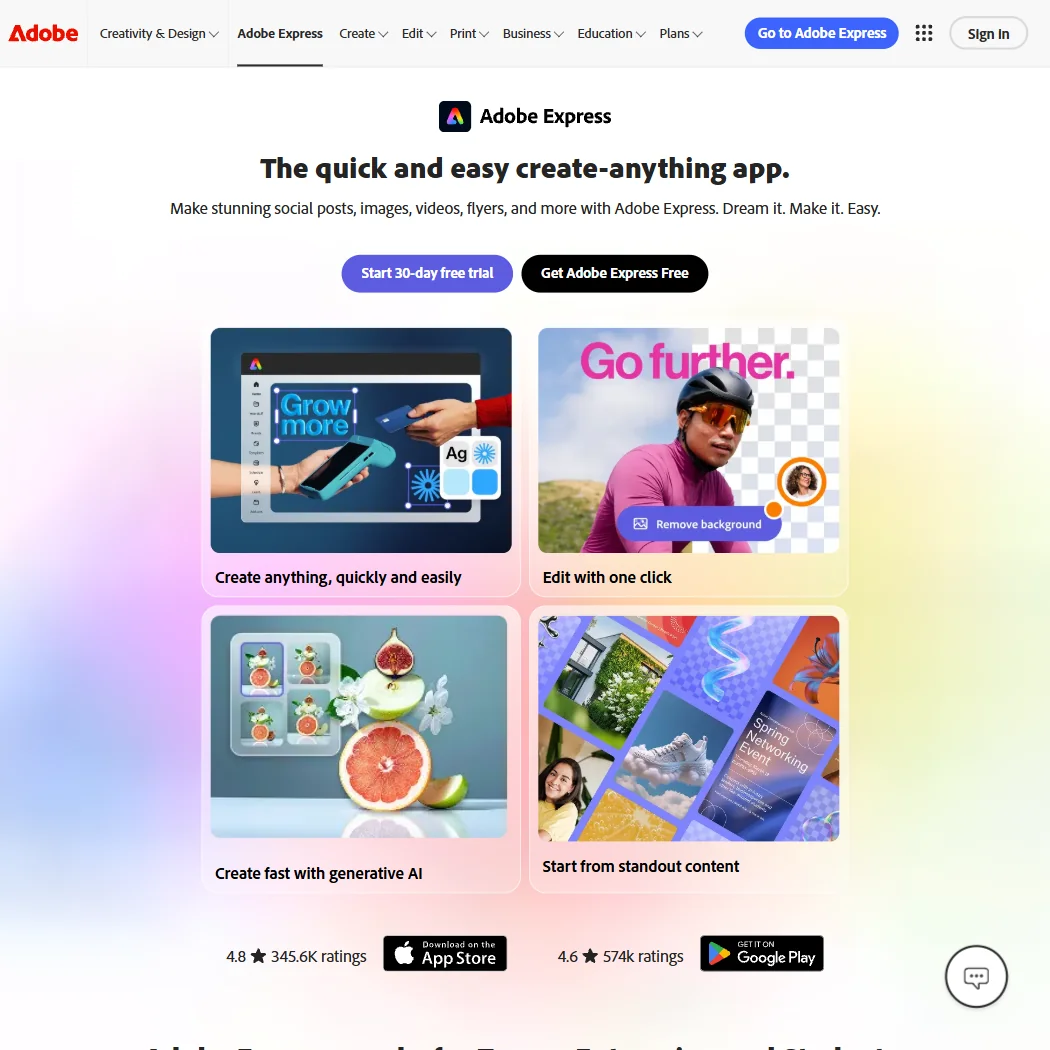
What is Adobe Express?
Adobe Express is made by Adobe Inc, founded in 1982 and headquartered in San Jose, California. It runs in the browser and on iOS and Android; there is no native desktop app, so desktop access is through a browser too.
What you can make with Adobe Express
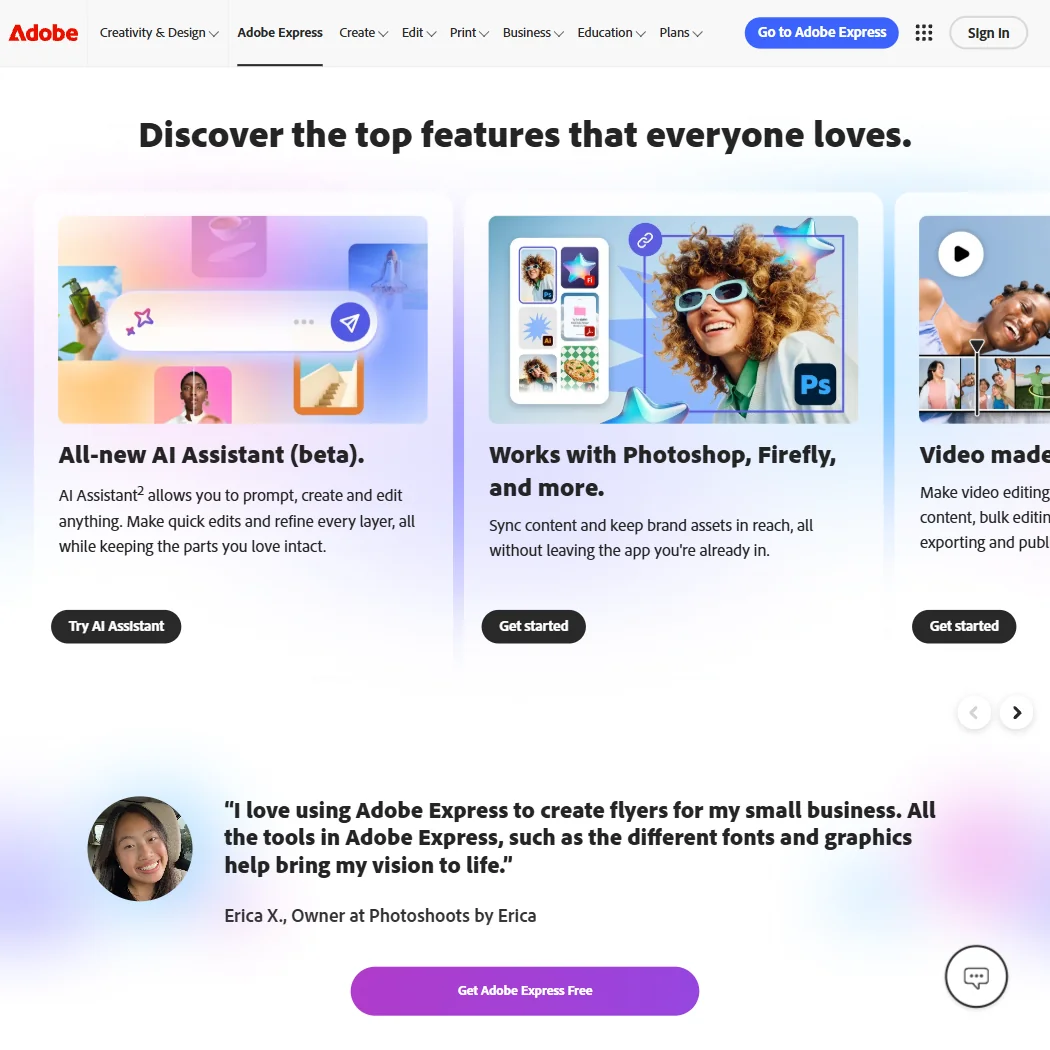
Adobe Express is built around large libraries of static, motion and video templates, with more available on its paid plan than on the free one, plus a brand kit that free users can use and paid users can also create. Adobe Stock supplies photos, video and music inside the app, and fonts come from the Adobe Fonts collection.
Its generative AI is powered by Adobe Firefly. AI Assistant, in beta, generates images, text effects and templates from a prompt, and can erase or insert and remove objects in a photo. Photo adjustments such as contrast, shadows, saturation and blend modes are powered by Photoshop. It does not generate vector graphics, and it has no node-level vector editing: SVG appears only as an export or conversion format, not something you draw or edit points on.
Video editing is drag-and-drop, with bulk editing, self-recording and direct export and publishing to Vimeo. An Artboard Mockups add-on gives access to more than 10,000 mockups inside the app. Exports cover JPG, PNG, PDF, GIF, PPT, SVG and MP4, and content made with its AI features is designed to be commercially safe to use.
Working with other people
Real-time co-editing and commenting let more than one person work on a project together. Adobe Express connects to other Adobe apps, including Photoshop, Illustrator, InDesign, Firefly, Acrobat and Lightroom, and publishes directly to TikTok, Instagram, Facebook, X, Pinterest, LinkedIn and Vimeo, with a Content Scheduler to plan and schedule those posts. A developer platform offers an Add-ons SDK and an Embed SDK for extending or embedding Express, rather than a document-automation API.
Adobe Express pricing: what each plan gives
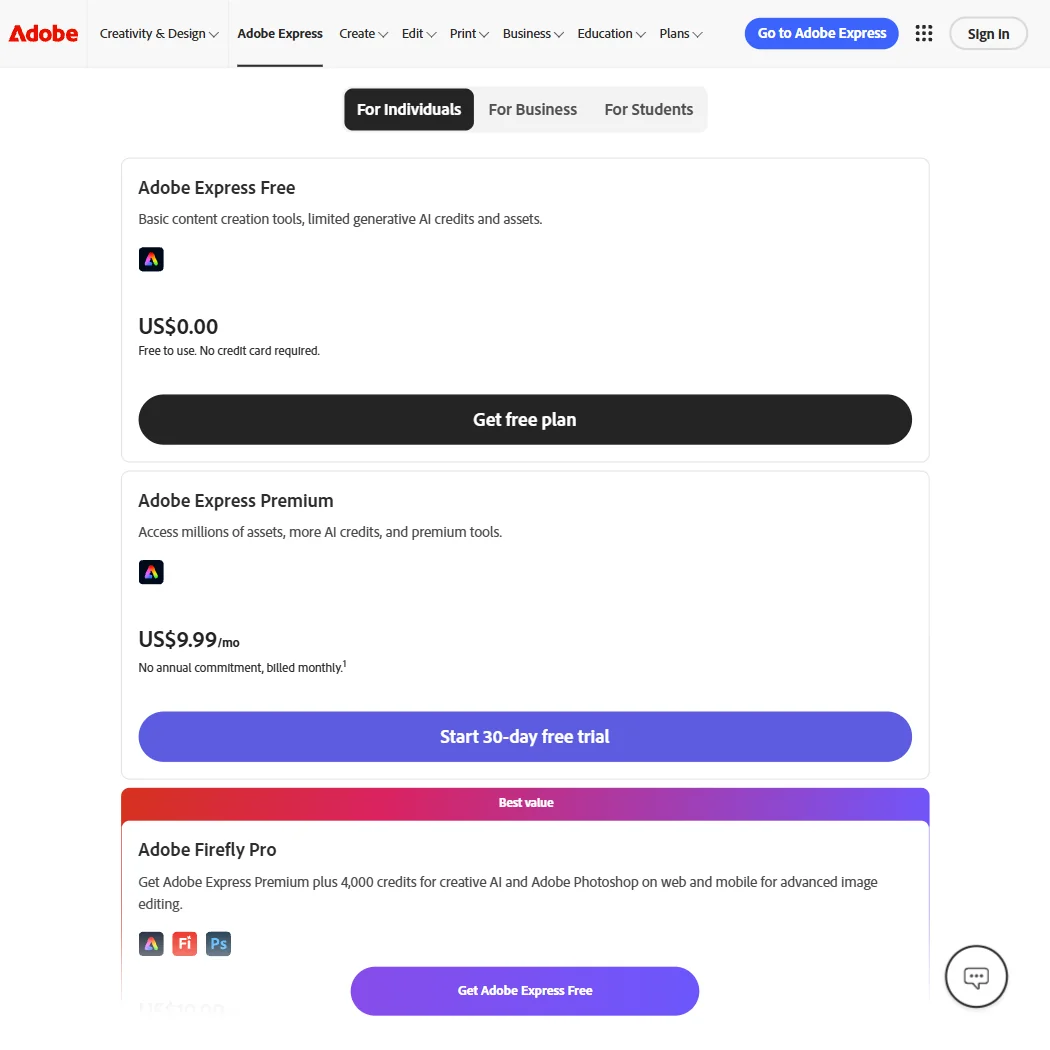
Adobe Express Free costs nothing and needs no credit card. It gives basic editing tools with limited assets, more than 100,000 static and video templates, over 1 million royalty-free Adobe Stock photos, videos, music tracks and design elements, more than 4,000 Adobe Fonts, content scheduling to one account per social network, 10 days of version history and 5GB of storage, and it works on desktop browsers and mobile phones. Free generative AI use is described as daily generations rather than a monthly credit figure.
Adobe Express Premium costs $9.99 a month per user, billed monthly with no annual commitment published. It adds 250 generative AI credits a month per user, scheduling to three accounts per social network, and the ability to create a brand kit rather than only use one. A 30-day free trial of Premium is available.
Privacy and support
Adobe does not train its models on Creative Cloud subscribers' personal content, and this covers Adobe Express's own Firefly-powered generative features. Adobe Express is named in Adobe's SOC 2 Type 2 compliance attestation, and Adobe states it complies with the GDPR. Single sign-on is available as an admin console feature on the enterprise tier.
Support runs through Adobe Community for everyone, with phone and chat added for paid Adobe Express subscribers; the free plan's own support is community only.
Who Adobe Express suits
Adobe Express suits people and teams who want to turn out social posts, flyers, video and documents quickly from templates, with AI generation and edits built in, real-time co-editing, and one-click publishing to social platforms.
It suits less well anyone who needs true vector editing with nodes and paths, since Express only exports to SVG rather than editing it, or anyone who expects unlimited generative AI, since Premium's credits are capped at 250 a month per user and phone or chat support is reserved for paying subscribers.
How Adobe Express compares
Adobe Express scores 8.6 out of 10 among the AI graphic design tools we rate. These three do the same job and are the closest to it, compared on what each vendor publishes.
Canva
Adobe Express costs $9.99 a month for its cheapest paid plan, and Canva costs $18. Both come with a free plan and allow commercial use of what you make. Express exports to 7 file formats and connects to 13 apps, more than Canva's 4 formats and 6 integrations. Canva trains its AI on your uploads by default unless you opt out, while Express says it does not train on your uploads at all.
Pick Canva if you want desktop apps as well as web and phone.
Pick Adobe Express if you want the cheaper plan and more app integrations.
Kittl
Kittl generates editable vector art from a prompt and lets you edit vector artwork directly; Adobe Express does neither. Kittl's cheapest paid plan is $15 a month against Express's $9.99, and Kittl allows commercial use only on paid plans. Express runs on 3 platforms and connects to 13 apps; Kittl is web only, with 4 integrations.
Pick Kittl if you need real vector editing or generation.
Pick Adobe Express if you want the cheaper plan or need it on more platforms.
Picsart
Adobe Express lets several people edit a design at once and add comments for approval; Picsart does not let several people edit at once. Picsart can generate editable vector art from a prompt, something Express cannot do at all. Express includes print and product mockups built in, while Picsart ships none, though Picsart lets you order physical prints through a Zazzle partnership. Express charges $9.99 a month for its cheapest paid plan against Picsart's $15.
Pick Picsart if you need vector generation or want to order physical prints.
Pick Adobe Express if you need team editing, comments or built in mockups.
Frequently Asked Questions
What does Adobe Express cost?
The Free plan costs nothing and needs no credit card. Adobe Express Premium costs $9.99 a month per user, billed monthly with no annual plan published, and comes with a 30-day free trial.
Does Adobe Express open and edit files I already have?
It exports to JPG, PNG, PDF, GIF, PPT, SVG and MP4, but it is a template and canvas editor without node-level vector editing, so it is not a place to open and edit existing vector artwork point by point.
How much generative AI is included?
The free plan gets daily generations rather than a fixed number. Premium adds 250 generative AI credits a month per user, covering AI Assistant image generation, object removal and similar Firefly-powered edits.
Does Adobe Express train on my content or restrict how I use what I make?
Adobe does not train its models on your personal content, and content produced with its AI features is designed to be commercially safe to use.









