Krea's free plan works entirely on images: 100 compute units a day with no credit card, and an image editor that covers background removal and general editing.
Best of · 11 tools ranked
Best Free AI Photo and Image Editors
Find the best free AI photo and image editors for fixing, cleaning up and restyling pictures without paying. The list is split between tools you steer with a written prompt and photo editors that add AI tools such as object and background removal. Each entry says what the free plan allows, where it stops and who should pick it.
Our top 3 Free AI Photo and Image Editors
If you already chat with ChatGPT, it doubles as a photo editor: upload a picture, describe the change in plain words, and it returns a new version.
Gemini edits and generates images with Nano Banana 2 on every plan, free included, and it signs in with any personal Google account.
Best free AI image editors that work from a prompt
7 picksThese tools change a picture from a written instruction: you upload a photo, say what to remove, add or restyle, and get a new version back. Most meter this with daily or weekly credits, and they differ on commercial rights, privacy and extras such as vector output or text rendering. Start with the assistants if you already use one, and the image studios when control matters.
#ToolScoreFree plan gives youPaid from
Image generation only, no commercial license
✓ No watermarkPaid $35/moShow detailsHide details01 Krea: Best for daily free edits without a card9.0Score 9.0 out of 10Image generation only, no commercial license✓ No watermark$35/moVisit site ↗ReviewDetailsCloseShow more about Krea
Image generation only, no commercial license
✓ No watermarkPaid $35/mo
Show detailsHide detailsKrea: Best for daily free edits without a card
9.0Score 9.0 out of 10Image generation only, no commercial license✓ No watermark$35/moVisit site ↗ReviewDetailsClose
Krea's free plan works entirely on images: 100 compute units a day with no credit card, and an image editor that covers background removal and general editing. Upscaling stops at 2K, video is switched off, and free output carries no commercial license. Choose it over Leonardo.Ai if you want a node canvas that chains models and edits, and over Ideogram if lettering is not the point.
- Krea's free plan gives 100 compute units a day with no credit card required, full access to the real time image models.
- It includes current third party models: Kling 3.0, Veo 3.1, Seedance 2.0, Nano Banana Pro, GPT-IMG-2 and Flux 2.
- The free plan cannot generate video at all; video concurrency is set to zero.
Unlimited text chat, limited deep research
Paid $8/moShow detailsHide details02 ChatGPT: Best for editing a photo by chatting8.8Score 8.8 out of 10Unlimited text chat, limited deep research$8/moVisit site ↗ReviewDetailsCloseShow more about ChatGPT
Unlimited text chat, limited deep research
Paid $8/mo
Show detailsHide detailsChatGPT: Best for editing a photo by chatting
8.8Score 8.8 out of 10Unlimited text chat, limited deep research$8/moVisit site ↗ReviewDetailsClose
If you already chat with ChatGPT, it doubles as a photo editor: upload a picture, describe the change in plain words, and it returns a new version. The free plan includes limited, slower image generation, so expect waits and ration your attempts. A paid Go plan raises the image limits. Pick it when you want edits in the same place as your text work, and look at Gemini if your files live in Google apps.
- The Free plan includes unlimited text chats with GPT-5.6 Luna, subject to abuse guardrails.
- Web search is included on every individual plan, including Free.
- Go, the cheapest paid plan, still does not unlock GPT-6 Astra, GPT-5.6 Sol or GPT-5.6 Sol Pro, and may include ads.
Limited free generations each day across image, video, audio
? Watermark not stated↻ Daily creditsPaid $9.99/moShow detailsHide details03 Adobe Firefly: Best for generative edits that reach Adobe apps8.1Score 8.1 out of 10Limited free generations each day across image, video, audio? Watermark not stated↻ Daily credits$9.99/moVisit site ↗ReviewDetailsCloseShow more about Adobe Firefly
Limited free generations each day across image, video, audio
? Watermark not stated↻ Daily creditsPaid $9.99/mo
Show detailsHide detailsAdobe Firefly: Best for generative edits that reach Adobe apps
8.1Score 8.1 out of 10Limited free generations each day across image, video, audio? Watermark not stated↻ Daily credits$9.99/moVisit site ↗ReviewDetailsClose
Adobe Firefly is the route to generative editing from a company that says it will not train on your content by default. The free plan gives limited daily generations across image, video and audio models, and the tools include inpainting, outpainting, upscaling and background removal. Every paid plan is an annual commitment paid monthly. It is a good fit if you expect to move into Photoshop or Express later.
- The free plan gives limited daily generations across image, video and audio models at no cost.
- Adobe will not use your content to train its models, except content you choose to submit to Adobe Stock, which is opt-in.
- No paid plan has a true month-to-month price; every one is an annual commitment paid in monthly instalments.
150 fast tokens a day plus a 150-token bank, public creations
✓ No watermarkPaid $12/moShow detailsHide details04 Leonardo.Ai: Best for daily tokens and fine control8.0Score 8.0 out of 10150 fast tokens a day plus a 150-token bank, public creations✓ No watermark$12/moVisit site ↗ReviewDetailsCloseShow more about Leonardo.Ai
150 fast tokens a day plus a 150-token bank, public creations
✓ No watermarkPaid $12/mo
Show detailsHide detailsLeonardo.Ai: Best for daily tokens and fine control
8.0Score 8.0 out of 10150 fast tokens a day plus a 150-token bank, public creations✓ No watermark$12/moVisit site ↗ReviewDetailsClose
Leonardo.Ai refills its free tokens daily, 150 Fast Tokens plus a 150 Token Bank, so a few edits a day cost nothing. Inpainting, outpainting, upscaling and background removal sit among its tools, and its own models accept a seed and a negative prompt for tight control. Free creations are public and commercial rights need a paid plan. Pick it over Recraft when you want fine control over raster edits rather than vector files.
- The free plan gives 150 Fast Tokens a day plus a 150 Token Bank, at no cost.
- Its own models accept a fixed seed, a negative prompt field and adjustable prompt enhancement for precise control.
- Leonardo does not offer vector output.
Image generation with Nano Banana 2
Paid $4.99/moShow detailsHide details05 Gemini: Best for Google users editing by prompt7.9Score 7.9 out of 10Image generation with Nano Banana 2$4.99/moVisit site ↗ReviewDetailsCloseShow more about Gemini
Image generation with Nano Banana 2
Paid $4.99/mo
Show detailsHide detailsGemini: Best for Google users editing by prompt
7.9Score 7.9 out of 10Image generation with Nano Banana 2$4.99/moVisit site ↗ReviewDetailsClose
Gemini edits and generates images with Nano Banana 2 on every plan, free included, and it signs in with any personal Google account. Paid plans add Nano Banana Pro, and Google AI Plus doubles the usage limits when the free allowance runs short. Chats train Google's models unless you turn off Keep Activity, which also switches off memory. Choose it over ChatGPT when your photos and documents already sit in Google apps.
- Gemini is free to use with any personal Google account, with all three models available even without a paid plan.
- Gemini reads directly from Gmail, Google Calendar, Google Drive, Maps and other Google apps through Connected Apps.
- The free plan's context window is capped at 32,000 tokens, far below the 1 million tokens on Pro and Ultra.
Weekly slow credits, one generation at a time
✓ No watermarkPaid $20/moShow detailsHide details06 Ideogram: Best for adding or fixing text in images7.6Score 7.6 out of 10Weekly slow credits, one generation at a time✓ No watermark$20/moVisit site ↗ReviewDetailsCloseShow more about Ideogram
Weekly slow credits, one generation at a time
✓ No watermarkPaid $20/mo
Show detailsHide detailsIdeogram: Best for adding or fixing text in images
7.6Score 7.6 out of 10Weekly slow credits, one generation at a time✓ No watermark$20/moVisit site ↗ReviewDetailsClose
Reach for Ideogram when the edit involves lettering, because it renders readable text inside images. The free plan gives slow weekly credits to eligible accounts and runs one generation at a time, with no private or batch generation, yet ownership and commercial use stay with you. Background removal, upscaling and outpainting are built in. It trains on what you upload with no opt-out, so keep private photos elsewhere.
- A free plan lets you try Ideogram 4.0 before paying, with weekly credits for eligible accounts.
- Every plan gives full ownership and unrestricted commercial use of what you generate, with no separate paid tier required for those rights.
- Ideogram trains on what you generate and upload by default, with no opt-out on the Free, Plus, Pro or Team plans.
Limited free credits
✓ No watermarkPaid $12/moShow detailsHide details07 Recraft: Best for vector and brand-ready graphics6.9Score 6.9 out of 10Limited free credits✓ No watermark$12/moVisit site ↗ReviewDetailsCloseShow more about Recraft
Limited free credits
✓ No watermarkPaid $12/mo
Show detailsHide detailsRecraft: Best for vector and brand-ready graphics
6.9Score 6.9 out of 10Limited free credits✓ No watermark$12/moVisit site ↗ReviewDetailsClose
Recraft suits edits headed for brand and design work, because it outputs true vector files alongside raster images. The free plan allows 3 generations per style and 3 image uploads a day, up to 2 images per generation, on Recraft's own models. Free images are public and owned by Recraft, with no commercial use, so treat free runs as drafts. Pick it over Leonardo.Ai if you need an SVG at the end.
- Recraft outputs vector files directly, alongside raster images, through its own AI vector generator and SVG converter.
- One account reaches Recraft's own V4.1 model family and a roster of other companies' models, including Nano Banana, Flux, Ideogram and Seedream.
- The free plan permits no commercial use, and its images are public and owned by Recraft, not the person who made them.
Best free AI photo editors
4 picksThese are editors first, with AI tools added for cleanup rather than a prompt box that describes everything. Expect layers, templates and one-click tools such as object or background removal. They suit you when the photo is one part of a bigger piece, such as a post or a PSD file, and you want to keep control of the result.
#ToolScoreFree plan gives youPaid from
Templates, stock, and scheduling to one account per network
? Watermark not statedPaid $9.99/moShow detailsHide details08 Adobe Express: Best for social posts from templates8.6Score 8.6 out of 10Templates, stock, and scheduling to one account per network? Watermark not stated$9.99/moVisit site ↗ReviewDetailsCloseShow more about Adobe Express
Templates, stock, and scheduling to one account per network
? Watermark not statedPaid $9.99/mo
Show detailsHide detailsAdobe Express: Best for social posts from templates
8.6Score 8.6 out of 10Templates, stock, and scheduling to one account per network? Watermark not stated$9.99/moVisit site ↗ReviewDetailsClose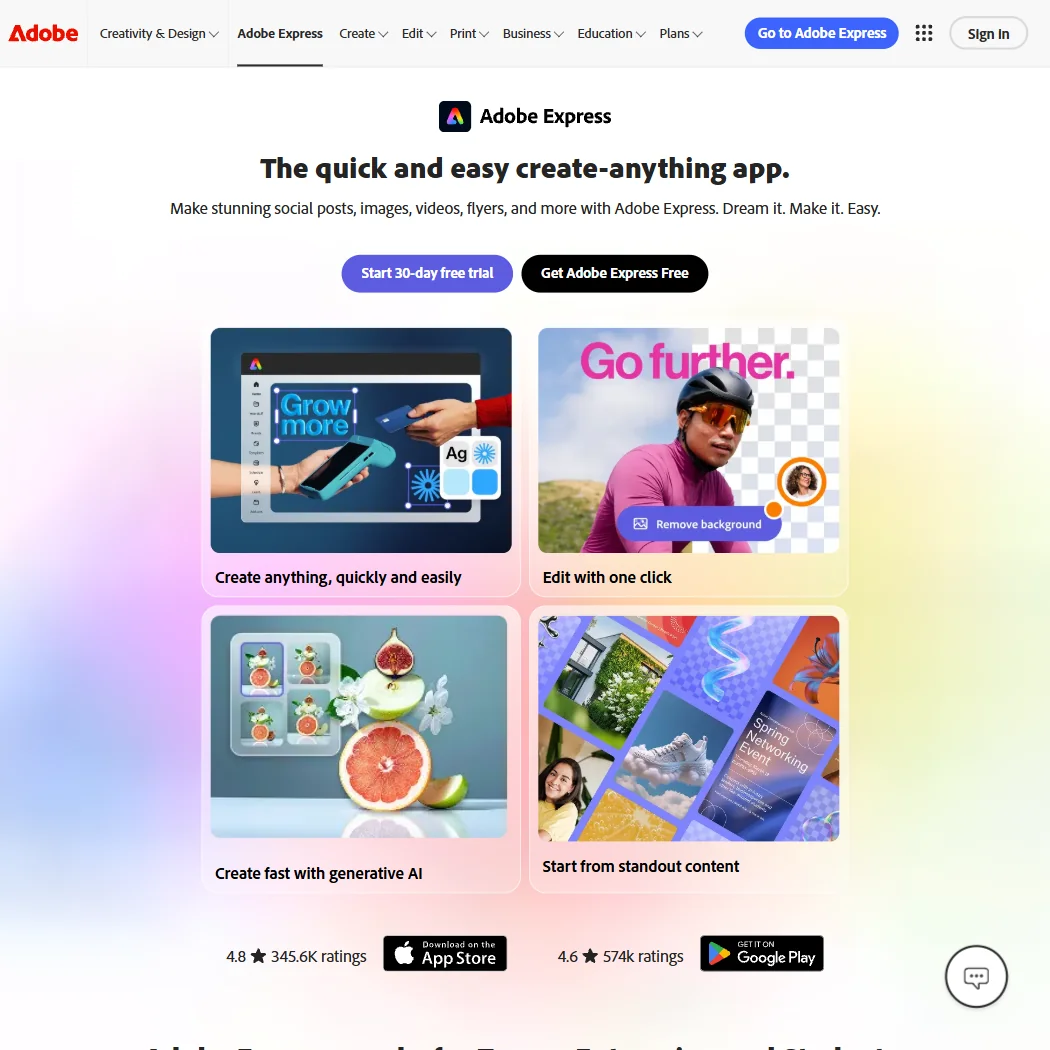
Adobe Express fits quick social graphics where editing the photo is one step among several. The free plan includes more than 100,000 templates, over a million stock photos, videos and music tracks, and more than 4,000 fonts, with AI editing built into the editor. Adobe does not train its models on your personal content. Choose it over Canva when your files already move through Photoshop or Lightroom.
- The free plan alone includes more than 100,000 templates, over a million Adobe Stock photos, videos and music tracks, and more than 4,000 fonts, at no cost.
- Real-time co-editing and commenting let more than one person work on the same project together.
- Generative AI on the paid Premium plan is capped at 250 credits a month per user.
Full editor, shown with ads
✓ No watermark∞ No expiryNot listedShow detailsHide details09 Photopea: Best for layered editing in a browser tab8.1Score 8.1 out of 10Full editor, shown with ads✓ No watermark∞ No expiryNot listedVisit site ↗ReviewDetailsCloseShow more about Photopea
Full editor, shown with ads
✓ No watermark∞ No expiryNot listed
Show detailsHide detailsPhotopea: Best for layered editing in a browser tab
8.1Score 8.1 out of 10Full editor, shown with ads✓ No watermark∞ No expiryNot listedVisit site ↗ReviewDetailsClose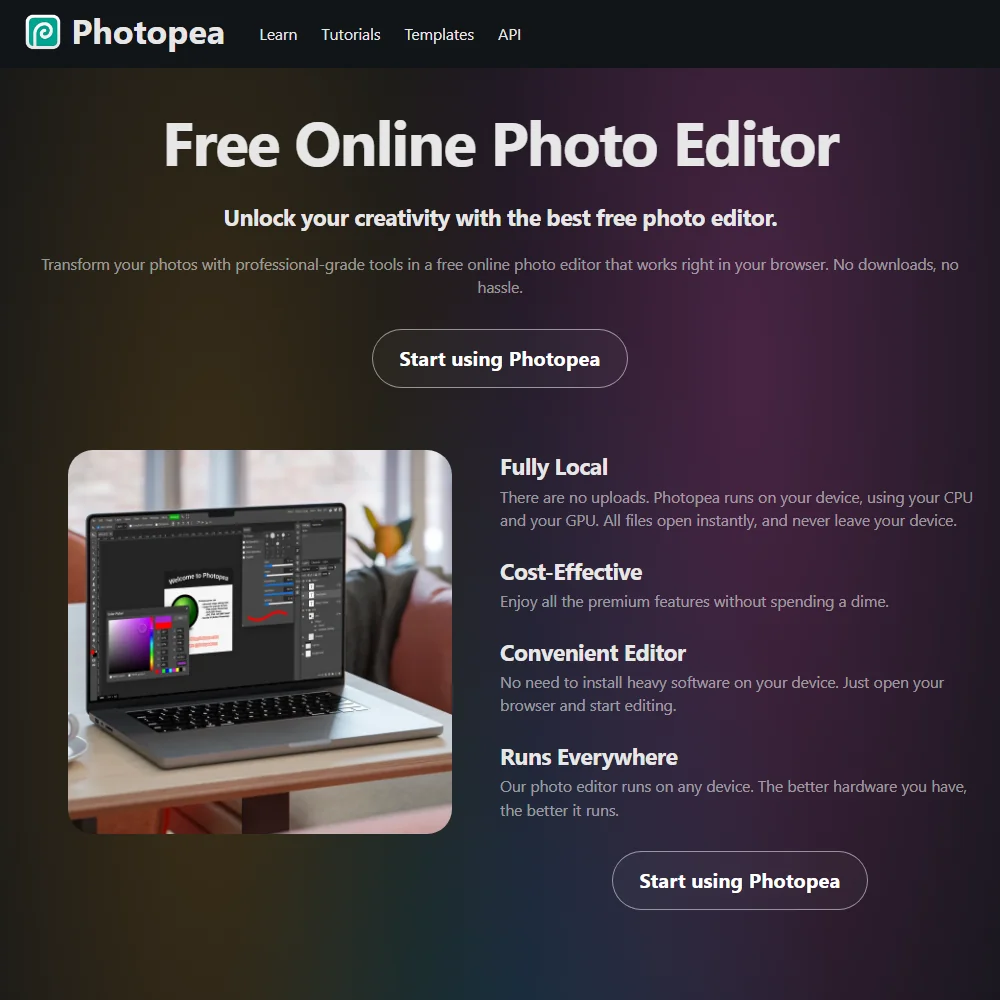
Photopea is the choice when you want a real layered editor rather than a chat box. It opens and saves PSD files in a browser tab, needs no account, and processes files on your own device instead of uploading them. The full editor is free and shown with ads, and Premium removes the ads. It does not generate images, so pair it with ChatGPT or Gemini when you need new content to edit.
- Full editor is free to use, with no account required.
- Files are processed on your own device and never uploaded to a server.
- Premium's price is not published on the site; it only appears inside the app.
1.6M templates, one 3 color Brand Kit, 5GB storage
? Watermark not statedPaid $18/moShow detailsHide details10 Canva: Best for fixing photos inside designs7.8Score 7.8 out of 101.6M templates, one 3 color Brand Kit, 5GB storage? Watermark not stated$18/moVisit site ↗ReviewDetailsCloseShow more about Canva
1.6M templates, one 3 color Brand Kit, 5GB storage
? Watermark not statedPaid $18/mo
Show detailsHide detailsCanva: Best for fixing photos inside designs
7.8Score 7.8 out of 101.6M templates, one 3 color Brand Kit, 5GB storage? Watermark not stated$18/moVisit site ↗ReviewDetailsClose
Canva wraps AI editing inside a full design tool: Magic Eraser removes objects, Magic Edit changes part of a picture and Magic Expand extends it, all without leaving the page. Free includes up to 20 AI uses, which suits a handful of fixes per project rather than a whole photo library. Canva trains on uploaded content by default unless you opt out. Pick it over Adobe Express for its larger template and stock library.
- The free plan includes over 1,000 design types, more than 1.6 million templates, more than 4.7 million stock photos, videos, graphics and audio clips, and 5GB of storage at no cost.
- Magic Design turns a written prompt into a finished design, extending the same approach to presentations and video.
- The AI Image Generator's Vector style produces a raster image with a vector look, not an editable vector or SVG file.
Limited credits at signup, CC BY-NC license
✓ No watermarkNot listedShow detailsHide details11 Hotpot.ai: Best for one-off cleanups without an account4.0Score 4.0 out of 10Limited credits at signup, CC BY-NC license✓ No watermarkNot listedVisit site ↗ReviewDetailsCloseShow more about Hotpot.ai
Limited credits at signup, CC BY-NC license
✓ No watermarkNot listed
Show detailsHide detailsHotpot.ai: Best for one-off cleanups without an account
4.0Score 4.0 out of 10Limited credits at signup, CC BY-NC license✓ No watermarkNot listedVisit site ↗ReviewDetailsClose
Hotpot.ai is a toolbox of separate one-job tools: background removal, object removal, upscaling, colorizing, restoring and face enhancement. The free tier needs no account, which makes it quick for a single fix. Free output is licensed non-commercial, and full resolution and commercial rights come from credit packs. Use it for a one-off cleanup, and move to Canva when the picture becomes a post.
- A free tier is available with no account needed.
- AI image editing covers background removal, object removal, upscaling, colorizing, restoring and face enhancement in one place.
- The free tier is licensed CC BY-NC, so its output cannot be used commercially.
How to choose a free AI photo or image editor
Free AI image editors look alike in a search result and behave very differently in use. Some take a written instruction and return a new picture, some add one-click tools to a classic editor, and some are design apps where the photo is one piece of a post. What separates them is how the free plan is metered, whether you may use the result commercially, and what happens to the pictures you upload. If you searched for an AI image editor free of charge, the job you have in mind decides the answer.
Start with the job, not the tool
Most editing work falls into five jobs, and few tools handle all of them on a free plan.
- Describing a change. You upload a photo and write what should be different: a new background, a removed person, another style. ChatGPT and Gemini do this inside a chat, while Adobe Firefly, Ideogram, Krea, Leonardo.Ai and Recraft are image studios built around the same idea.
- Removing things. Taking out an object or a background. Canva has Magic Eraser for objects, Krea's editor covers background removal, and Hotpot.ai works as a free AI background remover with no account needed.
- Enlarging and restoring. Making a small photo bigger, bringing back an old one, or sharpening a face. Hotpot.ai lists upscaling, colorizing, restoring and face enhancement as separate tools, and Krea and Adobe Firefly also upscale.
- Editing in layers. Working on a photo the way you would in a desktop program, with masks and file formats such as PSD. Photopea is the editor here.
- Making a finished graphic. Putting an edited photo into a post, flyer or ad. Canva and Adobe Express are template apps with AI editing built in.
The table gives a starting point and a second option for each.
| Job | Start with | Runner-up, and the trade-off |
|---|---|---|
| Change a photo by describing it | ChatGPT | Gemini does the same, with a free context window capped at 32,000 tokens |
| Add readable text to an image | Ideogram | Canva sets type on templates, but its free AI allowance is 20 uses |
| Remove an object | Canva | Hotpot.ai needs no account, but its free output is non-commercial |
| Remove a background | Hotpot.ai | Krea's editor does it too, on daily units rather than credit packs |
| Edit a PSD or layered file | Photopea | Adobe Express fits if the file began in Photoshop or Lightroom, since it connects to both |
| Turn a photo into a social post | Adobe Express | Canva has a larger template and stock library, with AI use capped at 20 |
What you actually get for free
Each kind of tool rations something different, which is why one free plan lasts a month of casual use and another lasts an afternoon.
- Assistants. The chat is the product and images are a share of it. ChatGPT's free plan includes limited, slower image generation, and Gemini edits and generates images with Nano Banana 2 under usage limits that a paid plan raises.
- Image studios on credits. Krea gives 100 compute units a day with no credit card, and Leonardo.Ai gives 150 Fast Tokens a day plus a 150 Token Bank. Adobe Firefly offers limited free daily generations, and Recraft allows 3 generations per style and 3 image uploads a day. Ideogram works differently: slow weekly credits and one generation running or queued at a time, so it rewards patience.
- Design apps. Canva allows up to 20 AI uses alongside 5GB of storage, which covers a few fixes in one project but not a library of photos. Adobe Express puts its free weight into templates, stock and fonts, with AI editing inside the editor.
- Toolbox and layered editor. Hotpot.ai sells credit packs for full resolution and commercial rights, so it suits single fixes. Photopea restricts no editing tools on its free version and shows ads.
Which tool fits which editor
- People fixing product photos. Start with Canva, because Magic Eraser clears clutter, its templates turn the result into a listing graphic, and commercial rights are listed as included. Add Ideogram when the image needs lettering, since it keeps ownership and commercial use with you on the free plan too. Avoid Hotpot.ai for items you sell, because its free output is non-commercial.
- Social post makers. Start with Adobe Express, because the free plan includes more than 100,000 templates, over a million stock assets and scheduling to one account per network. Add ChatGPT or Gemini when you need a new background or a different mood before the photo goes into a template.
- People retouching portraits. Start with Hotpot.ai for face enhancement and restoring old photos, which works without an account. Add Photopea for finer work with layers.
- Designers. Start with Recraft for true SVG vectors, or Krea if you want a node canvas that chains models and edits together. Add Ideogram for typography-heavy work, where readable text inside an image matters most.
- Photographers. Start with Photopea, because it opens PSD and raw camera files and supports CMYK for print. Add Krea or Adobe Firefly for upscaling when a crop leaves the picture too small.
Where free plans stop
| Limit | Tools | What happens when you hit it |
|---|---|---|
| Daily allowance | Krea (100 compute units), Leonardo.Ai (150 Fast Tokens), Adobe Firefly (limited generations), Recraft (3 per style) | It renews the next day, so waiting costs hours, not money |
| Weekly allowance | Ideogram (slow credits) | Jobs queue one at a time until the week turns |
| Usage count | Canva (20 AI uses) | Further AI needs Pro or a separately priced add-on |
| Slower or reduced access | ChatGPT (slower images), Gemini (32,000-token context) | Waits grow, or long chats lose early detail until you upgrade |
| No commercial use | Krea, Recraft, Hotpot.ai | Free output is not cleared for selling or client work |
| Public images | Leonardo.Ai, Recraft | Free creations are visible to others until you pay for private mode |
Working within these limits mostly means fitting the meter to how you edit. A daily allowance rewards short sessions, so spend it on the edits that matter and write a precise instruction before you press the button. A usage count, like Canva's, is best saved for the final version of a design, with drafts done by hand.
What you give up by staying free
The obvious loss is volume, but several tools also hold back whole features. Ideogram withholds private generations, batch generation and quality export on the free plan. Krea's free access cannot generate video at all. Recraft withholds commercial rights and private generations until you pay. Adobe Express gives free users community support, with phone and chat reserved for subscribers.
Free plans are also built for one person. Canva charges per person, so every extra seat costs the full plan price again, and shared Brand Kits and approvals sit on paid tiers.
Privacy and who sees your photos
Photos often show people, homes and unreleased products, so how a tool treats an upload matters more than any single feature. Some tools on this page say they do not use your content for training, several let you opt out, and one trains with no way out.
| Tool | Your uploads and training |
|---|---|
| Photopea | Files stay on your device and are never uploaded |
| Adobe Firefly | Not used for training by default |
| Adobe Express | Personal content is not used for training |
| ChatGPT | You can opt out |
| Gemini | Chats train Google's models unless you turn off Keep Activity |
| Canva | Trains by default, and you opt out in privacy settings |
| Leonardo.Ai | You can opt out |
| Recraft | You can opt out |
| Ideogram | Trains on what you generate and upload, with no opt-out on Free, Plus, Pro or Team |
For anything private, use Photopea, Adobe Firefly or Adobe Express, and switch training off in the others right after you sign up. Commercial rights are stated plan by plan: Ideogram grants them on every plan, while Krea, Recraft and Hotpot.ai withhold them on the free tier.
Mistakes to avoid
- Uploading private photos to a tool that trains on them. Ideogram trains on uploads by default, with no opt-out on its four self-serve plans. Use it for generated images and public material, and keep personal photos in Photopea or Adobe Firefly.
- Assuming free means you can sell it. Krea, Recraft and Hotpot.ai do not clear free output for commercial use, and Leonardo.Ai lists commercial rights on paid plans only. Settle this before an image goes on a store page or a client deck.
- Spending the allowance on a vague first attempt. Krea's and Leonardo.Ai's daily allowances are small enough that wasted tries show, and Ideogram runs one job at a time. Name what should change and what must stay the same, then review before trying again.
- Expecting a vector from a raster generator. Canva's Vector style produces a raster image with a vector look, not an editable SVG. If you need a real vector file, use Recraft.
When it is worth paying
You have outgrown a free plan when you start planning your work around its limit rather than around the job. Waiting for tomorrow's units or avoiding a feature because it costs a use are signs.
| If you are | Upgrade to | What changes |
|---|---|---|
| Selling images made in Recraft | Recraft Basic | Commercial rights, private generations and 1,000 credits a month |
| Generating every day in Leonardo.Ai | Leonardo.Ai Essential | 8,500 fast tokens a month, and the private creations the free plan lacks |
| Working in Krea daily | Krea Pro | 20,000 credits a month and unlimited relaxed generation on its own image models |
| Designing often in Canva | Canva Pro | About ten times the AI of the free plan, 5 Brand Kits and 100GB of storage |
| Editing in a chat all week | ChatGPT Go or Google AI Plus | Higher image limits in ChatGPT, doubled usage limits in Gemini |
| Using Ideogram heavily | Ideogram Plus | 1,000 credits a month and private generation |
Billing changes the price more than the plan does. Every Adobe Firefly paid plan is an annual commitment paid in monthly installments, and Ideogram Plus and Recraft Basic cost less when billed yearly. Canva Pro and Adobe Express Premium come with a 30-day free trial, so test the upgrade on a real project before you commit. Photopea Premium is a one-time payment for a fixed period that removes ads and then reverts to free.
Using two free tools together
Free tools meter different things, so a pair often finishes a job that one alone cannot.
- Change the picture by describing it in ChatGPT, Gemini or Krea.
- Finish the image in Photopea if you need layers, or in Canva or Adobe Express if it becomes a post.
- Confirm the rights on the tool that made the image before you sell it, since free plans differ on commercial use.
For a personal project or a draft, remove the background in Hotpot.ai for a quick cutout, then place it on a Canva template. If the picture will be sold, do the cutout in Canva instead, and if it needs a headline, make the lettering in Ideogram and combine the two in Photopea.
How we picked
Every tool here is ranked by its score, and each score is worked out from the vendor’s own published pages: pricing, plans, features and terms. No score is adjusted by hand. All 11 tools have enough published facts to be scored, and on average 92% of each score comes from facts the vendor publishes. The facts behind these scores were checked between 19 September 2026 and 26 September 2026.
Scores compare tools that do the same job, which is why the list is grouped by job: a video editor and a grammar checker are never ranked against each other.
| Ranked as | On this page | What we score | Scoring guide |
|---|---|---|---|
| AI image generators7 reviewed | 4 | 5 criteria, 26 checked facts: what it makes, control and automation, rights and privacy, pricing, openness and support | How we score these → |
| AI graphic design tools7 reviewed | 3 | 5 criteria, 23 checked facts: what you can make, workflow and output, pricing, teams and platforms, privacy and trust | How we score these → |
| AI assistants9 reviewed | 2 | 4 criteria, 13 checked facts: what it can do, where it works, pricing, privacy and trust | How we score these → |
| Multi-model AI platforms14 reviewed | 1 | 5 criteria, 28 checked facts: for video, for images, pricing, workflow and teams, privacy and trust | How we score these → |
| Photo editors9 reviewed | 1 | 4 criteria, 21 checked facts: what it adds beyond the basics, workflow and output, pricing, privacy and trust | How we score these → |
Common questions
Can I edit a photo with AI free and without an account?
Two tools on this page say no account is needed. Photopea needs no sign up and processes files on your own device, and Hotpot.ai has a free tier that works without an account but licenses its output for non-commercial use only. For the others, plan on signing in, and Krea at least asks for no credit card.
How can I remove an object from a photo with AI free of charge?
Canva's Magic Eraser does it inside a design, and it draws on the free allowance of up to 20 AI uses. Hotpot.ai has a dedicated object removal tool with no account, though its free output is non-commercial. Use Canva when the photo will be sold or published, and Hotpot.ai for a quick private fix.
Which free editor lets me use the results commercially?
Ideogram states that ownership and commercial use are unrestricted on every plan, the free one included. Krea, Recraft and Hotpot.ai withhold commercial use from free output, and Leonardo.Ai lists commercial rights on paid plans only. If the image will be sold, begin with Ideogram or a design app such as Canva, and read the other tools' paid plans first.
Do these free editors add a watermark?
Ideogram, Krea, Leonardo.Ai, Recraft, Photopea and Hotpot.ai list watermark-free exports on their free plans. A missing watermark is not the same as permission to sell the image, though: Krea, Recraft and Hotpot.ai still keep free output non-commercial, so look at the license and the watermark as two separate questions before you publish.
Should I use ChatGPT or Gemini to edit photos?
Both take an uploaded photo and a plain description of the change. ChatGPT's free plan gives limited, slower image generation, while Gemini uses Nano Banana 2 and caps its free context window at 32,000 tokens. Choose the one you already use, because switching just to edit one picture costs more time than the difference between them saves.
Can a free AI editor give me a real vector file?
Recraft outputs true SVG vectors and Adobe Firefly lists vector output among its features, with Recraft's free plan keeping images public. Canva's Vector style is different: it makes a raster image that looks like a vector, not an editable file. Ideogram does not offer vector output, so use Recraft when a logo or icon must scale.
How do I enlarge a small photo with a free AI tool?
Hotpot.ai lists upscaling as its own tool with a free tier, though the output is non-commercial. Krea upscales too, with free access stopping at 2K, and Adobe Firefly lists upscaling among its tools. For a print or a client job, the commercial license matters as much as the resolution, so pick the tool by both.