We've spent a fair amount of time working through vendor documentation, G2 reviews, Capterra ratings, Reddit threads, and Zoho's own pricing pages to put this Zoho review together. The picture that comes back is mostly positive, occasionally frustrating, and genuinely hard to summarize in a sentence. That last part is intentional. Zoho is, depending on which product you're looking at, a CRM, a helpdesk, a finance suite, an AI automation platform, and about fifty other things. We'll try to keep this grounded in what matters for customer service teams specifically.
What is Zoho?
Founded in 1996 and headquartered in Chennai, India, Zoho has been around longer than most of its competitors have had venture funding. That longevity shows. Over 130 million users across the globe. More than 55 apps covering everything from payroll to helpdesk. A business model built on software subscriptions, not advertising or data resale.
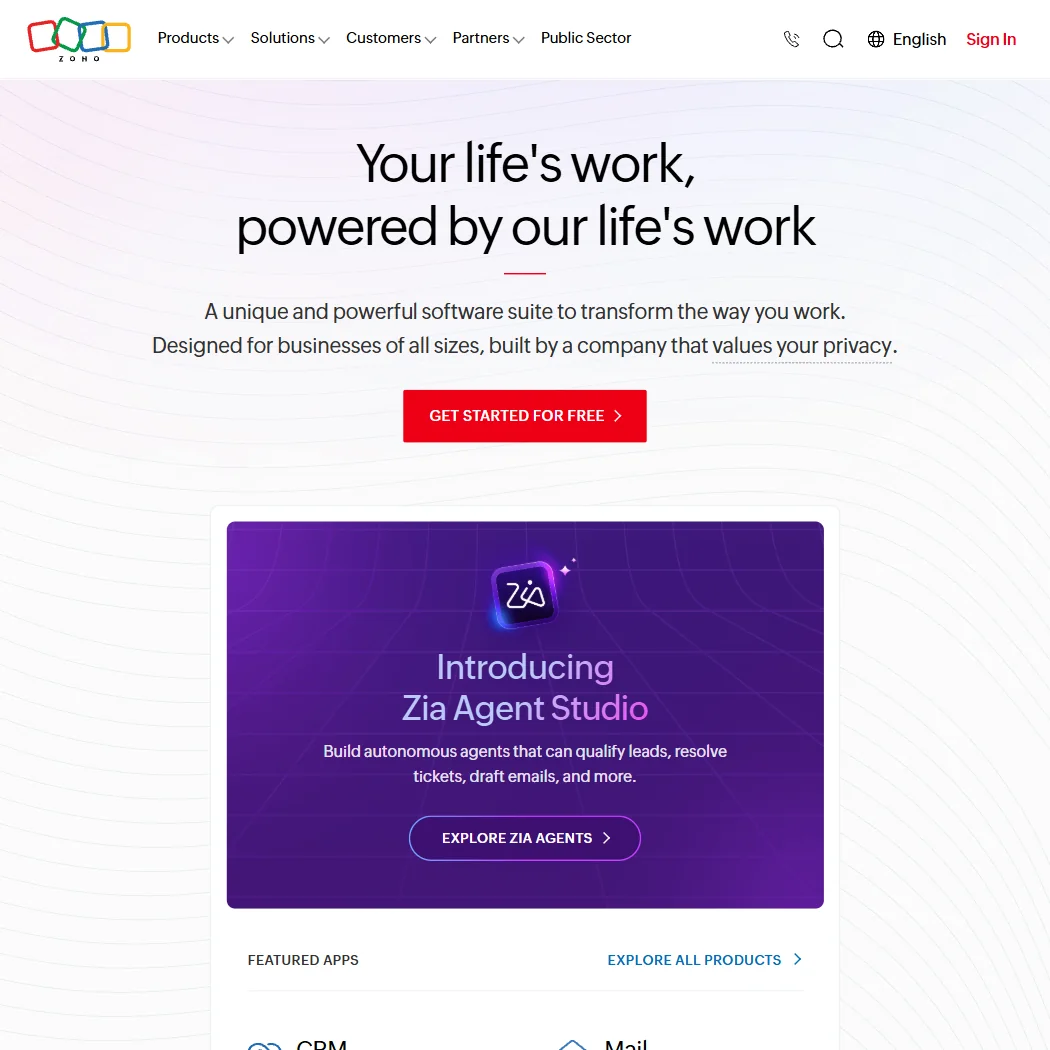
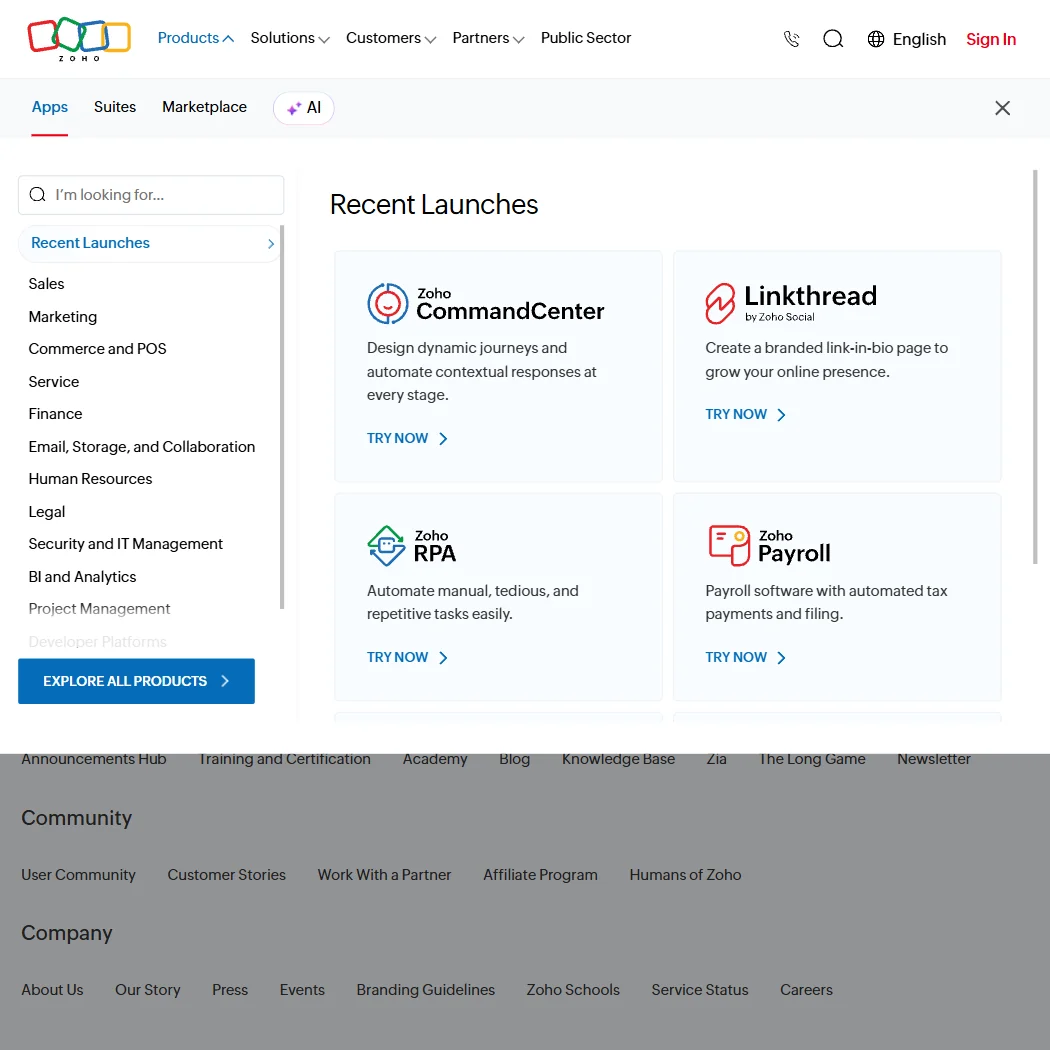
For customer service use cases, the two products that matter most are Zoho Desk (helpdesk and ticketing) and Zoho SalesIQ (live chat and visitor tracking). They sit inside a larger suite called Zoho One, which is where a lot of companies end up once they start replacing point solutions with Zoho's own stack. The AI layer running across the suite is called Zia, a proprietary model that handles everything from ticket sentiment to autonomous lead qualification through the recently launched Zia Agent Studio.
That's a wide surface area. Which is both the draw and the problem.
Zoho Features: Chatbot, Helpdesk & Support Automation Breakdown
The core customer service feature set is genuinely broad. Zia powers AI chat through what Zoho calls the Zia Agent Studio, a no-code environment for building autonomous agents. The agents can qualify leads, handle ticket resolution, and draft email responses. On paper, that's a lot. In practice, how well those agents actually perform depends heavily on how much time you put into training them, which we'll get into.
Ticketing through Zoho Desk is where we'd say the product is most mature. Full SLA management, multi-channel support, automation rules, and escalation policies. G2 reviewers who work in operations roles consistently flag the SLA tools as a standout. One pattern we kept seeing across Capterra reviews was praise for how configurable the routing and escalation logic is, without needing a developer to touch it.
The knowledge base is built into Desk and connects to the bot flows. That's the part a lot of lighter helpdesk tools get wrong. The email automation runs across Zoho Mail and CRM simultaneously. Sentiment analysis on tickets runs through Zia automatically on higher-tier plans.
What's missing, or at least undercooked, is anything that stands out as genuinely ahead of the market. Honest. This is a wide, competent feature set. Not a narrow, exceptional one.
Zoho Bot Quality: How Well Does It Handle Real Customer Queries?
Zia is Zoho's proprietary AI. It's not GPT-4. It's not Claude. It's a model Zoho built and controls internally, which fits their privacy-first posture, but also means you're not getting the same generative capability you'd get from tools built on top of frontier models.
G2 reviews show a pattern: Zia works well for structured queries. Ticket deflection, FAQ-style responses, routing based on intent. Where it gets wobbly is open-ended, nuanced customer questions. A few Reddit threads from 2024 describe situations where Zia gave confident but slightly wrong answers on product questions, which is a trust problem in customer service contexts.
The custom agent training via Zia Agent Studio is supposed to address that weakness. You build the agent around your own knowledge base and workflows. That's the right architecture. Test whether it works as advertised at scale. The documentation is detailed. User reports are thinner on specifics.
Human handover from bot to live agent is available in both Zoho Desk and SalesIQ. The trigger logic is configurable. Ask whether the context transfer is clean, meaning whether the live agent sees what the bot discussed before stepping in. Some reviews suggest it works fine. A couple suggest the handover is abrupt.
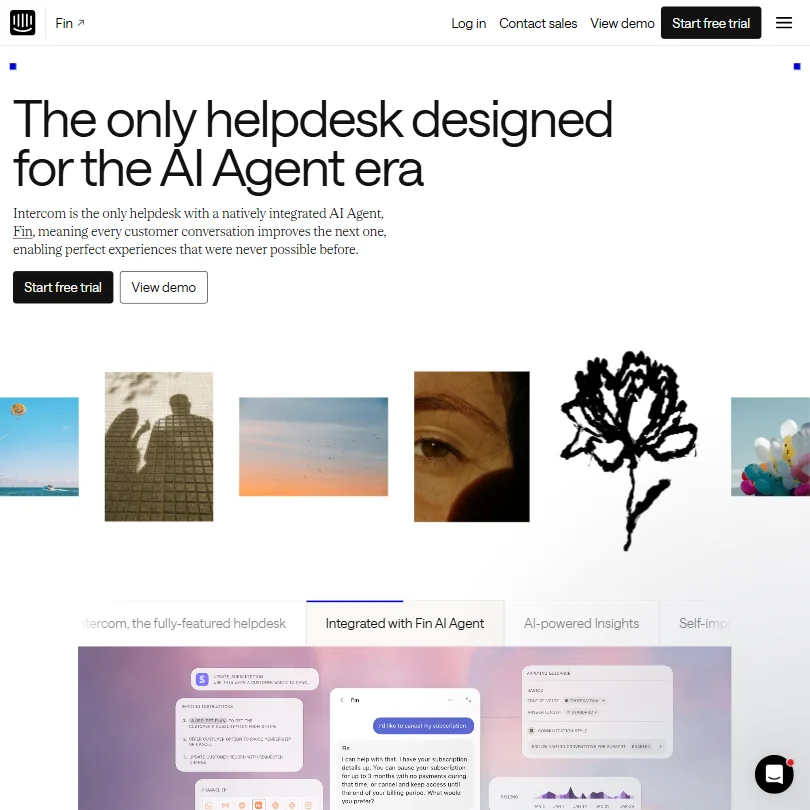
Compared to something like Fin, which is purpose-built for AI resolution and built on top of OpenAI models, Zia is playing a different game. Fin is narrower and arguably sharper on bot quality. Zoho is broader and keeps everything in one house. Those aren't the same trade-off.
Zoho Channel Coverage: Which Platforms Does It Support?
Coverage here is strong. Zoho Desk handles email, chat, phone, social, and web forms. SalesIQ adds live chat with visitor tracking and proactive messaging. Web, iOS, Android, Windows, Mac, and Chrome Extension are all in the mix on the platform side.
More than 30 languages are supported across the suite. For any team operating in multiple regions, that's not nothing.
Integrations connect to Google Workspace and Microsoft 365. Slack, Salesforce, and Shopify all have native connectors. Zapier is available for anything else. Twilio is listed for voice. Jira shows up too, which matters for IT-adjacent support teams.
The integration breadth here is one of the stronger arguments for Zoho, particularly if you're already using pieces of the Zoho suite. It gets genuinely tight when Zoho CRM, Desk, and SalesIQ are all talking to each other. When you're trying to connect Zoho to something outside that ecosystem, the native connectors hold up reasonably well, though a few Reddit users noted some lag or sync issues with Salesforce specifically.
That tracks. Third-party integrations with competing CRMs are always going to be a lower priority for a company that wants you using their CRM instead.
Is Zoho Easy to Set Up and Manage?
This is where Zoho gets its most consistent criticism. The suite is enormous. Setting up Zoho Desk alone is manageable. Setting up Zoho Desk, SalesIQ, CRM, and a few automation workflows simultaneously is a different project entirely.
Reddit threads from 2024 surface a recurring complaint: the initial configuration takes longer than expected. Not because the UI is bad, but because there are simply a lot of decisions to make. What counts as a ticket. How SLA tiers should work. Which Zia features to enable. How routing logic connects across products. It adds up.
G2 reviewers in small business roles were more forgiving than enterprise reviewers. For a team of five support agents setting up Zoho Desk from scratch, the onboarding is apparently fine. For a company migrating from Zendesk with complex workflows, a few reviewers mentioned needing Zoho's professional services team to get it done properly.
Zoho does have a serious documentation operation. The Zoho Academy, knowledge base, and community forums are all active. The help center is genuinely one of the better self-serve resources we've seen in this category, which softens the setup complexity somewhat. 24/7 live chat support is available on paid plans, though Trustpilot reviews at 3.8/5 suggest support quality is inconsistent depending on the issue and the region.
We'd call setup a yellow flag, not a red one. Budget time for it.
Zoho Pricing: Is It Worth It for Support Teams?
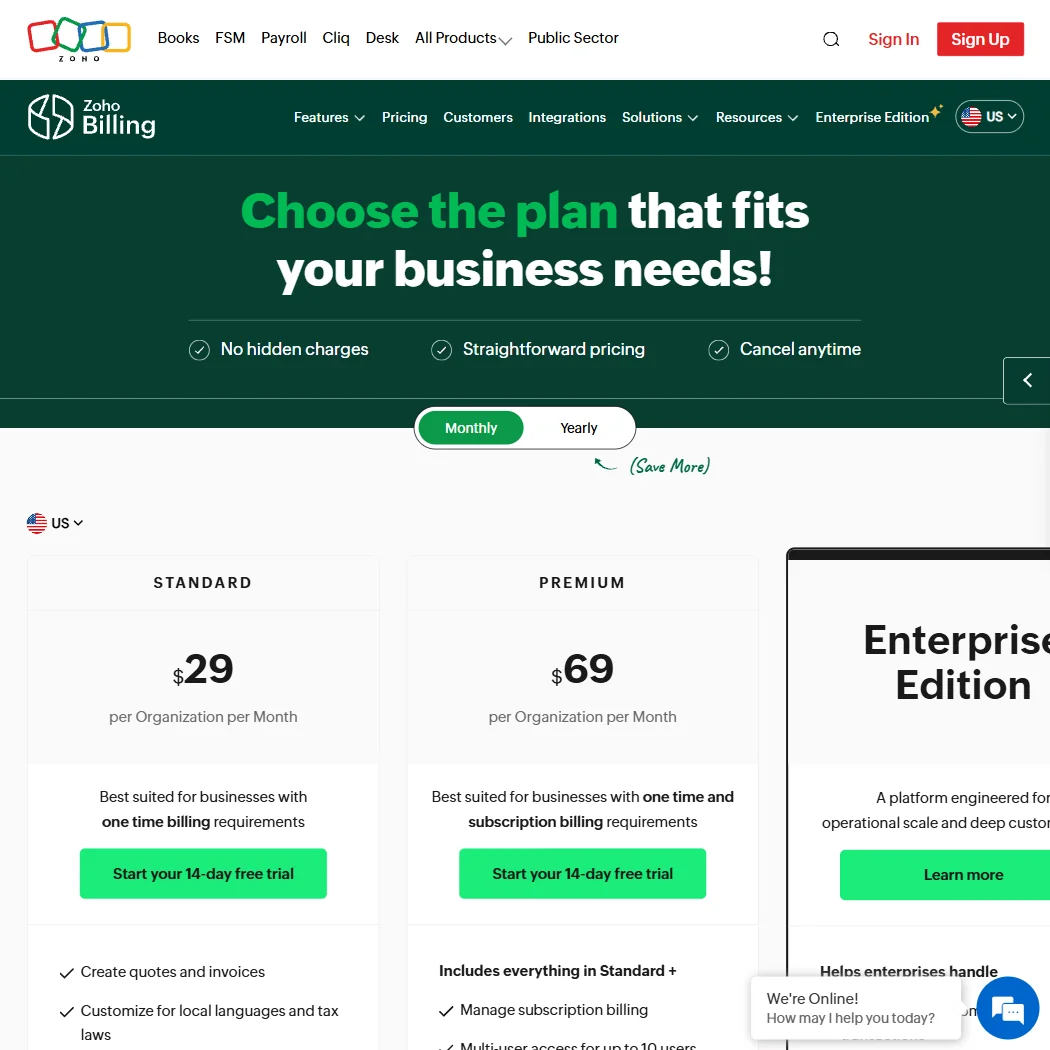
Zoho Desk starts at $9 per agent per month on the Express plan. The Professional plan runs $23. Enterprise is $40. There's a free plan that covers up to 3 agents, which is rare at this tier and genuinely useful for early-stage teams.
The 15-day free trial covers paid features. Refunds are available on a prorated basis per their stated policy. That's cleaner than a lot of vendors in this space.
Here's where it gets complicated. Zoho Desk at $40/month per agent is good value on its own. But most companies buying Zoho Desk end up wanting CRM connectivity, and then SalesIQ, and then maybe Zoho Mail or Zoho Analytics. At that point the conversation shifts to Zoho One, which bundles the whole suite under a per-employee per-month price. That's a meaningful pricing jump, and the comparison to buying individual seats in Zendesk or Freshdesk stops being straightforward.
We dug through the pricing page carefully. The individual Desk plans are transparent. The Zoho One enterprise pricing is custom, which is the standard answer for anything at scale. Custom pricing always makes us want to see a number before we call something good value.
For small teams on Desk alone, the price-to-feature ratio is hard to argue with. At the $9 entry point, you're getting more than most competitors offer at that range.
Zoho vs Salesforce Service Cloud: Which Customer Service AI Wins?
Salesforce Service Cloud is the incumbent. It's also significantly more expensive, harder to set up, and built for enterprise-scale complexity. The AI layer in Service Cloud, Einstein, is more mature than Zia on generative tasks, but Salesforce charges for it separately, and those costs stack fast.
Zoho wins on price. Not close. It also wins on suite integration for teams already in the Zoho ecosystem. Salesforce wins on AI quality, ecosystem depth for large enterprises, and the partner network available for complex implementations.
The honest comparison here is simpler than the vendors make it. Salesforce is for companies with dedicated Salesforce admins and enterprise budgets. Zoho is for companies that want a capable suite without a six-figure services engagement to get it working. Those are different buyers and both should know which one they are before shopping.
Worth mentioning: Zoho also integrates with Salesforce natively if you're in a mixed environment. That actually comes up in G2 reviews more than you'd expect. Some companies run both and use Zoho Desk for ticketing while keeping Salesforce as the CRM of record. Unusual setup, but apparently viable.
Who Should Use Zoho? (And Who Shouldn't)
SMBs looking to consolidate. That's the clearest fit. A business running separate CRM, helpdesk, and chat tools that wants to pull it all into one system, at a price point that doesn't require a board conversation, will find Zoho's value proposition genuinely compelling.
Mid-market companies with existing Zoho footprints. If you're already in the Zoho suite for something else, adding Desk is a much lighter lift than it is for a fresh install.
E-commerce teams should look carefully at Gorgias before committing to Zoho. Gorgias is tighter on Shopify connectivity and purpose-built for e-commerce support workflows in a way Zoho isn't. That matters if your ticket volume is mostly order-related.
Enterprise teams with complex AI requirements. They'll likely outgrow Zia's current capabilities before too long. The generative quality isn't there yet relative to what frontier-model-based tools can do.
Startups that need to move fast and iterate constantly. Setup friction is real. Budget for it or pick something lighter.
Zoho Review Verdict
Zoho is a serious product built by a company that's been doing this for nearly three decades. The breadth of the suite is real. The pricing at the entry level is genuinely good. The helpdesk tooling in Zoho Desk is mature and configurable in ways that competitors at the same price point often aren't.
Zia is the part we'd watch closely. The AI quality is adequate for structured support use cases. For anything more open-ended or generative, it's behind what purpose-built AI-first tools can deliver right now. That gap might close. Zoho has the resources and the incentive to close it. But right now it's a real limitation for teams buying primarily on AI capability.
Setup complexity is a genuine cost. Not a dealbreaker, but not something to wave away either.
The strongest argument for Zoho is the whole-suite story. If you want CRM, helpdesk, and automation under one roof, from a company that doesn't resell your data and has been profitable for decades, Zoho is one of very few options that can actually deliver that. That's a harder case to make than it sounds, and Zoho makes it credibly.
We'd recommend it without much hesitation for the right buyer. The right buyer knows they need the suite, not just the chatbot.
Frequently Asked Questions
Does Zoho Desk have a free plan?
Yes. The free plan covers up to 3 agents and includes basic ticketing through Zoho Desk. Zoho CRM also has a free tier for up to 3 users. Neither free plan includes Zia AI features, which require a paid tier to unlock. For very small teams just getting started, the free plan is a reasonable place to begin before committing to a paid seat.
What is Zia and how does it work in customer service?
Zia is Zoho's proprietary AI model, built and operated by Zoho rather than licensed from a third party. In customer service contexts, it handles ticket sentiment analysis, automated response drafting, and autonomous agent workflows through the Zia Agent Studio. It works best on structured, repeatable support tasks. For more complex or open-ended queries, user reviews suggest it's adequate but not exceptional, which is a fair description of where most proprietary AI models sit right now.
How does Zoho compare to Zendesk for customer support?
Zoho Desk is cheaper at almost every tier and comes with native CRM connectivity built in. Zendesk has a more established AI feature set, a larger third-party app marketplace, and tends to perform better at enterprise scale with complex multi-channel setups. Teams that are already invested in the Zoho ecosystem will find Desk a natural fit. Teams shopping fresh with a larger budget and enterprise requirements should give Zendesk a serious look before deciding.