Think of ChatGPT as the generalist. It drafts scripts and outlines, searches the web, reads files you upload and makes images, and web search and projects come with the free plan, so a new channel can start at no cost.
Buying guide · 26 tools ranked
Best AI Tools for YouTubers
Find the best AI tools for YouTubers by the job each one does for your channel: finding topics, recording voiceovers, editing, generating footage, designing thumbnails and cutting long videos into Shorts. Picks are grouped by task, so you choose one per job instead of weighing everything against everything.
Our top 3 AI Tools for YouTubers
For voiceover with cloned voices, dubbing into other languages or several speakers in one script, ElevenLabs has the widest range.
DaVinci Resolve is the one if you want a full professional editor with color grading and audio tools and no subscription: the free edition never expires, and the Studio upgrade is a one-time purchase.
Best tools for YouTube channel research and video ideas
5 picksResearch for a channel means knowing what people search for and what to make next. The picks split into YouTube-native extensions and general assistants. vidIQ and TubeBuddy score keywords and titles inside YouTube, and TubeBuddy adds A/B thumbnail tests. ChatGPT and Claude draft scripts and outlines, with web search and projects on their free plans. Syllaby links keyword-based topic ideas to generated video and scheduling. Choose an extension if search data drives your uploads, an assistant if the script is the bottleneck, and pair one of each when you need both.
#ToolScorePriceWhy pick it
From $8free planThink of ChatGPT as the generalist. It drafts scripts and outlines, searches the web, reads files you upload and makes images, and web search and projects come with the free plan, so a new channel can start at no cost.
Show detailsHide details01 ChatGPT: Best for scripts and images in one assistant8.8Score 8.8 out of 10From $8free planThink of ChatGPT as the generalist. It drafts scripts and outlines, searches the web, reads files you upload and makes images, and web search and projects come with the free plan, so a new channel can start at no cost.Visit site ↗ReviewDetailsCloseShow more about ChatGPT
From $8free plan
Think of ChatGPT as the generalist. It drafts scripts and outlines, searches the web, reads files you upload and makes images, and web search and projects come with the free plan, so a new channel can start at no cost.
Show detailsHide detailsChatGPT: Best for scripts and images in one assistant
8.8Score 8.8 out of 10From $8free planThink of ChatGPT as the generalist. It drafts scripts and outlines, searches the web, reads files you upload and makes images, and web search and projects come with the free plan, so a new channel can start at no cost.Visit site ↗ReviewDetailsClose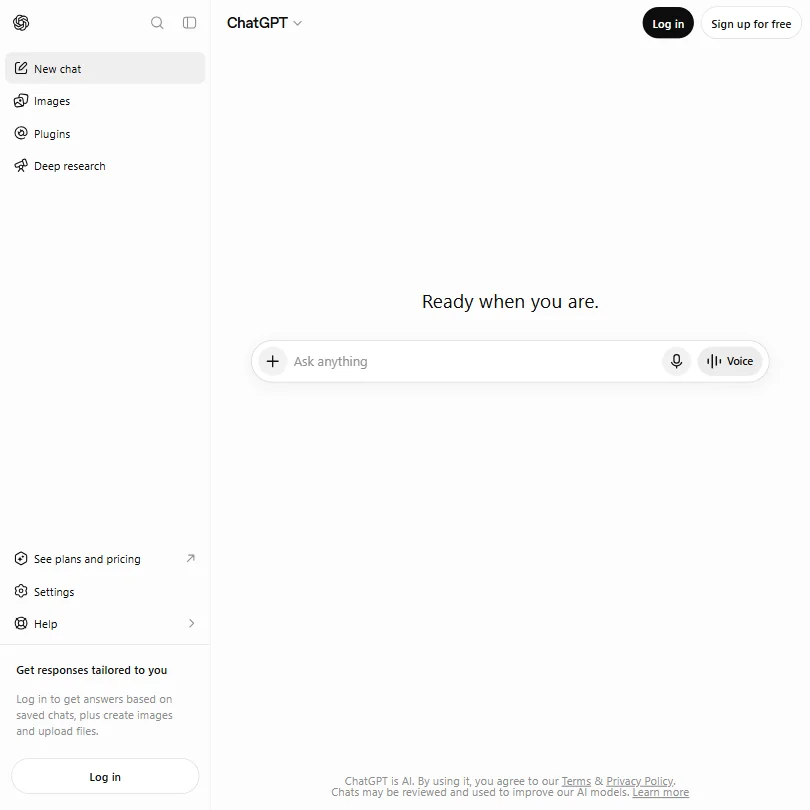
Think of ChatGPT as the generalist. It drafts scripts and outlines, searches the web, reads files you upload and makes images, and web search and projects come with the free plan, so a new channel can start at no cost. The free plan also generates a few images a day, enough for a thumbnail per video, though deep research is limited. If script quality is your only concern, compare it with Claude.
- The Free plan includes unlimited text chats with GPT-6 Luna, subject to abuse guardrails.
- Web search is included on every individual plan, including Free.
- Go, the cheapest paid plan, still does not unlock GPT-6.1 Sol, GPT-6 Astra or GPT-6 Sol, and may include ads.
From $20free planReach for Claude when scripting and research come first. Web search, memory and projects are on the free plan, and deep research starts on Pro.
Show detailsHide details02 Claude: Best for scripting and deep research7.8Score 7.8 out of 10From $20free planReach for Claude when scripting and research come first. Web search, memory and projects are on the free plan, and deep research starts on Pro.Visit site ↗ReviewDetailsCloseShow more about Claude
From $20free plan
Reach for Claude when scripting and research come first. Web search, memory and projects are on the free plan, and deep research starts on Pro.
Show detailsHide detailsClaude: Best for scripting and deep research
7.8Score 7.8 out of 10From $20free planReach for Claude when scripting and research come first. Web search, memory and projects are on the free plan, and deep research starts on Pro.Visit site ↗ReviewDetailsClose
Reach for Claude when scripting and research come first. Web search, memory and projects are on the free plan, and deep research starts on Pro. It doesn't generate photos or illustrations, so thumbnails need another tool such as Ideogram or Canva, and consumer chats train Anthropic's models unless you opt out. If you want images in the same assistant, ChatGPT covers that.
- The free plan already includes web search, file creation, code execution and memory across conversations.
- Deep research is available from the Pro plan up.
- The Opus and Fable models are only available from the Pro plan up.
From $15free planChoose TubeBuddy once you already publish and want to squeeze more from each upload. Title and description scoring, keyword lookup and A/B thumbnail tests all run inside YouTube Studio, and bulk tools such as the end screen editor help with a large back catalog.
Show detailsHide details03 TubeBuddy: Best for A/B thumbnail tests in Studio6.8Score 6.8 out of 10From $15free planChoose TubeBuddy once you already publish and want to squeeze more from each upload. Title and description scoring, keyword lookup and A/B thumbnail tests all run inside YouTube Studio, and bulk tools such as the end screen editor help with a large back catalog.Visit site ↗ReviewDetailsCloseShow more about TubeBuddy
From $15free plan
Choose TubeBuddy once you already publish and want to squeeze more from each upload. Title and description scoring, keyword lookup and A/B thumbnail tests all run inside YouTube Studio, and bulk tools such as the end screen editor help with a large back catalog.
Show detailsHide detailsTubeBuddy: Best for A/B thumbnail tests in Studio
6.8Score 6.8 out of 10From $15free planChoose TubeBuddy once you already publish and want to squeeze more from each upload. Title and description scoring, keyword lookup and A/B thumbnail tests all run inside YouTube Studio, and bulk tools such as the end screen editor help with a large back catalog.Visit site ↗ReviewDetailsClose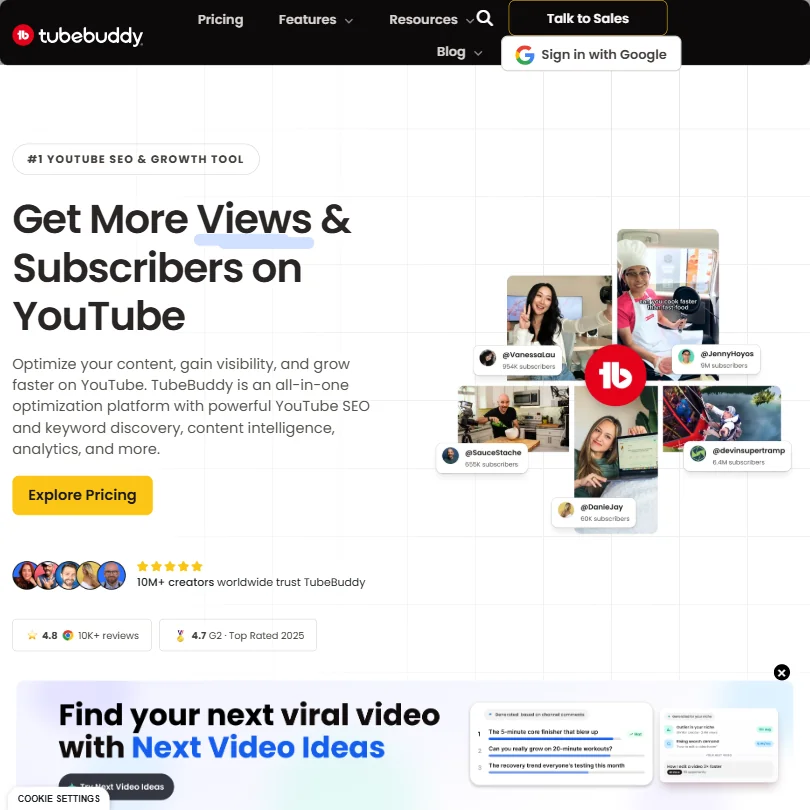
Choose TubeBuddy once you already publish and want to squeeze more from each upload. Title and description scoring, keyword lookup and A/B thumbnail tests all run inside YouTube Studio, and bulk tools such as the end screen editor help with a large back catalog. It does nothing to help you make videos, and thumbnail testing sits on higher plans.
- Keyword Explorer helps creators find topics with real searchable volume and lower competition directly within YouTube's interface.
- SEO Studio scores titles and descriptions in real time and provides actionable suggestions without leaving YouTube Studio.
- A/B thumbnail testing, one of the most valuable features, is locked behind higher-priced subscription tiers.
From $19free planPick vidIQ if the channel itself is the project and you want keyword scores, competition levels and a daily ideas feed sitting inside YouTube.
Show detailsHide details04 vidIQ: Best for daily ideas inside YouTube6.7Score 6.7 out of 10From $19free planPick vidIQ if the channel itself is the project and you want keyword scores, competition levels and a daily ideas feed sitting inside YouTube.Visit site ↗ReviewDetailsCloseShow more about vidIQ
From $19free plan
Pick vidIQ if the channel itself is the project and you want keyword scores, competition levels and a daily ideas feed sitting inside YouTube.
Show detailsHide detailsvidIQ: Best for daily ideas inside YouTube
6.7Score 6.7 out of 10From $19free planPick vidIQ if the channel itself is the project and you want keyword scores, competition levels and a daily ideas feed sitting inside YouTube.Visit site ↗ReviewDetailsClose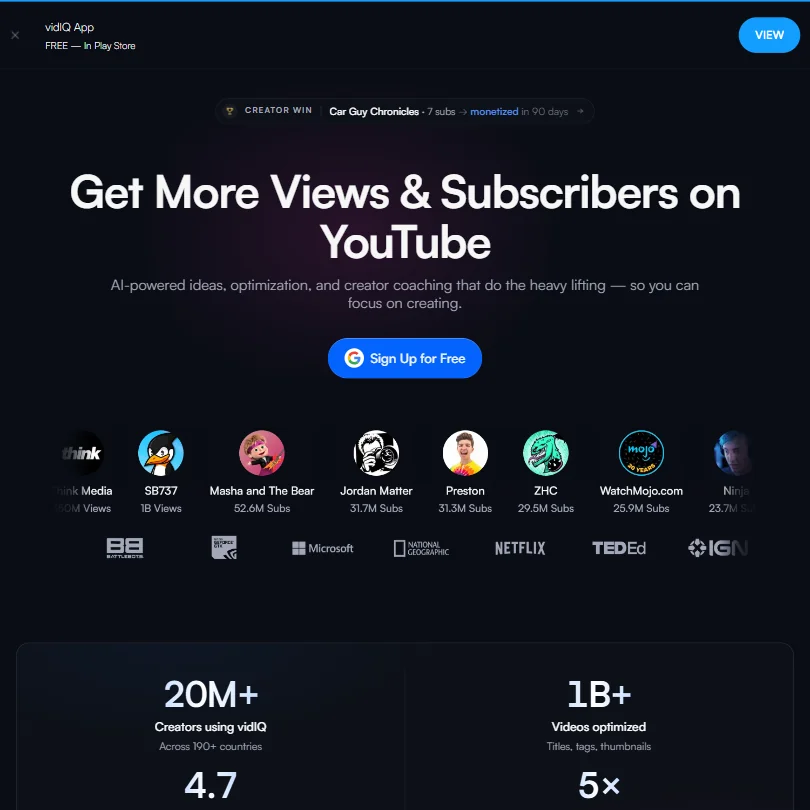
Pick vidIQ if the channel itself is the project and you want keyword scores, competition levels and a daily ideas feed sitting inside YouTube. It also covers Instagram Reels, which TubeBuddy does not, and its free plan is usable for a hobby channel. The catch: the AI clipping is generated rather than curated, and the human coaching tier is a big spend for a solo creator.
- The free plan includes 150 AI credits per month and a basic ideas feed, offering more value than most competing tools at no cost.
- vidIQ extends beyond YouTube to cover Instagram Reels, a cross-platform expansion that competitors like TubeBuddy and Morningfame have not matched.
- The AI clipping tool produces generated clips rather than curated ones.
From $29Syllaby is a tidy fit for a solo creator who wants topic ideas from keyword research, scripts, generated video and scheduling in one place, and it includes voice cloning.
Show detailsHide details05 Syllaby: Best for topic ideas through to scheduling5.5Score 5.5 out of 10From $29Syllaby is a tidy fit for a solo creator who wants topic ideas from keyword research, scripts, generated video and scheduling in one place, and it includes voice cloning.Visit site ↗ReviewDetailsCloseShow more about Syllaby
From $29
Syllaby is a tidy fit for a solo creator who wants topic ideas from keyword research, scripts, generated video and scheduling in one place, and it includes voice cloning.
Show detailsHide detailsSyllaby: Best for topic ideas through to scheduling
5.5Score 5.5 out of 10From $29Syllaby is a tidy fit for a solo creator who wants topic ideas from keyword research, scripts, generated video and scheduling in one place, and it includes voice cloning.Visit site ↗ReviewDetailsClose
Syllaby is a tidy fit for a solo creator who wants topic ideas from keyword research, scripts, generated video and scheduling in one place, and it includes voice cloning. The catch is that there is no permanent free plan, only a 7-day trial, and its analytics documentation is thin, so pair it with vidIQ or TubeBuddy if growth data matters to you.
- Runs on multiple cutting-edge AI video models including Google VEO 3 and Seedance, offering flexibility rare at this price point.
- End-to-end workflow covers ideation, scripting, video creation, and scheduling in a single platform without requiring any editing experience.
- Analytics and reporting documentation is nearly nonexistent, making it unclear whether meaningful performance insights are available to users.
Best AI voiceover tools for YouTube videos
3 picksA voiceover tool has to sound right for your audience and come with a license you can publish under. ElevenLabs offers cloned voices, dubbing and multi-speaker scripts. Murf fits slide and tutorial narration, with voices that plug into Canva, PowerPoint and Google Slides. Typecast lets you generate and play back without limit on its free plan, so you can audition voices before paying, and it adds two kinds of cloning and phone apps. Check the free plan's download and commercial terms first, then choose by whether you need cloning, slide work or a big library to audition.
#ToolScorePriceWhy pick it
From $6free planFor voiceover with cloned voices, dubbing into other languages or several speakers in one script, ElevenLabs has the widest range.
Show detailsHide details06 ElevenLabs: Best for cloned voices and dubbing8.5Score 8.5 out of 10From $6free planFor voiceover with cloned voices, dubbing into other languages or several speakers in one script, ElevenLabs has the widest range.Visit site ↗ReviewDetailsCloseShow more about ElevenLabs
From $6free plan
For voiceover with cloned voices, dubbing into other languages or several speakers in one script, ElevenLabs has the widest range.
Show detailsHide detailsElevenLabs: Best for cloned voices and dubbing
8.5Score 8.5 out of 10From $6free planFor voiceover with cloned voices, dubbing into other languages or several speakers in one script, ElevenLabs has the widest range.Visit site ↗ReviewDetailsClose
For voiceover with cloned voices, dubbing into other languages or several speakers in one script, ElevenLabs has the widest range. Instant cloning arrives on the cheapest paid plan, and so do commercial rights. Monetised channels should note the free plan has no commercial license, and your audio trains the models unless you opt out. For slide-style narration, Murf is worth a look.
- More than 11,000 voices are available across 70+ languages through the Eleven v3 model.
- Instant voice cloning is available from the cheapest paid plan, with professional cloning opening on Creator.
- The free plan carries no commercial license, so its output cannot be used commercially without upgrading.
From $4.50free planTypecast is the one to try if you want to hear plenty before paying: generation and playback are unlimited, even on the free plan, and only downloads spend credits.
Show detailsHide details07 Typecast: Best for hearing voices before paying7.1Score 7.1 out of 10From $4.50free planTypecast is the one to try if you want to hear plenty before paying: generation and playback are unlimited, even on the free plan, and only downloads spend credits.Visit site ↗ReviewDetailsCloseShow more about Typecast
From $4.50free plan
Typecast is the one to try if you want to hear plenty before paying: generation and playback are unlimited, even on the free plan, and only downloads spend credits.
Show detailsHide detailsTypecast: Best for hearing voices before paying
7.1Score 7.1 out of 10From $4.50free planTypecast is the one to try if you want to hear plenty before paying: generation and playback are unlimited, even on the free plan, and only downloads spend credits.Visit site ↗ReviewDetailsClose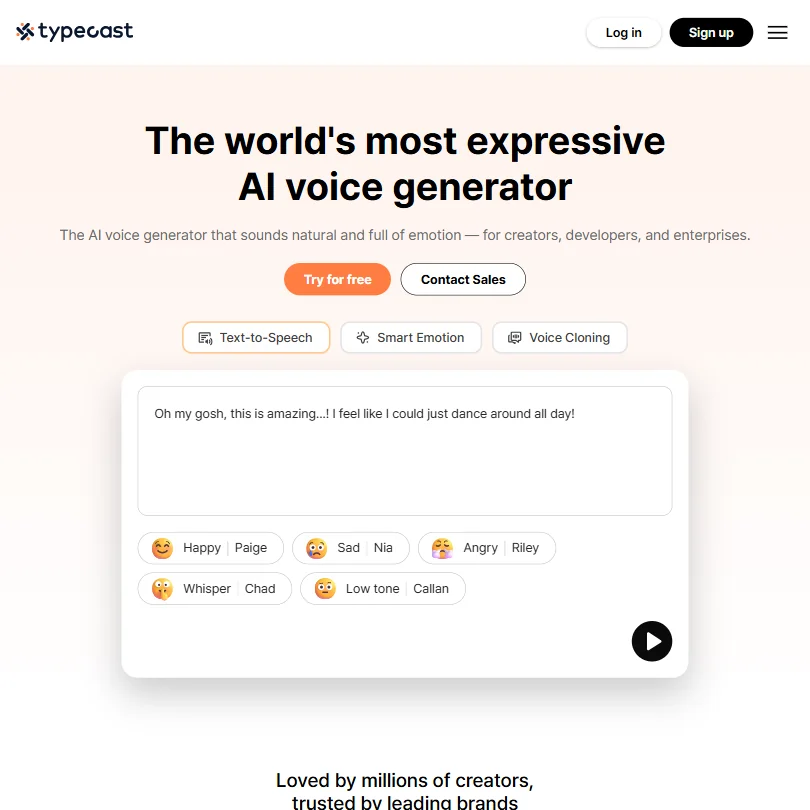
Typecast is the one to try if you want to hear plenty before paying: generation and playback are unlimited, even on the free plan, and only downloads spend credits. It offers a big voice library, two kinds of cloning and phone apps. Free downloads need attribution and carry no commercial license, and the advanced emotion controls start on Pro.
- The free plan allows unlimited generation and playback, with 3,000 lifetime download credits.
- Voice cloning comes in two forms: instant cloning from a 5-second sample and professional cloning from a 5-minute sample.
- The Free plan carries no commercial licence and requires attribution on every download.
From $29free planMurf suits tutorials, courses and slide-based explainers, since its voices plug into Canva, PowerPoint and Google Slides, with instant and professional cloning on top.
Show detailsHide details08 Murf AI: Best for slide and tutorial narration7.0Score 7.0 out of 10From $29free planMurf suits tutorials, courses and slide-based explainers, since its voices plug into Canva, PowerPoint and Google Slides, with instant and professional cloning on top.Visit site ↗ReviewDetailsCloseShow more about Murf AI
From $29free plan
Murf suits tutorials, courses and slide-based explainers, since its voices plug into Canva, PowerPoint and Google Slides, with instant and professional cloning on top.
Show detailsHide detailsMurf AI: Best for slide and tutorial narration
7.0Score 7.0 out of 10From $29free planMurf suits tutorials, courses and slide-based explainers, since its voices plug into Canva, PowerPoint and Google Slides, with instant and professional cloning on top.Visit site ↗ReviewDetailsClose
Murf suits tutorials, courses and slide-based explainers, since its voices plug into Canva, PowerPoint and Google Slides, with instant and professional cloning on top. The free plan blocks downloads and commercial use entirely, so treat it as a demo, not a way to publish. Delivery controls like emphasis come on a pricier tier. ElevenLabs offers a much bigger voice range.
- Murf Studio has an ongoing free plan with no credit card required, giving 10 minutes of voice generation before you pay anything.
- The library runs to 200+ voices across 30+ languages and accents.
- The free plan blocks commercial use and downloads entirely, so anything you make on it stays unusable outside Murf.
Best video editors for YouTubers
4 picksEditing decides how long each upload takes you. Descript edits video by changing a transcript, which suits talking-to-camera channels. CapCut handles quick short-form cuts with built-in captions and clip generation. DaVinci Resolve is a full editor with deep color grading and audio tools, and its free edition never expires. Premiere links to After Effects and Adobe Stock, and supports multicam and shared projects. Choose by how you record: transcript editing for talking heads, CapCut for speed on a phone, Resolve for grading, Premiere if your team already works in Adobe.
#ToolScorePriceWhy pick it
FreeDaVinci Resolve is the one if you want a full professional editor with color grading and audio tools and no subscription: the free edition never expires, and the Studio upgrade is a one-time purchase.
Show detailsHide details09 DaVinci Resolve: Best for color grading without a subscription9.3Score 9.3 out of 10FreeDaVinci Resolve is the one if you want a full professional editor with color grading and audio tools and no subscription: the free edition never expires, and the Studio upgrade is a one-time purchase.Visit site ↗ReviewDetailsCloseShow more about DaVinci Resolve
Free
DaVinci Resolve is the one if you want a full professional editor with color grading and audio tools and no subscription: the free edition never expires, and the Studio upgrade is a one-time purchase.
Show detailsHide detailsDaVinci Resolve: Best for color grading without a subscription
9.3Score 9.3 out of 10FreeDaVinci Resolve is the one if you want a full professional editor with color grading and audio tools and no subscription: the free edition never expires, and the Studio upgrade is a one-time purchase.Visit site ↗ReviewDetailsCloseDaVinci Resolve is the one if you want a full professional editor with color grading and audio tools and no subscription: the free edition never expires, and the Studio upgrade is a one-time purchase. It has the deepest grading on this page. Magic Mask and the AI audio effects need Studio, and there is no stock library, so footage and music come from elsewhere.
- The free edition never expires and includes editing, color correction up to Ultra HD, visual effects, motion graphics, audio post and multi-user collaboration.
- Studio is a one-time $295 purchase rather than a subscription, so you own it once you buy it.
- Magic Mask, advanced HDR grading and the AI Fairlight audio effects only unlock in the paid Studio edition.
From $24free planDescript is for YouTubers who talk to camera and would rather edit by changing a transcript than dragging clips.
Show detailsHide details10 Descript: Best for editing by transcript9.0Score 9.0 out of 10From $24free planDescript is for YouTubers who talk to camera and would rather edit by changing a transcript than dragging clips.Visit site ↗ReviewDetailsCloseShow more about Descript
From $24free plan
Descript is for YouTubers who talk to camera and would rather edit by changing a transcript than dragging clips.
Show detailsHide detailsDescript: Best for editing by transcript
9.0Score 9.0 out of 10From $24free planDescript is for YouTubers who talk to camera and would rather edit by changing a transcript than dragging clips.Visit site ↗ReviewDetailsClose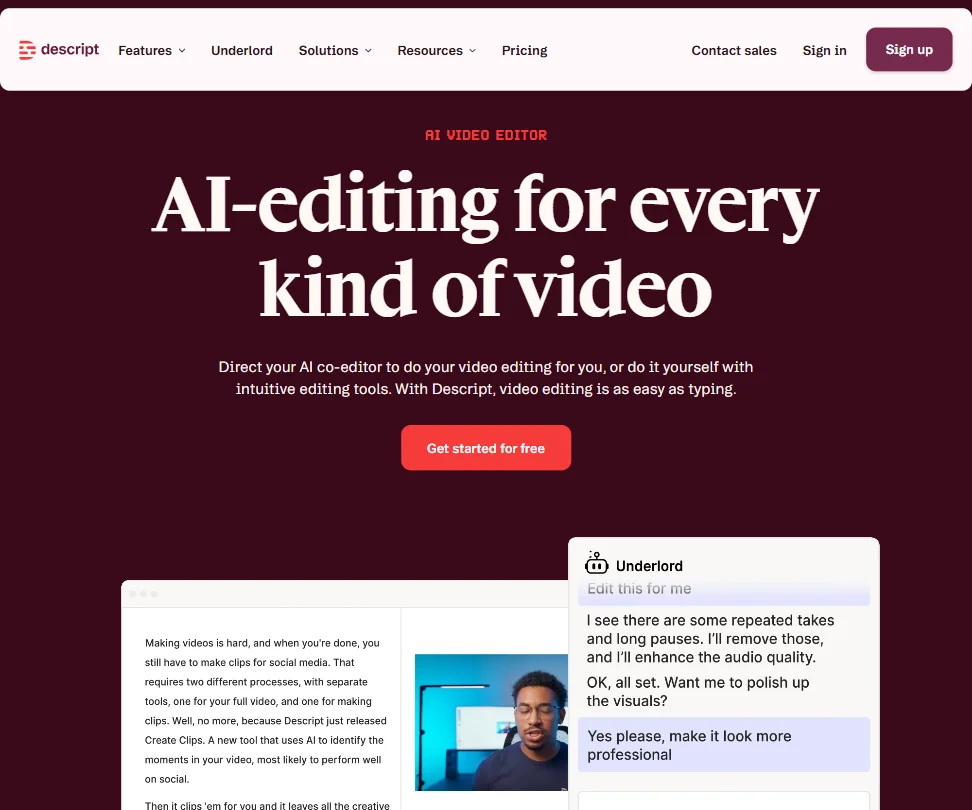
Descript is for YouTubers who talk to camera and would rather edit by changing a transcript than dragging clips. Filler word removal, eye contact correction and script-to-B-roll tools sit inside its Underlord assistant. The breadth can feel busy if you want a plain cutter, and some of the newer AI features are still proving themselves. For timeline grading, DaVinci Resolve is the better fit.
- Text-based video editing allows users to edit footage simply by editing the transcript, making the process intuitive and fast.
- Underlord AI is deeply integrated into the workflow, handling script writing, layout design, B-roll generation, and clip creation for social formats.
- Despite being around since 2017, some rough edges in the product still haven't been resolved.
From $22.99Premiere makes sense when you already live in Adobe apps, because it links tightly to After Effects and Adobe Stock, and Generative Extend can add frames or ambient sound to a clip.
Show detailsHide details11 Adobe Premiere: Best for editors already in Adobe apps8.0Score 8.0 out of 10From $22.99Premiere makes sense when you already live in Adobe apps, because it links tightly to After Effects and Adobe Stock, and Generative Extend can add frames or ambient sound to a clip.Visit site ↗ReviewDetailsCloseShow more about Adobe Premiere
From $22.99
Premiere makes sense when you already live in Adobe apps, because it links tightly to After Effects and Adobe Stock, and Generative Extend can add frames or ambient sound to a clip.
Show detailsHide detailsAdobe Premiere: Best for editors already in Adobe apps
8.0Score 8.0 out of 10From $22.99Premiere makes sense when you already live in Adobe apps, because it links tightly to After Effects and Adobe Stock, and Generative Extend can add frames or ambient sound to a clip.Visit site ↗ReviewDetailsClose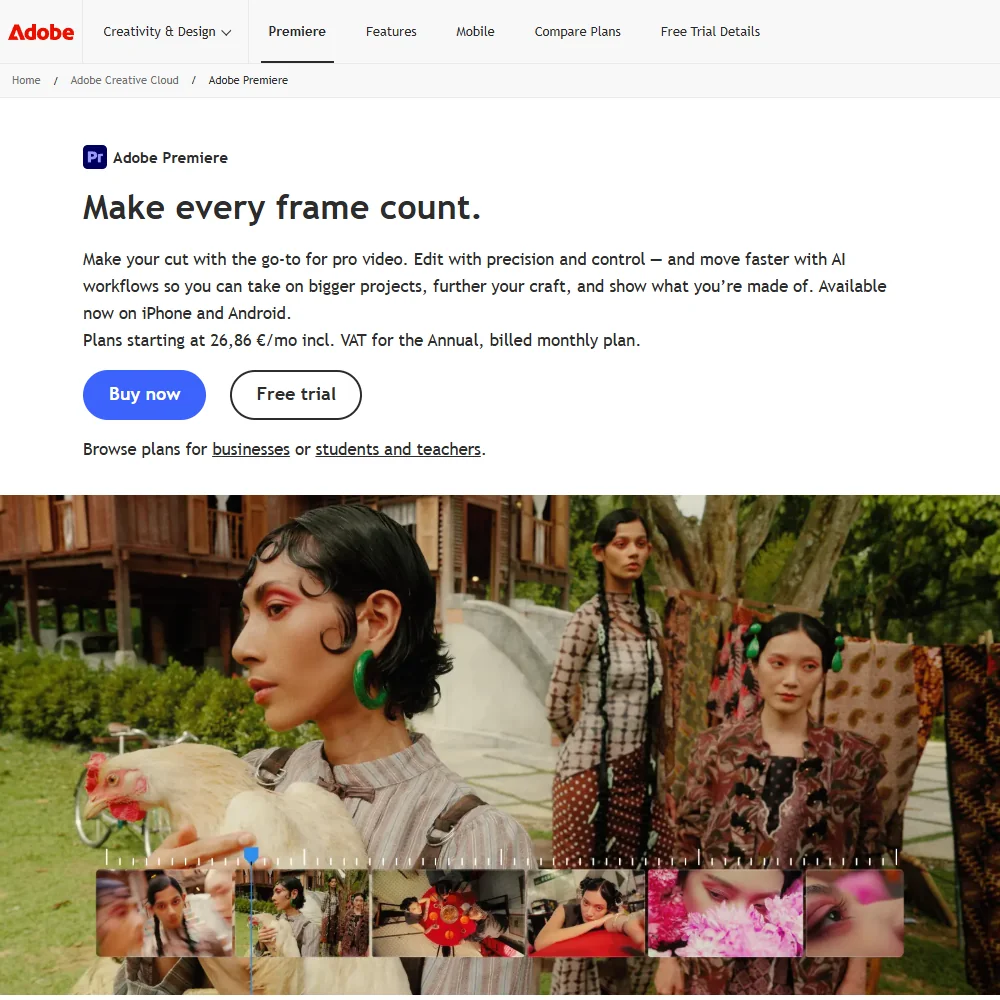
Premiere makes sense when you already live in Adobe apps, because it links tightly to After Effects and Adobe Stock, and Generative Extend can add frames or ambient sound to a clip. Multicam and shared projects suit channels with several editors. It is subscription-only with a seven-day trial, and generative credits are thin on the single-app plan, so a hobbyist may prefer DaVinci Resolve.
- Object Mask masks and tracks a subject with just a hover and a click, instead of manual rotoscoping.
- Generative Extend can extend clips, add frames and generate missing ambient sound using Adobe's cloud AI.
- There is no perpetual license: Adobe Premiere is sold only as a subscription.
Pricing N/Afree planCapCut is the low-cost route for creators cutting fast, short videos on a phone or laptop.
Show detailsHide details12 CapCut: Best for fast short-form cuts7.6Score 7.6 out of 10Pricing N/Afree planCapCut is the low-cost route for creators cutting fast, short videos on a phone or laptop.Visit site ↗ReviewDetailsCloseShow more about CapCut
Pricing N/Afree plan
CapCut is the low-cost route for creators cutting fast, short videos on a phone or laptop.
Show detailsHide detailsCapCut: Best for fast short-form cuts
7.6Score 7.6 out of 10Pricing N/Afree planCapCut is the low-cost route for creators cutting fast, short videos on a phone or laptop.Visit site ↗ReviewDetailsClose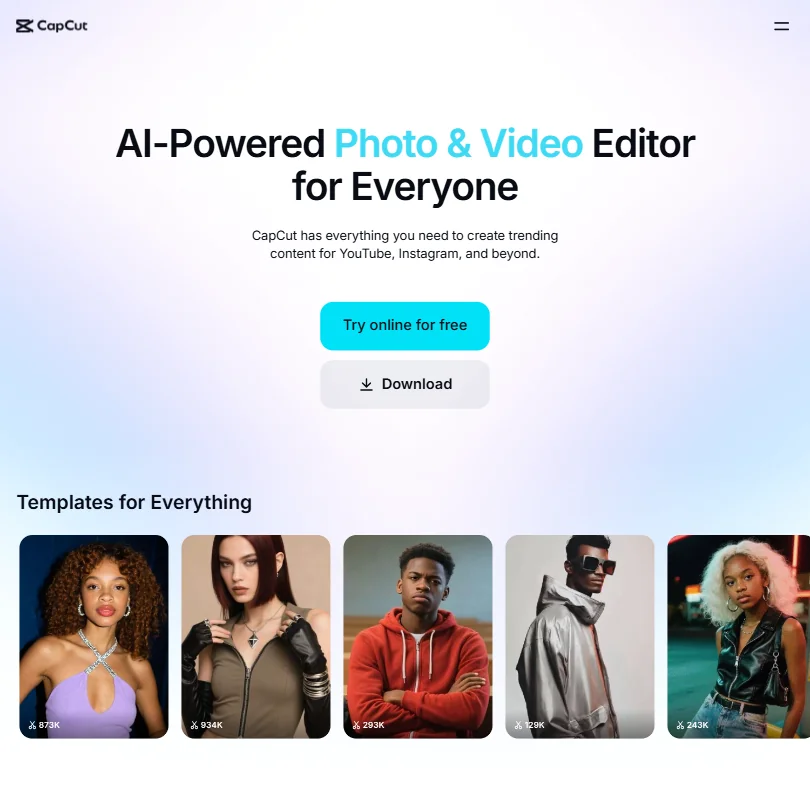
CapCut is the low-cost route for creators cutting fast, short videos on a phone or laptop. Free exports carry no watermark, and auto captions, background removal and AI clip generation are built in. The catches are pricing that is hard to pin down, since the pricing page shows no dollar figures, and ByteDance ownership, which gives some professionals pause. For long-form work, DaVinci Resolve goes deeper.
- CapCut exports video without a watermark even on the free tier, which is a major advantage over competing free editors.
- The tool is available across all major platforms including mobile, web, Windows, Mac, and iPad with a consistent experience.
- Pricing is not clearly published for a product at this scale.
Best AI avatar tools for faceless YouTube channels
3 picksAn avatar tool builds a presenter from your script, which suits faceless channels and audiences in several languages. HeyGen has the widest range: 500+ stock avatars, a digital twin of yourself and translation into 175+ languages with lip sync. Synthesia has avatars in over 160 languages, a free plan that needs no card, and leans towards explainers and training-style content. Fliki turns a script, blog URL or prompt into a finished video with voiceover, visuals and captions, with 2,000+ voices, and suits channels that publish often. Choose by language reach and tone, then make a short test video with your own script before committing.
#ToolScorePriceWhy pick it
From $19free planSynthesia builds avatar presenter videos from text in over 160 languages, with no camera or studio, which suits explainers or training-style content for a multilingual audience.
Show detailsHide details13 Synthesia: Best for multilingual avatar presenters9.3Score 9.3 out of 10From $19free planSynthesia builds avatar presenter videos from text in over 160 languages, with no camera or studio, which suits explainers or training-style content for a multilingual audience.Visit site ↗ReviewDetailsCloseShow more about Synthesia
From $19free plan
Synthesia builds avatar presenter videos from text in over 160 languages, with no camera or studio, which suits explainers or training-style content for a multilingual audience.
Show detailsHide detailsSynthesia: Best for multilingual avatar presenters
9.3Score 9.3 out of 10From $19free planSynthesia builds avatar presenter videos from text in over 160 languages, with no camera or studio, which suits explainers or training-style content for a multilingual audience.Visit site ↗ReviewDetailsClose
Synthesia builds avatar presenter videos from text in over 160 languages, with no camera or studio, which suits explainers or training-style content for a multilingual audience. It is aimed at corporate teams, and the features that make it compelling sit on higher plans, so a personality-led channel may find Fliki closer to its needs. The free plan needs no card.
- Supports 160+ languages, making it practical for global teams needing multilingual video content without hiring voice actors.
- No camera, microphone or studio required; the entire production workflow runs in-browser from script to export.
- Higher-tier pricing creates a feature wall that enterprise buyers can clear but smaller teams and individual users quietly cannot.
From $29free planHeyGen has the most range for a faceless channel: 500+ stock avatars, a digital twin of yourself built from a short recording, and video translation into 175+ languages with lip sync matched to the new voice.
Show detailsHide details14 HeyGen: Best for realistic avatars and lip-synced translation8.9Score 8.9 out of 10From $29free planHeyGen has the most range for a faceless channel: 500+ stock avatars, a digital twin of yourself built from a short recording, and video translation into 175+ languages with lip sync matched to the new voice.Visit site ↗ReviewDetailsCloseShow more about HeyGen
From $29free plan
HeyGen has the most range for a faceless channel: 500+ stock avatars, a digital twin of yourself built from a short recording, and video translation into 175+ languages with lip sync matched to the new voice.
Show detailsHide detailsHeyGen: Best for realistic avatars and lip-synced translation
8.9Score 8.9 out of 10From $29free planHeyGen has the most range for a faceless channel: 500+ stock avatars, a digital twin of yourself built from a short recording, and video translation into 175+ languages with lip sync matched to the new voice.Visit site ↗ReviewDetailsClose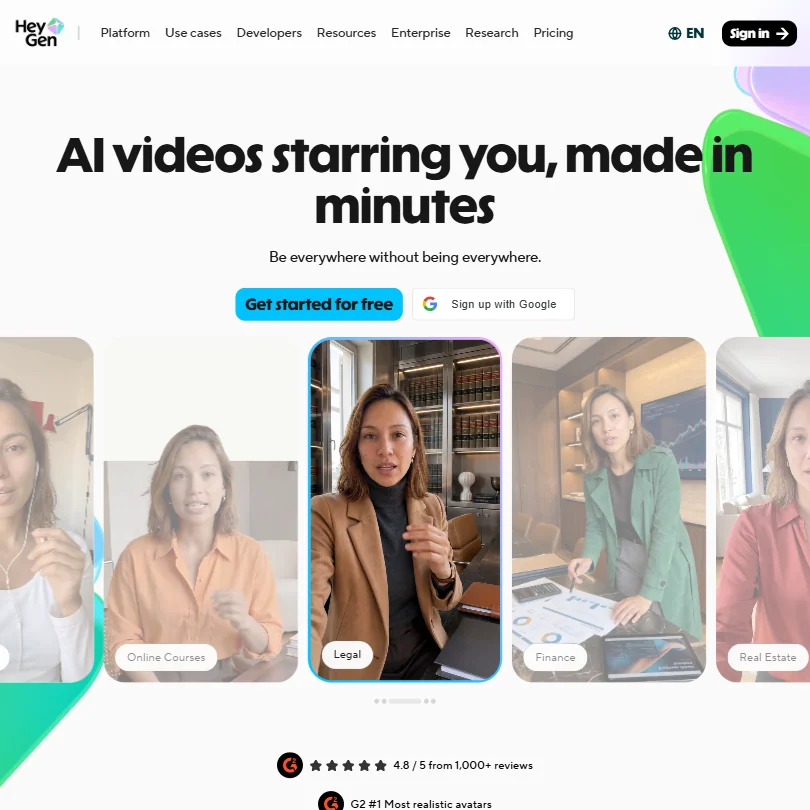
HeyGen has the most range for a faceless channel: 500+ stock avatars, a digital twin of yourself built from a short recording, and video translation into 175+ languages with lip sync matched to the new voice. The AI Studio editor changes tone and gesture timing through text instead of a re-record. The catch is a busy feature set with a learning curve, and free videos carry a watermark. Synthesia is the calmer choice for training-style explainers.
- HeyGen supports video translation across 175+ languages with lip-sync matched to the new voice, making localization highly accessible.
- The AI Studio editor allows users to adjust tone, delivery, gesture timing, and emotional register through text controls without re-recording.
- The feature set is described as getting 'busy,' suggesting a steeper learning curve for new users navigating the full platform.
FreeFliki turns a script, blog URL or prompt into a finished video with voiceover, visuals and captions, so it fits faceless channels that publish often.
Show detailsHide details15 Fliki: Best for faceless channels that publish often6.8Score 6.8 out of 10FreeFliki turns a script, blog URL or prompt into a finished video with voiceover, visuals and captions, so it fits faceless channels that publish often.Visit site ↗ReviewDetailsCloseShow more about Fliki
Free
Fliki turns a script, blog URL or prompt into a finished video with voiceover, visuals and captions, so it fits faceless channels that publish often.
Show detailsHide detailsFliki: Best for faceless channels that publish often
6.8Score 6.8 out of 10FreeFliki turns a script, blog URL or prompt into a finished video with voiceover, visuals and captions, so it fits faceless channels that publish often.Visit site ↗ReviewDetailsClose
Fliki turns a script, blog URL or prompt into a finished video with voiceover, visuals and captions, so it fits faceless channels that publish often. It has 2,000+ voices across 80+ languages and a Digital Twin for a reusable version of yourself. It is web-only, and batch output from Series is unproven, so check a sample before queueing a week of uploads.
- Fliki offers 2,000+ AI voices across 80+ languages, more than any comparable tool in its class without additional charges.
- The core workflow is fast: paste a script or URL and the tool assembles a draft video with voiceover, visuals, music and captions automatically.
- Fliki is web-only with no desktop app or mobile editing support, which limits flexibility for users who work across devices.
Best AI video generators for B-roll and Shorts
5 picksGeneration tools make new footage from prompts, useful for B-roll and short scenes. Higgsfield puts Kling, Veo and Seedance on one credit pool. Kling lets you direct shots with start and end frames, camera moves and multi-shot storyboards. Runway generates video clips with several outside models in one account. Pika has watermark-free social clips with lip sync and clip extension. Invideo Agent One drafts whole multi-scene videos from one prompt. Everything runs on credits, so check how far an allowance stretches and where commercial use begins. Choose by whether you want to direct single shots or hand over a full draft.
#ToolScorePriceWhy pick it
From $19free planHiggsfield fits a creator who wants several top models on one credit pool for B-roll and Shorts, with Kling 3.0, Veo 3.1 and Seedance 2.0 in the same account.
Show detailsHide details16 Higgsfield: Best for several top models on one credit pool9.0Score 9.0 out of 10From $19free planHiggsfield fits a creator who wants several top models on one credit pool for B-roll and Shorts, with Kling 3.0, Veo 3.1 and Seedance 2.0 in the same account.Visit site ↗ReviewDetailsCloseShow more about Higgsfield
From $19free plan
Higgsfield fits a creator who wants several top models on one credit pool for B-roll and Shorts, with Kling 3.0, Veo 3.1 and Seedance 2.0 in the same account.
Show detailsHide detailsHiggsfield: Best for several top models on one credit pool
9.0Score 9.0 out of 10From $19free planHiggsfield fits a creator who wants several top models on one credit pool for B-roll and Shorts, with Kling 3.0, Veo 3.1 and Seedance 2.0 in the same account.Visit site ↗ReviewDetailsClose
Higgsfield fits a creator who wants several top models on one credit pool for B-roll and Shorts, with Kling 3.0, Veo 3.1 and Seedance 2.0 in the same account. Seedance 2.0 adds dialogue and sound in one pass, and Soul ID keeps a character consistent across shots. The catch is credits: Starter covers about 15 Seedance 2.0 Fast videos a month, so regular uploads need Plus or higher.
- Kling 3.0, Veo 3.1, Seedance 2.0, Nano Banana Pro, GPT Image 2 and Flux 2 are all on the account alongside Higgsfield's own Soul models.
- Seedance 2.0 generates synchronized dialogue and sound in the same pass as the video.
- Every generation on the free account carries a visible watermark.
From $8.80free planGo with Kling when you want shots you can direct: clips run up to 15 seconds, with start and end frames, named camera moves and multi-shot storyboards, and sound and lip sync are generated with the picture.
Show detailsHide details17 Kling AI: Best for directing shots with camera moves8.9Score 8.9 out of 10From $8.80free planGo with Kling when you want shots you can direct: clips run up to 15 seconds, with start and end frames, named camera moves and multi-shot storyboards, and sound and lip sync are generated with the picture.Visit site ↗ReviewDetailsCloseShow more about Kling AI
From $8.80free plan
Go with Kling when you want shots you can direct: clips run up to 15 seconds, with start and end frames, named camera moves and multi-shot storyboards, and sound and lip sync are generated with the picture.
Show detailsHide detailsKling AI: Best for directing shots with camera moves
8.9Score 8.9 out of 10From $8.80free planGo with Kling when you want shots you can direct: clips run up to 15 seconds, with start and end frames, named camera moves and multi-shot storyboards, and sound and lip sync are generated with the picture.Visit site ↗ReviewDetailsClose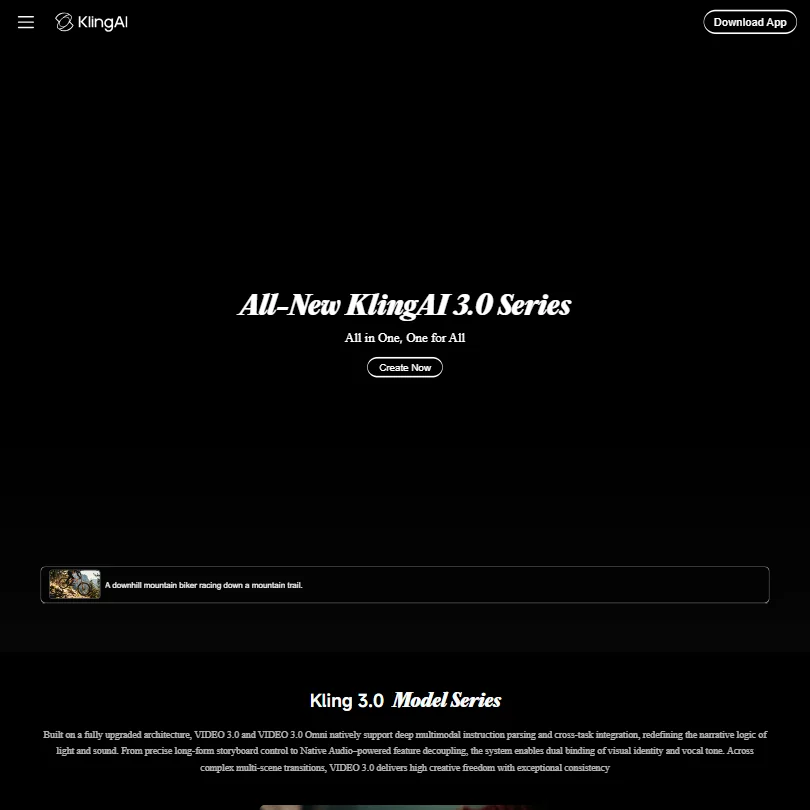
Go with Kling when you want shots you can direct: clips run up to 15 seconds, with start and end frames, named camera moves and multi-shot storyboards, and sound and lip sync are generated with the picture. Standard's credits make about five ten-second 1080p clips with audio, and its terms let Kling train on what you create, so weigh that before uploading channel footage.
- Kling VIDEO 3.0 generates sound, speech and lip sync together with the picture, in English, Chinese, Japanese, Korean and Spanish.
- Start and end frames, multi-shot storyboards and element references give close control over each shot.
- Standard's 660 monthly credits make about five ten-second 1080p clips with audio, or about eight without.
From $15free planRunway is for creators who want generated video clips, whether B-roll or short cinematic scenes, with several outside models in the same account.
Show detailsHide details18 Runway: Best for generated B-roll and cinematic scenes8.1Score 8.1 out of 10From $15free planRunway is for creators who want generated video clips, whether B-roll or short cinematic scenes, with several outside models in the same account.Visit site ↗ReviewDetailsCloseShow more about Runway
From $15free plan
Runway is for creators who want generated video clips, whether B-roll or short cinematic scenes, with several outside models in the same account.
Show detailsHide detailsRunway: Best for generated B-roll and cinematic scenes
8.1Score 8.1 out of 10From $15free planRunway is for creators who want generated video clips, whether B-roll or short cinematic scenes, with several outside models in the same account.Visit site ↗ReviewDetailsClose
Runway is for creators who want generated video clips, whether B-roll or short cinematic scenes, with several outside models in the same account. Paid plans remove the watermark. Credits go quickly: Standard covers about five ten-second clips from Runway's newest model each month, audio-enabled models cost more, and the free plan's credits are a one-off. Invideo Agent One drafts entire videos instead.
- Kling 3.0, Veo 3.1, Seedance 2.5 and other outside video models sit in the same account as Runway's own Gen-4.5, all paid from one credit balance.
- First and last frame control through Veo 3.1 and Kling 3.0, keyframes through Kling O3, and clip extension through Grok Imagine.
- Standard's 625 monthly credits make about five ten-second Gen-4.5 clips.
From $8free planPika suits short social clips you want to post without a watermark: exports are clean on every plan, though the free plan comes with no monthly credits, so real use starts with Starter or a credit pack.
Show detailsHide details19 Pika: Best for watermark-free social clips6.2Score 6.2 out of 10From $8free planPika suits short social clips you want to post without a watermark: exports are clean on every plan, though the free plan comes with no monthly credits, so real use starts with Starter or a credit pack.Visit site ↗ReviewDetailsCloseShow more about Pika
From $8free plan
Pika suits short social clips you want to post without a watermark: exports are clean on every plan, though the free plan comes with no monthly credits, so real use starts with Starter or a credit pack.
Show detailsHide detailsPika: Best for watermark-free social clips
6.2Score 6.2 out of 10From $8free planPika suits short social clips you want to post without a watermark: exports are clean on every plan, though the free plan comes with no monthly credits, so real use starts with Starter or a credit pack.Visit site ↗ReviewDetailsClose
Pika suits short social clips you want to post without a watermark: exports are clean on every plan, though the free plan comes with no monthly credits, so real use starts with Starter or a credit pack. Lip sync, clip extension and animating between up to five images are included. Veo and Seedance sit alongside its own model. Channels earning from their videos should note that a commercial license starts at Creator, and Kling is not offered.
- Pika combines its own Pika 2.5 video model with Seedance, Veo 3.1, Wan 3.0 and GPT Image 2.5 in one account.
- The free plan and the $10 Starter plan are both watermark-free.
- Kling and Flux are not among the models Pika lists.
From $20This one plans and builds multi-scene videos from a single prompt, picking a model per shot and remembering your style between sessions, which suits faceless channels wanting a whole draft handed over.
Show detailsHide details20 Invideo Agent One: Best for whole-video drafts from one prompt4.4Score 4.4 out of 10From $20This one plans and builds multi-scene videos from a single prompt, picking a model per shot and remembering your style between sessions, which suits faceless channels wanting a whole draft handed over.Visit site ↗ReviewDetailsCloseShow more about Invideo Agent One
From $20
This one plans and builds multi-scene videos from a single prompt, picking a model per shot and remembering your style between sessions, which suits faceless channels wanting a whole draft handed over.
Show detailsHide detailsInvideo Agent One: Best for whole-video drafts from one prompt
4.4Score 4.4 out of 10From $20This one plans and builds multi-scene videos from a single prompt, picking a model per shot and remembering your style between sessions, which suits faceless channels wanting a whole draft handed over.Visit site ↗ReviewDetailsClose
This one plans and builds multi-scene videos from a single prompt, picking a model per shot and remembering your style between sessions, which suits faceless channels wanting a whole draft handed over. There is no free plan or trial, the memory claim is unconfirmed in real use, and the product is new. If you want to direct individual shots, Runway gives you more hands-on control.
- Persistent memory across sessions means users don't have to re-explain their brand, style, or tone every time they start a new project.
- Uses a network of specialized AI agents (scriptwriter, cinematographer, colorist, etc.) rather than a single general-purpose model, enabling more targeted creative decisions.
- Pricing is positioned in a way that will filter out many potential users before they even sign up.
Best AI tools for YouTube thumbnails
3 picksA thumbnail needs a strong image and words a viewer can read at small size. Canva works from templates: pick a layout, drop in an image and adjust the text, with a Brand Kit for a consistent look on the free plan. Ideogram generates images that contain readable lettering, and it gives ownership and commercial use of your creations on every plan, free included. Background removal and outpainting are built into Ideogram. ChatGPT generates the image itself from a description: a few a day on the free plan (OpenAI sets no fixed published limit and adjusts it with demand), with more on paid plans, and it is the same assistant you write the script with. Choose Canva when layout and speed matter, Ideogram when the image itself must carry the text, and expect to use both across different videos.
#ToolScorePriceWhy pick it
From $8free planChatGPT makes the thumbnail image itself: describe the scene and it generates it, a few a day on the free plan and more on Go and Plus.
Show detailsHide details21ChatGPT: Best for generating the image from a description8.8Score 8.8 out of 10From $8free planChatGPT makes the thumbnail image itself: describe the scene and it generates it, a few a day on the free plan and more on Go and Plus.Visit site ↗ReviewDetailsCloseShow more about ChatGPT
From $8free plan
ChatGPT makes the thumbnail image itself: describe the scene and it generates it, a few a day on the free plan and more on Go and Plus.
Show detailsHide detailsChatGPT: Best for generating the image from a description
8.8Score 8.8 out of 10From $8free planChatGPT makes the thumbnail image itself: describe the scene and it generates it, a few a day on the free plan and more on Go and Plus.Visit site ↗ReviewDetailsCloseChatGPT makes the thumbnail image itself: describe the scene and it generates it, a few a day on the free plan and more on Go and Plus. It is the same assistant that wrote your script, so the idea carries straight over without a new brief. When the words have to sit inside the image, Ideogram is the tool built for that, and Canva is still where you set the layout and title text.
- The Free plan includes unlimited text chats with GPT-6 Luna, subject to abuse guardrails.
- Web search is included on every individual plan, including Free.
- Go, the cheapest paid plan, still does not unlock GPT-6.1 Sol, GPT-6 Astra or GPT-6 Sol, and may include ads.
From $18free planCanva is the easy way into thumbnails: pick a template, drop in an image and adjust the text without design skills.
Show detailsHide details22 Canva: Best for template-based thumbnails7.8Score 7.8 out of 10From $18free planCanva is the easy way into thumbnails: pick a template, drop in an image and adjust the text without design skills.Visit site ↗ReviewDetailsCloseShow more about Canva
From $18free plan
Canva is the easy way into thumbnails: pick a template, drop in an image and adjust the text without design skills.
Show detailsHide detailsCanva: Best for template-based thumbnails
7.8Score 7.8 out of 10From $18free planCanva is the easy way into thumbnails: pick a template, drop in an image and adjust the text without design skills.Visit site ↗ReviewDetailsClose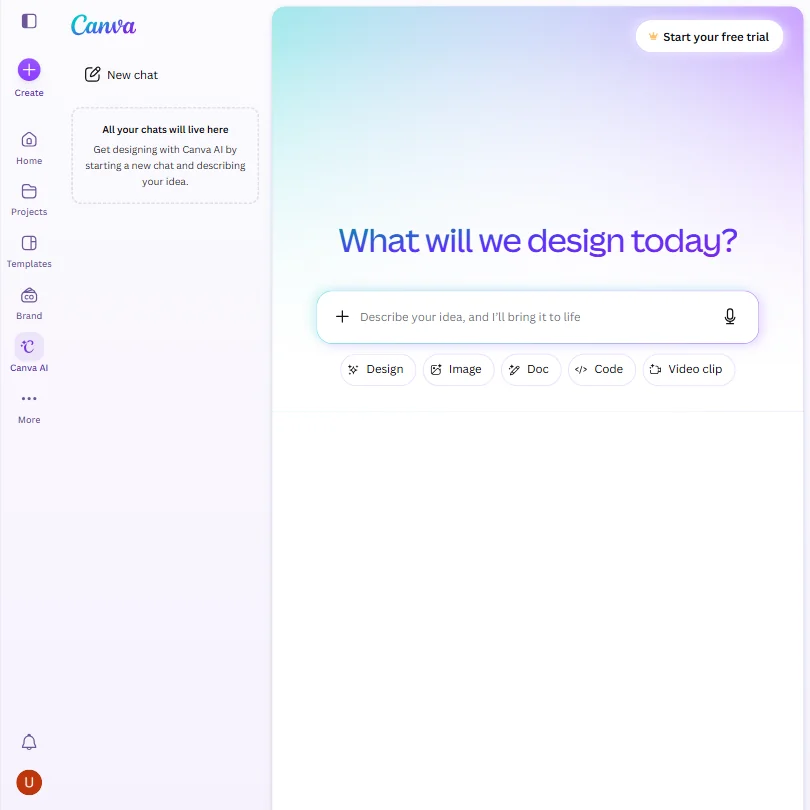
Canva is the easy way into thumbnails: pick a template, drop in an image and adjust the text without design skills. The free plan brings a large template and stock library plus a Brand Kit for a consistent look, and it handles social graphics and simple video too. AI use is capped, and uploads train its algorithms unless you opt out. Ideogram is stronger when the image itself needs readable text.
- The free plan includes over 1,000 design types, more than 1.6 million templates, more than 4.7 million stock photos, videos, graphics and audio clips, and 5GB of storage at no cost.
- Magic Design turns a written prompt into a finished design, extending the same approach to presentations and video.
- The AI Image Generator's Vector style produces a raster image with a vector look, not an editable vector or SVG file.
From $20free planIdeogram is the pick when a thumbnail needs words inside a generated image, because readable text is its speciality.
Show detailsHide details23 Ideogram: Best for readable text inside images7.6Score 7.6 out of 10From $20free planIdeogram is the pick when a thumbnail needs words inside a generated image, because readable text is its speciality.Visit site ↗ReviewDetailsCloseShow more about Ideogram
From $20free plan
Ideogram is the pick when a thumbnail needs words inside a generated image, because readable text is its speciality.
Show detailsHide detailsIdeogram: Best for readable text inside images
7.6Score 7.6 out of 10From $20free planIdeogram is the pick when a thumbnail needs words inside a generated image, because readable text is its speciality.Visit site ↗ReviewDetailsClose
Ideogram is the pick when a thumbnail needs words inside a generated image, because readable text is its speciality. Every plan, including free, gives you ownership and commercial use of what you create, and background removal and outpainting are built in. It trains on your uploads with no opt-out outside Enterprise, and private generations are held back from Free. For templates and layout, Canva is easier.
- A free plan lets you try Ideogram 4.0 before paying, with weekly credits for eligible accounts.
- Every plan gives full ownership and unrestricted commercial use of what you generate, with no separate paid tier required for those rights.
- Ideogram trains on what you generate and upload by default, with no opt-out on the Free, Plus, Pro or Team plans.
Best AI tools for turning long videos into Shorts
4 picksRepurposing tools turn one long video into vertical clips. Opus Clip scores clips by predicted engagement and reframes landscape footage while tracking the speaker. Vizard generates 30 or more clips from one upload, trims them through the transcript and publishes to your social accounts. Submagic focuses on animated captions, silence removal, auto-zoom and B-roll. Lumen5 converts blog posts and scripts into video with matched stock footage. Check what the free plan does to exports, including watermarks and how long clips are kept. Choose by whether clip selection, captions or article repurposing is your main need.
#ToolScorePriceWhy pick it
From $15Opus Clip finds clips in long videos, scores them by predicted engagement and reframes landscape footage to vertical while tracking the speaker.
Show detailsHide details24 Opus Clip: Best for engagement-scored clip picking8.4Score 8.4 out of 10From $15Opus Clip finds clips in long videos, scores them by predicted engagement and reframes landscape footage to vertical while tracking the speaker.Visit site ↗ReviewDetailsCloseShow more about Opus Clip
From $15
Opus Clip finds clips in long videos, scores them by predicted engagement and reframes landscape footage to vertical while tracking the speaker.
Show detailsHide detailsOpus Clip: Best for engagement-scored clip picking
8.4Score 8.4 out of 10From $15Opus Clip finds clips in long videos, scores them by predicted engagement and reframes landscape footage to vertical while tracking the speaker.Visit site ↗ReviewDetailsClose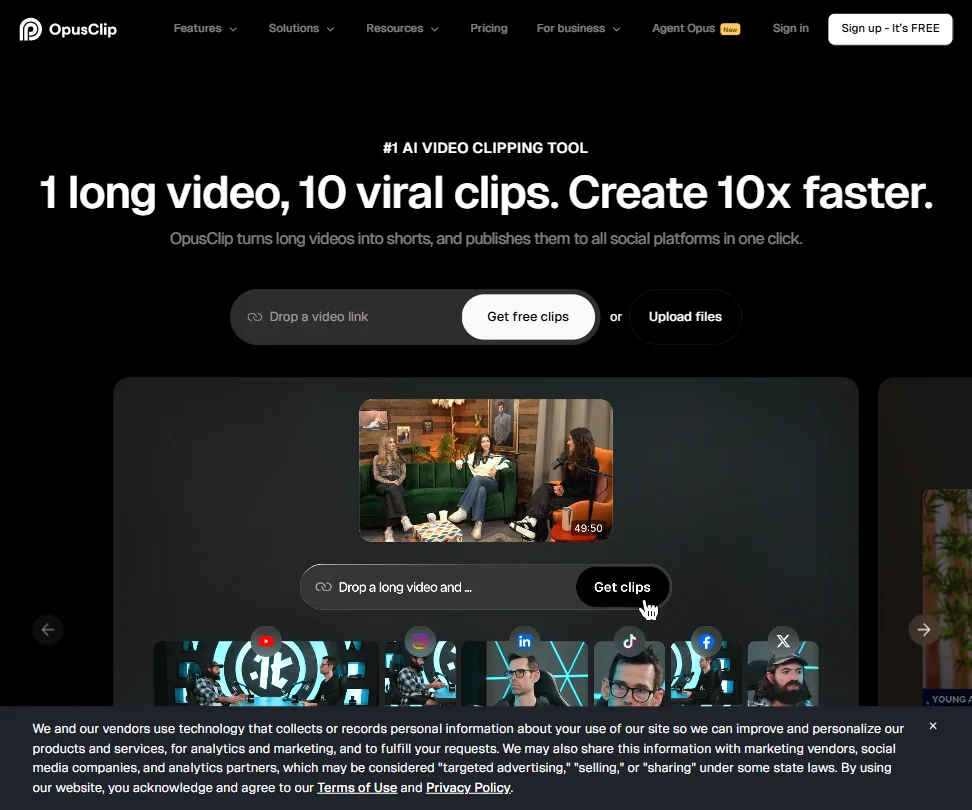
Opus Clip finds clips in long videos, scores them by predicted engagement and reframes landscape footage to vertical while tracking the speaker. It handles lectures, tutorials and sports as well as talking heads. Free clips carry a watermark and expire after three days, so treat that plan as a trial. It is web-only. Submagic puts more weight on captions and finishing.
- The ClipAnything model works across diverse video genres, including lectures, cooking videos, sports and tutorials, as well as podcasts and talking-head content.
- ReframeAnything model uses AI object tracking to keep subjects centered when converting landscape video to vertical format.
- The tool is entirely web-based with no desktop app, which may limit workflow flexibility for users who prefer offline or native applications.
From $19Submagic is a short-form finisher: animated captions, silence removal, auto-zoom and B-roll, then direct publishing to TikTok, Reels and Shorts.
Show detailsHide details25 Submagic: Best for animated captions and finishing7.8Score 7.8 out of 10From $19Submagic is a short-form finisher: animated captions, silence removal, auto-zoom and B-roll, then direct publishing to TikTok, Reels and Shorts.Visit site ↗ReviewDetailsCloseShow more about Submagic
From $19
Submagic is a short-form finisher: animated captions, silence removal, auto-zoom and B-roll, then direct publishing to TikTok, Reels and Shorts.
Show detailsHide detailsSubmagic: Best for animated captions and finishing
7.8Score 7.8 out of 10From $19Submagic is a short-form finisher: animated captions, silence removal, auto-zoom and B-roll, then direct publishing to TikTok, Reels and Shorts.Visit site ↗ReviewDetailsClose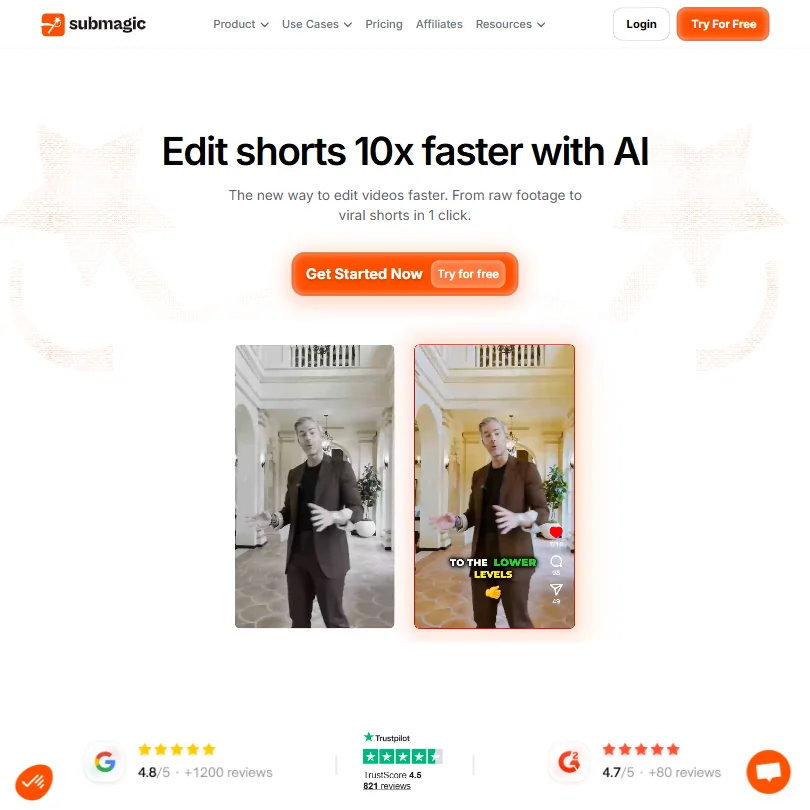
Submagic is a short-form finisher: animated captions, silence removal, auto-zoom and B-roll, then direct publishing to TikTok, Reels and Shorts. It may suit you over Opus Clip if captions and quick polish matter more than clip selection. There is no permanent free plan, only three free videos. It is less capable than Descript or Veed for anything complex, and the avatar tool feels bolted on.
- Magic Clips feature automatically extracts multiple short-form clips from a single long video, saving significant editing time.
- Auto-captions claim 99% accuracy across 123 languages, with styles designed to match high-performing TikTok formats.
- Narrowly focused on short-form video editing, making it unsuitable for teams that need a full-featured video editor.
From $29free planVizard generates a batch of 30 or more short clips from one upload, lets you trim them by editing the transcript and publishes straight to your social accounts, which suits podcast and interview channels.
Show detailsHide details26 Vizard.ai: Best for batches of clips from podcasts6.8Score 6.8 out of 10From $29free planVizard generates a batch of 30 or more short clips from one upload, lets you trim them by editing the transcript and publishes straight to your social accounts, which suits podcast and interview channels.Visit site ↗ReviewDetailsCloseShow more about Vizard.ai
From $29free plan
Vizard generates a batch of 30 or more short clips from one upload, lets you trim them by editing the transcript and publishes straight to your social accounts, which suits podcast and interview channels.
Show detailsHide detailsVizard.ai: Best for batches of clips from podcasts
6.8Score 6.8 out of 10From $29free planVizard generates a batch of 30 or more short clips from one upload, lets you trim them by editing the transcript and publishes straight to your social accounts, which suits podcast and interview channels.Visit site ↗ReviewDetailsClose
Vizard generates a batch of 30 or more short clips from one upload, lets you trim them by editing the transcript and publishes straight to your social accounts, which suits podcast and interview channels. Free exports are 720p and watermarked, and commercial use needs a paid plan. It is narrowly built for repurposing, so if you want to edit the full video too, look at Descript.
- Batch clip generation reliably produces 30 or more platform-ready clips from a single long-form video upload, saving significant time for content teams.
- Text-based editing lets users cut footage by editing the transcript, reducing back-and-forth compared to traditional timeline editing.
- Pricing structure has notable gaps worth investigating before committing to a paid plan.
From $29free planLumen5 converts blog posts or scripts into a rough-cut video with matched stock footage, so it suits a YouTuber who already writes articles and wants to repurpose them.
Show detailsHide details27 Lumen5: Best for turning blog posts into video4.2Score 4.2 out of 10From $29free planLumen5 converts blog posts or scripts into a rough-cut video with matched stock footage, so it suits a YouTuber who already writes articles and wants to repurpose them.Visit site ↗ReviewDetailsCloseShow more about Lumen5
From $29free plan
Lumen5 converts blog posts or scripts into a rough-cut video with matched stock footage, so it suits a YouTuber who already writes articles and wants to repurpose them.
Show detailsHide detailsLumen5: Best for turning blog posts into video
4.2Score 4.2 out of 10From $29free planLumen5 converts blog posts or scripts into a rough-cut video with matched stock footage, so it suits a YouTuber who already writes articles and wants to repurpose them.Visit site ↗ReviewDetailsClose
Lumen5 converts blog posts or scripts into a rough-cut video with matched stock footage, so it suits a YouTuber who already writes articles and wants to repurpose them. The stock library is licensed through Getty. The free plan stops at 720p with a Lumen5 branded outro, the jump to the first serious paid tier is steep, and it is a poor match for detailed editing.
- The blog-to-video AI engine automatically converts URLs or pasted scripts into a rough cut with matched visuals, saving significant editing time.
- The stock library contains 500 million+ Getty-licensed assets, with no reported content ID issues for commercially licensed material.
- Key features like custom branded templates are locked behind higher-tier plans, meaning entry-level users get a noticeably limited experience.
How to choose AI tools for your YouTube channel
Creator tools look alike on their home pages and ration very different things. Research tools count AI credits, voiceover tools count characters or minutes, editors count media hours, video generators count seconds, and clip tools count credits and watermarks. What you need depends on your budget and on whether you appear on camera. This guide matches each job in making a video to the tools on this page, then covers free plans, where they stop, privacy and when paying is worth it.
Start with the job, not the tool
One video passes through six jobs, and no single tool covers them all on a free plan.
- Research and scripts. Deciding what to make and writing it. vidIQ and TubeBuddy score topics inside YouTube, ChatGPT and Claude draft scripts on free plans, and Syllaby links topic ideas to generated video on paid plans.
- Voiceover. Narration for a faceless channel or a cleaner track. ElevenLabs, Murf and Typecast turn a script into speech, and all three have free plans with limits on downloads or credits.
- Editing. Cutting the video. DaVinci Resolve is a full editor with a free edition that never expires, CapCut has a free editor with auto subtitles, Descript has a free plan with 60 media minutes a month, and Adobe Premiere is a paid subscription.
- Footage without a camera. Presenters and clips you did not film. HeyGen, Synthesia and Fliki build avatar and script videos, while Kling, Runway, Pika, Higgsfield and Invideo Agent One generate clips from prompts.
- Thumbnails. The image that earns the click. ChatGPT and Canva have free plans, and Ideogram is built for readable text inside an image.
- Shorts. Cutting a long video into clips. Opus Clip, Vizard and Submagic pick moments and add captions, and Lumen5 turns blog posts into video.
The table shows where to start on any budget.
| Job | Free | Worth paying for |
|---|---|---|
| Topic research | vidIQ or TubeBuddy free plans | vidIQ Boost at $19 a month, or TubeBuddy Pro at $15 a month |
| Script | ChatGPT or Claude | ChatGPT Go at $8 a month, for more messages and images |
| Voiceover | Your own voice, or ElevenLabs Free for drafts | ElevenLabs Starter at $6 a month, which adds a commercial license |
| Editing | DaVinci Resolve or CapCut | Descript Hobbyist at $24 a month, or Resolve Studio at $295 once |
| AI video clips | Kling's daily free credits | Kling Standard at $8.80 a month or Runway Standard at $15 a month |
| Thumbnail | ChatGPT, Canva or Ideogram | Canva Pro at $18 a month, or Ideogram Plus at $20 a month |
| Shorts | The free plans of Opus Clip or Vizard | Submagic Starter at $19 a month, or Opus Clip Starter at $15 a month |
Free voiceover and Shorts plans hold back the part you publish. Pay first for whatever stops you publishing: voiceover if your channel is faceless, Shorts if you are on camera.
What the free plans actually give you
Each kind of tool rations something different, so one free plan lasts a month and another lasts an afternoon.
- Research tools. Credits are the meter. vidIQ's free plan gives 150 AI credits a month with niche trends and content ideas, and TubeBuddy's gives limited basic SEO and video tools with no card. ChatGPT's free plan gives unlimited text chat, and Claude's gives the Sonnet and Haiku models.
- Voice tools. Characters and downloads are the meter. ElevenLabs gives 10,000 credits a month with 3 Studio projects. Murf's free plan gives 10 projects and 10 minutes of voice generation but no downloads and no commercial rights. Typecast's lets you generate and play back without limit, with 3,000 lifetime download credits, about 5 minutes.
- Editors. Media time and export quality are the meter. DaVinci Resolve's free edition is the full editor with no expiry. CapCut's free plan includes the full editor with no watermark on most exports. Descript's gives 60 media minutes a month, 100 one-time AI credits and 720p export.
- Avatar and text to video tools. Videos are the meter. HeyGen's free plan allows 3 videos a month with 500 or more stock avatars. Synthesia's gives 10 minutes of video a month with 9 stock avatars and no card. Fliki's gives 3 credits a month at 720p with a watermark, and Lumen5's gives 5 videos a month at 720p with a branded outro.
- Video generators. Credits and watermarks are the meter. Kling's free plan gives daily credits at 720p with a watermark. Runway's gives 125 one-time credits and 3 editor projects, and Higgsfield's free account stamps every generation with a watermark and runs 1 job at a time. Pika's free plan has no watermark and no monthly credits, so generation uses credit packs.
- Thumbnail tools. Canva's free plan includes 1.6 million templates and up to 20 AI uses. Ideogram's gives weekly slow credits with one generation at a time and no private generations.
- Clip tools. Opus Clip and Vizard each give 60 credits a month on the free plan with a watermark, and Opus Clip clips expire after 3 days. Submagic has no free plan but gives 3 free videos.
Which tools fit which creator
- A new channel on camera. Start with vidIQ's free plan for topics, ChatGPT or Claude for the script and DaVinci Resolve for editing, because Resolve's free edition never expires. Add Canva for thumbnails.
- A faceless narrator channel. Start with ElevenLabs Starter, because it adds a commercial license and instant voice cloning at $6 a month. Add HeyGen or Synthesia for a presenter, or Kling or Runway for footage.
- A Shorts first creator. Start with CapCut, whose free exports carry no watermark on most videos. Add Opus Clip or Vizard to find the clips, and Submagic Starter for captions with no watermark.
- A creator who makes AI footage. Start with Kling, since its free plan gives daily credits and Standard is $8.80 a month. Add Runway for editing and restyling clips, and Higgsfield when you want several video models on one credit pool.
- An editor who wants control. Start with DaVinci Resolve for editing, color and audio in one free app. Choose Adobe Premiere at $22.99 a month if you already work in Adobe apps, and Descript Hobbyist for Studio Sound and filler word removal.
- An explainer or course channel. Start with Murf, whose voices plug into Canva, PowerPoint and Articulate. Add Lumen5 or Fliki to turn scripts and blog posts into video.
Making one video step by step
- Pick a topic. vidIQ or TubeBuddy show what people search for, and Syllaby links keyword ideas to video.
- Write the script. ChatGPT or Claude, starting from the keyword you picked.
- Make the footage. On camera, film it yourself. For a faceless channel, turn the script into a voiceover with ElevenLabs, Murf or Typecast, then add a presenter with HeyGen, Synthesia or Fliki, or generate footage with Kling, Runway, Pika or Higgsfield.
- Edit. Descript, DaVinci Resolve or CapCut. Drop in AI clips where a scene needs footage you do not have.
- Make the thumbnail. Generate the image with ChatGPT or Ideogram, then lay it out in Canva. Use Ideogram when the image needs readable text.
- Publish, then test. TubeBuddy's Legend plan adds advanced analytics once the video is live.
- Cut Shorts from it. Opus Clip or Vizard pick the moments, and Submagic adds captions.
Where free plans stop
| Limit | Tools | What happens when you hit it |
|---|---|---|
| Daily or weekly count | Kling (daily credits), Ideogram (weekly slow credits) | It renews, so waiting costs time, not money |
| Monthly count | ElevenLabs (10,000 credits), Descript (60 media minutes), Opus Clip (60 credits), Vizard (60 credits), vidIQ (150 AI credits), HeyGen (3 videos), Synthesia (10 minutes), Lumen5 (5 videos) | You wait for the new month or move to a paid plan |
| One-off allowance | Runway (125 credits), Descript (100 AI credits), Typecast (3,000 download credits) | Once used, it does not come back |
| Quality and marks | Descript (720p), Kling (720p, watermark), Fliki (720p, watermark), Higgsfield (watermark), Vizard (720p, watermark), Murf (no downloads) | Exports stay marked, small or locked until you pay |
| Trial window | Adobe Premiere (7 days), Syllaby (7 days), Canva Pro (30 days) | The trial ends and the plan has to be paid for |
Match each meter to how you publish. A monthly credit count rewards batching, so draft the script first and spend credits on the final cut. A watermark limit is simple: publish nothing from a free plan that stamps it, and use the free plan to test the workflow on a real script.
Privacy and who sees your footage
Unreleased footage and your own voice are valuable, so check how a tool treats them before you upload. Several tools on this page state what they do.
| Stated policy | Tools |
|---|---|
| Does not train on your content | Synthesia, Vizard, Invideo Agent One |
| You can opt out of training | ChatGPT, Claude, ElevenLabs, Canva, CapCut, Adobe Premiere, Higgsfield |
| Asks consent for training on uploads | Typecast, for voice samples you upload |
Keep unreleased footage in the first row, and switch training off in the second right after you sign up. For a monetized channel, also check commercial use: ElevenLabs lists a commercial license from Starter, Murf's from Creator, Vizard's on paid plans, Pika's from Creator, and Ideogram's on every plan including the free one.
Mistakes to avoid
- Publishing a clip with a free plan's watermark. Higgsfield, Kling, Vizard and Opus Clip all mark free output. Use CapCut's free exports, which carry no watermark on most videos, or pay for the plan that removes the mark.
- Using a free voiceover you cannot publish. Murf's free plan has no downloads and no commercial rights, and ElevenLabs lists its commercial license from Starter. Check the license before the voice goes on a monetized channel.
- Spending generation credits on drafts. Kling charges 6 to 12 credits a second depending on resolution and audio, and Runway's Gen-4.5 charges 12 credits a second. Settle the prompt on a single short clip first, then generate once.
- Uploading your own voice without reading the terms. Typecast asks you to confirm permission for any voice you upload and to consent to its use for AI training. Read the consent line before you upload a sample.
- Going yearly before you test. Submagic gives 3 free videos and Vizard gives 60 credits, so run a real episode through each and compare the credit cost to your upload rate before you commit.
When it is worth paying
You have outgrown a free plan when you plan uploads around its limit. Cutting a video short to save media minutes, skipping Shorts because of a watermark or rationing credits for the one clip you need are all signs.
| If you are | Upgrade to | What changes |
|---|---|---|
| Publishing a faceless channel | ElevenLabs Starter | 30,000 credits a month, a commercial license, instant voice cloning and 20 Studio projects |
| Editing talking head videos weekly | Descript Hobbyist | 10 media hours a month, 400 AI credits, 1080p export and Studio Sound |
| Posting Shorts regularly | Submagic Starter | 15 videos a month at 1080p with no watermark and auto captions |
| Making AI footage | Runway Standard | 625 credits a month, all image and video models, 4K upscaling and no watermarks |
| Growing through search | vidIQ Boost | 2,000 AI credits, thumbnails and unlimited trends research |
| Working in Adobe apps | Adobe Premiere | A subscription editor at $22.99 a month billed annually, with a 7 day trial |
Billing period changes the price. Descript Hobbyist is $24 monthly and $192 a year, ElevenLabs Starter is $6 monthly and $60 a year, Canva Pro is $18 monthly and $144 a year, Runway Standard is $15 monthly and $144 a year, and vidIQ Boost is $19 monthly and $198.96 a year. Trials and first month deals help: Canva Pro gives 30 days, Premiere and Syllaby give 7, and Kling's Standard plan costs $6.99 for the first month.
What would this stack cost you?
Add our top picks (ChatGPT, ElevenLabs, DaVinci Resolve and 4 more) to the calculator and see the monthly total, then swap in the plans you would pay for.
How we picked
Every tool here is ranked by its score, and each score is worked out from the vendor’s own published pages: pricing, plans, features and terms. No score is adjusted by hand. All 26 tools have enough published facts to be scored, and on average 94% of each score comes from facts the vendor publishes. The facts behind these scores were checked between 16 September 2026 and 28 October 2026.
Scores compare tools that do the same job, which is why the list is grouped by job: a video editor and a grammar checker are never ranked against each other.
| Ranked as | On this page | What we score | Scoring guide |
|---|---|---|---|
| Text to video tools5 reviewed | 3 | 5 criteria, 14 checked facts: what it turns into video, pricing, languages, publishing and output, API | How we score these → |
| AI voice generators8 reviewed | 3 | 4 criteria, 19 checked facts: what you can make, workflow and output, pricing, privacy and trust | How we score these → |
| AI video editors8 reviewed | 3 | 5 criteria, 23 checked facts: editing, pricing, recording, AI in the editor, teams | How we score these → |
| Clip repurposing tools5 reviewed | 3 | 5 criteria, 20 checked facts: turning long video into clips, pricing, getting the clips out, AI on top of the cut, teams and privacy | How we score these → |
| AI assistants23 reviewed | 2 | 4 criteria, 13 checked facts: what it can do, where it works, pricing, privacy and trust | How we score these → |
| YouTube and Pinterest growth tools3 reviewed | 2 | 5 criteria, 14 checked facts: research and testing, pricing, scheduling and reach, AI help, apps and support | How we score these → |
| Professional video editors10 reviewed | 2 | 5 criteria, 26 checked facts: pro editing, AI in the editor, workflow and teams, pricing, privacy and support | How we score these → |
| AI avatar video tools8 reviewed | 2 | 5 criteria, 20 checked facts: avatars, pricing, training and interactivity, languages and output, teams and privacy | How we score these → |
| Multi-model AI platforms14 reviewed | 2 | 5 criteria, 28 checked facts: for video, for images, pricing, workflow and teams, privacy and trust | How we score these → |
| AI video generators9 reviewed | 2 | 5 criteria, 27 checked facts: what it can generate, pricing, resolution and watermarks, voice, privacy and platforms | How we score these → |
| AI graphic design tools9 reviewed | 1 | 5 criteria, 23 checked facts: what you can make, workflow and output, pricing, teams and platforms, privacy and trust | How we score these → |
| AI image generators7 reviewed | 1 | 5 criteria, 26 checked facts: what it makes, control and automation, rights and privacy, pricing, openness and support | How we score these → |
Common questions
Is one all-in-one tool better than several specialists?
It depends on which job decides your quality. Bundles such as Syllaby, Fliki and Invideo Agent One save switching between apps, and suit a channel where speed matters more than polish. Where one job carries the channel, whether a voice, a cut or a thumbnail, pay for the specialist there and let a bundle cover the rest.
Do I need a video generator if I already film my own footage?
Not usually. Generators mainly fill gaps in B-roll, and they spend credits quickly. Descript can produce B-roll from a script, and Premiere's Generative Extend adds frames or ambient sound to a clip you already have. Try those inside your editor first, and add a generation platform when you want shots you could never film.
Should a faceless channel choose an avatar tool or a voiceover tool?
Pick by what the viewer should see. An avatar tool such as Synthesia puts a presenter on screen, so the video is finished once the script is in. A voiceover tool such as ElevenLabs gives you sound alone, so you also need footage from an editor or a generator. Fliki sits between them, producing voice and visuals from one script.
How do I compare tools that charge in credits?
Convert every allowance into finished clips of the length you actually publish, with sound if you use it. Monthly credit totals mislead because models with audio cost several times more per second, and different tools price the same ten-second clip very differently. Work out the cost per usable clip, then allow for retakes.