Maintainers of open source projects get the clearest value here. The free plan reviews pull requests on public repositories with no time cap, and each paid plan, from Essentials up, starts with a 14-day trial and no card.
Best of · 28 tools ranked
Best Free AI Developer Tools
Find the best free AI coding tools by what the free plan hands over before a card is needed: completions, agent requests, premium model credits or a bring-your-own-key route. The list is grouped by kind, from editors and review bots to app builders and other AI developer tools, with the point where each allowance runs out and where your code stays private.
Updated 22 October 2026Ranked by our score, worked out from each vendor’s own pages.How we score →All AI Developer Tool →
Our top 3 Free AI Developer Tools
This is the most familiar way to try AI completion without a card. Copilot Free counts 2,000 completions a month and includes models such as Haiku 4.5 and GPT-5 mini rather than the premium ones.
Emergent's free tier gives 10 credits to build and test a web or mobile app in its workspace, with a database and login built in.
Best free code review and security tools
3 picksA free AI code review plan is measured in repositories, projects or review credits, and it tends to stop where team work starts. CodeRabbit summarizes pull requests on public repos, Greptile gives one active developer 50 review credits a month, and Snyk scans five projects for dependency, code, infrastructure and container flaws. Pick CodeRabbit for open source, Greptile as a solo developer, Snyk when security is the goal.
#ToolScoreFree plan gives youPaid from
Free reviews on public repositories
Paid $24/moShow detailsHide details01 CodeRabbit: Best for open source pull request reviews9.1Score 9.1 out of 10Free reviews on public repositories$24/moVisit site ↗ReviewDetailsCloseShow more about CodeRabbit
Free reviews on public repositories
Paid $24/mo
Show detailsHide detailsCodeRabbit: Best for open source pull request reviews
9.1Score 9.1 out of 10Free reviews on public repositories$24/moVisit site ↗ReviewDetailsClose
Maintainers of open source projects get the clearest value here. The free plan reviews pull requests on public repositories with no time cap, and each paid plan, from Essentials up, starts with a 14-day trial and no card. If you are a solo developer rather than a maintainer, the free plan's public-repo limit is the catch.
- Two-click installation on GitHub and GitLab makes onboarding fast with minimal friction for engineering teams.
- Automatically reviews every pull request with walkthrough summaries, inline comments, and bug detection without manual triggers.
- The per-seat cost requires justification over tools already embedded in an existing developer stack.
1 active developer, unlimited repos, 50 review credits a month
↻ Renews monthlyPaid $30/seat/moShow detailsHide details02 Greptile: Best for a solo developer's review credits7.6Score 7.6 out of 101 active developer, unlimited repos, 50 review credits a month↻ Renews monthly$30/seat/moVisit site ↗ReviewDetailsCloseShow more about Greptile
1 active developer, unlimited repos, 50 review credits a month
↻ Renews monthlyPaid $30/seat/mo
Show detailsHide detailsGreptile: Best for a solo developer's review credits
7.6Score 7.6 out of 101 active developer, unlimited repos, 50 review credits a month↻ Renews monthly$30/seat/moVisit site ↗ReviewDetailsClose
Starter is built for one active developer: unlimited repos and 50 credits a month, where one credit buys one standard review. That is enough to judge review quality on a personal project before any seat is paid for. Pro adds unlimited users, custom rules and unlimited external app connections, and self-hosting arrives with Enterprise. Choose it over CodeRabbit when you want a fixed monthly review count to plan around.
- Indexes the entire codebase into a graph structure covering files, functions, and dependencies, not just the diff being reviewed.
- Catches breaking changes in files three or more layers removed from the PR, which most diff-only tools miss.
- Earlier versions had a significant false positive noise problem, which required a dedicated v4 release to address.
Up to 5 projects; SCA, SAST, IaC & Container; IDE, CLI, SCM integrations
Paid $25/moShow detailsHide details03 Snyk: Best for scanning code and dependencies for flaws6.5Score 6.5 out of 10Up to 5 projects; SCA, SAST, IaC & Container; IDE, CLI, SCM integrations$25/moVisit site ↗ReviewDetailsCloseShow more about Snyk
Up to 5 projects; SCA, SAST, IaC & Container; IDE, CLI, SCM integrations
Paid $25/mo
Show detailsHide detailsSnyk: Best for scanning code and dependencies for flaws
6.5Score 6.5 out of 10Up to 5 projects; SCA, SAST, IaC & Container; IDE, CLI, SCM integrations$25/moVisit site ↗ReviewDetailsClose
The free plan is a security scanner, not a chat assistant: up to five projects, with scans of open source dependencies, your own code, infrastructure-as-code files and containers through the IDE, CLI or source control. No card is needed. Jira integration, more projects and higher test limits start on Team. Choose it over CodeRabbit if the goal is catching vulnerabilities instead of reviewing pull requests.
- Snyk's SAST engine uses DeepCode AI, a purpose-built security model trained on security patterns rather than a generic AI bolt-on, making its analysis more targeted and credible.
- Reachability analysis identifies whether a vulnerable dependency is actually called by your code, significantly reducing false positives and alert fatigue.
- Pricing can be difficult to justify for smaller teams, especially given that the 2 million developer user count is heavily weighted toward free-tier users.
Best free AI coding assistants
12 picksA free AI coding assistant is metered in completions, agent requests or credits, so one allowance lasts a week for one habit and a month for another. Copilot Free counts 2,000 completions, Zed 2,000 accepted edit predictions, and Devin leaves Tab completions unlimited while rationing agent work. Cline and Aider count nothing once you bring a key. Pick Copilot for a mainstream start, Zed or Aider when you want control.
#ToolScoreFree plan gives youPaid from
Up to 2,000 completions a month, choice of several models
↻ Renews monthlyPaid $10/moShow detailsHide details04 GitHub Copilot: Best for a familiar start inside your IDE8.5Score 8.5 out of 10Up to 2,000 completions a month, choice of several models↻ Renews monthly$10/moVisit site ↗ReviewDetailsCloseShow more about GitHub Copilot
Up to 2,000 completions a month, choice of several models
↻ Renews monthlyPaid $10/mo
Show detailsHide detailsGitHub Copilot: Best for a familiar start inside your IDE
8.5Score 8.5 out of 10Up to 2,000 completions a month, choice of several models↻ Renews monthly$10/moVisit site ↗ReviewDetailsClose
This is the most familiar way to try AI completion without a card. Copilot Free counts 2,000 completions a month and includes models such as Haiku 4.5 and GPT-5 mini rather than the premium ones. It runs in VS Code and JetBrains IDEs, and you can opt out of training on your code. Pro is where unlimited completions, model selection and the cloud agent begin. Pick it over Cursor to keep your current editor.
- Trained on massive real-world codebases hosted on GitHub, giving it contextual depth that standalone AI tools cannot replicate.
- Autocomplete functionality is the most-used and most reliable feature, and the core of the product experience.
- Struggles with unusual architectures or opinionated codebases where its suggestions become less accurate or relevant.
Limited agent and Chat requests, Cursor's own models only
Paid $8/moShow detailsHide details05 Cursor: Best for trying an agent-first editor8.2Score 8.2 out of 10Limited agent and Chat requests, Cursor's own models only$8/moVisit site ↗ReviewDetailsCloseShow more about Cursor
Limited agent and Chat requests, Cursor's own models only
Paid $8/mo
Show detailsHide detailsCursor: Best for trying an agent-first editor
8.2Score 8.2 out of 10Limited agent and Chat requests, Cursor's own models only$8/moVisit site ↗ReviewDetailsClose
The free plan gets you into Cursor with limited agent and Chat requests on its own models. That suits trying the editor and its agent before paying, not daily agent runs. Cloud agents, Bugbot and Claude, GPT and Gemini start on Premium at $30; Plus at $8 adds more usage on Cursor's own Grok models only. Privacy Mode keeps your code out of training. Pick it over Copilot Free when agent-style edits matter more than a completion count.
- Cursor is a full IDE fork of VS Code, preserving familiar muscle memory, extensions, and keybindings while deeply integrating AI as the primary interface.
- Runs its own Grok and Composer models on every plan and adds Claude and Gemini on Premium and up, so developers can pick the right model for each task.
- Cursor requires replacing your existing editor entirely rather than functioning as a plugin, which is a significant commitment for developers invested in their current setup.
Light quota for coding with agents, limited model availability, unlimited inline edits and Tab completions
Paid $20/moShow detailsHide details06 Devin: Best for unlimited completions plus agent tasks7.7Score 7.7 out of 10Light quota for coding with agents, limited model availability, unlimited inline edits and Tab completions$20/moVisit site ↗ReviewDetailsCloseShow more about Devin
Light quota for coding with agents, limited model availability, unlimited inline edits and Tab completions
Paid $20/mo
Show detailsHide detailsDevin: Best for unlimited completions plus agent tasks
7.7Score 7.7 out of 10Light quota for coding with agents, limited model availability, unlimited inline edits and Tab completions$20/moVisit site ↗ReviewDetailsClose
Unusually, the free tier leaves inline edits and Tab completions unlimited, while agent work gets a light quota and limited model availability. That suits someone who mostly wants completions and the occasional task handed to a cloud environment with its own terminal, browser and editor. Pro adds frontier models from OpenAI, Claude and Gemini. Against Copilot Free's monthly count, having no count on completions is the draw.
- Devin operates autonomously on complex, multi-hour tasks like codebase migrations and large refactors, not just autocomplete suggestions.
- The cloud-based environment includes a terminal, browser, and code editor, requiring no local installation for the core agent.
- The underlying model routing logic between SWE-1.7 and third-party models is not documented in any useful detail.
Core terminal, Warp Agent CLI, limited cloud agents, PAYG credit reloads, bring your own inference
Paid $20/moShow detailsHide details07 Warp: Best for agent help inside the terminal7.4Score 7.4 out of 10Core terminal, Warp Agent CLI, limited cloud agents, PAYG credit reloads, bring your own inference$20/moVisit site ↗ReviewDetailsCloseShow more about Warp
Core terminal, Warp Agent CLI, limited cloud agents, PAYG credit reloads, bring your own inference
Paid $20/mo
Show detailsHide detailsWarp: Best for agent help inside the terminal
7.4Score 7.4 out of 10Core terminal, Warp Agent CLI, limited cloud agents, PAYG credit reloads, bring your own inference$20/moVisit site ↗ReviewDetailsClose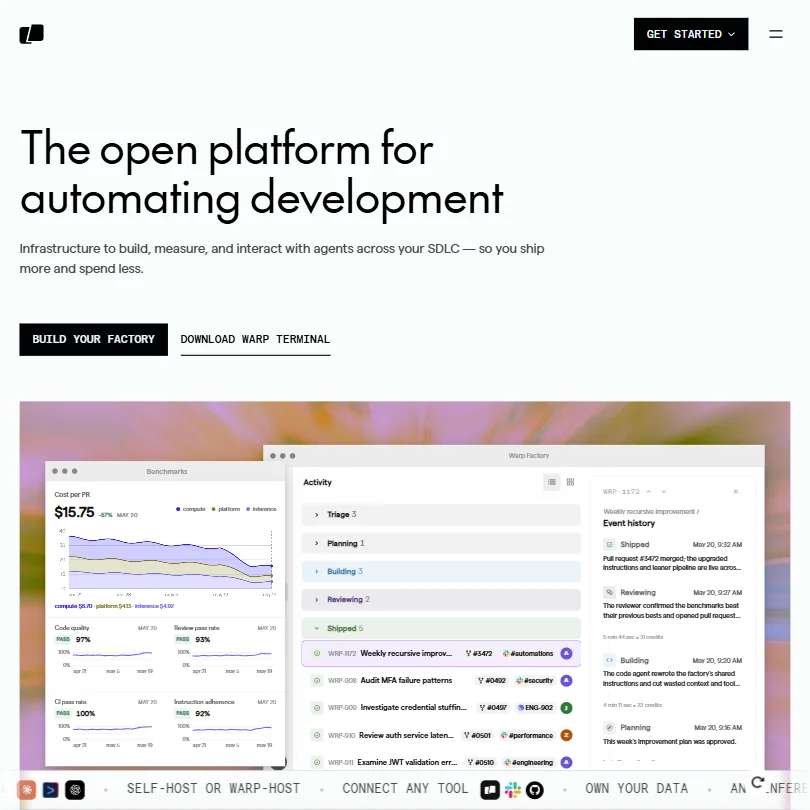
A terminal that carries its own agent. The free plan includes the core terminal, the Warp Agent CLI, limited cloud agents and the option to bring your own inference, with pay-as-you-go credit reloads once the allowance is spent. Build adds 1,500 credits, frontier and open source models and 40 indexed codebases. Choose it over Aider if you want an app with a cloud agent, not a plain command.
- The terminal offers AI-powered command completion and natural language to shell command translation, reducing friction for developers.
- Warp Drive provides a shared space for saving and distributing commands across a team, improving workflow consistency.
- The product has pivoted significantly, and it is unclear whether the terminal and the agentic platform feel like one coherent product or two separate tools stapled together.
Open source core free; you pay your own model provider
Not listedShow detailsHide details08 Cline: Best for your own keys inside VS Code7.2Score 7.2 out of 10Open source core free; you pay your own model providerNot listedVisit site ↗ReviewDetailsCloseShow more about Cline
Open source core free; you pay your own model provider
Not listed
Show detailsHide detailsCline: Best for your own keys inside VS Code
7.2Score 7.2 out of 10Open source core free; you pay your own model providerNot listedVisit site ↗ReviewDetailsClose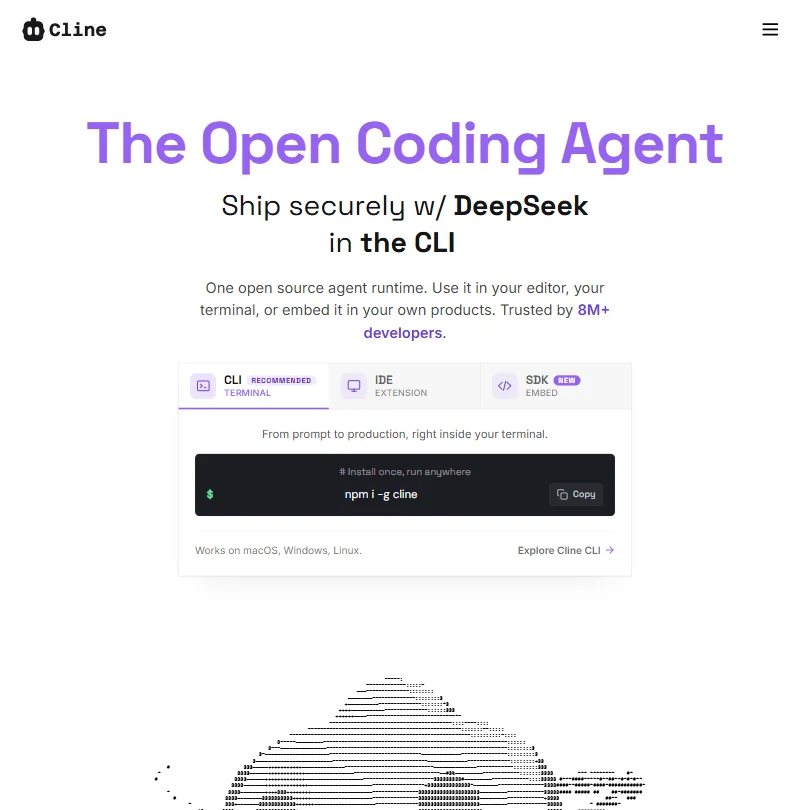
Cline is free in the plainest sense: an open source core that runs on your own machine, with your own API key and no allowance counted by Cline. You pay your model provider directly, or point it at a local model. It supports VS Code, and the listing says your code is not used for training. Choose it over Aider if you want the agent inside an editor instead of the terminal.
- Fully open-source runtime gives developers complete control over the underlying model and infrastructure.
- Model-agnostic architecture supports GPT-4o, Claude, and open-weights models, avoiding vendor lock-in.
- The tool requires developers to manage their own API keys and model infrastructure unless they pay for ClinePass.
Limited
Paid $8/moShow detailsHide details09 OpenAI Codex: Best for trying Codex on quick coding tasks7.2Score 7.2 out of 10Limited$8/moVisit site ↗ReviewDetailsCloseShow more about OpenAI Codex
Limited
Paid $8/mo
Show detailsHide detailsOpenAI Codex: Best for trying Codex on quick coding tasks
7.2Score 7.2 out of 10Limited$8/moVisit site ↗ReviewDetailsClose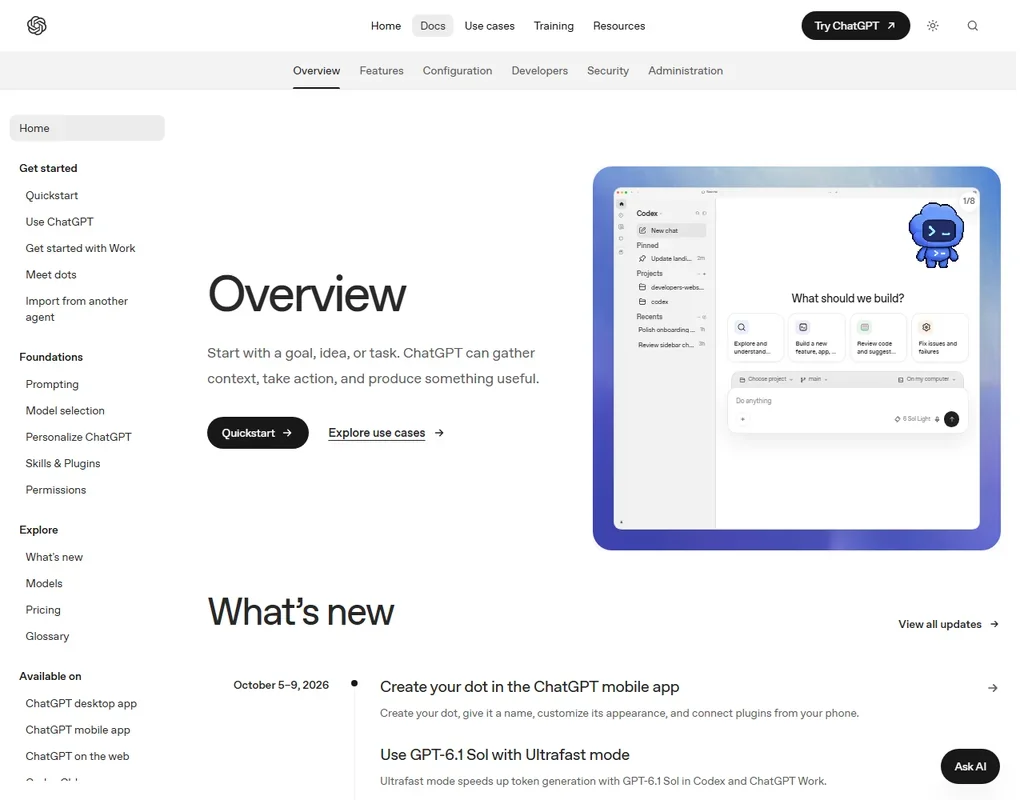
Codex comes with ChatGPT Free, where it handles quick coding tasks on GPT-6 Luna at standard speed in the desktop app, subject to rollout. That is a taste of the agent rather than a daily tool: Codex on the web, in the CLI and in the IDE extension starts at Plus, $20 a month, and the free plan has no image generation. Choose it over Aider when you would rather start from a ChatGPT login than manage a provider account.
- The Codex CLI is open source under Apache-2.0 and runs on macOS, Windows and Linux.
- Cloud tasks on Plus and above end in a commit or a pull request, and @codex review works on pull requests.
- Plus gives a few focused coding sessions each week, and Go is meant for lightweight coding tasks.
2,000 accepted edit predictions; unlimited with own keys
Paid $10/moShow detailsHide details10 Zed: Best for a fast editor with your keys7.2Score 7.2 out of 102,000 accepted edit predictions; unlimited with own keys$10/moVisit site ↗ReviewDetailsCloseShow more about Zed
2,000 accepted edit predictions; unlimited with own keys
Paid $10/mo
Show detailsHide detailsZed: Best for a fast editor with your keys
7.2Score 7.2 out of 102,000 accepted edit predictions; unlimited with own keys$10/moVisit site ↗ReviewDetailsClose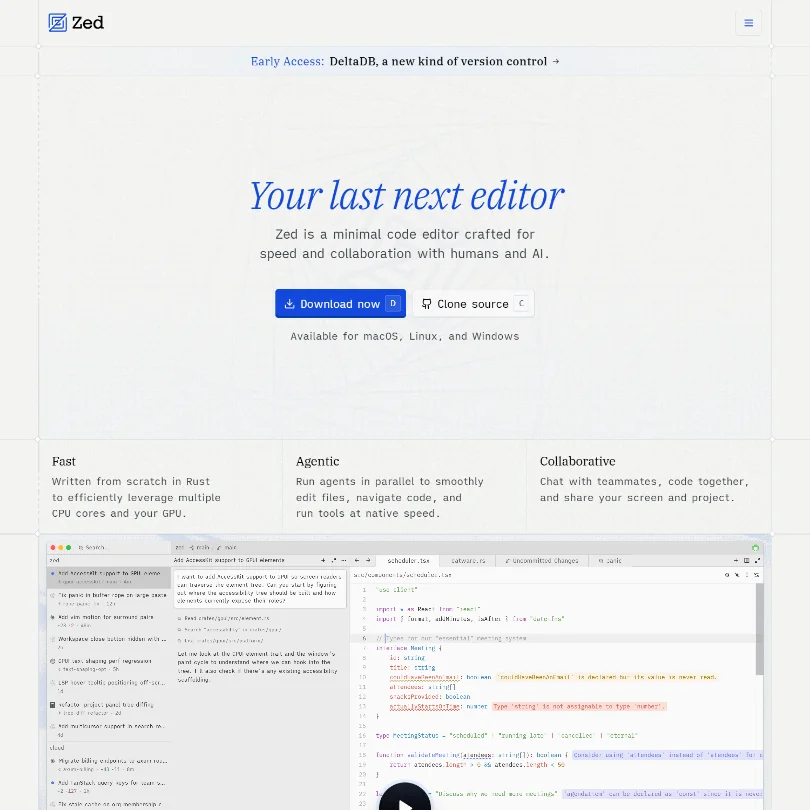
A fast editor written in Rust. The Personal plan includes 2,000 accepted edit predictions, and use is unlimited once you add your own API keys or an external agent. Keys from Anthropic, OpenAI, Google and others work, as do local models. Pro adds unlimited edit predictions and $5 of tokens. Choose it over Cline if you would rather have a dedicated editor than an add-on to another one.
- Built from the ground up in Rust, delivering genuine GPU-accelerated and multi-core performance that users consistently describe as noticeably faster than VS Code, especially on large files.
- Zed owns the entire stack, rendering, AI, and collaboration, rather than being a plugin layered onto another editor, giving it architectural coherence competitors lack.
- Windows support arrived later than macOS and Linux, suggesting platform parity may still lag for Windows-first developers.
Unlimited local code completion, limited AI credits
Paid $10/moShow detailsHide details11 JetBrains: Best for JetBrains IDE users7.1Score 7.1 out of 10Unlimited local code completion, limited AI credits$10/moVisit site ↗ReviewDetailsCloseShow more about JetBrains
Unlimited local code completion, limited AI credits
Paid $10/mo
Show detailsHide detailsJetBrains: Best for JetBrains IDE users
7.1Score 7.1 out of 10Unlimited local code completion, limited AI credits$10/moVisit site ↗ReviewDetailsClose
If your day is already spent in a JetBrains IDE, the free tier brings unlimited local code completion and a small bucket of AI credits. Local completion never runs out, so agent and chat use is where the limit shows. You can bring your own key or run local models, and the listing states no training on your code. AI Pro has a 30-day trial. Pick it over Copilot if you work in these IDEs.
- Deep IDE integration means no context-switching, the AI layer sits directly inside IntelliJ, PyCharm, WebStorm, and other JetBrains tools developers already use daily.
- Multi-model backend pulls from GPT-4, Claude, and Google Gemini/Codey, so teams aren't locked into a single vendor's approach to code generation.
- The AI Assistant is an add-on to an existing ecosystem, making it a poor fit for developers who don't already use JetBrains IDEs.
Limited agentic requests per month, access latest Claude models, use in IDE or CLI
↻ Renews monthlyPaid $19/moShow detailsHide details12 AWS: Best for AWS projects in IDE or CLI6.5Score 6.5 out of 10Limited agentic requests per month, access latest Claude models, use in IDE or CLI↻ Renews monthly$19/moVisit site ↗ReviewDetailsCloseShow more about AWS
Limited agentic requests per month, access latest Claude models, use in IDE or CLI
↻ Renews monthlyPaid $19/mo
Show detailsHide detailsAWS: Best for AWS projects in IDE or CLI
6.5Score 6.5 out of 10Limited agentic requests per month, access latest Claude models, use in IDE or CLI↻ Renews monthly$19/moVisit site ↗ReviewDetailsClose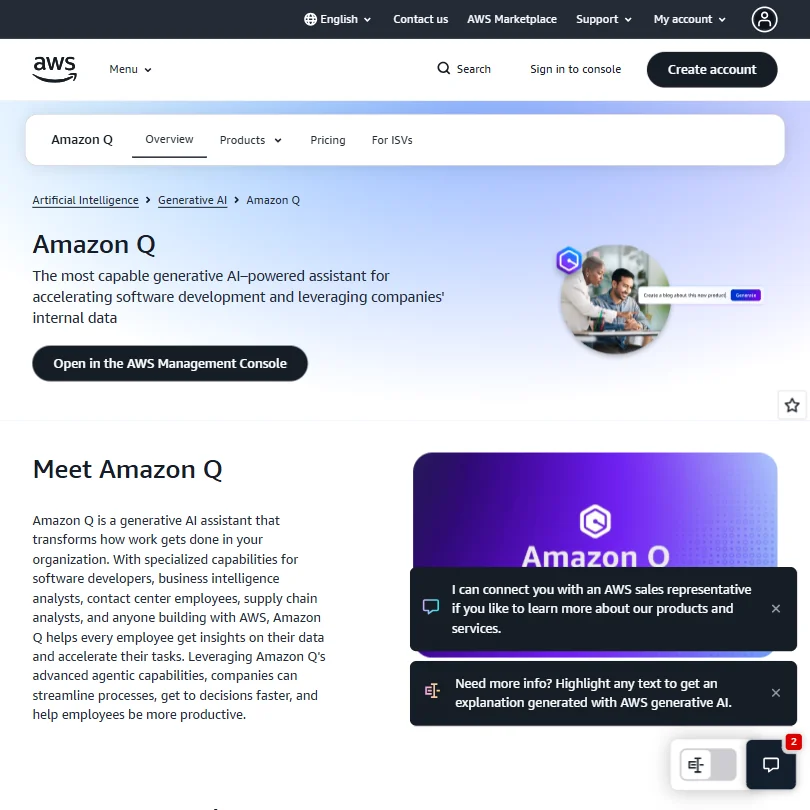
Amazon Q Developer's free tier gives a limited number of agentic requests each month with the latest Claude models, in your IDE or the command line. It needs an AWS Builder ID or an AWS account. The listing states no training on your code, with an opt-out. Pro adds higher limits, Java and .NET app transformation and IP indemnity. Choose it for work built around AWS, and over Warp when you stay in an IDE.
- Amazon Q Developer integrates directly into popular IDEs like VS Code and JetBrains, as well as the CLI and AWS Management Console, making it accessible in existing workflows.
- Offers a broad feature set including inline multi-line code suggestions, natural language code generation, test writing, debugging, and security scanning with automated fix suggestions.
- Amazon Q is not a single product but a fragmented family of tools, making it genuinely confusing for buyers to understand what they are actually purchasing.
Free open source; you pay only your own model costs
Not listedShow detailsHide details13 Aider: Best for terminal pair programming with any model6.4Score 6.4 out of 10Free open source; you pay only your own model costsNot listedVisit site ↗ReviewDetailsCloseShow more about Aider
Free open source; you pay only your own model costs
Not listed
Show detailsHide detailsAider: Best for terminal pair programming with any model
6.4Score 6.4 out of 10Free open source; you pay only your own model costsNot listedVisit site ↗ReviewDetailsClose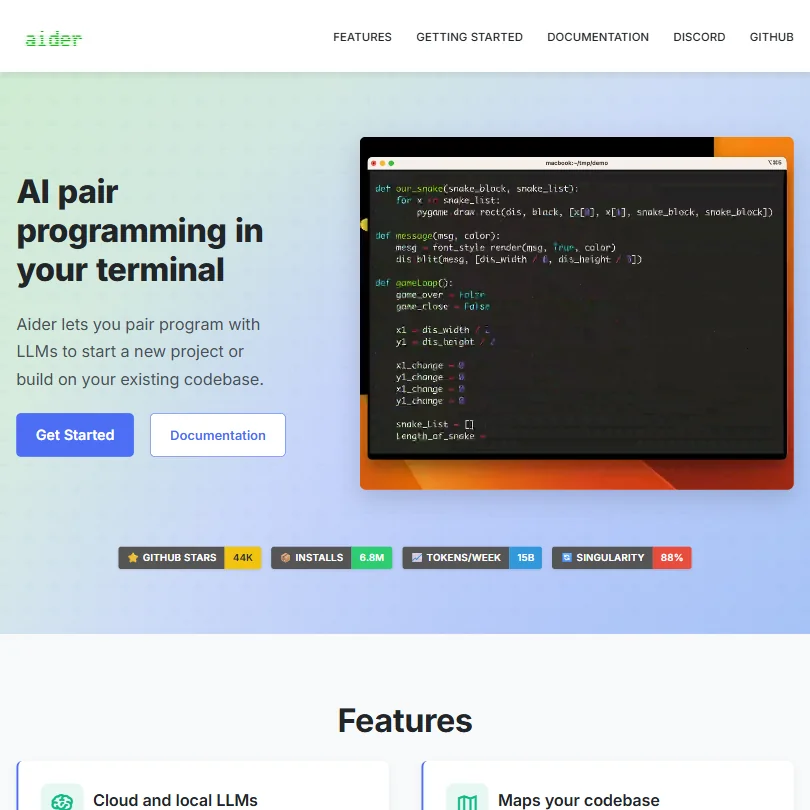
Aider costs nothing to install and counts nothing: you pay your own model provider, whether OpenAI, Anthropic, DeepSeek or a local model, and it runs in the terminal on your machine. Its git-native flow keeps edits easy to review, and the listing says your code is not used for training. Choose it over Cline for a terminal-based way of working, or over Warp for a plain open source tool.
- Terminal-native interface keeps workflow focused with no browser tabs or sidebar widgets cluttering the experience.
- Works with multiple LLMs including Claude 3.7 Sonnet, OpenAI o1, and DeepSeek R1, giving users cost and performance flexibility.
- No inline autocomplete or tab-complete behavior, which will disappoint developers expecting a GitHub Copilot-style experience.
50 credits a month
↻ Renews monthlyPaid $20/moShow detailsHide details14 Kiro: Best for spec-driven agent work in its own IDE6.0Score 6.0 out of 1050 credits a month↻ Renews monthly$20/moVisit site ↗ReviewDetailsCloseShow more about Kiro
50 credits a month
↻ Renews monthlyPaid $20/mo
Show detailsHide detailsKiro: Best for spec-driven agent work in its own IDE
6.0Score 6.0 out of 1050 credits a month↻ Renews monthly$20/moVisit site ↗ReviewDetailsClose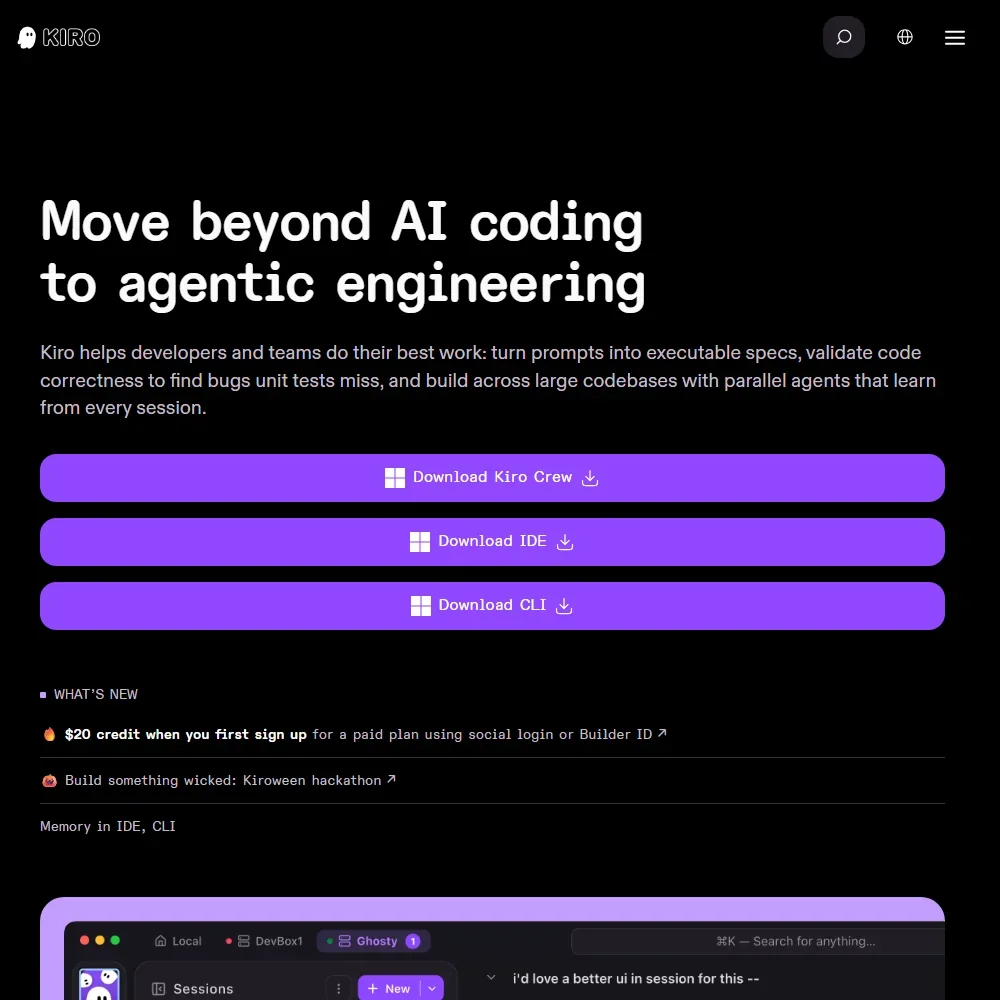
Kiro's free plan gives 50 credits a month in AWS's agentic IDE and CLI, with open weight models and Claude Sonnet 4.5 under limits. Frontier models spend credits faster, and Kiro Web, cloud agents and the premium models start on Pro. Free inputs may be used for service improvement unless you opt out. With no tab completion, pick it over Cursor when you plan work as specs and let the agent run.
- A perpetual Free plan includes 50 credits a month with open weight models and Claude Sonnet 4.5.
- Claude, GPT and open weight models from DeepSeek, Qwen, Kimi, GLM and MiniMax sit on one credit allowance, with an Auto router.
- The IDE has no tab completion for code; it is driven by chat and agents.
15 tasks a day, 3 at a time
Paid $4.99/moShow detailsHide details15 Jules: Best for handing GitHub tasks to Google's agent5.0Score 5.0 out of 1015 tasks a day, 3 at a time$4.99/moVisit site ↗ReviewDetailsCloseShow more about Jules
15 tasks a day, 3 at a time
Paid $4.99/mo
Show detailsHide detailsJules: Best for handing GitHub tasks to Google's agent
5.0Score 5.0 out of 1015 tasks a day, 3 at a time$4.99/moVisit site ↗ReviewDetailsClose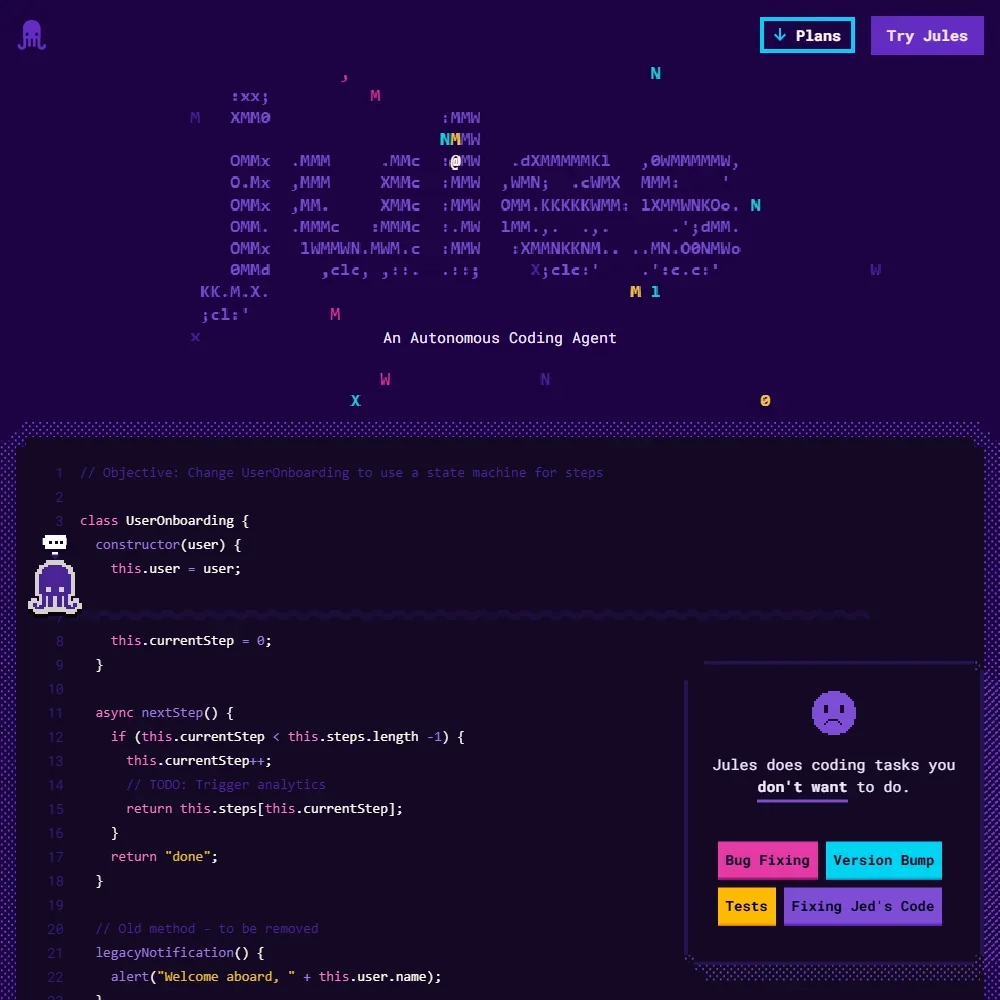
Jules costs nothing on its own: the free plan runs 15 tasks a day, three at a time, each in a Google cloud VM that clones your GitHub repo, plans, codes and opens a pull request. It uses Gemini models with no picker and does not suggest code as you type. Higher limits come only with Google AI plans. Pick it over Devin's free tier when you want to queue several small fixes from GitHub issues.
- The free plan gives 15 tasks a day and 3 running at once, and it does not expire.
- Each task runs in a fresh cloud machine and the changes come back as a pull request.
- Jules does not suggest code as you type, and its chat sits outside your editor.
Best free AI app builders
7 picksA free AI app builder spends tokens or credits on every prompt, so the allowance sets how many rounds of changes you get. Bolt gives 300K tokens a day and 1M a month, v0 offers $5 of credits with a seven-message daily cap, Lovable lists private workspace projects and Replit limited credits. Pick Bolt for a spelled-out allowance, v0 for interface work.
#ToolScoreFree plan gives youPaid from
10 credits, build and test in the workspace, no custom domain
Paid $20/moShow detailsHide details16 Emergent: Best for an app described rather than coded8.4Score 8.4 out of 1010 credits, build and test in the workspace, no custom domain$20/moVisit site ↗ReviewDetailsCloseShow more about Emergent
10 credits, build and test in the workspace, no custom domain
Paid $20/mo
Show detailsHide detailsEmergent: Best for an app described rather than coded
8.4Score 8.4 out of 1010 credits, build and test in the workspace, no custom domain$20/moVisit site ↗ReviewDetailsClose
Emergent's free tier gives 10 credits to build and test a web or mobile app in its workspace, with a database and login built in. A custom domain, private hosting and GitHub pushes start on Standard, and code generation, testing and the app's own AI calls all draw on the same credits, so they go fast. Choose it when you would rather describe the app than edit its code; Replit fits better if you want an editor alongside the agent.
- It builds full stack apps with a React or Next.js front end, a FastAPI or Next.js back end and a managed MongoDB database.
- Emergent Auth handles email and password, Google sign-in and phone one-time codes without extra setup.
- Its Terms of Service license your content for training its AI systems, with no opt-out.
25 message credits per month
↻ Renews monthlyPaid $20/moShow detailsHide details17 Base44: Best for apps with login and database included7.3Score 7.3 out of 1025 message credits per month↻ Renews monthly$20/moVisit site ↗ReviewDetailsCloseShow more about Base44
25 message credits per month
↻ Renews monthlyPaid $20/mo
Show detailsHide detailsBase44: Best for apps with login and database included
7.3Score 7.3 out of 1025 message credits per month↻ Renews monthly$20/moVisit site ↗ReviewDetailsClose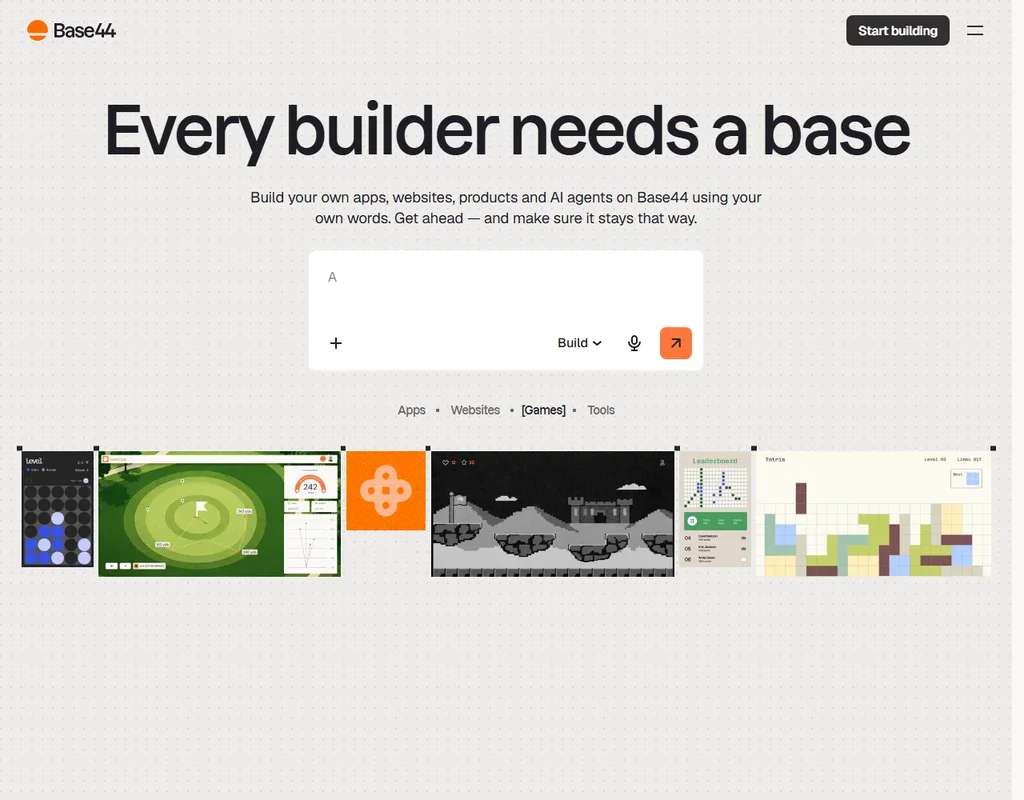
Base44's free plan gives 25 message credits and 100 integration credits a month, with up to five apps that already include authentication, a database and analytics, all hosted by Base44. There is no daily allowance, so the 25 messages are the budget for a month. A custom domain and a larger credit pool start at Starter, $20 a month. Choose it when you want a working app with login and data from a prompt, not an editor to configure.
- The backend, a database, authentication and hosting are built in, with a built-in database on every plan including Free.
- The Free plan gives 25 message credits and 100 integration credits a month and up to 5 apps.
- Plans run on message credits, and Starter holds 100 message credits a month.
300K tokens daily limit, 1M tokens/month, Bolt branding on sites, 10MB file upload, up to 333K web requests
↻ Daily creditsPaid $25/moShow detailsHide details18 bolt.new: Best for whole apps built from a browser chat6.6Score 6.6 out of 10300K tokens daily limit, 1M tokens/month, Bolt branding on sites, 10MB file upload, up to 333K web requests↻ Daily credits$25/moVisit site ↗ReviewDetailsCloseShow more about bolt.new
300K tokens daily limit, 1M tokens/month, Bolt branding on sites, 10MB file upload, up to 333K web requests
↻ Daily creditsPaid $25/mo
Show detailsHide detailsbolt.new: Best for whole apps built from a browser chat
6.6Score 6.6 out of 10300K tokens daily limit, 1M tokens/month, Bolt branding on sites, 10MB file upload, up to 333K web requests↻ Daily credits$25/moVisit site ↗ReviewDetailsClose
Bolt runs a full Node.js environment inside a browser tab, so the free plan is about how many rounds of prompting you get: 300K tokens a day and 1M a month. Sites carry Bolt branding and uploads are small. Pro removes the daily limit and the branding and adds custom domains. Choose it over Lovable when you want the token allowance spelled out, and over v0 for whole apps.
- Generates full-stack web apps entirely in the browser without requiring any terminal access or local environment setup.
- WebContainers technology bundles the entire Node.js runtime in a browser tab, eliminating the need for external service accounts.
- The product was founded in 2024 and is still moving fast enough that some features and edges remain rough and unpolished.
$5 included monthly credits, deploy to Vercel, Design Mode, GitHub sync, 7 msg/day limit
↻ Renews monthlyPaid $30/moShow detailsHide details19 v0 by Vercel: Best for interface work deployed to Vercel6.2Score 6.2 out of 10$5 included monthly credits, deploy to Vercel, Design Mode, GitHub sync, 7 msg/day limit↻ Renews monthly$30/moVisit site ↗ReviewDetailsCloseShow more about v0 by Vercel
$5 included monthly credits, deploy to Vercel, Design Mode, GitHub sync, 7 msg/day limit
↻ Renews monthlyPaid $30/mo
Show detailsHide detailsv0 by Vercel: Best for interface work deployed to Vercel
6.2Score 6.2 out of 10$5 included monthly credits, deploy to Vercel, Design Mode, GitHub sync, 7 msg/day limit↻ Renews monthly$30/moVisit site ↗ReviewDetailsClose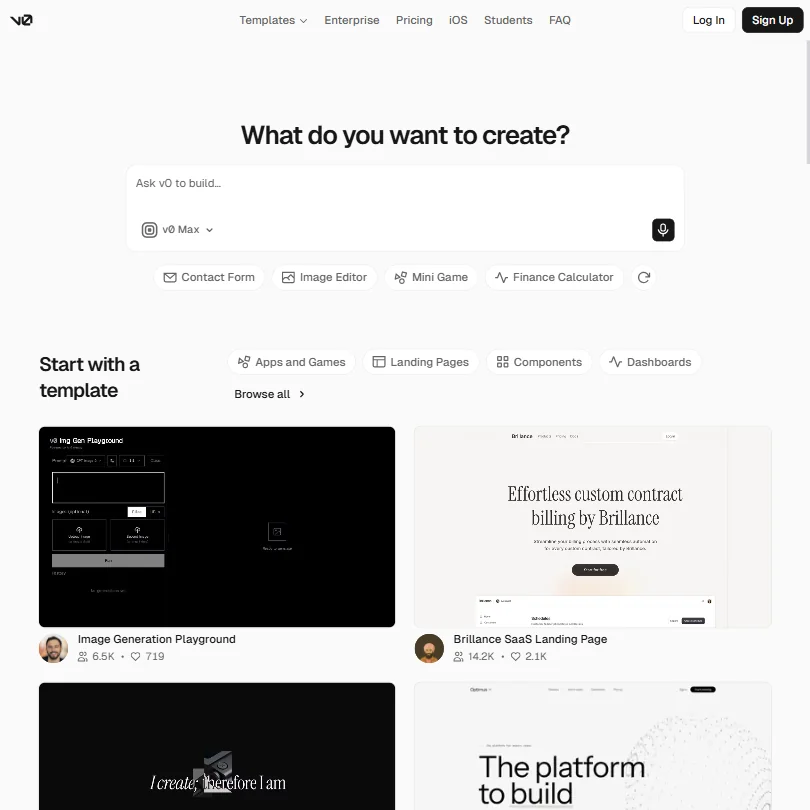
v0 is the pick for interface work that ends up on Vercel. The free plan gives $5 of monthly credits, Design Mode, GitHub sync and deployment to Vercel, and seven messages a day is the cap to plan around. Plus adds all models and more credits, and Business opts you out of training by default. It runs in the browser, with an iOS app. Choose it over Bolt for UI components.
- Generates React and Next.js UI extremely fast, outpacing most AI coding assistant tools in the category.
- Integrates shadcn/ui components by default, providing consistent and modern UI output out of the box.
- Generated code is often not production-ready, meaning significant developer cleanup may be required before real deployment.
Workspace-private projects, unlimited collaborators, 5 lovable.app domains, community support
Paid $25/moShow detailsHide details20 Lovable: Best for web apps built without coding4.8Score 4.8 out of 10Workspace-private projects, unlimited collaborators, 5 lovable.app domains, community support$25/moVisit site ↗ReviewDetailsCloseShow more about Lovable
Workspace-private projects, unlimited collaborators, 5 lovable.app domains, community support
Paid $25/mo
Show detailsHide detailsLovable: Best for web apps built without coding
4.8Score 4.8 out of 10Workspace-private projects, unlimited collaborators, 5 lovable.app domains, community support$25/moVisit site ↗ReviewDetailsClose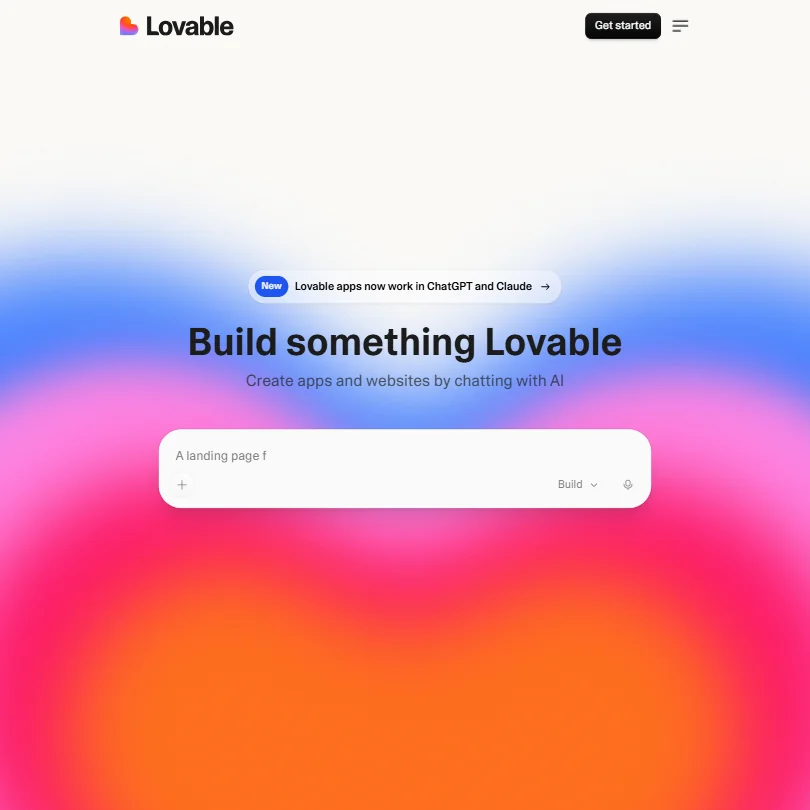
Lovable aims at people who want a working web app from a chat description. Its free plan keeps projects private to your workspace, with unlimited collaborators, five lovable.app domains and a limited number of credits. Pro adds 100 monthly credits, rollovers, custom domains and removal of the Lovable badge. It runs in the browser. Choose it over v0 for a whole app, and over Bolt if collaborators matter.
- Generates full-stack React and TypeScript web apps through natural language chat, requiring no coding knowledge or IDE setup.
- GitHub integration allows users to export and version their generated code, giving them ownership and portability.
- No IDE integration or CLI support means it cannot slot into existing developer workflows in VS Code or JetBrains.
500 AI credits/mo, 50K workload units/mo, development version only
↻ Renews monthlyPaid $39/moShow detailsHide details21 Bubble#6 of 7 AI app builders4.6Score 4.6 out of 10500 AI credits/mo, 50K workload units/mo, development version only↻ Renews monthly$39/moVisit site ↗ReviewDetailsCloseShow more about Bubble
500 AI credits/mo, 50K workload units/mo, development version only
↻ Renews monthlyPaid $39/mo
Show detailsHide detailsBubble#6 of 7 AI app builders
4.6Score 4.6 out of 10500 AI credits/mo, 50K workload units/mo, development version only↻ Renews monthly$39/moVisit site ↗ReviewDetailsClose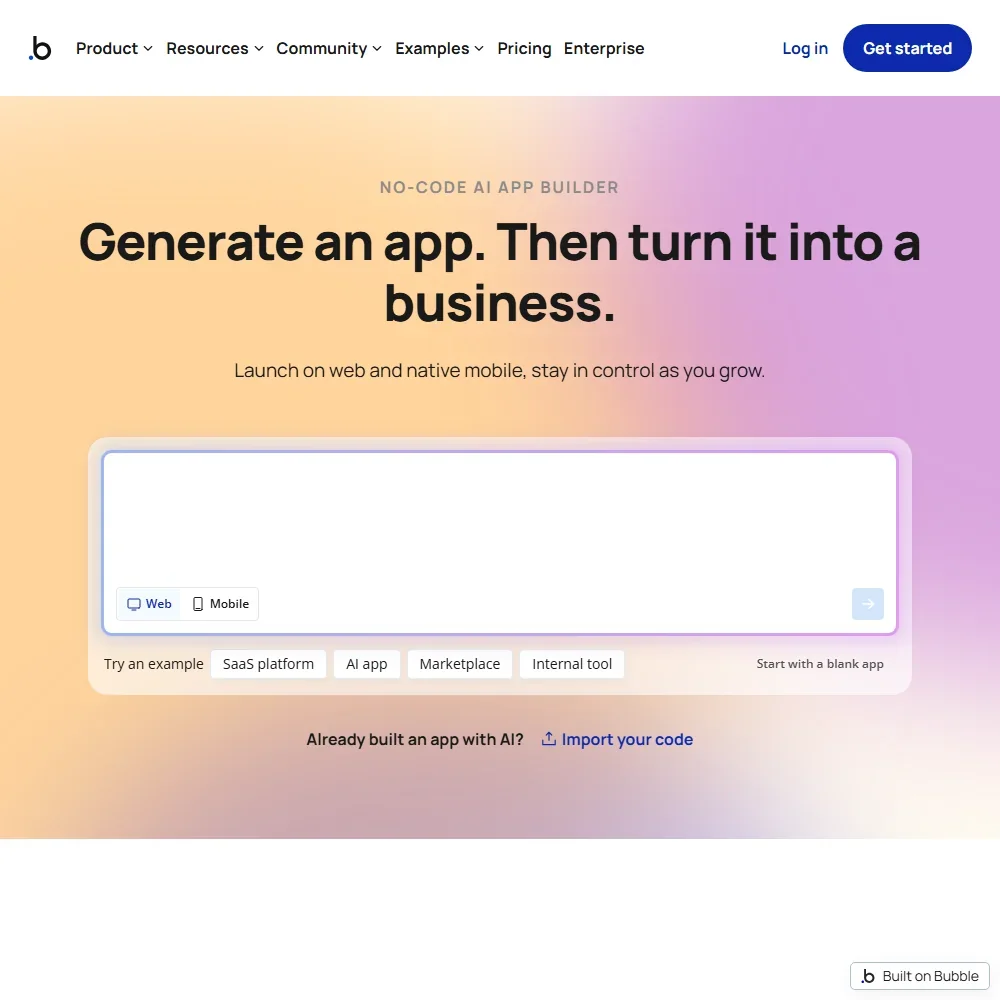
- Bubble AI builds a working app with interface, database and logic from a description.
- Every app gets a built-in database, user authentication and privacy rules with no SQL needed.
- There is no code export, so apps run only on Bubble and moving off means rebuilding the logic.
Limited AI credits, basic features, shared compute
Paid $20/moShow detailsHide details22 Replit: Best for going from idea to deployed app4.2Score 4.2 out of 10Limited AI credits, basic features, shared compute$20/moVisit site ↗ReviewDetailsCloseShow more about Replit
Limited AI credits, basic features, shared compute
Paid $20/mo
Show detailsHide detailsReplit: Best for going from idea to deployed app
4.2Score 4.2 out of 10Limited AI credits, basic features, shared compute$20/moVisit site ↗ReviewDetailsClose
Replit goes from a prompt to a deployed app in the browser: the agent writes code, configures a database, installs dependencies and deploys. The Starter plan includes basic features on shared compute with limited AI credits. Core adds more credits, always-on deployments and more compute. Choose it over Lovable if you want an editor with completion and hosting in one place, rather than a builder alone.
- No local setup required, the entire development environment runs in a browser with zero terminal configuration needed.
- Supports over 50 programming languages including Python, JavaScript, TypeScript, Go, Rust, and Ruby.
- Replit does not fully disclose which LLMs power the agent, making it difficult to evaluate reliability or performance expectations.
More free AI developer tools
6 picksThese tools do different jobs. Blackbox AI is a multi-model coding agent, Windsurf an AI editor on a daily quota, AskCodi a local desktop app for your own model keys, and Bito reviews and designs from a knowledge graph of your codebase. Locofy turns Figma designs into front-end code, Galileo evaluates LLM applications, and Mintlify hosts documentation. Pick Windsurf for an editor, Mintlify for docs.
#ToolScoreFree plan gives youPaid from

#23BLACKBOX AI: Best for sampling many models without paying
Free plan described as unlimited; Pro adds 400+ models
Paid $10/moShow detailsHide details23BLACKBOX AI: Best for sampling many models without payingn/aFree plan described as unlimited; Pro adds 400+ models$10/moVisit site ↗ReviewDetailsCloseShow more about BLACKBOX AI
#23BLACKBOX AI: Best for sampling many models without paying
Free plan described as unlimited; Pro adds 400+ models
Paid $10/mo
Show detailsHide detailsBLACKBOX AI: Best for sampling many models without paying
n/aFree plan described as unlimited; Pro adds 400+ models$10/moVisit site ↗ReviewDetailsClose
Blackbox describes its free plan as unlimited, which makes it a low-barrier way to try an agent before paying. Pro brings $10 of model credits across 400+ models and unlimited free agent requests, and Pro Plus adds multi-agent runs, the app builder and a coding agent for 35+ IDEs. It lists a zero data retention option. Choose it over Windsurf when model variety matters more than one built-in editor.
- The Chairman LLM architecture automatically dispatches competing agents in parallel and selects the best result, removing the burden of manual model selection from users.
- Supports 50+ programming languages and integrates with 35+ IDEs, giving it unusually broad compatibility across developer environments.
- Figma-to-code conversion is locked behind the $40/month Pro Max tier, creating a real cost barrier for solo developers who would benefit most from it.

#24Bito: Best for reviews grounded in the whole repo
Free trial of AI Architect and AI Code Reviews, no card
Not listedShow detailsHide details24Bito: Best for reviews grounded in the whole repon/aFree trial of AI Architect and AI Code Reviews, no cardNot listedVisit site ↗ReviewDetailsCloseShow more about Bito
#24Bito: Best for reviews grounded in the whole repo
Free trial of AI Architect and AI Code Reviews, no card
Not listed
Show detailsHide detailsBito: Best for reviews grounded in the whole repo
n/aFree trial of AI Architect and AI Code Reviews, no cardNot listedVisit site ↗ReviewDetailsClose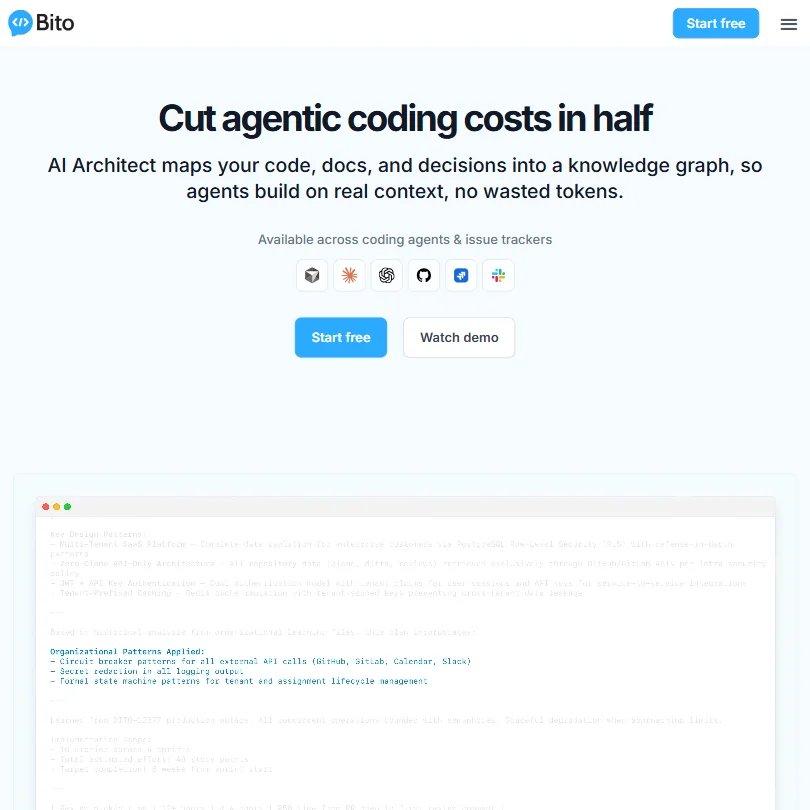
Bito's way in is a free trial of AI Architect and AI Code Reviews, with no card needed, rather than a standing plan. Both build on a knowledge graph of your codebase. The listing says your code is not used for training, and self-hosting is an Enterprise option. Pick it over CodeRabbit when you want reviews and design help grounded in the whole repo, and expect to ask for a quote to continue.
- The AI Architect system indexes code, commits, documentation, and open issues across all repositories to build a connected knowledge graph, providing richer context than typical coding assistants.
- AI code review goes beyond syntax checking by surfacing downstream risks that touch other services or APIs before a pull request is merged.
- Running multiple AI models introduces unpredictability in output quality that isn't always easy for users to anticipate or control.

#25Locofy.ai: Best for turning Figma designs into code
7-day trial with all Hobby features, 2,000 LDMtokens, 1 frame at a time, 10 frames per project
Paid $40/moShow detailsHide details25Locofy.ai: Best for turning Figma designs into coden/a7-day trial with all Hobby features, 2,000 LDMtokens, 1 frame at a time, 10 frames per project$40/moVisit site ↗ReviewDetailsCloseShow more about Locofy.ai
#25Locofy.ai: Best for turning Figma designs into code
7-day trial with all Hobby features, 2,000 LDMtokens, 1 frame at a time, 10 frames per project
Paid $40/mo
Show detailsHide detailsLocofy.ai: Best for turning Figma designs into code
n/a7-day trial with all Hobby features, 2,000 LDMtokens, 1 frame at a time, 10 frames per project$40/moVisit site ↗ReviewDetailsClose
This is a trial, not a standing plan: seven days with the Hobby features, 2,000 LDMtokens, one frame at a time and ten frames per project. It converts Figma or Penpot designs into front-end code, so judge it on a real design file. On Hobby your content may be used to improve the platform, while Pro states it is never used for training. Pick it over v0 when you start from a design file instead of a prompt.
- Supports a wide range of frameworks including React, React Native, Next.js, Angular, Vue, Flutter, SwiftUI, and Jetpack Compose, broader than most competitors at its price point.
- Uses a proprietary Large Design Model (LDM) trained specifically on design data rather than general code, which may better understand spacing, component hierarchies, and layout intent.
- No inline autocomplete, code review, test generation, or debugging tools, it is strictly a design-to-code converter and will disappoint those expecting a full AI coding assistant.

#26Galileo AI: Best for monitoring the LLM apps you ship
5,000 traces/month, unlimited users, unlimited custom evals
↻ Renews monthlyPaid $150/moShow detailsHide details26Galileo AI: Best for monitoring the LLM apps you shipn/a5,000 traces/month, unlimited users, unlimited custom evals↻ Renews monthly$150/moVisit site ↗ReviewDetailsCloseShow more about Galileo AI
#26Galileo AI: Best for monitoring the LLM apps you ship
5,000 traces/month, unlimited users, unlimited custom evals
↻ Renews monthlyPaid $150/mo
Show detailsHide detailsGalileo AI: Best for monitoring the LLM apps you ship
n/a5,000 traces/month, unlimited users, unlimited custom evals↻ Renews monthly$150/moVisit site ↗ReviewDetailsClose
Not a coding assistant: Galileo evaluates and monitors LLM applications and agents. The free tier gives 5,000 traces a month with unlimited users and unlimited custom evals, which suits a small team shipping an AI feature. Support on free is bot chat. Pro raises traces to 50,000, and VPC or on-prem deployment is Enterprise. Choose it when you build AI products rather than write code with one.
- Luna models reduce LLM-as-judge evaluation costs by 96% compared to running full LLM evaluators, making large-scale evals financially viable.
- Seamlessly connects offline evaluation during development with real-time production monitoring in a single unified workflow.
- Galileo does not offer code generation, autocomplete, or refactoring features, making it unsuitable for general developer productivity use cases.

#27Mintlify: Best for documentation sites with an API playground
Full platform, custom domain, web editor, API playground
Paid $540/moShow detailsHide details27Mintlify: Best for documentation sites with an API playgroundn/aFull platform, custom domain, web editor, API playground$540/moVisit site ↗ReviewDetailsCloseShow more about Mintlify
#27Mintlify: Best for documentation sites with an API playground
Full platform, custom domain, web editor, API playground
Paid $540/mo
Show detailsHide detailsMintlify: Best for documentation sites with an API playground
n/aFull platform, custom domain, web editor, API playground$540/moVisit site ↗ReviewDetailsClose
A documentation platform rather than a coding assistant. The free Starter plan includes the full platform, a custom domain, the web editor, authentication, an MCP server and an API playground. The Agent, Assistant, Automations and preview deployments start on Pro. Choose it over self-hosting Docusaurus if you want hosting and editing handled for you, and over the other tools here when the output is docs.
- Mintlify serves over 20,000 companies including Anthropic, Coinbase, and HubSpot, demonstrating strong product-market fit in developer documentation.
- The platform offers solid Git sync with both GitHub and GitLab, making it easy to integrate into existing developer workflows.
- Mintlify does not offer code completion, debugging, or test generation, making it narrowly focused compared to broader developer tools.

#28AskCodi: Best for a local desktop app with your keys
Free models, 100K one-time tokens, custom agents & OpenAI-compatible API, community support
One-off creditsPaid $20/moShow detailsHide details28AskCodi: Best for a local desktop app with your keysn/aFree models, 100K one-time tokens, custom agents & OpenAI-compatible API, community supportOne-off credits$20/moVisit site ↗ReviewDetailsCloseShow more about AskCodi
#28AskCodi: Best for a local desktop app with your keys
Free models, 100K one-time tokens, custom agents & OpenAI-compatible API, community support
One-off creditsPaid $20/mo
Show detailsHide detailsAskCodi: Best for a local desktop app with your keys
n/aFree models, 100K one-time tokens, custom agents & OpenAI-compatible API, community supportOne-off credits$20/moVisit site ↗ReviewDetailsClose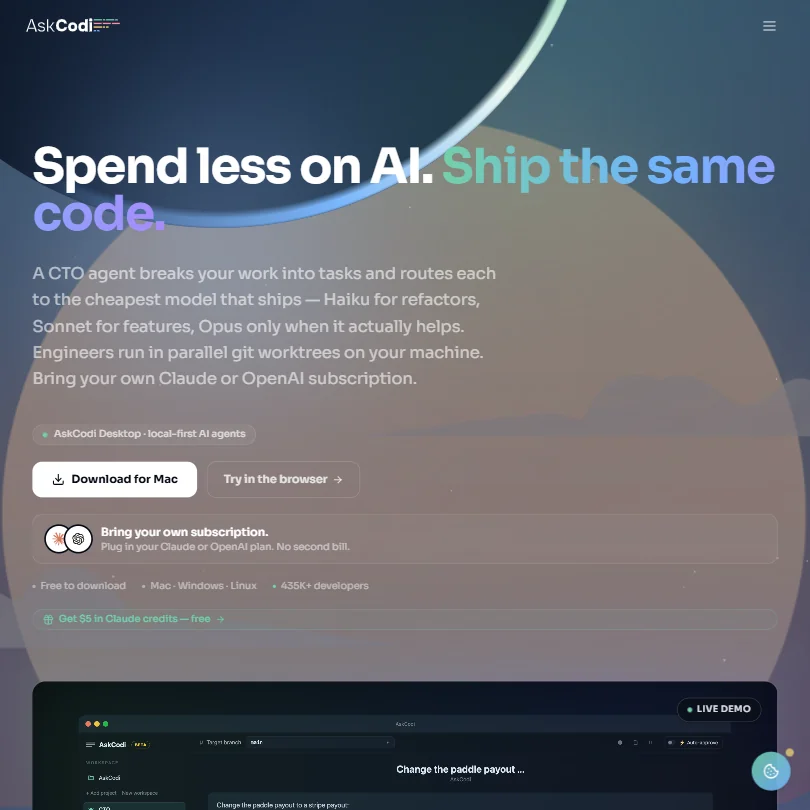
AskCodi Desktop is free software for Mac, Windows and Linux, and you pay for model usage through your own provider account or optional AskCodi credit. The free plan adds free models, 100K one-time tokens, custom agents and an OpenAI-compatible API. Those tokens do not renew, and Starter adds 16M tokens a month. Choose it over Aider if you prefer a desktop app to a terminal.
- Multi-agent orchestration system breaks features into parallel tasks across isolated git branches, reducing bottlenecks in complex development work.
- A dedicated CTO agent routes subtasks to specialist agents for tests, security, and refactoring, providing a structured engineering workflow.
- AskCodi doesn't fit neatly into the standard AI coding assistant category, which may confuse users expecting a straightforward code completion tool.
How to choose a free AI developer tool
Free AI developer tools are not really competing with each other. A completion plugin, a pull request reviewer, a terminal agent and a prompt-to-app builder do different jobs, and each rations a different thing: completions, agent requests, tokens, credits, repositories or developers. Two more questions decide most choices: which editor you already live in, and whether your code is sent to a hosted model you do not control. This guide sorts the tools by job, shows what each free plan counts, and covers models, local options and privacy.
Start with the job, not the tool
Five jobs cover nearly everything on this page.
- Writing code in your editor. Suggestions as you type, plus chat and agents on the codebase. GitHub Copilot, Cursor, Windsurf, Zed, JetBrains AI, Amazon Q and Devin all offer a free plan for it.
- Running agents on your own model. The tool is free and you bring the model key or a local model. Cline, Aider and AskCodi work this way, and Warp lets its free plan run on your own inference.
- Reviewing and securing code. A bot reads pull requests or scans for vulnerabilities. CodeRabbit, Greptile and Bito review pull requests, and Snyk scans code, dependencies, infrastructure files and containers.
- Building apps from a prompt. You describe a product and get something running. bolt.new, v0, Lovable and Replit do this in a browser, and Locofy turns Figma and Penpot designs into front-end code.
- Documentation and monitoring. Mintlify builds self-updating documentation, and Galileo evaluates and monitors applications built on language models.
The shortest route is to match the job and the editor in the table.
| Job | Start with | Runner-up, and the trade-off |
|---|---|---|
| Autocomplete in VS Code or a JetBrains IDE | GitHub Copilot Free | JetBrains AI keeps local completion unlimited, but only inside its own IDEs |
| A dedicated AI editor | Cursor Free | Windsurf on a daily quota, or Zed with its 2,000 edit predictions |
| Free, with your own model | Cline | Aider from the terminal, with the same bring-your-own-key cost |
| A pull request reviewer for public repos | CodeRabbit | Greptile, which gives 50 reviews a month to one developer |
| Scanning for vulnerabilities | Snyk | CodeRabbit lists linters and scanners, but on its paid tiers |
| A first web app from a prompt | bolt.new | v0 gives $5 of credits a month and ties you to Vercel |
| An AI terminal | Warp | Aider, a terminal agent that runs on your own key |
| Product documentation | Mintlify | Pro is $540 a month, so the free Starter is the plan to use |
What you actually get for free
The unit changes with the kind of tool, so the same word, free, covers an afternoon or a quiet year.
- Editor assistants. They count completions, edit predictions or agent requests. GitHub Copilot Free allows up to 2,000 completions a month, about 66 a day, which a full day of typing can use up. Zed gives 2,000 accepted edit predictions and unlimited use when you add your own API keys. Cursor, Devin and AWS describe their free plans as limited agent requests, and Devin adds unlimited Tab completions and inline edits. Windsurf gives a daily quota of Cascade flows and completions.
- Bring-your-own-model tools. They count nothing, and your model provider does. Aider is free to install and you pay only for your own LLM API costs. AskCodi Desktop is free, with 100,000 one-off tokens on its free plan, and Cline's open source core is free to use.
- Review and security tools. They count repositories, developers or projects. CodeRabbit's free plan covers pull request summaries on public and private repositories. Greptile's Starter allows one active developer and 50 credits a month, where one credit is one standard review. Snyk's free plan covers up to 5 projects.
- Prompt-to-app builders. They count tokens or credits. bolt.new gives 300,000 tokens a day and 1 million a month and puts Bolt branding on sites. v0 gives $5 of credits a month and 7 messages a day. Lovable lets you share projects with unlimited collaborators on up to 5 lovable.app domains, and Replit's Starter has limited AI credits on shared compute.
Which tool fits which developer
- Students and hobbyists. Start with GitHub Copilot Free for completions in the editor you already use, since 2,000 a month covers an evening of practice a few times a week. Add Aider or Cline once you have a model key and want agents.
- Solo developers who want an editor. Start with Cursor's free plan, because it is a full AI editor. Add Zed if you prefer a fast editor that can use your own API keys.
- JetBrains users. Start with JetBrains AI, which lists unlimited local code completion with limited AI credits inside its own IDEs. Add Snyk, which lists IDE integrations for JetBrains and VS Code.
- Open source maintainers. Start with CodeRabbit, whose free plan covers public repositories without a time limit. Add Greptile for cross-file context if you review as one active developer.
- Developers who keep code local. Start with Aider, a terminal tool that runs locally and lists local models, or Cline for VS Code. Add Zed, which also lists local models.
- Prototypers without an IDE. Start with bolt.new for a complete web app from chat, then move to v0 when the front end is the point. Add Lovable when others need to review the project, since collaborators are unlimited.
Where free plans stop
| Limit | Tools | What happens when you hit it |
|---|---|---|
| Monthly completions or predictions | GitHub Copilot Free, Zed | The count renews, and Zed lifts it with your own API keys |
| Agent requests | Cursor, Devin, AWS, Windsurf | Heavier agent work needs a paid plan |
| Tokens or credits | bolt.new, v0, Replit, AskCodi, Greptile | The pot or day ends, or extra credits cost $1 each at Greptile |
| Projects or developers | Snyk, Greptile | 5 projects at Snyk, one active developer at Greptile |
| Review depth | CodeRabbit | Summaries are free, full reviews and linters sit on Pro |
| Trial only | Locofy, Bito | Locofy's trial lasts seven days, and Bito's plans are priced on request |
Free limits work best against a plan for the week. Keep the agent requests for the tasks that span several files, and use unlimited Tab completions or local completion for routine typing. On a monthly count, track the number mid month and switch to your own key before it runs out. A review bot on a free plan is worth turning on for the repositories where review is slowest.
What you give up by staying free
Free plans rarely hold back the model alone. They hold back the surrounding work. CodeRabbit's free plan keeps pull request summaries, while full reviews, linters, Jira and Linear integrations come with Pro. Cursor's Premium plan adds cloud agents, Bugbot and Claude, GPT and Gemini; its cheaper Plus plan keeps to Cursor's own Grok models. GitHub Pro adds unlimited completions, model selection and access to third-party agents such as Claude Code and Codex.
Branding and team features go as well. bolt.new's free sites carry Bolt branding and allow 10MB uploads, while Pro removes the branding and allows 100MB. Lovable's Pro adds custom domains and user roles, and v0's paid tiers give all models. Team seats, admin dashboards and single sign-on appear at the paid and custom tiers across the page.
Privacy and who sees your code
Sending code to a hosted model is the main risk with these tools, and the listed policies differ. CodeRabbit, Bito, Cline, Zed, JetBrains, Snyk and Aider list that your code is not used for training. GitHub, Cursor, bolt.new, AWS, v0, Lovable and Replit list an opt out. CodeRabbit, BLACKBOX AI, Greptile, Warp and AskCodi list a zero data retention option.
| Tool | Training on your code |
|---|---|
| CodeRabbit, Bito, Cline, Zed, JetBrains, Snyk, Aider | Not used for training |
| GitHub, Cursor, bolt.new, AWS, v0, Lovable, Replit | You can opt out |
| Locofy Hobby | Content may be used to improve the platform |
Locofy's Pro plan states that content is never used for training. For private repositories, use a tool with a stated policy, switch off sharing on the opt out tools when you sign up, and read the retention terms before connecting a company repository. Local models avoid the question, since the code stays on your machine.
Mistakes to avoid
- Spending 2,000 completions in one week. GitHub Copilot Free renews monthly. Check your count mid month rather than at the end.
- Forgetting the model bill on bring-your-own-key tools. Aider and AskCodi are free to install, yet a busy day of agent work costs real API money. Set a spending limit at your provider first.
- Judging a reviewer on its free summaries. CodeRabbit's free plan summarizes pull requests. Use a paid plan's 14-day trial to see full reviews before you decide.
- Picking a tool for the wrong editor. Warp is a terminal, Zed is its own editor, and JetBrains AI lives in JetBrains IDEs. Check your editor against the tool before you install.
- Shipping from a free app builder. bolt.new adds branding on free sites and v0 deploys to Vercel. Decide where the app will live before you build it.
When it is worth paying
The signs are rationing requests instead of using them, waiting on a daily reset, or shuffling code between tools to stay under a cap.
| If you are | Upgrade to | What changes |
|---|---|---|
| Using Copilot all day | GitHub Pro at $10 | Unlimited completions, model selection and third-party agents |
| Leaning on agents in an editor | Cursor Premium at $30 | Cloud agents, Bugbot and Claude, GPT and Gemini at API prices |
| Using Zed every day | Zed Pro at $10 | Unlimited edit predictions and $5 of tokens |
| Reviewing pull requests for a team | CodeRabbit Pro | Full reviews, linters, Jira and Linear integrations |
| Building and launching an app | bolt.new Pro at $25 | No daily token limit, no branding and custom domains |
| Working on AWS | AWS Pro at $19 | More agent requests, Java and .NET transformation |
CodeRabbit lists 20 percent off for yearly billing and Warp 10, and Lovable lists 2 months free on its yearly plans. Trials help before you commit: CodeRabbit and Greptile give 14 days, Zed Pro 14 days, JetBrains AI Pro 30 days, and GitHub Enterprise 30 days with Copilot.
Using two free tools together
The jobs do not overlap, so two free tools often work as a pair.
- Write in your editor. Use Copilot Free, Cursor Free or JetBrains AI for suggestions as you type.
- Hand big tasks to your own agent. Aider or Cline, on a model you pay for, takes the multi-file work and keeps requests out of the editor count.
- Review before merging. CodeRabbit summarizes the pull request, and Snyk checks it for vulnerable code and dependencies.
For a quick prototype, build the first version in bolt.new, then carry on in your editor with Copilot Free.
What would this stack cost you?
Add our top picks (CodeRabbit, GitHub Copilot, Emergent and 1 more) to the calculator and see the monthly total, then swap in the plans you would pay for.
How we picked
Every tool here is ranked by its score, and each score is worked out from the vendor’s own published pages: pricing, plans, features and terms. No score is adjusted by hand. 22 of the 28 tools have enough published facts to show a score, and on average 95% of each score comes from facts the vendor publishes. The facts behind these scores were checked between 14 September 2026 and 29 October 2026.
Scores compare tools that do the same job, which is why the list is grouped by job: a video editor and a grammar checker are never ranked against each other.
| Ranked as | On this page | What we score | Scoring guide |
|---|---|---|---|
| AI coding assistants16 reviewed | 13 | 5 criteria, 17 checked facts: agents and your codebase, pricing, model freedom, privacy and security, where it works | How we score these → |
| AI app builders7 reviewed | 7 | 3 criteria, 6 checked facts: pricing, what you can ship, trust and compliance | How we score these → |
| Code review and security tools5 reviewed | 3 | 5 criteria, 14 checked facts: review quality, security scanning, pricing, fits your stack, privacy and deployment | How we score these → |
Common questions
What is the best Cursor free alternative?
It depends on what you want from Cursor. Windsurf is the closest editor, with its Cascade agent on a daily quota. Devin gives unlimited Tab completions and a light agent quota. Cline and Zed suit you if you would rather bring your own API keys, and Cline is open source. Cursor's own free plan limits agent requests, so none of these is a like-for-like swap.
Is GitHub Copilot free enough for daily coding?
It covers 2,000 completions a month, which is roughly 65 a day, with a few smaller models. Heavy typists can reach that count. If you do, JetBrains AI keeps local completion unlimited, Devin leaves Tab completions unlimited, and Zed or Cline remove the cap when you add your own key. Copilot is still the easiest to start with.
Is there an AI code generator free to use with no cap?
Aider and Cline have no allowance because you bring your own key, so you pay your model provider and nothing else. AskCodi Desktop is free software on the same terms, with 100K one-time tokens on top. Devin leaves inline edits and Tab completions unlimited. Everything else on this page counts something, such as completions, credits, tokens or messages.
Can I use my own API key with free AI coding tools?
Cline, Aider, Zed and AskCodi are built around it. Warp lets you bring your own inference on the free plan, Greptile and JetBrains list the option, and so do GitHub Copilot and Cursor, from its $30 Premium plan. A key moves the cost to your model provider, which helps when a tool's own credits would run out first but adds a bill that the tool does not cap.
Which free AI coding tools can run local models?
Cline, Zed, JetBrains and Aider list local model support, so prompts can stay on your machine. GitHub Copilot, Cursor, Devin and Amazon Q Developer list no local option and run in the cloud. AskCodi Desktop is local-first, though models still come from your own provider account unless you point it at one you host.
Which free AI coding tools work in JetBrains IDEs?
JetBrains AI is built in, and GitHub Copilot, Amazon Q Developer, Snyk, Bito and Devin all list support for JetBrains IDEs. Zed, Aider, Greptile and Bolt do not. If you want a free option that works in both VS Code and a JetBrains IDE, Copilot Free and Amazon Q Developer are the two with a monthly allowance and no card.
Which free AI coding tools are made for the terminal?
Aider is the plain choice, running in the terminal with your own model. Warp is a terminal app with a Warp Agent CLI that can be piped and scripted. Amazon Q Developer covers the command line in its free tier, and Snyk offers a CLI for scans. Pick Aider for editing code, Warp for a terminal that thinks, Snyk for checking it.