Teachers pay nothing here, and there is no paid teacher plan to grow into. The free extension for Chrome and Edge puts 20+ tools on the standard model inside Google Docs, Slides and YouTube: quizzes, slides, rubrics, reading-level changes and batch writing feedback.
Best of · 60 tools ranked
Best Free AI Productivity Tools
Find the best free AI productivity tools by what the free plan lets you do before a limit stops you: unlimited transcripts, a short run of notes, a monthly pot of AI tasks. The list is split by job, from assistants and meeting note takers to project boards and spreadsheets, so you compare like with like. Each entry says which limit matters and what sits behind it.
Updated 1 November 2026Ranked by our score, worked out from each vendor’s own pages.How we score →All AI Productivity Tool →
Our top 3 Free AI Productivity Tools
The free plan is a working tool, not a teaser: unlimited tasks, unlimited members, collaborative docs and one form cost nothing.
Three hours of transcription a month is the meter, with transcripts kept for three months and unlimited AI summaries inside that.
Best free AI teacher platforms
6 picks#ToolScoreFree plan gives youPaid from
Free plan, limits not published
Free onlyShow detailsHide details01 Brisk Teaching: Best for AI inside Google Docs for teachers9.6Score 9.6 out of 10Free plan, limits not publishedFree onlyVisit site ↗ReviewDetailsCloseShow more about Brisk Teaching
Free plan, limits not published
Free only
Show detailsHide detailsBrisk Teaching: Best for AI inside Google Docs for teachers
9.6Score 9.6 out of 10Free plan, limits not publishedFree onlyVisit site ↗ReviewDetailsClose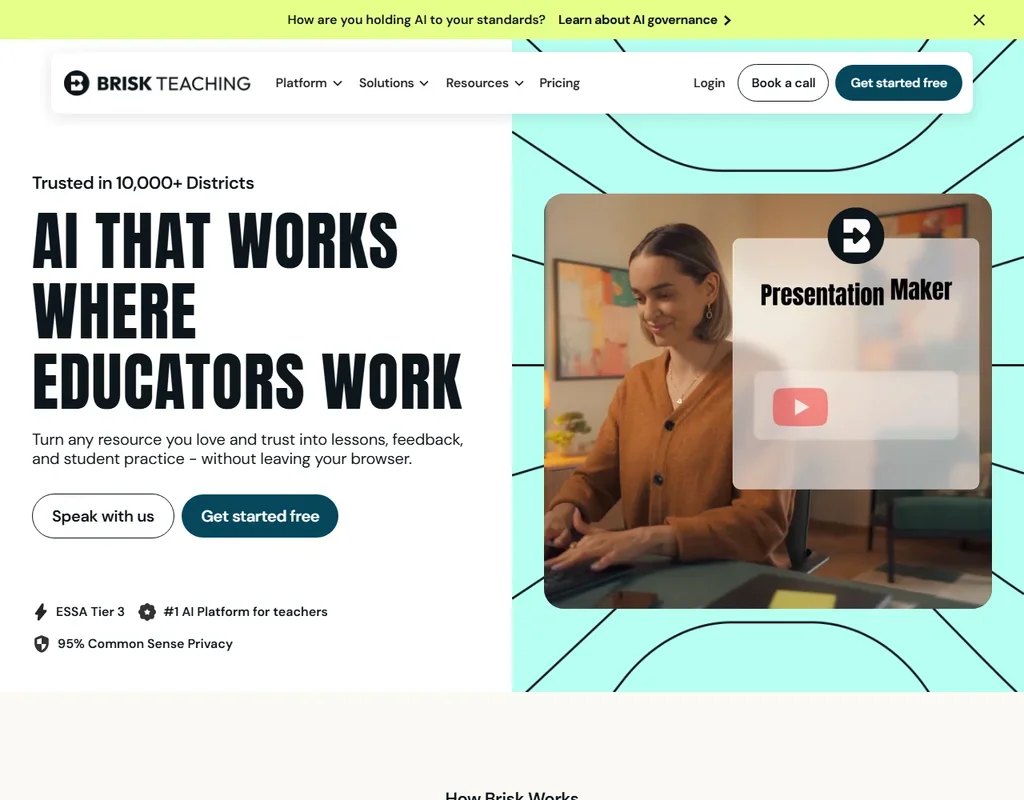
Teachers pay nothing here, and there is no paid teacher plan to grow into. The free extension for Chrome and Edge puts 20+ tools on the standard model inside Google Docs, Slides and YouTube: quizzes, slides, rubrics, reading-level changes and batch writing feedback. The Turbo model, 35+ tools and Canvas and Schoology links wait on school plans. Student and teacher inputs never train AI models. Pick it over MagicSchool when your day is spent in Google Docs.
- It is free for teachers, with 20-plus tools on the standard AI model.
- It works inside Google Docs, Slides, YouTube and LMS pages and can build a presentation, worksheet and quiz from a YouTube video.
- The Turbo model, 35-plus tools, the district dashboard and custom privacy agreements start on the school Premium plan.
Free plan, limits not published
Paid $8.33/moShow detailsHide details02 MagicSchool: Best for the broad free toolkit for K-12 teachers9.1Score 9.1 out of 10Free plan, limits not published$8.33/moVisit site ↗ReviewDetailsCloseShow more about MagicSchool
Free plan, limits not published
Paid $8.33/mo
Show detailsHide detailsMagicSchool: Best for the broad free toolkit for K-12 teachers
9.1Score 9.1 out of 10Free plan, limits not published$8.33/moVisit site ↗ReviewDetailsClose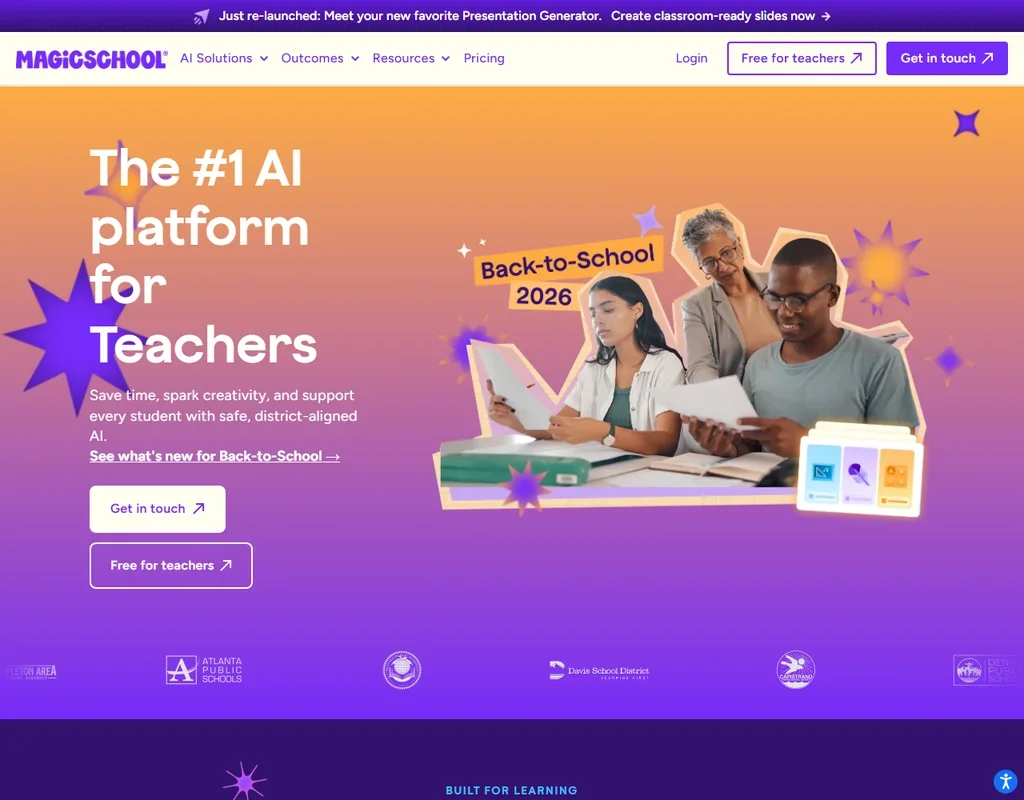
More than 80 teacher tools, the Raina chatbot, quizzes, Class Writing Feedback and Student Rooms are all free for a teacher. Where it stops is generation volume: free carries standard limits, and Plus removes that cap, keeps unlimited output history and adds the 50+ student tools. Its AI providers are contractually barred from training on your data. Pick it over Brisk Teaching when you want one web platform for planning and supervised student use.
- It has more than 80 AI teacher tools covering lesson plans, quizzes, slides, rubrics and differentiated materials.
- Class Writing Feedback sends AI-generated feedback on written assignments in batches, based on your rubric, and is on every plan.
- The free plan has standard generation limits, and Plus is needed to remove the generation cap.
Free plan, limits not published
Free onlyShow detailsHide details03 Curipod: Best for live writing practice with no student accounts8.6Score 8.6 out of 10Free plan, limits not publishedFree onlyVisit site ↗ReviewDetailsCloseShow more about Curipod
Free plan, limits not published
Free only
Show detailsHide detailsCuripod: Best for live writing practice with no student accounts
8.6Score 8.6 out of 10Free plan, limits not publishedFree onlyVisit site ↗ReviewDetailsClose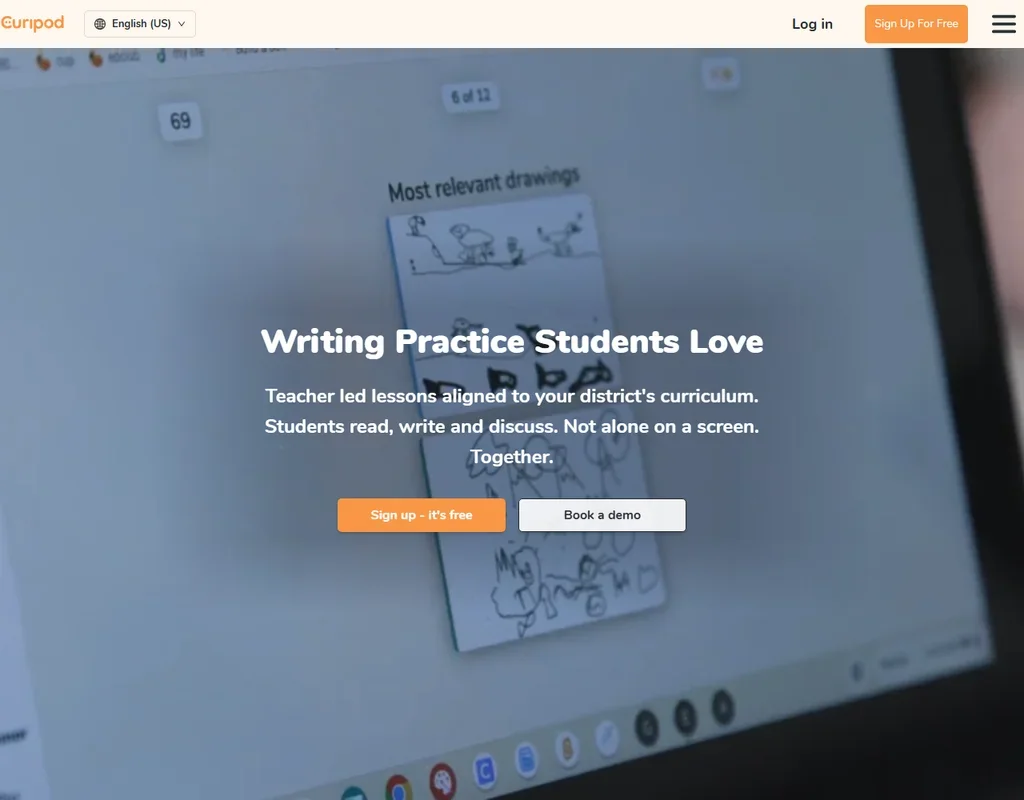
Each week a teacher gets fresh writing sessions, with unlimited student writers and instant AI feedback on what they write, though responses stop at 1,000 characters. Scoring against your own rubric, reports, PDF download, text to speech and single sign-on need a school plan by quote. Students never log in and get no chatbot. Pick it over Edcafe when whole-class writing practice in ELA, social studies or science is the job.
- Students get feedback the moment they submit, one exchange at a time, with no student AI chatbot.
- The free plan allows unlimited student writers, and students need no account.
- Rubric scoring, reports, PDF download, text to speech and single sign-on need a school plan.
Free plan, limits not published
Paid $7.99/moShow detailsHide details04 Edcafe: Best for quizzes and classroom chatbots for teachers8.1Score 8.1 out of 10Free plan, limits not published$7.99/moVisit site ↗ReviewDetailsCloseShow more about Edcafe
Free plan, limits not published
Paid $7.99/mo
Show detailsHide detailsEdcafe: Best for quizzes and classroom chatbots for teachers
8.1Score 8.1 out of 10Free plan, limits not published$7.99/moVisit site ↗ReviewDetailsClose
A free account brings 100 AI generations a month for quizzes, lesson plans, flashcards and reading activities, plus three custom chatbots and three assignment graders, each open to 40 student participants. The slides generator, file export, AI images, text to speech and uploading your own files as AI knowledge all start on Pro. Students join without a paid seat. Pick it over Curipod when you want students working with chatbots and graded activities you build.
- The Free plan has no time limit and gives 100 AI generations a month, 3 chatbots and 3 assignment graders.
- One source can become a quiz, lesson plan, slide deck, flashcards and a reading activity, including quizzes from YouTube videos.
- The slides generator, AI images, text to speech and file uploads are not on the Free plan.
Free plan, limits not published
Paid $12.50/moShow detailsHide details05 Diffit: Best for text leveled for mixed-ability classes6.4Score 6.4 out of 10Free plan, limits not published$12.50/moVisit site ↗ReviewDetailsCloseShow more about Diffit
Free plan, limits not published
Paid $12.50/mo
Show detailsHide detailsDiffit: Best for text leveled for mixed-ability classes
6.4Score 6.4 out of 10Free plan, limits not published$12.50/moVisit site ↗ReviewDetailsClose
Basic is free and rewrites any text to a reading level or language, then builds activities, slides and lesson kits around it, ready to download as PDF, print and share. Resources are kept for 90 days, while exports to Google, Canva and Microsoft, standards alignment and full history are paid. New accounts start with a premium trial. Students never log in. Pick it over Eduaide when differentiation is the whole job.
- It rewrites a text to a reading level or language, and Chat can adjust the level, swap activities or translate the content.
- It builds activities, unit tests, slides with speaker notes and lesson kits from text, a PDF, a URL or a video transcript.
- Exports to Google, Canva and Microsoft, standards alignment, curriculum grounding and full history need a paid plan.
Free plan, limits not published
Paid $4.17/moShow detailsHide details06 Eduaide: Best for lesson and worksheet credits for teachers6.1Score 6.1 out of 10Free plan, limits not published$4.17/moVisit site ↗ReviewDetailsCloseShow more about Eduaide
Free plan, limits not published
Paid $4.17/mo
Show detailsHide detailsEduaide: Best for lesson and worksheet credits for teachers
6.1Score 6.1 out of 10Free plan, limits not published$4.17/moVisit site ↗ReviewDetailsClose
Twenty-four credits a month is the free allowance, and a lesson or unit plan costs three, so a handful of plans uses it up. Exports reach Google Docs, Google Forms, Word and PDF. Differentiation, YouTube transcripts, document chat, AI images and one-step revisions need Pro, and free inputs are shorter. It is teacher-only and collects no student data. Pick it over MagicSchool when you want worksheets, graphic organizers and games from 120+ resource types.
- It has more than 120 tools, including lesson and unit plan generators and an Assessment Builder for standards-aligned quizzes and tests.
- The free plan gives 24 generation credits a month and does not ask for a credit card.
- Differentiation, one-step revisions, YouTube transcripts, document chat and AI images need Pro.
Best free AI work management tools
9 picksFor free AI project management tools, the plan is metered by size, not by AI. ClickUp counts nothing, Wrike counts active tasks, monday and Miro count boards, and Asana and monday count seats. What separates the picks is who is using them: a large team, two people, or one person with a wiki. ClickUp suits the first, Asana the second, Notion the third.
#ToolScoreFree plan gives youPaid from
AI credits included
Paid $9/moShow detailsHide details07 ClickUp: Best for whole teams wanting tasks and docs9.6Score 9.6 out of 10AI credits included$9/moVisit site ↗ReviewDetailsCloseShow more about ClickUp
AI credits included
Paid $9/mo
Show detailsHide detailsClickUp: Best for whole teams wanting tasks and docs
9.6Score 9.6 out of 10AI credits included$9/moVisit site ↗ReviewDetailsClose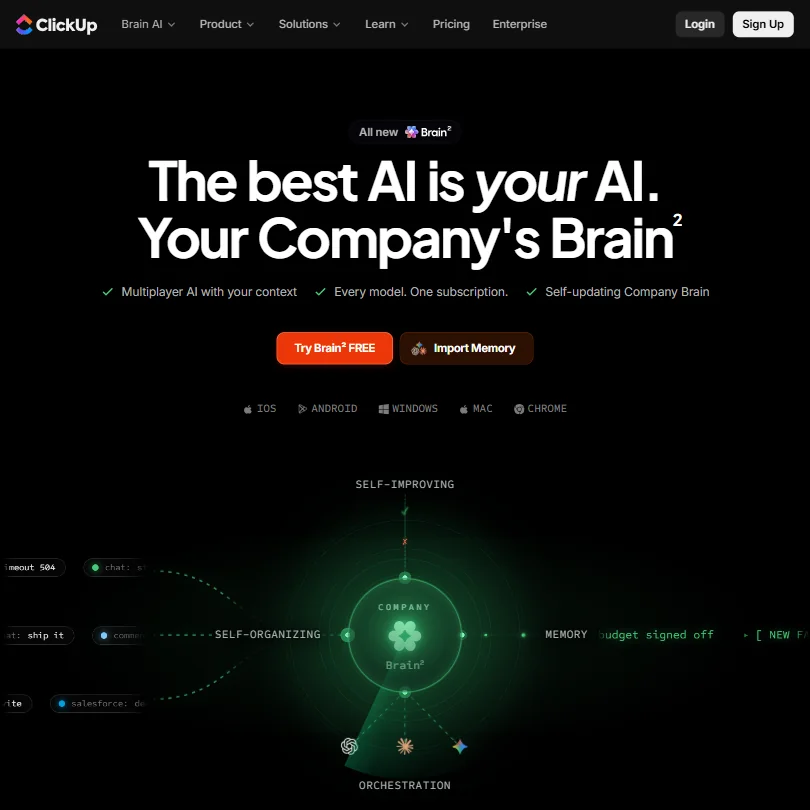
The free plan is a working tool, not a teaser: unlimited tasks, unlimited members, collaborative docs and one form cost nothing. ClickUp Brain now comes with every plan through monthly AI credits, Free Forever included, so you can try the AI without buying an add-on. Choose it over Wrike when a larger team needs tasks without a cap on how many are active, and plan to buy the AI later.
- ClickUp's free plan includes unlimited tasks, unlimited free plan members and collaborative docs.
- Brain's chat lets you choose between Claude, ChatGPT and Gemini.
- Paid plans are priced per user, from $12 a user a month on Core.
Basic task/project management, board & table views; active task limitations apply
Paid $10/moShow detailsHide details08 Wrike: Best for shared project lists beyond two people8.7Score 8.7 out of 10Basic task/project management, board & table views; active task limitations apply$10/moVisit site ↗ReviewDetailsCloseShow more about Wrike
Basic task/project management, board & table views; active task limitations apply
Paid $10/mo
Show detailsHide detailsWrike: Best for shared project lists beyond two people
8.7Score 8.7 out of 10Basic task/project management, board & table views; active task limitations apply$10/moVisit site ↗ReviewDetailsClose
Free here means managing work, not drafting with AI: unlimited users, board and table views, 2 GB of storage and a cap of 200 active tasks per account. AI Essentials starts on the Team plan. Choose it over monday when more than two people need to share the list, since monday's free plan stops at two seats, and expect to upgrade as active tasks pile up.
- AI Essentials, covering writing, form and rule generation and Board AI, is included free and unlimited under fair use on every paid plan starting at Team.
- Wrike offers a public REST API and its own MCP server for connecting AI assistants.
- Wrike Copilot and AI Agents are part of AI Elite, which only starts on the Business plan.
Unlimited pages and blocks for individuals, limited team features
Paid $12/moShow detailsHide details09 Notion: Best for docs and wikis for one person8.3Score 8.3 out of 10Unlimited pages and blocks for individuals, limited team features$12/moVisit site ↗ReviewDetailsCloseShow more about Notion
Unlimited pages and blocks for individuals, limited team features
Paid $12/mo
Show detailsHide detailsNotion: Best for docs and wikis for one person
8.3Score 8.3 out of 10Unlimited pages and blocks for individuals, limited team features$12/moVisit site ↗ReviewDetailsClose
Free is generous for one person: unlimited pages and blocks, docs, wikis and project databases, with guests never needing a paid seat, though external guests stop at 10. The AI is a limited trial, because the agent, meeting notes and cross-app search begin on Business. Forms are basic and automations are buttons only. Choose it over ClickUp when notes and wikis matter more than task tracking.
- Docs, wikis and project databases are included in Notion at no extra cost.
- Guests never require a paid seat on any Notion plan.
- Notion's full AI, including its agent, meeting notes and cross-app search, is included only from the Business plan.
Up to 2 seats, up to 3 boards, up to 3 Docs, 200+ templates
Paid $12/moShow detailsHide details10 monday: Best for two people sharing project boards8.1Score 8.1 out of 10Up to 2 seats, up to 3 boards, up to 3 Docs, 200+ templates$12/moVisit site ↗ReviewDetailsCloseShow more about monday
Up to 2 seats, up to 3 boards, up to 3 Docs, 200+ templates
Paid $12/mo
Show detailsHide detailsmonday: Best for two people sharing project boards
8.1Score 8.1 out of 10Up to 2 seats, up to 3 boards, up to 3 Docs, 200+ templates$12/moVisit site ↗ReviewDetailsClose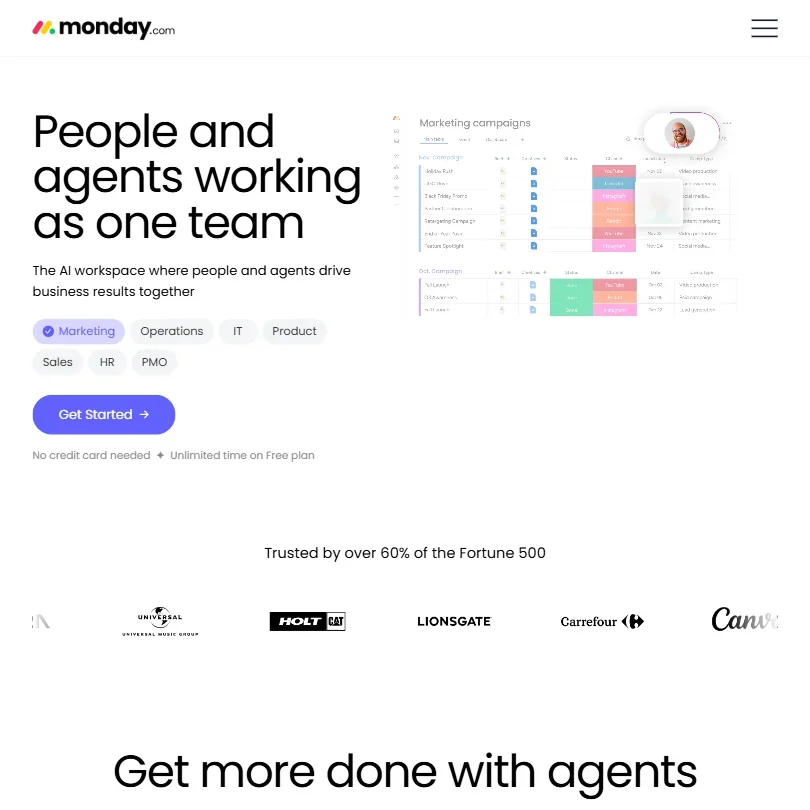
A small project board is what free buys: two seats, three boards, three Docs and over 200 templates, free for good. Its AI, Sidekick, agents and the meeting notetaker, belongs to paid plans, where credits start at a monthly pot on Basic. Pick it for two people sharing boards. A bigger group should look at Wrike, whose free plan has unlimited users, and paid monday plans need three seats.
- The free plan is free forever for up to 2 seats, with up to 3 boards and 3 Docs.
- Sidekick can create workflows, automations, dashboards and forms from a single request.
- Paid plans require a minimum of 3 seats.
3 editable boards, templates, basic AI exploration, 250+ integrations
Paid $10/moShow detailsHide details11 Miro: Best for planning visually on a shared canvas7.5Score 7.5 out of 103 editable boards, templates, basic AI exploration, 250+ integrations$10/moVisit site ↗ReviewDetailsCloseShow more about Miro
3 editable boards, templates, basic AI exploration, 250+ integrations
Paid $10/mo
Show detailsHide detailsMiro: Best for planning visually on a shared canvas
7.5Score 7.5 out of 103 editable boards, templates, basic AI exploration, 250+ integrations$10/moVisit site ↗ReviewDetailsClose
Three editable boards, templates, docs, tables and timelines, and more than 250 integrations cost nothing. The AI is a limited trial backed by 10 credits a month, and the Sidekick agents arrive in full on Business. Guests cannot be invited on Free. Your data is never used for training. Pick it over Notion for visual planning on a canvas, and over ClickUp if boards matter more than task lists.
- Miro runs on web, Windows, Mac, iOS and Android, with a public REST API and its own MCP server for connecting boards to AI tools.
- Docs, tables, timelines and Kanban-style boards are included on every plan, including Free.
- Sidekicks and Flows are only a limited trial on Free and Starter, and included in full from Business.
Up to 5 editors and 1,000 records per base
Paid $24/moShow detailsHide details12 Airtable: Best for small trackers on a relational database7.3Score 7.3 out of 10Up to 5 editors and 1,000 records per base$24/moVisit site ↗ReviewDetailsCloseShow more about Airtable
Up to 5 editors and 1,000 records per base
Paid $24/mo
Show detailsHide detailsAirtable: Best for small trackers on a relational database
7.3Score 7.3 out of 10Up to 5 editors and 1,000 records per base$24/moVisit site ↗ReviewDetailsClose
Airtable's free plan is a real database for a small team: unlimited bases of up to 1,000 records each, up to five editors, 1 GB of attachments per base, 100 automation runs a month and the Interface Designer, plus 500 AI credits per editor. The record cap is the ceiling, and Gantt and timeline views begin on Team at $24 per seat, or $20 billed annually. Pick it over ClickUp when the work is structured records with views and forms, not task lists.
- AI credits come with every plan: 500 per editor on Free, 15,000 per paid user on Team and 20,000 on Business.
- Views include table, list, board, calendar, timeline and gantt, plus a Form view on all plans.
- The Free plan is capped at 1,000 records per base, up to 5 editors and 100 automation runs a month.
2 users, unlimited tasks and projects, 100 MB files
Paid $13.49/moShow detailsHide details13 Asana: Best for unlimited tasks for two people7.2Score 7.2 out of 102 users, unlimited tasks and projects, 100 MB files$13.49/moVisit site ↗ReviewDetailsCloseShow more about Asana
2 users, unlimited tasks and projects, 100 MB files
Paid $13.49/mo
Show detailsHide detailsAsana: Best for unlimited tasks for two people
7.2Score 7.2 out of 102 users, unlimited tasks and projects, 100 MB files$13.49/moVisit site ↗ReviewDetailsClose
Free here is the Personal plan: two users, unlimited tasks and projects, list, board and calendar views and files up to 100 MB. Asana's AI is not on this plan, so you get a clean task manager and nothing more. Choose it over monday when you want unlimited tasks and storage for two people, and expect to move up once a third person joins.
- Asana's free Personal plan allows unlimited tasks and projects with unlimited storage (100MB per file) for up to 2 users.
- Unlimited free guest seats let clients and contractors collaborate from the Starter plan without adding to the license count.
- The Starter plan's AI allowance is capped at 5 requests per user a month, up to 50 per account.
Free plan, limits not published
Paid $7/moShow detailsHide details14 Todoist#8 of 9 AI work management tools6.0Score 6.0 out of 10Free plan, limits not published$7/moVisit site ↗ReviewDetailsCloseShow more about Todoist
Free plan, limits not published
Paid $7/mo
Show detailsHide detailsTodoist#8 of 9 AI work management tools
6.0Score 6.0 out of 10Free plan, limits not published$7/moVisit site ↗ReviewDetailsClose
- The AI assistants come included on Pro and Business, with no separate AI add-on.
- Todoist runs on the web, Windows, Mac, Linux, iPhone, iPad, Android, Apple Watch and Wear OS.
- There are no documents, forms or built-in timer, and Todoist Automations is a waitlist beta.
1 user included
Paid $20/moShow detailsHide details15 Taskade: Best for building apps and agents from a prompt5.5Score 5.5 out of 101 user included$20/moVisit site ↗ReviewDetailsCloseShow more about Taskade
1 user included
Paid $20/mo
Show detailsHide detailsTaskade: Best for building apps and agents from a prompt
5.5Score 5.5 out of 101 user included$20/moVisit site ↗ReviewDetailsClose
Free is a one-user plan, with free guests and a hosted MCP server included. AI use is metered by a monthly credit allowance on every plan, and unlimited AI apps, agents and automations begin on Pro. Choose it when you want to try building a small app or agent from a prompt on your own, and move to Notion or ClickUp for a larger team workspace.
- Pro and up include unlimited AI apps, agents and automations, metered by a monthly credit allowance.
- Taskade gives access to more than a dozen models, including Claude Opus 5, Claude Sonnet 5 and GPT-5.6 Sol.
- SOC 2 Type II and full GDPR compliance are still in progress.
Best free AI meeting note takers
17 picksAny free AI note taker is metered one of three ways. Fireflies.ai, Fathom and the tl;dv recorder count nothing, Read AI, Jamie, Tactiq and Otter.ai count each month, and Fellow and Bluedot count the whole life of the account. Circleback and Granola hide old notes behind a history window instead. Pick unlimited for volume, a monthly count for a steady habit, a lifetime count as a trial.
#ToolScoreFree plan gives youPaid from
3 hours a month, 3 months of storage, AI summaries
↻ Renews monthlyPaid $15.99/moShow detailsHide details16 MeetGeek: Best for bot-free recording with searchable meetings9.3Score 9.3 out of 103 hours a month, 3 months of storage, AI summaries↻ Renews monthly$15.99/moVisit site ↗ReviewDetailsCloseShow more about MeetGeek
3 hours a month, 3 months of storage, AI summaries
↻ Renews monthlyPaid $15.99/mo
Show detailsHide detailsMeetGeek: Best for bot-free recording with searchable meetings
9.3Score 9.3 out of 103 hours a month, 3 months of storage, AI summaries↻ Renews monthly$15.99/moVisit site ↗ReviewDetailsClose
Three hours of transcription a month is the meter, with transcripts kept for three months and unlimited AI summaries inside that. Bot-free recording through a Chrome extension or desktop recorder, AI chat across your meetings and an MCP server are all on the free plan, and its mobile app records in-person meetings. Pick it over Granola when you want a bot-free recorder with a choice of EU or US data hosting.
- No-bot Recording captures Zoom, Google Meet and Microsoft Teams calls through a Chrome extension or desktop recorder, included on the free Basic plan.
- AI Chat and search across all meetings is included from the free Basic plan.
- The free Basic plan caps transcription at 3 hours a month and keeps transcripts for 3 months.
Live transcripts, clips and API, free forever
∞ No expiryPaid $18/moShow detailsHide details17 Fireflies.ai: Best for unlimited transcripts with live captions9.1Score 9.1 out of 10Live transcripts, clips and API, free forever∞ No expiry$18/moVisit site ↗ReviewDetailsCloseShow more about Fireflies.ai
Live transcripts, clips and API, free forever
∞ No expiryPaid $18/mo
Show detailsHide detailsFireflies.ai: Best for unlimited transcripts with live captions
9.1Score 9.1 out of 10Live transcripts, clips and API, free forever∞ No expiry$18/moVisit site ↗ReviewDetailsClose
Open this one when the job is capturing meetings. Transcription is unlimited, a live transcript runs as the call happens, and the AskFred assistant answers questions across past meetings from the free plan. Video is recorded at 720p, and your calls do not train its models. Premium AI features run on credits, which is where you hit the ceiling. Read AI caps free reports at five a month, so Fireflies suits heavier meeting loads.
- The free plan includes unlimited transcription and live transcription at no cost.
- It does not use personal information to train its AI models and contractually prohibits its vendors from doing so.
- AI credits for premium AI features stay capped at 20 per seat on the Pro plan, rising only on higher tiers.
AI notes, action items, Ask Circleback; 30-day history
Paid $18/moShow detailsHide details18 Circleback: Best for free notes with cross-meeting search8.6Score 8.6 out of 10AI notes, action items, Ask Circleback; 30-day history$18/moVisit site ↗ReviewDetailsCloseShow more about Circleback
AI notes, action items, Ask Circleback; 30-day history
Paid $18/mo
Show detailsHide detailsCircleback: Best for free notes with cross-meeting search
8.6Score 8.6 out of 10AI notes, action items, Ask Circleback; 30-day history$18/moVisit site ↗ReviewDetailsClose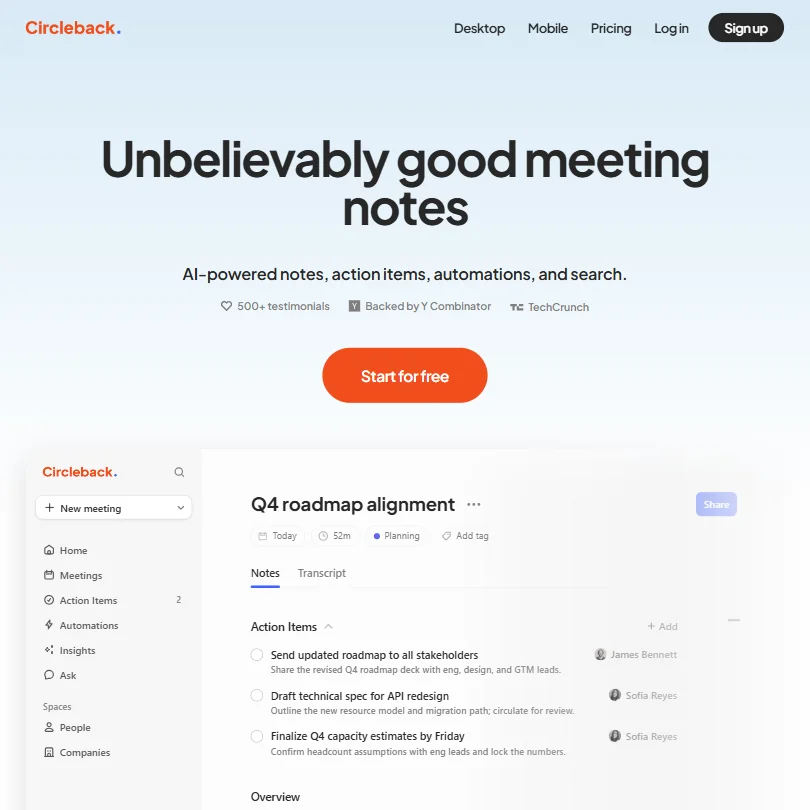
AI notes, action items and Ask Circleback, a search assistant across all your meetings, are on the free plan, with a bot-free desktop app as an alternative to the meeting bot. It also records in-person conversations through phone and Apple Watch apps. History is capped at 30 days, and full automations into apps like Salesforce wait for Pro. Choose it over Fellow when you want a standing free tool instead of five lifetime notes.
- The Free plan already includes AI meeting notes, action items and Ask Circleback, its cross-meeting search assistant.
- Circleback records in-person conversations through dedicated mobile and Apple Watch apps, not just online calls.
- Meeting and recording history is capped at 30 days on the Free plan; unlimited history requires the Pro plan.
5 AI notes and 5 AI recordings lifetime per user; Google Meet, Zoom, Teams integrations
Paid $11/moShow detailsHide details19 Fellow.ai: Best for compliance-minded teams trialling note taking8.5Score 8.5 out of 105 AI notes and 5 AI recordings lifetime per user; Google Meet, Zoom, Teams integrations$11/moVisit site ↗ReviewDetailsCloseShow more about Fellow.ai
5 AI notes and 5 AI recordings lifetime per user; Google Meet, Zoom, Teams integrations
Paid $11/mo
Show detailsHide detailsFellow.ai: Best for compliance-minded teams trialling note taking
8.5Score 8.5 out of 105 AI notes and 5 AI recordings lifetime per user; Google Meet, Zoom, Teams integrations$11/moVisit site ↗ReviewDetailsClose
Five AI notes and five AI recordings, counted over the life of the account, not each month. Treat that as a short trial and spend it on your most important meetings. In return you get botless recording on Zoom, Teams, Meet and Slack huddles, with no training on your data. For a standing weekly habit, Circleback or tl;dv fit better, while Fellow suits a team checking its compliance fit.
- Botless Recording captures, transcribes and summarizes meetings without a bot joining the call, working across Microsoft Teams, Google Meet, Zoom and Slack huddles.
- Fellow's AI is never trained on your data.
- The free plan gives only 5 AI notes and 5 AI recordings for the life of the account, not a monthly allowance.
Unlimited meetings up to 45 minutes each, AI notes and action items, 30-day meeting history, desktop capture
Paid $19/moShow detailsHide details20 Grain: Best for free call notes with bot-free capture8.4Score 8.4 out of 10Unlimited meetings up to 45 minutes each, AI notes and action items, 30-day meeting history, desktop capture$19/moVisit site ↗ReviewDetailsCloseShow more about Grain
Unlimited meetings up to 45 minutes each, AI notes and action items, 30-day meeting history, desktop capture
Paid $19/mo
Show detailsHide detailsGrain: Best for free call notes with bot-free capture
8.4Score 8.4 out of 10Unlimited meetings up to 45 minutes each, AI notes and action items, 30-day meeting history, desktop capture$19/moVisit site ↗ReviewDetailsClose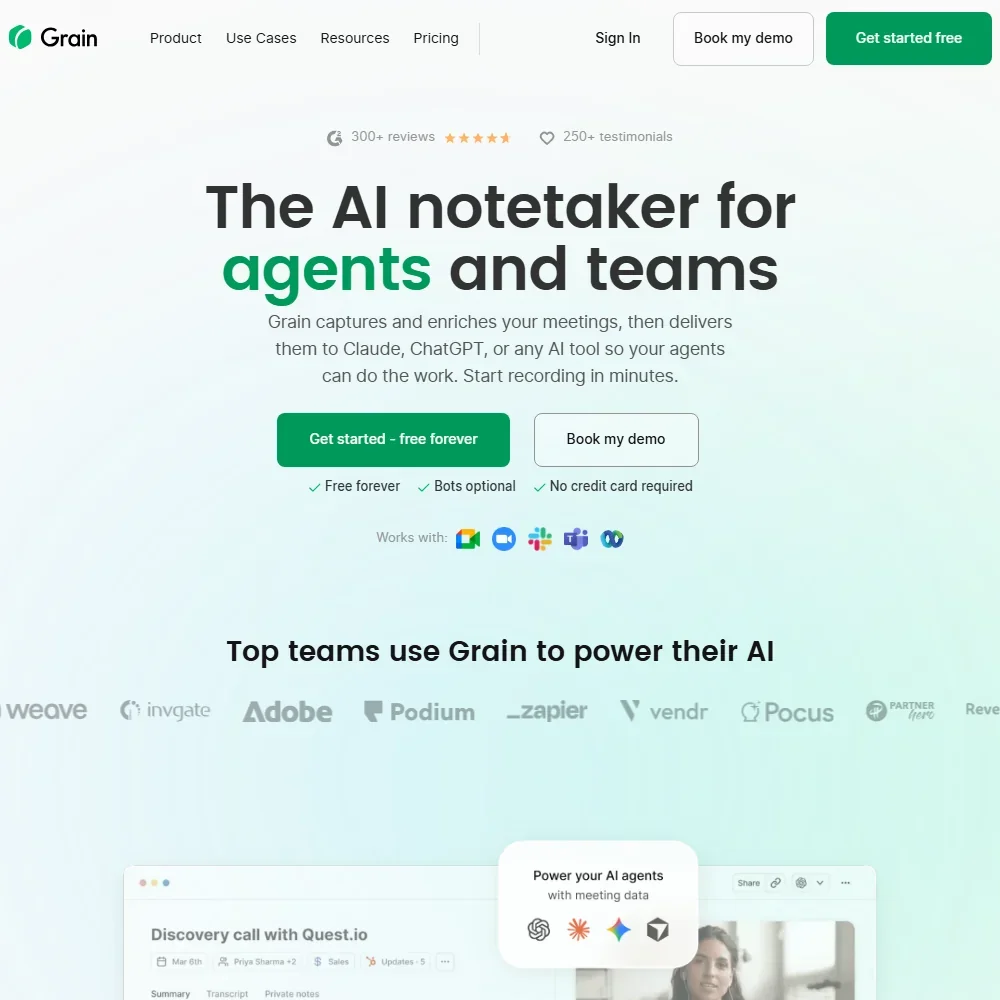
Every meeting can be recorded free, with AI notes, action items, the AI Notepad, a live transcript and desktop capture that needs no bot. Two limits bite: each meeting stops at 45 minutes and history lasts 30 days, which Starter lifts. Basic MCP access lets Claude or ChatGPT read your calls. Pick it over Fathom when you also record in-person meetings and your calls tend to run short.
- The desktop app records meetings without a bot, and it is on the free plan.
- Grain transcribes and writes AI notes in over 130 languages.
- The free plan limits each meeting to 45 minutes and keeps 30 days of history.
5 meeting transcripts/month, unlimited search, basic integrations, 20+ languages
↻ Renews monthlyPaid $19.75/moShow detailsHide details21 Read AI: Best for coaching feedback on how you run meetings8.2Score 8.2 out of 105 meeting transcripts/month, unlimited search, basic integrations, 20+ languages↻ Renews monthly$19.75/moVisit site ↗ReviewDetailsCloseShow more about Read AI
5 meeting transcripts/month, unlimited search, basic integrations, 20+ languages
↻ Renews monthlyPaid $19.75/mo
Show detailsHide detailsRead AI: Best for coaching feedback on how you run meetings
8.2Score 8.2 out of 105 meeting transcripts/month, unlimited search, basic integrations, 20+ languages↻ Renews monthly$19.75/moVisit site ↗ReviewDetailsClose
Five meeting reports a month come with unlimited search across your meeting history, live notes and metrics during the call, and a meeting coach tracking talking speed and filler words, with no card needed. Read joins video calls only as a visible bot, and video playback is reserved for Enterprise. Training on your content is opt-in. Pick it over Fireflies when you want feedback on how you run meetings.
- The free plan includes 5 meeting reports a month with unlimited enterprise search and no credit card required.
- Training on your content is opt-in and off by default.
- Read Assistant joins video calls only as a visible bot; there is no bot-free recording for them.
Unlimited recordings & transcription in 30+ languages, AI notes on up to 10 meetings, 10 Ask AI queries (5 single-meeting, 5 multi-meeting), data kept up to 3 months
↻ Renews monthlyPaid $29/moShow detailsHide details22 tl;dv: Best for unlimited recording and transcripts8.2Score 8.2 out of 10Unlimited recordings & transcription in 30+ languages, AI notes on up to 10 meetings, 10 Ask AI queries (5 single-meeting, 5 multi-meeting), data kept up to 3 months↻ Renews monthly$29/moVisit site ↗ReviewDetailsCloseShow more about tl;dv
Unlimited recordings & transcription in 30+ languages, AI notes on up to 10 meetings, 10 Ask AI queries (5 single-meeting, 5 multi-meeting), data kept up to 3 months
↻ Renews monthlyPaid $29/mo
Show detailsHide detailstl;dv: Best for unlimited recording and transcripts
8.2Score 8.2 out of 10Unlimited recordings & transcription in 30+ languages, AI notes on up to 10 meetings, 10 Ask AI queries (5 single-meeting, 5 multi-meeting), data kept up to 3 months↻ Renews monthly$29/moVisit site ↗ReviewDetailsClose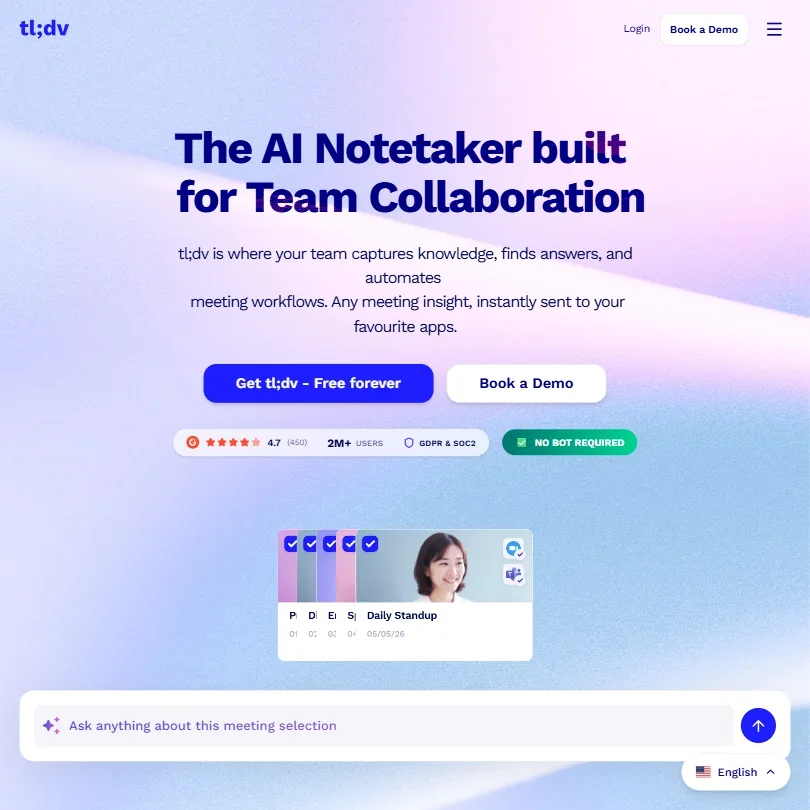
Recording and transcription are unlimited, across 30+ languages. The AI side is metered at 10 meetings with AI notes and 10 Ask AI queries (5 single-meeting, 5 multi-meeting), and free data is kept for up to 3 months. A bot-free desktop mode records the spoken audio only, and data is stored in the EU with no training on calls. Choose it over Read AI when you record more than a handful of meetings and mostly need the recording and the transcript.
- The free plan gives unlimited video recording and unlimited transcription across more than 30 languages.
- tl;dv does not train its AI models on your calls, and data is processed and stored in the EU.
- The free plan caps AI meeting notes at 10 meetings and Ask AI at 10 queries (5 single-meeting, 5 multi-meeting), and keeps free data for up to 3 months.
300 recording minutes in total, 10 recordings
Paid $32 (€30)/moShow detailsHide details23 Claap: Best for trialling call capture for sales8.0Score 8.0 out of 10300 recording minutes in total, 10 recordings$32 (€30)/moVisit site ↗ReviewDetailsCloseShow more about Claap
300 recording minutes in total, 10 recordings
Paid $32 (€30)/mo
Show detailsHide detailsClaap: Best for trialling call capture for sales
8.0Score 8.0 out of 10300 recording minutes in total, 10 recordings$32 (€30)/moVisit site ↗ReviewDetailsClose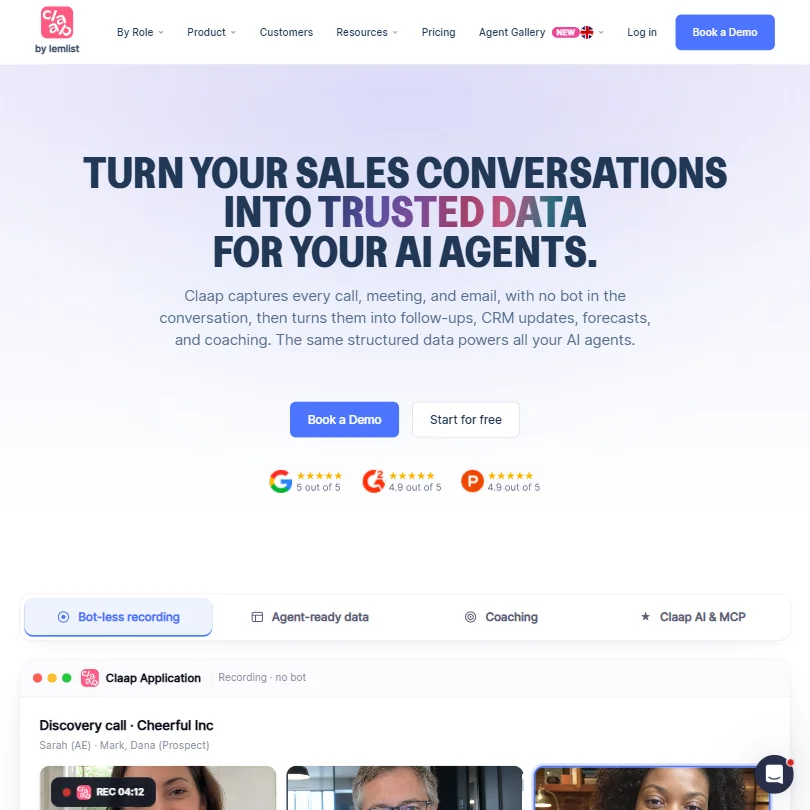
The free Basic plan holds 300 minutes of recording in total, not per month, and 10 recordings, with a 99-language transcript, a basic AI summary and an API with unlimited usage. It captures video calls, phone calls and in-person talks. No consent notice reaches participants. Use it to trial call capture before a sales team commits, and move to tl;dv if you need unlimited recordings.
- Claap captures phone calls and in-person conversations, not just online meetings.
- The free Basic plan includes an API with unlimited usage.
- The free plan is capped at 300 minutes of recording in total, not renewed monthly.
Unlimited recordings, transcriptions, instant AI summaries, clips, playlists, search; bot-free (beta) or bot capture
Paid $19/moShow detailsHide details24 Fathom: Best for unlimited free recordings with clips8.0Score 8.0 out of 10Unlimited recordings, transcriptions, instant AI summaries, clips, playlists, search; bot-free (beta) or bot capture$19/moVisit site ↗ReviewDetailsCloseShow more about Fathom
Unlimited recordings, transcriptions, instant AI summaries, clips, playlists, search; bot-free (beta) or bot capture
Paid $19/mo
Show detailsHide detailsFathom: Best for unlimited free recordings with clips
8.0Score 8.0 out of 10Unlimited recordings, transcriptions, instant AI summaries, clips, playlists, search; bot-free (beta) or bot capture$19/moVisit site ↗ReviewDetailsClose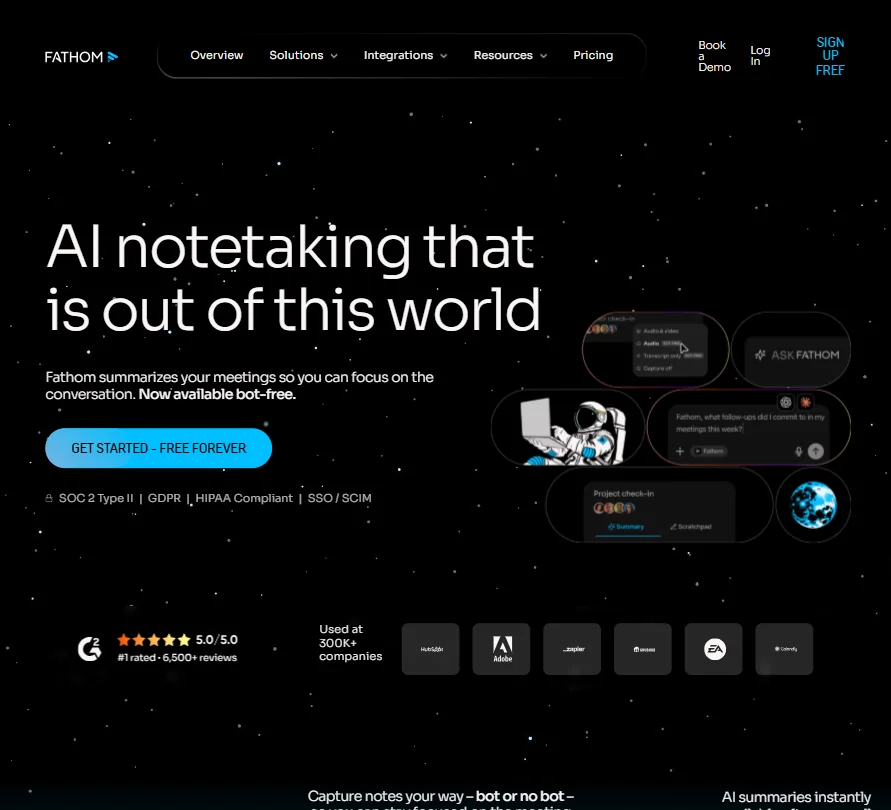
Unlimited recordings and transcriptions, instant AI summaries, clips, playlists and search across calls are all free, which is why it suits someone with a heavy meeting week. Advanced summary templates get limited use, and the cross-call assistant belongs to paid plans. It cannot capture in-person meetings, and its own models train on de-identified data unless you opt out. Pick it over Otter.ai for sheer volume.
- The free plan includes unlimited recordings and transcriptions, plus clips, playlists and search across calls, at no cost.
- A beta bot-free recording mode on Mac works alongside the standard bot that joins Zoom, Google Meet and Microsoft Teams.
- A live transcript during the call comes only with the beta bot-free mode on Mac; with the bot, notes arrive after the call, and in-person recording needs an iPhone.
120 transcription minutes a month, up to 3 minutes per recording, 10 AI summaries a month
↻ Renews monthlyPaid $13.49/moShow detailsHide details25 Notta: Best for a taster of transcripts in 58 languages7.8Score 7.8 out of 10120 transcription minutes a month, up to 3 minutes per recording, 10 AI summaries a month↻ Renews monthly$13.49/moVisit site ↗ReviewDetailsCloseShow more about Notta
120 transcription minutes a month, up to 3 minutes per recording, 10 AI summaries a month
↻ Renews monthlyPaid $13.49/mo
Show detailsHide detailsNotta: Best for a taster of transcripts in 58 languages
7.8Score 7.8 out of 10120 transcription minutes a month, up to 3 minutes per recording, 10 AI summaries a month↻ Renews monthly$13.49/moVisit site ↗ReviewDetailsClose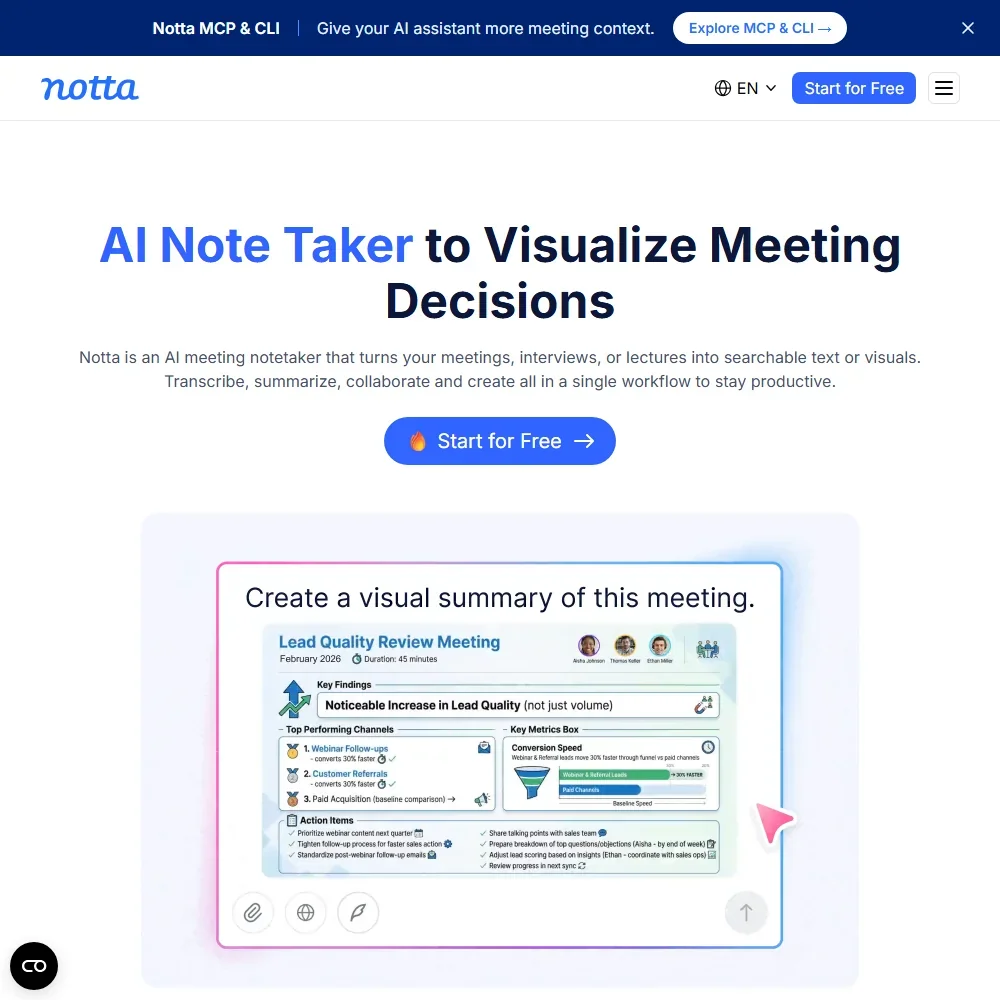
Treat free as a trial run: 120 transcription minutes a month, each recording capped at three minutes, ten AI summaries and Notta Brain credits for asking across meetings. Fifty file uploads a month go further than live recording does. Apps cover web, desktop, iOS and Android, with a bot or bot-free capture. Pick it over Otter.ai to test transcripts in your language before paying; for real calls the three-minute cap ends the free run.
- Notta Desktop records meetings on Mac and Windows without a bot joining the call.
- Live transcription covers 58 languages.
- The free plan caps each recording at 3 minutes.
5 meetings in total for the life of the account
Paid $18/moShow detailsHide details26 Bluedot: Best for in-person and multilingual meeting capture7.7Score 7.7 out of 105 meetings in total for the life of the account$18/moVisit site ↗ReviewDetailsCloseShow more about Bluedot
5 meetings in total for the life of the account
Paid $18/mo
Show detailsHide detailsBluedot: Best for in-person and multilingual meeting capture
7.7Score 7.7 out of 105 meetings in total for the life of the account$18/moVisit site ↗ReviewDetailsClose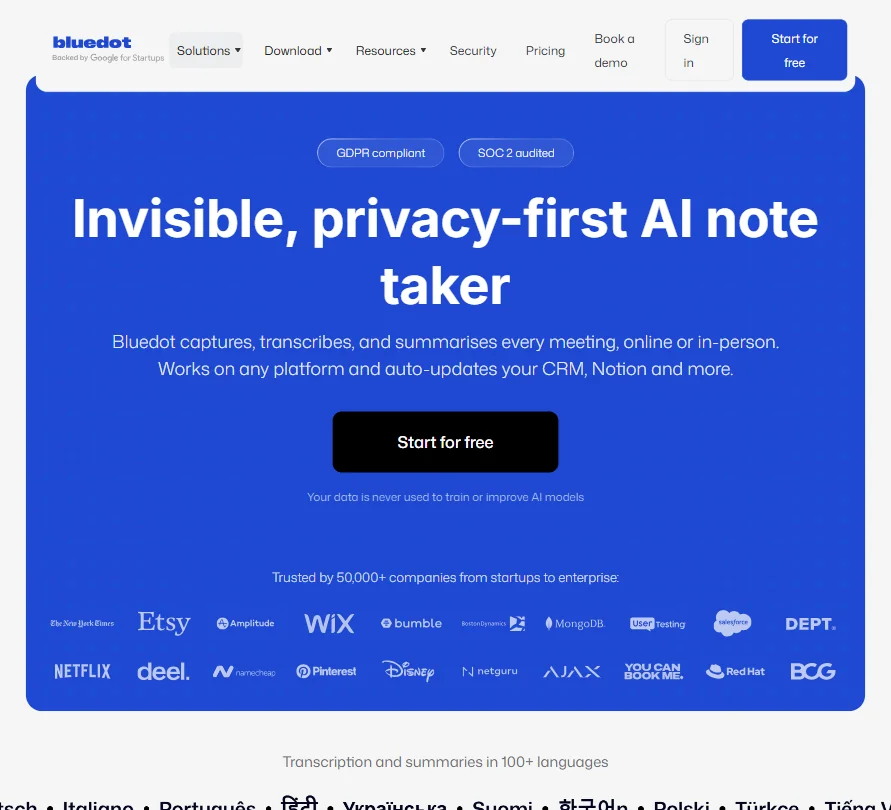
Five meetings for the life of the account, with no monthly refill, so this is a trial you can come back to rather than a plan you can live on. Recording happens without a bot by default, through a Chrome extension, desktop app or mobile app, and it covers in-person talks too. Video is a Pro feature. Choose it over Fellow when you need in-person capture or many languages.
- The free plan never expires and gives 5 meetings for the life of the account.
- Bluedot only charges for users who actually record a meeting, not every seat on the account.
- The free plan is capped at 5 meetings for the life of the account, not renewed monthly.
300 transcription minutes a month; a Plaud recorder is needed to record in person
↻ Renews monthlyPaid $17.99/moShow detailsHide details27 Plaud: Best for recorder-first notes for in-person talks7.6Score 7.6 out of 10300 transcription minutes a month; a Plaud recorder is needed to record in person↻ Renews monthly$17.99/moVisit site ↗ReviewDetailsCloseShow more about Plaud
300 transcription minutes a month; a Plaud recorder is needed to record in person
↻ Renews monthlyPaid $17.99/mo
Show detailsHide detailsPlaud: Best for recorder-first notes for in-person talks
7.6Score 7.6 out of 10300 transcription minutes a month; a Plaud recorder is needed to record in person↻ Renews monthly$17.99/moVisit site ↗ReviewDetailsClose
Starter is free and gives 300 transcription minutes a month across the app, web and Plaud Desktop, which captures Zoom, Meet and Teams audio without a bot. When minutes run out, transcription pauses while recording keeps working, and unused minutes do not roll over. In-person capture needs a Plaud recorder, sold separately. It keeps audio, not video, and does not train on your data by default. Pick it over Grain for conversations away from a laptop.
- Plaud Desktop captures Zoom, Google Meet and Microsoft Teams audio without a bot joining the call.
- Transcription covers more than 112 languages.
- Recording in-person meetings needs a Plaud device, which is sold separately from the membership plans.
AI notes and chat, templates; 30 days of history
Paid $14/moShow detailsHide details28 Granola: Best for tidying your own meeting notes7.4Score 7.4 out of 10AI notes and chat, templates; 30 days of history$14/moVisit site ↗ReviewDetailsCloseShow more about Granola
AI notes and chat, templates; 30 days of history
Paid $14/mo
Show detailsHide detailsGranola: Best for tidying your own meeting notes
7.4Score 7.4 out of 10AI notes and chat, templates; 30 days of history$14/moVisit site ↗ReviewDetailsClose
AI notes, AI chat within and across meetings, shared folders and custom templates are free from the start, and it never puts a bot on your call. History is the catch: the free plan keeps 30 days, and older notes need Business. It stores a transcript, never audio or video. Choose it over Fireflies when you type your own notes and want them tidied, not replaced.
- Granola never adds a bot to your call; it records straight from your computer's own microphone and meeting audio.
- AI chat within and across meetings, plus customized note templates, are included from the free Basic plan.
- The free Basic plan only keeps 30 days of meeting history; viewing anything older requires upgrading to Business.
10 meetings/month, 30-minute duration limit, Notion/Google Docs/OneNote integrations
↻ Renews monthlyPaid $27 (€25)/moShow detailsHide details29 Jamie: Best for private notes with data kept in Europe6.8Score 6.8 out of 1010 meetings/month, 30-minute duration limit, Notion/Google Docs/OneNote integrations↻ Renews monthly$27 (€25)/moVisit site ↗ReviewDetailsCloseShow more about Jamie
10 meetings/month, 30-minute duration limit, Notion/Google Docs/OneNote integrations
↻ Renews monthlyPaid $27 (€25)/mo
Show detailsHide detailsJamie: Best for private notes with data kept in Europe
6.8Score 6.8 out of 1010 meetings/month, 30-minute duration limit, Notion/Google Docs/OneNote integrations↻ Renews monthly$27 (€25)/moVisit site ↗ReviewDetailsClose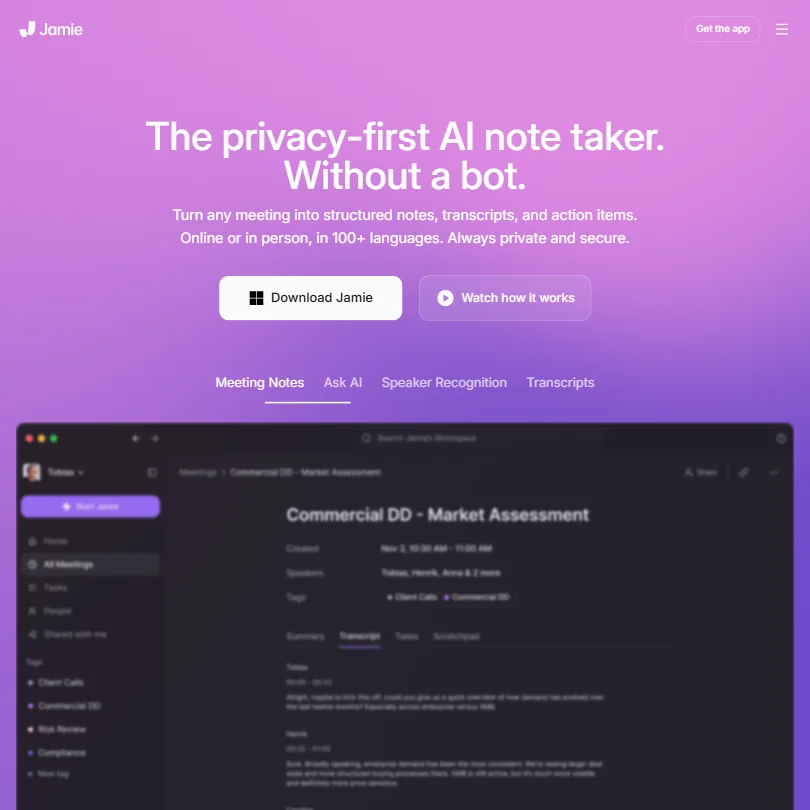
Ten AI notes a month, each meeting capped at 30 minutes, is the free allowance, with unlimited storage, in-person capture and the Ask Jamie chat across past meetings included. It runs on your device with no bot, keeps data in Europe and never trains on it. It records audio only. Choose it over Otter.ai if you want your recordings kept out of model training, and keep calls short.
- The free plan works forever and includes in-person meeting capture in more than 80 languages.
- Jamie runs on your device, so no bot joins the call for online or in-person meetings.
- The free plan allows only 10 AI notes a month, and Plus, the cheapest paid plan, raises that to just 20.
3 lifetime audio/video file imports, 300 monthly transcription minutes
↻ Renews monthlyPaid $8.33/moShow detailsHide details30 Otter.ai: Best for live transcripts on phone and desktop6.5Score 6.5 out of 103 lifetime audio/video file imports, 300 monthly transcription minutes↻ Renews monthly$8.33/moVisit site ↗ReviewDetailsCloseShow more about Otter.ai
3 lifetime audio/video file imports, 300 monthly transcription minutes
↻ Renews monthlyPaid $8.33/mo
Show detailsHide detailsOtter.ai: Best for live transcripts on phone and desktop
6.5Score 6.5 out of 103 lifetime audio/video file imports, 300 monthly transcription minutes↻ Renews monthly$8.33/moVisit site ↗ReviewDetailsClose
Three hundred transcription minutes a month, three lifetime file imports, live transcription and AI Chat across meetings make up the free Basic plan. The catch is privacy: recordings and transcripts are de-identified and used to train Otter's models, and no opt-out is offered. It records audio only. Pick it over Tactiq when you want the app on your phone and desktop, and have no confidential calls to transcribe.
- The free Basic plan runs forever and includes live transcription and AI Chat across meetings.
- Meetings can be captured with a bot that auto-joins Zoom, Google Meet and Microsoft Teams, or without one through desktop and mobile apps, including in-person conversations.
- Recordings and transcripts are automatically de-identified and used to train Otter's models, with no opt-out.
5 AI credits/mo, 10 transcripts/mo
↻ Renews monthlyPaid $12/moShow detailsHide details31 Tactiq: Best for occasional transcripts from a browser extension6.1Score 6.1 out of 105 AI credits/mo, 10 transcripts/mo↻ Renews monthly$12/moVisit site ↗ReviewDetailsCloseShow more about Tactiq
5 AI credits/mo, 10 transcripts/mo
↻ Renews monthlyPaid $12/mo
Show detailsHide detailsTactiq: Best for occasional transcripts from a browser extension
6.1Score 6.1 out of 105 AI credits/mo, 10 transcripts/mo↻ Renews monthly$12/moVisit site ↗ReviewDetailsClose
A Chrome extension that transcribes Google Meet, Zoom and Teams calls without a bot, for one user, with no card. The meters are tight: 10 transcripts and 5 AI credits a month, plus sharing and export of what you capture. It does not record video, and your meeting data is not used for training. Choose it over Otter.ai when you only need a clean transcript now and then.
- The Free plan is free forever for one user, with no credit card required.
- Tactiq records without a meeting bot, joining as a browser extension or native Mac app instead.
- AI credits stay capped at 10 a month on the Pro plan; they only become unlimited from the Team plan up.
5 daily / 15 monthly credits; meeting notetaker no bots; unlimited projects; MCP access
↻ Daily creditsPaid $24 (€22)/moShow detailsHide details32 Supernormal: Best for bot-free notes with no recording5.6Score 5.6 out of 105 daily / 15 monthly credits; meeting notetaker no bots; unlimited projects; MCP access↻ Daily credits$24 (€22)/moVisit site ↗ReviewDetailsCloseShow more about Supernormal
5 daily / 15 monthly credits; meeting notetaker no bots; unlimited projects; MCP access
↻ Daily creditsPaid $24 (€22)/mo
Show detailsHide detailsSupernormal: Best for bot-free notes with no recording
5.6Score 5.6 out of 105 daily / 15 monthly credits; meeting notetaker no bots; unlimited projects; MCP access↻ Daily credits$24 (€22)/moVisit site ↗ReviewDetailsClose
Free gives a bot-free notetaker for Mac and Windows with unlimited projects and MCP access, run on a credit pool of 5 a day and 15 a month. There is no audio or video recording, only live notes and a transcript, and transcription covers seven languages. Choose it over Fathom if you want notes without a visible bot, and over MeetGeek if you do not need a stored recording.
- The Free plan is free forever and includes the bot-free meeting notetaker with no card required.
- Supernormal never joins meetings as a visible bot; it captures audio directly from your computer.
- There is no video or audio recording, only live notes and a transcript.
Best free AI data analysts
2 picksThe meter on free AI data analysis is questions, not rows: Rows spends AI Tasks, while Julius spends messages on its best model and lets a lighter one carry on. For a free AI spreadsheet you can read and edit in the browser, Rows is built that way. For talking to files and databases in plain language, choose Julius, which runs its code in a hosted sandbox.
#ToolScoreFree plan gives youPaid from
5 AI Tasks/month, manual data import, 10 integration accounts, 3 guests
↻ Renews monthlyPaid $8/moShow detailsHide details33 Rows: Best for occasional analysis inside a spreadsheet grid9.1Score 9.1 out of 105 AI Tasks/month, manual data import, 10 integration accounts, 3 guests↻ Renews monthly$8/moVisit site ↗ReviewDetailsCloseShow more about Rows
5 AI Tasks/month, manual data import, 10 integration accounts, 3 guests
↻ Renews monthlyPaid $8/mo
Show detailsHide detailsRows: Best for occasional analysis inside a spreadsheet grid
9.1Score 9.1 out of 105 AI Tasks/month, manual data import, 10 integration accounts, 3 guests↻ Renews monthly$8/moVisit site ↗ReviewDetailsClose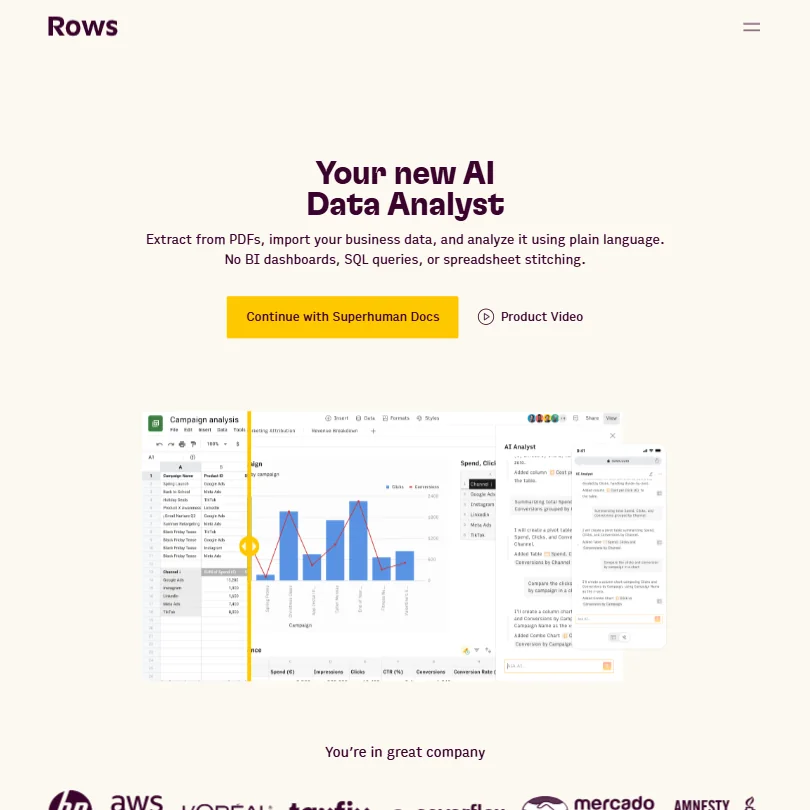
This is a spreadsheet with AI in the grid, free for good with no card. The meter is AI Tasks, five a month, and files you import by hand stop at 1 MB, with three guests allowed. That fits one light analysis a month, not daily reporting. Pick it over Julius AI when you want to work in a familiar grid, since the Rows API is also open from the free plan.
- Rows connects directly to databases and warehouses such as Snowflake, Amazon Redshift, MySQL, PostgreSQL and BigQuery.
- Rows is SOC 2 Type II certified, audited every year, and GDPR compliant.
- AI Tasks are capped at 5 a month on Free and only 200 a month on Plus, the cheapest paid plan.
100 credits to start, then 25 a day
Paid $20/moShow detailsHide details34 Julius AI: Best for big files and visible analysis code8.9Score 8.9 out of 10100 credits to start, then 25 a day$20/moVisit site ↗ReviewDetailsCloseShow more about Julius AI
100 credits to start, then 25 a day
Paid $20/mo
Show detailsHide detailsJulius AI: Best for big files and visible analysis code
8.9Score 8.9 out of 10100 credits to start, then 25 a day$20/moVisit site ↗ReviewDetailsClose
Free runs on Julius 1.5 Lite, with 100 credits to start and 25 a day after that, so put your hardest question in the first session. Each answer shows the code behind it, and your data is never used for training. Choose it over Rows when your files are big: Julius sets no upload size limit, while Rows stops free imports at 1 MB.
- Every insight comes with the underlying code Julius used to reach it.
- Julius connects directly to databases and warehouses including Postgres, BigQuery, Snowflake, MySQL, SQL Server and Supabase.
- The free plan gives 25 credits a day after the first 100, enough for a few simple questions, and deletes uploaded files after an hour of inactivity.
Best free AI assistants
18 picksA free AI assistant rarely counts messages in the open, it holds back features. ChatGPT and Claude differ on images, Perplexity on model choice, Gemini on context length. If you want a free AI assistant like ChatGPT, Gemini, Grok and Mistral are the nearest rivals here. Perplexity suits sourced answers, Manus handed-off tasks, and TextCortex readers who want data kept in the EU.
#ToolScoreFree plan gives youPaid from
Unlimited text chat, limited deep research
Paid $8/moShow detailsHide details35 ChatGPT: Best for one assistant for search, files and images8.8Score 8.8 out of 10Unlimited text chat, limited deep research$8/moVisit site ↗ReviewDetailsCloseShow more about ChatGPT
Unlimited text chat, limited deep research
Paid $8/mo
Show detailsHide detailsChatGPT: Best for one assistant for search, files and images
8.8Score 8.8 out of 10Unlimited text chat, limited deep research$8/moVisit site ↗ReviewDetailsClose
Unlimited text chat is the headline, running on GPT-6 Luna and GPT-5 Thinking Mini, with web search and projects included. Deep research, file uploads and image generation exist on the free plan but are limited, and images come slower. You can opt out of training. Pick it when you want one assistant covering search, files, images and voice, and are happy to ration the heavy features.
- The Free plan includes unlimited text chats with GPT-6 Luna, subject to abuse guardrails.
- Web search is included on every individual plan, including Free.
- Go, the cheapest paid plan, still does not unlock GPT-6.1 Sol, GPT-6 Astra or GPT-6 Sol, and may include ads.
Free plan, limits not published
Paid $20/moShow detailsHide details36 Comet#2 of 20 AI assistants8.7Score 8.7 out of 10Free plan, limits not published$20/moVisit site ↗ReviewDetailsCloseShow more about Comet
Free plan, limits not published
Paid $20/mo
Show detailsHide detailsComet#2 of 20 AI assistants
8.7Score 8.7 out of 10Free plan, limits not published$20/moVisit site ↗ReviewDetailsClose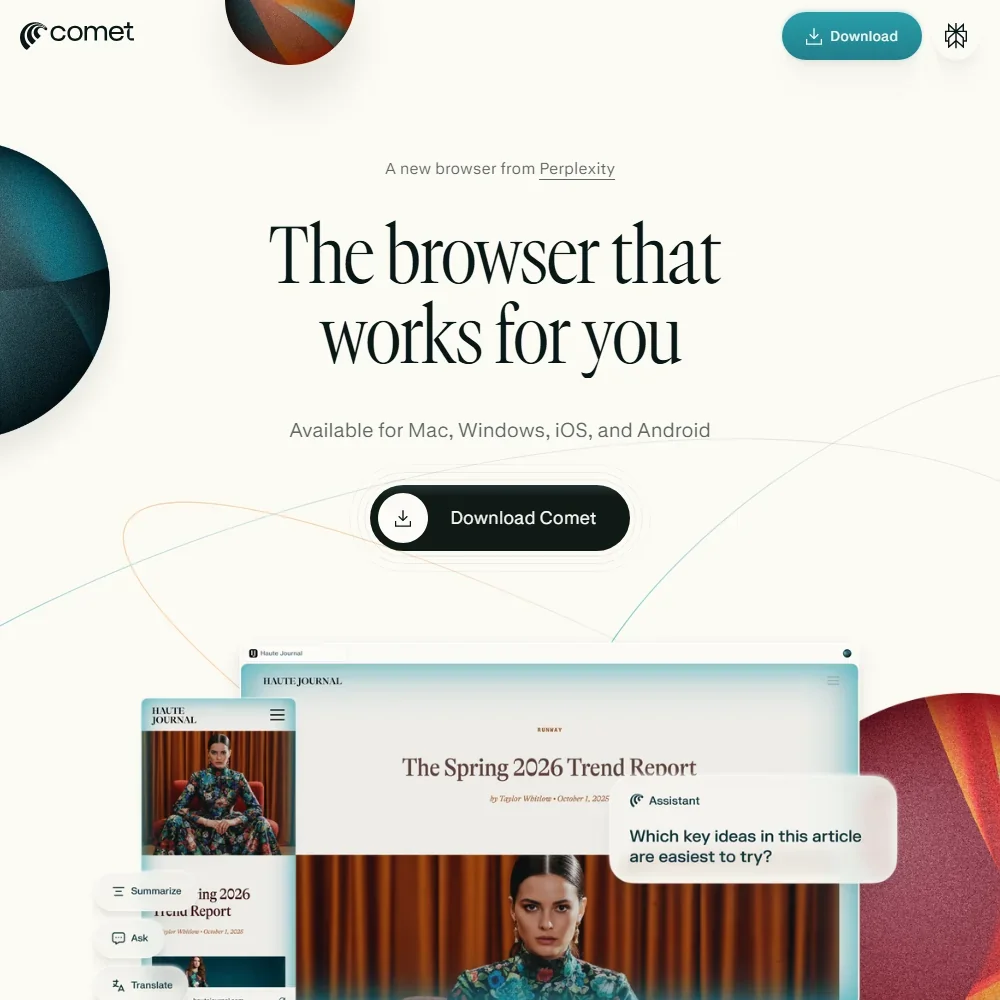
- The agent can find flights that match your calendar, schedule meetings and fill out forms on any site you are signed in to.
- Pro and Max let you pick from models including GPT-6.1 Sol, Gemini 3.8 Flash, Claude Sonnet 5.5 and Grok 4.7 for search.
- The free plan has no agent queries and 1 Research query a month.
Cited answers, limited file uploads, auto model
Paid $20/moShow detailsHide details37 Perplexity: Best for answers with a source on every claim8.7Score 8.7 out of 10Cited answers, limited file uploads, auto model$20/moVisit site ↗ReviewDetailsCloseShow more about Perplexity
Cited answers, limited file uploads, auto model
Paid $20/mo
Show detailsHide detailsPerplexity: Best for answers with a source on every claim
8.7Score 8.7 out of 10Cited answers, limited file uploads, auto model$20/moVisit site ↗ReviewDetailsClose
Every free answer comes with inline citations, which makes it the one to open when you need to see where a claim came from. The free plan picks the model for you with no manual picker, limits file uploads, and keeps deep research and fuller agent access for Pro. Retention and training are on by default until you switch them off. Choose it over ChatGPT for sourced answers, not for creating things.
- Every plan, including Free, returns answers with inline citations to sources.
- Perplexity orchestrates models from several AI companies alongside its own Sonar 2 model.
- AI data retention and training are on by default for Free, Pro and Max, and must be turned off in settings.
Limited Vibe messages, web searches, coding sessions, image generation, Studio access, $10/mo API credits, 100+ connectors
↻ Renews monthlyPaid $14.99/moShow detailsHide details38 Mistral: Best for editable memory and image generation8.5Score 8.5 out of 10Limited Vibe messages, web searches, coding sessions, image generation, Studio access, $10/mo API credits, 100+ connectors↻ Renews monthly$14.99/moVisit site ↗ReviewDetailsCloseShow more about Mistral
Limited Vibe messages, web searches, coding sessions, image generation, Studio access, $10/mo API credits, 100+ connectors
↻ Renews monthlyPaid $14.99/mo
Show detailsHide detailsMistral: Best for editable memory and image generation
8.5Score 8.5 out of 10Limited Vibe messages, web searches, coding sessions, image generation, Studio access, $10/mo API credits, 100+ connectors↻ Renews monthly$14.99/moVisit site ↗ReviewDetailsClose
Image generation, web search, limited coding sessions and over 100 connectors are all on the free plan, together with a monthly allowance of Studio API credits. Messages, searches and coding sessions are capped, and agent tasks start on Pro. Input and output train the models by default unless you opt out. Pick it over ChatGPT if you want editable memory and a SOC 2 Type II certified assistant.
- The Free plan includes image generation, web search and limited coding sessions at no cost.
- Mistral is SOC 2 Type II certified, and also holds ISO 27001 and ISO 27701 certification.
- Vibe trains on your input and output by default across the Free, Pro and Team plans, subject to an opt-out.
Free plan, limits not published
Paid $4.99/moShow detailsHide details39 Poe#5 of 20 AI assistants8.4Score 8.4 out of 10Free plan, limits not published$4.99/moVisit site ↗ReviewDetailsCloseShow more about Poe
Free plan, limits not published
Paid $4.99/mo
Show detailsHide detailsPoe#5 of 20 AI assistants
8.4Score 8.4 out of 10Free plan, limits not published$4.99/moVisit site ↗ReviewDetailsClose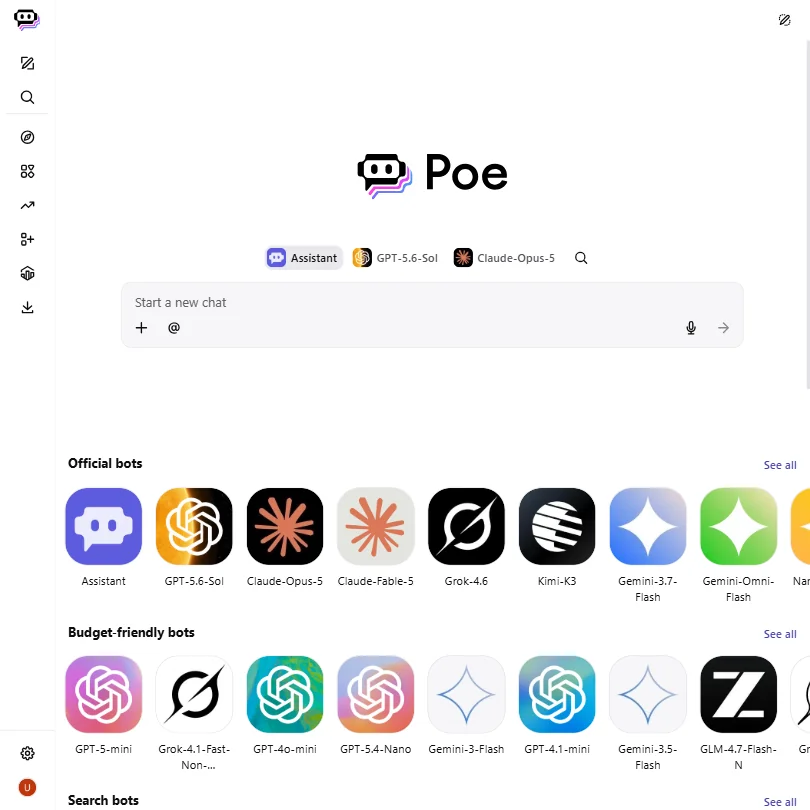
- One account reaches models including GPT-6.1-Sol, Claude-Opus-5.5, Gemini-4-Argon, Grok-4.7 and Mistral-Large-4.
- Poe runs on the web, Windows, Mac, iOS and Android.
- Third-party developer bots, marked with a half shield, may use your chats to train their own models.
With a Microsoft account
Not listedShow detailsHide details40 Microsoft Copilot: Best for an assistant for Word and Outlook users8.1Score 8.1 out of 10With a Microsoft accountNot listedVisit site ↗ReviewDetailsCloseShow more about Microsoft Copilot
With a Microsoft account
Not listed
Show detailsHide detailsMicrosoft Copilot: Best for an assistant for Word and Outlook users
8.1Score 8.1 out of 10With a Microsoft accountNot listedVisit site ↗ReviewDetailsClose
Copilot is free with a Microsoft account and runs on the web, Windows, Mac, iOS and Android. Signing in unlocks chat history, more image creation, longer conversations and extended voice sessions, while some capabilities carry usage limits. Memory is on by default and can be edited or turned off. Researcher and Cowork wait on Microsoft 365 Premium at $19.99 a month. Pick it when Word, Excel and Outlook are where your work lives.
- Copilot is free with a signed-in Microsoft account, and Microsoft 365 Personal and Premium come with a one month free trial.
- It connects to OneDrive, Outlook.com, Google Drive, Gmail, Google Calendar and Google Contacts, and works with Word, Excel, PowerPoint, Outlook, Teams and OneNote.
- Researcher is on Microsoft 365 Premium and Pro, and Cowork is on those plans too.
Chat, image generation, voice, Grok Build agent
Paid $10/moShow detailsHide details41 Grok: Best for a coding agent alongside chat8.0Score 8.0 out of 10Chat, image generation, voice, Grok Build agent$10/moVisit site ↗ReviewDetailsCloseShow more about Grok
Chat, image generation, voice, Grok Build agent
Paid $10/mo
Show detailsHide detailsGrok: Best for a coding agent alongside chat
8.0Score 8.0 out of 10Chat, image generation, voice, Grok Build agent$10/moVisit site ↗ReviewDetailsClose
Image generation, voice mode and the Grok Build coding agent come with the free plan, while real-time web and X search is limited. Your content trains the model unless you opt out, a default that only Business and Enterprise reverse. SOC 2 Type I and Type II cover every plan. Pick it over Gemini when you want a coding agent next to your chat and have no need for Google apps.
- The free plan already includes image generation, voice mode and the Grok Build coding agent.
- Grok is SOC 2 Type I and Type II compliant on every plan, including Free.
- Real-time web and X search is limited on the free plan.
Image generation with Nano Banana 2
Paid $4.99/moShow detailsHide details42 Gemini: Best for people whose work lives in Google apps7.9Score 7.9 out of 10Image generation with Nano Banana 2$4.99/moVisit site ↗ReviewDetailsCloseShow more about Gemini
Image generation with Nano Banana 2
Paid $4.99/mo
Show detailsHide detailsGemini: Best for people whose work lives in Google apps
7.9Score 7.9 out of 10Image generation with Nano Banana 2$4.99/moVisit site ↗ReviewDetailsClose
All three Gemini models are free with a personal Google account, along with image generation, Connected Apps for Gmail, Calendar and Drive, and voice in the mobile app. The catch is a context window of 32,000 tokens, which long documents will exceed. Chats train Google's models unless you turn off Keep Activity, which also switches off memory. Pick it over ChatGPT when your work already lives in Google apps.
- Gemini is free to use with any personal Google account, with Google's Flash models included.
- Google AI Pro at $19.99 a month includes Gemini 4 Argon, Google's newest frontier model.
- The free plan's context window is capped at 32,000 tokens, far below the 1 million tokens on Pro and Ultra.
Needs a Meta account; usage limits are being tested on heavier features
Paid $7.99/moShow detailsHide details43 Meta AI: Best for an assistant inside WhatsApp and Instagram7.9Score 7.9 out of 10Needs a Meta account; usage limits are being tested on heavier features$7.99/moVisit site ↗ReviewDetailsCloseShow more about Meta AI
Needs a Meta account; usage limits are being tested on heavier features
Paid $7.99/mo
Show detailsHide detailsMeta AI: Best for an assistant inside WhatsApp and Instagram
7.9Score 7.9 out of 10Needs a Meta account; usage limits are being tested on heavier features$7.99/moVisit site ↗ReviewDetailsClose
Anyone with a Meta account can use it free on the web, phones and Mac, or inside WhatsApp, Instagram, Messenger and Facebook. Web search, deep research, file analysis, image generation and voice are all in the free app. Usage limits are being tested on the heavier features, and Meta One bundles sell more image and video use. Your data trains Meta's AI unless you object. Pick it over ChatGPT if you already message in WhatsApp.
- Meta AI is free for everyday use with an existing Meta account, with no separate account to create.
- It is available on meta.ai, iOS, Android, a Mac app in beta and inside WhatsApp, Instagram, Messenger and Facebook.
- Usage limits are being tested on more compute-intensive features, and people who hit a limit can buy a subscription.
Limited core features, Deep Research, 50 MB Knowledge Bases
Paid $32 (€29.99)/moShow detailsHide details44 TextCortex: Best for EU-hosted data and custom agents7.9Score 7.9 out of 10Limited core features, Deep Research, 50 MB Knowledge Bases$32 (€29.99)/moVisit site ↗ReviewDetailsCloseShow more about TextCortex
Limited core features, Deep Research, 50 MB Knowledge Bases
Paid $32 (€29.99)/mo
Show detailsHide detailsTextCortex: Best for EU-hosted data and custom agents
7.9Score 7.9 out of 10Limited core features, Deep Research, 50 MB Knowledge Bases$32 (€29.99)/moVisit site ↗ReviewDetailsClose
Most of the product opens on free in a smaller form: Knowledge Bases up to 50 MB, custom agents, Agent Skills, connectors and Deep Research. The catch is the model list, since most Smart and Reasoning models and all image generation sit on Premium. Everything is hosted in the EU and never used for training. Choose it over ChatGPT when keeping data in Europe matters more than the strongest model.
- A free plan gives limited access to TextCortex's core features, including Knowledge Bases, custom agents and Deep Research.
- TextCortex is model-agnostic, giving access to models from several providers such as GPT-5, Claude 4.5 Sonnet, Gemini 3 Pro and Grok 4 rather than one fixed model.
- Image generation is limited to the Premium plan and is not available on Free.
Chat on web, iOS, Android, and desktop
Paid $20/moShow detailsHide details45 Claude: Best for writing and code with tools included7.8Score 7.8 out of 10Chat on web, iOS, Android, and desktop$20/moVisit site ↗ReviewDetailsCloseShow more about Claude
Chat on web, iOS, Android, and desktop
Paid $20/mo
Show detailsHide detailsClaude: Best for writing and code with tools included
7.8Score 7.8 out of 10Chat on web, iOS, Android, and desktop$20/moVisit site ↗ReviewDetailsClose
Web search, file creation, code execution, voice and memory across chats are all in the free app, running on the Sonnet and Haiku models. Opus, Fable and deep research start on Pro, and Claude doesn't generate photos or illustrations. Conversations train the models unless you opt out. Pick it over ChatGPT for writing and code work where you want the tools without a card, and look elsewhere for pictures.
- The free plan already includes web search, file creation, code execution and memory across conversations.
- Deep research is available from the Pro plan up.
- The Opus and Fable models are only available from the Pro plan up.
Limited monthly credits for core features
↻ Renews monthlyPaid $20/moShow detailsHide details46 Manus: Best for handing a whole task to an agent7.6Score 7.6 out of 10Limited monthly credits for core features↻ Renews monthly$20/moVisit site ↗ReviewDetailsCloseShow more about Manus
Limited monthly credits for core features
↻ Renews monthlyPaid $20/mo
Show detailsHide detailsManus: Best for handing a whole task to an agent
7.6Score 7.6 out of 10Limited monthly credits for core features↻ Renews monthly$20/moVisit site ↗ReviewDetailsClose
Free gives limited monthly credits for the core features, and the agent runs each task in its own cloud sandbox with a file system and code execution. Credits are spent by complexity, so one big research job can use up a month's allowance faster than several small ones. You cannot pick the model. Choose it over Perplexity when you want a whole job handed off, not a cited answer.
- A free plan with limited monthly credits covers the core features.
- Each task runs in a cloud sandbox with internet access, a file system and code execution.
- Tasks use credits according to their complexity, so the cost of a task is not fixed.
100 credits per day up to a lifetime limit
↻ Daily creditsPaid $24.99/moShow detailsHide details47 Genspark: Best for trying Super Agent on 100 daily credits7.2Score 7.2 out of 10100 credits per day up to a lifetime limit↻ Daily credits$24.99/moVisit site ↗ReviewDetailsCloseShow more about Genspark
100 credits per day up to a lifetime limit
↻ Daily creditsPaid $24.99/mo
Show detailsHide detailsGenspark: Best for trying Super Agent on 100 daily credits
7.2Score 7.2 out of 10100 credits per day up to a lifetime limit↻ Daily credits$24.99/moVisit site ↗ReviewDetailsClose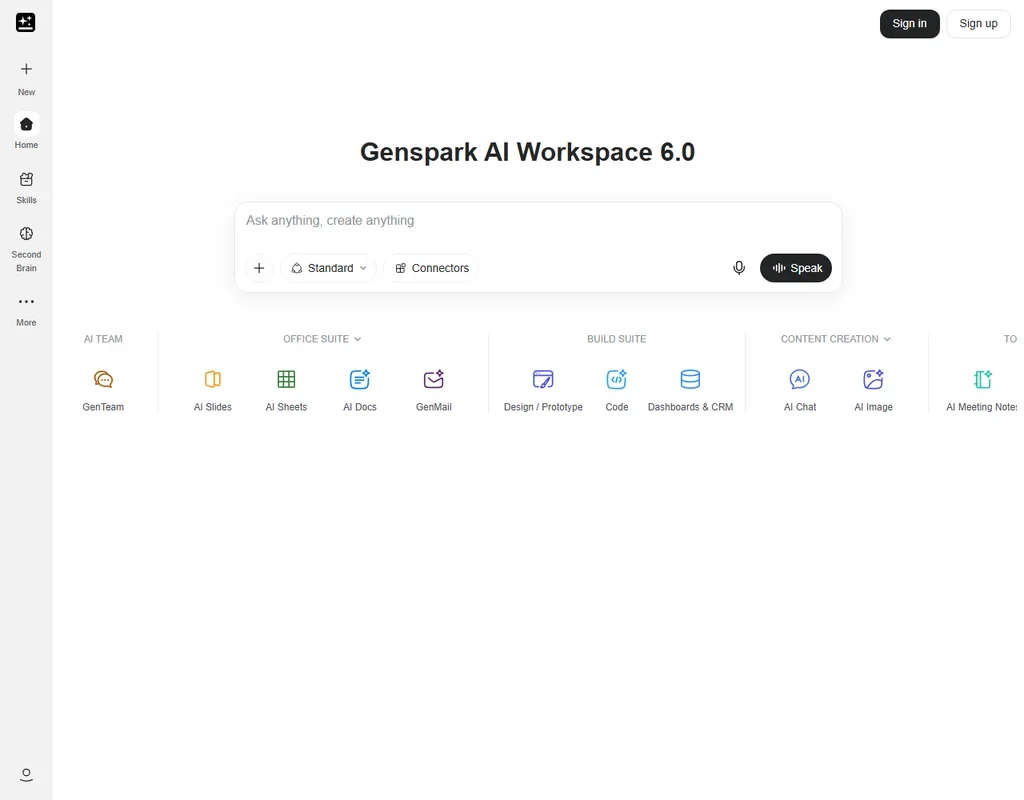
Genspark's free plan gives 100 credits a day up to a lifetime allowance, after which the daily refill stops, plus 1 GB of AI Drive storage, limited access to models and agents, and 4,000 words a week of Speakly voice input. Super Agent plans multi-step work such as research, slides and documents in its own sandbox with a real browser. Plus, at $24.99 a month, starts at 10,000 monthly credits. Choose it to see whether one agent can finish a task before you pay.
- Super Agent runs in a dedicated sandbox with a real browser and can execute code.
- Slides, sheets, docs, image, video and audio tools share one credit pool with the agent.
- The Free plan gives 100 credits per day up to a lifetime allowance, and the daily refill stops when it is used up.
Free plan, limits not published
Paid $19.90/moShow detailsHide details48 Opera Neon#14 of 20 AI assistants7.2Score 7.2 out of 10Free plan, limits not published$19.90/moVisit site ↗ReviewDetailsCloseShow more about Opera Neon
Free plan, limits not published
Paid $19.90/mo
Show detailsHide detailsOpera Neon#14 of 20 AI assistants
7.2Score 7.2 out of 10Free plan, limits not published$19.90/moVisit site ↗ReviewDetailsClose
- Standard offers a choice of Gemini, Grok, GPT, Claude Opus, Claude Sonnet, Deepseek, GLM-5 and Qwen3 in one subscription.
- Neon Do opens pages, fills in forms and completes tasks, and you can pause, stop or take over at any time.
- Neon Do, Deep Research and model choice are on Standard only; the free tier has basic chat.
Free plan, limits not published
Paid $14.99/moShow detailsHide details49 Felo#16 of 20 AI assistants6.8Score 6.8 out of 10Free plan, limits not published$14.99/moVisit site ↗ReviewDetailsCloseShow more about Felo
Free plan, limits not published
Paid $14.99/mo
Show detailsHide detailsFelo#16 of 20 AI assistants
6.8Score 6.8 out of 10Free plan, limits not published$14.99/moVisit site ↗ReviewDetailsClose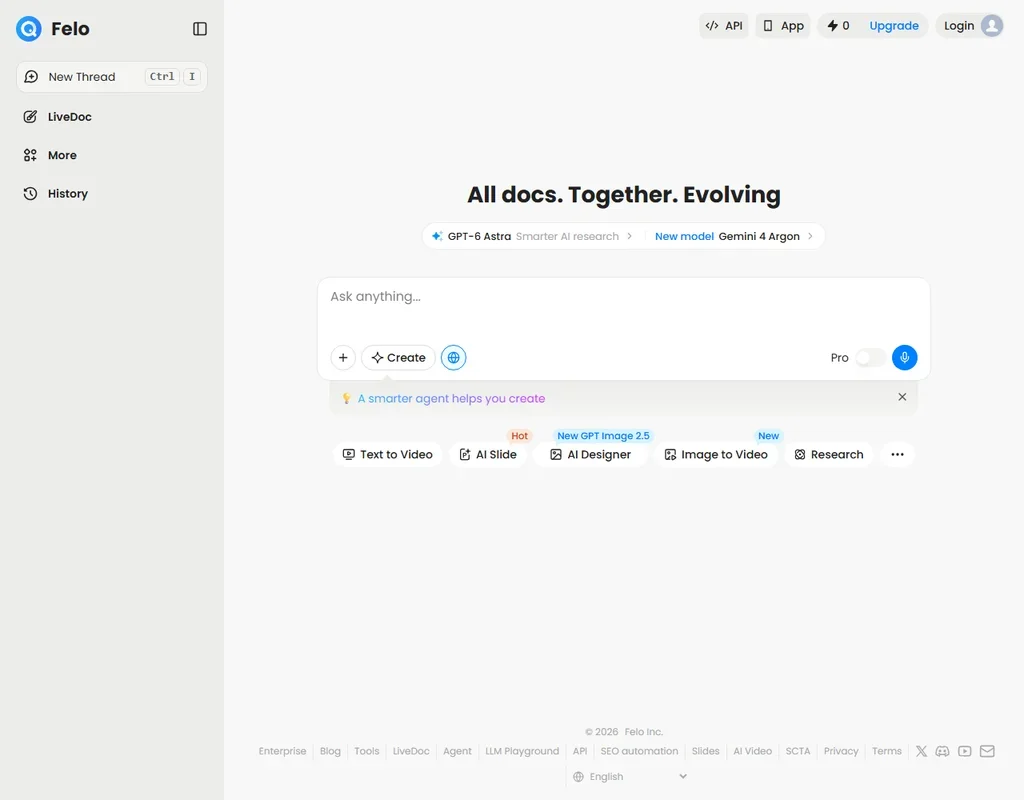
- The free plan gives unlimited high-speed search with no credit card needed.
- Every answer includes numbered footnotes that link to the original sources.
- The free plan allows 3 file analyses a day and leaves out AI Slides, AI Designer, video and the API.
Free plan, limits not published
Paid $39/moShow detailsHide details50 TypingMind#18 of 20 AI assistants6.4Score 6.4 out of 10Free plan, limits not published$39/moVisit site ↗ReviewDetailsCloseShow more about TypingMind
Free plan, limits not published
Paid $39/mo
Show detailsHide detailsTypingMind#18 of 20 AI assistants
6.4Score 6.4 out of 10Free plan, limits not published$39/moVisit site ↗ReviewDetailsClose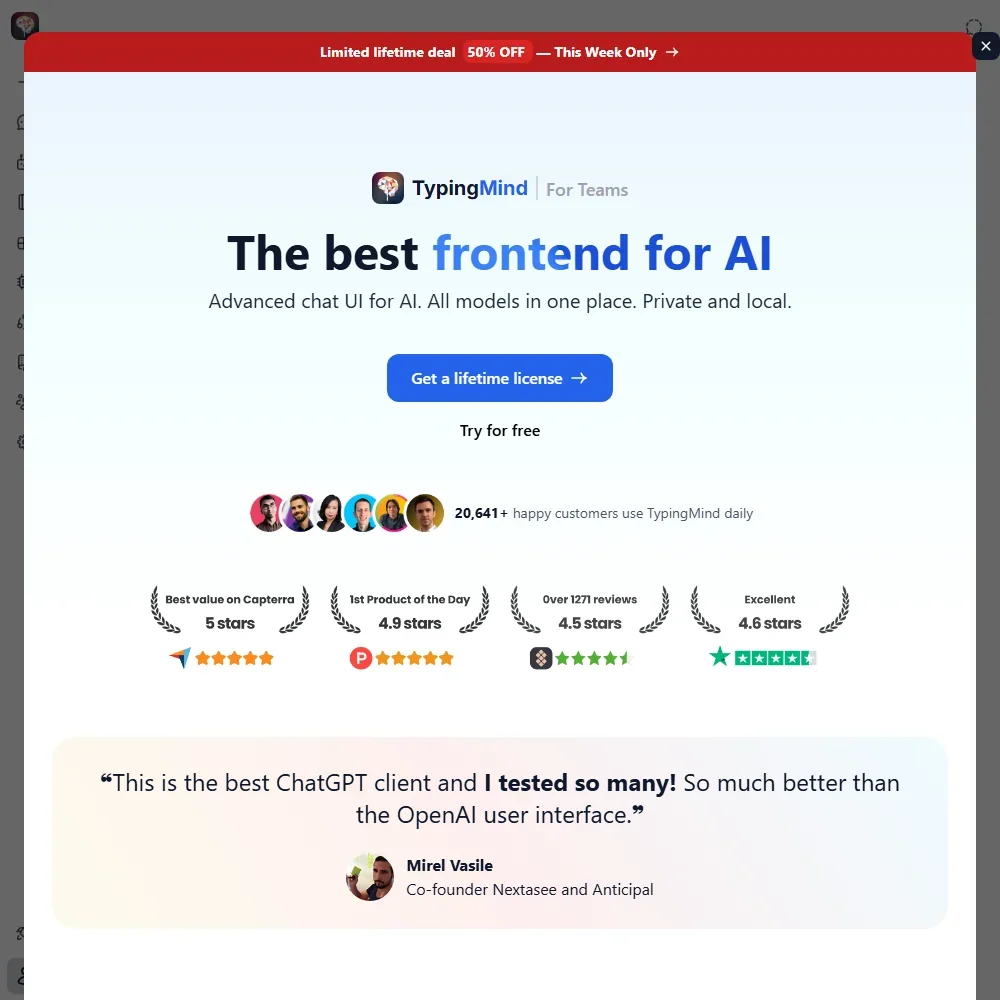
- One interface works with models from 12 AI providers plus local models through Ollama or LM Studio.
- Personal licenses are one-time purchases with no renewal, usable on 5 devices.
- No plan includes AI usage, so every model is paid per token to the provider through your own API key.
Free plan, limits not published
Paid $19/moShow detailsHide details51 Fellou#19 of 20 AI assistants5.8Score 5.8 out of 10Free plan, limits not published$19/moVisit site ↗ReviewDetailsCloseShow more about Fellou
Free plan, limits not published
Paid $19/mo
Show detailsHide detailsFellou#19 of 20 AI assistants
5.8Score 5.8 out of 10Free plan, limits not published$19/moVisit site ↗ReviewDetailsClose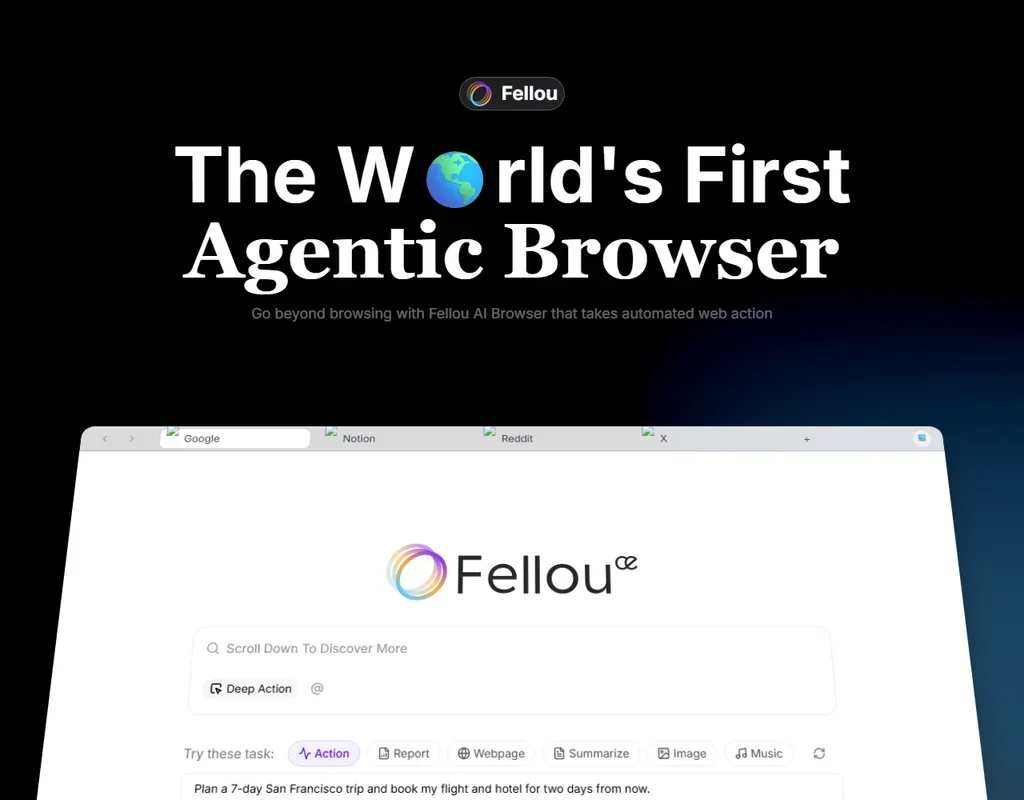
- Browser Use and Computer Use automate tasks across logged-in websites, local apps and local files from one command.
- Deep Search and chat are free on every plan, and reports come with verifiable sources.
- The free tier's 1,000 Sparks are a one-time bonus, about 4 tasks, not a monthly allowance.
Free plan, limits not published
Free onlyShow detailsHide details52 Andi#20 of 20 AI assistants4.4Score 4.4 out of 10Free plan, limits not publishedFree onlyVisit site ↗ReviewDetailsCloseShow more about Andi
Free plan, limits not published
Free only
Show detailsHide detailsAndi#20 of 20 AI assistants
4.4Score 4.4 out of 10Free plan, limits not publishedFree onlyVisit site ↗ReviewDetailsClose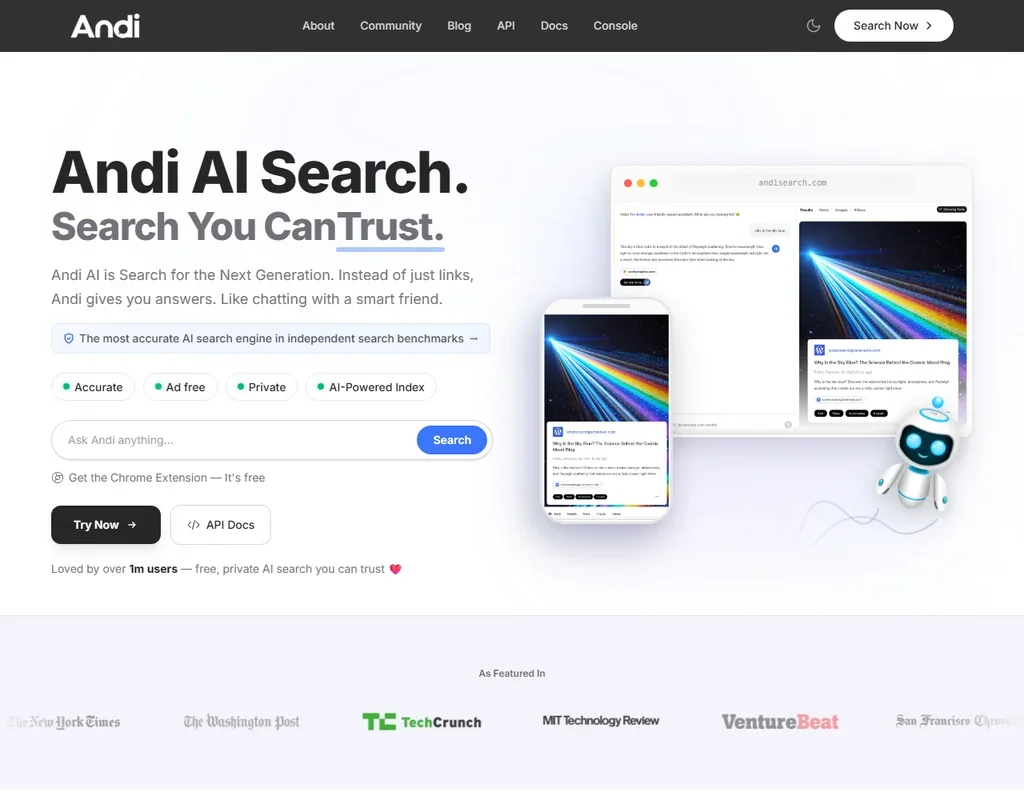
- Andi Search is free with unlimited searches, and no account or credit card is needed.
- Answers come with sources you can verify, drawn from Andi's own index of about 25 billion web pages.
- There is no file upload; Andi reads web pages from search results only.
Best free AI calendar, email and memory apps
4 picksThese two tidy your day, not your documents. Reclaim plans tasks, habits and focus time on a Google or Outlook calendar. Shortwave is an email client for Gmail and Google Workspace that drafts in your voice and searches your inbox. Choose Reclaim to protect your time, and Shortwave if Gmail is where your day goes.
#ToolScoreFree plan gives youPaid from
Free plan, limits not published
Paid $10/moShow detailsHide details53 Spark Mail#1 of 9 AI calendar, email and memory apps7.0Score 7.0 out of 10Free plan, limits not published$10/moVisit site ↗ReviewDetailsCloseShow more about Spark Mail
Free plan, limits not published
Paid $10/mo
Show detailsHide detailsSpark Mail#1 of 9 AI calendar, email and memory apps
7.0Score 7.0 out of 10Free plan, limits not published$10/moVisit site ↗ReviewDetailsClose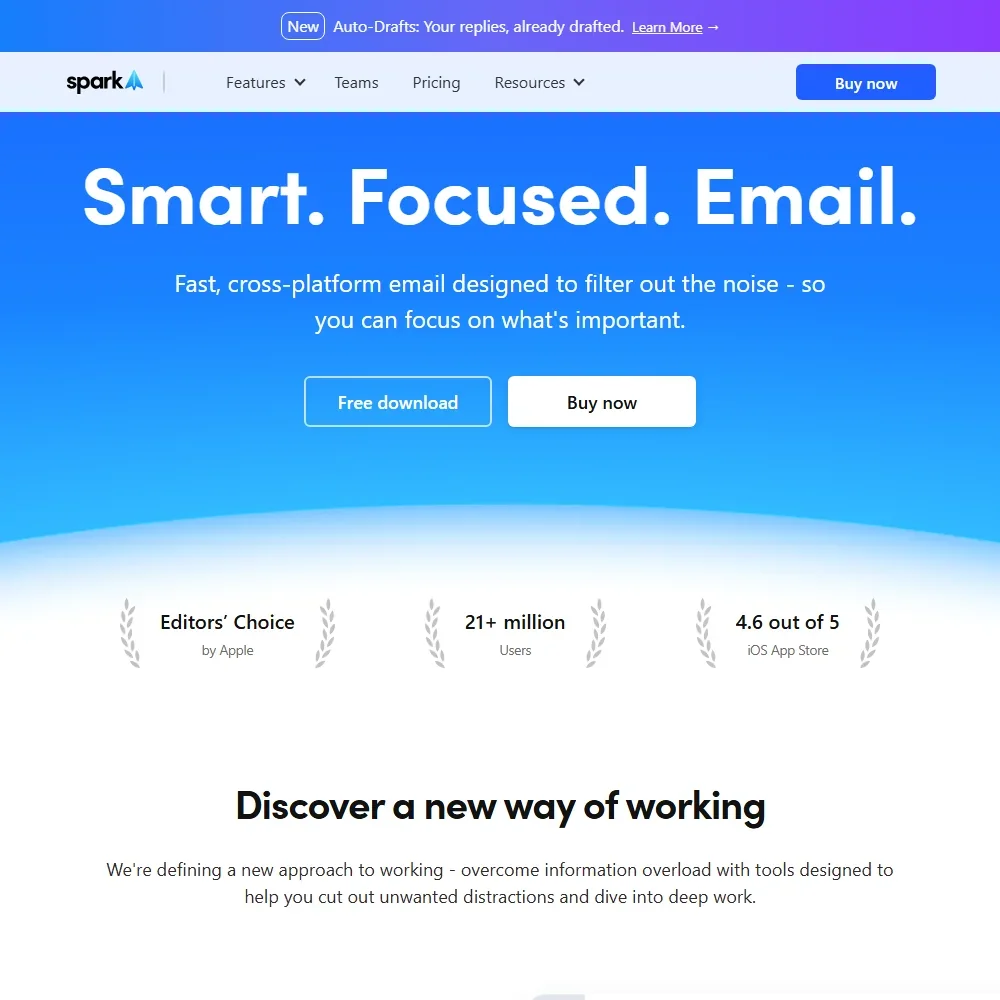
- Smart Inbox sorts new email into personal, newsletter and notification categories on every plan, with unlimited email accounts.
- Meeting Notes transcribes and summarizes meetings with no bot joining, in any meeting tool.
- The free plan gets a limited AI preview, and free users cannot buy AI add-ons.
5 AI Agents, 1 Scheduling Link, 1 week ahead
Paid $12/moShow detailsHide details54 Reclaim: Best for protecting focus time on your calendar6.7Score 6.7 out of 105 AI Agents, 1 Scheduling Link, 1 week ahead$12/moVisit site ↗ReviewDetailsCloseShow more about Reclaim
5 AI Agents, 1 Scheduling Link, 1 week ahead
Paid $12/mo
Show detailsHide detailsReclaim: Best for protecting focus time on your calendar
6.7Score 6.7 out of 105 AI Agents, 1 Scheduling Link, 1 week ahead$12/moVisit site ↗ReviewDetailsClose
The free Lite plan schedules your tasks, habits and focus time around a Google or Outlook calendar, with five AI Agents, one Scheduling Link and limited AI Assistant chat. It plans one week ahead and covers a team of one. Reclaim is a calendar app and does not draft or triage email, so choose it over Shortwave when your problem is protecting time, not clearing an inbox.
- Reclaim has a permanent free Lite plan with 5 AI Agents and 1 Scheduling Link.
- Its own MCP server lets ChatGPT, Claude and Microsoft Copilot view and manage a user's calendar directly.
- The free Lite plan schedules only one week ahead and gives 1 Scheduling Link.
Free plan, limits not published
Paid $9/moShow detailsHide details55 Mem#5 of 9 AI calendar, email and memory apps6.3Score 6.3 out of 10Free plan, limits not published$9/moVisit site ↗ReviewDetailsCloseShow more about Mem
Free plan, limits not published
Paid $9/mo
Show detailsHide detailsMem#5 of 9 AI calendar, email and memory apps
6.3Score 6.3 out of 10Free plan, limits not published$9/moVisit site ↗ReviewDetailsClose
- Mem Chat answers questions across your whole workspace and drafts new content from past notes.
- Voice Mode records and writes up meetings with no bot joining the call.
- Every plan caps messages and new notes each month, with 25 of each on Free and 50 on Mem Plus.
Basic AI, 90 days of search history, 15 threads per search
Paid $18/moShow detailsHide details56 Shortwave: Best for Gmail users who want AI drafting5.3Score 5.3 out of 10Basic AI, 90 days of search history, 15 threads per search$18/moVisit site ↗ReviewDetailsCloseShow more about Shortwave
Basic AI, 90 days of search history, 15 threads per search
Paid $18/mo
Show detailsHide detailsShortwave: Best for Gmail users who want AI drafting
5.3Score 5.3 out of 10Basic AI, 90 days of search history, 15 threads per search$18/moVisit site ↗ReviewDetailsClose
Free gets you the whole Gmail client with Basic intelligence, a limited AI usage quota, 90 days of search history and up to 15 threads per AI search. Outgoing mail carries a Sent with Shortwave signature, and it works only with Gmail and Google Workspace accounts. Choose it over Reclaim when the inbox is what needs taming, not the calendar, though its Assistant also manages Google Calendar.
- Shortwave has a permanent free plan alongside its paid tiers.
- Its AI Assistant drafts, triages and searches the inbox in your own writing voice.
- Shortwave only connects to Gmail and Google Workspace accounts, not Microsoft 365 or Exchange.
More free AI productivity tools
4 picksThese two share nothing beyond a free start. Guidde turns screen recordings into narrated how-to guides for people documenting software, and DeepSeek is a plain chat assistant whose model weights are published for developers. Choose Guidde when you explain software to colleagues or customers, and DeepSeek when you want a chat app with no paid consumer tier at all.
#ToolScoreFree plan gives youPaid from

#57Qwen: Best for a free assistant for very long documents
No paid consumer plan; the API is sold separately
Not listedShow detailsHide details57Qwen: Best for a free assistant for very long documentsn/aNo paid consumer plan; the API is sold separatelyNot listedVisit site ↗ReviewDetailsCloseShow more about Qwen
#57Qwen: Best for a free assistant for very long documents
No paid consumer plan; the API is sold separately
Not listed
Show detailsHide detailsQwen: Best for a free assistant for very long documents
n/aNo paid consumer plan; the API is sold separatelyNot listedVisit site ↗ReviewDetailsClose
Qwen Chat has no paid consumer plan, so everything it does comes free: web search, deep research, file analysis, image and video creation and voice, on the web, phones, Mac and Windows. Document reading takes up to a million tokens, far past the 32,000 that free Gemini holds. Processing runs on Alibaba Cloud in Singapore. Pick it over DeepSeek when you need image creation, and over Gemini when your files are long.
- Qwen is free to use and open to all, on the web, iOS, Android, macOS and Windows.
- It can process up to 1 million tokens when reading long documents in Qwen Chat.
- There is no paid consumer plan to upgrade to.

#58Guidde: Best for narrated how-to videos from screen recordings
Up to 25 how-to videos, web capture only, shareable links, voiceover recording
Paid $29/moShow detailsHide details58Guidde: Best for narrated how-to videos from screen recordingsn/aUp to 25 how-to videos, web capture only, shareable links, voiceover recording$29/moVisit site ↗ReviewDetailsCloseShow more about Guidde
#58Guidde: Best for narrated how-to videos from screen recordings
Up to 25 how-to videos, web capture only, shareable links, voiceover recording
Paid $29/mo
Show detailsHide detailsGuidde: Best for narrated how-to videos from screen recordings
n/aUp to 25 how-to videos, web capture only, shareable links, voiceover recording$29/moVisit site ↗ReviewDetailsClose
Free turns a browser recording into a narrated, step-by-step video guide, up to 25 videos, with shareable links and your own voiceover. It captures the web only, exports carry a watermark, and commercial use sits on paid plans. That makes it a fit for internal how-to guides you share by link. It is a documentation tool, so pair it with an assistant or meeting tool for anything else.
- AI automatically converts screen captures into narrated, step-by-step video guides without requiring a video production professional.
- Supports multi-language translation across 50+ languages, making it viable for global teams.
- Resolution specifics for MP4 and other export formats are not published, leaving teams unable to evaluate output quality before committing.
#59DeepSeek: Best for a free chat app with open weights
Free chat app on web, iOS and Android, no paid plan
Paid $0.007 / 1M input tokens/moShow detailsHide details59DeepSeek: Best for a free chat app with open weightsn/aFree chat app on web, iOS and Android, no paid plan$0.007 / 1M input tokens/moVisit site ↗ReviewDetailsCloseShow more about DeepSeek
#59DeepSeek: Best for a free chat app with open weights
Free chat app on web, iOS and Android, no paid plan
Paid $0.007 / 1M input tokens/mo
Show detailsHide detailsDeepSeek: Best for a free chat app with open weights
n/aFree chat app on web, iOS and Android, no paid plan$0.007 / 1M input tokens/moVisit site ↗ReviewDetailsClose
A free chat app on the web, iOS and Android, with no paid consumer plan to upgrade to. It does not generate images. The price of free is privacy: inputs and outputs train the models unless you opt out, and it makes no GDPR commitment. Pick it over Grok or Gemini when you want a simple chat assistant with no tiers, and the open model weights if you are a developer.
- The chat app is free, with no paid consumer plan.
- The weights of DeepSeek V4, V3 and R1 are published on Hugging Face.
- DeepSeek trains on your inputs and outputs unless you opt out.
Show more about Dia

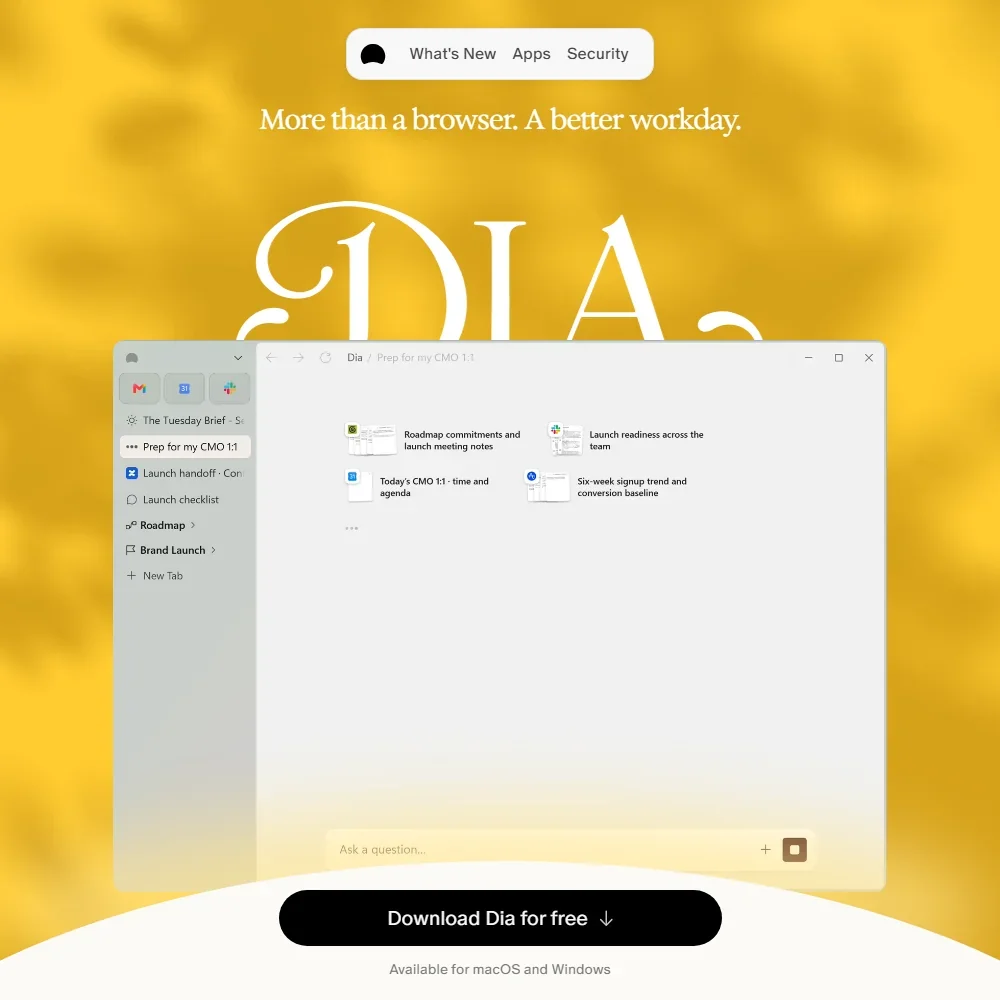
- The assistant reads your open tabs and connected apps including Slack, Gmail, Google Calendar, Google Drive, Notion and Figma.
- From chat, Dia can create calendar invites, search and draft emails and fill in forms.
- The free plan is the browser alone, with no AI features once the trial ends.
How to choose a free AI productivity tool
Free plans in this category are hard to compare because each one rations a different thing: seats, meetings, minutes, messages, history or a pot of credits. A plan that never runs out for a manager running one project can be gone by Wednesday for someone recording five calls a day. This guide sorts the tools by the work they do, shows what each kind of plan really counts, and then matches the options to the people who use them most.
Start with the job, not the tool
The tools on this page do five jobs, and most of them are good at only one.
- Running shared work. Task boards, docs and whiteboards for a team. ClickUp, Asana, Wrike, monday, Notion, Taskade and Miro cover this, and Guidde adds short how-to videos recorded from the browser.
- Capturing meetings. Recording, transcribing and summarizing calls. Fireflies.ai, Fathom, tl;dv, Read AI, Otter.ai, MeetGeek and Fellow can join calls as a bot, while Circleback, Jamie, Granola, Tactiq, Bluedot, Claap and Supernormal lean toward bot-free capture.
- Questioning data. Plain-language questions about a spreadsheet or file. Rows and Julius are built for this and count AI tasks and messages.
- Thinking in a chat window. Drafting, research and coding help. ChatGPT, Claude, Gemini, Perplexity, Grok, Mistral, DeepSeek, TextCortex and Manus are assistants, each with a different free ceiling.
- Guarding time and mail. Reclaim places tasks and focus time on your calendar, and Shortwave adds AI search and drafting to Gmail.
Choose the row that matches your week, then read how each plan is counted.
| Job | Start with | Runner-up, and the trade-off |
|---|---|---|
| Plan a project for a large group | ClickUp | Wrike also allows unlimited users but stops at 200 active tasks |
| Share a task list with one colleague | Asana | monday gives you 200+ templates and Docs, but only three boards |
| Capture every call without a count | Fireflies.ai | Fathom also records without a limit, but records in person only on iPhone |
| Record a meeting in a room | Jamie | Circleback does it through phone and Apple Watch apps and keeps 30 days |
| Take notes without a bot in the call | Granola | Tactiq runs as a Chrome extension and allows 10 transcripts a month |
| Ask questions of a spreadsheet | Rows | Julius shows the code behind each answer, but its free credits cover a few questions a day |
| Get cited answers fast | Perplexity | ChatGPT also searches the web and chats without a text cap |
| Draft, summarize and write code | Claude | Gemini connects to Google apps but works within a 32,000 token window |
| Protect focus time | Reclaim | Shortwave views Google Calendar but needs a Gmail or Workspace account |
What you actually get for free
Each kind of tool counts something different, which is why one free plan lasts a quarter and another lasts a day.
- Work management. Seats, boards or tasks are the meter. ClickUp's free plan has unlimited tasks and members, and its AI now comes with monthly credits on every plan, Free Forever included. Asana's free plan allows two users with unlimited tasks and 100 MB files, and has no AI. monday gives two seats, three boards and three Docs. Wrike gives unlimited users but 200 active tasks and 2 GB. Notion gives unlimited pages for individuals, and Miro three editable boards with 10 AI credits a month.
- Meeting recorders. Meetings, minutes or history are the meter. Fireflies.ai and Fathom do not count recordings, and tl;dv records without a limit but caps AI notes at 10 meetings. Read AI gives 5 reports a month, MeetGeek 3 hours, Otter.ai 300 minutes and Jamie 10 meetings of up to 30 minutes. Fellow, Bluedot and Claap give an allowance for life.
- Data analysts. AI is the meter. Rows allows 5 AI Tasks a month with 1 MB imports, and Julius gives its Lite model with 25 credits a day.
- Assistants. Model access is the meter more than message counts. ChatGPT offers unlimited text chat with limited deep research, Claude reaches Sonnet and Haiku, and Gemini limits context. Perplexity picks the model for you, Grok limits live web and X search, and Mistral limits messages. DeepSeek is free and has no consumer subscription.
- Calendar and mail. Reclaim allows 5 AI Agents and plans one week ahead. Shortwave gives basic AI, 90 days of search history and 15 threads per AI search.
Which tool fits which worker
- Team leads and managers. Start with ClickUp, because its free plan counts no tasks or members, then use Asana for a two-person list or Wrike when guests need to view work. Add Miro when a project starts on a whiteboard, with the limit of three editable boards.
- People in back-to-back meetings. Start with Fathom or Fireflies.ai for volume, because neither counts recordings. Add Granola for notes without a bot, and Jamie when a meeting happens in a room.
- Analysts and finance. Start with Rows if the work lives in spreadsheets, and add Julius when a file is bigger than 1 MB. Spend the five monthly AI tasks on questions you cannot answer by hand.
- Solo professionals and students. Start with Claude or ChatGPT for drafting, and add Perplexity when a source link matters. Use Gemini when documents already sit in Google apps.
- Sales and customer-facing teams. Start with Claap for bot-free capture of calls and in-person meetings, though its free allowance is 300 minutes in total. Fellow gives five meetings for life, and Fathom suits teams that want unlimited call records.
- Gmail users. Start with Shortwave for AI search across mail and Reclaim to place focus time around your calendar.
Where free plans stop
| Limit | Tools | What happens when you hit it |
|---|---|---|
| Allowance for life | Fellow, Bluedot (5 each), Claap (300 minutes) | It never refills, so spend it on meetings that matter |
| Monthly count | Read AI, Jamie, tl;dv, Tactiq, Rows, Julius, Supernormal | You wait for the new month or pay |
| Time cap | MeetGeek (3 hours), Otter.ai (300 minutes), Jamie (30 minutes per meeting) | A long call or a busy month uses it up |
| History window | Circleback, Granola (30 days), MeetGeek (3 months), Shortwave (90 days) | Older notes sit behind a paid plan |
| Seats or items | Asana, monday (2 seats), Wrike (200 tasks), Miro (3 boards) | The cap bites when the group grows |
| AI held back | Asana, Wrike, monday, ClickUp, Notion, Miro | The tool works as a board while the AI is a trial or an extra |
If you plan around the limit, the free plans last longer. Keep a lifetime allowance for a client call, act on notes inside their history window, and treat monthly counts as a budget you spread across the weeks. When a cap is about people rather than usage, such as two seats, the fix is to stay small or move to a plan that fits the group.
What you give up by staying free
The AI is the part most often held back. Notion keeps its full agent, meeting notes and cross-app search for Business, Wrike keeps Copilot and agents for its Business plan, and Miro keeps Sidekicks and Flows as a limited trial until Business. Asana offers AI requests only on paid plans, five per user a month on Starter.
Quality and convenience also shift. Shortwave adds a "Sent with Shortwave" signature to free outgoing mail, and Guidde marks its free how-to videos with a watermark. Supernormal captures live notes and a transcript but no audio or video recording, and its free plan limits you to five credits a day.
Privacy and who sees your meetings
Meetings are among the most sensitive things you hand to an AI tool, so what a vendor does with the transcript matters before any call is recorded.
| Tool | Training on your content |
|---|---|
| Otter.ai | Trains on de-identified recordings and transcripts, no opt-out |
| Fathom | Trains its own models on de-identified data, opt out in settings |
| Perplexity | On by default, opt out in settings |
| Claude | Trains on consumer plans, opt out available |
| Grok | Trains on plans below Business, opt out available |
| Mistral | Trains on Free, Pro and Team, opt out available |
| DeepSeek | Trains on inputs and outputs, opt out available |
| ChatGPT | Opt out available |
| Gemini | Opt out available |
| Granola | Opt out available |
| Read AI | Training is opt-in and off by default |
Fireflies.ai, Circleback, Fellow, Jamie, Tactiq, tl;dv, Claap, Bluedot, Reclaim, TextCortex, Rows, Julius, Miro, monday, Wrike, Notion and ClickUp all state that they do not train on your content. For client calls, choose from that group or switch training off straight after signing up. Fireflies.ai lists commercial rights, while Guidde keeps them for paid plans.
Mistakes to avoid
- Spending a lifetime allowance on routine calls. Fellow and Bluedot give five meetings and Claap 300 minutes, once. Use them for the one meeting that needs a full record.
- Choosing a bot when the call needs none. Read AI joins only as a visible participant, while Granola, Jamie, Tactiq and Bluedot record without one. Pick by how comfortable your attendees are with a bot on screen.
- Assuming a free board includes the AI. The AI in Asana, Wrike, Notion and Miro is held back or limited to a trial. Test the AI before you pick a tool because of it.
- Using a data tool for simple sums. Rows and Julius allow five AI questions a month. Keep them for analysis you cannot do by hand.
- Pasting confidential notes into a chat tool that trains. Otter.ai gives no opt-out, and Perplexity, Claude, Grok, Mistral and DeepSeek need the setting changed. Check the switch before the first paste.
When it is worth paying
You have outgrown a free plan when you decide what to record, ask or schedule based on the cap instead of on the work. Losing last month's meeting notes to a history window is another sign.
| If you are | Upgrade to | What changes |
|---|---|---|
| Keeping meeting history | Granola Business | Unlimited notes and history, plus advanced models |
| Recording many calls with AI notes | tl;dv Pro | Unlimited AI notes, custom templates and unlimited storage |
| Hosting long meetings | Jamie Pro | Unlimited meetings of up to five hours |
| A Notion team | Notion Business | Full AI including the agent and meeting notes |
| Asking data questions daily | Rows Plus | 200 AI Tasks a month and 5 MB imports |
| A daily ChatGPT user | ChatGPT Go | More messages, unrestricted uploads and longer memory |
Billing and trials vary. monday's Basic plan lists $36 a month for the minimum three seats, or $27 billed annually, and Wrike Business and above are annual only. Wrike, Miro, MeetGeek, Reclaim and Shortwave offer 14-day trials, Read AI seven days, and Notion, Jamie and Taskade have none.
Using two free tools together
Because the limits differ, a pair of free tools usually covers a week of work.
- Capture the call. Let Fathom or Fireflies.ai record, since neither counts recordings.
- Ask the questions. Paste the transcript into Claude or ChatGPT instead of using up the recorder's own AI allowance.
- File the follow-ups. Add the actions to ClickUp, which counts no tasks, then let Reclaim find time for them.
For a small team, share an Asana list between two people and keep meeting notes in Granola, whose 30-day window is long enough for weekly check-ins.
What would this stack cost you?
Add our top picks (Brisk Teaching, ClickUp, MeetGeek and 4 more) to the calculator and see the monthly total, then swap in the plans you would pay for.
How we picked
Every tool here is ranked by its score, and each score is worked out from the vendor’s own published pages: pricing, plans, features and terms. No score is adjusted by hand. 56 of the 60 tools have enough published facts to show a score, and on average 89% of each score comes from facts the vendor publishes. The facts behind these scores were checked between 21 September 2026 and 3 November 2026.
Scores compare tools that do the same job, which is why the list is grouped by job: a video editor and a grammar checker are never ranked against each other.
| Ranked as | On this page | What we score | Scoring guide |
|---|---|---|---|
| AI assistants23 reviewed | 21 | 4 criteria, 13 checked facts: what it can do, where it works, pricing, privacy and trust | How we score these → |
| AI meeting assistants20 reviewed | 17 | 4 criteria, 18 checked facts: what it captures, where it works, pricing, privacy and trust | How we score these → |
| AI work management tools9 reviewed | 9 | 4 criteria, 17 checked facts: what it manages, working with others, pricing, privacy and trust | How we score these → |
| AI teacher platforms6 reviewed | 6 | 4 criteria, 22 checked facts: what it makes for teachers, in the classroom, pricing, student data and trust | How we score these → |
| AI calendar, email and memory apps9 reviewed | 4 | 4 criteria, 21 checked facts: what it runs for you, where it works, pricing, privacy and trust | How we score these → |
| AI data analysts2 reviewed | 2 | 4 criteria, 17 checked facts: what it does with your data, where it works, pricing, privacy and trust | How we score these → |
Common questions
Which free AI note taker for meetings does not put a bot on the call?
Granola, Jamie, Tactiq and Supernormal capture audio from your device with no bot, and Bluedot does the same by default. Fireflies.ai, Circleback, tl;dv, MeetGeek and Fellow offer a bot-free mode next to a bot. Fathom's bot-free mode is a beta on Mac. Read AI joins calls only as a visible bot.
Is there a free AI tool that records in-person meetings?
Yes, several. Circleback, Jamie, Bluedot, Granola, Otter.ai, Claap, Fireflies.ai and MeetGeek capture conversations away from a screen through phone apps, and Circleback adds an Apple Watch app. Supernormal uses its web app in a mobile browser. Fathom records in person through its iPhone app, with no Android app.
Do free project management plans include any AI?
Mostly as a taste. ClickUp includes AI credits, Notion a limited trial, and Miro a trial backed by 10 AI credits a month. Asana keeps AI off its free plan, Wrike starts its AI Essentials on the Team plan, and monday builds its AI into paid plans. If AI matters, pick Notion or Miro to try it, and expect to pay.
Is my data safe in a free AI data analyst?
Both keep your files out of training. Rows does not train on customer data and is SOC 2 Type II certified and GDPR compliant. Julius never trains on your data either, but its SOC 2 Type II compliance starts on Pro. For sensitive company data, Rows is the safer free pick.
Which free AI calendar or email app works with Outlook?
Reclaim works with Google and Outlook calendars, so it is the one for Microsoft users, though it does not draft or triage email. Shortwave connects only to Gmail and Google Workspace, and not to Microsoft 365 or Exchange. If your mail lives in Outlook, none of the email tools here will help.
Which of these assistants can make images for free?
ChatGPT, Gemini, Grok and Mistral include image generation on their free plans, and Perplexity can generate and edit images too. ChatGPT's free images are limited and slower than on paid plans, and Mistral's allowance is capped. Claude and DeepSeek do not generate images at all, and TextCortex keeps image generation for Premium.
What is the cheapest way to keep every meeting transcript?
Use a recorder that does not count. Fireflies.ai and Fathom record and transcribe without a limit, and tl;dv records and transcribes without one while capping its AI notes. Otter.ai gives 300 minutes a month, MeetGeek three hours, and Fellow and Bluedot five meetings for good, so those suit occasional use better.