Brisk Teaching is a free Chrome and Edge extension and web platform that adds AI to the places teachers already work, including Google Docs, Slides, YouTube and LMS pages. Whether it suits you comes down to whether you prefer AI inside your documents to a separate site, and whether your school needs the Premium plan's extras.
What is Brisk Teaching?
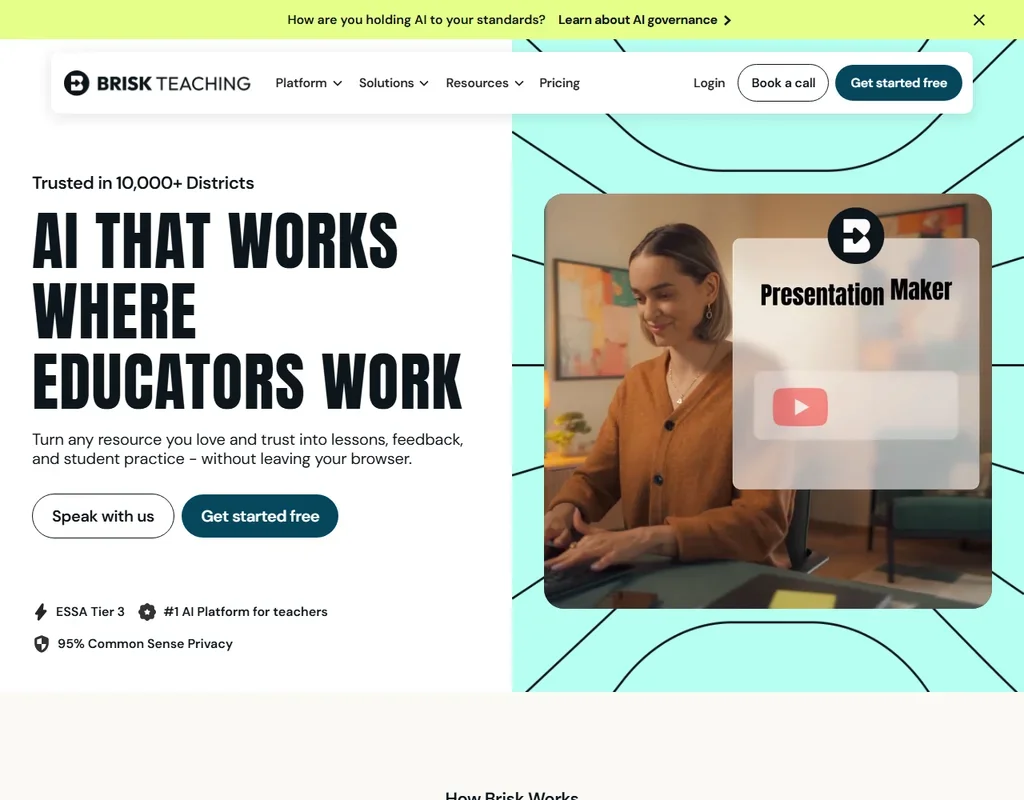
Brisk Teaching, usually just Brisk, runs as a Chrome and Edge extension and as a web platform. It is free for teachers. Schools and districts buy Premium or Intelligence plans, both priced by quote.
What Brisk makes for teachers
Brisk has more than 30 AI tools, and the free plan includes 20-plus of them on the standard AI model. You turn an article, video or PDF into something you can teach from:
- Lesson plans, quizzes and presentations from an article, video or PDF, along with a podcast version of the same source.
- A rubric generator, plus feedback you can align to your uploaded rubrics or state standards.
- Reading-level changes in seconds, with translation of materials into 50-plus languages.
- A presentation, worksheet and quiz built from a YouTube video.
Batch feedback on student writing is a named tool, and teachers can share the feedback in 50-plus languages. Brisk reads PDFs, Google Docs, Word files, web pages and Google Sheets as source material.
Working with students and schools
Brisk Boost is the student-facing workspace, with safe, teacher-guided AI activities and instant writing feedback for students. Teachers see all student chats.
Brisk creates content directly inside Google Docs, Slides and Forms, and it exports PowerPoint files. Microsoft Forms quizzes are supported too. Google Classroom works through the extension. Brisk is ClassLink Certified and has a Blackboard integration. Canvas and Schoology LTI 1.3 integrations and Canvas QTI export are on the Schools & Districts plans. Schools get a customer success team, and a help center, community and webinars are open to everyone.
Brisk Teaching pricing: what each plan gives
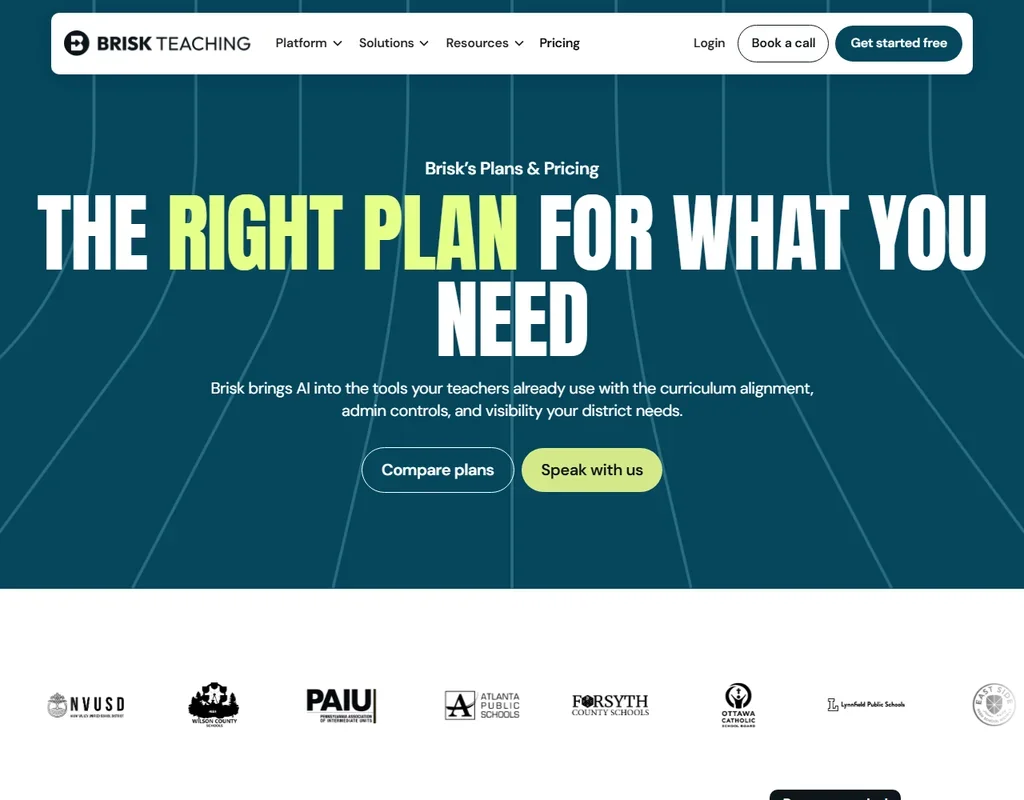
The Free plan is $0 for teachers, and there is no paid teacher plan. It includes 20-plus tools on the standard AI model.
Premium is a school plan priced by quote. It includes everything in Free, plus the Turbo AI model, 35-plus tools, the district dashboard and custom privacy agreements.
Intelligence is a district plan, also priced by quote.
Privacy and security
Brisk is fully compliant with FERPA, COPPA and GDPR. It has earned the 1EdTech Data Privacy Certification and TrustEd Apps Seal, and it has signed the National Data Privacy Agreement in 25 states. It is open to district-level agreements, and custom privacy agreements come with Premium. Brisk is also SOC 2 Type II compliant.
On training, its privacy center puts it plainly: "Student and teacher inputs are never used to train, fine-tune, or improve AI models."
Who Brisk Teaching suits
Brisk suits teachers who live in Google Docs, Slides and YouTube and want AI to work there, instead of copying text between tabs. Because teachers pay nothing, it is easy to try on a real unit, and the batch feedback and one-click reading-level changes are the tools most teachers will reach for first.
It suits less well teachers who work mostly outside Chrome and Edge, since it is built as an extension for those two browsers plus a web platform. A school that wants the Turbo model, the full tool set or LMS integrations such as Canvas and Schoology will need to ask for a Premium or Schools & Districts quote.
Frequently Asked Questions
Is Brisk Teaching free?
Yes. Brisk is free for teachers as a Chrome and Edge extension and web platform, with 20-plus tools on the standard AI model. School plans, which add the Turbo model and 35-plus tools, are priced by quote.
Where does Brisk work?
It works inside Google Docs, Slides, YouTube and LMS pages, and it can build a presentation, worksheet and quiz from a YouTube video. It also exports PowerPoint files.
Can students use Brisk?
Yes, through Brisk Boost, a student-facing workspace of teacher-guided AI activities. Teachers see all student chats, and students get instant writing feedback.
Is Brisk safe for student data?
Brisk is fully compliant with FERPA, COPPA and GDPR, is SOC 2 Type II compliant, and never uses student or teacher inputs to train AI models.











