
Paperguide is an AI research platform that finds papers, answers research questions with citations, extracts data from studies and runs systematic reviews, with a reference manager and an AI writer in the same workspace. What decides whether it suits you is how much of the research process you want in one tool, and which plan carries the review size you need.
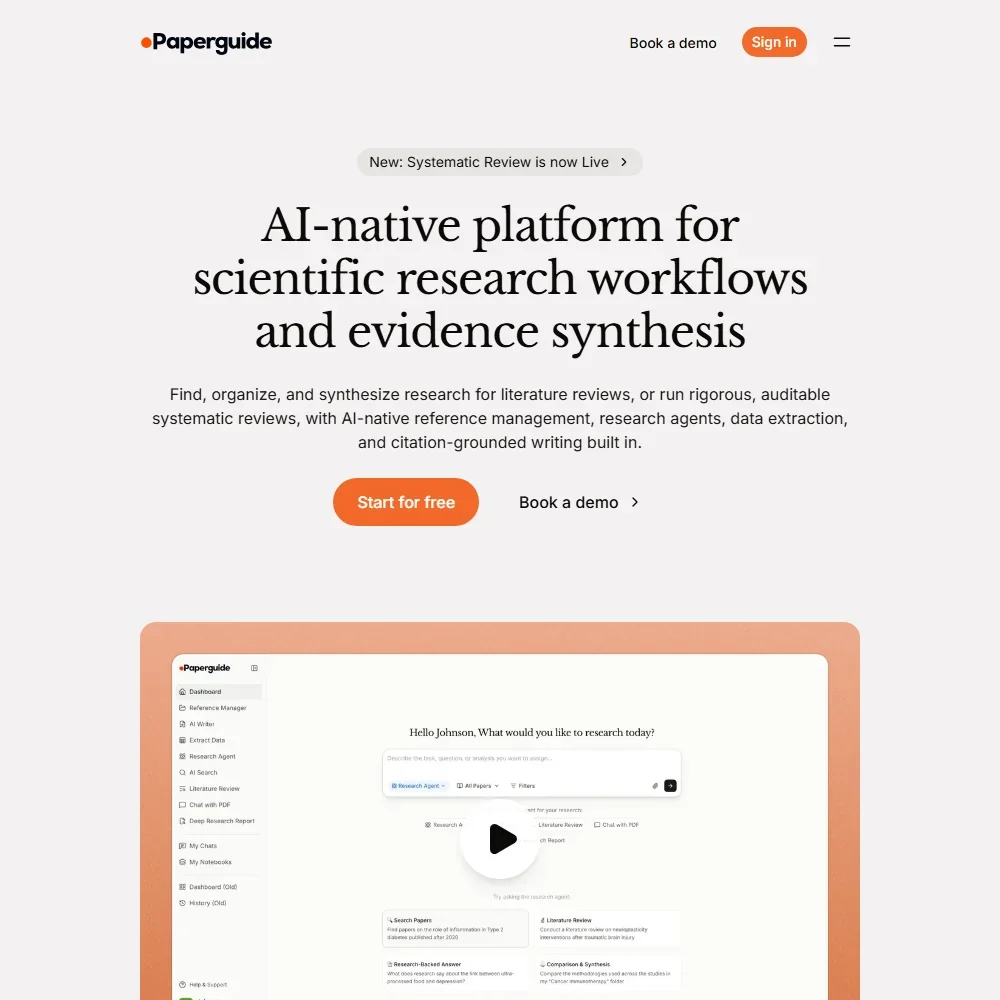
What is Paperguide?
Paperguide is a web platform for academic research. Its search covers more than 200 million peer-reviewed papers drawn from PubMed, arXiv, OpenAlex and Semantic Scholar, plus any papers you import yourself. It runs in the browser, with a Chrome extension that adds papers and citations from any web page; there is no iOS or Android app.
The extension can also retrieve paywalled PDFs through your institution's proxy, with EZproxy and other major providers supported.
Finding and reading papers with Paperguide
Search and answers. You search in plain language, and results are re-ranked on relevance and on journal quality metrics (SJR, SNIP and citations). Ask a research question and Paperguide writes an answer from the top 20 papers, with every claim cited to its source. Literature Review and Deep Research reports, which synthesize what the research says on a topic, are on every plan including Free.
Reading. Papers come in by DOI, URL or PDF upload, and every paper gets an AI summary. Chat with PDF is on every plan and works in 14 languages.
Data extraction. You define the columns you need, and the AI reads the full text of each selected paper and fills every cell, citing the statement behind each value. Free tables take 5 columns and 10 papers; paid tables take 50 columns and 100 papers. Tables export to CSV or Excel. Image and table extraction from papers is not available yet.
Systematic reviews. The systematic review workspace runs from protocol through dual screening and data extraction to PRISMA reporting, with PRISMA counts generated from the review's own screening numbers. Search results and your library are pooled and deduplicated before screening starts. In AI Systematic Review mode, the AI makes each screening call with its evidence attached and a named verifier confirms each stage; in the full mode, the AI prepares evidence and human reviewers decide. There is no risk-of-bias or study quality tool.
Writing and references. The AI Writer drafts papers with citations from your library or the database, in thousands of citation styles, and includes a plagiarism checker. The reference manager imports directly from Zotero and Mendeley, on the Free plan too, and from EndNote through a BibTeX or RIS file; this is an import, not a two-way sync. From Plus up, references export to RIS, CSV, BIB, PDF and DOCX.
Paperguide returns ranked lists and reports. There is no citation map, no marker for whether later papers support or contradict a study, and no alerts for new papers on a topic.
Working with other people
Collaboration on references and writing starts on Plus, and collaboration on systematic reviews starts on Pro. Enterprise is built for institutions, with custom support. Writing happens in Paperguide's own editor, with export to DOCX; there is no Word or Google Docs add-in.
A Search API comes with every plan: 10 requests a month on Free, 100 on Plus, 500 on Pro and 1,500 on Evidence. An MCP server is also offered for connecting AI tools.
Paperguide pricing: what each plan gives
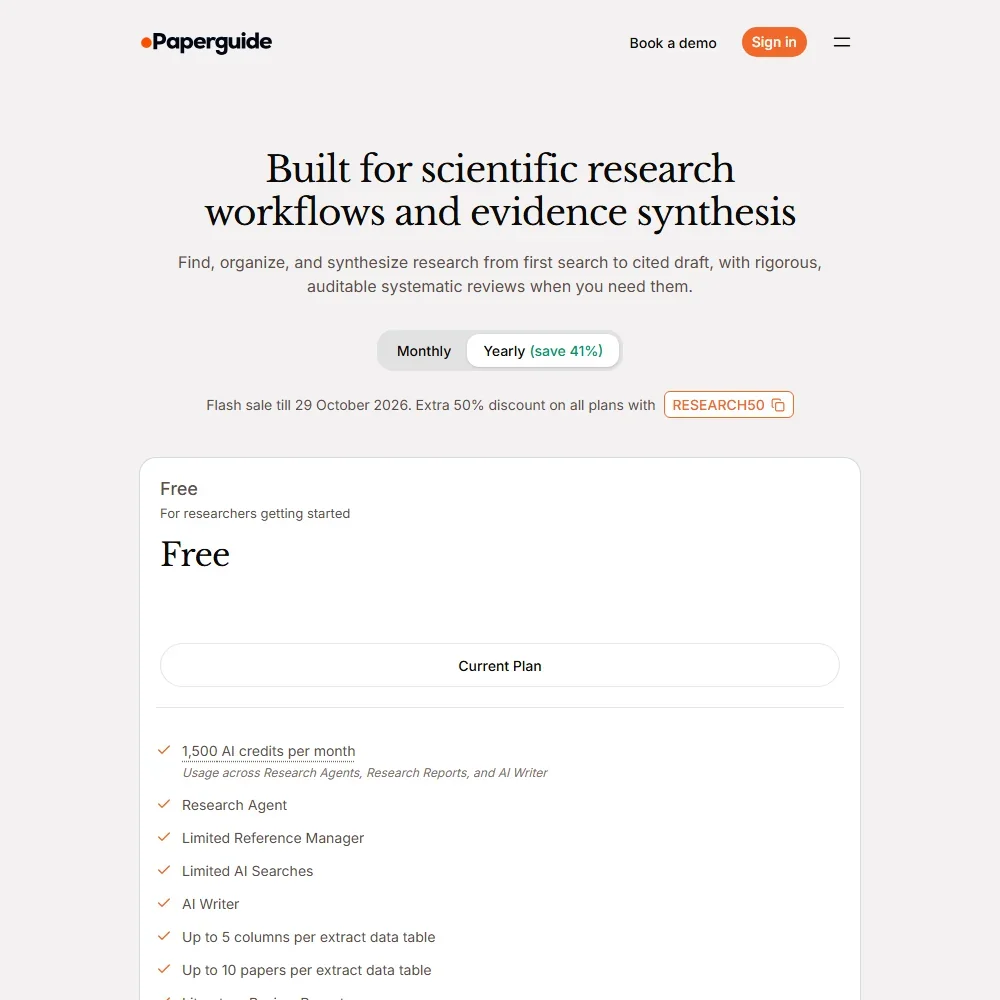
The Free plan includes 1,500 AI credits a month, the Research Agent, a limited reference manager and AI searches, the AI Writer, Chat with PDF and 10 Search API requests. Paid plans are priced per seat:
- Plus: $19 per seat a month, or $12 billed yearly. Aimed at students and independent researchers, with systematic reviews of up to 1,000 papers.
- Pro: $49 per seat a month, or $29 billed yearly. Systematic reviews of up to 5,000 papers and review collaboration.
- Evidence: $149 per seat a month, or $89 billed yearly. Up to 5,000 papers per review, with PRISMA-grade dual reviewer screening.
- Enterprise: custom pricing, with reviews of up to 20,000 papers and dual reviewer screening.
Yearly billing saves 37% on Plus, 41% on Pro and 40% on Evidence. Each plan includes a monthly AI credit allowance. You can cancel at any time and keep access to the end of the billing cycle, and first purchases have a 7-day refund window, reduced by the credits used.
Privacy and security
Paperguide's privacy policy is direct: "We do not use your User Content to train, fine-tune or improve public or generalized AI models, our own or any third parties." The AI providers it uses process requests as contracted processors and are prohibited from training on your content.
Who Paperguide suits
Paperguide suits graduate students, researchers and evidence teams who want search, cited answers, data extraction, writing and a PRISMA workflow in one place. The Free plan already includes literature review reports, Chat with PDF and Zotero or Mendeley import, and Plus, aimed at students and independent researchers, opens systematic reviews of up to 1,000 papers.
It suits less well researchers who explore a field through citation maps or want alerts when new papers appear, since neither is offered. Review teams that need a risk-of-bias assessment or figure and table extraction will need another tool for those steps.
Frequently Asked Questions
How much does Paperguide cost?
Paperguide has a free plan. Plus costs $19, Pro $49 and Evidence $149 per seat a month, or $12, $29 and $89 billed yearly. Enterprise is priced on request.
Can Paperguide run a systematic review?
Yes, from Plus up. The workspace covers protocol, dual screening, data extraction, deduplication and PRISMA reporting, with up to 1,000 papers on Plus, 5,000 on Pro and Evidence and 20,000 on Enterprise.
Does Paperguide work with Zotero?
Yes. Paperguide imports directly from Zotero and Mendeley, including on the Free plan, and from EndNote through a BibTeX or RIS file. It is an import, not a two-way sync.
Does Paperguide train AI on my papers?
No. Paperguide does not use your content to train, fine-tune or improve AI models, its own or third parties', and its AI providers are prohibited from training on it.


