Only a quarterly plan exists, which is the first thing to know: Essential bills every three months and has no monthly option.
Best of · 8 tools ranked
Best AI Research Tools Under $10/mo
Find the best AI research tools under $10 a month, and see what the entry plan adds to a free one. The list runs from a screening platform to paper readers and a search engine, and each entry shows what the plan buys and what still waits on a dearer one. Use it to judge whether an entry tier solves your problem or only delays the next upgrade.
Updated 3 October 2026Ranked by our score, worked out from each vendor’s own pages.How we score →All AI Research Tool →
Our top 3 AI Research Tools Under $10/mo
R Discovery's Prime is $69 a year, about $6 a month, against $12 when billed monthly. It makes the AI Assistant and Chat PDF unlimited and adds literature review, exports, interactive literature maps, and paper audio and translation.
There is no free plan, only a 7-day trial with 30,000 words, 5 figures analyzed, 100 chat messages and 50 quick imports, and a free first month for students with a code.
Best AI Research Tools Under $10/mo, ranked
#ToolScoreEntry plan includesStarts at
Essential: AI-powered tools for serious researchers, billed quarterly ($24.99/quarter)
✓ Free plan tooFrom $8.33Show detailsHide details01 Rayyan: Best for screening references for a review8.2Score 8.2 out of 10Essential: AI-powered tools for serious researchers, billed quarterly ($24.99/quarter)✓ Free plan too$8.33Visit site ↗ReviewDetailsCloseShow more about Rayyan
Essential: AI-powered tools for serious researchers, billed quarterly ($24.99/quarter)
✓ Free plan tooFrom $8.33
Show detailsHide detailsRayyan: Best for screening references for a review
8.2Score 8.2 out of 10Essential: AI-powered tools for serious researchers, billed quarterly ($24.99/quarter)✓ Free plan too$8.33Visit site ↗ReviewDetailsClose
Only a quarterly plan exists, which is the first thing to know: Essential bills every three months and has no monthly option. It adds the AI-powered tools to the deduplication and PRISMA diagrams the platform offers, and the iOS and Android app works offline. Advanced, aimed at small research groups, is the next step. Pick it over the readers on this page when the job is screening references, not reading papers.
- The Systematic Auto-Resolver deduplicates references quickly using a configurable protocol, solving one of the most tedious parts of multi-database systematic reviews.
- ResearchPilot AI provides zero-shot relevance ratings, meaning it can score reference relevance without requiring training examples from the user.
- The tool does not perform its own database searches, users must import references manually from external sources like PubMed or Embase in RIS or BibTeX format.
Prime: Unlimited AI Assistant and Chat PDF, Literature Review, exports, interactive literature maps, paper audio and translation
✓ Free plan tooFrom $6Show detailsHide details02 R Discovery: Best for personalized paper recommendations6.5Score 6.5 out of 10Prime: Unlimited AI Assistant and Chat PDF, Literature Review, exports, interactive literature maps, paper audio and translation✓ Free plan too$6Visit site ↗ReviewDetailsCloseShow more about R Discovery
Prime: Unlimited AI Assistant and Chat PDF, Literature Review, exports, interactive literature maps, paper audio and translation
✓ Free plan tooFrom $6
Show detailsHide detailsR Discovery: Best for personalized paper recommendations
6.5Score 6.5 out of 10Prime: Unlimited AI Assistant and Chat PDF, Literature Review, exports, interactive literature maps, paper audio and translation✓ Free plan too$6Visit site ↗ReviewDetailsClose
R Discovery's Prime is $69 a year, about $6 a month, against $12 when billed monthly. It makes the AI Assistant and Chat PDF unlimited and adds literature review, exports, interactive literature maps, and paper audio and translation. Recommendations draw on a database the vendor says holds 300 million articles. Summaries help you triage papers, not understand them. Pick it over Scholarcy when finding what to read matters more than breaking down one paper.
- Covers a very large article database for broad literature access.
- AI-generated summaries help researchers quickly triage papers and decide what is worth reading in full.
- AI summaries are useful for triage only and do not capture what a paper actually argues at a deeper level.
✓ Free plan tooFrom $10 (€8.99)Show detailsHide details03 Scholarcy: Best for bulk summaries and flashcards from papers6.0Score 6.0 out of 10✓ Free plan too$10 (€8.99)Visit site ↗ReviewDetailsCloseShow more about Scholarcy
✓ Free plan tooFrom $10 (€8.99)
Show detailsHide detailsScholarcy: Best for bulk summaries and flashcards from papers
6.0Score 6.0 out of 10✓ Free plan too$10 (€8.99)Visit site ↗ReviewDetailsClose
Unlimited summarisation is what the monthly plan buys over the free ten, plus enhanced summaries, notes, highlights, a library, collections, up to 100 flashcard exports, a literature matrix and one-click bibliographies. The plan list shows no higher tier to grow into. It cannot search for papers, so it needs a source such as Semantic Scholar. Pick it over SciSummary for flashcards and bibliographies, and over Humata for single-paper summaries.
- The flashcard-based summary format is specifically tailored to academic reading workflows, making it more useful than generic AI summarizers.
- The Enhance feature allows users to dial in summary depth, from a single-sentence overview to a detailed researcher-level breakdown.
- Scholarcy is not a discovery engine, it cannot search academic databases or find papers for you, limiting its utility in the research workflow.
✓ Free plan tooFreeShow detailsHide details04 Semantic Scholar: Best for paper search that costs nothing6.0Score 6.0 out of 10✓ Free plan tooFreeVisit site ↗ReviewDetailsCloseShow more about Semantic Scholar
✓ Free plan tooFree
Show detailsHide detailsSemantic Scholar: Best for paper search that costs nothing
6.0Score 6.0 out of 10✓ Free plan tooFreeVisit site ↗ReviewDetailsClose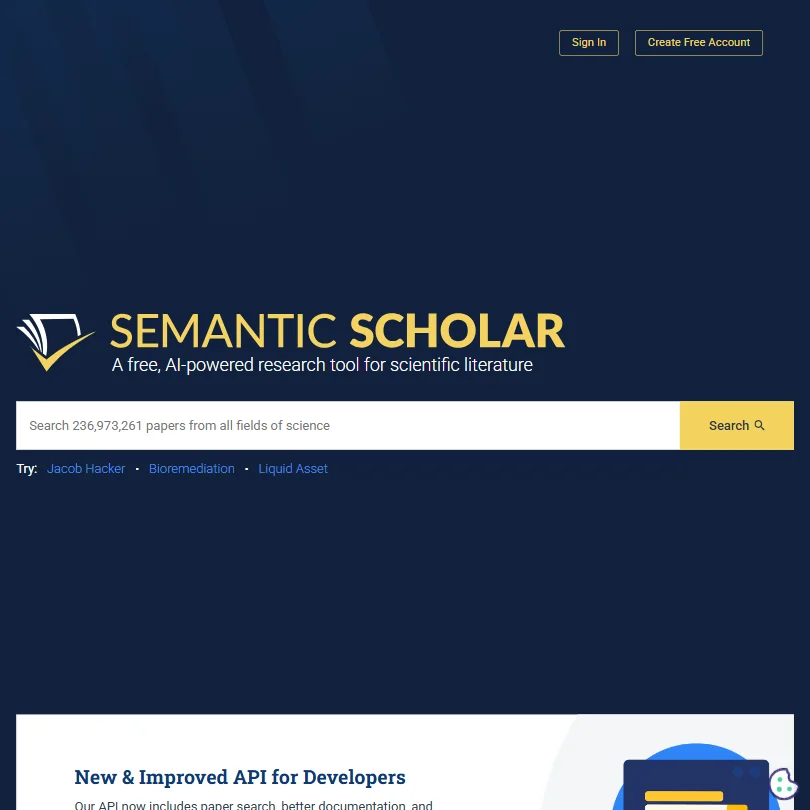
Nothing to buy here: the 236 million paper search, the Semantic Reader and the API all cost nothing, and no paid plans exist. That makes it the baseline each paid entry has to beat, since most of the others sell reading, summarising or screening rather than finding papers. Neither a browser extension nor a mobile app is available. Pick it first, and add a paid reader only once a free limit starts costing you time.
- Completely free with no paywalls, paid plans, or enterprise pricing tiers, the entire tool is accessible without any cost.
- Indexes over 200 million papers across STEM, social sciences, and humanities, making it one of the largest academic search databases available.
- As a free, nonprofit tool, it likely lacks the customer support infrastructure and dedicated account management that paid enterprise tools offer.
For Individuals: Unlimited responses per conversation, unlimited conversations per day, 20 MB max file upload
✓ Free plan tooFrom $10Show detailsHide details05 Keenious: Best for mapping a field with unlimited chat5.1Score 5.1 out of 10For Individuals: Unlimited responses per conversation, unlimited conversations per day, 20 MB max file upload✓ Free plan too$10Visit site ↗ReviewDetailsCloseShow more about Keenious
For Individuals: Unlimited responses per conversation, unlimited conversations per day, 20 MB max file upload
✓ Free plan tooFrom $10
Show detailsHide detailsKeenious: Best for mapping a field with unlimited chat
5.1Score 5.1 out of 10For Individuals: Unlimited responses per conversation, unlimited conversations per day, 20 MB max file upload✓ Free plan too$10Visit site ↗ReviewDetailsClose
The free tier's ceilings are five replies in each chat, three chats a day and 3MB files. Individuals makes replies and chats unlimited and raises uploads to 20MB. That matters for dense PDFs and long sessions exploring a field, where the field map shows how research clusters relate. Teams adds an admin console. Pick it over Humata when you are entering an unfamiliar topic. There is no mobile app.
- Field map visualization shows how different research clusters relate to each other, offering a genuinely unique spatial view of academic literature.
- Combines visual research mapping with conversational AI in a way that competitors like Elicit and Consensus do not replicate.
- Free tier document upload is capped at 3 MB, which is too small for many dense academic PDFs.
Pro Plan: Unlimited summaries, unlimited figures analyzed, unlimited chat messages, semantic search (1,000 docs indexed)
From $7Show detailsHide details06 SciSummary: Best for structured summaries and figure questions4.4Score 4.4 out of 10Pro Plan: Unlimited summaries, unlimited figures analyzed, unlimited chat messages, semantic search (1,000 docs indexed)$7Visit site ↗ReviewDetailsCloseShow more about SciSummary
Pro Plan: Unlimited summaries, unlimited figures analyzed, unlimited chat messages, semantic search (1,000 docs indexed)
From $7
Show detailsHide detailsSciSummary: Best for structured summaries and figure questions
4.4Score 4.4 out of 10Pro Plan: Unlimited summaries, unlimited figures analyzed, unlimited chat messages, semantic search (1,000 docs indexed)$7Visit site ↗ReviewDetailsClose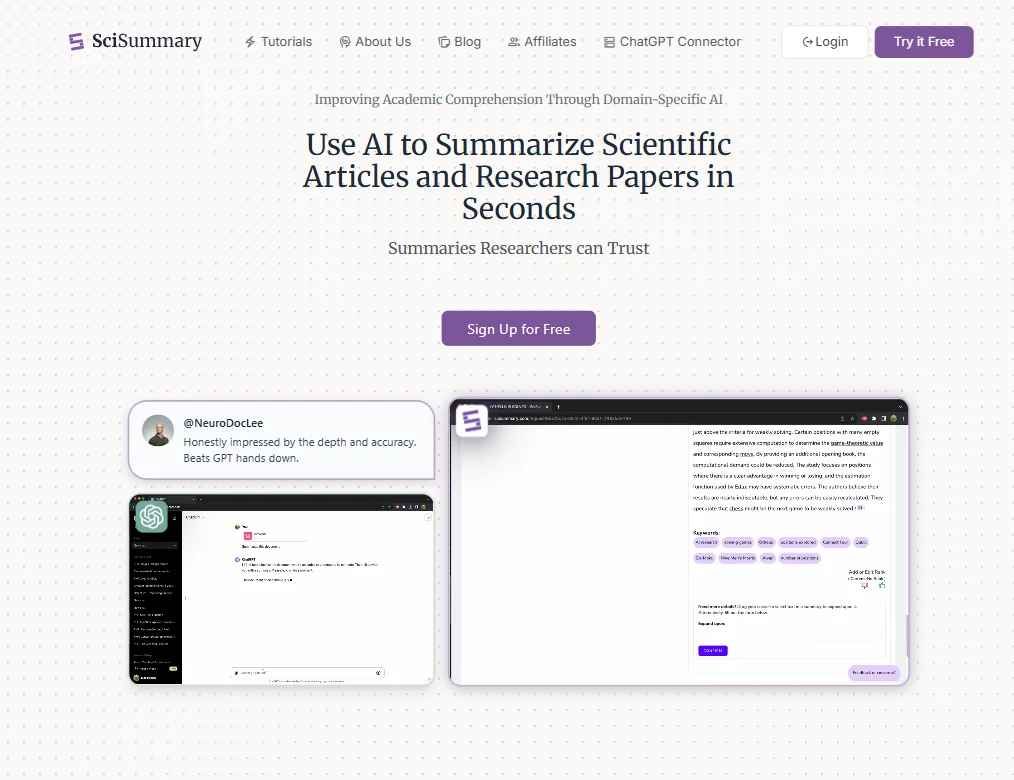
There is no free plan, only a 7-day trial with 30,000 words, 5 figures analyzed, 100 chat messages and 50 quick imports, and a free first month for students with a code. Pro then gives unlimited summaries, figures and chat messages, and semantic search over 1,000 indexed documents. Choose it over Scholarcy to chat with figures and diagrams, and over Humata for summaries split into labelled sections. No mobile app.
- Purpose-built for academic literature with domain-specific GPT training that outperforms general AI for research paper summarization.
- Produces structured summaries with labeled sections (abstract, methods, results, conclusion) rather than unformatted paraphrased text.
- No mobile app available, limiting accessibility for researchers who need on-the-go access.
Academic: Billed quarterly at the shortest; no monthly option
✓ Free plan tooFrom $10Show detailsHide details07 Connected Papers#13 of 13 literature search tools3.8Score 3.8 out of 10Academic: Billed quarterly at the shortest; no monthly option✓ Free plan too$10Visit site ↗ReviewDetailsCloseShow more about Connected Papers
Academic: Billed quarterly at the shortest; no monthly option
✓ Free plan tooFrom $10
Show detailsHide detailsConnected Papers#13 of 13 literature search tools
3.8Score 3.8 out of 10Academic: Billed quarterly at the shortest; no monthly option✓ Free plan too$10Visit site ↗ReviewDetailsClose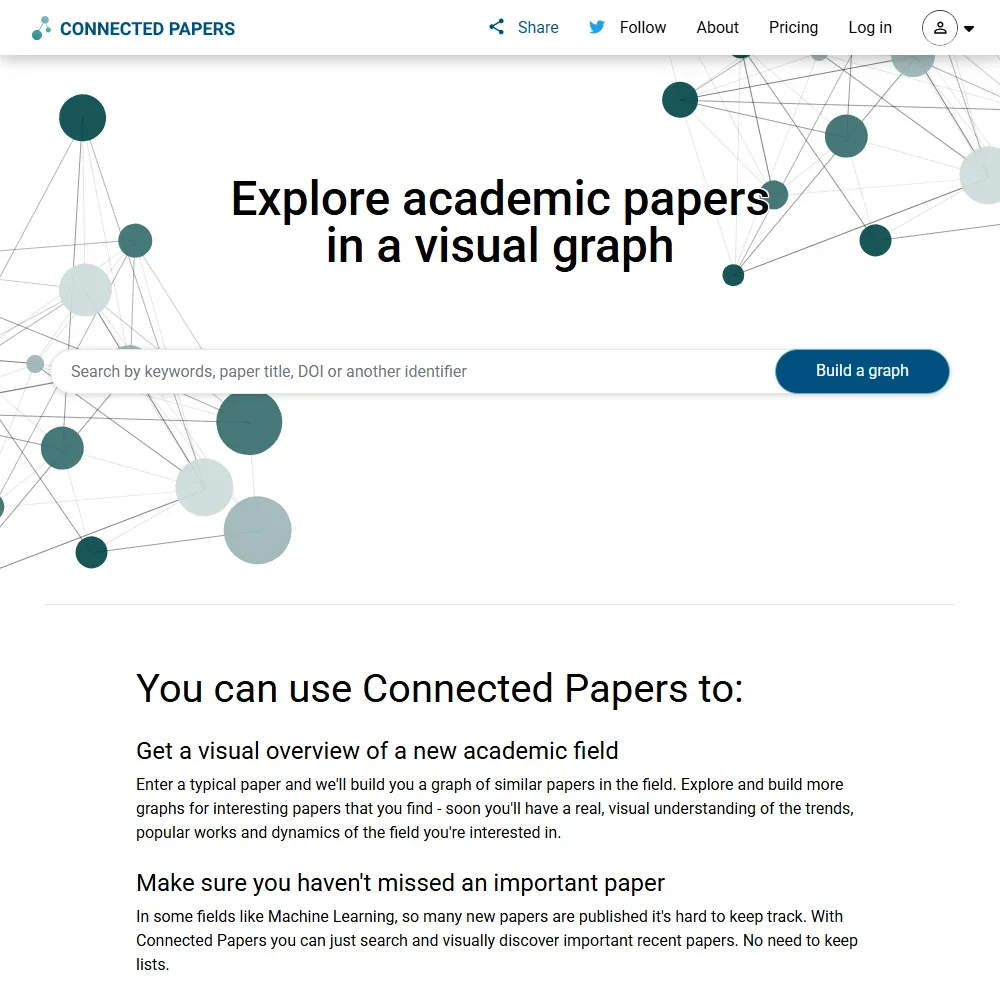
- The free tier includes every feature and 5 graphs a month.
- Prior Works and Derivative Works views show a field's earlier and later papers.
- It has no AI reading, answering, summarizing or writing features.
Expert: Up to 3 users, 500 free pages/month, $0.02/page additional, chat support
✓ Free plan tooFrom $9.99Show detailsHide details08 Humata: Best for citation-linked answers across many PDFs3.5Score 3.5 out of 10Expert: Up to 3 users, 500 free pages/month, $0.02/page additional, chat support✓ Free plan too$9.99Visit site ↗ReviewDetailsCloseShow more about Humata
Expert: Up to 3 users, 500 free pages/month, $0.02/page additional, chat support
✓ Free plan tooFrom $9.99
Show detailsHide detailsHumata: Best for citation-linked answers across many PDFs
3.5Score 3.5 out of 10Expert: Up to 3 users, 500 free pages/month, $0.02/page additional, chat support✓ Free plan too$9.99Visit site ↗ReviewDetailsClose
Expert gives 500 pages a month against sixty free, for up to 3 users, and charges two cents for each extra page. Answers across many files cite the exact source page. Web search and academic database links are both absent, so the papers must be yours. Team, with 5,000 pages for up to 10 users, is the step up. Pick it over Scholarcy when you need to question several PDFs together.
- Inline citations link directly back to the exact source page, making claim verification fast and reliable.
- Cross-document querying allows users to actively compare and search across multiple files simultaneously, not just read them in parallel.
- No web search capability whatsoever, if the answer isn't in an uploaded file, Humata cannot find it.
How to choose an AI research tool under $10 a month
Tools at this price rarely try to do everything. Each one handles a single stage of research well, and the cheap plan is usually the first step above a free tier that rations heavily. The questions that matter are which stage you need covered, what the entry plan removes from the meter, and whether the tool works on papers you already hold or finds new ones. This guide takes those in order and ends with how to pair two of these tools.
Start with the job, not the tool
The six tools on this page cover four jobs, and no two of them overlap much.
- Screening records for a review. You have exported hundreds of references from several databases and need to decide which stay. Rayyan is built for this, with deduplication, PRISMA flow diagrams and shared workflows on its Advanced plan.
- Finding papers. You need new sources on a topic. Semantic Scholar searches a huge index at no charge, and Keenious adds a field map and a chat that explains unfamiliar areas.
- Summarizing papers you hold. You want the core of a paper without reading all of it. Scholarcy turns papers into flashcard summaries, and SciSummary splits them into labeled sections such as methods and results.
- Asking questions across PDFs. You have a folder of documents and a set of questions. Humata answers across many files and points to the exact source page.
Once the job is clear, this table gives the first pick and the catch with the runner-up.
| Job | Start with | Runner-up and the trade-off |
|---|---|---|
| Screening a review | Rayyan | Humata answers questions about files, which is a different job from screening |
| Finding sources for an essay | Semantic Scholar | Keenious explains the field better, yet its free chat is short |
| Skimming a pile of papers | Scholarcy | SciSummary analyzes figures, but its free access is a seven day trial |
| Querying your own PDFs | Humata | Scholarcy summarizes each paper rather than answering across several |
| Learning a new field | Keenious | Semantic Scholar returns papers by concept and has nothing to pay |
What the price actually buys
At this price, you are paying to remove a meter, and each kind of tool has a different one.
- Review platform. Rayyan's Essential plan costs $8.33 a month billed quarterly, which is $24.99 per quarter, and no monthly plan exists. It is the one plan on this page that you pay for three months at a time.
- Search tools. Semantic Scholar has no paid tier and nothing to buy. Keenious at $10 a month removes its free caps of 5 responses per conversation and 3 conversations a day, and raises the file limit from 3MB to 20MB.
- Paper readers. Scholarcy at 8.99 euros a month lifts the cap of 10 summaries to unlimited and adds a library, collections, notes, highlights and up to 100 flashcard exports. SciSummary at $7 a month makes summaries, figure analysis and chat messages unlimited, with semantic search over 1,000 indexed documents.
- Document question tools. Humata at $9.99 a month covers up to 3 users and 500 pages a month, then charges $0.02 for each extra page. A 300 page overage adds $6 to the month.
Which tool fits which researcher
- Students writing essays. Start with Semantic Scholar, because it costs nothing and returns papers across STEM, social sciences and humanities. Add Scholarcy to turn the best ones into flashcards you can revise from.
- Anyone reviewing a body of literature. Start with Rayyan to screen, and keep Scholarcy for the papers that survive. Scholarcy converts a whole Zotero library in one batch.
- Science and engineering readers. Start with SciSummary, which structures a paper into abstract, methods, results and conclusion and lets you chat with the figures. Pair it with Semantic Scholar to find the next paper.
- Newcomers to a field. Start with Keenious, whose field map shows how clusters of research relate. It is the quickest route to learning what the neighborhood looks like before you pick a reading list.
- Small teams with shared documents. Start with Humata, whose Expert plan takes up to 3 users and which is built around shared file libraries. It answers from the files you upload and does not search beyond them.
Where the entry plans stop
| Limit | Tools | What happens when you hit it |
|---|---|---|
| Pages in a month | Humata (500 pages on Expert) | Extra pages cost $0.02 each, so the bill grows with the paper count |
| Billing term | Rayyan (quarterly) | You commit to three months at a time |
| Upload size | Keenious (20MB on the paid plan) | A very large file still needs splitting |
| Mobile app | Scholarcy, SciSummary, Keenious | None has one, so you work from a computer |
| Source reach | Scholarcy, Humata | They read files you bring and do not search databases for you |
Plan around the first row most. Pages billed beyond the 500 are a pay-as-you-go cost, so a heavy month at Humata is a known figure you can estimate before you upload. The other limits are habits to build around, such as exporting records from PubMed or Embase before opening Rayyan, which takes imported records as RIS or BibTeX files.
What the cheapest plan leaves out
The cheapest plan on this page leaves out the AI layer in more than one place. Rayyan's Essential plan is the entry tier, while the full platform with ResearchPilot AI sits at the Business and Academic plan, which starts with 5 licenses billed annually. SciSummary keeps semantic search over your indexed documents for Pro. Scholarcy keeps its enhanced summaries and one-click bibliographies behind the monthly plan.
Team features come at a higher step too. Humata's Team plan, at $49 per user, takes up to 10 users and 5,000 free pages a month. Keenious leaves its admin console, billing controls and two-factor authentication for the Teams plan at $20 per user a month.
Privacy and who sees your documents
Reading a confidential draft, grant application or client report in a hosted tool is a real decision. Two tools here say your content is not used for training.
| Tool | What is stated |
|---|---|
| Humata | Not used for training |
| Keenious | Not used for training; ISO 27001 listed |
Use one of these two for sensitive material, and keep uploads to the other tools for published papers.
Mistakes to avoid
- Buying a reader to find papers. Scholarcy and Humata work on files you bring and cannot search databases. Find sources in Semantic Scholar first, then upload what you have gathered.
- Paying for three months of Rayyan for a one-off job. The Essential plan is billed per quarter, so a single afternoon of screening costs $24.99. Rayyan lists a free tier, so start there and pay when the review is large.
- Letting Humata pages run past the allowance. The $0.02 per page overage is cheap per page and adds up on book-length PDFs. Count pages before you upload a long report.
- Treating a seven day trial as a plan. SciSummary's trial gives 30,000 words, 5 figures analyzed and 100 chat messages. Start it when a real paper pile is ready, not before.
- Skipping the student offer. SciSummary lists a free first month for students with unlimited summaries, figures and chat. Use that route before paying for the first month.
When to move up a plan
You are ready to pay once you are planning your reading around a meter. Holding back a question until tomorrow, splitting a PDF to fit a 3MB cap, or choosing which papers deserve one of your 10 summaries are the signs.
| If you are | Upgrade to | What changes |
|---|---|---|
| Asking many questions in a day | Keenious at $10 | Unlimited responses and conversations, and uploads up to 20MB |
| Summarizing papers every week | Scholarcy monthly | Unlimited summaries, a library, notes and highlights |
| Reading a lot of figures | SciSummary Pro | Unlimited summaries, figure analysis and chat |
| Working through long reports | Humata Expert | 500 pages a month shared by up to 3 users |
| Running a larger review | Rayyan Essential | AI-powered tools for serious researchers |
Billing changes the math. SciSummary lists a 42% saving on yearly billing and Scholarcy 25%, while Rayyan bills quarterly. Scholarcy and SciSummary both offer a trial, and Rayyan offers a free tier indefinitely.
Using two tools together
Because each tool covers one job, a pair covers a project.
- Find. Search Semantic Scholar for sources and save the PDFs you want.
- Skim. Run them through Scholarcy or SciSummary to decide which deserve a full read.
- Ask. Upload the keepers to Humata and question them together, with answers that cite the page.
A second pairing suits formal reviews. Export records from your databases, screen them in Rayyan, and use Scholarcy on the included papers to build a literature matrix.
How we picked
Every tool here is ranked by its score, and each score is worked out from the vendor’s own published pages: pricing, plans, features and terms. No score is adjusted by hand. All 8 tools have enough published facts to be scored, and on average 97% of each score comes from facts the vendor publishes. The facts behind these scores were checked between 14 September 2026 and 29 October 2026.
| Ranked as | On this page | What we score | Scoring guide |
|---|---|---|---|
| Literature search tools13 reviewed | 4 | 6 criteria, 29 checked facts: finding papers, reading and analysing papers, systematic reviews, pricing, citing and writing, access | How we score these → |
| Paper readers8 reviewed | 3 | 6 criteria, 29 checked facts: finding papers, reading and analysing papers, systematic reviews, pricing, citing and writing, access | How we score these → |
| Systematic review platforms4 reviewed | 1 | 6 criteria, 27 checked facts: running the review, extraction and analysis, teams, pricing, finding papers, citing and exports | How we score these → |
Common questions
Is a paid AI research tool worth it over a free one?
Only when a free limit costs you time. Semantic Scholar has no paid plan at all, so finding papers never needs a subscription. Money pays off for reading and screening: Scholarcy and SciSummary make summaries unlimited, Humata multiplies pages, Keenious ends its conversation caps, and Rayyan adds AI tools. If none of those limits bites weekly, stay free.
Which AI research tool under $10 a month suits a student?
SciSummary is the most student-friendly, with a 7-day trial and a free first month for students. Scholarcy also has a free trial and turns papers into flashcards. Semantic Scholar costs nothing for finding sources. For a thesis literature search, Keenious helps with unfamiliar fields, while Rayyan suits a supervised systematic review.
Can I pay month to month for AI research tools?
Mostly yes, with one exception. Scholarcy, SciSummary, Humata and Keenious list monthly prices. Rayyan is the exception: its plans bill quarterly with no monthly option, so you commit for a full quarter. Semantic Scholar has nothing to pay for, which makes it the only choice here with no billing question at all.
Which cheap AI research tools actually search papers?
Semantic Scholar searches 236 million papers for free, and SciSummary's trial includes unlimited article searches, with semantic academic search on Pro. Keenious shows a field map. Scholarcy, Humata and Rayyan do not search databases, so they need papers you have already found, or references imported from PubMed or Embase in the case of Rayyan.
What happens if I go over Humata's page allowance?
Expert charges two cents for every page beyond its 500 a month, and Team charges one cent beyond 5,000. The other readers here avoid overage charges by going unlimited at one price, so Humata's costs scale with how much you upload. For a heavy month of long PDFs, an unlimited plan from Scholarcy or SciSummary avoids per-page charges.
Do AI summaries from Scholarcy and SciSummary cite their sources?
They summarise the paper you give them, so the source is that document. Scholarcy turns it into flashcards with adjustable depth, and SciSummary divides it into abstract, methods, results and conclusion. Humata goes further by linking each claim to the exact page. For multi-paper answers with page references, Humata fits better than either summariser.