Google AI Plus at $4.99 adds 200 monthly Flow credits to the 50 a day a free account gets, enough for ten eight-second Veo 3.1 Fast clips from the monthly pool alone, each with dialogue and sound effects.
Best of · 9 tools ranked
Best AI Video Tools Under $10/mo
Find the best AI video tools under $10 a month by what an entry plan actually pays for: a bigger credit pot, a clean export, a commercial license, or longer clips. Each take says what the plan adds over the free tier and what pushes you to the next step, so you can match the price to the video you want to make.
Updated 28 October 2026Ranked by our score, worked out from each vendor’s own pages.How we score →All AI Video Tool →
Our top 3 AI Video Tools Under $10/mo
Standard swaps the free plan's daily credits for a monthly pool of 660, enough for about five ten-second 1080p clips with audio, or about eight without it.
Lite is the only plan on this page with no free tier beneath it, though a 14-day trial with three minutes of video comes first.
Best AI Video Tools Under $10/mo, ranked
#ToolScoreEntry plan includesStarts at
✓ Free plan tooFrom $4.99Show detailsHide details01 Google Veo: Best for clips with dialogue from Google's own model9.0Score 9.0 out of 10✓ Free plan too$4.99Visit site ↗ReviewDetailsCloseShow more about Google Veo
✓ Free plan tooFrom $4.99
Show detailsHide detailsGoogle Veo: Best for clips with dialogue from Google's own model
9.0Score 9.0 out of 10✓ Free plan too$4.99Visit site ↗ReviewDetailsClose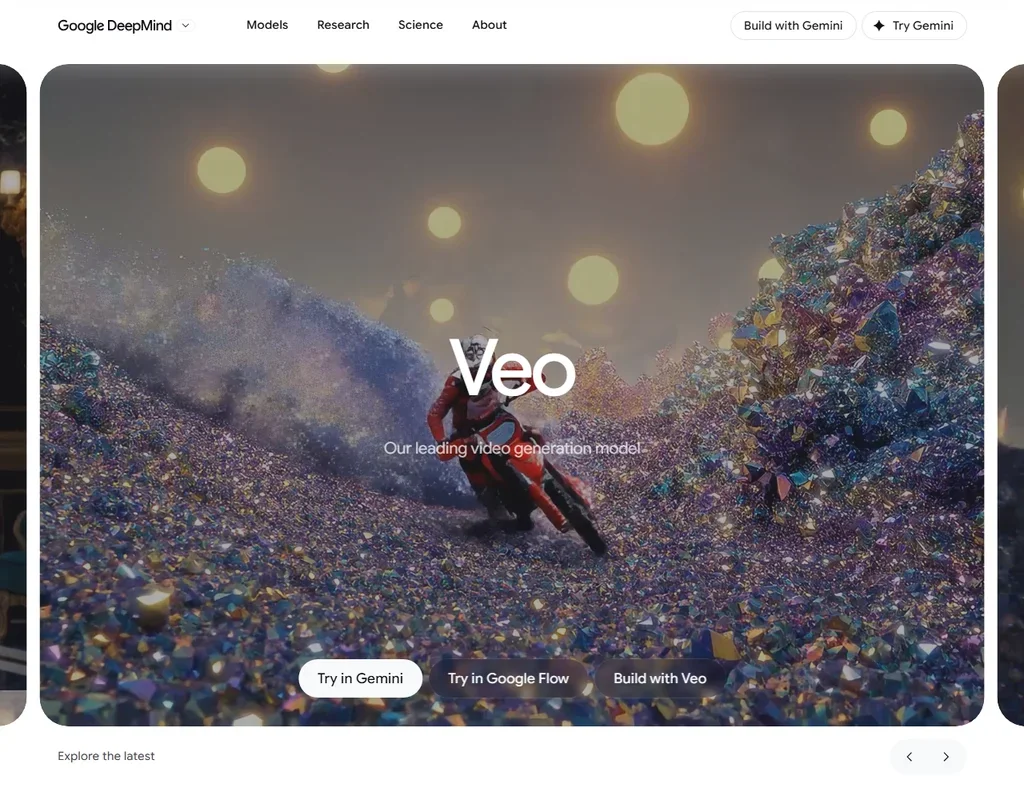
Google AI Plus at $4.99 adds 200 monthly Flow credits to the 50 a day a free account gets, enough for ten eight-second Veo 3.1 Fast clips from the monthly pool alone, each with dialogue and sound effects. 1080p upscaling is free on Plus, while 4K is Ultra only. Quality-model clips cost 100 credits, so budget around Fast. Google does not claim ownership of what you generate, and commercial use follows Google's terms. Pick it over Fliki for generated footage rather than a voiceover.
- Veo 3.1 generates dialogue and sound effects together with the video from the prompt.
- A free Google account gets 50 Flow credits a day.
- One generation is 4, 6 or 8 seconds, and 1080p and 4K generations are 8 seconds.
Standard: List $10
✓ Free plan tooFrom $8.80Show detailsHide details02 Kling AI: Best for cinematic clips with sound at 1080p8.9Score 8.9 out of 10Standard: List $10✓ Free plan too$8.80Visit site ↗ReviewDetailsCloseShow more about Kling AI
Standard: List $10
✓ Free plan tooFrom $8.80
Show detailsHide detailsKling AI: Best for cinematic clips with sound at 1080p
8.9Score 8.9 out of 10Standard: List $10✓ Free plan too$8.80Visit site ↗ReviewDetailsClose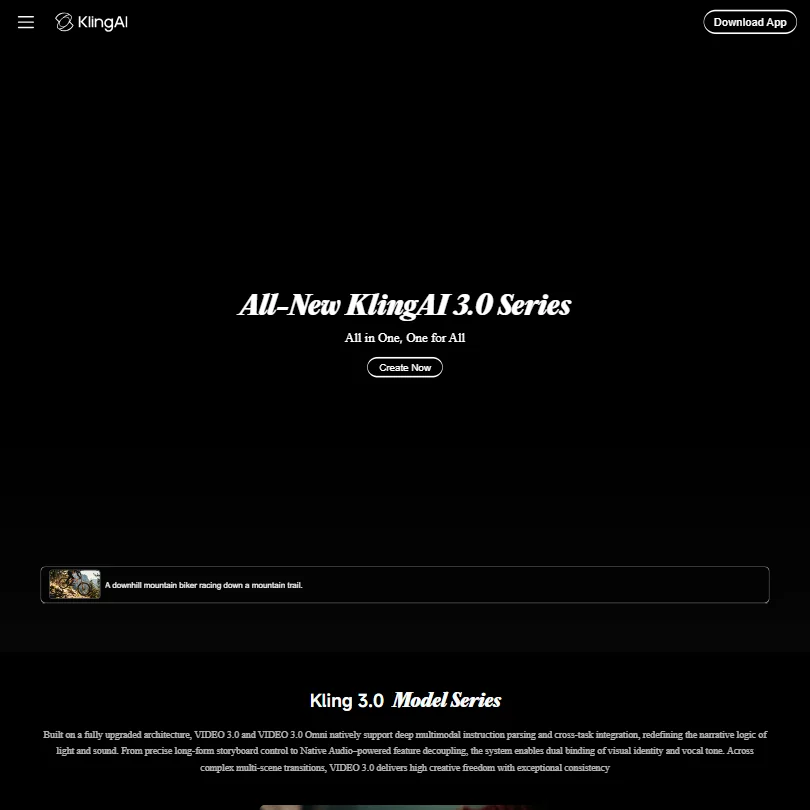
Standard swaps the free plan's daily credits for a monthly pool of 660, enough for about five ten-second 1080p clips with audio, or about eight without it. That is a thin month, so steady posting pushes you to Pro. Pick it over PixVerse when 1080p matters at this price, since PixVerse's entry plan stops at 720p. Its terms allow training on what you create, and no opt-out is described.
- Kling VIDEO 3.0 generates sound, speech and lip sync together with the picture, in English, Chinese, Japanese, Korean and Spanish.
- Start and end frames, multi-shot storyboards and element references give close control over each shot.
- Standard's 660 monthly credits make about five ten-second 1080p clips with audio, or about eight without.
Standard: 800 credits
✓ Free plan tooFrom $10Show detailsHide details03 Vidu AI: Best for consistent characters you can sell8.9Score 8.9 out of 10Standard: 800 credits✓ Free plan too$10Visit site ↗ReviewDetailsCloseShow more about Vidu AI
Standard: 800 credits
✓ Free plan tooFrom $10
Show detailsHide detailsVidu AI: Best for consistent characters you can sell
8.9Score 8.9 out of 10Standard: 800 credits✓ Free plan too$10Visit site ↗ReviewDetailsClose
Commercial use is the reason to pay here: the free plan carries a watermark and bars it, while Standard allows it, runs four videos at once and lifts saved subjects from 10 to 50. Its 800 credits make about ten Cinematic clips of ten seconds, and Flash mode costs under a third as much per clip. Pick it over Kling when characters must stay steady across shots. Its terms allow training.
- Vidu Q3 generates dialogue, voiceover, sound effects and music together with the picture, in clips of up to 16 seconds.
- Reference to video keeps characters, products and settings consistent from up to seven reference images.
- Standard's 800 monthly credits make about ten ten-second Q3 Cinematic clips.
Standard: 1,200 Credits per month
✓ Free plan tooFrom $10Show detailsHide details04 PixVerse: Best for Kling and Seedance on a small plan8.8Score 8.8 out of 10Standard: 1,200 Credits per month✓ Free plan too$10Visit site ↗ReviewDetailsCloseShow more about PixVerse
Standard: 1,200 Credits per month
✓ Free plan tooFrom $10
Show detailsHide detailsPixVerse: Best for Kling and Seedance on a small plan
8.8Score 8.8 out of 10Standard: 1,200 Credits per month✓ Free plan too$10Visit site ↗ReviewDetailsClose
Several companies' models arrive with a paid plan: Kling 3.0, Seedance 2.5, MiniMax H3 and Wan 3.0 sit beside PixVerse's own V6 on Standard. Its 1,200 credits cover about thirteen ten-second 720p clips without sound, because 1080p begins on Pro. Credits expire instead of rolling over. Pick it over Kling to compare models inside one account, and note that training on your content can be switched off.
- V6 and C1 generate dialogue, sound effects and ambient sound with the picture.
- Native multi-shot turns one generation into wide, medium and close-up shots.
- Standard is capped at 720p; 1080p and 4K start on Pro.
Basic: 200 credits a month
✓ Free plan tooFrom $9.99Show detailsHide details05 Captions: Best for AI edits for videos you film yourself7.8Score 7.8 out of 10Basic: 200 credits a month✓ Free plan too$9.99Visit site ↗ReviewDetailsCloseShow more about Captions
Basic: 200 credits a month
✓ Free plan tooFrom $9.99
Show detailsHide detailsCaptions: Best for AI edits for videos you film yourself
7.8Score 7.8 out of 10Basic: 200 credits a month✓ Free plan too$9.99Visit site ↗ReviewDetailsClose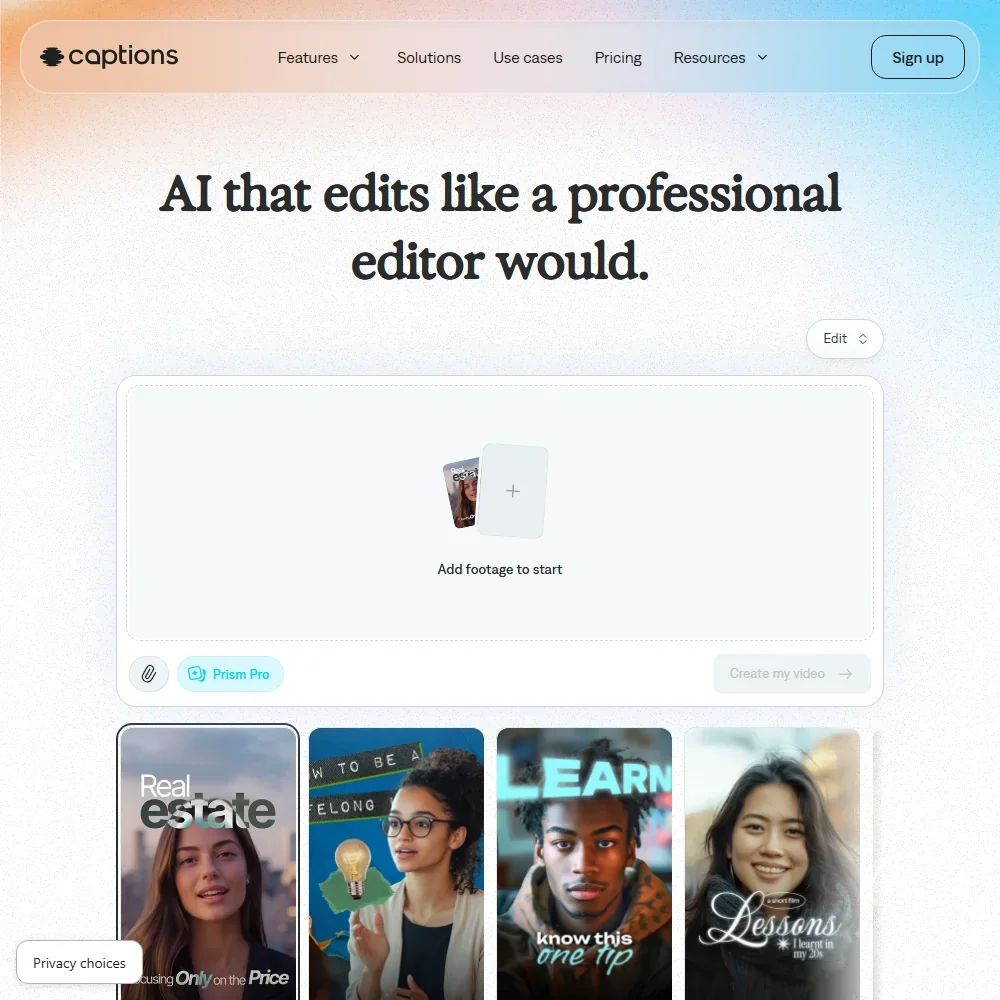
Basic at $9.99 brings 200 credits a month and unlocks what the free plan holds back: AI Edit, chat editing, clips and video generation, with no watermark. Unused credits roll over, capped at three times the monthly allowance. Max, above this page, carries 500 credits for heavier months. Pick it over Fliki when you film yourself and want captions in 100+ languages, dubbing and eye contact correction rather than video built from a script.
- The free plan exports without a watermark.
- Dubbing and Lipdub translate speech into more than 30 languages, with lip movement synced to the new audio.
- Captions trains its AI models on your data, and training data exclusion comes with Enterprise plans.
Lite: 10 min/month, unlimited videos first month, D-ID watermark, 2 Video Avatars, 3 Agentic Videos Scales up to $9.50/mo ($90/yr) with usage.
From $5.90Show detailsHide details06 D-ID: Best for a low-cost talking presenter start7.0Score 7.0 out of 10Lite: 10 min/month, unlimited videos first month, D-ID watermark, 2 Video Avatars, 3 Agentic Videos Scales up to $9.50/mo ($90/yr) with usage.$5.90Visit site ↗ReviewDetailsCloseShow more about D-ID
Lite: 10 min/month, unlimited videos first month, D-ID watermark, 2 Video Avatars, 3 Agentic Videos Scales up to $9.50/mo ($90/yr) with usage.
From $5.90
Show detailsHide detailsD-ID: Best for a low-cost talking presenter start
7.0Score 7.0 out of 10Lite: 10 min/month, unlimited videos first month, D-ID watermark, 2 Video Avatars, 3 Agentic Videos Scales up to $9.50/mo ($90/yr) with usage.$5.90Visit site ↗ReviewDetailsClose
Lite is the only plan on this page with no free tier beneath it, though a 14-day trial with three minutes of video comes first. Paying buys ten minutes a month and two video avatars, with a D-ID watermark on the result and no commercial license. The license begins on Pro, and the watermark stays until Advanced. D-ID does not train on your content. Pick it over Fliki when you want a presenter on screen rather than a voiceover.
- D-ID has been operating since 2017, giving it more technical maturity and refinement than most competitors in the AI avatar space.
- Visual AI Agents enable real-time interactive conversations with avatars, a capability that goes well beyond standard pre-recorded video generation.
- The pricing and communication structure is unclear and doesn't clearly reflect the platform's technical depth, creating friction for potential users.
Standard: 2,160 Credits per month
✓ Free plan tooFreeShow detailsHide details07 Fliki: Best for voiceover-led videos from a script6.8Score 6.8 out of 10Standard: 2,160 Credits per month✓ Free plan tooFreeVisit site ↗ReviewDetailsCloseShow more about Fliki
Standard: 2,160 Credits per month
✓ Free plan tooFree
Show detailsHide detailsFliki: Best for voiceover-led videos from a script
6.8Score 6.8 out of 10Standard: 2,160 Credits per month✓ Free plan tooFreeVisit site ↗ReviewDetailsClose
Every paid Fliki plan costs more than this page's limit, even billed yearly, so what fits the budget is the free plan: 3 credits a month, 720p video, a Fliki watermark and 300 voices. Standard adds 1080p, commercial rights and videos up to fifteen minutes. Choose it when a voiceover-led video built from a script or blog link matters more than cinematic motion. It runs on the web only, with no mobile editing.
- Fliki offers 2,000+ AI voices across 80+ languages, more than any comparable tool in its class without additional charges.
- The core workflow is fast: paste a script or URL and the tool assembles a draft video with voiceover, visuals, music and captions automatically.
- Fliki is web-only with no desktop app or mobile editing support, which limits flexibility for users who work across devices.
Starter: 900 credits/month
✓ Free plan tooFrom $8Show detailsHide details08 Pika: Best for watermark-free exports on every model6.2Score 6.2 out of 10Starter: 900 credits/month✓ Free plan too$8Visit site ↗ReviewDetailsCloseShow more about Pika
Starter: 900 credits/month
✓ Free plan tooFrom $8
Show detailsHide detailsPika: Best for watermark-free exports on every model
6.2Score 6.2 out of 10Starter: 900 credits/month✓ Free plan too$8Visit site ↗ReviewDetailsClose
Starter's gain is a monthly pot of 900 credits. The free plan already exports with no watermark and reaches every model, but it pays for each generation through one-time credit packs. What Starter leaves out is a commercial license, which waits for Creator. Choose Pika over Genmo for lip sync, Seedance and Veo in one account. Your content may be used for training by default, with no self-serve opt-out.
- Pika combines its own Pika 2.5 video model with Seedance, Veo 3.1, Wan 3.0 and GPT Image 2.5 in one account.
- The free plan and the $10 Starter plan are both watermark-free.
- Kling and Flux are not among the models Pika lists.
Lite: 1,200 credits per month
✓ Free plan tooFrom $10Show detailsHide details09 Genmo: Best for short silent clips from open weights4.2Score 4.2 out of 10Lite: 1,200 credits per month✓ Free plan too$10Visit site ↗ReviewDetailsCloseShow more about Genmo
Lite: 1,200 credits per month
✓ Free plan tooFrom $10
Show detailsHide detailsGenmo: Best for short silent clips from open weights
4.2Score 4.2 out of 10Lite: 1,200 credits per month✓ Free plan too$10Visit site ↗ReviewDetailsClose
The jump from free is steep: two watermarked trial clips become about twelve clips a month on Lite, with no watermark, commercial use and high queue priority. Each clip is at most 5.4 seconds, silent and made from text alone. Choose it over Pika if you want an open-weight model you could later run yourself. Standard raises the pot to about fifty clips. Prompts and videos may be used for training.
- Mochi 1 is open-weight: download it from GitHub or Hugging Face and run it on your own hardware.
- Runs in ComfyUI for developers who want to build it into their own workflows.
- Clips are at most 5.4 seconds, so a ten-second shot is not possible in one generation.
How to choose an AI video tool under $10 a month
At this price the plans differ in what they count and what they hold back. Some meter credits per second of footage, and one meters minutes of avatar video. Three things then decide whether a plan fits: how many clips the monthly pot really buys, whether the file is clean, and whether the license allows paid work. This guide takes those in turn and ends with ways to pair two cheap plans.
Start with the job, not the tool
The tools on this page do four different jobs, and the right entry plan depends on which one fills your week.
- Cinematic clips. You describe a shot and receive a short film clip, sometimes with sound. Kling, Vidu and PixVerse are built for this, and Genmo makes shorter, silent clips from text.
- Trying several models. You want to see how different engines treat the same idea. Pika puts Veo and Seedance behind one account and leaves its free outputs without a watermark.
- Talking presenters. A digital person delivers your script. D-ID Lite is the avatar plan on this page.
- Script-led videos. You start from a script or an article. Fliki turns scripts into video with 300 voices on its free plan.
Pick your job here, then check what each entry plan counts in the next section.
| Job | Start with | Runner-up, and the trade-off |
|---|---|---|
| Cinematic clips with sound | Kling AI | Vidu costs more at $10 but includes commercial use |
| Clips you plan to sell | Vidu | Genmo Lite also covers commercial use, with clips of at most 5.4 seconds |
| Comparing several models | Pika | PixVerse lists models from many companies but caps its Standard plan at 720p |
| Clean exports on any model | Pika | Genmo Lite removes the watermark but makes silent clips |
| Videos from a script | Fliki | D-ID turns a script into a talking presenter, with ten minutes a month on Lite |
| Presenter videos | D-ID | Fliki adds a voiceover to a script and has a free plan |
What the price actually buys
Because each kind of tool counts something different, the same ten dollars goes a long way on one plan and almost nowhere on another.
- Generators. Credits are spent per second, and resolution and sound change the price of every clip. Kling's Standard pot of 660 credits makes about five ten-second 1080p clips with audio, or about eight without. Vidu's 800 credits make about ten ten-second clips in Cinematic mode. PixVerse's 1,200 credits stretch to roughly thirteen ten-second clips at 720p without sound, and about ten once audio is on.
- Genmo. Each clip costs 100 credits, so Lite's 1,200 credits make about twelve clips. Every clip is silent and lasts at most 5.4 seconds.
- Pika. The free plan has no monthly credits and runs on credit packs. Starter adds 900 credits a month, which is enough to compare models, but it carries no commercial license.
- D-ID. Lite counts minutes, 10 a month, and covers two video avatars. A 14-day trial with 3 minutes of video comes first, because there is no free plan.
- Fliki. The free plan gives 3 credits a month at 720p with a Fliki watermark, enough to hear how a script sounds in 300 voices.
Which tool fits which video maker
- YouTubers and social video makers. Start with Kling, because its standard pot makes sound-and-speech clips at 1080p, and its free plan tops up daily for testing. Add PixVerse for the extra volume that 1,200 credits give you, and Pika when you want to compare Veo and Seedance.
- Freelancers working for clients. Start with Vidu Standard, because commercial use is included at $10. Keep Genmo Lite in mind for short silent clips with a commercial license, and plan on Pika Creator if your clients prefer Pika's models.
- Marketers. Start with Fliki's free plan for videos that begin as a written script or article, and add D-ID Lite when a presenter should speak the pitch.
- Trainers and presenters. Start with D-ID Lite for 10 minutes of avatar video a month, and expect its watermark to stay. D-ID also says it does not train on your content.
- Experimenters. Start with Genmo Lite, which makes clips from text only and is the cheapest way here to try open-source video generation.
Where the entry plans stop
| Limit | Tools | What happens when you hit it |
|---|---|---|
| 720p ceiling | PixVerse Standard | 1080p and 4K begin on Pro |
| No commercial license | Pika Starter, D-ID Lite | Client or ad work needs Creator or Pro |
| Watermark stays | D-ID Lite and Pro | It disappears on Advanced |
| Credits that expire | PixVerse daily and membership credits | Unused credits are gone at the reset |
| Short clips | Genmo | Clips run at most 5.4 seconds and carry no sound |
| Small monthly pot | Kling Standard, Vidu Standard | Roughly five to ten clips a month |
Expiring credits reward a steady habit, so spread work across the month rather than saving it up. Choose resolution and sound deliberately, since both multiply the cost of every second. If a plan is missing a license, match it to the client before you start rather than after.
What the cheapest plan leaves out
Several plans keep features back for higher tiers. D-ID Lite has a watermark, two avatars and no commercial license, and its voice cloning begins on Pro. PixVerse Standard stops at 720p. Pika Starter has no commercial license, and Genmo's text-only generation leaves out image-to-video for now.
Single-model tools also tie you to one engine. Kling and Vidu run only their own models, so a shot that suits another company's model means another account. Pika is the exception here, since it lists Veo and Seedance, though Kling and Flux are not among the models it lists.
Privacy and who sees your footage
Five of the six tools with a stated policy allow some training on what you upload or make, so decide how much that matters before you send in a face or a client script.
| Tool | Training on your content |
|---|---|
| D-ID | Does not train |
| PixVerse | Opt out where offered |
| Kling | Terms allow training |
| Vidu | Terms allow training |
| Pika | Terms allow training by default, no self-serve opt-out |
| Genmo | Terms allow training on prompts and videos |
For footage of real people, D-ID is the clearest choice, and PixVerse lets you opt out where the option appears. On licensing, Vidu Standard and Genmo Lite include commercial use, Pika waits for Creator, and D-ID needs Pro.
Mistakes to avoid
- Buying a plan for its headline resolution. PixVerse Standard stops at 720p even though the tool supports more. If sharp output matters, price in the jump to Pro.
- Assuming a paid plan clears the watermark. D-ID Pro still carries an AI watermark, and it goes only on Advanced. Check the watermark line before you buy.
- Judging value by credits, not clips. A larger number means little until you divide by the per-second cost. Kling's 660 credits make about five 1080p clips with audio, while PixVerse's 1,200 make about ten at 720p.
- Paying for sound you will not use. Both Kling and PixVerse charge more per second with audio on. Turn it off for silent b-roll.
- Putting client work on a plan without a license. Pika Starter and D-ID Lite exclude commercial use. Pay for the plan that includes it before the clip goes out.
When to move up a plan
You have outgrown an entry plan when you keep dividing clips to save credits, when a client asks about the license, or when you queue behind other users. A bigger pot usually costs less than the time spent working around the limit.
| If you are | Upgrade to | What changes |
|---|---|---|
| Posting every week | Kling Pro | 3,000 credits a month in place of 660 |
| Batching clips | Vidu Premium | 3,500 credits and a high-speed channel, at $43 a month |
| Wanting sharper output | PixVerse Pro | 6,000 credits, with 1080p and 4K available |
| Selling Pika clips | Pika Creator | 3,150 credits and a commercial license |
| Presenting for clients | D-ID Pro | A commercial license, 3 personal avatars and a voice clone |
| Making many Genmo clips | Genmo Standard | 5,000 credits, about fifty clips |
Yearly billing lowers some rates. Genmo Lite is $8 a month billed yearly against $10 monthly, and Standard is $25 against $30. Kling lists a discounted first month on every paid plan, which suits a trial.
Using two cheap tools together
Both PixVerse and Kling hand out free daily credits, so using the two stretches a small budget.
- Test on one. Spend PixVerse's free daily credits on prompts, since they expire at the end of each day anyway.
- Finish on the other. Put your best idea into Kling's paid pot, which makes clips with sound at 1080p.
- Voice it separately. Draft the narration on Fliki's free plan to hear it in one of 300 voices.
For client presentations, use D-ID's trial minutes to test a script, then hear the same words in Fliki's free plan to see whether a voiceover alone will do.
How we picked
Every tool here is ranked by its score, and each score is worked out from the vendor’s own published pages: pricing, plans, features and terms. No score is adjusted by hand. All 9 tools have enough published facts to be scored, and on average 90% of each score comes from facts the vendor publishes. The facts behind these scores were checked between 16 September 2026 and 28 October 2026.
| Ranked as | On this page | What we score | Scoring guide |
|---|---|---|---|
| AI video generators9 reviewed | 5 | 5 criteria, 27 checked facts: what it can generate, pricing, resolution and watermarks, voice, privacy and platforms | How we score these → |
| AI video editors8 reviewed | 1 | 5 criteria, 23 checked facts: editing, pricing, recording, AI in the editor, teams | How we score these → |
| AI avatar video tools8 reviewed | 1 | 5 criteria, 20 checked facts: avatars, pricing, training and interactivity, languages and output, teams and privacy | How we score these → |
| Text to video tools5 reviewed | 1 | 5 criteria, 14 checked facts: what it turns into video, pricing, languages, publishing and output, API | How we score these → |
| Multi-model AI platforms14 reviewed | 1 | 5 criteria, 28 checked facts: for video, for images, pricing, workflow and teams, privacy and trust | How we score these → |
Common questions
What is the cheapest AI video generator that still exports clean video?
Pika exports without a watermark on both its free plan and Starter, though the free plan pays per generation through credit packs. Genmo Lite removes the watermark and adds commercial use for about twelve short clips a month. For a cheap AI video generator with longer clips, Kling Standard gives a monthly pool, but its terms let it train on your content.
Do paid plans under $10 remove the watermark?
It depends on the tool. Genmo's paid plans remove it, and Pika never adds one on free or Starter. D-ID is the opposite: Lite carries a D-ID watermark, Pro still carries an AI watermark, and it disappears only on Advanced. Looking for an AI video generator no watermark at this price? That means Pika or Genmo, with D-ID the one to avoid for clean output.
Is there an AI avatar video generator free to try?
D-ID is the avatar tool on this page. It has no free plan, only a trial that runs 14 days and includes three minutes of video, which is enough to test one script before Lite adds 10 minutes a month and two video avatars.
Can I try text to video AI free before paying?
Yes, in three different ways. Fliki's free plan gives 3 credits a month at 720p with a watermark. Genmo gives 250 credits once, enough for about two clips, but asks for a payment method that is not charged. Pika's free plan reaches all models and pays per generation through credit packs. Fliki is the only one that renews.
Does a bigger credit pot always mean more videos?
No, because cost depends on model, mode, resolution and sound. Kling spends 6 to 12 credits a second depending on resolution and audio, PixVerse 9 a second at 720p and 18 at 1080p, and Vidu 80 credits for a ten-second Cinematic clip against 25 in Flash. Compare the cost of one clip you would actually make, not the headline credit number.
Which cheap plan lets me sell what I make?
Vidu Standard, Genmo Lite and Fliki Standard all include commercial rights, though Fliki's costs more than ten dollars. Pika Starter and D-ID Lite do not: Pika needs Creator and D-ID needs Pro. Vidu's free plan bars commercial use, so selling begins the day you pay. That makes Vidu or Genmo the lowest-priced licensed choices here.
Are daily credits better than a monthly pot?
Daily credits suit short, frequent tests because a quiet day costs nothing, but PixVerse's expire each night and cannot be saved for a big job. A monthly pot suits batch work, though PixVerse membership credits also expire at the reset. If your output comes in bursts, choose a bigger pot and use it early.