There is no ongoing free plan here. The signup credit arrives once, and after it you pay by the audio hour with no seat count or subscription.
Best of · 12 tools ranked
Best AI Audio Tools Under $10/mo
Find the best AI audio tools under $10 a month by what the money buys: a license to publish, a bigger monthly pot of credits, or pay-per-use access to a speech API. Entries cover voices, songs and transcripts, with the usage cap and the rights each entry-level plan grants stated beside the price.
Updated 3 October 2026Ranked by our score, worked out from each vendor’s own pages.How we score →All AI Audio Tool →
Our top 3 AI Audio Tools Under $10/mo
Starter is where licensing begins: commercial use, instant voice cloning, three times the monthly credits, 20 Studio projects, Dubbing Studio and commercial rights on music, none of which the free plan offers.
Pro hands you ownership and full commercial rights over your songs and drops the attribution that free output requires.
Best speech-to-text APIs under $10
3 picksSearching for a speech to text API under $10 a month means accepting a meter, because none of these three sells a flat plan. AssemblyAI and Rev AI bill by the audio hour, Deepgram by usage. Pick AssemblyAI for redaction and self-hosting, Deepgram when you also need a standalone text to speech API, and Rev AI when your audio must never train anyone's model.
#ToolScoreEntry plan includesStarts at
Universal-3.5 Pro: Highly accurate STT model, 99 languages, 12.5M+ hours training data, no minimum commitment
From $0.15Show detailsHide details01 AssemblyAI: Best for transcription with redaction and self-hosting8.6Score 8.6 out of 10Universal-3.5 Pro: Highly accurate STT model, 99 languages, 12.5M+ hours training data, no minimum commitment$0.15Visit site ↗ReviewDetailsCloseShow more about AssemblyAI
Universal-3.5 Pro: Highly accurate STT model, 99 languages, 12.5M+ hours training data, no minimum commitment
From $0.15
Show detailsHide detailsAssemblyAI: Best for transcription with redaction and self-hosting
8.6Score 8.6 out of 10Universal-3.5 Pro: Highly accurate STT model, 99 languages, 12.5M+ hours training data, no minimum commitment$0.15Visit site ↗ReviewDetailsClose
There is no ongoing free plan here. The signup credit arrives once, and after it you pay by the audio hour with no seat count or subscription. Word timestamps come with every transcript, while speaker diarization, custom vocabulary and PII redaction are add-ons on the same API. The pricier async model adds code-switching and sharper diarization. Pick it over Rev AI for that spread of add-ons, and opt out of training yourself.
- Pay-as-you-go pricing by the hour means you pay only for the audio you actually process, with no seat count or subscription.
- New accounts get a $50 signup credit, enough for up to 185 hours of pre-recorded transcription or 333 hours of streaming.
- There is no ongoing free plan; the $50 signup credit is a one-time allowance, not a recurring tier.
Growth: Pre-paid annual credits redeemed against actual usage; save up to 20%; higher concurrency limits; STT streaming from $0.0042/min (Nova-3 Monolingual)
From $0.26Show detailsHide details02 Deepgram: Best for transcription plus a standalone voice API7.3Score 7.3 out of 10Growth: Pre-paid annual credits redeemed against actual usage; save up to 20%; higher concurrency limits; STT streaming from $0.0042/min (Nova-3 Monolingual)$0.26Visit site ↗ReviewDetailsCloseShow more about Deepgram
Growth: Pre-paid annual credits redeemed against actual usage; save up to 20%; higher concurrency limits; STT streaming from $0.0042/min (Nova-3 Monolingual)
From $0.26
Show detailsHide detailsDeepgram: Best for transcription plus a standalone voice API
7.3Score 7.3 out of 10Growth: Pre-paid annual credits redeemed against actual usage; save up to 20%; higher concurrency limits; STT streaming from $0.0042/min (Nova-3 Monolingual)$0.26Visit site ↗ReviewDetailsClose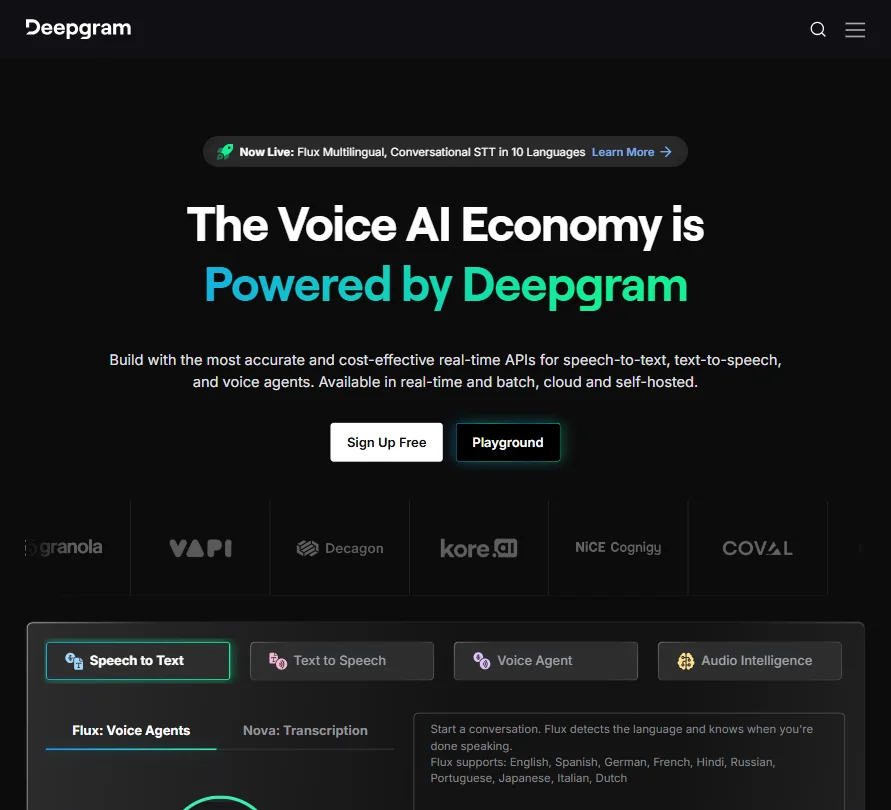
Spending starts from a $200 credit that needs no card and never expires, so the entry plan is plain pay as you go with nothing to subscribe to. It covers speech to text, a standalone text to speech API, redaction and keyterm prompting. Growth, prepaid yearly for up to 20% off, is the next step. Pick it over AssemblyAI if you need voice output too, and opt out of training because it is on by default.
- New accounts get $200 in free credit with no card required and no expiration date.
- Deepgram is SOC 2 Type 1 and Type 2 certified, with GDPR-ready EU data residency.
- There is no flat monthly plan: every tier is metered, pay-as-you-go usage billing.
From $0.20Show detailsHide details03 Rev AI: Best for transcription where privacy comes first4.9Score 4.9 out of 10$0.20Visit site ↗ReviewDetailsCloseShow more about Rev AI
From $0.20
Show detailsHide detailsRev AI: Best for transcription where privacy comes first
4.9Score 4.9 out of 10$0.20Visit site ↗ReviewDetailsClose
Reverb transcription is billed at a set rate per hour of English audio, with free credit worth five hours to start, and speaker diarization and word timestamps come on every transcript. Translation, summarization and sentiment are separate usage-billed APIs. What pushes you up is deployment: there is no self-hosting, only regional cloud residency. Pick it over AssemblyAI and Deepgram when sensitive audio must never train anyone's model.
- Rev AI never uses customer content to train external AI models.
- It is SOC 2 Type II audited and offers a HIPAA-compliant tier for Enterprise customers.
- There is no flat monthly plan or free ongoing tier, only usage-based Pay As You Go billing.
Best AI voice generators under $10
4 picksAn AI voice generator under $10 a month mostly buys a license rather than better voices. ElevenLabs Starter and Typecast Basic are where commercial use begins, and Notevibes reserves its full commercial rights for the top plan. Choose ElevenLabs for cloning and dubbing, Typecast for scripts you rework or multi-speaker audiobooks, and Notevibes for narration built from articles and slide decks.
#ToolScoreEntry plan includesStarts at
Starter: 30k credits/month; Commercial License, Instant Voice Cloning, 20 Projects in Studio, Music commercial use, Dubbing Studio, Image & Video
✓ Free plan tooFrom $6Show detailsHide details04 ElevenLabs: Best for voice cloning with a commercial license8.5Score 8.5 out of 10Starter: 30k credits/month; Commercial License, Instant Voice Cloning, 20 Projects in Studio, Music commercial use, Dubbing Studio, Image & Video✓ Free plan too$6Visit site ↗ReviewDetailsCloseShow more about ElevenLabs
Starter: 30k credits/month; Commercial License, Instant Voice Cloning, 20 Projects in Studio, Music commercial use, Dubbing Studio, Image & Video
✓ Free plan tooFrom $6
Show detailsHide detailsElevenLabs: Best for voice cloning with a commercial license
8.5Score 8.5 out of 10Starter: 30k credits/month; Commercial License, Instant Voice Cloning, 20 Projects in Studio, Music commercial use, Dubbing Studio, Image & Video✓ Free plan too$6Visit site ↗ReviewDetailsClose
Starter is where licensing begins: commercial use, instant voice cloning, three times the monthly credits, 20 Studio projects, Dubbing Studio and commercial rights on music, none of which the free plan offers. Professional cloning needs Creator, and shared seats wait until the Scale plan. Pick it over Typecast when cloning or dubbing matters to you. Training on your audio is the default, with an opt-out.
- More than 11,000 voices are available across 70+ languages through the Eleven v3 model.
- Instant voice cloning is available from the cheapest paid plan, with professional cloning opening on Creator.
- The free plan carries no commercial license, so its output cannot be used commercially without upgrading.
Basic: 30,000 credits (about 35 min) monthly, all AI voices, high quality audio
✓ Free plan tooFrom $4.50Show detailsHide details05 Typecast: Best for script-heavy voiceover and audiobooks7.1Score 7.1 out of 10Basic: 30,000 credits (about 35 min) monthly, all AI voices, high quality audio✓ Free plan too$4.50Visit site ↗ReviewDetailsCloseShow more about Typecast
Basic: 30,000 credits (about 35 min) monthly, all AI voices, high quality audio
✓ Free plan tooFrom $4.50
Show detailsHide detailsTypecast: Best for script-heavy voiceover and audiobooks
7.1Score 7.1 out of 10Basic: 30,000 credits (about 35 min) monthly, all AI voices, high quality audio✓ Free plan too$4.50Visit site ↗ReviewDetailsClose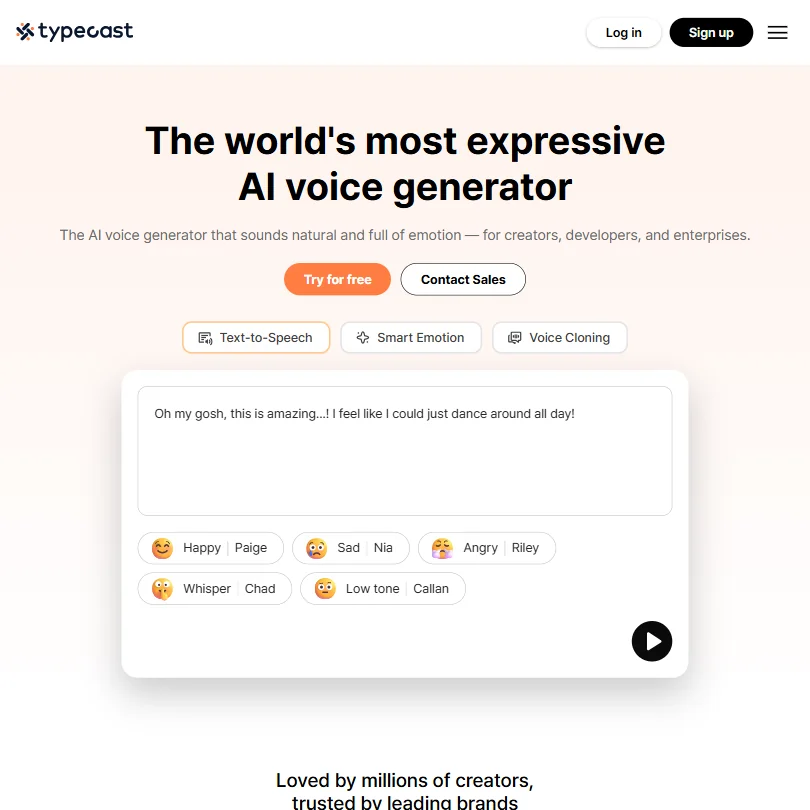
Basic opens every voice, a commercial license and 60 minutes of downloads a month, while generation was already unlimited on the free plan. Pro is what you grow into for advanced emotion control and a voice cloning slot, and team seats wait on Business. Choose it over Notevibes for multi-speaker scripts or when you want native iOS and Android apps. Notevibes is better when you start from documents.
- The free plan allows unlimited generation and playback, with 3,000 lifetime download credits.
- Voice cloning comes in two forms: instant cloning from a 5-second sample and professional cloning from a 5-minute sample.
- The Free plan carries no commercial licence and requires attribution on every download.
Starter: 1.2M credits a year, multi-voice podcasts, MP3/WAV export
✓ Free plan tooFrom $8Show detailsHide details06 Notevibes: Best for turning documents into multi-voice narration6.5Score 6.5 out of 10Starter: 1.2M credits a year, multi-voice podcasts, MP3/WAV export✓ Free plan too$8Visit site ↗ReviewDetailsCloseShow more about Notevibes
Starter: 1.2M credits a year, multi-voice podcasts, MP3/WAV export
✓ Free plan tooFrom $8
Show detailsHide detailsNotevibes: Best for turning documents into multi-voice narration
6.5Score 6.5 out of 10Starter: 1.2M credits a year, multi-voice podcasts, MP3/WAV export✓ Free plan too$8Visit site ↗ReviewDetailsClose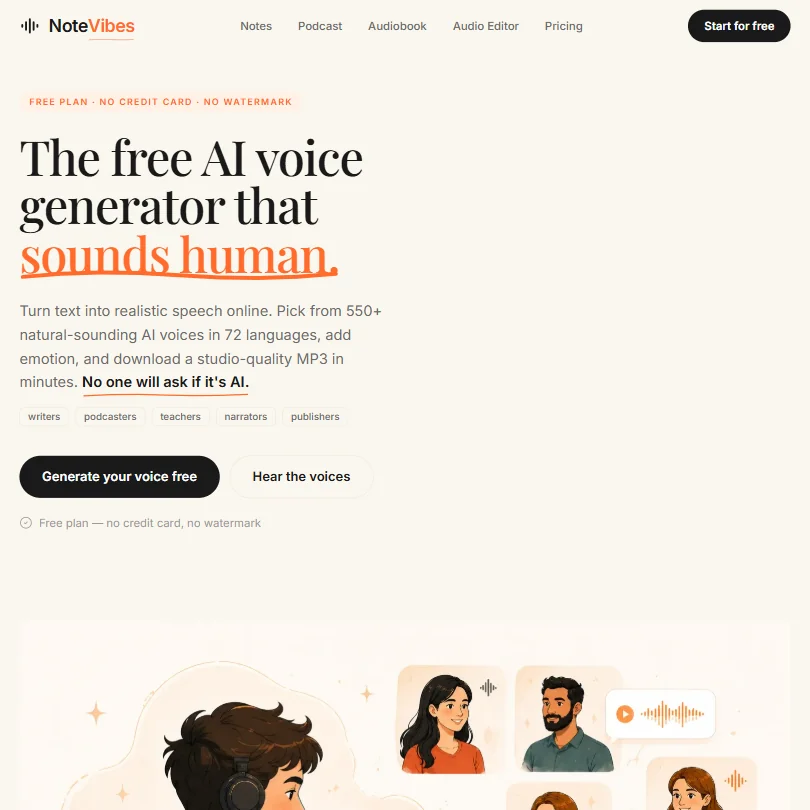
Starter adds 300-plus voices in 72 languages, MP3 downloads, a basic podcast tool and AI music for up to 200 songs. Commercial rights belong to the Pro plan at the top of the range, and Personal, the middle step, is non-commercial, so a business user hits the ceiling quickly. It does not clone voices. Pick it over Typecast when your source is an article, PDF or slide deck.
- Notevibes has an ongoing free plan that needs no card and puts no watermark on its output.
- The Pro plan's voice library runs to 550+ voices across 72 languages.
- Full commercial usage rights are limited to the Pro plan; Personal is for personal, non-commercial use only.
Flex: Pay per consumption; credits never expire; access to all voice AI models, voice cloning, deepfake detection, and full API Pay-as-you-go.
✓ Free plan tooFrom $0Show detailsHide details07 Resemble AI: Best for pay-per-use voice for developers6.4Score 6.4 out of 10Flex: Pay per consumption; credits never expire; access to all voice AI models, voice cloning, deepfake detection, and full API Pay-as-you-go.✓ Free plan too$0Visit site ↗ReviewDetailsCloseShow more about Resemble AI
Flex: Pay per consumption; credits never expire; access to all voice AI models, voice cloning, deepfake detection, and full API Pay-as-you-go.
✓ Free plan tooFrom $0
Show detailsHide detailsResemble AI: Best for pay-per-use voice for developers
6.4Score 6.4 out of 10Flex: Pay per consumption; credits never expire; access to all voice AI models, voice cloning, deepfake detection, and full API Pay-as-you-go.✓ Free plan too$0Visit site ↗ReviewDetailsClose
Nothing to subscribe to: you pay for the audio you generate, credits never expire, and voice cloning and every voice model are open from the start. Extras are monthly add-ons, a few dollars per cloned voice, so cost grows with use rather than jumping a tier. It suits developers who want commercial rights and the full API; ElevenLabs suits non-coders better. Music and sound effects are not offered.
- Resemble AI uniquely combines voice generation, audio watermarking, and deepfake detection under one roof, a combination not found in competing platforms.
- The Chatterbox model family offers multiple variants including Turbo for speed, Multilingual, Nano for lighter workloads, and DramaBox for expressive content.
- Resemble AI does not offer music generation or sound design capabilities, limiting its appeal to users who need a broader audio creation toolkit.
Best AI music generators under $10
3 picksAt this price an AI music generator sells rights, not just more credits. Suno and Mureka move ownership and commercial use to you on their entry plans and differ on files: Mureka's is MP3 only, while Suno's brings stem separation. Udio adds editing tools but keeps every song personal use with downloads off, so it is for listening. Pick Suno for stems, Mureka for remixing.
#ToolScoreEntry plan includesStarts at
Pro: 5,000 Gold a month, up to 500 songs or 250 minutes of speech
✓ Free plan tooFrom $8Show detailsHide details08 Mureka: Best for owned songs with editing and remixing8.2Score 8.2 out of 10Pro: 5,000 Gold a month, up to 500 songs or 250 minutes of speech✓ Free plan too$8Visit site ↗ReviewDetailsCloseShow more about Mureka
Pro: 5,000 Gold a month, up to 500 songs or 250 minutes of speech
✓ Free plan tooFrom $8
Show detailsHide detailsMureka: Best for owned songs with editing and remixing
8.2Score 8.2 out of 10Pro: 5,000 Gold a month, up to 500 songs or 250 minutes of speech✓ Free plan too$8Visit site ↗ReviewDetailsClose
Pro hands you ownership and full commercial rights over your songs and drops the attribution that free output requires. You can extend, edit and remix a track and match the style of a reference you upload. The ceiling is the file type: MP3 only, with WAV, stems and MIDI reserved for Premier. Pick it over Suno when editing and remixing matter more to you than stems.
- Pro and Premier subscribers own the songs they generate, with full commercial rights.
- Premier includes stem separation of up to twelve stems, plus MIDI and DAW session downloads.
- The free tier forbids commercial use and requires giving Mureka attribution credit.
Pro: 2,500 credits/month, best models and editing tools, commercial use rights
✓ Free plan tooFrom $8Show detailsHide details09 Suno: Best for songs you own, with stems8.1Score 8.1 out of 10Pro: 2,500 credits/month, best models and editing tools, commercial use rights✓ Free plan too$8Visit site ↗ReviewDetailsCloseShow more about Suno
Pro: 2,500 credits/month, best models and editing tools, commercial use rights
✓ Free plan tooFrom $8
Show detailsHide detailsSuno: Best for songs you own, with stems
8.1Score 8.1 out of 10Pro: 2,500 credits/month, best models and editing tools, commercial use rights✓ Free plan too$8Visit site ↗ReviewDetailsClose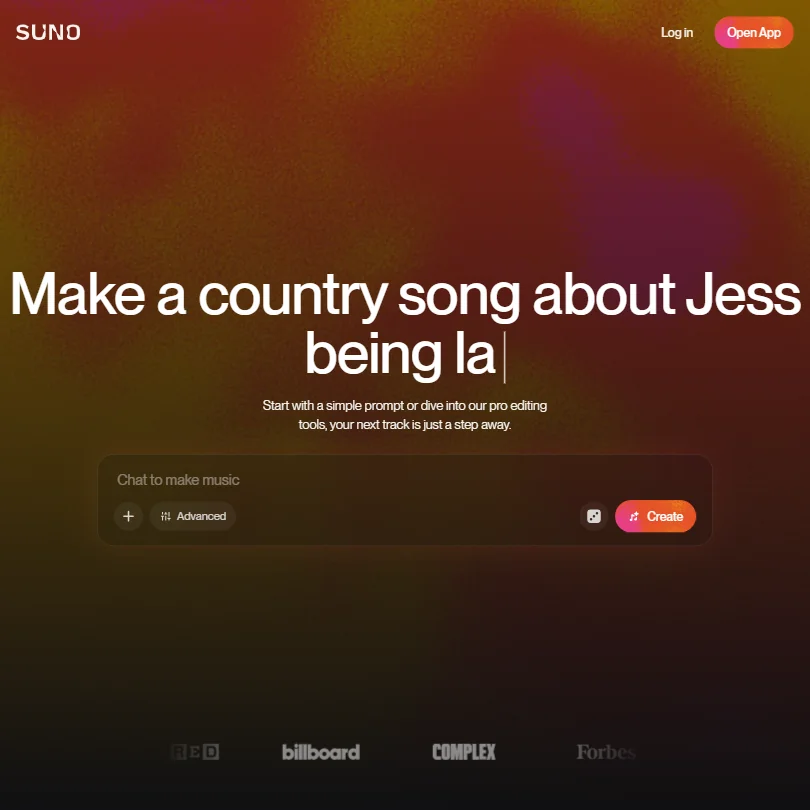
Pro turns a hobby into publishable work: commercial rights, ownership of songs made from your prompts, 2,500 credits a month, two stem separation types, uploads up to 30 minutes, a priority queue and persona voices. Studio, a third stem type and MIDI export wait on Premier. Choose it over Mureka when stems matter at this price. Prompts and outputs train Suno's models.
- The free plan gives 50 credits a day forever and never expires.
- Pro and Premier assign you full ownership of songs generated from your prompts.
- The free plan has no commercial rights and no stem separation at all.
Standard: 2400 credits/month, 6 simultaneous songs, Voice Control, audio upload, style reference, custom cover art, editing tools $8/mo.
✓ Free plan tooFrom $10Show detailsHide details10 Udio: Best for editing songs you keep in the app5.0Score 5.0 out of 10Standard: 2400 credits/month, 6 simultaneous songs, Voice Control, audio upload, style reference, custom cover art, editing tools $8/mo.✓ Free plan too$10Visit site ↗ReviewDetailsCloseShow more about Udio
Standard: 2400 credits/month, 6 simultaneous songs, Voice Control, audio upload, style reference, custom cover art, editing tools $8/mo.
✓ Free plan tooFrom $10
Show detailsHide detailsUdio: Best for editing songs you keep in the app
5.0Score 5.0 out of 10Standard: 2400 credits/month, 6 simultaneous songs, Voice Control, audio upload, style reference, custom cover art, editing tools $8/mo.✓ Free plan too$10Visit site ↗ReviewDetailsClose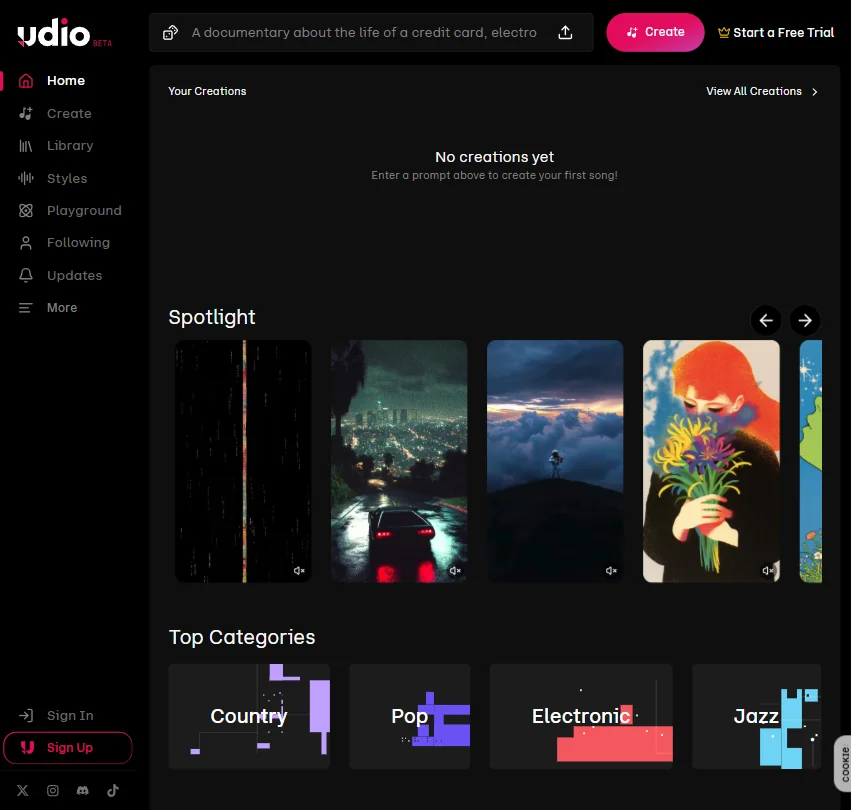
Standard lifts the monthly pot to 2,400 credits, runs six songs at once and adds Voice Control, audio upload, style reference, custom cover art and editing tools. The rules do not change with the plan: personal use, no downloads, and Udio owns the output. Choose it over Suno and Mureka only for songs you will listen to inside the app. A seven-day trial of paid features comes first.
- The free plan needs no card and gives a daily and monthly credit quota to start with.
- A one-time 7-day trial lets you test a subset of Standard features before subscribing.
- Output is restricted to personal, non-commercial use on every plan, including the paid ones.
More AI audio tools under $10
2 picksResemble AI and Sonix share a price tier but not a purpose. Resemble AI charges per use for developers who need cloning, audio watermarking and deepfake detection, while Sonix charges per audio hour for transcripts with a synced editor and subtitle export. Pick Resemble AI to build voice into a product, and Sonix to turn recordings into text that people can edit.
#ToolScoreEntry plan includesStarts at
Pay As You Go: No subscription; pay per audio hour; 5 GB storage; single-user; no AI workspace
From $10Show detailsHide details11 Sonix: Best for transcripts with a synced editor6.6Score 6.6 out of 10Pay As You Go: No subscription; pay per audio hour; 5 GB storage; single-user; no AI workspace$10Visit site ↗ReviewDetailsCloseShow more about Sonix
Pay As You Go: No subscription; pay per audio hour; 5 GB storage; single-user; no AI workspace
From $10
Show detailsHide detailsSonix: Best for transcripts with a synced editor
6.6Score 6.6 out of 10Pay As You Go: No subscription; pay per audio hour; 5 GB storage; single-user; no AI workspace$10Visit site ↗ReviewDetailsClose
Pay as you go charges per audio hour with no subscription, which is the entry route here, since the Core subscription sits above this page's cap. You get an editor synced to the audio, automatic speaker labels, subtitle export and 54-plus languages, after a 30-minute trial. Choose it over the APIs when people rather than code handle the transcript. None of your data trains its models.
- Automatic speaker identification labels different speakers in every recording, with no extra setup.
- None of the data processed through Sonix is used to train its models.
- There is no ongoing free plan, only a 30-minute trial.
Lite: 90 Fast Queue minutes a month
✓ Free plan tooFrom $9.99Show detailsHide details12 LALAL.AI#3 of 5 audio cleanup tools5.6Score 5.6 out of 10Lite: 90 Fast Queue minutes a month✓ Free plan too$9.99Visit site ↗ReviewDetailsCloseShow more about LALAL.AI
Lite: 90 Fast Queue minutes a month
✓ Free plan tooFrom $9.99
Show detailsHide detailsLALAL.AI#3 of 5 audio cleanup tools
5.6Score 5.6 out of 10Lite: 90 Fast Queue minutes a month✓ Free plan too$9.99Visit site ↗ReviewDetailsClose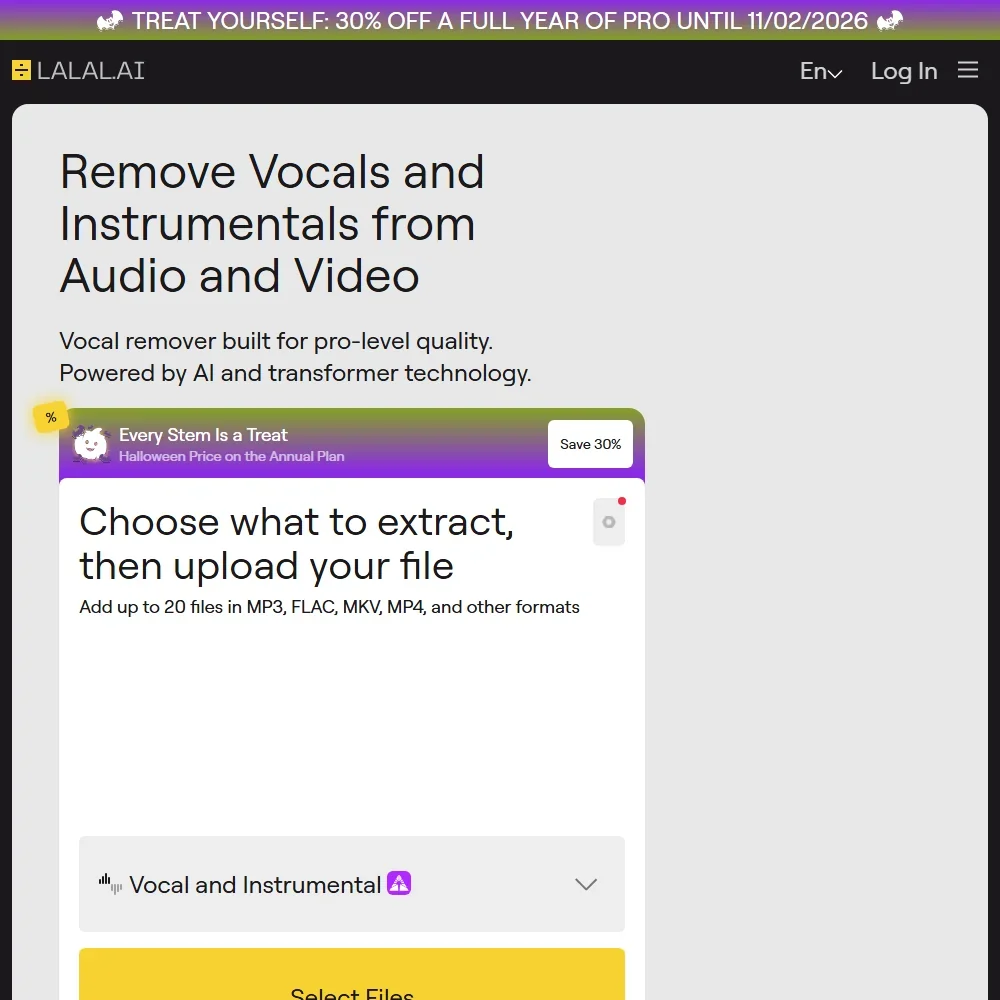
- LALAL.AI separates audio with its own neural networks, including Andromeda for vocals and Lyra for on-device processing.
- It runs on the web, Windows, macOS, Linux, iOS and Android, with a VST3 plugin for music software on Pro.
- The free Starter plan shows previews but does not include result downloads.
How to choose an AI audio tool under $10 a month
At this price the plan rarely changes how good the audio sounds. It changes what you are allowed to do with the result and how quickly the meter runs. Some of these tools charge by the hour of audio, some by monthly credits, and some by the download, so a low sticker price can mean very different amounts of work. What follows pairs each tool with a job, then looks at what the price counts, the rights and privacy terms, and the signs that a bigger plan has become the better value.
Start with the job, not the tool
Eleven tools share this page, and they handle five jobs.
- Transcription through code. AssemblyAI, Deepgram and Rev AI turn recorded or live speech into text through an API, billed by the hour or minute of audio, with free starting credit on each.
- Transcripts you edit by hand. Sonix converts recordings into transcripts, translations and subtitles in the browser, with an editor synced to the audio.
- Voiceover and narration. ElevenLabs, Typecast and Notevibes generate speech from a script, and each handles rights and downloads differently.
- Songs. Suno, Mureka and Udio write full songs with vocals, and the difference between them is mostly what you may do with the finished track.
- Voice inside an app. Resemble AI sells generation, cloning, deepfake detection and watermarking through an API, and Deepgram adds a standalone text to speech service.
Find your job in the table and compare the first pick with its alternative.
| Job | Best entry plan here | Move to another when |
|---|---|---|
| Transcribe through code | AssemblyAI | You also need a voice API, where Deepgram covers both directions |
| Transcribe sensitive recordings | Rev AI | You want an editor and subtitles, which Sonix provides at a far higher hourly rate |
| Correct a transcript by hand | Sonix | You only need raw text from code, where Rev AI costs a fraction per hour |
| Publishable voiceover | ElevenLabs Starter | You want more downloads and a phone app, which Typecast Basic offers |
| Narration from articles and decks | Notevibes Starter | You need commercial rights, which wait for its Pro plan |
| Clone your own voice | ElevenLabs Starter | You prefer per-voice pricing, where Resemble AI charges a monthly add-on |
| Songs you can release | Suno Pro | You want edit and remix tools, which Mureka Pro adds |
| Songs for your own ears | Udio Standard | Nothing here goes further, since downloads stay off |
| Voice inside an app | Resemble AI | You also transcribe, where Deepgram handles both directions |
What the price actually buys
The same budget stretches a long way on one kind of tool and hardly anywhere on another.
- Speech-to-text APIs. Hours of audio. AssemblyAI starts at $0.15 an hour on its base model and $0.21 on its most accurate one. Rev AI charges $0.20 an hour for English. Deepgram bills streaming from $0.0048 a minute. The bill follows your volume exactly, and the signup credit ($50 at AssemblyAI, $200 at Deepgram, five hours at Rev AI) covers your first experiments.
- Voice generators. Credits or download minutes. ElevenLabs Starter gives 30,000 credits a month, three times the free pot. Typecast Basic gives 60 minutes of downloads while generation stays unlimited. Notevibes Starter sells credits along with AI music and a library of more than 300 voices.
- Music generators. Credits per song. Suno Pro gives 2,500 credits a month, Mureka Pro 5,000 Gold, and Udio Standard 2,400 credits. A bigger number is not automatically more music, because each tool prices a song differently.
- Transcription tools. Audio hours. Sonix charges $10 an hour pay as you go, or $25 a month for five hours, so a long interview costs the same as several short ones.
Steady monthly volume fits a subscription, so spread the work across the month. Work that arrives in bursts is better served by pay as you go, and Resemble AI credits never expire. For music, test one track in each tool and judge the result before comparing allowances.
Which tool fits which creator
- Podcasters. Start with Rev AI or Sonix for transcripts. Rev AI is the cheaper way to get raw text, and Sonix gives you an editor that keeps timestamps in place when you correct a word. Both state they do not train on your audio.
- Video creators. Start with ElevenLabs Starter for voiceover, because the plan includes a commercial license and dubbing. Add Typecast Basic if you want to retake a script as often as you like and pay only to download.
- Musicians. Start with Suno Pro for songs you may release, since it grants commercial rights and ownership. Add Mureka Pro for reference-track matching. Use Udio only for listening, because nothing downloads.
- Developers adding transcription. Start with AssemblyAI for low per-hour cost, redaction and word timestamps. Add Deepgram when you also need text to speech or a self-hosted option.
- Developers adding a voice. Start with Resemble AI, billed from $0.0002 a second with cloning, watermarking and deepfake detection included. Add ElevenLabs when you want to try voices by hand first.
- Authors and bloggers. Start with Notevibes Starter for turning articles into audio. Commercial rights wait for Pro, so it suits personal projects.
Where the entry plans stop
| Limit | Tools | What happens when you hit it |
|---|---|---|
| Hourly meter, no ceiling | AssemblyAI, Deepgram, Rev AI, Sonix | Nothing blocks you, the bill simply grows with usage |
| Monthly credits | ElevenLabs, Suno, Mureka, Udio | Work waits for the refresh or moves to a bigger plan |
| File format | Mureka Pro | MP3 only, so WAV and stems need Premier |
| No downloads | Udio | A song stays inside the app on every plan |
| Rights ceiling | Notevibes Starter and Personal | Output is non-commercial until the Pro plan |
| Seats | Typecast, ElevenLabs | Shared workspaces wait for Business or Scale |
Before you subscribe, estimate your hours and multiply by the rate for the API tools, adding any add-ons you need. Check the file type before building a library, since an MP3-only plan is a poor base for work that later needs stems. And keep teams off personal plans, because seats are the one limit that no entry plan stretches.
What the cheapest plan leaves out
Several of these plans hold back features, not just volume. ElevenLabs keeps professional voice cloning for Creator. Suno keeps its Studio multitrack editor, a third stem type and MIDI export for Premier. Mureka Pro leaves out WAV, stems and MIDI. Notevibes holds commercial rights for a plan that costs around ten times as much as Starter. Sonix's pay-as-you-go option has no AI workspace.
Some limits sit around the product. Typecast offers no team members below Business. Deepgram's volume discounts begin with prepaid annual credits, starting around $4,000 a year. Udio's paid plans add voice control, audio upload and editing tools, but not downloads or commercial use.
Privacy, training and commercial use
If you send client recordings, voice samples or unpublished lyrics, the training rule matters as much as the price.
| Tool | Training on your content | Commercial use |
|---|---|---|
| Rev AI | Never | Yes |
| Sonix | Never | Yes |
| AssemblyAI | Opt out account-wide | Yes |
| Deepgram | On by default, opt out per request or account | Yes |
| ElevenLabs | On by default, opt out available | Yes, from Starter |
| Suno | Trains on prompts and outputs | Yes, on Pro |
| Udio | Trains on prompts and output | No, on any plan |
| Typecast | Voice samples you upload carry consent to AI training | Yes, from Basic |
Ownership differs from permission. Suno Pro and Mureka Pro transfer ownership of songs to you, while Udio keeps ownership on every plan. Switch the training opt-out on at once with AssemblyAI, Deepgram and ElevenLabs. Typecast asks you to confirm you may use any third-party voice you upload.
Mistakes to avoid
- Judging an API by its hourly rate alone. AssemblyAI lists $0.15 and $0.21 for different models, and Deepgram's price varies by model. Match the model to your languages and accuracy needs first.
- Paying for Udio to release a song. It allows personal, non-commercial use only. Suno Pro or Mureka Pro are the choices for songs you plan to publish.
- Using Notevibes narration in a client project. Starter and Personal output is non-commercial. Move to Pro or choose ElevenLabs Starter.
- Choosing Mureka Pro for a mixing session. It exports MP3 only. Premier adds WAV and stems.
- Leaving training switched on. Deepgram and ElevenLabs train by default. Opt out before you send client audio.
When to move up a plan
You are ready for a bigger plan when you structure your month around a cap or a missing feature. Splitting jobs to stay inside credits, exporting around a format limit and needing a second person on the account are the three common signs.
| If you are | Move up to | What changes |
|---|---|---|
| A voiceover artist needing a close clone | ElevenLabs Creator | Professional voice cloning and a much larger credit pot |
| A producer who needs stems and WAV | Mureka Premier | Twelve stems, MIDI and WAV export |
| A songwriter sketching in a DAW | Suno Premier | Studio, a multitrack editor, and a third stem type |
| A researcher with weekly interviews | Sonix Core | Five hours a month of transcripts and translation, with an AI workspace |
| A team transcribing at volume | Deepgram Growth | Yearly prepaid credits at a discount of up to 20% |
Notevibes is priced by the year, at $8 a month for Starter. For trials, Sonix gives 30 minutes, Udio seven days of paid features, and Rev AI starts with five hours of credit.
Using a cheap plan with a free one
A free tool can handle the inexpensive work, so the paid plan covers only what needs it.
- Clean first. Run speech through Adobe Podcast's free tier before sending it to a transcription API, so the transcript needs fewer corrections.
- Audition free, produce paid. Judge a script in Murf AI's free minutes, then generate the final in ElevenLabs Starter or Typecast Basic.
- Sketch free, publish paid. Explore song ideas on Suno's free daily credits, and subscribe to Pro for a month when a track needs commercial rights.
What would this stack cost you?
Add our top picks (AssemblyAI, ElevenLabs, Mureka and 1 more) to the calculator and see the monthly total, then swap in the plans you would pay for.
How we picked
Every tool here is ranked by its score, and each score is worked out from the vendor’s own published pages: pricing, plans, features and terms. No score is adjusted by hand. All 12 tools have enough published facts to be scored, and on average 92% of each score comes from facts the vendor publishes. The facts behind these scores were checked between 21 September 2026 and 28 October 2026.
Scores compare tools that do the same job, which is why the list is grouped by job: a video editor and a grammar checker are never ranked against each other.
| Ranked as | On this page | What we score | Scoring guide |
|---|---|---|---|
| AI voice generators8 reviewed | 4 | 4 criteria, 19 checked facts: what you can make, workflow and output, pricing, privacy and trust | How we score these → |
| Speech-to-text APIs3 reviewed | 3 | 4 criteria, 10 checked facts: what the API does, output and integrations, pricing, privacy and trust | How we score these → |
| AI music generators5 reviewed | 3 | 4 criteria, 16 checked facts: what you can make, workflow and output, pricing and rights, privacy and trust | How we score these → |
| AI transcription tools5 reviewed | 1 | 4 criteria, 21 checked facts: what you get from a recording, workflow and output, pricing, privacy and trust | How we score these → |
| Audio cleanup tools5 reviewed | 1 | 4 criteria, 20 checked facts: what it fixes, workflow and output, pricing, privacy and trust | How we score these → |
Common questions
How much does AI transcription cost per hour at these prices?
AssemblyAI bills its entry model by the hour and Rev AI charges $0.20 an hour for English audio through Reverb. Sonix is far higher at $10 an hour on pay as you go, but includes a synced editor, speaker labels and subtitle export. Deepgram meters by usage rather than a single hourly figure. Signup credit covers early testing on AssemblyAI, Deepgram and Rev AI.
Do I own the songs I make on a cheap AI music plan?
On Suno Pro you own the songs generated from your prompts, and on Mureka Pro and Premier ownership and commercial rights transfer to you. Udio is different: it keeps ownership and limits output to personal, non-commercial use on every plan, paid ones included. Free tiers at Suno and Mureka assign you nothing, so ownership starts with a subscription.
Can I use these AI voices in a monetized YouTube video?
ElevenLabs Starter and Typecast Basic both include a commercial license, and Resemble AI also carries commercial rights on its pay-as-you-go tier. Notevibes keeps full commercial rights for Pro, so its Starter and Personal plans are for personal projects. ElevenLabs and Typecast also differ on training: ElevenLabs trains unless you opt out, while Typecast asks consent for any voice samples you upload.
Is a pay-as-you-go API cheaper than a subscription?
It depends on how steady your use is. With a few hours of audio a month, per-hour billing at AssemblyAI, Deepgram or Rev AI avoids paying for idle months. If you generate voice or music every week, a credit subscription such as ElevenLabs, Suno or Udio gives a predictable bill, but credits that go unused do not buy anything later.
How long does free credit last on the transcription APIs?
Deepgram's $200 credit needs no card and has no expiry date, so it lasts as long as your usage takes to spend it. AssemblyAI's $50 signup credit is a one-time allowance worth up to 185 hours of pre-recorded audio or 333 hours of streaming. Rev AI starts you with credit equal to five hours of Reverb transcription. After that, each moves to billing per use.
Which cheap music plan gives me WAV or stems?
Suno Pro includes stem separation in two types and uploads of up to 30 minutes, which is the quickest route to stems at this price. Mureka Pro exports MP3 only, with WAV, stems of up to twelve parts and MIDI reserved for Premier. Udio blocks downloads of audio, video and stems on every tier, so nothing leaves the app.
Can I transcribe live audio on a plan under $10 a month?
Yes, on the APIs. AssemblyAI and Rev AI both support streaming transcription, and Deepgram's pay-as-you-go tier includes streaming speech to text with a standalone text to speech API alongside it. AssemblyAI's signup credit covers more hours of streaming than of pre-recorded audio. Sonix is built around uploaded files and an editor, not live capture.