Premium is the one paid step in the plan list, and it adds more generative credits and a brand kit to a free plan that is already rich in templates and stock.
Best of · 14 tools ranked
Best AI Design Tools Under $10/mo
Find the best AI design tools under $10 a month, from template editors and wireframing boards to logo makers and site builders. Entry plans cover very different ground in this category: some are a small step above a free tier, some are the only way in, and one costs nothing at all. Read what the plan adds before you subscribe.
Updated 3 October 2026Ranked by our score, worked out from each vendor’s own pages.How we score →All AI Design Tool →
Our top 3 AI Design Tools Under $10/mo
Homeowners and interior designers who want to plan and render a home in 3D, with AI staging on top.
Anyone who wants a free AI upscaler that runs offline on their own computer.
Best AI graphic design tools under $10
2 picks#ToolScoreEntry plan includesStarts at
Premium
✓ Free plan tooFrom $9.99Show detailsHide details01 Adobe Express: Best for templated social posts with a brand kit8.6Score 8.6 out of 10Premium✓ Free plan too$9.99Visit site ↗ReviewDetailsCloseShow more about Adobe Express
Premium
✓ Free plan tooFrom $9.99
Show detailsHide detailsAdobe Express: Best for templated social posts with a brand kit
8.6Score 8.6 out of 10Premium✓ Free plan too$9.99Visit site ↗ReviewDetailsClose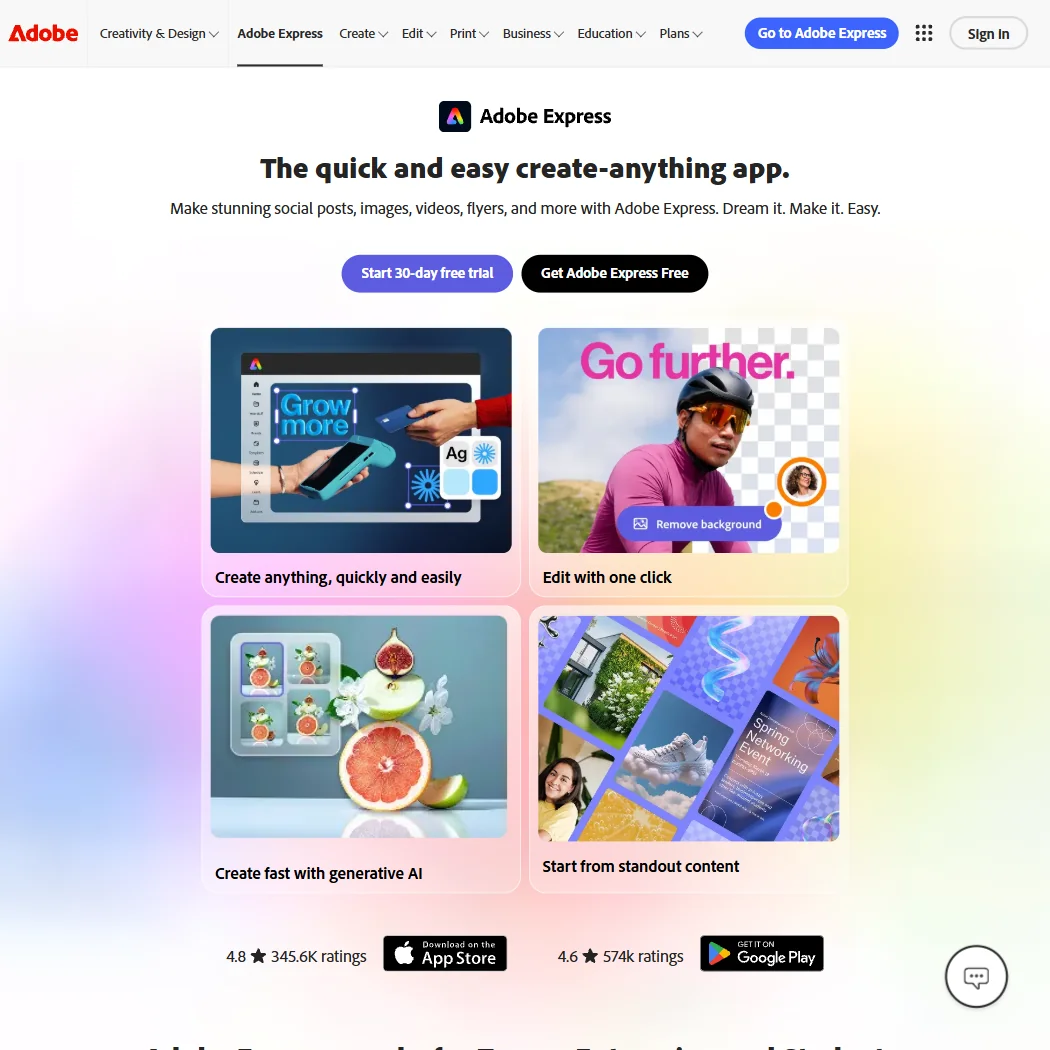
Premium is the one paid step in the plan list, and it adds more generative credits and a brand kit to a free plan that is already rich in templates and stock. Phone and chat support come with it, and a 30 day trial lets you try it first. The credit cap of 250 a month per user is what pushes heavy generators elsewhere. Pick it over Framer when you make posts, not sites.
- The free plan alone includes more than 100,000 templates, over a million Adobe Stock photos, videos and music tracks, and more than 4,000 fonts, at no cost.
- Real-time co-editing and commenting let more than one person work on the same project together.
- Generative AI on the paid Premium plan is capped at 250 credits a month per user.
Plus: 2,500 credits/month, 2 user accounts, standard license, indemnity up to $5,000 $24.92/mo, save $169.00/yr.
From $9.90Show detailsHide details02 DesignsAI: Best for agencies automating branded content across apps3.6Score 3.6 out of 10Plus: 2,500 credits/month, 2 user accounts, standard license, indemnity up to $5,000 $24.92/mo, save $169.00/yr.$9.90Visit site ↗ReviewDetailsCloseShow more about DesignsAI
Plus: 2,500 credits/month, 2 user accounts, standard license, indemnity up to $5,000 $24.92/mo, save $169.00/yr.
From $9.90
Show detailsHide detailsDesignsAI: Best for agencies automating branded content across apps
3.6Score 3.6 out of 10Plus: 2,500 credits/month, 2 user accounts, standard license, indemnity up to $5,000 $24.92/mo, save $169.00/yr.$9.90Visit site ↗ReviewDetailsClose
DesignsAI has no free plan and no free trial, so the entry plan, Go, is the first thing you buy. It comes with a monthly allowance of 500 credits, and commercial use is allowed on every plan. Plus is the step up, with 2,500 credits, two user accounts and indemnity up to a stated amount. Its Workflows, which connect other apps, are what suit small agencies. There is no mobile app, public API or single sign on.
- DesignsAI's AI Agent routes each task across Claude, ChatGPT, Gemini and Grok rather than committing to a single model.
- Branding, Image, Video, Storyboard, Slides and Audio generators all work from one brief.
- There is no free plan; every tier is paid from the start.
Best AI room and building renderers under $10
2 picks#ToolScoreEntry plan includesStarts at
03 Homestyler#1 of 8 AI room and building renderers7.9Score 7.9 out of 10✓ Free plan tooFreeVisit site ↗ReviewDetailsCloseShow more about Homestyler
Homestyler#1 of 8 AI room and building renderers
7.9Score 7.9 out of 10✓ Free plan tooFreeVisit site ↗ReviewDetailsClose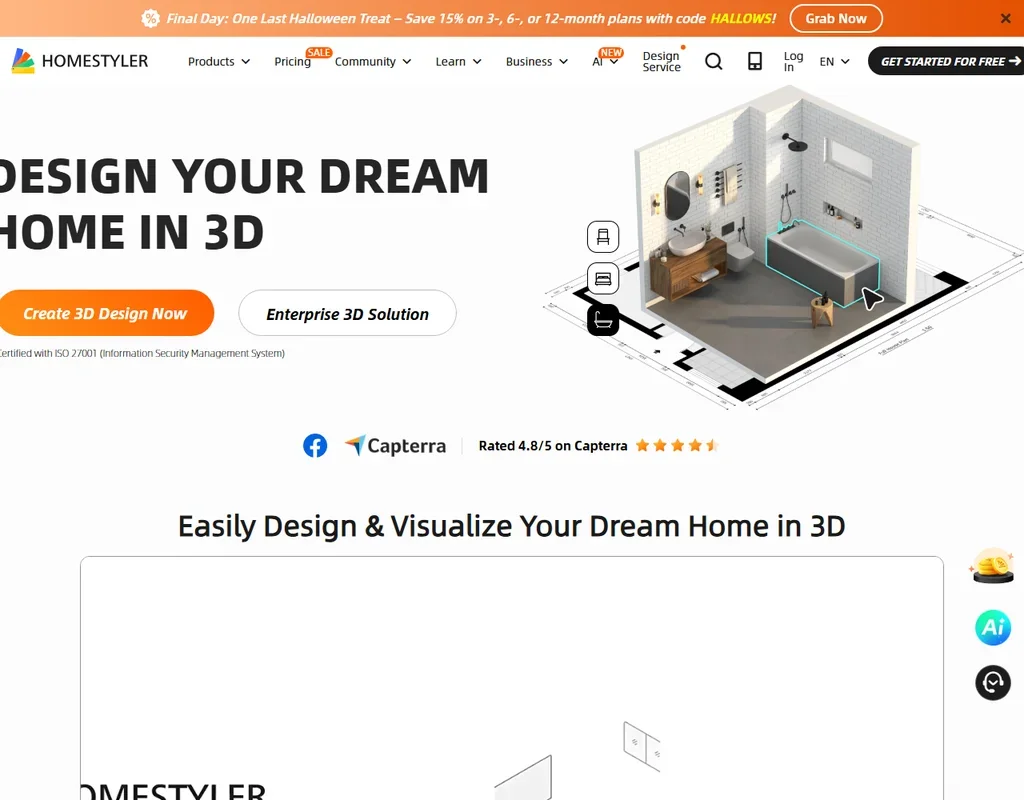
- The free Basic plan includes the cloud 3D floor planner, unlimited 1K renders and more than 100,000 3D models and materials.
- AutoCAD floor plans can be imported as DWG files, including multi-floor plans.
- Paid plan prices are not published without signing in.
04 RoomGPT#8 of 8 AI room and building renderers2.4Score 2.4 out of 1030 credits$9Visit site ↗ReviewDetailsCloseShow more about RoomGPT
RoomGPT#8 of 8 AI room and building renderers
2.4Score 2.4 out of 1030 credits$9Visit site ↗ReviewDetailsClose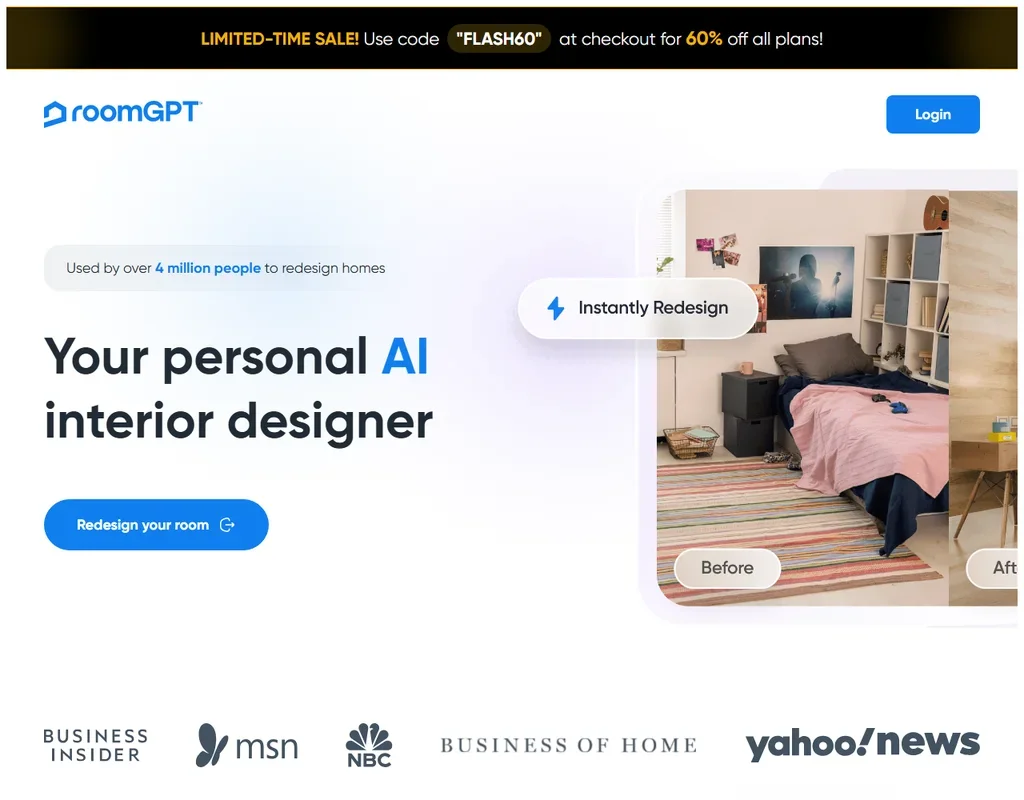
- There is no subscription: credits come in one-time packs and unused credits never expire.
- One photo becomes up to four redesigns in different themes at once.
- It makes whole-room redesigns only, with no editing, object removal or virtual staging.
Best AI image upscalers under $10
3 picks#ToolScoreEntry plan includesStarts at
Cloud Pro 100: 100 credits a month (1 credit = 1 image); $89.99 a year on annual billing. Output up to 256 MP.
✓ Free plan tooFrom $9.99Show detailsHide details05 Upscayl#1 of 6 AI image upscalers7.9Score 7.9 out of 10Cloud Pro 100: 100 credits a month (1 credit = 1 image); $89.99 a year on annual billing. Output up to 256 MP.✓ Free plan too$9.99Visit site ↗ReviewDetailsCloseShow more about Upscayl
Cloud Pro 100: 100 credits a month (1 credit = 1 image); $89.99 a year on annual billing. Output up to 256 MP.
✓ Free plan tooFrom $9.99
Show detailsHide detailsUpscayl#1 of 6 AI image upscalers
7.9Score 7.9 out of 10Cloud Pro 100: 100 credits a month (1 credit = 1 image); $89.99 a year on annual billing. Output up to 256 MP.✓ Free plan too$9.99Visit site ↗ReviewDetailsClose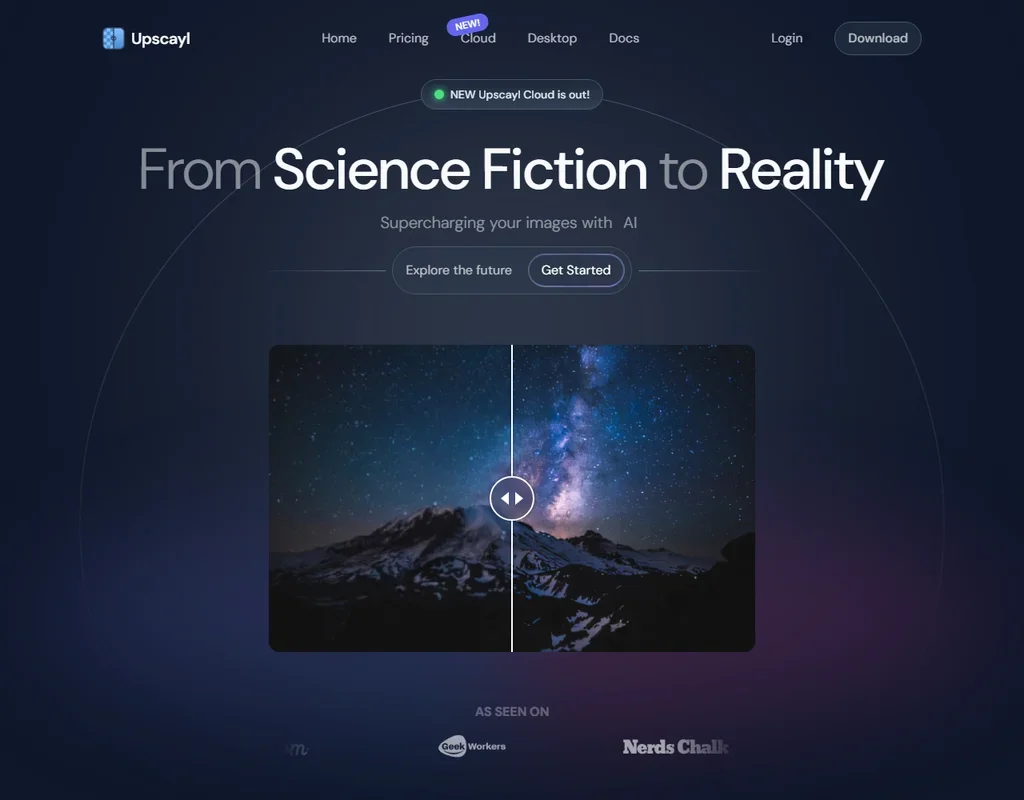
- The desktop app is free, open source and unlimited on your own computer.
- Processing happens on your machine, with no internet connection needed.
- It fixes pixelation while enlarging but cannot de-blur or adjust focus.
Starter: 100 credits a month (1 image = 1 credit), roll over up to 600. Output up to 256 MP.
✓ Free plan tooFrom $9Show detailsHide details06 Let's Enhance#4 of 6 AI image upscalers6.9Score 6.9 out of 10Starter: 100 credits a month (1 image = 1 credit), roll over up to 600. Output up to 256 MP.✓ Free plan too$9Visit site ↗ReviewDetailsCloseShow more about Let's Enhance
Starter: 100 credits a month (1 image = 1 credit), roll over up to 600. Output up to 256 MP.
✓ Free plan tooFrom $9
Show detailsHide detailsLet's Enhance#4 of 6 AI image upscalers
6.9Score 6.9 out of 10Starter: 100 credits a month (1 image = 1 credit), roll over up to 600. Output up to 256 MP.✓ Free plan too$9Visit site ↗ReviewDetailsClose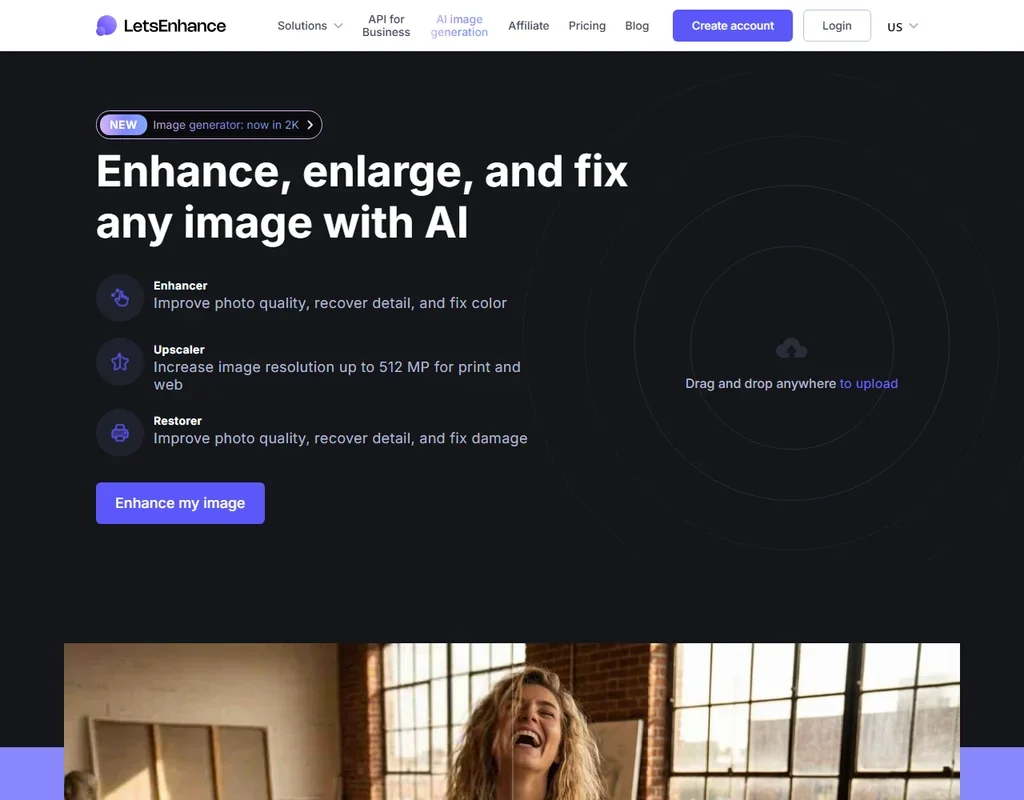
- Upscales 2x to 16x or to custom dimensions, with output up to 512 MP on Max.
- The creativity of the Ultra model can be tuned with Intensity and Size of Changes.
- Free results carry a watermark.
App: 1 Month: Listed as an iOS in-app purchase.
✓ Free plan tooFrom $9.99Show detailsHide details07 Remini#5 of 6 AI image upscalers6.2Score 6.2 out of 10App: 1 Month: Listed as an iOS in-app purchase.✓ Free plan too$9.99Visit site ↗ReviewDetailsCloseShow more about Remini
App: 1 Month: Listed as an iOS in-app purchase.
✓ Free plan tooFrom $9.99
Show detailsHide detailsRemini#5 of 6 AI image upscalers
6.2Score 6.2 out of 10App: 1 Month: Listed as an iOS in-app purchase.✓ Free plan too$9.99Visit site ↗ReviewDetailsClose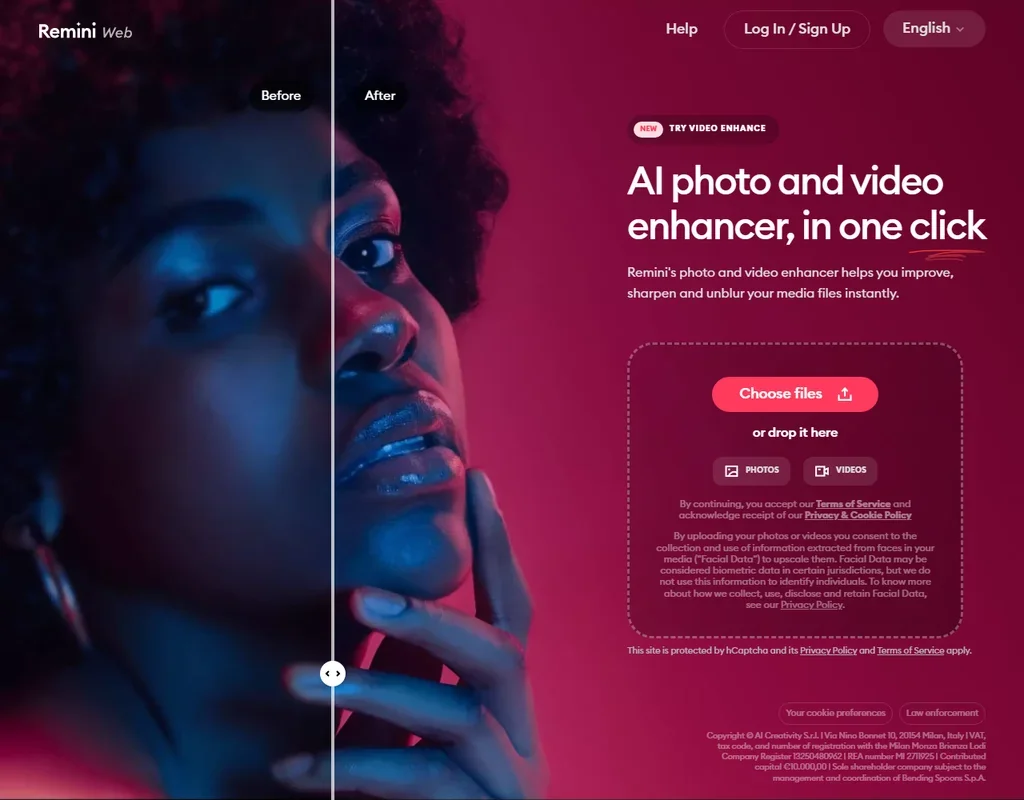
- The Face Enhancer brings out facial detail in portraits.
- The Unblur and Sharpener tool removes motion blur, camera shake and focus problems.
- Enlargement goes up to 2x, with images up to 4096 x 4096 pixels.
Best AI UI design tools under $10
2 picks#ToolScoreEntry plan includesStarts at
Pro: 3,000 AI credits/editor/month, unlimited boards & elements, Figma export/import, Export to Code, MCP server
✓ Free plan tooFreeShow detailsHide details08 Visily: Best for wireframes from screenshots on a small budget7.6Score 7.6 out of 10Pro: 3,000 AI credits/editor/month, unlimited boards & elements, Figma export/import, Export to Code, MCP server✓ Free plan tooFreeVisit site ↗ReviewDetailsCloseShow more about Visily
Pro: 3,000 AI credits/editor/month, unlimited boards & elements, Figma export/import, Export to Code, MCP server
✓ Free plan tooFree
Show detailsHide detailsVisily: Best for wireframes from screenshots on a small budget
7.6Score 7.6 out of 10Pro: 3,000 AI credits/editor/month, unlimited boards & elements, Figma export/import, Export to Code, MCP server✓ Free plan tooFreeVisit site ↗ReviewDetailsClose
Pro lifts the monthly allowance from 300 credits to 3,000 per editor, removes the limit on boards and elements, adds Figma import and export and includes unlimited AI generated images. Free exports are watermarked and capped at 1x resolution, which is what usually pushes people up. Business is where SAML sign in and 10,000 credits arrive. Take it over MockFlow when your starting point is a screenshot or a hand sketch.
- Typing what a screen needs to do returns a working layout from Visily's design generator.
- A Screenshot Editor turns a screenshot of an app or web page into an editable wireframe, and a separate feature does the same from a hand-drawn sketch.
- There is no public developer API; only an MCP server for supported AI coding tools.
Unlimited: Per editor
✓ Free plan tooFrom $7Show detailsHide details09 Penpot: Best for open source design, low per-editor fee7.3Score 7.3 out of 10Unlimited: Per editor✓ Free plan too$7Visit site ↗ReviewDetailsCloseShow more about Penpot
Unlimited: Per editor
✓ Free plan tooFrom $7
Show detailsHide detailsPenpot: Best for open source design, low per-editor fee
7.3Score 7.3 out of 10Unlimited: Per editor✓ Free plan too$7Visit site ↗ReviewDetailsClose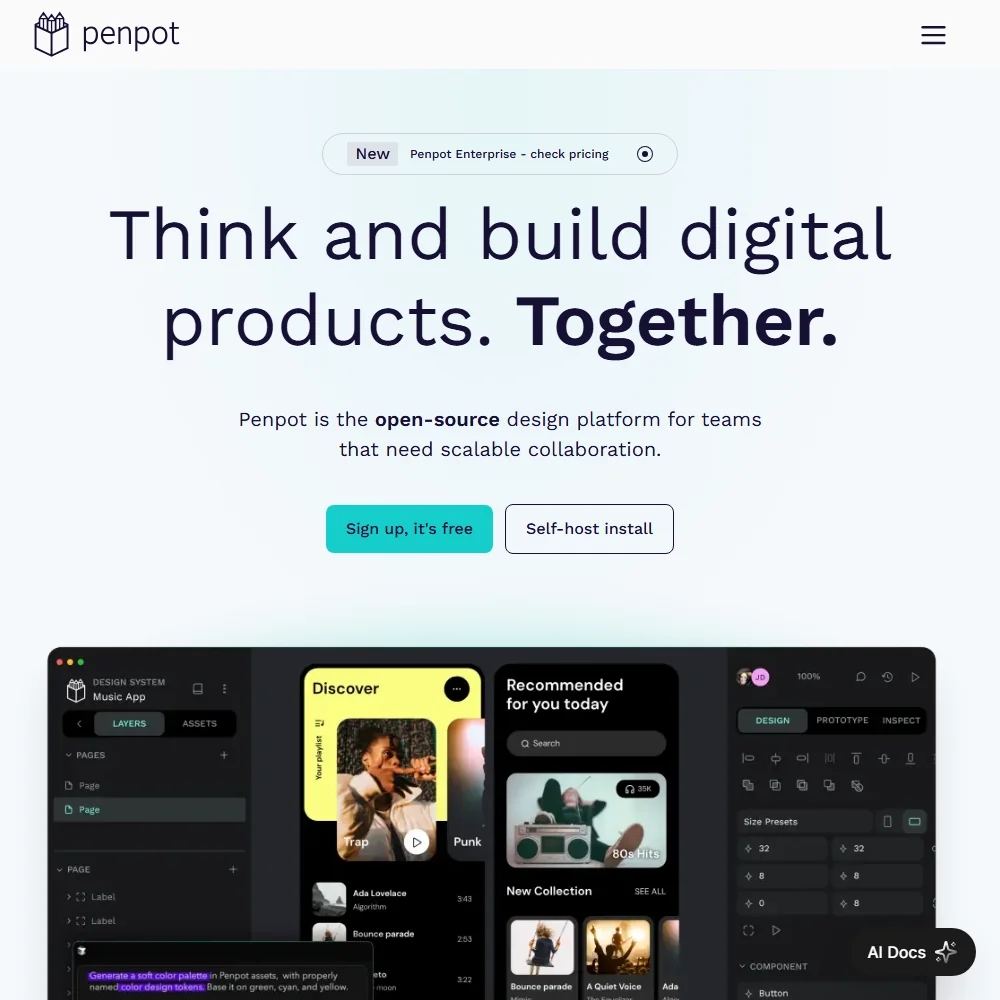
Unlimited is priced per editor, and a 14 day trial lets you try it before paying. Enterprise, also per editor, adds the choice of cloud or self-hosting and is the only plan with single sign on. The free cloud plan already gives you the editor, shared libraries and design tokens, so spend only when you need more people editing or tighter controls. AI needs an outside agent connected.
- The cloud Professional plan is free with no tool limits, room for up to 8 team members and 10GB of storage.
- Penpot's code is published under the MPL-2.0 open source licence and can be self-hosted for free.
- Penpot runs only in a browser, with no native desktop app.
Best AI website builders under $10
2 picks#ToolScoreEntry plan includesStarts at
Basic: Free custom domain, 2 CMS collections, 50 GB bandwidth, built-in SEO
✓ Free plan tooFrom $10Show detailsHide details10 Framer: Best for no code sites on your own domain7.1Score 7.1 out of 10Basic: Free custom domain, 2 CMS collections, 50 GB bandwidth, built-in SEO✓ Free plan too$10Visit site ↗ReviewDetailsCloseShow more about Framer
Basic: Free custom domain, 2 CMS collections, 50 GB bandwidth, built-in SEO
✓ Free plan tooFrom $10
Show detailsHide detailsFramer: Best for no code sites on your own domain
7.1Score 7.1 out of 10Basic: Free custom domain, 2 CMS collections, 50 GB bandwidth, built-in SEO✓ Free plan too$10Visit site ↗ReviewDetailsClose
The paid step brings a free custom domain, far more bandwidth and a larger monthly AI credit pool than the free plan, with localization as an add-on at Basic. The domain is free only when you pay yearly, and extra editors beyond the owner cost more per seat. Pro adds staging for teams that ship often. Choose it over Adobe Express when the result is a website, not a post.
- AI agents generate a site's structure, sections and draft copy from a prompt or brief.
- Hosting, a CMS and SEO tools are bundled together with the builder on one platform.
- No native ecommerce; selling products requires a third-party plugin that syncs an external Shopify store.
AI Starter: 1 website, 100 AI credits/mo, 10GB SSD, 10K visitors/mo, free custom domain
From $10Show detailsHide details11 10Web: Best for an AI-built WordPress site for $105.1Score 5.1 out of 10AI Starter: 1 website, 100 AI credits/mo, 10GB SSD, 10K visitors/mo, free custom domain$10Visit site ↗ReviewDetailsCloseShow more about 10Web
AI Starter: 1 website, 100 AI credits/mo, 10GB SSD, 10K visitors/mo, free custom domain
From $10
Show detailsHide details10Web: Best for an AI-built WordPress site for $10
5.1Score 5.1 out of 10AI Starter: 1 website, 100 AI credits/mo, 10GB SSD, 10K visitors/mo, free custom domain$10Visit site ↗ReviewDetailsClose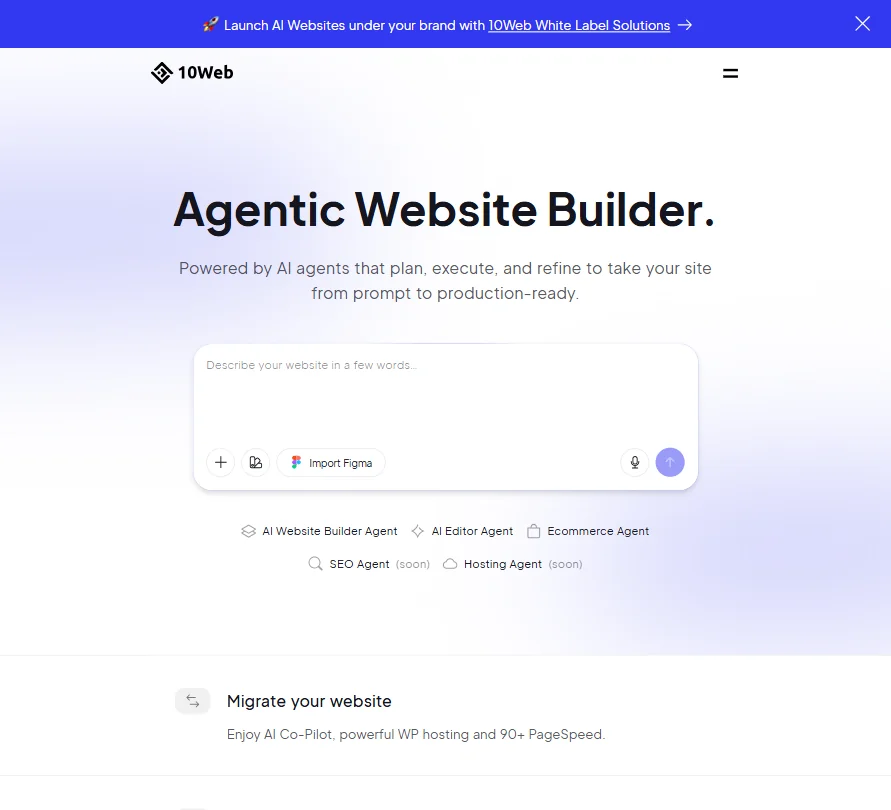
AI Starter costs $10 a month billed yearly for one website with 100 AI credits a month, hosting included. The free option only generates a draft, so publishing needs this plan. AI Premium and AI Ultimate raise the allowance for $15 and $22.50 a month billed yearly. Pick it over Framer when the site has to run on WordPress.
- Generates a full WordPress site, including a WooCommerce store, from a prompt.
- Imports a Figma file and converts it into a live WordPress page.
- No free plan: every tier is a paid subscription, with only a 30-day money-back guarantee instead of a trial.
More AI design tools under $10
3 picks#ToolScoreEntry plan includesStarts at
Plus: Per editor; unlimited boards and viewers, team collaboration, 60-day revision history, 800 AI credits/editor/month
✓ Free plan tooFrom $9Show detailsHide details12 MockFlow: Best for flowcharts and wireframes with AI images7.9Score 7.9 out of 10Plus: Per editor; unlimited boards and viewers, team collaboration, 60-day revision history, 800 AI credits/editor/month✓ Free plan too$9Visit site ↗ReviewDetailsCloseShow more about MockFlow
Plus: Per editor; unlimited boards and viewers, team collaboration, 60-day revision history, 800 AI credits/editor/month
✓ Free plan tooFrom $9
Show detailsHide detailsMockFlow: Best for flowcharts and wireframes with AI images
7.9Score 7.9 out of 10Plus: Per editor; unlimited boards and viewers, team collaboration, 60-day revision history, 800 AI credits/editor/month✓ Free plan too$9Visit site ↗ReviewDetailsClose
The paid tiers climb from Vibe Whiteboarding through Wireframing to the full Suite, each raising the monthly AI credits per user and lifting the four project limit on free. The biggest change is the license: free is for personal and nonprofit use, so paying is what makes client work allowed. Heavy wireframers move up to the tier with unlimited wireframes. Choose it over Visily when flowcharts and whiteboards matter as much as screens.
- A single prompt generates a mind map, a wireframe or a flow diagram.
- AI can also generate UI content, including images, text, color palettes and translations.
- The free Basic plan includes only one editor seat.

#13LogoAI: Best for an original logo mark with built-in editing
7-Day Trial: Branding Suite, Design Studio with 20+ AI models, unrestricted downloads, 200 AI credits; renews at $20/mo unless cancelled
From $10Show detailsHide details13LogoAI: Best for an original logo mark with built-in editingn/a7-Day Trial: Branding Suite, Design Studio with 20+ AI models, unrestricted downloads, 200 AI credits; renews at $20/mo unless cancelled$10Visit site ↗ReviewDetailsCloseShow more about LogoAI
#13LogoAI: Best for an original logo mark with built-in editing
7-Day Trial: Branding Suite, Design Studio with 20+ AI models, unrestricted downloads, 200 AI credits; renews at $20/mo unless cancelled
From $10
Show detailsHide detailsLogoAI: Best for an original logo mark with built-in editing
n/a7-Day Trial: Branding Suite, Design Studio with 20+ AI models, unrestricted downloads, 200 AI credits; renews at $20/mo unless cancelled$10Visit site ↗ReviewDetailsClose
LogoAI no longer sells one-time packages: a $10 seven-day trial includes the Branding Suite, a design studio with more than 20 AI models, unrestricted downloads and 200 AI credits, then renews as Pro at $20 a month with 500 credits. Cancel inside the week if one logo is all you need. Pick it when you want to describe a mark in words rather than pick a template.
- LogoAI generates a logo from a written prompt, not just a guided picker, and lets you keep refining it with further text requests.
- AI image generation and editing go beyond the logo itself: a Photo AI tool can transform portraits, and there's a general AI image generator in the Design Studio.
- There's no free plan; even the trial costs $10, and the ongoing plan is a $20 a month subscription.
Show more about Stitch


Stitch costs nothing to use once you sign in with Google, so it sets the baseline every paid plan on this page has to beat. It generates app screens from a prompt, a sketch, a screenshot or an existing webpage and exports them to Figma. It makes screens, not standalone images, and it cannot import a Figma file. Pair it with Penpot or Visily when you need somewhere to keep editing.
- Generates a user-interface screen directly from a plain-text description.
- Turns an uploaded screenshot or a photo of a hand-drawn wireframe into a matching UI design.
- Stitch does not generate standalone images, only UI screens.
How to choose an AI design tool under $10 a month
At this price the plan is rarely a bigger version of a free one. On some of these tools the money buys a pot of generation credits, on others a file download, and on a few it buys nothing yet because the free plan is the real product. The sections below cover which job each tool is built for, what the price counts, where the entry plans stop, and how to tell when a bigger plan becomes the cheaper choice.
Start with the job, not the tool
Eight tools share this page, and they cover four kinds of work.
- Posts and short videos. Adobe Express turns templates into social posts and video, with a brand kit and a scheduler, and DesignsAI Go generates branding, images, video, storyboards, slides and audio from one brief.
- Wireframes and diagrams. Visily builds a wireframe from a typed description, a screenshot or a hand-drawn sketch, and MockFlow covers flowcharts, whiteboards and wireframes on one board.
- Interface design and app screens. Penpot is a full design tool you can host yourself, and Stitch generates app screens from text, a screenshot or a photo of a whiteboard sketch.
- Sites and logos. Framer publishes a marketing site from the design canvas, and LogoAI makes a logo from a written prompt that you keep refining with more requests.
Pick the row that matches the work you do every week, then read the runner-up column for the catch.
| Job | Start with | Runner-up, and the trade-off |
|---|---|---|
| Social posts and short videos | Adobe Express Premium | DesignsAI Go suits branded content across several formats, though it has no free plan to test first |
| Wireframes from a screenshot | Visily | MockFlow adds flowcharts, though its free plan is for personal use |
| Interface design with others | Penpot | Visily has more built-in AI, with two boards on its free plan |
| A marketing website | Framer | Adobe Express makes posts, not pages |
| A logo with vector files | LogoAI | Its lowest package gives a small transparent PNG, so budget for the next one up |
| App screens from a prompt | Stitch | It makes screens, not images, so edits happen elsewhere |
What the price actually buys
The same few dollars pays for different things depending on the kind of tool.
- Graphic design. Generative credits are the meter. Adobe Express Premium allows 250 a month per user, while DesignsAI Go allows 500 a month. In a normal week the first covers a steady run of posts, and the second suits someone producing branded pieces every day.
- Diagram and whiteboard tools. The meter is the number of projects. MockFlow Basic gives one editor and 5 reviewers, 4 projects, a 500-component ceiling and 100 AI credits a month, plus 20 free generations a day if you connect your own Claude account. That is a handful of boards, not an archive.
- UI design. Credits and boards. Visily Starter gives 300 credits a month and 2 editable boards, and Penpot has no credit meter at all because its AI works by connecting an outside agent. Its paid Unlimited plan is priced per editor.
- Website builders. Credits, bandwidth and the address. Framer's free plan renews 500 credits a day, up to 1,000 a month, and carries 1 GB of bandwidth on a Framer address. Paid Basic adds a custom domain, but only on yearly billing.
- Logo makers. The download is the meter. LogoAI charges $10 for a seven-day trial with 200 AI credits and unrestricted downloads, then renews as Pro at $20 a month.
Someone making many small pieces fits a monthly credit pot. Someone making one finished thing is better served by a download package or an editor with no meter, which points to LogoAI and Penpot.
Which tool fits which designer
- Social media managers. Start with Adobe Express, because its free plan already includes more than 100,000 templates and its Premium plan adds generative credits and a brand kit you can create yourself. Add DesignsAI Go if you need slides and video from the same brief.
- Startup founders and product managers. Start with Visily, which turns a sentence, a screenshot or a sketch into an editable layout. Add Stitch for a free first pass at the screens, since it exports to Figma.
- Designers who want to own their files. Start with Penpot, whose code is open source and can be self-hosted at no cost. Add MockFlow when you also draw flows and diagrams.
- Freelancers launching a portfolio or client site. Start with Framer, because AI agents draft the sections and copy and hosting, CMS and SEO tools come with it. Add Adobe Express for the social graphics that announce the launch.
- Small business owners naming a brand. Start with LogoAI for a prompt-based mark, and move to its Pro package only when you need vector files for print. Add Adobe Express for the posts afterward.
Where the entry plans stop
| Limit | Tools | What happens when you hit it |
|---|---|---|
| Monthly credits | Adobe Express (250), DesignsAI (500), Visily free (300) | You wait for the new month or step up |
| Daily credits | Framer free (500, up to 1,000 a month) | Waiting costs a day, not money |
| Files and boards | Visily (2 boards), MockFlow (4 projects, 500 components) | Bigger work has to be split |
| Output quality | Visily (watermark, 1x), LogoAI Basic (800 by 600 pixels, no vectors) | Real use needs the next plan |
| License terms | MockFlow free (personal and nonprofit) | Client work needs a paid plan |
| Seats and sign-on | Framer extra editors, Penpot single sign-on | Added people or controls cost more |
Each of these limits suggests a plan for how you work. Run your first idea through Stitch, since it costs nothing, before spending anywhere. Match the plan to the cap you actually reach, because a credit pot you never empty is wasted money. And read the domain line on Framer before choosing a billing period, since the free custom domain depends on it.
What the cheapest plan leaves out
Several of these plans hold back whole features. Visily keeps Figma import and export, code export and unlimited boards for Pro. MockFlow keeps unlimited projects for its paid tiers. Penpot offers no single sign-on below Enterprise. Framer offers no code export on any plan, so a finished site stays on Framer's hosting, and it has no native store, so selling products needs an outside plugin.
Some gaps sit in the AI itself. Stitch generates UI screens and nothing else, with no image editing or background removal, and DesignsAI has no AI image editing tools either. Adobe Express has no node-level vector editing, and Visily has no stored brand kit. Support is thinner at the low end too: Adobe Express gives its free users community help only, and DesignsAI runs support through a contact form and WhatsApp chat.
Privacy and who sees your work
If client files go into a tool, the training policy and the license both matter. Only two tools here state a training position.
| Tool | Training on your content |
|---|---|
| Adobe Express | Not used for training |
| Framer | Inputs and outputs may be used, deidentified, with no opt-out mentioned |
Keep confidential client material in Adobe Express, and treat anything entered into Framer as something the vendor may learn from. On commercial use, DesignsAI allows it on every plan, including client projects, and Framer and Penpot allow it too. Adobe Express describes its AI output as designed to be commercially safe. MockFlow's free plan is for personal and nonprofit use, so paid client work needs one of its paid tiers.
Mistakes to avoid
- Paying for DesignsAI before trying anything similar. It has no free plan and no trial. Test the kind of output you want in Adobe Express or Stitch first.
- Buying LogoAI's lowest package for print. The Basic file is 800 by 600 pixels with no vectors. Print needs the Pro package, so price the logo at that level from the start.
- Expecting Penpot to generate for you out of the box. Its AI needs a separate agent or model connected to it. Choose Visily if you want generation built in.
- Choosing monthly billing on Framer. The free custom domain only comes with yearly billing. Compare the two totals before you commit.
- Handing a client the Visily free export. It carries a watermark and stops at 1x. Use it for review and upgrade for the delivered file.
When to move up a plan
The signs are plain. Credits run out before the month does, a client sees a watermark, or a second person needs a seat. When one of those happens twice, the next plan costs less than the time you lose working around it.
| If you are | Upgrade to | What changes |
|---|---|---|
| Posting every day | Adobe Express Premium | More generative credits and a brand kit |
| Sketching screens weekly | Visily Pro | 3,000 credits, unlimited boards, Figma import and export |
| Launching a site | Framer Basic | A free custom domain on yearly billing, 50 GB bandwidth |
| Needing a printable logo | LogoAI Pro package | High-resolution file with vectors |
| Working in a team | Penpot Unlimited | More editors, priced per person |
Yearly billing lowers most of these prices: Framer Basic costs $10 a month billed yearly against $15 monthly, Visily Pro $11 against $14, and MockFlow's paid plans drop as well. Free trials run 30 days for Adobe Express Premium, 14 days for Penpot and 7 days for LogoAI. Framer and DesignsAI offer none, so a month on the monthly plan is the way to test them.
Using a cheap plan with a free one
Because the meters differ, a cheap plan and a free tool can share the work.
- Spend paid credits on the hard job. Put Adobe Express Premium's 250 credits on finished posts, and keep experiments for tools with no meter.
- Draft the screens in Stitch. It costs nothing and exports to Figma, so a rough version costs you no credits elsewhere.
- Plan the site on Framer's free plan. Its credits renew daily, so structuring pages never touches a paid pot.
For wireframes, a second pairing works well: sketch the flow in Penpot, where no AI allowance runs down, and use Visily's 300 monthly credits for the one screen you want generated from a screenshot.
What would this stack cost you?
Add our top picks (Adobe Express, Homestyler, Upscayl and 3 more) to the calculator and see the monthly total, then swap in the plans you would pay for.
How we picked
Every tool here is ranked by its score, and each score is worked out from the vendor’s own published pages: pricing, plans, features and terms. No score is adjusted by hand. 12 of the 14 tools have enough published facts to show a score, and on average 87% of each score comes from facts the vendor publishes. The facts behind these scores were checked between 19 September 2026 and 31 October 2026.
Scores compare tools that do the same job, which is why the list is grouped by job: a video editor and a grammar checker are never ranked against each other.
| Ranked as | On this page | What we score | Scoring guide |
|---|---|---|---|
| AI image upscalers6 reviewed | 3 | 4 criteria, 17 checked facts: what it does, where it runs, pricing, privacy and trust | How we score these → |
| AI UI design tools9 reviewed | 3 | 5 criteria, 22 checked facts: what you can make, workflow and output, pricing, teams and platforms, privacy and trust | How we score these → |
| AI graphic design tools9 reviewed | 2 | 5 criteria, 23 checked facts: what you can make, workflow and output, pricing, teams and platforms, privacy and trust | How we score these → |
| AI room and building renderers8 reviewed | 2 | 4 criteria, 14 checked facts: what you can render, workflow and teams, pricing, privacy and trust | How we score these → |
| AI website builders8 reviewed | 2 | 5 criteria, 22 checked facts: what you can build, workflow and output, pricing, teams and platforms, privacy and trust | How we score these → |
| AI diagram tools3 reviewed | 1 | 5 criteria, 15 checked facts: what you can make, workflow and output, pricing, teams and platforms, privacy and trust | How we score these → |
| AI logo makers5 reviewed | 1 | 5 criteria, 15 checked facts: what you get, files and rights, pricing, support and reach, privacy and trust | How we score these → |
Common questions
What is the cheapest AI design tool I can pay for?
Penpot's Unlimited plan is the lowest recurring price here, per editor, and Stitch costs nothing at all. DesignsAI Go and Adobe Express Premium both cost less than ten dollars, while LogoAI starts with a ten dollar trial. Cheapest is not the same as best value, so match the price to the job you actually do.
Is there an AI logo maker under $10 a month?
LogoAI is the logo maker on this page, and you design the mark before paying. Its cheapest route is a 7-day trial with 200 credits, and the one-time packages start higher, with vector files arriving at the Pro package. If you need a printable logo, price the package rather than the trial.
Which AI website builder costs under $10 a month?
Framer is the website builder in this price band. Its free plan never expires and publishes on a Framer address, and Basic costs less when billed yearly than monthly. A free custom domain comes with yearly billing only, so a site on your own address means committing for the year.
Does paying yearly make AI design tools cheaper?
Usually, by a few dollars a month. Framer Basic falls from $15 to $10, MockFlow's paid plan from $12 to $9, Visily Pro from $14 to $11 and DesignsAI Go from $9.90 to $8.30. If you are not certain you will keep using the tool, pay monthly for the first month and switch once it has earned its place.
Can I use a cheap AI design tool for client work?
Often yes, depending on the tool. DesignsAI allows commercial use on every plan, and Adobe says content from its AI features is designed to be commercially safe. MockFlow is the exception here: its free plan covers personal and nonprofit use, so billable work for a client needs a paid plan from day one.
Is a cheap plan worth it over a free AI design tool?
Worth it once the free limit costs you more than the fee. Visily's free Starter gives 300 credits and two boards, and Pro lifts that to 3,000 credits with unlimited boards. Stitch and Penpot's free cloud plan cost nothing, so start there and pay the day a cap interrupts real work.
Which low-cost AI design tool works for a small team?
Penpot prices Unlimited per editor, so the bill grows one seat at a time. Framer charges for extra editors on paid plans, and Visily Pro is per editor with unlimited boards. MockFlow's free plan has one editor, so pick Penpot or Visily when several people need to edit the same design together.