
Bluedot is an AI note-taker that records meetings without a bot joining the call by default, using a Chrome extension, desktop app or mobile app. It has a free tier that never expires but is capped at a small lifetime number of meetings, so how many meetings you need to capture, and whether you need video, is what decides which plan fits.
What is Bluedot?
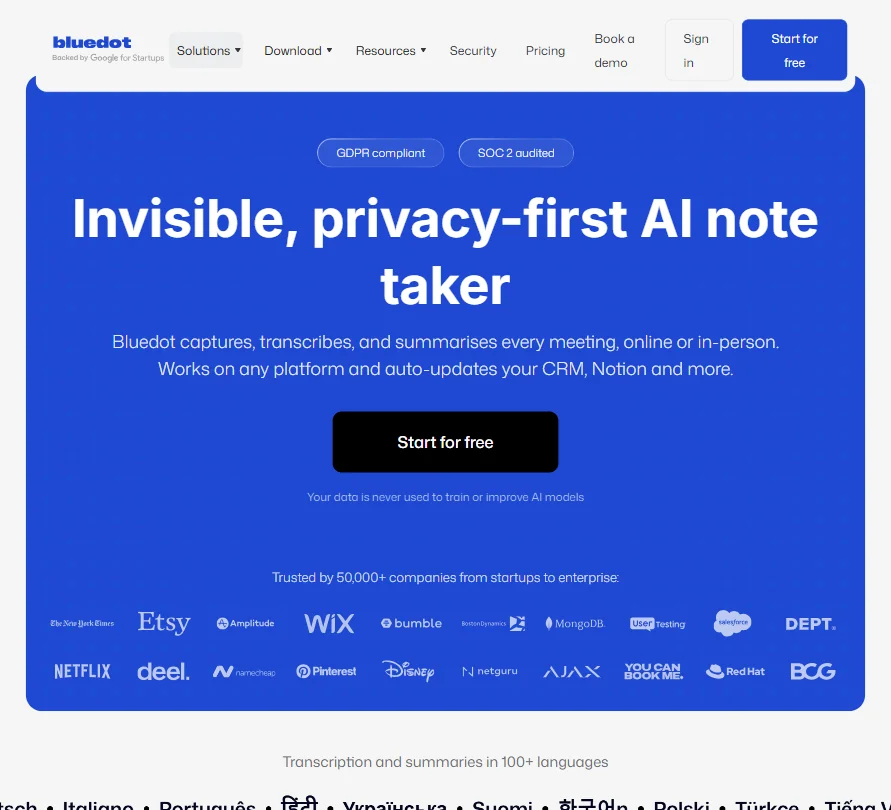
Bluedot is an AI meeting note-taker that records without sending a bot into the call by default, though a bot-join option is also available for meetings where a visible recorder is wanted, and its name and image can be customized. It runs as a web app, a Chrome browser extension, and native apps for Windows, Mac, iOS and Android.
What Bluedot captures from a meeting
Bluedot records across Zoom, Google Meet and Microsoft Teams without a bot joining the call, and it also records in-person meetings. Transcription and summaries cover more than 100 languages.
Basic, the cheapest paid plan, captures audio only, with each recording capped at 1 hour; video recording is included from the Pro plan up. Custom note templates are a Pro-plan feature.
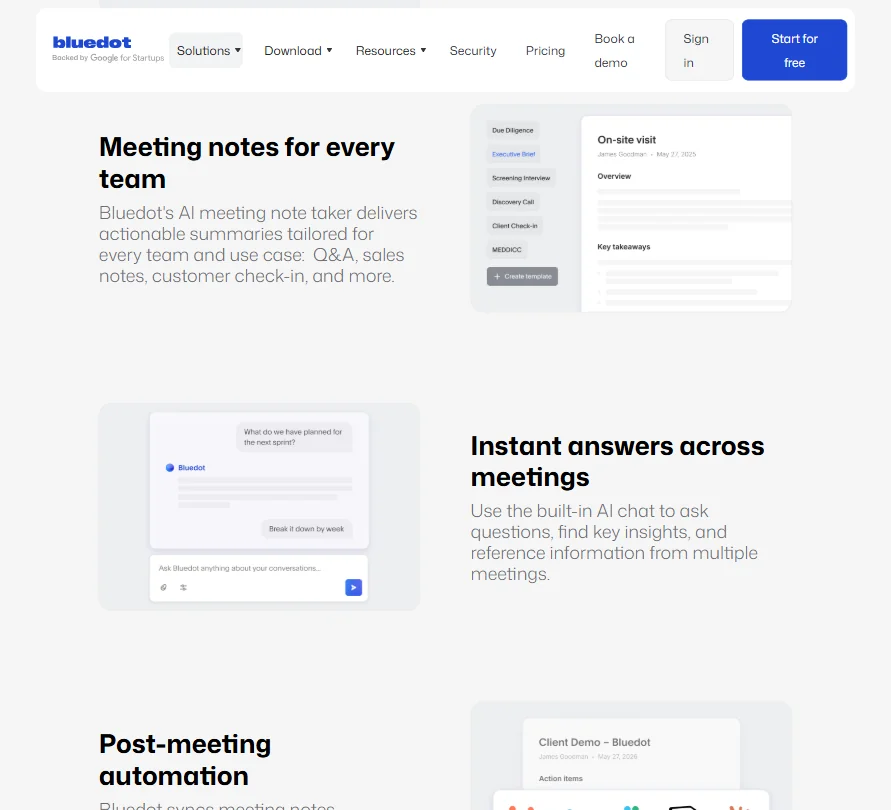
An AI Chat can answer questions about a single recording or about a whole collection of meetings, and it is included on every plan. Short, shareable clips can be pulled from a recording on any plan. Meeting notes can sync to a CRM, with named integrations for HubSpot and Salesforce, and to an applicant tracking system, both from the Business plan.
Working with other people
Bluedot also connects to Notion, Slack, Zapier, Make, Google Calendar and Google Drive. An MCP integration is included from the Basic plan up, with an organization-wide version on Business. Team-level admin controls, plus single sign-on through SAML and SCIM provisioning, are Business-plan features.
Bluedot pricing: what each plan gives
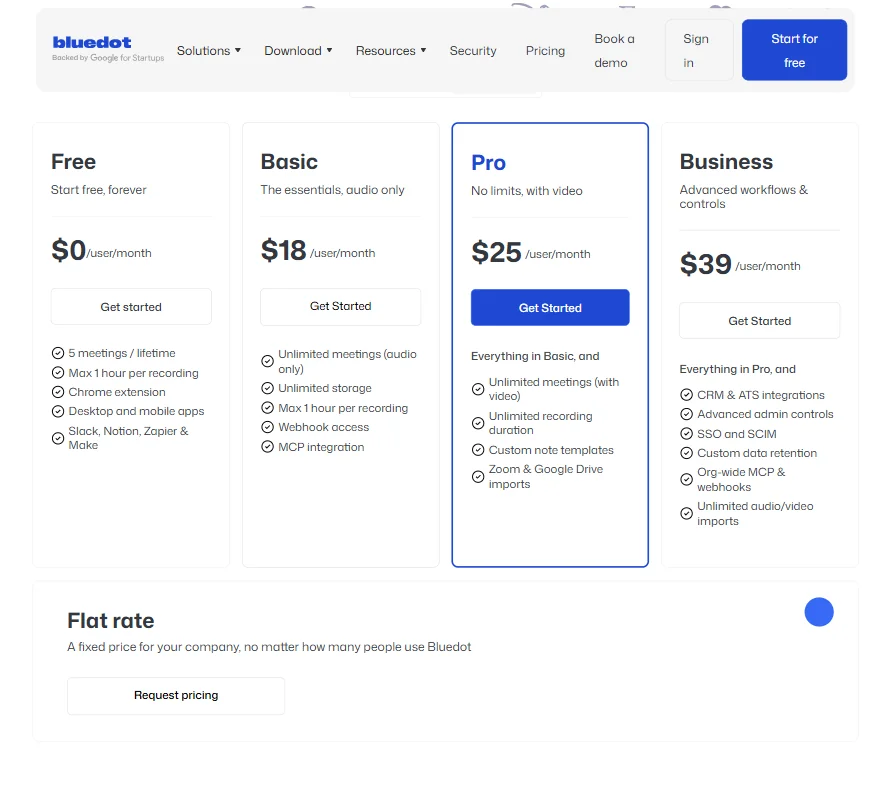
The free plan costs nothing and allows 5 meetings for the life of the account, with the Chrome extension, desktop and mobile apps, and Slack, Notion, Zapier and Make integrations included.
Basic costs $18 a user a month ($14 a user a month billed yearly) and gives unlimited meetings captured as audio only, with unlimited storage and each recording capped at 1 hour. Pro costs $25 a user a month ($20 a user a month billed yearly) and adds unlimited meetings with video and custom note templates. Business costs $39 a user a month ($32 a user a month billed yearly) and adds CRM and applicant-tracking-system sync, SSO and SCIM, and advanced admin controls.
Bluedot only charges for users who actually record a meeting, rather than billing every seat on the account.
Privacy and security
Customer data is never used to train or improve Bluedot's AI models. It is SOC 2 Type II audited, and its controls and data-processing practices are GDPR compliant. Bluedot supports EU data residency and stores data in AWS with encryption in transit and at rest. A recording notification to meeting participants is on by default and can be turned off.
Support runs through a public help center.
Who Bluedot suits
Bluedot suits teams recording a high volume of meetings, in-person or online, across many languages, who want bot-free capture by default and only want to pay for the people who actually record.
It suits less well anyone who needs video from the cheapest paid plan, since Basic is audio only, or anyone who needs CRM or applicant-tracking-system sync without committing to the Business plan. It also suits less well anyone who wants more than a handful of meetings on the free plan, since it allows only 5 for the life of the account.
Screenshots
Frequently Asked Questions
How much does Bluedot cost?
There is a free plan good for 5 meetings for the life of the account. Paid plans start at Basic for $18 a user a month ($14 billed yearly) and rise through Pro to Business at $39 a user a month ($32 billed yearly).
Does Bluedot need a bot to join my meetings?
Not by default. Bluedot records through a Chrome extension, desktop app or mobile app without a bot joining the call, though a bot-join option is also available for meetings where a visible recorder is wanted.
Does Bluedot's free plan include video?
No. Video recording is only available from the Pro plan up; the free plan and Basic, the cheapest paid plan, capture audio only.
Does Bluedot train on my meetings?
No. Customer data is never used to train or improve Bluedot's AI models, and the company supports EU data residency for stored data.











