Every score is worked out from the vendor's own pages · How we score →Disclosure
SAASINSPECTOR
Opera Neon logo

Opera Neon Review

Opera Neon is an AI browser that works across your open tabs, carries out tasks on web pages and writes research reports. It is best at handing off repetitive web work such as filling in forms, and at letting outside AI tools drive a real browser session through MCP.

Visit Opera Neon →From $19.90/mo

Research-based review. Features and prices are checked on the vendor's own website, and the score is worked out from those facts. We haven't tested it hands-on yet.

The verdict

Worth paying for if you want an AI browser agent and a choice of models for one monthly price, but it is an individual plan for Windows and macOS only.

Pros

  • Standard offers a choice of Gemini, Grok, GPT, Claude Opus, Claude Sonnet, Deepseek, GLM-5 and Qwen3 in one subscription.
  • Neon Do opens pages, fills in forms and completes tasks, and you can pause, stop or take over at any time.
  • The browser acts as an MCP server on the free tier too, so tools such as Claude Code and n8n can drive it.
  • Opera does not train models on user data, and its agreements bar OpenAI and Google from doing so.

Cons

  • Neon Do, Deep Research and model choice are on Standard only; the free tier has basic chat.
  • Standard is an individual subscription with no team plan and no single sign-on.
  • It runs only on Windows and macOS for now, with a mobile version still planned.
From $19.90/moFree plan YesFree trial No
7.2/10

Spec Score

Opera Neon against 20 AI assistants
#14
of 20 AI assistants
-0.2
vs the average
84%
from published facts
Ahead of other AI assistants
Privacy and trust+2.0What it can do+1.0
Behind other AI assistants
Where it works-3.3Pricing-1.0
Every criterion
Tap a row for the facts
What it can do9.0
+1.0 vs 8.0 avg36 of 40 points
Deep research reportsyes2.5 / 2.5
Voice conversationnot published, half points1 / 2
Remembers you across chatsyes2 / 2
Projects that keep files and chats togetheryes2 / 2
Makes imagesyes1.5 / 1.5
Why these numbers

Deep research reports: Standard plan.

Remembers you across chats: Memories can be viewed, edited or removed in Settings.

Projects that keep files and chats together: A task is a group of related tabs sharing one context.

Makes images: Standard plan.

Where it works4.0
-3.3 vs 7.3 avg8 of 20 points
Where it runs2 platforms2 / 6
Team workspacenot published, half points2 / 4
Why these numbers

Where it runs: Counted from platforms. A mobile version is planned.

Pricing6.0
-1.0 vs 7.0 avg13.2 of 22 points
Cheapest paid plan, monthly$19.93 / 7
Full use on the cheapest paid planincluded3 / 3
Why these numbers

Cheapest paid plan, monthly: Cheapest paid plan on the monthly term. Read from a US connection. One paid plan, month to month; no yearly price. 'Price includes applicable taxes.'

Full use on the cheapest paid plan: Standard includes the agents, deep research and full model choice.

Privacy and trust8.5
+2.0 vs 6.5 avg15.3 of 18 points
Does not train AI on your datayes4.5 / 4.5
SOC 2no0 / 1.5
GDPRyes1.5 / 1.5
Ways to reach support3 support channels2.5 / 2.5
Why these numbers

Does not train AI on your data: Opera's agreements with OpenAI and Google prohibit them from training on Opera users' data. Neon data on Opera's servers is deleted after 365 days.

SOC 2: The security page covers vulnerability reporting and bug bounties; SOC 2 is not mentioned there or in the privacy statement.

Ways to reach support: Counted from support_channels. Also a support request form, an FAQ, and a Discord community where the team answers.

yesnonot published average for AI assistants
How the Spec Score works

Scored from what Opera Neon publishes on its own site. Not a hands-on test.

Compared with 23 AI assistants. Facts checked 31 Oct 2026.

A fact the vendor does not publish gets half the points, or the typical value for a number, and says so. It never counts as a no. How we score.

Opera Neon is an AI browser for Windows and macOS that chats about your open tabs, carries out tasks on web pages for you and writes research reports. The browser and a basic chat are free, so what decides whether it suits you is whether you want the agents, deep research and model choice that come with the paid Standard plan.
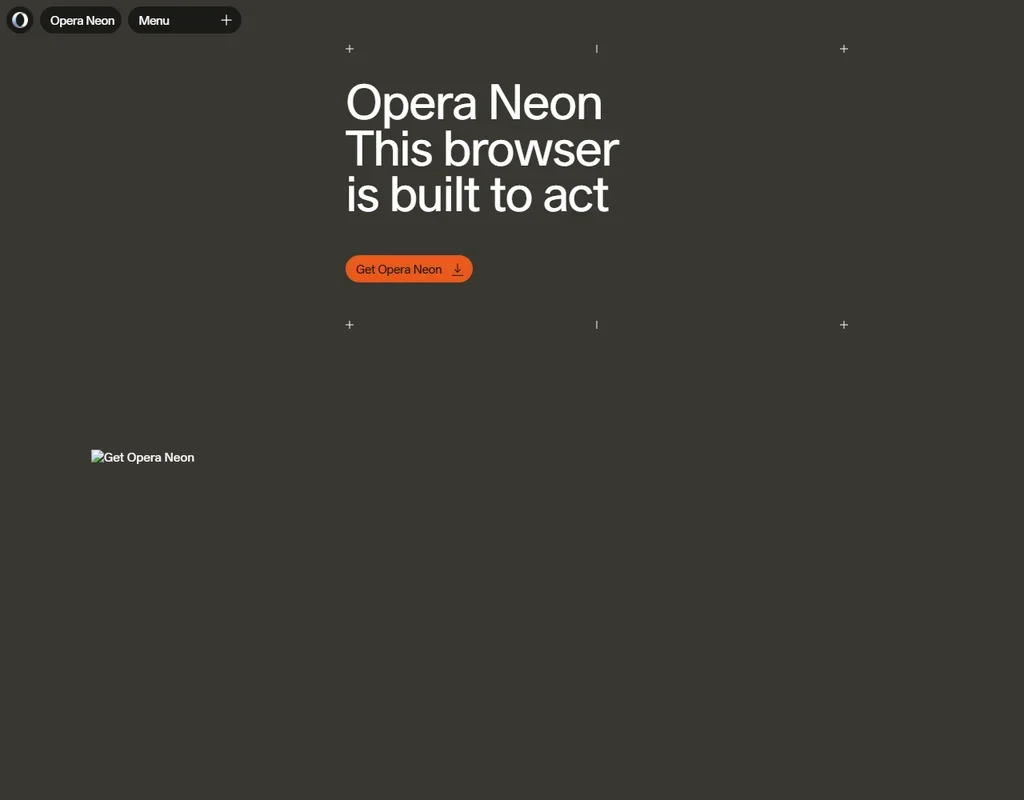
Opera Neon homepage screenshot
Opera Neon, Homepage

What is Opera Neon?

Opera Neon is developed and published by Opera Norway AS, based in Oslo, Norway. It is an installed browser for macOS and Windows, with a mobile version planned, and it needs an Opera account.

The browser comes with an ad blocker and a free VPN. Its AI parts are Neon Chat, the Neon Do agent and a set of research agents, and the browser itself can act as an MCP server for outside AI tools.

What you can do with Opera Neon

Neon Chat reads the pages and documents open in your tabs and works with files you give it. On Standard you can choose the model it uses from Gemini, Grok, GPT, GPT Pro, Claude Opus, Claude Sonnet, Deepseek, GLM-5 and Qwen3, as well as Veo 3.1, Nano Banana 2 and Nano Banana Pro. Opera's AI engine routes each task to a model, and Neon Do picks its model itself.

Research comes in several forms. Local Research uses your browser context, including Google Search results based on your location and preferences, and One-Minute Research gives quick answers. Deep Research, on Standard, produces detailed, structured reports.

Neon Do, on Standard, takes action for you: it opens pages, researches, fills in forms and creates things. It runs locally in your browser and works directly with web pages, using cloud-based models, and you can pause, stop or take over at any time. It can also connect with Google tools through Google Connectors, which the subscription adds.

On Standard, Neon Chat also generates images and video, turns photos into video, and writes and deploys code and web apps. Tasks are self-contained workspaces: a group of related tabs that share one context. Neon can learn and remember your preferences, and you can view, edit or remove those memories in Settings.

Working with other agents

Opera Neon acts as an MCP server, so outside AI tools that support MCP can connect to your live browser session. Claude Code, Lovable and n8n work with it this way, and a Claude or ChatGPT session can use the browser too. Access is read-only by default, and clicks and form filling need your permission. A Browser CLI is also offered. The MCP connector and the CLI are on the free tier as well. There is no public developer API.

Opera Neon pricing: what each plan gives
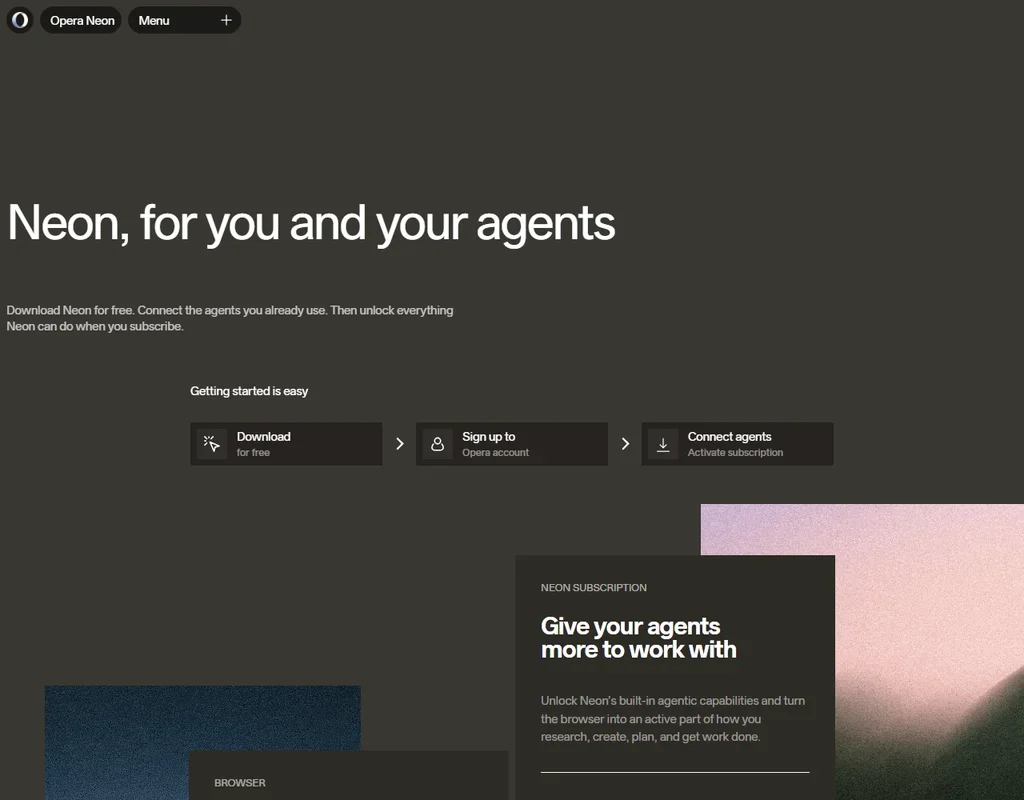
Opera Neon pricing screenshot
Opera Neon, Pricing

The free Start tier gives the Neon browser with its ad blocker and free VPN, basic Neon Chat, the Browser CLI and the MCP Connector. It has no research agents, no Neon Do and no model choice.

Standard is $19.90 a month, billed month to month with taxes included, as an individual subscription tied to your Opera account. There is no yearly price. It adds Neon Do, Deep Research, advanced Neon Chat with full model choice, image and video generation, Google Connectors and higher limits.

Privacy and security

Opera does not train models on user data, and its agreements with OpenAI and Google prohibit them from training on Opera users' data. Neon data on Opera's servers is deleted after 365 days.

Opera uses the GDPR as a guidepost because it applies directly to Opera as a European company. There is no SOC 2 report and no single sign-on; you sign in with an Opera account. Support runs through email, a support request form, an FAQ and a Discord community where the team answers.

Who Opera Neon suits

Opera Neon suits people on Windows or macOS who do a lot of research and repetitive web work and want an AI that reads their tabs, fills in forms and writes reports, with a choice of models from several providers for one monthly price. It also fits developers who want Claude Code, n8n or another MCP tool to drive a real browser session.

It suits less well teams, since Standard is an individual subscription with no business plan or single sign-on. Anyone who wants the agents for free will find only basic chat and the MCP connector on the Start tier.

Frequently Asked Questions

Is Opera Neon free?

The browser, basic Neon Chat, the Browser CLI and the MCP Connector are free on the Start tier. Neon Do, Deep Research and model choice need Standard at $19.90 a month.

Which AI models can I use in Opera Neon?

On Standard, Neon Chat lets you pick from Gemini, Grok, GPT, GPT Pro, Claude Opus, Claude Sonnet, Deepseek, GLM-5 and Qwen3, as well as Veo 3.1, Nano Banana 2 and Nano Banana Pro.

Can other AI tools control Opera Neon?

Yes. Neon acts as an MCP server, so tools such as Claude Code, Lovable and n8n can connect to your browser session. It is read-only by default, and clicks or form filling need your permission.

Does Opera train AI on my browsing?

No. Opera does not train models on user data, and its agreements with OpenAI and Google prohibit them from doing so. Neon data on Opera's servers is deleted after 365 days.

Opera Neon is featured in

Alternatives to Opera Neon

See all Opera Neon alternatives →

Other AI Productivity Tool options we've reviewed.

Glean logo

Glean

Large companies that want AI search and agents across their own apps, bought through a sales team

Unranked: no like-for-like peers
Free plan: noFree trial: yesAPI: yes
Price not publishedNo free plan
→
Asana logo

Asana

Teams that plan across many projects with goals, portfolios, timelines and intake forms

7.2
Rank #7 of 9 AI work management tools
Best:Privacy and trust8
Weakest:Working with others7
Free plan: yesFree trial: noAPI: yes
From $13.49Free plan
73% from published facts · checked 26 Sep
→
ChatGPT logo

ChatGPT

People who want images, voice, memory and deep research in one assistant, starting on a free plan

8.8
Rank #1 of 20 AI assistants
Best:What it can do10
Weakest:Privacy and trust6.2
Free plan: yesFree trial: noAPI: yes
From $8Free plan
100% from published facts · checked 16 Oct
→
Jamie logo

Jamie

Professionals who want private meeting notes with no recording kept, and storage and processing in Europe

6.8
Rank #15 of 20 AI meeting assistants
Best:Where it works10
Weakest:What it captures4.5
Keeps the meeting video: no
From $27 (€25)Free plan
87% from published facts · checked 21 Sep
→
Read AI logo

Read AI

Anyone who wants a personal meeting coach on the free plan, plus in-person meetings captured through the phone app

8.2
Rank #6 of 20 AI meeting assistants
Best:Where it works10
Weakest:Privacy and trust7.5
Keeps the meeting video: yes
From $19.75Free plan
98% from published facts · checked 21 Sep
→
monday logo

monday

Teams who want board-based projects with AI meeting notes and answers about their whole workspace built in

8.1
Rank #4 of 9 AI work management tools
Best:Privacy and trust10
Weakest:Working with others4
Free plan: yesFree trial: noAPI: yes
From $12Free plan
96% from published facts · checked 22 Sep
→

User reviews

Review Opera Neon

Your rating

Reviews are moderated and appear once approved.