Game, 3D printing and XR creators who want fast textured models.
Best of · 51 tools ranked
Best AI Design Tools Under $30/mo
Find the best AI design tools under $30 a month and the plan shape matters as much as the price: a per-seat editor, a per-site host, a credit pool or a one-time logo package. This page covers each kind. Read what the entry plan adds over a free tier, then what pushes you to the next one.
Updated 14 October 2026Ranked by our score, worked out from each vendor’s own pages.How we score →All AI Design Tool →
Our top 3 AI Design Tools Under $30/mo
Premium is the single paid step. It adds a larger pool of generative credits, capped per user each month, and a brand kit, and it plugs into Photoshop, Illustrator, InDesign, Acrobat and Lightroom.
Plus is the plan to buy if the deck goes to someone else: it removes Gamma branding, lifts you to 1,000 monthly credits and 20 cards per prompt, and is priced per seat.
Best AI 3D model generators under $30
5 picks#ToolScoreEntry plan includesStarts at
Pro: 1,000 credits a month (up to 100 assets). Yearly billed $192. New users get 50% off the first month.
✓ Free plan tooFrom $20Show detailsHide details01 Meshy#1 of 6 AI 3D model generators9.2Score 9.2 out of 10Pro: 1,000 credits a month (up to 100 assets). Yearly billed $192. New users get 50% off the first month.✓ Free plan too$20Visit site ↗ReviewDetailsCloseShow more about Meshy
Pro: 1,000 credits a month (up to 100 assets). Yearly billed $192. New users get 50% off the first month.
✓ Free plan tooFrom $20
Show detailsHide detailsMeshy#1 of 6 AI 3D model generators
9.2Score 9.2 out of 10Pro: 1,000 credits a month (up to 100 assets). Yearly billed $192. New users get 50% off the first month.✓ Free plan too$20Visit site ↗ReviewDetailsClose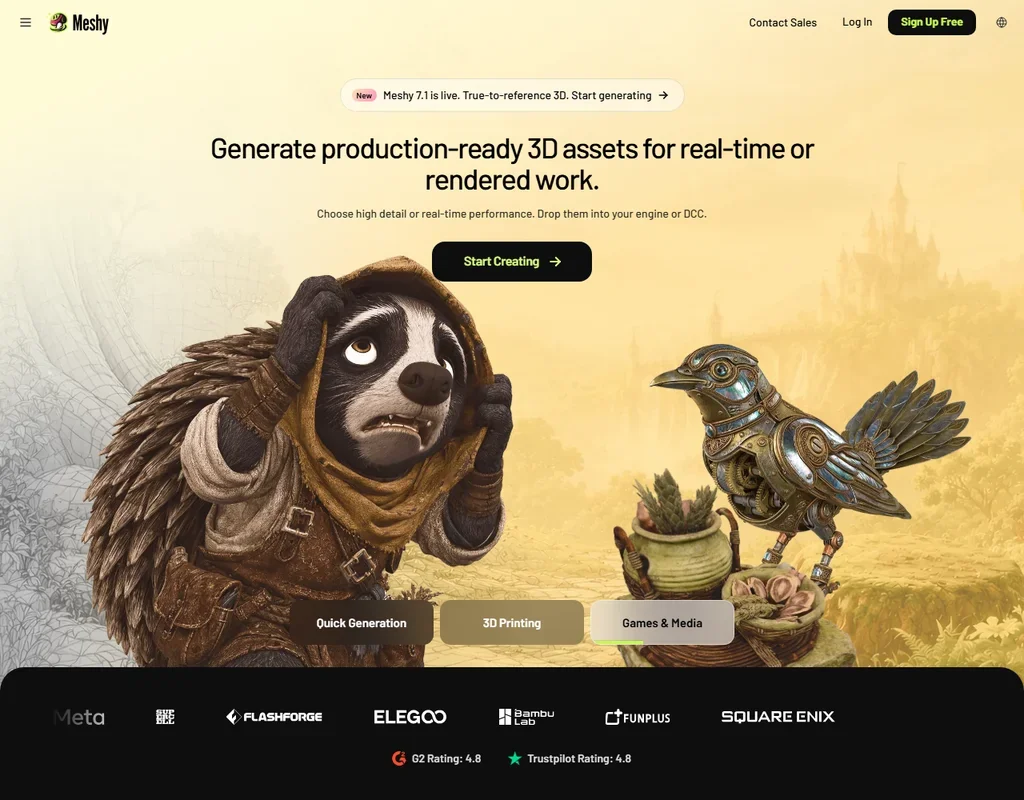
- Text, single-image and multi-view image to 3D are all available.
- Auto rigging and a library of more than 600 animations are built in.
- Non-Enterprise inputs and outputs can be used for training unless you opt out by email.
Pro: 3,000 credits a month, about 200 models. Yearly billed $240.
✓ Free plan tooFrom $20Show detailsHide details02 Tripo AI#2 of 6 AI 3D model generators8.5Score 8.5 out of 10Pro: 3,000 credits a month, about 200 models. Yearly billed $240.✓ Free plan too$20Visit site ↗ReviewDetailsCloseShow more about Tripo AI
Pro: 3,000 credits a month, about 200 models. Yearly billed $240.
✓ Free plan tooFrom $20
Show detailsHide detailsTripo AI#2 of 6 AI 3D model generators
8.5Score 8.5 out of 10Pro: 3,000 credits a month, about 200 models. Yearly billed $240.✓ Free plan too$20Visit site ↗ReviewDetailsClose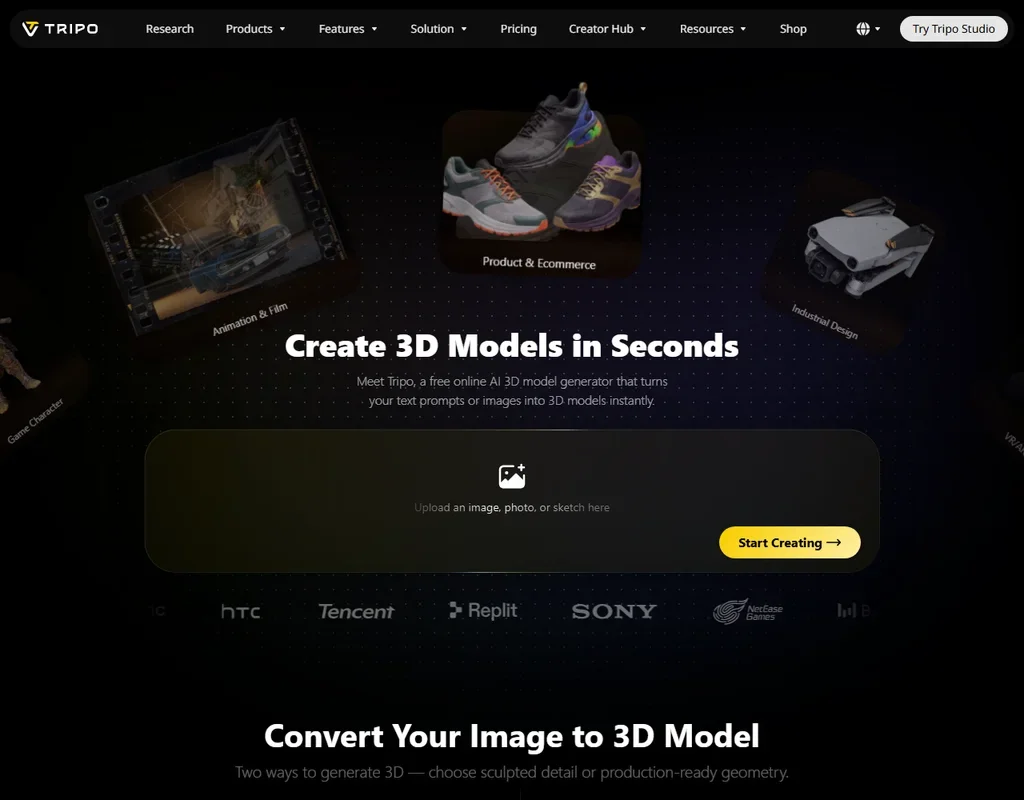
- Quad retopology rebuilds a mesh to a polygon count you set.
- Paid plans keep inputs and outputs out of training data.
- Free plan models are public and for non-commercial use only.
Sloyd Plus: Unlimited standard generations plus 50 credits a month for premium features. Yearly billed $150.
✓ Free plan tooFrom $15Show detailsHide details03 Sloyd#3 of 6 AI 3D model generators8.0Score 8.0 out of 10Sloyd Plus: Unlimited standard generations plus 50 credits a month for premium features. Yearly billed $150.✓ Free plan too$15Visit site ↗ReviewDetailsCloseShow more about Sloyd
Sloyd Plus: Unlimited standard generations plus 50 credits a month for premium features. Yearly billed $150.
✓ Free plan tooFrom $15
Show detailsHide detailsSloyd#3 of 6 AI 3D model generators
8.0Score 8.0 out of 10Sloyd Plus: Unlimited standard generations plus 50 credits a month for premium features. Yearly billed $150.✓ Free plan too$15Visit site ↗ReviewDetailsClose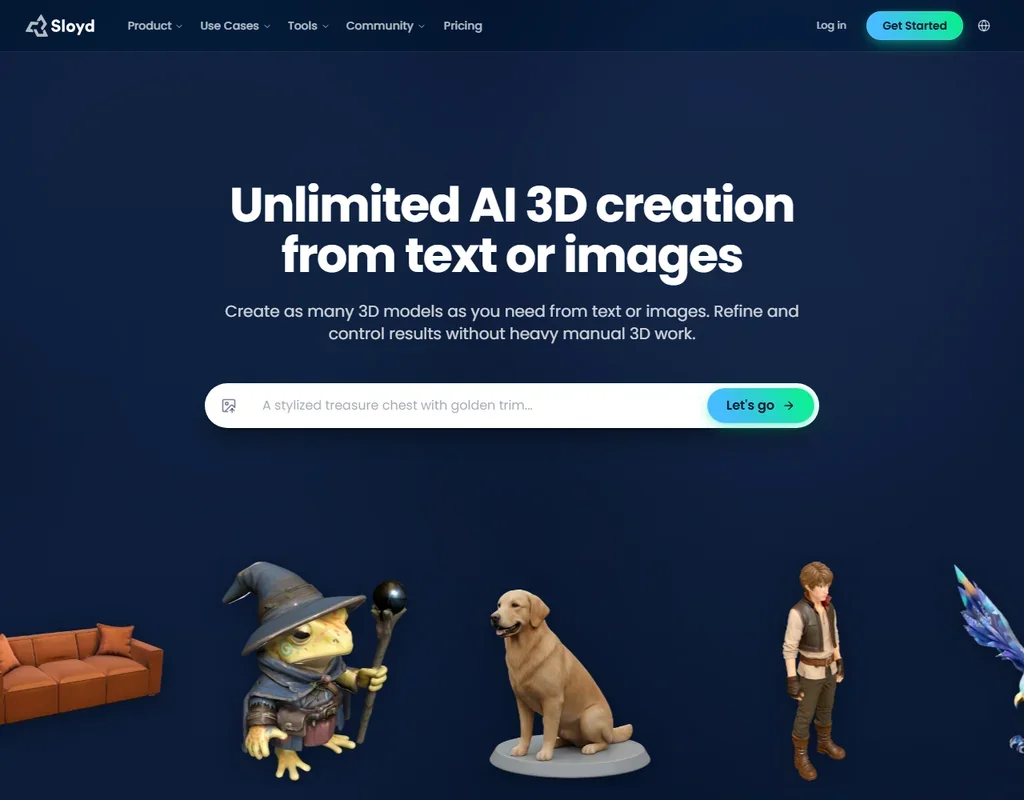
- Standard text and image to 3D generations are unlimited on Plus and Pro.
- You control the polygon count and choose quad or triangle topology.
- The free Guest plan is for personal use only, with one AI generation a day.
Creator: About 60 models a month at the base tier; higher tiers at $60, $120, $180 and $240 a month. Yearly billed $288.
✓ Free plan tooFrom $30Show detailsHide details04 Rodin#5 of 6 AI 3D model generators6.2Score 6.2 out of 10Creator: About 60 models a month at the base tier; higher tiers at $60, $120, $180 and $240 a month. Yearly billed $288.✓ Free plan too$30Visit site ↗ReviewDetailsCloseShow more about Rodin
Creator: About 60 models a month at the base tier; higher tiers at $60, $120, $180 and $240 a month. Yearly billed $288.
✓ Free plan tooFrom $30
Show detailsHide detailsRodin#5 of 6 AI 3D model generators
6.2Score 6.2 out of 10Creator: About 60 models a month at the base tier; higher tiers at $60, $120, $180 and $240 a month. Yearly billed $288.✓ Free plan too$30Visit site ↗ReviewDetailsClose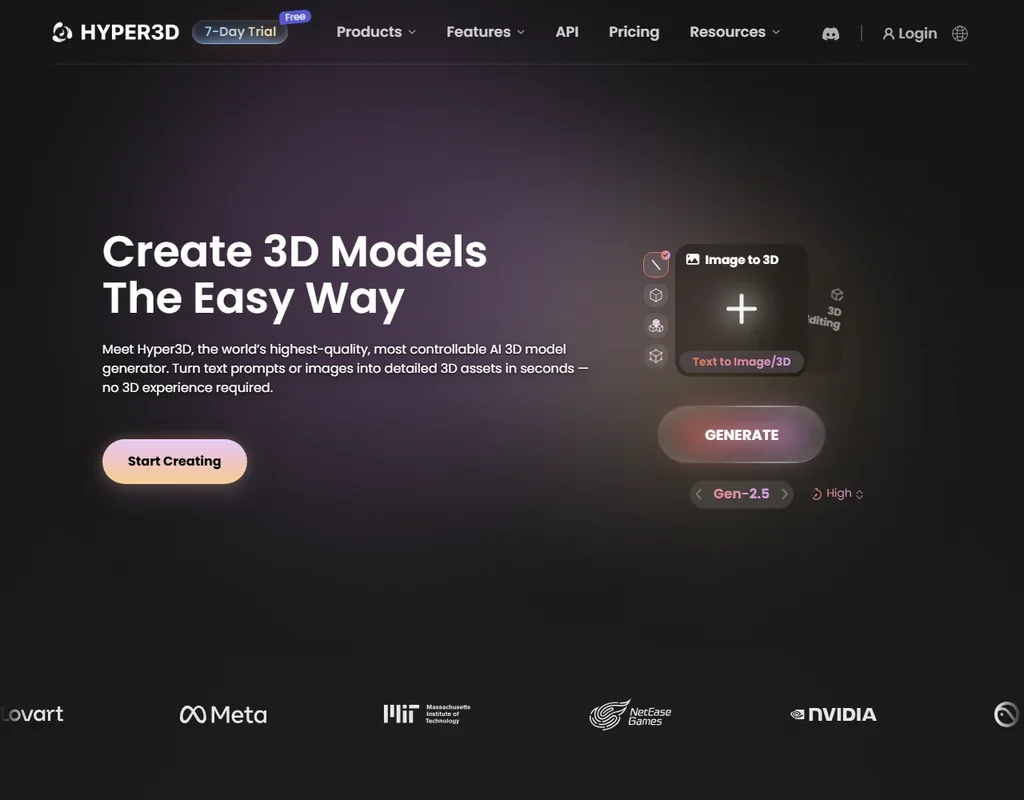
- Every model includes PBR textures: albedo, roughness and metalness maps.
- Polygon counts are selectable up to 10 million, with optional LOD generation.
- Rodin does not rig or animate models.
Hobby: Per seat. 2,000 AI credits a seat each month.
✓ Free plan tooFrom $15Show detailsHide details05 Spline#5 of 6 AI 3D model generators6.2Score 6.2 out of 10Hobby: Per seat. 2,000 AI credits a seat each month.✓ Free plan too$15Visit site ↗ReviewDetailsCloseShow more about Spline
Hobby: Per seat. 2,000 AI credits a seat each month.
✓ Free plan tooFrom $15
Show detailsHide detailsSpline#5 of 6 AI 3D model generators
6.2Score 6.2 out of 10Hobby: Per seat. 2,000 AI credits a seat each month.✓ Free plan too$15Visit site ↗ReviewDetailsClose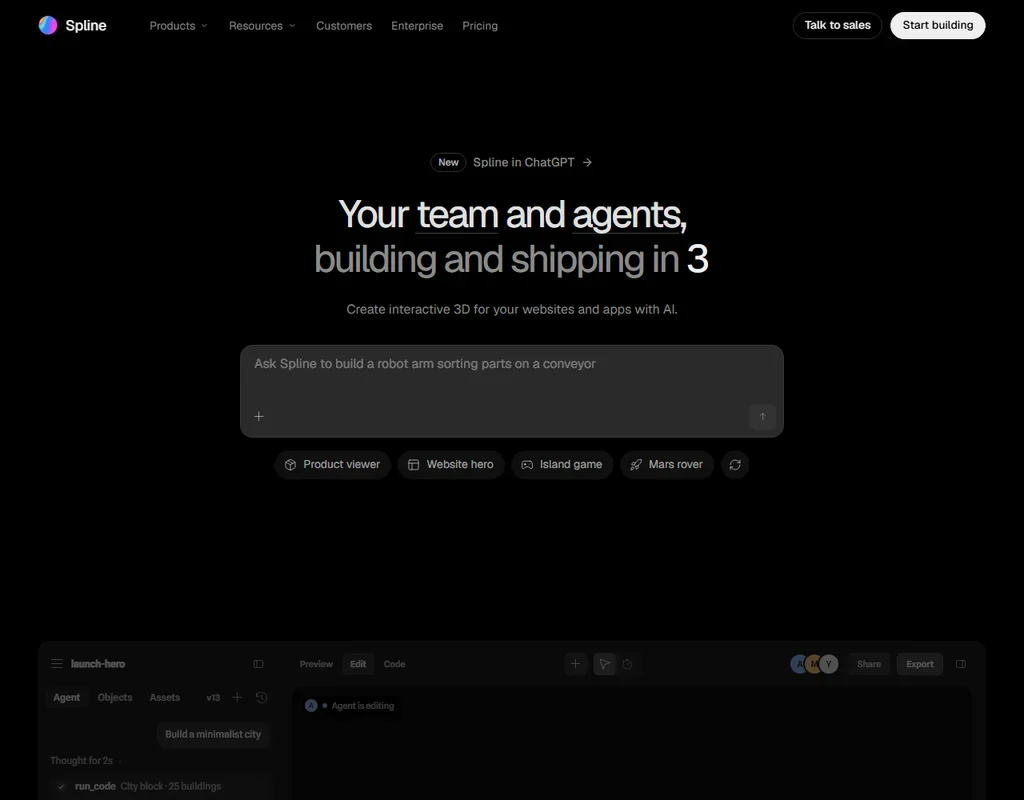
- Scenes export to the web and natively to iOS and Android.
- AI textures include base colour, metallic-roughness and normal maps.
- The free plan includes no AI credits, so it cannot generate AI 3D models.
Best AI graphic design tools under $30
6 picksGraphic design plans at this price raise the AI allowance rather than open the editor. Canva Pro brings ten times the free AI and five Brand Kits, Adobe Express Premium adds credits and a brand kit, and Kittl Pro opens commercial use for vector artwork. Picsart sells credits for photo and video, while DesignsAI is paid from the first day.
#ToolScoreEntry plan includesStarts at
Premium
✓ Free plan tooFrom $9.99Show detailsHide details06 Adobe Express: Best for social posts with a brand kit8.6Score 8.6 out of 10Premium✓ Free plan too$9.99Visit site ↗ReviewDetailsCloseShow more about Adobe Express
Premium
✓ Free plan tooFrom $9.99
Show detailsHide detailsAdobe Express: Best for social posts with a brand kit
8.6Score 8.6 out of 10Premium✓ Free plan too$9.99Visit site ↗ReviewDetailsClose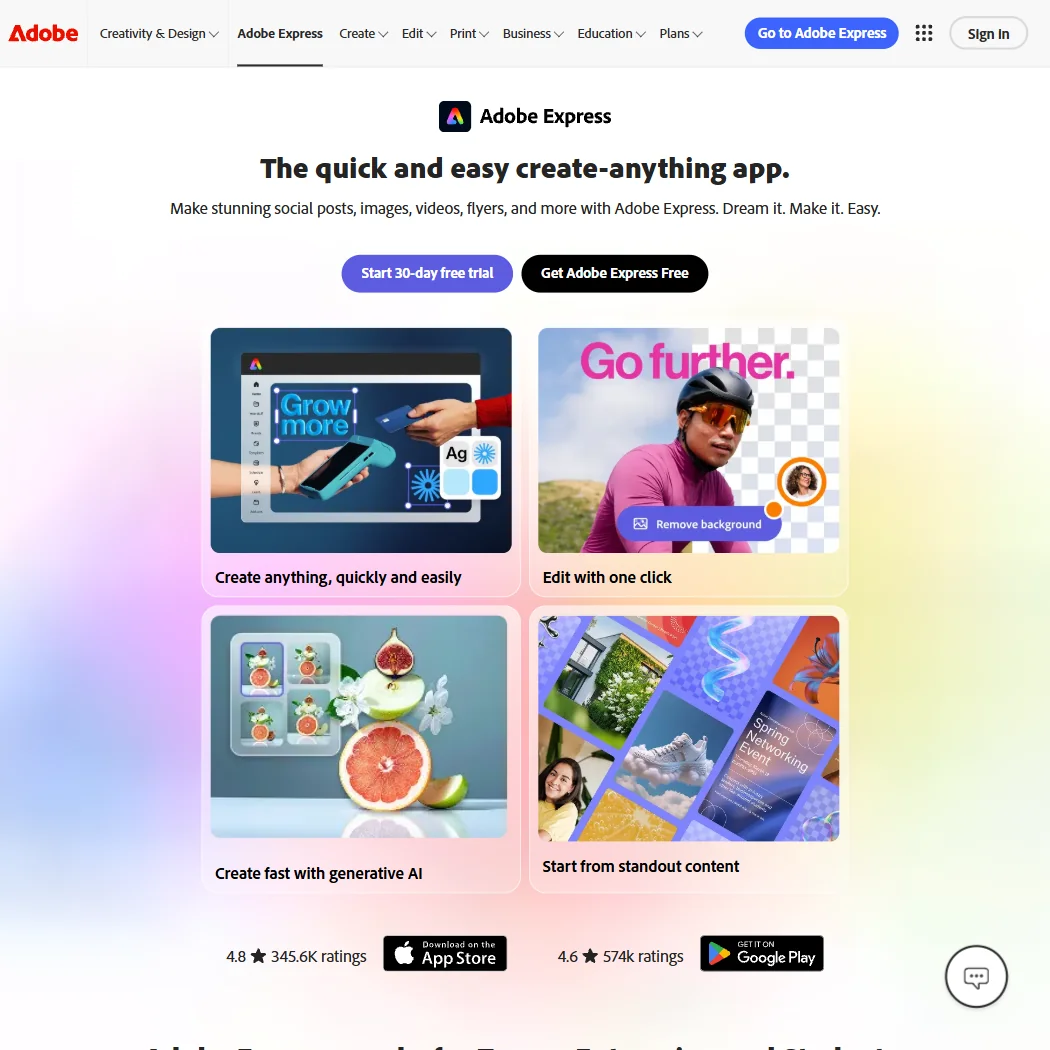
Premium is the single paid step. It adds a larger pool of generative credits, capped per user each month, and a brand kit, and it plugs into Photoshop, Illustrator, InDesign, Acrobat and Lightroom. A 30 day trial is available. When the credit cap runs out, or you need node level vector editing, which it lacks, look at Canva or Figma. Choose it if posts and short videos are your daily work.
- The free plan alone includes more than 100,000 templates, over a million Adobe Stock photos, videos and music tracks, and more than 4,000 fonts, at no cost.
- Real-time co-editing and commenting let more than one person work on the same project together.
- Generative AI on the paid Premium plan is capped at 250 credits a month per user.
Pro: 2,000 AI Tokens/month; up to 1,000 Premium Images, 65 Premium Videos; Unlimited Projects
✓ Free plan tooFrom $15Show detailsHide details07 Kittl: Best for commercial print and merch artwork8.1Score 8.1 out of 10Pro: 2,000 AI Tokens/month; up to 1,000 Premium Images, 65 Premium Videos; Unlimited Projects✓ Free plan too$15Visit site ↗ReviewDetailsCloseShow more about Kittl
Pro: 2,000 AI Tokens/month; up to 1,000 Premium Images, 65 Premium Videos; Unlimited Projects
✓ Free plan tooFrom $15
Show detailsHide detailsKittl: Best for commercial print and merch artwork
8.1Score 8.1 out of 10Pro: 2,000 AI Tokens/month; up to 1,000 Premium Images, 65 Premium Videos; Unlimited Projects✓ Free plan too$15Visit site ↗ReviewDetailsClose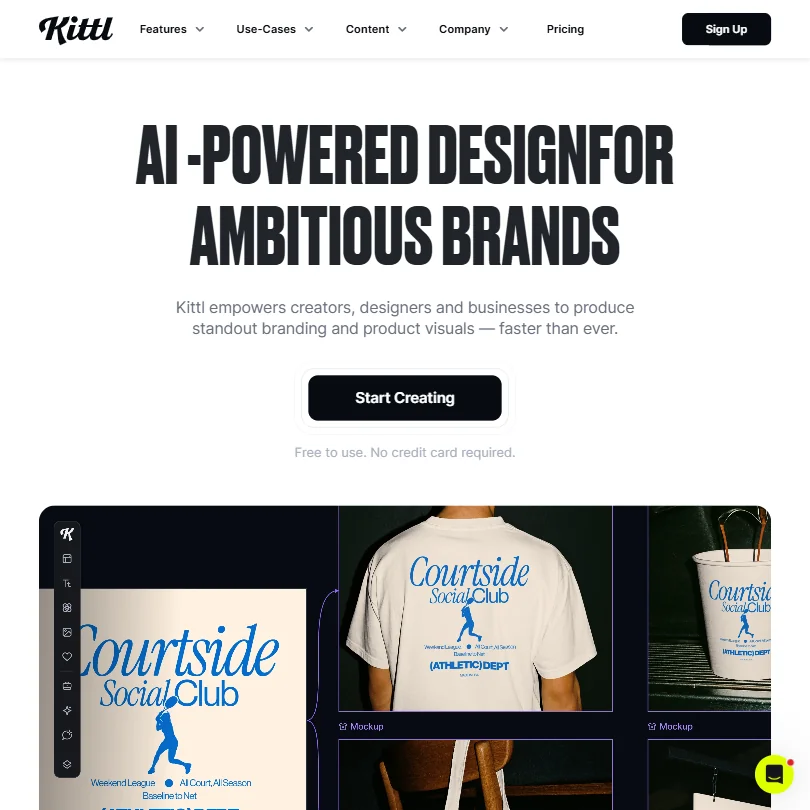
Pro is the plan that makes Kittl commercial. It adds 2,000 AI tokens a month, premium image and video generation within set counts and unlimited projects, and commercial use starts here. Expert multiplies the tokens six times for heavy generation. It remains browser only. Print and merch sellers get the most from Pro, while someone needing a one-off logo is better served by a Turbologo package.
- Kittl's free plan is free forever, with no time limit or expiry, rather than a timed trial.
- The free plan includes 100 AI tokens, enough for up to 100 images, plus five active projects and 500MB of storage.
- Kittl runs in the browser only, with no desktop app for Windows or Mac.
Canva Pro: 30-day free trial; 5 Brand Kits, 100GB storage, 10x more AI than Free
✓ Free plan tooFrom $18Show detailsHide details08 Canva: Best for everyday branded content for small teams7.8Score 7.8 out of 10Canva Pro: 30-day free trial; 5 Brand Kits, 100GB storage, 10x more AI than Free✓ Free plan too$18Visit site ↗ReviewDetailsCloseShow more about Canva
Canva Pro: 30-day free trial; 5 Brand Kits, 100GB storage, 10x more AI than Free
✓ Free plan tooFrom $18
Show detailsHide detailsCanva: Best for everyday branded content for small teams
7.8Score 7.8 out of 10Canva Pro: 30-day free trial; 5 Brand Kits, 100GB storage, 10x more AI than Free✓ Free plan too$18Visit site ↗ReviewDetailsClose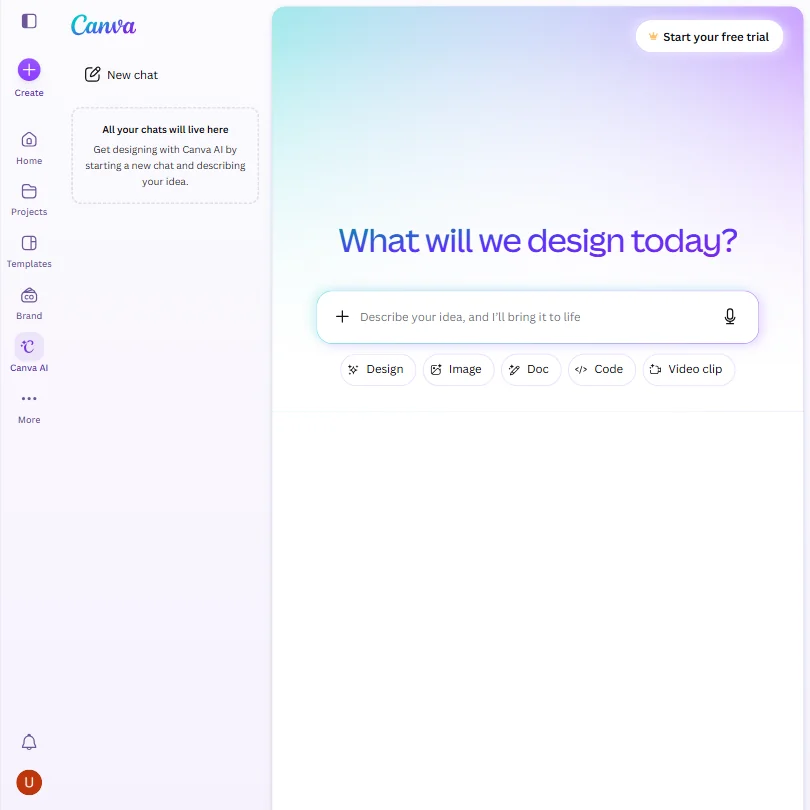
Both paid plans fit under this budget and are priced per person. Pro gives five Brand Kits, 100GB of storage and about ten times the free AI use, with a 30 day trial, while Business moves to 100 Brand Kits, 500GB, twenty times the AI, an approvals step and 50 ad accounts. Extra seats cost the full plan price again, which is the real cost for teams. A solo creator rarely needs Business.
- The free plan includes over 1,000 design types, more than 1.6 million templates, more than 4.7 million stock photos, videos, graphics and audio clips, and 5GB of storage at no cost.
- Magic Design turns a written prompt into a finished design, extending the same approach to presentations and video.
- The AI Image Generator's Vector style produces a raster image with a vector look, not an editable vector or SVG file.
Pro: 500 credits a month
✓ Free plan tooFrom $10.50Show detailsHide details09 Picsart: Best for creators generating images and video on credits7.3Score 7.3 out of 10Pro: 500 credits a month✓ Free plan too$10.50Visit site ↗ReviewDetailsCloseShow more about Picsart
Pro: 500 credits a month
✓ Free plan tooFrom $10.50
Show detailsHide detailsPicsart: Best for creators generating images and video on credits
7.3Score 7.3 out of 10Pro: 500 credits a month✓ Free plan too$10.50Visit site ↗ReviewDetailsClose
Pro hands you 500 credits a month, enough for about 100 Nano Banana Pro generations or 55 Kling 3.0 videos, drawn from more than 140 models across image, video and audio. Ultra sits well above this budget. Credits, not features, are what you are buying, so match the plan to how often you generate video. Exports stay PNG and PDF, with no vector. Adobe Express fits template led work better.
- Picsart names more than 140 AI models available inside the app, including Kling 3.0, Nano Banana Pro, Veo 3.1 and Sora 2 Pro.
- AI-generated output from Picsart is available for commercial use.
- Real-time collaboration is listed as coming soon rather than available now.
Pro
✓ Free plan tooFrom $15Show detailsHide details10 Playground#6 of 8 AI graphic design tools4.9Score 4.9 out of 10Pro✓ Free plan too$15Visit site ↗ReviewDetailsCloseShow more about Playground
Pro
✓ Free plan tooFrom $15
Show detailsHide detailsPlayground#6 of 8 AI graphic design tools
4.9Score 4.9 out of 10Pro✓ Free plan too$15Visit site ↗ReviewDetailsClose
- Commercial use is included on every plan, the free plan too.
- Etsy, Printify, Printful and RankHero connect through MCP inside Claude or ChatGPT.
- The terms give Playground a perpetual license to your inputs and outputs, including to improve its models, with no opt-out.
Plus: 2,500 credits/month, 2 user accounts, standard license, indemnity up to $5,000 $24.92/mo, save $169.00/yr.
From $9.90Show detailsHide details11 DesignsAI: Best for small agencies automating branded content3.6Score 3.6 out of 10Plus: 2,500 credits/month, 2 user accounts, standard license, indemnity up to $5,000 $24.92/mo, save $169.00/yr.$9.90Visit site ↗ReviewDetailsCloseShow more about DesignsAI
Plus: 2,500 credits/month, 2 user accounts, standard license, indemnity up to $5,000 $24.92/mo, save $169.00/yr.
From $9.90
Show detailsHide detailsDesignsAI: Best for small agencies automating branded content
3.6Score 3.6 out of 10Plus: 2,500 credits/month, 2 user accounts, standard license, indemnity up to $5,000 $24.92/mo, save $169.00/yr.$9.90Visit site ↗ReviewDetailsClose
Go is the entry plan, with a monthly allowance of 500 credits and commercial use. Plus costs several times as much, so that jump lands above this budget, though it adds two user accounts, 2,500 credits and indemnity up to a stated amount. There is no free plan, no trial and no mobile app, and support is by contact form and WhatsApp. Choose it if automating branded output across connected apps is the point.
- DesignsAI's AI Agent routes each task across Claude, ChatGPT, Gemini and Grok rather than committing to a single model.
- Branding, Image, Video, Storyboard, Slides and Audio generators all work from one brief.
- There is no free plan; every tier is paid from the start.
Best AI presentation makers under $30
4 picksA paid AI presentation maker prices by credits, and credits turn into slides. Gamma Plus gives 1,000 a month with 20 cards per prompt and drops its branding. Decktopus counts about 150 slides from 750 credits, with no free plan. Visme Starter suits solo infographics but is personal use only. Pick Gamma for speed, Visme for charts.
#ToolScoreEntry plan includesStarts at
Plus: 1,000 monthly credits, up to 20 cards per prompt, Remove Gamma branding $108/seat, billed annually.
✓ Free plan tooFrom $12Show detailsHide details12 Gamma: Best for shareable decks without Gamma branding8.6Score 8.6 out of 10Plus: 1,000 monthly credits, up to 20 cards per prompt, Remove Gamma branding $108/seat, billed annually.✓ Free plan too$12Visit site ↗ReviewDetailsCloseShow more about Gamma
Plus: 1,000 monthly credits, up to 20 cards per prompt, Remove Gamma branding $108/seat, billed annually.
✓ Free plan tooFrom $12
Show detailsHide detailsGamma: Best for shareable decks without Gamma branding
8.6Score 8.6 out of 10Plus: 1,000 monthly credits, up to 20 cards per prompt, Remove Gamma branding $108/seat, billed annually.✓ Free plan too$12Visit site ↗ReviewDetailsClose
Plus is the plan to buy if the deck goes to someone else: it removes Gamma branding, lifts you to 1,000 monthly credits and 20 cards per prompt, and is priced per seat. Pro quadruples the credit pool and adds premium image models and API access, which is where heavy users land. If branding on a shared link does not bother you, free credits go further first. Visme suits chart heavy reports better.
- Turns a written prompt, an outline or an uploaded Word document, PDF or Google Doc into a structured deck automatically.
- Imports existing PDF and PPTX files and exports finished decks to PDF, PPTX, PNG or Google Slides.
- Free plan output carries Gamma's own branding, which is only removed starting on the Plus plan.
Plus: One member
✓ Free plan tooFrom $15Show detailsHide details13 Pitch#2 of 5 AI presentation makers8.2Score 8.2 out of 10Plus: One member✓ Free plan too$15Visit site ↗ReviewDetailsCloseShow more about Pitch
Plus: One member
✓ Free plan tooFrom $15
Show detailsHide detailsPitch#2 of 5 AI presentation makers
8.2Score 8.2 out of 10Plus: One member✓ Free plan too$15Visit site ↗ReviewDetailsClose
- Pitch Agent builds a full deck from a prompt and attached files and keeps it consistent with your brand.
- The Free plan allows unlimited presentations with up to 5 members.
- The Free plan's 100 AI credits do not renew once used.
Starter: Perfect for solo creators who want premium visuals $12.25/mo.
✓ Free plan tooFrom $29Show detailsHide details14 Visme: Best for personal projects with polished infographics6.9Score 6.9 out of 10Starter: Perfect for solo creators who want premium visuals $12.25/mo.✓ Free plan too$29Visit site ↗ReviewDetailsCloseShow more about Visme
Starter: Perfect for solo creators who want premium visuals $12.25/mo.
✓ Free plan tooFrom $29
Show detailsHide detailsVisme: Best for personal projects with polished infographics
6.9Score 6.9 out of 10Starter: Perfect for solo creators who want premium visuals $12.25/mo.✓ Free plan too$29Visit site ↗ReviewDetailsClose
Starter is the plan that fits this budget, but it is licensed for personal use only, and commercial use begins at Pro, which sits above it. That makes Visme a fit for personal projects and learning, not client work, unless you stretch further. It exports to almost any format and has no public API. Gamma is the better buy if you want shared decks with the branding removed.
- Generates a full presentation from a written prompt, choosing a style and filling in text, images and icons.
- Builds a deck from an uploaded document or a pasted URL as well as from a prompt.
- Commercial use of what you create is limited to the Pro plan and above; Basic and Starter are for personal use only.
Pro (Monthly): 750 AI credits/month (~150 slides), presentations & carousels, PDF/PPT/PNG export
From $24.99Show detailsHide details15 Decktopus AI: Best for slide-heavy presenters on a monthly plan4.1Score 4.1 out of 10Pro (Monthly): 750 AI credits/month (~150 slides), presentations & carousels, PDF/PPT/PNG export$24.99Visit site ↗ReviewDetailsCloseShow more about Decktopus AI
Pro (Monthly): 750 AI credits/month (~150 slides), presentations & carousels, PDF/PPT/PNG export
From $24.99
Show detailsHide detailsDecktopus AI: Best for slide-heavy presenters on a monthly plan
4.1Score 4.1 out of 10Pro (Monthly): 750 AI credits/month (~150 slides), presentations & carousels, PDF/PPT/PNG export$24.99Visit site ↗ReviewDetailsClose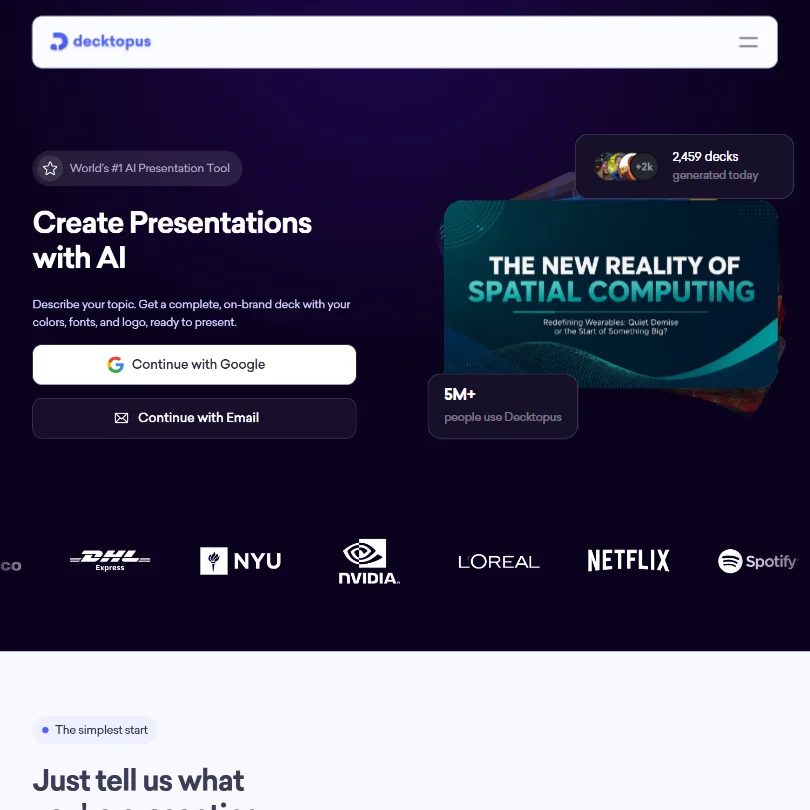
Signup credit covers about three slides and nothing more is free, so Pro is the first step. It gives 750 credits a month, around 150 slides, presentations and carousels, and PDF, PPT and PNG export, with the monthly rate falling sharply on a three month or annual commitment. There is no real-time co-editing. Compare it with Gamma if you build many decks.
- Generates a complete, branded deck directly from a short topic prompt.
- Can build a deck from an uploaded file or redesign an existing PowerPoint or PDF while keeping its content and changing its look.
- Offers no free plan, only a one-time signup credit grant good for about 3 slides.
Best AI UI design tools under $30
8 picksEvery AI UI design tool here bills a seat, a credit pot or a run count. Figma Professional and Penpot Unlimited charge per person, UXPin, Visily and Uizard meter credits or generations, and Sketch is a Mac app whose AI comes from an outside client. Choose Figma for teams, Penpot for a low per-editor fee, Visily to start from a screenshot.
#ToolScoreEntry plan includesStarts at
Core: Unlimited prototypes, 200 AI credits/mo, built-in coded libraries, 7-day version history
✓ Free plan tooFrom $29Show detailsHide details16 UXPin: Best for teams prototyping with coded components8.5Score 8.5 out of 10Core: Unlimited prototypes, 200 AI credits/mo, built-in coded libraries, 7-day version history✓ Free plan too$29Visit site ↗ReviewDetailsCloseShow more about UXPin
Core: Unlimited prototypes, 200 AI credits/mo, built-in coded libraries, 7-day version history
✓ Free plan tooFrom $29
Show detailsHide detailsUXPin: Best for teams prototyping with coded components
8.5Score 8.5 out of 10Core: Unlimited prototypes, 200 AI credits/mo, built-in coded libraries, 7-day version history✓ Free plan too$29Visit site ↗ReviewDetailsClose
Core is for teams who prototype with real coded components: unlimited prototypes, 200 AI credits a month, built-in coded libraries, seven days of version history and dev handoff. Growth brings 500 credits, design systems, Storybook and SSO, so teams with a system to maintain end up there. The annual rate is well below the monthly one. Figma stays easier for purely visual work with no React in the loop.
- Merge lets you design with real React, MUI, Bootstrap, Ant Design or Shadcn/ui components instead of static shapes.
- Forge can turn a text prompt, or a screenshot, wireframe or sketch, into a UI built from your own component library.
- The free plan is limited to two prototypes and the single GPT 5-mini model.
Professional (Full seat): Unlimited files & projects, team libraries, advanced prototyping, 3,000 AI credits/mo
✓ Free plan tooPricing N/AShow detailsHide details17 Figma: Best for teams sharing design libraries and prototypes8.1Score 8.1 out of 10Professional (Full seat): Unlimited files & projects, team libraries, advanced prototyping, 3,000 AI credits/mo✓ Free plan tooPricing N/AVisit site ↗ReviewDetailsCloseShow more about Figma
Professional (Full seat): Unlimited files & projects, team libraries, advanced prototyping, 3,000 AI credits/mo
✓ Free plan tooPricing N/A
Show detailsHide detailsFigma: Best for teams sharing design libraries and prototypes
8.1Score 8.1 out of 10Professional (Full seat): Unlimited files & projects, team libraries, advanced prototyping, 3,000 AI credits/mo✓ Free plan tooPricing N/AVisit site ↗ReviewDetailsClose
A full Professional seat brings unlimited files and projects, team libraries, advanced prototyping and 3,000 AI credits a month, while cheaper Dev and Collab seats give lighter roles 500 credits each. Organization plans are billed yearly with no monthly price published. Buy a full seat when sharing libraries across a team matters, because the free Starter plan covers solo learning. Penpot costs less per editor.
- Figma Make turns a written prompt into a working, code-backed app or web screen.
- Multiplayer editing lets several people work in the same file at the same time.
- Figma does not state that it turns a screenshot or a URL into an editable design.
Pro: Up to 5 users, 500 monthly Agent Credits, pay-as-you-go credits, 30-day activity history, MCP servers, standard support
✓ Free plan tooFrom $24Show detailsHide details18 Builder.io: Best for small teams building pages with coding agents8.0Score 8.0 out of 10Pro: Up to 5 users, 500 monthly Agent Credits, pay-as-you-go credits, 30-day activity history, MCP servers, standard support✓ Free plan too$24Visit site ↗ReviewDetailsCloseShow more about Builder.io
Pro: Up to 5 users, 500 monthly Agent Credits, pay-as-you-go credits, 30-day activity history, MCP servers, standard support
✓ Free plan tooFrom $24
Show detailsHide detailsBuilder.io: Best for small teams building pages with coding agents
8.0Score 8.0 out of 10Pro: Up to 5 users, 500 monthly Agent Credits, pay-as-you-go credits, 30-day activity history, MCP servers, standard support✓ Free plan too$24Visit site ↗ReviewDetailsClose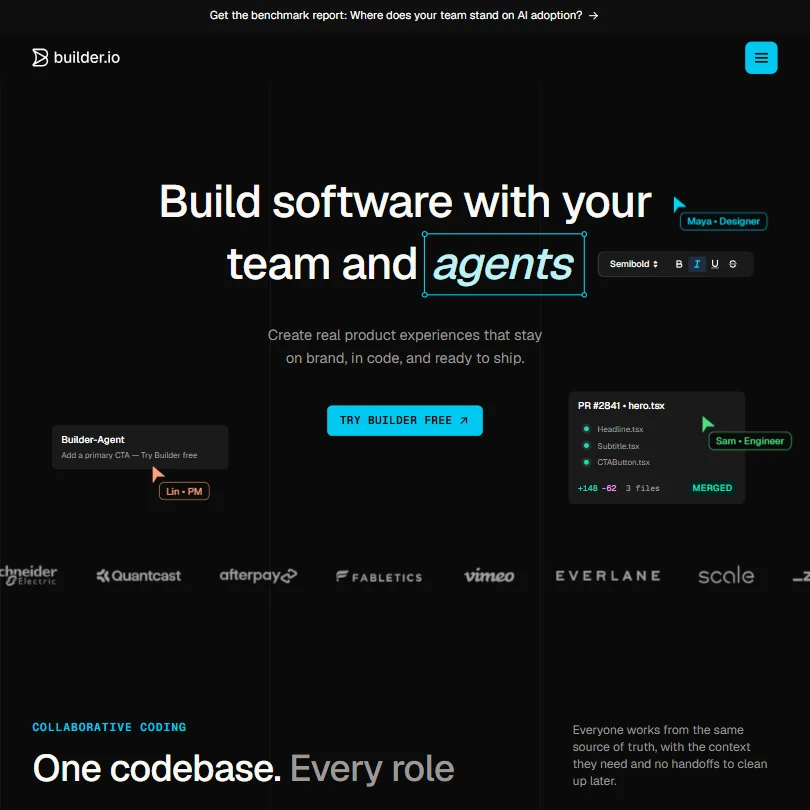
Paid plans widen the team and the credit pool. Pro allows up to five users and 500 monthly Agent Credits, with extra blocks of 500 sold separately, while Team reaches twenty users and adds an AI training opt-out and a Slack and Jira agent. Credits are what to watch, since top-ups are a separate monthly charge. Choose it over Anima when your pages live in a Git repository.
- Chat instructions to the Builder agent generate and edit real UI and code inside a connected codebase.
- Design System Intelligence builds generated UI from a team's own components and tokens.
- No structured user testing feature; sharing a prototype is limited to comments.
Pro: 3,000 AI credits/editor/month, unlimited boards & elements, Figma export/import, Export to Code, MCP server
✓ Free plan tooFreeShow detailsHide details19 Visily: Best for converting screenshots into wireframes often7.6Score 7.6 out of 10Pro: 3,000 AI credits/editor/month, unlimited boards & elements, Figma export/import, Export to Code, MCP server✓ Free plan tooFreeVisit site ↗ReviewDetailsCloseShow more about Visily
Pro: 3,000 AI credits/editor/month, unlimited boards & elements, Figma export/import, Export to Code, MCP server
✓ Free plan tooFree
Show detailsHide detailsVisily: Best for converting screenshots into wireframes often
7.6Score 7.6 out of 10Pro: 3,000 AI credits/editor/month, unlimited boards & elements, Figma export/import, Export to Code, MCP server✓ Free plan tooFreeVisit site ↗ReviewDetailsClose
Pro is where Visily stops feeling like a trial: 3,000 credits per editor each month, unlimited boards and elements, Figma import and export and unlimited AI generated images. Business adds SAML sign in and 10,000 credits. Pricing is per editor, with a lower rate on yearly billing. There is no developer API, only an MCP server. Take it over Uizard when you convert screenshots often and want Figma at the end.
- Typing what a screen needs to do returns a working layout from Visily's design generator.
- A Screenshot Editor turns a screenshot of an app or web page into an editable wireframe, and a separate feature does the same from a hand-drawn sketch.
- There is no public developer API; only an MCP server for supported AI coding tools.
Starter: 100 monthly chat messages, 50 code generations, Figma ⇄ Code both ways, custom domains
✓ Free plan tooFrom $25Show detailsHide details20 Anima: Best for developers converting Figma designs to code7.3Score 7.3 out of 10Starter: 100 monthly chat messages, 50 code generations, Figma ⇄ Code both ways, custom domains✓ Free plan too$25Visit site ↗ReviewDetailsCloseShow more about Anima
Starter: 100 monthly chat messages, 50 code generations, Figma ⇄ Code both ways, custom domains
✓ Free plan tooFrom $25
Show detailsHide detailsAnima: Best for developers converting Figma designs to code
7.3Score 7.3 out of 10Starter: 100 monthly chat messages, 50 code generations, Figma ⇄ Code both ways, custom domains✓ Free plan too$25Visit site ↗ReviewDetailsClose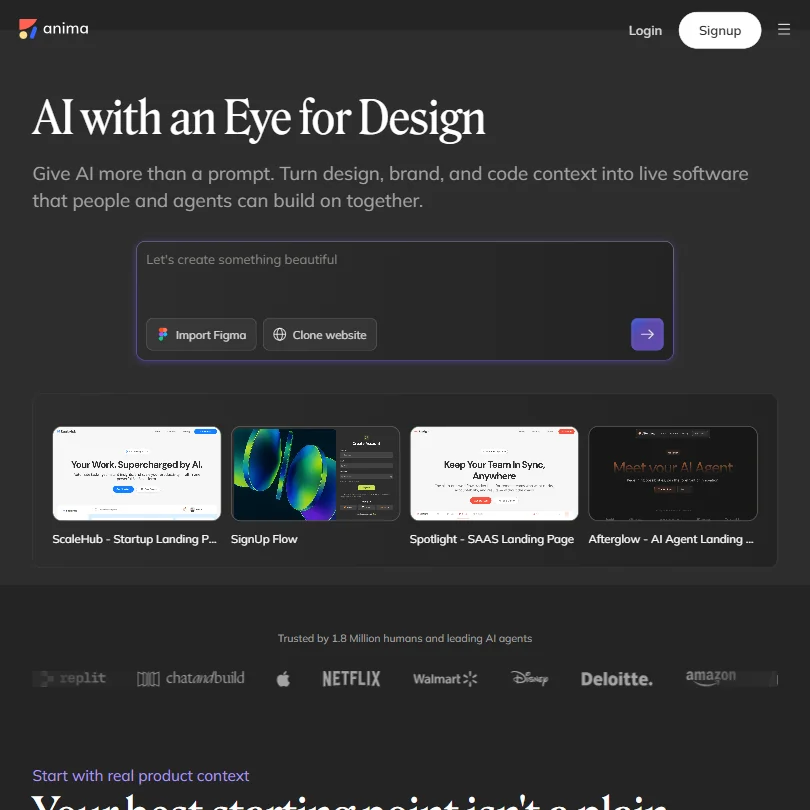
Starter is priced per seat and moves you from taster counts to 100 chat messages and 50 code generations a month, with Figma to code and code to Figma in both directions and custom domains. Pro doubles the messages and quadruples the generations. Developers in the Figma to code loop will use the allowance quickly, so test a real file on free first. Team members work by forking a playground.
- Anima builds a working app from a prompt, then lets you keep refining the design, features and flow visually.
- It converts a screenshot into code, and can clone a live website by importing multiple pages into an editable design.
- Anima has no template library to start a project from.
Unlimited: Per editor
✓ Free plan tooFrom $7Show detailsHide details21 Penpot: Best for the lowest per-editor price on the page7.3Score 7.3 out of 10Unlimited: Per editor✓ Free plan too$7Visit site ↗ReviewDetailsCloseShow more about Penpot
Unlimited: Per editor
✓ Free plan tooFrom $7
Show detailsHide detailsPenpot: Best for the lowest per-editor price on the page
7.3Score 7.3 out of 10Unlimited: Per editor✓ Free plan too$7Visit site ↗ReviewDetailsClose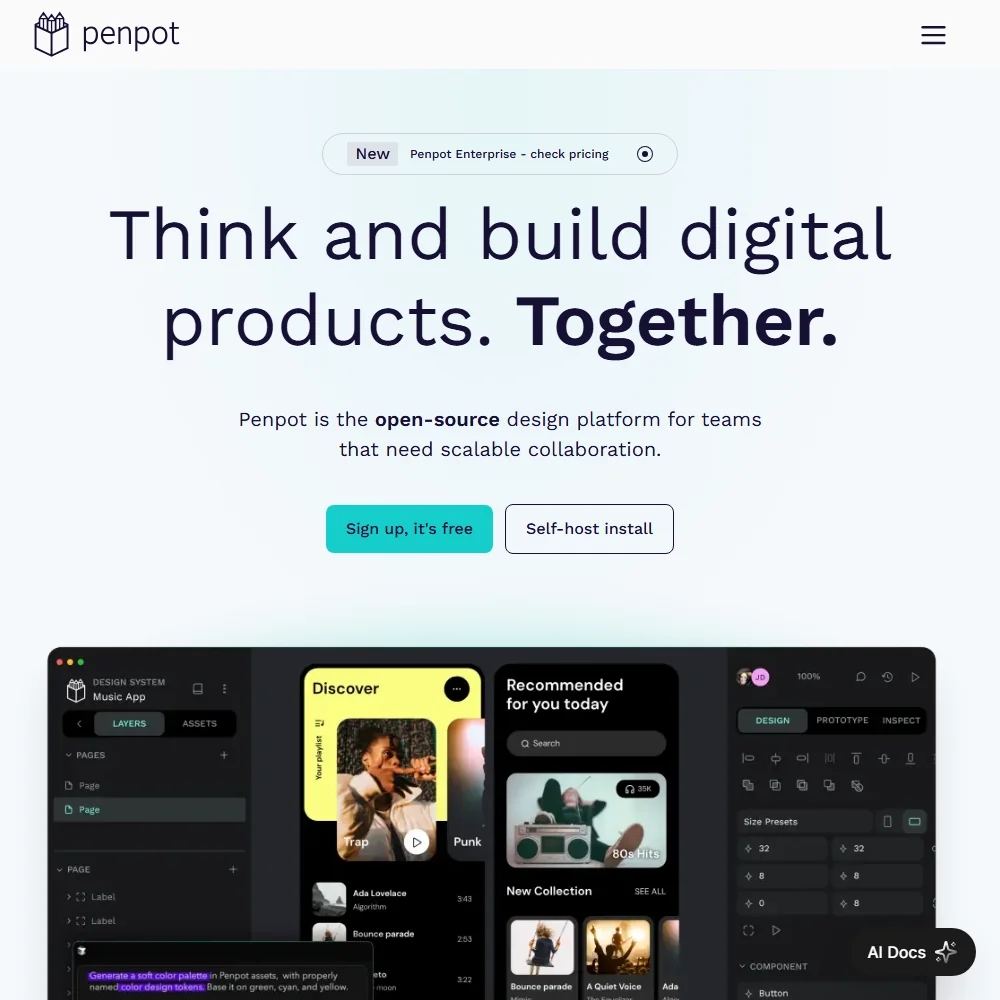
Both paid tiers are billed per editor: Unlimited at $7 a month and Enterprise at $25, which adds cloud or self-hosted deployment and the only single sign on. Because the free cloud plan already works, upgrade when you add editors or need SSO. A 14 day trial is on offer. Choose it over Figma if a lower per-editor cost or open source matters more than built-in AI.
- The cloud Professional plan is free with no tool limits, room for up to 8 team members and 10GB of storage.
- Penpot's code is published under the MPL-2.0 open source licence and can be self-hosted for free.
- Penpot runs only in a browser, with no native desktop app.
Pro: Up to 100 projects, 500 AI generations/month, Autodesigner 2.0, developer handoff React/CSS, private projects
✓ Free plan tooFrom $19Show detailsHide details22 Uizard: Best for product managers prototyping many screens weekly7.1Score 7.1 out of 10Pro: Up to 100 projects, 500 AI generations/month, Autodesigner 2.0, developer handoff React/CSS, private projects✓ Free plan too$19Visit site ↗ReviewDetailsCloseShow more about Uizard
Pro: Up to 100 projects, 500 AI generations/month, Autodesigner 2.0, developer handoff React/CSS, private projects
✓ Free plan tooFrom $19
Show detailsHide detailsUizard: Best for product managers prototyping many screens weekly
7.1Score 7.1 out of 10Pro: Up to 100 projects, 500 AI generations/month, Autodesigner 2.0, developer handoff React/CSS, private projects✓ Free plan too$19Visit site ↗ReviewDetailsClose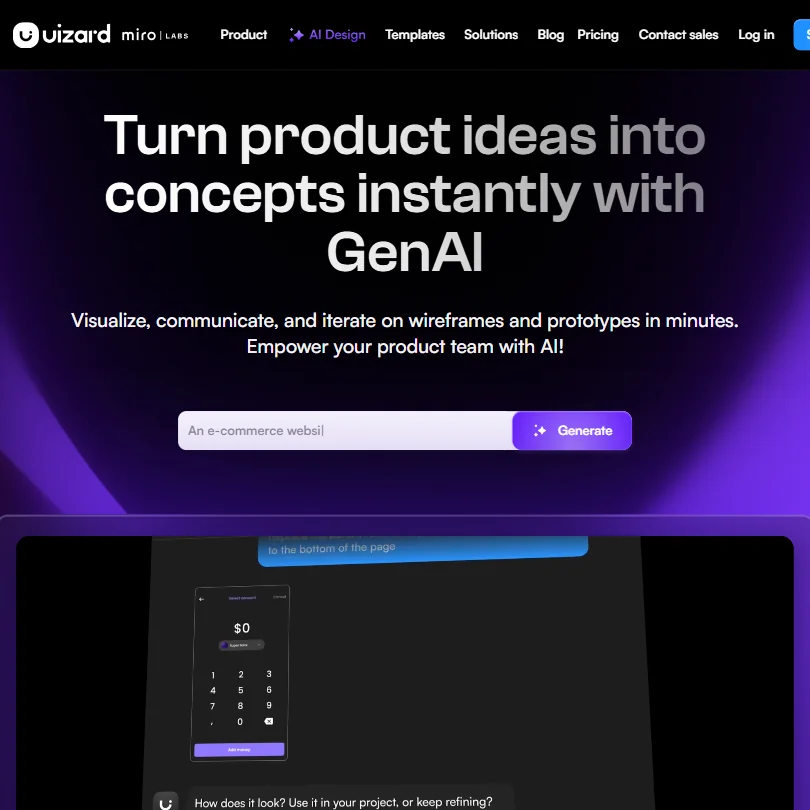
Pro adds up to 100 projects, 500 AI generations a month, the newer Autodesigner 2.0 and React and CSS developer handoff, billed annually at the headline price. Business lifts that to unlimited projects, 5,000 generations, faster AI and a custom brand kit. If privacy matters, note that Free and Pro content may train its models. Choose Pro when you prototype many screens a week from scans or prompts.
- Autodesigner turns a text prompt into an editable, multi-screen prototype.
- A Wireframe Scanner turns a photo of a hand-drawn sketch into an editable design, and a Screenshot Scanner does the same for an existing app screenshot.
- On Free and Pro plans, designs and screenshots may be used to train Uizard's AI models, with no opt-out described.
Standard: Per editor
From $14Show detailsHide details23 Sketch: Best for Mac designers who want a one-time license6.8Score 6.8 out of 10Standard: Per editor$14Visit site ↗ReviewDetailsCloseShow more about Sketch
Standard: Per editor
From $14
Show detailsHide detailsSketch: Best for Mac designers who want a one-time license
6.8Score 6.8 out of 10Standard: Per editor$14Visit site ↗ReviewDetailsClose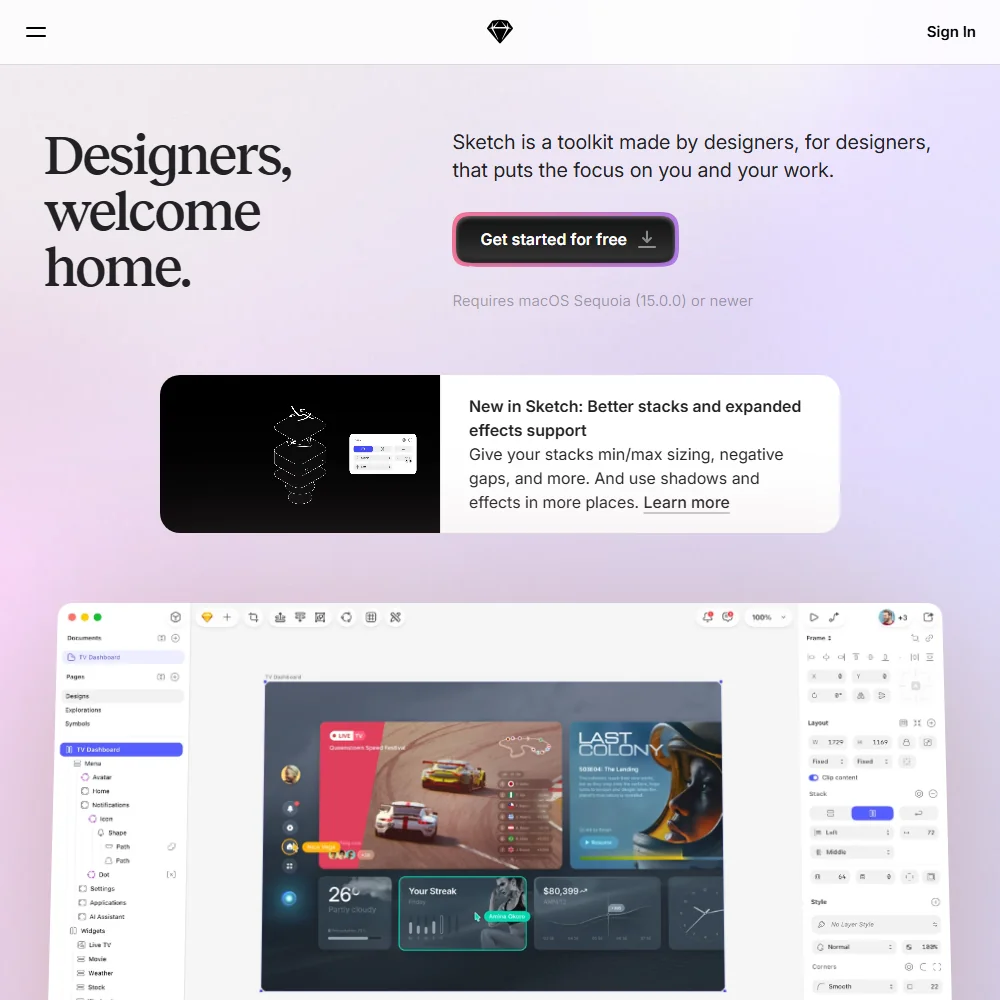
Sketch offers two ways to pay: a per editor subscription called Standard, or a one-time Mac only license per seat. A 30 day trial comes first, and developers can inspect specs and copy CSS for free. The app runs natively on Mac only, with a web workspace for sharing, and AI works by connecting an outside client such as Claude. Choose the license to avoid renewals. Figma is the pick on Windows.
- An open sourced .fig file importer lets a Figma project be dragged onto Sketch to bring the design across.
- Collaborators can co-edit the same document in real time and comment directly on a design or prototype.
- There is no free plan; only a 30-day trial precedes a paid subscription or the Mac-only licence.
Best AI logo makers under $30
2 picks#ToolScoreEntry plan includesStarts at
Lite: One logo file in low resolution for digital use, no transparent file
From $19.99Show detailsHide details24 Turbologo: Best for a one-time logo purchase with rights included8.2Score 8.2 out of 10Lite: One logo file in low resolution for digital use, no transparent file$19.99Visit site ↗ReviewDetailsCloseShow more about Turbologo
Lite: One logo file in low resolution for digital use, no transparent file
From $19.99
Show detailsHide detailsTurbologo: Best for a one-time logo purchase with rights included
8.2Score 8.2 out of 10Lite: One logo file in low resolution for digital use, no transparent file$19.99Visit site ↗ReviewDetailsClose
Turbologo charges once per package instead of monthly, with three months of access. The lowest package gives one low resolution file with no transparent version, Standard adds every logo file, print ready PDF and SVG, a transparent background and full commercial rights, and Business adds social content, business cards and an email signature. Rights stay yours after access ends. Pick it over a subscription if you need the logo once.
- Turbologo's AI asks about your business name, industry and style, then generates custom logo options to match, without needing you to write a design brief.
- Standard and Business packages include vector SVG and PDF files alongside transparent backgrounds.
- There's no free plan that lets you keep a logo file; every package is a paid one-time purchase.
✓ Free plan tooFrom $25Show detailsHide details25 Design.com: Best for trying a logo before spending anything7.8Score 7.8 out of 10✓ Free plan too$25Visit site ↗ReviewDetailsCloseShow more about Design.com
✓ Free plan tooFrom $25
Show detailsHide detailsDesign.com: Best for trying a logo before spending anything
7.8Score 7.8 out of 10✓ Free plan too$25Visit site ↗ReviewDetailsClose
The free logo download already covers the mark, so a subscription makes sense only when you want the other design tools and their templates at high quality. Exclusive ownership of the logo is a separate purchase either way, and there is no stored brand kit, so colors and fonts are not carried between designs. Choose Design.com over Turbologo if you want to try before spending.
- The free plan includes a genuine free tier: the finished logo downloads in PNG, JPG, SVG, EPS and PDF at no cost.
- Editing the free logo is unlimited, with no cap on revisions.
- Design.com has no stored brand kit feature; colours and fonts are not stored and carried between designs.
Best AI website builders under $30
7 picksAn AI website builder at this price is billed by the site, not the seat. Wix and Webflow Basic host a site each, Framer Basic includes a custom domain when billed yearly, and 10Web sells one website with credits. teleportHQ meters code views and AI tokens, while Relume plans the structure first. Wix suits beginners, Webflow people who want a CMS.
#ToolScoreEntry plan includesStarts at
Basic: Custom domain, 300 static pages, 10 GB bandwidth, unlimited form submissions, password protection
✓ Free plan tooFrom $24Show detailsHide details26 Webflow: Best for designer-built sites on a custom domain8.0Score 8.0 out of 10Basic: Custom domain, 300 static pages, 10 GB bandwidth, unlimited form submissions, password protection✓ Free plan too$24Visit site ↗ReviewDetailsCloseShow more about Webflow
Basic: Custom domain, 300 static pages, 10 GB bandwidth, unlimited form submissions, password protection
✓ Free plan tooFrom $24
Show detailsHide detailsWebflow: Best for designer-built sites on a custom domain
8.0Score 8.0 out of 10Basic: Custom domain, 300 static pages, 10 GB bandwidth, unlimited form submissions, password protection✓ Free plan too$24Visit site ↗ReviewDetailsClose
Basic is the cheapest site plan that connects a custom domain, with 300 static pages, 10 GB of bandwidth and unlimited form submissions, but the full CMS, code components and site search wait in Premium. After Premium the next step is a Team contract at a very large annual figure, with nothing in between. Pick it over Wix when a real CMS matters to the site.
- Generates an entire website, with a scalable design system, from a basic prompt.
- Includes a built-in CMS with collection lists and dynamic pages, plus an ecommerce add-on for selling physical or digital products.
- Does not generate or edit images with AI; Webflow AI covers site generation, copy, code and CMS content only.
Light: 2 GB storage, free domain 1 year, light marketing suite, 2 site collaborators
✓ Free plan tooFrom $17Show detailsHide details27 Wix: Best for yearly-billed sites with phone support8.0Score 8.0 out of 10Light: 2 GB storage, free domain 1 year, light marketing suite, 2 site collaborators✓ Free plan too$17Visit site ↗ReviewDetailsCloseShow more about Wix
Light: 2 GB storage, free domain 1 year, light marketing suite, 2 site collaborators
✓ Free plan tooFrom $17
Show detailsHide detailsWix: Best for yearly-billed sites with phone support
8.0Score 8.0 out of 10Light: 2 GB storage, free domain 1 year, light marketing suite, 2 site collaborators✓ Free plan too$17Visit site ↗ReviewDetailsClose
Wix prices per site and bills yearly only, with no plain monthly rate. Light adds a free domain for the first year and two collaborators, Core adds payments, basic ecommerce and five collaborators, and Business moves to standard ecommerce at a higher price. A phone line for help is part of the appeal. Choose Core when you sell online. A finished Wix site cannot be exported as code.
- Wix's AI website builder can generate a full, business-ready site from a written prompt.
- Every paid tier includes a built-in eCommerce store, from Basic on Light and Core up to Advanced on Business Elite.
- Wix does not offer a way to export a site's underlying code; Velo only adds custom code that stays on Wix.
Basic: Free custom domain, 2 CMS collections, 50 GB bandwidth, built-in SEO
✓ Free plan tooFrom $10Show detailsHide details28 Framer: Best for marketing sites published from a design canvas7.1Score 7.1 out of 10Basic: Free custom domain, 2 CMS collections, 50 GB bandwidth, built-in SEO✓ Free plan too$10Visit site ↗ReviewDetailsCloseShow more about Framer
Basic: Free custom domain, 2 CMS collections, 50 GB bandwidth, built-in SEO
✓ Free plan tooFrom $10
Show detailsHide detailsFramer: Best for marketing sites published from a design canvas
7.1Score 7.1 out of 10Basic: Free custom domain, 2 CMS collections, 50 GB bandwidth, built-in SEO✓ Free plan too$10Visit site ↗ReviewDetailsClose
Basic buys a free custom domain, 50 GB of bandwidth, 1,000 AI credits a month and a localization add-on, and it publishes your design as a live marketing site. Staging arrives with Pro. Extra editors cost more per seat and the domain is free only on yearly billing, so compare the monthly and yearly rates for your own case. Pick Webflow instead if the site needs the CMS and its code.
- AI agents generate a site's structure, sections and draft copy from a prompt or brief.
- Hosting, a CMS and SEO tools are bundled together with the builder on one platform.
- No native ecommerce; selling products requires a third-party plugin that syncs an external Shopify store.
Professional: Unlimited projects & pages, unlimited code views, 75k AI tokens/mo, 10 forms, 2,000 submissions/mo, project backups, no watermark, 3 custom domains, 200 GB bandwidth/mo, Vercel integration
From $14Show detailsHide details29 teleporthq.io: Best for landing pages developers take over via GitHub6.9Score 6.9 out of 10Professional: Unlimited projects & pages, unlimited code views, 75k AI tokens/mo, 10 forms, 2,000 submissions/mo, project backups, no watermark, 3 custom domains, 200 GB bandwidth/mo, Vercel integration$14Visit site ↗ReviewDetailsCloseShow more about teleporthq.io
Professional: Unlimited projects & pages, unlimited code views, 75k AI tokens/mo, 10 forms, 2,000 submissions/mo, project backups, no watermark, 3 custom domains, 200 GB bandwidth/mo, Vercel integration
From $14
Show detailsHide detailsteleporthq.io: Best for landing pages developers take over via GitHub
6.9Score 6.9 out of 10Professional: Unlimited projects & pages, unlimited code views, 75k AI tokens/mo, 10 forms, 2,000 submissions/mo, project backups, no watermark, 3 custom domains, 200 GB bandwidth/mo, Vercel integration$14Visit site ↗ReviewDetailsClose
There is no lasting free plan, only a 7 day trial, so Professional is the first real purchase. It brings unlimited projects and pages, unlimited code views, 75,000 AI tokens a month, project backups and no watermark, per editor. Extra custom domains cost $7 a month each. Images sent to its Vision API are used to train its model, with no opt-out mentioned. Pick it for landing pages that developers take through GitHub.
- Generates a landing page, portfolio or full business site from a written prompt.
- Figma Import converts an existing prototype into developer-friendly code within minutes.
- No lasting free plan, only a 7-day trial.
Build: Launch hosting: Custom domain, no Relume branding, 6,000 page views, unlimited forms
✓ Free plan tooFrom $12Show detailsHide details30 Relume: Best for planning layouts before building in Webflow5.6Score 5.6 out of 10Build: Launch hosting: Custom domain, no Relume branding, 6,000 page views, unlimited forms✓ Free plan too$12Visit site ↗ReviewDetailsCloseShow more about Relume
Build: Launch hosting: Custom domain, no Relume branding, 6,000 page views, unlimited forms
✓ Free plan tooFrom $12
Show detailsHide detailsRelume: Best for planning layouts before building in Webflow
5.6Score 5.6 out of 10Build: Launch hosting: Custom domain, no Relume branding, 6,000 page views, unlimited forms✓ Free plan too$12Visit site ↗ReviewDetailsClose
Starter in Site Builder moves you from one page to five, with over a thousand components, exports to Figma, Webflow and React, commenting and MCP access. Pro lifts projects and pages to unlimited, and the Team plan is priced per person with a minimum of three. A custom domain needs the Launch add-on, priced per project. Choose it to plan layouts before moving into Webflow or Figma.
- Turns a written brief into a sitemap, wireframes and a hosted marketing site.
- AI image generation is included, using a Standard or Premium model depending on plan.
- The Relume badge stays on a free-hosted site unless you pay for the Launch add-on.
AI Starter: 1 website, 100 AI credits/mo, 10GB SSD, 10K visitors/mo, free custom domain
From $10Show detailsHide details31 10Web: Best for WordPress sites that agencies can resell5.1Score 5.1 out of 10AI Starter: 1 website, 100 AI credits/mo, 10GB SSD, 10K visitors/mo, free custom domain$10Visit site ↗ReviewDetailsCloseShow more about 10Web
AI Starter: 1 website, 100 AI credits/mo, 10GB SSD, 10K visitors/mo, free custom domain
From $10
Show detailsHide details10Web: Best for WordPress sites that agencies can resell
5.1Score 5.1 out of 10AI Starter: 1 website, 100 AI credits/mo, 10GB SSD, 10K visitors/mo, free custom domain$10Visit site ↗ReviewDetailsClose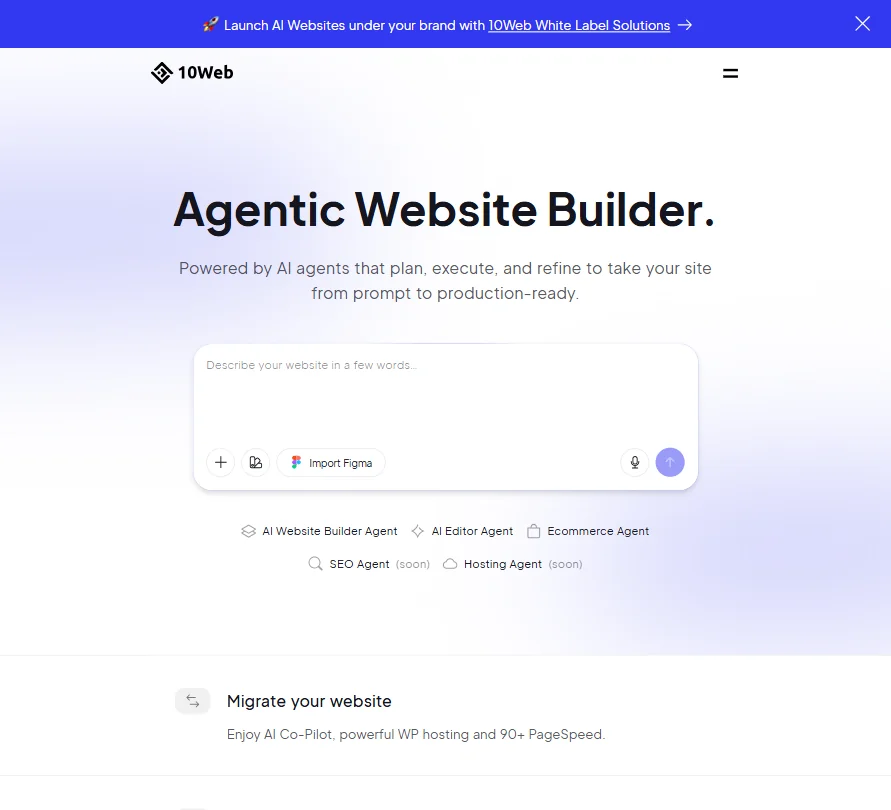
10Web sells hosted WordPress with an AI builder, so every plan includes hosting, a free custom domain worth up to $30 and mobile checks before launch, with credit pools of 100, 200 and 300 a month across Starter, Premium and Ultimate. A 30 day money-back guarantee replaces a trial. Agencies can resell it under their own brand. No images are generated, so upload your own.
- Generates a full WordPress site, including a WooCommerce store, from a prompt.
- Imports a Figma file and converts it into a live WordPress page.
- No free plan: every tier is a paid subscription, with only a 30-day money-back guarantee instead of a trial.
Launch: Custom domain, unlimited bookings, CRM with AI replies, SEO & GEO, 50 images/mo, 1,000 AI chat messages/mo
✓ Free plan tooFrom $25Show detailsHide details32 Durable: Best for solo service businesses getting online fast5.0Score 5.0 out of 10Launch: Custom domain, unlimited bookings, CRM with AI replies, SEO & GEO, 50 images/mo, 1,000 AI chat messages/mo✓ Free plan too$25Visit site ↗ReviewDetailsCloseShow more about Durable
Launch: Custom domain, unlimited bookings, CRM with AI replies, SEO & GEO, 50 images/mo, 1,000 AI chat messages/mo
✓ Free plan tooFrom $25
Show detailsHide detailsDurable: Best for solo service businesses getting online fast
5.0Score 5.0 out of 10Launch: Custom domain, unlimited bookings, CRM with AI replies, SEO & GEO, 50 images/mo, 1,000 AI chat messages/mo✓ Free plan too$25Visit site ↗ReviewDetailsClose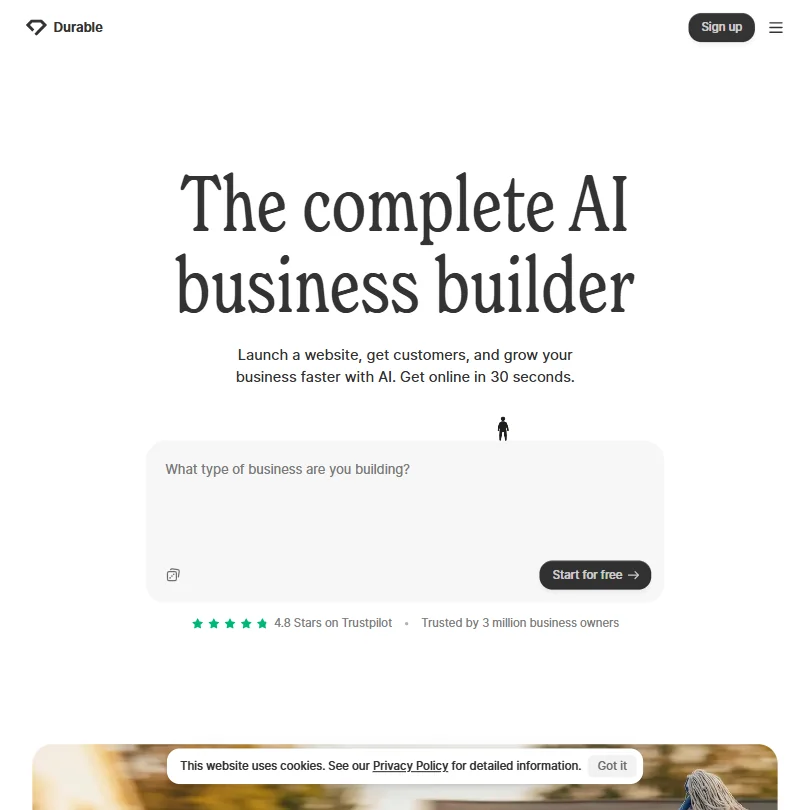
Launch is the entry plan, and it turns the free draft into a business site with a custom domain, unlimited bookings, a CRM with AI replies, SEO tools, 50 images and 1,000 AI chat messages a month. Grow, above this budget, adds unlimited team members and daily blog posts. The CRM is too basic for a real sales team. Choose Durable if you are a solo service provider, and Wix if you want control over layout.
- Durable can generate a full website with real pages, copy, and images in approximately thirty seconds, requiring no design skills.
- AI agents can automatically publish blog posts, collect reviews, and reply to inbound leads without manual triggering.
- The AI-generated website copy is not always high quality, often requiring manual editing after initial generation.
Best AI room and building renderers under $30
7 picksAI interior design tools price by the render. Spacely AI Personal gives 500 credits for about 100 renders with no rollover, while mnml.ai Lite gives 1,000 credits for about 100 fast or 30 ultra renders and a commercial license on every plan. Spacely plugs into SketchUp and Rhino, and mnml.ai needs an exported image. Choose by where your models live.
#ToolScoreEntry plan includesStarts at
33 Homestyler#1 of 8 AI room and building renderers7.9Score 7.9 out of 10✓ Free plan tooFreeVisit site ↗ReviewDetailsCloseShow more about Homestyler
Homestyler#1 of 8 AI room and building renderers
7.9Score 7.9 out of 10✓ Free plan tooFreeVisit site ↗ReviewDetailsClose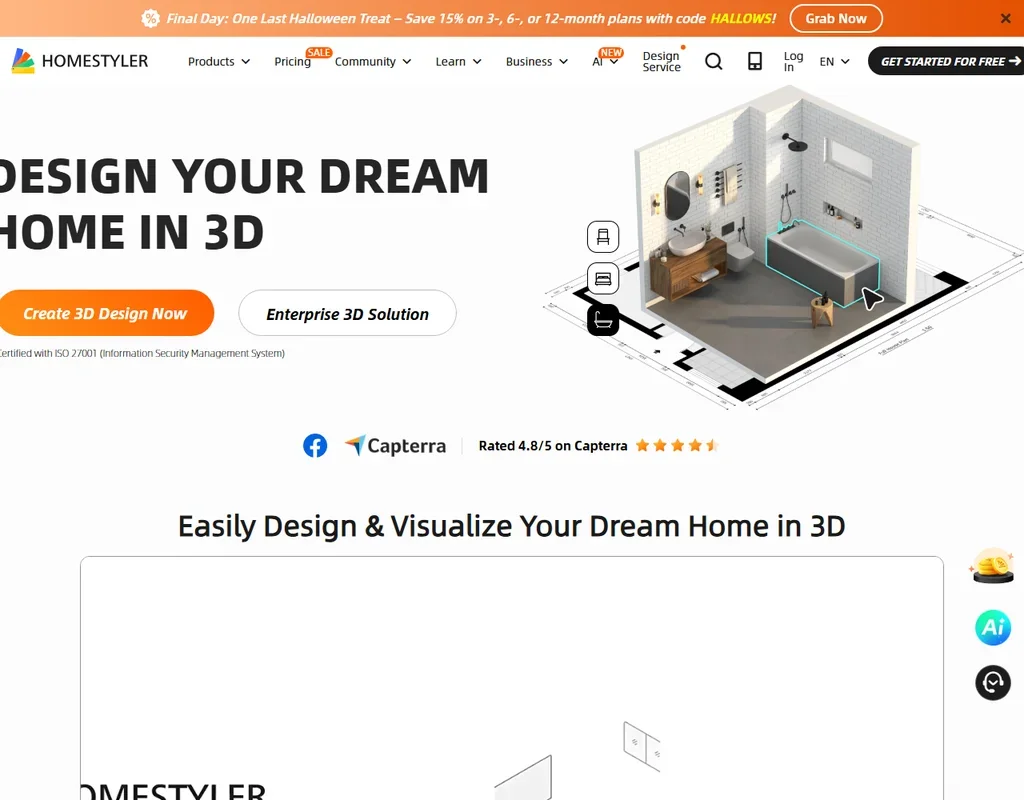
- The free Basic plan includes the cloud 3D floor planner, unlimited 1K renders and more than 100,000 3D models and materials.
- AutoCAD floor plans can be imported as DWG files, including multi-floor plans.
- Paid plan prices are not published without signing in.
Personal Plan: 500 credits/month (~100 renders); basic features; standard queue (~5 min); no credits rollover; no commercial license
✓ Free plan tooPricing N/AShow detailsHide details34 Spacely AI: Best for occasional interior and architecture renders7.1Score 7.1 out of 10Personal Plan: 500 credits/month (~100 renders); basic features; standard queue (~5 min); no credits rollover; no commercial license✓ Free plan tooPricing N/AVisit site ↗ReviewDetailsCloseShow more about Spacely AI
Personal Plan: 500 credits/month (~100 renders); basic features; standard queue (~5 min); no credits rollover; no commercial license
✓ Free plan tooPricing N/A
Show detailsHide detailsSpacely AI: Best for occasional interior and architecture renders
7.1Score 7.1 out of 10Personal Plan: 500 credits/month (~100 renders); basic features; standard queue (~5 min); no credits rollover; no commercial license✓ Free plan tooPricing N/AVisit site ↗ReviewDetailsClose
Personal buys 500 credits a month, around 100 renders, on a standard queue of roughly five minutes, for one seat. Studio, above this budget, gives 1,500 credits, a priority queue under three minutes, credit rollover and a second seat, and Agency raises it again. Extra credits can be bought in packs that never expire. Pick Personal for occasional room renders, since frequent users meet the one seat cap quickly.
- The free plan costs nothing forever and needs no credit card.
- Even the free plan includes watermark-free exports and a commercial license.
- Personal is capped at one seat; a second seat requires upgrading to Studio.
Lite: 1,000 credits/mo; ~100 Fast renders or ~30 Ultra renders
From $29Show detailsHide details35 mnml.ai: Best for architecture studios needing photoreal renders6.3Score 6.3 out of 10Lite: 1,000 credits/mo; ~100 Fast renders or ~30 Ultra renders$29Visit site ↗ReviewDetailsCloseShow more about mnml.ai
Lite: 1,000 credits/mo; ~100 Fast renders or ~30 Ultra renders
From $29
Show detailsHide detailsmnml.ai: Best for architecture studios needing photoreal renders
6.3Score 6.3 out of 10Lite: 1,000 credits/mo; ~100 Fast renders or ~30 Ultra renders$29Visit site ↗ReviewDetailsClose
Lite is the entry plan, with 1,000 credits a month that stretch to about 100 fast renders or 30 ultra ones, PNG and DXF export and a commercial license on every plan. Credits you get at signup do not expire, so test before you pay. Plus, with three times the credits, sits above this budget. There is no SketchUp or Revit plugin, so you export an image first.
- Every new account gets 100 free credits that never expire, with no card required.
- Renders can start from a sketch, a photo, a floor plan or a written description.
- There is no permanent free plan, only a one-time grant of credits.
36 Collov AI#5 of 8 AI room and building renderers4.8Score 4.8 out of 10Standard$27Visit site ↗ReviewDetailsCloseShow more about Collov AI
Collov AI#5 of 8 AI room and building renderers
4.8Score 4.8 out of 10Standard$27Visit site ↗ReviewDetailsClose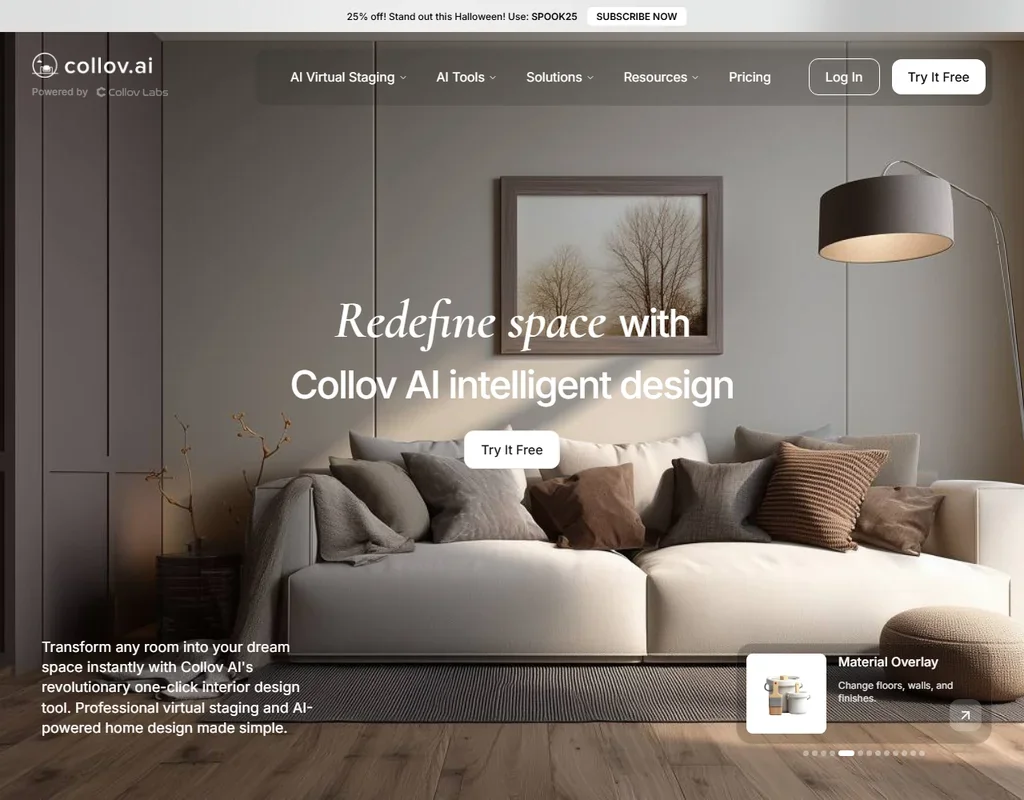
- Exterior tools cover day to dusk, rain removal, season change, pool water and lawn replacement, from Advanced up.
- Premium and Enterprise turn up to 20 photos into a virtual tour video, with a 360 panorama and 3D tour.
- There is no free plan, only a few free tries per tool, most of them watermarked.
37 Virtual Staging AI#6 of 8 AI room and building renderers3.9Score 3.9 out of 10Basic$25Visit site ↗ReviewDetailsCloseShow more about Virtual Staging AI
Virtual Staging AI#6 of 8 AI room and building renderers
3.9Score 3.9 out of 10Basic$25Visit site ↗ReviewDetailsClose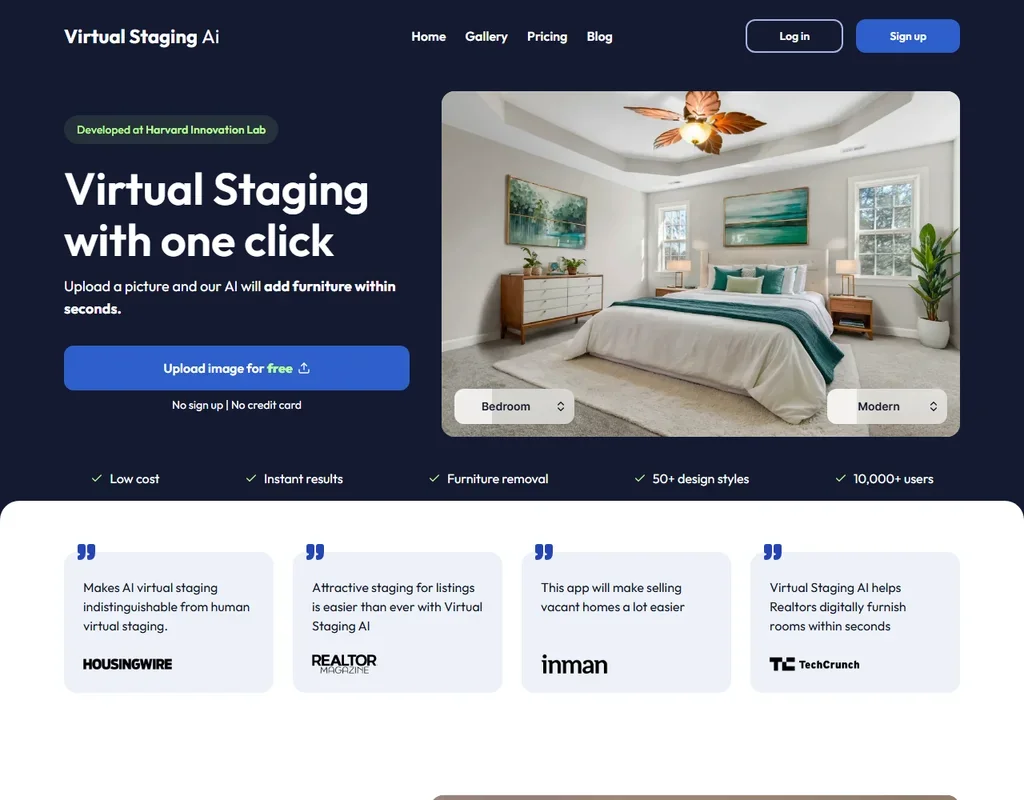
- Staging takes one click: pick a room type and one of more than 50 design styles.
- Each photo gets unlimited renders and downloads within your plan.
- Photo enhancement and day to dusk need a separate Image Editing subscription.
38 ReimagineHome#7 of 8 AI room and building renderers3.8Score 3.8 out of 10Essential$19Visit site ↗ReviewDetailsCloseShow more about ReimagineHome
ReimagineHome#7 of 8 AI room and building renderers
3.8Score 3.8 out of 10Essential$19Visit site ↗ReviewDetailsClose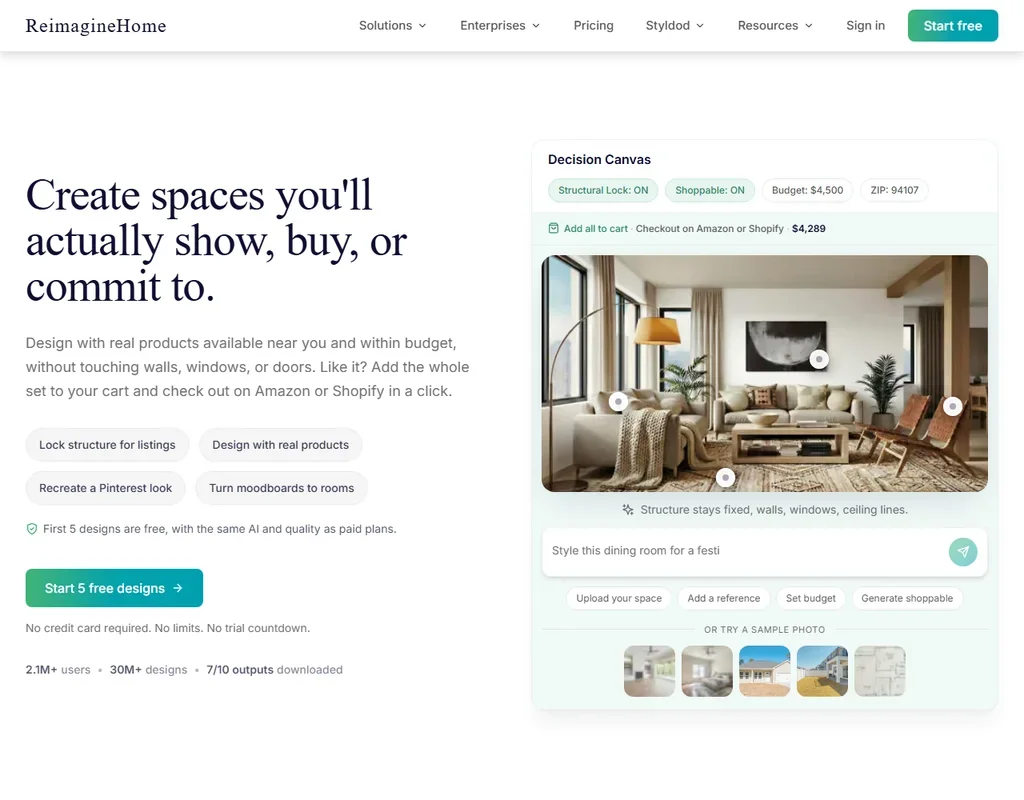
- A design companion reworks a room when you tell it what to add, remove or replace, and chatting with it is free.
- Shoppable designs fill a room with real products you can check out on Amazon or Shopify.
- Essential uses the older tools only, without the design companion, reference photos, real products or high resolution.
39 RoomGPT#8 of 8 AI room and building renderers2.4Score 2.4 out of 1030 credits$9Visit site ↗ReviewDetailsCloseShow more about RoomGPT
RoomGPT#8 of 8 AI room and building renderers
2.4Score 2.4 out of 1030 credits$9Visit site ↗ReviewDetailsClose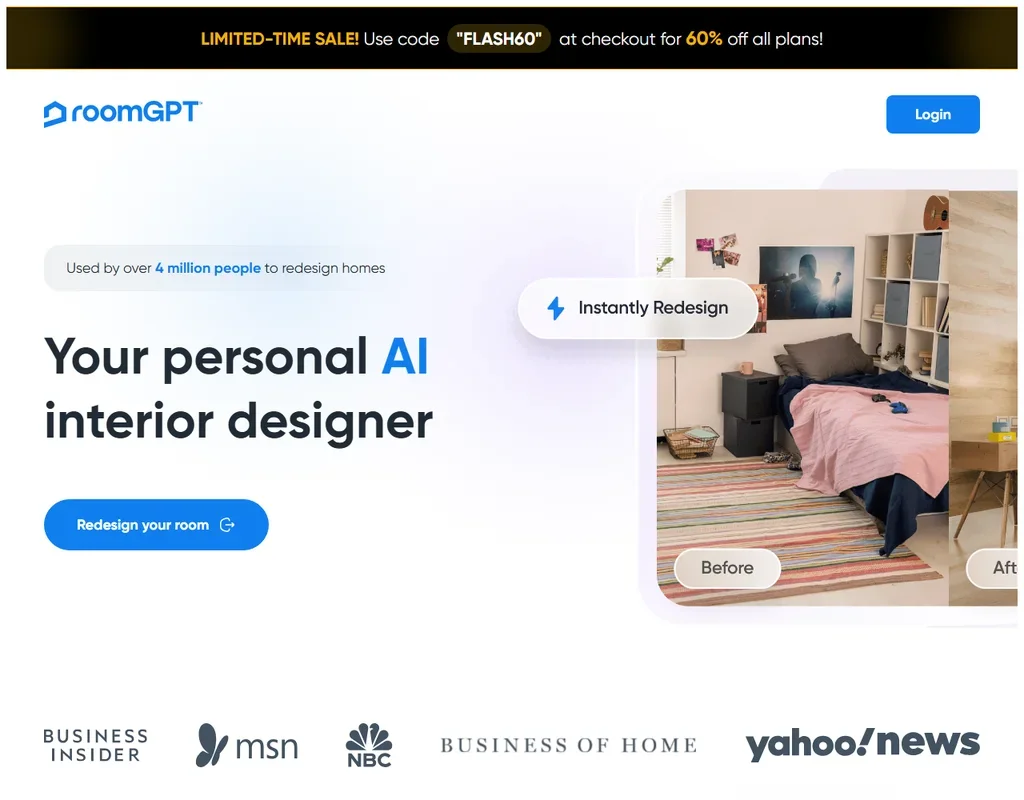
- There is no subscription: credits come in one-time packs and unused credits never expire.
- One photo becomes up to four redesigns in different themes at once.
- It makes whole-room redesigns only, with no editing, object removal or virtual staging.
Best AI diagram tools under $30
3 picksAn AI diagram generator splits into text to visual and drawing board. Napkin AI turns pasted text into visuals, and Plus adds 10,000 credits a month, PPT and SVG export and no branding. Whimsical Pro prices per editor with unlimited team boards, and MockFlow adds wireframing tiers with monthly credits. Pick Napkin for writers, Whimsical for teams, MockFlow for screens.
#ToolScoreEntry plan includesStarts at
Plus: Per editor; unlimited boards and viewers, team collaboration, 60-day revision history, 800 AI credits/editor/month
✓ Free plan tooFrom $9Show detailsHide details40 MockFlow: Best for wireframes and flowcharts across three tiers7.9Score 7.9 out of 10Plus: Per editor; unlimited boards and viewers, team collaboration, 60-day revision history, 800 AI credits/editor/month✓ Free plan too$9Visit site ↗ReviewDetailsCloseShow more about MockFlow
Plus: Per editor; unlimited boards and viewers, team collaboration, 60-day revision history, 800 AI credits/editor/month
✓ Free plan tooFrom $9
Show detailsHide detailsMockFlow: Best for wireframes and flowcharts across three tiers
7.9Score 7.9 out of 10Plus: Per editor; unlimited boards and viewers, team collaboration, 60-day revision history, 800 AI credits/editor/month✓ Free plan too$9Visit site ↗ReviewDetailsClose
All three paid tiers fit this budget: Vibe Whiteboarding for boards, Wireframing for unlimited wireframes and Suite for unlimited everything, with AI credits per user rising at each step. Paying also lifts the four project cap and brings commercial use. Teams that mix flowcharts, wireframes and AI images in one place get the most from it. Whimsical is the lighter option for shared boards.
- A single prompt generates a mind map, a wireframe or a flow diagram.
- AI can also generate UI content, including images, text, color palettes and translations.
- The free Basic plan includes only one editor seat.
Pro: Unlimited team boards, 6 teams, 50 guests, 1GB file uploads, 90-day version history, private teams, admin roles
✓ Free plan tooFrom $12Show detailsHide details41 Whimsical: Best for small teams drawing flows on shared boards7.3Score 7.3 out of 10Pro: Unlimited team boards, 6 teams, 50 guests, 1GB file uploads, 90-day version history, private teams, admin roles✓ Free plan too$12Visit site ↗ReviewDetailsCloseShow more about Whimsical
Pro: Unlimited team boards, 6 teams, 50 guests, 1GB file uploads, 90-day version history, private teams, admin roles
✓ Free plan tooFrom $12
Show detailsHide detailsWhimsical: Best for small teams drawing flows on shared boards
7.3Score 7.3 out of 10Pro: Unlimited team boards, 6 teams, 50 guests, 1GB file uploads, 90-day version history, private teams, admin roles✓ Free plan too$12Visit site ↗ReviewDetailsClose
Pro costs per editor and unlocks unlimited team boards, six teams, 50 guests, 1GB uploads, 90 days of version history and exports without the watermark. Business doubles the price per editor and brings SAML, SCIM and 200 or more guests. For most small teams Pro is the step, since free stops at three boards. Choose it over MockFlow when you want a focused set of diagram types done quickly.
- A single prompt generates a flowchart, mind map or wireframe.
- Real-time collaboration and commenting are included on every plan, from Free through Business.
- The free plan caps you at 50 board objects and 50 doc blocks a month.
Plus: 10,000 AI credits/month, PPT & SVG export, 3 Brand Styles, bold icons, remove Napkin branding, team management
✓ Free plan tooFrom $12Show detailsHide details42 Napkin AI: Best for teams with a house style for visuals4.1Score 4.1 out of 10Plus: 10,000 AI credits/month, PPT & SVG export, 3 Brand Styles, bold icons, remove Napkin branding, team management✓ Free plan too$12Visit site ↗ReviewDetailsCloseShow more about Napkin AI
Plus: 10,000 AI credits/month, PPT & SVG export, 3 Brand Styles, bold icons, remove Napkin branding, team management
✓ Free plan tooFrom $12
Show detailsHide detailsNapkin AI: Best for teams with a house style for visuals
4.1Score 4.1 out of 10Plus: 10,000 AI credits/month, PPT & SVG export, 3 Brand Styles, bold icons, remove Napkin branding, team management✓ Free plan too$12Visit site ↗ReviewDetailsClose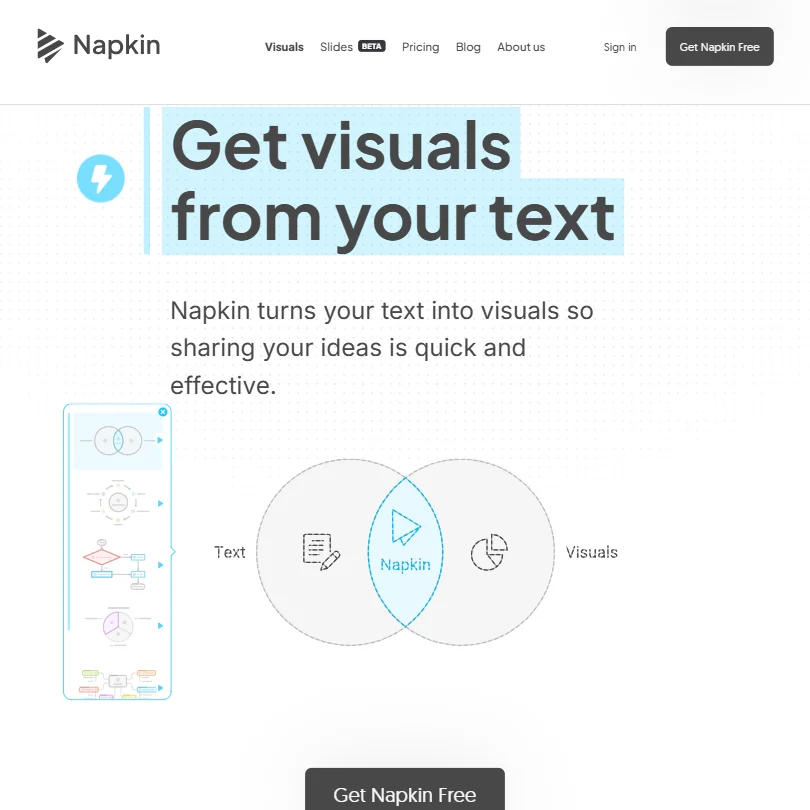
Plus gives 10,000 AI credits a month, PPT and SVG export, three Brand Styles and no Napkin branding on your visuals. Pro, which sits right at the top of this budget, adds 30,000 credits, uploaded fonts and unlimited custom branding. Teams with a house style will reach for Pro, but most writers will be fine with Plus. It stays a text to visual tool, with no whiteboard canvas.
- Pasted or imported text turns directly into a diagram, flowchart, mind map, infographic or chart, no prompt required.
- A Brand Studio lets you add your own colors and fonts, with the Pro plan adding your own font uploads.
- Free plan visuals carry Napkin's own branding.
Best AI image upscalers under $30
6 picks#ToolScoreEntry plan includesStarts at
Cloud Pro 100: 100 credits a month (1 credit = 1 image); $89.99 a year on annual billing. Output up to 256 MP.
✓ Free plan tooFrom $9.99Show detailsHide details43 Upscayl#1 of 6 AI image upscalers7.9Score 7.9 out of 10Cloud Pro 100: 100 credits a month (1 credit = 1 image); $89.99 a year on annual billing. Output up to 256 MP.✓ Free plan too$9.99Visit site ↗ReviewDetailsCloseShow more about Upscayl
Cloud Pro 100: 100 credits a month (1 credit = 1 image); $89.99 a year on annual billing. Output up to 256 MP.
✓ Free plan tooFrom $9.99
Show detailsHide detailsUpscayl#1 of 6 AI image upscalers
7.9Score 7.9 out of 10Cloud Pro 100: 100 credits a month (1 credit = 1 image); $89.99 a year on annual billing. Output up to 256 MP.✓ Free plan too$9.99Visit site ↗ReviewDetailsClose
- The desktop app is free, open source and unlimited on your own computer.
- Processing happens on your machine, with no internet connection needed.
- It fixes pixelation while enlarging but cannot de-blur or adjust focus.
Starter: 260 credits a month (200 plus 60 bonus). Image upscaling costs 1 credit at 2x, 2 at 4x, 3 at 8x. $180 billed annually.
✓ Free plan tooFrom $20Show detailsHide details44 VanceAI#2 of 6 AI image upscalers7.6Score 7.6 out of 10Starter: 260 credits a month (200 plus 60 bonus). Image upscaling costs 1 credit at 2x, 2 at 4x, 3 at 8x. $180 billed annually.✓ Free plan too$20Visit site ↗ReviewDetailsCloseShow more about VanceAI
Starter: 260 credits a month (200 plus 60 bonus). Image upscaling costs 1 credit at 2x, 2 at 4x, 3 at 8x. $180 billed annually.
✓ Free plan tooFrom $20
Show detailsHide detailsVanceAI#2 of 6 AI image upscalers
7.6Score 7.6 out of 10Starter: 260 credits a month (200 plus 60 bonus). Image upscaling costs 1 credit at 2x, 2 at 4x, 3 at 8x. $180 billed annually.✓ Free plan too$20Visit site ↗ReviewDetailsClose
- VanceAI for PC processes unlimited images locally on Windows, with a lifetime licence option.
- The Windows app upscales up to 40x and batches hundreds of photos at once.
- Web upscaling costs more credits at higher scales: 2 at 4x and 3 at 8x.
Topaz Gigapixel: $149/yr billed annually, or $19/mo on an annual plan billed monthly. Desktop (Mac and PC), unlimited local and cloud image rendering. Commercial use for organisations under $1M revenue.
From $29Show detailsHide details45 Topaz Labs#3 of 6 AI image upscalers7.0Score 7.0 out of 10Topaz Gigapixel: $149/yr billed annually, or $19/mo on an annual plan billed monthly. Desktop (Mac and PC), unlimited local and cloud image rendering. Commercial use for organisations under $1M revenue.$29Visit site ↗ReviewDetailsCloseShow more about Topaz Labs
Topaz Gigapixel: $149/yr billed annually, or $19/mo on an annual plan billed monthly. Desktop (Mac and PC), unlimited local and cloud image rendering. Commercial use for organisations under $1M revenue.
From $29
Show detailsHide detailsTopaz Labs#3 of 6 AI image upscalers
7.0Score 7.0 out of 10Topaz Gigapixel: $149/yr billed annually, or $19/mo on an annual plan billed monthly. Desktop (Mac and PC), unlimited local and cloud image rendering. Commercial use for organisations under $1M revenue.$29Visit site ↗ReviewDetailsClose
- The desktop apps render unlimited images on your own Mac or PC.
- Gigapixel works as a plugin in Photoshop and Lightroom Classic.
- Gigapixel and Photo are now subscriptions, not perpetual licences.
Starter: 100 credits a month (1 image = 1 credit), roll over up to 600. Output up to 256 MP.
✓ Free plan tooFrom $9Show detailsHide details46 Let's Enhance#4 of 6 AI image upscalers6.9Score 6.9 out of 10Starter: 100 credits a month (1 image = 1 credit), roll over up to 600. Output up to 256 MP.✓ Free plan too$9Visit site ↗ReviewDetailsCloseShow more about Let's Enhance
Starter: 100 credits a month (1 image = 1 credit), roll over up to 600. Output up to 256 MP.
✓ Free plan tooFrom $9
Show detailsHide detailsLet's Enhance#4 of 6 AI image upscalers
6.9Score 6.9 out of 10Starter: 100 credits a month (1 image = 1 credit), roll over up to 600. Output up to 256 MP.✓ Free plan too$9Visit site ↗ReviewDetailsClose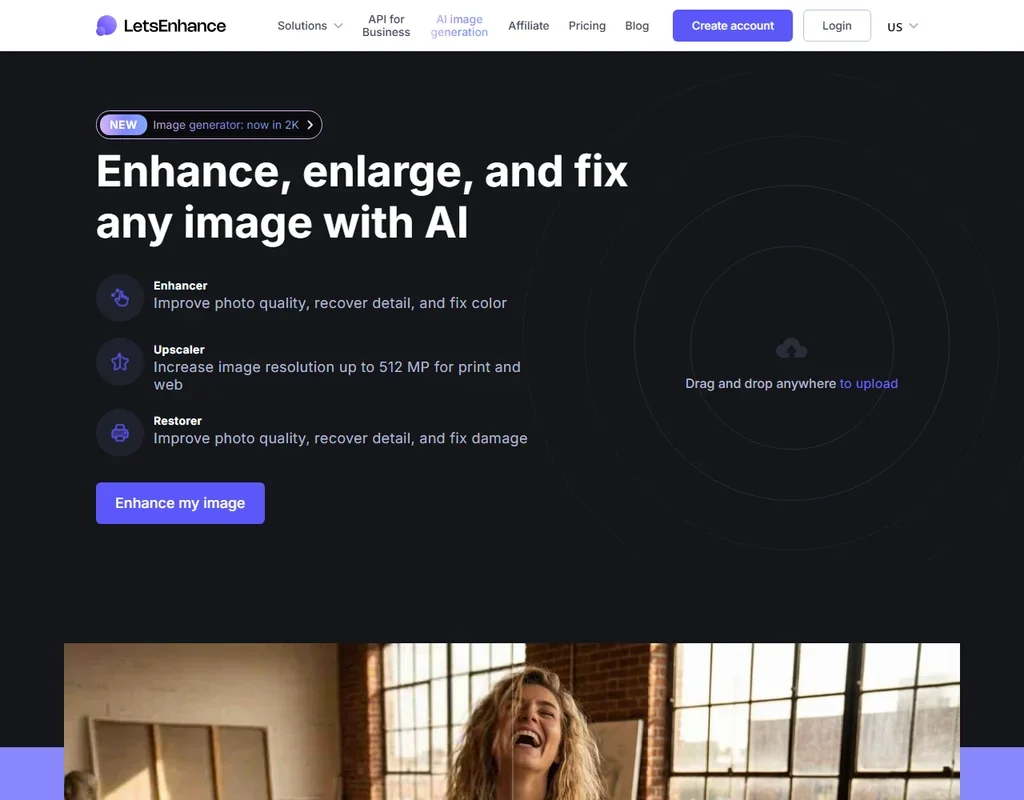
- Upscales 2x to 16x or to custom dimensions, with output up to 512 MP on Max.
- The creativity of the Ultra model can be tuned with Intensity and Size of Changes.
- Free results carry a watermark.
App: 1 Month: Listed as an iOS in-app purchase.
✓ Free plan tooFrom $9.99Show detailsHide details47 Remini#5 of 6 AI image upscalers6.2Score 6.2 out of 10App: 1 Month: Listed as an iOS in-app purchase.✓ Free plan too$9.99Visit site ↗ReviewDetailsCloseShow more about Remini
App: 1 Month: Listed as an iOS in-app purchase.
✓ Free plan tooFrom $9.99
Show detailsHide detailsRemini#5 of 6 AI image upscalers
6.2Score 6.2 out of 10App: 1 Month: Listed as an iOS in-app purchase.✓ Free plan too$9.99Visit site ↗ReviewDetailsClose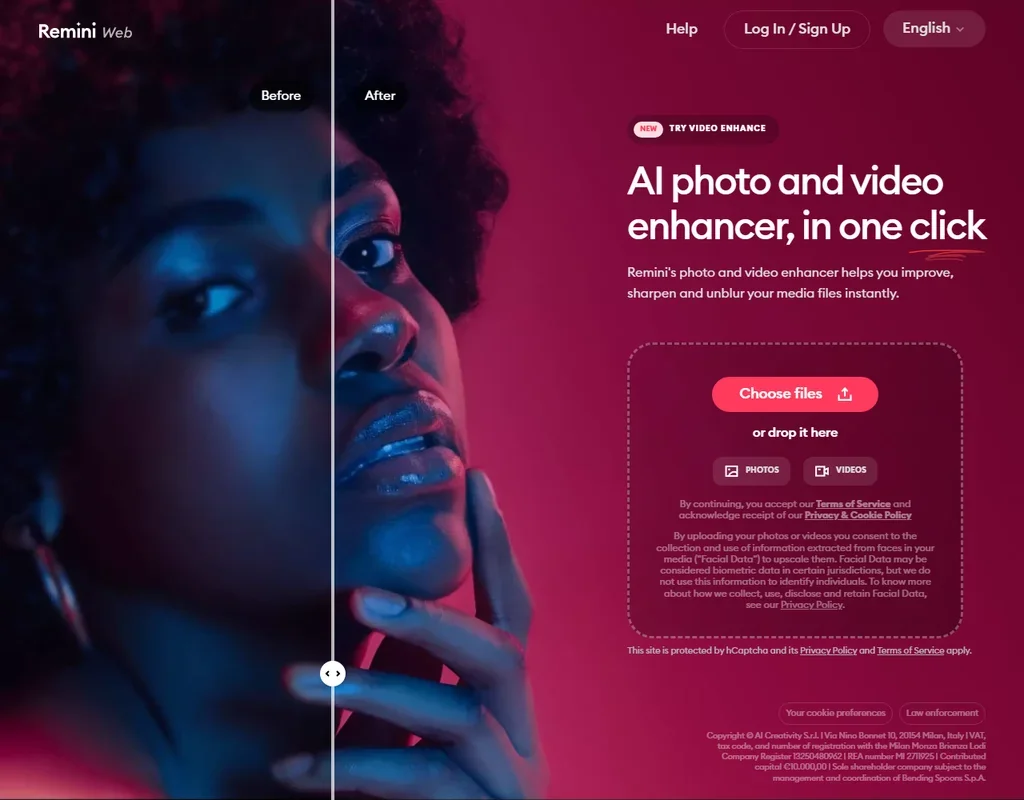
- The Face Enhancer brings out facial detail in portraits.
- The Unblur and Sharpener tool removes motion blur, camera shake and focus problems.
- Enlargement goes up to 2x, with images up to 4096 x 4096 pixels.
Pro: High-resolution upscaler up to 16x, 1,000 uses per 24 hours per tool, skips the queue. A free trial is offered.
✓ Free plan tooFrom $15Show detailsHide details48 Clipdrop#6 of 6 AI image upscalers5.2Score 5.2 out of 10Pro: High-resolution upscaler up to 16x, 1,000 uses per 24 hours per tool, skips the queue. A free trial is offered.✓ Free plan too$15Visit site ↗ReviewDetailsCloseShow more about Clipdrop
Pro: High-resolution upscaler up to 16x, 1,000 uses per 24 hours per tool, skips the queue. A free trial is offered.
✓ Free plan tooFrom $15
Show detailsHide detailsClipdrop#6 of 6 AI image upscalers
5.2Score 5.2 out of 10Pro: High-resolution upscaler up to 16x, 1,000 uses per 24 hours per tool, skips the queue. A free trial is offered.✓ Free plan too$15Visit site ↗ReviewDetailsClose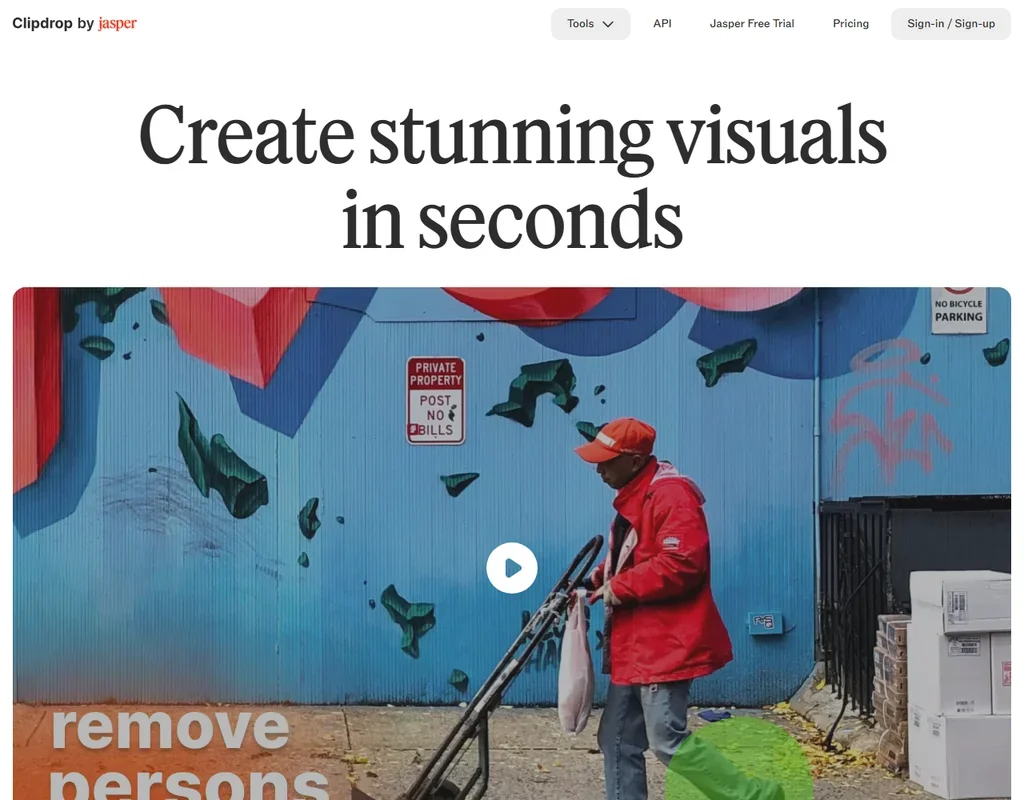
- The free plan upscales at 2x, for 20 images every 24 hours.
- Pro upscales up to 16x, with 1,000 uses per tool every 24 hours.
- There is no video upscaling; the tools cover images.
More AI design tools under $30
3 picksThis group mixes a free AI logo maker, two logo packages and two generators. Turbologo and LogoAI let you design free and charge for the file, Design.com hands over vector files free under a non-exclusive license, and Durable drafts a small business site. Stitch makes app screens from a prompt and costs nothing to use.
#ToolScoreEntry plan includesStarts at
49 Squarespace: Best for design-led sites with hosting and a storen/a$19Visit site ↗ReviewDetailsCloseShow more about Squarespace
Squarespace: Best for design-led sites with hosting and a store
n/a$19Visit site ↗ReviewDetailsClose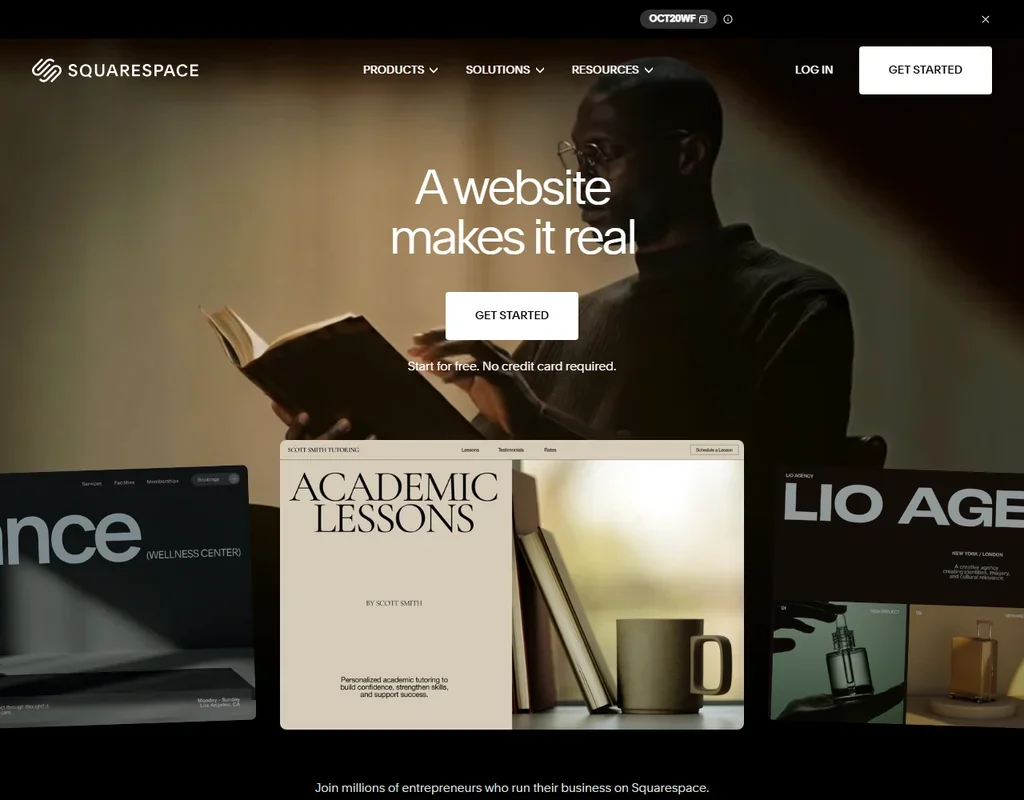
Basic is $25 a month, or $19 a month billed annually, for one site with hosting, a domain free for the first year on annual billing, and an AI builder that drafts pages, copy, imagery, colors and fonts from a prompt. There is no free plan, only a 14-day trial with no card. Basic takes a 2% transaction fee on sales, and Core at $29 annual drops it to 0%. Choose it over 10Web when you want a design-led template site without WordPress to manage.
- The AI builder produces pages, copy, imagery, colors and fonts from a prompt inside the Squarespace editor.
- Hosting is included, with a free domain for the first year on annual plans.
- There is no free plan, just a 14-day trial.

#50LogoAI: Best for an original logo with vector files
7-Day Trial: Branding Suite, Design Studio with 20+ AI models, unrestricted downloads, 200 AI credits; renews at $20/mo unless cancelled
From $10Show detailsHide details50LogoAI: Best for an original logo with vector filesn/a7-Day Trial: Branding Suite, Design Studio with 20+ AI models, unrestricted downloads, 200 AI credits; renews at $20/mo unless cancelled$10Visit site ↗ReviewDetailsCloseShow more about LogoAI
#50LogoAI: Best for an original logo with vector files
7-Day Trial: Branding Suite, Design Studio with 20+ AI models, unrestricted downloads, 200 AI credits; renews at $20/mo unless cancelled
From $10
Show detailsHide detailsLogoAI: Best for an original logo with vector files
n/a7-Day Trial: Branding Suite, Design Studio with 20+ AI models, unrestricted downloads, 200 AI credits; renews at $20/mo unless cancelled$10Visit site ↗ReviewDetailsClose
LogoAI no longer sells one-time packages: a $10 seven-day trial includes the Branding Suite, a design studio with more than 20 AI models, unrestricted downloads and 200 AI credits, then renews as Pro at $20 a month with 500 credits. Cancel inside the week if one logo is all you need. Pick it when you want to describe a mark in words rather than pick a template.
- LogoAI generates a logo from a written prompt, not just a guided picker, and lets you keep refining it with further text requests.
- AI image generation and editing go beyond the logo itself: a Photo AI tool can transform portraits, and there's a general AI image generator in the Design Studio.
- There's no free plan; even the trial costs $10, and the ongoing plan is a $20 a month subscription.

#51Stitch: Best for a no-budget first draft of app screens
✓ Free plan tooFreeShow detailsHide details51Stitch: Best for a no-budget first draft of app screensn/a✓ Free plan tooFreeVisit site ↗ReviewDetailsCloseShow more about Stitch
#51Stitch: Best for a no-budget first draft of app screens
✓ Free plan tooFree
Show detailsHide detailsStitch: Best for a no-budget first draft of app screens
n/a✓ Free plan tooFreeVisit site ↗ReviewDetailsClose
Stitch needs no budget at all, so it works as a first draft before you spend on anything above. It produces app screens from a sketch, screenshot or webpage and exports them to Figma. You cannot import Figma files into it or generate standalone images. Move to Uizard or Visily when you want a prototype you can hand to reviewers, with commenters and boards built around it.
- Generates a user-interface screen directly from a plain-text description.
- Turns an uploaded screenshot or a photo of a hand-drawn wireframe into a matching UI design.
- Stitch does not generate standalone images, only UI screens.
How to choose an AI design tool under $30 a month
A budget of this size buys very different things depending on the tool. It might be one seat in a team editor, one site on a hosting plan, a monthly pot of credits, or a single logo package that never renews. Prices that look alike are charged against different units, so the sensible way to compare is inside one kind of tool. This guide sorts the tools by job, explains what each kind of plan counts, and then covers the limits, the privacy terms and the point where a larger plan is worth it.
Start with the job, not the tool
Design work at this price falls into six jobs, and most tools on the page belong to just one of them.
- Decks and documents. Gamma and Decktopus AI generate presentations from a prompt, and Visme adds infographics and reports with wide export options.
- Graphics, social posts and print. Canva, Adobe Express, Kittl and Picsart are template and image editors, and Picsart draws on more than 140 generation models for images and video.
- Screens and prototypes. Figma, Penpot and Sketch are full design editors, while the other six start from a prompt, a sketch, a screenshot or a Figma file, and several turn the result into code.
- Websites. Wix, Webflow, Framer, Durable, 10Web, Relume and teleportHQ cover everything from a first small business site to WordPress sites for clients.
- Logos. Turbologo, LogoAI, Design.com and DesignsAI sell or give away a logo mark, and what differs is the file you receive.
- Diagrams and renders. Napkin AI, Whimsical and MockFlow draw diagrams and flows, while Spacely AI and mnml.ai turn sketches, models and photos into architectural renders.
Find the row closest to your own week, and weigh the second column against its catch.
| Job | Start with | Runner-up, and the trade-off |
|---|---|---|
| Slide decks | Gamma Plus | Decktopus turns 750 credits into about 150 slides, with no free plan to try first |
| Social posts and print | Canva Pro | Adobe Express Premium costs less, with a 250 credit cap |
| Screens with a team | Figma Professional | Penpot costs less per editor, but has no built-in AI |
| Wireframes from screenshots | Visily Pro | Uizard Pro adds 500 generations a month and reads hand sketches |
| Design files to code | Anima Starter | Builder.io Pro suits work inside a code repository |
| A site you own | Webflow Basic | Wix suits beginners, and Framer Basic suits canvas-first designers |
| A logo to keep | Turbologo | Design.com's free download includes SVG and EPS, though the mark is not exclusive |
| Diagrams from text | Napkin AI Plus | Whimsical Pro prices per editor for shared boards |
| Room and building renders | mnml.ai Lite | Spacely AI Personal is cheaper, with no credit rollover |
What the price actually buys
The unit you pay for changes with the kind of tool.
- Graphic design. Credits and brand kits. Canva Pro gives ten times the free AI allowance and 5 Brand Kits, Adobe Express Premium 250 credits a month, Kittl Pro 2,000 AI tokens, and Picsart Pro 500 credits, which works out to about 100 Nano Banana Pro images or 55 Kling videos.
- Presentation makers. Credits and cards. Gamma Plus gives 1,000 credits and up to 20 cards per prompt and removes Gamma branding. Decktopus gives 750 credits for about 150 slides.
- UI design. Seats, credits or generations. Figma Professional charges per seat and includes 3,000 AI credits on the full seat, Anima Starter counts 100 chat messages and 50 code generations, and Uizard Pro counts 500 generations.
- Website builders. Sites, pages and bandwidth. Webflow Basic allows 300 pages and 10 GB, 10Web's entry plan covers one website with 100 AI credits, and Wix prices per site, not per person.
- Logo makers. The package. Turbologo Lite is one low-resolution file with no transparent version. LogoAI Basic is 800 by 600 pixels, and Design.com's free logo already downloads in five formats.
- Diagram and render tools. Napkin AI Plus gives 10,000 credits a month, Whimsical Pro unlimited team boards, mnml.ai Lite about 100 fast renders, and Spacely AI Personal about 100 renders from 500 credits.
If you work in a team of five, seat pricing multiplies fastest on Canva, Figma, Gamma, Whimsical and Penpot. If you build five sites for clients, per-site pricing multiplies instead on Wix, Webflow and 10Web. For one logo, a one-time package beats a subscription.
Which tool fits which designer
- Freelance designers. Start with Figma Professional for client screens, with real-time editing and 3,000 monthly credits. Add Kittl Pro for print and merchandise artwork, where vector editing and unlimited projects matter.
- Founders. Start with Gamma Plus for decks, which generates them from a prompt and publishes them as a web page. Add Design.com for a free first logo, then Wix or Webflow Basic when the site needs your own domain.
- Marketers and social teams. Start with Canva Pro, which adds Brand Kits and cloud storage on top of its large free library. Add Napkin AI Plus when written notes need to become diagrams in your brand style.
- Developers. Start with Anima Starter, which moves designs to code and back through Figma, or Builder.io Pro if the work lives in GitHub. UXPin Core suits teams designing with real React components.
- Agencies building sites for clients. Start with 10Web, whose builder produces WordPress sites, or Webflow Basic when you want the CMS and the site's own code. Add Relume to plan page structure before building.
- Mac-based designers. Start with Sketch, a native Mac app with a 30-day trial, a $14 per editor price and a one-time Mac-only license. Pair it with Figma if collaborators use Windows.
- Architects and interior designers. Start with mnml.ai Lite, which includes a commercial license and PNG and DXF export on every plan. Spacely AI Personal costs less and fits one seat.
Where the entry plans stop
| Limit | Tools | What happens when you hit it |
|---|---|---|
| Monthly credits | Gamma Plus (1,000), Decktopus (750), Picsart Pro (500), DesignsAI Go (500), Adobe Express (250) | Wait for renewal or buy a bigger plan |
| Credits with no rollover | Spacely AI Personal | Unused credits are gone at the end of the month |
| Pages and sites | 10Web (1 site), Webflow Basic (300 pages) | More sites need a higher tier |
| Billing term | Wix paid plans, yearly only | You commit for the year |
| Output quality | Turbologo Lite, LogoAI Basic (800 by 600) | Print needs the next package |
| Sign-on and admin | Visily (Business), Penpot (Enterprise) | Controls arrive on pricier plans |
The simplest way to live inside these ceilings is to convert credits into jobs before you start. A Picsart Pro pot is roughly 100 premium images or 55 videos, and a Decktopus pot is about 150 slides. Credits that do not roll over, as on Spacely AI Personal, are best used early in the month by batching your renders. And match the plan to your headcount: Spacely Personal covers one seat, so a second person means a higher plan.
What the cheapest plan leaves out
Entry plans often hold back the features a team eventually needs. Figma Professional's Dev and Collab seats give 500 credits, not 3,000. UXPin Core includes only 200 credits a month and 7-day version history, while design systems and sign-on start higher. Anima Starter has 50 code generations, and priority support starts on Pro. Gamma keeps its larger credit pots and API access for Pro.
Some cheaper plans trade away something else. Visme Starter covers personal projects only, and Kittl allows commercial use from Pro. teleportHQ's trial has a watermark that Professional removes. Sketch has no Windows or Android version. Whimsical's entry paid tier suits small teams, with larger guest counts and sign-on at Business.
Privacy, training and commercial use
Check training and license before client files go in, because these terms differ more than prices do.
| Tool | Trains on your content | Can you opt out | Commercial use |
|---|---|---|---|
| Adobe Express, UXPin, Webflow, mnml.ai | No | Not needed | Allowed |
| Gamma, Figma, Anima, Relume | Opt out available | Yes | Allowed |
| Canva | Uploads, by default | Yes, in privacy settings | Allowed |
| Turbologo | Not for third party models without consent | Consent-based | Allowed once purchased |
| Framer | Deidentified inputs and outputs | No opt-out listed | Allowed |
| Uizard | Content on Free and Pro | No opt-out described | Allowed |
| teleportHQ | Images sent to its Vision API | No opt-out listed | Allowed |
Whimsical, Kittl and Decktopus also state that they do not train on your content. For client work that must stay private, favor those and the first row. On license terms, DesignsAI and mnml.ai allow commercial use on every plan, and Turbologo transfers full rights once you have purchased a package.
Mistakes to avoid
- Counting the monthly price and ignoring the seat count. Canva, Figma, Gamma and Whimsical charge per seat. Price your whole team before choosing.
- Buying Turbologo Lite for a client logo. It is one low-resolution file with no transparent version. Print-ready PDF and SVG files arrive with the Standard package.
- Treating Spacely Personal credits as a bank. They expire at month end, so a quiet month wastes them. Batch your renders early.
- Using the Visme Starter plan for client decks. Its license covers personal projects, and commercial use begins on Pro.
- Skipping the trial windows. Canva Pro and Sketch give 30 days, Penpot and UXPin 14, and teleportHQ and Relume 7. Use them before paying for a year.
When to move up a plan
Move up when the ceiling, not the idea, decides what you make. Credits that run out by the third week, a teammate waiting for access, or files too small for print are the usual signs.
| If you are | Upgrade to | What changes |
|---|---|---|
| Building decks weekly | Gamma Pro | 4,000 credits, 60 cards per prompt, premium image models |
| Running developers and designers | Figma Dev or Collab seats | Dev Mode, FigJam and Slides at a lower seat price |
| Needing single sign-on | Visily Business | SAML sign-in and 10,000 credits |
| Rendering in volume | Spacely AI Studio | Credits roll over and the queue drops under 3 minutes |
Annual billing can cut a price by half or more. Billed yearly, UXPin Core costs $29 a month in place of $49, Decktopus Pro from $24.99 to $9.99, and 10Web is $10 a month billed yearly, while Builder.io Pro costs the same either way. 10Web also gives a 30-day money-back guarantee, and Wix paid plans carry a 14-day one.
Using a cheap plan with a free one
A free tool can take the rough work, so your paid credits go to the final versions.
- Draft screens in Stitch. It is free with a Google account and exports to Figma.
- Finish in the paid tool. Move the best screens into Figma Professional or Visily Pro.
- Add the visuals. Napkin AI's free weekly credits can feed diagrams into a deck built in Gamma Plus.
A second pairing suits site builders. Plan the structure in Relume, which exports to Figma at no cost, then build the pages on Webflow Basic.
What would this stack cost you?
Add our top picks (Meshy, Adobe Express, Gamma and 5 more) to the calculator and see the monthly total, then swap in the plans you would pay for.
How we picked
Every tool here is ranked by its score, and each score is worked out from the vendor’s own published pages: pricing, plans, features and terms. No score is adjusted by hand. 48 of the 51 tools have enough published facts to show a score, and on average 90% of each score comes from facts the vendor publishes. The facts behind these scores were checked between 19 September 2026 and 31 October 2026.
Scores compare tools that do the same job, which is why the list is grouped by job: a video editor and a grammar checker are never ranked against each other.
| Ranked as | On this page | What we score | Scoring guide |
|---|---|---|---|
| AI UI design tools9 reviewed | 9 | 5 criteria, 22 checked facts: what you can make, workflow and output, pricing, teams and platforms, privacy and trust | How we score these → |
| AI website builders8 reviewed | 8 | 5 criteria, 22 checked facts: what you can build, workflow and output, pricing, teams and platforms, privacy and trust | How we score these → |
| AI room and building renderers8 reviewed | 7 | 4 criteria, 14 checked facts: what you can render, workflow and teams, pricing, privacy and trust | How we score these → |
| AI graphic design tools9 reviewed | 6 | 5 criteria, 23 checked facts: what you can make, workflow and output, pricing, teams and platforms, privacy and trust | How we score these → |
| AI image upscalers6 reviewed | 6 | 4 criteria, 17 checked facts: what it does, where it runs, pricing, privacy and trust | How we score these → |
| AI 3D model generators6 reviewed | 5 | 4 criteria, 17 checked facts: what it makes, files and tools, pricing, privacy and trust | How we score these → |
| AI presentation makers5 reviewed | 4 | 5 criteria, 20 checked facts: what you can make, workflow and output, pricing, teams and platforms, privacy and trust | How we score these → |
| AI logo makers5 reviewed | 3 | 5 criteria, 15 checked facts: what you get, files and rights, pricing, support and reach, privacy and trust | How we score these → |
| AI diagram tools3 reviewed | 3 | 5 criteria, 15 checked facts: what you can make, workflow and output, pricing, teams and platforms, privacy and trust | How we score these → |
Common questions
What is the best AI presentation maker under $30 a month?
Gamma Plus is the usual starting point, with 1,000 monthly credits and Gamma branding removed. Decktopus Pro counts 750 credits as about 150 slides and has no free plan, while Visme Starter keeps commercial use for Pro. If you present to clients, branding and license matter more than the credit count.
Is there an AI website builder under $30 a month that includes a domain?
Framer's paid plans include a custom domain, free only on yearly billing, and 10Web's AI Starter lists one too. Wix Light covers a domain for year one, and Webflow Basic adds a custom domain over its free address. Wix bills yearly only, so work out what leaving costs before you start.
Which AI UI design tool is cheapest per person?
Penpot's Unlimited plan costs least per editor, though its AI needs an outside agent connected. Sketch is $14 per editor, and Figma's full seat brings 3,000 AI credits a month. Figma also sells cheaper Dev and Collab seats for people who view and comment rather than design, which keeps a mixed team's bill down.
Can I buy an AI logo maker once instead of subscribing?
Yes. Turbologo and LogoAI both sell one-time packages, and you can design before paying. Turbologo's Lite is a single low-resolution file, with print-ready vectors starting at Standard, and full rights transfer once you buy. LogoAI's Basic is 800 by 600 pixels, with vector files from Pro. Neither sells a lasting free plan, though designing costs nothing.
What do AI interior design tools cost for a month of renders?
Spacely AI Personal gives 500 credits for about 100 renders, and unused credits do not roll over. mnml.ai Lite gives 1,000 credits, about 100 fast or 30 ultra renders, with a commercial license on every plan. Work out how many renders a typical project needs, then pick the plan whose credits cover it.
Is a paid AI diagram generator better than a free one?
It is better when branding or file types matter. Napkin AI's free visuals carry its branding and export PNG and PDF, while Plus removes it and adds PPT and SVG export with far more monthly credits. Whimsical Pro removes the export watermark. If you sketch for yourself alone, the free plans may be enough.
Do AI design tools under $30 a month allow commercial use?
Most do, with exceptions you can name. Kittl starts commercial use at Pro, Visme's Starter plan is personal use only, and MockFlow's free plan is personal while its paid plans allow business use. DesignsAI and mnml.ai allow it on every plan, so they suit client work from the first month.