ChatGPT is the flexible starting point when one tool must draft copy, analyze a spreadsheet and produce a quick image.
Buying guide · 48 tools ranked
Best AI Tools for Marketers
Find the best AI tools for marketers, grouped by the job each one does in a campaign, from content and SEO to email, social, design, video, landing pages and planning. Pick one tool per job instead of comparing every product against every other, and read who each one suits and where it falls short before you put it in front of a team or a customer.
Our top 3 AI Tools for Marketers
Semrush is the broad SEO and marketing suite: keyword research across 28 billion keywords, daily position tracking, site audits, backlink analysis, PPC and social scheduling tools, and AI visibility monitoring.
Grammarly is the default grammar and editing tool for marketers working across browser, Word, Google Docs and phone.
Best AI content tools for marketers
6 picksMarketing copy has to sound like the brand and reach many channels, so what separates these picks is voice control and reach. Jasper stores brand voice through Jasper IQ and is built around campaigns and teams, with no free plan. Copy has become a go-to-market platform for sales and marketing operations. ChatGPT and Claude are general assistants with free plans, and ChatGPT also makes images. Writesonic now centers on visibility in AI search. Anyword scores headline and ad versions by predicted performance. Choose an assistant for drafts, Jasper when several people need one voice, and Anyword when you test variations.
#ToolScorePriceWhy pick it
From $8free planChatGPT is the flexible starting point when one tool must draft copy, analyze a spreadsheet and produce a quick image.
Show detailsHide details01 ChatGPT: Best for copy, analysis and images in one assistant8.8Score 8.8 out of 10From $8free planChatGPT is the flexible starting point when one tool must draft copy, analyze a spreadsheet and produce a quick image.Visit site ↗ReviewDetailsCloseShow more about ChatGPT
From $8free plan
ChatGPT is the flexible starting point when one tool must draft copy, analyze a spreadsheet and produce a quick image.
Show detailsHide detailsChatGPT: Best for copy, analysis and images in one assistant
8.8Score 8.8 out of 10From $8free planChatGPT is the flexible starting point when one tool must draft copy, analyze a spreadsheet and produce a quick image.Visit site ↗ReviewDetailsClose
ChatGPT is the flexible starting point when one tool must draft copy, analyze a spreadsheet and produce a quick image. Web search and projects are included on every plan, Free too, and it offers images and file analysis. Deep research is limited on Free and Go and full from Plus. It gives you no built-in brand-voice system, so the consistency has to come from your prompts. Claude is the alternative for writing quality.
- The Free plan includes unlimited text chats with GPT-6 Luna, subject to abuse guardrails.
- Web search is included on every individual plan, including Free.
- Go, the cheapest paid plan, still does not unlock GPT-6.1 Sol, GPT-6 Astra or GPT-6 Sol, and may include ads.
From $20free planClaude fits marketers who write a lot and want a careful drafting partner. Web search, memory and projects come with the free plan, so a project can hold your brand guidelines and past campaigns.
Show detailsHide details02 Claude: Best for careful drafting from a brand brief7.8Score 7.8 out of 10From $20free planClaude fits marketers who write a lot and want a careful drafting partner. Web search, memory and projects come with the free plan, so a project can hold your brand guidelines and past campaigns.Visit site ↗ReviewDetailsCloseShow more about Claude
From $20free plan
Claude fits marketers who write a lot and want a careful drafting partner. Web search, memory and projects come with the free plan, so a project can hold your brand guidelines and past campaigns.
Show detailsHide detailsClaude: Best for careful drafting from a brand brief
7.8Score 7.8 out of 10From $20free planClaude fits marketers who write a lot and want a careful drafting partner. Web search, memory and projects come with the free plan, so a project can hold your brand guidelines and past campaigns.Visit site ↗ReviewDetailsClose
Claude fits marketers who write a lot and want a careful drafting partner. Web search, memory and projects come with the free plan, so a project can hold your brand guidelines and past campaigns. Deep research starts on Pro, it doesn't generate photos or illustrations, and consumer chats train Anthropic's models unless you opt out. There is no built-in brand voice feature like Jasper's, and image work needs another tool such as Canva.
- The free plan already includes web search, file creation, code execution and memory across conversations.
- Deep research is available from the Pro plan up.
- The Opus and Fable models are only available from the Pro plan up.
From $69Jasper is built for marketing teams that need every asset in one brand voice. Jasper IQ applies voice, tone and style guidance across output, over 100 short-form templates cover ads and social posts, and the Canvas editor handles campaign briefs and long-form pieces.
Show detailsHide details03 Jasper AI: Best for teams that need one brand voice7.2Score 7.2 out of 10From $69Jasper is built for marketing teams that need every asset in one brand voice. Jasper IQ applies voice, tone and style guidance across output, over 100 short-form templates cover ads and social posts, and the Canvas editor handles campaign briefs and long-form pieces.Visit site ↗ReviewDetailsCloseShow more about Jasper AI
From $69
Jasper is built for marketing teams that need every asset in one brand voice. Jasper IQ applies voice, tone and style guidance across output, over 100 short-form templates cover ads and social posts, and the Canvas editor handles campaign briefs and long-form pieces.
Show detailsHide detailsJasper AI: Best for teams that need one brand voice
7.2Score 7.2 out of 10From $69Jasper is built for marketing teams that need every asset in one brand voice. Jasper IQ applies voice, tone and style guidance across output, over 100 short-form templates cover ads and social posts, and the Canvas editor handles campaign briefs and long-form pieces.Visit site ↗ReviewDetailsClose
Jasper is built for marketing teams that need every asset in one brand voice. Jasper IQ applies voice, tone and style guidance across output, over 100 short-form templates cover ads and social posts, and the Canvas editor handles campaign briefs and long-form pieces. There is no free plan, only a 7-day trial, and the pricing page is hard to parse. Its entry price puts it out of reach for small budgets, where ChatGPT or Claude will do.
- Jasper routes across multiple large language models including GPT-4 and Claude, reducing dependency on any single provider's limitations.
- The Jasper IQ feature embeds brand voice, tone, and style guidelines into every piece of content generated.
- The entry-level pricing is high enough to exclude solo bloggers and small-budget users, making it viable only for teams that can justify the spend.
From $49Anyword is the pick when you compare versions of a headline, email subject or ad before sending.
Show detailsHide details04 Anyword: Best for choosing between ad and subject versions7.0Score 7.0 out of 10From $49Anyword is the pick when you compare versions of a headline, email subject or ad before sending.Visit site ↗ReviewDetailsCloseShow more about Anyword
From $49
Anyword is the pick when you compare versions of a headline, email subject or ad before sending.
Show detailsHide detailsAnyword: Best for choosing between ad and subject versions
7.0Score 7.0 out of 10From $49Anyword is the pick when you compare versions of a headline, email subject or ad before sending.Visit site ↗ReviewDetailsClose
Anyword is the pick when you compare versions of a headline, email subject or ad before sending. Its predictive scoring ranks variations, and it has 100+ templates and a Blog Wizard with a built-in plagiarism check. There is no free plan, only a 7-day trial, no mobile app. It is narrowly aimed at marketing use, so Claude or ChatGPT suit broader work.
- Predictive performance scoring claims 82% accuracy in predicting which copy variation will outperform others, based on historical A/B testing data.
- LLM-agnostic architecture means it isn't locked to a single AI model, giving it flexibility as the underlying technology evolves.
- No mobile app is available, limiting access for marketers who need to work on the go.
From $79Writesonic has shifted its center of gravity towards showing how a brand appears in AI search, with an article writer attached.
Show detailsHide details05 Writesonic: Best for tracking brand visibility in AI search6.7Score 6.7 out of 10From $79Writesonic has shifted its center of gravity towards showing how a brand appears in AI search, with an article writer attached.Visit site ↗ReviewDetailsCloseShow more about Writesonic
From $79
Writesonic has shifted its center of gravity towards showing how a brand appears in AI search, with an article writer attached.
Show detailsHide detailsWritesonic: Best for tracking brand visibility in AI search
6.7Score 6.7 out of 10From $79Writesonic has shifted its center of gravity towards showing how a brand appears in AI search, with an article writer attached.Visit site ↗ReviewDetailsClose
Writesonic has shifted its center of gravity towards showing how a brand appears in AI search, with an article writer attached. It tracks prompts across AI platforms, produces pieces up to 5,000 words and offers a 7-day trial with no card, but no free plan. The plans are priced for marketing teams, and it lacks a Google Docs integration. If you only need copy, Anyword or Jasper stay closer to that job.
- The AI Article Writer produces long-form content up to 5,000 words, making it viable for substantial editorial output.
- Brand voice customization supports up to 10 distinct writing styles on the Growth plan, which exceeds most competitors at the same tier.
- No Google Docs integration exists, which is a meaningful gap for editorial teams that rely on collaborative document workflows.
From $29Copy is no longer a plain writing assistant. It now sells itself as a go-to-market platform that joins sales, marketing and operations workflows, so it suits mid-size revenue teams more than a lone content marketer.
Show detailsHide details06 Copy: Best for revenue teams joining sales and marketing4.3Score 4.3 out of 10From $29Copy is no longer a plain writing assistant. It now sells itself as a go-to-market platform that joins sales, marketing and operations workflows, so it suits mid-size revenue teams more than a lone content marketer.Visit site ↗ReviewDetailsCloseShow more about Copy
From $29
Copy is no longer a plain writing assistant. It now sells itself as a go-to-market platform that joins sales, marketing and operations workflows, so it suits mid-size revenue teams more than a lone content marketer.
Show detailsHide detailsCopy: Best for revenue teams joining sales and marketing
4.3Score 4.3 out of 10From $29Copy is no longer a plain writing assistant. It now sells itself as a go-to-market platform that joins sales, marketing and operations workflows, so it suits mid-size revenue teams more than a lone content marketer.Visit site ↗ReviewDetailsClose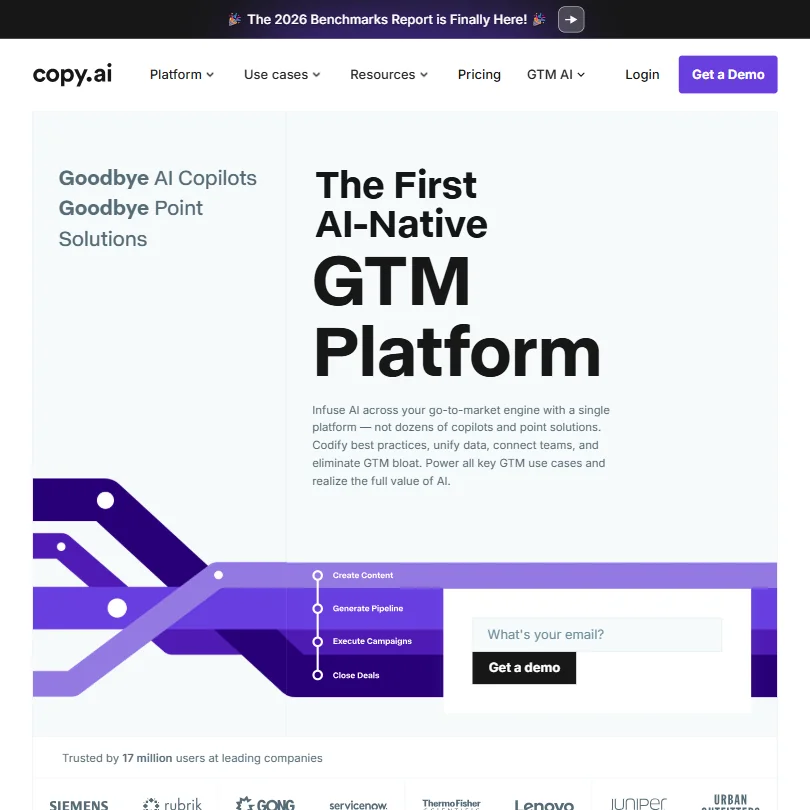
Copy is no longer a plain writing assistant. It now sells itself as a go-to-market platform that joins sales, marketing and operations workflows, so it suits mid-size revenue teams more than a lone content marketer. The Chat plan brings five seats and models from OpenAI, Anthropic and Gemini, while brand voice and workflows sit on Enterprise. Jasper is the closer match for pure marketing copy.
- The Brand Voice feature carries tone and personality consistently across outputs.
- Model-agnostic approach draws from OpenAI, Anthropic, and Google Gemini, meaning users benefit from best-in-class AI depending on the task.
- Significant product identity shift from a copywriting tool to a GTM platform may alienate original users who signed up for simple AI writing assistance.
Best SEO tools for marketers
6 picksMarketers use SEO tools for two things: deciding what to publish and checking that a page is complete. Semrush and Ahrefs supply keyword, backlink and ranking data. Surfer, Clearscope and Frase score drafts against pages that already rank, and Clearscope grades them A+ to F so a whole team can read the result. Rankability is built for agencies with several clients. Several of these also track brand visibility in AI answers. Pick a data suite first, add an editor when writers need a target, and check which drafting app it works in: Clearscope covers Google Docs, WordPress and Word.
#ToolScorePriceWhy pick it
From $139.95free planSemrush is the broad SEO and marketing suite: keyword research across 28 billion keywords, daily position tracking, site audits, backlink analysis, PPC and social scheduling tools, and AI visibility monitoring.
Show detailsHide details07 Semrush: Best for keywords, ranks and audits in one suite8.3Score 8.3 out of 10From $139.95free planSemrush is the broad SEO and marketing suite: keyword research across 28 billion keywords, daily position tracking, site audits, backlink analysis, PPC and social scheduling tools, and AI visibility monitoring.Visit site ↗ReviewDetailsCloseShow more about Semrush
From $139.95free plan
Semrush is the broad SEO and marketing suite: keyword research across 28 billion keywords, daily position tracking, site audits, backlink analysis, PPC and social scheduling tools, and AI visibility monitoring.
Show detailsHide detailsSemrush: Best for keywords, ranks and audits in one suite
8.3Score 8.3 out of 10From $139.95free planSemrush is the broad SEO and marketing suite: keyword research across 28 billion keywords, daily position tracking, site audits, backlink analysis, PPC and social scheduling tools, and AI visibility monitoring.Visit site ↗ReviewDetailsClose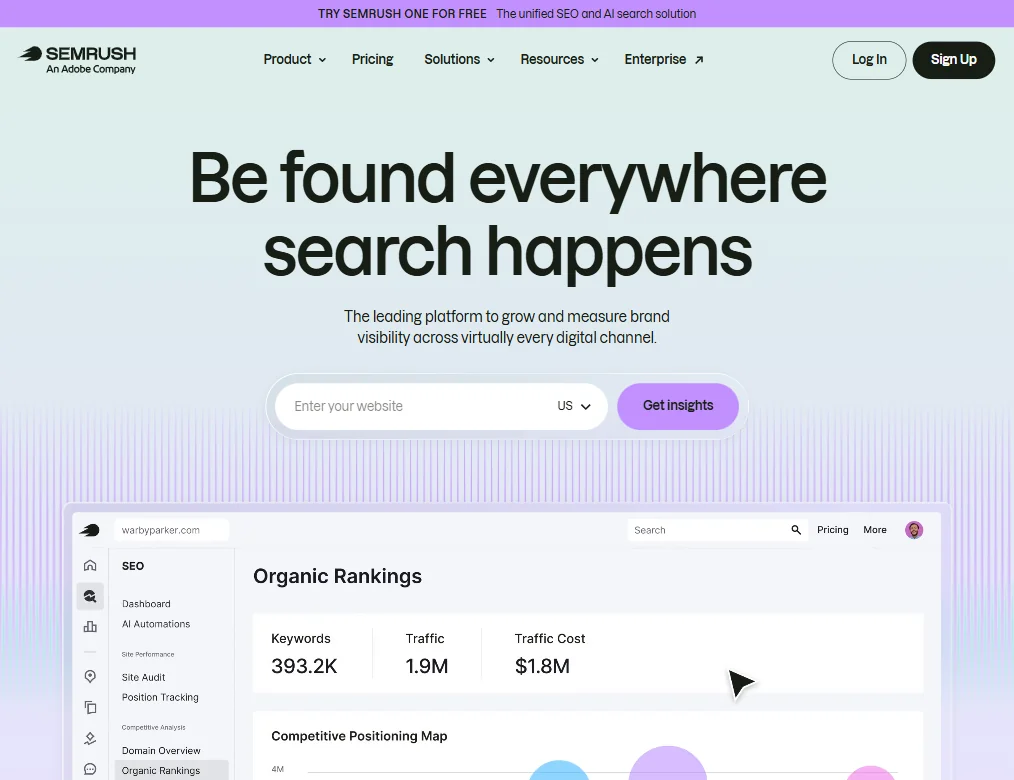
Semrush is the broad SEO and marketing suite: keyword research across 28 billion keywords, daily position tracking, site audits, backlink analysis, PPC and social scheduling tools, and AI visibility monitoring. A limited free account and a 7-day trial let you test it. The breadth brings a steep learning curve, and the cost is a real commitment, with features shifting between tiers. Ahrefs is the sharper choice when link data matters most.
- Semrush covers an exceptionally wide range of SEO capabilities including site auditing, rank tracking, keyword research, backlink analysis, PPC tools, and social scheduling all in one platform.
- The Keyword Magic Tool draws from a database of 28 billion keywords, giving users access to one of the largest keyword datasets available.
- The sheer breadth of tools creates a significant learning curve.
From $99Rankability is aimed at agencies running SEO for several clients, so plans count clients and credits.
Show detailsHide details08 Rankability: Best for agencies running SEO for clients7.8Score 7.8 out of 10From $99Rankability is aimed at agencies running SEO for several clients, so plans count clients and credits.Visit site ↗ReviewDetailsCloseShow more about Rankability
From $99
Rankability is aimed at agencies running SEO for several clients, so plans count clients and credits.
Show detailsHide detailsRankability: Best for agencies running SEO for clients
7.8Score 7.8 out of 10From $99Rankability is aimed at agencies running SEO for several clients, so plans count clients and credits.Visit site ↗ReviewDetailsClose
Rankability is aimed at agencies running SEO for several clients, so plans count clients and credits. It combines content optimization, daily rank tracking, backlink tools and visibility tracking across AI platforms, with founder-led support calls. In-house marketers with one site are paying for structure they do not need. It is young, has no free plan, and its 7-day trial applies to monthly billing only. Frase is the in-house alternative.
- Built specifically for agencies managing multiple clients, not just adapted for them as an afterthought.
- Tracks AI platform visibility across ChatGPT, Perplexity, and Gemini, a rare feature most SEO tools still lack.
- The platform is very young, launching only in March 2024, meaning long-term reliability is still unproven.
From $29free planAhrefs leads when backlink and keyword data decide your plan. It runs its own crawler, tracks rankings in 190+ locations and covers site audits, content tools and AI search visibility.
Show detailsHide details09 Ahrefs: Best for backlink data and site auditing7.7Score 7.7 out of 10From $29free planAhrefs leads when backlink and keyword data decide your plan. It runs its own crawler, tracks rankings in 190+ locations and covers site audits, content tools and AI search visibility.Visit site ↗ReviewDetailsCloseShow more about Ahrefs
From $29free plan
Ahrefs leads when backlink and keyword data decide your plan. It runs its own crawler, tracks rankings in 190+ locations and covers site audits, content tools and AI search visibility.
Show detailsHide detailsAhrefs: Best for backlink data and site auditing
7.7Score 7.7 out of 10From $29free planAhrefs leads when backlink and keyword data decide your plan. It runs its own crawler, tracks rankings in 190+ locations and covers site audits, content tools and AI search visibility.Visit site ↗ReviewDetailsClose
Ahrefs leads when backlink and keyword data decide your plan. It runs its own crawler, tracks rankings in 190+ locations and covers site audits, content tools and AI search visibility. The free plan shows Ahrefs data on your own site, though there is no free trial of the paid plans and the higher tiers climb quickly. The AI features, Brand Radar and Agent A, are still early. Semrush is broader, with paid-search tools.
- Ahrefs has one of the largest web crawlers available, providing industry-leading backlink data that has been refined since 2011.
- The platform covers keyword research, rank tracking, site audits, content tools, and AI search visibility all in one place.
- The platform has grown so large that most teams will only use a fraction of the available tools at any one time.
From $39Frase covers the whole content loop, from live SERP research and automatic briefs to drafting and Content Guard, which watches published pages for ranking drops.
Show detailsHide details10 Frase: Best for briefs and watching published pages decay7.5Score 7.5 out of 10From $39Frase covers the whole content loop, from live SERP research and automatic briefs to drafting and Content Guard, which watches published pages for ranking drops.Visit site ↗ReviewDetailsCloseShow more about Frase
From $39
Frase covers the whole content loop, from live SERP research and automatic briefs to drafting and Content Guard, which watches published pages for ranking drops.
Show detailsHide detailsFrase: Best for briefs and watching published pages decay
7.5Score 7.5 out of 10From $39Frase covers the whole content loop, from live SERP research and automatic briefs to drafting and Content Guard, which watches published pages for ranking drops.Visit site ↗ReviewDetailsClose
Frase covers the whole content loop, from live SERP research and automatic briefs to drafting and Content Guard, which watches published pages for ranking drops. Its AI Visibility tracking spans ChatGPT, Perplexity, Claude, Gemini and Google AI. That suits a marketer with a content library to maintain. The 7-day trial needs no card, there is no free plan, and the long feature list can feel heavy. Clearscope is the leaner grader.
- AI Visibility tracking across ChatGPT, Perplexity, Claude, Gemini, and Google AI is a genuine differentiator that most competitors don't offer at the same level.
- The SEO Research module uses live SERP data rather than cached snapshots, giving accurate competitor benchmarking and entity research.
- Despite significant growth since 2016, the platform still has rough edges that users are likely to encounter.
From $59Surfer suits content marketers who want a live score while writing. The Content Editor grades a draft against currently ranking pages, a Chrome extension works inside Google Docs and a WordPress plugin is available.
Show detailsHide details11 Surfer: Best for live scoring while writing6.4Score 6.4 out of 10From $59Surfer suits content marketers who want a live score while writing. The Content Editor grades a draft against currently ranking pages, a Chrome extension works inside Google Docs and a WordPress plugin is available.Visit site ↗ReviewDetailsCloseShow more about Surfer
From $59
Surfer suits content marketers who want a live score while writing. The Content Editor grades a draft against currently ranking pages, a Chrome extension works inside Google Docs and a WordPress plugin is available.
Show detailsHide detailsSurfer: Best for live scoring while writing
6.4Score 6.4 out of 10From $59Surfer suits content marketers who want a live score while writing. The Content Editor grades a draft against currently ranking pages, a Chrome extension works inside Google Docs and a WordPress plugin is available.Visit site ↗ReviewDetailsClose
Surfer suits content marketers who want a live score while writing. The Content Editor grades a draft against currently ranking pages, a Chrome extension works inside Google Docs and a WordPress plugin is available. Higher plans add AI visibility tracking, which is unproven. There is no free plan, only a 7-day trial, and the wide feature set can feel like a lot. Clearscope is the simpler grader.
- The Content Editor provides real-time Content Score feedback as you write, based on analysis of currently ranking pages.
- Surfer covers a genuinely broad feature set including keyword research, topical mapping, AI writing, content auditing, and Search Console page tracking in one platform.
- The 'AI Visibility OS' branding feels overblown for what is fundamentally a content editor with added features.
From $129Clearscope is the editor to choose when several writers and editors need a result everyone can read at a glance: content is graded A+ to F with real-time term suggestions.
Show detailsHide details12 Clearscope: Best for letter grades a whole team can read5.2Score 5.2 out of 10From $129Clearscope is the editor to choose when several writers and editors need a result everyone can read at a glance: content is graded A+ to F with real-time term suggestions.Visit site ↗ReviewDetailsCloseShow more about Clearscope
From $129
Clearscope is the editor to choose when several writers and editors need a result everyone can read at a glance: content is graded A+ to F with real-time term suggestions.
Show detailsHide detailsClearscope: Best for letter grades a whole team can read
5.2Score 5.2 out of 10From $129Clearscope is the editor to choose when several writers and editors need a result everyone can read at a glance: content is graded A+ to F with real-time term suggestions.Visit site ↗ReviewDetailsClose
Clearscope is the editor to choose when several writers and editors need a result everyone can read at a glance: content is graded A+ to F with real-time term suggestions. It works with Google Docs, WordPress and Microsoft Word, and adds tracking of your brand in ChatGPT and Gemini. It is web-only, offers no backlink data or wider SEO suite, and has no free plan, only a 14-day trial. Pair it with Semrush or Ahrefs.
- The letter-grade content scoring system (A+ to F) is widely praised for being immediately legible to entire teams without requiring interpretation.
- The 2026 AI Prompt Tracking feature monitors brand visibility in ChatGPT and Gemini, addressing a gap most SEO tools have yet to fill.
- The product is web-only with no desktop app, which may limit flexibility for some users and teams.
Best AI grammar and editing tools for marketers
5 picksGrammar and editing tools matter to marketers because a typo or an off-tone line goes out under the brand's name. Grammarly checks grammar and tone across browsers, Word, Google Docs and phones, with brand tones limited on its free plan. LanguageTool covers 30+ languages and adds a team style guide and dictionary on its Teams plan. ProWritingAid runs long-form reports and a custom style guide, in English only. QuillBot and Wordtune focus on paraphrasing and rewriting. Choose by language first, then by whether you need team-wide style rules, and let one tool own the final read so suggestions do not conflict.
#ToolScorePriceWhy pick it
From $12free planGrammarly is the default grammar and editing tool for marketers working across browser, Word, Google Docs and phone.
Show detailsHide details13 Grammarly: Best for grammar checks across browser, Word and phone8.3Score 8.3 out of 10From $12free planGrammarly is the default grammar and editing tool for marketers working across browser, Word, Google Docs and phone.Visit site ↗ReviewDetailsCloseShow more about Grammarly
From $12free plan
Grammarly is the default grammar and editing tool for marketers working across browser, Word, Google Docs and phone.
Show detailsHide detailsGrammarly: Best for grammar checks across browser, Word and phone
8.3Score 8.3 out of 10From $12free planGrammarly is the default grammar and editing tool for marketers working across browser, Word, Google Docs and phone.Visit site ↗ReviewDetailsClose
Grammarly is the default grammar and editing tool for marketers working across browser, Word, Google Docs and phone. The free plan covers grammar, spelling, tone detection and 100 AI prompts a month, and Pro adds full sentence rewrites and plagiarism and AI detection. Brand tone is heavily gated, with free users held to a single tone and unlimited tones on Enterprise. It is now owned by Superhuman. LanguageTool is the multilingual alternative.
- Grammarly works across an impressive range of platforms including Chrome, Safari, Firefox, Edge, Windows, Mac, iOS, Android, Microsoft Word, and Google Docs.
- The plagiarism checker is built directly into the editor rather than being a separate export tool, a useful workflow for academic and content marketing use.
- The free plan is significantly limited, though it does include tone detection and 100 AI prompts a month alongside basic grammar, spelling, and punctuation; most meaningful features still require a paid Pro subscription.
From $19.95free planQuillBot suits marketers who rework existing copy: ten paraphrasing modes, a summariser, grammar checker, plagiarism detector and citation generator sit in one place, with extensions for Chrome, Edge and Safari.
Show detailsHide details14 QuillBot: Best for reworking existing copy with paraphrasing7.3Score 7.3 out of 10From $19.95free planQuillBot suits marketers who rework existing copy: ten paraphrasing modes, a summariser, grammar checker, plagiarism detector and citation generator sit in one place, with extensions for Chrome, Edge and Safari.Visit site ↗ReviewDetailsCloseShow more about QuillBot
From $19.95free plan
QuillBot suits marketers who rework existing copy: ten paraphrasing modes, a summariser, grammar checker, plagiarism detector and citation generator sit in one place, with extensions for Chrome, Edge and Safari.
Show detailsHide detailsQuillBot: Best for reworking existing copy with paraphrasing
7.3Score 7.3 out of 10From $19.95free planQuillBot suits marketers who rework existing copy: ten paraphrasing modes, a summariser, grammar checker, plagiarism detector and citation generator sit in one place, with extensions for Chrome, Edge and Safari.Visit site ↗ReviewDetailsClose
QuillBot suits marketers who rework existing copy: ten paraphrasing modes, a summariser, grammar checker, plagiarism detector and citation generator sit in one place, with extensions for Chrome, Edge and Safari. Prices are hard to find on the homepage, the document editor is awkward on small screens, and the fast expansion of features leaves the product uneven. For consistent brand tone, Grammarly gives you more control.
- Offers ten paraphrasing modes, which is significantly more than most competitors that typically offer three or four.
- Comprehensive feature set includes grammar checker, plagiarism detector, citation generator (APA, MLA, Chicago), AI Detector, Summarizer, and Translator covering 50+ languages.
- Pricing is almost entirely invisible on the homepage, making it difficult to evaluate cost before committing.
From $4.89free planWordtune is for tightening single sentences: choose a line and change its tone or length, in the Chrome extension, Google Docs or phone apps.
Show detailsHide details15 Wordtune: Best for tightening headlines and single sentences5.8Score 5.8 out of 10From $4.89free planWordtune is for tightening single sentences: choose a line and change its tone or length, in the Chrome extension, Google Docs or phone apps.Visit site ↗ReviewDetailsCloseShow more about Wordtune
From $4.89free plan
Wordtune is for tightening single sentences: choose a line and change its tone or length, in the Chrome extension, Google Docs or phone apps.
Show detailsHide detailsWordtune: Best for tightening headlines and single sentences
5.8Score 5.8 out of 10From $4.89free planWordtune is for tightening single sentences: choose a line and change its tone or length, in the Chrome extension, Google Docs or phone apps.Visit site ↗ReviewDetailsClose
Wordtune is for tightening single sentences: choose a line and change its tone or length, in the Chrome extension, Google Docs or phone apps. The free Basic plan gives 10 rewrites a day, with more on paid plans and a 3-day trial. Grammar analysis is shallower than Grammarly's, there is no WordPress integration. Use it for headlines and taglines, not for proofreading whole campaigns.
- Built on proprietary AI models from AI21 Labs, not a generic GPT wrapper, giving it a distinct output style.
- Fact-verified AI suggestions claim to cross-check generated content against five or more sources before surfacing.
- No WordPress integration, limiting utility for content publishers who work directly in CMS environments.
From $4.99free planLanguageTool suits teams that publish in several languages, checking grammar, style and spelling across 30+ languages and dialects.
Show detailsHide details16 LanguageTool: Best for publishing in many languages5.5Score 5.5 out of 10From $4.99free planLanguageTool suits teams that publish in several languages, checking grammar, style and spelling across 30+ languages and dialects.Visit site ↗ReviewDetailsCloseShow more about LanguageTool
From $4.99free plan
LanguageTool suits teams that publish in several languages, checking grammar, style and spelling across 30+ languages and dialects.
Show detailsHide detailsLanguageTool: Best for publishing in many languages
5.5Score 5.5 out of 10From $4.99free planLanguageTool suits teams that publish in several languages, checking grammar, style and spelling across 30+ languages and dialects.Visit site ↗ReviewDetailsClose
LanguageTool suits teams that publish in several languages, checking grammar, style and spelling across 30+ languages and dialects. Its Teams plan adds a shared style guide and dictionary, and it does not train on your text. It corrects and refines instead of generating copy, and the AI covers sentence paraphrasing only. The free plan works through browser extensions and a web editor. Grammarly is broader for English-only teams.
- Supports grammar, style, and spelling checking across 30+ languages including multiple dialects, making it genuinely useful for multilingual users.
- Has been operational since 2003, predating most competitors including Grammarly, indicating long-term stability and refinement.
- The tool is narrower in scope than competitors like Grammarly, which may disappoint users expecting a full-featured writing assistant.
From $10free planProWritingAid fits marketers producing long-form pieces such as ebooks and whitepapers, where its 25+ reports on pacing and repeated phrases help.
Show detailsHide details17 ProWritingAid: Best for long-form reports and style guides4.5Score 4.5 out of 10From $10free planProWritingAid fits marketers producing long-form pieces such as ebooks and whitepapers, where its 25+ reports on pacing and repeated phrases help.Visit site ↗ReviewDetailsCloseShow more about ProWritingAid
From $10free plan
ProWritingAid fits marketers producing long-form pieces such as ebooks and whitepapers, where its 25+ reports on pacing and repeated phrases help.
Show detailsHide detailsProWritingAid: Best for long-form reports and style guides
4.5Score 4.5 out of 10From $10free planProWritingAid fits marketers producing long-form pieces such as ebooks and whitepapers, where its 25+ reports on pacing and repeated phrases help.Visit site ↗ReviewDetailsClose
ProWritingAid fits marketers producing long-form pieces such as ebooks and whitepapers, where its 25+ reports on pacing and repeated phrases help. It has a custom style guide on Premium and works in a web editor, desktop app, Chrome extension, Word and Google Docs. The free plan is small, with a 500-word limit, it is English only and has no mobile app. For quick social copy, Grammarly is faster.
- Offers 25+ writing reports including pacing analysis, dialogue tag tracking, and repeated phrase detection that go far beyond surface-level grammar checks.
- Integrates with Scrivener, a major differentiator over Grammarly that fiction writers in long-form workflows genuinely value.
- Runs on a proprietary AI model with no recognizable third-party AI partnership, which may raise questions about model quality and transparency.
Best AI email and CRM platforms for marketers
4 picksEmail and CRM tools decide where your leads and customers live, so the choice tends to last years. HubSpot bundles CRM, marketing, sales, service and content under one login, with a free tier for up to 2 users. Klaviyo is built for ecommerce and consumer brands, with email, SMS and an AI agent that builds campaigns. ActiveCampaign is strongest on automation across email, SMS and WhatsApp. Salesforce is the enterprise option and needs admin resources. Choose by business model, whether ecommerce, B2B or a large sales organization, and check whether each prices by seat, contact or profile.
#ToolScorePriceWhy pick it
From $20free planHubSpot is the choice when marketing, sales and service should share one customer record. It bundles Marketing, Sales, Service, Content and Data hubs under one login, with a visual workflow builder, and the free tier serves up to 2 users with no card.
Show detailsHide details18 HubSpot: Best for one record for marketing and sales8.7Score 8.7 out of 10From $20free planHubSpot is the choice when marketing, sales and service should share one customer record. It bundles Marketing, Sales, Service, Content and Data hubs under one login, with a visual workflow builder, and the free tier serves up to 2 users with no card.Visit site ↗ReviewDetailsCloseShow more about HubSpot
From $20free plan
HubSpot is the choice when marketing, sales and service should share one customer record. It bundles Marketing, Sales, Service, Content and Data hubs under one login, with a visual workflow builder, and the free tier serves up to 2 users with no card.
Show detailsHide detailsHubSpot: Best for one record for marketing and sales
8.7Score 8.7 out of 10From $20free planHubSpot is the choice when marketing, sales and service should share one customer record. It bundles Marketing, Sales, Service, Content and Data hubs under one login, with a visual workflow builder, and the free tier serves up to 2 users with no card.Visit site ↗ReviewDetailsClose
HubSpot is the choice when marketing, sales and service should share one customer record. It bundles Marketing, Sales, Service, Content and Data hubs under one login, with a visual workflow builder, and the free tier serves up to 2 users with no card. Costs and complexity grow quickly by tier, custom code steps need Professional, and the value shrinks if you only adopt part of it. Klaviyo is narrower and sharper for ecommerce.
- The visual workflow builder is highly intuitive, supporting automation across marketing, sales, and service from a single interface with webhooks, form submissions, deal stage changes, and behavioral event triggers.
- HubSpot's unified CRM acts as a central data layer, giving marketing, sales, and support teams shared visibility into contact records, deal stages, tickets, and email activity.
- The platform has grown sprawling and complex, meaning what you actually pay for depends heavily on which version and tier you need.

#19Salesforce: Best for enterprise CRM with admin support
From $25free planSalesforce is for organizations that want CRM, marketing, service and commerce on one enterprise platform, with Einstein AI and Agentforce agents on top.
Show detailsHide details19Salesforce: Best for enterprise CRM with admin supportn/aFrom $25free planSalesforce is for organizations that want CRM, marketing, service and commerce on one enterprise platform, with Einstein AI and Agentforce agents on top.Visit site ↗ReviewDetailsCloseShow more about Salesforce
#19Salesforce: Best for enterprise CRM with admin support
From $25free plan
Salesforce is for organizations that want CRM, marketing, service and commerce on one enterprise platform, with Einstein AI and Agentforce agents on top.
Show detailsHide detailsSalesforce: Best for enterprise CRM with admin support
n/aFrom $25free planSalesforce is for organizations that want CRM, marketing, service and commerce on one enterprise platform, with Einstein AI and Agentforce agents on top.Visit site ↗ReviewDetailsClose
Salesforce is for organizations that want CRM, marketing, service and commerce on one enterprise platform, with Einstein AI and Agentforce agents on top. Flow Builder handles complex branching, and AppExchange lists 3,000+ integrations. It needs dedicated admin resources, budgets are high, and onboarding is heavy. A free suite exists and a 30-day trial is available, but small marketing teams will get to value faster in HubSpot.
- Flow Builder provides a comprehensive drag-and-drop workflow canvas that handles branching logic, record changes, scheduled runs, and API events with more completeness than most competitors.
- Einstein AI is embedded across sales, service, marketing, commerce, and IT workflows, providing an integrated AI layer throughout the entire platform.
- The platform requires dedicated admin resources to manage effectively, making it a poor fit for organizations without the staffing to support it.
#20Klaviyo: Best for ecommerce email and SMS flows
Pricing N/AKlaviyo is the natural fit for ecommerce and direct-to-consumer brands, joining email, SMS, push, WhatsApp and reviews on one customer data layer, and its Composer agent can build campaigns from a text prompt.
Show detailsHide details20Klaviyo: Best for ecommerce email and SMS flowsn/aPricing N/AKlaviyo is the natural fit for ecommerce and direct-to-consumer brands, joining email, SMS, push, WhatsApp and reviews on one customer data layer, and its Composer agent can build campaigns from a text prompt.Visit site ↗ReviewDetailsCloseShow more about Klaviyo
#20Klaviyo: Best for ecommerce email and SMS flows
Pricing N/A
Klaviyo is the natural fit for ecommerce and direct-to-consumer brands, joining email, SMS, push, WhatsApp and reviews on one customer data layer, and its Composer agent can build campaigns from a text prompt.
Show detailsHide detailsKlaviyo: Best for ecommerce email and SMS flows
n/aPricing N/AKlaviyo is the natural fit for ecommerce and direct-to-consumer brands, joining email, SMS, push, WhatsApp and reviews on one customer data layer, and its Composer agent can build campaigns from a text prompt.Visit site ↗ReviewDetailsClose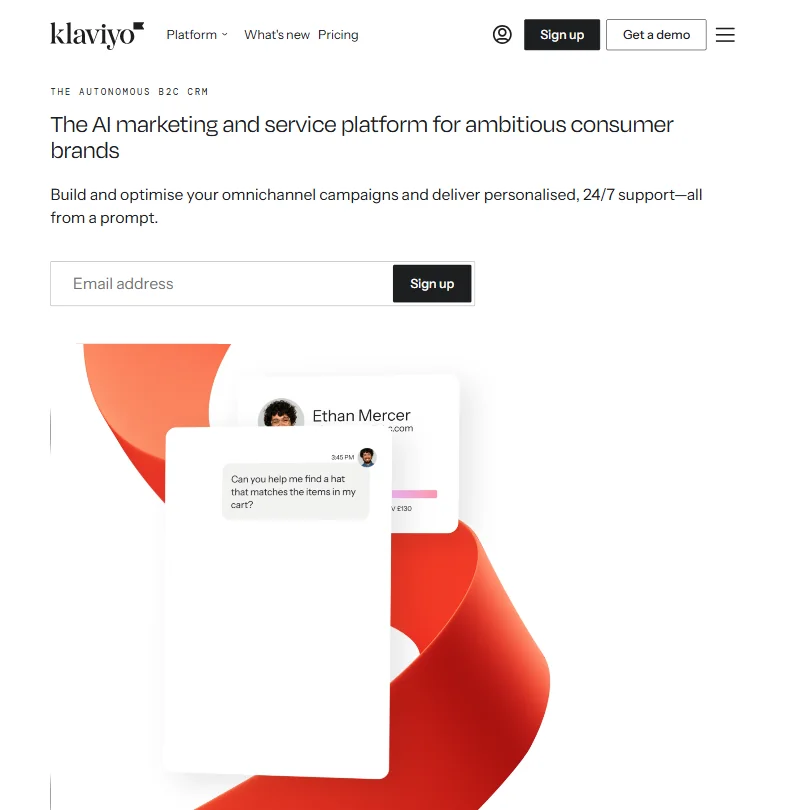
Klaviyo is the natural fit for ecommerce and direct-to-consumer brands, joining email, SMS, push, WhatsApp and reviews on one customer data layer, and its Composer agent can build campaigns from a text prompt. The free plan covers up to 250 profiles and 500 emails a month. It is explicitly built for consumer brands, so B2B SaaS teams will find it a poor fit, and its agent depends on clean data.
- Combines email, SMS, mobile push, WhatsApp, reviews, and customer service inbox in a single unified platform.
- Visual drag-and-drop flow builder supports advanced branching logic including conditional splits, time delays, and A/B testing inside flows.
- The 'autonomous B2C CRM' marketing framing overpromises and requires scrutiny, real-world performance depends heavily on the quality of your historical data.
From $15ActiveCampaign is for marketers whose main problem is automation: branching flows triggered by form submissions, email opens or ecommerce events, running across email, SMS and WhatsApp.
Show detailsHide details21 ActiveCampaign: Best for branching automation across email and SMS6.4Score 6.4 out of 10From $15ActiveCampaign is for marketers whose main problem is automation: branching flows triggered by form submissions, email opens or ecommerce events, running across email, SMS and WhatsApp.Visit site ↗ReviewDetailsCloseShow more about ActiveCampaign
From $15
ActiveCampaign is for marketers whose main problem is automation: branching flows triggered by form submissions, email opens or ecommerce events, running across email, SMS and WhatsApp.
Show detailsHide detailsActiveCampaign: Best for branching automation across email and SMS
6.4Score 6.4 out of 10From $15ActiveCampaign is for marketers whose main problem is automation: branching flows triggered by form submissions, email opens or ecommerce events, running across email, SMS and WhatsApp.Visit site ↗ReviewDetailsClose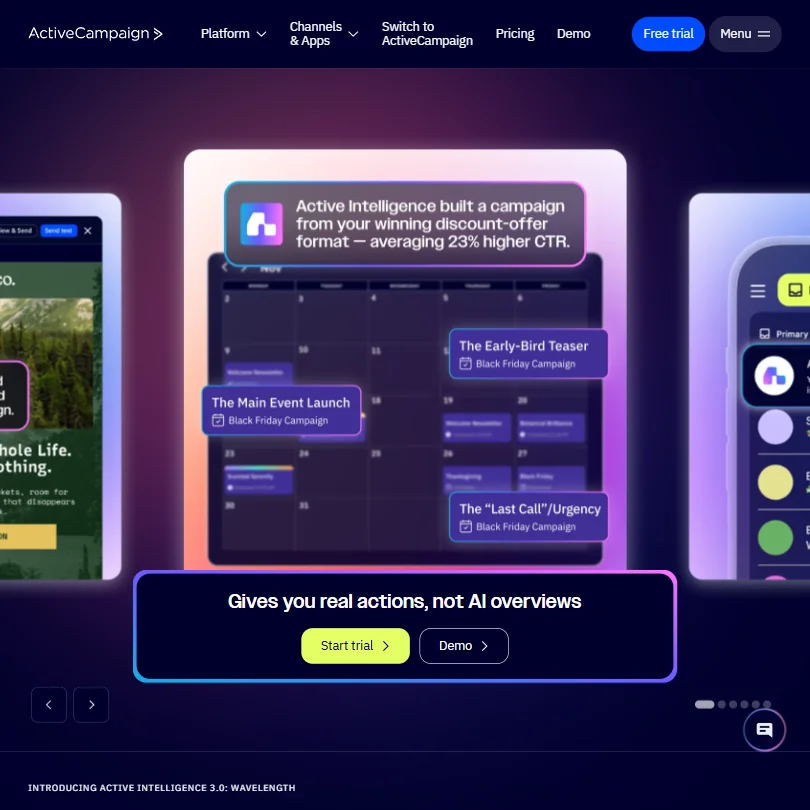
ActiveCampaign is for marketers whose main problem is automation: branching flows triggered by form submissions, email opens or ecommerce events, running across email, SMS and WhatsApp. Its AI layer remembers brand context, though the autonomy claims may be oversold. There is no free plan, only a 14-day trial with no card, the interface is English only, and the depth can overwhelm someone who needs plain email. HubSpot is easier to start.
- ActiveCampaign has been a trusted platform since 2003, giving it deep institutional knowledge and a proven track record with 180,000+ customers.
- The visual automation builder supports genuinely complex branching logic with a wide range of triggers including webhooks, form submissions, email opens, and ecommerce events.
- The platform is extremely deep and feature-rich, which can overwhelm users who just need straightforward email automation.
Best AI design tools for marketers
6 picksMarketers need on-brand graphics fast, and the picks vary in how much design skill they assume. Canva and Adobe Express both work from templates with brand kits, scheduling and AI tools, and Adobe Express states that content made with its AI features is designed to be commercially safe. Kittl adds a real vector editor for logos and merchandise, but its free plan is for personal use only. Adobe Firefly and Midjourney generate images from prompts. ChatGPT generates images from a brief in the same chat as the copy, a few a day on its free plan. Choose a template tool for daily posts, Kittl for vector artwork and a generator for original images, then check commercial rights on your plan.
#ToolScorePriceWhy pick it
From $8free planChatGPT turns a campaign brief into images in the same chat you wrote the copy in, which is the quickest way to a first visual for a post or an ad.
Show detailsHide details28ChatGPT: Best for first visuals from the same chat as the copy8.8Score 8.8 out of 10From $8free planChatGPT turns a campaign brief into images in the same chat you wrote the copy in, which is the quickest way to a first visual for a post or an ad.Visit site ↗ReviewDetailsCloseShow more about ChatGPT
From $8free plan
ChatGPT turns a campaign brief into images in the same chat you wrote the copy in, which is the quickest way to a first visual for a post or an ad.
Show detailsHide detailsChatGPT: Best for first visuals from the same chat as the copy
8.8Score 8.8 out of 10From $8free planChatGPT turns a campaign brief into images in the same chat you wrote the copy in, which is the quickest way to a first visual for a post or an ad.Visit site ↗ReviewDetailsCloseChatGPT turns a campaign brief into images in the same chat you wrote the copy in, which is the quickest way to a first visual for a post or an ad. The free plan gives a few images a day and Go or Plus give more. For on-brand layouts and resizing, Canva or Adobe Express finish the job, and Firefly suits teams already in Adobe apps.
- The Free plan includes unlimited text chats with GPT-6 Luna, subject to abuse guardrails.
- Web search is included on every individual plan, including Free.
- Go, the cheapest paid plan, still does not unlock GPT-6.1 Sol, GPT-6 Astra or GPT-6 Sol, and may include ads.
From $9.99free planAdobe Express suits marketers already touching Photoshop or Illustrator, because it links to them and publishes straight to social platforms.
Show detailsHide details29 Adobe Express: Best for templates linked to Adobe apps8.6Score 8.6 out of 10From $9.99free planAdobe Express suits marketers already touching Photoshop or Illustrator, because it links to them and publishes straight to social platforms.Visit site ↗ReviewDetailsCloseShow more about Adobe Express
From $9.99free plan
Adobe Express suits marketers already touching Photoshop or Illustrator, because it links to them and publishes straight to social platforms.
Show detailsHide detailsAdobe Express: Best for templates linked to Adobe apps
8.6Score 8.6 out of 10From $9.99free planAdobe Express suits marketers already touching Photoshop or Illustrator, because it links to them and publishes straight to social platforms.Visit site ↗ReviewDetailsClose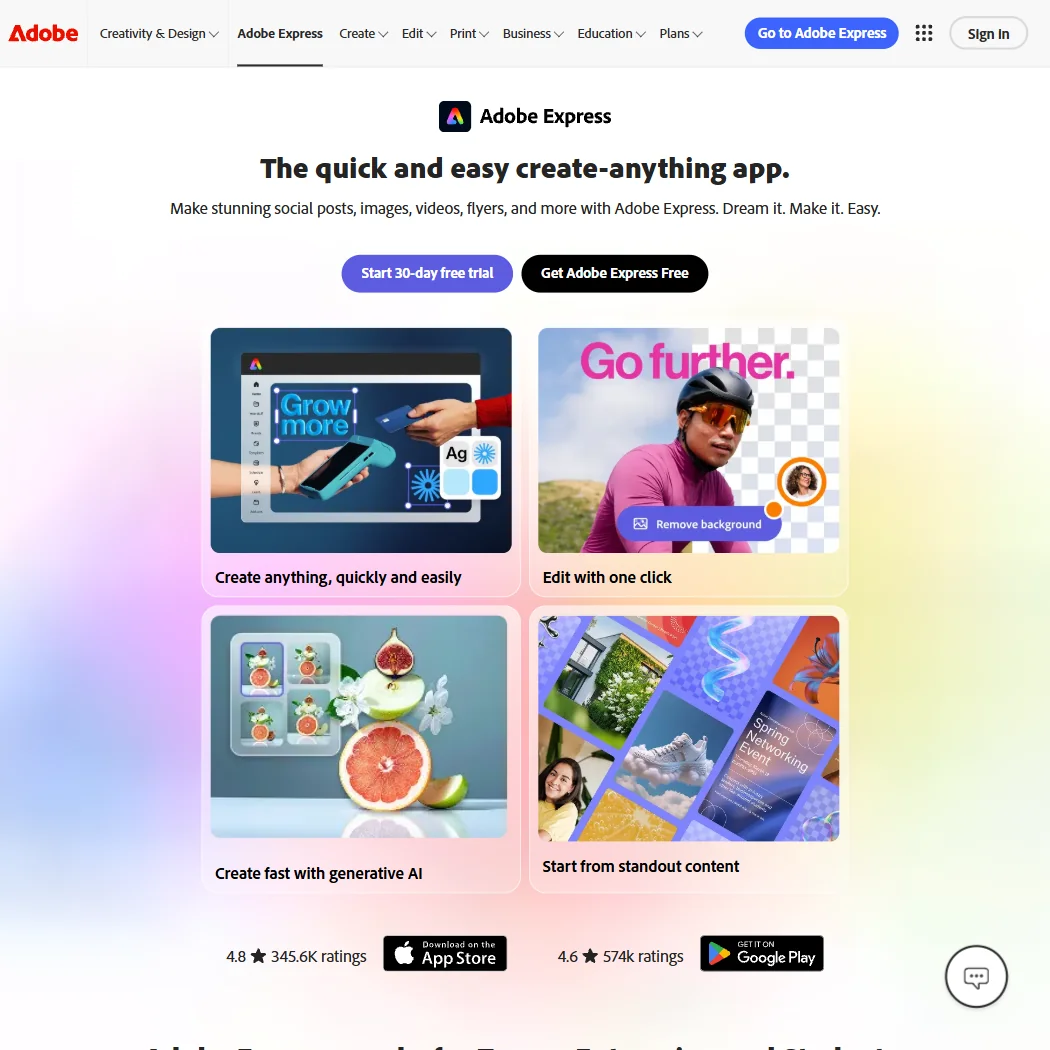
Adobe Express suits marketers already touching Photoshop or Illustrator, because it links to them and publishes straight to social platforms. The free plan carries 100,000+ templates, Adobe Stock content and 4,000+ fonts, with real-time co-editing, and Adobe does not train on your content. It has no desktop app and no node-level vector editing, phone support is paid only, and Premium caps generative AI at 250 credits a month. Canva is the closer rival.
- The free plan alone includes more than 100,000 templates, over a million Adobe Stock photos, videos and music tracks, and more than 4,000 fonts, at no cost.
- Real-time co-editing and commenting let more than one person work on the same project together.
- Generative AI on the paid Premium plan is capped at 250 credits a month per user.
From $9.99free planAdobe Firefly is for marketers who need generated images they can defend: it is trained on licensed content, includes commercial use, and Adobe does not train on your content by default.
Show detailsHide details30 Adobe Firefly: Best for generated images with licensing clarity8.1Score 8.1 out of 10From $9.99free planAdobe Firefly is for marketers who need generated images they can defend: it is trained on licensed content, includes commercial use, and Adobe does not train on your content by default.Visit site ↗ReviewDetailsCloseShow more about Adobe Firefly
From $9.99free plan
Adobe Firefly is for marketers who need generated images they can defend: it is trained on licensed content, includes commercial use, and Adobe does not train on your content by default.
Show detailsHide detailsAdobe Firefly: Best for generated images with licensing clarity
8.1Score 8.1 out of 10From $9.99free planAdobe Firefly is for marketers who need generated images they can defend: it is trained on licensed content, includes commercial use, and Adobe does not train on your content by default.Visit site ↗ReviewDetailsClose
Adobe Firefly is for marketers who need generated images they can defend: it is trained on licensed content, includes commercial use, and Adobe does not train on your content by default. It reaches Photoshop and Express and other companies' models from one web app, and the free plan gives limited daily generations. Every paid plan is an annual commitment billed monthly, and Text to Image has no seed or negative-prompt field.
- The free plan gives limited daily generations across image, video and audio models at no cost.
- Adobe will not use your content to train its models, except content you choose to submit to Adobe Stock, which is opt-in.
- No paid plan has a true month-to-month price; every one is an annual commitment paid in monthly instalments.
From $15free planKittl is for print, merchandise and brand artwork where real vector precision matters: a full online vector editor with pen and Boolean tools sits beside AI image, vector and video generators, and exports include SVG.
Show detailsHide details31 Kittl: Best for vector artwork for print and merch8.1Score 8.1 out of 10From $15free planKittl is for print, merchandise and brand artwork where real vector precision matters: a full online vector editor with pen and Boolean tools sits beside AI image, vector and video generators, and exports include SVG.Visit site ↗ReviewDetailsCloseShow more about Kittl
From $15free plan
Kittl is for print, merchandise and brand artwork where real vector precision matters: a full online vector editor with pen and Boolean tools sits beside AI image, vector and video generators, and exports include SVG.
Show detailsHide detailsKittl: Best for vector artwork for print and merch
8.1Score 8.1 out of 10From $15free planKittl is for print, merchandise and brand artwork where real vector precision matters: a full online vector editor with pen and Boolean tools sits beside AI image, vector and video generators, and exports include SVG.Visit site ↗ReviewDetailsClose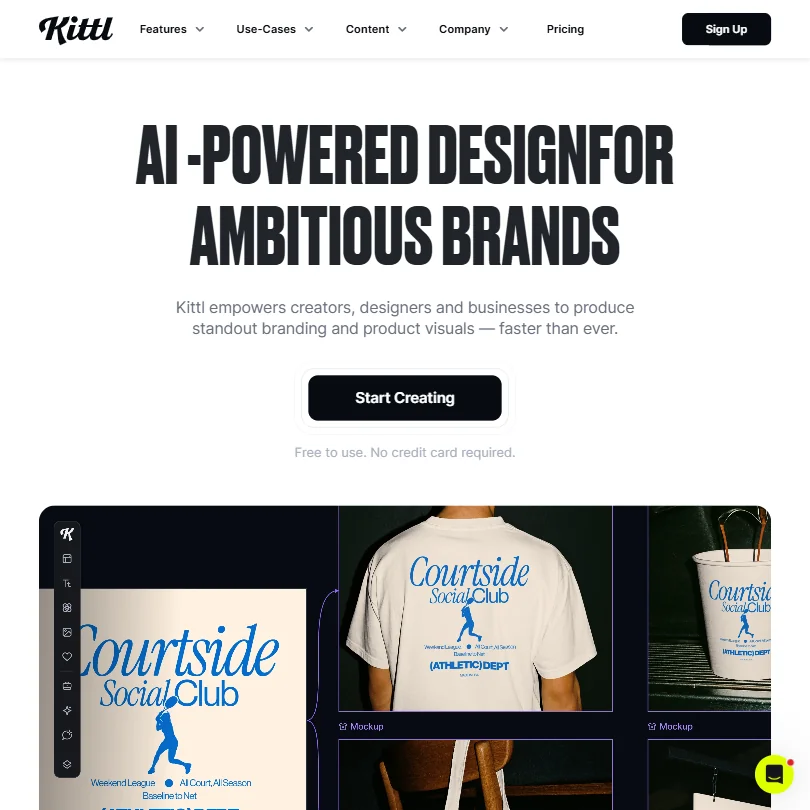
Kittl is for print, merchandise and brand artwork where real vector precision matters: a full online vector editor with pen and Boolean tools sits beside AI image, vector and video generators, and exports include SVG. The free plan is forever but personal use only, with exports capped at 800 pixels, so commercial work needs Pro or Expert. It is browser-only. For quick social graphics, Canva is faster.
- Kittl's free plan is free forever, with no time limit or expiry, rather than a timed trial.
- The free plan includes 100 AI tokens, enough for up to 100 images, plus five active projects and 500MB of storage.
- Kittl runs in the browser only, with no desktop app for Windows or Mac.
From $18free planCanva is where non-designers make almost everything: social posts, presentations, video and print, from a big template library with a Brand Kit and scheduling.
Show detailsHide details32 Canva: Best for everyday templates for non-designers7.8Score 7.8 out of 10From $18free planCanva is where non-designers make almost everything: social posts, presentations, video and print, from a big template library with a Brand Kit and scheduling.Visit site ↗ReviewDetailsCloseShow more about Canva
From $18free plan
Canva is where non-designers make almost everything: social posts, presentations, video and print, from a big template library with a Brand Kit and scheduling.
Show detailsHide detailsCanva: Best for everyday templates for non-designers
7.8Score 7.8 out of 10From $18free planCanva is where non-designers make almost everything: social posts, presentations, video and print, from a big template library with a Brand Kit and scheduling.Visit site ↗ReviewDetailsClose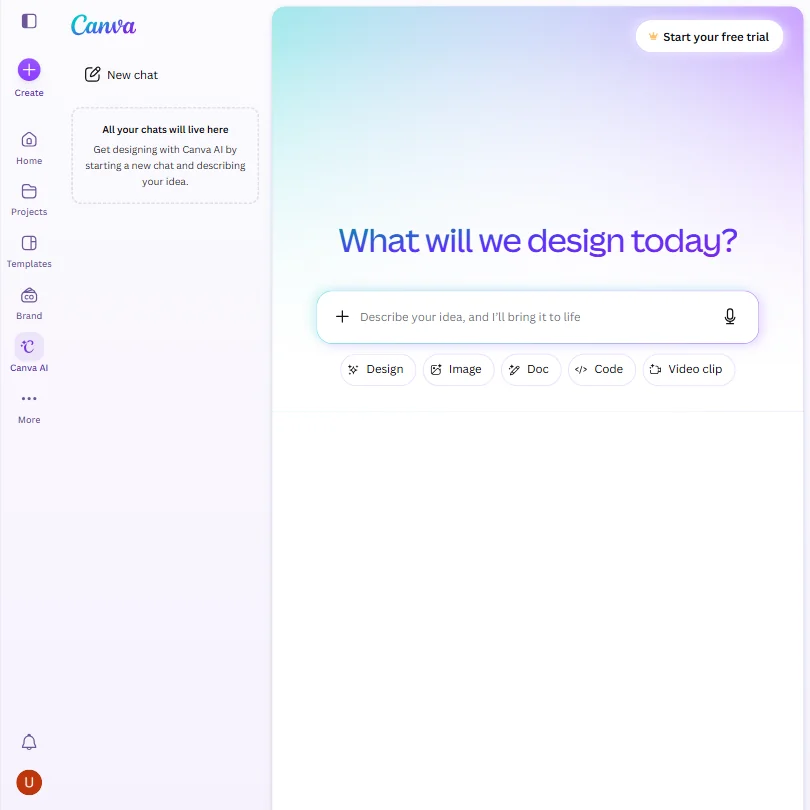
Canva is where non-designers make almost everything: social posts, presentations, video and print, from a big template library with a Brand Kit and scheduling. The free plan offers a large template and stock library, and Pro raises AI use tenfold. Uploads train Canva's algorithms unless you opt out, AI use is capped, and per-person pricing adds up for a team. Adobe Express is the closer rival and publishes straight to social.
- The free plan includes over 1,000 design types, more than 1.6 million templates, more than 4.7 million stock photos, videos, graphics and audio clips, and 5GB of storage at no cost.
- Magic Design turns a written prompt into a finished design, extending the same approach to presentations and video.
- The AI Image Generator's Vector style produces a raster image with a vector look, not an editable vector or SVG file.
From $10Midjourney is the choice when a campaign needs a distinctive, painterly look no template will give you.
Show detailsHide details33 Midjourney: Best for a distinctive painterly image style6.0Score 6.0 out of 10From $10Midjourney is the choice when a campaign needs a distinctive, painterly look no template will give you.Visit site ↗ReviewDetailsCloseShow more about Midjourney
From $10
Midjourney is the choice when a campaign needs a distinctive, painterly look no template will give you.
Show detailsHide detailsMidjourney: Best for a distinctive painterly image style
6.0Score 6.0 out of 10From $10Midjourney is the choice when a campaign needs a distinctive, painterly look no template will give you.Visit site ↗ReviewDetailsClose
Midjourney is the choice when a campaign needs a distinctive, painterly look no template will give you. Subscribers own their images and may use them commercially from the cheapest paid plan, though a company above a stated revenue level must be on Pro or Mega. There is no free plan or trial, no API, and no opt-out from training on your prompts. It runs on Discord and the website, and Adobe Firefly is the safer licensing choice.
- Every subscriber owns what they create and may use it commercially from the cheapest paid plan.
- Midjourney turns a still image into a 5-second video as well as generating stills, alongside style reference, seed and negative prompt controls.
- There is no free plan and no free trial, so there is no way to try Midjourney before paying.
Best AI video and ad tools for marketers
6 picksVideo for marketing splits into presenter videos, product ads and editing. HeyGen and Synthesia build avatar videos from scripts in 160+ languages, with HeyGen adding a digital twin and translation with lip sync. Creatify and KreadoAI turn a product page URL into ad videos, and Creatify launches them to Meta and TikTok. VEED is a browser editor with AI generation on top, and Opus Clip cuts long videos into short clips. Free plans on several of these add a watermark. Choose by the job: a presenter, a product ad, or repurposing footage you already have.
#ToolScorePriceWhy pick it
From $19free planSynthesia builds avatar videos from text with no camera or studio, in 160+ languages, and adds SCORM export, Bulk Personalization and an AI Video Assistant that drafts scripts and slides from a document or URL.
Show detailsHide details34 Synthesia: Best for training and onboarding avatar videos9.3Score 9.3 out of 10From $19free planSynthesia builds avatar videos from text with no camera or studio, in 160+ languages, and adds SCORM export, Bulk Personalization and an AI Video Assistant that drafts scripts and slides from a document or URL.Visit site ↗ReviewDetailsCloseShow more about Synthesia
From $19free plan
Synthesia builds avatar videos from text with no camera or studio, in 160+ languages, and adds SCORM export, Bulk Personalization and an AI Video Assistant that drafts scripts and slides from a document or URL.
Show detailsHide detailsSynthesia: Best for training and onboarding avatar videos
9.3Score 9.3 out of 10From $19free planSynthesia builds avatar videos from text with no camera or studio, in 160+ languages, and adds SCORM export, Bulk Personalization and an AI Video Assistant that drafts scripts and slides from a document or URL.Visit site ↗ReviewDetailsClose
Synthesia builds avatar videos from text with no camera or studio, in 160+ languages, and adds SCORM export, Bulk Personalization and an AI Video Assistant that drafts scripts and slides from a document or URL. The free plan gives 10 minutes a month and needs no card. It is aimed at enterprise training and sales enablement, and the strongest features sit on higher plans. HeyGen suits personality-led marketing videos better.
- Supports 160+ languages, making it practical for global teams needing multilingual video content without hiring voice actors.
- No camera, microphone or studio required; the entire production workflow runs in-browser from script to export.
- Higher-tier pricing creates a feature wall that enterprise buyers can clear but smaller teams and individual users quietly cannot.
From $29free planHeyGen has the widest range for presenter videos: 500+ stock avatars, a digital twin from a short recording, and translation into 175+ languages with lip sync, so one script can serve many markets.
Show detailsHide details35 HeyGen: Best for presenter videos in many languages8.9Score 8.9 out of 10From $29free planHeyGen has the widest range for presenter videos: 500+ stock avatars, a digital twin from a short recording, and translation into 175+ languages with lip sync, so one script can serve many markets.Visit site ↗ReviewDetailsCloseShow more about HeyGen
From $29free plan
HeyGen has the widest range for presenter videos: 500+ stock avatars, a digital twin from a short recording, and translation into 175+ languages with lip sync, so one script can serve many markets.
Show detailsHide detailsHeyGen: Best for presenter videos in many languages
8.9Score 8.9 out of 10From $29free planHeyGen has the widest range for presenter videos: 500+ stock avatars, a digital twin from a short recording, and translation into 175+ languages with lip sync, so one script can serve many markets.Visit site ↗ReviewDetailsClose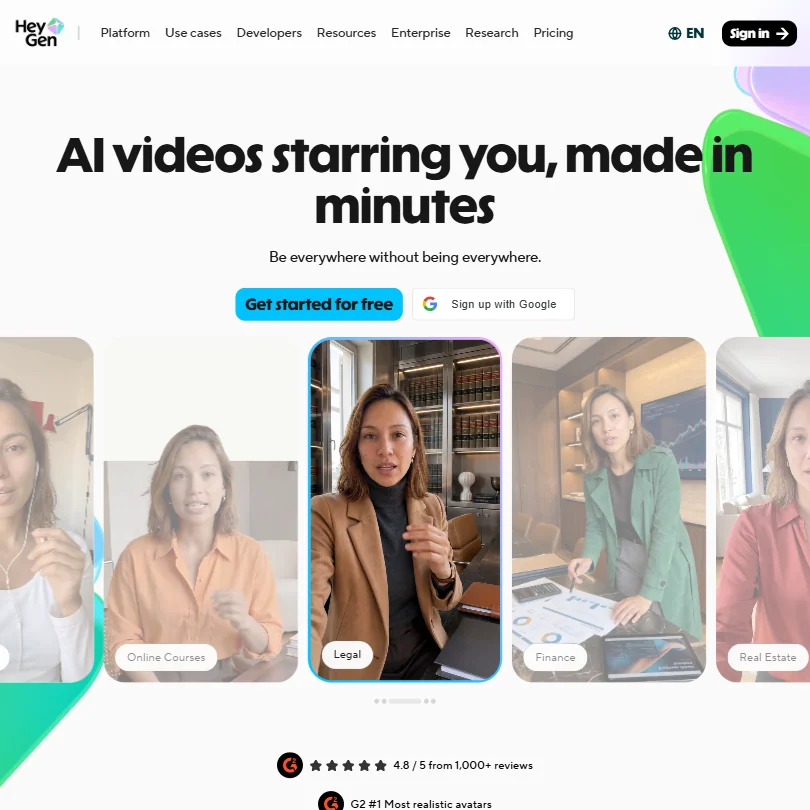
HeyGen has the widest range for presenter videos: 500+ stock avatars, a digital twin from a short recording, and translation into 175+ languages with lip sync, so one script can serve many markets. The free plan gives 3 watermarked videos a month. The feature set has grown busy and early tutorials may be outdated, and pricing needs careful reading. Synthesia is the calmer choice for training and onboarding videos.
- HeyGen supports video translation across 175+ languages with lip-sync matched to the new voice, making localization highly accessible.
- The AI Studio editor allows users to adjust tone, delivery, gesture timing, and emotional register through text controls without re-recording.
- The feature set is described as getting 'busy,' suggesting a steeper learning curve for new users navigating the full platform.
From $15Opus Clip turns long videos such as webinars and podcasts into short clips, scoring them with a Virality Score and reframing landscape footage to vertical with subject tracking.
Show detailsHide details36 Opus Clip: Best for cutting long videos into short clips8.4Score 8.4 out of 10From $15Opus Clip turns long videos such as webinars and podcasts into short clips, scoring them with a Virality Score and reframing landscape footage to vertical with subject tracking.Visit site ↗ReviewDetailsCloseShow more about Opus Clip
From $15
Opus Clip turns long videos such as webinars and podcasts into short clips, scoring them with a Virality Score and reframing landscape footage to vertical with subject tracking.
Show detailsHide detailsOpus Clip: Best for cutting long videos into short clips
8.4Score 8.4 out of 10From $15Opus Clip turns long videos such as webinars and podcasts into short clips, scoring them with a Virality Score and reframing landscape footage to vertical with subject tracking.Visit site ↗ReviewDetailsClose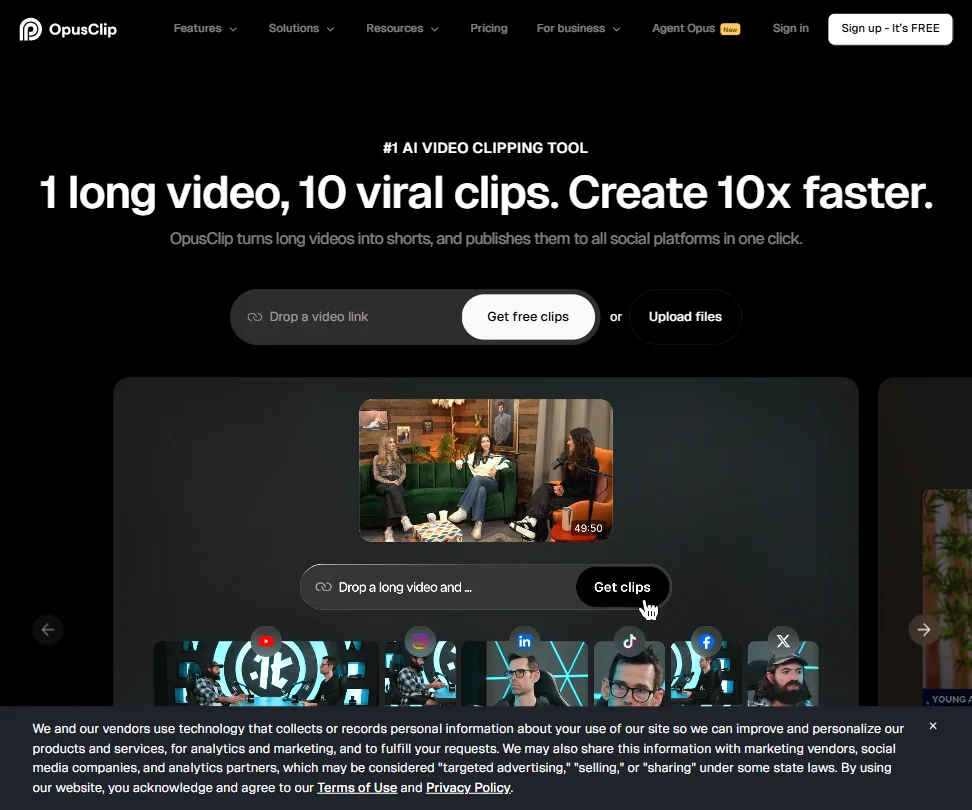
Opus Clip turns long videos such as webinars and podcasts into short clips, scoring them with a Virality Score and reframing landscape footage to vertical with subject tracking. Captions support 20+ languages. The free plan gives 60 credits a month with a watermark and clips that expire after 3 days, credit use is hard to predict, and it is web-only. Use VEED if you need to edit the full video too.
- The ClipAnything model works across diverse video genres, including lectures, cooking videos, sports and tutorials, as well as podcasts and talking-head content.
- ReframeAnything model uses AI object tracking to keep subjects centered when converting landscape video to vertical format.
- The tool is entirely web-based with no desktop app, which may limit workflow flexibility for users who prefer offline or native applications.
From $25free planVEED is a browser editor for social videos and ads, where AI generation from models such as Veo and Kling, subtitles, avatars, voice cloning, translation and text-based editing live in one tab.
Show detailsHide details37 VEED: Best for editing social videos in a browser7.9Score 7.9 out of 10From $25free planVEED is a browser editor for social videos and ads, where AI generation from models such as Veo and Kling, subtitles, avatars, voice cloning, translation and text-based editing live in one tab.Visit site ↗ReviewDetailsCloseShow more about VEED
From $25free plan
VEED is a browser editor for social videos and ads, where AI generation from models such as Veo and Kling, subtitles, avatars, voice cloning, translation and text-based editing live in one tab.
Show detailsHide detailsVEED: Best for editing social videos in a browser
7.9Score 7.9 out of 10From $25free planVEED is a browser editor for social videos and ads, where AI generation from models such as Veo and Kling, subtitles, avatars, voice cloning, translation and text-based editing live in one tab.Visit site ↗ReviewDetailsClose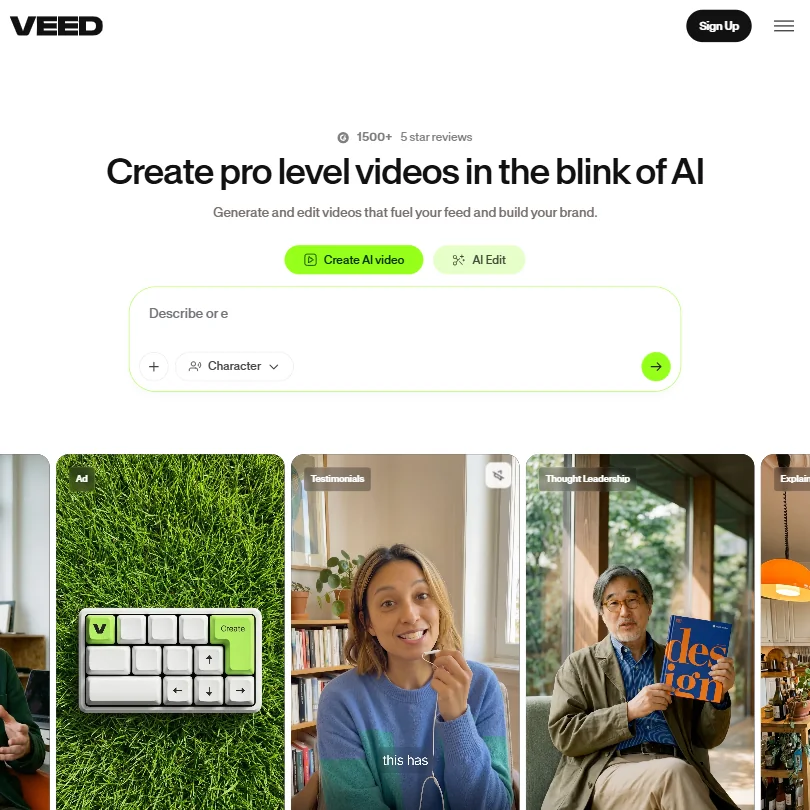
VEED is a browser editor for social videos and ads, where AI generation from models such as Veo and Kling, subtitles, avatars, voice cloning, translation and text-based editing live in one tab. Free exports are 720p with a watermark, and paid plans work on AI credits. There is no desktop app and no Premiere integration, so post-production professionals will not find it deep enough. Opus Clip is more focused on repurposing.
- VEED integrates multiple frontier AI generation models including Veo 3.1 and Kling AI through a single interface, giving users access to best-in-class engines without switching tools.
- The entire platform runs in the browser with no desktop installation required, making it immediately accessible for teams without IT overhead.
- VEED has no Adobe Premiere integration, which limits its appeal for users already embedded in professional post-production workflows.
From $19free planKreadoAI targets ecommerce marketers who want ad videos from a product page link, with text-to-video, image-to-video and PowerPoint-to-video too, plus subtitle burning, background removal and multi-size resizing for TikTok and Meta.
Show detailsHide details38 KreadoAI: Best for product-page ads for ecommerce7.3Score 7.3 out of 10From $19free planKreadoAI targets ecommerce marketers who want ad videos from a product page link, with text-to-video, image-to-video and PowerPoint-to-video too, plus subtitle burning, background removal and multi-size resizing for TikTok and Meta.Visit site ↗ReviewDetailsCloseShow more about KreadoAI
From $19free plan
KreadoAI targets ecommerce marketers who want ad videos from a product page link, with text-to-video, image-to-video and PowerPoint-to-video too, plus subtitle burning, background removal and multi-size resizing for TikTok and Meta.
Show detailsHide detailsKreadoAI: Best for product-page ads for ecommerce
7.3Score 7.3 out of 10From $19free planKreadoAI targets ecommerce marketers who want ad videos from a product page link, with text-to-video, image-to-video and PowerPoint-to-video too, plus subtitle burning, background removal and multi-size resizing for TikTok and Meta.Visit site ↗ReviewDetailsClose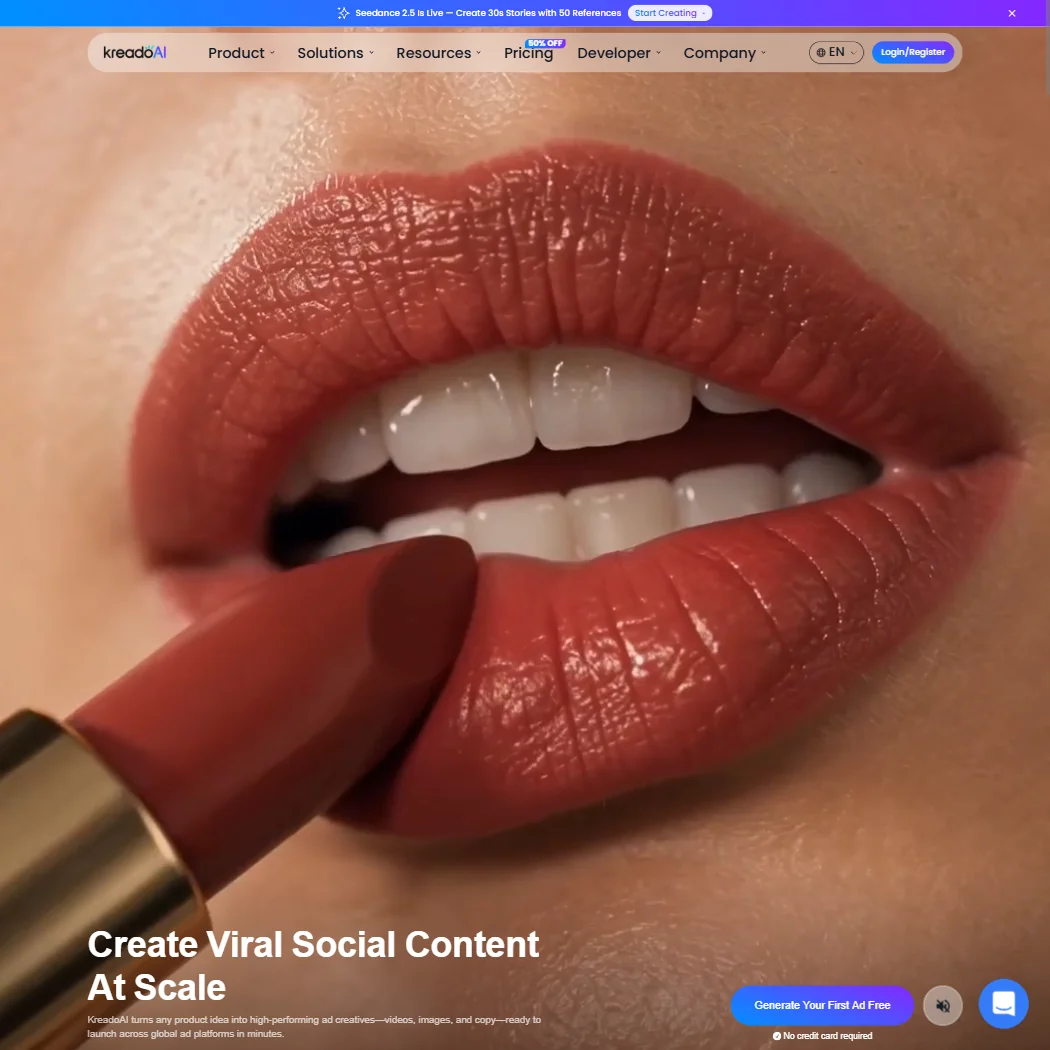
KreadoAI targets ecommerce marketers who want ad videos from a product page link, with text-to-video, image-to-video and PowerPoint-to-video too, plus subtitle burning, background removal and multi-size resizing for TikTok and Meta. The free tier gives 10 K-coins, 3 minutes of video, 5 avatars and 120+ voices, and there are one-off payment options. Homepage claims about ad-spend data have no published evidence, and the broad toolkit is less focused than Creatify.
- URL-to-video conversion workflow allows e-commerce brands to generate launch-ready ad videos from a single product page link in minutes.
- Wide feature surface includes text-to-video, image-to-video, and PowerPoint-to-video conversion beyond just the flagship URL input.
- Homepage claims such as '$1 billion in real ad spend informing the AI' come with no published evidence behind them.
From $39free planCreatify is built for performance marketers testing many ad variants: paste a product URL and it pulls visuals, writes a script and picks an avatar, and batch creation makes 50+ variants.
Show detailsHide details39 Creatify: Best for testing many ad variants from a URL6.4Score 6.4 out of 10From $39free planCreatify is built for performance marketers testing many ad variants: paste a product URL and it pulls visuals, writes a script and picks an avatar, and batch creation makes 50+ variants.Visit site ↗ReviewDetailsCloseShow more about Creatify
From $39free plan
Creatify is built for performance marketers testing many ad variants: paste a product URL and it pulls visuals, writes a script and picks an avatar, and batch creation makes 50+ variants.
Show detailsHide detailsCreatify: Best for testing many ad variants from a URL
6.4Score 6.4 out of 10From $39free planCreatify is built for performance marketers testing many ad variants: paste a product URL and it pulls visuals, writes a script and picks an avatar, and batch creation makes 50+ variants.Visit site ↗ReviewDetailsClose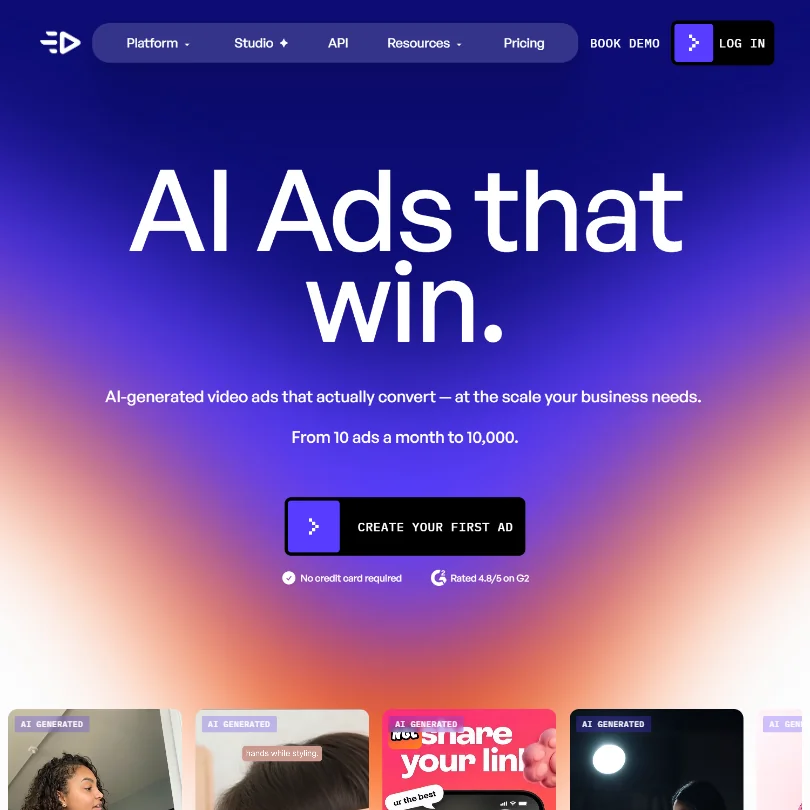
Creatify is built for performance marketers testing many ad variants: paste a product URL and it pulls visuals, writes a script and picks an avatar, and batch creation makes 50+ variants. A competitor ad tracker shows what works in your category, and videos launch straight to Meta and TikTok. The free plan gives 10 credits, about 2 video ads, with a watermark. It is narrow, so it is a poor fit for general editing.
- URL-to-video feature automatically pulls visuals, generates a script, picks an avatar, and assembles a video ad from just a product page link.
- Batch creation allows users to spin up 50+ ad variants quickly without manual assembly for each one.
- The platform is narrowly focused on ad creation and not suitable for general video editing or broader content production needs.
Best AI website builders for marketers
5 picksA campaign often needs a landing page in days, not weeks. Wix, Durable and 10Web generate a site from a prompt, while Webflow and Framer pair an AI starting point with design control and a CMS. Webflow exports code on paid plans, and Framer and Wix do not. Durable targets small service businesses with a CRM and booking tools, and 10Web builds a full WordPress site with no free plan. Choose by who will edit the page afterwards and whether you might need to leave the platform, and test the free plan before you commit to a domain.
#ToolScorePriceWhy pick it
From $24free planWebflow is for marketers working with designers who want a real CMS, ecommerce and design control on a site they can export.
Show detailsHide details40 Webflow: Best for a real CMS with code export8.0Score 8.0 out of 10From $24free planWebflow is for marketers working with designers who want a real CMS, ecommerce and design control on a site they can export.Visit site ↗ReviewDetailsCloseShow more about Webflow
From $24free plan
Webflow is for marketers working with designers who want a real CMS, ecommerce and design control on a site they can export.
Show detailsHide detailsWebflow: Best for a real CMS with code export
8.0Score 8.0 out of 10From $24free planWebflow is for marketers working with designers who want a real CMS, ecommerce and design control on a site they can export.Visit site ↗ReviewDetailsClose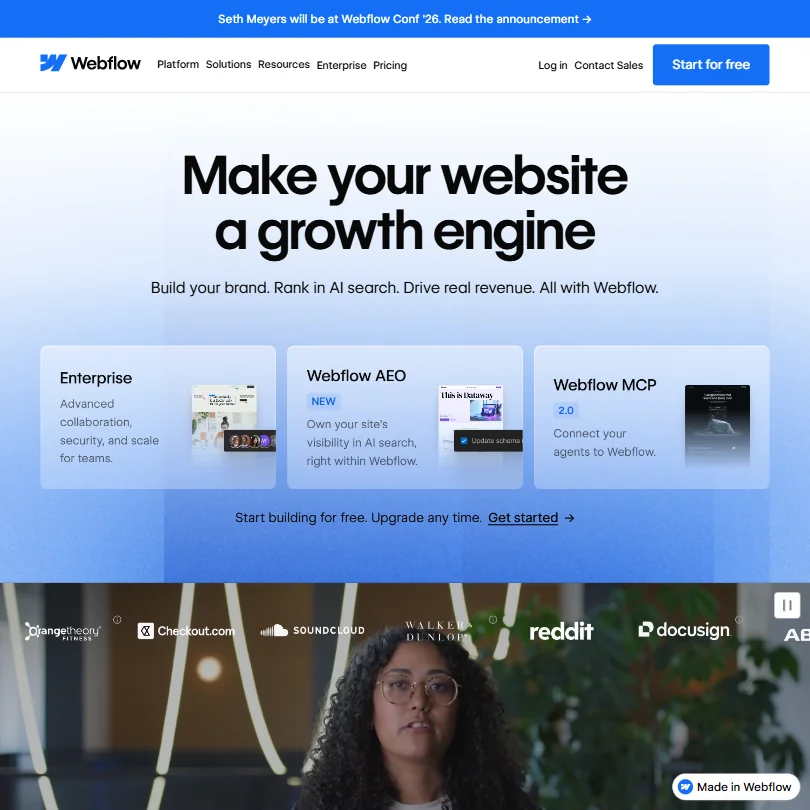
Webflow is for marketers working with designers who want a real CMS, ecommerce and design control on a site they can export. It generates a site from a prompt, fills SEO metadata from CMS fields, and paid plans export the full HTML, CSS and JavaScript. The free Starter plan carries a webflow.io domain and two static pages. It does not generate images, runs only in the browser, and the jump to Team is steep.
- Generates an entire website, with a scalable design system, from a basic prompt.
- Includes a built-in CMS with collection lists and dynamic pages, plus an ecommerce add-on for selling physical or digital products.
- Does not generate or edit images with AI; Webflow AI covers site generation, copy, code and CMS content only.
From $17free planWix is the plain route for a small business or campaign site: generate a site from a prompt, then edit in a drag-and-drop editor with ecommerce, hosting, a CMS and SEO tools in one place.
Show detailsHide details41 Wix: Best for a small business site from a prompt8.0Score 8.0 out of 10From $17free planWix is the plain route for a small business or campaign site: generate a site from a prompt, then edit in a drag-and-drop editor with ecommerce, hosting, a CMS and SEO tools in one place.Visit site ↗ReviewDetailsCloseShow more about Wix
From $17free plan
Wix is the plain route for a small business or campaign site: generate a site from a prompt, then edit in a drag-and-drop editor with ecommerce, hosting, a CMS and SEO tools in one place.
Show detailsHide detailsWix: Best for a small business site from a prompt
8.0Score 8.0 out of 10From $17free planWix is the plain route for a small business or campaign site: generate a site from a prompt, then edit in a drag-and-drop editor with ecommerce, hosting, a CMS and SEO tools in one place.Visit site ↗ReviewDetailsClose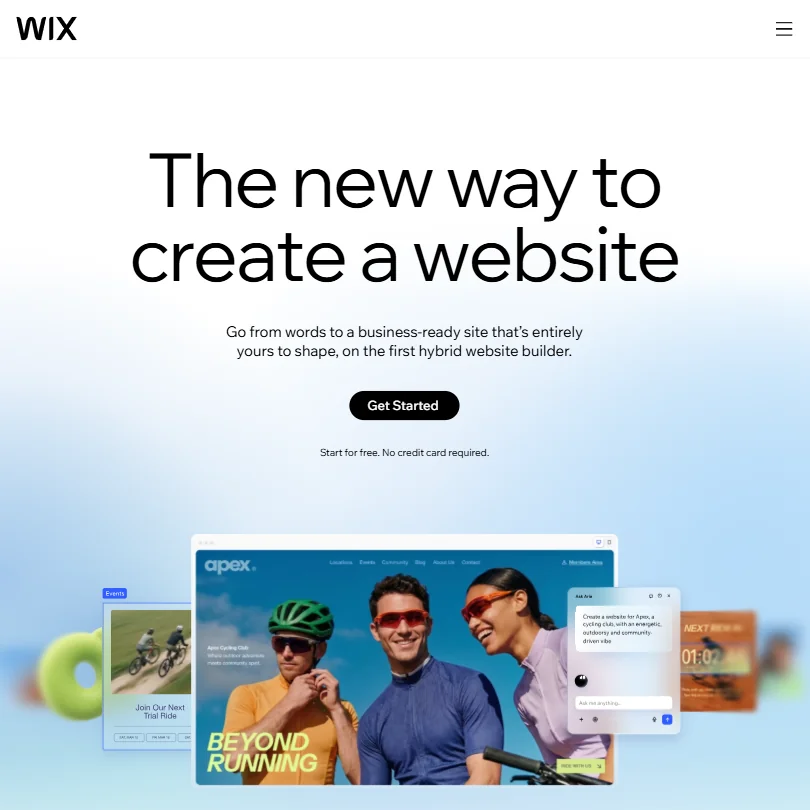
Wix is the plain route for a small business or campaign site: generate a site from a prompt, then edit in a drag-and-drop editor with ecommerce, hosting, a CMS and SEO tools in one place. The free plan is a working site on a Wix domain, and paid plans add a free custom domain for a year. You cannot export the code, and paid plans are billed yearly only. Webflow allows export.
- Wix's AI website builder can generate a full, business-ready site from a written prompt.
- Every paid tier includes a built-in eCommerce store, from Basic on Light and Core up to Advanced on Business Elite.
- Wix does not offer a way to export a site's underlying code; Velo only adds custom code that stays on Wix.
From $10free planFramer is for designers-turned-marketers who want to publish a marketing site straight from the canvas, with AI agents drafting structure and copy, a CMS, SEO tools and free commenting for collaborators.
Show detailsHide details42 Framer: Best for publishing straight from the design canvas7.1Score 7.1 out of 10From $10free planFramer is for designers-turned-marketers who want to publish a marketing site straight from the canvas, with AI agents drafting structure and copy, a CMS, SEO tools and free commenting for collaborators.Visit site ↗ReviewDetailsCloseShow more about Framer
From $10free plan
Framer is for designers-turned-marketers who want to publish a marketing site straight from the canvas, with AI agents drafting structure and copy, a CMS, SEO tools and free commenting for collaborators.
Show detailsHide detailsFramer: Best for publishing straight from the design canvas
7.1Score 7.1 out of 10From $10free planFramer is for designers-turned-marketers who want to publish a marketing site straight from the canvas, with AI agents drafting structure and copy, a CMS, SEO tools and free commenting for collaborators.Visit site ↗ReviewDetailsClose
Framer is for designers-turned-marketers who want to publish a marketing site straight from the canvas, with AI agents drafting structure and copy, a CMS, SEO tools and free commenting for collaborators. The free plan never expires, but has no custom domain. There is no code export and no native ecommerce, and non-Enterprise customer inputs and outputs are used to train its AI with no opt-out mentioned. Webflow gives you code out.
- AI agents generate a site's structure, sections and draft copy from a prompt or brief.
- Hosting, a CMS and SEO tools are bundled together with the builder on one platform.
- No native ecommerce; selling products requires a third-party plugin that syncs an external Shopify store.
From $1010Web is for agencies delivering WordPress sites to clients: it generates a full WordPress site and a WooCommerce store from a prompt, URL or Figma file, hosts it, and lets agencies resell under their own brand.
Show detailsHide details43 10Web: Best for agencies delivering WordPress client sites5.1Score 5.1 out of 10From $1010Web is for agencies delivering WordPress sites to clients: it generates a full WordPress site and a WooCommerce store from a prompt, URL or Figma file, hosts it, and lets agencies resell under their own brand.Visit site ↗ReviewDetailsCloseShow more about 10Web
From $10
10Web is for agencies delivering WordPress sites to clients: it generates a full WordPress site and a WooCommerce store from a prompt, URL or Figma file, hosts it, and lets agencies resell under their own brand.
Show detailsHide details10Web: Best for agencies delivering WordPress client sites
5.1Score 5.1 out of 10From $1010Web is for agencies delivering WordPress sites to clients: it generates a full WordPress site and a WooCommerce store from a prompt, URL or Figma file, hosts it, and lets agencies resell under their own brand.Visit site ↗ReviewDetailsClose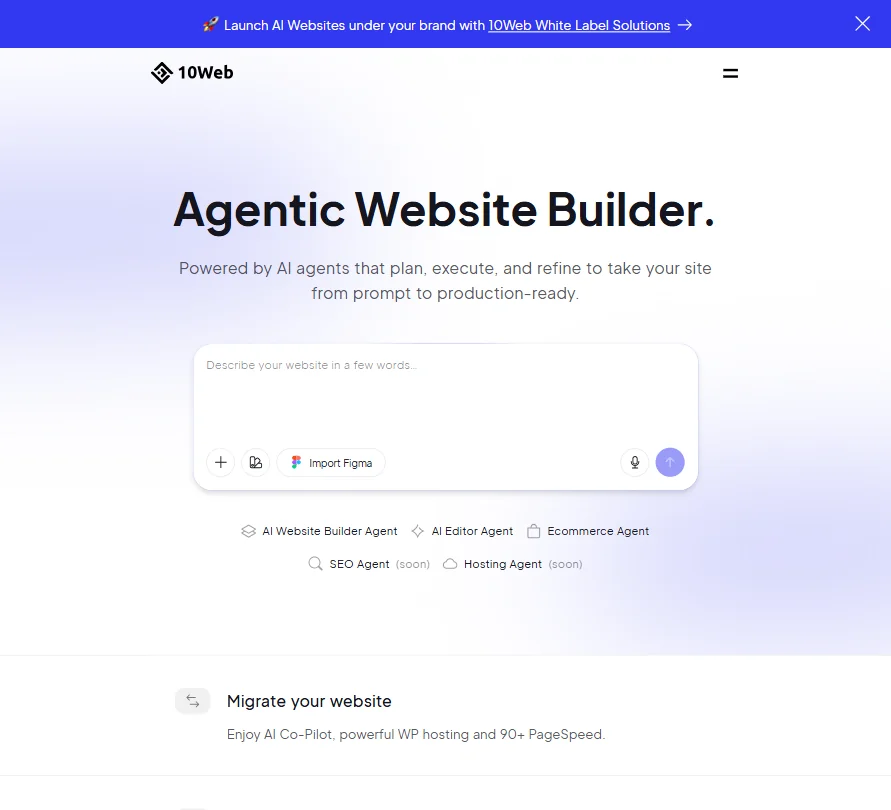
10Web is for agencies delivering WordPress sites to clients: it generates a full WordPress site and a WooCommerce store from a prompt, URL or Figma file, hosts it, and lets agencies resell under their own brand. Every plan is paid, with only a 30-day money-back guarantee, and it has no AI image generation and no real-time collaboration. For a one-off landing page, Wix or Durable are cheaper starting points.
- Generates a full WordPress site, including a WooCommerce store, from a prompt.
- Imports a Figma file and converts it into a live WordPress page.
- No free plan: every tier is a paid subscription, with only a 30-day money-back guarantee instead of a trial.
From $25free planDurable is aimed at solo service businesses, such as trainers and tradespeople, that need a site live fast: it generates pages, copy and images in about thirty seconds and bundles a CRM, booking calendar, invoicing and blog automation.
Show detailsHide details44 Durable: Best for solo service businesses going live fast5.0Score 5.0 out of 10From $25free planDurable is aimed at solo service businesses, such as trainers and tradespeople, that need a site live fast: it generates pages, copy and images in about thirty seconds and bundles a CRM, booking calendar, invoicing and blog automation.Visit site ↗ReviewDetailsCloseShow more about Durable
From $25free plan
Durable is aimed at solo service businesses, such as trainers and tradespeople, that need a site live fast: it generates pages, copy and images in about thirty seconds and bundles a CRM, booking calendar, invoicing and blog automation.
Show detailsHide detailsDurable: Best for solo service businesses going live fast
5.0Score 5.0 out of 10From $25free planDurable is aimed at solo service businesses, such as trainers and tradespeople, that need a site live fast: it generates pages, copy and images in about thirty seconds and bundles a CRM, booking calendar, invoicing and blog automation.Visit site ↗ReviewDetailsClose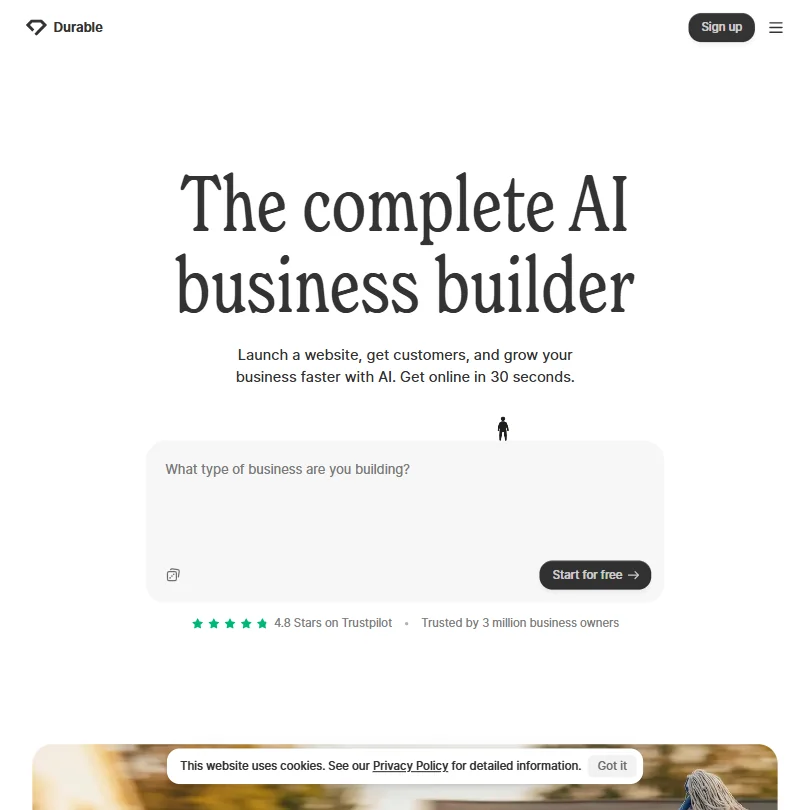
Durable is aimed at solo service businesses, such as trainers and tradespeople, that need a site live fast: it generates pages, copy and images in about thirty seconds and bundles a CRM, booking calendar, invoicing and blog automation. The free plan uses a .durable.site subdomain with 10 CRM customers and 5 images a month. Generated copy often needs editing, and the CRM is too thin for a sales team. There is no mobile app.
- Durable can generate a full website with real pages, copy, and images in approximately thirty seconds, requiring no design skills.
- AI agents can automatically publish blog posts, collect reviews, and reply to inbound leads without manual triggering.
- The AI-generated website copy is not always high quality, often requiring manual editing after initial generation.
Best planning and project tools for marketers
5 picksCampaign work runs on deadlines and hand-offs, so planning tools are judged on views, guests and where their AI sits. Notion combines docs and databases, with its full AI on the Business plan. ClickUp includes AI credits on every plan and lets you choose between Claude, ChatGPT and Gemini. monday adds an assistant and a meeting notetaker on paid plans, in seat bundles of at least three. Asana includes AI on its cheapest paid plan with a small allowance, and Wrike includes unlimited AI writing on every paid plan. Choose by where you want the AI cost to fall and how many outside guests need access.
#ToolScorePriceWhy pick it
From $9free planClickUp is for teams that want tasks, docs, whiteboards, time tracking and many views in one tool, with AI credits included in every plan.
Show detailsHide details45 ClickUp: Best for tasks, docs and views in one tool9.6Score 9.6 out of 10From $9free planClickUp is for teams that want tasks, docs, whiteboards, time tracking and many views in one tool, with AI credits included in every plan.Visit site ↗ReviewDetailsCloseShow more about ClickUp
From $9free plan
ClickUp is for teams that want tasks, docs, whiteboards, time tracking and many views in one tool, with AI credits included in every plan.
Show detailsHide detailsClickUp: Best for tasks, docs and views in one tool
9.6Score 9.6 out of 10From $9free planClickUp is for teams that want tasks, docs, whiteboards, time tracking and many views in one tool, with AI credits included in every plan.Visit site ↗ReviewDetailsClose
ClickUp is for teams that want tasks, docs, whiteboards, time tracking and many views in one tool, with AI credits included in every plan. The free plan includes unlimited tasks and members. Its AI, Brain, is a per-user add-on, with a choice of Claude, ChatGPT or Gemini, and the AI notetaker only comes with the higher tier. Base plans get a trial only. Notion is more free-form.
- ClickUp's free plan includes unlimited tasks, unlimited free plan members and collaborative docs.
- Brain's chat lets you choose between Claude, ChatGPT and Gemini.
- Paid plans are priced per user, from $12 a user a month on Core.
From $10free planWrike works for marketing teams that want AI writing without an add-on: AI Essentials, covering writing, forms and Board AI, is included on every paid plan, and viewer guests are free.
Show detailsHide details46 Wrike: Best for AI writing on every paid plan8.7Score 8.7 out of 10From $10free planWrike works for marketing teams that want AI writing without an add-on: AI Essentials, covering writing, forms and Board AI, is included on every paid plan, and viewer guests are free.Visit site ↗ReviewDetailsCloseShow more about Wrike
From $10free plan
Wrike works for marketing teams that want AI writing without an add-on: AI Essentials, covering writing, forms and Board AI, is included on every paid plan, and viewer guests are free.
Show detailsHide detailsWrike: Best for AI writing on every paid plan
8.7Score 8.7 out of 10From $10free planWrike works for marketing teams that want AI writing without an add-on: AI Essentials, covering writing, forms and Board AI, is included on every paid plan, and viewer guests are free.Visit site ↗ReviewDetailsClose
Wrike works for marketing teams that want AI writing without an add-on: AI Essentials, covering writing, forms and Board AI, is included on every paid plan, and viewer guests are free. Copilot and AI Agents wait for Business, which is annual only. The free plan has unlimited users but a cap of 200 active tasks, and a 14-day trial needs no card. Its data is not used to train AI models. ClickUp now includes AI credits in every plan, from $12 a user on Core.
- AI Essentials, covering writing, form and rule generation and Board AI, is included free and unlimited under fair use on every paid plan starting at Team.
- Wrike offers a public REST API and its own MCP server for connecting AI assistants.
- Wrike Copilot and AI Agents are part of AI Elite, which only starts on the Business plan.
From $12free planNotion is the flexible workspace for docs, wikis and project databases that a marketing team shapes for itself, viewable as boards, timelines or calendars.
Show detailsHide details47 Notion: Best for docs and databases shaped by the team8.3Score 8.3 out of 10From $12free planNotion is the flexible workspace for docs, wikis and project databases that a marketing team shapes for itself, viewable as boards, timelines or calendars.Visit site ↗ReviewDetailsCloseShow more about Notion
From $12free plan
Notion is the flexible workspace for docs, wikis and project databases that a marketing team shapes for itself, viewable as boards, timelines or calendars.
Show detailsHide detailsNotion: Best for docs and databases shaped by the team
8.3Score 8.3 out of 10From $12free planNotion is the flexible workspace for docs, wikis and project databases that a marketing team shapes for itself, viewable as boards, timelines or calendars.Visit site ↗ReviewDetailsClose
Notion is the flexible workspace for docs, wikis and project databases that a marketing team shapes for itself, viewable as boards, timelines or calendars. Guests never need a paid seat, and it does not train on your data by default. The full AI, including its agent and meeting notes, arrives only on Business, external guests on Free and Plus are capped at 10, and there is no trial of paid plans. ClickUp is more structured.
- Docs, wikis and project databases are included in Notion at no extra cost.
- Guests never require a paid seat on any Notion plan.
- Notion's full AI, including its agent, meeting notes and cross-app search, is included only from the Business plan.
From $12free planmonday is for teams that think in boards: projects, campaigns and approvals laid out visually, with a Sidekick assistant that builds workflows, dashboards and forms from one request.
Show detailsHide details48 monday: Best for board-based campaign planning8.1Score 8.1 out of 10From $12free planmonday is for teams that think in boards: projects, campaigns and approvals laid out visually, with a Sidekick assistant that builds workflows, dashboards and forms from one request.Visit site ↗ReviewDetailsCloseShow more about monday
From $12free plan
monday is for teams that think in boards: projects, campaigns and approvals laid out visually, with a Sidekick assistant that builds workflows, dashboards and forms from one request.
Show detailsHide detailsmonday: Best for board-based campaign planning
8.1Score 8.1 out of 10From $12free planmonday is for teams that think in boards: projects, campaigns and approvals laid out visually, with a Sidekick assistant that builds workflows, dashboards and forms from one request.Visit site ↗ReviewDetailsClose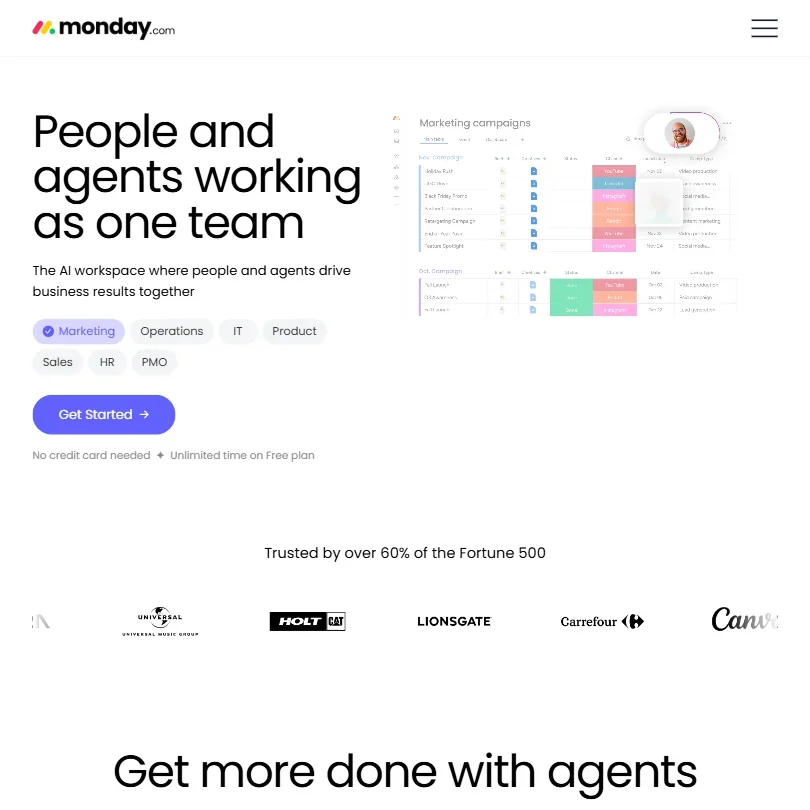
monday is for teams that think in boards: projects, campaigns and approvals laid out visually, with a Sidekick assistant that builds workflows, dashboards and forms from one request. An AI notetaker joins Zoom, Microsoft Teams and Google Meet, and it does not train on your data. Paid plans start at three seats, the free plan stops at two seats and three boards, and guest access begins on Standard. Asana is the alternative for portfolios and goals.
- The free plan is free forever for up to 2 seats, with up to 3 boards and 3 Docs.
- Sidekick can create workflows, automations, dashboards and forms from a single request.
- Paid plans require a minimum of 3 seats.
From $13.49free planAsana suits marketing teams planning across many projects with goals, portfolios, timelines and intake forms.
Show detailsHide details49 Asana: Best for portfolios, goals and intake forms7.2Score 7.2 out of 10From $13.49free planAsana suits marketing teams planning across many projects with goals, portfolios, timelines and intake forms.Visit site ↗ReviewDetailsCloseShow more about Asana
From $13.49free plan
Asana suits marketing teams planning across many projects with goals, portfolios, timelines and intake forms.
Show detailsHide detailsAsana: Best for portfolios, goals and intake forms
7.2Score 7.2 out of 10From $13.49free planAsana suits marketing teams planning across many projects with goals, portfolios, timelines and intake forms.Visit site ↗ReviewDetailsClose
Asana suits marketing teams planning across many projects with goals, portfolios, timelines and intake forms. The free Personal plan allows unlimited tasks for up to 2 users, unlimited free guests arrive from Starter, and AI Teammates includes 30+ prebuilt agents for marketing, operations and IT. The catch is the AI allowance on Starter, 5 requests per user a month, and native time tracking only on Advanced. Wrike gives more AI on every paid plan.
- Asana's free Personal plan allows unlimited tasks and projects with unlimited storage (100MB per file) for up to 2 users.
- Unlimited free guest seats let clients and contractors collaborate from the Starter plan without adding to the license count.
- The Starter plan's AI allowance is capped at 5 requests per user a month, up to 50 per account.
How to choose AI tools for marketers
Marketing tooling is nine small purchases, not one, and each kind of tool charges for something different. Writing tools count messages, email platforms count contacts, video tools count minutes or credits, and project tools count seats. What you need depends on your team size and which channels carry your results. This guide matches each marketing job to the tools on this page, then covers the free plans, their limits, what happens to your data and when paying makes sense.
Start with the job, not the tool
A campaign passes through nine jobs, and the tools differ most in which of them they were built for.
- Content. Drafts, headlines and ad copy. ChatGPT and Claude have free plans, Jasper AI and Copy target teams that need one brand voice, and Writesonic and Anyword start with trials.
- SEO. Choosing keywords and scoring drafts. Ahrefs and Semrush supply keyword and competitor data, while Surfer, Clearscope, Frase and Rankability grade a draft against ranking pages.
- Grammar and editing. Grammarly, LanguageTool and ProWritingAid correct, and QuillBot and Wordtune reword.
- Email and CRM. HubSpot, ActiveCampaign, Klaviyo and Salesforce send campaigns and track contacts. Klaviyo is the one built for consumer and ecommerce brands.
- Social. Buffer, Publer and Metricool schedule on free plans, while Hootsuite, ContentStudio and Sprout Social start on paid plans.
- Design. Canva and Adobe Express lay out social posts, Kittl makes vector artwork, and Adobe Firefly, ChatGPT and Midjourney generate images.
- Video and ads. HeyGen and Synthesia make presenter videos, Creatify and KreadoAI make ad videos from a product page, Opus Clip cuts long footage into clips, and VEED edits.
- Landing pages. Wix, Framer, Webflow, Durable and 10Web build the page your ads point to.
- Planning. Notion, ClickUp, monday, Asana and Wrike hold the brief, tasks and approvals.
The table shows where to start on any budget.
| Job | Free | Worth paying for |
|---|---|---|
| Content | ChatGPT or Claude | Jasper AI at $69 a month, or $59 billed yearly, if a team needs one brand voice |
| SEO | Ahrefs Free on your own site, or a free Semrush account | Surfer from $59 a month, Frase from $49, or Clearscope from $129, to score drafts |
| Grammar and editing | Grammarly Free or LanguageTool | Grammarly Pro at $30 a month, for full sentence rewrites |
| Email and CRM | HubSpot's free tier or Klaviyo's free plan | Klaviyo, once your list outgrows 250 profiles |
| Social | Buffer, Publer or Metricool | Metricool Starter at $25 a month, for up to 5 brands |
| Design | ChatGPT, Canva or Adobe Express | Kittl Pro at $15 a month, for commercial use |
| Video and ads | HeyGen, Synthesia or Creatify, with limits | Synthesia Starter at $19 a month, to remove the logo |
| Landing pages | Wix, Framer, Webflow or Durable | A paid plan of the same tool, for a custom domain |
| Planning | Notion, ClickUp, monday or Wrike | The free plans cover a small team |
Free plans watermark video, ration AI credits and keep custom domains off your site. Pay first for whatever reaches customers under your name: the landing page domain and video without a logo.
What the free plans actually give you
Each kind of tool rations something different, so one free plan runs a quarter and another runs a day.
- Writing assistants. Messages and model tiers are the meter. Claude's free plan gives the Sonnet and Haiku models, and ChatGPT's offers unlimited text chat with limited deep research and image creation. Grammarly's free plan corrects grammar and adds 100 AI prompts a month.
- SEO tools. Ahrefs Free shows its data on your own site and the key issues to fix. Semrush has a limited free account and a 7-day trial, and Surfer, Frase and Clearscope offer trials of 7 to 14 days.
- Email and CRM tools. Contacts are the meter. HubSpot's free tier covers up to 2 users, and Klaviyo's allows up to 250 profiles and 500 emails a month with 10,000 Composer credits. ActiveCampaign has no free plan, just a 14-day trial.
- Social tools. Posts and channels are the meter. Buffer's free plan covers 3 channels with 10 scheduled posts each, Publer's covers 3 accounts without X, and Metricool's allows 1 brand and 20 posts a month.
- Design tools. Canva's free plan allows up to 20 AI uses, and Adobe Express gives templates, stock and scheduling to one account per network. Kittl's free exports are PNG or JPG up to 800 pixels at 72 dpi, for personal use.
- Video tools. Watermarks and minutes are the meter. HeyGen's free plan gives 3 watermarked videos a month, Synthesia gives 10 minutes a month with 9 stock avatars, and Creatify gives 10 credits, about 2 video ads, with a watermark. VEED exports at 720p with a watermark, and Opus Clip gives 60 credits a month with clips that expire after 3 days.
- Site builders. Wix's free plan includes hosting and a Wix-branded domain, Webflow's gives 2 static pages, and Durable's gives a .durable.site address with 5 images and 10 AI chat messages a month. 10Web has no free plan.
- Planners. ClickUp's free plan gives unlimited tasks and members with 60MB of storage. monday's allows 2 seats and 3 boards, Asana's covers 2 users without AI, and Wrike's caps active tasks at 200.
Which tools fit which marketer
- A solo marketer on a small budget. Start with Claude or ChatGPT for copy, Canva for design and Buffer to schedule. Add HubSpot's free tier for contacts, and Ahrefs Free to see what is working on your own site.
- A content and SEO marketer. Start with Surfer or Frase, because scoring a draft against ranking pages is what free plans cannot do. Pair it with Ahrefs or Semrush for keyword data, and Grammarly Pro for the final read.
- An email or lifecycle marketer. Start with Klaviyo if you sell to consumers, because its free plan includes the flow builder and 10,000 Composer credits a month. Use HubSpot when contacts and sales share a system, and ActiveCampaign when you need email, SMS and WhatsApp in one automation.
- A social media marketer. Start with Metricool, which includes analytics and 5 competitor profiles on the free plan. Add Buffer for a simple queue, and Opus Clip to cut long footage into clips.
- A performance marketer testing ad creative. Start with Creatify or KreadoAI, which turn a product page or script into ad videos on a free plan. Add HeyGen when a presenter has to speak, and Synthesia for training or multilingual videos.
- A team lead. Start with monday or ClickUp for the plan, and Jasper AI for one brand voice. Note that monday's paid plans start at 3 seats and ClickUp's Core plan is $12 per user a month, with AI credits included.
A typical campaign step by step
- Plan it. Notion, ClickUp, monday, Asana or Wrike hold the brief, tasks and approvals.
- Research. Semrush or Ahrefs show keywords and competitors.
- Write. Claude or ChatGPT for drafts, Jasper AI for a team voice, Anyword to predict how copy will perform.
- Optimize and proofread. Surfer, Clearscope or Frase score the draft, then Grammarly or LanguageTool clean it.
- Design. Canva or Adobe Express for layouts, Kittl for vector artwork, Firefly or Midjourney for original images.
- Make video. HeyGen or Synthesia with a presenter, Creatify or KreadoAI from a product page, and Opus Clip or VEED for footage you already have.
- Build the landing page. Webflow, Framer, Wix, Durable or 10Web.
- Set up email. HubSpot, Klaviyo, ActiveCampaign or Salesforce.
- Publish and schedule. Buffer, Publer, Hootsuite, ContentStudio or Sprout Social.
- Report. Metricool or Sprout Social for social results, Semrush or Ahrefs for rankings.
Where free plans stop
| Limit | Tools | What happens when you hit it |
|---|---|---|
| Monthly count | Grammarly (100 AI prompts), HeyGen (3 videos), Synthesia (10 minutes), Metricool (20 posts), Klaviyo (500 emails) | You wait for the new month or move to a paid plan |
| Items held at once | Buffer (10 posts per channel), HubSpot (2 users), Klaviyo (250 profiles), monday (3 boards) | You trim the list or upgrade |
| Output quality | Kittl (800 pixels), VEED (720p), Opus Clip (clips expire after 3 days) | The file is fine for a draft, not for a campaign |
| Watermarks | HeyGen, Creatify, VEED, Opus Clip | The mark stays until a paid plan |
| Held back for paid plans | Publer (X), Kittl (commercial use), monday (automations and guests) | That part needs payment |
Match each meter to your habit. A monthly cap rewards planning, so spend video minutes and credits on the version a customer will see. A profile cap is a signal about growth: when your list nears 250 contacts on Klaviyo, you are already close to the paid plan.
Privacy and who sees your campaigns
Customer lists, unreleased campaigns and brand files go into these tools, so check what each does with them. Many state their position on training, and a few give you a switch.
| Tool | Training on your content |
|---|---|
| ActiveCampaign, Salesforce | Not used for training |
| Adobe Express, Adobe Firefly, Kittl, Synthesia | Not used for training |
| Notion, ClickUp, monday, Wrike | Not used for training |
| Jasper AI, Copy, Metricool, LanguageTool | Not used for training |
| Claude, ChatGPT, HubSpot, VEED, Grammarly, Canva | You can opt out |
| Midjourney | Trains on prompts, no opt-out |
Keep customer data in the first four rows, and switch training off in the fifth right after you sign up. For anything you publish, Kittl's free designs are for personal use, and commercial use needs Pro or Expert.
Mistakes to avoid
- Shipping a watermarked video. HeyGen, Creatify, VEED and Opus Clip free exports carry a mark. Pay for the plan before you publish, or keep free output for drafts.
- Pasting customer data into a tool that trains on content. Midjourney offers no opt-out, and Claude, ChatGPT and HubSpot need you to switch it off. Use the tools in the first group for lists.
- Choosing monday for a team of two. Its paid plans start at 3 seats, and the free plan covers 2 seats and 3 boards. Check the seat count before comparing price per seat.
- Paying for more AI than you use. ClickUp's AI credits now come with every plan, and only MAX, at $120 per user a month, is built for heavy AI use. Add it for the users who need it.
- Building a site you cannot move. Wix does not export a site's code, and Framer has no code export. Choose Webflow if the site's own code matters.
When it is worth paying
You have outgrown a free plan when a limit starts deciding the campaign. A list that stops at 250 profiles, video you cannot publish under your own name, or a landing page without your own domain are all signs.
| If you are | Upgrade to | What changes |
|---|---|---|
| Growing an email list | Klaviyo's paid Marketing plan | Full email and SMS marketing, priced by profile count |
| Publishing video | Synthesia Starter or Opus Clip Starter | 120 minutes a year with the logo removed, or 150 credits a month with no watermark |
| Competing for search traffic | Surfer Discovery or Frase Starter | Drafts scored against ranking pages, 10 documents or 10 articles a month |
| Running paid ads on video | Creatify Starter | 100 credits a month, 200 or more ad templates and up to 2-minute video |
| Putting a site live | Wix Light, Webflow Basic or Framer Basic | A custom domain |
Billing period changes the price more than the plan does. Jasper AI Pro is $69 monthly or $59 billed yearly, Grammarly Pro $30 monthly or $144 a year, and Wix paid plans are billed yearly. Trials run 7 days at Surfer, Frase, Writesonic and Jasper AI, 14 days at Clearscope, ActiveCampaign, monday and Hootsuite, and 30 days at Sprout Social and Canva Pro.
What would this stack cost you?
Add our top picks (ChatGPT, Semrush, Grammarly and 5 more) to the calculator and see the monthly total, then swap in the plans you would pay for.
How we picked
Every tool here is ranked by its score, and each score is worked out from the vendor’s own published pages: pricing, plans, features and terms. No score is adjusted by hand. 46 of the 48 tools have enough published facts to show a score, and on average 95% of each score comes from facts the vendor publishes. The facts behind these scores were checked between 13 September 2026 and 28 October 2026.
Scores compare tools that do the same job, which is why the list is grouped by job: a video editor and a grammar checker are never ranked against each other.
| Ranked as | On this page | What we score | Scoring guide |
|---|---|---|---|
| AI social media management tools19 reviewed | 6 | 6 criteria, 28 checked facts: publishing, pricing, AI content, agencies and teams, listening and competitors, privacy and support | How we score these → |
| Go-to-market platforms15 reviewed | 5 | 7 criteria, 20 checked facts: AI agents, building workflows, pricing, apps it connects to, reliability and control, hosting and security, support | How we score these → |
| AI writing assistants7 reviewed | 5 | 5 criteria, 20 checked facts: what it helps with, pricing, where it works, teams and control, privacy and security | How we score these → |
| AI website builders8 reviewed | 5 | 5 criteria, 22 checked facts: what you can build, workflow and output, pricing, teams and platforms, privacy and trust | How we score these → |
| AI work management tools9 reviewed | 5 | 4 criteria, 17 checked facts: what it manages, working with others, pricing, privacy and trust | How we score these → |
| Content optimizers14 reviewed | 4 | 6 criteria, 25 checked facts: keyword research and rank tracking, site audit, pricing, content writing and optimization, works with your tools, team and support | How we score these → |
| SEO platforms9 reviewed | 3 | 6 criteria, 25 checked facts: keyword research and rank tracking, site audit, pricing, content writing and optimization, works with your tools, team and support | How we score these → |
| AI graphic design tools9 reviewed | 3 | 5 criteria, 23 checked facts: what you can make, workflow and output, pricing, teams and platforms, privacy and trust | How we score these → |
| AI assistants23 reviewed | 2 | 4 criteria, 13 checked facts: what it can do, where it works, pricing, privacy and trust | How we score these → |
| AI copywriting tools6 reviewed | 2 | 5 criteria, 19 checked facts: brand and content, pricing, where the copy goes, teams and control, privacy and security | How we score these → |
| AI image generators7 reviewed | 2 | 5 criteria, 26 checked facts: what it makes, control and automation, rights and privacy, pricing, openness and support | How we score these → |
| AI avatar video tools8 reviewed | 2 | 5 criteria, 20 checked facts: avatars, pricing, training and interactivity, languages and output, teams and privacy | How we score these → |
| AI ad video tools6 reviewed | 2 | 5 criteria, 16 checked facts: making the ad, pricing, languages and output, assets and teams, security and privacy | How we score these → |
| Clip repurposing tools5 reviewed | 1 | 5 criteria, 20 checked facts: turning long video into clips, pricing, getting the clips out, AI on top of the cut, teams and privacy | How we score these → |
| AI video editors8 reviewed | 1 | 5 criteria, 23 checked facts: editing, pricing, recording, AI in the editor, teams | How we score these → |
Common questions
How do I keep AI content on brand?
Use a tool that stores your voice, then let one person approve. Jasper's Jasper IQ applies brand voice to everything it produces, Anyword stores a brand voice on its Starter plan, and Copy keeps brand voice on Enterprise. Grammarly holds one brand tone on its free plan, and LanguageTool's Teams plan adds a shared style guide. With Claude, keep guidelines in a project.
Which tools show how my brand appears in AI answers?
Several now track it. Clearscope monitors visibility in ChatGPT and Gemini, Frase covers ChatGPT, Perplexity, Claude, Gemini and Google AI, and Semrush has an AI Visibility Toolkit. Writesonic tracks prompts across AI platforms, and Ahrefs offers Brand Radar, still early. Treat all of it as new: none replaces classic rank tracking yet.
Can one platform replace separate email, CRM and social tools?
Partly. HubSpot bundles marketing, sales, service, content and data hubs under one login, and Klaviyo joins email, SMS, push, WhatsApp and reviews. The catch is commitment: HubSpot gives partial adopters much less value, and Klaviyo is built for consumer brands. Consolidate only if you will really use the whole platform.
Which tools publish straight to ad platforms or social networks?
Creatify launches videos to Meta and TikTok, and KreadoAI resizes ads for both. Opus Clip publishes clips to social, Adobe Express publishes to social platforms from the editor, and Metricool, Hootsuite and ContentStudio manage ads alongside posts. Check which networks your plan connects before you build a workflow around one.
Which planning tool is best for a team of three or more?
Mind the free-plan limits. monday's free plan stops at 2 seats and 3 boards, and Asana's at 2 users, while ClickUp's includes unlimited tasks and members and Wrike's allows unlimited users up to 200 active tasks. Notion's free plan is aimed at individuals. For three or more people, start with ClickUp or Wrike and expect to pay for AI.
Best social media management tools for marketers
6 picksSocial tools schedule posts and, on higher plans, handle the inbox, listening and reports. Buffer, Publer and Metricool have free plans, while Hootsuite, ContentStudio and Sprout Social offer trials only. Sprout Social and Hootsuite are priced per user for larger teams, with inbox and listening tools. ContentStudio includes unlimited scheduling on every plan and white-label options for agencies. Metricool brings ads reporting into the same dashboard. Choose by team size and by whether you need an inbox and listening or just a queue, and check that the networks you post to are covered by the plan.
#22ContentStudio: Best for agencies wanting white-label and unlimited scheduling
7.7Score 7.7 out of 10ContentStudio suits agencies and marketing teams that want unlimited scheduling on every plan, client workspaces and white-label branding.
ContentStudio suits agencies and marketing teams that want unlimited scheduling on every plan, client workspaces and white-label branding. Its AI writing uses Claude and it includes image and video credits on paid plans. Bulk scheduling by CSV and Facebook and Instagram competitor tracking need the Advanced plan, there is no permanent free plan, only a 7-day trial, and the wide feature set can overwhelm. Buffer is simpler for a small queue.
#23Metricool: Best for reporting results across brands and ads
7.2Score 7.2 out of 10Metricool is the value pick for marketers who report on results: the free plan offers one brand, 20 posts a month, 30 days of analytics and 5 competitor profiles, while paid plans bring Facebook, Google and TikTok ads into the same dashboard and Advanced adds client management.
Metricool is the value pick for marketers who report on results: the free plan offers one brand, 20 posts a month, 30 days of analytics and 5 competitor profiles, while paid plans bring Facebook, Google and TikTok ads into the same dashboard and Advanced adds client management. Its AI assistant runs on credits, and a hashtag tracker costs extra. Sprout Social is deeper on engagement, at a much higher price.
#24Publer: Best for recycling posts on a tight budget
7.0Score 7.0 out of 10Publer stretches a small budget far: the free plan covers 3 accounts, paid plans add bulk scheduling and post recycling, and client workspaces suit those managing several brands.
Publer stretches a small budget far: the free plan covers 3 accounts, paid plans add bulk scheduling and post recycling, and client workspaces suit those managing several brands. Free has no X, analytics and hashtag suggestions wait for the Business plan, and it has no white-label reports. Choose it over Buffer when you recycle content and juggle several accounts on a tight budget.
#25Hootsuite: Best for large teams across many networks
6.8Score 6.8 out of 10Hootsuite is the veteran suite for teams managing many accounts across networks. Paid plans include unlimited scheduling, bulk scheduling, a shared calendar and its Wisdom AI for trends, competitor intelligence and captions.
Hootsuite is the veteran suite for teams managing many accounts across networks. Paid plans include unlimited scheduling, bulk scheduling, a shared calendar and its Wisdom AI for trends, competitor intelligence and captions. There is no permanent free plan, only a 14-day trial, and it is priced per user, which makes it a poor fit for solo marketers or tight budgets. Sprout Social competes on inbox depth, Buffer on simplicity.
#26Buffer: Best for a simple queue across networks
5.7Score 5.7 out of 10Buffer is the simple queue: schedule posts across up to 11 networks with a week and month calendar and drag-and-drop rescheduling.
Buffer is the simple queue: schedule posts across up to 11 networks with a week and month calendar and drag-and-drop rescheduling. The free plan gives 3 channels with 10 scheduled posts each, and the AI Assistant is included on every plan. Pricing is per channel, which turns costly at agency scale, and there is no white label or competitor analysis. Metricool adds analytics on the same free-plan footing.
#27Sprout Social: Best for inbox, listening and reporting at scale
5.3Score 5.3 out of 10Sprout Social is the mid-market and enterprise option: a Smart Inbox that pulls messages from all connected networks, listening, reporting, influencer marketing and employee advocacy.
Sprout Social is the mid-market and enterprise option: a Smart Inbox that pulls messages from all connected networks, listening, reporting, influencer marketing and employee advocacy. Unlimited scheduling starts on Essentials, and a 30-day trial needs no card. It is priced per seat and firmly at the top of this list, with key capabilities on higher plans, so solo marketers and small teams should look at Metricool or Buffer instead.