Starter adds 125+ avatars, AI dubbing, the AI Video Assistant and removal of the Synthesia logo, but its 120 minutes a year equal the ten a month already on the free plan, so you are paying for features, not length.
Best of · 38 tools ranked
Best AI Video Tools Under $30/mo
Find the best AI video tools under $30 a month by the kind of video you make: edited footage, avatar presenters, generated clips, short-form cuts, ads or articles turned into video. Plans here sit in a wide band, so each take says what the price buys over the free tier, what the plan will not cover and where the next step up begins.
Updated 28 October 2026Ranked by our score, worked out from each vendor’s own pages.How we score →All AI Video Tool →
Our top 3 AI Video Tools Under $30/mo
Hobbyist is where most people land: 10 media hours a month, 1080p export, Studio Sound, filler-word removal and custom voice clones, against 1 hour and 720p on the free plan.
Pro, at $19.99, gives 1,000 Flow credits a month, or 50 eight-second Veo 3.1 Fast clips with generated dialogue and sound, and Plus at $4.99 gives 200 for lighter use.
Best AI avatar video tools under $30
7 picksSearching for an AI avatar video generator free? HeyGen, Synthesia, AKOOL, Elai and Tavus all open with a free tier, and the paid step mostly buys length and clean output. Choose HeyGen for variety, Synthesia for training, AKOOL for face swap, Elai for two-presenter scenes, and D-ID or Tavus for live conversation.
#ToolScoreEntry plan includesStarts at
Starter: 120 min video/year, 125+ AI avatars, AI Video Assistant, AI Dubbing, remove Synthesia logo, 1 editor & 3 guests
✓ Free plan tooFrom $19Show detailsHide details01 Synthesia: Best for training videos with a clean logo9.3Score 9.3 out of 10Starter: 120 min video/year, 125+ AI avatars, AI Video Assistant, AI Dubbing, remove Synthesia logo, 1 editor & 3 guests✓ Free plan too$19Visit site ↗ReviewDetailsCloseShow more about Synthesia
Starter: 120 min video/year, 125+ AI avatars, AI Video Assistant, AI Dubbing, remove Synthesia logo, 1 editor & 3 guests
✓ Free plan tooFrom $19
Show detailsHide detailsSynthesia: Best for training videos with a clean logo
9.3Score 9.3 out of 10Starter: 120 min video/year, 125+ AI avatars, AI Video Assistant, AI Dubbing, remove Synthesia logo, 1 editor & 3 guests✓ Free plan too$19Visit site ↗ReviewDetailsClose
Starter adds 125+ avatars, AI dubbing, the AI Video Assistant and removal of the Synthesia logo, but its 120 minutes a year equal the ten a month already on the free plan, so you are paying for features, not length. Pick Synthesia over HeyGen for training or onboarding: it works in 160+ languages in the browser and says it does not train on your content.
- Supports 160+ languages, making it practical for global teams needing multilingual video content without hiring voice actors.
- No camera, microphone or studio required; the entire production workflow runs in-browser from script to export.
- Higher-tier pricing creates a feature wall that enterprise buyers can clear but smaller teams and individual users quietly cannot.
Creator: 600 credits; videos up to 30 mins, 1080p export, voice cloning, 175+ languages
✓ Free plan tooFrom $29Show detailsHide details02 HeyGen: Best for talking avatars in 175+ languages8.9Score 8.9 out of 10Creator: 600 credits; videos up to 30 mins, 1080p export, voice cloning, 175+ languages✓ Free plan too$29Visit site ↗ReviewDetailsCloseShow more about HeyGen
Creator: 600 credits; videos up to 30 mins, 1080p export, voice cloning, 175+ languages
✓ Free plan tooFrom $29
Show detailsHide detailsHeyGen: Best for talking avatars in 175+ languages
8.9Score 8.9 out of 10Creator: 600 credits; videos up to 30 mins, 1080p export, voice cloning, 175+ languages✓ Free plan too$29Visit site ↗ReviewDetailsClose
Creator keeps the avatar studio you tried on the free plan and adds 600 credits, videos up to 30 minutes, 1080p export and lip-synced translation across 175+ languages. The free tier's three watermarked videos a month make a fair audition. Pro, with 4K and the advanced models, costs more than this limit. Pick HeyGen over Synthesia for avatar variety and a digital twin of yourself.
- HeyGen supports video translation across 175+ languages with lip-sync matched to the new voice, making localization highly accessible.
- The AI Studio editor allows users to adjust tone, delivery, gesture timing, and emotional register through text controls without re-recording.
- The feature set is described as getting 'busy,' suggesting a steeper learning curve for new users navigating the full platform.
Starter: 200 credits/mo, up to 1080P, 15 min video length, personal license, medium speed
From $12Show detailsHide details03 AKOOL: Best for face swap and 155-language translation7.7Score 7.7 out of 10Starter: 200 credits/mo, up to 1080P, 15 min video length, personal license, medium speed$12Visit site ↗ReviewDetailsCloseShow more about AKOOL
Starter: 200 credits/mo, up to 1080P, 15 min video length, personal license, medium speed
From $12
Show detailsHide detailsAKOOL: Best for face swap and 155-language translation
7.7Score 7.7 out of 10Starter: 200 credits/mo, up to 1080P, 15 min video length, personal license, medium speed$12Visit site ↗ReviewDetailsClose
Starter swaps the free plan's full-screen watermark and 720p cap for 200 credits, 1080p and 15-minute videos, but it carries a personal license, so client work waits. Pro, at the top of this budget, adds 600 credits or more, 4K and the newest models, including Kling, PixVerse and Veo. Quality depends on those outside models. Pick it over HeyGen for face swap and 155-language translation.
- AKOOL integrates multiple third-party AI models including Kling, PixVerse, and Google Veo, giving users access to best-in-class generation without switching tools.
- The platform covers an unusually wide feature set for a two-year-old company: face swap, video translation with lip-sync, AI avatars, voice cloning, background replacement, and text-to-video.
- Output quality and consistency partially depend on third-party model infrastructure that AKOOL does not control.
Starter
✓ Free plan tooFrom $26.99Show detailsHide details04 Vidnoz#4 of 8 AI avatar video tools7.7Score 7.7 out of 10Starter✓ Free plan too$26.99Visit site ↗ReviewDetailsCloseShow more about Vidnoz
Starter
✓ Free plan tooFrom $26.99
Show detailsHide detailsVidnoz#4 of 8 AI avatar video tools
7.7Score 7.7 out of 10Starter✓ Free plan too$26.99Visit site ↗ReviewDetailsClose
- More than 1,900 lip-synced stock avatars are available, and more than 1,800 of them are open to the free plan.
- The AI Video Translator produces lip-synced translations in more than 140 languages, as dubbed audio in a cloned voice or as subtitles.
- Video translation, voice cloning and the team workspace are on the Business plan, with Voice Clone sold as an add-on below it.
Creator: 1 user, 15 mins/mo, Full HD, full avatar/voice/language library, public API
✓ Free plan tooFrom $29Show detailsHide details05 Elai.io: Best for two presenters in one training scene7.2Score 7.2 out of 10Creator: 1 user, 15 mins/mo, Full HD, full avatar/voice/language library, public API✓ Free plan too$29Visit site ↗ReviewDetailsCloseShow more about Elai.io
Creator: 1 user, 15 mins/mo, Full HD, full avatar/voice/language library, public API
✓ Free plan tooFrom $29
Show detailsHide detailsElai.io: Best for two presenters in one training scene
7.2Score 7.2 out of 10Creator: 1 user, 15 mins/mo, Full HD, full avatar/voice/language library, public API✓ Free plan too$29Visit site ↗ReviewDetailsClose
Creator gives 15 minutes of avatar video a month in full HD with the whole avatar, voice and language library and a public API, against one minute on the free plan. Voice cloning stays an add-on until Team, and SCORM export waits for Enterprise. It targets corporate trainers. Choose it for scenario training where two presenters share a slide.
- Supports voice cloning in 28 languages, with a library of 300+ standard and 100+ premium voices across 450+ accents.
- SCORM export makes it directly compatible with corporate LMS platforms, a rare feature among AI video tools.
- Voice cloning is a paid add-on unless you're on a Team or Enterprise plan, limiting access for lower-tier subscribers.
Lite: 10 min/month, unlimited videos first month, D-ID watermark, 2 Video Avatars, 3 Agentic Videos Scales up to $9.50/mo ($90/yr) with usage.
From $5.90Show detailsHide details06 D-ID: Best for interactive avatars and a commercial license7.0Score 7.0 out of 10Lite: 10 min/month, unlimited videos first month, D-ID watermark, 2 Video Avatars, 3 Agentic Videos Scales up to $9.50/mo ($90/yr) with usage.$5.90Visit site ↗ReviewDetailsCloseShow more about D-ID
Lite: 10 min/month, unlimited videos first month, D-ID watermark, 2 Video Avatars, 3 Agentic Videos Scales up to $9.50/mo ($90/yr) with usage.
From $5.90
Show detailsHide detailsD-ID: Best for interactive avatars and a commercial license
7.0Score 7.0 out of 10Lite: 10 min/month, unlimited videos first month, D-ID watermark, 2 Video Avatars, 3 Agentic Videos Scales up to $9.50/mo ($90/yr) with usage.$5.90Visit site ↗ReviewDetailsClose
Pro is where D-ID gains a commercial license, 15 minutes a month, three personal avatars, a voice clone and premium voices, yet the output still carries an AI watermark. Clean video waits for Advanced, which costs far more. Choose it over HeyGen only for real-time interactive avatars and its 120-language reach. For a cheaper test run, Lite is the plan to start on.
- D-ID has been operating since 2017, giving it more technical maturity and refinement than most competitors in the AI avatar space.
- Visual AI Agents enable real-time interactive conversations with avatars, a capability that goes well beyond standard pre-recorded video generation.
- The pricing and communication structure is unclear and doesn't clearly reflect the platform's technical depth, creating friction for potential users.
Starter: 60 min/mo Conversational Video, 1 custom Replica slot, 1 Google Meet config, 1 concurrent session, 50% off first month
From $22Show detailsHide details07 Tavus: Best for live conversational video in your own app6.5Score 6.5 out of 10Starter: 60 min/mo Conversational Video, 1 custom Replica slot, 1 Google Meet config, 1 concurrent session, 50% off first month$22Visit site ↗ReviewDetailsCloseShow more about Tavus
Starter: 60 min/mo Conversational Video, 1 custom Replica slot, 1 Google Meet config, 1 concurrent session, 50% off first month
From $22
Show detailsHide detailsTavus: Best for live conversational video in your own app
6.5Score 6.5 out of 10Starter: 60 min/mo Conversational Video, 1 custom Replica slot, 1 Google Meet config, 1 concurrent session, 50% off first month$22Visit site ↗ReviewDetailsClose
Starter gives 60 minutes of real-time conversational video a month, one custom replica and one Google Meet configuration, with a discounted first month, where free stops at 20 minutes and five-minute conversations. This is a developer product: embed live avatar chats in your own app, with your own language model. It is a poor match for social videos. Choose HeyGen or Synthesia to publish clips.
- Real-time two-way conversational video (CVI) with live AI responses is genuinely rare and technically impressive.
- Supports bring-your-own-LLM, letting developers integrate their preferred language model into AI video agents.
- The platform is clearly optimized for developers and API users rather than general content creators.
Best AI video editors under $30
7 picksIf you start from a free AI video editor, the money at this price goes on export quality and hours: Descript's Hobbyist and VEED's Creator lift the 720p cap, Riverside records remote guests, and Invideo Agent One builds a video from a brief. Pick Descript for transcript editing, Riverside when recording is the hard part, VEED for subtitles and avatars, Invideo for agent-led drafts.
#ToolScoreEntry plan includesStarts at
Hobbyist: 10 media hrs/month, 400 AI credits, 1080p export, Studio Sound, Remove Filler Words, custom voice clones
✓ Free plan tooFrom $24Show detailsHide details08 Descript: Best for editing video by editing the transcript9.0Score 9.0 out of 10Hobbyist: 10 media hrs/month, 400 AI credits, 1080p export, Studio Sound, Remove Filler Words, custom voice clones✓ Free plan too$24Visit site ↗ReviewDetailsCloseShow more about Descript
Hobbyist: 10 media hrs/month, 400 AI credits, 1080p export, Studio Sound, Remove Filler Words, custom voice clones
✓ Free plan tooFrom $24
Show detailsHide detailsDescript: Best for editing video by editing the transcript
9.0Score 9.0 out of 10Hobbyist: 10 media hrs/month, 400 AI credits, 1080p export, Studio Sound, Remove Filler Words, custom voice clones✓ Free plan too$24Visit site ↗ReviewDetailsClose
Hobbyist is where most people land: 10 media hours a month, 1080p export, Studio Sound, filler-word removal and custom voice clones, against 1 hour and 720p on the free plan. You cut footage by editing its transcript, which suits talking-head and podcast video. AI video generation and 4K wait for Creator, above this budget. If recording the guests is the harder part, Riverside fits better.
- Text-based video editing allows users to edit footage simply by editing the transcript, making the process intuitive and fast.
- Underlord AI is deeply integrated into the workflow, handling script writing, layout design, B-roll generation, and clip creation for social formats.
- Despite being around since 2017, some rough edges in the product still haven't been resolved.
Essentials
✓ Free plan tooFrom $19.99Show detailsHide details09 Async#2 of 8 AI video editors8.4Score 8.4 out of 10Essentials✓ Free plan too$19.99Visit site ↗ReviewDetailsCloseShow more about Async
Essentials
✓ Free plan tooFrom $19.99
Show detailsHide detailsAsync#2 of 8 AI video editors
8.4Score 8.4 out of 10Essentials✓ Free plan too$19.99Visit site ↗ReviewDetailsClose
- Remote recording takes up to 10 participants, each recorded locally with a cloud backup on separate tracks.
- AI dubbing translates video into more than 30 languages in your own voice, with optional lip sync.
- The free plan's allowances are lifetime totals, including 10 AI credits and 1 hour of remote recording, with a watermark on exports.
Pro: 1 studio, 15 hrs separate track downloads
✓ Free plan tooFrom $24Show detailsHide details10 Riverside: Best for recording remote interviews in 4K8.4Score 8.4 out of 10Pro: 1 studio, 15 hrs separate track downloads✓ Free plan too$24Visit site ↗ReviewDetailsCloseShow more about Riverside
Pro: 1 studio, 15 hrs separate track downloads
✓ Free plan tooFrom $24
Show detailsHide detailsRiverside: Best for recording remote interviews in 4K
8.4Score 8.4 out of 10Pro: 1 studio, 15 hrs separate track downloads✓ Free plan too$24Visit site ↗ReviewDetailsClose
Pro is a recording tool before it is an editor: each guest records locally, you get separate 4K video and audio tracks and 15 hours of track downloads, with text editing and AI clips on top. There is no free plan to rehearse on. Grow, with two studios and 50 hours, costs more than this budget. Choose it over Descript when the interview itself is the problem.
- Local recording on each participant's device ensures high-quality audio and video even if the internet connection drops mid-session.
- Captures separate 4K video and audio tracks per participant, making post-production significantly cleaner with no bleed between speakers.
- Free-tier users face meaningful limitations, suggesting the platform cuts corners for those not on paid plans.
Creator: 500 credits/mo (~125 AI Videos) monthly; 6,000 credits/yr (~1,500 AI Videos) annually
✓ Free plan tooFrom $25Show detailsHide details11 VEED: Best for subtitles and generation in one tab7.9Score 7.9 out of 10Creator: 500 credits/mo (~125 AI Videos) monthly; 6,000 credits/yr (~1,500 AI Videos) annually✓ Free plan too$25Visit site ↗ReviewDetailsCloseShow more about VEED
Creator: 500 credits/mo (~125 AI Videos) monthly; 6,000 credits/yr (~1,500 AI Videos) annually
✓ Free plan tooFrom $25
Show detailsHide detailsVEED: Best for subtitles and generation in one tab
7.9Score 7.9 out of 10Creator: 500 credits/mo (~125 AI Videos) monthly; 6,000 credits/yr (~1,500 AI Videos) annually✓ Free plan too$25Visit site ↗ReviewDetailsClose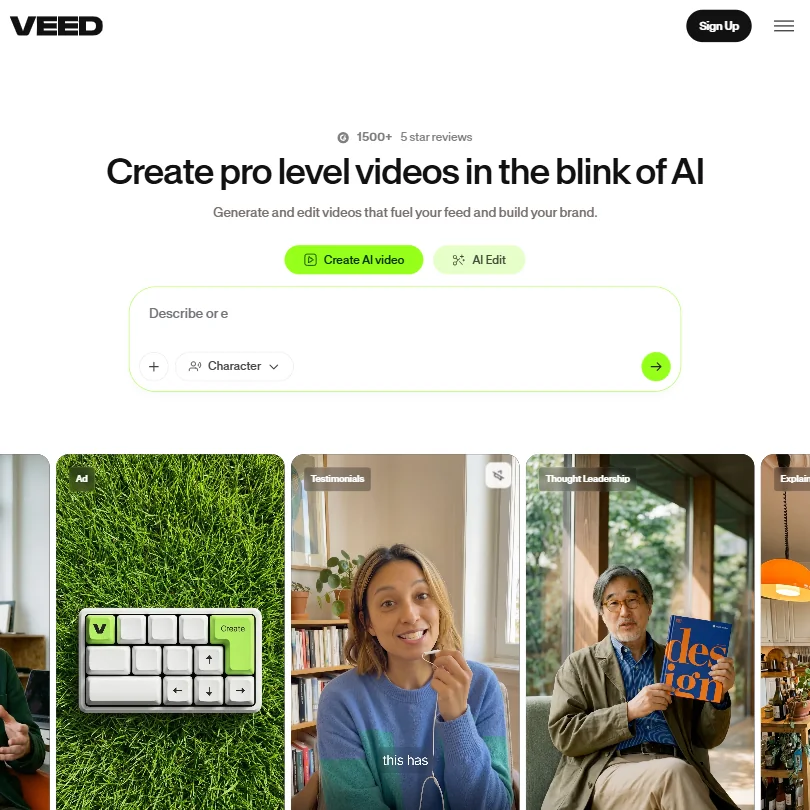
Creator raises the free plan's 720p ceiling to 1080p and adds 500 monthly credits, roughly 125 AI videos, while Pro and 4K sit above this budget. It is the browser editor for people who want subtitles, avatars, voice cloning and generated clips in one tab, and training on your content can be opted out. For edits driven by the transcript, Descript is the better fit.
- VEED integrates multiple frontier AI generation models including Veo 3.1 and Kling AI through a single interface, giving users access to best-in-class engines without switching tools.
- The entire platform runs in the browser with no desktop installation required, making it immediately accessible for teams without IT overhead.
- VEED has no Adobe Premiere integration, which limits its appeal for users already embedded in professional post-production workflows.
Basic: 200 credits a month
✓ Free plan tooFrom $9.99Show detailsHide details12 Captions: Best for talking-head clips edited by prompt7.8Score 7.8 out of 10Basic: 200 credits a month✓ Free plan too$9.99Visit site ↗ReviewDetailsCloseShow more about Captions
Basic: 200 credits a month
✓ Free plan tooFrom $9.99
Show detailsHide detailsCaptions: Best for talking-head clips edited by prompt
7.8Score 7.8 out of 10Basic: 200 credits a month✓ Free plan too$9.99Visit site ↗ReviewDetailsClose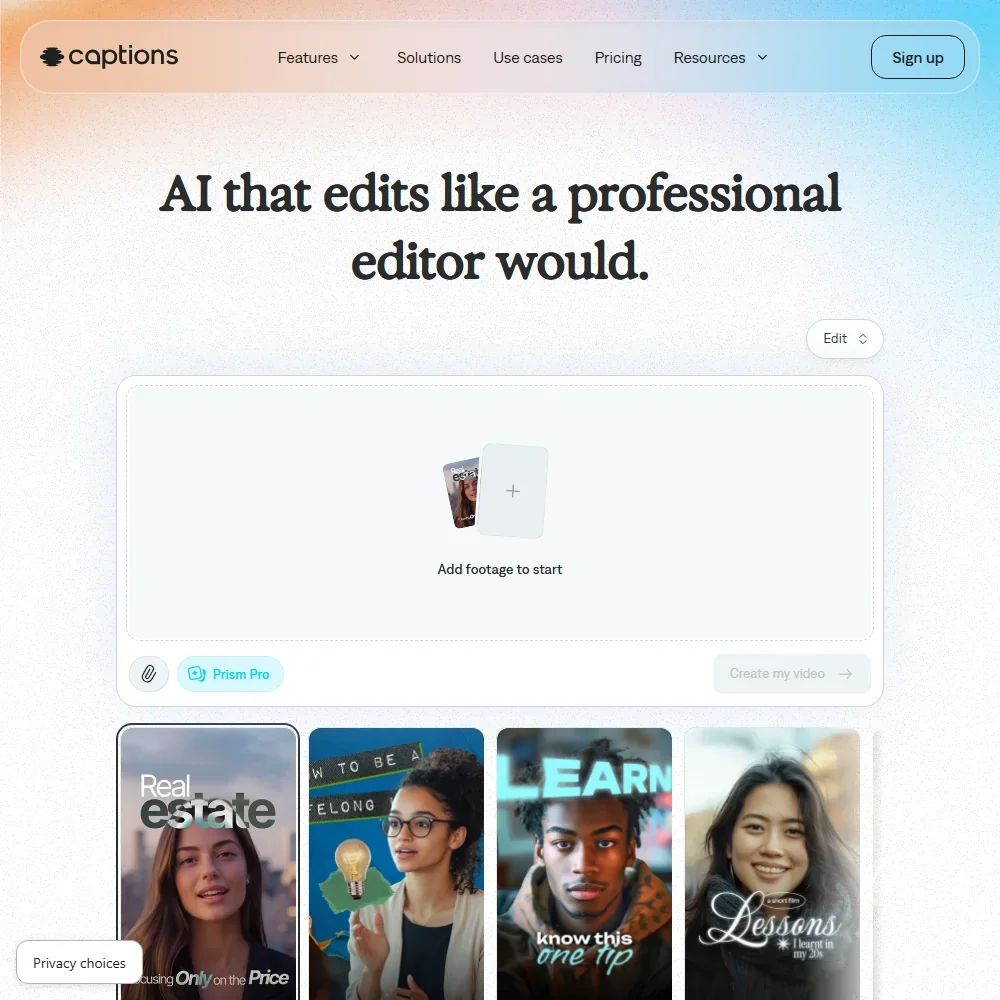
Max at $24.99 is the plan with room to work at this budget: 500 credits a month against Basic's 200, rolling over up to three times the allowance. Those credits pay for AI Edit, dubbing in 30+ languages, Lipdub and clips cut from sources up to three hours long. Frontier is the next step, well above this page. Choose it over Submagic when you record on an iPhone and want to edit by chat, not only style captions.
- The free plan exports without a watermark.
- Dubbing and Lipdub translate speech into more than 30 languages, with lip movement synced to the new audio.
- Captions trains its AI models on your data, and training data exclusion comes with Enterprise plans.
Pro: 1,000 credits a month
✓ Free plan tooFrom $24Show detailsHide details13 Kapwing: Best for team editing in a shared browser workspace7.7Score 7.7 out of 10Pro: 1,000 credits a month✓ Free plan too$24Visit site ↗ReviewDetailsCloseShow more about Kapwing
Pro: 1,000 credits a month
✓ Free plan tooFrom $24
Show detailsHide detailsKapwing: Best for team editing in a shared browser workspace
7.7Score 7.7 out of 10Pro: 1,000 credits a month✓ Free plan too$24Visit site ↗ReviewDetailsClose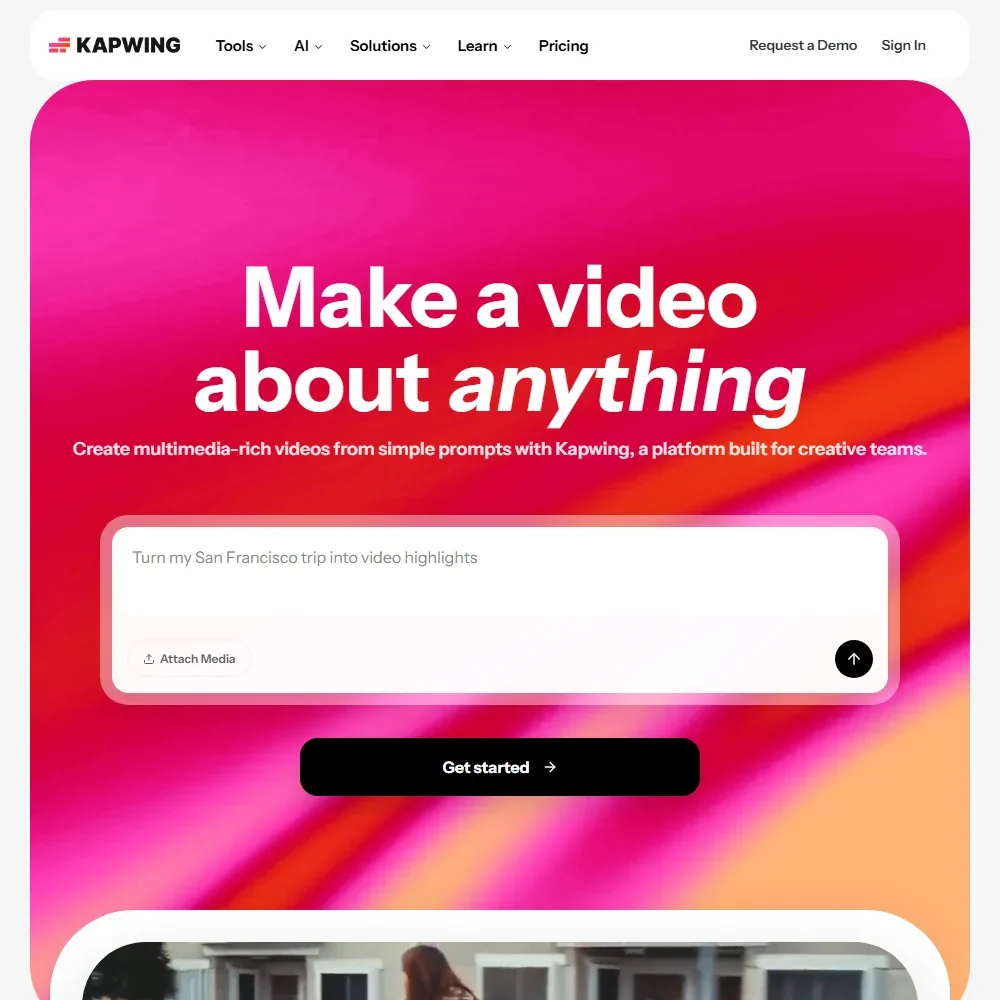
Pro costs $24 per member a month, or $16 billed yearly, and lifts the free plan's limits: no watermark, 4K export, 1,000 credits a month, 50 minutes of text to speech, a Brand Kit and unlimited stock. Voice clones and lip sync wait on Business, above this page. Pick it over VEED when several people edit the same videos, since Pro adds a shared workspace with real-time collaboration and comments.
- Trim with Transcript removes parts of a video when you delete text from its transcript.
- Subtitles translate into more than 100 languages, and dubbing covers more than 40.
- Free exports carry a Kapwing watermark, stop at 720p and run up to 4 minutes.
Starter: Per seat; 400 credits/month; same price monthly or yearly
From $20Show detailsHide details14 Invideo Agent One: Best for a finished video from a brief4.4Score 4.4 out of 10Starter: Per seat; 400 credits/month; same price monthly or yearly$20Visit site ↗ReviewDetailsCloseShow more about Invideo Agent One
Starter: Per seat; 400 credits/month; same price monthly or yearly
From $20
Show detailsHide detailsInvideo Agent One: Best for a finished video from a brief
4.4Score 4.4 out of 10Starter: Per seat; 400 credits/month; same price monthly or yearly$20Visit site ↗ReviewDetailsClose
Starter costs $20 a seat a month, the same billed monthly or yearly, and gives 400 credits a month that do not roll over; there is no free plan or trial. Agents act as scriptwriter, cinematographer and colorist, choosing the model for each shot among 200-plus, including Veo 3.1 and Kling, and remembering your brand between sessions. It does not train on your content. Choose it over Descript for a video built from a brief.
- Persistent memory across sessions means users don't have to re-explain their brand, style, or tone every time they start a new project.
- Uses a network of specialized AI agents (scriptwriter, cinematographer, colorist, etc.) rather than a single general-purpose model, enabling more targeted creative decisions.
- Pricing is positioned in a way that will filter out many potential users before they even sign up.
Best AI video generators under $30
8 picksA cheap AI video generator charges in credits per second, so resolution and sound decide how far a plan goes. Choose Kling for sound, Vidu for steady characters, PixVerse for 1080p on Pro, Hailuo for editing footage, Runway for editing tools and Luma for HDR. Genmo is the open-weight experiment, with short silent clips and no audio.
#ToolScoreEntry plan includesStarts at
✓ Free plan tooFrom $4.99Show detailsHide details15 Google Veo: Best for Veo 3.1 clips with audio included9.0Score 9.0 out of 10✓ Free plan too$4.99Visit site ↗ReviewDetailsCloseShow more about Google Veo
✓ Free plan tooFrom $4.99
Show detailsHide detailsGoogle Veo: Best for Veo 3.1 clips with audio included
9.0Score 9.0 out of 10✓ Free plan too$4.99Visit site ↗ReviewDetailsClose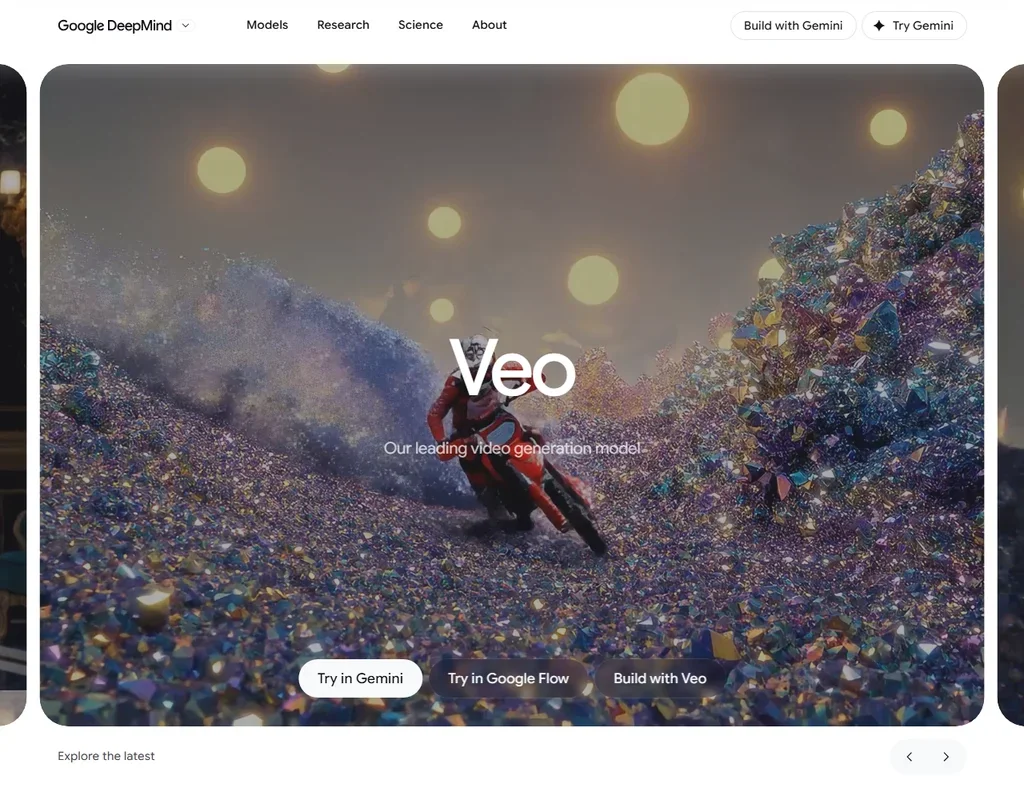
Pro, at $19.99, gives 1,000 Flow credits a month, or 50 eight-second Veo 3.1 Fast clips with generated dialogue and sound, and Plus at $4.99 gives 200 for lighter use. Every account also gets 50 credits a day. The Quality model costs 100 credits a clip, and 4K upscaling in Flow is Ultra only, above this budget. Flow carries Google's own Veo, Gemini Omni and Nano Banana models, with no third-party library. Pick it over Higgsfield when Veo is the model you want.
- Veo 3.1 generates dialogue and sound effects together with the video from the prompt.
- A free Google account gets 50 Flow credits a day.
- One generation is 4, 6 or 8 seconds, and 1080p and 4K generations are 8 seconds.
Standard: List $10
✓ Free plan tooFrom $8.80Show detailsHide details16 Kling AI: Best for cinematic clips with native sound8.9Score 8.9 out of 10Standard: List $10✓ Free plan too$8.80Visit site ↗ReviewDetailsCloseShow more about Kling AI
Standard: List $10
✓ Free plan tooFrom $8.80
Show detailsHide detailsKling AI: Best for cinematic clips with native sound
8.9Score 8.9 out of 10Standard: List $10✓ Free plan too$8.80Visit site ↗ReviewDetailsClose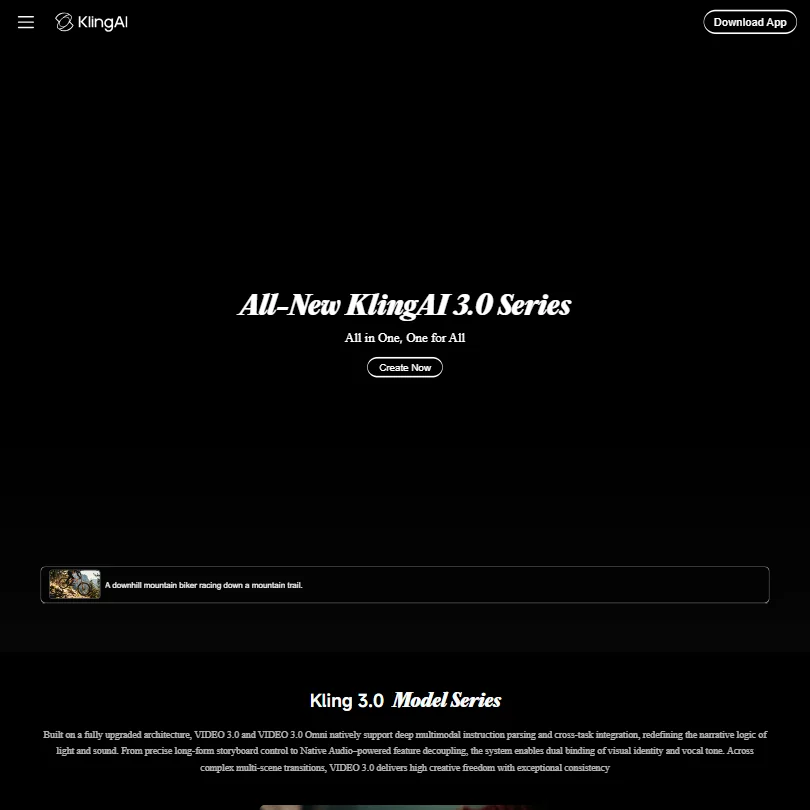
Standard is the only Kling plan within this budget, and its 660 credits go furthest on shorter or lower-resolution shots, since the meter runs at 6 to 12 credits a second. Everything runs on Kling's own models, with native sound, lip sync and start and end frames. Pro, with 3,000 credits, costs more than the limit. For other companies' models in the same account, look at Runway.
- Kling VIDEO 3.0 generates sound, speech and lip sync together with the picture, in English, Chinese, Japanese, Korean and Spanish.
- Start and end frames, multi-shot storyboards and element references give close control over each shot.
- Standard's 660 monthly credits make about five ten-second 1080p clips with audio, or about eight without.
Standard: 800 credits
✓ Free plan tooFrom $10Show detailsHide details17 Vidu AI: Best for characters that stay steady across shots8.9Score 8.9 out of 10Standard: 800 credits✓ Free plan too$10Visit site ↗ReviewDetailsCloseShow more about Vidu AI
Standard: 800 credits
✓ Free plan tooFrom $10
Show detailsHide detailsVidu AI: Best for characters that stay steady across shots
8.9Score 8.9 out of 10Standard: 800 credits✓ Free plan too$10Visit site ↗ReviewDetailsClose
Standard's 800 credits are the whole offer under this limit, since Premium costs more. The draw is reference to video, which holds up to seven characters or products steady, and clips of up to 16 seconds with speech and music. Flash mode keeps drafts cheap, and commercial use starts here. Choose it over Hailuo when consistent characters matter more than picture size. Vidu's terms allow training on uploads.
- Vidu Q3 generates dialogue, voiceover, sound effects and music together with the picture, in clips of up to 16 seconds.
- Reference to video keeps characters, products and settings consistent from up to seven reference images.
- Standard's 800 monthly credits make about ten ten-second Q3 Cinematic clips.
Standard: 1,200 Credits per month
✓ Free plan tooFrom $10Show detailsHide details18 PixVerse: Best for outside models and 1080p on Pro8.8Score 8.8 out of 10Standard: 1,200 Credits per month✓ Free plan too$10Visit site ↗ReviewDetailsCloseShow more about PixVerse
Standard: 1,200 Credits per month
✓ Free plan tooFrom $10
Show detailsHide detailsPixVerse: Best for outside models and 1080p on Pro
8.8Score 8.8 out of 10Standard: 1,200 Credits per month✓ Free plan too$10Visit site ↗ReviewDetailsClose
Pro, at the top of this budget, is where PixVerse becomes a different tool: 6,000 credits, the 1080p and 4K that Standard lacks, and Kling, Seedance and MiniMax inside the same login. Daily and monthly credits both expire. It suits creators who want several models, sharper output and a way to opt out of training in one place.
- V6 and C1 generate dialogue, sound effects and ambient sound with the picture.
- Native multi-shot turns one generation into wide, medium and close-up shots.
- Standard is capped at 720p; 1080p and 4K start on Pro.
Standard: 1,000 credits/month; no watermark; Veo 3.1 $8.40/mo.
✓ Free plan tooFrom $10.50Show detailsHide details19 Hailuo AI: Best for 2K clips and editing existing footage8.6Score 8.6 out of 10Standard: 1,000 credits/month; no watermark; Veo 3.1 $8.40/mo.✓ Free plan too$10.50Visit site ↗ReviewDetailsCloseShow more about Hailuo AI
Standard: 1,000 credits/month; no watermark; Veo 3.1 $8.40/mo.
✓ Free plan tooFrom $10.50
Show detailsHide detailsHailuo AI: Best for 2K clips and editing existing footage
8.6Score 8.6 out of 10Standard: 1,000 credits/month; no watermark; Veo 3.1 $8.40/mo.✓ Free plan too$10.50Visit site ↗ReviewDetailsClose
Standard drops the free plan's watermark and gives 1,000 monthly credits, about eight ten-second 2K clips from MiniMax H3. H3 takes up to nine reference images and edits existing footage, swapping people and objects, while Veo 3.1 arrives on paid plans. Credits expire each month. Pick it over Vidu to restyle footage you already have. Regular output starts on Pro, which costs more than this budget.
- MiniMax H3 generates dialogue, sound effects and ambience with the picture, in clips of up to 15 seconds at 2K.
- H3 takes up to nine reference images, three videos and three audio clips to keep characters, motion and voices consistent.
- Standard's 1,000 monthly credits make about eight ten-second H3 clips at 2K.
Standard: 625 credits/month; all AI image and video models, 4K upscaling, no watermarks
✓ Free plan tooFrom $15Show detailsHide details20 Runway: Best for a model per shot plus editing tools8.1Score 8.1 out of 10Standard: 625 credits/month; all AI image and video models, 4K upscaling, no watermarks✓ Free plan too$15Visit site ↗ReviewDetailsCloseShow more about Runway
Standard: 625 credits/month; all AI image and video models, 4K upscaling, no watermarks
✓ Free plan tooFrom $15
Show detailsHide detailsRunway: Best for a model per shot plus editing tools
8.1Score 8.1 out of 10Standard: 625 credits/month; all AI image and video models, 4K upscaling, no watermarks✓ Free plan too$15Visit site ↗ReviewDetailsClose
Standard buys the full line-up: 625 credits a month, every Runway and outside model, 4K upscaling and no watermark, against a one-off 125 credits on free. That is about five ten-second Gen-4.5 clips, and audio models cost several times more per second. Pro costs more than the limit. Pick it over Luma when editing matters, since Aleph 2.0 restyles uploaded footage of up to 30 seconds.
- Kling 3.0, Veo 3.1, Seedance 2.5 and other outside video models sit in the same account as Runway's own Gen-4.5, all paid from one credit balance.
- First and last frame control through Veo 3.1 and Kling 3.0, keyframes through Kling O3, and clip extension through Grok Imagine.
- Standard's 625 monthly credits make about five ten-second Gen-4.5 clips.
Plus: 10,000 credits; Luma and third-party image and video models; edit access for guest collaborators; commercial use
✓ Free plan tooFrom $30Show detailsHide details21 Luma AI: Best for HDR and keyframe control on clips8.0Score 8.0 out of 10Plus: 10,000 credits; Luma and third-party image and video models; edit access for guest collaborators; commercial use✓ Free plan too$30Visit site ↗ReviewDetailsCloseShow more about Luma AI
Plus: 10,000 credits; Luma and third-party image and video models; edit access for guest collaborators; commercial use
✓ Free plan tooFrom $30
Show detailsHide detailsLuma AI: Best for HDR and keyframe control on clips
8.0Score 8.0 out of 10Plus: 10,000 credits; Luma and third-party image and video models; edit access for guest collaborators; commercial use✓ Free plan too$30Visit site ↗ReviewDetailsClose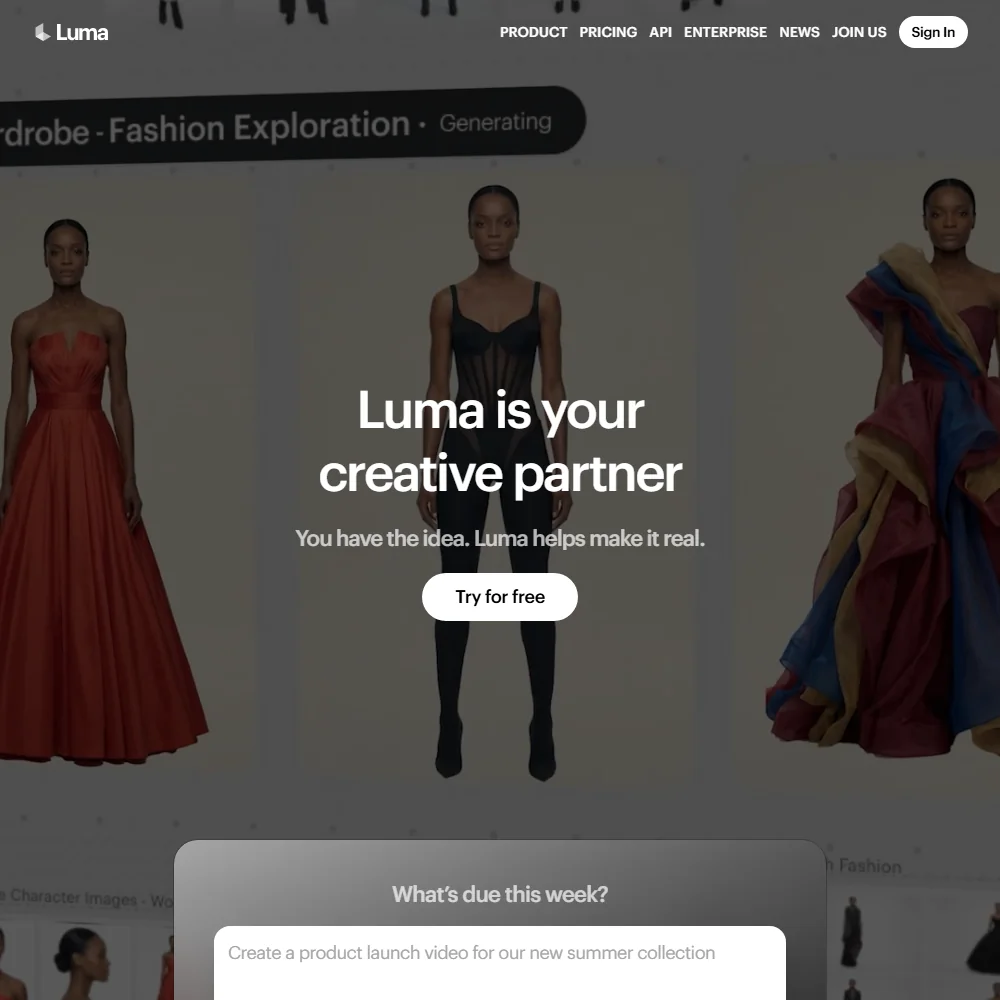
Plus sits right at the top of this budget and is the first plan with commercial use, since free credits are for personal use only. Its 10,000 credits make about eight ten-second Ray3.2 clips at 1080p, and Ray3.2 makes no sound, so audio means an outside model at a higher cost. Native HDR with EXR export is the rare draw. Luma's terms allow training even on paid plans.
- Ray3.2 takes up to 16 keyframes per clip, giving close control over how a shot unfolds.
- Native HDR generation in 16-bit colour with EXR export, which few video models offer.
- Plus's 10,000 monthly credits make about eight ten-second Ray3.2 clips at 1080p.
Lite: 1,200 credits per month
✓ Free plan tooFrom $10Show detailsHide details22 Genmo: Best for testing an open-weight model4.2Score 4.2 out of 10Lite: 1,200 credits per month✓ Free plan too$10Visit site ↗ReviewDetailsCloseShow more about Genmo
Lite: 1,200 credits per month
✓ Free plan tooFrom $10
Show detailsHide detailsGenmo: Best for testing an open-weight model
4.2Score 4.2 out of 10Lite: 1,200 credits per month✓ Free plan too$10Visit site ↗ReviewDetailsClose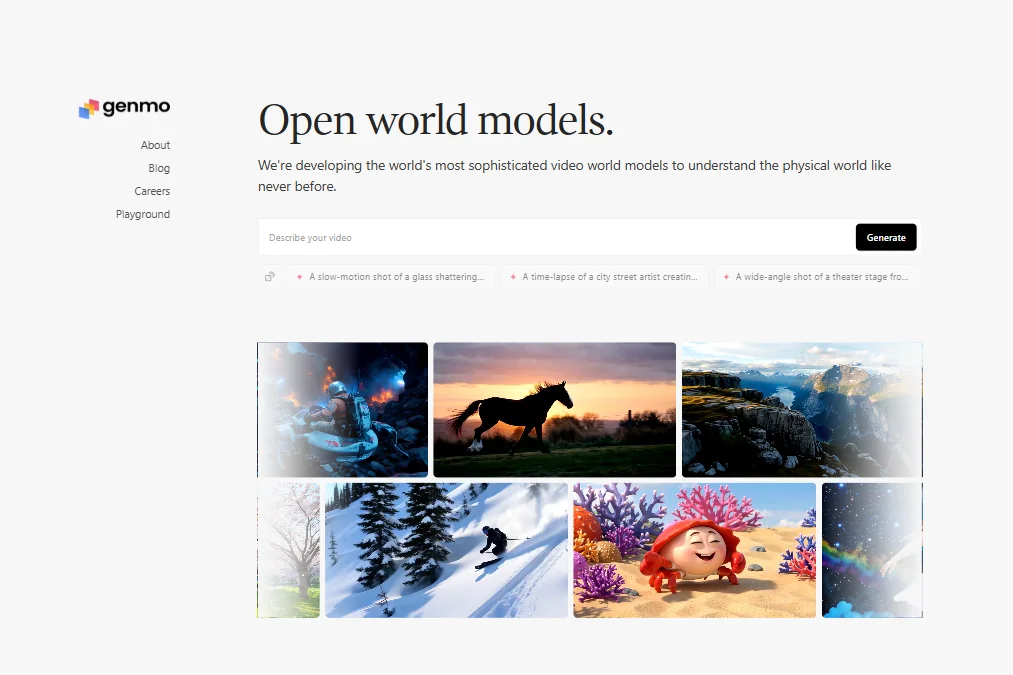
Standard stretches the pot to 5,000 credits, about fifty clips, with top queue priority and early access to new models, and it is the Genmo step that fits both budgets. Clips stay at 5.4 seconds, silent and text-only, so it works as a testing ground. Mochi 1 can be downloaded and run yourself. Pick it over Pika for experiments, and Pika when you need lip sync.
- Mochi 1 is open-weight: download it from GitHub or Hugging Face and run it on your own hardware.
- Runs in ComfyUI for developers who want to build it into their own workflows.
- Clips are at most 5.4 seconds, so a ten-second shot is not possible in one generation.
Best Multi-model AI video platforms under $30
4 picksMulti-model AI video platforms put several video models under one login, so the credit pool is what you are buying. Higgsfield and Pika start with a free account, while Affogato and Flova AI are paid only. Choose Higgsfield for the widest model list, Affogato for a no-training default, Pika for clean exports, Flova AI for scene planning with an agent.
#ToolScoreEntry plan includesStarts at
Starter
✓ Free plan tooFrom $19Show detailsHide details23 Higgsfield: Best for many video models on one credit pool9.0Score 9.0 out of 10Starter✓ Free plan too$19Visit site ↗ReviewDetailsCloseShow more about Higgsfield
Starter
✓ Free plan tooFrom $19
Show detailsHide detailsHiggsfield: Best for many video models on one credit pool
9.0Score 9.0 out of 10Starter✓ Free plan too$19Visit site ↗ReviewDetailsClose
Starter costs the same billed monthly or yearly and removes the free plan's watermark, which is the main thing it buys. You also get Kling 3.0, Veo 3.1, Seedance 2.0 and other models on one credit pool, though those credits cover only a handful of videos. Pick it over Affogato if you want a free account to try first. Your content can train its models unless you delete it.
- Kling 3.0, Veo 3.1, Seedance 2.0, Nano Banana Pro, GPT Image 2 and Flux 2 are all on the account alongside Higgsfield's own Soul models.
- Seedance 2.0 generates synchronized dialogue and sound in the same pass as the video.
- Every generation on the free account carries a visible watermark.
Standard: 2,000 credits/month
From $24Show detailsHide details24 Affogato: Best for 170 models with no tier locks7.9Score 7.9 out of 10Standard: 2,000 credits/month$24Visit site ↗ReviewDetailsCloseShow more about Affogato
Standard: 2,000 credits/month
From $24
Show detailsHide detailsAffogato: Best for 170 models with no tier locks
7.9Score 7.9 out of 10Standard: 2,000 credits/month$24Visit site ↗ReviewDetailsClose
Standard gives 2,000 credits on every model in a library of more than 170, with no tier locks, a full commercial license and watermark-free stills. There is no free plan to try first, no published yearly discount, and no statement of what a credit buys on a named model, so cost per clip is hard to predict. Pick it over Higgsfield if you want no training on your uploads by default.
- Affogato offers more than 170 other companies' models in one workspace, covering video and image generation.
- Every plan unlocks the full model library, so no model is locked behind a higher tier.
- There is no free plan; every tier starts at a paid subscription.
Starter: 900 credits/month
✓ Free plan tooFrom $8Show detailsHide details25 Pika: Best for lip sync and keyframes across models6.2Score 6.2 out of 10Starter: 900 credits/month✓ Free plan too$8Visit site ↗ReviewDetailsCloseShow more about Pika
Starter: 900 credits/month
✓ Free plan tooFrom $8
Show detailsHide detailsPika: Best for lip sync and keyframes across models
6.2Score 6.2 out of 10Starter: 900 credits/month✓ Free plan too$8Visit site ↗ReviewDetailsClose
Starter is the only Pika plan inside this budget, and what it adds over free is a monthly pot of 900 credits, not rights. Both plans stay watermark-free, and a commercial license waits for Creator. The account pairs Pika's own model with Seedance, Veo, Wan and image models, plus lip sync, Pikaframes and Extend Video. Pick it over Higgsfield for clean exports without paying first.
- Pika combines its own Pika 2.5 video model with Seedance, Veo 3.1, Wan 3.0 and GPT Image 2.5 in one account.
- The free plan and the $10 Starter plan are both watermark-free.
- Kling and Flux are not among the models Pika lists.
Starter: 2,800/month on annual billing (2,000 base + 800 bonus); 2,400/month on monthly billing (2,000 + 400)
From $20Show detailsHide details26 Flova AI: Best for planning scenes with an agent canvas4.5Score 4.5 out of 10Starter: 2,800/month on annual billing (2,000 base + 800 bonus); 2,400/month on monthly billing (2,000 + 400)$20Visit site ↗ReviewDetailsCloseShow more about Flova AI
Starter: 2,800/month on annual billing (2,000 base + 800 bonus); 2,400/month on monthly billing (2,000 + 400)
From $20
Show detailsHide detailsFlova AI: Best for planning scenes with an agent canvas
4.5Score 4.5 out of 10Starter: 2,800/month on annual billing (2,000 base + 800 bonus); 2,400/month on monthly billing (2,000 + 400)$20Visit site ↗ReviewDetailsClose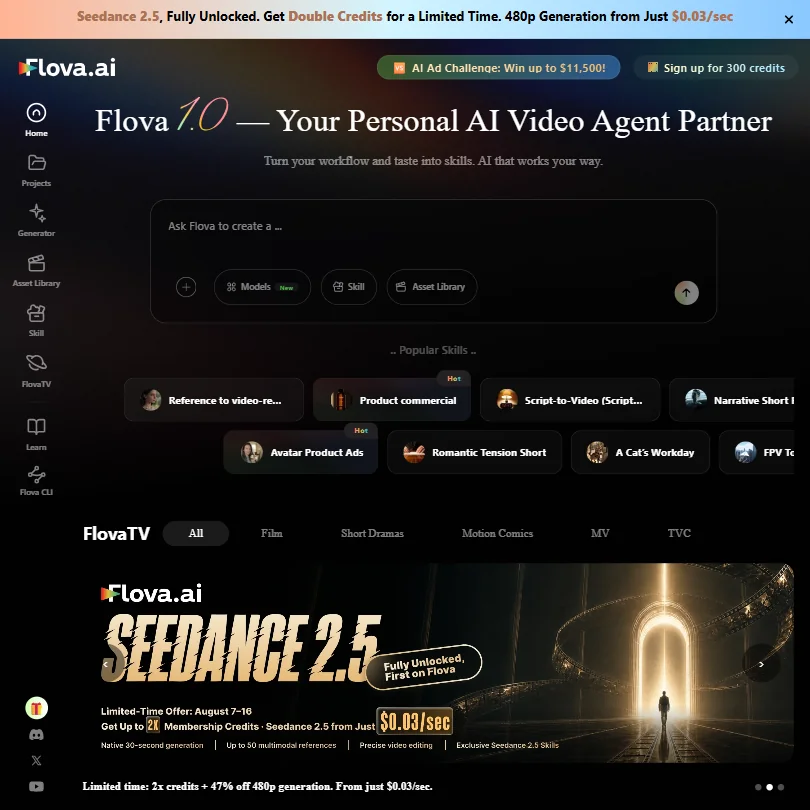
Every Flova plan includes commercial use and watermark-free export, and Starter gives 2,400 credits a month billed monthly or 2,800 billed yearly. Agent Canvas keeps scripts, storyboards and shots in one place, and the chat model is unlimited. Flova trains on your inputs and outputs by default, and Kling, Veo and Flux 2 are not offered. Pick it over Birdwalk to plan with music and narration models too.
- Commercial use is included on every plan.
- Watermark-free export is included on every plan, starting from Starter.
- There is no free plan.
Best clip repurposing tools under $30
3 picksClip repurposing tools meter by credits or videos a month, and Opus Clip and Vizard drop their free watermarks on the first paid plan. Opus Clip finds clips in almost any genre, Vizard batches thirty or more from a podcast, and Submagic concentrates on captions and short formats. Pick Opus Clip for variety, Vizard for volume and Submagic for caption styling.
#ToolScoreEntry plan includesStarts at
Starter: 150 credits/month, AI clipping with Virality Score, 1 brand template, no watermark Monthly only.
From $15Show detailsHide details27 Opus Clip: Best for clipping long videos with a virality score8.4Score 8.4 out of 10Starter: 150 credits/month, AI clipping with Virality Score, 1 brand template, no watermark Monthly only.$15Visit site ↗ReviewDetailsCloseShow more about Opus Clip
Starter: 150 credits/month, AI clipping with Virality Score, 1 brand template, no watermark Monthly only.
From $15
Show detailsHide detailsOpus Clip: Best for clipping long videos with a virality score
8.4Score 8.4 out of 10Starter: 150 credits/month, AI clipping with Virality Score, 1 brand template, no watermark Monthly only.$15Visit site ↗ReviewDetailsClose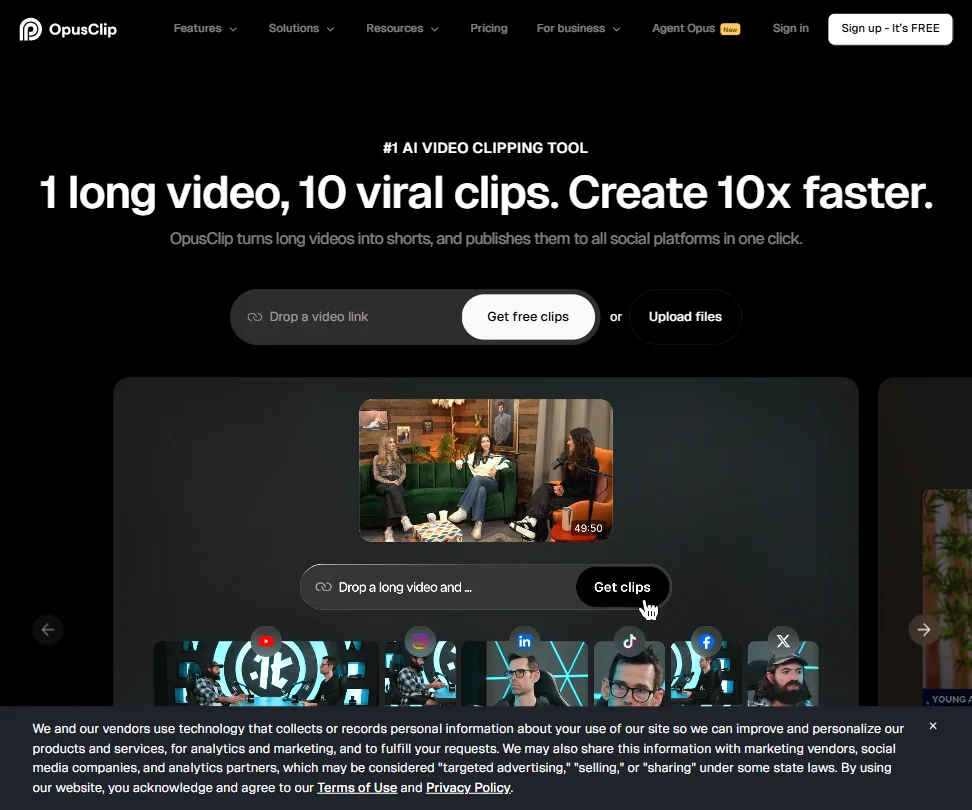
Starter removes the free plan's watermark and lifts credits from 60 to 150 a month, with a Virality Score and one brand template. Free clips expire after three days and cannot be edited. Pro adds AI B-roll, Adobe and DaVinci export, dubbing and a second seat. Pick Opus Clip over Submagic when the source is a lecture, sports match or cooking video, since its clip finder works across genres.
- The ClipAnything model works across diverse video genres, including lectures, cooking videos, sports and tutorials, as well as podcasts and talking-head content.
- ReframeAnything model uses AI object tracking to keep subjects centered when converting landscape video to vertical format.
- The tool is entirely web-based with no desktop app, which may limit workflow flexibility for users who prefer offline or native applications.
Starter: 15 videos/mo (max 2 min), 3 AI Credits, 1080p 30fps, no watermark, auto captions, free b-rolls & audio
From $19Show detailsHide details28 Submagic: Best for captioned shorts at 1080p7.8Score 7.8 out of 10Starter: 15 videos/mo (max 2 min), 3 AI Credits, 1080p 30fps, no watermark, auto captions, free b-rolls & audio$19Visit site ↗ReviewDetailsCloseShow more about Submagic
Starter: 15 videos/mo (max 2 min), 3 AI Credits, 1080p 30fps, no watermark, auto captions, free b-rolls & audio
From $19
Show detailsHide detailsSubmagic: Best for captioned shorts at 1080p
7.8Score 7.8 out of 10Starter: 15 videos/mo (max 2 min), 3 AI Credits, 1080p 30fps, no watermark, auto captions, free b-rolls & audio$19Visit site ↗ReviewDetailsClose
Starter is built around captions and short clips: 15 videos a month of up to two minutes, 1080p, no watermark, auto captions in 123 languages and free B-roll and audio. Pro stretches length to five minutes and adds hook titles, but costs more than this budget. A Magic Clips add-on pulls clips from ten long videos a month. Three free videos let you test. Pick it when styling captions matters most.
- Magic Clips feature automatically extracts multiple short-form clips from a single long video, saving significant editing time.
- Auto-captions claim 99% accuracy across 123 languages, with styles designed to match high-performing TikTok formats.
- Narrowly focused on short-form video editing, making it unsuitable for teams that need a full-featured video editor.
Creator: From 600 credits per month to 6,200 Credits per month Scales up to $295/mo with usage.
✓ Free plan tooFrom $29Show detailsHide details29 Vizard.ai: Best for batches of clips from a podcast6.8Score 6.8 out of 10Creator: From 600 credits per month to 6,200 Credits per month Scales up to $295/mo with usage.✓ Free plan too$29Visit site ↗ReviewDetailsCloseShow more about Vizard.ai
Creator: From 600 credits per month to 6,200 Credits per month Scales up to $295/mo with usage.
✓ Free plan tooFrom $29
Show detailsHide detailsVizard.ai: Best for batches of clips from a podcast
6.8Score 6.8 out of 10Creator: From 600 credits per month to 6,200 Credits per month Scales up to $295/mo with usage.✓ Free plan too$29Visit site ↗ReviewDetailsClose
Creator removes the free plan's watermark and 720p cap, with 4K export, 600 credits a month and up to six social accounts, and commercial use belongs to paid plans. Yearly billing roughly halves the monthly rate. It excels at turning one podcast into 30 or more clips, with transcript editing and speaker-aware reframing. Vizard does not train on your content. Pick it for volume over style.
- Batch clip generation reliably produces 30 or more platform-ready clips from a single long-form video upload, saving significant time for content teams.
- Text-based editing lets users cut footage by editing the transcript, reducing back-and-forth compared to traditional timeline editing.
- Pricing structure has notable gaps worth investigating before committing to a paid plan.
Best AI ad video tools under $30
3 picksAI ad video tools turn a product link into a finished clip, so what separates them is how many ads a plan covers. KreadoAI sells its pot monthly or as a one-off payment and resizes for TikTok and Meta, while Topview adds a Canvas, a Clip Edit tool and off-peak pricing. Pick KreadoAI for product ads and Topview for short films and series.
#ToolScoreEntry plan includesStarts at
One off Payment Premium: 900 K-Coins up to 3,000 K-Coins. Scales up to $39 with usage.
✓ Free plan tooFrom $19Show detailsHide details30 KreadoAI: Best for ad volume from product links7.3Score 7.3 out of 10One off Payment Premium: 900 K-Coins up to 3,000 K-Coins. Scales up to $39 with usage.✓ Free plan too$19Visit site ↗ReviewDetailsCloseShow more about KreadoAI
One off Payment Premium: 900 K-Coins up to 3,000 K-Coins. Scales up to $39 with usage.
✓ Free plan tooFrom $19
Show detailsHide detailsKreadoAI: Best for ad volume from product links
7.3Score 7.3 out of 10One off Payment Premium: 900 K-Coins up to 3,000 K-Coins. Scales up to $39 with usage.✓ Free plan too$19Visit site ↗ReviewDetailsClose
Premium is the only KreadoAI plan within budget, and its price rises as you slide to more K-coins, so the top of the range passes this page's limit. It turns a product link into a video ad, strips watermarks and logos from clips and burns in subtitles. The feature list is broad rather than focused. Pick it over Topview for ad volume on a small pot, and Topview for short films.
- URL-to-video conversion workflow allows e-commerce brands to generate launch-ready ad videos from a single product page link in minutes.
- Wide feature surface includes text-to-video, image-to-video, and PowerPoint-to-video conversion beyond just the flagship URL input.
- Homepage claims such as '$1 billion in real ad spend informing the AI' come with no published evidence behind them.
Starter: 144,000 annual credits, 30 min max video, 3 custom avatars, watermark removal, product ad tools
✓ Free plan tooFrom $24Show detailsHide details31 JoggAI: Best for custom avatars and batch video ads7.1Score 7.1 out of 10Starter: 144,000 annual credits, 30 min max video, 3 custom avatars, watermark removal, product ad tools✓ Free plan too$24Visit site ↗ReviewDetailsCloseShow more about JoggAI
Starter: 144,000 annual credits, 30 min max video, 3 custom avatars, watermark removal, product ad tools
✓ Free plan tooFrom $24
Show detailsHide detailsJoggAI: Best for custom avatars and batch video ads
7.1Score 7.1 out of 10Starter: 144,000 annual credits, 30 min max video, 3 custom avatars, watermark removal, product ad tools✓ Free plan too$24Visit site ↗ReviewDetailsClose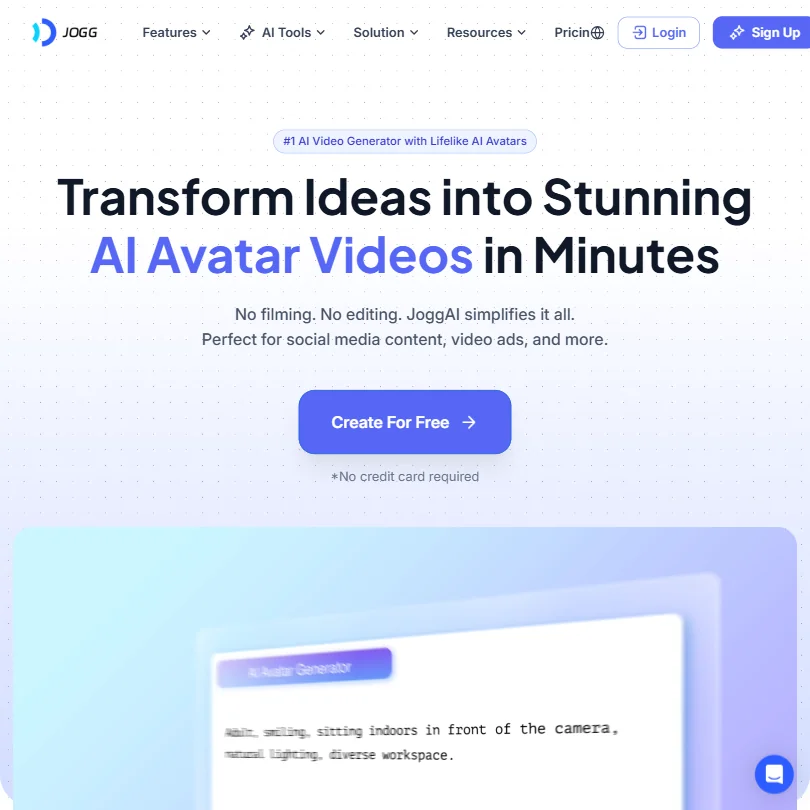
Starter replaces the free plan's three one-minute videos with 200 avatar videos of up to three minutes, removes the watermark and adds three custom avatars and the AvatarX model, billed yearly. Creator, with unlimited videos and 15-minute length, costs more than the limit. URL-to-video and batch creation suit product ads. Choose it over KreadoAI when custom avatars matter.
- The URL-to-Video feature scrapes product imagery, writes copy, and generates a short video ad automatically, saving significant time for e-commerce marketers.
- Batch Video Creation allows users to produce multiple video variants in a single session, making high-volume ad production more efficient.
- The platform offers no scheduling, content calendar, analytics dashboard, or competitor analysis, limiting its utility beyond raw video creation.
PRO: 960 credits/year upfront; ~240 Seedance 2.0 videos; 4 concurrent tasks; API + MCP access Scales up to $580/mo ($3,840/yr) with usage.
From $29Show detailsHide details32 Topview: Best for short films and series in bulk5.0Score 5.0 out of 10PRO: 960 credits/year upfront; ~240 Seedance 2.0 videos; 4 concurrent tasks; API + MCP access Scales up to $580/mo ($3,840/yr) with usage.$29Visit site ↗ReviewDetailsCloseShow more about Topview
PRO: 960 credits/year upfront; ~240 Seedance 2.0 videos; 4 concurrent tasks; API + MCP access Scales up to $580/mo ($3,840/yr) with usage.
From $29
Show detailsHide detailsTopview: Best for short films and series in bulk
5.0Score 5.0 out of 10PRO: 960 credits/year upfront; ~240 Seedance 2.0 videos; 4 concurrent tasks; API + MCP access Scales up to $580/mo ($3,840/yr) with usage.$29Visit site ↗ReviewDetailsClose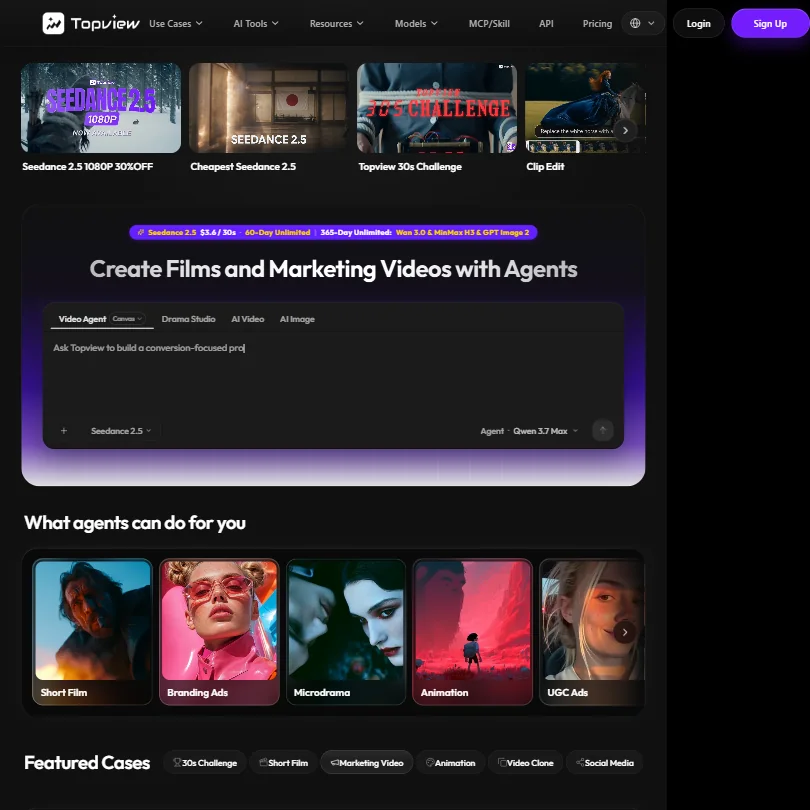
PRO's credits arrive up front for the year, about 20 Seedance 2.0 videos a month, with four jobs at once and API access. Off-peak mode halves the credit cost if you can wait up to a day. Clip Edit regenerates only the weak section of a clip, and Drama Studio builds narrative scenes. It is web only, with an opt-out from training. Pick it for short films and series.
- Multi-model pipeline lets users choose from several AI engines including Seedance 2.5, MiniMax H3, Google Veo 3.1, and Wan 3.0 depending on resolution and quality needs.
- Clip Edit feature allows targeted regeneration of specific bad sections without redoing the entire video, solving a common AI video frustration.
- Web-only platform with no desktop or mobile app limits where and how users can work.
Best text to video tools under $30
4 picksA free AI video maker is easy to find in this group: Fliki and Lumen5 have free plans, and Pictory offers a 14-day trial. What separates them is the input and the voice. Fliki has the biggest voice library, Pictory takes URLs, scripts, slides and recordings, and Lumen5 pairs blog posts with licensed stock. Pick Fliki for voiceover, Pictory for variety, Lumen5 for articles.
#ToolScoreEntry plan includesStarts at
Standard: 2,160 Credits per month
✓ Free plan tooFreeShow detailsHide details33 Fliki: Best for script-to-video with 1,000 voices6.8Score 6.8 out of 10Standard: 2,160 Credits per month✓ Free plan tooFreeVisit site ↗ReviewDetailsCloseShow more about Fliki
Standard: 2,160 Credits per month
✓ Free plan tooFree
Show detailsHide detailsFliki: Best for script-to-video with 1,000 voices
6.8Score 6.8 out of 10Standard: 2,160 Credits per month✓ Free plan tooFreeVisit site ↗ReviewDetailsClose
Fliki's first paid plan, Standard, adds 1080p, 1,000 voices with 500 ultra-realistic ones, voice cloning, commercial rights and a fifteen-minute video length. Billing yearly costs less than monthly, and Premium costs far more. It turns a script or blog link into a finished video with captions and music. Pick it over Pictory when the voiceover matters most. It is web only.
- Fliki offers 2,000+ AI voices across 80+ languages, more than any comparable tool in its class without additional charges.
- The core workflow is fast: paste a script or URL and the tool assembles a draft video with voiceover, visuals, music and captions automatically.
- Fliki is web-only with no desktop app or mobile editing support, which limits flexibility for users who work across devices.
Starter: 1 user, 2,400 video min/yr, 5 GB storage, 1 brand kit, 720p export
From $25Show detailsHide details34 Pictory: Best for articles and slides turned into video5.8Score 5.8 out of 10Starter: 1 user, 2,400 video min/yr, 5 GB storage, 1 brand kit, 720p export$25Visit site ↗ReviewDetailsCloseShow more about Pictory
Starter: 1 user, 2,400 video min/yr, 5 GB storage, 1 brand kit, 720p export
From $25
Show detailsHide detailsPictory: Best for articles and slides turned into video
5.8Score 5.8 out of 10Starter: 1 user, 2,400 video min/yr, 5 GB storage, 1 brand kit, 720p export$25Visit site ↗ReviewDetailsClose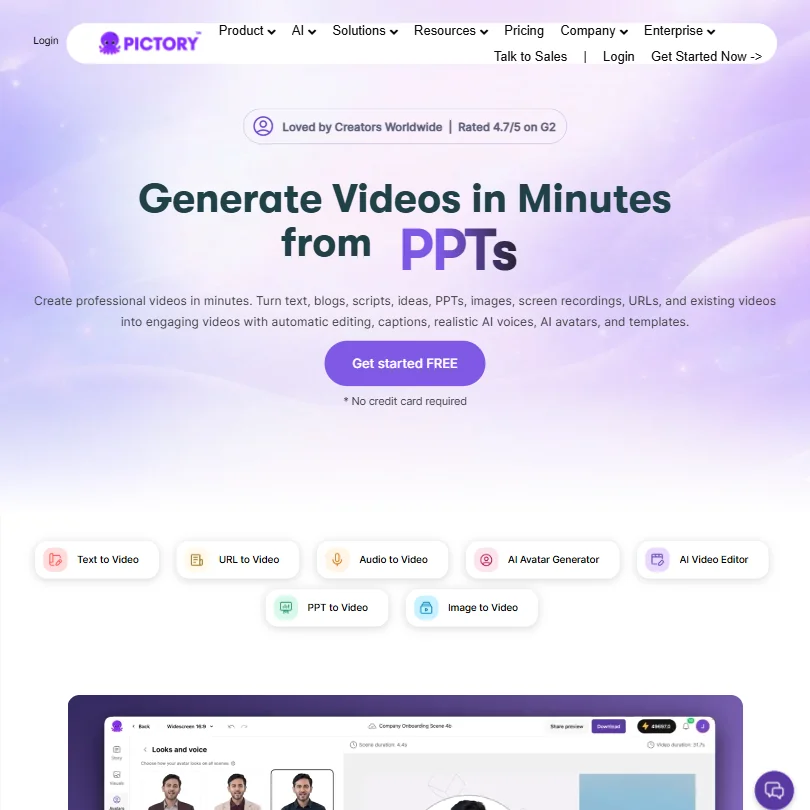
Starter turns blog URLs, scripts, slides and recordings into video with 2,400 video minutes a year, but exports at 720p, and 1080p, voice cloning and custom avatars wait for Professional. A 14-day trial with 15 video minutes stands in for a free plan. It does not train on your content, and commercial rights are listed. Choose it over Lumen5 for Veo and ElevenLabs voices.
- Supports an exceptionally wide range of input formats including blog URLs, scripts, PowerPoint files, images, and screen recordings.
- The URL-to-video workflow eliminates manual copy-paste steps, making it highly efficient for marketing teams.
- Operates in a crowded AI video category, making differentiation and long-term positioning uncertain.
Basic: 500 credits/month, 1 voice clone, 5GB storage, schedule 20 posts up to 2 weeks
From $29Show detailsHide details35 Syllaby: Best for research, script and schedule together5.5Score 5.5 out of 10Basic: 500 credits/month, 1 voice clone, 5GB storage, schedule 20 posts up to 2 weeks$29Visit site ↗ReviewDetailsCloseShow more about Syllaby
Basic: 500 credits/month, 1 voice clone, 5GB storage, schedule 20 posts up to 2 weeks
From $29
Show detailsHide detailsSyllaby: Best for research, script and schedule together
5.5Score 5.5 out of 10Basic: 500 credits/month, 1 voice clone, 5GB storage, schedule 20 posts up to 2 weeks$29Visit site ↗ReviewDetailsClose
Basic bundles idea research, scripts, video creation and scheduling, with 500 credits a month, one voice clone and room for 20 scheduled posts two weeks ahead. A seven-day trial replaces a free plan. Models include Veo 3 and Seedance, and it runs on the web, iOS and Android. Pick it over Pictory when keyword research and posting matter more than templates. Standard costs far more.
- Runs on multiple cutting-edge AI video models including Google VEO 3 and Seedance, offering flexibility rare at this price point.
- End-to-end workflow covers ideation, scripting, video creation, and scheduling in a single platform without requiring any editing experience.
- Analytics and reporting documentation is nearly nonexistent, making it unclear whether meaningful performance insights are available to users.
Basic: Unlimited videos, no branding, 720p, 10-min max, 240 AI voice mins/yr, 12 animation mins/yr
✓ Free plan tooFrom $29Show detailsHide details36 Lumen5: Best for blog posts turned into branded video4.2Score 4.2 out of 10Basic: Unlimited videos, no branding, 720p, 10-min max, 240 AI voice mins/yr, 12 animation mins/yr✓ Free plan too$29Visit site ↗ReviewDetailsCloseShow more about Lumen5
Basic: Unlimited videos, no branding, 720p, 10-min max, 240 AI voice mins/yr, 12 animation mins/yr
✓ Free plan tooFrom $29
Show detailsHide detailsLumen5: Best for blog posts turned into branded video
4.2Score 4.2 out of 10Basic: Unlimited videos, no branding, 720p, 10-min max, 240 AI voice mins/yr, 12 animation mins/yr✓ Free plan too$29Visit site ↗ReviewDetailsClose
Basic removes the Lumen5 outro and allows unlimited videos of up to ten minutes, but output stays at 720p until Starter. It turns blog URLs and scripts into rough cuts matched to more than 500 million licensed stock assets, with 100-plus templates. The free plan covers five two-minute videos a month. Pick it over Pictory to turn articles into branded video, since Pictory accepts more input types.
- The blog-to-video AI engine automatically converts URLs or pasted scripts into a rough cut with matched visuals, saving significant editing time.
- The stock library contains 500 million+ Getty-licensed assets, with no reported content ID issues for commercially licensed material.
- Key features like custom branded templates are locked behind higher-tier plans, meaning entry-level users get a noticeably limited experience.
More AI video tools under $30
2 picksThese four share a price band, not a purpose. JoggAI makes avatar videos and product ads, Mootion builds story videos from text, Birdwalk pools Kling, Veo and Seedance with a no-training promise, and Syllaby adds keyword research and scheduling. Pick JoggAI for ads, Mootion for narrative, Birdwalk for privacy and Syllaby for posting.
#ToolScoreEntry plan includesStarts at
#37Mootion: Best for cinematic stories from text and scripts
Standard: 1500 credits/month
From $15Show detailsHide details37Mootion: Best for cinematic stories from text and scriptsn/aStandard: 1500 credits/month$15Visit site ↗ReviewDetailsCloseShow more about Mootion
#37Mootion: Best for cinematic stories from text and scripts
Standard: 1500 credits/month
From $15
Show detailsHide detailsMootion: Best for cinematic stories from text and scripts
n/aStandard: 1500 credits/month$15Visit site ↗ReviewDetailsClose
Standard gives 1,500 credits and Plus 3,000, and there is no free plan or trial to rehearse on. It turns text, scripts, images or URLs into a finished video, with voiceover, AI music and effects timed to the cuts, in ten-plus languages across web, desktop and mobile. Direct publishing to TikTok and YouTube is built in. Choose it over Fliki for story-led video. Fliki has a free plan.
- Supports multiple input types including text, scripts, images, and URLs for video generation in a single workflow.
- AI-generated music and sound effects are timed to video cuts, not just layered over the top as an afterthought.
- Voice cloning is not confirmed anywhere in public documentation, putting Mootion behind competitors like ElevenLabs.

#38Birdwalk: Best for Kling and Veo without training on uploads
Creator: A$12 monthly wallet credits
From $15Show detailsHide details38Birdwalk: Best for Kling and Veo without training on uploadsn/aCreator: A$12 monthly wallet credits$15Visit site ↗ReviewDetailsCloseShow more about Birdwalk
#38Birdwalk: Best for Kling and Veo without training on uploads
Creator: A$12 monthly wallet credits
From $15
Show detailsHide detailsBirdwalk: Best for Kling and Veo without training on uploads
n/aCreator: A$12 monthly wallet credits$15Visit site ↗ReviewDetailsClose
Creator is priced in Australian dollars and includes A$12 of monthly wallet credits, enough for Seedance video of up to ten seconds at 4K, with Kling 3 Pro, Veo 3.1 and Seedance 2.5 in the same account. There is no free plan, but Birdwalk says it does not train on your content, and a Claude-powered assistant plans shots. Pick it over Flova AI for the no-training promise.
- Birdwalk gives you Kling 3 Pro, Kling O3 4K, Veo 3.1 4K, Seedance 2.5 and 2.0 4K, Nano Banana Pro and GPT Image 2 in one account.
- The built-in Birdwalk Assistant, powered by Claude, plans shots and scaffolds scenes for you.
- Birdwalk has no free plan; every tier requires payment.
How to choose an AI video tool under $30 a month
With a budget of up to $30 a month you can leave the free tier behind on almost every kind of tool here, but the plans still differ in what they count. One counts hours of footage, another credits per second of clip, a third minutes of avatar video, and several quote their allowance for a whole year. Resolution and license terms also change from plan to plan. This guide matches each job to the tools built for it, explains what a month of credits really buys, and covers the limits, privacy rules and upgrade points that matter at this price.
Start with the job, not the tool
The tools on this page fall into five jobs, and a plan that is excellent at one is often useless at another.
- Editing footage. You have recordings and want them cut, captioned or cleaned up. Descript edits by changing a transcript, VEED is a browser editor with AI tools, and Riverside records remote interviews with a separate track for each guest.
- Generating shots. You describe a scene and get a clip. Kling, Vidu, PixVerse, Hailuo, Runway, Luma and Genmo run their own models, while Higgsfield, Affogato, Birdwalk, Pika and Flova AI put several companies' models behind one login.
- Presenting. A digital person delivers your script. HeyGen, Synthesia, Elai, D-ID, AKOOL and JoggAI build avatar videos, and Tavus focuses on live conversational video for developers.
- Cutting shorts. A long video becomes several short ones. Opus Clip, Submagic and Vizard exist for this, each counting something different.
- Ads and script-led videos. The raw material is a product page, a script or a blog post. KreadoAI and Topview target ad creative, Fliki, Pictory and Lumen5 turn written material into video, and Mootion and invideo Agent One sell credit pools for generated video, while Syllaby adds post scheduling.
Start from the job in the table, then see what each plan counts.
| Job | Start with | Runner-up, and the trade-off |
|---|---|---|
| Edit talking heads | Descript Hobbyist | VEED Creator is a browser editor with generation credits, but it exports at 1080p at most on this plan |
| Cinematic clips with sound | Kling AI Standard | Hailuo Standard makes 2K clips with no watermark, though its 1,000 credits cover about eight ten-second ones |
| Many models on one login | Higgsfield Starter | Affogato gives a flat pool of 2,000 credits and no free plan to try first |
| A talking avatar | HeyGen Creator | Elai Creator costs the same but gives 15 minutes a month |
| Training videos | Synthesia Starter | D-ID Lite is less expensive but keeps its watermark |
| Captioned shorts | Submagic Starter | Opus Clip Starter gives 150 credits and clean output but bills monthly only |
| Product ads | KreadoAI Premium | Topview PRO adds API access but pays its credits out once a year |
| Articles into video | Fliki Standard | Lumen5 Basic gives unlimited videos but stays at 720p |
What the price actually buys
Each kind of tool counts something different, so a plan's headline number only compares fairly with plans of its own kind.
- Editors. Hours and credits are the meter. Descript Hobbyist gives 10 media hours and 400 AI credits with 1080p export, and Creator raises that to 30 hours and 4K. VEED Creator gives 500 credits, about 125 AI videos, and Riverside Pro gives one studio with 15 hours of separate track downloads.
- Generators. Credits per second are the meter. Kling Standard's 660 credits make about five ten-second 1080p clips with audio, and Vidu's 800 make about ten Cinematic clips. Hailuo's 1,000 credits make about eight 2K clips, Runway's 625 about five, and PixVerse's 1,200 stop at 720p. Genmo's 1,200 make about twelve silent clips.
- Multi-model platforms. A shared pool covers every model, and each model is priced per generation. Affogato's 2,000 credits reach its whole library, with no model held back. Flova AI gives 2,400 credits monthly or 2,800 on annual billing. Birdwalk is priced in Australian dollars, with wallet credits that make Seedance video up to 4K for up to ten seconds.
- Avatar tools. Minutes are the meter. HeyGen Creator gives 600 credits and videos up to 30 minutes, Elai Creator gives 15 minutes a month, and D-ID Lite gives 10. Synthesia Starter quotes 120 minutes a year, which averages 10 a month. AKOOL Starter gives 200 credits and videos up to 15 minutes under a personal license.
- Clip cutters. Counts are by credit or by video. Opus Clip Starter gives 150 credits a month, Submagic Starter 15 videos of up to two minutes, and Vizard Creator 600 credits.
- Ad and article tools. Allowances are often yearly. Pictory Starter gives 2,400 video minutes a year at 720p, Topview PRO pays 960 credits upfront for the year, and Lumen5 Basic allows unlimited videos of up to ten minutes. Syllaby counts scheduled posts as well as credits, and invideo Agent One's Starter plan gives 400 credits a month that do not roll over.
Which tool fits which video maker
- YouTubers. Start with Descript Hobbyist, because editing by transcript suits talking-head footage and 1080p export is included. Add Kling Standard for b-roll with sound, and Submagic Starter or Opus Clip Starter for turning each upload into shorts.
- Podcasters and interviewers. Start with Riverside Pro for a clean separate track per guest. Add Vizard or Opus Clip to cut episodes into clips, and keep in mind that Riverside has no free plan to test first.
- Marketers. Start with KreadoAI for ad creative and 120+ voices, or Topview PRO when API access matters. Add Fliki Standard when the starting point is a script, and Pictory when the starting point is a blog post.
- Trainers. Start with Synthesia Starter, which removes the Synthesia logo, adds 125+ avatars and does not train on your content. Add HeyGen Creator when you need 175+ languages, and Elai when a short sample is enough.
- Social video makers and filmmakers. Start with Kling Standard or PixVerse Standard for volume, and Runway Standard when you want every model with 4K upscaling and no watermark. Add Higgsfield Starter or Affogato to try several engines in one account.
Where the entry plans stop
| Limit | Tools | What happens when you hit it |
|---|---|---|
| 720p output | PixVerse Standard, Pictory Starter, Lumen5 Basic | Sharper video starts one plan up |
| Personal license | AKOOL Starter | Client work needs a higher plan |
| Short video length | Submagic Starter (2 minutes), JoggAI Starter (3 minutes) | A larger plan stretches the length |
| Allowance counted yearly | Synthesia Starter, Pictory Starter, Topview PRO | Minutes or credits are quoted per year, so pace the work |
| No free plan | Riverside, Affogato, Birdwalk, Flova AI, Topview, invideo | The first payment comes before any testing |
| Watermark stays | D-ID Lite and Pro | It disappears only on Advanced |
Where the ceiling is a resolution or a length, you can usually plan around it by choosing the right plan the first time. Where it is a yearly allowance, divide by twelve before comparing it with monthly plans. Where there is no free plan, look for a trial: Syllaby gives seven days, Pictory fourteen, and Submagic three free videos.
What the cheapest plan leaves out
The features held back are often the ones you assumed were included. Descript keeps 4K, AI video generation and its fullest AI assistant for Creator. HeyGen keeps 4K export and its advanced models for Pro, and Synthesia keeps personal avatars and API access for Pro. Elai makes voice cloning a paid add-on below Team, while Pictory limits voice cloning and 1080p export to Professional.
Some limits are structural. Kling and Vidu run only their own models, so a shot that suits another engine needs another account. Seat counts stay low too: Synthesia Starter allows one editor and three guests, Elai Creator one user, and Pictory Starter one user. Plans built for teams, such as Pictory Team and Riverside's higher tiers, cost well past this budget.
Privacy and who sees your footage
If you upload real faces, voices or client scripts, the training rule deserves the same weight as the price.
| Tool | Training on your content |
|---|---|
| Synthesia | Does not train |
| D-ID | Does not train |
| Pictory | Does not train |
| Birdwalk | Does not train, by its own statement |
| Affogato | Does not train by default |
| Vizard | Does not train |
| VEED | Opt out |
| Riverside | Opt out |
| Topview | Opt out |
| PixVerse | Opt out where offered |
| Kling | Terms allow training |
| Vidu | Terms allow training |
| Luma | Terms allow training, including on paid plans |
| Pika | Terms allow training by default, no self-serve opt-out |
| Flova AI | Terms allow training by default, unless you negotiate otherwise |
| Genmo | Terms allow training on prompts and videos |
For footage of real people, the first six are the safest starting points, and the opt-out tools are fine once you have switched training off. On licensing, Vidu Standard and Genmo Lite include commercial use, Luma starts at Plus, Pika at Creator and D-ID at Pro, while AKOOL Starter is a personal license.
Mistakes to avoid
- Comparing a yearly pot with a monthly one. Synthesia's 120 minutes and Topview's 960 credits cover twelve months. Divide before you judge them against Elai's 15 minutes a month.
- Paying for a resolution you do not get. Pictory Starter and Lumen5 Basic export at 720p, and PixVerse Standard stops there too. Check the export line before you pick a plan.
- Assuming the first paid tier removes the watermark. D-ID Lite and Pro both keep one, and only Advanced clears it. Look for the words "no watermark" in the plan you are buying.
- Paying before you try a tool that offers a free tier. Descript, HeyGen, Synthesia and Elai all have one, so judge the voice or the editor first. Where none exists, use the trial.
- Uploading faces to a tool that trains on them. Luma trains even on paid plans, and Flova AI trains by default. Choose from the do-not-train group when a person is on screen.
When it is worth paying more
You have outgrown an entry plan when you split work to save credits, export at lower quality than your audience expects, or put client work on a personal license. Check that the next tier fixes that specific problem, since most upgrades add many things you may not need.
| If you are | Upgrade to | What changes |
|---|---|---|
| A YouTuber editing talking heads | Descript Creator | 30 media hours, 4K and AI video generation |
| A trainer building courses | Synthesia Pro | Personal avatars, API access and interactive video |
| A filmmaker working shot by shot | Runway Pro | 2,250 credits and custom voices for lip sync |
| A social team posting daily | HeyGen Pro | 4K export and the advanced models |
| A podcast host with remote guests | Riverside Grow | 50 hours of separate tracks and two studios |
| A creator posting weekly shorts | Submagic Pro | 40 videos a month of up to five minutes |
Billing choices matter. Vizard Creator is $29 monthly against $174 a year, Fliki Standard is $28 against $21, and Genmo Lite is $10 against $8. JoggAI Starter and Lumen5 Basic are priced on yearly billing, and Tavus Starter lists half off the first month. Kling discounts the first month of each paid plan, which makes a cheap trial.
Using two tools together
Because the plans count different things, two modest plans often outperform one larger one.
- Record clean. Capture an interview or tutorial in Riverside Pro, where each guest lands on a separate track.
- Cut the highlights. Send the finished recording to Opus Clip Starter or Vizard to find the strongest moments.
- Caption the keepers. Add captions in Submagic Starter, which exports 1080p with no watermark.
For visual projects, generate your shots in Kling or Hailuo, then bring them into Descript or VEED to cut, caption and add narration.
What would this stack cost you?
Add our top picks (Synthesia, Descript, Google Veo and 5 more) to the calculator and see the monthly total, then swap in the plans you would pay for.
How we picked
Every tool here is ranked by its score, and each score is worked out from the vendor’s own published pages: pricing, plans, features and terms. No score is adjusted by hand. 36 of the 38 tools have enough published facts to show a score, and on average 93% of each score comes from facts the vendor publishes. The facts behind these scores were checked between 16 September 2026 and 29 October 2026.
Scores compare tools that do the same job, which is why the list is grouped by job: a video editor and a grammar checker are never ranked against each other.
| Ranked as | On this page | What we score | Scoring guide |
|---|---|---|---|
| AI video generators9 reviewed | 9 | 5 criteria, 27 checked facts: what it can generate, pricing, resolution and watermarks, voice, privacy and platforms | How we score these → |
| AI avatar video tools8 reviewed | 7 | 5 criteria, 20 checked facts: avatars, pricing, training and interactivity, languages and output, teams and privacy | How we score these → |
| AI video editors8 reviewed | 7 | 5 criteria, 23 checked facts: editing, pricing, recording, AI in the editor, teams | How we score these → |
| Multi-model AI platforms14 reviewed | 5 | 5 criteria, 28 checked facts: for video, for images, pricing, workflow and teams, privacy and trust | How we score these → |
| Text to video tools5 reviewed | 4 | 5 criteria, 14 checked facts: what it turns into video, pricing, languages, publishing and output, API | How we score these → |
| Clip repurposing tools5 reviewed | 3 | 5 criteria, 20 checked facts: turning long video into clips, pricing, getting the clips out, AI on top of the cut, teams and privacy | How we score these → |
| AI ad video tools6 reviewed | 3 | 5 criteria, 16 checked facts: making the ad, pricing, languages and output, assets and teams, security and privacy | How we score these → |
Common questions
Is there a free AI video generator good enough to skip paying?
Not for finished work. Kling and PixVerse hand out daily credits, Vidu gives a small monthly allowance, and Runway and Hailuo give one-off trial credits, but all of them add a watermark on free output. Vidu's free plan bars commercial use too. Free output suits trying prompts, and a paid plan starts when you want to publish.
Which paid plans under $30 export without a watermark?
Runway Standard lists no watermarks, Hailuo Standard drops it, Higgsfield Starter removes it, and Opus Clip Starter and Submagic Starter export clean. Flova AI includes watermark-free export on every plan. Pika never adds one, even on free. D-ID is the exception, since its Pro plan still carries an AI watermark.
Can I use cheap AI avatar videos commercially?
It depends on the plan. D-ID gives commercial rights from Pro, and AKOOL's Starter carries a personal license only. HeyGen, Synthesia and Elai list commercial rights among their features. For client videos, avoid plans described as personal use, and remember that D-ID's Pro output still shows an AI watermark.
Is a multi-model platform cheaper than buying each model?
Not automatically. Higgsfield Starter's credits cover only a handful of videos, Affogato does not say how many Kling clips a credit buys, and Runway Standard covers roughly five clips on its newest model. A multi-model plan wins when you switch between models for different shots, and a single-model plan wins when you always use the same one.
How long a video can a cheap plan make?
It varies by kind of tool. Generators make short clips: Kling and Hailuo reach 15 seconds, Vidu 16. Submagic Starter allows two minutes, JoggAI Starter three, Lumen5 Basic ten, and AKOOL Starter 15. Fliki Standard goes to fifteen minutes and HeyGen Creator to thirty. For a long video, pick an avatar or text to video plan, not a generator.
What text to video AI free options are there?
Lumen5's free plan gives five videos a month at 720p, two minutes long, with a Lumen5 outro. Fliki offers 3 credits a month on its free plan, with a watermark and 300 voices. Pictory has no free plan, only a two-week trial of 15 video minutes. For the most free output, Lumen5 allows more videos.
Do unused credits roll over on cheap plans?
Usually not. PixVerse's daily and membership credits expire, and Hailuo's monthly credits expire too. Among the plans here, only Runway's top Max plan lists a one-month rollover, and it costs far more than this budget. So spend a monthly pot early, and prefer yearly allowances such as Topview's if you work in bursts.