Every score is worked out from the vendor's own pages · How we score →Disclosure
SAASINSPECTOR
Kapwing logo

Kapwing Review

Kapwing is an AI video editor that runs in your browser, with tools for subtitles, dubbing, transcript editing and short clips. It is best for creators and small teams who want to edit together in a shared workspace and turn long videos into captioned posts without installing anything.

Visit Kapwing →From $24/mo

Research-based review. Features and prices are checked on the vendor's own website, and the score is worked out from those facts. We haven't tested it hands-on yet.

The verdict

Kapwing is worth paying for if your team wants a browser AI video editor with shared editing and dubbing, though voice clones and lip sync need Business.

Pros

  • Trim with Transcript removes parts of a video when you delete text from its transcript.
  • Subtitles translate into more than 100 languages, and dubbing covers more than 40.
  • Pro and above add a shared workspace with real-time collaboration and comments.
  • Kapwing does not train models on customer data.

Cons

  • Free exports carry a Kapwing watermark, stop at 720p and run up to 4 minutes.
  • Custom voice clones and lip sync start on the Business plan.
  • Kapwing does not publish a SOC 2 Type II report.
From $24/moFree plan YesFree trial No
7.7/10

Spec Score

Kapwing against 7 AI video editors
#5
of 7 AI video editors
+0.2
vs the average
88%
from published facts
Ahead of other AI video editors
Editing+0.5Teams, brand and privacy+0.5
Behind other AI video editors
Nothing clearly below the average
Every criterion
Tap a row for the facts
Editing8.5
+0.5 vs 8.0 avg25.5 of 30 points
Edit the video by editing its transcriptyes2.5 / 2.5
Strips ums and long pausesyes2 / 2
Removes the background without a green screenyes1.5 / 1.5
Cleans up noise and echoyes1.5 / 1.5
Corrects gaze to the cameranot published, half points0.8 / 1.5
Where it runsweb0.3 / 1
Why these numbers

Edit the video by editing its transcript: Called Trim with Transcript.

Strips ums and long pauses: Silences; filler words are not mentioned.

Removes the background without a green screen: Also Chroma Key.

Where it runs: Browser-based editor. Mobile and desktop apps are not listed on the pages read.

Pricing6.9
-0.2 vs 7.1 avg17.3 of 25 points
Monthly price, cheapest paid plan$24/mo3.5 / 6
Free planyes2 / 2
Free trialdoes not applyn/a
Why these numbers

Monthly price, cheapest paid plan: Pro, per member, billed monthly; $16 per member per month when billed annually.

Recording5.0
-0.4 vs 5.4 avg7.5 of 15 points
Records remote guests on separate tracksnot published, half points2 / 4
Records your screenyes3 / 3
Desktop appno0 / 3
Why these numbers

Records your screen: All plans.

Desktop app: Runs in the browser; no desktop download is offered on the pages read.

AI in the editor10.0
+0.4 vs 9.6 avg15 of 15 points
AI voiceoveryes2.5 / 2.5
Clone your own voiceyes2.5 / 2.5
Translates a finished videoyes2.5 / 2.5
Lip syncyes2.5 / 2.5
Why these numbers

AI voiceover: Text to speech on Pro; 1 minute on Free.

Clone your own voice: Business plan and above.

Translates a finished video: Dubbed audio (40+ languages) and auto-translated subtitles.

Lip sync: Business plan and above.

Teams, brand and privacy8.0
+0.5 vs 7.5 avg12 of 15 points
Shared workspaceyes2 / 2
Brand kityes1.5 / 1.5
Built-in stock footage and musicyes1.5 / 1.5
SOC 2no0 / 1.5
Does not train AI on your videosyes1.5 / 1.5
Single sign-onyes1 / 1
Ways to reach supportnot published, typical value used0.5 / 1
Why these numbers

Shared workspace: Pro and above: invite team members, real-time collaboration, commenting; billed per member.

Brand kit: Pro plan and above.

Built-in stock footage and music: Starter set on Free, unlimited on paid plans.

SOC 2: Enterprise customers may request security documentation under NDA.

Does not train AI on your videos: Enterprise customers also get assurance that subprocessors do not train on their data.

Single sign-on: Enterprise plan.

yesnonot published average for AI video editors
How the Spec Score works

Scored from what Kapwing publishes on its own site. Not a hands-on test.

Compared with 7 AI video editors. Facts checked 22 Oct 2026.

A fact the vendor does not publish gets half the points, or the typical value for a number, and says so. It never counts as a no. How we score.

Kapwing is a video editor that runs in your browser, with AI tools for subtitles, dubbing, clips and generated video. It is sold per member on Free, Pro and Business plans with a monthly allowance of credits. What decides whether it suits you is whether the free plan's watermark and 720p exports are enough, and whether you need the voice cloning and lip sync that start on Business.
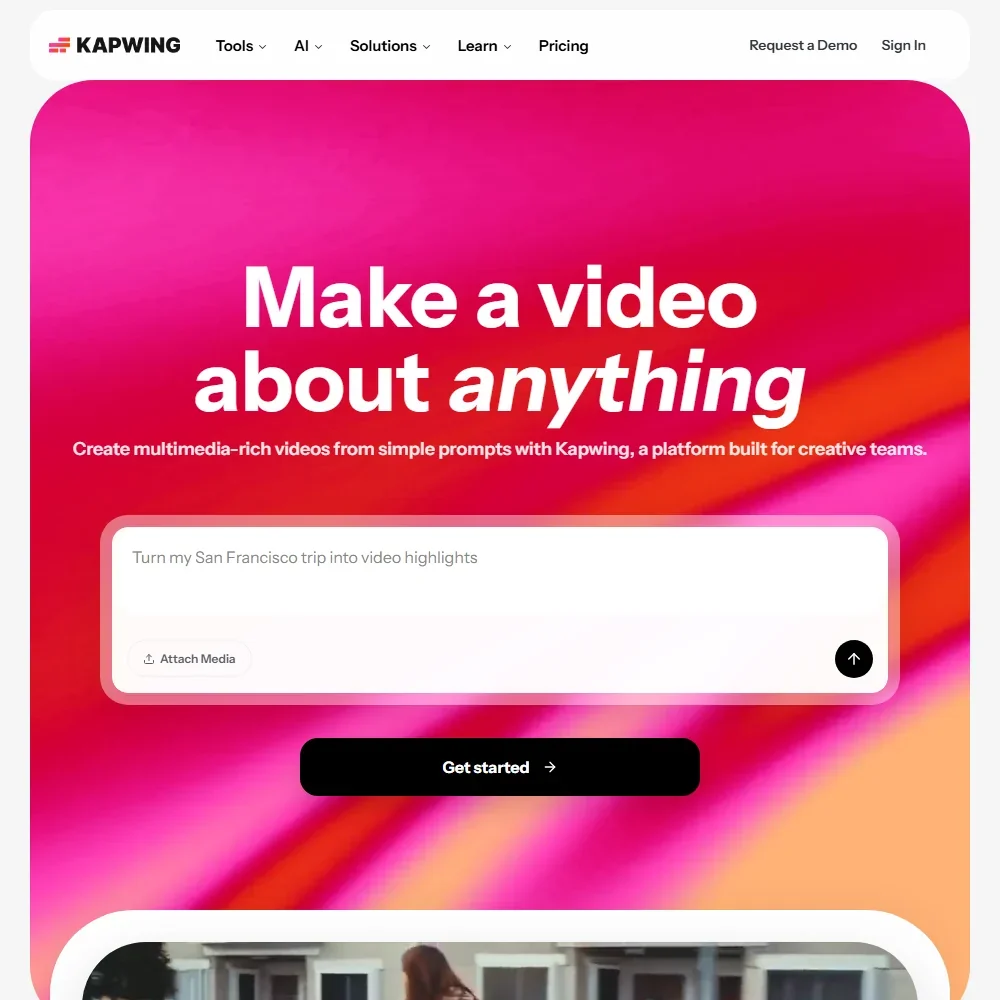
Kapwing homepage screenshot
Kapwing, Homepage

What is Kapwing?

Kapwing is a browser-based video editor made by Kapwing, a company based in San Francisco, California. You edit in a browser tab, and there is no desktop download. Your work is kept in Kapwing's cloud storage, with 5 GB on the free plan, and you own the rights to the content you create.

Kapwing meters its AI tools in credits. Each paid plan gets a monthly allowance of credits, and subtitling and dubbing also carry minute caps. The free plan is permanent rather than a trial, so you can try the editor and its AI tools before paying, with a watermark on every export.

Editing video with Kapwing

The editor has a timeline where you combine tracks, edit clips and add effects in one place. Trim with Transcript lets you remove parts of a video by deleting text from its transcript. Smart Cut removes silences automatically, and Clean Audio enhances audio quality and removes background noise.

Auto-subtitling writes captions for your video, and you can translate existing subtitles into more than 100 languages. Dubbing translates dialogue into more than 40 languages. Lip sync is on Business and above, as are custom voice clones. Text to speech runs up to 50 minutes a month on Pro, against 1 minute on Free.

The Video Background Remover takes the background out of a video, and Chroma Key is in the editor too. You can record your screen, camera and audio on every plan. A Brand Kit with custom fonts is on Pro and above.

Kapwing also generates media. The Video Generator creates a video from a prompt, and the editor includes AI image and audio models and a character consistency tool. Clip Maker generates short clips from one longer video, and Repurpose Studio sits alongside it. Stock videos, photos, audio and GIFs come as a starter set on Free and without limit on paid plans.

Working with other people

Pro and above give you a collaborative shared workspace. You invite team members, edit together in real time and leave comments, and each member is billed. Kapwing also offers an MCP that lets AI assistants upload footage, add subtitles, dub and export.

Kapwing pricing: what each plan gives
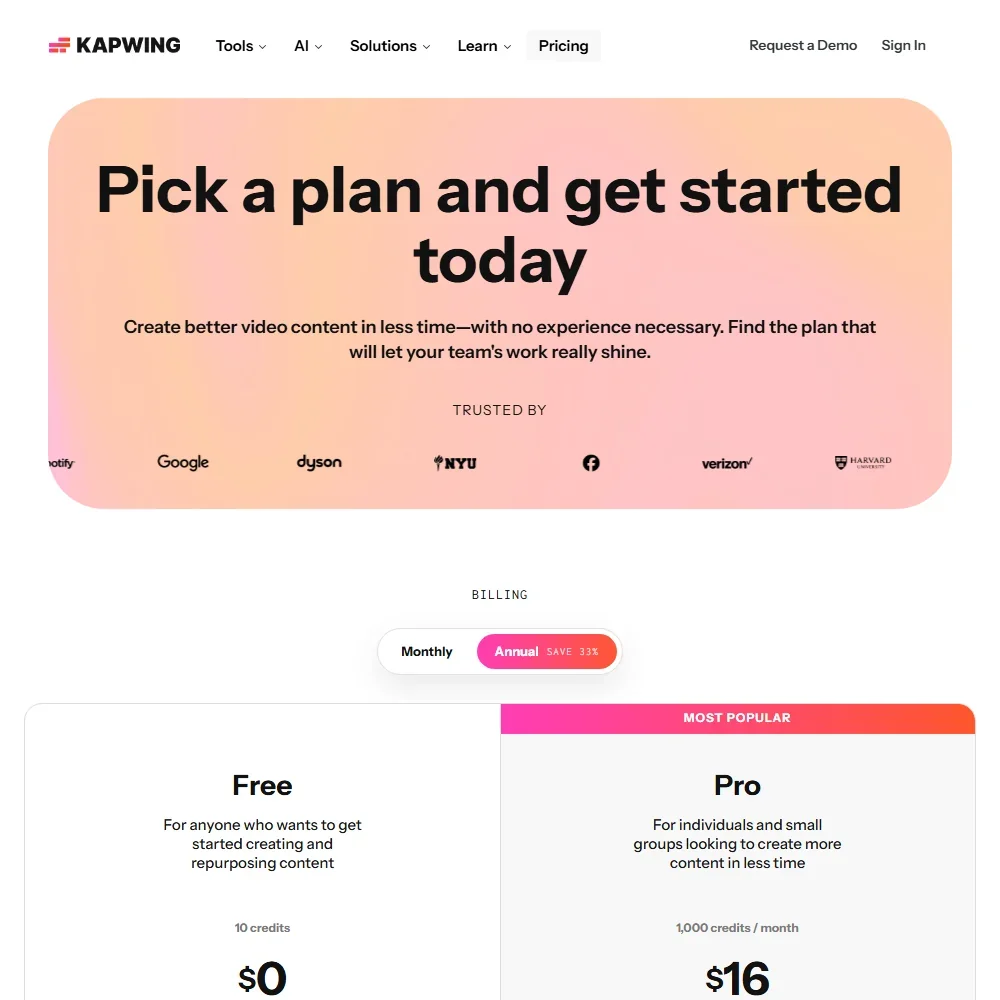
Kapwing pricing screenshot
Kapwing, Pricing

Prices are per member per month, with a lower rate when you pay yearly:

  • Free: $0 with 10 credits, unlimited exports with a Kapwing watermark, 720p video, exports up to 4 minutes long, 30 minutes of export a month, 2 GB uploads and 5 GB of storage kept for 3 days.
  • Pro: $24 a month billed monthly, or $16 a month billed yearly, with 1,000 credits a month, 4K exports and no Kapwing watermark.
  • Business: $64 a month billed monthly, or $50 a month billed yearly, with 4,000 credits a month, custom voice clones and lip sync.
  • Enterprise: custom pricing, with SAML single sign-on.

Some AI tools also have minute caps on top of credits. Free gets 10 minutes of auto-subtitling, and auto-subtitling goes up to 1,000 minutes a month on paid plans. There is no free trial of the paid plans, though the free plan does not expire.

Privacy and security

Kapwing does not train models on customer data. Enterprise customers also get assurance that Kapwing's subprocessors do not train on their data. You own the rights to the content you create and post on Kapwing.

Kapwing does not publish a SOC 2 Type II report, and Enterprise customers can request security documentation under NDA. For data protection, Kapwing offers Enterprise customers a Data Processing Addendum under which it acts as a processor. SAML single sign-on is on the Enterprise plan.

Who Kapwing suits

Kapwing suits creators and small teams who want to edit, subtitle and dub in a browser without installing anything. Trim with Transcript, Smart Cut and Clip Maker fit people turning talks, podcasts and long videos into shorter posts. Teams on Pro get a shared workspace with real-time editing and comments, plus a Brand Kit and custom fonts. Anyone who works with AI assistants can also reach the editor through Kapwing's MCP.

It suits less well if you plan to stay on the free plan, because exports carry a watermark, stop at 720p and run up to 4 minutes. It also suits less well if you need voice clones or lip sync on a smaller budget, since both start on Business. Buyers who need a SOC 2 Type II report should note that Kapwing does not publish one.

Frequently Asked Questions

How much does Kapwing cost?

Kapwing has a free plan with 10 credits. Pro is $24 per member a month billed monthly or $16 billed yearly, Business is $64 billed monthly or $50 billed yearly, and Enterprise is priced on request.

Does Kapwing have a desktop app?

No. Kapwing runs in the browser, and there is no desktop download.

Can I edit a video by editing its transcript?

Yes. Trim with Transcript removes parts of your video when you delete the matching text from the transcript.

Does Kapwing train AI on my videos?

No. Kapwing does not train models on customer data, and Enterprise customers also get assurance that its subprocessors do not train on their data.


Kapwing is featured in

Alternatives to Kapwing

See all Kapwing alternatives →

Other AI Video Tool options we've reviewed.

HeyGen logo

HeyGen

Solo creators and advanced individuals creating AI videos at scale

8.9
Rank #1 of 7 AI avatar video tools
Best:Avatars10
Weakest:Pricing6.9
Exports to SCORM for an LMS: yes
From $29Free plan
95% from published facts · checked 16 Sep
→
Riverside logo

Riverside

Podcast and video recording, live streaming, and webinars

8.4
Rank #2 of 7 AI video editors
Best:Recording10
Weakest:Pricing6.9
Records remote guests on separate tracks: yes
From $24Free plan
100% from published facts · checked 15 Oct
→
Adobe Firefly logo

Adobe Firefly

Creative Cloud users who want generation inside the apps they already use, from a vendor that does not train on their content

8.1
Rank #1 of 7 AI image generators
Best:Rights and privacy9.2
Weakest:Openness and support3
Does not train on what you make: yes
From $9.99Free plan
78% from published facts · checked 26 Sep
→
Creatify logo

Creatify

Creators and solopreneurs

6.4
Rank #3 of 5 AI ad video tools
Best:Making the ad7.5
Weakest:Assets and teams4.5
Free plan: yesFree trial: yesAPI: yes
From $39Free plan
91% from published facts · checked 16 Sep
→
Kling AI logo

Kling AI

Filmmakers, content creators, and creative professionals seeking high-quality AI video and image generation with cinematic control

8.9
Rank #2 of 8 AI video generators
Best:What it can generate9.8
Weakest:Privacy and platforms3.2
Free plan: yesFree trial: noAPI: yes
From $8.80Free plan
94% from published facts · checked 19 Sep
→
Krea logo

Krea

Designers who want one of the broadest model menus, plus a node canvas, an AI agent and an API

9.0
Rank #2 of 13 multi-model AI platforms
Best:For video10
Weakest:Pricing6
SOC 2: yesOffers Veo 3.1: yesOffers Nano Banana Pro: yes
From $35Free plan
93% from published facts · checked 19 Sep
→

User reviews

Review Kapwing

Your rating

Reviews are moderated and appear once approved.