Pick Fin if you want an AI agent that works across chat, voice, email and social channels and can run on top of the helpdesk you already have, including Salesforce, HubSpot and Freshdesk.
Buying guide · 33 tools ranked
Best AI Tools for Customer Support Teams
Find the best AI tools for customer support teams, grouped by the job they do, from AI agents that answer tickets and chatbot builders to helpdesks, live chat, voice agents and help documentation. Each group compares its picks on what they handle and where they fall short, so you can fill one job at a time instead of replacing everything at once.
Our top 3 AI Tools for Customer Support Teams
Choose Kommunicate when human handoff matters more than raw automation. Escalation rules and the handoff to your team are native, the builder is no-code, and you can switch between OpenAI, Anthropic and Google models.
Zoho Desk fits teams already using, or wanting, Zoho's wider set of business apps. It has a free plan for up to three agents, a 15-day trial, mature SLA management, and Zia AI, with Zia Agent Studio for building agents without code.
Best AI support agents for customer support teams
6 picksAn AI support agent answers customers on its own and passes the rest to your team, so what separates the picks is how it is trained, what it can do beyond answering, and how you pay. Fin charges per resolved outcome and can sit on top of your current helpdesk. Ada and Decagon take actions such as order lookups and refunds and are sold through sales. Botpress starts on a free plan for teams who want to build. Tidio and Gorgias suit small shops. Choose by whether you want to buy a finished agent or build one, and how much volume you handle.
#ToolScorePriceWhy pick it
From $0.99Pick Fin if you want an AI agent that works across chat, voice, email and social channels and can run on top of the helpdesk you already have, including Salesforce, HubSpot and Freshdesk.
Show detailsHide details01 Fin: Best for outcome-priced AI on your current helpdesk8.5Score 8.5 out of 10From $0.99Pick Fin if you want an AI agent that works across chat, voice, email and social channels and can run on top of the helpdesk you already have, including Salesforce, HubSpot and Freshdesk.Visit site ↗ReviewDetailsCloseShow more about Fin
From $0.99
Pick Fin if you want an AI agent that works across chat, voice, email and social channels and can run on top of the helpdesk you already have, including Salesforce, HubSpot and Freshdesk.
Show detailsHide detailsFin: Best for outcome-priced AI on your current helpdesk
8.5Score 8.5 out of 10From $0.99Pick Fin if you want an AI agent that works across chat, voice, email and social channels and can run on top of the helpdesk you already have, including Salesforce, HubSpot and Freshdesk.Visit site ↗ReviewDetailsClose
Pick Fin if you want an AI agent that works across chat, voice, email and social channels and can run on top of the helpdesk you already have, including Salesforce, HubSpot and Freshdesk. You pay per resolved outcome, with a minimum of 50 a month, and there is a trial but no free plan. Costs move with volume, which is harder to budget than a flat fee. Ada is the enterprise alternative.
- Fin's average resolution rate is 76%, with some customers above 85%.
- Built on proprietary models (Apex 1.0 and Apex Flash) trained specifically on customer experience data rather than general-purpose LLMs.
- No free tier is available, making it inaccessible for teams that want to test before committing financially.
From $10Gorgias is a helpdesk made for Shopify stores: orders, customer history and the catalog appear inside the ticket, and agents can refund, discount or cancel without leaving it.
Show detailsHide details02 Gorgias: Best for Shopify stores handling refunds in tickets7.6Score 7.6 out of 10From $10Gorgias is a helpdesk made for Shopify stores: orders, customer history and the catalog appear inside the ticket, and agents can refund, discount or cancel without leaving it.Visit site ↗ReviewDetailsCloseShow more about Gorgias
From $10
Gorgias is a helpdesk made for Shopify stores: orders, customer history and the catalog appear inside the ticket, and agents can refund, discount or cancel without leaving it.
Show detailsHide detailsGorgias: Best for Shopify stores handling refunds in tickets
7.6Score 7.6 out of 10From $10Gorgias is a helpdesk made for Shopify stores: orders, customer history and the catalog appear inside the ticket, and agents can refund, discount or cancel without leaving it.Visit site ↗ReviewDetailsClose
Gorgias is a helpdesk made for Shopify stores: orders, customer history and the catalog appear inside the ticket, and agents can refund, discount or cancel without leaving it. Its AI Agent handles pre-sale and post-sale questions and can suggest upsells. It also covers SMS, Instagram, Facebook and WhatsApp. Brands outside Shopify get much less from it, there is a trial but no free plan, and it is a poor fit for general helpdesk work.
- Native one-click Shopify integration pulls order data, customer history, and product catalog directly into the conversation view.
- Agents can issue refunds, apply discounts, cancel orders, and initiate upsells without leaving the ticket interface.
- For non-Shopify ecommerce brands, the value proposition becomes significantly more complicated and less compelling.
From $189free planBotpress is the one to choose if you want to build an agent yourself and start at no cost.
Show detailsHide details03 Botpress: Best for building your own agent, free to start7.5Score 7.5 out of 10From $189free planBotpress is the one to choose if you want to build an agent yourself and start at no cost.Visit site ↗ReviewDetailsCloseShow more about Botpress
From $189free plan
Botpress is the one to choose if you want to build an agent yourself and start at no cost.
Show detailsHide detailsBotpress: Best for building your own agent, free to start
7.5Score 7.5 out of 10From $189free planBotpress is the one to choose if you want to build an agent yourself and start at no cost.Visit site ↗ReviewDetailsClose
Botpress is the one to choose if you want to build an agent yourself and start at no cost. Studio, its visual builder, and Desk, its helpdesk layer, are both included on every plan, free included, as is the Agent Development Kit. It works with GPT, Claude and Gemini models. Free carries a small conversation allowance and knowledge-base custom domains start on Plus, so growth means paying. Fin is the finished product by comparison.
- Botpress Studio and Botpress Desk are both included on every plan, including the free tier, which is genuinely unusual in this category.
- The Agent Development Kit (ADK) is available on all plans including free, whereas most platforms gate API access behind paid tiers.
- Custom domain support for knowledge bases is only available on Plus plans and above, limiting free tier users in meaningful ways.
From $29free planTidio combines live chat, ticketing and its Lyro AI agent for small and mid-sized shops. Lyro answers repetitive questions from FAQs, a website scan or imported Zendesk articles, and anything outside its training goes to a person.
Show detailsHide details04 Tidio: Best for small shops adding AI to chat7.2Score 7.2 out of 10From $29free planTidio combines live chat, ticketing and its Lyro AI agent for small and mid-sized shops. Lyro answers repetitive questions from FAQs, a website scan or imported Zendesk articles, and anything outside its training goes to a person.Visit site ↗ReviewDetailsCloseShow more about Tidio
From $29free plan
Tidio combines live chat, ticketing and its Lyro AI agent for small and mid-sized shops. Lyro answers repetitive questions from FAQs, a website scan or imported Zendesk articles, and anything outside its training goes to a person.
Show detailsHide detailsTidio: Best for small shops adding AI to chat
7.2Score 7.2 out of 10From $29free planTidio combines live chat, ticketing and its Lyro AI agent for small and mid-sized shops. Lyro answers repetitive questions from FAQs, a website scan or imported Zendesk articles, and anything outside its training goes to a person.Visit site ↗ReviewDetailsClose
Tidio combines live chat, ticketing and its Lyro AI agent for small and mid-sized shops. Lyro answers repetitive questions from FAQs, a website scan or imported Zendesk articles, and anything outside its training goes to a person. There is a free plan with no card, and apps for web, iOS, Android, Windows and Mac. Lyro is built on Claude and OpenAI foundations, so differentiation is less clear. For Shopify refunds, look at Gorgias.
- Lyro AI agent performs better than expected, handling repetitive queries like order status, return policies, and FAQs without human intervention.
- Available across web, iOS, Android, Windows, Mac, and Chrome, giving small teams the flexibility to run support on the go.
- Pricing structure is likely to frustrate buyers who don't fit the specific use case Tidio is optimized for.
Pricing N/AAda suits large teams that want a bot to do things, not only answer: order lookups, account changes and refund starts happen without a person.
Show detailsHide details05 Ada: Best for enterprise bots that take real actions6.1Score 6.1 out of 10Pricing N/AAda suits large teams that want a bot to do things, not only answer: order lookups, account changes and refund starts happen without a person.Visit site ↗ReviewDetailsCloseShow more about Ada
Pricing N/A
Ada suits large teams that want a bot to do things, not only answer: order lookups, account changes and refund starts happen without a person.
Show detailsHide detailsAda: Best for enterprise bots that take real actions
6.1Score 6.1 out of 10Pricing N/AAda suits large teams that want a bot to do things, not only answer: order lookups, account changes and refund starts happen without a person.Visit site ↗ReviewDetailsClose
Ada suits large teams that want a bot to do things, not only answer: order lookups, account changes and refund starts happen without a person. It reads your existing knowledge base, covers WhatsApp, Messenger and Instagram, and hands over to a live agent when needed. The catch is buying: pricing is not published, there is no self-serve tier or trial, and every conversation starts with sales. Decagon is the closest match.
- Ada is one of the most established agentic AI platforms in customer service, having launched in 2016 with years of enterprise-level refinement.
- The AI can take end-to-end actions, including order lookups, account changes, and refund initiations, without requiring human intervention.
- Ada does not publish pricing and requires a sales call from day one, making it inaccessible for teams that need budget clarity upfront.
Pricing N/ADecagon is built for enterprise support teams that want to write agent behavior in plain language.
Show detailsHide details06 Decagon: Best for writing agent rules in plain language6.1Score 6.1 out of 10Pricing N/ADecagon is built for enterprise support teams that want to write agent behavior in plain language.Visit site ↗ReviewDetailsCloseShow more about Decagon
Pricing N/A
Decagon is built for enterprise support teams that want to write agent behavior in plain language.
Show detailsHide detailsDecagon: Best for writing agent rules in plain language
6.1Score 6.1 out of 10Pricing N/ADecagon is built for enterprise support teams that want to write agent behavior in plain language.Visit site ↗ReviewDetailsClose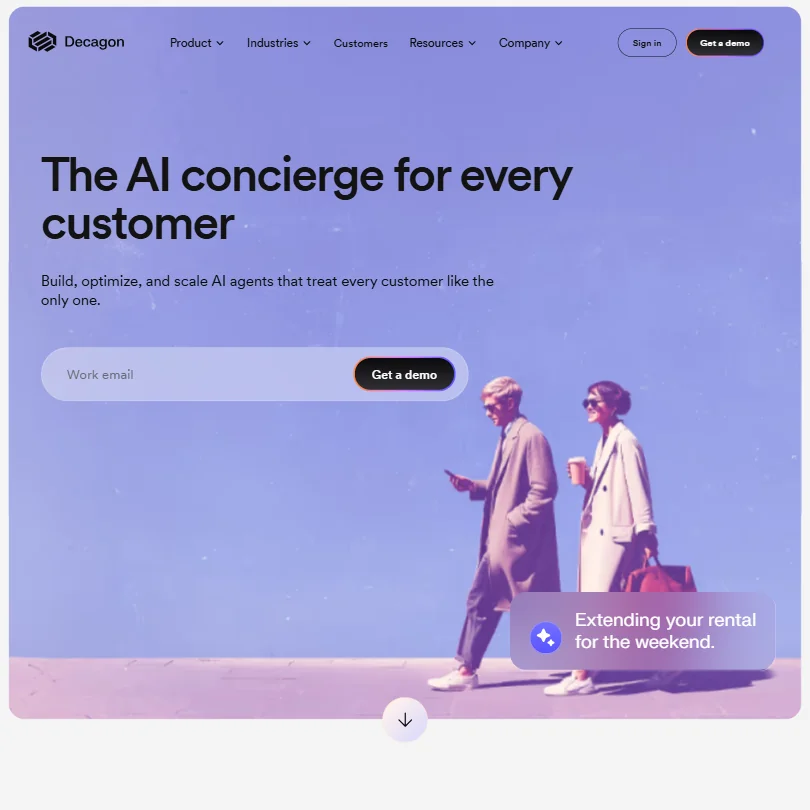
Decagon is built for enterprise support teams that want to write agent behavior in plain language. Agent Operating Procedures let non-engineers set the rules without code, and one agent covers chat, email and voice, with live chat, SMS and WhatsApp on the chat side. It targets fintech, retail and travel brands. There is no public pricing, no free plan and no trial, so smaller teams are locked out. Ada is the alternative.
- Agent Operating Procedures (AOPs) allow teams to configure agent behavior in natural language without engineering support or code changes.
- Covers multiple channels natively including chat, email, and voice within the same intelligence layer.
- Pricing information is not publicly available, requiring direct enterprise sales conversations to evaluate cost.
Best chatbot builders for customer support teams
5 picksA chatbot builder trains a bot on your own content, usually a website, help center or documents, and puts it on your site. The picks differ on where they train from, which models they use, and what happens when a person must step in. Kommunicate has native handoff and works with several model providers, Chatbase spans chat, email and voice, DocsBot reads the widest range of sources, Wonderchat cites its sources in every reply, and Chatling keeps to a simple no-code build. Most have a free plan, so train one on real questions before you pay.
#ToolScorePriceWhy pick it
From $40Choose Kommunicate when human handoff matters more than raw automation. Escalation rules and the handoff to your team are native, the builder is no-code, and you can switch between OpenAI, Anthropic and Google models.
Show detailsHide details07 Kommunicate: Best for chatbots with clear human handoff rules8.0Score 8.0 out of 10From $40Choose Kommunicate when human handoff matters more than raw automation. Escalation rules and the handoff to your team are native, the builder is no-code, and you can switch between OpenAI, Anthropic and Google models.Visit site ↗ReviewDetailsCloseShow more about Kommunicate
From $40
Choose Kommunicate when human handoff matters more than raw automation. Escalation rules and the handoff to your team are native, the builder is no-code, and you can switch between OpenAI, Anthropic and Google models.
Show detailsHide detailsKommunicate: Best for chatbots with clear human handoff rules
8.0Score 8.0 out of 10From $40Choose Kommunicate when human handoff matters more than raw automation. Escalation rules and the handoff to your team are native, the builder is no-code, and you can switch between OpenAI, Anthropic and Google models.Visit site ↗ReviewDetailsClose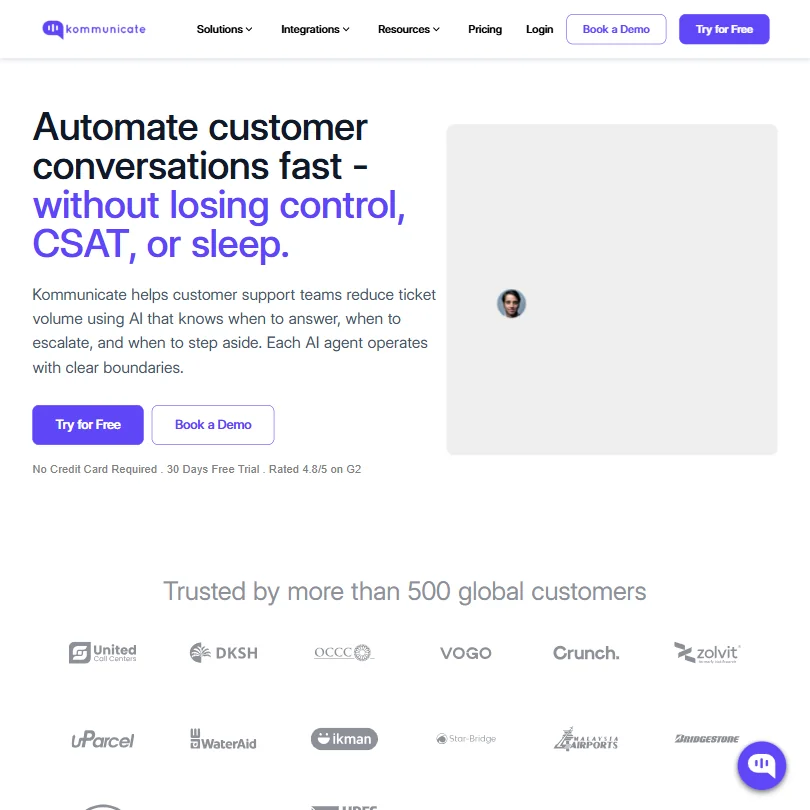
Choose Kommunicate when human handoff matters more than raw automation. Escalation rules and the handoff to your team are native, the builder is no-code, and you can switch between OpenAI, Anthropic and Google models. It covers web, mobile SDKs, WhatsApp, Telegram and Instagram, with a 30-day trial and no free plan. Agent Assist is held back for Professional and above. Chatbase covers voice as well.
- Model-agnostic AI architecture allows switching between OpenAI, Anthropic, and Google Gemini from the same builder, unlike most competitors locked into one model.
- No-code AI agent builder with clean documentation makes setup accessible to teams without technical resources.
- Only 500+ global customers, making it a relatively unproven platform compared to competitors like Intercom and Freshchat.
From $40free planChatbase is a no-code builder that covers chat, email, voice and WhatsApp in one place, with GPT, Claude, Gemini and DeepSeek to switch between.
Show detailsHide details08 Chatbase: Best for agents across chat, email and voice7.9Score 7.9 out of 10From $40free planChatbase is a no-code builder that covers chat, email, voice and WhatsApp in one place, with GPT, Claude, Gemini and DeepSeek to switch between.Visit site ↗ReviewDetailsCloseShow more about Chatbase
From $40free plan
Chatbase is a no-code builder that covers chat, email, voice and WhatsApp in one place, with GPT, Claude, Gemini and DeepSeek to switch between.
Show detailsHide detailsChatbase: Best for agents across chat, email and voice
7.9Score 7.9 out of 10From $40free planChatbase is a no-code builder that covers chat, email, voice and WhatsApp in one place, with GPT, Claude, Gemini and DeepSeek to switch between.Visit site ↗ReviewDetailsClose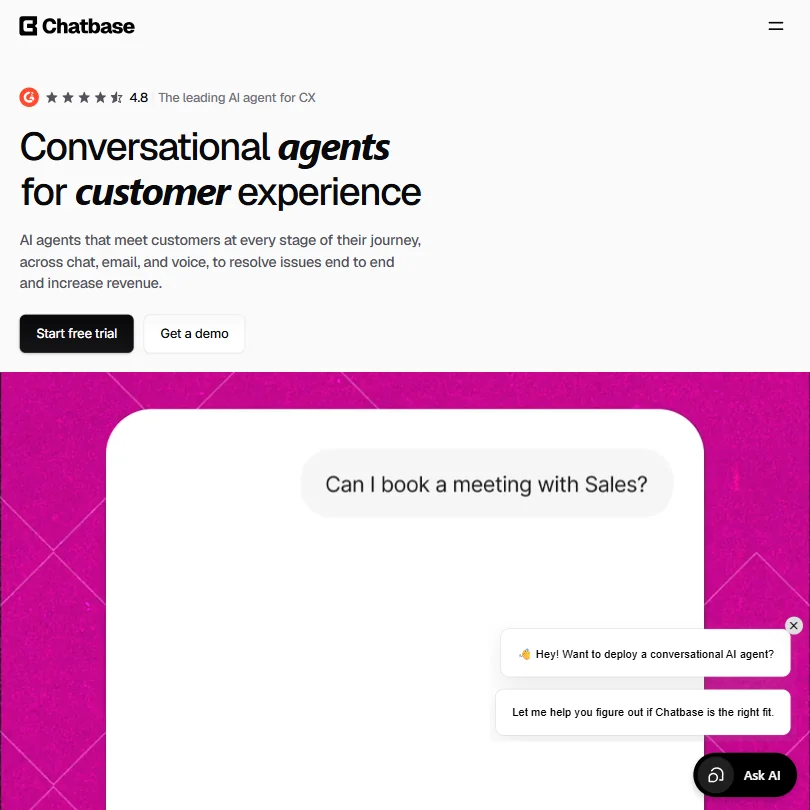
Chatbase is a no-code builder that covers chat, email, voice and WhatsApp in one place, with GPT, Claude, Gemini and DeepSeek to switch between. It has a built-in helpdesk, so a person can pick up where the agent stopped. The free plan gives 50 message credits a month and one agent that is deleted after 14 days without use, so it is a test, not a home. DocsBot reads more source types.
- Supports multiple AI models including GPT, Claude, Gemini, and DeepSeek, giving users rare flexibility to switch between providers.
- No-code platform makes it accessible to non-technical teams without requiring engineering resources to deploy.
- Founded in 2023, making it a very young company competing against established players like Intercom and Zendesk with over a decade of experience.
From $49free planDocsBot is for teams whose answers already live in documentation. It trains on more than 37 source types, from PDFs and Notion to Confluence, YouTube transcripts and Zendesk articles, and you can add Q&A pairs for edge cases.
Show detailsHide details09 DocsBot: Best for bots trained on existing documentation7.1Score 7.1 out of 10From $49free planDocsBot is for teams whose answers already live in documentation. It trains on more than 37 source types, from PDFs and Notion to Confluence, YouTube transcripts and Zendesk articles, and you can add Q&A pairs for edge cases.Visit site ↗ReviewDetailsCloseShow more about DocsBot
From $49free plan
DocsBot is for teams whose answers already live in documentation. It trains on more than 37 source types, from PDFs and Notion to Confluence, YouTube transcripts and Zendesk articles, and you can add Q&A pairs for edge cases.
Show detailsHide detailsDocsBot: Best for bots trained on existing documentation
7.1Score 7.1 out of 10From $49free planDocsBot is for teams whose answers already live in documentation. It trains on more than 37 source types, from PDFs and Notion to Confluence, YouTube transcripts and Zendesk articles, and you can add Q&A pairs for edge cases.Visit site ↗ReviewDetailsClose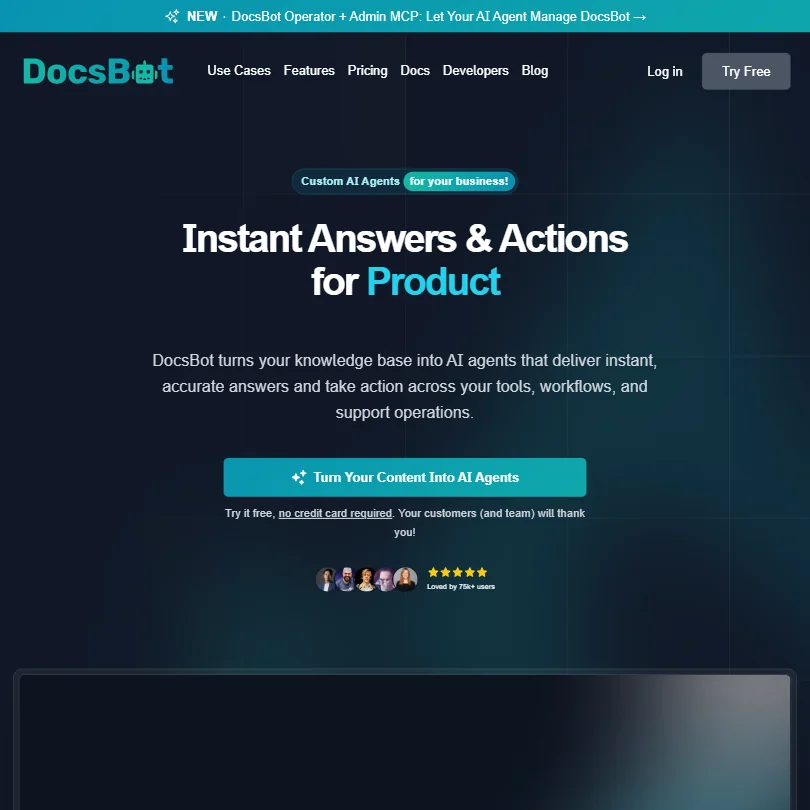
DocsBot is for teams whose answers already live in documentation. It trains on more than 37 source types, from PDFs and Notion to Confluence, YouTube transcripts and Zendesk articles, and you can add Q&A pairs for edge cases. The same bot can serve customers or staff. It has no live chat inbox or ticketing at any tier, so escalation needs a helpdesk of your own. Wonderchat is worth a look if you want cited answers.
- Supports 37+ content source types including PDFs, Google Drive, Notion, Confluence, YouTube transcriptions, and Zendesk articles, covering an unusually wide range of inputs.
- No coding required to build a functional AI chatbot from existing documentation.
- No native live chat interface or agent inbox, meaning DocsBot only handles the bot layer and teams must manage post-escalation conversations elsewhere.
From $124free planWonderchat trains on websites, PDFs, Google Drive, SharePoint and past tickets, and every reply cites the sources it used, which makes answers easy to check.
Show detailsHide details10 Wonderchat: Best for cited answers plus a QA agent6.4Score 6.4 out of 10From $124free planWonderchat trains on websites, PDFs, Google Drive, SharePoint and past tickets, and every reply cites the sources it used, which makes answers easy to check.Visit site ↗ReviewDetailsCloseShow more about Wonderchat
From $124free plan
Wonderchat trains on websites, PDFs, Google Drive, SharePoint and past tickets, and every reply cites the sources it used, which makes answers easy to check.
Show detailsHide detailsWonderchat: Best for cited answers plus a QA agent
6.4Score 6.4 out of 10From $124free planWonderchat trains on websites, PDFs, Google Drive, SharePoint and past tickets, and every reply cites the sources it used, which makes answers easy to check.Visit site ↗ReviewDetailsClose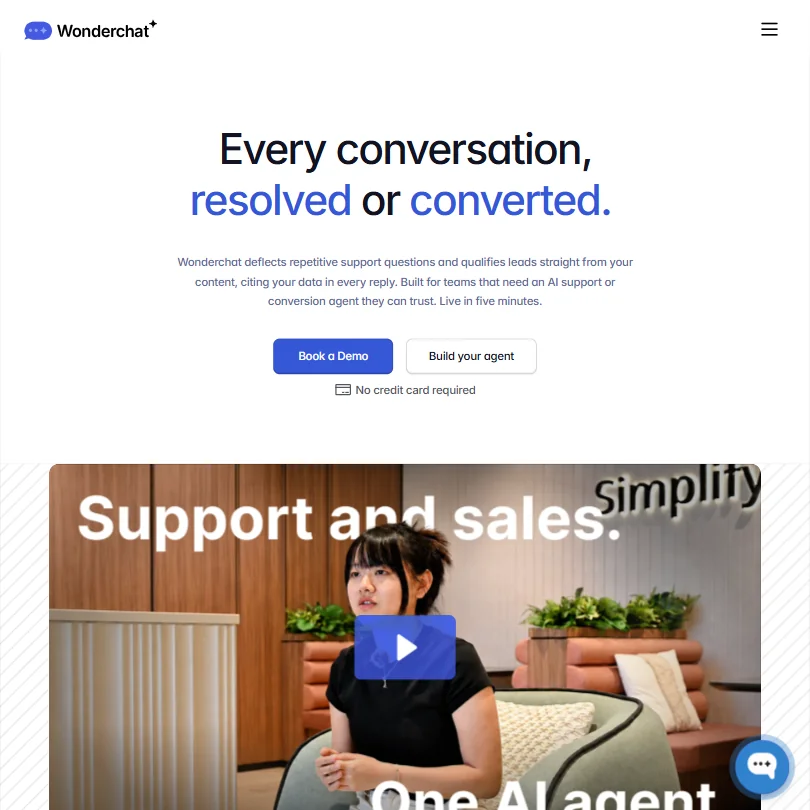
Wonderchat trains on websites, PDFs, Google Drive, SharePoint and past tickets, and every reply cites the sources it used, which makes answers easy to check. Its QA Agent flags low-confidence responses and queues them for one-click fixes, saving you from reading transcripts. The free plan gives about ten resolutions a month, and there is a 7-day trial. Conversion Agent is a second product for lead qualification. Chatling is simpler.
- Trains on a wide variety of content sources including websites, PDFs, Google Drive, SharePoint, and past support tickets.
- Every chatbot reply cites its sources, giving users transparency and building trust in AI-generated answers.
- The dual Support Agent and Conversion Agent framing is ambitious, but it's unclear whether the execution consistently delivers on both use cases.
From $21free planChatling is the plain option: build a bot without code, train it by syncing a website, uploading documents or connecting a help center, and turn on human handoff, which passes an AI-written summary to the agent so nobody starts cold.
Show detailsHide details11 Chatling: Best for small teams wanting a free no-code bot6.2Score 6.2 out of 10From $21free planChatling is the plain option: build a bot without code, train it by syncing a website, uploading documents or connecting a help center, and turn on human handoff, which passes an AI-written summary to the agent so nobody starts cold.Visit site ↗ReviewDetailsCloseShow more about Chatling
From $21free plan
Chatling is the plain option: build a bot without code, train it by syncing a website, uploading documents or connecting a help center, and turn on human handoff, which passes an AI-written summary to the agent so nobody starts cold.
Show detailsHide detailsChatling: Best for small teams wanting a free no-code bot
6.2Score 6.2 out of 10From $21free planChatling is the plain option: build a bot without code, train it by syncing a website, uploading documents or connecting a help center, and turn on human handoff, which passes an AI-written summary to the agent so nobody starts cold.Visit site ↗ReviewDetailsClose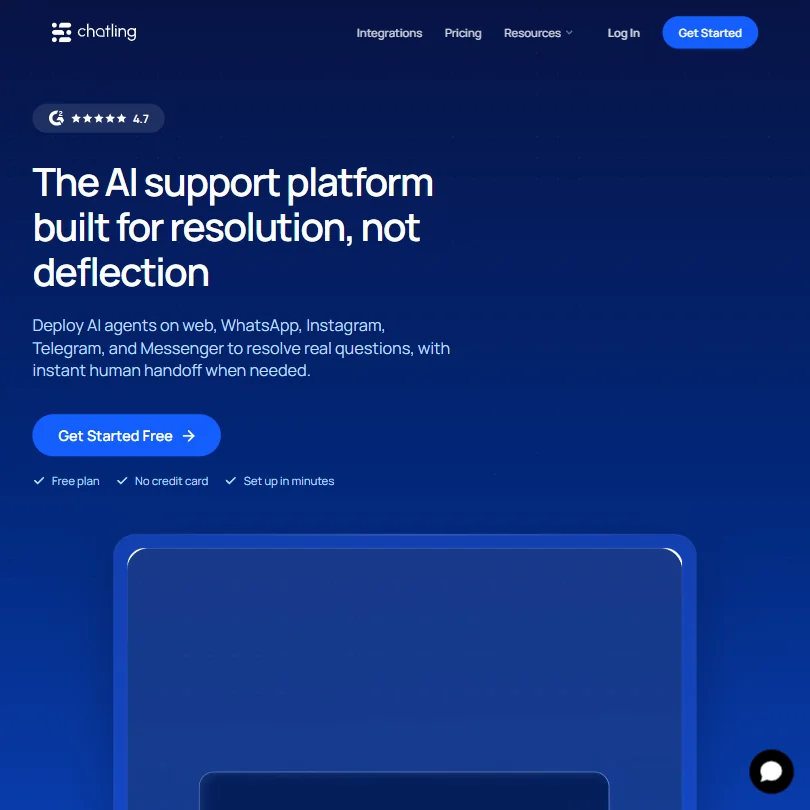
Chatling is the plain option: build a bot without code, train it by syncing a website, uploading documents or connecting a help center, and turn on human handoff, which passes an AI-written summary to the agent so nobody starts cold. The free plan needs no card and includes live chat. There is no ticket management or SLA control, so it will not replace Zendesk or Freshdesk. Kommunicate has stronger handoff rules.
- Genuinely functional free plan includes 200 AI credits per month, one AI agent, and live chat with no credit card required.
- No-code AI chatbot builder allows small teams to deploy bots without writing a single line of code.
- No ticket management or SLA controls, making it unsuitable for teams migrating from Zendesk or Freshdesk.
Best helpdesk platforms for customer support teams
6 picksA helpdesk is where tickets live, so the choice is mostly about team size and how much structure you need. Zendesk is the mature option for larger teams, with its AI agents arriving on Suite plans. Help Scout keeps a human-feeling shared inbox for small teams, and Zoho Desk and Freshworks are the picks if you want support inside a wider business suite, each with a free Freshdesk or Zoho Desk plan. Front suits cross-team B2B work, and Kustomer organizes everything around the customer instead of the ticket. Choose by size, then by which AI add-on you would want later.
#ToolScorePriceWhy pick it
From $9free planZoho Desk fits teams already using, or wanting, Zoho's wider set of business apps. It has a free plan for up to three agents, a 15-day trial, mature SLA management, and Zia AI, with Zia Agent Studio for building agents without code.
Show detailsHide details12 Zoho: Best for a helpdesk inside a wider business suite9.0Score 9.0 out of 10From $9free planZoho Desk fits teams already using, or wanting, Zoho's wider set of business apps. It has a free plan for up to three agents, a 15-day trial, mature SLA management, and Zia AI, with Zia Agent Studio for building agents without code.Visit site ↗ReviewDetailsCloseShow more about Zoho
From $9free plan
Zoho Desk fits teams already using, or wanting, Zoho's wider set of business apps. It has a free plan for up to three agents, a 15-day trial, mature SLA management, and Zia AI, with Zia Agent Studio for building agents without code.
Show detailsHide detailsZoho: Best for a helpdesk inside a wider business suite
9.0Score 9.0 out of 10From $9free planZoho Desk fits teams already using, or wanting, Zoho's wider set of business apps. It has a free plan for up to three agents, a 15-day trial, mature SLA management, and Zia AI, with Zia Agent Studio for building agents without code.Visit site ↗ReviewDetailsClose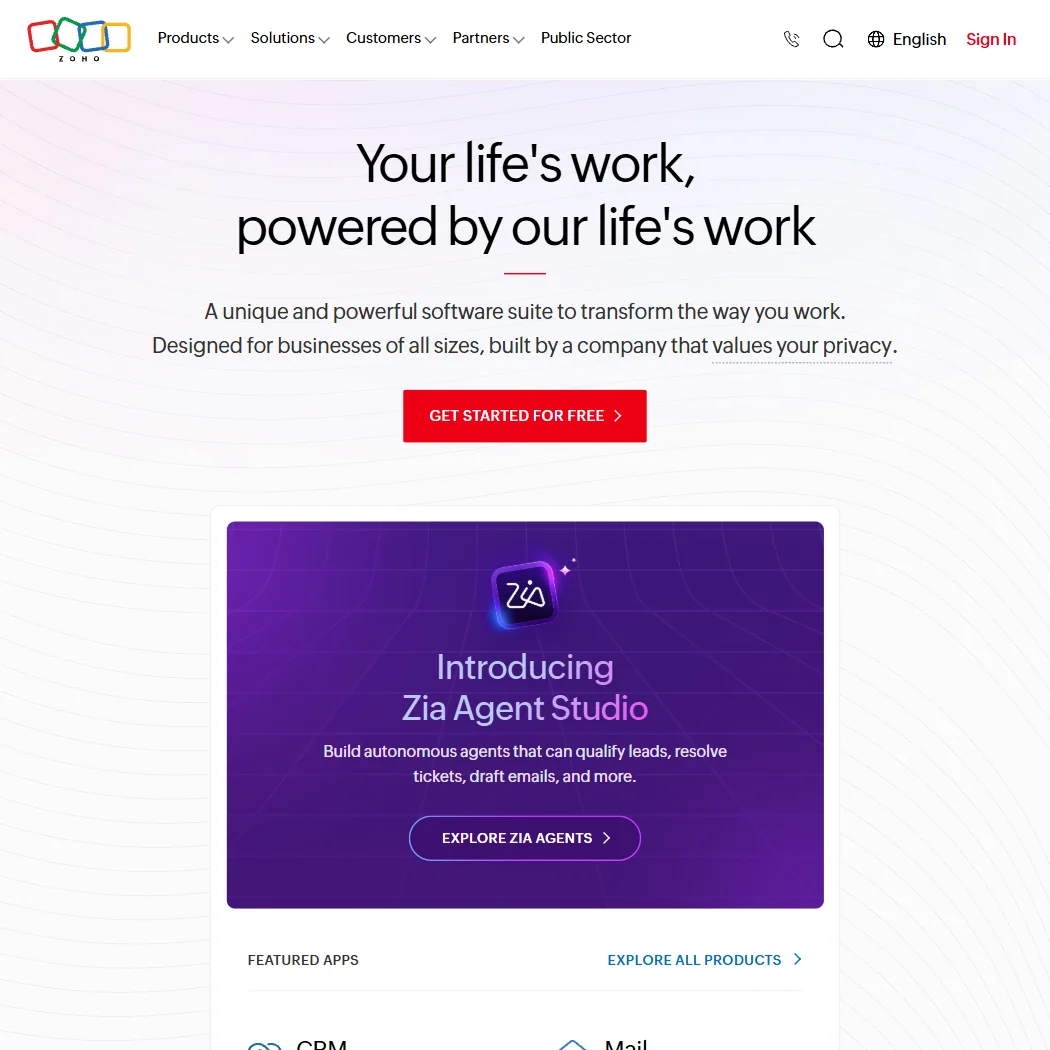
Zoho Desk fits teams already using, or wanting, Zoho's wider set of business apps. It has a free plan for up to three agents, a 15-day trial, mature SLA management, and Zia AI, with Zia Agent Studio for building agents without code. Live chat and telephony arrive on Professional. Agents perform only as well as the time you spend training them, and the suite is heavy for teams that want a light helpdesk. Help Scout is the calmer choice.
- Zoho Desk offers mature, full-featured SLA management with configurable routing and escalation logic.
- The platform covers an exceptionally wide surface area with 55+ apps, making it viable as an all-in-one replacement for multiple point solutions.
- Zia AI agent performance depends heavily on training investment, meaning out-of-the-box autonomous agents may underperform without significant configuration effort.
From $25Zendesk is the safe choice for larger teams that need a helpdesk with nearly two decades of ticketing behind it, covering email, chat, phone, social, WhatsApp and web forms.
Show detailsHide details13 Zendesk: Best for mature ticketing for larger teams8.4Score 8.4 out of 10From $25Zendesk is the safe choice for larger teams that need a helpdesk with nearly two decades of ticketing behind it, covering email, chat, phone, social, WhatsApp and web forms.Visit site ↗ReviewDetailsCloseShow more about Zendesk
From $25
Zendesk is the safe choice for larger teams that need a helpdesk with nearly two decades of ticketing behind it, covering email, chat, phone, social, WhatsApp and web forms.
Show detailsHide detailsZendesk: Best for mature ticketing for larger teams
8.4Score 8.4 out of 10From $25Zendesk is the safe choice for larger teams that need a helpdesk with nearly two decades of ticketing behind it, covering email, chat, phone, social, WhatsApp and web forms.Visit site ↗ReviewDetailsClose
Zendesk is the safe choice for larger teams that need a helpdesk with nearly two decades of ticketing behind it, covering email, chat, phone, social, WhatsApp and web forms. AI agents, the knowledge base and Action Builder arrive on the Suite Team plan, and Admin Copilot and skills-based routing on Suite Professional. It has a 14-day trial and no free plan. It is large and complex, and small teams may pay for features they never use.
- Zendesk's ticketing system is highly mature, having been refined over nearly 20 years with solid routing, triggers, automations, and skills-based assignment.
- The AI Resolution Learning Loop improves agent performance over time by feeding every resolved interaction back into the system.
- The platform has grown so large and complex that summarizing its value proposition is difficult, which can make onboarding and decision-making harder for new buyers.
Pricing N/AKustomer puts every order, email and chat on one customer timeline, so an agent taking a WhatsApp message can see last week's chat and an earlier email.
Show detailsHide details14 Kustomer: Best for a customer timeline instead of tickets8.1Score 8.1 out of 10Pricing N/AKustomer puts every order, email and chat on one customer timeline, so an agent taking a WhatsApp message can see last week's chat and an earlier email.Visit site ↗ReviewDetailsCloseShow more about Kustomer
Pricing N/A
Kustomer puts every order, email and chat on one customer timeline, so an agent taking a WhatsApp message can see last week's chat and an earlier email.
Show detailsHide detailsKustomer: Best for a customer timeline instead of tickets
8.1Score 8.1 out of 10Pricing N/AKustomer puts every order, email and chat on one customer timeline, so an agent taking a WhatsApp message can see last week's chat and an earlier email.Visit site ↗ReviewDetailsClose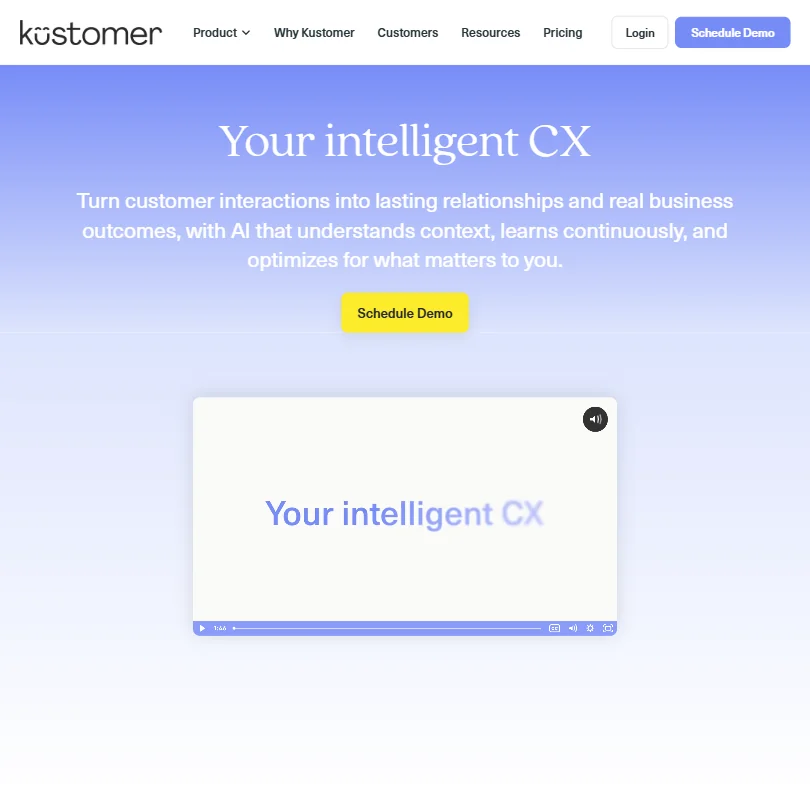
Kustomer puts every order, email and chat on one customer timeline, so an agent taking a WhatsApp message can see last week's chat and an earlier email. Its AI has four named parts, including Concierge, an autonomous agent for full conversations. It is meant for companies with real volume rather than small teams. There is no free plan, no trial and no public pricing, and its change of ownership adds uncertainty. Gorgias is simpler for stores.
- AI is native to the platform architecture rather than bolted onto legacy ticketing infrastructure, giving it a structural advantage over most competitors.
- The customer timeline model organizes all interactions, orders, and conversations around the person rather than a case number, providing full context in one view.
- The platform is not suited for small teams or low-volume support operations, it's built for companies with real, high-volume support needs.
From $30free planHelp Scout keeps support feeling personal. Its shared inbox handles assignment, tagging, SLAs and saved replies, and AI helps draft, edit and translate replies.
Show detailsHide details15 Help Scout: Best for small teams that want a human-feeling inbox7.8Score 7.8 out of 10From $30free planHelp Scout keeps support feeling personal. Its shared inbox handles assignment, tagging, SLAs and saved replies, and AI helps draft, edit and translate replies.Visit site ↗ReviewDetailsCloseShow more about Help Scout
From $30free plan
Help Scout keeps support feeling personal. Its shared inbox handles assignment, tagging, SLAs and saved replies, and AI helps draft, edit and translate replies.
Show detailsHide detailsHelp Scout: Best for small teams that want a human-feeling inbox
7.8Score 7.8 out of 10From $30free planHelp Scout keeps support feeling personal. Its shared inbox handles assignment, tagging, SLAs and saved replies, and AI helps draft, edit and translate replies.Visit site ↗ReviewDetailsClose
Help Scout keeps support feeling personal. Its shared inbox handles assignment, tagging, SLAs and saved replies, and AI helps draft, edit and translate replies. The free plan covers up to five users and one inbox, and the AI Answers agent is billed per resolution with a three-month trial. WhatsApp starts on Standard. It is designed for small and mid-sized teams, so enterprises and solo operators are less well served. Zendesk goes deeper on ticketing.
- The shared inbox is mature and feature-rich, including assignment, tagging, SLAs, snooze, saved replies, and workflow automation that requires no developer involvement.
- AI features are genuinely integrated rather than bolted on, with AI Answers acting as an autonomous agent inside Beacon and inbox AI handling drafting, editing, and translating.
- Help Scout is not designed for enterprise teams or solo operators, leaving those outside the small-to-mid-sized sweet spot underserved.
From $19Freshworks suits teams that want support, sales and IT tooling from one vendor, with Freshdesk, Freshchat, Freshsales and Freshservice under it.
Show detailsHide details16 Freshworks: Best for support, sales and IT from one vendor7.8Score 7.8 out of 10From $19Freshworks suits teams that want support, sales and IT tooling from one vendor, with Freshdesk, Freshchat, Freshsales and Freshservice under it.Visit site ↗ReviewDetailsCloseShow more about Freshworks
From $19
Freshworks suits teams that want support, sales and IT tooling from one vendor, with Freshdesk, Freshchat, Freshsales and Freshservice under it.
Show detailsHide detailsFreshworks: Best for support, sales and IT from one vendor
7.8Score 7.8 out of 10From $19Freshworks suits teams that want support, sales and IT tooling from one vendor, with Freshdesk, Freshchat, Freshsales and Freshservice under it.Visit site ↗ReviewDetailsClose
Freshworks suits teams that want support, sales and IT tooling from one vendor, with Freshdesk, Freshchat, Freshsales and Freshservice under it. There is a free Freshdesk plan, and its Freddy AI can hold automated conversations, suggest replies from the knowledge base and read ticket sentiment once trained on your own data. It is a family of separate products, and Freddy needs training to be useful. Zoho is the alternative for a broader suite.
- Freshworks offers a genuinely free Freshdesk plan with unlimited agents and no time limit, which is rare at this scale.
- The platform covers customer support, sales, CRM, marketing automation, and IT operations under one ecosystem, reducing vendor sprawl.
- The platform is a family of separate products rather than one unified tool, which can add complexity for teams wanting a simple solution.
From $35Front is for B2B teams whose work crosses departments, such as logistics, financial services and manufacturing.
Show detailsHide details17 Front: Best for shared inboxes for cross-team B2B work7.6Score 7.6 out of 10From $35Front is for B2B teams whose work crosses departments, such as logistics, financial services and manufacturing.Visit site ↗ReviewDetailsCloseShow more about Front
From $35
Front is for B2B teams whose work crosses departments, such as logistics, financial services and manufacturing.
Show detailsHide detailsFront: Best for shared inboxes for cross-team B2B work
7.6Score 7.6 out of 10From $35Front is for B2B teams whose work crosses departments, such as logistics, financial services and manufacturing.Visit site ↗ReviewDetailsClose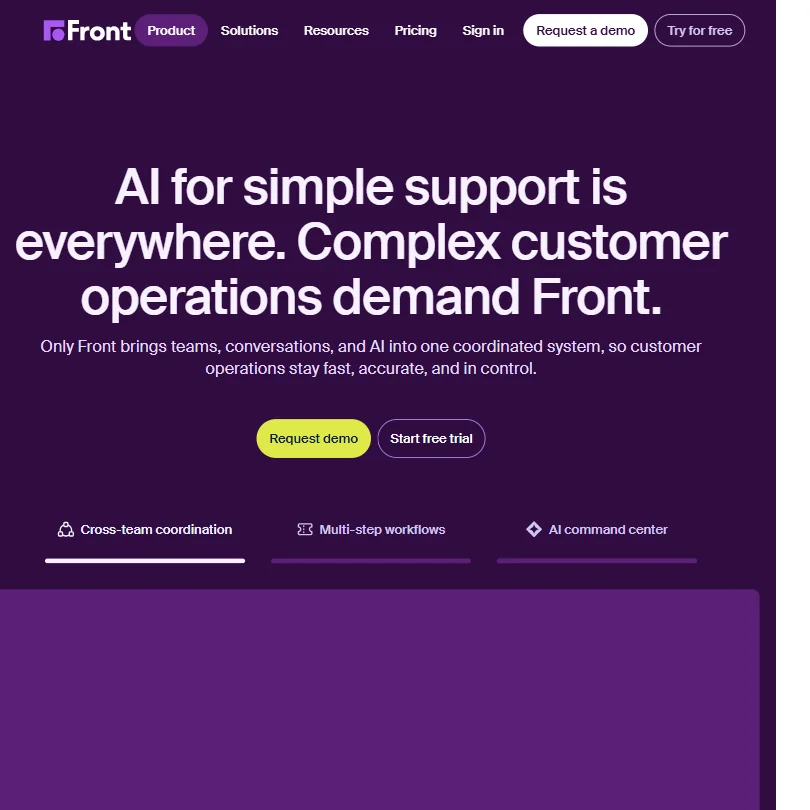
Front is for B2B teams whose work crosses departments, such as logistics, financial services and manufacturing. It combines shared inboxes, routing, live chat and a knowledge base, and adds two AI modes: Autopilot resolves simpler requests on its own and Copilot assists agents in real time, with Smart QA as a third add-on. Autopilot is billed per conversation. It is a poor fit for high-volume general helpdesk work, where Zendesk or Freshdesk suit better.
- Front combines shared inboxes, omnichannel conversations, ticket routing, live chat, and a knowledge base into a single coordinated platform.
- The AI Autopilot can autonomously resolve incoming support requests without human input, with Front claiming up to 70% resolution rates on simpler cases.
- The autonomous resolution rate varies significantly with the complexity of incoming requests.
Best live chat tools for customer support teams
4 picksLive chat puts a person, or an AI agent, on your site while the customer is still there. Intercom bundles chat, ticketing and its Fin agent in one product. Crisp charges per workspace instead of per seat, and tawk.to gives unlimited agents and chats on its free plan. Tidio adds a no-code Flows builder for rule-based automations and works with Messenger, Instagram and WhatsApp. The questions that decide it are whether you want per-seat pricing, whether the free plan includes what you need, and whether AI answers are included or billed on top. Try one on a real busy day before switching.
#ToolScorePriceWhy pick it
From $39Intercom bundles live chat, ticketing, a help center and its Fin agent, which is included on every plan and billed per outcome on top of the seat price.
Show detailsHide details18 Intercom: Best for chat, ticketing and Fin in one product8.2Score 8.2 out of 10From $39Intercom bundles live chat, ticketing, a help center and its Fin agent, which is included on every plan and billed per outcome on top of the seat price.Visit site ↗ReviewDetailsCloseShow more about Intercom
From $39
Intercom bundles live chat, ticketing, a help center and its Fin agent, which is included on every plan and billed per outcome on top of the seat price.
Show detailsHide detailsIntercom: Best for chat, ticketing and Fin in one product
8.2Score 8.2 out of 10From $39Intercom bundles live chat, ticketing, a help center and its Fin agent, which is included on every plan and billed per outcome on top of the seat price.Visit site ↗ReviewDetailsClose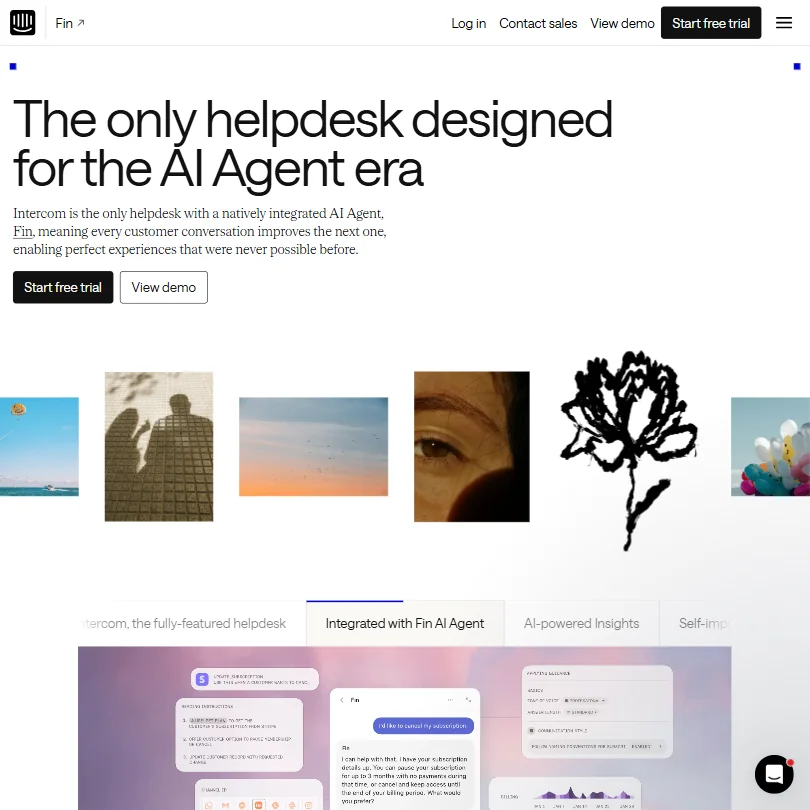
Intercom bundles live chat, ticketing, a help center and its Fin agent, which is included on every plan and billed per outcome on top of the seat price. It supports more than 45 languages and connects to Salesforce, HubSpot, Stripe and Shopify. WhatsApp and SMS are on every plan but charged by usage. SLAs, multilingual help centers and white-label options sit on higher tiers, so real cost runs above the entry price. There is a trial, not a permanent free plan.
- Fin, Intercom's native AI agent, is architecturally integrated into the same system human agents use, preserving full customer context across handovers.
- The platform supports 45+ languages, making it genuinely viable for international support teams.
- Key features like SLAs, multilingual Help Center, and white-label options are gated behind higher-tier plans, pushing real costs well above the entry price.
From $29free planWithin live chat, Tidio is the small-business pick: a chat widget plus a no-code Flows builder for rule-based automations, so you can route and answer common questions without writing code.
Show detailsHide details19Tidio: Best for no-code chat automation, free to start7.2Score 7.2 out of 10From $29free planWithin live chat, Tidio is the small-business pick: a chat widget plus a no-code Flows builder for rule-based automations, so you can route and answer common questions without writing code.Visit site ↗ReviewDetailsCloseShow more about Tidio
From $29free plan
Within live chat, Tidio is the small-business pick: a chat widget plus a no-code Flows builder for rule-based automations, so you can route and answer common questions without writing code.
Show detailsHide detailsTidio: Best for no-code chat automation, free to start
7.2Score 7.2 out of 10From $29free planWithin live chat, Tidio is the small-business pick: a chat widget plus a no-code Flows builder for rule-based automations, so you can route and answer common questions without writing code.Visit site ↗ReviewDetailsCloseWithin live chat, Tidio is the small-business pick: a chat widget plus a no-code Flows builder for rule-based automations, so you can route and answer common questions without writing code. It connects to Messenger, Instagram and WhatsApp, has a free plan that needs no card, and runs on web, phone and desktop apps. Lyro, its AI agent, learns from your FAQs. Crisp charges per workspace, and tawk.to is free for unlimited agents.
- Lyro AI agent performs better than expected, handling repetitive queries like order status, return policies, and FAQs without human intervention.
- Available across web, iOS, Android, Windows, Mac, and Chrome, giving small teams the flexibility to run support on the go.
- Pricing structure is likely to frustrate buyers who don't fit the specific use case Tidio is optimized for.
From $45free planCrisp charges per workspace rather than per seat, so costs stay predictable as the team grows.
Show detailsHide details20 Crisp: Best for flat workspace pricing instead of seats7.1Score 7.1 out of 10From $45free planCrisp charges per workspace rather than per seat, so costs stay predictable as the team grows.Visit site ↗ReviewDetailsCloseShow more about Crisp
From $45free plan
Crisp charges per workspace rather than per seat, so costs stay predictable as the team grows.
Show detailsHide detailsCrisp: Best for flat workspace pricing instead of seats
7.1Score 7.1 out of 10From $45free planCrisp charges per workspace rather than per seat, so costs stay predictable as the team grows.Visit site ↗ReviewDetailsClose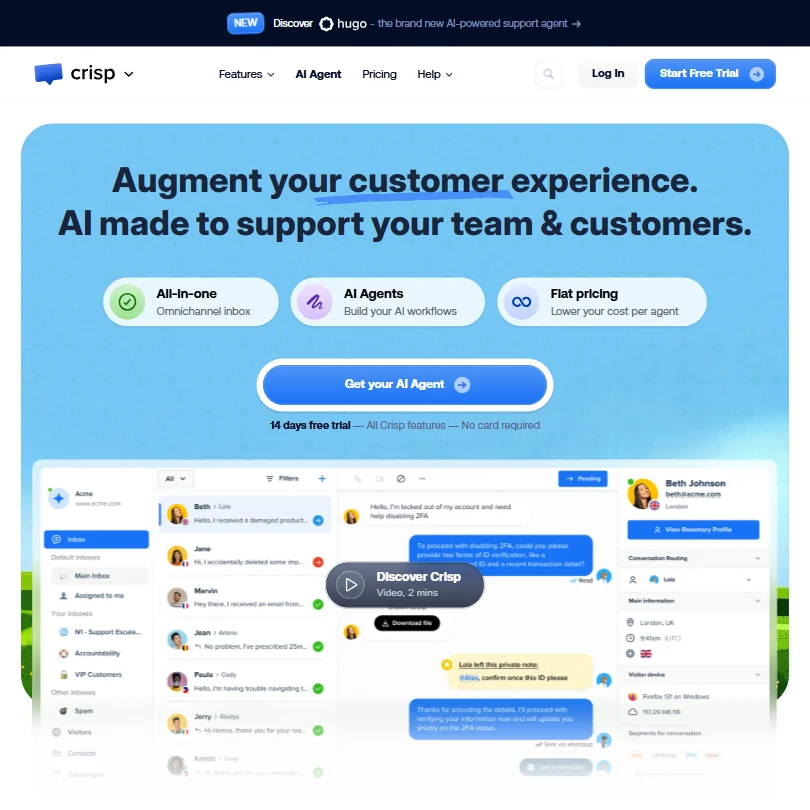
Crisp charges per workspace rather than per seat, so costs stay predictable as the team grows. The free plan gives two seats, a website chat widget, mobile apps and a contact form, without AI credits. Its Hugo AI trains on your knowledge base and uses monthly credits, which you can top up on pay-as-you-go. Integrations start on Plus, and the chatbot builder and Hugo workflows are separate systems that can confuse new users. Tawk.to is free for more agents.
- Flat-fee workspace pricing eliminates per-seat chaos, making costs predictable for growing SMB teams.
- Shared inbox consolidates WhatsApp, Facebook Messenger, email, and website chat into a single unified view.
- The chatbot builder and Hugo AI workflow tool are two separate systems, which frequently confuses new users.
From $0free planTawk.to is the answer when the budget is zero and the team is large: the free plan gives unlimited agents and chats along with an inbox, CRM, ticketing, knowledge base and automations.
Show detailsHide details21 tawk.to: Best for unlimited free agents and chats6.5Score 6.5 out of 10From $0free planTawk.to is the answer when the budget is zero and the team is large: the free plan gives unlimited agents and chats along with an inbox, CRM, ticketing, knowledge base and automations.Visit site ↗ReviewDetailsCloseShow more about tawk.to
From $0free plan
Tawk.to is the answer when the budget is zero and the team is large: the free plan gives unlimited agents and chats along with an inbox, CRM, ticketing, knowledge base and automations.
Show detailsHide detailstawk.to: Best for unlimited free agents and chats
6.5Score 6.5 out of 10From $0free planTawk.to is the answer when the budget is zero and the team is large: the free plan gives unlimited agents and chats along with an inbox, CRM, ticketing, knowledge base and automations.Visit site ↗ReviewDetailsClose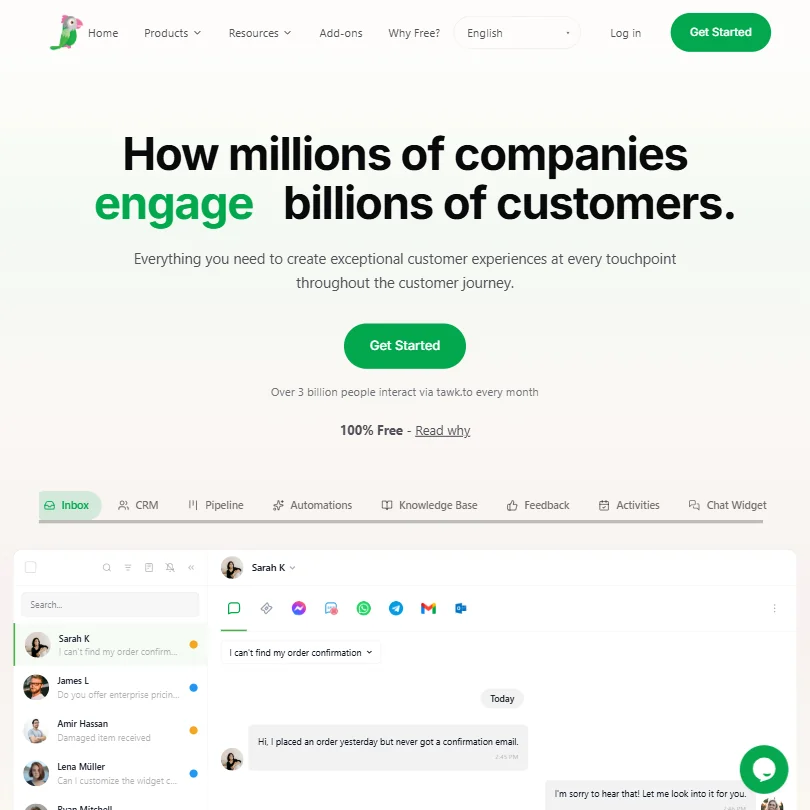
Tawk.to is the answer when the budget is zero and the team is large: the free plan gives unlimited agents and chats along with an inbox, CRM, ticketing, knowledge base and automations. There is no trial because the free plan is the product. Removing tawk.to branding needs a paid add-on, and the AI chatbot's autonomous abilities cost extra too. Crisp is the pick if you prefer a flat paid plan with built-in AI.
- The core platform is genuinely free with unlimited agents and full chat history included at no cost.
- tawk.to holds over 20% market share in its category, suggesting strong reliability and widespread adoption since 2013.
- Removing tawk.to branding from the chat widget requires an additional paid add-on, which undermines the fully-free positioning for many businesses.
Best add-on AI tools for your support helpdesk
6 picksIf your helpdesk already works, an add-on agent can take repetitive tickets without a migration. These six sit on top of Zendesk, Intercom, Gorgias and similar tools. Forethought and CoSupport AI train on past resolved tickets, My AskAI installs as a layer on your existing helpdesk, eesel AI can queue drafts for approval, Yuma AI focuses on online stores, and Capacity replaces several tools in a contact center. They differ most in how they bill: per ticket, per resolution or by response. Start with a trial on a slice of tickets and read the replies yourself.
#ToolScorePriceWhy pick it
From $0.40Choose eesel AI when you want to hand over tickets gradually. Its agents work inside helpdesks such as Zendesk and Slack, draw on Confluence, Notion, Google Docs, SharePoint and past tickets, and can run in draft mode so a person approves each reply when confidence drops.
Show detailsHide details22 eesel AI: Best for drafting replies for human approval first7.1Score 7.1 out of 10From $0.40Choose eesel AI when you want to hand over tickets gradually. Its agents work inside helpdesks such as Zendesk and Slack, draw on Confluence, Notion, Google Docs, SharePoint and past tickets, and can run in draft mode so a person approves each reply when confidence drops.Visit site ↗ReviewDetailsCloseShow more about eesel AI
From $0.40
Choose eesel AI when you want to hand over tickets gradually. Its agents work inside helpdesks such as Zendesk and Slack, draw on Confluence, Notion, Google Docs, SharePoint and past tickets, and can run in draft mode so a person approves each reply when confidence drops.
Show detailsHide detailseesel AI: Best for drafting replies for human approval first
7.1Score 7.1 out of 10From $0.40Choose eesel AI when you want to hand over tickets gradually. Its agents work inside helpdesks such as Zendesk and Slack, draw on Confluence, Notion, Google Docs, SharePoint and past tickets, and can run in draft mode so a person approves each reply when confidence drops.Visit site ↗ReviewDetailsClose
Choose eesel AI when you want to hand over tickets gradually. Its agents work inside helpdesks such as Zendesk and Slack, draw on Confluence, Notion, Google Docs, SharePoint and past tickets, and can run in draft mode so a person approves each reply when confidence drops. You coach tone and policies such as refunds directly. Billing is per ticket or conversation handled, and agents pause when the starting credit runs out. Forethought goes deeper on training.
- Autonomous AI agents handle support tickets start to finish without requiring a human in the loop for every interaction.
- Integrates directly with existing knowledge sources including Confluence, Notion, Google Docs, SharePoint, and past tickets on day one.
- The 1.2M+ supported users figure refers to end-customers of clients, not direct eesel users, which overstates the apparent scale.
Pricing N/ACapacity is a contact-center platform that folds chatbots, helpdesk ticketing, a knowledge base, live chat and quality checks into one product.
Show detailsHide details23 Capacity: Best for one platform replacing several support tools6.9Score 6.9 out of 10Pricing N/ACapacity is a contact-center platform that folds chatbots, helpdesk ticketing, a knowledge base, live chat and quality checks into one product.Visit site ↗ReviewDetailsCloseShow more about Capacity
Pricing N/A
Capacity is a contact-center platform that folds chatbots, helpdesk ticketing, a knowledge base, live chat and quality checks into one product.
Show detailsHide detailsCapacity: Best for one platform replacing several support tools
6.9Score 6.9 out of 10Pricing N/ACapacity is a contact-center platform that folds chatbots, helpdesk ticketing, a knowledge base, live chat and quality checks into one product.Visit site ↗ReviewDetailsClose
Capacity is a contact-center platform that folds chatbots, helpdesk ticketing, a knowledge base, live chat and quality checks into one product. Train the AI once and it serves voice, chat, SMS, email and web. Core includes the helpdesk and AI Agent Builder, Pro adds live chat and real-time Agent Assist, and Enterprise adds campaigns, CRM and a HIPAA package. Prices are not published, and there is no free plan or trial, so it starts with a demo.
- Capacity offers an all-in-one consolidation platform that replaces separate chatbot, QA, helpdesk, and knowledge base tools in a single contact center solution.
- The AI Knowledge Orchestration Layer trains the AI once and distributes that knowledge automatically across voice, chat, SMS, email, and web channels.
- The email AI agent uses per-response usage pricing rather than a flat rate, which could lead to unpredictable costs at scale.
Pricing N/AForethought trains its Solve agent on past ticket resolutions as well as your knowledge base, which helps with messy, unpredictable questions.
Show detailsHide details24 Forethought: Best for AI trained on past ticket resolutions6.3Score 6.3 out of 10Pricing N/AForethought trains its Solve agent on past ticket resolutions as well as your knowledge base, which helps with messy, unpredictable questions.Visit site ↗ReviewDetailsCloseShow more about Forethought
Pricing N/A
Forethought trains its Solve agent on past ticket resolutions as well as your knowledge base, which helps with messy, unpredictable questions.
Show detailsHide detailsForethought: Best for AI trained on past ticket resolutions
6.3Score 6.3 out of 10Pricing N/AForethought trains its Solve agent on past ticket resolutions as well as your knowledge base, which helps with messy, unpredictable questions.Visit site ↗ReviewDetailsClose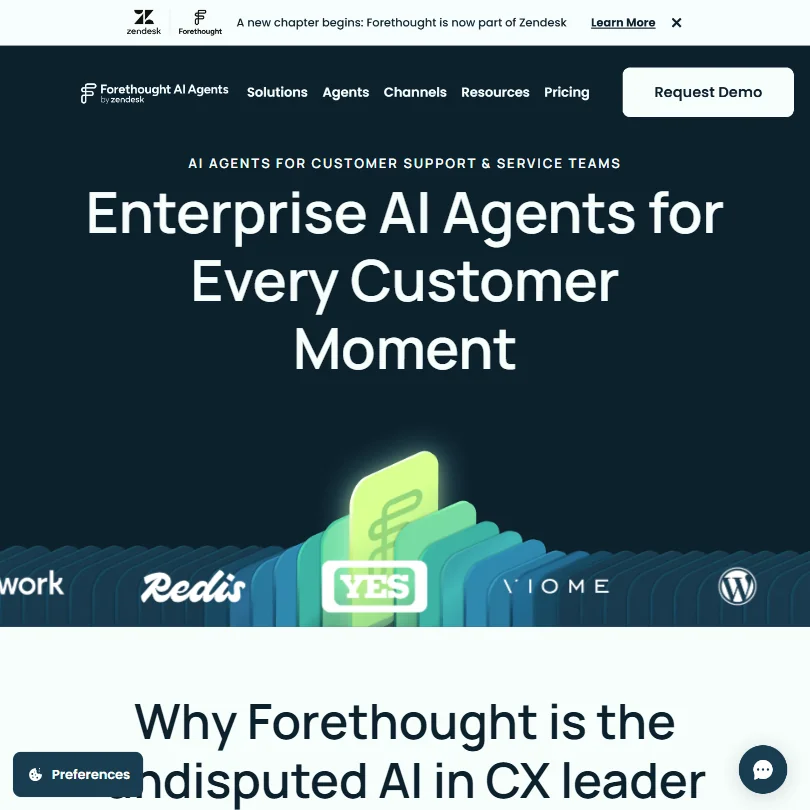
Forethought trains its Solve agent on past ticket resolutions as well as your knowledge base, which helps with messy, unpredictable questions. It covers chat, email, voice and Slack, adds triage with sentiment analysis, and can detect gaps in your articles. A headless API lets you embed it in your own interface. Pricing is by quote with no free plan or trial, and it is now part of Zendesk. My AskAI is a lighter alternative.
- Forethought covers the full AI support stack, chat, email, triage, QA, knowledge gap detection, and agent copilot, in a single platform rather than fragmenting across tools.
- The Solve Agent trains on historical ticket resolutions, not just structured knowledge bases, enabling it to handle messy, unpredictable customer queries more effectively.
- The Zendesk acquisition in 2025 introduces vendor uncertainty, and long-term product independence or roadmap direction is unclear depending on buyer needs.
From $14,400 per yearYuma AI is for direct-to-consumer brands drowning in the same online-shop questions: where is my order, returns, cancellations, address changes.
Show detailsHide details25 Yuma AI: Best for online stores automating returns and orders6.0Score 6.0 out of 10From $14,400 per yearYuma AI is for direct-to-consumer brands drowning in the same online-shop questions: where is my order, returns, cancellations, address changes.Visit site ↗ReviewDetailsCloseShow more about Yuma AI
From $14,400 per year
Yuma AI is for direct-to-consumer brands drowning in the same online-shop questions: where is my order, returns, cancellations, address changes.
Show detailsHide detailsYuma AI: Best for online stores automating returns and orders
6.0Score 6.0 out of 10From $14,400 per yearYuma AI is for direct-to-consumer brands drowning in the same online-shop questions: where is my order, returns, cancellations, address changes.Visit site ↗ReviewDetailsClose
Yuma AI is for direct-to-consumer brands drowning in the same online-shop questions: where is my order, returns, cancellations, address changes. It comes with more than 75 ready-made automations and sits on top of Gorgias, Zendesk or Kustomer, so you keep your helpdesk. You pay per full resolution, there is a 30-day trial and a free audit of your automation gaps. It needs an existing helpdesk to work. Gorgias has its own AI Agent.
- Yuma AI offers 75+ pre-built automations covering real e-commerce actions like WISMO queries, refunds, cancellations, and address edits, not just template replies.
- The Ask Yuma self-improvement layer reads tickets handled by human agents, identifies recurring breakdowns, and ships fixes automatically without engineering involvement.
- Yuma AI was founded in 2022, making it significantly younger than most competitors who have already gone through funding rounds and product iteration cycles.
From $199My AskAI is a lighter add-on for teams that want to cut ticket volume without changing helpdesk.
Show detailsHide details26 My AskAI: Best for a low-cost layer on your helpdesk5.8Score 5.8 out of 10From $199My AskAI is a lighter add-on for teams that want to cut ticket volume without changing helpdesk.Visit site ↗ReviewDetailsCloseShow more about My AskAI
From $199
My AskAI is a lighter add-on for teams that want to cut ticket volume without changing helpdesk.
Show detailsHide detailsMy AskAI: Best for a low-cost layer on your helpdesk
5.8Score 5.8 out of 10From $199My AskAI is a lighter add-on for teams that want to cut ticket volume without changing helpdesk.Visit site ↗ReviewDetailsClose
My AskAI is a lighter add-on for teams that want to cut ticket volume without changing helpdesk. It installs as a layer on Zendesk or Intercom, trains on your help docs and past tickets, and learns from replies your agents write. Plans are sized by tickets a month, and a 30-day trial needs no card. API access sits on Scale and above or as an add-on on Pro, and branding removal follows the same rule.
- Extremely low cost at approximately $0.10 per ticket, making it one of the most affordable AI support automation tools available.
- Installs as a layer on top of existing helpdesks like Intercom and Zendesk without requiring businesses to switch platforms.
- The $0.10 per ticket claim comes with fine print that deserves closer scrutiny before taking it at face value.
From $0.04CoSupport AI lets you pick how you pay: per resolved ticket, per AI reply, or a flat monthly fee for steady volume.
Show detailsHide details27 CoSupport AI: Best for choosing to pay per resolution or reply5.5Score 5.5 out of 10From $0.04CoSupport AI lets you pick how you pay: per resolved ticket, per AI reply, or a flat monthly fee for steady volume.Visit site ↗ReviewDetailsCloseShow more about CoSupport AI
From $0.04
CoSupport AI lets you pick how you pay: per resolved ticket, per AI reply, or a flat monthly fee for steady volume.
Show detailsHide detailsCoSupport AI: Best for choosing to pay per resolution or reply
5.5Score 5.5 out of 10From $0.04CoSupport AI lets you pick how you pay: per resolved ticket, per AI reply, or a flat monthly fee for steady volume.Visit site ↗ReviewDetailsClose
CoSupport AI lets you pick how you pay: per resolved ticket, per AI reply, or a flat monthly fee for steady volume. It trains on your solved tickets and knowledge base, runs a 30-day pilot with 1,000 free AI responses, and backs a 60-day refund guarantee with a stated resolution-rate target. There is no permanent free plan. Eesel AI bills per ticket handled, if that model suits you better.
- CoSupport AI displays actual pricing figures publicly, unlike most AI support vendors that require a demo before revealing costs.
- The platform uses a patented AI architecture (USPTO patent US11823031B1) specifically designed to reduce hallucinations in AI responses.
- Sentiment analysis and SLA management features are not publicly documented, making it difficult to confirm whether they exist.
Best AI voice agents for customer support teams
4 picksVoice agents answer phone calls, so the priorities are how natural a call sounds, how many calls run at once, and whether the platform meets your privacy rules. Retell, Vapi and Bland are built for developers and charge per minute, with Retell and Vapi giving starter credit or minutes and Bland including the language model, transcription and voice in one rate. Voiceflow is a visual builder for mixed teams and agencies. None of them replaces a helpdesk, so plan where the call notes go. Test with a real script before you commit any volume.
#ToolScorePriceWhy pick it
Pricing N/Afree planVoiceflow is a visual canvas where designers and developers work together, with a code editor for the technical side.
Show detailsHide details28 Voiceflow: Best for agencies and mixed design and developer teams6.9Score 6.9 out of 10Pricing N/Afree planVoiceflow is a visual canvas where designers and developers work together, with a code editor for the technical side.Visit site ↗ReviewDetailsCloseShow more about Voiceflow
Pricing N/Afree plan
Voiceflow is a visual canvas where designers and developers work together, with a code editor for the technical side.
Show detailsHide detailsVoiceflow: Best for agencies and mixed design and developer teams
6.9Score 6.9 out of 10Pricing N/Afree planVoiceflow is a visual canvas where designers and developers work together, with a code editor for the technical side.Visit site ↗ReviewDetailsClose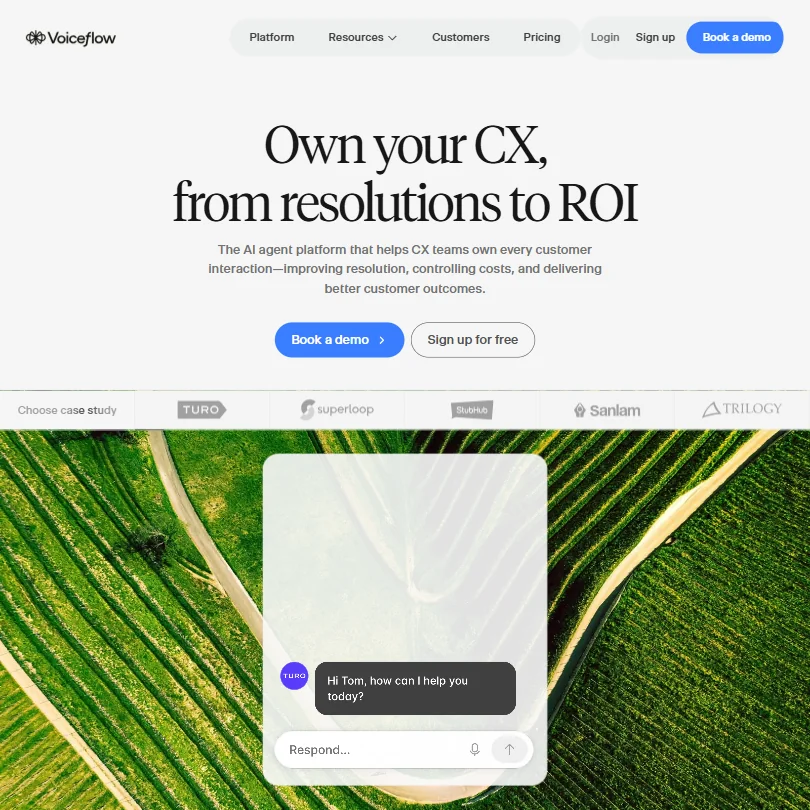
Voiceflow is a visual canvas where designers and developers work together, with a code editor for the technical side. Agencies get multi-client workspaces, white-labelling and client handoff tools, and it works with all major model providers. A free plan exists, and pricing above it is largely quote-based. The learning curve is steeper than the homepage suggests. Retell or Vapi suit teams that prefer to write everything in code.
- The canvas-based visual workflow builder is consistently praised, allowing designers and developers to collaborate without stepping on each other.
- The Agentic Context Engine manages LLM behavior to keep agents on task, preventing AI from going off-script unexpectedly.
- Pricing is not clearly published.
From $0.07Retell is for developers who want to build phone agents and pay by the minute. Pay-as-you-go includes starter credit, 20 concurrent calls and the full platform, and a live demo page will phone you so you can hear the quality.
Show detailsHide details29 Retellai: Best for developers building phone agents pay-as-you-go6.3Score 6.3 out of 10From $0.07Retell is for developers who want to build phone agents and pay by the minute. Pay-as-you-go includes starter credit, 20 concurrent calls and the full platform, and a live demo page will phone you so you can hear the quality.Visit site ↗ReviewDetailsCloseShow more about Retellai
From $0.07
Retell is for developers who want to build phone agents and pay by the minute. Pay-as-you-go includes starter credit, 20 concurrent calls and the full platform, and a live demo page will phone you so you can hear the quality.
Show detailsHide detailsRetellai: Best for developers building phone agents pay-as-you-go
6.3Score 6.3 out of 10From $0.07Retell is for developers who want to build phone agents and pay by the minute. Pay-as-you-go includes starter credit, 20 concurrent calls and the full platform, and a live demo page will phone you so you can hear the quality.Visit site ↗ReviewDetailsClose
Retell is for developers who want to build phone agents and pay by the minute. Pay-as-you-go includes starter credit, 20 concurrent calls and the full platform, and a live demo page will phone you so you can hear the quality. It works with several models and handles multi-turn conversations. The knowledge-base feature is a paid add-on. Enterprise adds HIPAA and SSO. Bland folds more into its per-minute price.
- Proprietary voice orchestration layer runs at approximately 600ms latency, making AI phone conversations feel natural rather than stilted.
- Supports multiple underlying LLMs including GPT-4.1, GPT-5, Claude 4.x, Gemini 3.x, and custom models, offering genuine flexibility competitors lack.
- The company was founded in 2023, meaning the product and company maturity are still unproven compared to more established competitors.
Pricing N/Afree planVapi is API-first: you assemble your voice agent from the language model, speech-to-text and text-to-speech providers of your choice, including Deepgram and ElevenLabs, with real-time call monitoring.
Show detailsHide details30 Vapi: Best for developers assembling their own voice agent5.5Score 5.5 out of 10Pricing N/Afree planVapi is API-first: you assemble your voice agent from the language model, speech-to-text and text-to-speech providers of your choice, including Deepgram and ElevenLabs, with real-time call monitoring.Visit site ↗ReviewDetailsCloseShow more about Vapi
Pricing N/Afree plan
Vapi is API-first: you assemble your voice agent from the language model, speech-to-text and text-to-speech providers of your choice, including Deepgram and ElevenLabs, with real-time call monitoring.
Show detailsHide detailsVapi: Best for developers assembling their own voice agent
5.5Score 5.5 out of 10Pricing N/Afree planVapi is API-first: you assemble your voice agent from the language model, speech-to-text and text-to-speech providers of your choice, including Deepgram and ElevenLabs, with real-time call monitoring.Visit site ↗ReviewDetailsClose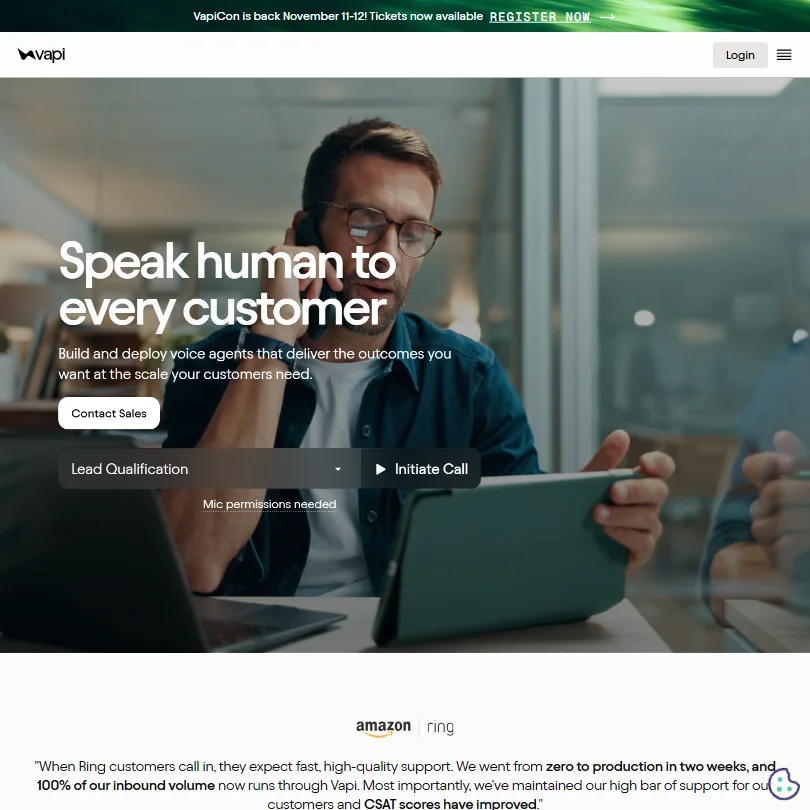
Vapi is API-first: you assemble your voice agent from the language model, speech-to-text and text-to-speech providers of your choice, including Deepgram and ElevenLabs, with real-time call monitoring. Signup includes over 60 free minutes, then usage billing, with no permanent free tier. It needs real technical skill, has no ticket management, and does not do email. Retell is the closer comparison for pay-as-you-go development.
- Vapi achieves sub-500ms latency by handling all voice infrastructure between LLM, speech-to-text, and text-to-speech providers.
- The platform supports full LLM provider flexibility, allowing developers to swap between OpenAI, Anthropic, and others without rebuilding infrastructure.
- Vapi requires significant technical fluency to set up and operate, making it inaccessible for most non-developer support teams.
From $0.14free planBland covers inbound and outbound phone calls for regulated industries such as healthcare, insurance and finance.
Show detailsHide details31 Bland: Best for regulated industries wanting one per-minute rate5.3Score 5.3 out of 10From $0.14free planBland covers inbound and outbound phone calls for regulated industries such as healthcare, insurance and finance.Visit site ↗ReviewDetailsCloseShow more about Bland
From $0.14free plan
Bland covers inbound and outbound phone calls for regulated industries such as healthcare, insurance and finance.
Show detailsHide detailsBland: Best for regulated industries wanting one per-minute rate
5.3Score 5.3 out of 10From $0.14free planBland covers inbound and outbound phone calls for regulated industries such as healthcare, insurance and finance.Visit site ↗ReviewDetailsClose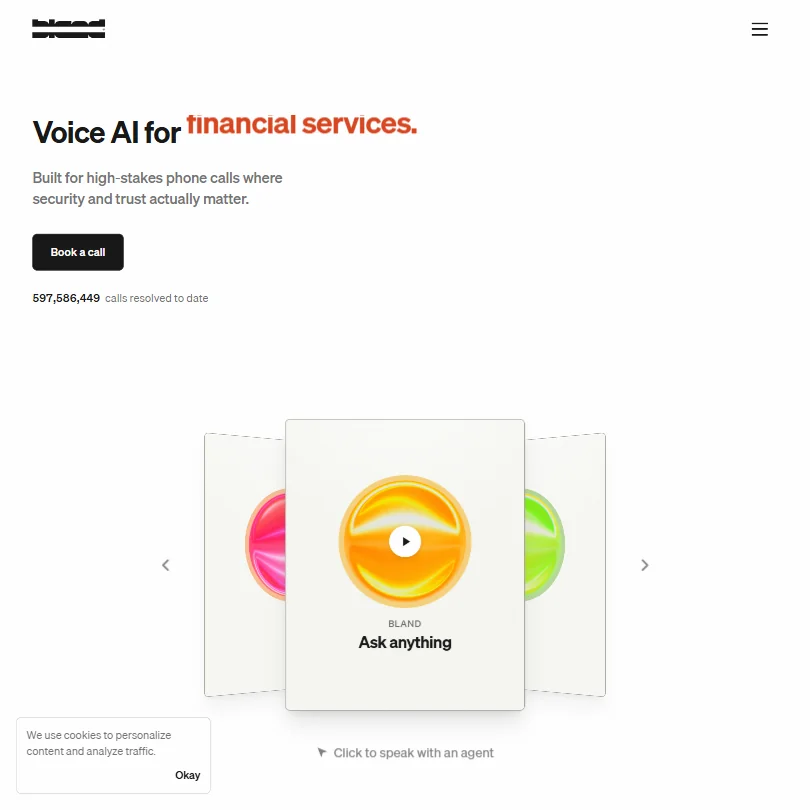
Bland covers inbound and outbound phone calls for regulated industries such as healthcare, insurance and finance. One per-minute price includes the language model, transcription and voice, running on its own infrastructure, and the Start plan needs no platform fee or card. One agent can carry voice, SMS, iMessage and web chat with shared memory. Voice cloning is Enterprise only, and it is web and API only. Vapi lets you choose providers.
- All-inclusive per-minute pricing covers the language model, transcription, and voice synthesis together, no hidden API stacking from third parties.
- Runs entirely on proprietary infrastructure with no OpenAI or ElevenLabs pass-throughs, reducing unexpected costs at invoice time.
- Voice cloning is locked to Enterprise tier and requires a custom voice actor arrangement, limiting access for smaller teams.
Best knowledge base and help doc tools for customer support teams
3 picksSupport gets lighter when customers can help themselves, and that needs good documentation. These three cover different ends of it, from customer-facing guides to internal search. Guidde turns a screen recording into a narrated step-by-step video, Supademo makes interactive click-through product walkthroughs, and Glean searches your internal apps so agents find answers quickly. The first two have free plans; Glean is sold through its sales team and suits larger companies. Choose Guidde for how-to videos, Supademo for guided product tours, and Glean when the knowledge already exists but sits in too many places for agents to find.
#ToolScorePriceWhy pick it

#32Glean: Best for searching internal knowledge across many apps
Pricing N/AGlean is enterprise search and assistance across more than 250 connected apps, including Confluence, GitHub and Box, grounding answers in your own company data.
Show detailsHide details32Glean: Best for searching internal knowledge across many appsn/aPricing N/AGlean is enterprise search and assistance across more than 250 connected apps, including Confluence, GitHub and Box, grounding answers in your own company data.Visit site ↗ReviewDetailsCloseShow more about Glean
#32Glean: Best for searching internal knowledge across many apps
Pricing N/A
Glean is enterprise search and assistance across more than 250 connected apps, including Confluence, GitHub and Box, grounding answers in your own company data.
Show detailsHide detailsGlean: Best for searching internal knowledge across many apps
n/aPricing N/AGlean is enterprise search and assistance across more than 250 connected apps, including Confluence, GitHub and Box, grounding answers in your own company data.Visit site ↗ReviewDetailsClose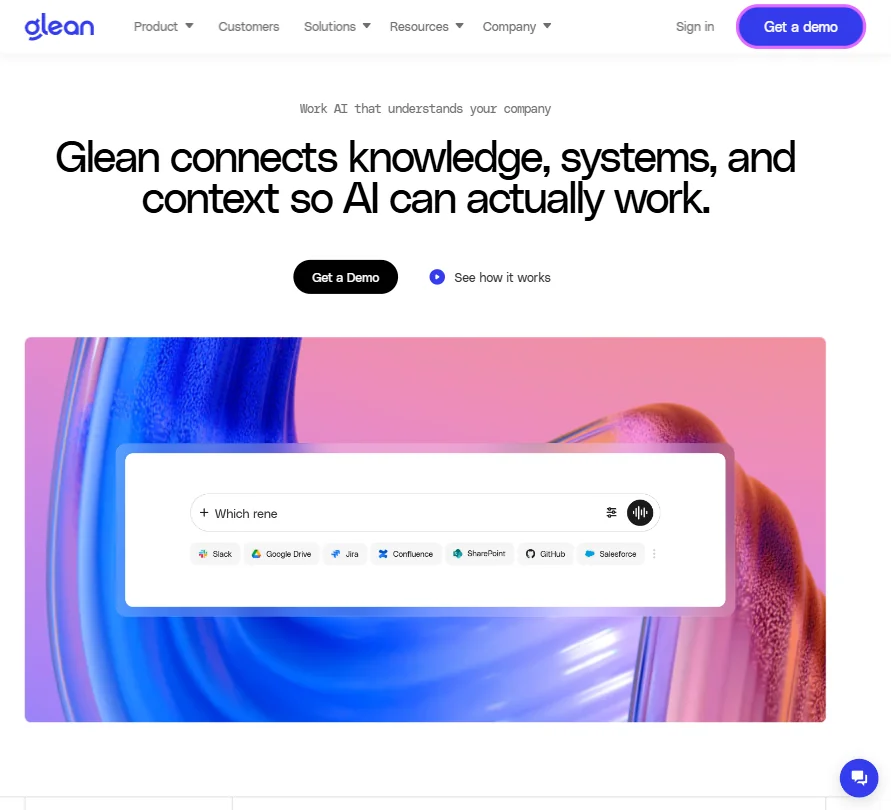
Glean is enterprise search and assistance across more than 250 connected apps, including Confluence, GitHub and Box, grounding answers in your own company data. It holds SOC 2 Type II, ISO 27001, ISO 42001 and HIPAA compliance, offers an MCP server, and runs on web, desktop and phone. It is sold only through a sales team, with no free plan and no public price. Multiplayer chat is still in beta. Smaller teams will find Guidde or Supademo easier to start.
- Glean connects to more than 250 apps, including Confluence, GitHub, Box and Databricks, and grounds its search and Assistant answers in them.
- It supports real-time voice, letting you have a spoken conversation instead of typing.
- Glean has no public prices and is sold only through its sales team.

#33Supademo: Best for interactive product walkthroughs for customers
From $450free planSupademo builds interactive click-through demos of your product, which customer success teams can use as guided walkthroughs.
Show detailsHide details33Supademo: Best for interactive product walkthroughs for customersn/aFrom $450free planSupademo builds interactive click-through demos of your product, which customer success teams can use as guided walkthroughs.Visit site ↗ReviewDetailsCloseShow more about Supademo
#33Supademo: Best for interactive product walkthroughs for customers
From $450free plan
Supademo builds interactive click-through demos of your product, which customer success teams can use as guided walkthroughs.
Show detailsHide detailsSupademo: Best for interactive product walkthroughs for customers
n/aFrom $450free planSupademo builds interactive click-through demos of your product, which customer success teams can use as guided walkthroughs.Visit site ↗ReviewDetailsClose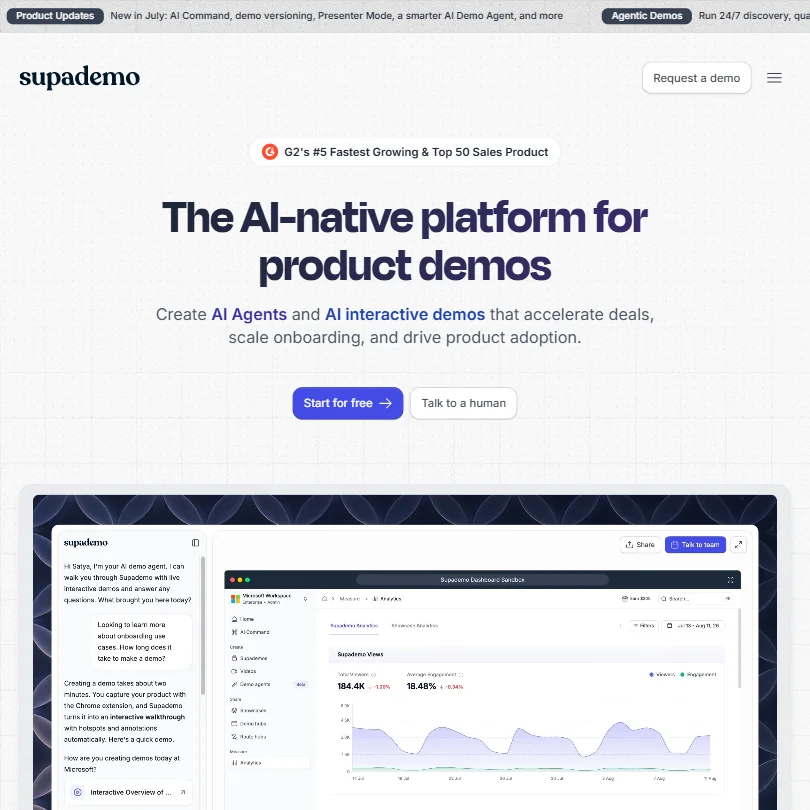
Supademo builds interactive click-through demos of your product, which customer success teams can use as guided walkthroughs. The free plan gives one creator, five interactive demos, 50 video recordings and unlimited views. An AI Demo Agent runs around the clock, and Route Hub branches the path by what a viewer clicks, with analytics showing where people drop off. API access through MCP sits on higher plans. Guidde suits plain narrated videos better.
- The visual builder is cleaner and faster to set up than most competing tools in the interactive demo category.
- The AI Demo Agent runs 24/7, qualifying buyers and surfacing relevant demos without requiring a sales rep to be present.
- API access via Supademo MCP is locked behind the Scale plan, meaning lower-tier users cannot integrate it with their existing tech stack.

#34Guidde: Best for narrated how-to videos from screen recordings
From $29free planGuidde turns a screen recording into a narrated, captioned how-to video, and can convert PDFs and PowerPoints too.
Show detailsHide details34Guidde: Best for narrated how-to videos from screen recordingsn/aFrom $29free planGuidde turns a screen recording into a narrated, captioned how-to video, and can convert PDFs and PowerPoints too.Visit site ↗ReviewDetailsCloseShow more about Guidde
#34Guidde: Best for narrated how-to videos from screen recordings
From $29free plan
Guidde turns a screen recording into a narrated, captioned how-to video, and can convert PDFs and PowerPoints too.
Show detailsHide detailsGuidde: Best for narrated how-to videos from screen recordings
n/aFrom $29free planGuidde turns a screen recording into a narrated, captioned how-to video, and can convert PDFs and PowerPoints too.Visit site ↗ReviewDetailsClose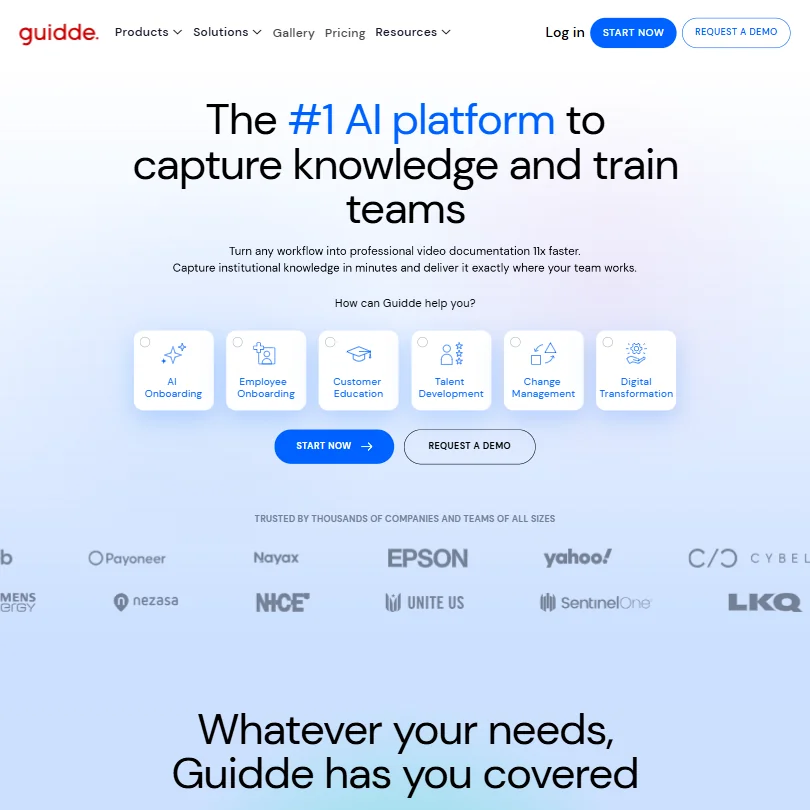
Guidde turns a screen recording into a narrated, captioned how-to video, and can convert PDFs and PowerPoints too. Translation covers 50 plus languages, and there is a Chrome extension and a desktop app. The free plan allows up to 25 videos with web capture only; Pro removes the watermark, adds a brand kit and MP4, PPT and PDF export. Commercial rights are on paid plans. It is aimed at software documentation, not general video. Supademo is interactive.
- AI automatically converts screen captures into narrated, step-by-step video guides without requiring a video production professional.
- Supports multi-language translation across 50+ languages, making it viable for global teams.
- Resolution specifics for MP4 and other export formats are not published, leaving teams unable to evaluate output quality before committing.
How to choose AI tools for your support team
Support tools look alike on their home pages and bill very different things. AI agents charge per resolved outcome, chatbot builders count message credits, helpdesks count seats, and voice platforms count minutes. What you need depends on your ticket volume, your channels and how much you want to build yourself. This guide matches each job in answering a customer to the tools on this page, then covers free plans, where they stop, privacy and when paying is worth it.
Start with the job, not the tool
Support work falls into six jobs, and no single tool covers all of them on a free plan.
- AI support agents. Software that answers customers on its own and hands the rest to your team. Fin, Ada and Decagon are agents sold for larger teams, Botpress starts on a free plan for teams that want to build, and Tidio and Gorgias suit small shops.
- Chatbot builders. Training a bot on your own docs and putting it on your site. Chatbase, DocsBot, Wonderchat and Chatling all have free plans, and Kommunicate and My AskAI start on trials.
- Helpdesks and live chat. Where tickets and conversations live. Help Scout, Zoho Desk, tawk.to and Crisp have free plans, while Zendesk, Front, Freshworks, Intercom and Kustomer are paid platforms.
- Add-on AI. An agent that sits on top of the helpdesk you already have. Forethought, My AskAI, eesel AI, Capacity, Yuma AI and CoSupport AI do this, and they differ most in how they bill.
- Voice agents. Answering phone calls. Retell, Vapi, Bland and Voiceflow are built for it and charge by the minute or by usage.
- Help docs and knowledge. Letting customers help themselves. Guidde turns a screen recording into a how-to video, Supademo makes interactive product walkthroughs, and Glean searches internal apps for your agents.
The table shows where to start on any budget.
| Job | Free | Worth paying for |
|---|---|---|
| AI support agent | Botpress or Tidio free plans | Fin at $0.99 per resolved outcome |
| Chatbot builder | Chatbase, DocsBot, Wonderchat or Chatling free plans | Kommunicate Starter at $40 a month, after its 30 day trial |
| Helpdesk | Help Scout, Zoho Desk or Freshdesk free plans | Zendesk Support Team at $25 per agent a month |
| Live chat | tawk.to or Crisp free plans | Intercom Essential at $29 per seat a month, plus $0.99 per Fin outcome |
| Add-on AI | The CoSupport AI pilot or the My AskAI trial | CoSupport AI from $0.19 per resolved ticket, or eesel AI at $0.40 a ticket |
| Voice agent | Vapi minutes on sign up, Retell's $10 credit, or Bland's free plan | Retell from $0.07 a minute, or Bland Start at $0.14 a minute |
| Help docs | Guidde or Supademo free plans | Guidde Pro at $29 a month, to remove the watermark |
Free plans cannot carry real ticket volume. Pay first for the job that removes the most repetitive tickets, the AI agent or an add-on for your helpdesk, and keep the rest free.
What the free plans actually give you
Each kind of tool rations something different, so one free plan lasts a quarter and another lasts a week.
- Agents and chatbot builders. Conversations and credits are the meter. Botpress's free plan allows 100 conversations with no top-ups or overages, and includes Studio and Desk with no time limit. Chatbase's gives 50 message credits a month with 1 agent, Chatling's gives 200 AI credits with 1 agent and 500K characters of knowledge base, and Wonderchat's gives 20 credits, about 10 resolutions a month.
- Docs bots. Sources are the meter. DocsBot's free plan covers 1 bot with 50 source pages and 100 AI credits a month, and Wonderchat stores 50 webpages on its free plan.
- Helpdesks. Seats and contacts are the meter. Help Scout's free plan allows up to 5 users, 1 inbox and 100 contacts a month. Zoho Desk's covers up to 3 agents with basic ticketing, and Tidio's free plan starts without a card.
- Live chat. Crisp's free plan gives 2 seats, a website chat widget, mobile apps and 100 customer profiles with no AI credits. tawk.to's free plan includes unlimited agents and unlimited chats, with the inbox, CRM and knowledge base.
- Voice platforms. Minutes are the meter. Vapi gives 60 or more free minutes at sign up that do not renew, Retell gives $10 of credits with 20 free concurrent calls, and Bland's free plan gives 2 credits and an inbound number with no card.
- Pay per outcome tools. Fin has no free tier, though Fin and Intercom both have trials with no card. eesel AI gives $50 of usage credit with no card, and CoSupport AI gives a 30 day pilot with 1,000 free AI responses.
- Docs tools. Guidde's free plan allows up to 25 how-to videos with web capture, and Supademo's gives 1 creator, 5 demos and 50 recordings.
Which tools fit which support team
- A solo founder or tiny team. Start with tawk.to for free chat and Help Scout's free plan for a shared inbox of up to 5 users. Add a Chatbase or Chatling bot trained on your own docs.
- A small online store. Start with Tidio, which pairs live chat with its Lyro AI agent, or Gorgias, which starts at $10 a month for about 50 tickets. Add Yuma AI when order and return questions pile up, though its Starter plan is $14,400 a year.
- A team already on a helpdesk. Start with Fin, which works with Salesforce, HubSpot, Freshdesk and more at $0.99 per outcome and can be set up in under an hour. Add My AskAI or eesel AI if you prefer a layer that trains on past tickets.
- A team that wants to build its own agent. Start with Botpress, because its free plan includes the Agent Development Kit. Add Voiceflow for a free tier you can use to build agents across channels.
- A phone-first business. Start with Retell, which gives $10 of credit to begin, or Vapi, whose sign up minutes suit testing. Bland suits teams that want a free plan with an inbound number.
- A large or regulated team. Start with Zendesk Suite, whose Team plan adds AI agents. Ada, Decagon, Kustomer, Forethought and Capacity publish no prices, so expect a sales process.
Handling one customer question step by step
- The customer writes in. A chat widget from Crisp, tawk.to, Intercom or Tidio, or an inbox for email and WhatsApp. For phone calls, Retell, Vapi or Bland answer.
- The AI answers first. Fin, Ada, Botpress or Decagon as the agent. To train a bot on your docs, use Chatbase, DocsBot, Wonderchat, Chatling or Kommunicate. To keep your helpdesk, put Forethought, My AskAI, eesel AI or CoSupport AI on top of it.
- Check the answer came from your material. Test any bot on real questions before launch, and read a sample of replies each week.
- Hand over to a person when needed. Tidio's Lyro passes anything outside its training data to a human, and Fin can sit on top of your current helpdesk.
- Work the ticket. Zendesk, Help Scout, Freshworks, Zoho, Front or Kustomer. An online store can use Gorgias, with Yuma AI automating returns and order questions on top.
- Speed up the agent. The Copilot add-ons from Fin, Front and Intercom, and Help Scout's AI drafts.
- Close the gap. Forethought's Enterprise plan flags knowledge gaps and suggests articles. Write the fix as a Guidde video or Supademo walkthrough, and use Glean to find what exists.
- Review quality. Front's Smart QA, Fin's Pro add-on analytics and Forethought's AI QA.
Where free plans stop
| Limit | Tools | What happens when you hit it |
|---|---|---|
| Monthly count | Chatbase (50 message credits), Chatling (200 AI credits), DocsBot (100 AI credits), Wonderchat (20 credits), Help Scout (100 contacts) | You wait for the new month or move to a paid plan |
| Seats and agents | Help Scout (5 users), Zoho Desk (3 agents), Crisp (2 seats), Chatbase (1 member), Chatling (1 seat) | More people need a paid plan |
| Size of the job | Botpress (100 conversations, no overages), DocsBot (50 source pages), Wonderchat (50 webpages), Guidde (25 videos), Supademo (5 demos) | Anything beyond that needs a paid plan |
| One-off allowance | Vapi (60 or more minutes), Retell ($10), eesel AI ($50), CoSupport AI (1,000 responses in 30 days) | Once used, it does not come back, and eesel AI agents pause until a payment method is added |
| Inactivity | Chatbase (agent deleted after 14 days without use) | You rebuild the agent |
| Trial window | Zendesk (14 days), Zoho Desk (15), Kommunicate (30), My AskAI (30), Yuma AI (30) | The trial ends and the plan has to be paid for |
Match the meter to your volume. A credit cap rewards starting with one narrow topic, such as returns or order status, so the allowance covers the most repetitive questions. A one-off allowance is a test, so save it for the day your docs are ready and the questions are real.
Privacy and who sees your customer data
Customer questions often include names, order details and account information, so check how a tool treats them before you connect your inbox. Many tools on this page state a position.
| Stated policy | Tools |
|---|---|
| Does not train on your data | Ada, Decagon, Botpress, Chatbase, Wonderchat, Chatling, Help Scout, Zoho Desk, Front, Crisp, My AskAI, eesel AI, CoSupport AI, Glean |
| You can opt out of training | Fin, Intercom, Yuma AI |
Connect customer data to tools in the first row, and switch training off in the second before you go live. Chatbase's Enterprise plan adds zero data retention, and DocsBot's Enterprise tier adds SOC 2 Type II and HIPAA.
Mistakes to avoid
- Comparing prices without converting them to your volume. Fin charges $0.99 per outcome, Help Scout AI Answers $0.75 per resolution and Front's Autopilot $0.05 per conversation. Multiply each by your monthly tickets before you compare.
- Leaving a free bot idle. Chatbase deletes a free agent after 14 days without use. Build it when you are ready to test, and visit it often.
- Training a bot on stale docs. Tidio's Lyro answers from the FAQ and articles you supply, so outdated material means wrong answers. Update the knowledge base before you update the bot.
- Spending voice credits on a casual demo. Vapi's sign up minutes do not renew and Retell's $10 is a one-off credit. Write the script and test the call flow first.
- Choosing a sales-led tool to learn on. Ada, Decagon, Kustomer and Capacity have no free plan or trial, and Forethought has no trial. Learn the job on a free bot first, then ask for demos.
When it is worth paying
You have outgrown a free plan when you plan your queue around its limit. Turning the bot off to save credits, adding a seventh person to a five seat inbox, or answering the same ten questions by hand because the bot ran out are all signs.
| If you are | Upgrade to | What changes |
|---|---|---|
| Hitting a message credit cap | Chatbase Hobby | 700 message credits a month, 2 members, advanced models and integrations |
| Adding a sixth teammate | Help Scout Standard | Up to 25 users, 20 inboxes, unlimited contacts and an AI Inbox assistant |
| Running a customer bot | Botpress Plus | 250 conversations a month included, with packs of 100 for $65 |
| Wanting chat with AI credits | Crisp Mini | 4 seats, a shared email inbox, $5 of AI credits and 5,000 customer profiles |
| Needing AI agents in your helpdesk | Zendesk Suite Team | AI Agents, Knowledge Base, Action Builder and messaging, at $69 per agent a month |
| Publishing how-to videos | Guidde Pro | Unlimited how-to videos, no watermark and a brand kit |
Billing period changes the price. Zendesk Support Team is $25 per agent monthly and $228 per agent a year, Intercom Essential is $29 per seat monthly and $228 a year, Botpress Plus is $189 monthly and $150 billed yearly, and Help Scout Standard is $30 per user monthly and $300 a year. Trials help you test: Help Scout's AI Answers add-on includes a 3 month free trial, and Fin and Intercom give trials with no card.
What would this stack cost you?
Add our top picks (Fin, Kommunicate, Zoho and 4 more) to the calculator and see the monthly total, then swap in the plans you would pay for.
How we picked
Every tool here is ranked by its score, and each score is worked out from the vendor’s own published pages: pricing, plans, features and terms. No score is adjusted by hand. 30 of the 33 tools have enough published facts to show a score, and on average 90% of each score comes from facts the vendor publishes. The facts behind these scores were checked between 13 September 2026 and 26 September 2026.
Scores compare tools that do the same job, which is why the list is grouped by job: a video editor and a grammar checker are never ranked against each other.
| Ranked as | On this page | What we score | Scoring guide |
|---|---|---|---|
| Helpdesks16 reviewed | 11 | 7 criteria, 24 checked facts: AI that answers your customers, pricing, channels, security and privacy, running a support team, integrations, support and branding | How we score these → |
| AI support agents9 reviewed | 8 | 7 criteria, 24 checked facts: AI that answers your customers, pricing, channels, security and privacy, running a support team, integrations, support and branding | How we score these → |
| AI chatbot builders11 reviewed | 7 | 7 criteria, 24 checked facts: AI that answers your customers, pricing, channels, security and privacy, running a support team, integrations, support and branding | How we score these → |
| Voice agent platforms3 reviewed | 3 | 7 criteria, 24 checked facts: AI that answers your customers, pricing, channels, security and privacy, running a support team, integrations, support and branding | How we score these → |
| AI agent builders18 reviewed | 1 | 7 criteria, 20 checked facts: AI agents, building workflows, pricing, apps it connects to, reliability and control, hosting and security, support | How we score these → |
Common questions
Do I still need a helpdesk if I use a chatbot builder?
Usually yes. A builder answers the first question, but someone has to own the tickets it cannot close. DocsBot, Vapi and Chatling have no ticket management, while Chatbase, Botpress and Tidio include a helpdesk layer of their own. Decide where escalated conversations will live before you train the bot, because that choice limits the rest.
How do I compare per-resolution, per-ticket and per-minute pricing?
Turn each into a monthly figure using your own volume. Fin, CoSupport AI and Yuma AI charge when the AI resolves something, Front's Autopilot and eesel AI charge per conversation or ticket handled, and Retell, Vapi and Bland charge by call minute. Per-resolution pricing rewards good answers, while per-ticket pricing costs the same whether the AI succeeds or not.
Can one tool cover phone as well as chat?
A few can. Fin handles chat, voice, email and social channels, and Decagon covers chat, email and voice, but both are aimed at larger teams. Retell, Vapi and Bland are dedicated to calls and are developer-led, and Vapi has no email or ticket management. For a small team, add a voice agent later and keep chat and email in your helpdesk.
What should I train the AI on first?
Start with the help articles you already trust, then add past resolved tickets. Forethought, My AskAI, eesel AI and CoSupport AI can learn from ticket history, while DocsBot reads more than 37 source types such as Notion, Confluence and Zendesk articles. Keep the content current, since an agent trained on stale answers will repeat them.
Which tools list healthcare or HIPAA options?
Several list HIPAA on their pages. Fin, Ada, Botpress, Zendesk, Front and Glean carry HIPAA support, Help Scout on its Pro plan, Intercom on Expert, Capacity as an Enterprise package, and Retell, Vapi and Bland for voice calls, with Vapi charging an add-on. Ask for the signed agreement, not only the badge, before any patient data goes near an AI agent.