We pulled vendor docs, Product Hunt threads, and whatever public review data we could cross-reference before putting this together. The picture that came back was interesting in a few places and genuinely annoying in others. The product is real. The gaps are specific enough to matter.
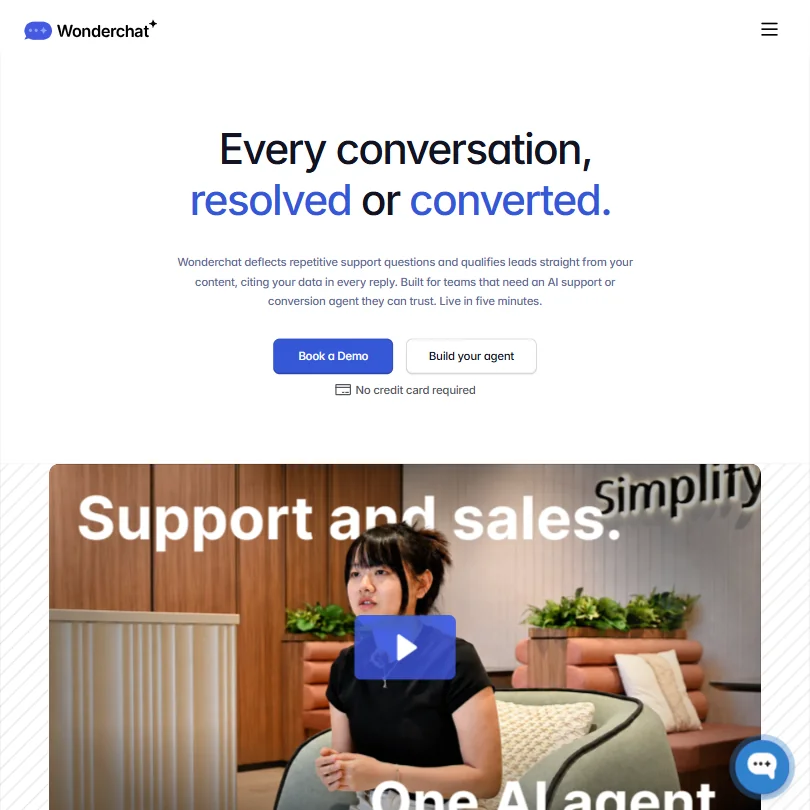
Wonderchat sits in a crowded lane. A lot of tools claim to turn your docs into a working chatbot. Fewer of them also want to handle lead capture, book meetings, and qualify pipeline from the same widget. That double mandate is worth examining closely.
What is Wonderchat?
A web-based chatbot builder that trains on your own content. Help center pages, uploaded documents, SharePoint or Google Drive files, past support tickets. You point it at your knowledge and it builds an agent. The agent cites its sources in every reply, which is the detail they push hardest in their positioning.
They call it both a Support Agent and a Conversion Agent. Same underlying engine, different intent. One deflects tickets. The other qualifies leads and books meetings. Honestly, that dual framing is more interesting than most competitors attempt. Whether the execution matches the ambition is a different question.
They've onboarded 500+ teams across SaaS, healthcare, e-commerce, and industrial customers. One case study from Jortt claims 92% ticket deflection after training on their full documentation library. We can't verify that figure independently, but it appears in their marketing without caveats. Take it accordingly.
Wonderchat Features: Chatbot, Helpdesk & Support Automation Breakdown
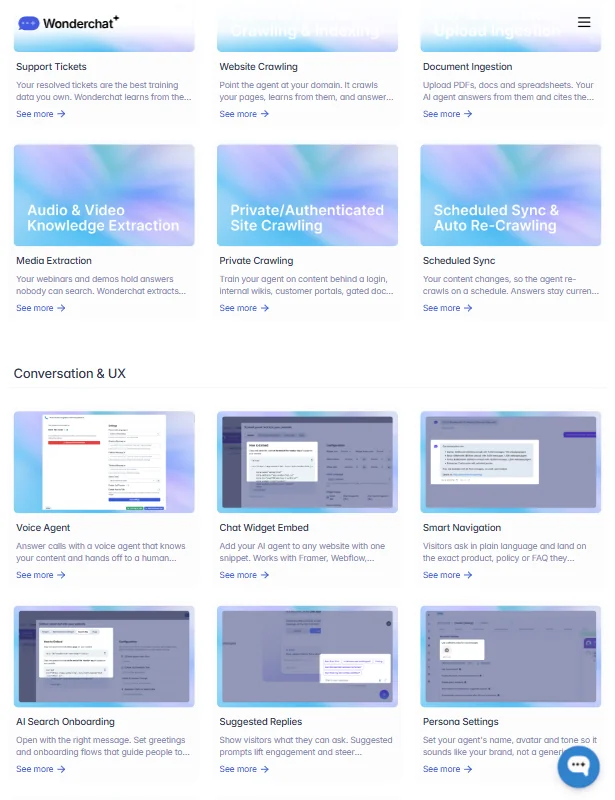
The QA Agent is the feature that kept surfacing as a genuine differentiator. It monitors live conversations, flags responses it's not confident in, and queues them for a one-click fix. That's a real workflow improvement. Most tools dump you into a transcript view and make you hunt for bad answers yourself.
Beyond that, the feature set covers the basics well. Human handover works through live chat escalation and email routing. Direct integrations include Zendesk and Freshdesk, with CRM connections for HubSpot and Salesforce. There's also a Calendly integration for booking, which pairs neatly with the conversion agent use case.
Knowledge ingestion is broad. Websites, PDFs, Google Drive and SharePoint are all supported. Scheduled sync means the agent can stay current without manual uploads. That's the kind of boring infrastructure that actually matters when your docs change frequently.
White-label branding removal is not offered. Custom CSS, layout choices, branded appearance. For agencies or teams who'd rather not advertise what they're built on, that's available without jumping to enterprise. Fair design call.
On the automation side, Wonderchat now publicly documents a REST API, custom chatbot tools that call external APIs, and integrations with Zapier and Make. The API covers sending messages, managing knowledge-base pages, exporting chat logs, and retrieving messages with tag and feedback management on top. The custom tools can translate user requests into API calls, execute them, and return results. That doesn't make it a full general-purpose automation platform. Teams needing highly bespoke orchestration should compare its API surface with more developer-focused platforms like Botpress before deciding.
Wonderchat Bot Quality: How Well Does It Handle Real Customer Queries?
The citation-backed answer model is the right instinct for support use cases. Hallucination is the core fear with AI support agents, and grounding every reply in approved content with visible source links is a reasonable structural answer to that problem. Not a perfect one. But reasonable.
Model flexibility is genuinely useful here. Wonderchat supports OpenAI models and Claude as the headline options, with Gemini, Llama, and DeepSeek also available at configuration. You can pick based on performance or cost. That's more control than most comparable tools hand over.
Confidence scoring and fallback detection sit underneath the QA Agent feature, so the system has some awareness of when it's uncertain. Ask how granular that confidence reporting is. The vendor docs gesture at it without specifics.
Be wary of the "live in five minutes" claim for complex knowledge bases. Simple sites, probably. A healthcare team with layered documentation and compliance requirements is going to take longer. Worth setting expectations before onboarding your team.
Wonderchat Channel Coverage: Which Platforms Does It Support?
Web chat is table stakes. Wonderchat also covers WhatsApp, SMS, Voice, and Microsoft Teams, plus a mobile app SDK. That's a broad footprint for a tool at this price tier.
The Microsoft stack integration is notable. Teams, SharePoint, and Dynamics 365 all appear in their docs. That combination is genuinely useful and not common among smaller AI chatbot vendors, particularly without an enterprise add-on. Few competitors in this space match it at the mid-tier.
Google Chat is listed too. Both major internal messaging ecosystems covered. Not bad.
Is Wonderchat Easy to Set Up and Manage?
Setup looks accessible. Point the crawler at a URL, upload documents, or connect a cloud drive. No code required for basic deployment. Embed code or API for custom setups.
Scheduled sync reduces ongoing maintenance. Your knowledge base updates, the agent follows. That matters for teams who aren't going to babysit a chatbot weekly.
The QA Agent workflow also eases management over time. Rather than auditing every conversation manually, you get a flagged queue. One-click improvements, then move on. We'd expect that loop to genuinely reduce admin overhead after the first few weeks.
Where it gets murkier is deeper customization. Advanced CSS overrides and layout options suggest some technical lift for non-developers who want to push beyond defaults. Documentation reads as thin in the sources we cross-referenced, which isn't reassuring for teams who'll need to troubleshoot edge cases on their own.
Wonderchat Pricing: Is It Worth It for Support Teams?
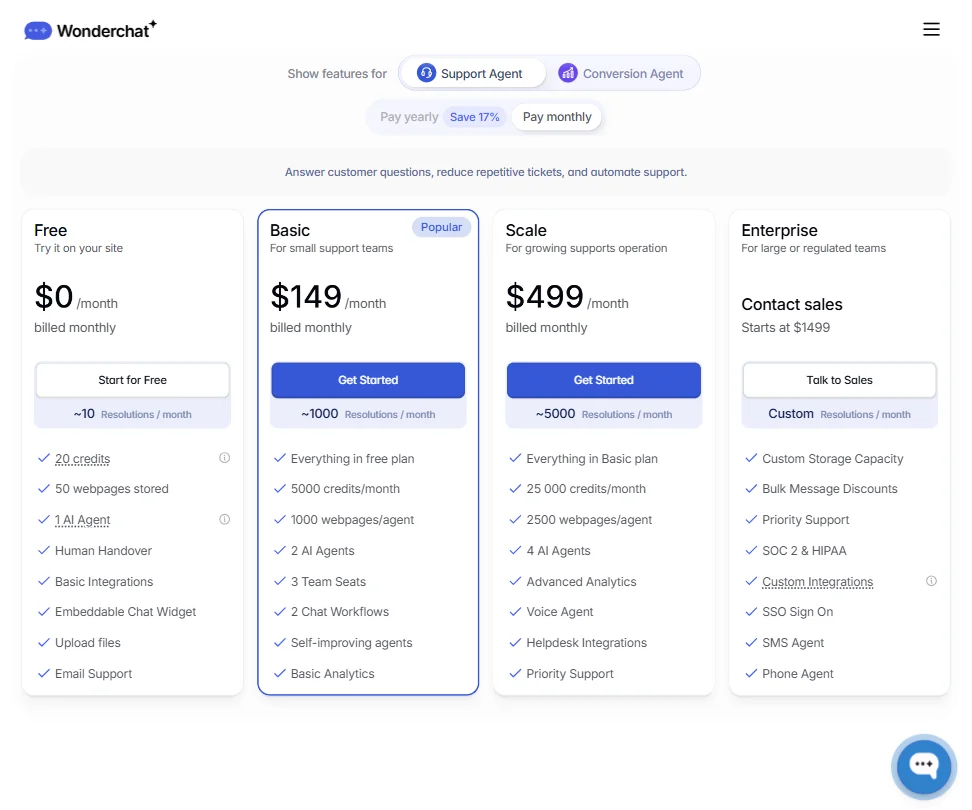
The free plan exists and it's real. 20 credits per month, roughly 10 resolutions, 50 stored webpages, one AI agent. Fine for testing. Not useful in production.
From there, the Basic plan runs $124 per month, billed yearly, for around 1,000 resolutions, 5,000 credits, and 2 AI agents with 3 team seats. Scale is $499 per month, covering roughly 5,000 resolutions, 25,000 credits, and 4 AI agents with Advanced Analytics and Priority Support included. Enterprise starts at $1,499 per month and adds custom storage, SOC 2 and HIPAA compliance, SSO, SMS Agent, Phone Agent, and custom integrations. Those are the tiers visible in the pricing page, with resolution-count approximations shown alongside each.
The billing model is the genuinely useful detail here. Monthly flat-rate plans rather than per-resolution billing. Some competitors, including Intercom, have moved to resolution-based pricing that can get unpredictable at volume. Flat monthly billing is more foreseeable for teams with spikes. That matters.
Wonderchat vs Intercom: Which Customer Service AI Wins?
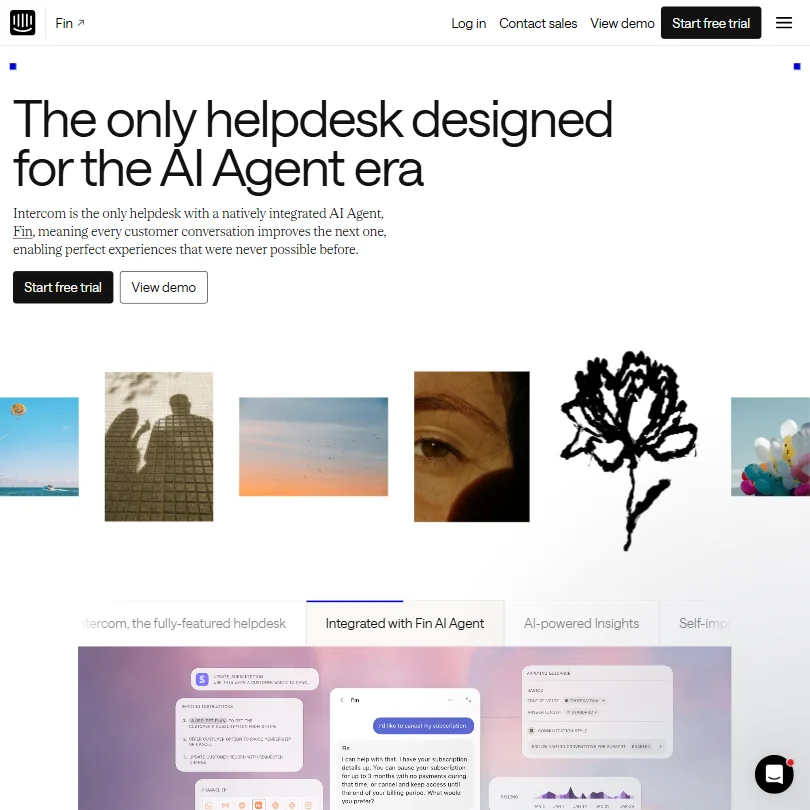
Intercom is the obvious name in this category. More mature, better documented, larger integration ecosystem. It also costs significantly more at scale and has faced consistent complaints about resolution-based billing unpredictability.
Wonderchat wins on source citation and content-grounded answers. Intercom's Fin agent is strong, but Wonderchat's approach of citing specific documents in every reply is a meaningful differentiator for teams where accuracy is non-negotiable. Healthcare teams flag this as a real concern with other tools.
For e-commerce specifically, Gorgias is worth a look. It's built around the e-commerce stack in a way Wonderchat isn't, even though Wonderchat does list Shopify in its integrations.
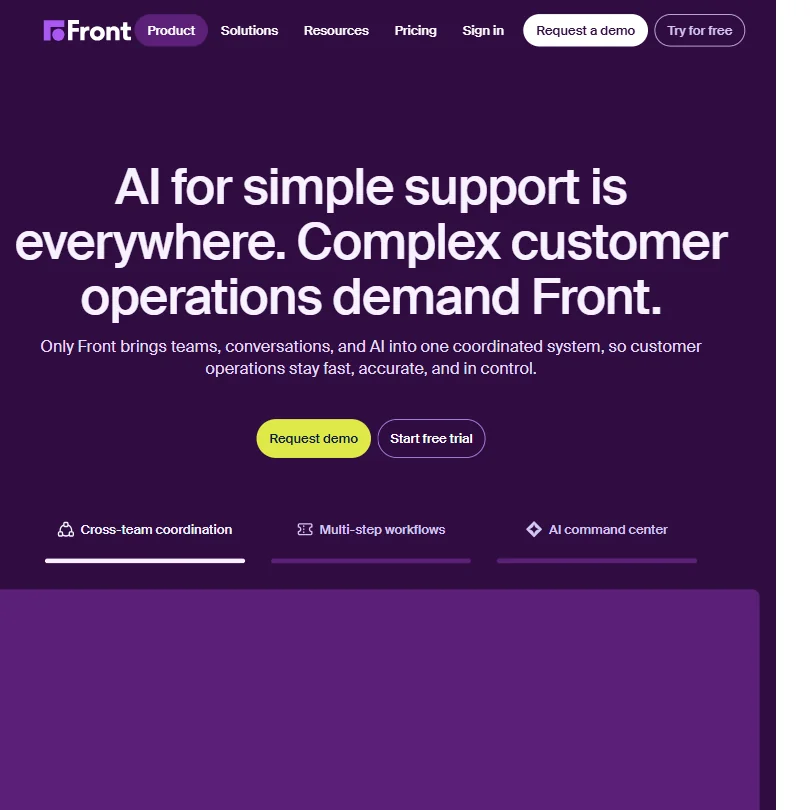
Botpress and CustomGPT.ai also compete in the content-trained chatbot space. Both have more transparent pricing. That's a real advantage over Wonderchat until the pricing page gets fixed.
Who Should Use Wonderchat? (And Who Shouldn't)
SaaS teams with dense documentation libraries. That's the clearest fit. The citation model was built for that environment.
Healthcare teams with compliance concerns around hallucination will find the grounded-answers approach worth evaluating seriously. The Microsoft stack coverage helps for enterprise healthcare infrastructure specifically.
Small teams wanting fast deployment on a tight budget should test the free tier first. The Basic plan at $124 per month billed yearly is a reasonable next step if the training workflow fits.
Developers wanting complex workflow orchestration may find the platform less capable than Botpress. The REST API and custom tools are real, but the overall surface area is narrower.
Wonderchat Review Verdict
Wonderchat does a few things well enough to be worth a serious look. The citation model is sound. The QA Agent is a smart workflow feature. Channel coverage is broader than most tools at this stage, and the Microsoft ecosystem support is a real differentiator for enterprise buyers.
Pricing structure is actually reasonable once you see the full tier breakdown. Flat monthly plans at $124, $499, and $1,499 are predictable, and resolution count approximations give buyers something concrete to model against their volume. That's more buyer-friendly than per-resolution billing at scale.
The support and documentation situation needs work. Basic docs and a chatbot on the support page don't inspire confidence for a tool that enterprise teams are being asked to pay $1,499 per month for. The gap between the enterprise price tag and the support infrastructure is hard to ignore.
Against the category median in our database, Wonderchat trails most reviewed tools. Not because the product is weak, but because the documentation gaps and thinner developer tooling pull the overall picture down. The core technology is genuinely solid. The packaging around it still has work to do.
Frequently Asked Questions
Does Wonderchat require coding to set up?
No, the basic setup is no-code. You connect URLs or upload documents, the crawler handles training, and you embed via a code snippet. Teams that want custom CSS or advanced layout changes will need some technical resource, but most deployments don't start there.
What AI models does Wonderchat use?
Several. OpenAI models and Claude are the headline options, with Gemini, Llama, and DeepSeek also available. You pick the model at configuration, which gives you some control over cost versus capability depending on your use case.
Is Wonderchat's free plan actually useful?
It's useful for testing, not for production. 20 credits per month translates to roughly 10 resolved conversations, which runs out fast. The real value of the free tier is figuring out whether the training workflow and citation model fit your content before committing to the Basic plan at $124 per month billed yearly.