Adobe Premiere, the desktop editor that was called Premiere Pro until Adobe renamed it, is a subscription-only professional editor for Windows and Mac. What decides whether it suits you is whether you're already inside Adobe's ecosystem and comfortable paying monthly, since there's no free tier and no way to buy it outright.
What is Adobe Premiere?
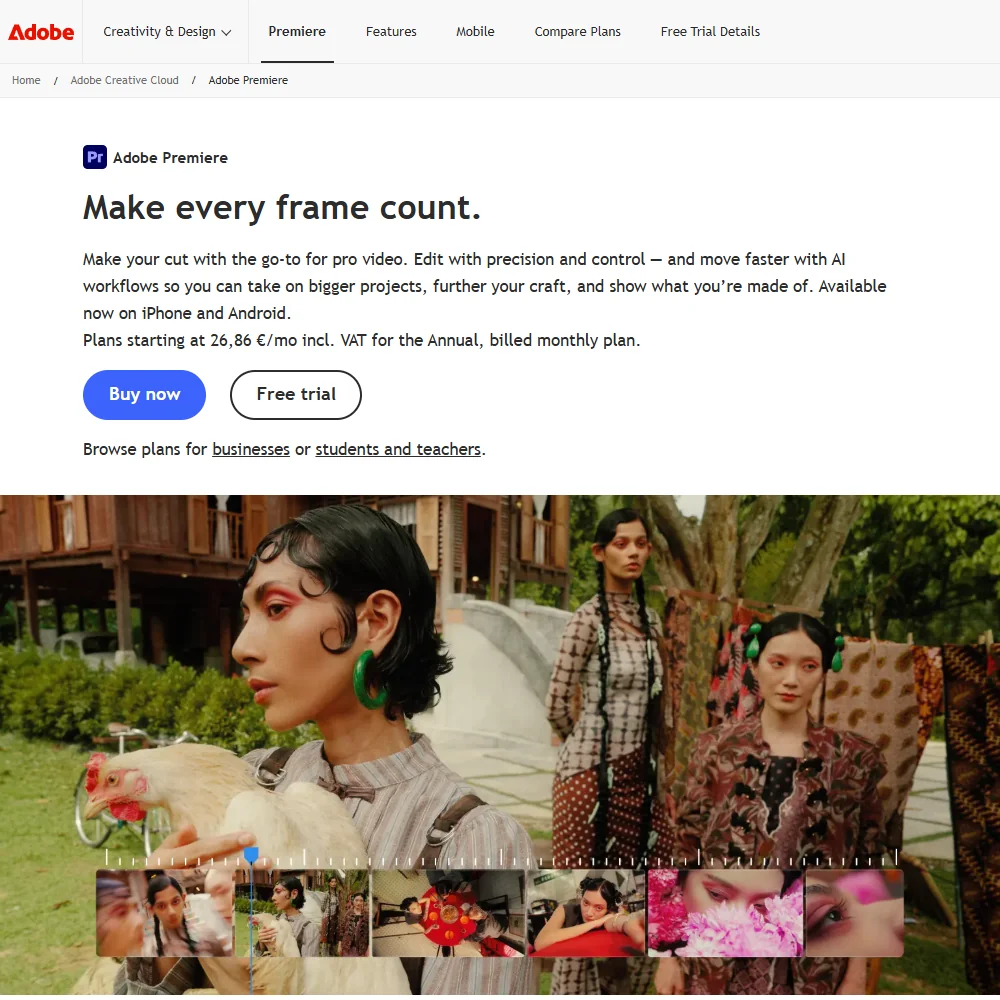
Adobe Premiere is made by Adobe. It was called Premiere Pro until Adobe renamed it; a separate free app, also called Premiere, exists for social video editing on iPhone and Android, but that's a different product from the one reviewed here. The desktop app installs on Windows and Mac and requires an Adobe ID to activate, though editing itself happens locally.
Editing in Adobe Premiere
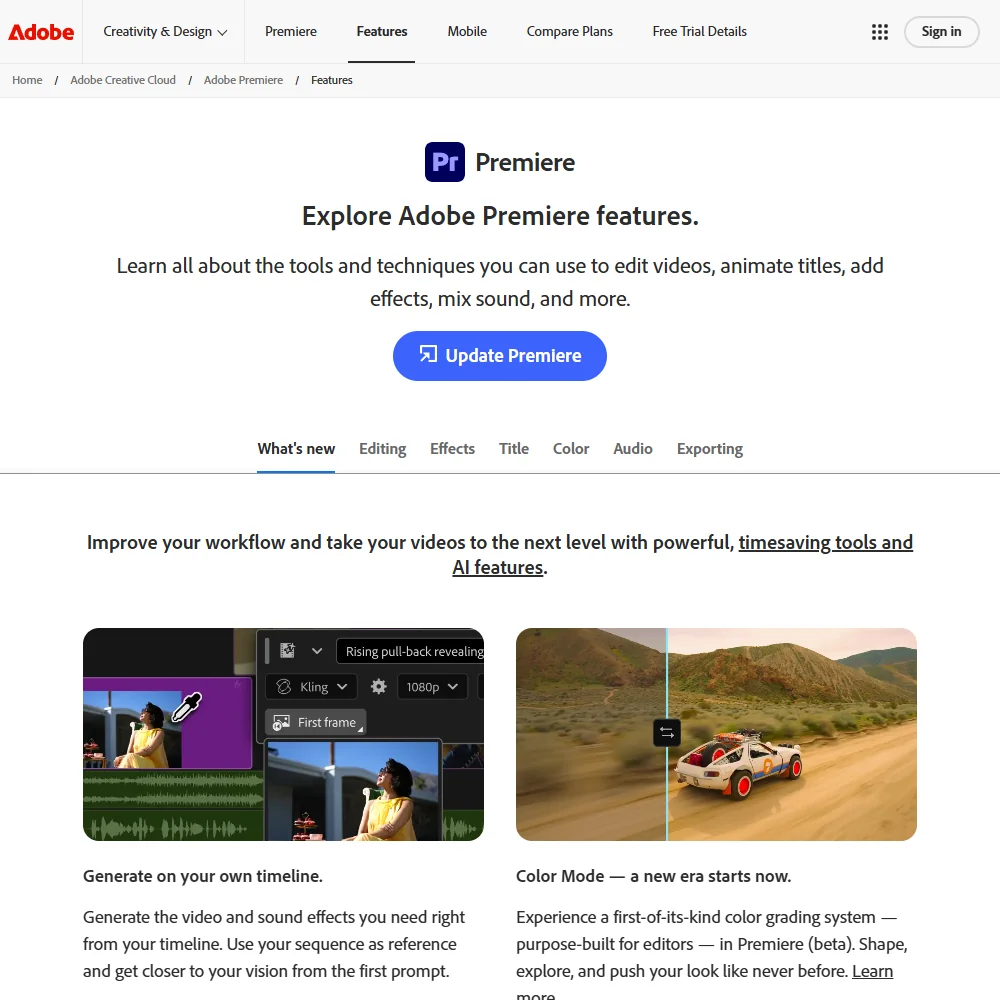
Multicam editing lets you set up and cut between synced camera sources. Color grading combines AI-assisted color balancing with professional color wheels, curve controls and built-in video scopes. HDR is supported through HDR setup on Windows and HDR export for YouTube on Mac. Camera raw support names Canon and Sony RAW specifically, alongside a wide range of native camera formats.
A dedicated ingest and proxy workflow creates proxies and attaches them back to full-resolution media once you're ready to finish. Motion tracking runs through redesigned shape masks that track faster across frames. Compositing lives inside Premiere itself; deeper node-based motion graphics and visual effects move into Adobe's separate After Effects app, connected by Dynamic Link and sold apart or as part of the Creative Cloud Pro bundle. Third-party plug-ins and tools extend the app further.
What the AI does
Object Mask masks and tracks a subject with a hover and a click, in place of manual rotoscoping. Generative Extend can extend clips, add frames and generate missing ambient sound, using Adobe Firefly's generative AI in Adobe's cloud rather than on your machine, and it's metered by generative credits. Auto Reframe adjusts a sequence or clip to a different aspect ratio automatically. Enhance Speech cleans up dialogue for clarity and removes background noise, and captions can be auto-generated and then translated into 18 languages.
Working with other people
Team Projects let multiple editors collaborate on the same project, and Frame.io is included on every plan for review and feedback. Adobe Stock's music and footage panel is built into Premiere, with AI that can auto-fit a track to your clips before you license it. Adobe Premiere runs on Windows and Mac; the iPhone and Android app is the separate mobile editor, not this product.
Adobe Premiere pricing: what you actually pay
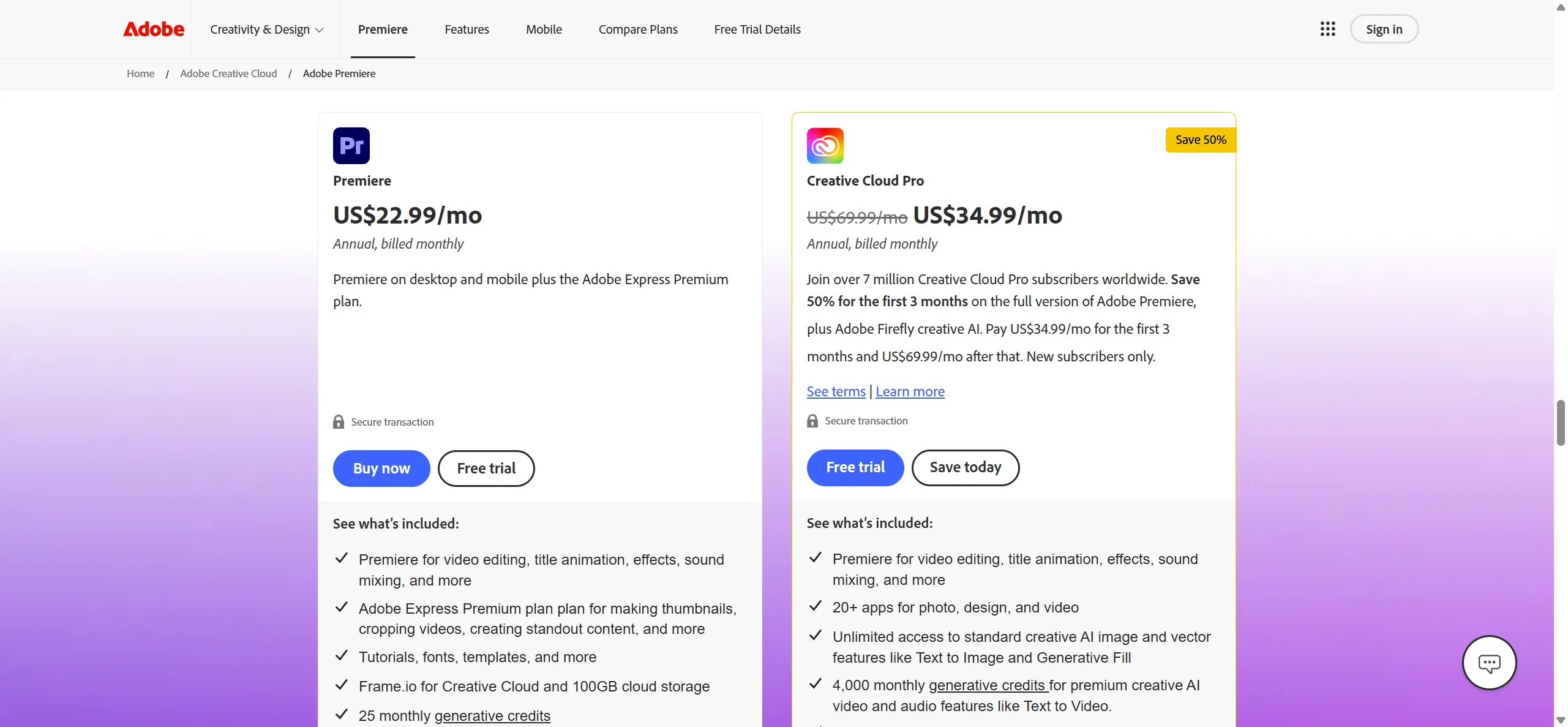
There is no free tier for the desktop app; Adobe offers a seven-day free trial instead. The Premiere single-app plan is $22.99 a month on the annual plan billed monthly, which is the only rate Adobe publishes for it. Creative Cloud Pro, a much larger bundle that adds more than twenty other apps including After Effects, costs $69.99 a month on the same annual, billed-monthly basis. Generative AI use is metered separately: the Premiere plan includes 25 monthly generative credits against 4,000 on Creative Cloud Pro. Adobe Premiere is not sold as a perpetual license; every plan is a subscription.
Privacy and support
Adobe Premiere edits locally, but Team Projects and Frame.io mean project files can also live in Adobe's cloud when you use them, and that side of Creative Cloud carries a SOC 2 Type 2 attestation. Generative AI training on your content only happens if you submit it to the Adobe Stock marketplace, and a broader machine-learning content analysis Adobe otherwise runs to improve its products can be turned off. GDPR applies across Adobe's products. Support is available by phone, live chat and through the Adobe Community.
Who Adobe Premiere suits
Adobe Premiere suits editors already inside Adobe's ecosystem who want AI-assisted tools like Generative Extend and Object Mask alongside multicam editing, scopes-based grading and Adobe Stock built into the same app, and who are comfortable with a subscription rather than owning a license outright.
It suits less well anyone who wants to buy an editor once and keep it, since there is no perpetual license option, or anyone who wants a generous allowance of generative AI use without moving up to the much larger Creative Cloud Pro bundle.
How Adobe Premiere compares
Adobe Premiere scores 8.0 out of 10 among the professional video editors we rate. These two do the same job and are the closest to it, compared on what each vendor publishes.
Final Cut Pro
Premiere is subscription only, at $22.99 a month, with no way to ever buy a licence outright. Final Cut Pro runs only on Mac and iPad, while Premiere also runs on Windows; Final Cut Pro's cheapest figure is the $12.99 a month Apple Creator Studio bundle, which also carries Logic Pro, Motion and other Apple apps, though its Mac app can be bought outright separately. Premiere generates new footage, edits by transcript and translates captions; Final Cut Pro does none of those three.
Pick Final Cut Pro if you're on Mac and want to own the app outright.
Pick Adobe Premiere if you need generative footage extension, transcript editing or caption translation.
DaVinci Resolve
DaVinci Resolve has a free edition that never expires and no subscription at all; Resolve Studio is a one-time $295 purchase. Premiere is subscription only, at $22.99 a month, with no free tier and no way to buy a licence outright. Premiere generates new footage with Generative Extend and translates captions, features DaVinci Resolve does not have. Premiere also has a built-in stock media panel; DaVinci Resolve has none.
Pick DaVinci Resolve if you want a free permanent editor or to own Studio outright.
Pick Adobe Premiere if you want generative footage extension and built-in stock media.
Frequently Asked Questions
How much does Adobe Premiere cost?
The Premiere single-app plan is $22.99 a month on the annual plan billed monthly, the only rate Adobe publishes for it. Creative Cloud Pro, a much larger app bundle, costs $69.99 a month on the same basis.
What machines does Adobe Premiere run on?
The desktop app installs on Windows and Mac. A separate, free Premiere app exists for social video editing on iPhone and Android, but it is a different product.
Can I buy Adobe Premiere outright instead of subscribing?
No. Adobe sells it only as a membership, with monthly or annual commitment options, and there is no perpetual license.
Does Adobe Premiere train AI on my footage?
Only if you submit content to the Adobe Stock marketplace; otherwise your footage is not used to train generative AI models. A separate, broader machine-learning content analysis used to improve Adobe's products can be turned off.











