ChatGPT is the generalist for a blogger who also needs an image with every post. Web search and projects come with every plan, Free included, and it generates images, though more slowly and with limits on Free.
Buying guide · 34 tools ranked
Best AI Tools for Bloggers
Find the best AI tools for bloggers, grouped by the job each one does in a post, from drafting and research to SEO, editing, images and promotion. Pick one tool per job instead of weighing every product against every other, and use the notes on each to see who it suits and where it falls short.
Our top 3 AI Tools for Bloggers
TextCortex is the option for bloggers who care where their words go. It hosts in the EU, does not train on your data and connects models from several providers, and the free plan includes Deep Research, custom agents and knowledge bases up to 50 MB.
Perplexity is the quickest route to a sourced answer: every plan, Free included, returns inline citations, and it draws on models from several companies alongside its own.
Best AI writing tools for drafting blog posts
5 picksA blog draft has to hold a structure over a thousand words and sound like you, so what separates these picks is what happens around the writing. Claude and ChatGPT both search the web and keep projects on their free plans, and ChatGPT also makes images. Koala AI lets you set the headings before it writes, adds internal links and publishes to WordPress. Jasper stores brand voice for teams. Gemini reads your Google files but has a small free context window. Choose a general assistant to start, and add Koala AI when you publish SEO articles on a schedule.
#ToolScorePriceWhy pick it
From $8free planChatGPT is the generalist for a blogger who also needs an image with every post. Web search and projects come with every plan, Free included, and it generates images, though more slowly and with limits on Free.
Show detailsHide details01 ChatGPT: Best for drafts and images in one assistant8.8Score 8.8 out of 10From $8free planChatGPT is the generalist for a blogger who also needs an image with every post. Web search and projects come with every plan, Free included, and it generates images, though more slowly and with limits on Free.Visit site ↗ReviewDetailsCloseShow more about ChatGPT
From $8free plan
ChatGPT is the generalist for a blogger who also needs an image with every post. Web search and projects come with every plan, Free included, and it generates images, though more slowly and with limits on Free.
Show detailsHide detailsChatGPT: Best for drafts and images in one assistant
8.8Score 8.8 out of 10From $8free planChatGPT is the generalist for a blogger who also needs an image with every post. Web search and projects come with every plan, Free included, and it generates images, though more slowly and with limits on Free.Visit site ↗ReviewDetailsClose
ChatGPT is the generalist for a blogger who also needs an image with every post. Web search and projects come with every plan, Free included, and it generates images, though more slowly and with limits on Free. It offers only OpenAI's own models. If long drafts are your priority and you can live without images, compare Claude before you settle.
- The Free plan includes unlimited text chats with GPT-6 Luna, subject to abuse guardrails.
- Web search is included on every individual plan, including Free.
- Go, the cheapest paid plan, still does not unlock GPT-6.1 Sol, GPT-6 Astra or GPT-6 Sol, and may include ads.
From $4.99free planGemini suits a blogger who already lives in Google, since it reads Gmail, Calendar and Drive through Connected Apps and generates images on every plan.
Show detailsHide details02 Gemini: Best for writers who live in Google apps7.9Score 7.9 out of 10From $4.99free planGemini suits a blogger who already lives in Google, since it reads Gmail, Calendar and Drive through Connected Apps and generates images on every plan.Visit site ↗ReviewDetailsCloseShow more about Gemini
From $4.99free plan
Gemini suits a blogger who already lives in Google, since it reads Gmail, Calendar and Drive through Connected Apps and generates images on every plan.
Show detailsHide detailsGemini: Best for writers who live in Google apps
7.9Score 7.9 out of 10From $4.99free planGemini suits a blogger who already lives in Google, since it reads Gmail, Calendar and Drive through Connected Apps and generates images on every plan.Visit site ↗ReviewDetailsClose
Gemini suits a blogger who already lives in Google, since it reads Gmail, Calendar and Drive through Connected Apps and generates images on every plan. The free plan's context window is 32,000 tokens, small for a long draft or a pile of source notes, against 1 million on the paid Pro and Ultra plans. Chats train Google's models unless you turn off Keep Activity, which also switches off memory.
- Gemini is free to use with any personal Google account, with Google's Flash models included.
- Google AI Pro at $19.99 a month includes Gemini 4 Argon, Google's newest frontier model.
- The free plan's context window is capped at 32,000 tokens, far below the 1 million tokens on Pro and Ultra.
From $20free planReach for Claude when the draft itself is the hard part. Web search, memory and projects are on the free plan, so you can keep a standing brief for your blog and start each post from it.
Show detailsHide details03 Claude: Best for drafting from a standing brief7.8Score 7.8 out of 10From $20free planReach for Claude when the draft itself is the hard part. Web search, memory and projects are on the free plan, so you can keep a standing brief for your blog and start each post from it.Visit site ↗ReviewDetailsCloseShow more about Claude
From $20free plan
Reach for Claude when the draft itself is the hard part. Web search, memory and projects are on the free plan, so you can keep a standing brief for your blog and start each post from it.
Show detailsHide detailsClaude: Best for drafting from a standing brief
7.8Score 7.8 out of 10From $20free planReach for Claude when the draft itself is the hard part. Web search, memory and projects are on the free plan, so you can keep a standing brief for your blog and start each post from it.Visit site ↗ReviewDetailsClose
Reach for Claude when the draft itself is the hard part. Web search, memory and projects are on the free plan, so you can keep a standing brief for your blog and start each post from it. Deep research needs Pro, it doesn't generate photos or illustrations, and consumer chats train Anthropic's models unless you opt out. If you want pictures from the same assistant, ChatGPT does that.
- The free plan already includes web search, file creation, code execution and memory across conversations.
- Deep research is available from the Pro plan up.
- The Opus and Fable models are only available from the Pro plan up.
From $9free planKoala AI is built for bloggers who publish SEO articles regularly. The outline editor lets you fix the H2 and H3 structure before it writes, internal links are added as it goes, and one click publishes to WordPress, Shopify, Webflow or Ghost.
Show detailsHide details04 Koala AI: Best for SEO articles published on a schedule7.5Score 7.5 out of 10From $9free planKoala AI is built for bloggers who publish SEO articles regularly. The outline editor lets you fix the H2 and H3 structure before it writes, internal links are added as it goes, and one click publishes to WordPress, Shopify, Webflow or Ghost.Visit site ↗ReviewDetailsCloseShow more about Koala AI
From $9free plan
Koala AI is built for bloggers who publish SEO articles regularly. The outline editor lets you fix the H2 and H3 structure before it writes, internal links are added as it goes, and one click publishes to WordPress, Shopify, Webflow or Ghost.
Show detailsHide detailsKoala AI: Best for SEO articles published on a schedule
7.5Score 7.5 out of 10From $9free planKoala AI is built for bloggers who publish SEO articles regularly. The outline editor lets you fix the H2 and H3 structure before it writes, internal links are added as it goes, and one click publishes to WordPress, Shopify, Webflow or Ghost.Visit site ↗ReviewDetailsClose
Koala AI is built for bloggers who publish SEO articles regularly. The outline editor lets you fix the H2 and H3 structure before it writes, internal links are added as it goes, and one click publishes to WordPress, Shopify, Webflow or Ghost. Deep Research starts on the Professional plan. The free 5,000 words need no card. It is a poor fit for general writing, and the product is still young.
- Deep Research mode produces factual, cited content rather than hollow AI-generated filler, which users in the SEO space consistently confirmed.
- The Outline Editor lets you control H2 and H3 structure before generation runs, avoiding the need to rebuild structure after the fact.
- As a two-year-old product, Koala AI's long-term reliability and feature stability are still being proven in the market.
From $69Jasper makes sense when several people write for one brand and every post has to sound alike.
Show detailsHide details05 Jasper AI: Best for teams keeping one brand voice7.2Score 7.2 out of 10From $69Jasper makes sense when several people write for one brand and every post has to sound alike.Visit site ↗ReviewDetailsCloseShow more about Jasper AI
From $69
Jasper makes sense when several people write for one brand and every post has to sound alike.
Show detailsHide detailsJasper AI: Best for teams keeping one brand voice
7.2Score 7.2 out of 10From $69Jasper makes sense when several people write for one brand and every post has to sound alike.Visit site ↗ReviewDetailsClose
Jasper makes sense when several people write for one brand and every post has to sound alike. Jasper IQ applies brand voice and style guidelines to everything it produces, and the Canvas editor handles blog posts and briefs. There is no free plan, only a 7-day trial, and the entry price rules out most solo bloggers, who will find Koala AI or Claude closer to their budget.
- Jasper routes across multiple large language models including GPT-4 and Claude, reducing dependency on any single provider's limitations.
- The Jasper IQ feature embeds brand voice, tone, and style guidelines into every piece of content generated.
- The entry-level pricing is high enough to exclude solo bloggers and small-budget users, making it viable only for teams that can justify the spend.
Best AI copy tools for quick blog content
5 picksAround every post sits short copy: meta descriptions, social captions, headlines, email subject lines. Template tools produce these quickly, and the differences are in where they aim. Rytr is the cheapest and has a real free plan with a Chrome extension. Anyword scores variations so you can choose between headlines. Writesonic and Copy have moved towards search visibility and sales platforms, which matters if you only want a copywriter. TextCortex adds agents and EU hosting. Choose by whether you want volume, prediction or data control, and check the free plan before paying.
#ToolScorePriceWhy pick it
From $32 (€29.99)free planTextCortex is the option for bloggers who care where their words go. It hosts in the EU, does not train on your data and connects models from several providers, and the free plan includes Deep Research, custom agents and knowledge bases up to 50 MB.
Show detailsHide details06 TextCortex: Best for EU hosting with no training on data7.9Score 7.9 out of 10From $32 (€29.99)free planTextCortex is the option for bloggers who care where their words go. It hosts in the EU, does not train on your data and connects models from several providers, and the free plan includes Deep Research, custom agents and knowledge bases up to 50 MB.Visit site ↗ReviewDetailsCloseShow more about TextCortex
From $32 (€29.99)free plan
TextCortex is the option for bloggers who care where their words go. It hosts in the EU, does not train on your data and connects models from several providers, and the free plan includes Deep Research, custom agents and knowledge bases up to 50 MB.
Show detailsHide detailsTextCortex: Best for EU hosting with no training on data
7.9Score 7.9 out of 10From $32 (€29.99)free planTextCortex is the option for bloggers who care where their words go. It hosts in the EU, does not train on your data and connects models from several providers, and the free plan includes Deep Research, custom agents and knowledge bases up to 50 MB.Visit site ↗ReviewDetailsClose
TextCortex is the option for bloggers who care where their words go. It hosts in the EU, does not train on your data and connects models from several providers, and the free plan includes Deep Research, custom agents and knowledge bases up to 50 MB. Image generation and most stronger models need Premium, and the Windows app is on a waitlist. Rytr is cheaper for plain templates.
- A free plan gives limited access to TextCortex's core features, including Knowledge Bases, custom agents and Deep Research.
- TextCortex is model-agnostic, giving access to models from several providers such as GPT-5, Claude 4.5 Sonnet, Gemini 3 Pro and Grok 4 rather than one fixed model.
- Image generation is limited to the Premium plan and is not available on Free.
From $49Anyword is for the blogger who spends real effort promoting posts and wants help choosing between headline, subject line or ad versions.
Show detailsHide details07 Anyword: Best for choosing between headline versions7.0Score 7.0 out of 10From $49Anyword is for the blogger who spends real effort promoting posts and wants help choosing between headline, subject line or ad versions.Visit site ↗ReviewDetailsCloseShow more about Anyword
From $49
Anyword is for the blogger who spends real effort promoting posts and wants help choosing between headline, subject line or ad versions.
Show detailsHide detailsAnyword: Best for choosing between headline versions
7.0Score 7.0 out of 10From $49Anyword is for the blogger who spends real effort promoting posts and wants help choosing between headline, subject line or ad versions.Visit site ↗ReviewDetailsClose
Anyword is for the blogger who spends real effort promoting posts and wants help choosing between headline, subject line or ad versions. Its performance scoring predicts which variation will do better, and Blog Wizard includes a plagiarism check. There is no free plan, only a 7-day trial, no mobile app. For the posts themselves, Claude or Koala AI fit better.
- Predictive performance scoring claims 82% accuracy in predicting which copy variation will outperform others, based on historical A/B testing data.
- LLM-agnostic architecture means it isn't locked to a single AI model, giving it flexibility as the underlying technology evolves.
- No mobile app is available, limiting access for marketers who need to work on the go.
From $79Writesonic now leans towards tracking how a brand appears in AI search, with article writing attached.
Show detailsHide details08 Writesonic: Best for drafting alongside AI search tracking6.7Score 6.7 out of 10From $79Writesonic now leans towards tracking how a brand appears in AI search, with article writing attached.Visit site ↗ReviewDetailsCloseShow more about Writesonic
From $79
Writesonic now leans towards tracking how a brand appears in AI search, with article writing attached.
Show detailsHide detailsWritesonic: Best for drafting alongside AI search tracking
6.7Score 6.7 out of 10From $79Writesonic now leans towards tracking how a brand appears in AI search, with article writing attached.Visit site ↗ReviewDetailsClose
Writesonic now leans towards tracking how a brand appears in AI search, with article writing attached. Its writer produces pieces up to 5,000 words, and there is a 7-day trial with no card, but no free plan. It has no Google Docs integration, which matters if you draft there, and the shift may not suit a blogger who wants plain copywriting. Koala AI stays closer to blog posts.
- The AI Article Writer produces long-form content up to 5,000 words, making it viable for substantial editorial output.
- Brand voice customization supports up to 10 distinct writing styles on the Growth plan, which exceeds most competitors at the same tier.
- No Google Docs integration exists, which is a meaningful gap for editorial teams that rely on collaborative document workflows.
From $29Copy started as a friendly writing assistant and now sells itself as a go-to-market platform for sales and marketing teams, so a solo blogger is not who it aims at.
Show detailsHide details09 Copy: Best for teams running sales and marketing4.3Score 4.3 out of 10From $29Copy started as a friendly writing assistant and now sells itself as a go-to-market platform for sales and marketing teams, so a solo blogger is not who it aims at.Visit site ↗ReviewDetailsCloseShow more about Copy
From $29
Copy started as a friendly writing assistant and now sells itself as a go-to-market platform for sales and marketing teams, so a solo blogger is not who it aims at.
Show detailsHide detailsCopy: Best for teams running sales and marketing
4.3Score 4.3 out of 10From $29Copy started as a friendly writing assistant and now sells itself as a go-to-market platform for sales and marketing teams, so a solo blogger is not who it aims at.Visit site ↗ReviewDetailsClose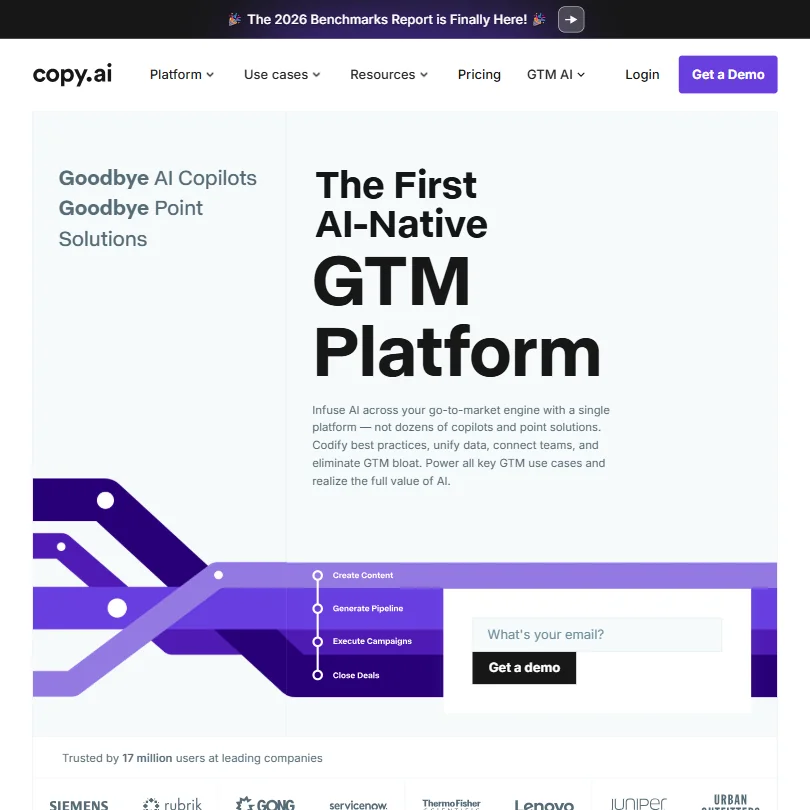
Copy started as a friendly writing assistant and now sells itself as a go-to-market platform for sales and marketing teams, so a solo blogger is not who it aims at. The Chat plan gives five seats and models from OpenAI, Anthropic and Gemini; brand voice and workflows sit on Enterprise. Rytr fits one writer better.
- The Brand Voice feature carries tone and personality consistently across outputs.
- Model-agnostic approach draws from OpenAI, Anthropic, and Google Gemini, meaning users benefit from best-in-class AI depending on the task.
- Significant product identity shift from a copywriting tool to a GTM platform may alienate original users who signed up for simple AI writing assistance.
From $9free planRytr is the budget pick for the short pieces around a post: meta titles, captions, product blurbs.
Show detailsHide details10 Rytr: Best for cheap meta titles and captions4.1Score 4.1 out of 10From $9free planRytr is the budget pick for the short pieces around a post: meta titles, captions, product blurbs.Visit site ↗ReviewDetailsCloseShow more about Rytr
From $9free plan
Rytr is the budget pick for the short pieces around a post: meta titles, captions, product blurbs.
Show detailsHide detailsRytr: Best for cheap meta titles and captions
4.1Score 4.1 out of 10From $9free planRytr is the budget pick for the short pieces around a post: meta titles, captions, product blurbs.Visit site ↗ReviewDetailsClose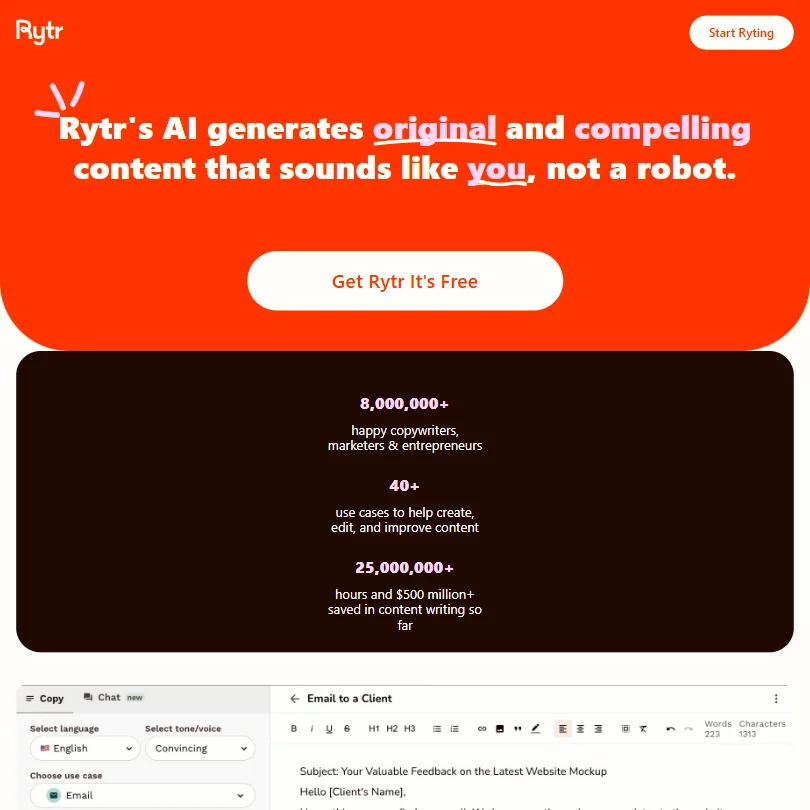
Rytr is the budget pick for the short pieces around a post: meta titles, captions, product blurbs. The free plan gives 10K characters a month, 40+ use cases, 20+ tones and a Chrome extension, and paid plans add unlimited generations and a plagiarism check. My Voice matches your tone from samples but can wander in longer pieces, and the ceiling shows on full articles. Use Claude for those.
- Extremely affordable pricing at $9/month for unlimited output makes it accessible for budget-conscious freelancers and small businesses.
- Library of 40-plus templates covers a wide range of short-form content needs including product descriptions, email copy, social captions, and SEO meta titles.
- The tool has a clear capability ceiling that freelancers and marketers will hit faster than the homepage implies.
Best AI research tools for bloggers
4 picksResearch for a blog means finding facts you can stand behind and remembering where they came from. Perplexity returns inline citations on every plan, so you can click through to the source. NotebookLM answers only from documents you upload, which suits interviews and reports you already hold. ChatGPT searches the web and reads files, with deeper research on paid plans. Elicit searches academic papers rather than the open web. Choose by where your facts live: the web, your own files, or journals. Whatever you pick, open the cited page before you quote it.
#ToolScorePriceWhy pick it
From $8free planUse ChatGPT for research when you also want to read files and keep notes in a project. It searches the web and analyzes uploads, deep research is limited on Free and Go and full from Plus, and file uploads are limited on Free.
Show detailsHide details11ChatGPT: Best for research across the web and files8.8Score 8.8 out of 10From $8free planUse ChatGPT for research when you also want to read files and keep notes in a project. It searches the web and analyzes uploads, deep research is limited on Free and Go and full from Plus, and file uploads are limited on Free.Visit site ↗ReviewDetailsCloseShow more about ChatGPT
From $8free plan
Use ChatGPT for research when you also want to read files and keep notes in a project. It searches the web and analyzes uploads, deep research is limited on Free and Go and full from Plus, and file uploads are limited on Free.
Show detailsHide detailsChatGPT: Best for research across the web and files
8.8Score 8.8 out of 10From $8free planUse ChatGPT for research when you also want to read files and keep notes in a project. It searches the web and analyzes uploads, deep research is limited on Free and Go and full from Plus, and file uploads are limited on Free.Visit site ↗ReviewDetailsCloseUse ChatGPT for research when you also want to read files and keep notes in a project. It searches the web and analyzes uploads, deep research is limited on Free and Go and full from Plus, and file uploads are limited on Free. Answers are not confined to your sources, so check each claim yourself. Perplexity puts citations first on every answer.
- The Free plan includes unlimited text chats with GPT-6 Luna, subject to abuse guardrails.
- Web search is included on every individual plan, including Free.
- Go, the cheapest paid plan, still does not unlock GPT-6.1 Sol, GPT-6 Astra or GPT-6 Sol, and may include ads.
From $20free planPerplexity is the quickest route to a sourced answer: every plan, Free included, returns inline citations, and it draws on models from several companies alongside its own.
Show detailsHide details12 Perplexity: Best for cited answers on every plan8.7Score 8.7 out of 10From $20free planPerplexity is the quickest route to a sourced answer: every plan, Free included, returns inline citations, and it draws on models from several companies alongside its own.Visit site ↗ReviewDetailsCloseShow more about Perplexity
From $20free plan
Perplexity is the quickest route to a sourced answer: every plan, Free included, returns inline citations, and it draws on models from several companies alongside its own.
Show detailsHide detailsPerplexity: Best for cited answers on every plan
8.7Score 8.7 out of 10From $20free planPerplexity is the quickest route to a sourced answer: every plan, Free included, returns inline citations, and it draws on models from several companies alongside its own.Visit site ↗ReviewDetailsClose
Perplexity is the quickest route to a sourced answer: every plan, Free included, returns inline citations, and it draws on models from several companies alongside its own. Deep research and wider agent access start on Pro. Training on your data is on by default for Free, Pro and Max until you switch it off. When your sources are documents you already hold, NotebookLM keeps answers inside them.
- Every plan, including Free, returns answers with inline citations to sources.
- Perplexity orchestrates models from several AI companies alongside its own Sonar 2 model.
- AI data retention and training are on by default for Free, Pro and Max, and must be turned off in settings.
From $19free planElicit is for bloggers writing on topics where a claim needs a paper behind it. Semantic search covers 138 million academic papers and pulls findings into tables, and a free Basic plan gives limited usage.
Show detailsHide details13 Elicit: Best for claims that need a paper7.8Score 7.8 out of 10From $19free planElicit is for bloggers writing on topics where a claim needs a paper behind it. Semantic search covers 138 million academic papers and pulls findings into tables, and a free Basic plan gives limited usage.Visit site ↗ReviewDetailsCloseShow more about Elicit
From $19free plan
Elicit is for bloggers writing on topics where a claim needs a paper behind it. Semantic search covers 138 million academic papers and pulls findings into tables, and a free Basic plan gives limited usage.
Show detailsHide detailsElicit: Best for claims that need a paper
7.8Score 7.8 out of 10From $19free planElicit is for bloggers writing on topics where a claim needs a paper behind it. Semantic search covers 138 million academic papers and pulls findings into tables, and a free Basic plan gives limited usage.Visit site ↗ReviewDetailsClose
Elicit is for bloggers writing on topics where a claim needs a paper behind it. Semantic search covers 138 million academic papers and pulls findings into tables, and a free Basic plan gives limited usage. It searches a curated academic database rather than the live web, has no mobile app, and disappoints if you want quick general answers, which Perplexity handles better.
- Semantic search across 138 million academic papers means users don't need exact keyword phrasing to find relevant literature.
- Built specifically for rigorous, citation-dependent research workflows rather than general-purpose AI use.
- Not designed for general-purpose AI queries, so users expecting quick answers or tidy summaries will be disappointed.
Pricing N/Afree planNotebookLM answers only from what you upload, with citations back to the passage, which suits a blogger working from interviews, reports or a pile of their own notes.
Show detailsHide details14 Google NotebookLM: Best for answers from your own uploads4.9Score 4.9 out of 10Pricing N/Afree planNotebookLM answers only from what you upload, with citations back to the passage, which suits a blogger working from interviews, reports or a pile of their own notes.Visit site ↗ReviewDetailsCloseShow more about Google NotebookLM
Pricing N/Afree plan
NotebookLM answers only from what you upload, with citations back to the passage, which suits a blogger working from interviews, reports or a pile of their own notes.
Show detailsHide detailsGoogle NotebookLM: Best for answers from your own uploads
4.9Score 4.9 out of 10Pricing N/Afree planNotebookLM answers only from what you upload, with citations back to the passage, which suits a blogger working from interviews, reports or a pile of their own notes.Visit site ↗ReviewDetailsClose
NotebookLM answers only from what you upload, with citations back to the passage, which suits a blogger working from interviews, reports or a pile of their own notes. The free plan holds up to 50 sources per notebook, and Audio Overviews turn a source set into a podcast-style discussion. Because it stays inside your uploads it cannot fill gaps with outside knowledge, so pair it with Perplexity for that.
- The free tier is genuinely capable, handling up to 50 sources per notebook without requiring a paid subscription.
- Responses are constrained strictly to user-uploaded sources, with citations pointing back to the exact document and passage, making outputs verifiable.
- Output formats like slide decks and infographics feel outside the tool's core identity and may reflect feature sprawl rather than focused improvement.
Best SEO tools for bloggers
7 picksSEO tools split into two kinds: keyword and link data, and editors that score a draft against pages that already rank. Semrush, Ahrefs and SE Ranking are wide suites with rank tracking and backlink analysis, and Ahrefs and Semrush both offer some free access. Surfer, Frase and SE Ranking add an editor with a live score, and Surfer and SE Ranking work inside Google Docs. Rankability is built for agencies. Rank Math is a WordPress plugin that scores each post for its focus keyword inside the editor. Choose data first if you are still picking topics, and an editor once you publish steadily and want each post checked.
#ToolScorePriceWhy pick it
From $10 (€8.99)free planRank Math works where a WordPress blogger already writes: the free plugin scores each post against its focus keyword and pulls in Search Console data, and PRO adds tracking for 500 keywords.
Show detailsHide details15 Rank Math: Best for on-page checks inside WordPress8.8Score 8.8 out of 10From $10 (€8.99)free planRank Math works where a WordPress blogger already writes: the free plugin scores each post against its focus keyword and pulls in Search Console data, and PRO adds tracking for 500 keywords.Visit site ↗ReviewDetailsCloseShow more about Rank Math
From $10 (€8.99)free plan
Rank Math works where a WordPress blogger already writes: the free plugin scores each post against its focus keyword and pulls in Search Console data, and PRO adds tracking for 500 keywords.
Show detailsHide detailsRank Math: Best for on-page checks inside WordPress
8.8Score 8.8 out of 10From $10 (€8.99)free planRank Math works where a WordPress blogger already writes: the free plugin scores each post against its focus keyword and pulls in Search Console data, and PRO adds tracking for 500 keywords.Visit site ↗ReviewDetailsClose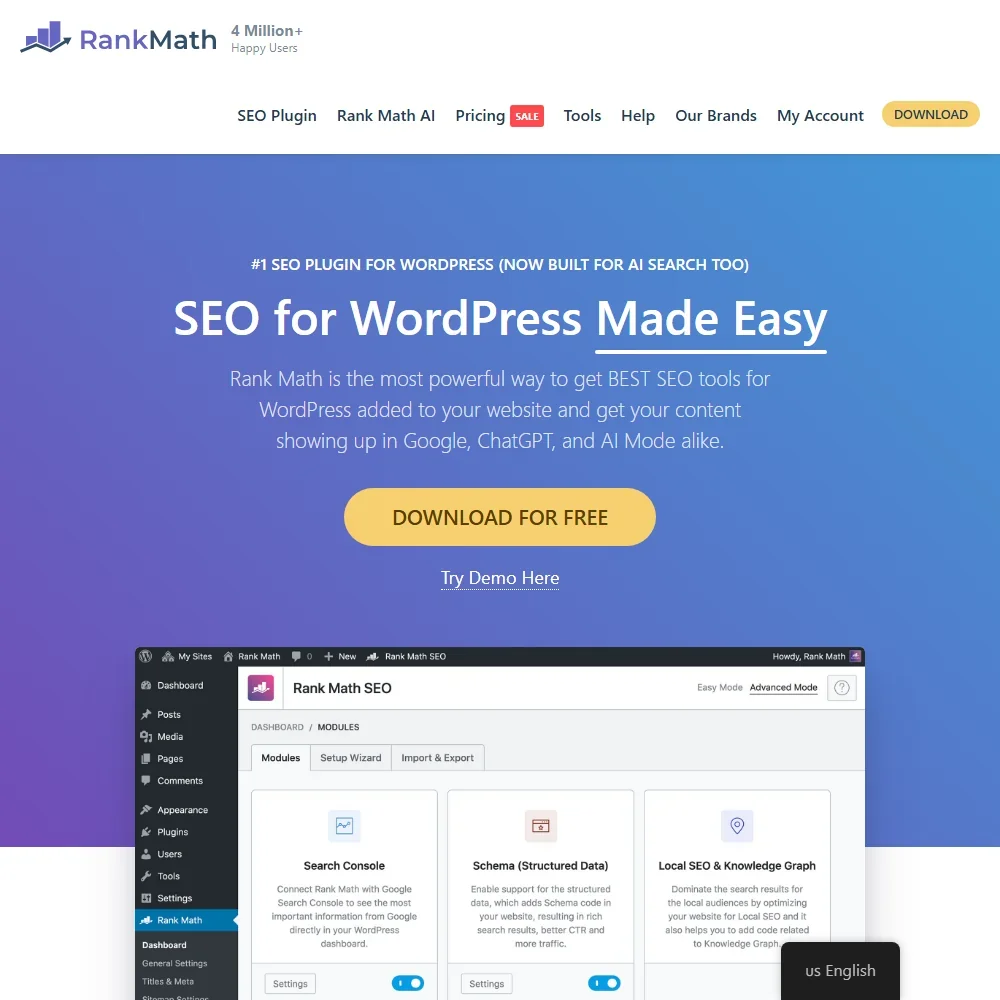
Rank Math works where a WordPress blogger already writes: the free plugin scores each post against its focus keyword and pulls in Search Console data, and PRO adds tracking for 500 keywords. It also runs a site audit and suggests internal links. Prices are in euros and billed yearly, and AI writing is a separate Content AI subscription. It has no backlink data and does not grade drafts against ranking pages, which is where Surfer comes in.
- The core Rank Math SEO plugin is free and brings Google Search Console data into WordPress.
- Rank Math PRO tracks 500 keywords on PRO, 10,000 on Business and 50,000 on Agency, with 12 months of position history.
- Content AI is a separate subscription from Rank Math PRO.
From $139.95free planSemrush is the big all-rounder: 28 billion keywords in Keyword Magic, daily position tracking, site audits and backlink analysis.
Show detailsHide details16 Semrush: Best for broad keyword and rank data8.3Score 8.3 out of 10From $139.95free planSemrush is the big all-rounder: 28 billion keywords in Keyword Magic, daily position tracking, site audits and backlink analysis.Visit site ↗ReviewDetailsCloseShow more about Semrush
From $139.95free plan
Semrush is the big all-rounder: 28 billion keywords in Keyword Magic, daily position tracking, site audits and backlink analysis.
Show detailsHide detailsSemrush: Best for broad keyword and rank data
8.3Score 8.3 out of 10From $139.95free planSemrush is the big all-rounder: 28 billion keywords in Keyword Magic, daily position tracking, site audits and backlink analysis.Visit site ↗ReviewDetailsClose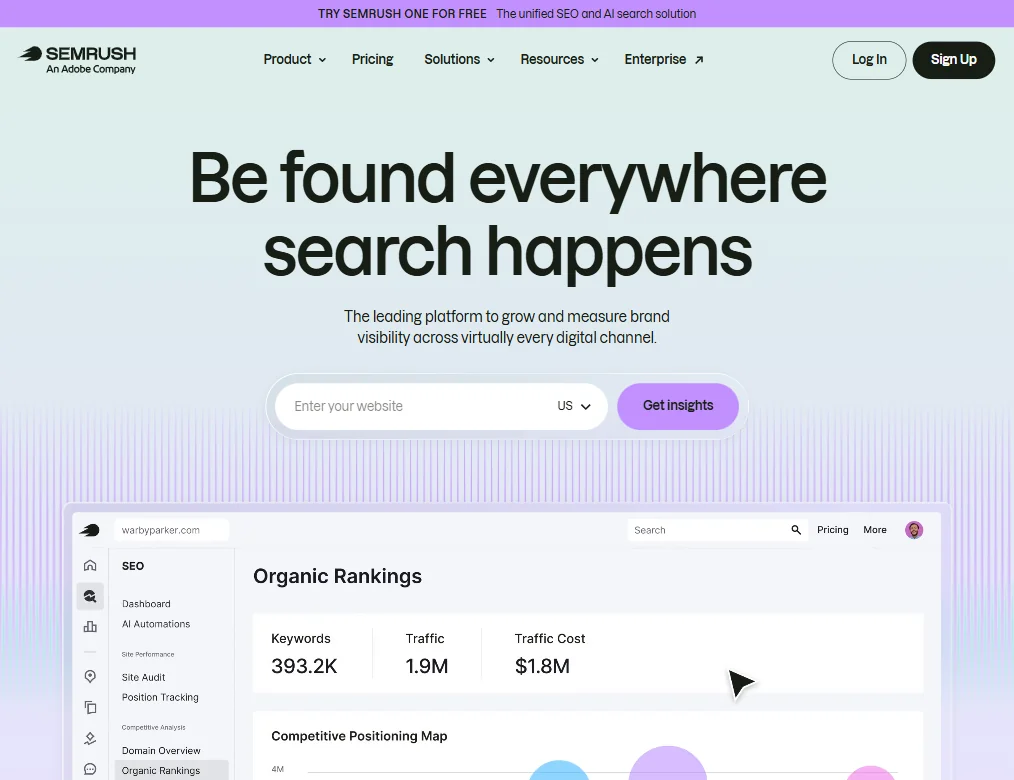
Semrush is the big all-rounder: 28 billion keywords in Keyword Magic, daily position tracking, site audits and backlink analysis. A limited free account and a 7-day trial let you look before you pay. The breadth means a steep learning curve, and the entry plan is a real commitment for one blog. If keyword research is the main need, Ahrefs Starter is closer.
- Semrush covers an exceptionally wide range of SEO capabilities including site auditing, rank tracking, keyword research, backlink analysis, PPC tools, and social scheduling all in one platform.
- The Keyword Magic Tool draws from a database of 28 billion keywords, giving users access to one of the largest keyword datasets available.
- The sheer breadth of tools creates a significant learning curve.
From $99Rankability is built for agencies with several clients, and its plans count clients and credits, so a solo blogger would pay for structure they never use.
Show detailsHide details17 Rankability: Best for agencies with several clients7.8Score 7.8 out of 10From $99Rankability is built for agencies with several clients, and its plans count clients and credits, so a solo blogger would pay for structure they never use.Visit site ↗ReviewDetailsCloseShow more about Rankability
From $99
Rankability is built for agencies with several clients, and its plans count clients and credits, so a solo blogger would pay for structure they never use.
Show detailsHide detailsRankability: Best for agencies with several clients
7.8Score 7.8 out of 10From $99Rankability is built for agencies with several clients, and its plans count clients and credits, so a solo blogger would pay for structure they never use.Visit site ↗ReviewDetailsClose
Rankability is built for agencies with several clients, and its plans count clients and credits, so a solo blogger would pay for structure they never use. It offers content optimization, daily rank tracking and AI-answer visibility tracking, plus founder-led support calls. It is young, has no free plan, and its 7-day trial runs on monthly billing only. Frase or SE Ranking suit a single site better.
- Built specifically for agencies managing multiple clients, not just adapted for them as an afterthought.
- Tracks AI platform visibility across ChatGPT, Perplexity, and Gemini, a rare feature most SEO tools still lack.
- The platform is very young, launching only in March 2024, meaning long-term reliability is still unproven.
From $129SE Ranking is a wide SEO suite whose rebuilt Content Editor covers brief building, NLP keyword analysis, an AI writer and live scoring that persists inside Google Docs.
Show detailsHide details18 SE Ranking: Best for editor scoring inside Google Docs7.8Score 7.8 out of 10From $129SE Ranking is a wide SEO suite whose rebuilt Content Editor covers brief building, NLP keyword analysis, an AI writer and live scoring that persists inside Google Docs.Visit site ↗ReviewDetailsCloseShow more about SE Ranking
From $129
SE Ranking is a wide SEO suite whose rebuilt Content Editor covers brief building, NLP keyword analysis, an AI writer and live scoring that persists inside Google Docs.
Show detailsHide detailsSE Ranking: Best for editor scoring inside Google Docs
7.8Score 7.8 out of 10From $129SE Ranking is a wide SEO suite whose rebuilt Content Editor covers brief building, NLP keyword analysis, an AI writer and live scoring that persists inside Google Docs.Visit site ↗ReviewDetailsClose
SE Ranking is a wide SEO suite whose rebuilt Content Editor covers brief building, NLP keyword analysis, an AI writer and live scoring that persists inside Google Docs. It is priced below tools such as Clearscope and MarketMuse. There is no free plan, but the 14-day trial needs no card. The editor is one module in a bigger suite, so it may feel less focused than Surfer.
- SE Ranking's pricing undercuts major competitors like Clearscope and MarketMuse by a meaningful margin, offering strong value for budget-conscious teams.
- The May 2025 content editor overhaul introduced a fully rebuilt Content Editor with an integrated AI Writer, significantly expanding the platform's capabilities.
- SE Ranking started as a rank tracker and the content editor is one module inside a larger suite, meaning it may not feel as purpose-built as dedicated content tools.
From $29free planAhrefs is the pick when link data matters, since it runs its own crawler and has refined backlink data for years.
Show detailsHide details19 Ahrefs: Best for backlink data and a free site view7.7Score 7.7 out of 10From $29free planAhrefs is the pick when link data matters, since it runs its own crawler and has refined backlink data for years.Visit site ↗ReviewDetailsCloseShow more about Ahrefs
From $29free plan
Ahrefs is the pick when link data matters, since it runs its own crawler and has refined backlink data for years.
Show detailsHide detailsAhrefs: Best for backlink data and a free site view
7.7Score 7.7 out of 10From $29free planAhrefs is the pick when link data matters, since it runs its own crawler and has refined backlink data for years.Visit site ↗ReviewDetailsClose
Ahrefs is the pick when link data matters, since it runs its own crawler and has refined backlink data for years. The free plan shows Ahrefs data on your own site and flags issues to fix, which suits a new blog, though there is no free trial of the paid plans. Rank tracking covers 190+ locations. Brand Radar and Agent A are still early, and the higher plans climb quickly.
- Ahrefs has one of the largest web crawlers available, providing industry-leading backlink data that has been refined since 2011.
- The platform covers keyword research, rank tracking, site audits, content tools, and AI search visibility all in one place.
- The platform has grown so large that most teams will only use a fraction of the available tools at any one time.
From $39Frase covers the loop around a post: live SERP research, automatic briefs, drafting, and Content Guard, which watches published pages for ranking drops and traffic decay.
Show detailsHide details20 Frase: Best for briefs and watching old posts decay7.5Score 7.5 out of 10From $39Frase covers the loop around a post: live SERP research, automatic briefs, drafting, and Content Guard, which watches published pages for ranking drops and traffic decay.Visit site ↗ReviewDetailsCloseShow more about Frase
From $39
Frase covers the loop around a post: live SERP research, automatic briefs, drafting, and Content Guard, which watches published pages for ranking drops and traffic decay.
Show detailsHide detailsFrase: Best for briefs and watching old posts decay
7.5Score 7.5 out of 10From $39Frase covers the loop around a post: live SERP research, automatic briefs, drafting, and Content Guard, which watches published pages for ranking drops and traffic decay.Visit site ↗ReviewDetailsClose
Frase covers the loop around a post: live SERP research, automatic briefs, drafting, and Content Guard, which watches published pages for ranking drops and traffic decay. That suits a blogger with an archive to maintain. The 7-day trial needs no card, there is no free plan, and the long feature list can feel heavy. Surfer is tighter if all you want is scoring in the editor.
- AI Visibility tracking across ChatGPT, Perplexity, Claude, Gemini, and Google AI is a genuine differentiator that most competitors don't offer at the same level.
- The SEO Research module uses live SERP data rather than cached snapshots, giving accurate competitor benchmarking and entity research.
- Despite significant growth since 2016, the platform still has rough edges that users are likely to encounter.
From $59Surfer is the choice once you want each post scored against what already ranks. The Content Editor gives a live Content Score as you write, a Chrome extension works inside Google Docs and a WordPress plugin is available.
Show detailsHide details21 Surfer: Best for live scoring against ranking pages6.4Score 6.4 out of 10From $59Surfer is the choice once you want each post scored against what already ranks. The Content Editor gives a live Content Score as you write, a Chrome extension works inside Google Docs and a WordPress plugin is available.Visit site ↗ReviewDetailsCloseShow more about Surfer
From $59
Surfer is the choice once you want each post scored against what already ranks. The Content Editor gives a live Content Score as you write, a Chrome extension works inside Google Docs and a WordPress plugin is available.
Show detailsHide detailsSurfer: Best for live scoring against ranking pages
6.4Score 6.4 out of 10From $59Surfer is the choice once you want each post scored against what already ranks. The Content Editor gives a live Content Score as you write, a Chrome extension works inside Google Docs and a WordPress plugin is available.Visit site ↗ReviewDetailsClose
Surfer is the choice once you want each post scored against what already ranks. The Content Editor gives a live Content Score as you write, a Chrome extension works inside Google Docs and a WordPress plugin is available. There is no free plan, only a 7-day trial, and the AI Visibility features are unproven. SE Ranking offers a similar editor inside a wider suite.
- The Content Editor provides real-time Content Score feedback as you write, based on analysis of currently ranking pages.
- Surfer covers a genuinely broad feature set including keyword research, topical mapping, AI writing, content auditing, and Search Console page tracking in one platform.
- The 'AI Visibility OS' branding feels overblown for what is fundamentally a content editor with added features.
Best AI editing and grammar tools for bloggers
5 picksEditing decides whether a post reads cleanly, and the picks differ in how deep they go and where they run. Grammarly works across browsers, Word, Google Docs and phone apps. LanguageTool covers 30+ languages and corrects rather than writes. ProWritingAid runs long-form reports on pacing and repeated phrases but is English only. QuillBot centers on paraphrasing with ten modes. Wordtune rewrites a sentence at a time. Choose a checker by language and platform first, then by how much rewriting you want, and try the free plan on one real draft of your own.
#ToolScorePriceWhy pick it
From $12free planGrammarly is the default for a blogger who writes wherever the words happen to be: extensions for Chrome, Safari, Firefox and Edge, Word, Google Docs and phone apps.
Show detailsHide details22 Grammarly: Best for proofreading wherever you write8.3Score 8.3 out of 10From $12free planGrammarly is the default for a blogger who writes wherever the words happen to be: extensions for Chrome, Safari, Firefox and Edge, Word, Google Docs and phone apps.Visit site ↗ReviewDetailsCloseShow more about Grammarly
From $12free plan
Grammarly is the default for a blogger who writes wherever the words happen to be: extensions for Chrome, Safari, Firefox and Edge, Word, Google Docs and phone apps.
Show detailsHide detailsGrammarly: Best for proofreading wherever you write
8.3Score 8.3 out of 10From $12free planGrammarly is the default for a blogger who writes wherever the words happen to be: extensions for Chrome, Safari, Firefox and Edge, Word, Google Docs and phone apps.Visit site ↗ReviewDetailsClose
Grammarly is the default for a blogger who writes wherever the words happen to be: extensions for Chrome, Safari, Firefox and Edge, Word, Google Docs and phone apps. Free covers grammar, spelling, tone detection and 100 AI prompts a month. Full sentence rewrites, plagiarism checking and AI detection need Pro. It is now owned by Superhuman. LanguageTool is the lighter, multilingual alternative.
- Grammarly works across an impressive range of platforms including Chrome, Safari, Firefox, Edge, Windows, Mac, iOS, Android, Microsoft Word, and Google Docs.
- The plagiarism checker is built directly into the editor rather than being a separate export tool, a useful workflow for academic and content marketing use.
- The free plan is significantly limited, though it does include tone detection and 100 AI prompts a month alongside basic grammar, spelling, and punctuation; most meaningful features still require a paid Pro subscription.
From $19.95free planQuillBot is the one to pick if paraphrasing is your habit: it has ten paraphrasing modes, alongside a grammar checker, plagiarism detector, citation generator and summariser.
Show detailsHide details23 QuillBot: Best for paraphrasing with ten modes7.3Score 7.3 out of 10From $19.95free planQuillBot is the one to pick if paraphrasing is your habit: it has ten paraphrasing modes, alongside a grammar checker, plagiarism detector, citation generator and summariser.Visit site ↗ReviewDetailsCloseShow more about QuillBot
From $19.95free plan
QuillBot is the one to pick if paraphrasing is your habit: it has ten paraphrasing modes, alongside a grammar checker, plagiarism detector, citation generator and summariser.
Show detailsHide detailsQuillBot: Best for paraphrasing with ten modes
7.3Score 7.3 out of 10From $19.95free planQuillBot is the one to pick if paraphrasing is your habit: it has ten paraphrasing modes, alongside a grammar checker, plagiarism detector, citation generator and summariser.Visit site ↗ReviewDetailsClose
QuillBot is the one to pick if paraphrasing is your habit: it has ten paraphrasing modes, alongside a grammar checker, plagiarism detector, citation generator and summariser. Extensions cover Chrome, Edge and Safari, with a Word add-in and mobile apps. Pricing is hard to find on the homepage, and the document editor is uncomfortable on small screens. ProWritingAid goes deeper on long pieces.
- Offers ten paraphrasing modes, which is significantly more than most competitors that typically offer three or four.
- Comprehensive feature set includes grammar checker, plagiarism detector, citation generator (APA, MLA, Chicago), AI Detector, Summarizer, and Translator covering 50+ languages.
- Pricing is almost entirely invisible on the homepage, making it difficult to evaluate cost before committing.
From $4.89free planWordtune is a rewriting tool: pick a sentence and adjust its tone or length, in the Chrome extension, Google Docs, or the iOS and Android apps.
Show detailsHide details24 Wordtune: Best for rewriting one sentence at a time5.8Score 5.8 out of 10From $4.89free planWordtune is a rewriting tool: pick a sentence and adjust its tone or length, in the Chrome extension, Google Docs, or the iOS and Android apps.Visit site ↗ReviewDetailsCloseShow more about Wordtune
From $4.89free plan
Wordtune is a rewriting tool: pick a sentence and adjust its tone or length, in the Chrome extension, Google Docs, or the iOS and Android apps.
Show detailsHide detailsWordtune: Best for rewriting one sentence at a time
5.8Score 5.8 out of 10From $4.89free planWordtune is a rewriting tool: pick a sentence and adjust its tone or length, in the Chrome extension, Google Docs, or the iOS and Android apps.Visit site ↗ReviewDetailsClose
Wordtune is a rewriting tool: pick a sentence and adjust its tone or length, in the Chrome extension, Google Docs, or the iOS and Android apps. The free Basic plan gives 10 rewrites a day and unlimited spelling and grammar checks, and paid plans have a 3-day trial. Grammar analysis is shallower than Grammarly's, and there is no WordPress integration. Choose it to tighten sentences, not to proofread.
- Built on proprietary AI models from AI21 Labs, not a generic GPT wrapper, giving it a distinct output style.
- Fact-verified AI suggestions claim to cross-check generated content against five or more sources before surfacing.
- No WordPress integration, limiting utility for content publishers who work directly in CMS environments.
From $4.99free planLanguageTool suits bloggers who write in more than one language: it checks grammar, style and spelling across 30+ languages and dialects, and the free plan works through browser extensions and the web editor.
Show detailsHide details25 LanguageTool: Best for writing in several languages5.5Score 5.5 out of 10From $4.99free planLanguageTool suits bloggers who write in more than one language: it checks grammar, style and spelling across 30+ languages and dialects, and the free plan works through browser extensions and the web editor.Visit site ↗ReviewDetailsCloseShow more about LanguageTool
From $4.99free plan
LanguageTool suits bloggers who write in more than one language: it checks grammar, style and spelling across 30+ languages and dialects, and the free plan works through browser extensions and the web editor.
Show detailsHide detailsLanguageTool: Best for writing in several languages
5.5Score 5.5 out of 10From $4.99free planLanguageTool suits bloggers who write in more than one language: it checks grammar, style and spelling across 30+ languages and dialects, and the free plan works through browser extensions and the web editor.Visit site ↗ReviewDetailsClose
LanguageTool suits bloggers who write in more than one language: it checks grammar, style and spelling across 30+ languages and dialects, and the free plan works through browser extensions and the web editor. It corrects and refines rather than writing new text, its AI covers sentence paraphrasing, and the Style Guide is on paid plans. Grammarly is broader if you write only in English.
- Supports grammar, style, and spelling checking across 30+ languages including multiple dialects, making it genuinely useful for multilingual users.
- Has been operational since 2003, predating most competitors including Grammarly, indicating long-term stability and refinement.
- The tool is narrower in scope than competitors like Grammarly, which may disappoint users expecting a full-featured writing assistant.
From $10free planProWritingAid is for long, structured posts and series, with 25+ reports on things like pacing and repeated phrases, plus Chapter Critique for whole sections.
Show detailsHide details26 ProWritingAid: Best for long-form reports on pacing4.5Score 4.5 out of 10From $10free planProWritingAid is for long, structured posts and series, with 25+ reports on things like pacing and repeated phrases, plus Chapter Critique for whole sections.Visit site ↗ReviewDetailsCloseShow more about ProWritingAid
From $10free plan
ProWritingAid is for long, structured posts and series, with 25+ reports on things like pacing and repeated phrases, plus Chapter Critique for whole sections.
Show detailsHide detailsProWritingAid: Best for long-form reports on pacing
4.5Score 4.5 out of 10From $10free planProWritingAid is for long, structured posts and series, with 25+ reports on things like pacing and repeated phrases, plus Chapter Critique for whole sections.Visit site ↗ReviewDetailsClose
ProWritingAid is for long, structured posts and series, with 25+ reports on things like pacing and repeated phrases, plus Chapter Critique for whole sections. It runs in a web editor, desktop app, Chrome extension, Word and Google Docs, and connects to Scrivener. The free plan is small (500 words and 2 report runs a day), it is English only with no mobile app, and the reports can overwhelm. Grammarly is quicker for a daily post.
- Offers 25+ writing reports including pacing analysis, dialogue tag tracking, and repeated phrase detection that go far beyond surface-level grammar checks.
- Integrates with Scrivener, a major differentiator over Grammarly that fiction writers in long-form workflows genuinely value.
- Runs on a proprietary AI model with no recognizable third-party AI partnership, which may raise questions about model quality and transparency.
Best AI image tools for blog posts
6 picksA post needs a featured image, and sometimes a chart or a header with words on it. Canva works from templates and layouts, so it is the quickest route to a finished graphic. Ideogram generates images with readable lettering. Adobe Firefly generates inside Adobe apps and does not train on your content by default. Midjourney has a distinctive look but no free plan. Leonardo.Ai offers the most controls on a free daily allowance. ChatGPT generates images from a description too, a few a day on its free plan. Check who owns the output and whether commercial use is included before you publish, since the terms differ by tool.
#ToolScorePriceWhy pick it
From $8free planChatGPT makes a featured image from a plain description, and it is the same assistant many bloggers already draft with, so the post's idea carries straight into the picture.
Show detailsHide details27ChatGPT: Best for featured images from a description8.8Score 8.8 out of 10From $8free planChatGPT makes a featured image from a plain description, and it is the same assistant many bloggers already draft with, so the post's idea carries straight into the picture.Visit site ↗ReviewDetailsCloseShow more about ChatGPT
From $8free plan
ChatGPT makes a featured image from a plain description, and it is the same assistant many bloggers already draft with, so the post's idea carries straight into the picture.
Show detailsHide detailsChatGPT: Best for featured images from a description
8.8Score 8.8 out of 10From $8free planChatGPT makes a featured image from a plain description, and it is the same assistant many bloggers already draft with, so the post's idea carries straight into the picture.Visit site ↗ReviewDetailsCloseChatGPT makes a featured image from a plain description, and it is the same assistant many bloggers already draft with, so the post's idea carries straight into the picture. The free plan gives a few images a day, with more on Go and Plus. For a header with words in it, Ideogram is built for lettering, and Canva is still where you set the layout.
- The Free plan includes unlimited text chats with GPT-6 Luna, subject to abuse guardrails.
- Web search is included on every individual plan, including Free.
- Go, the cheapest paid plan, still does not unlock GPT-6.1 Sol, GPT-6 Astra or GPT-6 Sol, and may include ads.
From $9.99free planAdobe Firefly suits a blogger who already uses Photoshop or Express, since generation sits inside those apps and Adobe does not train on your content by default.
Show detailsHide details28 Adobe Firefly: Best for generation inside Adobe apps8.1Score 8.1 out of 10From $9.99free planAdobe Firefly suits a blogger who already uses Photoshop or Express, since generation sits inside those apps and Adobe does not train on your content by default.Visit site ↗ReviewDetailsCloseShow more about Adobe Firefly
From $9.99free plan
Adobe Firefly suits a blogger who already uses Photoshop or Express, since generation sits inside those apps and Adobe does not train on your content by default.
Show detailsHide detailsAdobe Firefly: Best for generation inside Adobe apps
8.1Score 8.1 out of 10From $9.99free planAdobe Firefly suits a blogger who already uses Photoshop or Express, since generation sits inside those apps and Adobe does not train on your content by default.Visit site ↗ReviewDetailsClose
Adobe Firefly suits a blogger who already uses Photoshop or Express, since generation sits inside those apps and Adobe does not train on your content by default. The free plan gives limited daily generations, and one app reaches models from Google, OpenAI and others. Every paid plan is an annual commitment billed monthly, and Text to Image has no seed or negative-prompt field, which Leonardo.Ai provides.
- The free plan gives limited daily generations across image, video and audio models at no cost.
- Adobe will not use your content to train its models, except content you choose to submit to Adobe Stock, which is opt-in.
- No paid plan has a true month-to-month price; every one is an annual commitment paid in monthly instalments.
From $12free planLeonardo.Ai gives the most control on a free daily allowance: 150 Fast Tokens a day, a fixed seed, a negative prompt field, and models such as FLUX, GPT Image and Ideogram in one account, plus training on your own images.
Show detailsHide details29 Leonardo.Ai: Best for control on a free daily allowance8.0Score 8.0 out of 10From $12free planLeonardo.Ai gives the most control on a free daily allowance: 150 Fast Tokens a day, a fixed seed, a negative prompt field, and models such as FLUX, GPT Image and Ideogram in one account, plus training on your own images.Visit site ↗ReviewDetailsCloseShow more about Leonardo.Ai
From $12free plan
Leonardo.Ai gives the most control on a free daily allowance: 150 Fast Tokens a day, a fixed seed, a negative prompt field, and models such as FLUX, GPT Image and Ideogram in one account, plus training on your own images.
Show detailsHide detailsLeonardo.Ai: Best for control on a free daily allowance
8.0Score 8.0 out of 10From $12free planLeonardo.Ai gives the most control on a free daily allowance: 150 Fast Tokens a day, a fixed seed, a negative prompt field, and models such as FLUX, GPT Image and Ideogram in one account, plus training on your own images.Visit site ↗ReviewDetailsClose
Leonardo.Ai gives the most control on a free daily allowance: 150 Fast Tokens a day, a fixed seed, a negative prompt field, and models such as FLUX, GPT Image and Ideogram in one account, plus training on your own images. Free generations are public by default, so private work needs a paid plan.
- The free plan gives 150 Fast Tokens a day plus a 150 Token Bank, at no cost.
- Its own models accept a fixed seed, a negative prompt field and adjustable prompt enhancement for precise control.
- Leonardo does not offer vector output.
From $18free planCanva is where most bloggers will make featured images and social graphics: pick a template, swap the image and edit the text.
Show detailsHide details30 Canva: Best for template-based featured images7.8Score 7.8 out of 10From $18free planCanva is where most bloggers will make featured images and social graphics: pick a template, swap the image and edit the text.Visit site ↗ReviewDetailsCloseShow more about Canva
From $18free plan
Canva is where most bloggers will make featured images and social graphics: pick a template, swap the image and edit the text.
Show detailsHide detailsCanva: Best for template-based featured images
7.8Score 7.8 out of 10From $18free planCanva is where most bloggers will make featured images and social graphics: pick a template, swap the image and edit the text.Visit site ↗ReviewDetailsClose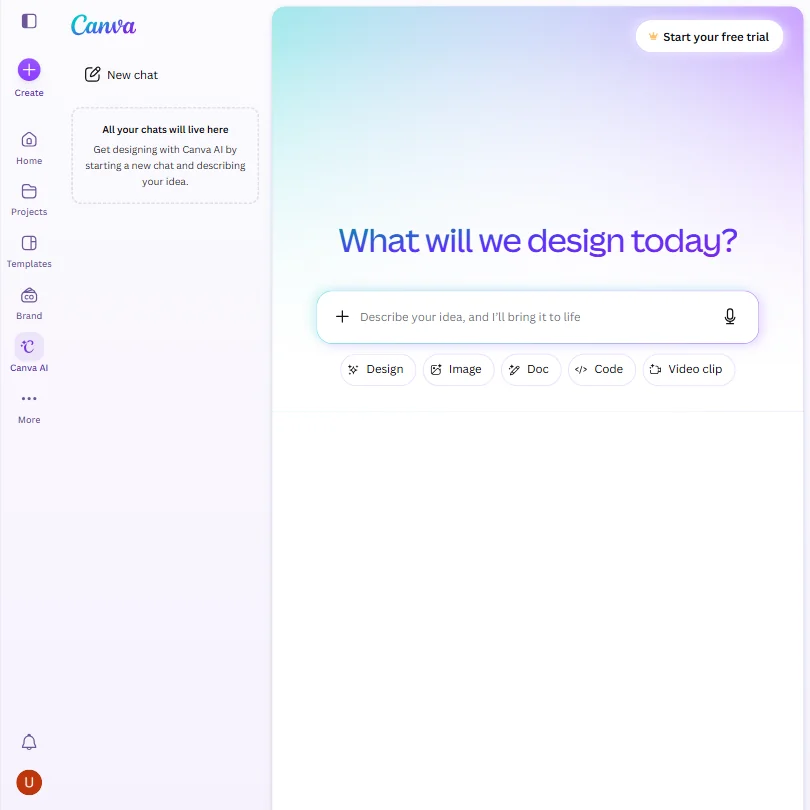
Canva is where most bloggers will make featured images and social graphics: pick a template, swap the image and edit the text. The free plan brings a large template and stock library, one Brand Kit and up to 20 AI uses, with roughly ten times that on Pro. Uploads train Canva's algorithms unless you opt out. Ideogram generates lettering inside the image when a graphic must carry words.
- The free plan includes over 1,000 design types, more than 1.6 million templates, more than 4.7 million stock photos, videos, graphics and audio clips, and 5GB of storage at no cost.
- Magic Design turns a written prompt into a finished design, extending the same approach to presentations and video.
- The AI Image Generator's Vector style produces a raster image with a vector look, not an editable vector or SVG file.
From $20free planIdeogram is the pick for a header image that needs words in it, since readable lettering is its speciality, with background removal and outpainting built in.
Show detailsHide details31 Ideogram: Best for readable text inside images7.6Score 7.6 out of 10From $20free planIdeogram is the pick for a header image that needs words in it, since readable lettering is its speciality, with background removal and outpainting built in.Visit site ↗ReviewDetailsCloseShow more about Ideogram
From $20free plan
Ideogram is the pick for a header image that needs words in it, since readable lettering is its speciality, with background removal and outpainting built in.
Show detailsHide detailsIdeogram: Best for readable text inside images
7.6Score 7.6 out of 10From $20free planIdeogram is the pick for a header image that needs words in it, since readable lettering is its speciality, with background removal and outpainting built in.Visit site ↗ReviewDetailsClose
Ideogram is the pick for a header image that needs words in it, since readable lettering is its speciality, with background removal and outpainting built in. Ownership and commercial use come with every plan, free included. It trains on what you generate and upload with no opt-out on Free, Plus, Pro or Team, and private generations are held back from Free. Canva is easier for layouts and templates.
- A free plan lets you try Ideogram 4.0 before paying, with weekly credits for eligible accounts.
- Every plan gives full ownership and unrestricted commercial use of what you generate, with no separate paid tier required for those rights.
- Ideogram trains on what you generate and upload by default, with no opt-out on the Free, Plus, Pro or Team plans.
From $10Midjourney is for the blogger who wants a distinctive, painterly look and will pay for it.
Show detailsHide details32 Midjourney: Best for a painterly, distinctive look6.0Score 6.0 out of 10From $10Midjourney is for the blogger who wants a distinctive, painterly look and will pay for it.Visit site ↗ReviewDetailsCloseShow more about Midjourney
From $10
Midjourney is for the blogger who wants a distinctive, painterly look and will pay for it.
Show detailsHide detailsMidjourney: Best for a painterly, distinctive look
6.0Score 6.0 out of 10From $10Midjourney is for the blogger who wants a distinctive, painterly look and will pay for it.Visit site ↗ReviewDetailsClose
Midjourney is for the blogger who wants a distinctive, painterly look and will pay for it. Every subscriber owns their images and may use them commercially from the cheapest paid plan, and stills can be animated into a 5-second video. There is no free plan or trial, no API, and no opt-out from training on your prompts. It runs through the website and Discord, with no separate app.
- Every subscriber owns what they create and may use it commercially from the cheapest paid plan.
- Midjourney turns a still image into a 5-second video as well as generating stills, alongside style reference, seed and negative prompt controls.
- There is no free plan and no free trial, so there is no way to try Midjourney before paying.
Best social media schedulers for promoting blog posts
4 picksPublishing is half the job; the post also has to reach people. Schedulers queue links across your social accounts, and what separates them is how much you get free and how much they tell you afterwards. Buffer, Publer and Metricool all have free plans, in different shapes. Hootsuite has none and is built for teams. Publer adds bulk scheduling and recycling of old posts, Metricool adds analytics and competitor profiles, and Buffer stays the simplest. Choose by how many accounts you run and whether X is one of those accounts.
#ToolScorePriceWhy pick it
From $20free planMetricool suits a blogger who wants to see how promotion performed. The free plan has one brand, 20 posts a month, 30 days of analytics and 5 competitor profiles, and paid plans pull Facebook, Google and TikTok ads into the same dashboard.
Show detailsHide details33 Metricool: Best for analytics and competitor profiles7.2Score 7.2 out of 10From $20free planMetricool suits a blogger who wants to see how promotion performed. The free plan has one brand, 20 posts a month, 30 days of analytics and 5 competitor profiles, and paid plans pull Facebook, Google and TikTok ads into the same dashboard.Visit site ↗ReviewDetailsCloseShow more about Metricool
From $20free plan
Metricool suits a blogger who wants to see how promotion performed. The free plan has one brand, 20 posts a month, 30 days of analytics and 5 competitor profiles, and paid plans pull Facebook, Google and TikTok ads into the same dashboard.
Show detailsHide detailsMetricool: Best for analytics and competitor profiles
7.2Score 7.2 out of 10From $20free planMetricool suits a blogger who wants to see how promotion performed. The free plan has one brand, 20 posts a month, 30 days of analytics and 5 competitor profiles, and paid plans pull Facebook, Google and TikTok ads into the same dashboard.Visit site ↗ReviewDetailsClose
Metricool suits a blogger who wants to see how promotion performed. The free plan has one brand, 20 posts a month, 30 days of analytics and 5 competitor profiles, and paid plans pull Facebook, Google and TikTok ads into the same dashboard. Its AI assistant runs on credits, 5 per brand a month on free, and a hashtag tracker costs extra. Choose it over Buffer for the analytics.
- Single dashboard covers scheduling, analytics, ads management, and link-in-bio without requiring multiple subscriptions.
- The free tier is genuinely usable, offering one brand, 20 posts per month, 30 days of analytics history, and five competitor profiles.
- The Hashtag Tracker is a separate add-on rather than included in standard paid plans, adding potential extra cost.
From $5free planPubler stretches a small budget furthest. The free plan has 3 accounts with 10 scheduled posts each, paid plans add bulk scheduling and Spintax recycling that re-posts your best content, and a link-in-bio page is built in.
Show detailsHide details34 Publer: Best for stretching a small budget7.0Score 7.0 out of 10From $5free planPubler stretches a small budget furthest. The free plan has 3 accounts with 10 scheduled posts each, paid plans add bulk scheduling and Spintax recycling that re-posts your best content, and a link-in-bio page is built in.Visit site ↗ReviewDetailsCloseShow more about Publer
From $5free plan
Publer stretches a small budget furthest. The free plan has 3 accounts with 10 scheduled posts each, paid plans add bulk scheduling and Spintax recycling that re-posts your best content, and a link-in-bio page is built in.
Show detailsHide detailsPubler: Best for stretching a small budget
7.0Score 7.0 out of 10From $5free planPubler stretches a small budget furthest. The free plan has 3 accounts with 10 scheduled posts each, paid plans add bulk scheduling and Spintax recycling that re-posts your best content, and a link-in-bio page is built in.Visit site ↗ReviewDetailsClose
Publer stretches a small budget furthest. The free plan has 3 accounts with 10 scheduled posts each, paid plans add bulk scheduling and Spintax recycling that re-posts your best content, and a link-in-bio page is built in. Free has no X, and analytics and hashtag suggestions sit on the Business plan, so a blogger who promotes on X needs Professional. Buffer has a simpler queue.
- Publer's Professional plan starts at just $5 a month, making it one of the most affordable real social schedulers on the market.
- The free plan is genuinely functional, offering three social accounts and ten scheduled posts per account at no cost.
- X/Twitter is not available on the free tier, which is a notable omission for users who rely on that platform.
From $99Hootsuite is built for teams running many accounts, and paid plans include unlimited scheduling and bulk scheduling from the start.
Show detailsHide details35 Hootsuite: Best for teams managing many accounts6.8Score 6.8 out of 10From $99Hootsuite is built for teams running many accounts, and paid plans include unlimited scheduling and bulk scheduling from the start.Visit site ↗ReviewDetailsCloseShow more about Hootsuite
From $99
Hootsuite is built for teams running many accounts, and paid plans include unlimited scheduling and bulk scheduling from the start.
Show detailsHide detailsHootsuite: Best for teams managing many accounts
6.8Score 6.8 out of 10From $99Hootsuite is built for teams running many accounts, and paid plans include unlimited scheduling and bulk scheduling from the start.Visit site ↗ReviewDetailsClose
Hootsuite is built for teams running many accounts, and paid plans include unlimited scheduling and bulk scheduling from the start. There is no permanent free plan, only a 14-day trial, and the entry plan is priced per user. Wisdom AI covers trend tracking, competitor intelligence and captions. For one blogger promoting posts it is more than needed, and Buffer or Publer will cost far less.
- Hootsuite has been operating since 2008, giving it one of the most mature and battle-tested scheduling engines in the social media management space.
- Unlimited post scheduling is available on paid plans, with bulk scheduling included from the start rather than locked behind higher tiers.
- Hootsuite is not designed for solo creators or small budgets, and its pricing requires a serious cost-benefit conversation before committing.
From $6free planBuffer is the plain choice for a blogger who wants to queue posts and move on. The free plan covers 3 channels with 10 scheduled posts each and 100 saved ideas, and the AI Assistant is on every plan, free included.
Show detailsHide details36 Buffer: Best for a simple posting queue5.7Score 5.7 out of 10From $6free planBuffer is the plain choice for a blogger who wants to queue posts and move on. The free plan covers 3 channels with 10 scheduled posts each and 100 saved ideas, and the AI Assistant is on every plan, free included.Visit site ↗ReviewDetailsCloseShow more about Buffer
From $6free plan
Buffer is the plain choice for a blogger who wants to queue posts and move on. The free plan covers 3 channels with 10 scheduled posts each and 100 saved ideas, and the AI Assistant is on every plan, free included.
Show detailsHide detailsBuffer: Best for a simple posting queue
5.7Score 5.7 out of 10From $6free planBuffer is the plain choice for a blogger who wants to queue posts and move on. The free plan covers 3 channels with 10 scheduled posts each and 100 saved ideas, and the AI Assistant is on every plan, free included.Visit site ↗ReviewDetailsClose
Buffer is the plain choice for a blogger who wants to queue posts and move on. The free plan covers 3 channels with 10 scheduled posts each and 100 saved ideas, and the AI Assistant is on every plan, free included. Pricing is per channel, which stays cheap for a few accounts and grows quickly with many. It has no competitor analysis, and free analytics are basic. Metricool tracks competitors.
- Per-channel billing model means solo creators and small businesses only pay for the accounts they actually connect, not a bloated seat-based tier.
- Covers 11 social media networks, giving broad platform support for most small business and creator use cases.
- Per-channel pricing becomes expensive and complicated for agencies managing 20 or more client accounts.
How to choose AI tools for bloggers
A blog needs more than one kind of tool, and the kinds ration very different things. Writing assistants count messages or words, SEO editors count documents, image generators count credits, and schedulers count posts and channels. The right mix depends on how often you publish and whether search traffic is the goal. This guide matches each job in a post to the tools on this page, then shows what the free plans give you, where they stop and when paying makes sense.
Start with the job, not the tool
A single post passes through seven jobs, and no tool on this page does all of them well.
- Drafting. Turning an outline into text you can edit. Claude, ChatGPT and Gemini are general assistants with free plans, while Koala AI is built to write full SEO articles and Jasper AI targets teams with brand voice settings.
- Short copy. Meta descriptions, captions and headlines. Rytr, Writesonic, Anyword, Copy and TextCortex cover this, and Rytr is the one with a free plan.
- Research. Finding facts you can stand behind. Perplexity gives cited answers, Google NotebookLM works from the sources you upload, and Elicit searches academic papers.
- SEO. Choosing a topic and scoring the draft against what ranks. Ahrefs, Semrush and SE Ranking supply keyword and competitor data, while Surfer, Frase and Rankability are editors that grade a draft.
- Editing. Fixing and tightening the text. Grammarly, LanguageTool and ProWritingAid correct it, and QuillBot and Wordtune reword it.
- Images. A featured image or a header with words in it. ChatGPT, Canva, Adobe Firefly, Midjourney, Ideogram and Leonardo.Ai all make them, in different ways.
- Promotion. Getting the post in front of readers. Buffer, Publer, Metricool and Hootsuite queue links across your social accounts.
The table shows where to start on any budget.
| Job | Free | Worth paying for |
|---|---|---|
| Drafting | Claude or ChatGPT | Koala AI Essentials at $9 a month, if you publish SEO articles on a schedule |
| Short copy | Rytr's free plan | Rytr Unlimited at $7.50 a month billed yearly, for unlimited generations |
| Research | Perplexity or NotebookLM | Perplexity Pro, for deep research |
| SEO | Ahrefs Free on your own site, or a free Semrush account | Surfer from $59 a month or SE Ranking from $129 a month, to score each draft |
| Editing | Grammarly or LanguageTool | Grammarly Pro at $30 a month, or $144 a year, for full sentence rewrites |
| Images | ChatGPT, Canva, Ideogram or Leonardo.Ai | Canva Pro at $18 a month, or ChatGPT Go at $8 a month, for more generations |
| Promotion | Buffer, Publer or Metricool | Publer Professional at $5 a month, if you post to X |
Free plans cannot score a draft against ranking pages, and post caps eventually stop a busy schedule. Pay first for the SEO editor if search traffic is the goal, and for a scheduler once the caps get in your way.
What the free plans actually give you
Each kind of tool rations something different, which is why one free plan lasts a month and another lasts an afternoon.
- Writing assistants. Messages and model tiers are the meter. Claude's free plan gives the Sonnet and Haiku models with web search and memory, and its higher-tier models start at Pro for $20 a month. ChatGPT's free plan offers unlimited text chat with limited deep research and slower image creation, and Gemini's free plan has a context window of 32,000 tokens, far below the 1 million on its paid plans.
- SEO article writers. Words are the meter. Koala AI gives 5,000 free words once, with no card, which is a trial rather than a monthly allowance. Its $9 Essentials plan then allows 15,000 words a month.
- Short copy tools. Characters are the meter. Rytr's free plan allows 10,000 characters a month with 40-plus use cases, enough for a month of meta descriptions and captions and very little else.
- Research tools. Perplexity's free plan gives cited answers with limited file uploads. NotebookLM's free plan holds up to 50 sources per notebook, which covers most single-post research. Elicit's free Basic plan includes some use of its Research Agent and Reports.
- Grammar checkers. The checking is free and the AI on top is rationed. Grammarly's free plan corrects grammar, spelling and punctuation, detects tone and adds 100 AI prompts a month. LanguageTool trims how many suggestions each check returns, and ProWritingAid's free check stops at 500 words, two reports a day and ten rephrases a day. Wordtune's free Basic plan allows 10 rewrites a day.
- Image tools. Credits and visibility are the meter. Canva's free plan gives up to 20 AI uses, 1.6 million templates and 5GB of storage. Ideogram gives weekly slow credits and one generation at a time. Leonardo.Ai gives 150 fast tokens a day, and its free generations are public. Adobe Firefly's free plan allows limited generations each day.
- Schedulers. Posts and channels are the meter. Buffer's free plan covers 3 channels with 10 scheduled posts per channel, Publer's covers 3 accounts without X, and Metricool's allows 1 brand and 20 posts a month.
Which tools fit which blogger
- A new blogger with no budget. Start with Claude or ChatGPT for drafts, Grammarly for editing and Canva for the featured image. Add Ahrefs Free to see data on your own site and Buffer to queue links across 3 channels.
- A search-focused blogger. Start with Surfer or SE Ranking, because scoring a draft against ranking pages is the one job free plans cannot do. Ahrefs from $29 a month gives keyword and competitor research, and Frase Starter at $49 a month covers 10 articles a month with a 7-day trial and no card.
- A blogger who publishes on a schedule. Start with Koala AI, because its Essentials plan at $9 a month includes bulk writing and a WordPress integration. Add Rytr for the meta description of each post.
- A research-heavy blogger. Start with Perplexity for cited answers, and add NotebookLM when the material is your own documents or interviews. Elicit suits topics where a claim needs a paper behind it.
- A blogger who needs readable text in images. Start with Ideogram, which lists commercial use and ownership on every plan including the free one. Add Canva for layout when the image is a template rather than a generation.
- A blogger who posts to X. Start with Buffer or Metricool on the free plan, because Publer's free plan leaves X out. Move to Publer Professional at $5 a month when X matters, since it adds X along with unlimited scheduling.
A typical post step by step
- Pick the topic and keyword. Ahrefs, Semrush or SE Ranking show what people search for.
- Research it. Perplexity for facts from the web, NotebookLM when the sources are your own documents, Elicit when a claim needs a paper.
- Outline it. Ask Claude or ChatGPT for a structure.
- Write the draft. Write it yourself and have an assistant challenge it, or draft from your outline. Rytr covers the meta description.
- Score it. Surfer or Frase grade the draft against ranking pages and suggest what to add.
- Edit it. Grammarly, LanguageTool or ProWritingAid fix the errors, and Wordtune rewords stubborn sentences.
- Add images. Generate one in Ideogram or Firefly, or lay out a template in Canva.
- Publish. Koala AI can send an article straight to WordPress.
- Promote it. Buffer, Publer or Metricool queue the link across your accounts.
- Refresh it later. Frase's Content Guard watches pages for slipping posts, 3 on Starter and 15 on Professional.
Where free plans stop
| Limit | Tools | What happens when you hit it |
|---|---|---|
| Daily count | Wordtune (10 rewrites), ProWritingAid (2 reports, 10 rephrases), Leonardo.Ai (150 fast tokens) | It renews the next day, so waiting costs hours, not money |
| Monthly count | Grammarly (100 AI prompts), Rytr (10,000 characters), Metricool (20 posts) | You wait for the new month or move to a paid plan |
| Size of one check | ProWritingAid (500 words) | Longer text has to be checked in pieces |
| Items held at once | Buffer (10 posts per channel), Publer (10 posts per account), NotebookLM (50 sources per notebook) | You wait for scheduled posts to go out, or move to a paid plan |
| Held back for paid plans | Publer (X, analytics, hashtags), Ideogram (private generations), Leonardo.Ai (private generations) | That part needs a paid plan |
The way to live inside these limits is to match each meter to your habit. A daily cap rewards short, regular sessions, and a monthly cap rewards planning, so spend scarce allowances on finished posts rather than first drafts. Two tools that reset on different schedules also cover each other well.
Privacy and who sees your drafts
If you paste unpublished posts, client work or interview notes into a tool, how it treats that text matters more than any feature. Several tools on this page state what they do with your content, and a few give you a switch.
| Tool | Training on your content |
|---|---|
| LanguageTool | Not used for training |
| ProWritingAid | Not used for training |
| Adobe Firefly | Not used for training |
| TextCortex | Not used for training |
| Google NotebookLM | Not used for training |
| Metricool | Not used for training |
| Claude | You can opt out |
| ChatGPT | You can opt out |
| Gemini | You can opt out |
| Grammarly | You can opt out |
| Canva | You can opt out |
| Leonardo.Ai | You can opt out |
| Midjourney | Trains on prompts, no opt-out |
| Ideogram | Trains by default, no opt-out on Free, Plus, Pro or Team |
Keep unpublished drafts to the first group, and switch training off in the second group right after you sign up. Perplexity keeps and trains on data by default on Free, Pro and Max, and the switch is in its settings. Images matter for a monetized blog: Ideogram lists commercial use on every plan, Midjourney from its cheapest paid plan, and Firefly and Canva list it as included.
Mistakes to avoid
- Paying for an SEO editor before you have a keyword plan. Surfer starts at $59 a month for 10 documents, and it pays off once you know which topics to write. Use Ahrefs Free or a free Semrush account first.
- Scheduling X posts on Publer's free plan. It leaves X out, so the queue covers fewer networks than you expect. Choose Buffer or Metricool free, or pay for Publer Professional.
- Building the blog around a tool with no free plan. Jasper AI, Writesonic, Anyword and Hootsuite all start with trials of 7 to 14 days. Test on a real post before you commit a card.
- Uploading unpublished drafts to a tool that trains on them. Midjourney offers no opt-out, and Ideogram has none below Enterprise. Check the table above before pasting private material.
- Spending a monthly pot in the first week. Grammarly's AI prompts and Rytr's characters do not come back until the month turns. Use them on finished posts.
When it is worth paying
You have outgrown a free plan when you plan your publishing around its limit instead of around the work. Holding a post back until the month turns, cutting an article into 500-word pieces to edit it, or leaving X out of your schedule are all signs.
| If you are | Upgrade to | What changes |
|---|---|---|
| Publishing SEO articles every week | Koala AI Essentials | 15,000 words a month, 250 chat messages, bulk writing and WordPress publishing |
| Chasing search traffic | Surfer Discovery or Frase Starter | Drafts are scored against ranking pages, 10 documents or 10 articles a month |
| Editing every post | Grammarly Pro | Full sentence rewrites and plagiarism checks, with 2,000 AI prompts a month |
| Posting to X or needing analytics | Publer Professional or Business | X, unlimited scheduling, and from Business analytics and hashtag tools |
| Making images every week | Canva Pro | 10 times more AI than Free, 5 Brand Kits and 100GB of storage |
Billing period changes the price more than the plan does. Koala AI Essentials drops from $9 a month to $84 a year, Publer Professional from $5 a month to $48 a year, and Grammarly Pro from $30 a month to $144 a year. Free trials run 7 days at Surfer, Frase, Writesonic, Anyword, Jasper AI and Grammarly, 14 days at SE Ranking and Buffer, and 30 days at Canva Pro. Frase, Writesonic and SE Ranking need no card.
What would this stack cost you?
Add our top picks (ChatGPT, TextCortex, ChatGPT and 4 more) to the calculator and see the monthly total, then swap in the plans you would pay for.
How we picked
Every tool here is ranked by its score, and each score is worked out from the vendor’s own published pages: pricing, plans, features and terms. No score is adjusted by hand. All 34 tools have enough published facts to be scored, and on average 94% of each score comes from facts the vendor publishes. The facts behind these scores were checked between 13 September 2026 and 22 October 2026.
Scores compare tools that do the same job, which is why the list is grouped by job: a video editor and a grammar checker are never ranked against each other.
| Ranked as | On this page | What we score | Scoring guide |
|---|---|---|---|
| AI assistants23 reviewed | 5 | 4 criteria, 13 checked facts: what it can do, where it works, pricing, privacy and trust | How we score these → |
| AI writing assistants7 reviewed | 5 | 5 criteria, 20 checked facts: what it helps with, pricing, where it works, teams and control, privacy and security | How we score these → |
| SEO platforms9 reviewed | 4 | 6 criteria, 25 checked facts: keyword research and rank tracking, site audit, pricing, content writing and optimization, works with your tools, team and support | How we score these → |
| AI image generators7 reviewed | 4 | 5 criteria, 26 checked facts: what it makes, control and automation, rights and privacy, pricing, openness and support | How we score these → |
| AI social media management tools19 reviewed | 4 | 6 criteria, 28 checked facts: publishing, pricing, AI content, agencies and teams, listening and competitors, privacy and support | How we score these → |
| AI copywriting tools6 reviewed | 3 | 5 criteria, 19 checked facts: brand and content, pricing, where the copy goes, teams and control, privacy and security | How we score these → |
| Content optimizers14 reviewed | 3 | 6 criteria, 25 checked facts: keyword research and rank tracking, site audit, pricing, content writing and optimization, works with your tools, team and support | How we score these → |
| AI writers7 reviewed | 1 | 6 criteria, 25 checked facts: keyword research and rank tracking, site audit, pricing, content writing and optimization, works with your tools, team and support | How we score these → |
| Go-to-market platforms15 reviewed | 1 | 7 criteria, 20 checked facts: AI agents, building workflows, pricing, apps it connects to, reliability and control, hosting and security, support | How we score these → |
| Literature search tools13 reviewed | 1 | 6 criteria, 29 checked facts: finding papers, reading and analysing papers, systematic reviews, pricing, citing and writing, access | How we score these → |
| Paper readers8 reviewed | 1 | 6 criteria, 29 checked facts: finding papers, reading and analysing papers, systematic reviews, pricing, citing and writing, access | How we score these → |
| WordPress SEO plugins4 reviewed | 1 | 5 criteria, 24 checked facts: on-page SEO, AI writing and linking, search data and tracking, pricing, support and agencies | How we score these → |
| AI graphic design tools9 reviewed | 1 | 5 criteria, 23 checked facts: what you can make, workflow and output, pricing, teams and platforms, privacy and trust | How we score these → |
Common questions
Do I need a paid SEO tool when I am just starting a blog?
Not at first. Ahrefs has a free plan that shows its data on your own site, and Semrush offers a limited free account. Surfer and Frase have no free plan, only a trial. Start with the free data, and pay for an editor once you publish steadily enough that scoring every draft saves you real time.
Which tools check a post for plagiarism?
Grammarly includes plagiarism checking on Pro, QuillBot has a plagiarism detector, and Rytr's paid plans include monthly checks, 50 on Unlimited and 100 on Premium. Anyword's Blog Wizard runs one in the same workflow, and Surfer's Standard plan adds a checker. Check which plan carries it before you rely on it.
Which tools work inside Google Docs or WordPress?
For Google Docs, Surfer has an extension, SE Ranking has a native integration with live scoring, and Grammarly, LanguageTool, ProWritingAid and Wordtune also run there. For WordPress, Koala AI publishes in one click, Surfer has a plugin and Frase lists WordPress as an integration. Writesonic has no Google Docs integration and Wordtune no WordPress one.
How do I keep the same voice across every post?
Use a tool that stores your voice. Jasper's Jasper IQ applies brand voice to everything, Rytr's My Voice learns from samples, with one custom tone on Unlimited and five on Premium, and Anyword stores a brand voice on Starter. With Claude, keep your style notes in a project. Grammarly's free plan holds one brand tone.
Is it worth paying for a writing tool if I already use ChatGPT or Claude?
Only if the paid tool does something the assistant does not. Koala AI adds outline control, internal linking and one-click publishing, Jasper stores brand voice for a team, and Rytr adds templates and a plagiarism check. If your only need is a draft, a free assistant plan already covers it.