
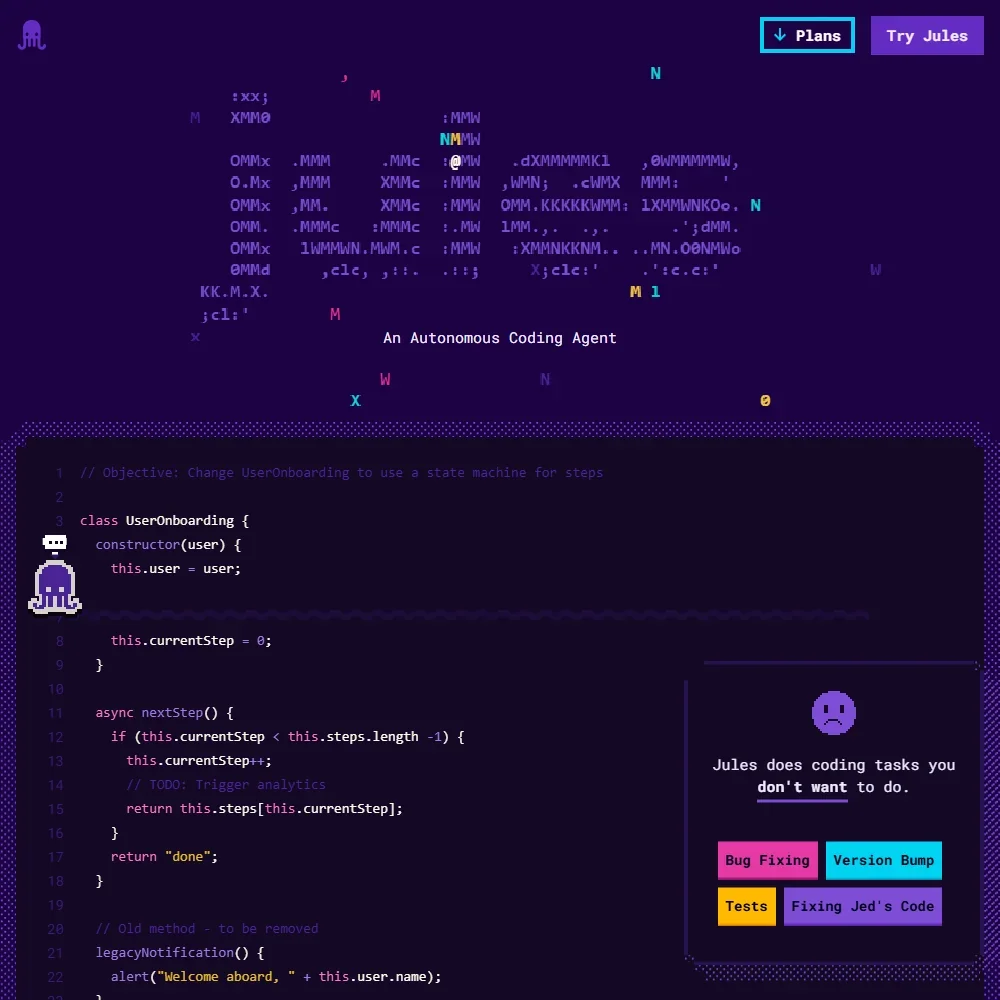
Jules is Google's asynchronous coding agent: you hand it a task, it works on your GitHub repository in a cloud machine, and it comes back with a pull request. Whether it suits you depends on whether you want an agent that works in the background on whole tasks, rather than a helper inside your editor.
What is Jules?
Jules is a Google Labs product that runs on Google's own Gemini models. It has no price of its own: anyone can use the free plan, and higher limits come with Google's AI plans, Google AI Plus, Google AI Pro and Google AI Ultra.
You use Jules through its web app, through the Jules Tools CLI, which installs from npm, and through GitHub, where it works on your repositories and picks up issues tagged with the jules label. Jules is not an editor, and it is not open source.
What Jules does in your code
Each task runs in a fresh virtual machine in Google's cloud. Jules clones your repository into it, installs the dependencies, develops a plan using Gemini 3 Pro, then edits files, runs tests and iterates until the work is done. The plan is approved automatically after a timer unless you step in, and the finished changes arrive as a pull request.
You can talk to Jules in real time through a chat box while a task runs. That chat lives in the Jules web app and CLI, not inside an editor or IDE. Jules does not suggest code as you type. Beyond the tasks you give it, Jules also runs scheduled tasks and suggests tasks of its own.
Jules acts on review comments left on its pull requests, and a built-in critic agent reviews its own changes before you see them. It is not a general reviewer for pull requests written by people.
All plans use Gemini models and differ in their task limits; the plan sets which Gemini model Jules uses. There is no option to bring your own provider API key, and no local models, since tasks run in Google's cloud. Jules supports MCP, so it can connect to MCP servers for extra tools and context.
Working with other people
Jules has a REST API with API keys, so you can create sessions and send tasks from your own scripts and services. GitHub is the main place Jules meets your team, through pull requests and the jules issue label.
Jules has no team admin. Paid plans are for individual @gmail.com accounts, and Workspace and team plans are not yet available. Business power users who need more access are pointed to an interest form rather than a sales plan.
Jules pricing: what each plan gives
Jules counts usage in tasks per rolling 24 hours, plus how many tasks can run at the same time. The limits rise with the Google AI plan you hold.
- Jules (free): $0, with 15 tasks a day and 3 running at once.
- Google AI Plus: $4.99 a month, with expanded Jules limits.
- Google AI Pro (Jules in Pro): $19.99 a month, with 100 tasks a day and 15 running at once.
- Google AI Ultra (Jules in Ultra): $99.99 a month for the cheapest Ultra tier, with 300 tasks a day and 60 running at once.
There is no free trial, because the free plan does not expire. Each Google AI plan is a wider Google subscription, and Jules comes with it as one of its benefits.
Privacy and security
Jules does not train on private repository content. Every task runs in Google's cloud virtual machines, and there is no self-hosted version. Each task gets a fresh virtual machine, so Jules starts from a new clone of your repository every time. Support runs through the Jules Discord and X, and an in-product feedback button goes to the Google Labs team.
Who Jules suits
Jules suits individual developers who keep their code on GitHub and want to hand off whole tasks, such as a fix, a test or a small feature, and pick up a pull request later. The free plan's 15 daily tasks are enough to see how it handles your repository, and anyone already paying for Google AI Pro or Ultra gets much higher limits as part of that plan. The REST API and CLI also make it easy to start tasks from scripts.
It suits you less well if you want help inside your editor, since Jules does not suggest code as you type and its chat sits outside the IDE. Teams have no admin controls, because paid plans are for personal Google accounts and Workspace plans are not yet available. There is also no way to bring your own provider key or run models locally.
Frequently Asked Questions
Is Jules free?
Yes. The free plan gives 15 tasks a day and 3 running at once, and it does not expire. Higher limits come with Google AI Plus at $4.99 a month, Google AI Pro at $19.99 and Google AI Ultra from $99.99.
Which model does Jules use?
Jules runs on Google's Gemini models and develops its plans with Gemini 3 Pro. All plans use Gemini models, and the plan sets which Gemini model Jules uses.
Does Jules work inside my editor?
No. Jules is a web app, a CLI and a GitHub integration, and it does not suggest code as you type. It works on tasks in a cloud machine and hands back a pull request.
Does Jules train on my code?
Jules does not train on private repository content.







