Adobe Express is the pick for small teams making social posts and short videos from templates together, with real-time co-editing, a brand kit and a built-in scheduler.
Buying guide · 20 tools ranked
Best AI Tools for Graphic Designers
Find the best AI tools for graphic designers, grouped by the job each one does: template-based design suites, image generation, photo editing, vectors and logos, UI and web design, and upscaling. Pick one tool per job, so your main design app stays the center and the AI tools cover concepts, cleanup and speed around it.
Our top 3 AI Tools for Graphic Designers
Adobe Firefly is the generator for designers already in Photoshop or Express, since it works inside those apps and Adobe does not train on your content.
Adobe Photoshop is the standard when files travel as PSDs or go to print: full CMYK, adjustment layers, masks and batch commands, plus generative fill.
Best AI design suites for graphic designers
4 picksDesign suites turn templates into finished social posts, flyers and short videos quickly, which suits client work that needs speed over custom artwork. Adobe Express offers 100,000+ templates on its free plan, real-time co-editing and a built-in scheduler. Canva has 1.6 million templates and Brand Kits, and Kittl adds a real vector editor next to its AI generators. Picsart combines photo and video editing with 140+ AI models. Check what each free plan allows for commercial use and export size, then choose by whether your clients want brand templates, editable vectors or mobile editing.
#ToolScorePriceWhy pick it
From $9.99free planAdobe Express is the pick for small teams making social posts and short videos from templates together, with real-time co-editing, a brand kit and a built-in scheduler.
Show detailsHide details01 Adobe Express: Best for team social posts with scheduling8.6Score 8.6 out of 10From $9.99free planAdobe Express is the pick for small teams making social posts and short videos from templates together, with real-time co-editing, a brand kit and a built-in scheduler.Visit site ↗ReviewDetailsCloseShow more about Adobe Express
From $9.99free plan
Adobe Express is the pick for small teams making social posts and short videos from templates together, with real-time co-editing, a brand kit and a built-in scheduler.
Show detailsHide detailsAdobe Express: Best for team social posts with scheduling
8.6Score 8.6 out of 10From $9.99free planAdobe Express is the pick for small teams making social posts and short videos from templates together, with real-time co-editing, a brand kit and a built-in scheduler.Visit site ↗ReviewDetailsClose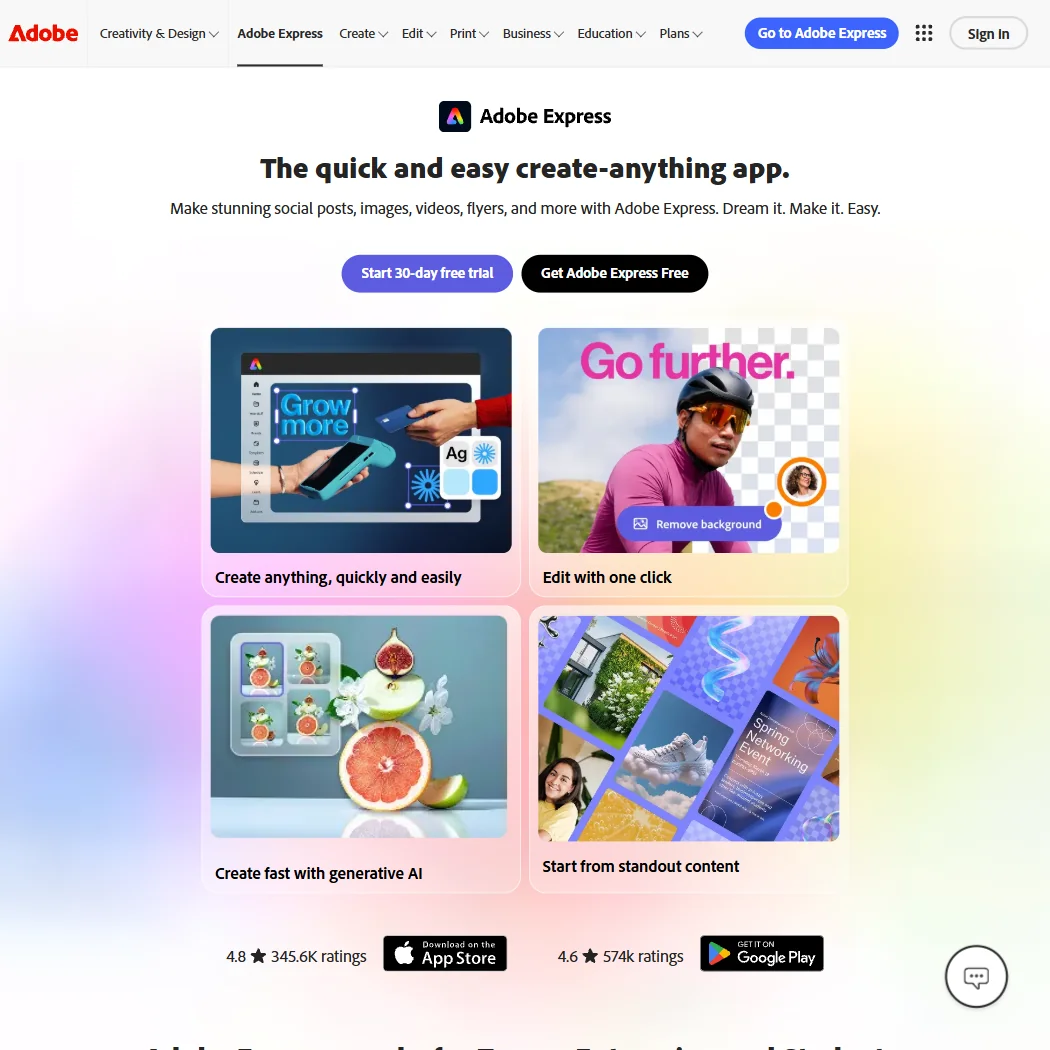
Adobe Express is the pick for small teams making social posts and short videos from templates together, with real-time co-editing, a brand kit and a built-in scheduler. The free plan has 100,000+ templates, over a million Stock assets and 4,000+ fonts, and Adobe does not train on your content. There is no node-level vector editing, and paid AI is capped at 250 credits a month. Kittl suits editable vectors better.
- The free plan alone includes more than 100,000 templates, over a million Adobe Stock photos, videos and music tracks, and more than 4,000 fonts, at no cost.
- Real-time co-editing and commenting let more than one person work on the same project together.
- Generative AI on the paid Premium plan is capped at 250 credits a month per user.
From $15free planKittl fits designers making logos, merch and print artwork who want vector editing next to AI generation: a pen and Boolean tool canvas, plus 15+ image and video models.
Show detailsHide details02 Kittl: Best for editable vector merch and print8.1Score 8.1 out of 10From $15free planKittl fits designers making logos, merch and print artwork who want vector editing next to AI generation: a pen and Boolean tool canvas, plus 15+ image and video models.Visit site ↗ReviewDetailsCloseShow more about Kittl
From $15free plan
Kittl fits designers making logos, merch and print artwork who want vector editing next to AI generation: a pen and Boolean tool canvas, plus 15+ image and video models.
Show detailsHide detailsKittl: Best for editable vector merch and print
8.1Score 8.1 out of 10From $15free planKittl fits designers making logos, merch and print artwork who want vector editing next to AI generation: a pen and Boolean tool canvas, plus 15+ image and video models.Visit site ↗ReviewDetailsClose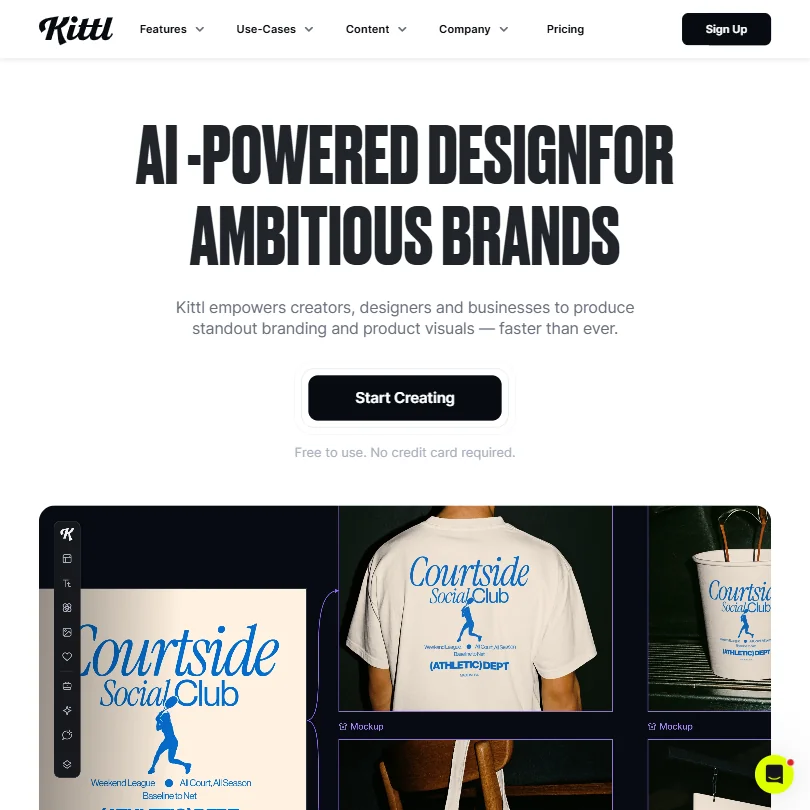
Kittl fits designers making logos, merch and print artwork who want vector editing next to AI generation: a pen and Boolean tool canvas, plus 15+ image and video models. The free plan is free forever but personal use only, with PNG or JPG exports up to 800px. Commercial use needs Pro at $15 a month. It has no desktop app, so Canva is easier for team templates.
- Kittl's free plan is free forever, with no time limit or expiry, rather than a timed trial.
- The free plan includes 100 AI tokens, enough for up to 100 images, plus five active projects and 500MB of storage.
- Kittl runs in the browser only, with no desktop app for Windows or Mac.
From $18free planCanva is the easiest route when clients need to edit the design themselves: 1.6 million templates, Brand Kits and Magic Design that builds a layout from a prompt, with Magic Edit and Magic Expand for images.
Show detailsHide details03 Canva: Best for brand templates for non-designers7.8Score 7.8 out of 10From $18free planCanva is the easiest route when clients need to edit the design themselves: 1.6 million templates, Brand Kits and Magic Design that builds a layout from a prompt, with Magic Edit and Magic Expand for images.Visit site ↗ReviewDetailsCloseShow more about Canva
From $18free plan
Canva is the easiest route when clients need to edit the design themselves: 1.6 million templates, Brand Kits and Magic Design that builds a layout from a prompt, with Magic Edit and Magic Expand for images.
Show detailsHide detailsCanva: Best for brand templates for non-designers
7.8Score 7.8 out of 10From $18free planCanva is the easiest route when clients need to edit the design themselves: 1.6 million templates, Brand Kits and Magic Design that builds a layout from a prompt, with Magic Edit and Magic Expand for images.Visit site ↗ReviewDetailsClose
Canva is the easiest route when clients need to edit the design themselves: 1.6 million templates, Brand Kits and Magic Design that builds a layout from a prompt, with Magic Edit and Magic Expand for images. Paid plans are priced per person, so team seats add up. Uploads train its algorithms unless you opt out, and the Vector style makes a raster image, not editable vector.
- The free plan includes over 1,000 design types, more than 1.6 million templates, more than 4.7 million stock photos, videos, graphics and audio clips, and 5GB of storage at no cost.
- Magic Design turns a written prompt into a finished design, extending the same approach to presentations and video.
- The AI Image Generator's Vector style produces a raster image with a vector look, not an editable vector or SVG file.
From $10.50free planPicsart suits designers who edit photos and short video as often on a phone as at a desk, with 140+ AI models inside one app, commercial use for AI output and SOC 2 and ISO 27001 certification.
Show detailsHide details04 Picsart: Best for phone-first photo and video editing7.3Score 7.3 out of 10From $10.50free planPicsart suits designers who edit photos and short video as often on a phone as at a desk, with 140+ AI models inside one app, commercial use for AI output and SOC 2 and ISO 27001 certification.Visit site ↗ReviewDetailsCloseShow more about Picsart
From $10.50free plan
Picsart suits designers who edit photos and short video as often on a phone as at a desk, with 140+ AI models inside one app, commercial use for AI output and SOC 2 and ISO 27001 certification.
Show detailsHide detailsPicsart: Best for phone-first photo and video editing
7.3Score 7.3 out of 10From $10.50free planPicsart suits designers who edit photos and short video as often on a phone as at a desk, with 140+ AI models inside one app, commercial use for AI output and SOC 2 and ISO 27001 certification.Visit site ↗ReviewDetailsClose
Picsart suits designers who edit photos and short video as often on a phone as at a desk, with 140+ AI models inside one app, commercial use for AI output and SOC 2 and ISO 27001 certification. It has a free plan, and Pro costs $15 a month for 500 credits. Exports are PNG and PDF, with no vector format, and there is no mockup feature.
- Picsart names more than 140 AI models available inside the app, including Kling 3.0, Nano Banana Pro, Veo 3.1 and Sora 2 Pro.
- AI-generated output from Picsart is available for commercial use.
- Real-time collaboration is listed as coming soon rather than available now.
Best AI image generators for graphic designers
5 picksImage generators give a designer concepts, moodboards and textures faster than stock searches, but they differ in rights and control. Adobe Firefly generates inside Adobe apps from a vendor that does not train on your content. Leonardo offers a daily free allowance, fixed seeds and negative prompts. Ideogram renders readable text and grants commercial use on every plan. Midjourney has no free plan and a distinct style. Recraft adds style training from reference images. Compare commercial rights and privacy before client work, then choose by whether you need text in the image, a house style or a paid license.
#ToolScorePriceWhy pick it
From $9.99free planAdobe Firefly is the generator for designers already in Photoshop or Express, since it works inside those apps and Adobe does not train on your content.
Show detailsHide details05 Adobe Firefly: Best for commercially safe generation in Adobe apps8.1Score 8.1 out of 10From $9.99free planAdobe Firefly is the generator for designers already in Photoshop or Express, since it works inside those apps and Adobe does not train on your content.Visit site ↗ReviewDetailsCloseShow more about Adobe Firefly
From $9.99free plan
Adobe Firefly is the generator for designers already in Photoshop or Express, since it works inside those apps and Adobe does not train on your content.
Show detailsHide detailsAdobe Firefly: Best for commercially safe generation in Adobe apps
8.1Score 8.1 out of 10From $9.99free planAdobe Firefly is the generator for designers already in Photoshop or Express, since it works inside those apps and Adobe does not train on your content.Visit site ↗ReviewDetailsClose
Adobe Firefly is the generator for designers already in Photoshop or Express, since it works inside those apps and Adobe does not train on your content. The free plan gives limited daily generations, and Standard at $9.99 a month adds 2,000 credits. No paid plan is month to month, as each is an annual commitment paid monthly, and the text-to-image tool has no seed or negative prompt field. Leonardo gives more control.
- The free plan gives limited daily generations across image, video and audio models at no cost.
- Adobe will not use your content to train its models, except content you choose to submit to Adobe Stock, which is opt-in.
- No paid plan has a true month-to-month price; every one is an annual commitment paid in monthly instalments.
From $12free planLeonardo is for designers who want control: fixed seeds, a negative prompt field, prompt enhancement and personal models trained on your own images.
Show detailsHide details06 Leonardo.Ai: Best for control and training your own models8.0Score 8.0 out of 10From $12free planLeonardo is for designers who want control: fixed seeds, a negative prompt field, prompt enhancement and personal models trained on your own images.Visit site ↗ReviewDetailsCloseShow more about Leonardo.Ai
From $12free plan
Leonardo is for designers who want control: fixed seeds, a negative prompt field, prompt enhancement and personal models trained on your own images.
Show detailsHide detailsLeonardo.Ai: Best for control and training your own models
8.0Score 8.0 out of 10From $12free planLeonardo is for designers who want control: fixed seeds, a negative prompt field, prompt enhancement and personal models trained on your own images.Visit site ↗ReviewDetailsClose
Leonardo is for designers who want control: fixed seeds, a negative prompt field, prompt enhancement and personal models trained on your own images. The free plan gives 150 fast tokens a day, but creations are public by default, and privacy needs a paid plan from $12 a month. It does not offer vector output. Ideogram is better when the image needs readable text.
- The free plan gives 150 Fast Tokens a day plus a 150 Token Bank, at no cost.
- Its own models accept a fixed seed, a negative prompt field and adjustable prompt enhancement for precise control.
- Leonardo does not offer vector output.
From $20free planIdeogram is the choice when typography matters, such as posters, logos and headlines inside an image.
Show detailsHide details07 Ideogram: Best for posters and logos with readable text7.6Score 7.6 out of 10From $20free planIdeogram is the choice when typography matters, such as posters, logos and headlines inside an image.Visit site ↗ReviewDetailsCloseShow more about Ideogram
From $20free plan
Ideogram is the choice when typography matters, such as posters, logos and headlines inside an image.
Show detailsHide detailsIdeogram: Best for posters and logos with readable text
7.6Score 7.6 out of 10From $20free planIdeogram is the choice when typography matters, such as posters, logos and headlines inside an image.Visit site ↗ReviewDetailsClose
Ideogram is the choice when typography matters, such as posters, logos and headlines inside an image. Every plan, including the free one, includes ownership and commercial use. Free credits are weekly and slow, with one generation at a time, and private generations start on Plus at $20 a month. It trains on what you generate and upload with no opt-out on Free, Plus, Pro or Team.
- A free plan lets you try Ideogram 4.0 before paying, with weekly credits for eligible accounts.
- Every plan gives full ownership and unrestricted commercial use of what you generate, with no separate paid tier required for those rights.
- Ideogram trains on what you generate and upload by default, with no opt-out on the Free, Plus, Pro or Team plans.
From $12free planRecraft suits designers who want a house style: train a custom style from up to ten reference images, then generate across its own models and several outside ones.
Show detailsHide details08 Recraft: Best for custom styles from reference images6.9Score 6.9 out of 10From $12free planRecraft suits designers who want a house style: train a custom style from up to ten reference images, then generate across its own models and several outside ones.Visit site ↗ReviewDetailsCloseShow more about Recraft
From $12free plan
Recraft suits designers who want a house style: train a custom style from up to ten reference images, then generate across its own models and several outside ones.
Show detailsHide detailsRecraft: Best for custom styles from reference images
6.9Score 6.9 out of 10From $12free planRecraft suits designers who want a house style: train a custom style from up to ten reference images, then generate across its own models and several outside ones.Visit site ↗ReviewDetailsClose
Recraft suits designers who want a house style: train a custom style from up to ten reference images, then generate across its own models and several outside ones. The free plan gives limited daily generations, but images are public, owned by Recraft and cleared for no commercial use. Basic at $12 a month adds rights and private generations. For vector output specifically, see its SVG tools.
- Recraft outputs vector files directly, alongside raster images, through its own AI vector generator and SVG converter.
- One account reaches Recraft's own V4.1 model family and a roster of other companies' models, including Nano Banana, Flux, Ideogram and Seedream.
- The free plan permits no commercial use, and its images are public and owned by Recraft, not the person who made them.
From $10Midjourney is for art directors who want its painterly style and strong references, and are happy to pay before trying it: there is no free plan or trial, and Basic costs $10 a month for roughly 200 image jobs.
Show detailsHide details09 Midjourney: Best for a distinctive look, paid from day one6.0Score 6.0 out of 10From $10Midjourney is for art directors who want its painterly style and strong references, and are happy to pay before trying it: there is no free plan or trial, and Basic costs $10 a month for roughly 200 image jobs.Visit site ↗ReviewDetailsCloseShow more about Midjourney
From $10
Midjourney is for art directors who want its painterly style and strong references, and are happy to pay before trying it: there is no free plan or trial, and Basic costs $10 a month for roughly 200 image jobs.
Show detailsHide detailsMidjourney: Best for a distinctive look, paid from day one
6.0Score 6.0 out of 10From $10Midjourney is for art directors who want its painterly style and strong references, and are happy to pay before trying it: there is no free plan or trial, and Basic costs $10 a month for roughly 200 image jobs.Visit site ↗ReviewDetailsClose
Midjourney is for art directors who want its painterly style and strong references, and are happy to pay before trying it: there is no free plan or trial, and Basic costs $10 a month for roughly 200 image jobs. Subscribers own their images and can use them commercially. It trains on prompts with no opt-out and has no public API. It also turns stills into short video.
- Every subscriber owns what they create and may use it commercially from the cheapest paid plan.
- Midjourney turns a still image into a 5-second video as well as generating stills, alongside style reference, seed and negative prompt controls.
- There is no free plan and no free trial, so there is no way to try Midjourney before paying.
Best photo editors for graphic designers
3 picksPhoto editing is where AI fill, background removal and retouching save the most time, and the three tools here charge in very different ways. Adobe Photoshop has full CMYK, adjustment layers and native PSD files, with generative fill drawing on credits, and it is sold by subscription. Photopea opens and saves PSD files in a browser tab for free with ads, and processes files on your own device. Affinity is a free desktop app with pixel, vector and layout studios, though its AI features need a paid Canva plan. Choose by whether you need Adobe's file format, a free editor or print-ready output.
#ToolScorePriceWhy pick it
From $19.99Adobe Photoshop is the standard when files travel as PSDs or go to print: full CMYK, adjustment layers, masks and batch commands, plus generative fill.
Show detailsHide details10 Adobe Photoshop: Best for raw editing, PSD files and print8.5Score 8.5 out of 10From $19.99Adobe Photoshop is the standard when files travel as PSDs or go to print: full CMYK, adjustment layers, masks and batch commands, plus generative fill.Visit site ↗ReviewDetailsCloseShow more about Adobe Photoshop
From $19.99
Adobe Photoshop is the standard when files travel as PSDs or go to print: full CMYK, adjustment layers, masks and batch commands, plus generative fill.
Show detailsHide detailsAdobe Photoshop: Best for raw editing, PSD files and print
8.5Score 8.5 out of 10From $19.99Adobe Photoshop is the standard when files travel as PSDs or go to print: full CMYK, adjustment layers, masks and batch commands, plus generative fill.Visit site ↗ReviewDetailsClose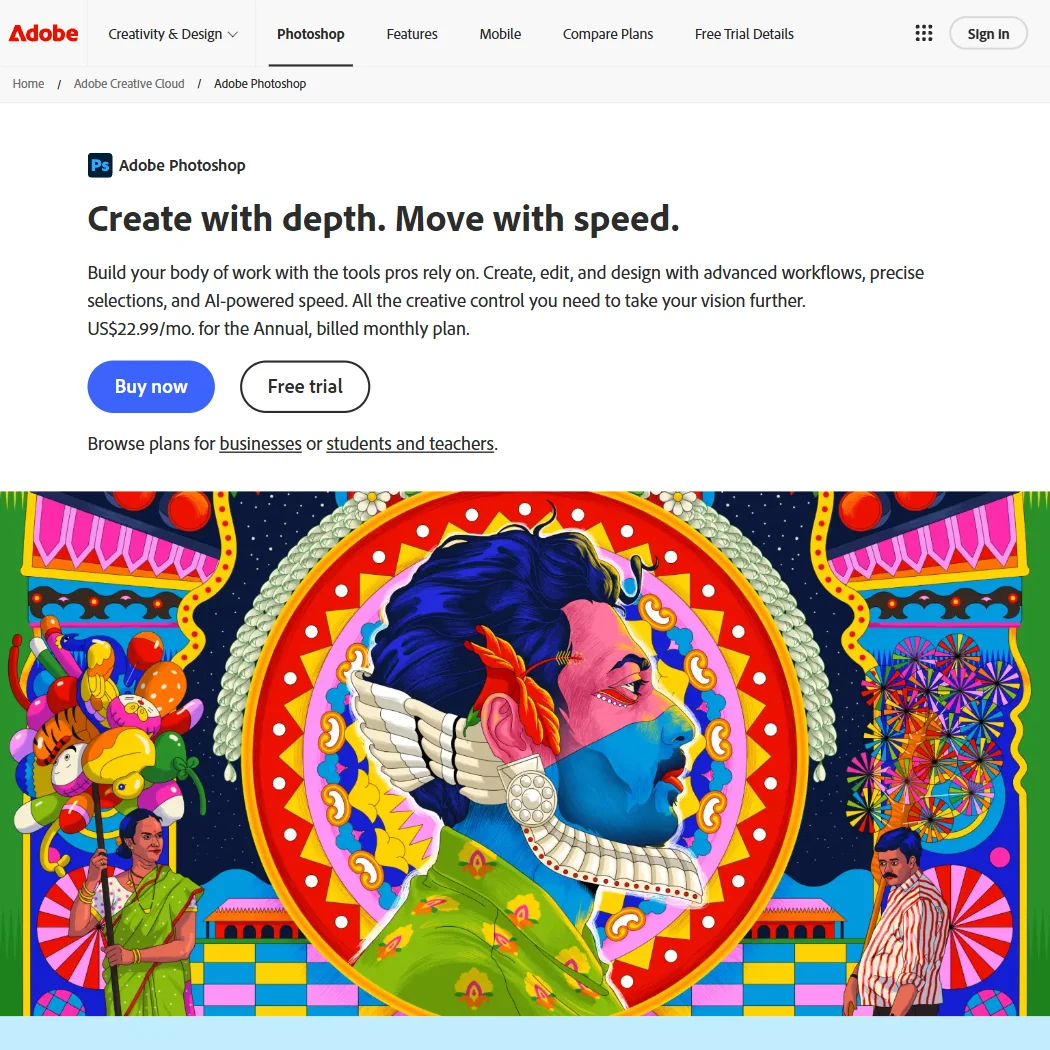
Adobe Photoshop is the standard when files travel as PSDs or go to print: full CMYK, adjustment layers, masks and batch commands, plus generative fill. It is sold by subscription, from $19.99 a month with Lightroom, and the single app includes 25 generative credits a month. The desktop app has no free tier, just a 7-day trial and a feature-gated mobile app. Affinity is the free alternative.
- Supports a full CMYK working space for print, not just soft-proofing.
- Non-destructive editing through adjustment layers and masks.
- Sold only by subscription, with no perpetual license option on any plan.
FreePhotopea is the fast way to open, edit and save a PSD without installing anything or creating an account.
Show detailsHide details11 Photopea: Best for free PSD editing in a browser tab8.1Score 8.1 out of 10FreePhotopea is the fast way to open, edit and save a PSD without installing anything or creating an account.Visit site ↗ReviewDetailsCloseShow more about Photopea
Free
Photopea is the fast way to open, edit and save a PSD without installing anything or creating an account.
Show detailsHide detailsPhotopea: Best for free PSD editing in a browser tab
8.1Score 8.1 out of 10FreePhotopea is the fast way to open, edit and save a PSD without installing anything or creating an account.Visit site ↗ReviewDetailsClose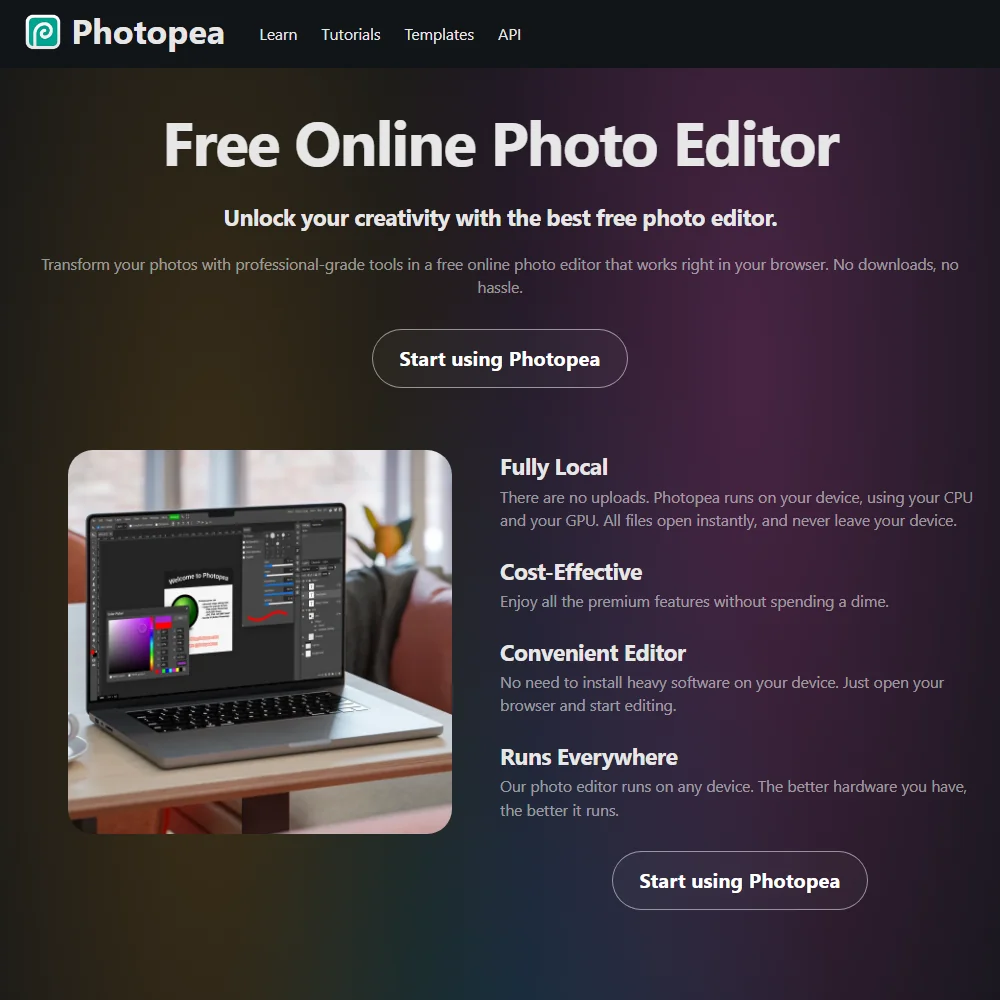
Photopea is the fast way to open, edit and save a PSD without installing anything or creating an account. The full editor is free with ads, and files are processed on your own device rather than uploaded. It supports CMYK color profiles for print. Brushes ignore pen pressure, and Premium, which removes ads, shows its price inside the app. Photoshop remains better for generative fill.
- Full editor is free to use, with no account required.
- Files are processed on your own device and never uploaded to a server.
- Premium's price is not published on the site; it only appears inside the app.
FreeAffinity is the free desktop choice: Pixel, Vector and Layout studios in one app, with RAW editing, batch macros, CMYK output with spot colors, preflight and bleed, and no watermark on exports.
Show detailsHide details12 Affinity: Best for free desktop photo, vector and layout6.9Score 6.9 out of 10FreeAffinity is the free desktop choice: Pixel, Vector and Layout studios in one app, with RAW editing, batch macros, CMYK output with spot colors, preflight and bleed, and no watermark on exports.Visit site ↗ReviewDetailsCloseShow more about Affinity
Free
Affinity is the free desktop choice: Pixel, Vector and Layout studios in one app, with RAW editing, batch macros, CMYK output with spot colors, preflight and bleed, and no watermark on exports.
Show detailsHide detailsAffinity: Best for free desktop photo, vector and layout
6.9Score 6.9 out of 10FreeAffinity is the free desktop choice: Pixel, Vector and Layout studios in one app, with RAW editing, batch macros, CMYK output with spot colors, preflight and bleed, and no watermark on exports.Visit site ↗ReviewDetailsClose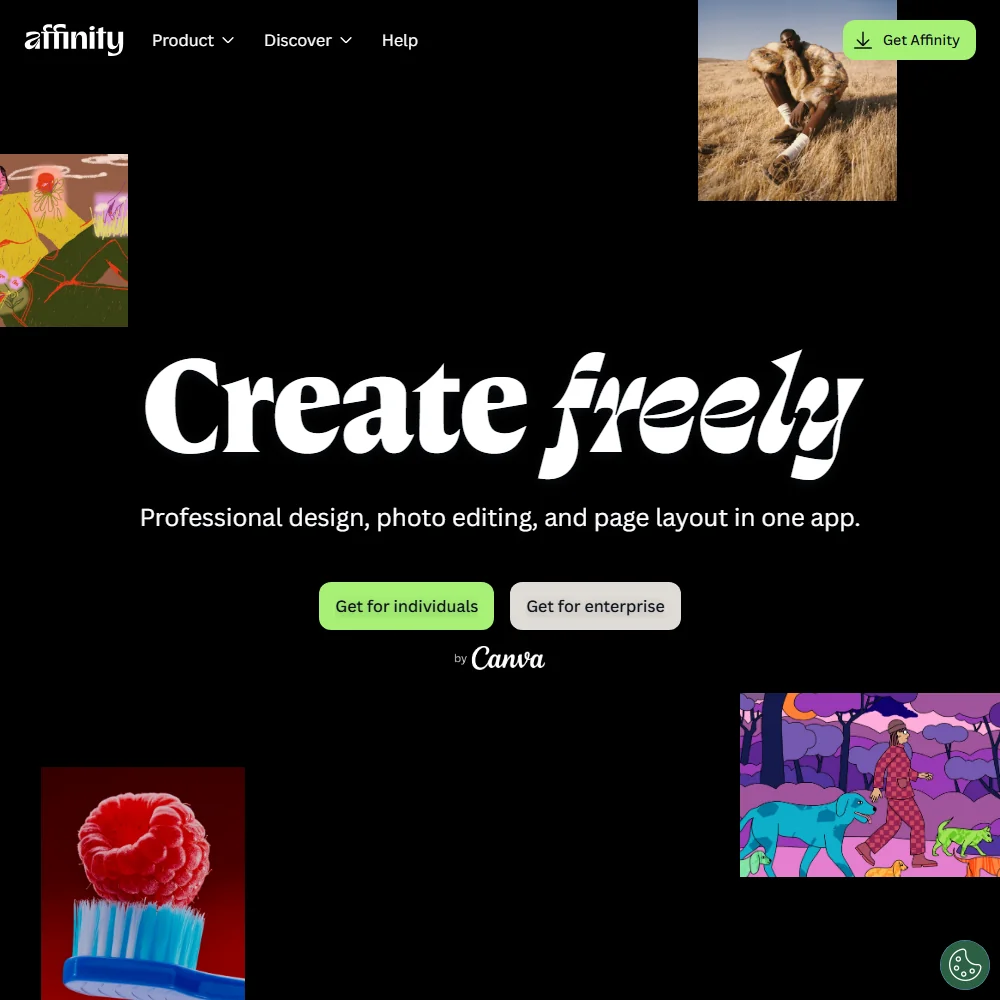
Affinity is the free desktop choice: Pixel, Vector and Layout studios in one app, with RAW editing, batch macros, CMYK output with spot colors, preflight and bleed, and no watermark on exports. Every AI feature, including generative fill and upscaling, needs a paid Canva plan, and Canva trains on your account content unless you opt out. Download needs a free Canva account.
- The whole app, its Vector, Pixel and Layout studios together, is free to use with no restrictions or payment needed.
- Exports from the free app carry no watermark.
- Every AI feature, including generative fill, background removal, upscaling and image and vector generation, requires a separate paid Canva plan and does not work on the free app alone.
Best vector tools for logos and illustration
4 picksLogos and icons need real vector paths, so the question is how each tool produces them. Adobe Illustrator turns a prompt or sketch into editable vector art and saves native .ai, .eps and .pdf files. CorelDRAW does the same through Text-to-vector, and can be bought once. Recraft generates SVG files directly and is the one generator here built around vectors. Linearity Curve is a free Mac and iPad app with auto trace. Check CMYK and Pantone support if you work in print, then choose by whether you want to own the license, work on Apple devices or generate from prompts.
#ToolScorePriceWhy pick it
From $22.99Adobe Illustrator is the pick for brand and print designers who need exact paths, spot color and native .ai and EPS files, plus Firefly vector generation from a prompt or sketch.
Show detailsHide details13 Adobe Illustrator: Best for precise vectors and native Adobe files7.7Score 7.7 out of 10From $22.99Adobe Illustrator is the pick for brand and print designers who need exact paths, spot color and native .ai and EPS files, plus Firefly vector generation from a prompt or sketch.Visit site ↗ReviewDetailsCloseShow more about Adobe Illustrator
From $22.99
Adobe Illustrator is the pick for brand and print designers who need exact paths, spot color and native .ai and EPS files, plus Firefly vector generation from a prompt or sketch.
Show detailsHide detailsAdobe Illustrator: Best for precise vectors and native Adobe files
7.7Score 7.7 out of 10From $22.99Adobe Illustrator is the pick for brand and print designers who need exact paths, spot color and native .ai and EPS files, plus Firefly vector generation from a prompt or sketch.Visit site ↗ReviewDetailsClose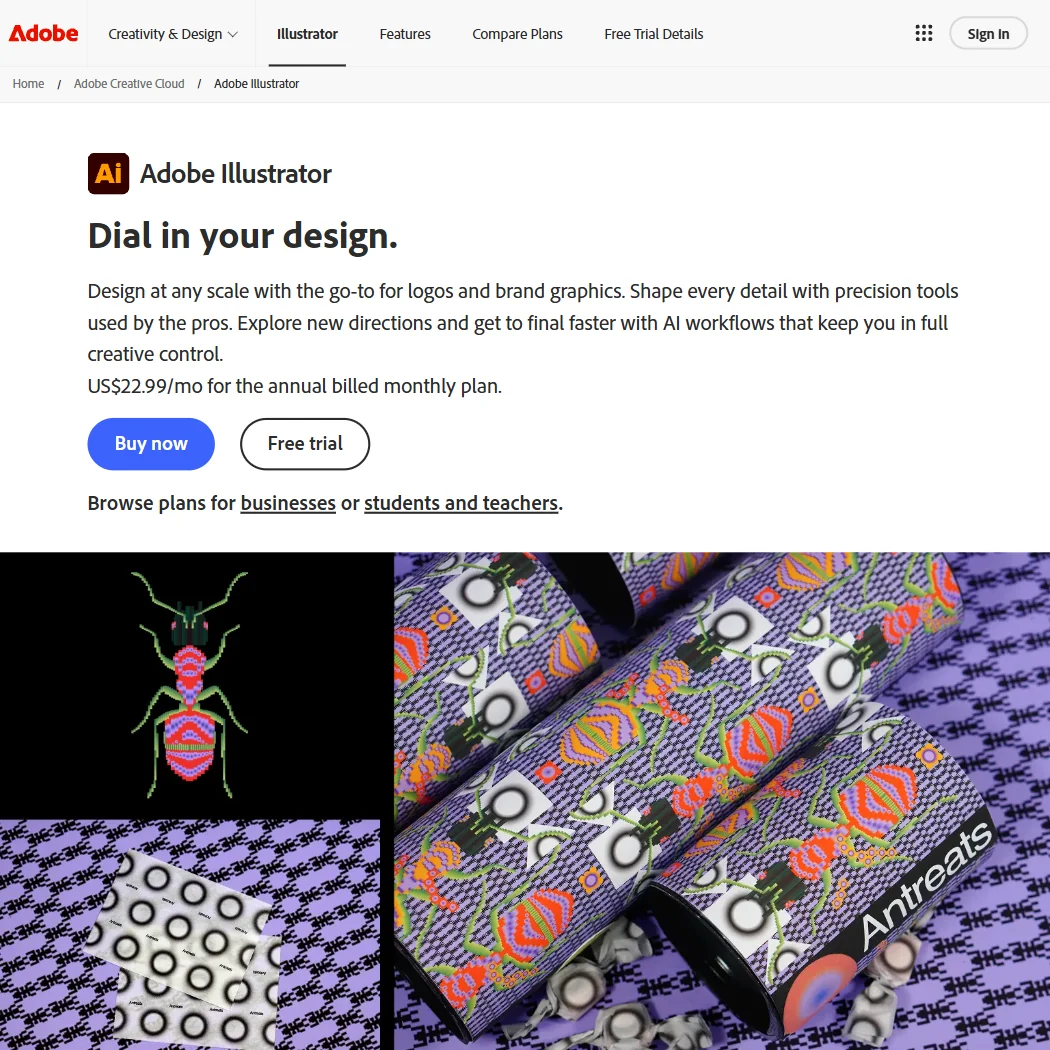
Adobe Illustrator is the pick for brand and print designers who need exact paths, spot color and native .ai and EPS files, plus Firefly vector generation from a prompt or sketch. It is a subscription at $22.99 a month billed annually, with 25 monthly generative credits and a 7-day trial. It does not generate raster images. CorelDRAW is the alternative if you want to buy once.
- Its AI tools turn a sketch or written prompt into editable vector artwork, rather than a flat image.
- The Pathfinder panel handles boolean path operations, combining or dividing overlapping shapes into one.
- There is no free plan, only a 7-day free trial.
From $22.42CorelDRAW suits designers who would rather own a license: the one-time purchase costs $549 for the current version, or an annual plan runs $22.42 a month.
Show detailsHide details14 CorelDRAW: Best for a vector suite you can buy once7.7Score 7.7 out of 10From $22.42CorelDRAW suits designers who would rather own a license: the one-time purchase costs $549 for the current version, or an annual plan runs $22.42 a month.Visit site ↗ReviewDetailsCloseShow more about CorelDRAW
From $22.42
CorelDRAW suits designers who would rather own a license: the one-time purchase costs $549 for the current version, or an annual plan runs $22.42 a month.
Show detailsHide detailsCorelDRAW: Best for a vector suite you can buy once
7.7Score 7.7 out of 10From $22.42CorelDRAW suits designers who would rather own a license: the one-time purchase costs $549 for the current version, or an annual plan runs $22.42 a month.Visit site ↗ReviewDetailsClose
CorelDRAW suits designers who would rather own a license: the one-time purchase costs $549 for the current version, or an annual plan runs $22.42 a month. Text-to-vector turns a prompt into an editable vector, and Pantone palettes are included. The one-time version leaves out CorelDRAW Web, cloud storage and free updates, and there is no real-time co-editing. A 15-day trial is the way in.
- It can be bought once as a one-time purchase of the current 2026 version, which you own outright and keep.
- Its AI Generate docker turns a written prompt into an editable vector with the Text-to-vector feature.
- There is no permanent free plan, only a 15-day free trial.
From $12free planRecraft generates vector files directly, through its AI vector generator and SVG converter, so logos and icons arrive as editable paths.
Show detailsHide details15Recraft: Best for generating real SVG files6.9Score 6.9 out of 10From $12free planRecraft generates vector files directly, through its AI vector generator and SVG converter, so logos and icons arrive as editable paths.Visit site ↗ReviewDetailsCloseShow more about Recraft
From $12free plan
Recraft generates vector files directly, through its AI vector generator and SVG converter, so logos and icons arrive as editable paths.
Show detailsHide detailsRecraft: Best for generating real SVG files
6.9Score 6.9 out of 10From $12free planRecraft generates vector files directly, through its AI vector generator and SVG converter, so logos and icons arrive as editable paths.Visit site ↗ReviewDetailsCloseRecraft generates vector files directly, through its AI vector generator and SVG converter, so logos and icons arrive as editable paths. Commercial rights begin on Basic at $12 a month, since the free plan withholds them. It is a web app with iOS and Android versions. Choose Illustrator when you also need native .ai files and precise path tools.
- Recraft outputs vector files directly, alongside raster images, through its own AI vector generator and SVG converter.
- One account reaches Recraft's own V4.1 model family and a roster of other companies' models, including Nano Banana, Flux, Ideogram and Seedream.
- The free plan permits no commercial use, and its images are public and owned by Recraft, not the person who made them.
From $10free planLinearity Curve is the free vector app for Mac, iPad and iPhone, with Auto Trace that turns an image or sketch into editable paths, plus AI background removal and Magic Eraser.
Show detailsHide details16 Linearity Curve: Best for free vectors on Mac and iPad6.7Score 6.7 out of 10From $10free planLinearity Curve is the free vector app for Mac, iPad and iPhone, with Auto Trace that turns an image or sketch into editable paths, plus AI background removal and Magic Eraser.Visit site ↗ReviewDetailsCloseShow more about Linearity Curve
From $10free plan
Linearity Curve is the free vector app for Mac, iPad and iPhone, with Auto Trace that turns an image or sketch into editable paths, plus AI background removal and Magic Eraser.
Show detailsHide detailsLinearity Curve: Best for free vectors on Mac and iPad
6.7Score 6.7 out of 10From $10free planLinearity Curve is the free vector app for Mac, iPad and iPhone, with Auto Trace that turns an image or sketch into editable paths, plus AI background removal and Magic Eraser.Visit site ↗ReviewDetailsClose
Linearity Curve is the free vector app for Mac, iPad and iPhone, with Auto Trace that turns an image or sketch into editable paths, plus AI background removal and Magic Eraser. The free plan needs no card and never expires. It has no CMYK mode or Pantone support, so print work belongs in Illustrator, CorelDRAW or Affinity, and paid plans bundle Curve with other Linearity apps per seat.
- Free to download outright, with a Free plan account needing no card and never expiring.
- Auto Trace converts an image, logo or sketch into editable vector paths in one click.
- No CMYK colour mode or Pantone spot colour support for print work.
Best UI and web design tools for graphic designers
3 picksScreen design adds jobs that print does not have: shared files, prototypes and handoff to developers. Figma is the standard for multiplayer editing, design systems and Dev Mode, with a free Starter plan. Framer publishes a website directly from the design, with hosting, a CMS and AI agents that draft sections. UXPin designs with real React components so a prototype behaves like the product. Look at free plan limits, such as Figma's AI credits and UXPin's two prototypes, and choose by whether your output is a design file, a live site or a coded prototype.
#ToolScorePriceWhy pick it
From $29free planUXPin is for teams that already have, or want, a coded component library: Merge designs with real React, MUI and Ant Design components, and prototypes support conditional logic and variables.
Show detailsHide details17 UXPin: Best for prototypes built from real components8.5Score 8.5 out of 10From $29free planUXPin is for teams that already have, or want, a coded component library: Merge designs with real React, MUI and Ant Design components, and prototypes support conditional logic and variables.Visit site ↗ReviewDetailsCloseShow more about UXPin
From $29free plan
UXPin is for teams that already have, or want, a coded component library: Merge designs with real React, MUI and Ant Design components, and prototypes support conditional logic and variables.
Show detailsHide detailsUXPin: Best for prototypes built from real components
8.5Score 8.5 out of 10From $29free planUXPin is for teams that already have, or want, a coded component library: Merge designs with real React, MUI and Ant Design components, and prototypes support conditional logic and variables.Visit site ↗ReviewDetailsClose
UXPin is for teams that already have, or want, a coded component library: Merge designs with real React, MUI and Ant Design components, and prototypes support conditional logic and variables. Forge builds UI from a prompt or screenshot. The free plan covers two prototypes and 50 AI credits, and Core is $49 monthly. It does not generate standalone images, so pair it with a generator.
- Merge lets you design with real React, MUI, Bootstrap, Ant Design or Shadcn/ui components instead of static shapes.
- Forge can turn a text prompt, or a screenshot, wireframe or sketch, into a UI built from your own component library.
- The free plan is limited to two prototypes and the single GPT 5-mini model.
Pricing N/Afree planFigma is where product and UI teams work in one file together: multiplayer editing, prototyping, design systems and Dev Mode that produces CSS, iOS and Android code for developers.
Show detailsHide details18 Figma: Best for shared files, design systems and handoff8.1Score 8.1 out of 10Pricing N/Afree planFigma is where product and UI teams work in one file together: multiplayer editing, prototyping, design systems and Dev Mode that produces CSS, iOS and Android code for developers.Visit site ↗ReviewDetailsCloseShow more about Figma
Pricing N/Afree plan
Figma is where product and UI teams work in one file together: multiplayer editing, prototyping, design systems and Dev Mode that produces CSS, iOS and Android code for developers.
Show detailsHide detailsFigma: Best for shared files, design systems and handoff
8.1Score 8.1 out of 10Pricing N/Afree planFigma is where product and UI teams work in one file together: multiplayer editing, prototyping, design systems and Dev Mode that produces CSS, iOS and Android code for developers.Visit site ↗ReviewDetailsClose
Figma is where product and UI teams work in one file together: multiplayer editing, prototyping, design systems and Dev Mode that produces CSS, iOS and Android code for developers. Figma Make turns a prompt into a working screen. The Starter plan is free with 150 AI credits a day, up to 500 a month. Professional starts at $20 a month for a full seat. Framer fits better if the output is a live website.
- Figma Make turns a written prompt into a working, code-backed app or web screen.
- Multiplayer editing lets several people work in the same file at the same time.
- Figma does not state that it turns a screenshot or a URL into an editable design.
From $10free planFramer is for designers who want to publish a marketing site straight from the canvas, with hosting, a CMS, SEO tools and AI agents that draft structure and copy.
Show detailsHide details19 Framer: Best for publishing a site from your design7.1Score 7.1 out of 10From $10free planFramer is for designers who want to publish a marketing site straight from the canvas, with hosting, a CMS, SEO tools and AI agents that draft structure and copy.Visit site ↗ReviewDetailsCloseShow more about Framer
From $10free plan
Framer is for designers who want to publish a marketing site straight from the canvas, with hosting, a CMS, SEO tools and AI agents that draft structure and copy.
Show detailsHide detailsFramer: Best for publishing a site from your design
7.1Score 7.1 out of 10From $10free planFramer is for designers who want to publish a marketing site straight from the canvas, with hosting, a CMS, SEO tools and AI agents that draft structure and copy.Visit site ↗ReviewDetailsClose
Framer is for designers who want to publish a marketing site straight from the canvas, with hosting, a CMS, SEO tools and AI agents that draft structure and copy. The free plan never expires and offers 500 AI credits and a Framer domain. A finished site cannot export code, and there is no native ecommerce. Basic costs $15 a month, or $10 billed yearly. Figma suits design files better.
- AI agents generate a site's structure, sections and draft copy from a prompt or brief.
- Hosting, a CMS and SEO tools are bundled together with the builder on one platform.
- No native ecommerce; selling products requires a third-party plugin that syncs an external Shopify store.
Best AI upscalers and all-in-one image suites
2 picksUpscaling and model suites matter when a small or soft image has to become print size, or when you want many generators on one bill. Magnific has upscaling and sharpening tools plus 20 or more video and image models on a single credit pool, and every paid plan includes a commercial license. Krea has real-time generation, a node canvas and upscalers that reach 22K, with a free plan that works for images at up to 2K. Magnific's own tools upscale rather than generate, while Krea has its own image model. Check credit costs per model, then choose by free access or team credits.
#ToolScorePriceWhy pick it
From $20Magnific is the pick when you want upscaling and sharpening plus a wide choice of video and image models on one credit pool.
Show detailsHide details20 Magnific: Best for upscaling and many models on one bill9.4Score 9.4 out of 10From $20Magnific is the pick when you want upscaling and sharpening plus a wide choice of video and image models on one credit pool.Visit site ↗ReviewDetailsCloseShow more about Magnific
From $20
Magnific is the pick when you want upscaling and sharpening plus a wide choice of video and image models on one credit pool.
Show detailsHide detailsMagnific: Best for upscaling and many models on one bill
9.4Score 9.4 out of 10From $20Magnific is the pick when you want upscaling and sharpening plus a wide choice of video and image models on one credit pool.Visit site ↗ReviewDetailsClose
Magnific is the pick when you want upscaling and sharpening plus a wide choice of video and image models on one credit pool. Every paid plan includes a commercial license and does not train on your uploads. There is no free plan, and Premium costs $20 a month for 20K credits. Its own tools upscale rather than generate, so image models come from other companies. Krea is the one with a free plan.
- Every paid plan includes a commercial AI license, so nothing generated needs a separate license before use.
- Every paid plan also includes credit free unlimited generation on a rotating set of models, including Nano Banana 2 and Kling 2.5.
- Magnific has no free plan; every tier is a paid subscription.
From $35free planKrea is the way to try a broad model menu for free: the plan gives 100 compute units a day for images, with real-time generation, but no video and no commercial license, and upscaling stops at 2K.
Show detailsHide details21 Krea: Best for a free start with real-time generation9.0Score 9.0 out of 10From $35free planKrea is the way to try a broad model menu for free: the plan gives 100 compute units a day for images, with real-time generation, but no video and no commercial license, and upscaling stops at 2K.Visit site ↗ReviewDetailsCloseShow more about Krea
From $35free plan
Krea is the way to try a broad model menu for free: the plan gives 100 compute units a day for images, with real-time generation, but no video and no commercial license, and upscaling stops at 2K.
Show detailsHide detailsKrea: Best for a free start with real-time generation
9.0Score 9.0 out of 10From $35free planKrea is the way to try a broad model menu for free: the plan gives 100 compute units a day for images, with real-time generation, but no video and no commercial license, and upscaling stops at 2K.Visit site ↗ReviewDetailsClose
Krea is the way to try a broad model menu for free: the plan gives 100 compute units a day for images, with real-time generation, but no video and no commercial license, and upscaling stops at 2K. Pro at $35 a month adds 20,000 credits and a commercial license, and Nodes chains models into a visual workflow. Its upscalers reach 22K on paid plans. Magnific is stronger for team credits.
- Krea's free plan gives 100 compute units a day with no credit card required, full access to the real time image models.
- It includes current third party models: Kling 3.0, Veo 3.1, Seedance 2.0, Nano Banana Pro, GPT-IMG-2 and Flux 2.
- The free plan cannot generate video at all; video concurrency is set to zero.
How to choose AI tools for graphic designers
Design tools look alike on their home pages and ration very different things. Suites count AI uses and templates, generators count credits and rights, photo editors charge by subscription or not at all, vector apps sell a license once or by month, UI tools count seats and prototypes, and upscalers count credits per model. What you need depends on whether you work in print or on screen, how much of your work is client files that must open in Adobe formats, and how much you generate. This guide matches each job to the tools on this page, then covers free plans, limits, privacy and when paying is worth it.
Start with the job, not the tool
A design project passes through six jobs, and few designers use all of them.
- Templates and quick layouts. Fast social posts, flyers and decks. Adobe Express, Canva, Kittl and Picsart are built for it, and they differ in editable vector support, team features and mobile editing.
- Image generation. Concepts, textures and illustrations. Firefly, Leonardo, Ideogram, Midjourney and Recraft generate images, and they differ in rights, privacy and control.
- Photo editing. Retouching, compositing and print files. Photoshop, Photopea and Affinity edit photos, with different file formats and prices.
- Vectors and logos. Scalable artwork. Illustrator, CorelDRAW, Recraft and Linearity Curve produce vector paths.
- UI and web design. Screens, prototypes and sites. Figma, Framer and UXPin cover shared files, publishing and coded prototypes.
- Upscaling and model suites. Enlarging images and trying many generators. Magnific and Krea combine upscalers with image and video models.
The table shows where to start on any budget.
| Job | Free | Worth paying for |
|---|---|---|
| Templates and layouts | Canva free plan or Adobe Express free plan | Canva Pro at $18 a month, or Adobe Express Premium at $9.99 |
| Image generation | Ideogram, Leonardo's daily tokens or Firefly's daily generations | Firefly Standard at $9.99 a month, or Ideogram Plus at $20 |
| Photo editing | Photopea in a browser, or the Affinity desktop app | Photoshop with Lightroom at $19.99 a month |
| Vectors and logos | Linearity Curve on Mac and iPad, or Affinity's vector studio | Illustrator at $22.99 a month, or CorelDRAW at $549 once |
| UI and web design | Figma Starter or Framer free plan | Figma Professional at $20 a month, or Framer Basic at $15 |
| Upscaling | Krea's free plan, up to 2K | Magnific Premium at $20 a month, or Krea Pro at $35 |
Free generator plans hold back rights and privacy, and free suites hold back commercial use and export size. Pay first for whatever stops you delivering to a client, which is usually a commercial license for generated images or a vector file you can edit.
What the free plans actually give you
Each kind of tool rations something different, so one free plan lasts a month and another lasts an afternoon.
- Design suites. Adobe Express's free plan has 100,000+ templates, over a million Stock assets and 4,000+ fonts. Canva's has 1.6 million templates, one three-color Brand Kit, 5GB of storage and up to 20 AI uses. Kittl's is personal use only, with 100 AI tokens and exports up to 800px.
- Image generators. Firefly gives limited daily generations. Leonardo gives 150 fast tokens a day with public creations. Ideogram gives weekly slow credits, one generation at a time. Recraft gives 3 generations per style a day with public images and no commercial use. Midjourney has no free plan.
- Photo editors. Photopea is a full editor with ads, and Affinity's whole app is free with no watermark. Photoshop has a 7-day trial and a feature-gated free mobile app.
- Vector apps. Linearity Curve's free plan gives 250 lifetime credits, one brand kit and 5GB of storage. Illustrator has a 7-day trial and CorelDRAW a 15-day trial.
- UI and web tools. Figma's Starter gives 150 AI credits a day, up to 500 a month. Framer's free plan gives 500 AI credits, a Framer domain and 1 GB of bandwidth. UXPin's gives 2 prototypes and 50 AI credits.
- Upscalers and suites. Krea gives 100 compute units a day for images, capped at 2K. Magnific has no free plan.
Which tools fit which designer
- A freelancer on a tight budget. Start with Affinity for photo, vector and layout work, because the whole app is free with no watermark. Add Canva for client-editable templates and Ideogram for generated concepts, since commercial use is included on every plan.
- A brand and logo designer. Start with Illustrator, because it saves native .ai and EPS files and generates vector art from prompts. Add Recraft for SVG output and Ideogram for lettering ideas.
- A print designer. Start with Photoshop for its full CMYK working space, or Affinity for CMYK with spot colors, preflight and bleed. Add CorelDRAW if you want Pantone palettes and a one-time license.
- A social and small-business designer. Start with Canva or Adobe Express, because both bring templates and brand kits. Add Kittl when a client needs editable vector merch artwork.
- A UI designer. Start with Figma, because it covers multiplayer editing and Dev Mode. Add Framer to publish a site, or UXPin to prototype with real React components.
- An art director exploring concepts. Start with Midjourney or Leonardo for variations, and Firefly when output has to stay inside Adobe apps. Add Magnific or Krea to upscale the chosen frame.
A typical brand project step by step
- Collect references. Generate moodboards with Midjourney, Leonardo or Krea, and check rights before anything reaches a client.
- Make the concepts. Use Ideogram when the design needs readable text, and Firefly when you work in Adobe apps.
- Draw the vectors. Build the logo in Illustrator, CorelDRAW or Recraft, or trace a sketch with Linearity Curve's Auto Trace.
- Retouch images. Use Photoshop, Affinity or Photopea for cutouts, color and compositing.
- Lay out the pieces. Build social templates in Canva or Adobe Express, or editable merch artwork in Kittl, or use Affinity's Layout studio for print.
- Design screens if needed. Figma for the interface, Framer for a published site, UXPin for a coded prototype.
- Upscale. Run chosen artwork through Magnific or Krea for print sizes.
- Review and deliver. Share through Express's co-editing or Figma comments, then export PDF, SVG or PNG files.
Where free plans stop
| Limit | Tools | What happens when you hit it |
|---|---|---|
| Daily count | Leonardo (150 tokens), Krea (100 compute units), Figma (150 AI credits), Firefly (daily generations) | It renews, so waiting costs time, not money |
| Weekly count | Ideogram (slow credits) | Slow queue until the next week, or a paid plan |
| Trial window | Photoshop (7 days), Illustrator (7 days), CorelDRAW (15 days), Canva Pro (30 days), UXPin (14 days) | The trial ends and the plan has to be paid for |
| Rights | Kittl (personal use only), Recraft (no commercial use, public images), Krea (no commercial license) | The result cannot go into client work until you upgrade |
| Size and access | Kittl (800px exports), Krea (2K), UXPin (2 prototypes), Framer (1 GB bandwidth) | The work stays small or locked until you pay |
| AI behind a paywall | Affinity (AI needs a paid Canva plan), Photoshop on the mobile app | The editor works, the AI does not |
Match each meter to how you work. Daily credits suit steady use, so generate a few options each day instead of a flood on one. A rights limit is simple: nothing from that plan should reach a client. Use free plans to test the approach on a real brief, then pay for the one tool that blocks delivery.
Privacy and who sees your work
Client artwork is often unreleased and generated images feed back into some tools, so check policies before you upload brand files. Several tools state theirs.
| Stated policy | Tools |
|---|---|
| Does not train on your content | Adobe Express, Firefly, Photoshop, Illustrator, CorelDRAW, Kittl, UXPin, Magnific, Linearity Curve (unless you opt in) |
| Files processed on your own device | Photopea |
| You can opt out of training | Canva, Affinity, Figma, Leonardo, Recraft |
| Terms allow training, no opt-out described | Midjourney, Ideogram (Free, Plus, Pro and Team), Framer (non-Enterprise) |
Put unreleased brand work through the first two rows, and switch training off in the third right after you sign up. For commercial work, also check rights: Ideogram includes commercial use on every plan, Midjourney from its cheapest plan, Recraft and Kittl from their paid plans, and every Magnific paid plan includes a commercial license.
Mistakes to avoid
- Delivering free generator output to a client. Recraft's free images are public and owned by Recraft, Kittl's free designs are personal use only, and Krea's free output has no commercial license. Upgrade before the work leaves your computer.
- Uploading client files to a tool that trains on them. Midjourney, Ideogram and Framer train on inputs with no opt-out described, and Canva does by default unless you opt out. Use Firefly, Illustrator or Photopea for confidential files.
- Expecting editable vectors from the wrong tool. Canva's Vector style makes a raster image with a vector look, and Leonardo does not offer vector output. Use Recraft, Illustrator, CorelDRAW or Linearity Curve.
- Counting on Affinity's AI without a Canva plan. Generative fill, background removal and upscaling all need a paid Canva plan. Use Photopea or Photoshop if you need AI editing now.
- Assuming Photoshop is free. The desktop app has a 7-day trial, and the free version is a mobile app with locked premium tools. Plan the subscription, or start in Affinity or Photopea.
When it is worth paying
You have outgrown a free plan when it shapes the work: sizing designs to fit an export cap, skipping a concept because a generator is public, or avoiding vectors because the editor lacks them. Those are signs to pay for the one tool that blocks you.
| If you are | Upgrade to | What changes |
|---|---|---|
| Delivering brand and print files | Illustrator or CorelDRAW | Native .ai or CDR files, with Illustrator at $22.99 a month or CorelDRAW at $549 once |
| Selling generated art | Recraft Basic | 1,000 credits a month, commercial rights and private generations at $12 a month |
| Sharing brand templates with clients | Canva Pro | 5 Brand Kits, 100GB of storage and 10x more AI than Free |
| Generating inside Adobe apps | Firefly Standard | 2,000 credits a month at $9.99 |
| Working on live products | Figma Professional | Unlimited files, team libraries and 3,000 AI credits a month |
| Printing from small images | Magnific Premium | 20K credits a month, a commercial license and upscaling tools |
Billing period changes the price. Adobe plans are annual and billed monthly, Picsart Pro is $15 monthly or $10.50 billed yearly, Ideogram Plus is $20 or $15 billed yearly, Recraft Basic is $12 or $10 billed yearly, and Framer Basic is $15 or $10 billed yearly. Trials help before you commit: Canva Pro and Adobe Express Premium give 30 days, UXPin gives 14 days with no card, and CorelDRAW gives 15.
How we picked
Every tool here is ranked by its score, and each score is worked out from the vendor’s own published pages: pricing, plans, features and terms. No score is adjusted by hand. All 20 tools have enough published facts to be scored, and on average 93% of each score comes from facts the vendor publishes. The facts behind these scores were checked between 19 September 2026 and 28 September 2026.
Scores compare tools that do the same job, which is why the list is grouped by job: a video editor and a grammar checker are never ranked against each other.
| Ranked as | On this page | What we score | Scoring guide |
|---|---|---|---|
| AI image generators7 reviewed | 5 | 5 criteria, 26 checked facts: what it makes, control and automation, rights and privacy, pricing, openness and support | How we score these → |
| AI graphic design tools8 reviewed | 4 | 5 criteria, 23 checked facts: what you can make, workflow and output, pricing, teams and platforms, privacy and trust | How we score these → |
| Photo editors9 reviewed | 3 | 4 criteria, 21 checked facts: what it adds beyond the basics, workflow and output, pricing, privacy and trust | How we score these → |
| Vector editors5 reviewed | 3 | 4 criteria, 22 checked facts: what it adds beyond the basics, workflow and output, pricing, privacy and trust | How we score these → |
| AI UI design tools9 reviewed | 2 | 5 criteria, 22 checked facts: what you can make, workflow and output, pricing, teams and platforms, privacy and trust | How we score these → |
| Multi-model AI platforms14 reviewed | 2 | 5 criteria, 28 checked facts: for video, for images, pricing, workflow and teams, privacy and trust | How we score these → |
| AI website builders8 reviewed | 1 | 5 criteria, 22 checked facts: what you can build, workflow and output, pricing, teams and platforms, privacy and trust | How we score these → |
Common questions
Which tools give me editable vector files?
Illustrator and CorelDRAW turn a prompt into editable vector art, Recraft generates SVG files directly, Kittl has AI vector generation on a vector canvas, and Linearity Curve traces images into paths. Midjourney, Leonardo and Canva's Vector style do not give editable vectors, so use them for concepts and redraw or trace the result.
Do I need Adobe, or is Canva enough?
It depends on your files. Canva is faster for templates and brand kits that clients edit themselves. Adobe matters when you deliver PSD, .ai or EPS files, work in CMYK or use Adobe Stock. Photopea opens PSD files free, and Affinity handles CMYK, so you can stay out of Adobe subscriptions for many jobs.
Which free tools handle print production?
Affinity is the strongest free option, with CMYK output, spot colors, preflight and bleed in the free app. Photopea supports CMYK color profiles. Linearity Curve has no CMYK or Pantone support, so skip it for print. Photoshop has full CMYK working space and CorelDRAW includes Pantone palettes, but both are paid.
How do I keep a character or style consistent across images?
Use a tool with a training feature. Leonardo trains personal models on your images, Recraft builds a style from up to ten references, Krea trains LoRAs from your images, and Ideogram has character consistency. Midjourney offers style and character references. Firefly lists Custom Models in public beta. Test with a small set before relying on one.
Are AI images safe to use in client logos?
Check rights first. Ideogram grants commercial use on every plan, Midjourney from its cheapest plan and Recraft from Basic, while Recraft's free images are public. Firefly's output is designed to be commercially safe. Logos also need clean vectors, so redraw or trace generated marks in Illustrator, CorelDRAW or Recraft before delivery.