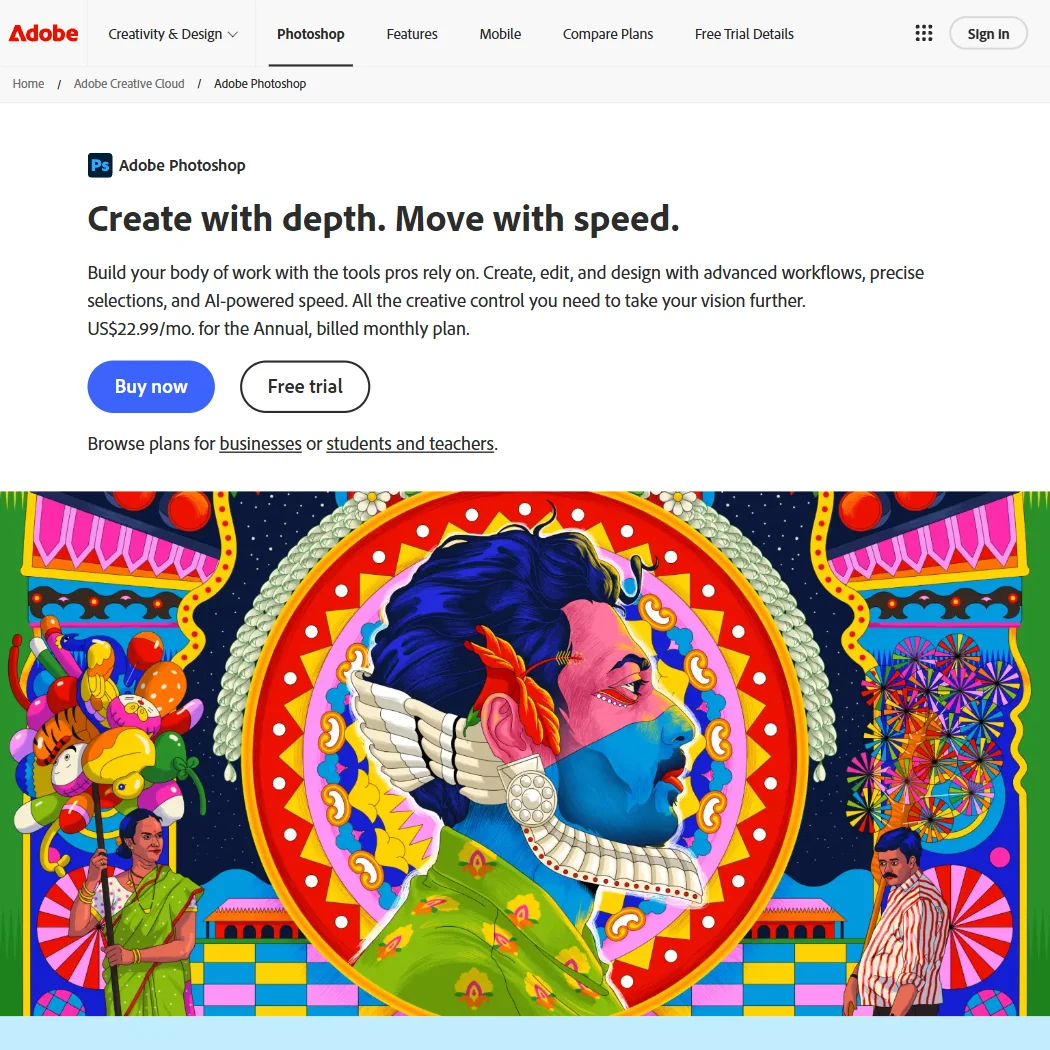
Adobe Photoshop is Adobe's raster image editor for desktop, web and mobile. Whether it suits you comes down to how you want to pay for it: the cheapest route into full desktop Photoshop is not the plan named after it, and the free version is a feature-gated mobile app rather than the desktop program most people mean by the name.
What is Adobe Photoshop?
Photoshop is made by Adobe Inc, a company founded in 1982 and headquartered in the United States. The full program installs on Windows and macOS, with companion apps for web, iPhone and Android. There is a genuinely free version, but it is the mobile app, and it unlocks its premium tools only with a paid subscription; the desktop program has no free tier, and the web version without an account is limited to guided tutorials.
Editing images in Adobe Photoshop
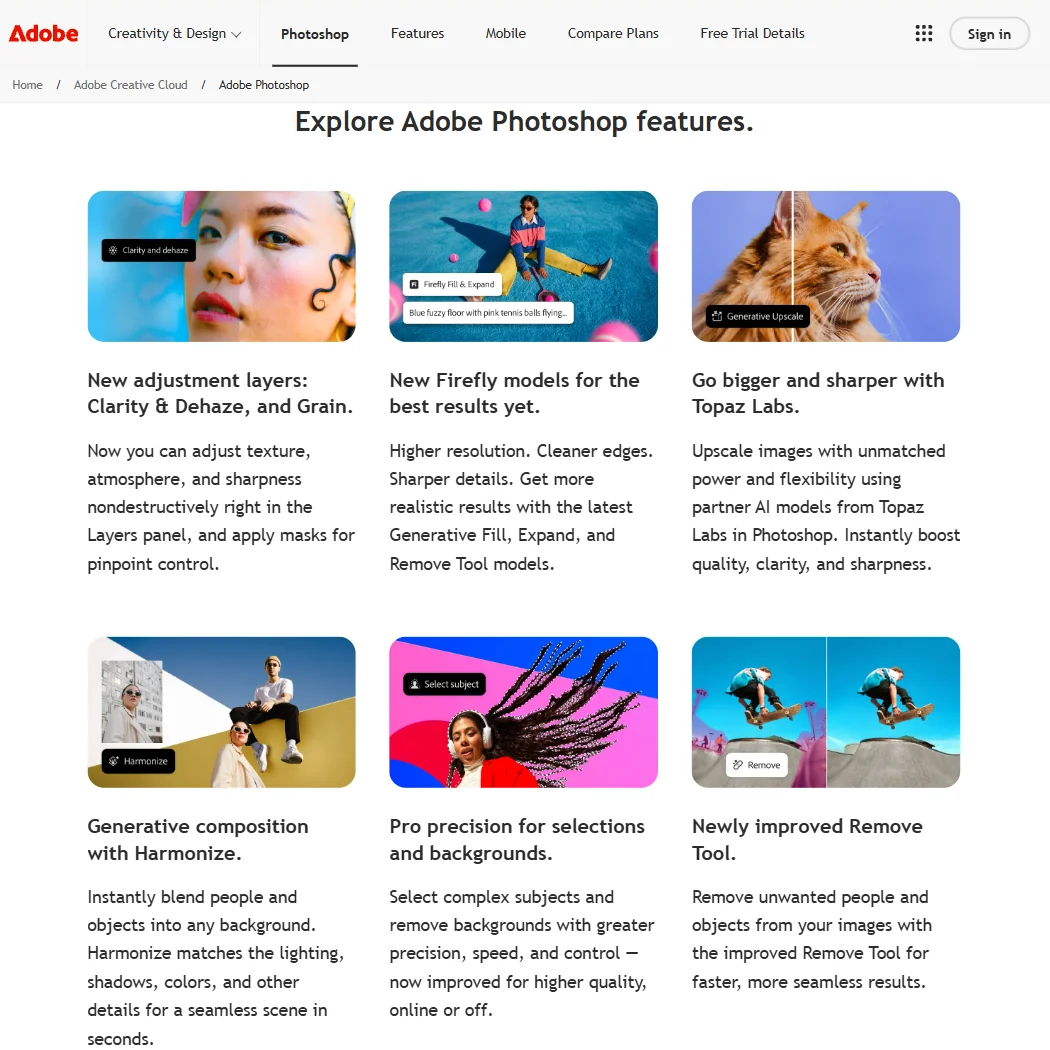
Photoshop opens and saves camera raw files through its Camera Raw plug-in and works natively in PSD, the format that keeps every layer, effect and mask intact. Editing is non-destructive through adjustment layers and masks, and selection tools include an automatic Select Subject tool alongside dedicated sky and people selectors. It supports a full CMYK working space for print, not just soft-proofing, and the Batch command, Image Processor and droplets automate repetitive edits across many files at once. Plugins extend the app through Adobe's UXP platform.
Photoshop's AI tools sit inside this editing workflow rather than replacing it. Generative Fill and Generative Expand alter an image non-destructively from a text prompt, using Adobe's own Firefly models alongside partner models including FLUX and Gemini. Generative Upscale increases resolution, with a second upscaling path through Topaz Labs partner models. A one-click Quick Action removes backgrounds, building on the Select Subject tool. On the single-app Photoshop plan, generative features draw from a pool of 25 monthly generative credits.
Working with other people
Photoshop shares cloud project files and lets others open what has been shared with their Adobe ID, but this is file sharing rather than simultaneous co-editing of the same document. A Photoshop API and the UXP plugin platform let developers build integrations and server-side workflows. Named integrations include Frame.io for review, Behance for sharing work, and Adobe Stock for images. Support runs through phone, chat and the Adobe Community on the single-app plan.
Adobe Photoshop pricing: what each plan gives
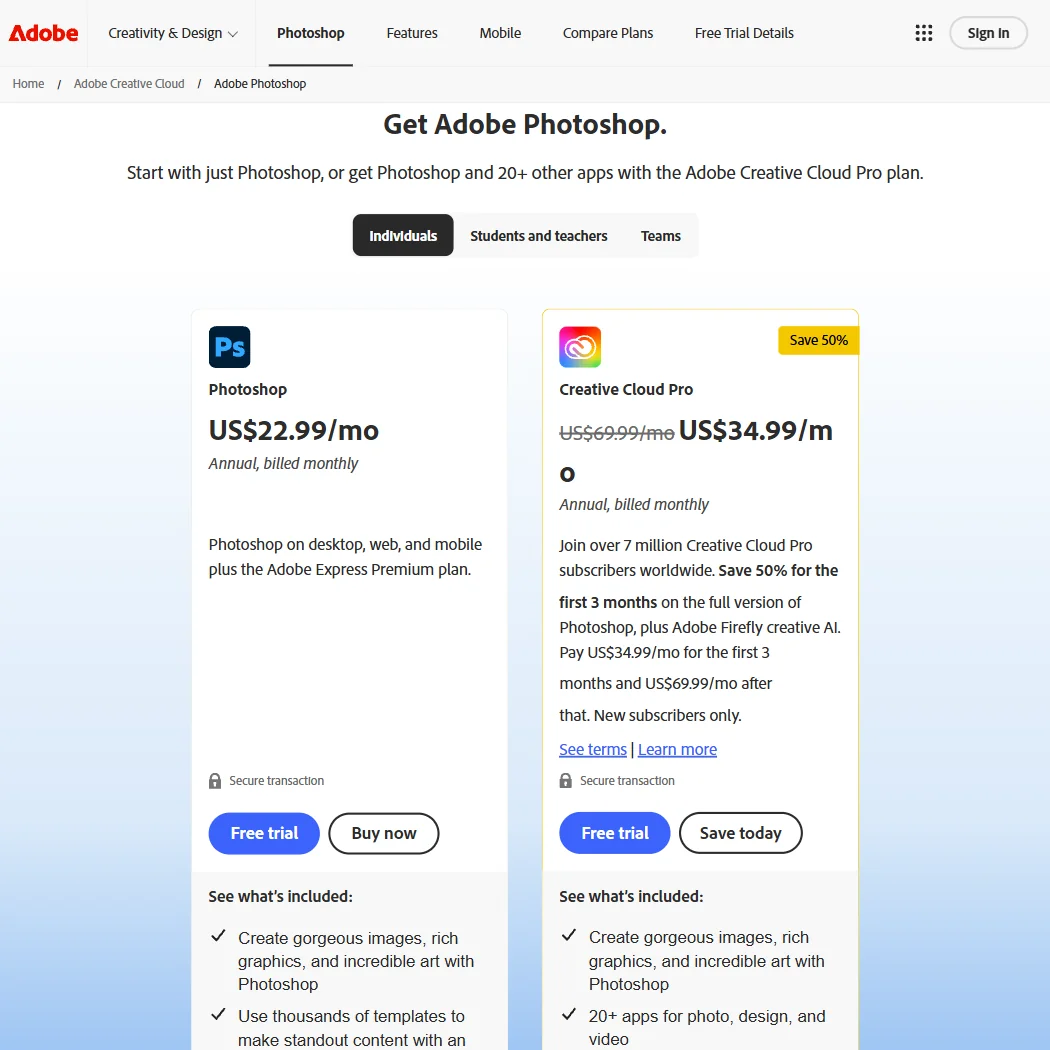
Photoshop on its own, as a single-app Creative Cloud plan, costs $22.99 a month on annual billing. A cheaper route to the same full Photoshop is the Photography plan at $19.99 a month on annual billing, which also bundles Lightroom, Lightroom Classic and 1TB of cloud storage; that $19.99 figure is the Photography plan's price, not a standalone Photoshop price. Adobe publishes only the annual-billed-monthly rate on these plans, not a month-to-month price. Both figures are per user, for one user. A 7-day free trial is available, and Adobe separately offers a 14-day money-back guarantee once a trial converts to a paid plan. There is no free version of desktop Photoshop; the only free tier is the mobile app.
Privacy and support
Adobe does not train its Firefly models on Creative Cloud subscribers' personal content; content from Adobe Stock contributors is the exception, used under their contributor agreements. Creative Cloud for enterprise, which names Photoshop specifically, holds a SOC 2 Type 2 attestation, and Adobe states GDPR compliance across its products. Firefly-generated output from non-beta features can be used commercially. Support for the single-app plan is by phone, chat and the Adobe Community.
Who Adobe Photoshop suits
Photoshop suits people who need a full raster editor with CMYK support, layered PSD files, batch automation and plugin extensibility, and who want generative AI tools built into that same editing workflow rather than a separate app. It also suits anyone who wants to edit on desktop, web and mobile from one subscription.
It suits less well anyone looking for a one-time purchase, since every plan is a subscription with no perpetual license, or anyone expecting the cheapest advertised price to just be Photoshop: that $19.99 figure comes bundled with Lightroom, and standalone Photoshop costs more. It also suits less well teams wanting to co-edit the same file at the same time, since Photoshop shares cloud files rather than supporting real-time collaboration.
How Adobe Photoshop compares
Adobe Photoshop scores 8.5 out of 10 among the image editors we rate. These three do the same job and are the closest to it, compared on what each vendor publishes.
Affinity
Affinity is free to use, but every AI feature, generative fill, background removal, upscaling, needs a paid Canva plan behind it. Photoshop's Photography plan, which includes Lightroom, costs $19.99 a month and bundles those same AI tools without a second subscription. Affinity opens layered PSDs but exports them flattened; Photoshop opens and saves PSDs with layers intact. Canva trains on your uploads by default unless you switch it off, while Photoshop says it never trains on yours.
Pick Affinity if you want a free app and don't mind Canva for AI.
Pick Adobe Photoshop if you want AI tools built in without a separate subscription.
Photopea
Photopea runs only in a browser, while Photoshop runs on 5 platforms including phone apps. Both open and save layered PSD files and offer generative fill and expand. Photoshop generates whole images from a prompt and can upscale them with AI; Photopea does neither, sticking to editing what you already have. Photopea exports to 7 file formats against Photoshop's 5, and its own privacy policy says it never uses your files for anything else.
Pick Photopea if you want a browser only editor with more export formats.
Pick Adobe Photoshop if you need AI image generation, upscaling or more platforms.
GIMP
GIMP is free, open source software with no company behind it, while Photoshop's Photography plan, which includes Lightroom, costs $19.99 a month. Both open and save layered PSD files, but Photoshop adds generative fill, prompt based image generation and automatic subject selection that GIMP does not have. Photoshop works in a full CMYK colour space for print; GIMP's CMYK support is still in progress, showing only ink coverage for soft proofing.
Pick GIMP if you want free open source software with no subscription.
Pick Adobe Photoshop if you need generative AI tools and full CMYK editing.
Frequently Asked Questions
How much does Adobe Photoshop cost?
Photoshop as a single app costs $22.99 a month on annual billing. The Photography plan costs less, $19.99 a month on annual billing, and includes Lightroom alongside the same full Photoshop, so that lower price is not a Photoshop-only price.
Does Photoshop open PSD and raw camera files?
Yes. PSD is Photoshop's native format and preserves layers and effects, and camera raw files are handled through the bundled Camera Raw plug-in.
What do Photoshop's AI tools actually do?
Generative Fill and Expand add or remove content from a text prompt, Generative Upscale increases image resolution, and a Quick Action removes backgrounds automatically. These draw from a monthly pool of generative credits rather than being unlimited on every plan.
Does Adobe train its AI on my images?
No. Adobe states it does not train Firefly on Creative Cloud subscribers' personal content, with Adobe Stock contributor content as the stated exception under separate licensing terms.
Screenshots