Photopea is a free image editor that runs entirely in the browser, built and run by a single developer. It needs no account to use, and the files you open never leave your device, which makes it a fit for anyone who wants a full editor without installing anything or trusting a server with their work.
What is Photopea?
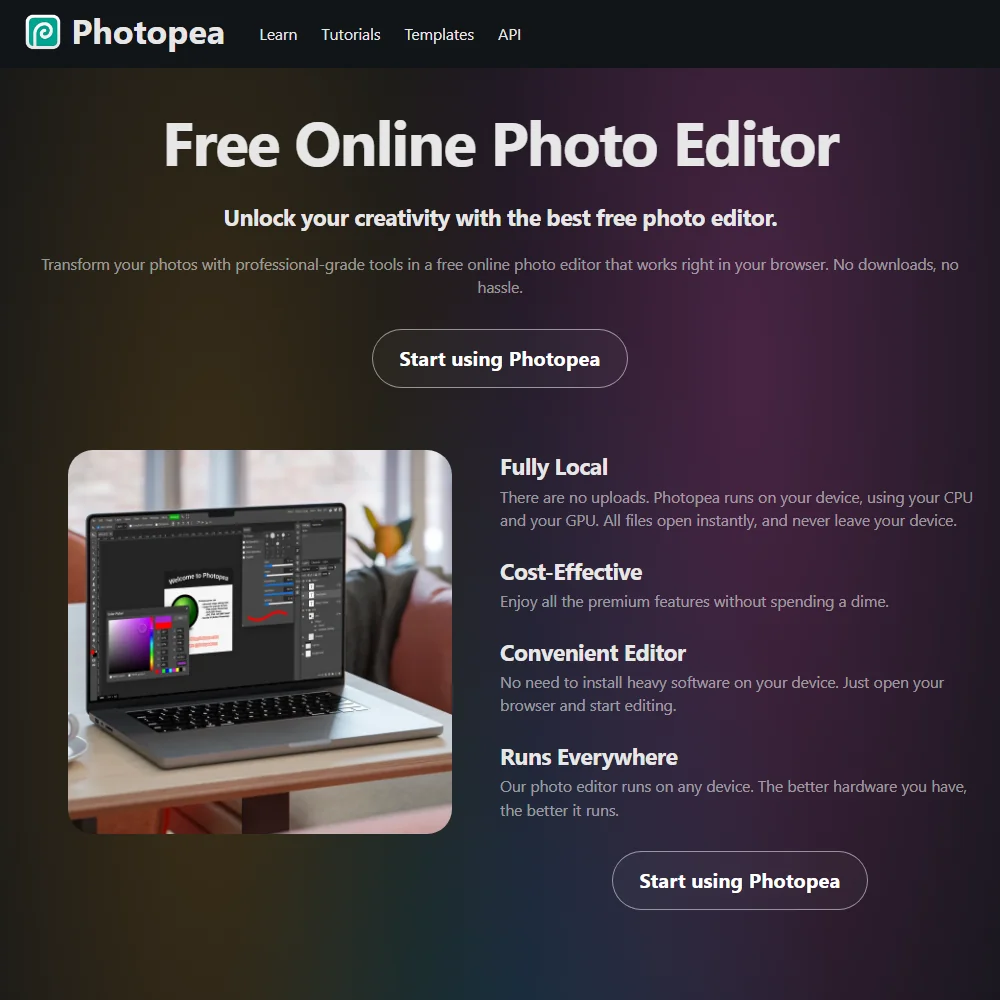
Photopea is built by Ivan Kutskir, based in Prague, Czech Republic, and the project traces back to 2013. It runs only in the browser, with no native Windows, Mac, iOS or Android app, and no download is required. Despite running in the cloud, Photopea does not upload the files you open: they are processed on your own device, and no account is needed to use the free editor.
Editing images in Photopea
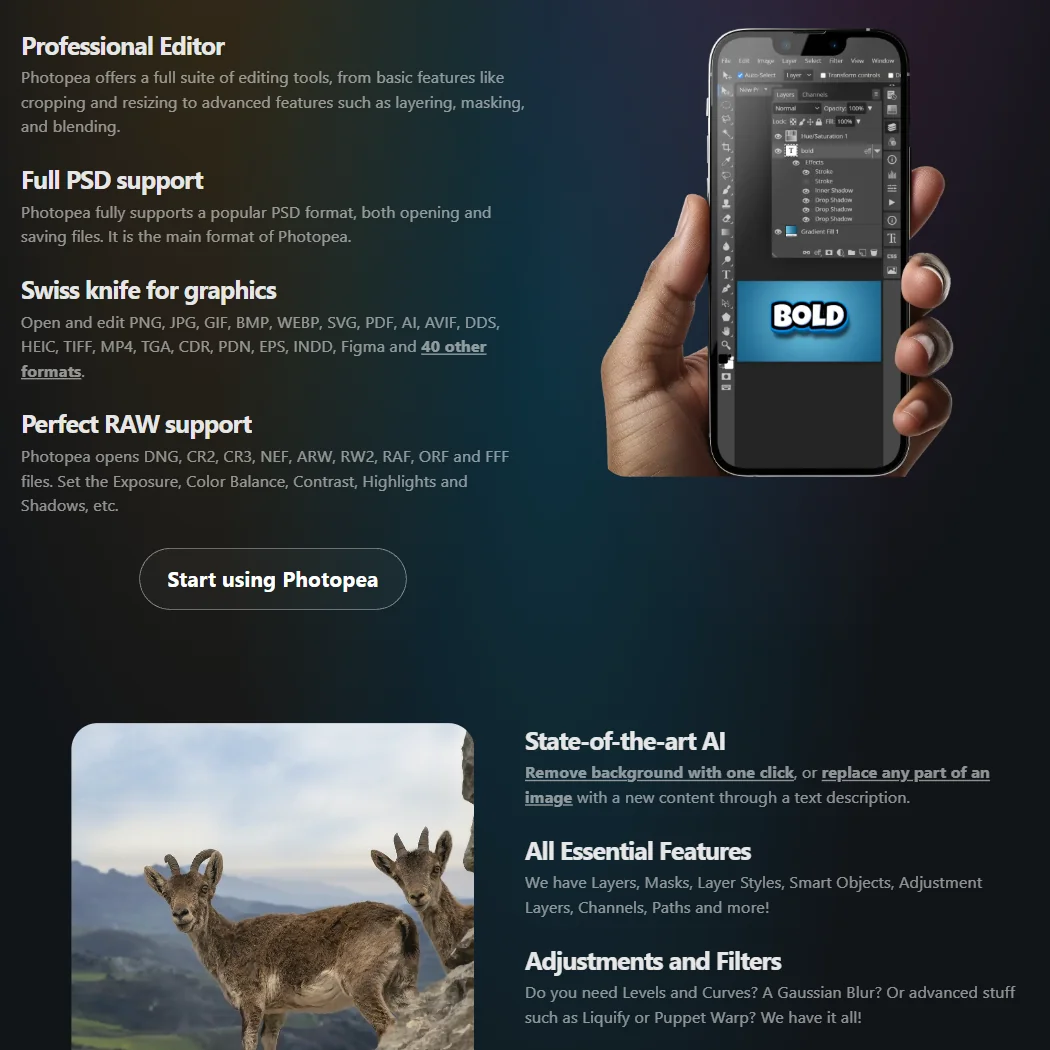
Photopea supports PSD as its main format, opening and saving it fully, and it opens raw camera formats including DNG, CR2, CR3, NEF, ARW, RW2, RAF, ORF and FFF, with controls for exposure, colour balance, contrast, highlights and shadows. Editing is non-destructive through layers, masks, layer styles, smart objects, adjustment layers, channels and paths. Photopea supports a CMYK colour mode with colour profiles, added in its 5.2 update, and its Actions panel records edits and applies them across other documents for batch work. It also opens and exports dozens of other formats, including AI, EPS, INDD and Figma files.
Photopea's AI tools cover two jobs: a one-click background removal tool, and a feature that replaces part of an image with new content from a text description. It does not generate a whole new image from nothing, and no specific AI model is named for either feature. Pen pressure or tablet support is not described for its brush tools.
Working with other people
Photopea has no real-time collaboration or comment and review workflow; its Teams feature is an account and billing grouping for Premium rather than shared editing. It connects to Dropbox, Google Drive and OneDrive for cloud storage, and offers Google and Facebook as login options. An extensive public API supports embedding and scripting Photopea into other sites. Support runs by email, through a Learn and tutorials documentation site, and community channels including Reddit, Facebook and Twitter.
Photopea pricing: what each plan gives
The free editor is fully featured, with no editing tools restricted, and is shown with ads; no account is required to use it. Premium is a one-time payment for a fixed period, for example a 90-day pass, that removes ads and reverts back to the free tier once the period ends. Its price is not published on Photopea's website; the figure is shown only inside the app's own account window.
Privacy and support
Files opened in Photopea are never sent anywhere and are processed entirely on your device; the same policy applies to files accessed through optional cloud storage connections, which Photopea states it does not use for any other purpose and never shares with anyone. Work made in Photopea can be sold commercially without giving Photopea a share. Its privacy policy names neither a SOC 2 report nor GDPR compliance, though it does set out deletion rights and a retention period. Support is by email, with community channels and a documentation site for reference.
Who Photopea suits
Photopea suits anyone who wants a full-featured PSD-compatible editor without installing anything, creating an account, or sending files to a server, including CMYK support for print work and raw camera file handling. It also suits anyone who wants to try Premium without committing to a subscription, since it is bought once for a fixed period rather than billed monthly.
It suits less well anyone who wants a native desktop or mobile app, since Photopea runs only in the browser, or anyone who wants to know the Premium price before opening the app, since it is not published anywhere on the public site. It also suits less well anyone whose work depends on pressure-sensitive tablet input, which is not described for its brush tools.
How Photopea compares
Photopea scores 7.6 out of 10 among the image editors we rate. These three do the same job and are the closest to it, compared on what each vendor publishes.
Adobe Photoshop
Photoshop's Photography plan, which includes Lightroom, costs $19.99 a month, and Photoshop runs on 5 platforms including phone apps; Photopea works only in a browser, with nothing to install. Both open and save layered PSD files and offer generative fill and expand. Photoshop generates whole images from a prompt and can upscale them with AI; Photopea does neither, sticking to editing what you already have. Photopea exports to 7 file formats against Photoshop's 5.
Pick Adobe Photoshop if you need AI image generation, upscaling or more platforms.
Pick Photopea if you want a browser only editor with more export formats.
Affinity
Affinity opens layered PSDs but exports only a flattened version; Photopea opens and saves the same files without flattening them. Every AI tool in Affinity, generative fill, background removal, upscaling, needs a paid Canva plan, while Photopea includes generative fill and background removal without a second product. Photopea runs only in a browser, against Affinity's 2 platforms, and exports to 7 file formats compared with Affinity's 4. Both work in CMYK for print.
Pick Affinity if you need pressure sensitive tablet support while you draw.
Pick Photopea if you need full PSD export or AI tools with no Canva plan.
GIMP
Photopea includes generative fill and expand, automatic subject selection and one click background removal; GIMP has none of these AI tools built in. GIMP is free, open source software with no company behind it, while Photopea is a web app that is not open source. Pressure sensitive tablets work with GIMP but not with Photopea. Photopea exports to 7 file formats against GIMP's 6, though GIMP runs on 2 platforms compared with Photopea's single browser based one.
Pick GIMP if you need pressure sensitive drawing or fully open source code.
Pick Photopea if you want generative fill and background removal in a browser.
Frequently Asked Questions
Is Photopea free?
Yes, the full editor is free with no account required, shown with ads. A Premium pass removes the ads for a fixed period, bought once rather than as a subscription, though its price is shown only inside the app.
Does Photopea open PSD files?
Yes. PSD is Photopea's main format, and it fully supports opening and saving it, alongside raw camera formats and dozens of other file types.
Does Photopea upload my files to a server?
No. Files are processed entirely on your own device and are never sent anywhere, even though Photopea runs in the browser.
Can I sell work I make in Photopea?
Yes. Photopea states that work made in the editor belongs to you, and you can sell it without giving Photopea any share.
Screenshots