SAASINSPECTOR
Affinity logo

Affinity Review

As an image editor, Affinity combines photo, vector and layout tools in one free desktop app that works in CMYK for print. It opens layered PSD files but can only export them flattened. Its AI features need a paid Canva plan, which trains on your work by default unless you switch it off.

Visit AffinityFrom $0/mo

Research-based review. Features and prices are checked on the vendor's own website, and the score is worked out from those facts. We haven't tested it hands-on yet.

The verdict

Affinity suits anyone who wants a free image editor with photo, vector and layout tools, though its AI needs a paid Canva plan while Photoshop's generative tools come built in.

Pros

  • The whole app, its Vector, Pixel and Layout studios together, is free to use with no restrictions or payment needed.
  • Exports from the free app carry no watermark.
  • Editing is non-destructive across layers, filters and adjustments, and RAW files get full editing with tone mapping and lens correction.
  • It includes batch processing with recordable macros and print-ready CMYK output with spot colours, preflight and bleed support, all in the free app.

Cons

  • Every AI feature, including generative fill, background removal, upscaling and image and vector generation, requires a separate paid Canva plan and does not work on the free app alone.
  • Canva trains its AI models on your account content and activity by default, and you have to turn this off yourself in your Canva privacy settings.
From $0/moFree plan YesFree trial No
6.9/10

Spec Score

Affinity against 4 image editors
#3
of 4 image editors
-0.3
vs the average
88%
from published facts
Ahead of other image editors
What it adds beyond the basics+1.2
Behind other image editors
Privacy and trust-1.9Workflow and output-1.6
Every criterion
Tap a row for the facts
What it adds beyond the basics8.1
+1.2 vs 6.9 avg28.4 of 35 points
Opens and saves layered Photoshop filesno0 / 1.7
Generative fill and expandyes1.4 / 1.4
Generates images from a promptyes1.2 / 1.2
Selects a subject or sky by itselfyes1.2 / 1.2
AI image editing (erase, relight)yes0.9 / 0.9
One-action background removalyes0.9 / 0.9
AI upscalingyes0.9 / 0.9
Works in CMYK for printyes0.9 / 0.9
Pressure sensitivity from a tablet or stylusyes0.5 / 0.5
Template librarynot published, half points0.2 / 0.4
Why these numbers

Opens and saves layered Photoshop files: Import-only: PSDs open with layers/masks/groups intact ('You can open layered PSDs in Affinity'), but there is no PSD export with layers preserved, only flattened PDF/PNG.

Generative fill and expand: Gated behind a Canva premium plan.

Generates images from a prompt: Gated behind a Canva premium plan.

Selects a subject or sky by itself: Gated behind a Canva premium plan.

AI image editing (erase, relight): Gated behind a Canva premium plan.

One-action background removal: Gated behind a Canva premium plan.

AI upscaling: Gated behind a Canva premium plan.

Works in CMYK for print: Included in the free app (Layout studio).

Workflow and output5.0
-1.6 vs 6.6 avg11 of 22 points
File formats it exports4 export formats2 / 3
Where it runs2 platforms1.5 / 3
Third-party pluginsno0 / 2
Apps it connects to4 integrations1.5 / 2
Why these numbers

File formats it exports: Counted from export_formats. Also exports TIFF and WebP, which are outside this checklist's format enum.

Where it runs: Counted from platforms. iPad version explicitly 'coming soon', so ios is false/not yet. No Android or web app.

Third-party plugins: Checked integrations, graphic-design, photo-editing, blog and release-notes pages for third-party plugin/extension installation; found only named product integrations (DaVinci Resolve, Capture One, Claude) and in-app scripting, not an installable-plugin architecture.

Apps it connects to: Counted from integrations. Canva itself is the parent product Affinity exports to / unlocks AI through.

Pricing8.5
-0.4 vs 8.9 avg21.3 of 25 points
Cheapest paid plan, monthly$07 / 7
Commercial use allowednot published, half points1.5 / 3
Why these numbers

Cheapest paid plan, monthly: Free, with no paid tier to price. Affinity the app has no paid tier of its own. AI features are gated behind a Canva premium plan (Pro/Business/Enterprise/Education), whose pricing lives on canva.com, a separate domain not read in this pass.

Privacy and trust4.5
-1.9 vs 6.4 avg8.1 of 18 points
Does not train AI on what you uploadunless you opt out1.8 / 3.5
SOC 2not published, half points0.8 / 1.5
GDPRyes1 / 1
Source published under an open licenceno0 / 2
Ways to reach support2 support channels1 / 2
Why these numbers

Does not train AI on what you upload: Trains by default and you switch it off, which is the third answer, not a yes. The collecting pass recorded true from a second-hand reading of a page it could not open; the page itself says the opposite. Matches the live Canva record, which reads opt_out from the same policy.

GDPR: Canva's policy, read with the browser after it blocked the fetch helper. It counts for this record because Affinity requires a Canva account to download at all, so Canva Pty Ltd is the controller of every Affinity user's personal data.

Source published under an open licence: Free to use but proprietary; no OSI-approved licence named anywhere on affinity.studio.

Ways to reach support: Counted from support_channels. help_center = affinity.studio/help. community = official Discord and other social channels linked in the site footer (Instagram, X, TikTok, YouTube, Discord invite).

yesnonot published average for image editors
How the Spec Score works

Scored from what Affinity publishes on its own site. Not a hands-on test.

Compared with 4 image editors. Facts checked 21 Sep 2026.

A fact the vendor does not publish gets half the points, or the typical value for a number, and says so. It never counts as a no. How we score.

Affinity is now a single free desktop app, its Vector, Pixel and Layout studios in one file, owned and distributed by Canva. Every editing tool in it costs nothing, but its AI features live behind a separate paid Canva plan, so what you get depends entirely on whether you need those.
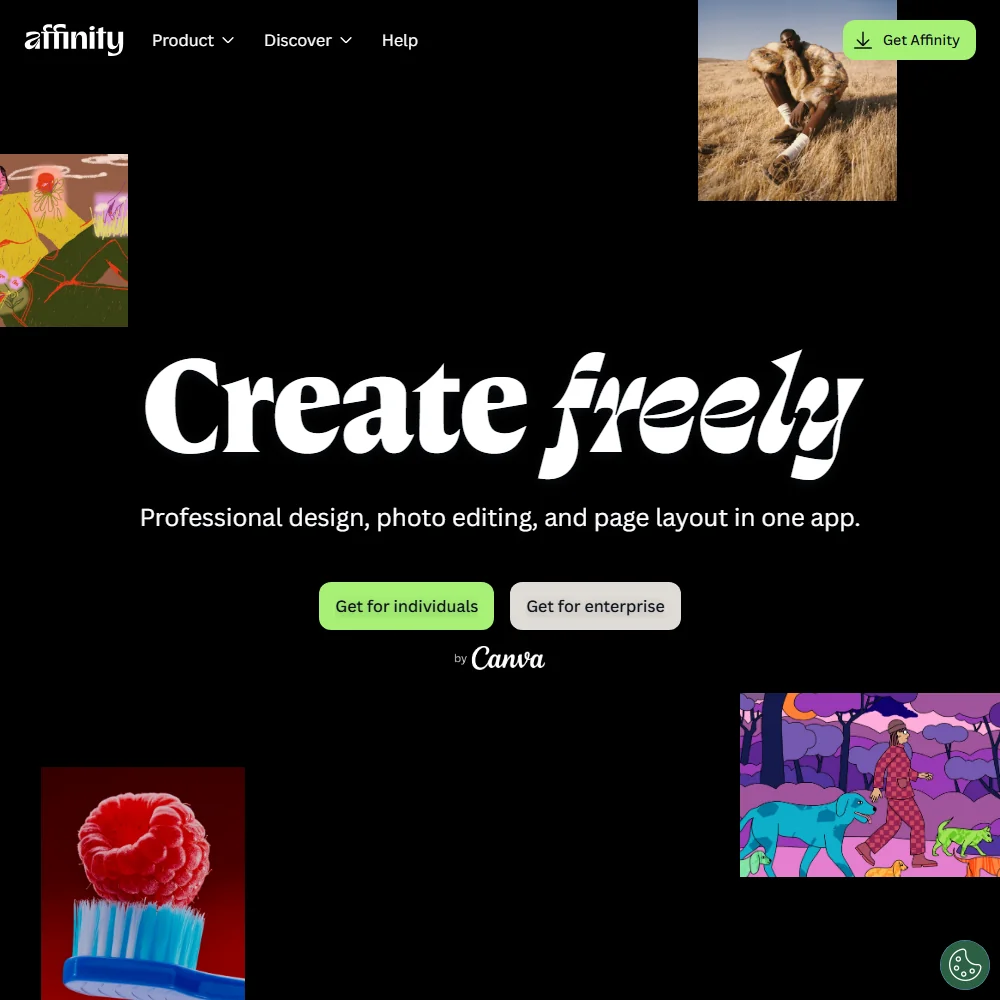
Affinity homepage screenshot
Affinity, Homepage

What is Affinity?

Affinity is made and distributed by Canva. It installs and runs on Windows and macOS, with iPad support described as coming later. Downloading it requires a free Canva account, and its AI tools run on Canva's servers rather than on your machine, so it is not a purely offline app even though the editing itself happens locally. It is free to use but proprietary, not open source.

Editing images in Affinity

Affinity opens layered PSD files with their layers, masks and groups intact, but there is no PSD export that keeps layers: exporting to Photoshop flattens the file to a PDF or PNG. Editing is non-destructive across layers, filters and adjustments, and RAW files get full editing with tone mapping and lens correction, all included in the free app.

Batch processing with recordable macros, HDR merge and panorama stitching are also part of the free app, as is print-ready output with CMYK, spot colours, preflight and bleed support. Pen pressure sensitivity works for tools like dodge and burn. Affinity does not support installable third-party plugins; instead it connects to named applications such as DaVinci Resolve and Capture One.

Affinity's AI tools are reached from inside the app but run as Canva AI Studio, and every one of them needs a paid Canva plan. That includes selecting a subject and erasing its background, generative fill that fills a selection, expands an image or adds something by prompt, generating images and editable vectors from a text prompt, upscaling with Super Resolution, and using a Canva brand kit inside Affinity. None of these work on the free app by itself. Separately, an AI Connector links Affinity to Claude for automating repetitive production workflows and custom scripting, which is free during its beta period.

Working with other people

Affinity has no real-time co-editing and no built-in comment or review workflow; sharing work with others means exporting it, typically to Canva. Beyond Canva itself, it connects to DaVinci Resolve, Capture One and Claude. It exports to PNG, JPG, SVG and PDF.

Affinity pricing: what each plan gives
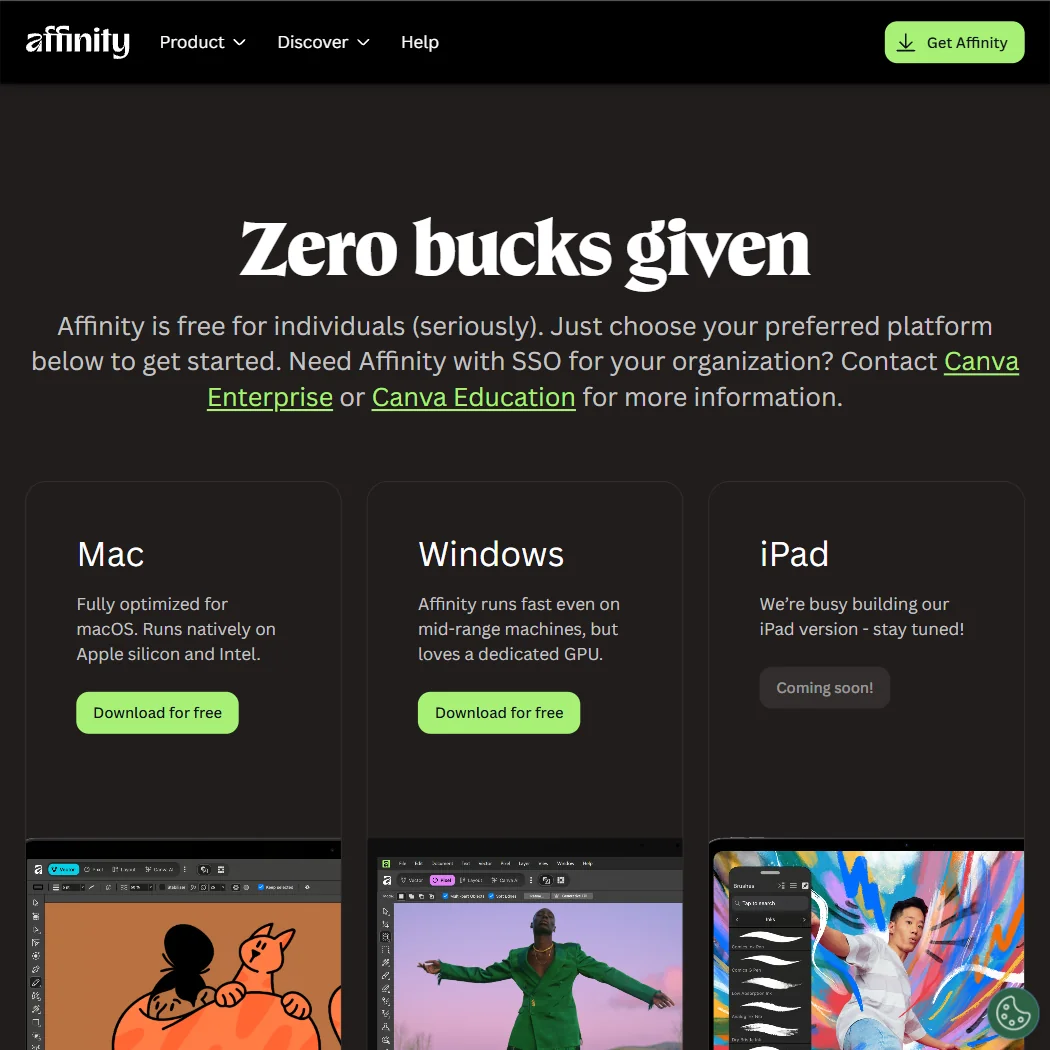
Affinity pricing screenshot
Affinity, Pricing

Affinity has no paid plan of its own. Every tool in the Pixel, Vector and Layout studios, plus the customization and export features, is free to use with no restrictions and no watermark on exports. There is no trial to offer, because there is no paid tier to trial.

Generative fill, background removal, upscaling, image and vector generation and the brand kit are Canva AI Studio features reached from inside Affinity, and every one of them needs a paid Canva plan, which starts at $18 a month, or $12 a month billed annually, on Canva's own site. There is no longer a perpetual licence to buy for Affinity itself, since the old separate Affinity Photo and Affinity Designer products have been retired.

Privacy and support

Because Affinity requires a free Canva account to download at all, Canva's privacy policy governs that account. Canva trains its AI models on your account activity, content and media uploads by default, and you have to switch this off yourself in your Canva privacy settings. Canva's own privacy policy states it processes personal data under the GDPR and UK GDPR, which covers the account Affinity forces you to hold.

Support is through Affinity's help centre and a Discord community; no email, phone or chat line is listed.

Who Affinity suits

Affinity suits anyone who wants a full desktop editor for photos, vector art and page layout without a subscription: raw editing, non-destructive layers, batch macros and print-ready CMYK output all come free, with no watermark and no time limit.

It suits less well anyone who wants its AI features, generative fill, background removal, upscaling, image and vector generation or the Canva brand kit, without paying for a Canva plan, since none of those work on the free app alone. It also suits less well anyone who needs real-time collaboration, a built-in comment workflow, or a PSD export that keeps its layers.

How Affinity compares

Affinity scores 6.9 out of 10 among the image editors we rate. These three do the same job and are the closest to it, compared on what each vendor publishes.

6.9Affinity
vs
8.5Adobe Photoshop

Adobe Photoshop

Every AI feature in Affinity, from generative fill to AI upscaling, sits behind a paid Canva plan, though Affinity itself costs nothing to use. Photoshop's Photography plan, which includes Lightroom, costs $19.99 a month and has those same tools built in without a second subscription. Affinity opens layered PSDs but exports them flattened; Photoshop opens and saves PSDs with layers intact. Affinity runs on 2 platforms against Photoshop's 5, with its iPad app still listed as coming soon.

Pick Adobe Photoshop if you want AI tools built in without a separate subscription.
Pick Affinity if you want a free app and don't mind Canva for AI.

Affinity vs Adobe Photoshop →
6.9Affinity
vs
7.6Photopea

Photopea

Photopea opens and saves layered PSD files without flattening them, while Affinity opens layered PSDs but exports only flattened versions. Affinity's AI tools, generative fill, background removal, upscaling, sit behind a paid Canva plan, while Photopea includes generative fill and background removal on its own. Photopea runs only in a browser, against Affinity's 2 platforms, and exports to 7 file formats compared with Affinity's 4. Affinity works in CMYK for print in its free app, and so does Photopea.

Pick Photopea if you need full PSD export or AI tools with no Canva plan.
Pick Affinity if you need pressure sensitive tablet support while you draw.

Affinity vs Photopea →
6.9Affinity
vs
5.9GIMP

GIMP

Affinity is a free app, though its AI tools sit behind a paid Canva plan; GIMP is free too, open source, with no company behind it at all. GIMP opens and saves layered PSD files; Affinity opens them the same way but exports only a flattened version. Affinity works in a full CMYK colour space for print, while GIMP's CMYK editing is still in progress, showing only ink coverage. Both support pressure sensitive tablets, and GIMP's code is published under the GPL licence.

Pick GIMP if you want open source software you can extend with plug-ins.
Pick Affinity if you want CMYK support ready now instead of in progress.

Affinity vs GIMP →

Frequently Asked Questions

Is Affinity free?

Yes. The whole app, Vector, Pixel and Layout studios together, is free to use with no restrictions or payment, and Affinity has no paid plan of its own to buy.

Does Affinity open Photoshop files?

It opens layered PSD files with layers, masks and groups intact, but it cannot export a PSD that keeps its layers; exporting to Photoshop flattens the file to a PDF or PNG.

Does Affinity include AI tools like generative fill?

Generative fill, background removal, upscaling and image and vector generation are all present, but every one of them is a Canva AI Studio feature that needs a paid Canva plan; none work on the free app alone.

Does Affinity train on the files I work on?

Canva, whose account you need to download Affinity, trains its AI models on your uploaded content and account activity by default. You can turn this off in your Canva privacy settings.

Screenshots
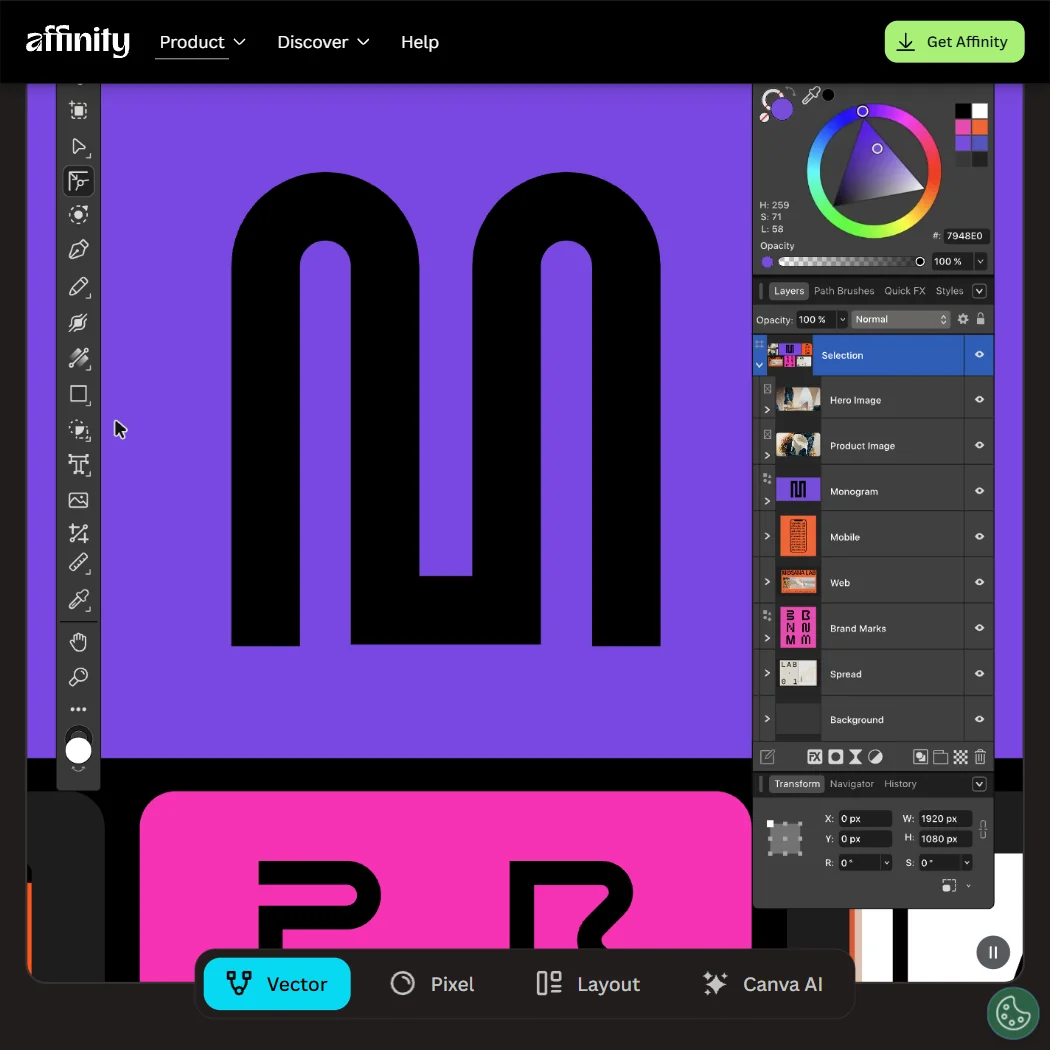
Affinity features screenshot
Affinity, Features
Affinity is featured in

Alternatives to Affinity

Other AI Design Tool options we've reviewed.

Figma logo

Figma

Product teams wanting one shared workspace for design systems, prototypes and developer handoff

8.1
Rank #2 of 6 AI UI design tools
Best:Teams and platforms10
Weakest:What you can make7
Free plan: yesFree trial: noAPI: yes
Price not publishedFree plan
96% from published facts · checked 19 Sep
Canva logo

Canva

Small teams making branded social posts, print and video without hiring a designer

7.8
Rank #4 of 7 AI graphic design tools
Best:Teams and platforms10
Weakest:What you can make7
Publishes or schedules to social: yes
From $18Free plan
90% from published facts · checked 19 Sep
Visme logo

Visme

Brand teams producing polished decks and reports that export to almost any format

6.5
Rank #2 of 4 AI presentation makers
Best:Workflow and output7.2
Weakest:Privacy and trust5
Free plan: yesFree trial: noAPI: yes
From $29Free plan
92% from published facts · checked 20 Sep
Adobe Firefly logo

Adobe Firefly

Creative Cloud users who want generation inside the apps they already use, from a vendor that does not train on their content

7.0
Rank #4 of 7 AI image generators
Best:What it makes8.8
Weakest:Openness and support3
Does not train on what you make: yes
From $9.99Free plan
74% from published facts · checked 22 Sep
Krea logo

Krea

Designers who want one of the broadest model menus, plus a node canvas, an AI agent and an API

9.0
Rank #2 of 13 multi-model AI platforms
Best:For video10
Weakest:Pricing6
SOC 2: yesOffers Veo 3.1: yesOffers Nano Banana Pro: yes
From $35Free plan
93% from published facts · checked 19 Sep

Wix

Small business owners building a site and store themselves, with a phone line for help

8.0
Rank #1 of 6 AI website builders
Best:Teams and platforms9.5
Weakest:Pricing7
Generates images inside the builder: yes
From $17Free plan
85% from published facts · checked 19 Sep

User reviews

Review Affinity

Your rating

Reviews are moderated and appear once approved.





