
SAASINSPECTOR
Adobe Illustrator logo

Adobe Illustrator Review

As a vector editor, Adobe Illustrator generates artwork from a text prompt, traces raster images into vector paths, and supports spot colour and CMYK for print. It also has union, subtract and intersect tools for combining shapes, and does not train its AI on what you upload.

Visit Adobe IllustratorFrom $22.99/mo

Research-based review. Features and prices are checked on the vendor's own website, and the score is worked out from those facts. We haven't tested it hands-on yet.

The verdict

Illustrator is worth paying for designers who need prompt-generated vectors and spot colour tools, though there is no free plan, unlike Inkscape's free vector editor with similar boolean shape tools.

Pros

  • Its AI tools turn a sketch or written prompt into editable vector artwork, rather than a flat image.
  • The Pathfinder panel handles boolean path operations, combining or dividing overlapping shapes into one.
  • It opens and saves native .ai files as well as .eps and .pdf, and exports to a wide range of formats including svg, png and webp.
  • Adobe does not train Firefly on Creative Cloud subscribers' personal content.

Cons

  • There is no free plan, only a 7-day free trial.
  • Illustrator is sold only as a subscription, with no perpetual licence or one-time purchase option.
  • Its generative tools make vector artwork only; it does not generate raster images from a prompt.
From $22.99/moFree plan NoFree trial Yes
7.7/10

Spec Score

Adobe Illustrator against 3 vector editors
#1
of 3 vector editors
+0.7
vs the average
95%
from published facts
Ahead of other vector editors
Workflow and output+3.1What it adds beyond the basics+1.5Privacy and trust+0.8
Behind other vector editors
Pricing-2.7
Every criterion
Tap a row for the facts
What it adds beyond the basics9.7
+1.5 vs 8.2 avg34 of 35 points
Opens Illustrator .ai and .eps filesyes1.7 / 1.7
Generates artwork from a promptyes1.7 / 1.7
Traces a raster image into vector pathsyes1.4 / 1.4
Spot colour for printyes1.4 / 1.4
Works in CMYK for printyes1.4 / 1.4
Union, subtract and intersect on shapesyes1 / 1
AI image editingyes0.7 / 0.7
Template librarynot published, half points0.3 / 0.7
Why these numbers

Opens Illustrator .ai and .eps files: Opens and saves both. The same table also opens CorelDRAW 5 to 10 (cdr), which is worth a line in the CorelDRAW comparison.

Generates artwork from a prompt: Text to Vector Graphic generates vector output (scenes, subjects, icons) from a text prompt.

Spot colour for print: This is spot-colour support, not Pantone specifically. Pantone is named on neither the swatches overview nor the spot-colour page, which matches Adobe removing the bundled Pantone libraries in 2022.

Union, subtract and intersect on shapes: The panel lists Unite, which 'combines paths of overlapping objects, creating an object with a single path'.

AI image editing: Scoped to editing vector artwork (recoloring, shape fill) rather than photo/raster editing, which is Photoshop's/Express's domain.

Workflow and output9.5
+3.1 vs 6.4 avg20.9 of 22 points
File formats it exports13 export formats3 / 3
Where it runs4 platforms3 / 3
Apps it connects to5 integrations1.5 / 2
Third-party pluginsyes1.2 / 1.2
Comments and approvalyes0.8 / 0.8
Why these numbers

File formats it exports: Counted from export_formats. Was null: the earlier pass tried several helpx file-format URLs that 404, because the guide moved to the /illustrator/desktop/ tree. Distinct formats across Save, Export As, Save for Web and Export for Screens.

Where it runs: Counted from platforms. 'ios' here specifically means the iPad app (Illustrator on the iPad); no iPhone-specific or Android app was found. 'desktop' covers Windows and macOS per the free-trial FAQ ('Will this Illustrator free trial work on macOS and Windows?').

Apps it connects to: Counted from integrations. Photoshop cross-app integration from https://helpx.adobe.com/illustrator/using/cloud-documents.html ('Place Adobe Photoshop cloud documents on Illustrator desktop and iPad').

Third-party plugins: Corrected from null on review. The gap-fill looked for a plug-in page in the desktop help navigation and found none, but this record's own `api` fact already carried the answer: its note names C++ plug-ins and HTML/CSS/JS panels alongside the scripting languages.

Pricing3.5
-2.7 vs 6.2 avg8.8 of 25 points
Cheapest paid plan, monthly$22.993 / 5
Sells a licence you own outrightno0 / 2.5
Free planno0 / 1.5
Free trial7 days0.5 / 1
Why these numbers

Cheapest paid plan, monthly: The vendor publishes only the yearly rate per month; that figure is used. Per instructions, US price is NOT read off adobe.com (this session's browser was geo-served EUR: 26,86 EUR/mo incl. VAT).

Sells a licence you own outright: The product page offers a subscription only. Adobe stopped selling perpetual Creative Suite licences long ago and no one-off purchase is offered anywhere on the Illustrator pages checked.

Free plan: Illustrator's own FAQ states there is no permanent free tier, only a 7-day free trial that converts to a paid plan.

Privacy and trust7.2
+0.8 vs 6.4 avg13 of 18 points
Does not train AI on what you uploadyes3.5 / 3.5
SOC 2not published, half points0.8 / 1.5
GDPRyes1 / 1
Source published under an open licenceno0 / 2
Ways to reach support3 support channels2 / 2
Why these numbers

Does not train AI on what you upload: Illustrator's generative features (Concept to Vector, Text to Vector Graphic, Generative Shape Fill) are Firefly-powered, so this FAQ answer applies to Illustrator specifically.

GDPR: Adobe-wide privacy attestation, applies to Illustrator as an Adobe product.

Source published under an open licence: Commercial subscription software. No source licence is published on the product or help pages checked, and no OSI licence is named anywhere on them.

Ways to reach support: Counted from support_channels. Row for single-app Creative Cloud plans, which covers the Illustrator single-app plan scored here.

yesnonot published average for vector editors
How the Spec Score works

Scored from what Adobe Illustrator publishes on its own site. Not a hands-on test.

Compared with 3 vector editors. Facts checked 21 Sep 2026.

A fact the vendor does not publish gets half the points, or the typical value for a number, and says so. It never counts as a no. How we score.

Adobe Illustrator is Adobe's vector graphics editor for logos, icons, illustration and brand artwork, built around node-level path editing. Whether it suits you comes down to two things: whether a subscription with no outright-purchase option works for you, and how much you want vector-specific AI generation alongside traditional drawing tools.
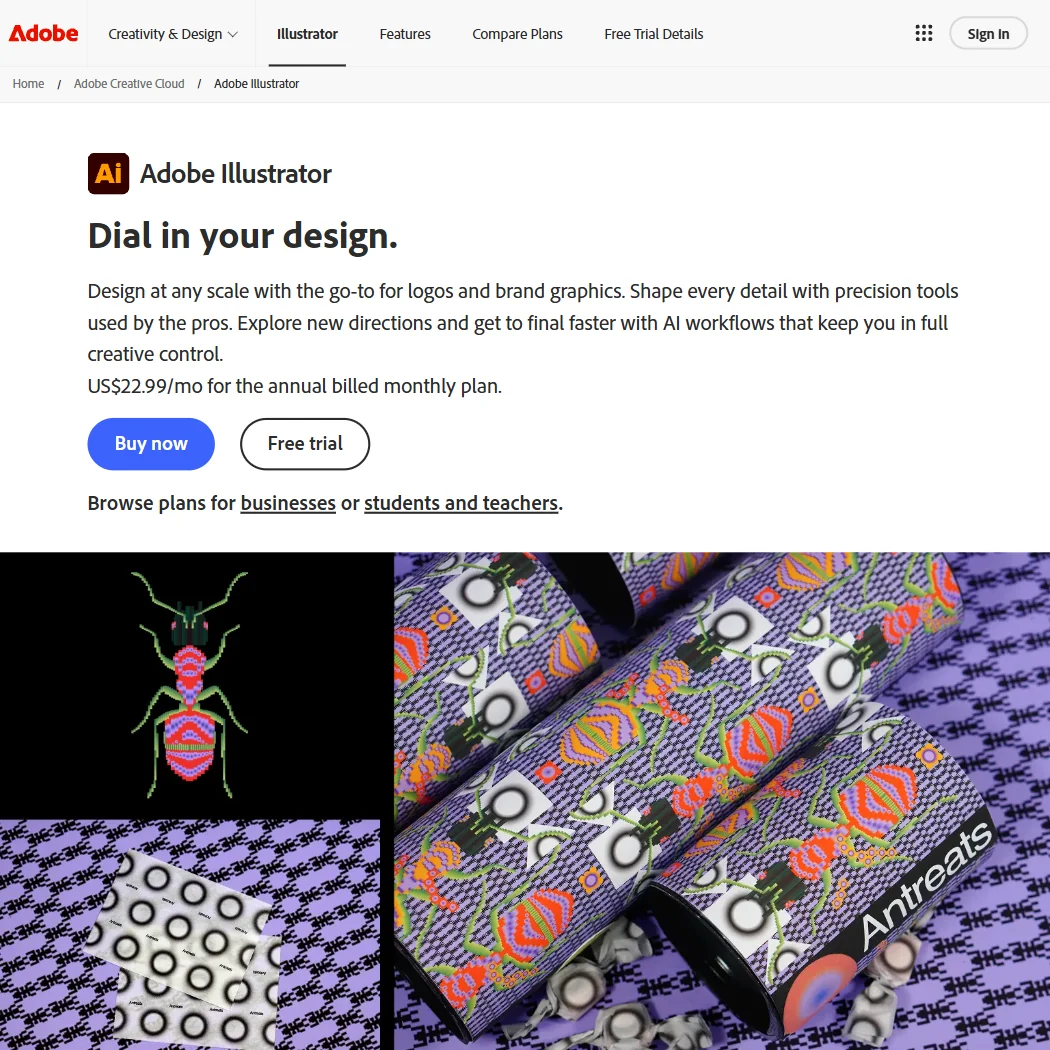
Adobe Illustrator homepage screenshot
Adobe Illustrator, Homepage

What is Adobe Illustrator?

Illustrator is made by Adobe Inc, a company headquartered in the USA that was founded in 1982. It runs on Windows and Mac desktops, on the iPad, and in a web version, and an Adobe account is required for all of them.

Drawing and editing vectors in Adobe Illustrator

Illustrator opens and saves native .ai files as well as .eps and .pdf, and exports to dwg, dxf, bmp, css, emf, gif, jpg, png, svg and webp. Image Trace converts a raster image into editable vector artwork, the Pathfinder panel handles boolean path operations such as combining overlapping shapes into one, and the Mesh tool creates mesh objects whose colours flow and blend across a shape. Type can run along a path, and artboards give each design its own defined canvas within a document. Colour tools include spot colour swatches for print matching and conversion between CMYK and RGB colour modes.

Illustrator's generative AI tools work in vector, not raster: Concept to Vector turns a sketch or low-resolution image into an editable vector graphic, and Text to Vector Graphic generates scenes, subjects or icons from a written prompt. Generative Shape Fill and Generative Recolor apply AI models including Adobe Firefly, GPT-4o, Gemini 2.5, Imagen 4 and GPT Image 2.0 to existing vector shapes. The single-app plan includes 25 monthly generative credits. Illustrator does not generate raster images from a prompt; that is a Photoshop and Creative Cloud Pro feature, not part of this plan.

Working with other people

Cloud documents can be shared as a link, and anyone with that link can view the work and post comments. Illustrator has its own API for scripting and plug-in extensions, covering JavaScript, AppleScript, VBScript and C++ panels, so workflows can be automated. It also connects to Adobe Express for quick edits, Photoshop for cross-app cloud documents, Frame.io for review, Adobe Fonts for typefaces, and Behance for sharing finished work. Support for the single-app plan runs through phone, chat and the Adobe Community.

Adobe Illustrator pricing: what each plan gives
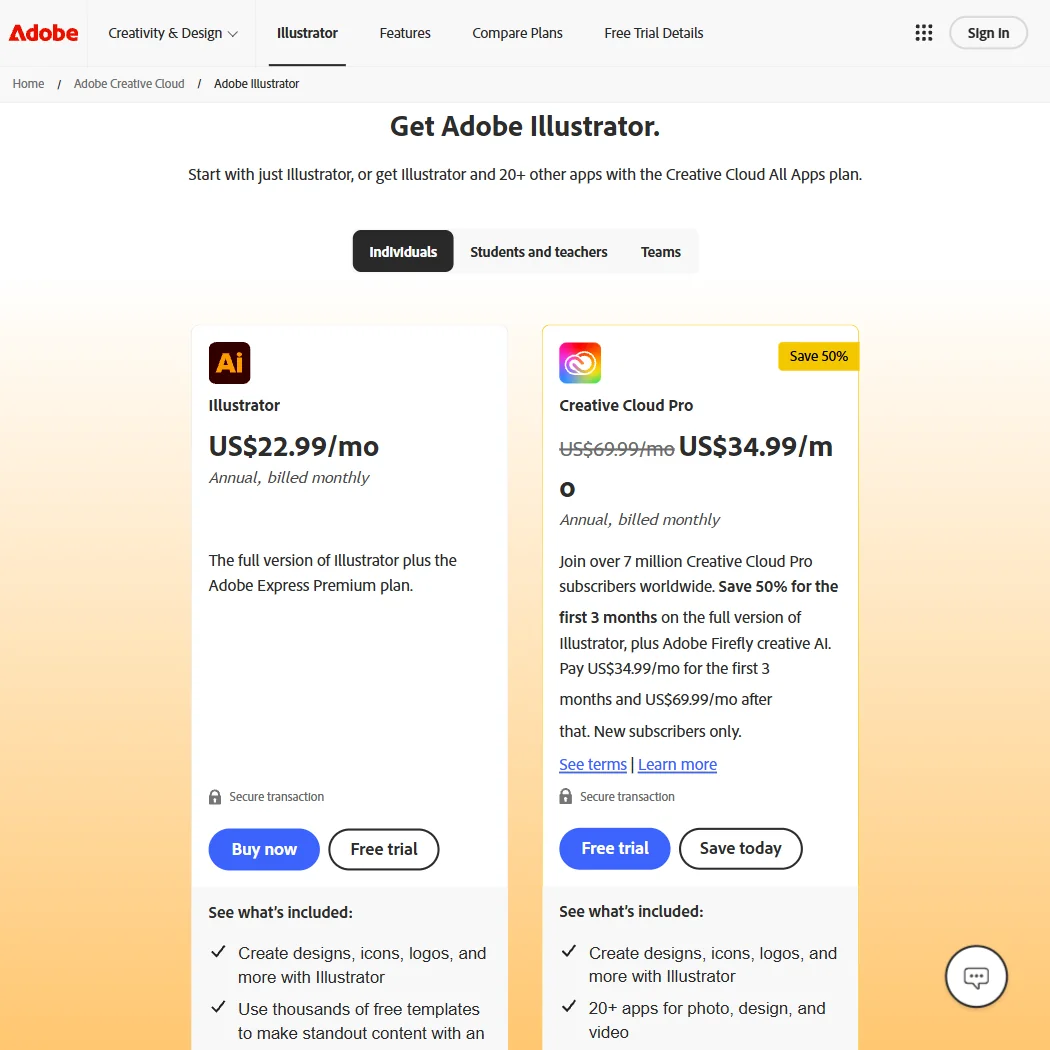
Adobe Illustrator pricing screenshot
Adobe Illustrator, Pricing

Illustrator is sold as a single-app Creative Cloud subscription at $22.99 a month, billed annually; no month-to-month rate is published. It comes with 25 monthly generative credits and access to over a million free stock photos, drawings and video clips through Adobe Stock. There is no permanent free plan: a 7-day free trial gives the full application, and it converts automatically into a paid subscription unless cancelled first. Illustrator is not sold as a one-time purchase.

Privacy and support

Adobe says it does not train Firefly on Creative Cloud subscribers' personal content, and outputs from Illustrator's non-beta generative features can be used in commercial projects. Adobe names GDPR among its privacy attestations. Support for the Illustrator plan is by phone, chat and the Adobe Community.

Who Adobe Illustrator suits

Illustrator suits anyone drawing logos, icons or brand artwork who wants precise path-level control, boolean shape tools, mesh gradients and print-ready spot colour and CMYK handling, plus AI tools that generate and edit vector shapes rather than photos. Cloud document sharing and its scripting API also suit teams building repeatable or automated workflows.

It suits less well anyone who wants to own a licence outright rather than pay monthly, since Illustrator is subscription-only with no perpetual option, or anyone whose main interest is AI-generated raster images, since that sits outside the single-app plan.

How Adobe Illustrator compares

Adobe Illustrator scores 7.7 out of 10 among the vector editors we rate. These two do the same job and are the closest to it, compared on what each vendor publishes.

7.7Adobe Illustrator
vs
6.7Inkscape

Inkscape

Illustrator is a subscription only, $22.99 a month with no licence to keep and no free plan beyond a 7-day trial. Inkscape is free, open source software with no company behind it and no price. Illustrator generates vector artwork from a text prompt and works with spot colour for print; Inkscape does neither, and its CMYK support is limited since it works internally in RGB. Both open Illustrator's own .ai and .eps files and support union, subtract and intersect operations on shapes.

Pick Inkscape if you want free open source software with no subscription.
Pick Adobe Illustrator if you need AI generation, spot colour or full CMYK support.

Adobe Illustrator vs Inkscape →
7.7Adobe Illustrator
vs
6.6CorelDRAW

CorelDRAW

CorelDRAW sells a one-time licence you keep, while Illustrator is subscription only at $22.99 a month with no way to own it outright. CorelDRAW's subscription runs $22.42 a month, close to Illustrator's price, but the one-time option avoids any recurring cost. Both generate artwork from a text prompt, trace raster images into vector paths, and support spot colour for print. CorelDRAW offers a 15-day free trial against Illustrator's 7, though neither has a permanent free plan.

Pick CorelDRAW if you want to own your licence outright with no subscription.
Pick Adobe Illustrator if you want more export formats or built in comments and approval.

Adobe Illustrator vs CorelDRAW →

Frequently Asked Questions

How much does Adobe Illustrator cost?

The single-app plan is $22.99 a month, billed annually, with no separate month-to-month price published. There is no permanent free tier, only a 7-day free trial that converts into a paid subscription.

Does Illustrator open .ai and .eps files?

Yes. Illustrator opens and saves its own native .ai format and Encapsulated PostScript .eps files, alongside .pdf and export formats including svg, png, jpg and webp.

Does Illustrator support Pantone colours?

Illustrator supports spot colour swatches for accurate print matching. Pantone itself is not named on Adobe's current swatch pages, so this is spot colour support rather than a Pantone-branded library.

Does Illustrator train its AI on my work?

No. Adobe states it does not train Firefly on Creative Cloud subscribers' personal content, and outputs from Illustrator's non-beta generative features can be used commercially.

Screenshots
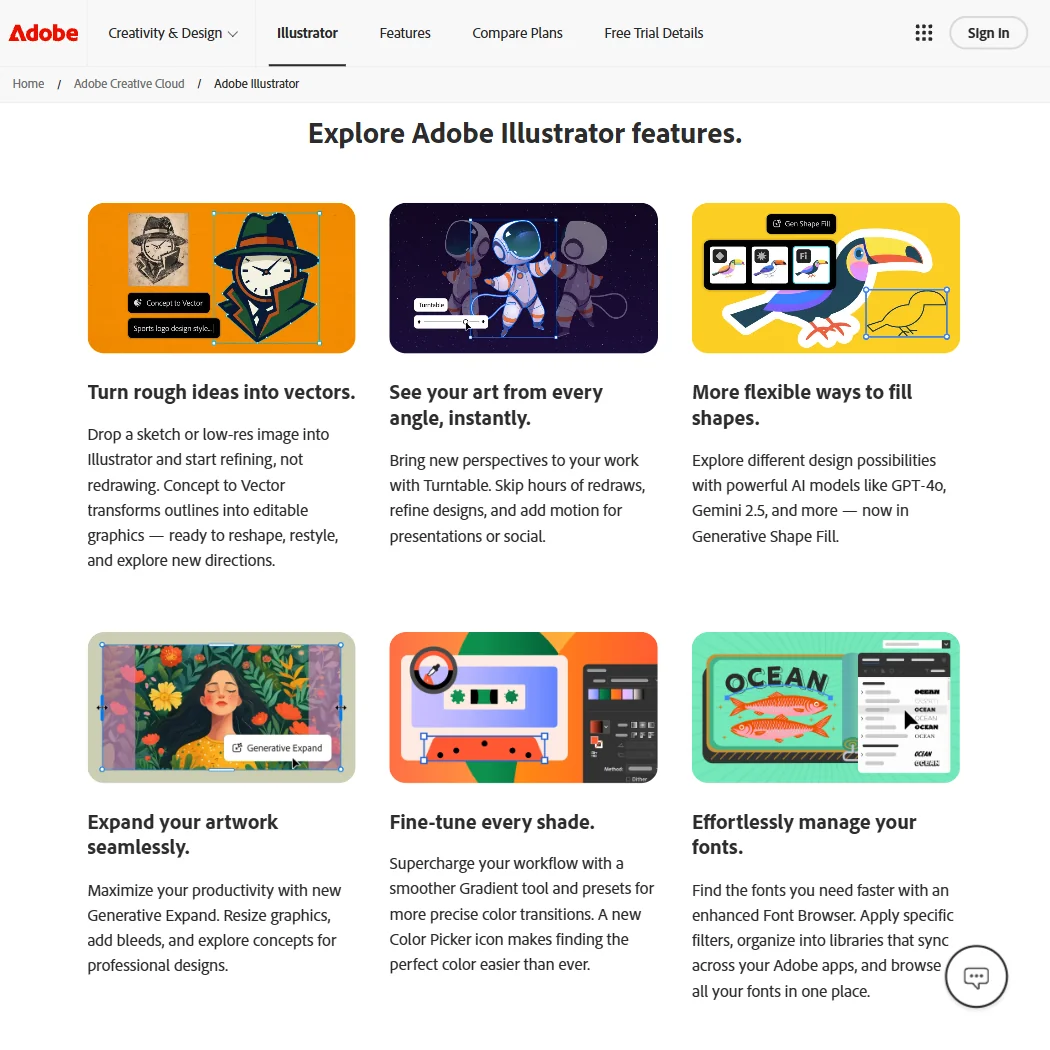
Adobe Illustrator features screenshot
Adobe Illustrator, Features
Adobe Illustrator is featured in

Alternatives to Adobe Illustrator

Other AI Design Tool options we've reviewed.

Figma logo

Figma

Product teams wanting one shared workspace for design systems, prototypes and developer handoff

8.1
Rank #2 of 6 AI UI design tools
Best:Teams and platforms10
Weakest:What you can make7
Free plan: yesFree trial: noAPI: yes
Price not publishedFree plan
96% from published facts · checked 19 Sep
Canva logo

Canva

Small teams making branded social posts, print and video without hiring a designer

7.8
Rank #4 of 7 AI graphic design tools
Best:Teams and platforms10
Weakest:What you can make7
Publishes or schedules to social: yes
From $18Free plan
90% from published facts · checked 19 Sep
Visme logo

Visme

Brand teams producing polished decks and reports that export to almost any format

6.5
Rank #2 of 4 AI presentation makers
Best:Workflow and output7.2
Weakest:Privacy and trust5
Free plan: yesFree trial: noAPI: yes
From $29Free plan
92% from published facts · checked 20 Sep
Adobe Firefly logo

Adobe Firefly

Creative Cloud users who want generation inside the apps they already use, from a vendor that does not train on their content

7.0
Rank #4 of 7 AI image generators
Best:What it makes8.8
Weakest:Openness and support3
Does not train on what you make: yes
From $9.99Free plan
74% from published facts · checked 22 Sep
Krea logo

Krea

Designers who want one of the broadest model menus, plus a node canvas, an AI agent and an API

9.0
Rank #2 of 13 multi-model AI platforms
Best:For video10
Weakest:Pricing6
SOC 2: yesOffers Veo 3.1: yesOffers Nano Banana Pro: yes
From $35Free plan
93% from published facts · checked 19 Sep

Wix

Small business owners building a site and store themselves, with a phone line for help

8.0
Rank #1 of 6 AI website builders
Best:Teams and platforms9.5
Weakest:Pricing7
Generates images inside the builder: yes
From $17Free plan
85% from published facts · checked 19 Sep

User reviews

Review Adobe Illustrator

Your rating

Reviews are moderated and appear once approved.





