ChatGPT Plus, at $20 a month, expands image creation along with everything else in the assistant, including projects and scheduled tasks.
Best of · 23 tools ranked
Best AI Image Generators Under $30/mo
When you shop for an AI image generator with a monthly budget, the question stops being whether you can afford one and becomes which rights, privacy terms and allowances come with the tier. This page groups the options under $30 a month by kind and shows what each plan adds to the free level and what would make you step up.
Updated 28 October 2026Ranked by our score, worked out from each vendor’s own pages.How we score →All AI Image Generation →
Our top 3 AI Image Generators Under $30/mo
The cheaper paid tiers open up the full list of models and a monthly credit pool, with bulk generation and a faster queue on the mid tier.
A paid plan adds a monthly credit pool covering Adobe's models plus partner models, with the upper tier doubling the credits.
Best AI chat assistants that make images under $30
2 picksAt this budget the assistants are the Plus and AI Pro tiers, which stretch image creation across everything else in the chat. ChatGPT Plus expands the image limits, and Google AI Pro gives four times the free usage, with Nano Banana Pro for regenerating pictures. Choose by where your files already live, and move to a dedicated generator once pictures become the main job.
#ToolScoreEntry plan includesStarts at
Go: Best for longer conversations; more messages, uploads, image creation, longer memory
✓ Free plan tooFrom $8Show detailsHide details01 ChatGPT: Best for images plus writing in one plan8.8Score 8.8 out of 10Go: Best for longer conversations; more messages, uploads, image creation, longer memory✓ Free plan too$8Visit site ↗ReviewDetailsCloseShow more about ChatGPT
Go: Best for longer conversations; more messages, uploads, image creation, longer memory
✓ Free plan tooFrom $8
Show detailsHide detailsChatGPT: Best for images plus writing in one plan
8.8Score 8.8 out of 10Go: Best for longer conversations; more messages, uploads, image creation, longer memory✓ Free plan too$8Visit site ↗ReviewDetailsClose
ChatGPT Plus, at $20 a month, expands image creation along with everything else in the assistant, including projects and scheduled tasks. It suits people who want one subscription for writing, research and pictures rather than a separate image tool. If you mostly make images, Leonardo or Ideogram put the same money into an image-only plan. Go, at $8, is enough for occasional pictures.
- The Free plan includes unlimited text chats with GPT-6 Luna, subject to abuse guardrails.
- Web search is included on every individual plan, including Free.
- Go, the cheapest paid plan, still does not unlock GPT-6.1 Sol, GPT-6 Astra or GPT-6 Sol, and may include ads.
Google AI Plus: Get 2x higher usage limits
✓ Free plan tooFrom $4.99Show detailsHide details02 Gemini: Best for Nano Banana Pro in a Google plan7.9Score 7.9 out of 10Google AI Plus: Get 2x higher usage limits✓ Free plan too$4.99Visit site ↗ReviewDetailsCloseShow more about Gemini
Google AI Plus: Get 2x higher usage limits
✓ Free plan tooFrom $4.99
Show detailsHide detailsGemini: Best for Nano Banana Pro in a Google plan
7.9Score 7.9 out of 10Google AI Plus: Get 2x higher usage limits✓ Free plan too$4.99Visit site ↗ReviewDetailsClose
Google AI Pro costs $19.99 a month and gives four times the free plan's usage limits, with Nano Banana Pro for regenerating images alongside Nano Banana 2. It is the Google counterpart to ChatGPT Plus: one subscription that covers chat, research and images. Choose it if your work already lives with Google, and stay on Google AI Plus at $4.99 if images are occasional.
- Gemini is free to use with any personal Google account, with Google's Flash models included.
- Google AI Pro at $19.99 a month includes Gemini 4 Argon, Google's newest frontier model.
- The free plan's context window is capped at 32,000 tokens, far below the 1 million tokens on Pro and Ultra.
Best AI art platforms under $30
4 picksEvery platform here also runs a free AI art generator tier, so you can test one before paying: NightCafe Creator for many models, Artbreeder for remixing, Playform for sketch and face tools, Dream for a phone style library. Paid tiers change little about the pictures and a lot about privacy, watermarks and speed, so decide which of those you want fixed.
#ToolScoreEntry plan includesStarts at
AI Hobbyist: 200 credits/month, bulk generation, priority queue
✓ Free plan tooFrom $12.49Show detailsHide details03 NightCafe Creator: Best for trying many models on one plan8.6Score 8.6 out of 10AI Hobbyist: 200 credits/month, bulk generation, priority queue✓ Free plan too$12.49Visit site ↗ReviewDetailsCloseShow more about NightCafe Creator
AI Hobbyist: 200 credits/month, bulk generation, priority queue
✓ Free plan tooFrom $12.49
Show detailsHide detailsNightCafe Creator: Best for trying many models on one plan
8.6Score 8.6 out of 10AI Hobbyist: 200 credits/month, bulk generation, priority queue✓ Free plan too$12.49Visit site ↗ReviewDetailsClose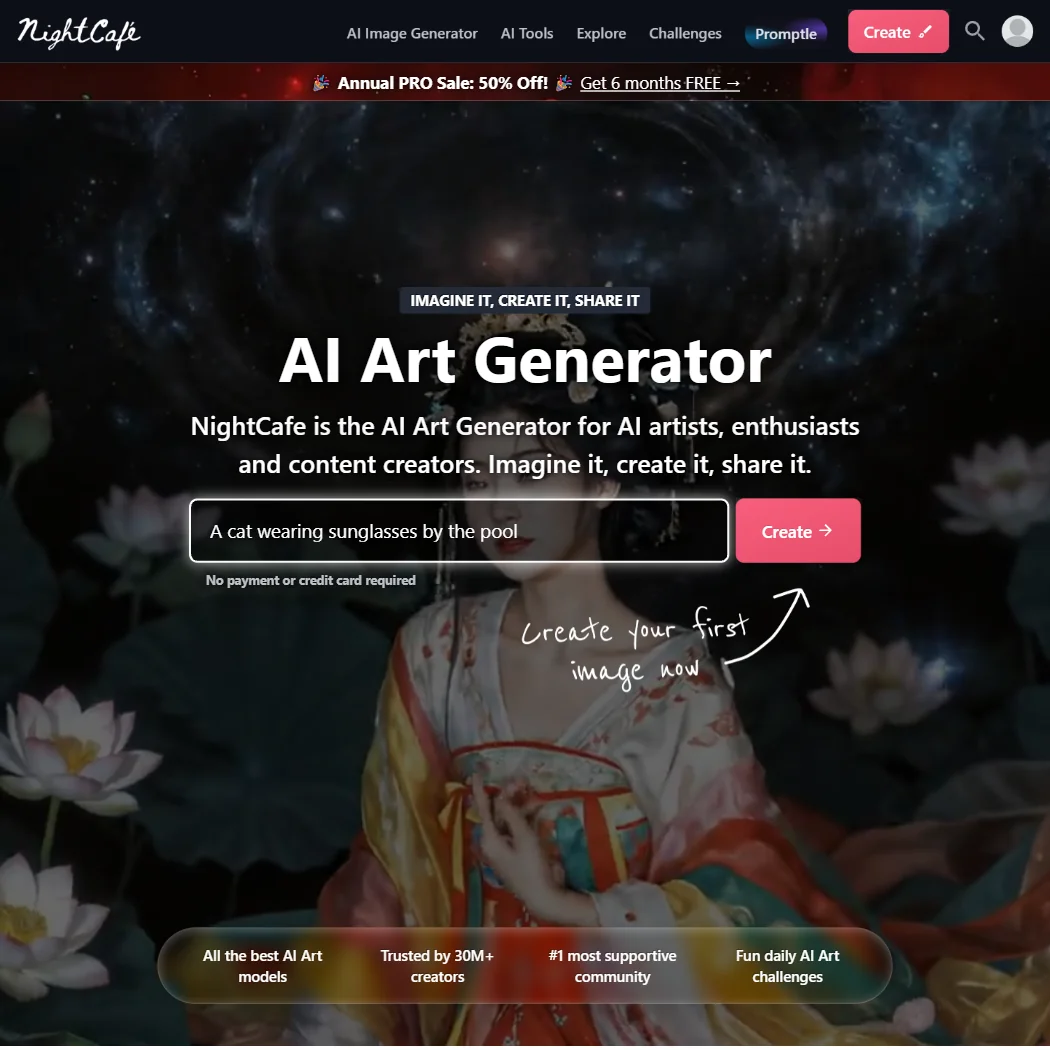
The cheaper paid tiers open up the full list of models and a monthly credit pool, with bulk generation and a faster queue on the mid tier. Private creations only come on the tier above those, so a budget plan still posts to the public feed. Commercial use and ownership are already allowed from the free level. Pick it over Leonardo.Ai if challenges and a community matter to you.
- Every user can create unlimited base Stable Diffusion images for free, with commercial use allowed on the free plan.
- Paid plans unlock more than 50 image models, including Flux, GPT Image, Seedream and Ideogram.
- There is no native phone app; using NightCafe on a phone means adding the website to the home screen from a browser.
Starter: 1200 Credits/year (~12000 SDXL images)
✓ Free plan tooFrom $8.99Show detailsHide details04 Artbreeder: Best for blending and remixing on a budget7.3Score 7.3 out of 10Starter: 1200 Credits/year (~12000 SDXL images)✓ Free plan too$8.99Visit site ↗ReviewDetailsCloseShow more about Artbreeder
Starter: 1200 Credits/year (~12000 SDXL images)
✓ Free plan tooFrom $8.99
Show detailsHide detailsArtbreeder: Best for blending and remixing on a budget
7.3Score 7.3 out of 10Starter: 1200 Credits/year (~12000 SDXL images)✓ Free plan too$8.99Visit site ↗ReviewDetailsClose
The paid tiers raise your yearly credit pool and allow larger downloads, so they suit someone who has outgrown free base mixing and wants sharper files. A midtier plan nearly triples the pool. All output is still released as CC0, and there is no phone app or model training. It fits people who enjoy remixing, while Playform is better when downloads need to stay watermark free.
- Every plan, including free, gives unlimited base Splicer generation without spending credits.
- Paid tiers include a 2048px high-resolution download upscaled from the 512px base image.
- Every image made on Artbreeder, on any plan, must be released under Creative Commons CC0, so it can be reused by anyone else too.
Plus: Unlimited generations with watermark, 1 credit per download, 2x/4x upscale free, video clips, bulk download, 2 GB storage
✓ Free plan tooFrom $10Show detailsHide details05 Playform: Best for drafting a lot, keeping a few7.3Score 7.3 out of 10Plus: Unlimited generations with watermark, 1 credit per download, 2x/4x upscale free, video clips, bulk download, 2 GB storage✓ Free plan too$10Visit site ↗ReviewDetailsCloseShow more about Playform
Plus: Unlimited generations with watermark, 1 credit per download, 2x/4x upscale free, video clips, bulk download, 2 GB storage
✓ Free plan tooFrom $10
Show detailsHide detailsPlayform: Best for drafting a lot, keeping a few
7.3Score 7.3 out of 10Plus: Unlimited generations with watermark, 1 credit per download, 2x/4x upscale free, video clips, bulk download, 2 GB storage✓ Free plan too$10Visit site ↗ReviewDetailsClose
The cheaper plan gives unlimited generation, free upscaling to 4x, video clips and bulk download, but exports stay watermarked until you spend credits. The Pro plan at the top of this page's budget removes that charge with unlimited clean downloads and rolling credits. It is the pick if you also want sketch conversion and face tools, and its general models are not trained on what you submit.
- Playform does not use content you submit or generate to train or fine-tune its general-purpose image models.
- You own all intellectual property in the images you generate, and retain full commercial rights to them.
- Every free-plan generation carries a watermark, which costs 2 credits per image to remove.
STANDARD: 1,250 credits/month, unlimited image generation, HD exports
✓ Free plan tooFrom $19.99Show detailsHide details06 Dream: Best for phone users who want a style library6.1Score 6.1 out of 10STANDARD: 1,250 credits/month, unlimited image generation, HD exports✓ Free plan too$19.99Visit site ↗ReviewDetailsCloseShow more about Dream
STANDARD: 1,250 credits/month, unlimited image generation, HD exports
✓ Free plan tooFrom $19.99
Show detailsHide detailsDream: Best for phone users who want a style library
6.1Score 6.1 out of 10STANDARD: 1,250 credits/month, unlimited image generation, HD exports✓ Free plan too$19.99Visit site ↗ReviewDetailsClose
Standard removes the watermark, gives HD exports and unlimited image generation, and adds a video tool, all from a monthly credit pool. The annual price works out far cheaper per month than the monthly one. Editing is by text prompt only, with no pose control or upscaling. Choose it for casual styled pictures on a phone, and Midjourney if you want a stronger signature look.
- Dream offers 145 named style presets across four model generations.
- Paid plans include unlimited image generation alongside video generation.
- Free-tier exports carry a watermark.
Best AI image models under $30
7 picksAnyone searching for an AI image generator with no watermark will find Leonardo.Ai, Ideogram and Recraft clean even on free accounts, so paying buys rights, privacy and volume rather than a cleaner file. Adobe Firefly, Midjourney, Black Forest Labs and Stability AI differ mainly in billing: a credit pool, a flat fee or cents per picture.
#ToolScoreEntry plan includesStarts at
Firefly Standard: 2,000 credits/mo
✓ Free plan tooFrom $9.99Show detailsHide details07 Adobe Firefly: Best for people who want Adobe's training terms8.1Score 8.1 out of 10Firefly Standard: 2,000 credits/mo✓ Free plan too$9.99Visit site ↗ReviewDetailsCloseShow more about Adobe Firefly
Firefly Standard: 2,000 credits/mo
✓ Free plan tooFrom $9.99
Show detailsHide detailsAdobe Firefly: Best for people who want Adobe's training terms
8.1Score 8.1 out of 10Firefly Standard: 2,000 credits/mo✓ Free plan too$9.99Visit site ↗ReviewDetailsClose
A paid plan adds a monthly credit pool covering Adobe's models plus partner models, with the upper tier doubling the credits. Every paid plan is an annual commitment billed monthly. Adobe says no to training on your content unless you opt in through Adobe Stock, a calmer position for client work. Image prompts lack seed and negative prompt fields, so Midjourney gives you tighter control.
- The free plan gives limited daily generations across image, video and audio models at no cost.
- Adobe will not use your content to train its models, except content you choose to submit to Adobe Stock, which is opt-in.
- No paid plan has a true month-to-month price; every one is an annual commitment paid in monthly instalments.
Essential: 8,500 fast tokens/month, 25,500 token bank, 10 personal AI models, 2 max simultaneous generations
✓ Free plan tooFrom $12Show detailsHide details08 Leonardo.Ai: Best for fine control and many companies' models8.0Score 8.0 out of 10Essential: 8,500 fast tokens/month, 25,500 token bank, 10 personal AI models, 2 max simultaneous generations✓ Free plan too$12Visit site ↗ReviewDetailsCloseShow more about Leonardo.Ai
Essential: 8,500 fast tokens/month, 25,500 token bank, 10 personal AI models, 2 max simultaneous generations
✓ Free plan tooFrom $12
Show detailsHide detailsLeonardo.Ai: Best for fine control and many companies' models
8.0Score 8.0 out of 10Essential: 8,500 fast tokens/month, 25,500 token bank, 10 personal AI models, 2 max simultaneous generations✓ Free plan too$12Visit site ↗ReviewDetailsClose
Paying turns the daily token trickle into a large monthly pool, with a token bank alongside it and room for personal trained models. The next tier adds unlimited relaxed image generation, which is the reason to step up if you generate all day. Its own models take a fixed seed and negative prompt. It also has a pay as you go API. Ideogram suits text-heavy jobs better.
- The free plan gives 150 Fast Tokens a day plus a 150 Token Bank, at no cost.
- Its own models accept a fixed seed, a negative prompt field and adjustable prompt enhancement for precise control.
- Leonardo does not offer vector output.
Plus: 1,000 priority credits/month
✓ Free plan tooFrom $20Show detailsHide details09 Ideogram: Best for posters and covers with legible text7.6Score 7.6 out of 10Plus: 1,000 priority credits/month✓ Free plan too$20Visit site ↗ReviewDetailsCloseShow more about Ideogram
Plus: 1,000 priority credits/month
✓ Free plan tooFrom $20
Show detailsHide detailsIdeogram: Best for posters and covers with legible text
7.6Score 7.6 out of 10Plus: 1,000 priority credits/month✓ Free plan too$20Visit site ↗ReviewDetailsClose
Pay for the Plus plan if you want priority credits, private generations and unlimited character consistency, and you want the best chance of readable lettering. Ownership and commercial use come on every plan. It trains on what you generate with no opt-out, so keep client material away from it. Batch generation sits on the next plan up, which costs more than this page allows.
- A free plan lets you try Ideogram 4.0 before paying, with weekly credits for eligible accounts.
- Every plan gives full ownership and unrestricted commercial use of what you generate, with no separate paid tier required for those rights.
- Ideogram trains on what you generate and upload by default, with no opt-out on the Free, Plus, Pro or Team plans.
From $0.04Show detailsHide details10 Black Forest Labs: Best for developers paying per FLUX image7.2Score 7.2 out of 10$0.04Visit site ↗ReviewDetailsCloseShow more about Black Forest Labs
From $0.04
Show detailsHide detailsBlack Forest Labs: Best for developers paying per FLUX image
7.2Score 7.2 out of 10$0.04Visit site ↗ReviewDetailsClose
No plans exist here: credits are bought a cent at a time and each FLUX image costs a few of them, so a month of light use can cost less than any subscription. Commercial rights and ownership come with every generation, and open weights allow self-hosting. It has no free tier, and your data trains models unless you email to opt out. Stability AI is the other per-image route.
- Credits cost $0.01 each with no subscription, for example 4 credits, $0.04, per image on FLUX.1 Kontext [pro].
- Every generation through the API comes with full commercial rights and output ownership, with no separate license.
- There is no free tier and no free trial.
Basic: 1,000 credits per month
✓ Free plan tooFrom $12Show detailsHide details11 Recraft: Best for SVG output with commercial rights6.9Score 6.9 out of 10Basic: 1,000 credits per month✓ Free plan too$12Visit site ↗ReviewDetailsCloseShow more about Recraft
Basic: 1,000 credits per month
✓ Free plan tooFrom $12
Show detailsHide detailsRecraft: Best for SVG output with commercial rights
6.9Score 6.9 out of 10Basic: 1,000 credits per month✓ Free plan too$12Visit site ↗ReviewDetailsClose
A subscription gives you commercial rights and private generations, two things the free plan withholds, along with a larger credit pool. The next plan up adds video generation. It is one of the few places to get real SVG output, and a custom style can be trained from ten of your own reference images. There is no character consistency feature, so Ideogram is stronger for repeat characters.
- Recraft outputs vector files directly, alongside raster images, through its own AI vector generator and SVG converter.
- One account reaches Recraft's own V4.1 model family and a roster of other companies' models, including Nano Banana, Flux, Ideogram and Seedream.
- The free plan permits no commercial use, and its images are public and owned by Recraft, not the person who made them.
Creator: 2000 credits/month (no rollover); end-to-end generation and editing; essential customer support
From $0.03Show detailsHide details12 Stability AI: Best for editing tools billed by the image6.7Score 6.7 out of 10Creator: 2000 credits/month (no rollover); end-to-end generation and editing; essential customer support$0.03Visit site ↗ReviewDetailsCloseShow more about Stability AI
Creator: 2000 credits/month (no rollover); end-to-end generation and editing; essential customer support
From $0.03
Show detailsHide detailsStability AI: Best for editing tools billed by the image
6.7Score 6.7 out of 10Creator: 2000 credits/month (no rollover); end-to-end generation and editing; essential customer support$0.03Visit site ↗ReviewDetailsClose
Billing by the image keeps small months cheap, and the toolkit includes inpainting, outpainting, background removal and 4K upscaling. Individuals and organizations earning under a million a year can self-host the model at no cost under the community license. There is no feature for keeping a character the same across images. Choose it over Black Forest Labs if editing tools matter more than raw generation.
- Pay-as-you-go pricing runs as low as 3 credits, $0.03, per image with no subscription required.
- The Community License lets individuals and organizations under $1M in annual revenue self-host the model for free.
- There is no recurring free tier; the 25 signup credits are a one-time bonus.
Basic: Limited generations (~200 image jobs / month)
From $10Show detailsHide details13 Midjourney: Best for stylised art on a flat monthly fee6.0Score 6.0 out of 10Basic: Limited generations (~200 image jobs / month)$10Visit site ↗ReviewDetailsCloseShow more about Midjourney
Basic: Limited generations (~200 image jobs / month)
From $10
Show detailsHide detailsMidjourney: Best for stylised art on a flat monthly fee
6.0Score 6.0 out of 10Basic: Limited generations (~200 image jobs / month)$10Visit site ↗ReviewDetailsClose
There is no free level, so the cheapest plan is how you get in: a limited number of image jobs a month, ownership and commercial use included. The Standard plan adds standard and HD video generation and sits at this page's ceiling. Companies above a revenue line need the Pro plan to use images commercially. Prompts train the model with no opt-out, so it is unsuitable for sensitive client material.
- Every subscriber owns what they create and may use it commercially from the cheapest paid plan.
- Midjourney turns a still image into a 5-second video as well as generating stills, alongside style reference, seed and negative prompt controls.
- There is no free plan and no free trial, so there is no way to try Midjourney before paying.
Best brand and product image tools under $30
6 picksThe nearest thing to an AI product photo generator is PromeAI, though its commercial license begins above this budget, and ArtSmart says product photography is not yet part of its tool. ArtSmart builds personal avatars from your selfies, Stockimg AI makes logos and social graphics, and ComicInk draws comic pages. Pick by the picture, then check which rights the plan carries.
#ToolScoreEntry plan includesStarts at
Starter Plan: 300 Credits per Month, commercial usage, private generation, AI upscaling, background removal
✓ Free plan tooFrom $12Show detailsHide details14 Stockimg AI: Best for logos, posters and scheduled social posts7.8Score 7.8 out of 10Starter Plan: 300 Credits per Month, commercial usage, private generation, AI upscaling, background removal✓ Free plan too$12Visit site ↗ReviewDetailsCloseShow more about Stockimg AI
Starter Plan: 300 Credits per Month, commercial usage, private generation, AI upscaling, background removal
✓ Free plan tooFrom $12
Show detailsHide detailsStockimg AI: Best for logos, posters and scheduled social posts
7.8Score 7.8 out of 10Starter Plan: 300 Credits per Month, commercial usage, private generation, AI upscaling, background removal✓ Free plan too$12Visit site ↗ReviewDetailsClose
Stockimg's Starter plan adds commercial use, private generation, upscaling and background removal, none of which the free account gives. The next tier increases credits and speeds up generation. Training a private model and keeping a character consistent sit on a custom plan, so look elsewhere for those. It fits small teams making logos and social graphics, who can also schedule posts straight to five networks.
- Stockimg AI's terms assign full ownership of everything you create to you, the creator.
- Images and designs export as PNG, JPG, SVG or PDF.
- Commercial use of your creations is limited to paying subscribers, not available on the free account.
15 Claid#4 of 8 brand and product image tools6.5Score 6.5 out of 10Essentials$15Visit site ↗ReviewDetailsCloseShow more about Claid
Claid#4 of 8 brand and product image tools
6.5Score 6.5 out of 10Essentials$15Visit site ↗ReviewDetailsClose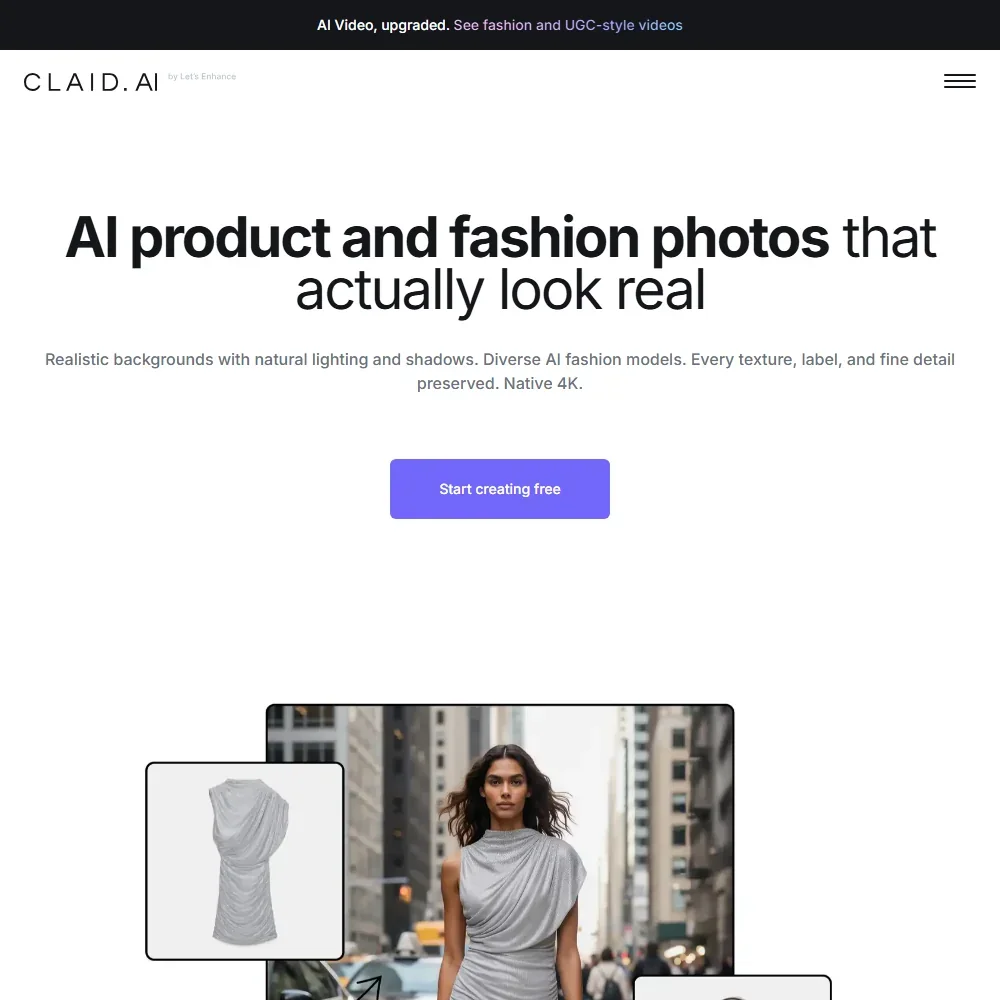
- One studio covers photoshoots, on-model fashion, background removal, upscaling, editing and video.
- Claid does not train on customer images, and a Data Processing Agreement is offered.
- There are no shop or catalog connectors.
Base: 500 coins/mo, up to 500 images/mo, up to 33 videos/mo
✓ Free plan tooFrom $19Show detailsHide details16 PromeAI: Best for design work from sketches and photos6.1Score 6.1 out of 10Base: 500 coins/mo, up to 500 images/mo, up to 33 videos/mo✓ Free plan too$19Visit site ↗ReviewDetailsCloseShow more about PromeAI
Base: 500 coins/mo, up to 500 images/mo, up to 33 videos/mo
✓ Free plan tooFrom $19
Show detailsHide detailsPromeAI: Best for design work from sketches and photos
6.1Score 6.1 out of 10Base: 500 coins/mo, up to 500 images/mo, up to 33 videos/mo✓ Free plan too$19Visit site ↗ReviewDetailsClose
The Base plan is the entry point, with a coin balance for a wide range of design and product tools, but commercial licensing is withheld on it and begins on the next tier, which sits above this page's budget. Treat Base output as personal use. Its Consistency Rendering tool holds a product or character steady across a series, and there is no developer API. Look to Recraft if you need rights at a lower price.
- Consistency Rendering trains a custom model on your own images so a character or product keeps the same look across a series of generations.
- Its Design Templates library offers schema-driven generators for posters, product visuals, headshots, thumbnails, mockups and story formats.
- Commercial use is withheld on the Free and Base plans and only begins on Standard at $39 a month ($29 a month billed yearly).
17 Pebblely#6 of 8 brand and product image tools5.4Score 5.4 out of 10Lite$9Visit site ↗ReviewDetailsCloseShow more about Pebblely
Pebblely#6 of 8 brand and product image tools
5.4Score 5.4 out of 10Lite$9Visit site ↗ReviewDetailsClose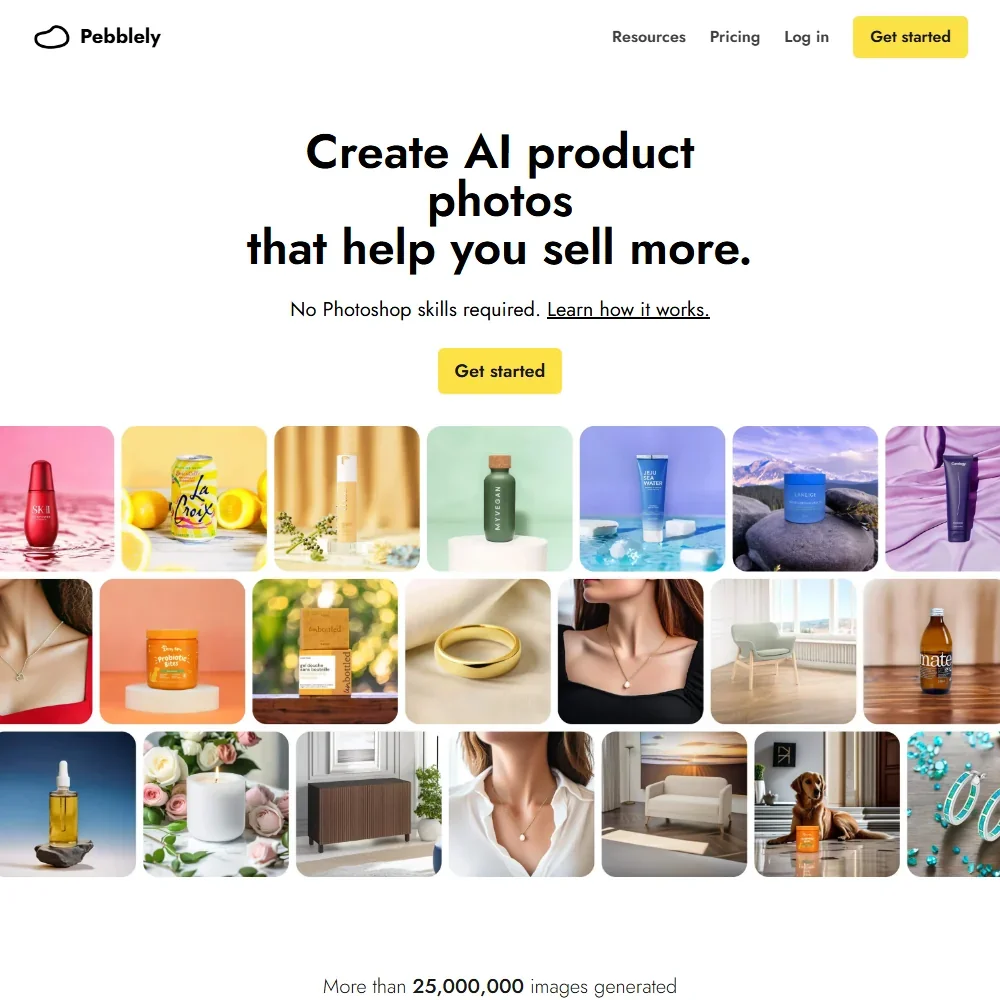
- Uploaded and generated images are not used for any AI training.
- Pebblely extracts the text on your product photo to keep labels and packaging copy correct.
- There is no free trial and no refunds.
Basic: 1,000 Playground Credits; includes Text to Image, Image to Image, Inpainting, Outpainting, Upscaler, Background Remover, Pose Copycat, Pose Perfect, Face Enhance, Image to Prompt
From $19Show detailsHide details18 Artsmart: Best for personal avatars from your own selfies5.1Score 5.1 out of 10Basic: 1,000 Playground Credits; includes Text to Image, Image to Image, Inpainting, Outpainting, Upscaler, Background Remover, Pose Copycat, Pose Perfect, Face Enhance, Image to Prompt$19Visit site ↗ReviewDetailsCloseShow more about Artsmart
Basic: 1,000 Playground Credits; includes Text to Image, Image to Image, Inpainting, Outpainting, Upscaler, Background Remover, Pose Copycat, Pose Perfect, Face Enhance, Image to Prompt
From $19
Show detailsHide detailsArtsmart: Best for personal avatars from your own selfies
5.1Score 5.1 out of 10Basic: 1,000 Playground Credits; includes Text to Image, Image to Image, Inpainting, Outpainting, Upscaler, Background Remover, Pose Copycat, Pose Perfect, Face Enhance, Image to Prompt$19Visit site ↗ReviewDetailsClose
No free plan exists, so every tier starts paid, with a thirty day money-back guarantee instead of a trial. Plans differ in credits, and all include inpainting, outpainting, upscaling, background removal and pose tools, with full commercial rights on every result. Its Tunes feature trains a private avatar from ten to twenty selfies. Marketers needing headshots should choose it over Ideogram.
- ArtSmart gives 100% commercial rights and ownership on every image it generates.
- Tunes trains a private avatar model from 10 to 20 of your own selfies.
- ArtSmart offers no free plan and every plan card repeats "We don't offer a free trial."
✓ Free plan tooFrom $9.99Show detailsHide details19 Comicink: Best for comic pages with a consistent hero5.0Score 5.0 out of 10✓ Free plan too$9.99Visit site ↗ReviewDetailsCloseShow more about Comicink
✓ Free plan tooFrom $9.99
Show detailsHide detailsComicink: Best for comic pages with a consistent hero
5.0Score 5.0 out of 10✓ Free plan too$9.99Visit site ↗ReviewDetailsClose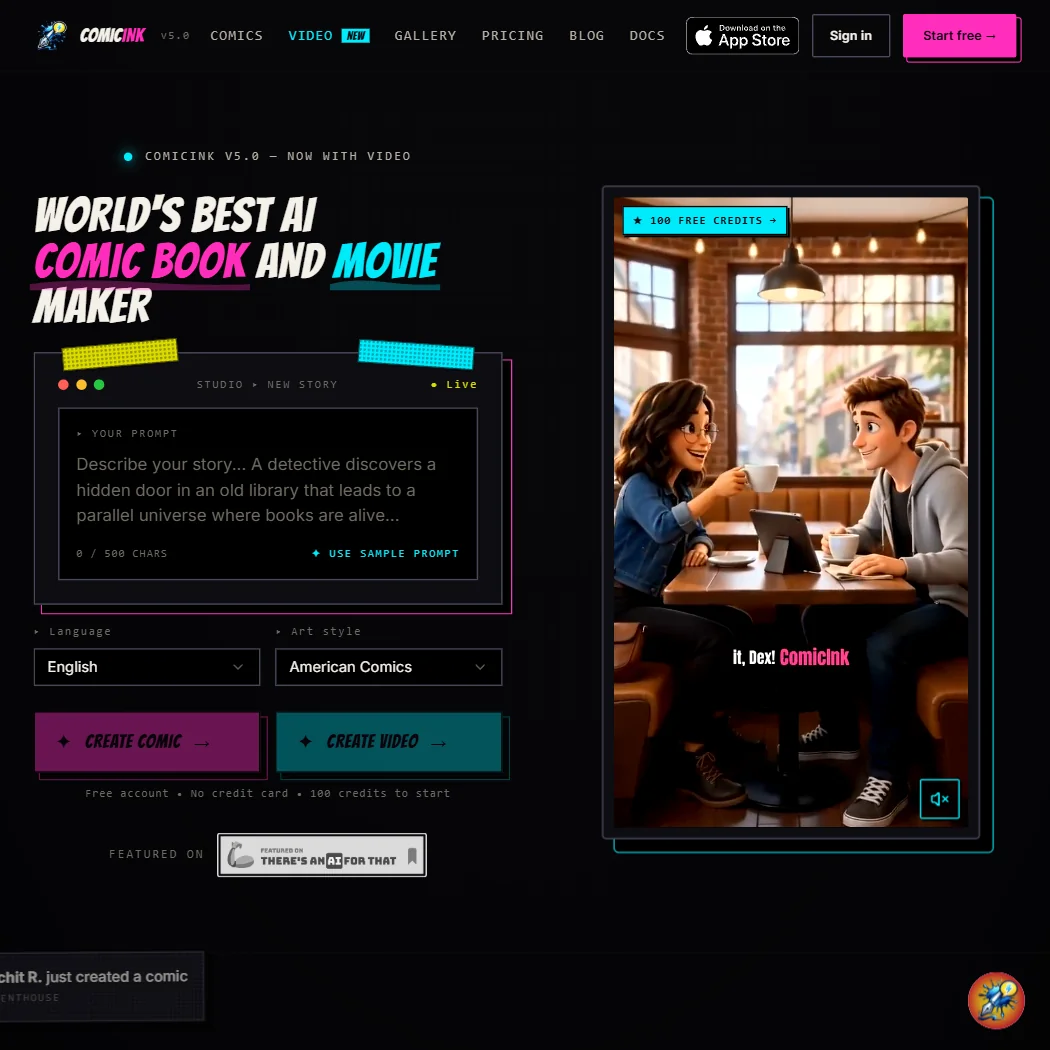
The Basic plan replaces the one-off signup credits with a monthly pool good for about thirty comic pages, with Character Lock keeping the hero the same. Commercial use and ownership belong to every account, free or paid. There is no batch generation or API, which holds back large projects. For standalone images rather than story panels, Recraft or Stablecog fit better.
- ComicInk grants full commercial use of what you create on every account, not just paid ones.
- ComicInk does not use your content to train its own AI models.
- ComicInk's free tier is a one-time 100-credit signup bonus, not a recurring monthly free plan.
More AI image tools under $30
4 picksThese two stand apart. neural.love is a platform for image, video and audio on one shared credit pool, with Art Generator output released as CC0, and Stablecog runs several open models and sells volume for the money. Choose neural.love when you work across media, and Stablecog when the number of finished images matters most.
#ToolScoreEntry plan includesStarts at

#20neural.love: Best for image, video and audio tools together
100 Credits: Access to all AI tools
✓ Free plan tooFrom $11 (€10)Show detailsHide details20neural.love: Best for image, video and audio tools togethern/a100 Credits: Access to all AI tools✓ Free plan too$11 (€10)Visit site ↗ReviewDetailsCloseShow more about neural.love
#20neural.love: Best for image, video and audio tools together
100 Credits: Access to all AI tools
✓ Free plan tooFrom $11 (€10)
Show detailsHide detailsneural.love: Best for image, video and audio tools together
n/a100 Credits: Access to all AI tools✓ Free plan too$11 (€10)Visit site ↗ReviewDetailsClose
One shared credit pool covers image, video, audio and text tools, and the plans differ only in how many credits arrive each month. Paying removes the watermark, makes generations private and adds video and batch work of up to a hundred images. Art Generator output is CC0, so you have no exclusive rights. That suits throwaway visuals better than a brand identity.
- Commercial use of Art Generator output is allowed on every plan, including Free.
- neural.love does not use uploaded files to train its AI algorithms, or for any purpose beyond the processing a user has agreed to.
- Art Generator output is created and distributed under a CC0 license, so nobody, including the user, owns the images generated.
Express AI Headshots: From $17 per session; 200+ headshots in 1 to 2 hours.
From $17Show detailsHide details21 n/aExpress AI Headshots: From $17 per session; 200+ headshots in 1 to 2 hours.$17Visit site ↗ReviewDetailsCloseShow more about Try It On AI
Express AI Headshots: From $17 per session; 200+ headshots in 1 to 2 hours.
From $17
Show detailsHide detailsn/aExpress AI Headshots: From $17 per session; 200+ headshots in 1 to 2 hours.$17Visit site ↗ReviewDetailsClose- Express sessions deliver more than 200 headshots, typically in 1 to 2 hours.
- You keep all copyrights and may use the headshots commercially, perpetually.
- There are no refunds once you have paid.

#22Stablecog: Best for high volume at a low monthly cost
Starter: 2,000 images/month, fast generation, private images, commercial use
✓ Free plan tooFrom $11 (€10)Show detailsHide details22Stablecog: Best for high volume at a low monthly costn/aStarter: 2,000 images/month, fast generation, private images, commercial use✓ Free plan too$11 (€10)Visit site ↗ReviewDetailsCloseShow more about Stablecog
#22Stablecog: Best for high volume at a low monthly cost
Starter: 2,000 images/month, fast generation, private images, commercial use
✓ Free plan tooFrom $11 (€10)
Show detailsHide detailsStablecog: Best for high volume at a low monthly cost
n/aStarter: 2,000 images/month, fast generation, private images, commercial use✓ Free plan too$11 (€10)Visit site ↗ReviewDetailsClose
Starter swaps the slow, public, personal-use free tier for fast generation, private images, commercial use and a large monthly image count, and the next plan triples that count and allows parallel runs. It runs several open models and has a documented API. Editing stops at upscaling, so pair it with Stability AI if you need inpainting. Volume for the money is its selling point.
- The free plan renews 20 images every day, with no expiry, rather than a one-time trial.
- A documented public API covers both generation and upscaling, so the same models can be built on directly.
- Free-plan images are public and restricted to personal use, so commercial use requires at least the Starter plan.
Basic: 30 headshots, about 2 hours.
✓ Free plan tooFrom $29Show detailsHide details23 HeadshotPro#2 of 3 AI headshot generators7.2Score 7.2 out of 10Basic: 30 headshots, about 2 hours.✓ Free plan too$29Visit site ↗ReviewDetailsCloseShow more about HeadshotPro
Basic: 30 headshots, about 2 hours.
✓ Free plan tooFrom $29
Show detailsHide detailsHeadshotPro#2 of 3 AI headshot generators
7.2Score 7.2 out of 10Basic: 30 headshots, about 2 hours.✓ Free plan too$29Visit site ↗ReviewDetailsClose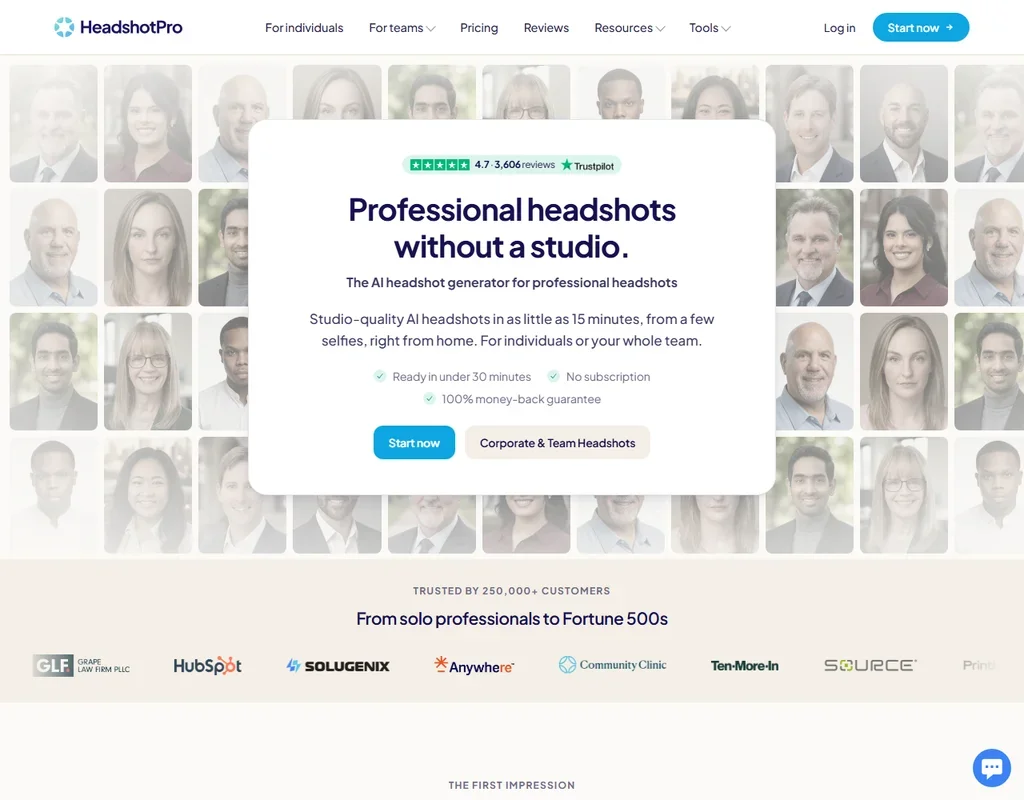
- Packages are paid once, with no subscription, and team credits never expire.
- Every package comes with a redo or a full refund if the results do not look like you.
- On Basic, backdrop and outfit styles are preselected; picking from the full library starts on Professional.
How to choose an AI image generator under $30 a month
A budget of this size covers a real subscription on most image tools, so the question stops being what you can afford and becomes which kind of plan fits how you work. Plans count different things: credits, tokens, images, jobs or coins. They also differ in what the picture comes with, from a clean file you own to a public-domain image that anyone can reuse. This guide matches tools to the job, explains what each plan counts, and then covers rights, privacy and the limits you will meet.
Start with the job, not the tool
This is a long list, but the tools fall into six jobs, and choosing the job removes most of them.
- Art and exploration. NightCafe Creator offers many models and a public gallery, Leonardo AI runs a roster of models plus training on your own images, Dream is built for phones and Artbreeder makes images by remixing. Midjourney is built for prompt-driven art.
- Text and design. Ideogram draws readable lettering, Recraft outputs real SVG vectors and Adobe Firefly works inside the Adobe apps.
- Product and brand images. Stockimg AI covers product shots, logos and social posts, PromeAI covers product photography and architecture, and neural.love bundles image, video and audio tools.
- Avatars and portraits. ArtSmart trains a private model on 10 to 20 of your own selfies and styles it from a library.
- Sketches and comics. Playform converts sketches and transfers styles, and ComicInk turns a story into panels with the same characters throughout.
- Building into a product. Black Forest Labs sells FLUX by the image, Stability AI does the same with Stable Diffusion, and Stablecog serves open models through an API.
ChatGPT and Gemini sit alongside these as general assistants that also make images. Below, each task gets a first pick and a fallback.
| Job | Start with | Runner-up, and the trade-off |
|---|---|---|
| Explore many models | NightCafe Creator | Leonardo AI adds personal model training, but its commercial use needs a paid plan |
| Poster or logo with text | Ideogram | Recraft makes vectors, and its Basic plan adds commercial rights and private generation |
| Work inside Adobe apps | Adobe Firefly | Playform offers sketch and style tools outside them |
| Product photos | Stockimg AI | PromeAI covers more scenes, with commercial use starting a plan higher |
| Personal avatars | ArtSmart | Playform has face-consistent portraits and a free plan, which ArtSmart lacks |
| Prompt art for sale | Midjourney | NightCafe Creator lists ownership and commercial use from its free plan up |
| Comics | ComicInk | Playform is a sketch and style suite rather than a story tool |
| Product integration | Stability AI | Black Forest Labs has open weights and a pay-by-the-image price too |
What the price actually buys
Plans under $30 sell five different units, and comparing the unit matters more than comparing the price.
- Monthly credits. NightCafe Creator Hobbyist gives 200 credits, with Enthusiast at 500 and private generations. Adobe Firefly Standard gives 2,000, Ideogram Plus gives 1,000 priority credits, Recraft Basic gives 1,000 and Dream Standard gives 1,250 with unlimited image generation. ArtSmart Basic gives 1,000 and Standard 2,500.
- Tokens and coins. Leonardo AI Essential gives 8,500 fast tokens plus a bank of 25,500, and PromeAI Base gives 500 coins, up to 500 images or 33 videos.
- Image counts. Stablecog Starter allows 2,000 fast images a month, with private images and commercial use, and Pro allows 6,000. Midjourney Basic allows roughly 200 image jobs.
- Credit packs. neural.love sells 100, 200 or 300 credits across all its tools, priced in euros. ComicInk Basic gives 1,500 credits, about 30 comic pages.
- Pay per image. Black Forest Labs and Stability AI charge a cent a credit. Stable Image Core costs 3 cents an image, so 10 dollars buys about 333 images.
For a creator who makes a few images a day, a few hundred credits is plenty. Someone who iterates dozens of times on one idea should look at plans that count images, not credits.
Which tool fits which creator
- Hobbyists. Start with NightCafe Creator, because ownership and commercial use come with every plan and the community gives you challenges to enter. Add Artbreeder when you would rather remix than prompt.
- Social media marketers. Start with Stockimg AI for product shots and scheduled posts, because its plans list commercial use and private generation. Add Ideogram for graphics with readable text.
- Designers. Start with Ideogram for typography and Recraft for vectors, because Recraft's Basic plan adds the commercial rights its free plan withholds. Add Adobe Firefly if your files already live in Adobe apps.
- Illustrators and comic makers. Start with ComicInk for panels and Playform for sketch conversion, because neither trains on your content. Add Leonardo AI if you want to train a model on your own drawings.
- Photographers and brands. Start with ArtSmart for styled avatars and headshots, and add PromeAI for product and interior renders. ArtSmart lists commercial use, and PromeAI lists it from its Standard plan.
- Developers. Start with Stability AI or Black Forest Labs, because both sell by the image and can be self-hosted, and add Stablecog for a cheap API over open models.
Where the entry plans stop
| Limit | Tools | What happens when you hit it |
|---|---|---|
| Monthly credit pool | NightCafe Creator, Adobe Firefly, Ideogram, Recraft, Dream, ArtSmart | You wait for renewal or move to the next tier |
| Image or job count | Stablecog (2,000), Midjourney (about 200 jobs), PromeAI (up to 500 images) | Generation stops or slows until the month turns |
| Rights held back | Leonardo AI, Stockimg AI, Recraft, Stablecog, PromeAI | Commercial use begins on a particular paid plan, so check the plan before you publish |
| No trial | Midjourney, Black Forest Labs, ArtSmart | You pay before you can test, though ArtSmart offers a 30-day money-back guarantee |
The practical way to live inside the limits is to match the pool to your pattern. Use the free plan of one tool to draft, spend credits on the finals, and keep an eye on which plan first lists the rights you need.
What the cheapest plan leaves out
Under $30 you get a working plan, but the cheapest tier on many tools keeps some features for the next one. NightCafe Creator lists private generations from Enthusiast, Stockimg AI lists fast GPU generation on Premium, and Dream lists priority generation on Pro. PromeAI withholds commercial use from Free and Base. Some capabilities never appear at this price, for example custom training for Stability AI, which is an Enterprise self-hosted upgrade.
Features can also be missing from the product itself. Stablecog has no inpainting, outpainting or background removal, so editing stops at upscaling. Artbreeder has no dedicated outpainting, upscaling or background removal tool, and Dream's Edit tool works from text prompts and reference images.
Privacy and who owns the image
Training and ownership matter if you upload photos or sell what you make. Four tools say your content is not used for training, four let you opt out, and two offer no opt-out.
| Tool | Training on your content |
|---|---|
| Adobe Firefly | Not used for training |
| neural.love | Not used for training |
| Playform | Not used for training |
| ComicInk | Not used for training |
| Leonardo AI | You can opt out |
| Recraft | You can opt out |
| Stability AI | You can opt out |
| Black Forest Labs | Trains by default, opt out by emailing the company |
| Ideogram | Trains by default, no opt-out on any plan |
| Midjourney | Trains on prompts and interactions, no opt-out |
Upload personal or client photos to the first four, or to the next three after opting out. On ownership, Adobe Firefly, NightCafe Creator, Ideogram, Playform, Stockimg AI, ArtSmart, Midjourney, Black Forest Labs, Stability AI and ComicInk say you own the output. Artbreeder and the neural.love Art Generator release images under CC0, so nobody owns them and anyone may reuse them. Recraft's free images are owned by Recraft, while paid plans give you commercial rights and private generation.
Mistakes to avoid
- Paying before checking the license. Leonardo AI, Stockimg AI, Recraft, Stablecog and PromeAI each begin commercial use on a paid plan, and PromeAI begins it a tier above its cheapest. Read the plan card for the right you need.
- Using a CC0 image as a brand asset. Artbreeder and neural.love output can be reused by anyone, so a logo made there cannot be exclusive.
- Uploading private photos to a tool that trains on them. Ideogram and Midjourney offer no opt-out. Keep client work and personal photos elsewhere.
- Buying credits for jobs that need images. A credit count hides how many images you get. Check what one image costs, whether in credits, tokens or coins.
- Skipping the annual terms. Adobe Firefly's paid plans are annual commitments, Recraft and Stockimg AI list lower prices on yearly billing, and Dream lists $8.33 a month billed yearly for Standard.
When to move up a plan
An entry plan has run out when you ration prompts, avoid higher resolutions or skip private generation to save credits. Hesitating before each try is the clearest sign.
| If you are | Move up to | What changes |
|---|---|---|
| Keeping client work private | NightCafe Creator Enthusiast | Private generations with 500 credits a month |
| Doing design work in Adobe | Adobe Firefly Pro | 4,000 credits a month |
| Running a store catalog | Stockimg AI Premium | 1,500 credits, fast GPU generation and priority support |
| Making many images fast | Stablecog Pro | 6,000 images a month and 3 parallel generations |
| Producing with Midjourney | Midjourney Standard | A larger plan that lists SD and HD video generation |
| Downloading many clean files | Playform Pro | Unlimited watermark-free downloads and 30 roll-over credits |
ChatGPT and Gemini scale on a simpler ladder. ChatGPT's free plan includes limited, slower image generation, Go costs $8 a month and raises image limits, and Plus costs $20 and expands them. Gemini makes images with Nano Banana 2, paid plans add Nano Banana Pro, Google AI Plus costs $4.99 a month and doubles limits, and Google AI Pro costs $19.99 and gives 4 times the limits.
Billing and refund terms differ. Stability AI's subscription credits do not roll over, while a pay-as-you-go balance keeps. Leonardo AI has no free trial of a paid plan, and Midjourney has no trial at all.
Using two tools together
Two tools with different strengths often finish a job that either would struggle with alone.
- Generate the base image. Use NightCafe Creator, Leonardo AI or Midjourney to find the picture.
- Add the words or vectors. Take it to Ideogram for lettering, or to Recraft for a clean SVG.
- Confirm the rights. Check the commercial terms and ownership of the tool that made the final file.
A product seller can make photos in Stockimg AI and run lifestyle scenes in PromeAI, keeping each plan only for the months it is needed.
What would this stack cost you?
Add our top picks (ChatGPT, NightCafe Creator, Adobe Firefly and 2 more) to the calculator and see the monthly total, then swap in the plans you would pay for.
How we picked
Every tool here is ranked by its score, and each score is worked out from the vendor’s own published pages: pricing, plans, features and terms. No score is adjusted by hand. 20 of the 23 tools have enough published facts to show a score, and on average 88% of each score comes from facts the vendor publishes. The facts behind these scores were checked between 22 September 2026 and 31 October 2026.
Scores compare tools that do the same job, which is why the list is grouped by job: a video editor and a grammar checker are never ranked against each other.
| Ranked as | On this page | What we score | Scoring guide |
|---|---|---|---|
| AI image generators7 reviewed | 7 | 5 criteria, 26 checked facts: what it makes, control and automation, rights and privacy, pricing, openness and support | How we score these → |
| AI art platforms8 reviewed | 6 | 4 criteria, 20 checked facts: what you can make with it, the community around it, rights and privacy, pricing and what you get free | How we score these → |
| Brand and product image tools8 reviewed | 6 | 4 criteria, 19 checked facts: the imagery it is built for, getting volume out, rights and privacy, pricing | How we score these → |
| AI assistants23 reviewed | 2 | 4 criteria, 13 checked facts: what it can do, where it works, pricing, privacy and trust | How we score these → |
| AI headshot generators5 reviewed | 2 | 4 criteria, 13 checked facts: what you get, speed and effort, pricing, your photos and trust | How we score these → |
Common questions
Which AI image generator gives the most images for under $30 a month?
Stablecog gives the largest counts: 2,000 images a month on Starter and 6,000 on Pro. Leonardo.Ai Premium adds unlimited relaxed image generation at $30, and Playform Plus allows unlimited watermarked generation at $10. Other tools meter in credits, tokens or jobs, so their pools cannot be read directly as a number of finished pictures.
Which AI image generator is best for commercial work under $30 a month?
Ideogram Plus, Recraft Basic, Adobe Firefly, Stockimg AI Starter and ArtSmart all include commercial use on the paid plan, and Playform and ComicInk allow it throughout. PromeAI's Base plan is for personal use, and Midjourney asks companies above $1M a year to use Pro, so look at the rights line before you commit.
Is Midjourney worth it compared with Leonardo.Ai?
They sell different things. Midjourney has no free plan or trial, charges $10 for about 200 image jobs, and trains on your prompts with no opt-out. Leonardo.Ai has a free plan and lets you opt out of training, with Essential at $12. Pick Midjourney for its look and Leonardo.Ai for model choice and a place to test first.
Is ChatGPT Plus or Google AI Pro better for AI images?
Neither is an image tool first. ChatGPT Plus is $20 a month and expands the image limits, while Google AI Pro is $19.99 and gives four times the free usage plus Nano Banana Pro. Choose by where your files and habits already sit, and pick Leonardo.Ai or Ideogram if images are the main job.
Can I train my own style or avatar on a plan under $30 a month?
Yes, on several. Recraft trains a custom style from up to ten reference images, ArtSmart builds a private avatar from 10 to 20 selfies, and Leonardo.Ai counts personal models by plan, ten on Essential. Playform and NightCafe Creator also offer model training, while Stockimg AI keeps it on a custom plan outside this budget.
Is there a trial or refund for a paid AI image generator?
ArtSmart has no free plan and no trial but offers a 30-day money-back guarantee on paid plans. Leonardo.Ai and Recraft offer no free trial of a paid tier, though each has a free plan to try first. Midjourney has neither a free plan nor a trial, and Adobe Firefly's paid plans are annual commitments.
Which AI image generators include editing tools under $30 a month?
Stability AI offers inpainting, outpainting, background removal and 4K upscaling billed by the image. ArtSmart includes inpainting, outpainting, an upscaler and background removal on every paid plan, and Stockimg AI Starter adds upscaling and background removal. Playform upscales up to 4x for free, and Stablecog stops at upscaling, so edit-heavy work belongs elsewhere.