DaVinci Resolve is the pick for editors who want a complete tool at no cost: the free edition never expires and covers editing, color to Ultra HD, effects, motion graphics and audio.
Buying guide · 19 tools ranked
Best AI Tools for Video Editors
Find the best AI tools for video editors, grouped by the job each one does on a project: professional editing, cutting by transcript, quick social edits, generated B-roll, turning long videos into shorts, and voiceover or dubbing. Pick one tool per job, so your main editor stays the center and the AI tools fill the gaps around it.
Our top 3 AI Tools for Video Editors
Descript is the strongest transcript editor here for interviews, talking heads and podcasts with video.
VEED handles social cuts from anywhere, since nothing installs and a brand kit keeps fonts and colors consistent across a team.
Best professional video editors with AI features
5 picksYour main editor is the one you will live in, so judge it on the whole job and on how it charges. DaVinci Resolve's free edition is the full editor with grading, effects and audio, and Studio is a one-time $295 purchase. Final Cut Pro for Mac is also bought once. Adobe Premiere is subscription only, with generative tools metered by credits. Filmora sits at a lower price with AI credits, and Avid Media Composer suits shared film and TV projects. Choose by operating system, whether you want to own the license, and whether other editors work in the same project.
#ToolScorePriceWhy pick it
FreeDaVinci Resolve is the pick for editors who want a complete tool at no cost: the free edition never expires and covers editing, color to Ultra HD, effects, motion graphics and audio.
Show detailsHide details01 DaVinci Resolve: Best for full editing and grading for free9.3Score 9.3 out of 10FreeDaVinci Resolve is the pick for editors who want a complete tool at no cost: the free edition never expires and covers editing, color to Ultra HD, effects, motion graphics and audio.Visit site ↗ReviewDetailsCloseShow more about DaVinci Resolve
Free
DaVinci Resolve is the pick for editors who want a complete tool at no cost: the free edition never expires and covers editing, color to Ultra HD, effects, motion graphics and audio.
Show detailsHide detailsDaVinci Resolve: Best for full editing and grading for free
9.3Score 9.3 out of 10FreeDaVinci Resolve is the pick for editors who want a complete tool at no cost: the free edition never expires and covers editing, color to Ultra HD, effects, motion graphics and audio.Visit site ↗ReviewDetailsCloseDaVinci Resolve is the pick for editors who want a complete tool at no cost: the free edition never expires and covers editing, color to Ultra HD, effects, motion graphics and audio. Studio is a one-time $295 purchase that adds Magic Mask, deeper HDR and AI audio effects. There is no stock library, and no browser version. Choose Premiere instead if your studio already lives in Adobe apps.
- The free edition never expires and includes editing, color correction up to Ultra HD, visual effects, motion graphics, audio post and multi-user collaboration.
- Studio is a one-time $295 purchase rather than a subscription, so you own it once you buy it.
- Magic Mask, advanced HDR grading and the AI Fairlight audio effects only unlock in the paid Studio edition.
From $49.99 per yearfree planFilmora is for editors who want an approachable desktop editor with multicam, motion tracking, scopes and AI tools, and who may prefer to buy once: a Perpetual license costs $89.99.
Show detailsHide details02 Filmora: Best for lower cost desktop editing with AI8.6Score 8.6 out of 10From $49.99 per yearfree planFilmora is for editors who want an approachable desktop editor with multicam, motion tracking, scopes and AI tools, and who may prefer to buy once: a Perpetual license costs $89.99.Visit site ↗ReviewDetailsCloseShow more about Filmora
From $49.99 per yearfree plan
Filmora is for editors who want an approachable desktop editor with multicam, motion tracking, scopes and AI tools, and who may prefer to buy once: a Perpetual license costs $89.99.
Show detailsHide detailsFilmora: Best for lower cost desktop editing with AI
8.6Score 8.6 out of 10From $49.99 per yearfree planFilmora is for editors who want an approachable desktop editor with multicam, motion tracking, scopes and AI tools, and who may prefer to buy once: a Perpetual license costs $89.99.Visit site ↗ReviewDetailsClose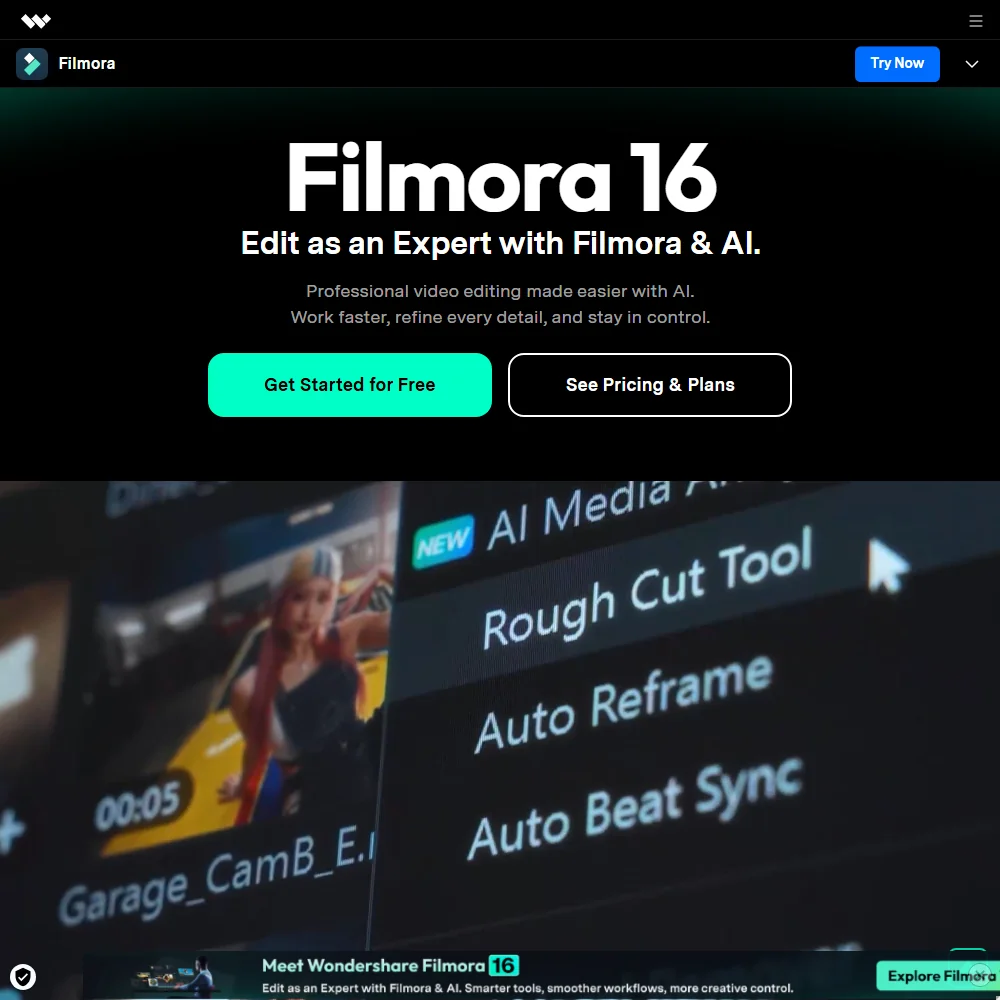
Filmora is for editors who want an approachable desktop editor with multicam, motion tracking, scopes and AI tools, and who may prefer to buy once: a Perpetual license costs $89.99. There is a free tier, but exports carry a watermark. AI features such as video translation run on a separate credit allowance, 1,000 a month on Advanced, and there is no shared project collaboration. Resolve is stronger on grading.
- A standing free tier lets you edit before paying anything, rather than a time-boxed trial.
- A one-time Perpetual licence is available alongside the annual subscription plans, so you can own a version outright.
- The free tier's exports carry a watermark and a lower resolution cap until you upgrade.
From $22.99Adobe Premiere makes sense when your projects already pass through After Effects and Adobe Stock, because the links are tight.
Show detailsHide details03 Adobe Premiere: Best for editors already in Adobe apps8.0Score 8.0 out of 10From $22.99Adobe Premiere makes sense when your projects already pass through After Effects and Adobe Stock, because the links are tight.Visit site ↗ReviewDetailsCloseShow more about Adobe Premiere
From $22.99
Adobe Premiere makes sense when your projects already pass through After Effects and Adobe Stock, because the links are tight.
Show detailsHide detailsAdobe Premiere: Best for editors already in Adobe apps
8.0Score 8.0 out of 10From $22.99Adobe Premiere makes sense when your projects already pass through After Effects and Adobe Stock, because the links are tight.Visit site ↗ReviewDetailsClose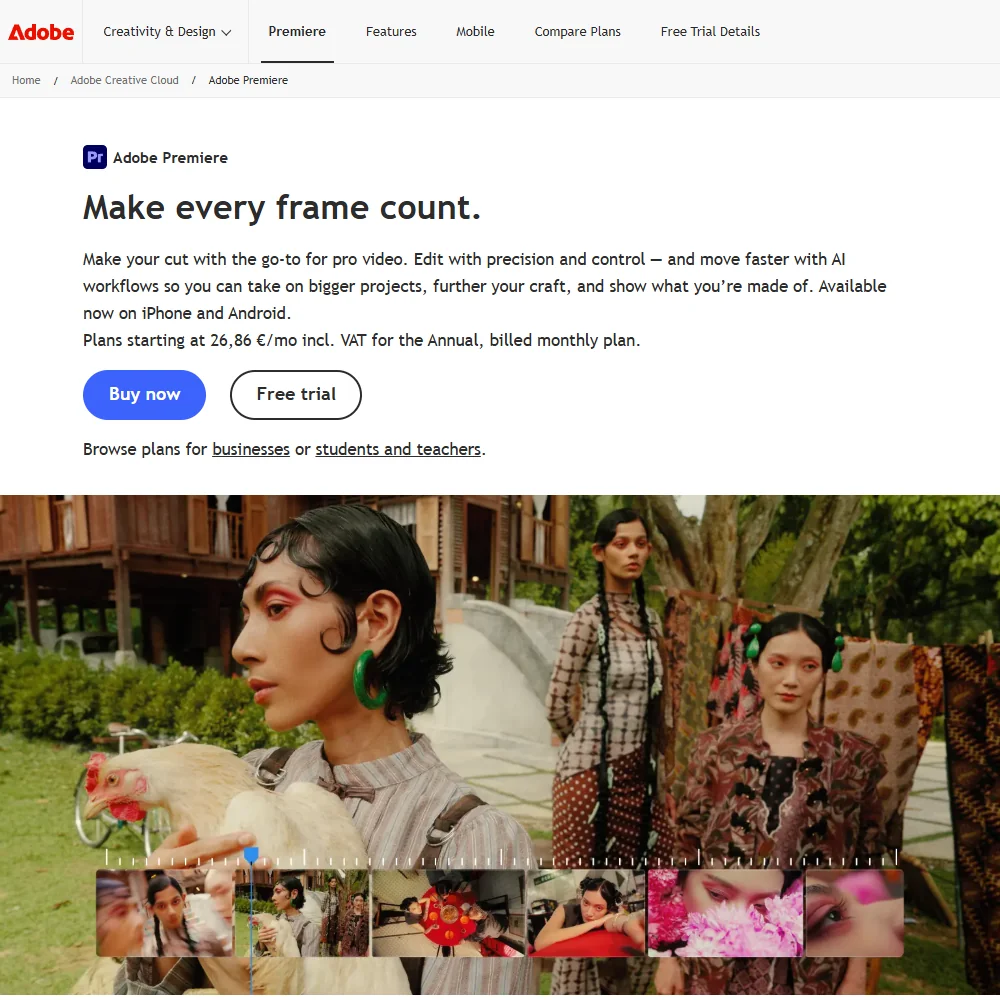
Adobe Premiere makes sense when your projects already pass through After Effects and Adobe Stock, because the links are tight. Generative Extend adds frames or ambient sound to a clip, Object Mask tracks a subject with a click, and Team Projects with Frame.io support several editors. It is subscription only, with a 7-day trial, and the Premiere plan includes just 25 generative credits a month against 4,000 on Creative Cloud Pro.
- Object Mask masks and tracks a subject with just a hover and a click, instead of manual rotoscoping.
- Generative Extend can extend clips, add frames and generate missing ambient sound using Adobe's cloud AI.
- There is no perpetual license: Adobe Premiere is sold only as a subscription.
From $39.99free planAvid Media Composer is the choice for film and TV work where several editors share a project: bin-locking on shared projects, multicam up to 64 angles and script-based editing.
Show detailsHide details04 Avid Media Composer: Best for shared film and TV projects8.0Score 8.0 out of 10From $39.99free planAvid Media Composer is the choice for film and TV work where several editors share a project: bin-locking on shared projects, multicam up to 64 angles and script-based editing.Visit site ↗ReviewDetailsCloseShow more about Avid Media Composer
From $39.99free plan
Avid Media Composer is the choice for film and TV work where several editors share a project: bin-locking on shared projects, multicam up to 64 angles and script-based editing.
Show detailsHide detailsAvid Media Composer: Best for shared film and TV projects
8.0Score 8.0 out of 10From $39.99free planAvid Media Composer is the choice for film and TV work where several editors share a project: bin-locking on shared projects, multicam up to 64 angles and script-based editing.Visit site ↗ReviewDetailsClose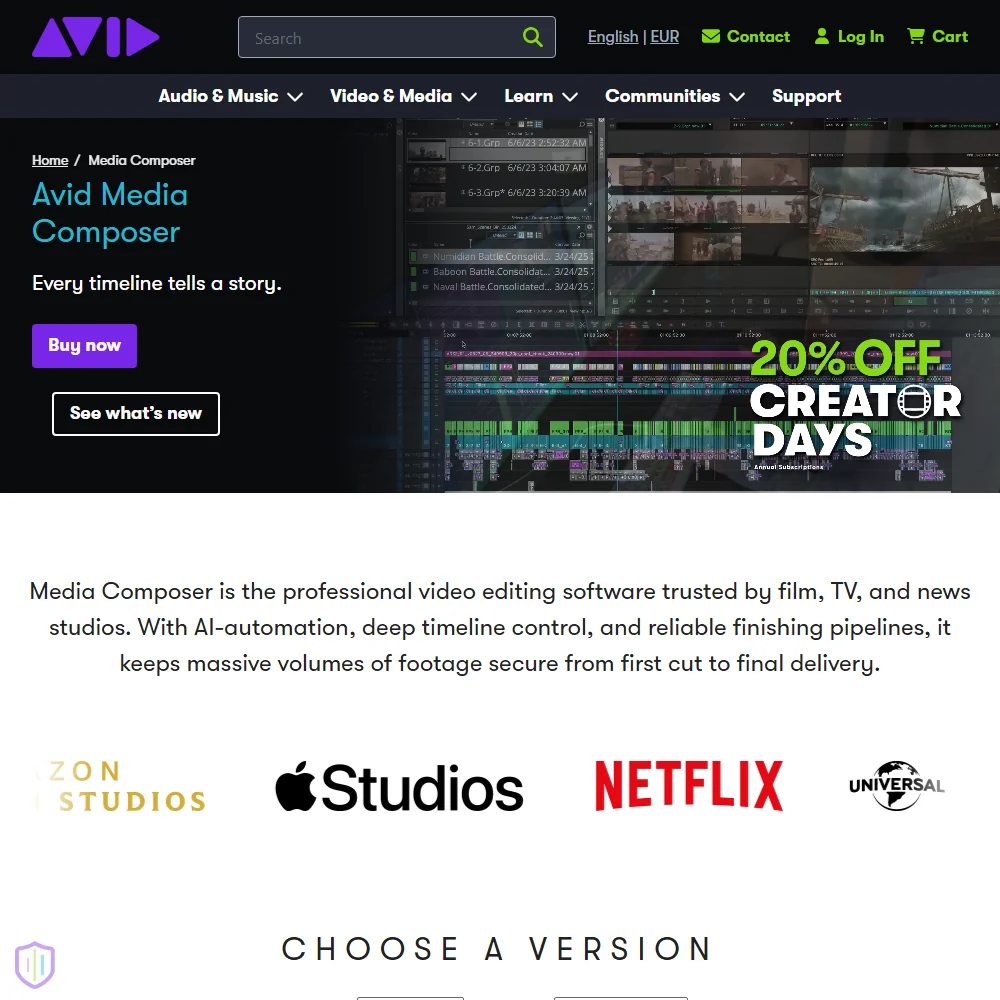
Avid Media Composer is the choice for film and TV work where several editors share a project: bin-locking on shared projects, multicam up to 64 angles and script-based editing. Media Composer First is a permanently free entry edition, and paid tiers start at $39.99 a month. New copies are subscription only, and there is no stock library. For a solo editor, Resolve gives similar depth for less.
- Media Composer First is a permanently free entry edition, and Avid says it removed the track and resolution limits that edition previously had.
- Multicam editing manages up to 64 camera angles using waveform and timecode matching.
- New copies are subscription only, since Avid no longer sells a new perpetual license, only support renewals to existing owners.
From $12.99Final Cut Pro is the natural fit if you cut on a Mac or iPad: multicam, curve-based grading, ProRes RAW and Magnetic Mask, which separates a subject without a green screen.
Show detailsHide details05 Final Cut Pro: Best for Mac editors who want to own it7.2Score 7.2 out of 10From $12.99Final Cut Pro is the natural fit if you cut on a Mac or iPad: multicam, curve-based grading, ProRes RAW and Magnetic Mask, which separates a subject without a green screen.Visit site ↗ReviewDetailsCloseShow more about Final Cut Pro
From $12.99
Final Cut Pro is the natural fit if you cut on a Mac or iPad: multicam, curve-based grading, ProRes RAW and Magnetic Mask, which separates a subject without a green screen.
Show detailsHide detailsFinal Cut Pro: Best for Mac editors who want to own it
7.2Score 7.2 out of 10From $12.99Final Cut Pro is the natural fit if you cut on a Mac or iPad: multicam, curve-based grading, ProRes RAW and Magnetic Mask, which separates a subject without a green screen.Visit site ↗ReviewDetailsClose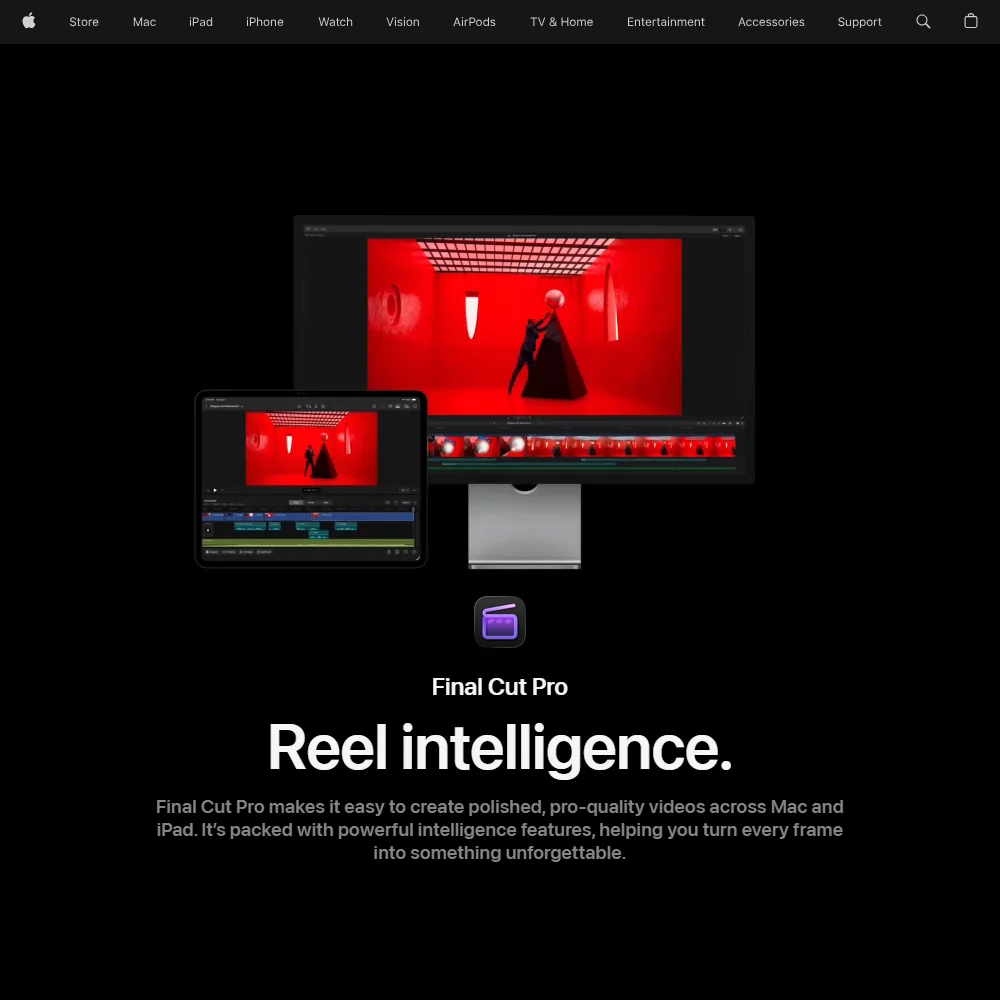
Final Cut Pro is the natural fit if you cut on a Mac or iPad: multicam, curve-based grading, ProRes RAW and Magnetic Mask, which separates a subject without a green screen. You can buy the Mac app once for $299.99, or take the wider Apple Creator Studio bundle at $12.99 a month. It does not run on Windows, and it has no live shared projects, which is where Avid or Premiere pull ahead.
- You can buy the Mac app outright for a one-time price instead of only subscribing.
- Camera raw footage is supported through ProRes RAW, which Final Cut Pro can also color correct directly.
- Final Cut Pro for iPad is a free download, but its full features need the Apple Creator Studio subscription rather than a one-time purchase.
Best video editors that edit by transcript
3 picksTranscript editing is a fast way to build an assembly cut from interviews, talking heads and long recordings, because you delete words and the picture follows. Descript is built around it, with filler word removal and an AI co-editor called Underlord. Riverside has it inside the studio where you record, and it also finds clips and adds captions. VEED does it in a browser tab next to subtitles, avatars and dubbing. Compare media hours and export resolution on each free plan, then pick by whether you also need to record, to clean up audio or to publish from the same tool.
#ToolScorePriceWhy pick it
From $24free planDescript is the strongest transcript editor here for interviews, talking heads and podcasts with video.
Show detailsHide details06 Descript: Best for interview and talking head cuts9.0Score 9.0 out of 10From $24free planDescript is the strongest transcript editor here for interviews, talking heads and podcasts with video.Visit site ↗ReviewDetailsCloseShow more about Descript
From $24free plan
Descript is the strongest transcript editor here for interviews, talking heads and podcasts with video.
Show detailsHide detailsDescript: Best for interview and talking head cuts
9.0Score 9.0 out of 10From $24free planDescript is the strongest transcript editor here for interviews, talking heads and podcasts with video.Visit site ↗ReviewDetailsClose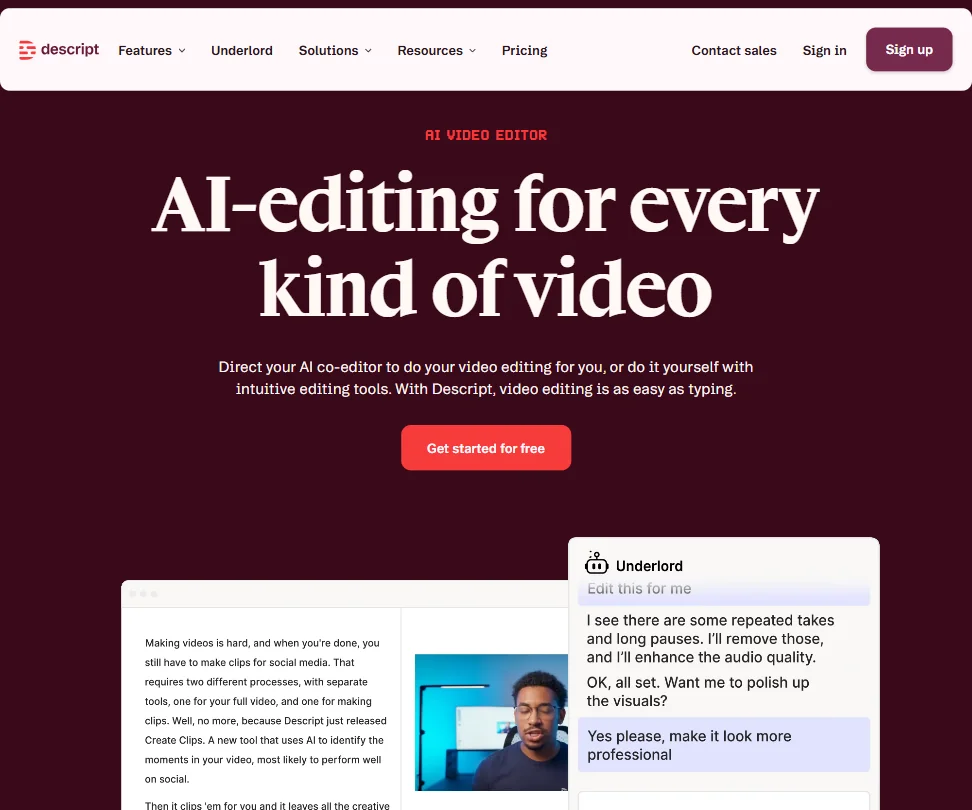
Descript is the strongest transcript editor here for interviews, talking heads and podcasts with video. You delete words and the cut follows, filler words go in one click, and Underlord drafts scripts and clips. The free plan gives 60 media minutes a month at 720p, and Hobbyist at $24 a month raises that to 10 hours at 1080p. If you also want to record guests, look at Riverside, which captures them locally.
- Text-based video editing allows users to edit footage simply by editing the transcript, making the process intuitive and fast.
- Underlord AI is deeply integrated into the workflow, handling script writing, layout design, B-roll generation, and clip creation for social formats.
- Despite being around since 2017, some rough edges in the product still haven't been resolved.
From $24free planRiverside suits editors who also produce the recording: each person records locally in up to 4K with separate tracks, and the same studio offers text-based editing, captions and AI clips.
Show detailsHide details07 Riverside: Best for recording and editing in one studio8.4Score 8.4 out of 10From $24free planRiverside suits editors who also produce the recording: each person records locally in up to 4K with separate tracks, and the same studio offers text-based editing, captions and AI clips.Visit site ↗ReviewDetailsCloseShow more about Riverside
From $24free plan
Riverside suits editors who also produce the recording: each person records locally in up to 4K with separate tracks, and the same studio offers text-based editing, captions and AI clips.
Show detailsHide detailsRiverside: Best for recording and editing in one studio
8.4Score 8.4 out of 10From $24free planRiverside suits editors who also produce the recording: each person records locally in up to 4K with separate tracks, and the same studio offers text-based editing, captions and AI clips.Visit site ↗ReviewDetailsClose
Riverside suits editors who also produce the recording: each person records locally in up to 4K with separate tracks, and the same studio offers text-based editing, captions and AI clips. Free exports are 720p with a watermark, and Pro costs $29 a month. The trade-off is depth, since its all-in-one approach means some features are less refined than in dedicated editors such as Descript or Resolve.
- Local recording on each participant's device ensures high-quality audio and video even if the internet connection drops mid-session.
- Captures separate 4K video and audio tracks per participant, making post-production significantly cleaner with no bleed between speakers.
- Free-tier users face meaningful limitations, suggesting the platform cuts corners for those not on paid plans.
From $25free planVEED is an editor in a browser tab, covering editing, subtitles, avatars, voice cloning, dubbing and a brand kit, with several outside generation models behind it.
Show detailsHide details08 VEED: Best for browser editing with team branding7.9Score 7.9 out of 10From $25free planVEED is an editor in a browser tab, covering editing, subtitles, avatars, voice cloning, dubbing and a brand kit, with several outside generation models behind it.Visit site ↗ReviewDetailsCloseShow more about VEED
From $25free plan
VEED is an editor in a browser tab, covering editing, subtitles, avatars, voice cloning, dubbing and a brand kit, with several outside generation models behind it.
Show detailsHide detailsVEED: Best for browser editing with team branding
7.9Score 7.9 out of 10From $25free planVEED is an editor in a browser tab, covering editing, subtitles, avatars, voice cloning, dubbing and a brand kit, with several outside generation models behind it.Visit site ↗ReviewDetailsClose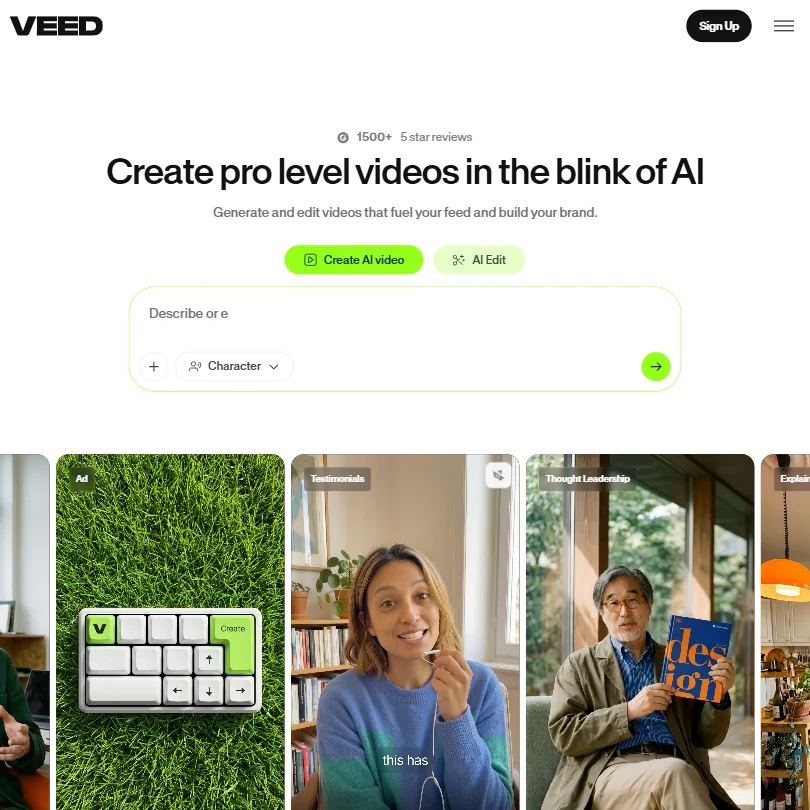
VEED is an editor in a browser tab, covering editing, subtitles, avatars, voice cloning, dubbing and a brand kit, with several outside generation models behind it. Free exports are 720p with a watermark, and Creator starts at $25 a month. It does not suit editors who need desktop performance or work in Adobe projects, since there is no Premiere integration. Choose it for marketing teams producing many branded cuts.
- VEED integrates multiple frontier AI generation models including Veo 3.1 and Kling AI through a single interface, giving users access to best-in-class engines without switching tools.
- The entire platform runs in the browser with no desktop installation required, making it immediately accessible for teams without IT overhead.
- VEED has no Adobe Premiere integration, which limits its appeal for users already embedded in professional post-production workflows.
Best video editors for fast social media edits
3 picksSocial edits reward speed over depth: captions, crops, trims and a quick export. CapCut has a full free editor, no watermark on most exports and auto subtitles in 25+ languages, and its pricing page shows no dollar figures. VEED does the same job in a browser and adds brand kits and dubbing. Descript suits social cuts of talking videos, since you cut by text and add captions. Check the export resolution on free plans, and how each tool treats your uploads, before you send client footage. Choose CapCut for volume and VEED for team branding.
#ToolScorePriceWhy pick it
From $24free planFor quick social cuts of talking videos, Descript lets you trim by text and add captions without touching a timeline.
Show detailsHide details09Descript: Best for captioned cuts of talking videos9.0Score 9.0 out of 10From $24free planFor quick social cuts of talking videos, Descript lets you trim by text and add captions without touching a timeline.Visit site ↗ReviewDetailsCloseShow more about Descript
From $24free plan
For quick social cuts of talking videos, Descript lets you trim by text and add captions without touching a timeline.
Show detailsHide detailsDescript: Best for captioned cuts of talking videos
9.0Score 9.0 out of 10From $24free planFor quick social cuts of talking videos, Descript lets you trim by text and add captions without touching a timeline.Visit site ↗ReviewDetailsCloseFor quick social cuts of talking videos, Descript lets you trim by text and add captions without touching a timeline. Underlord can pull social clips from a longer recording. Its free plan exports at 720p and 60 media minutes a month go quickly if you post often. CapCut is the better pick for trend-style edits, templates and stickers, while Descript wins when the words carry the video.
- Text-based video editing allows users to edit footage simply by editing the transcript, making the process intuitive and fast.
- Underlord AI is deeply integrated into the workflow, handling script writing, layout design, B-roll generation, and clip creation for social formats.
- Despite being around since 2017, some rough edges in the product still haven't been resolved.
From $25free planVEED handles social cuts from anywhere, since nothing installs and a brand kit keeps fonts and colors consistent across a team.
Show detailsHide details10VEED: Best for branded social cuts in a browser7.9Score 7.9 out of 10From $25free planVEED handles social cuts from anywhere, since nothing installs and a brand kit keeps fonts and colors consistent across a team.Visit site ↗ReviewDetailsCloseShow more about VEED
From $25free plan
VEED handles social cuts from anywhere, since nothing installs and a brand kit keeps fonts and colors consistent across a team.
Show detailsHide detailsVEED: Best for branded social cuts in a browser
7.9Score 7.9 out of 10From $25free planVEED handles social cuts from anywhere, since nothing installs and a brand kit keeps fonts and colors consistent across a team.Visit site ↗ReviewDetailsCloseVEED handles social cuts from anywhere, since nothing installs and a brand kit keeps fonts and colors consistent across a team. Subtitles, dubbing and avatars sit in the same workspace, and there is an iOS app. Free exports are 720p with a watermark. Pick CapCut if you want a free editor with no watermark on most exports, and VEED when several people share templates.
- VEED integrates multiple frontier AI generation models including Veo 3.1 and Kling AI through a single interface, giving users access to best-in-class engines without switching tools.
- The entire platform runs in the browser with no desktop installation required, making it immediately accessible for teams without IT overhead.
- VEED has no Adobe Premiere integration, which limits its appeal for users already embedded in professional post-production workflows.
Pricing N/Afree planCapCut is the low-cost route for editors turning around short videos fast, on a phone or computer.
Show detailsHide details11 CapCut: Best for free fast cuts without a watermark7.6Score 7.6 out of 10Pricing N/Afree planCapCut is the low-cost route for editors turning around short videos fast, on a phone or computer.Visit site ↗ReviewDetailsCloseShow more about CapCut
Pricing N/Afree plan
CapCut is the low-cost route for editors turning around short videos fast, on a phone or computer.
Show detailsHide detailsCapCut: Best for free fast cuts without a watermark
7.6Score 7.6 out of 10Pricing N/Afree planCapCut is the low-cost route for editors turning around short videos fast, on a phone or computer.Visit site ↗ReviewDetailsClose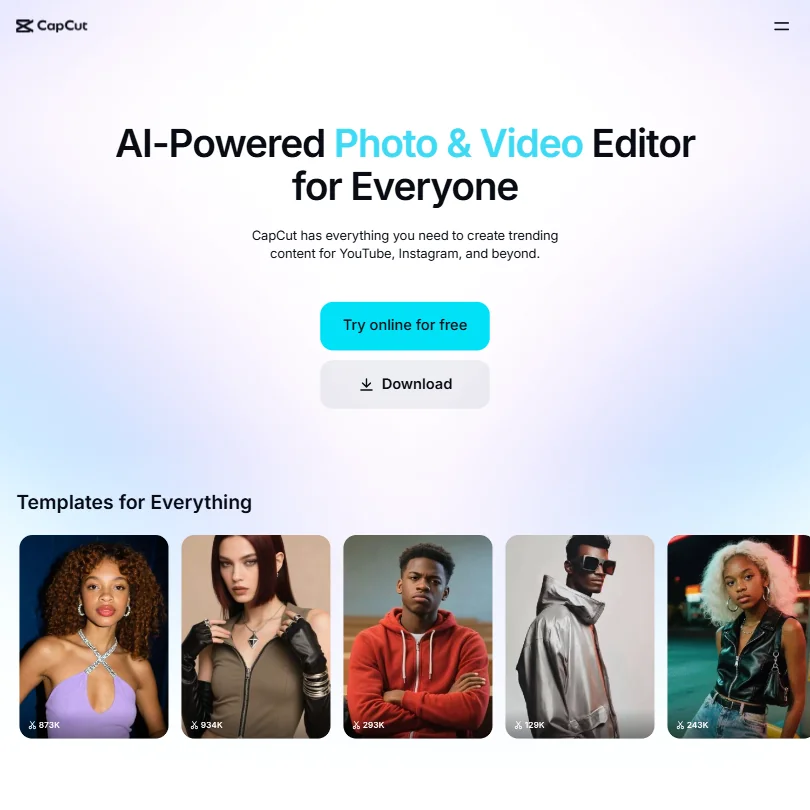
CapCut is the low-cost route for editors turning around short videos fast, on a phone or computer. The free plan includes the full editor, no watermark on most exports, auto subtitles in 25+ languages, background removal and AI generation. Its pricing page shows no dollar figures, and ByteDance ownership gives some professionals pause with client work. For long form or grading, use DaVinci Resolve.
- CapCut exports video without a watermark even on the free tier, which is a major advantage over competing free editors.
- The tool is available across all major platforms including mobile, web, Windows, Mac, and iPad with a consistent experience.
- Pricing is not clearly published for a product at this scale.
Best AI video generators for B-roll
4 picksGenerated B-roll fills gaps you cannot film, such as an establishing shot, a product in motion or a scene that was never shot. Kling gives you control with start and end frames, multi-shot storyboards and camera moves. Runway puts its own models and several outside ones on one credit pool, and its Aleph model edits and restyles footage you upload. Luma offers keyframes and HDR export. Higgsfield puts Kling, Veo and Seedance in one account. Credits are the meter, so compare cost per second, free-plan watermarks and whether commercial use is allowed.
#ToolScorePriceWhy pick it
From $19free planHiggsfield suits editors who want to try Kling, Veo, Seedance and image models without separate subscriptions: one credit pool, an agent that plans a job from a description, and Soul ID for consistent characters.
Show detailsHide details12 Higgsfield: Best for many video models on one plan9.0Score 9.0 out of 10From $19free planHiggsfield suits editors who want to try Kling, Veo, Seedance and image models without separate subscriptions: one credit pool, an agent that plans a job from a description, and Soul ID for consistent characters.Visit site ↗ReviewDetailsCloseShow more about Higgsfield
From $19free plan
Higgsfield suits editors who want to try Kling, Veo, Seedance and image models without separate subscriptions: one credit pool, an agent that plans a job from a description, and Soul ID for consistent characters.
Show detailsHide detailsHiggsfield: Best for many video models on one plan
9.0Score 9.0 out of 10From $19free planHiggsfield suits editors who want to try Kling, Veo, Seedance and image models without separate subscriptions: one credit pool, an agent that plans a job from a description, and Soul ID for consistent characters.Visit site ↗ReviewDetailsClose
Higgsfield suits editors who want to try Kling, Veo, Seedance and image models without separate subscriptions: one credit pool, an agent that plans a job from a description, and Soul ID for consistent characters. The free account works, but every generation carries a watermark and only one job runs at a time. Starter at $19 a month removes the watermark, and credits cover a handful of videos.
- Kling 3.0, Veo 3.1, Seedance 2.0, Nano Banana Pro, GPT Image 2 and Flux 2 are all on the account alongside Higgsfield's own Soul models.
- Seedance 2.0 generates synchronized dialogue and sound in the same pass as the video.
- Every generation on the free account carries a visible watermark.
From $8.80free planKling is the pick when you want to direct individual shots: start and end frames, multi-shot storyboards and named camera moves, with sound and lip sync generated together.
Show detailsHide details13 Kling AI: Best for directing single AI shots8.9Score 8.9 out of 10From $8.80free planKling is the pick when you want to direct individual shots: start and end frames, multi-shot storyboards and named camera moves, with sound and lip sync generated together.Visit site ↗ReviewDetailsCloseShow more about Kling AI
From $8.80free plan
Kling is the pick when you want to direct individual shots: start and end frames, multi-shot storyboards and named camera moves, with sound and lip sync generated together.
Show detailsHide detailsKling AI: Best for directing single AI shots
8.9Score 8.9 out of 10From $8.80free planKling is the pick when you want to direct individual shots: start and end frames, multi-shot storyboards and named camera moves, with sound and lip sync generated together.Visit site ↗ReviewDetailsClose
Kling is the pick when you want to direct individual shots: start and end frames, multi-shot storyboards and named camera moves, with sound and lip sync generated together. Clips run up to 15 seconds. Free credits are daily at 720p with a watermark, and Standard at $8.80 a month covers about five ten-second 1080p clips with audio. Its terms let it train on what you make, with no opt-out described.
- Kling VIDEO 3.0 generates sound, speech and lip sync together with the picture, in English, Chinese, Japanese, Korean and Spanish.
- Start and end frames, multi-shot storyboards and element references give close control over each shot.
- Standard's 660 monthly credits make about five ten-second 1080p clips with audio, or about eight without.
From $15free planRunway fits editors who want a model per shot and an editing layer: its own Gen-4.5 sits beside Kling, Veo and Seedance on one credit balance, and Aleph restyles footage you upload, up to 30 seconds at 1080p.
Show detailsHide details14 Runway: Best for AI shots plus footage restyling8.1Score 8.1 out of 10From $15free planRunway fits editors who want a model per shot and an editing layer: its own Gen-4.5 sits beside Kling, Veo and Seedance on one credit balance, and Aleph restyles footage you upload, up to 30 seconds at 1080p.Visit site ↗ReviewDetailsCloseShow more about Runway
From $15free plan
Runway fits editors who want a model per shot and an editing layer: its own Gen-4.5 sits beside Kling, Veo and Seedance on one credit balance, and Aleph restyles footage you upload, up to 30 seconds at 1080p.
Show detailsHide detailsRunway: Best for AI shots plus footage restyling
8.1Score 8.1 out of 10From $15free planRunway fits editors who want a model per shot and an editing layer: its own Gen-4.5 sits beside Kling, Veo and Seedance on one credit balance, and Aleph restyles footage you upload, up to 30 seconds at 1080p.Visit site ↗ReviewDetailsClose
Runway fits editors who want a model per shot and an editing layer: its own Gen-4.5 sits beside Kling, Veo and Seedance on one credit balance, and Aleph restyles footage you upload, up to 30 seconds at 1080p. Free gives 125 one-time credits, and Standard at $15 a month yields about five ten-second Gen-4.5 clips. Gen-4.5 itself outputs 720p, so 4K needs another model.
- Kling 3.0, Veo 3.1, Seedance 2.5 and other outside video models sit in the same account as Runway's own Gen-4.5, all paid from one credit balance.
- First and last frame control through Veo 3.1 and Kling 3.0, keyframes through Kling O3, and clip extension through Grok Imagine.
- Standard's 625 monthly credits make about five ten-second Gen-4.5 clips.
From $30free planLuma is for editors who want precise control over how a shot unfolds, with up to 16 keyframes per clip and native HDR generation with EXR export.
Show detailsHide details15 Luma AI: Best for keyframed shots with HDR export8.0Score 8.0 out of 10From $30free planLuma is for editors who want precise control over how a shot unfolds, with up to 16 keyframes per clip and native HDR generation with EXR export.Visit site ↗ReviewDetailsCloseShow more about Luma AI
From $30free plan
Luma is for editors who want precise control over how a shot unfolds, with up to 16 keyframes per clip and native HDR generation with EXR export.
Show detailsHide detailsLuma AI: Best for keyframed shots with HDR export
8.0Score 8.0 out of 10From $30free planLuma is for editors who want precise control over how a shot unfolds, with up to 16 keyframes per clip and native HDR generation with EXR export.Visit site ↗ReviewDetailsClose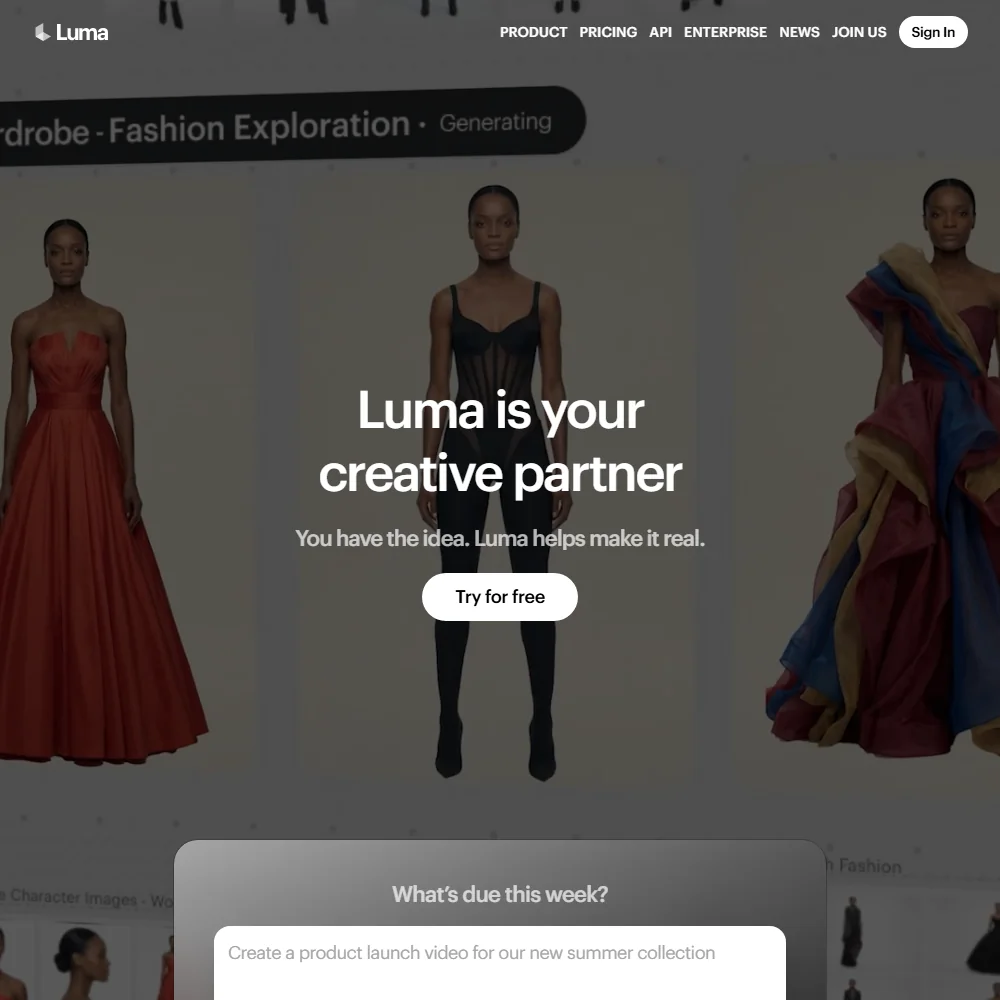
Luma is for editors who want precise control over how a shot unfolds, with up to 16 keyframes per clip and native HDR generation with EXR export. Other companies' models sit in the same account for sound or 4K. Plus costs $30 a month for 10,000 credits, roughly eight ten-second 1080p Ray3.2 clips. Ray3.2 makes no sound, and Luma's terms allow training on uploads, even on paid plans.
- Ray3.2 takes up to 16 keyframes per clip, giving close control over how a shot unfolds.
- Native HDR generation in 16-bit colour with EXR export, which few video models offer.
- Plus's 10,000 monthly credits make about eight ten-second Ray3.2 clips at 1080p.
Best AI tools for turning long videos into shorts
3 picksShorts tools hunt through a long video for moments worth posting, then reframe them to vertical and add captions. Opus Clip works on podcasts, lectures and tutorials, and tracks the speaker when it reframes. Vizard makes a batch of 30 or more clips per upload and lets you edit through the transcript. Submagic adds auto captions, silence removal, B-roll and direct publishing to TikTok, YouTube and Instagram. All three count credits or videos, and free plans watermark. Choose by whether finding moments or finishing captions takes more of your time.
#ToolScorePriceWhy pick it
From $15Opus Clip is the shorts finder for editors who deliver clips from long recordings: ClipAnything works on podcasts, lectures and tutorials, and ReframeAnything keeps the subject centered in vertical.
Show detailsHide details16 Opus Clip: Best for finding moments in any long video8.4Score 8.4 out of 10From $15Opus Clip is the shorts finder for editors who deliver clips from long recordings: ClipAnything works on podcasts, lectures and tutorials, and ReframeAnything keeps the subject centered in vertical.Visit site ↗ReviewDetailsCloseShow more about Opus Clip
From $15
Opus Clip is the shorts finder for editors who deliver clips from long recordings: ClipAnything works on podcasts, lectures and tutorials, and ReframeAnything keeps the subject centered in vertical.
Show detailsHide detailsOpus Clip: Best for finding moments in any long video
8.4Score 8.4 out of 10From $15Opus Clip is the shorts finder for editors who deliver clips from long recordings: ClipAnything works on podcasts, lectures and tutorials, and ReframeAnything keeps the subject centered in vertical.Visit site ↗ReviewDetailsClose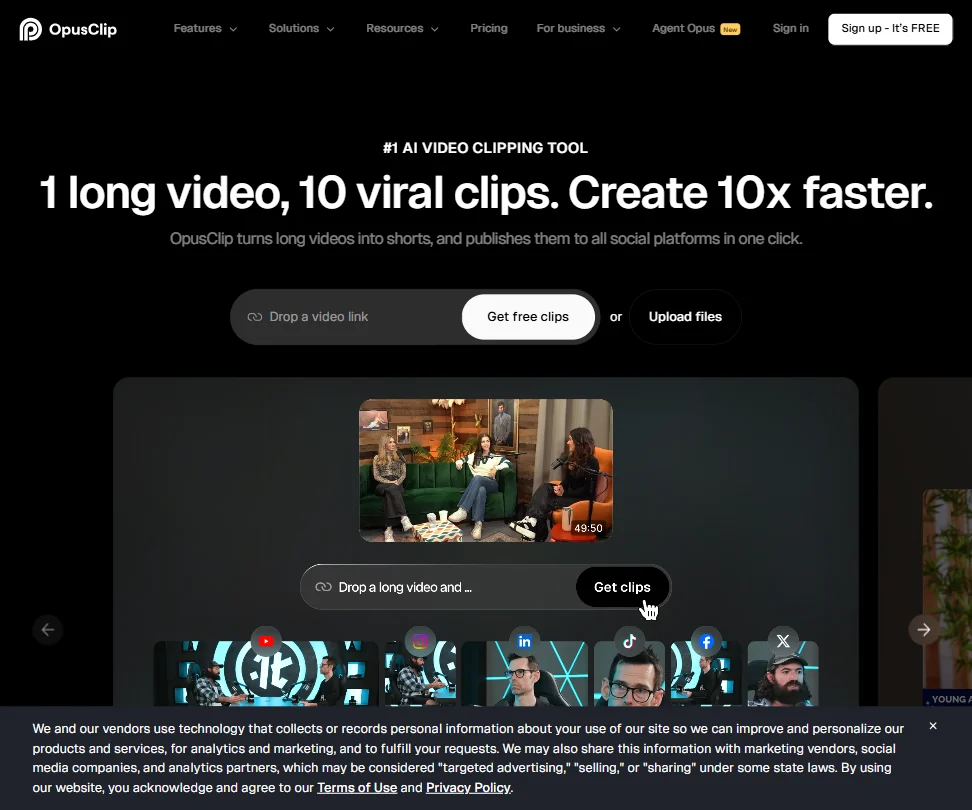
Opus Clip is the shorts finder for editors who deliver clips from long recordings: ClipAnything works on podcasts, lectures and tutorials, and ReframeAnything keeps the subject centered in vertical. Animated captions come in 20+ languages. The free plan gives 60 credits a month with a watermark, and clips expire after 3 days. Starter at $15 a month removes the watermark. Submagic covers captions more heavily.
- The ClipAnything model works across diverse video genres, including lectures, cooking videos, sports and tutorials, as well as podcasts and talking-head content.
- ReframeAnything model uses AI object tracking to keep subjects centered when converting landscape video to vertical format.
- The tool is entirely web-based with no desktop app, which may limit workflow flexibility for users who prefer offline or native applications.
From $19Submagic is for editors who need captions and finishing speed: auto captions in 123 languages, silence removal, auto-zoom, B-roll and publishing straight to TikTok, YouTube and Instagram.
Show detailsHide details17 Submagic: Best for captioned shorts, published quickly7.8Score 7.8 out of 10From $19Submagic is for editors who need captions and finishing speed: auto captions in 123 languages, silence removal, auto-zoom, B-roll and publishing straight to TikTok, YouTube and Instagram.Visit site ↗ReviewDetailsCloseShow more about Submagic
From $19
Submagic is for editors who need captions and finishing speed: auto captions in 123 languages, silence removal, auto-zoom, B-roll and publishing straight to TikTok, YouTube and Instagram.
Show detailsHide detailsSubmagic: Best for captioned shorts, published quickly
7.8Score 7.8 out of 10From $19Submagic is for editors who need captions and finishing speed: auto captions in 123 languages, silence removal, auto-zoom, B-roll and publishing straight to TikTok, YouTube and Instagram.Visit site ↗ReviewDetailsClose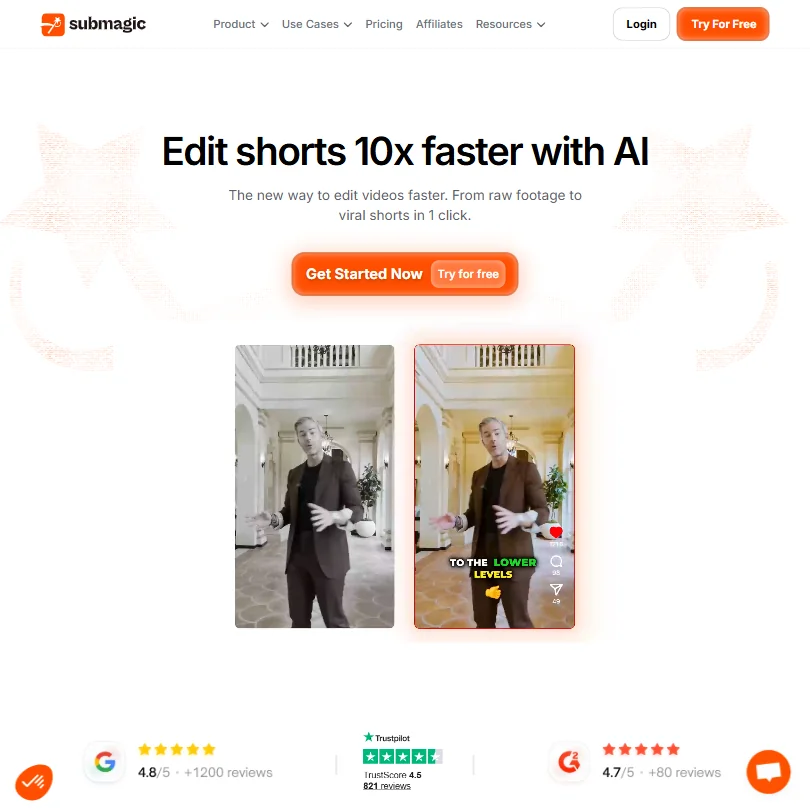
Submagic is for editors who need captions and finishing speed: auto captions in 123 languages, silence removal, auto-zoom, B-roll and publishing straight to TikTok, YouTube and Instagram. Magic Clips, a $12 add-on, finds clips in long videos. There is no free plan, but 3 videos are free to try. Starter at $19 a month covers 15 videos of up to 2 minutes, so it suits short-form volume more than complex projects.
- Magic Clips feature automatically extracts multiple short-form clips from a single long video, saving significant editing time.
- Auto-captions claim 99% accuracy across 123 languages, with styles designed to match high-performing TikTok formats.
- Narrowly focused on short-form video editing, making it unsuitable for teams that need a full-featured video editor.
From $29free planVizard works well when you want 30 or more clips from one upload and prefer to fine-tune them in a transcript editor.
Show detailsHide details18 Vizard.ai: Best for batches of clips by transcript6.8Score 6.8 out of 10From $29free planVizard works well when you want 30 or more clips from one upload and prefer to fine-tune them in a transcript editor.Visit site ↗ReviewDetailsCloseShow more about Vizard.ai
From $29free plan
Vizard works well when you want 30 or more clips from one upload and prefer to fine-tune them in a transcript editor.
Show detailsHide detailsVizard.ai: Best for batches of clips by transcript
6.8Score 6.8 out of 10From $29free planVizard works well when you want 30 or more clips from one upload and prefer to fine-tune them in a transcript editor.Visit site ↗ReviewDetailsClose
Vizard works well when you want 30 or more clips from one upload and prefer to fine-tune them in a transcript editor. Auto-reframe follows the speaker into vertical, and captions are automatic. The free plan gives 60 credits a month at 720p with a watermark and 3-day storage. Commercial use needs a paid plan, from $29 a month. It also states it does not train on your content.
- Batch clip generation reliably produces 30 or more platform-ready clips from a single long-form video upload, saving significant time for content teams.
- Text-based editing lets users cut footage by editing the transcript, reducing back-and-forth compared to traditional timeline editing.
- Pricing structure has notable gaps worth investigating before committing to a paid plan.
Best AI voiceover and dubbing tools for video editors
3 picksVoice tools let an editor fix a line, add narration or deliver a cut in another language without a recording session. ElevenLabs offers cloned voices, dubbing and multi-speaker scripts. HeyGen translates a video into 175+ languages with lip sync matched to the new voice, and builds avatar presenters. Murf fits narration for slides and tutorials, with voices that plug into Canva and PowerPoint. Read each free plan's download and commercial terms first, since two of the three hold those back. Choose by whether you need cloning, full video translation or narration.
#ToolScorePriceWhy pick it
From $29free planHeyGen translates a video into 175+ languages with lip sync matched to the new voice, and builds avatar presenters and custom digital twins.
Show detailsHide details19 HeyGen: Best for translating whole videos with lip sync8.9Score 8.9 out of 10From $29free planHeyGen translates a video into 175+ languages with lip sync matched to the new voice, and builds avatar presenters and custom digital twins.Visit site ↗ReviewDetailsCloseShow more about HeyGen
From $29free plan
HeyGen translates a video into 175+ languages with lip sync matched to the new voice, and builds avatar presenters and custom digital twins.
Show detailsHide detailsHeyGen: Best for translating whole videos with lip sync
8.9Score 8.9 out of 10From $29free planHeyGen translates a video into 175+ languages with lip sync matched to the new voice, and builds avatar presenters and custom digital twins.Visit site ↗ReviewDetailsClose
HeyGen translates a video into 175+ languages with lip sync matched to the new voice, and builds avatar presenters and custom digital twins. Editors use it to localize finished cuts. The free plan allows 3 videos a month, watermarked, with 500+ stock avatars and 1 voice clone. Creator at $29 a month raises export to 1080p. The feature set gets busy for newcomers.
- HeyGen supports video translation across 175+ languages with lip-sync matched to the new voice, making localization highly accessible.
- The AI Studio editor allows users to adjust tone, delivery, gesture timing, and emotional register through text controls without re-recording.
- The feature set is described as getting 'busy,' suggesting a steeper learning curve for new users navigating the full platform.
From $6free planElevenLabs is the voice tool for fixing lines, narrating and dubbing: 11,000+ voices, instant cloning from Starter at $6 a month, multi-speaker dialogue and a dubbing studio.
Show detailsHide details20 ElevenLabs: Best for cloned voices and dubbing8.5Score 8.5 out of 10From $6free planElevenLabs is the voice tool for fixing lines, narrating and dubbing: 11,000+ voices, instant cloning from Starter at $6 a month, multi-speaker dialogue and a dubbing studio.Visit site ↗ReviewDetailsCloseShow more about ElevenLabs
From $6free plan
ElevenLabs is the voice tool for fixing lines, narrating and dubbing: 11,000+ voices, instant cloning from Starter at $6 a month, multi-speaker dialogue and a dubbing studio.
Show detailsHide detailsElevenLabs: Best for cloned voices and dubbing
8.5Score 8.5 out of 10From $6free planElevenLabs is the voice tool for fixing lines, narrating and dubbing: 11,000+ voices, instant cloning from Starter at $6 a month, multi-speaker dialogue and a dubbing studio.Visit site ↗ReviewDetailsClose
ElevenLabs is the voice tool for fixing lines, narrating and dubbing: 11,000+ voices, instant cloning from Starter at $6 a month, multi-speaker dialogue and a dubbing studio. The free plan gives 10,000 credits a month but no commercial license. Audio you upload trains its models unless you opt out. HeyGen is the better fit when you want the whole video translated with lip sync.
- More than 11,000 voices are available across 70+ languages through the Eleven v3 model.
- Instant voice cloning is available from the cheapest paid plan, with professional cloning opening on Creator.
- The free plan carries no commercial license, so its output cannot be used commercially without upgrading.
From $29free planMurf suits editors cutting tutorials, training or slide-based videos, since its 200+ voices plug into Canva, PowerPoint, Google Slides and Articulate.
Show detailsHide details21 Murf AI: Best for narration for tutorials and slides7.0Score 7.0 out of 10From $29free planMurf suits editors cutting tutorials, training or slide-based videos, since its 200+ voices plug into Canva, PowerPoint, Google Slides and Articulate.Visit site ↗ReviewDetailsCloseShow more about Murf AI
From $29free plan
Murf suits editors cutting tutorials, training or slide-based videos, since its 200+ voices plug into Canva, PowerPoint, Google Slides and Articulate.
Show detailsHide detailsMurf AI: Best for narration for tutorials and slides
7.0Score 7.0 out of 10From $29free planMurf suits editors cutting tutorials, training or slide-based videos, since its 200+ voices plug into Canva, PowerPoint, Google Slides and Articulate.Visit site ↗ReviewDetailsClose
Murf suits editors cutting tutorials, training or slide-based videos, since its 200+ voices plug into Canva, PowerPoint, Google Slides and Articulate. The free plan gives 10 minutes of voice generation but no downloads and no commercial rights, so it is for auditioning. Creator at $29 a month adds both. ElevenLabs reaches commercial use at a lower price, and adds cloning and dubbing.
- Murf Studio has an ongoing free plan with no credit card required, giving 10 minutes of voice generation before you pay anything.
- The library runs to 200+ voices across 30+ languages and accents.
- The free plan blocks commercial use and downloads entirely, so anything you make on it stays unusable outside Murf.
How to choose AI tools for video editors
Editing tools look alike on their home pages and charge in very different ways. Pro editors sell a license once or by subscription, transcript editors count media hours, generators count credits per second, and shorts tools count credits and watermarks. What you need depends on the operating system you work on, whether you work alone or with other editors, and how much of your footage has to be generated or translated. This guide matches each job on a project to the tools on this page, then covers free plans, where they stop, privacy and when paying is worth it.
Start with the job, not the tool
A project passes through six jobs, and most editors need one main tool plus two or three specialists.
- Main editing. Cutting, color and audio. DaVinci Resolve, Premiere, Final Cut Pro, Avid Media Composer and Filmora are full desktop editors, and they differ mostly in price model and platform.
- Editing by transcript. Building a rough cut from talk. Descript is built around it, Riverside and VEED include it, and Resolve, Premiere, Filmora and Avid also list text-based editing.
- Quick social edits. Captions, crops and fast exports. CapCut and VEED are built for it, and Descript fits talking videos.
- Generated shots. Footage you did not film. Kling, Runway, Luma and Higgsfield generate clips from prompts or frames, and Premiere's Generative Extend lengthens clips you already have.
- Shorts. Cutting a long video into clips. Opus Clip, Vizard and Submagic pick moments and add captions.
- Voice and dubbing. Fixing a line or localizing. ElevenLabs, HeyGen and Murf produce voices, and HeyGen and ElevenLabs also dub.
The table shows where to start on any budget.
| Job | Free | Worth paying for |
|---|---|---|
| Main editing | DaVinci Resolve free edition | Resolve Studio at $295 once, or Premiere at $22.99 a month billed annually |
| Editing by transcript | Descript free plan, 60 media minutes a month | Descript Hobbyist at $24 a month, with 10 media hours and 1080p export |
| Quick social edits | CapCut, which exports most videos with no watermark | Free plans are enough, or VEED Creator at $25 a month for team branding |
| Generated shots | Kling's daily free credits (720p, watermark) | Kling Standard at $8.80 a month, or Runway Standard at $15 a month |
| Shorts | Vizard or Opus Clip free plans, 60 credits each | Opus Clip Starter at $15 a month, or Submagic Starter at $19 |
| Voice and dubbing | ElevenLabs free plan for drafts | ElevenLabs Starter at $6 a month, which adds a commercial license |
Free generator and shorts plans hold back the part you deliver: watermarks, small exports and no commercial rights. Pay first for whatever stops a client delivery, which is usually generated shots or voice, and keep your main editor free for as long as it does the job.
What the free plans actually give you
Each kind of tool rations something different, so one free plan lasts a month and another lasts an afternoon.
- Main editors. DaVinci Resolve's free edition is the full editor with no expiry. Filmora has a free tier with watermarked exports, and Avid has Media Composer First, a permanently free entry edition. Premiere has a 7-day trial and no free tier, and Final Cut Pro has a 30-day trial.
- Transcript editors. Descript's free plan gives 60 media minutes a month, 100 one-time AI credits, 720p export and 5 GB of storage. Riverside and VEED export at 720p with a watermark.
- Social editors. CapCut's free plan is the full editor with no watermark on most exports and auto subtitles in 25+ languages.
- Generators. Kling gives daily credits at 720p with a watermark. Runway gives 125 one-time credits and 3 editor projects. Luma gives trial credits for personal use only. Higgsfield's free account watermarks every generation and runs 1 job at a time.
- Shorts tools. Opus Clip and Vizard give 60 credits a month with a watermark, and Opus Clip clips expire after 3 days. Submagic has no free plan but gives 3 free videos.
- Voice tools. ElevenLabs gives 10,000 credits a month with no commercial license. HeyGen gives 3 watermarked videos a month, and Murf gives 10 minutes of generation with no downloads.
Which tools fit which editor
- A freelancer on a tight budget. Start with DaVinci Resolve, because the free edition never expires and includes grading and audio. Add Descript for interview cuts and CapCut for quick social versions.
- A Mac editor who wants to own the software. Start with Final Cut Pro at $299.99 once, because you keep the Mac app. Add Resolve if you also work on Windows, since its Studio upgrade is a one-time $295.
- An editor in an Adobe studio. Start with Premiere, because it links to After Effects and Adobe Stock. Upgrade to Creative Cloud Pro if you use Generative Extend often, since it includes 4,000 generative credits against 25.
- An editor on shared film or TV projects. Start with Avid Media Composer for bin-locked shared projects and 64-angle multicam. Add Premiere's Team Projects if clients send Adobe work.
- A social and shorts editor. Start with CapCut for free cuts, and Opus Clip or Vizard to find clips. Add Submagic for captions and direct publishing.
- An editor adding generated shots. Start with Kling, because its free plan gives daily credits and Standard is $8.80 a month. Add Runway for restyling footage, and Higgsfield to try several video models on one plan.
- An editor who localizes. Start with HeyGen for translated video with lip sync, and ElevenLabs for dubbing and voice fixes.
A typical client project step by step
- Organize the footage. Bring the recordings into your main editor. Resolve, Premiere, Final Cut Pro, Avid and Filmora all support multicam.
- Build the rough cut. For talk, cut by transcript in Descript, Riverside or VEED, or use the transcript tools inside Resolve, Premiere or Avid.
- Fill the gaps. Extend a clip with Premiere's Generative Extend, or generate B-roll with Kling, Runway, Luma or Higgsfield.
- Grade and mix. Use Resolve's scopes and audio tools, or the grading and audio tools in your own editor.
- Fix and add voice. Replace a line or add narration with ElevenLabs or Murf, after checking the license on your plan.
- Caption. CapCut and VEED generate subtitles, and Submagic adds styled captions for shorts.
- Localize. HeyGen or ElevenLabs dub the finished cut into other languages.
- Cut shorts and deliver. Opus Clip or Vizard pick the moments for vertical versions, then export the master and the social cuts.
Where free plans stop
| Limit | Tools | What happens when you hit it |
|---|---|---|
| Daily count | Kling (daily credits) | It renews, so waiting costs time, not money |
| Monthly count | Descript (60 media minutes), Opus Clip (60 credits), Vizard (60 credits), ElevenLabs (10,000 credits), HeyGen (3 videos) | You wait for the next month or move to a paid plan |
| One-off allowance | Runway (125 credits), Descript (100 AI credits) | Once used, it does not come back |
| Marks and quality | Filmora, Kling, Higgsfield, HeyGen, Vizard, Opus Clip (watermarks), Riverside, VEED (720p and watermark) | Exports stay marked or small until you pay |
| Rights | Luma (personal use only), Murf (no downloads, no commercial rights), ElevenLabs (no commercial license) | The result cannot go into client work until you upgrade |
| Trial window | Premiere (7 days), Filmora (7 days), Final Cut Pro (30 days) | The trial ends and the plan has to be paid for |
Match each meter to how you work. A monthly count rewards batching, so finish the edit and spend credits on the final cut. A watermark is simple: nothing from that plan should reach a client. Use free generator plans to test prompts, then spend paid credits on the shots you will keep.
Privacy and who sees your footage
Client footage is often unreleased, so check how a tool treats uploads before you send it. The desktop editors keep editing on your own machine, but the AI tools around them run in the cloud.
| Stated policy | Tools |
|---|---|
| Edits on your own machine | DaVinci Resolve, Premiere, Filmora, Final Cut Pro, Avid Media Composer |
| Does not train on your content | Filmora, Vizard |
| You can opt out of training | Premiere, Riverside, VEED, CapCut, ElevenLabs |
| Terms allow training on what you make or upload | Kling, Luma, and Higgsfield by default unless you delete your content or account |
Keep client footage in the first two rows, and switch training off in the third right after you sign up. Premiere's Generative Extend runs in Adobe's cloud, so it follows Adobe's terms rather than the local editing. For paid work, also check commercial use: Luma's free plan is personal use only and Plus allows commercial use, ElevenLabs lists a commercial license from Starter, and Vizard's begins on paid plans.
Mistakes to avoid
- Delivering a watermarked clip. Kling, Higgsfield, HeyGen, Vizard and Opus Clip mark free output. Pay for the plan that removes the mark, or use CapCut for exports without one.
- Paying for credits before testing a prompt. Kling charges 6 to 12 credits a second and Runway's Gen-4.5 charges 12 credits a second. Settle the prompt on a short clip first, then generate once.
- Using a voice you cannot publish. Murf's free plan has no downloads or commercial rights, and ElevenLabs lists its commercial license from Starter. Check before a voice goes into a client video.
- Sending client footage to a tool that trains on uploads. Kling and Luma allow training in their terms, and Luma does on paid plans too. Use Resolve or another local editor for sensitive material.
- Choosing a subscription you do not need. Resolve Studio is $295 once and Final Cut Pro for Mac is $299.99 once. If you do not use Adobe's cloud tools, compare those with Premiere over a year.
When it is worth paying
You have outgrown a free plan when it shapes your work: cutting a project short to save media minutes, skipping a shot because of a watermark, or rationing credits for the one clip a client wants. Those are signs to pay for the one tool that blocks you.
| If you are | Upgrade to | What changes |
|---|---|---|
| Grading and mixing client work | DaVinci Resolve Studio | One-time $295 for Magic Mask, deeper HDR grading and AI audio effects |
| Using generative tools in Adobe | Creative Cloud Pro | 4,000 generative credits instead of 25, at $69.99 a month |
| Cutting interviews every week | Descript Hobbyist | 10 media hours, 400 AI credits, 1080p export and Studio Sound |
| Delivering AI shots | Runway Standard or Kling Standard | 625 or 660 monthly credits, no watermark and commercial use |
| Posting shorts regularly | Submagic Starter | 15 videos a month at 1080p with no watermark |
| Adding or dubbing voice | ElevenLabs Starter | 30,000 credits a month and a commercial license |
Billing changes the price. Premiere is $22.99 a month on an annual plan, Filmora Basic starts at $49.99 a year with a Perpetual license at $89.99, and Higgsfield Starter is $19 whether billed monthly or yearly. Kling Standard costs $6.99 for the first month. Trials and free tiers help before you commit: Premiere and Filmora give 7 days, Final Cut Pro gives 30, and Avid's Media Composer First stays free.
How we picked
Every tool here is ranked by its score, and each score is worked out from the vendor’s own published pages: pricing, plans, features and terms. No score is adjusted by hand. All 19 tools have enough published facts to be scored, and on average 96% of each score comes from facts the vendor publishes. The facts behind these scores were checked between 16 September 2026 and 28 September 2026.
Scores compare tools that do the same job, which is why the list is grouped by job: a video editor and a grammar checker are never ranked against each other.
| Ranked as | On this page | What we score | Scoring guide |
|---|---|---|---|
| Professional video editors10 reviewed | 5 | 5 criteria, 26 checked facts: pro editing, AI in the editor, workflow and teams, pricing, privacy and support | How we score these → |
| AI video editors5 reviewed | 4 | 5 criteria, 23 checked facts: editing, pricing, recording, AI in the editor, teams | How we score these → |
| AI video generators9 reviewed | 3 | 5 criteria, 27 checked facts: what it can generate, pricing, resolution and watermarks, voice, privacy and platforms | How we score these → |
| Clip repurposing tools5 reviewed | 3 | 5 criteria, 20 checked facts: turning long video into clips, pricing, getting the clips out, AI on top of the cut, teams and privacy | How we score these → |
| AI voice generators8 reviewed | 2 | 4 criteria, 19 checked facts: what you can make, workflow and output, pricing, privacy and trust | How we score these → |
| Multi-model AI platforms14 reviewed | 1 | 5 criteria, 28 checked facts: for video, for images, pricing, workflow and teams, privacy and trust | How we score these → |
| AI avatar video tools7 reviewed | 1 | 5 criteria, 20 checked facts: avatars, pricing, training and interactivity, languages and output, teams and privacy | How we score these → |
Common questions
Should I buy an editor once or subscribe?
It depends on how long you will use it. DaVinci Resolve Studio costs $295 once, Final Cut Pro for Mac costs $299.99 once and Filmora has a Perpetual license at $89.99. Premiere and Avid are subscription only for new copies. If you do not need Adobe's cloud tools, a one-time purchase usually costs less over a few years.
Are AI-generated clips safe to use in client work?
Only on a plan that grants commercial use, and with the tool's training terms in mind. Luma's free plan is personal use only, while Plus allows commercial use. Kling and Luma let their models train on what you make or upload. Free generations from Kling, Higgsfield and others carry watermarks, so test on free plans and deliver from paid ones.
How many generated clips do credits actually buy?
Fewer than the credit count suggests. Kling Standard covers about five ten-second 1080p clips with audio a month, Runway Standard about five ten-second Gen-4.5 clips, and Luma Plus about eight ten-second Ray3.2 clips at 1080p. Work out how many seconds you need for a project first, then price the plan by seconds.
Can my main editor already cut by transcript?
Several can. DaVinci Resolve, Premiere, Filmora and Avid Media Composer all list text-based editing, so you may not need a second tool for a rough cut. Descript is built around the method, with filler word removal and Studio Sound on Hobbyist and above, and Riverside adds it to its recording studio.
What export quality do free plans allow?
It varies widely. DaVinci Resolve's free edition grades up to Ultra HD with no watermark. CapCut exports most videos without a watermark, while Descript, Riverside and VEED export at 720p, and Riverside and VEED add a watermark. Filmora's free tier watermarks exports and caps resolution, so use these plans for drafts, not delivery.