Turbologo asks for your business name, industry and style, then generates options without a design brief, and you pay once to download with no subscription.
Buying guide · 16 tools ranked
Best AI Logo Makers
Find the best AI logo makers, grouped by how you want to get a logo: a single payment, a full brand kit, designing it yourself, or ideas from a prompt. Pick the group that fits your budget and skills, then read who each tool suits and what it leaves out before you download anything.
Our top 3 AI Logo Makers
Adobe Express gives you a brand kit on its free plan, so you can keep colors and fonts in one place and apply them to templates for posts, flyers and short videos.
Kittl puts a full vector editor with pen and Boolean tools on the same canvas as its AI image and vector generators, so you can generate an idea and then fix it by hand.
Best AI logo makers with one-time pricing
5 picksA one-time logo maker charges once to download, so the choice comes down to what that payment includes. Designing and previewing costs nothing in each. Turbologo's Lite package gives one low-resolution file with no vector, and Standard adds SVG, PDF, a transparent background and full commercial rights. Brandmark includes vector SVG and PDF from its cheapest package and lets you generate unlimited options without an account. LogoAI keeps vector files for Pro and above, and Looka's Premium package adds SVG, EPS and PDF. Design.com lets you download the logo with vector files free and sells exclusive ownership separately. Pick the package that includes vector files unless you only need a small picture for a website.
#ToolScorePriceWhy pick it
From $19.99Turbologo asks for your business name, industry and style, then generates options without a design brief, and you pay once to download with no subscription.
Show detailsHide details01 Turbologo: Best for a full brand kit from one payment8.2Score 8.2 out of 10From $19.99Turbologo asks for your business name, industry and style, then generates options without a design brief, and you pay once to download with no subscription.Visit site ↗ReviewDetailsCloseShow more about Turbologo
From $19.99
Turbologo asks for your business name, industry and style, then generates options without a design brief, and you pay once to download with no subscription.
Show detailsHide detailsTurbologo: Best for a full brand kit from one payment
8.2Score 8.2 out of 10From $19.99Turbologo asks for your business name, industry and style, then generates options without a design brief, and you pay once to download with no subscription.Visit site ↗ReviewDetailsClose
Turbologo asks for your business name, industry and style, then generates options without a design brief, and you pay once to download with no subscription. Standard and Business include SVG, PDF and a transparent background, and full copyright and commercial rights pass to you even after the access period ends. The Lite package is one low-resolution file with no vector, and there is no free plan that lets you keep a file. Brandmark includes vector files sooner.
- Turbologo's AI asks about your business name, industry and style, then generates custom logo options to match, without needing you to write a design brief.
- Standard and Business packages include vector SVG and PDF files alongside transparent backgrounds.
- There's no free plan that lets you keep a logo file; every package is a paid one-time purchase.
From $25free planDesign.com gives the logo itself away: describe your business, adjust font, color and layout as often as you like, then download PNG, JPG, SVG, EPS and PDF files without paying, with commercial use allowed.
Show detailsHide details02 Design.com: Best for a free logo download with vector files7.8Score 7.8 out of 10From $25free planDesign.com gives the logo itself away: describe your business, adjust font, color and layout as often as you like, then download PNG, JPG, SVG, EPS and PDF files without paying, with commercial use allowed.Visit site ↗ReviewDetailsCloseShow more about Design.com
From $25free plan
Design.com gives the logo itself away: describe your business, adjust font, color and layout as often as you like, then download PNG, JPG, SVG, EPS and PDF files without paying, with commercial use allowed.
Show detailsHide detailsDesign.com: Best for a free logo download with vector files
7.8Score 7.8 out of 10From $25free planDesign.com gives the logo itself away: describe your business, adjust font, color and layout as often as you like, then download PNG, JPG, SVG, EPS and PDF files without paying, with commercial use allowed.Visit site ↗ReviewDetailsClose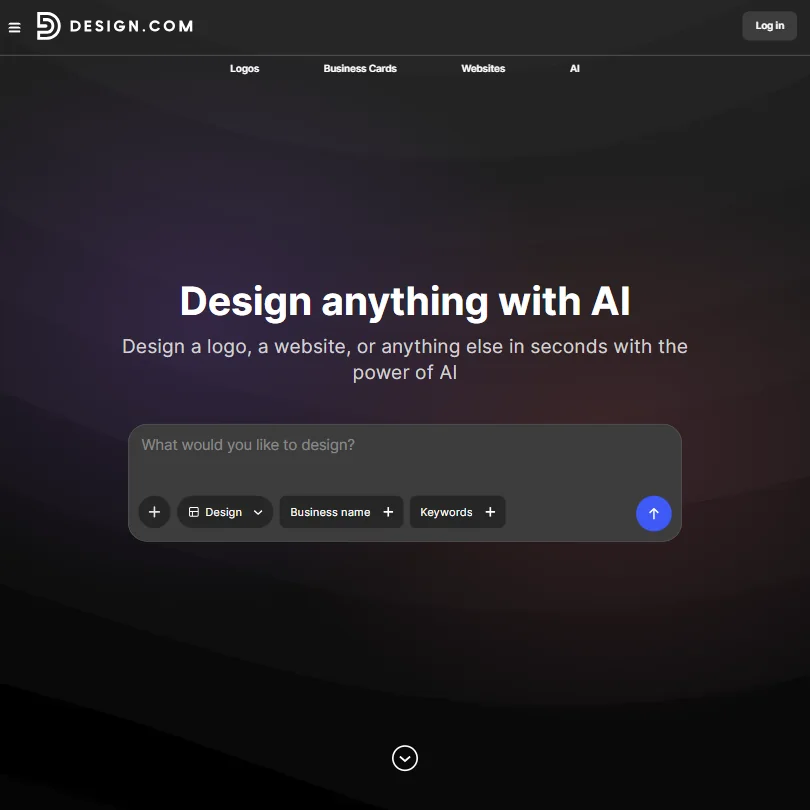
Design.com gives the logo itself away: describe your business, adjust font, color and layout as often as you like, then download PNG, JPG, SVG, EPS and PDF files without paying, with commercial use allowed. The catch is ownership. The license on every plan is non-exclusive, so another customer can buy the same design, and exclusive rights are a separate purchase, monthly or one time. There is no stored brand kit either.
- The free plan includes a genuine free tier: the finished logo downloads in PNG, JPG, SVG, EPS and PDF at no cost.
- Editing the free logo is unlimited, with no cap on revisions.
- Design.com has no stored brand kit feature; colours and fonts are not stored and carried between designs.
From $35Looka builds options from your business name plus the style, color and symbol you choose, and you keep adjusting before you buy.
Show detailsHide details03 Looka: Best for picking a logo from guided style choices6.8Score 6.8 out of 10From $35Looka builds options from your business name plus the style, color and symbol you choose, and you keep adjusting before you buy.Visit site ↗ReviewDetailsCloseShow more about Looka
From $35
Looka builds options from your business name plus the style, color and symbol you choose, and you keep adjusting before you buy.
Show detailsHide detailsLooka: Best for picking a logo from guided style choices
6.8Score 6.8 out of 10From $35Looka builds options from your business name plus the style, color and symbol you choose, and you keep adjusting before you buy.Visit site ↗ReviewDetailsClose
Looka builds options from your business name plus the style, color and symbol you choose, and you keep adjusting before you buy. The Premium package adds SVG, EPS and PDF files with a transparent background, includes unlimited edits and gives you full ownership with commercial use. The Basic package is a single low-resolution PNG, and no free plan lets you keep a file. Brandmark suits people who would rather type changes.
- Looka's AI generates logo options from your business name plus chosen style, color and symbol preferences, and you can keep adjusting the result before you buy.
- The Premium Logo Package and both Brand Kit plans include vector SVG and PDF files alongside PNG, suited to printing and resizing.
- There's no free plan that lets you keep a usable logo file; every option, one-time or subscription, requires payment.
From $35Brandmark lets you generate unlimited options with no account, and a chat-style box applies changes such as container shape, text color or layout straight away.
Show detailsHide details04 Brandmark Logo Maker: Best for refining a logo with chat commands6.7Score 6.7 out of 10From $35Brandmark lets you generate unlimited options with no account, and a chat-style box applies changes such as container shape, text color or layout straight away.Visit site ↗ReviewDetailsCloseShow more about Brandmark Logo Maker
From $35
Brandmark lets you generate unlimited options with no account, and a chat-style box applies changes such as container shape, text color or layout straight away.
Show detailsHide detailsBrandmark Logo Maker: Best for refining a logo with chat commands
6.7Score 6.7 out of 10From $35Brandmark lets you generate unlimited options with no account, and a chat-style box applies changes such as container shape, text color or layout straight away.Visit site ↗ReviewDetailsClose
Brandmark lets you generate unlimited options with no account, and a chat-style box applies changes such as container shape, text color or layout straight away. Every paid package, including Basic, comes with SVG and PDF files and full copyright. Nothing downloads until you pay, there is no free trial, and support is a single email address. Turbologo is the choice if you want a brand kit tied to the payment.
- Brandmark lets you generate unlimited logo options for free, with no account needed until you buy.
- A chat-style prompt lets you ask the AI to change the icon's container shape, text color or layout, and it applies the edit directly.
- There's no free plan that lets you keep a downloadable logo; you can only design for free, not export without paying.

#5LogoAI: Best for writing a prompt and refining by text
From $10LogoAI no longer sells one-time packages: a $10 seven-day trial includes the Branding Suite, a design studio with more than 20 AI models, unrestricted downloads and 200 AI credits, then renews as Pro at $20 a month with 500 credits.
Show detailsHide details05LogoAI: Best for writing a prompt and refining by textn/aFrom $10LogoAI no longer sells one-time packages: a $10 seven-day trial includes the Branding Suite, a design studio with more than 20 AI models, unrestricted downloads and 200 AI credits, then renews as Pro at $20 a month with 500 credits.Visit site ↗ReviewDetailsCloseShow more about LogoAI
#5LogoAI: Best for writing a prompt and refining by text
From $10
LogoAI no longer sells one-time packages: a $10 seven-day trial includes the Branding Suite, a design studio with more than 20 AI models, unrestricted downloads and 200 AI credits, then renews as Pro at $20 a month with 500 credits.
Show detailsHide detailsLogoAI: Best for writing a prompt and refining by text
n/aFrom $10LogoAI no longer sells one-time packages: a $10 seven-day trial includes the Branding Suite, a design studio with more than 20 AI models, unrestricted downloads and 200 AI credits, then renews as Pro at $20 a month with 500 credits.Visit site ↗ReviewDetailsClose
LogoAI no longer sells one-time packages: a $10 seven-day trial includes the Branding Suite, a design studio with more than 20 AI models, unrestricted downloads and 200 AI credits, then renews as Pro at $20 a month with 500 credits. It generates from a written prompt and keeps refining on further text requests. Cancel inside the week if one logo is all you need.
- LogoAI generates a logo from a written prompt, not just a guided picker, and lets you keep refining it with further text requests.
- AI image generation and editing go beyond the logo itself: a Photo AI tool can transform portraits, and there's a general AI image generator in the Design Studio.
- There's no free plan; even the trial costs $10, and the ongoing plan is a $20 a month subscription.
Best AI logo makers that give a full brand kit
4 picksA brand kit carries the logo into business cards, social posts and templates, so you do not redo the work for each one. The picks differ in how far the kit goes and how you pay. Looka sells an annual Brand Kit with over 300 templates and a web version with a website builder. Designs.ai is a monthly subscription built on one brief across image, video and slides. Brandmark adds guidelines and one-page websites from its middle package. Adobe Express has a brand kit on its free plan. Choose by whether you want the kit tied to a logo or a wider content workspace.
#ToolScorePriceWhy pick it
From $9.99free planAdobe Express gives you a brand kit on its free plan, so you can keep colors and fonts in one place and apply them to templates for posts, flyers and short videos.
Show detailsHide details06 Adobe Express: Best for free brand kit and shared editing8.6Score 8.6 out of 10From $9.99free planAdobe Express gives you a brand kit on its free plan, so you can keep colors and fonts in one place and apply them to templates for posts, flyers and short videos.Visit site ↗ReviewDetailsCloseShow more about Adobe Express
From $9.99free plan
Adobe Express gives you a brand kit on its free plan, so you can keep colors and fonts in one place and apply them to templates for posts, flyers and short videos.
Show detailsHide detailsAdobe Express: Best for free brand kit and shared editing
8.6Score 8.6 out of 10From $9.99free planAdobe Express gives you a brand kit on its free plan, so you can keep colors and fonts in one place and apply them to templates for posts, flyers and short videos.Visit site ↗ReviewDetailsClose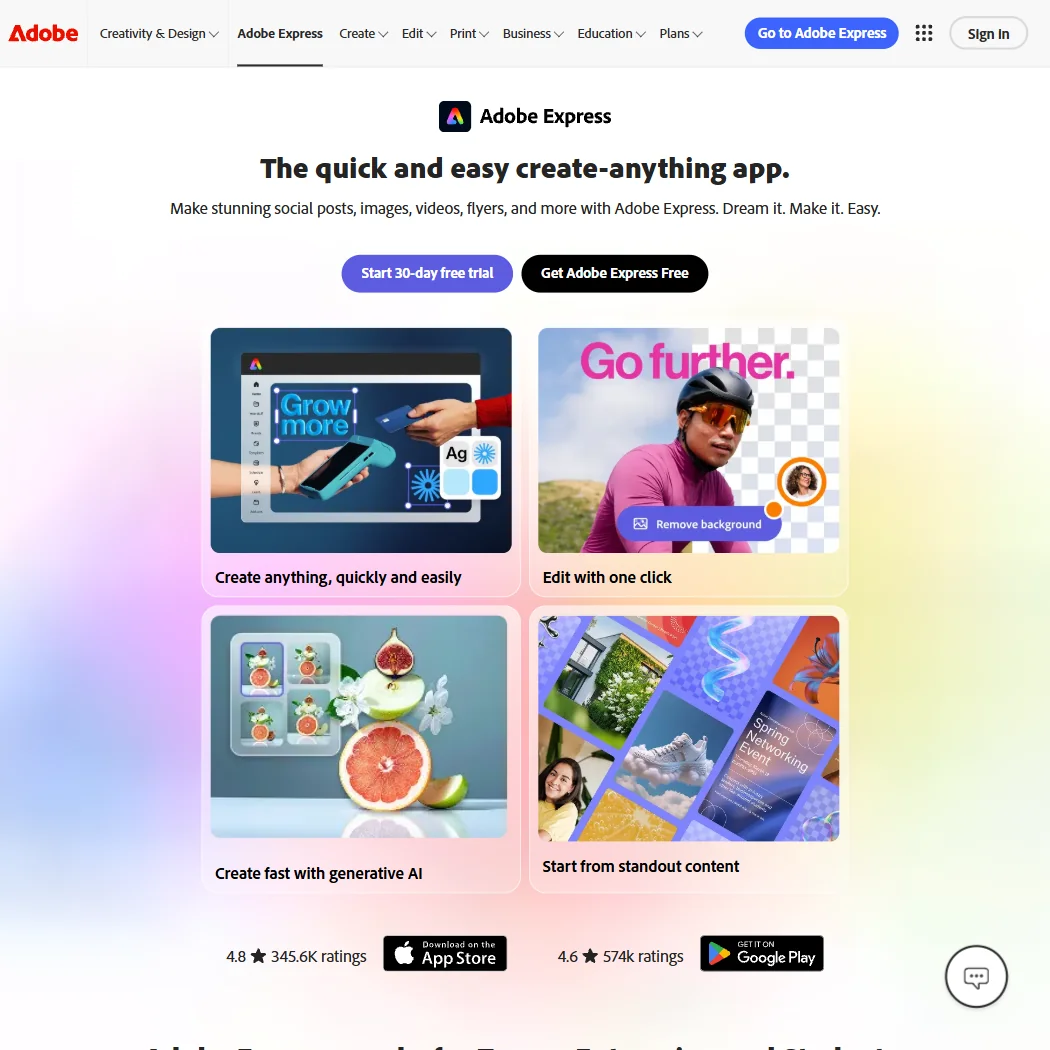
Adobe Express gives you a brand kit on its free plan, so you can keep colors and fonts in one place and apply them to templates for posts, flyers and short videos. More than one person can edit a project together, and exports include SVG, PNG and PDF. SVG appears only as an export, with no node-level vector editing. Premium caps generative AI credits, so Illustrator is the route to hand-tuned vectors.
- The free plan alone includes more than 100,000 templates, over a million Adobe Stock photos, videos and music tracks, and more than 4,000 fonts, at no cost.
- Real-time co-editing and commenting let more than one person work on the same project together.
- Generative AI on the paid Premium plan is capped at 250 credits a month per user.
From $35When the logo is only the start, Looka's Brand Kit Subscription adds over 300 templates, business cards, social assets and unlimited logo files, and the Web version adds a website builder.
Show detailsHide details07Looka: Best for an annual kit with 300 templates6.8Score 6.8 out of 10From $35When the logo is only the start, Looka's Brand Kit Subscription adds over 300 templates, business cards, social assets and unlimited logo files, and the Web version adds a website builder.Visit site ↗ReviewDetailsCloseShow more about Looka
From $35
When the logo is only the start, Looka's Brand Kit Subscription adds over 300 templates, business cards, social assets and unlimited logo files, and the Web version adds a website builder.
Show detailsHide detailsLooka: Best for an annual kit with 300 templates
6.8Score 6.8 out of 10From $35When the logo is only the start, Looka's Brand Kit Subscription adds over 300 templates, business cards, social assets and unlimited logo files, and the Web version adds a website builder.Visit site ↗ReviewDetailsCloseWhen the logo is only the start, Looka's Brand Kit Subscription adds over 300 templates, business cards, social assets and unlimited logo files, and the Web version adds a website builder. It is billed yearly, so you pay again to keep it, and there is no free trial for either kit. Brandmark Designer reaches similar assets for one payment, while Looka gives you far more templates.
- Looka's AI generates logo options from your business name plus chosen style, color and symbol preferences, and you can keep adjusting the result before you buy.
- The Premium Logo Package and both Brand Kit plans include vector SVG and PDF files alongside PNG, suited to printing and resizing.
- There's no free plan that lets you keep a usable logo file; every option, one-time or subscription, requires payment.
From $35Brandmark's Designer package goes past the logo: source files, brand guidelines, a one-page website, business card, social and presentation designs, with unlimited revisions and no monthly fee.
Show detailsHide details08Brandmark Logo Maker: Best for guidelines and websites with no monthly fee6.7Score 6.7 out of 10From $35Brandmark's Designer package goes past the logo: source files, brand guidelines, a one-page website, business card, social and presentation designs, with unlimited revisions and no monthly fee.Visit site ↗ReviewDetailsCloseShow more about Brandmark Logo Maker
From $35
Brandmark's Designer package goes past the logo: source files, brand guidelines, a one-page website, business card, social and presentation designs, with unlimited revisions and no monthly fee.
Show detailsHide detailsBrandmark Logo Maker: Best for guidelines and websites with no monthly fee
6.7Score 6.7 out of 10From $35Brandmark's Designer package goes past the logo: source files, brand guidelines, a one-page website, business card, social and presentation designs, with unlimited revisions and no monthly fee.Visit site ↗ReviewDetailsCloseBrandmark's Designer package goes past the logo: source files, brand guidelines, a one-page website, business card, social and presentation designs, with unlimited revisions and no monthly fee. Enterprise adds up to ten hand-crafted concepts and font download. There is no free trial, and you cannot download anything before paying. Looka has far more templates, but only as an annual subscription.
- Brandmark lets you generate unlimited logo options for free, with no account needed until you buy.
- A chat-style prompt lets you ask the AI to change the icon's container shape, text color or layout, and it applies the edit directly.
- There's no free plan that lets you keep a downloadable logo; you can only design for free, not export without paying.
From $9.90Designs.ai fits a small agency that wants logos, images, video, slides and audio from one brief, with a brand kit that keeps logo, colors and typography together and approval workflows before anything goes out.
Show detailsHide details09 DesignsAI: Best for agencies making campaign assets from one brief3.6Score 3.6 out of 10From $9.90Designs.ai fits a small agency that wants logos, images, video, slides and audio from one brief, with a brand kit that keeps logo, colors and typography together and approval workflows before anything goes out.Visit site ↗ReviewDetailsCloseShow more about DesignsAI
From $9.90
Designs.ai fits a small agency that wants logos, images, video, slides and audio from one brief, with a brand kit that keeps logo, colors and typography together and approval workflows before anything goes out.
Show detailsHide detailsDesignsAI: Best for agencies making campaign assets from one brief
3.6Score 3.6 out of 10From $9.90Designs.ai fits a small agency that wants logos, images, video, slides and audio from one brief, with a brand kit that keeps logo, colors and typography together and approval workflows before anything goes out.Visit site ↗ReviewDetailsClose
Designs.ai fits a small agency that wants logos, images, video, slides and audio from one brief, with a brand kit that keeps logo, colors and typography together and approval workflows before anything goes out. Commercial use is allowed on every plan. It has no free plan and no free trial, no image editing such as background removal, and no mobile app. Adobe Express is cheaper to start if templates are enough.
- DesignsAI's AI Agent routes each task across Claude, ChatGPT, Gemini and Grok rather than committing to a single model.
- Branding, Image, Video, Storyboard, Slides and Audio generators all work from one brief.
- There is no free plan; every tier is paid from the start.
Best AI design tools for making your own logo
5 picksIf you want control over the shape, these are editors with AI inside rather than makers that hand you a finished logo. The picks differ in whether the file you export is real vector artwork. Illustrator gives precise vector tools and native .ai and EPS files. Kittl puts a pen and Boolean vector editor next to its AI generators. Recraft generates SVG vectors directly. Canva has the largest template library but its Vector style gives a raster image, and Adobe Firefly generates images inside Adobe apps. Choose by whether you need editable vector files and whether you already know a design tool.
#ToolScorePriceWhy pick it
From $15free planKittl puts a full vector editor with pen and Boolean tools on the same canvas as its AI image and vector generators, so you can generate an idea and then fix it by hand.
Show detailsHide details10 Kittl: Best for editable vector artwork next to AI generation8.1Score 8.1 out of 10From $15free planKittl puts a full vector editor with pen and Boolean tools on the same canvas as its AI image and vector generators, so you can generate an idea and then fix it by hand.Visit site ↗ReviewDetailsCloseShow more about Kittl
From $15free plan
Kittl puts a full vector editor with pen and Boolean tools on the same canvas as its AI image and vector generators, so you can generate an idea and then fix it by hand.
Show detailsHide detailsKittl: Best for editable vector artwork next to AI generation
8.1Score 8.1 out of 10From $15free planKittl puts a full vector editor with pen and Boolean tools on the same canvas as its AI image and vector generators, so you can generate an idea and then fix it by hand.Visit site ↗ReviewDetailsClose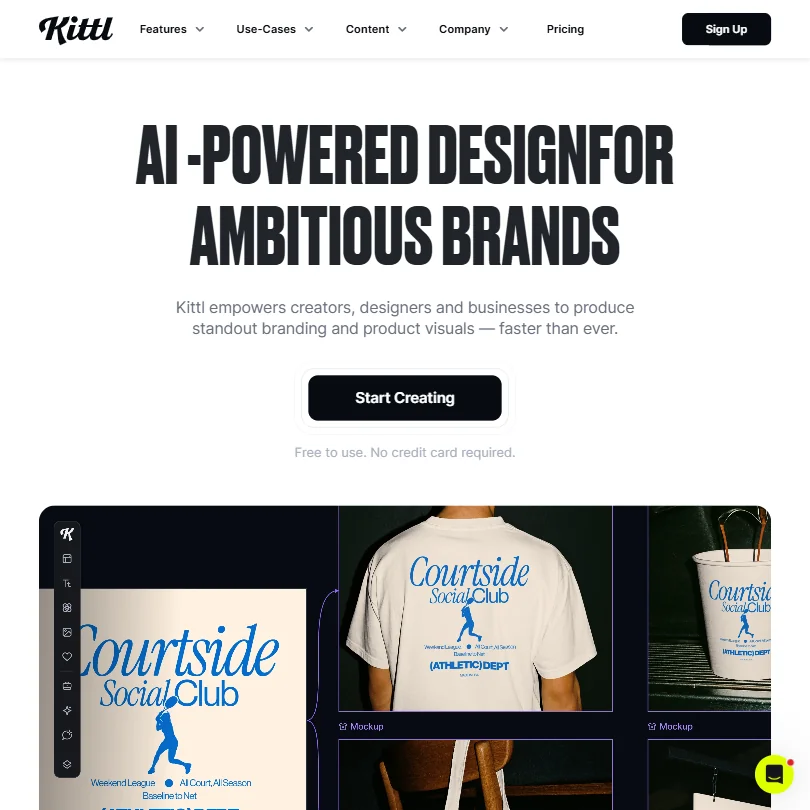
Kittl puts a full vector editor with pen and Boolean tools on the same canvas as its AI image and vector generators, so you can generate an idea and then fix it by hand. The free plan never expires, but its exports stop at 800 pixels in PNG or JPG and the designs are personal use only. Commercial use needs Pro. It runs in the browser only, so Illustrator is the choice if you want a desktop program.
- Kittl's free plan is free forever, with no time limit or expiry, rather than a timed trial.
- The free plan includes 100 AI tokens, enough for up to 100 images, plus five active projects and 500MB of storage.
- Kittl runs in the browser only, with no desktop app for Windows or Mac.
From $9.99free planAdobe Firefly is the pick if you already work in Adobe apps and want generation that does not train on your content.
Show detailsHide details11 Adobe Firefly: Best for generating images inside Adobe apps8.1Score 8.1 out of 10From $9.99free planAdobe Firefly is the pick if you already work in Adobe apps and want generation that does not train on your content.Visit site ↗ReviewDetailsCloseShow more about Adobe Firefly
From $9.99free plan
Adobe Firefly is the pick if you already work in Adobe apps and want generation that does not train on your content.
Show detailsHide detailsAdobe Firefly: Best for generating images inside Adobe apps
8.1Score 8.1 out of 10From $9.99free planAdobe Firefly is the pick if you already work in Adobe apps and want generation that does not train on your content.Visit site ↗ReviewDetailsClose
Adobe Firefly is the pick if you already work in Adobe apps and want generation that does not train on your content. The free plan allows limited daily generations across image, video and audio models, and other companies' models sit beside Adobe's own. Every paid plan is an annual commitment paid in monthly instalments, and the text-to-image tool has no seed or negative-prompt field. Ideogram handles lettering inside an image better.
- The free plan gives limited daily generations across image, video and audio models at no cost.
- Adobe will not use your content to train its models, except content you choose to submit to Adobe Stock, which is opt-in.
- No paid plan has a true month-to-month price; every one is an annual commitment paid in monthly instalments.
From $18free planCanva is the easy pick if the logo is one of many things you make: over a million templates on the free plan, a Brand Kit for your colors and fonts, and Magic Design to turn a prompt into a layout.
Show detailsHide details12 Canva: Best for templates for logos and branded posts7.8Score 7.8 out of 10From $18free planCanva is the easy pick if the logo is one of many things you make: over a million templates on the free plan, a Brand Kit for your colors and fonts, and Magic Design to turn a prompt into a layout.Visit site ↗ReviewDetailsCloseShow more about Canva
From $18free plan
Canva is the easy pick if the logo is one of many things you make: over a million templates on the free plan, a Brand Kit for your colors and fonts, and Magic Design to turn a prompt into a layout.
Show detailsHide detailsCanva: Best for templates for logos and branded posts
7.8Score 7.8 out of 10From $18free planCanva is the easy pick if the logo is one of many things you make: over a million templates on the free plan, a Brand Kit for your colors and fonts, and Magic Design to turn a prompt into a layout.Visit site ↗ReviewDetailsClose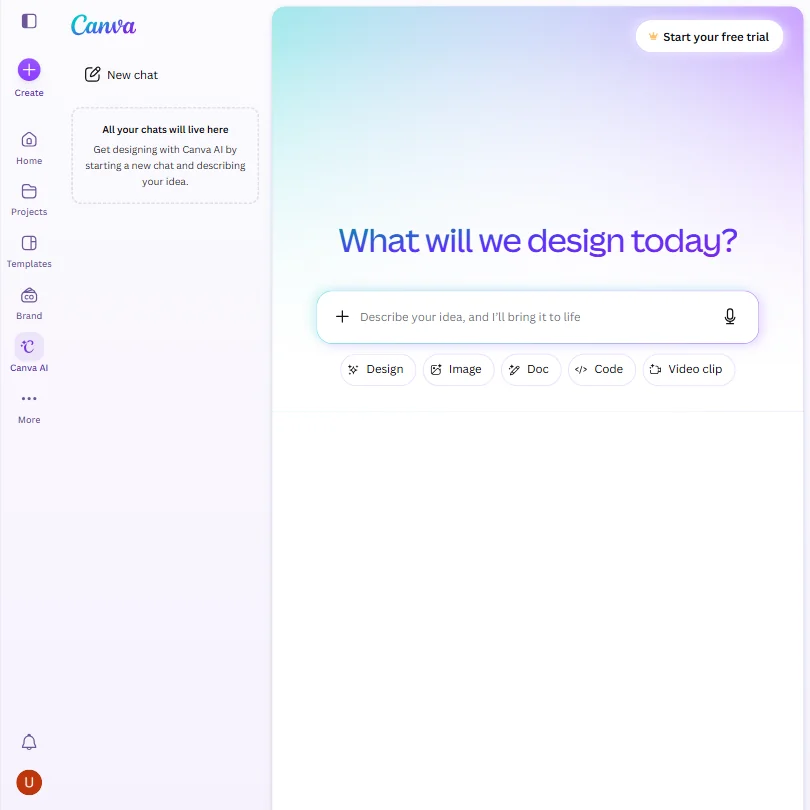
Canva is the easy pick if the logo is one of many things you make: over a million templates on the free plan, a Brand Kit for your colors and fonts, and Magic Design to turn a prompt into a layout. Its Vector style makes a raster image that only looks like vector, so export is PNG or JPG. Canva trains on uploads unless you opt out. Kittl gives you true vectors.
- The free plan includes over 1,000 design types, more than 1.6 million templates, more than 4.7 million stock photos, videos, graphics and audio clips, and 5GB of storage at no cost.
- Magic Design turns a written prompt into a finished design, extending the same approach to presentations and video.
- The AI Image Generator's Vector style produces a raster image with a vector look, not an editable vector or SVG file.
From $22.99Illustrator is for brand and print designers who need exact control: precise vector tools, spot color, native .ai, .eps and .pdf files, and a Firefly tool that turns a sketch or written prompt into editable vector artwork.
Show detailsHide details13 Adobe Illustrator: Best for precise vector files for print7.7Score 7.7 out of 10From $22.99Illustrator is for brand and print designers who need exact control: precise vector tools, spot color, native .ai, .eps and .pdf files, and a Firefly tool that turns a sketch or written prompt into editable vector artwork.Visit site ↗ReviewDetailsCloseShow more about Adobe Illustrator
From $22.99
Illustrator is for brand and print designers who need exact control: precise vector tools, spot color, native .ai, .eps and .pdf files, and a Firefly tool that turns a sketch or written prompt into editable vector artwork.
Show detailsHide detailsAdobe Illustrator: Best for precise vector files for print
7.7Score 7.7 out of 10From $22.99Illustrator is for brand and print designers who need exact control: precise vector tools, spot color, native .ai, .eps and .pdf files, and a Firefly tool that turns a sketch or written prompt into editable vector artwork.Visit site ↗ReviewDetailsClose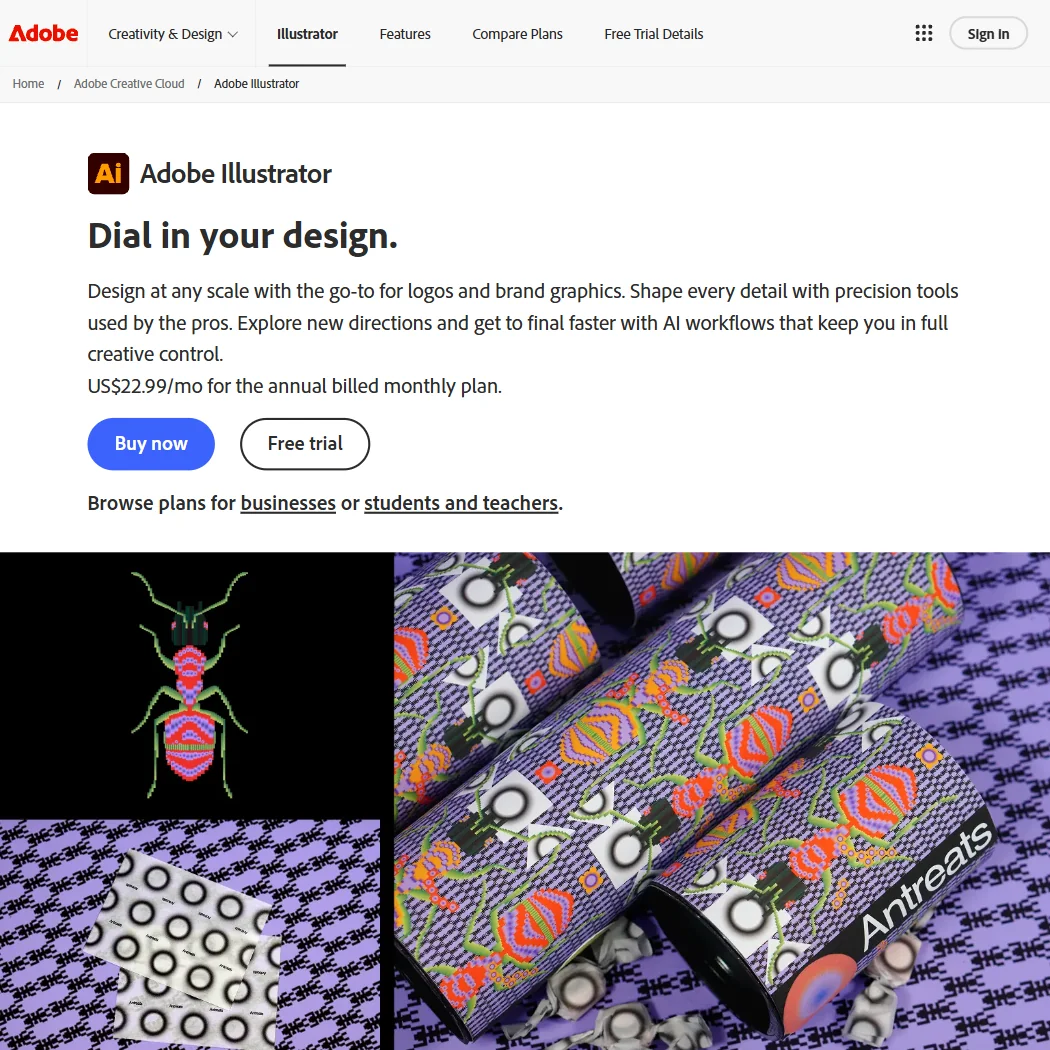
Illustrator is for brand and print designers who need exact control: precise vector tools, spot color, native .ai, .eps and .pdf files, and a Firefly tool that turns a sketch or written prompt into editable vector artwork. It comes with 25 monthly generative credits. There is no free plan, only a seven day trial, and it is sold only as a subscription. Kittl is the lighter browser choice if you need less.
- Its AI tools turn a sketch or written prompt into editable vector artwork, rather than a flat image.
- The Pathfinder panel handles boolean path operations, combining or dividing overlapping shapes into one.
- There is no free plan, only a 7-day free trial.
From $12free planRecraft produces vector files directly, through its own generator and an SVG converter, and lets you train a custom style from up to ten reference images.
Show detailsHide details14 Recraft: Best for generating real SVG vector logos6.9Score 6.9 out of 10From $12free planRecraft produces vector files directly, through its own generator and an SVG converter, and lets you train a custom style from up to ten reference images.Visit site ↗ReviewDetailsCloseShow more about Recraft
From $12free plan
Recraft produces vector files directly, through its own generator and an SVG converter, and lets you train a custom style from up to ten reference images.
Show detailsHide detailsRecraft: Best for generating real SVG vector logos
6.9Score 6.9 out of 10From $12free planRecraft produces vector files directly, through its own generator and an SVG converter, and lets you train a custom style from up to ten reference images.Visit site ↗ReviewDetailsClose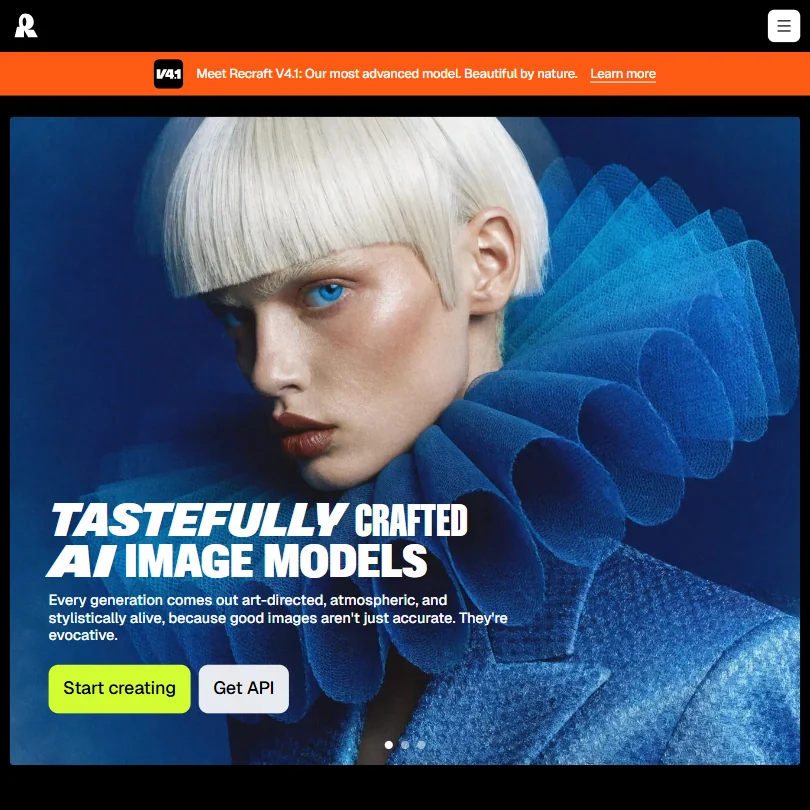
Recraft produces vector files directly, through its own generator and an SVG converter, and lets you train a custom style from up to ten reference images. The free plan allows three generations per style a day, but its images are public and owned by Recraft, with no commercial use. Basic adds private generation and commercial rights, so budget for that before using a result. Leonardo has no vector output at all.
- Recraft outputs vector files directly, alongside raster images, through its own AI vector generator and SVG converter.
- One account reaches Recraft's own V4.1 model family and a roster of other companies' models, including Nano Banana, Flux, Ideogram and Seedream.
- The free plan permits no commercial use, and its images are public and owned by Recraft, not the person who made them.
Best AI image generators for logo ideas
5 picksAn image generator turns a description into pictures, which suits early ideas and mood boards more than a finished brand. The picks differ in text rendering, rights and whether you can try them free. Ideogram is built for readable text inside an image and gives ownership on every plan. ChatGPT works from a conversation, and Leonardo has a daily free allowance but no vector output. Midjourney has no free plan or trial. Recraft can output SVG, which matters once you pick a direction. Choose by how much lettering the idea needs and what the plan lets you do commercially.
#ToolScorePriceWhy pick it
From $8free planChatGPT is where many people start, because you describe the business and style in plain words and ask for changes in the same chat.
Show detailsHide details15 ChatGPT: Best for logo ideas from a free chat8.8Score 8.8 out of 10From $8free planChatGPT is where many people start, because you describe the business and style in plain words and ask for changes in the same chat.Visit site ↗ReviewDetailsCloseShow more about ChatGPT
From $8free plan
ChatGPT is where many people start, because you describe the business and style in plain words and ask for changes in the same chat.
Show detailsHide detailsChatGPT: Best for logo ideas from a free chat
8.8Score 8.8 out of 10From $8free planChatGPT is where many people start, because you describe the business and style in plain words and ask for changes in the same chat.Visit site ↗ReviewDetailsClose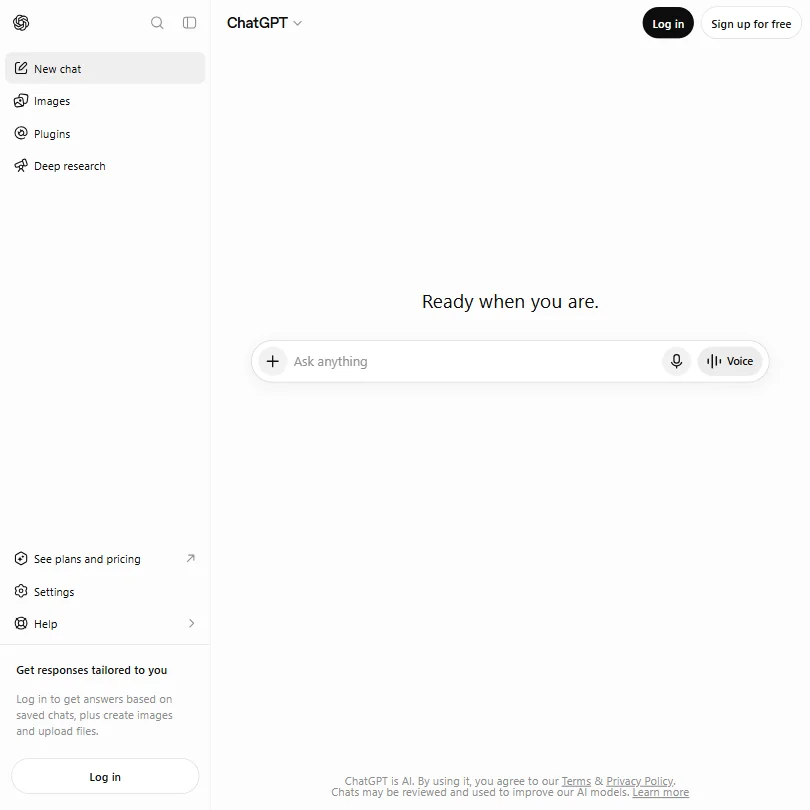
ChatGPT is where many people start, because you describe the business and style in plain words and ask for changes in the same chat. Image generation is limited and slower on the free plan, with more on Go and expanded use on Plus. The app runs on web and mobile, and training can be switched off in settings. For lettering that stays readable, Ideogram is built around it.
- The Free plan includes unlimited text chats with GPT-6 Luna, subject to abuse guardrails.
- Web search is included on every individual plan, including Free.
- Go, the cheapest paid plan, still does not unlock GPT-6.1 Sol, GPT-6 Astra or GPT-6 Sol, and may include ads.
From $12free planLeonardo is the pick for trying many ideas without paying: the free plan gives 150 tokens a day, and one account reaches its own models and a large roster of other companies' models, plus custom models trained on your images.
Show detailsHide details16 Leonardo.Ai: Best for daily free tries and custom models8.0Score 8.0 out of 10From $12free planLeonardo is the pick for trying many ideas without paying: the free plan gives 150 tokens a day, and one account reaches its own models and a large roster of other companies' models, plus custom models trained on your images.Visit site ↗ReviewDetailsCloseShow more about Leonardo.Ai
From $12free plan
Leonardo is the pick for trying many ideas without paying: the free plan gives 150 tokens a day, and one account reaches its own models and a large roster of other companies' models, plus custom models trained on your images.
Show detailsHide detailsLeonardo.Ai: Best for daily free tries and custom models
8.0Score 8.0 out of 10From $12free planLeonardo is the pick for trying many ideas without paying: the free plan gives 150 tokens a day, and one account reaches its own models and a large roster of other companies' models, plus custom models trained on your images.Visit site ↗ReviewDetailsClose
Leonardo is the pick for trying many ideas without paying: the free plan gives 150 tokens a day, and one account reaches its own models and a large roster of other companies' models, plus custom models trained on your images. Free creations are public by default and commercial rights sit on paid plans. It does not offer vector output. Ideogram gives ownership on the free plan too.
- The free plan gives 150 Fast Tokens a day plus a 150 Token Bank, at no cost.
- Its own models accept a fixed seed, a negative prompt field and adjustable prompt enhancement for precise control.
- Leonardo does not offer vector output.
From $20free planIdeogram is the image generator to try when the logo contains words, because it is built to render readable text and typography inside an image.
Show detailsHide details17 Ideogram: Best for logo ideas with readable lettering7.6Score 7.6 out of 10From $20free planIdeogram is the image generator to try when the logo contains words, because it is built to render readable text and typography inside an image.Visit site ↗ReviewDetailsCloseShow more about Ideogram
From $20free plan
Ideogram is the image generator to try when the logo contains words, because it is built to render readable text and typography inside an image.
Show detailsHide detailsIdeogram: Best for logo ideas with readable lettering
7.6Score 7.6 out of 10From $20free planIdeogram is the image generator to try when the logo contains words, because it is built to render readable text and typography inside an image.Visit site ↗ReviewDetailsClose
Ideogram is the image generator to try when the logo contains words, because it is built to render readable text and typography inside an image. Every plan, including the free one, gives full ownership and commercial use of what you generate. The free plan uses weekly slow credits and withholds private generations. It trains on what you generate and upload with no opt-out, unlike Adobe Firefly.
- A free plan lets you try Ideogram 4.0 before paying, with weekly credits for eligible accounts.
- Every plan gives full ownership and unrestricted commercial use of what you generate, with no separate paid tier required for those rights.
- Ideogram trains on what you generate and upload by default, with no opt-out on the Free, Plus, Pro or Team plans.
From $12free planOnce a prompt has shown you a direction, Recraft is the step that turns it into something you can use: it outputs SVG vectors directly, and you can train a custom style from up to ten of your own reference images.
Show detailsHide details18Recraft: Best for turning a chosen idea into vector6.9Score 6.9 out of 10From $12free planOnce a prompt has shown you a direction, Recraft is the step that turns it into something you can use: it outputs SVG vectors directly, and you can train a custom style from up to ten of your own reference images.Visit site ↗ReviewDetailsCloseShow more about Recraft
From $12free plan
Once a prompt has shown you a direction, Recraft is the step that turns it into something you can use: it outputs SVG vectors directly, and you can train a custom style from up to ten of your own reference images.
Show detailsHide detailsRecraft: Best for turning a chosen idea into vector
6.9Score 6.9 out of 10From $12free planOnce a prompt has shown you a direction, Recraft is the step that turns it into something you can use: it outputs SVG vectors directly, and you can train a custom style from up to ten of your own reference images.Visit site ↗ReviewDetailsCloseOnce a prompt has shown you a direction, Recraft is the step that turns it into something you can use: it outputs SVG vectors directly, and you can train a custom style from up to ten of your own reference images. The free plan gives three generations per style a day but no commercial use, and its images are public. Basic adds commercial rights. Midjourney and Leonardo give pictures only.
- Recraft outputs vector files directly, alongside raster images, through its own AI vector generator and SVG converter.
- One account reaches Recraft's own V4.1 model family and a roster of other companies' models, including Nano Banana, Flux, Ideogram and Seedream.
- The free plan permits no commercial use, and its images are public and owned by Recraft, not the person who made them.
From $10Midjourney suits someone happy to pay for stylised concepts: it builds its own models, takes style references, a seed and a negative prompt, and every subscriber owns what they create from the cheapest plan.
Show detailsHide details19 Midjourney: Best for stylized concepts for paying subscribers6.0Score 6.0 out of 10From $10Midjourney suits someone happy to pay for stylised concepts: it builds its own models, takes style references, a seed and a negative prompt, and every subscriber owns what they create from the cheapest plan.Visit site ↗ReviewDetailsCloseShow more about Midjourney
From $10
Midjourney suits someone happy to pay for stylised concepts: it builds its own models, takes style references, a seed and a negative prompt, and every subscriber owns what they create from the cheapest plan.
Show detailsHide detailsMidjourney: Best for stylized concepts for paying subscribers
6.0Score 6.0 out of 10From $10Midjourney suits someone happy to pay for stylised concepts: it builds its own models, takes style references, a seed and a negative prompt, and every subscriber owns what they create from the cheapest plan.Visit site ↗ReviewDetailsClose
Midjourney suits someone happy to pay for stylised concepts: it builds its own models, takes style references, a seed and a negative prompt, and every subscriber owns what they create from the cheapest plan. There is no free plan or trial, it trains on your prompts and interactions with no opt-out, and it runs only on the website and Discord. Leonardo lets you try before paying.
- Every subscriber owns what they create and may use it commercially from the cheapest paid plan.
- Midjourney turns a still image into a 5-second video as well as generating stills, alongside style reference, seed and negative prompt controls.
- There is no free plan and no free trial, so there is no way to try Midjourney before paying.
How to choose an AI logo maker
Logo tools look alike until you reach the download button, and that is where they split. Some let you design for nothing and charge for the file, some are subscriptions you pay every month, and some are image generators that give you a picture rather than a logo you can print. What you get at the end, vector files, commercial rights and the right to change the logo later, matters more than what the first preview looks like. This guide covers those differences, then matches the tools on this page to the person who is buying.
Start with the job, not the tool
The tools on this page do four different jobs, and picking the job first removes most of the list.
- Pay once for a logo. Turbologo, Brandmark, LogoAI, Looka and Design.com generate logos from a short brief and let you preview them before you pay. Brandmark and Looka sell one-time packages, Turbologo sells packages with three-month or one-year access, and Design.com offers a free logo download.
- Get a full brand kit. A logo is the first file, and business cards, social posts and letterheads follow. Looka, Brandmark, Turbologo and LogoAI add those assets to a logo package, DesignsAI covers branding and campaign assets on a subscription, and Adobe Express includes a brand kit on its free plan.
- Design it yourself. Canva, Kittl and Adobe Illustrator are design tools where you draw the logo, with AI help on the side. Recraft belongs here too, because it generates editable SVG vectors you can adjust by hand.
- Get ideas from a prompt. ChatGPT, Ideogram, Recraft, Midjourney and Leonardo.Ai turn a written description into pictures. They are best for finding a direction, and Ideogram is the one built around readable text inside an image.
The table shows where to start on any budget.
| Job | Free | Worth paying for |
|---|---|---|
| Pay once for a logo | Design and preview in Brandmark, Turbologo, LogoAI or Looka, or download a logo from Design.com | Brandmark Basic at $35, Turbologo Standard at $59.99 for a year, or Looka Premium at $72 for vector files |
| Get a full brand kit | Adobe Express, which includes a brand kit on its free plan | Looka Brand Kit at $96 a year, Brandmark Designer at $95 once, or Turbologo Business at $119.99 for a year |
| Design it yourself | Canva or Kittl, for personal projects | Kittl Pro at $15 a month for commercial use, Recraft Basic at $12 a month for commercial rights, Illustrator at $22.99 a month for precise vector work |
| Get ideas from a prompt | ChatGPT, Ideogram or Leonardo.Ai | Recraft Basic to turn a chosen idea into SVG |
Free plans stop at the file. Pay first for the package or plan that includes vector files and commercial rights.
What the free plans actually give you
Each kind of tool rations something different, so what a free plan does for a logo depends on which kind you open.
- One-time makers. Designing is free and downloading is not. Brandmark generates unlimited options with no account, and Turbologo, Looka and LogoAI let you preview before paying. Design.com is the exception: it lets you download a logo in PNG, JPG, SVG, EPS and PDF at no cost, with unlimited edits, though full ownership is a separate add-on.
- Design tools. Canva's free plan has more than 1.6 million templates, one Brand Kit with three colors, 5GB of storage and up to 20 AI uses. Kittl's free plan is free with no expiry, with PNG or JPG exports up to 800 pixels at 72dpi, for personal use. Adobe Express's free plan has templates, stock and a brand kit.
- Image generators. Credits and queues are the meter. Ideogram gives weekly slow credits and one generation at a time. Leonardo.Ai gives 150 fast tokens a day plus a 150-token bank, with public creations. Recraft gives 3 generations per style a day and 3 image uploads a day, and its free images are public and owned by Recraft. ChatGPT's free plan has unlimited text chat, with image creation limited and slower.
- Adobe Firefly. The free plan gives limited generations each day across image, video and audio.
In a normal week, a free plan is enough to choose a direction and see the logo in context.
Which tools fit which buyer
- A first-time founder with a small budget. Start with Design.com if you want a logo file today at no cost, or Brandmark Basic at $35 once if you want vector files and full copyright. Add Canva's free plan for the first posts and flyers.
- Someone who wants the whole brand in one purchase. Start with Looka, since Looka Brand Kit at $96 a year covers 300+ templates, business cards and social assets. Brandmark Designer at $95 once covers guidelines, a one-page website and business cards, with unlimited revisions.
- A buyer who prefers a fixed payment with an end date. Start with Turbologo, where the three-month and one-year packages show the price up front. Standard at $59.99 for a year includes print-ready PDF and SVG and full commercial rights.
- A designer or print maker. Start with Kittl or Illustrator. Kittl pairs a vector canvas with AI generators on a $15 a month plan, and Illustrator adds spot color and .ai and EPS files with a 7-day trial. Add Recraft when you want SVG straight from a generator.
- Someone who wants a logo with lettering. Start with Ideogram, because it renders text inside images well and gives ownership and commercial use on every plan, including free. Add Recraft Basic if you then need the result as SVG.
- A small team already in Adobe. Start with Adobe Express, which has a brand kit on its free plan, real-time co-editing and a 30-day trial of Premium at $9.99 a month. Add Illustrator for the final vector artwork.
One logo, from brief to files you can use
- Name and style. Write your business name, industry and the look you want. Turbologo asks for all three, Looka lets you pick from guided style options, and LogoAI and ChatGPT take a written description.
- Generate options. Brandmark gives unlimited options with no account, and Turbologo, Looka and LogoAI let you preview before paying. For looser ideas, use Ideogram, Leonardo.Ai, Midjourney or ChatGPT.
- Refine. Type changes in Brandmark or LogoAI, adjust Looka's result before buying, or edit by hand in Kittl, Canva or Illustrator.
- Check the rights. Turbologo, Brandmark and Looka give full ownership after purchase, Recraft's free images belong to Recraft, and Kittl's free designs are for personal use.
- Export the right formats. Look for SVG and PDF. Brandmark Basic, Turbologo Standard and Looka Premium include vector files, and Recraft and Illustrator output vectors. Canva's Vector style gives a raster image with a vector look.
- Build the brand kit. Looka Brand Kit, Turbologo Business, Brandmark Designer or the Adobe Express brand kit carry the logo onto cards and posts.
- Keep editing. Turbologo, Looka's higher packages and Brandmark Designer all include edits or revisions, so a color or layout change later does not mean starting again.
Where free plans stop
| Limit | Tools | What happens when you hit it |
|---|---|---|
| Download is paid | Turbologo, Brandmark, LogoAI, Looka | You can design and preview freely, but a file needs a purchase |
| Personal use | Kittl free (800 pixels, 72dpi, PNG or JPG), Recraft free (public images, owned by Recraft) | You can explore, but not use the result for a business |
| Daily count | Recraft (3 generations per style, 3 uploads), Leonardo.Ai (150 fast tokens) | It renews the next day |
| Weekly count | Ideogram (slow credits, one generation at a time) | You wait for the next week or move to Plus |
| One-time allowance | Adobe Express Premium trial (30 days), Canva Pro trial (30 days), Illustrator trial (7 days) | Once the trial ends, the plan is paid |
| Paid from the start | Midjourney (from $10 a month), DesignsAI (from $9.90 a month), Illustrator | There is no free plan to try |
Make your choices on the free preview, then pay once for the package that includes the files you need, rather than paying monthly for a tool you will use for an afternoon.
Privacy and who sees your work
Your uploads, prompts and sketches can be sensitive, and some generators make free creations public. Several tools on this page state how they handle your content.
| Tool | Training on your content |
|---|---|
| Kittl, Adobe Express, Adobe Firefly, Adobe Illustrator | Not used for training |
| Turbologo | Prompts and outputs are not used to train third-party AI models without your consent |
| Canva, Recraft, Leonardo.Ai, ChatGPT | You can opt out |
| Ideogram, Midjourney | Trains on prompts, no opt-out |
Keep unreleased brand work in the first two rows, and switch training off in the third right after you sign up. Free images on Recraft are public, and free creations on Leonardo.Ai are public by default, so use a paid plan when the concept should stay private.
Mistakes to avoid
- Falling for a free preview. Turbologo, Brandmark, Looka and LogoAI cost nothing to design in and a purchase to download. Decide which package you will pay for first.
- Buying the cheapest package for a printed logo. Turbologo Lite and Looka Basic give a low-resolution PNG without vector files. Buy Turbologo Standard or Looka Premium when the logo goes on a sign, a shirt or a business card.
- Using a free image generator output as a business logo. Recraft's free plan has no commercial use, Kittl's free plan is for personal use, and a generated image is a picture rather than a vector file. Move to a paid plan before the logo goes public.
- Assuming Canva's Vector style makes an SVG. It produces a raster image with a vector look. Use Recraft, Kittl or Illustrator for an editable vector.
- Forgetting the ownership details. Design.com's base license is non-exclusive, so other customers can purchase the same logo, and full ownership is a separate Exclusive License add-on. Turbologo, Brandmark and Looka state full ownership after purchase.
When it is worth paying
You have outgrown a free plan when the logo has to leave your screen. Printing a card, uploading a profile photo at full size, handing files to a sign maker or giving a freelancer something to edit all need vector files and commercial rights.
| If you are | Upgrade to | What changes |
|---|---|---|
| Launching a new business | Brandmark Basic, Turbologo Standard or Looka Premium | Vector files, a transparent background and full ownership for one payment |
| Building a whole brand | Looka Brand Kit, Brandmark Designer or Turbologo Business | Templates, business cards, social assets and guidelines |
| Making merch or print | Kittl Pro or Illustrator | Commercial use, vector editing and print-ready files |
| Generating directions | Recraft Basic or Ideogram Plus | Recraft: 1,000 credits a month, commercial rights, private generations. Ideogram: 1,000 credits a month, private generation |
One-time packages are cheapest when you need a logo once. Turbologo prices every package for three months or a year, Brandmark is a single payment, and Looka's Brand Kit is yearly at $96. LogoAI's $10 trial lasts 7 days, then renews at $20 a month unless you cancel, so set a reminder. Subscriptions drop with annual billing: Recraft Basic is $12 a month or $10 billed yearly, Kittl Pro is $15 a month or $144 a year, and Canva Pro is $18 a month or $144 a year with a 30-day trial.
What would this stack cost you?
Add our top picks (Turbologo, Adobe Express, Kittl and 1 more) to the calculator and see the monthly total, then swap in the plans you would pay for.
How we picked
Every tool here is ranked by its score, and each score is worked out from the vendor’s own published pages: pricing, plans, features and terms. No score is adjusted by hand. 15 of the 16 tools have enough published facts to show a score, and on average 91% of each score comes from facts the vendor publishes. The facts behind these scores were checked between 19 September 2026 and 16 October 2026.
Scores compare tools that do the same job, which is why the list is grouped by job: a video editor and a grammar checker are never ranked against each other.
| Ranked as | On this page | What we score | Scoring guide |
|---|---|---|---|
| AI logo makers5 reviewed | 5 | 5 criteria, 15 checked facts: what you get, files and rights, pricing, support and reach, privacy and trust | How we score these → |
| AI image generators7 reviewed | 5 | 5 criteria, 26 checked facts: what it makes, control and automation, rights and privacy, pricing, openness and support | How we score these → |
| AI graphic design tools9 reviewed | 4 | 5 criteria, 23 checked facts: what you can make, workflow and output, pricing, teams and platforms, privacy and trust | How we score these → |
| Vector editors5 reviewed | 1 | 4 criteria, 22 checked facts: what it adds beyond the basics, workflow and output, pricing, privacy and trust | How we score these → |
| AI assistants23 reviewed | 1 | 4 criteria, 13 checked facts: what it can do, where it works, pricing, privacy and trust | How we score these → |
Common questions
Which AI logo makers give a transparent background?
Turbologo's Standard package includes one, and its Lite package does not. LogoAI's Basic, Pro and Brand packages all include a transparent PNG, but Basic is limited to 800 by 600 pixels. Looka's Premium package adds a transparent background while its Basic package is a single low-resolution PNG. Brandmark's Basic package includes PNG and vector files.
Which tools also make business cards and social posts?
Turbologo Business covers social profile designs, business cards, email signatures and letterheads. Brandmark Designer includes a business card, social media and presentation designs, LogoAI Brand adds business cards and a brand presentation, and Looka's Brand Kit includes cards and social assets. Adobe Express and Canva work from templates with a brand kit.
Do AI logo tools train on what I type or upload?
Practice differs a lot. Turbologo says individual prompts and outputs are not used to train third-party models without your consent. Adobe does not train Firefly on your content. Ideogram and Midjourney train with no opt-out, while Canva, Recraft, Leonardo and ChatGPT let you opt out. Kittl states it does not train on your content.
Can I make a logo on my phone?
Turbologo and Brandmark work in a mobile browser, though neither has a dedicated app. Canva, Adobe Express, Recraft, Leonardo and ChatGPT have iOS and Android apps, and Ideogram has an iOS app. Kittl and Designs.ai run in the browser only, and Midjourney runs on its website and Discord.
Should I use an image generator or a logo maker?
Use a generator for early ideas and a logo maker when you need files you can hand to a printer. The one-time makers sell packages with vector files and ownership, while Leonardo gives no vector output and Recraft is the generator that outputs SVG. Many people generate ideas first, then rebuild the chosen one in a maker or editor.