Pulling this together took longer than expected. Not because Udio is complicated to understand, but because the conversation around it online is genuinely fractured. We cross-referenced vendor documentation, Reddit threads from early 2025, Product Hunt comments, and what limited third-party coverage exists. What we found is a tool that does one thing impressively well and leaves a lot of other things half-finished.
What is Udio?
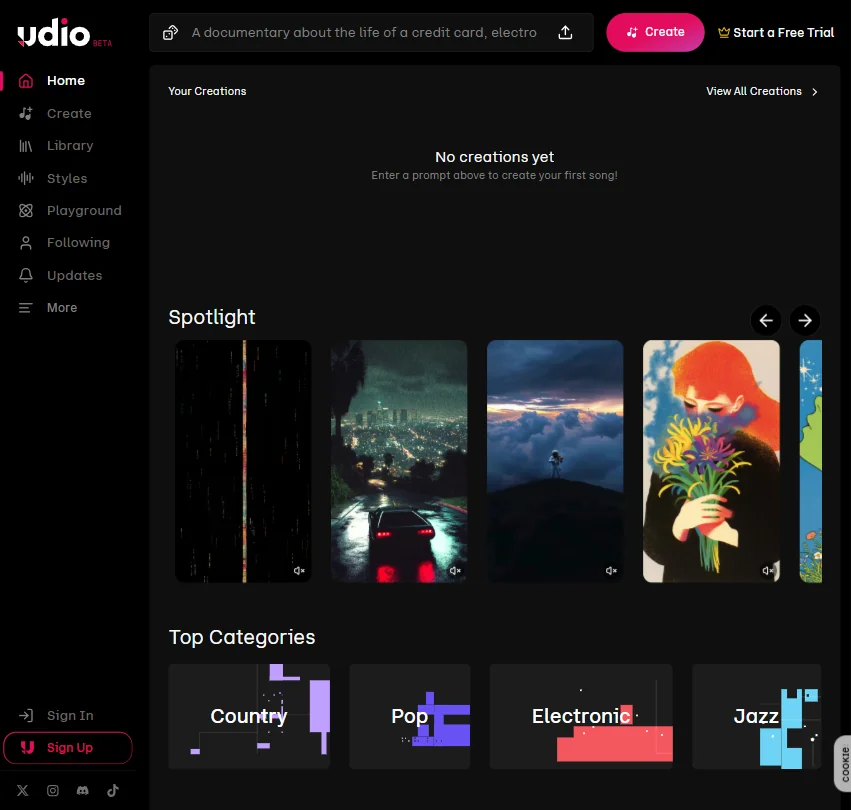
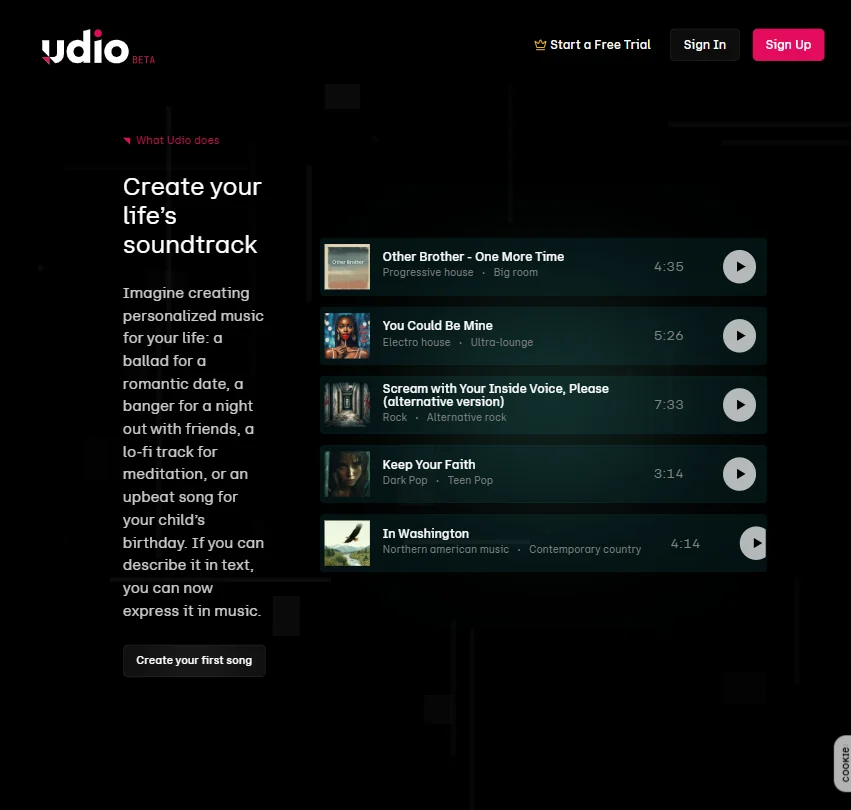
Udio launched in 2024 out of San Francisco, and it came out swinging. The pitch is simple: type a description of the music you want, and the AI builds a track. Genre, mood, instrumentation, vocals, all of it driven by text prompts. The company has cleared one million users, which for a product less than two years old is not nothing.
What separates Udio from the obvious competitors is the editing layer. Most text-to-music AI tools hand you a track and send you on your way. Udio gives you inpainting, remixing, and the ability to extend songs in either direction. The Voices feature entered early access for subscribers on September 11, 2025, with a dedicated help article following on October 9, 2025. It lets you save and reuse vocal references from Udio's library or your own Udio-generated songs. That's a meaningful step up from what the product shipped with.
No mobile app. Web only. No API access listed publicly. That combination tells you something about where Udio sits right now.
Udio Features: Voice, Music & Audio Capabilities

The core loop is simple enough. Write a prompt, generate music, edit what doesn't work, extend what does. That's most of what people actually do on the platform, based on what we kept seeing in community posts and Reddit threads.
The inpainting feature is the most interesting piece here. It lets you isolate a section of a generated track and regenerate just that part without touching the rest. Anyone who's used similar tools in image generation will recognize the concept. In practice, users report it works well enough for fixing a rough verse or adjusting a vocal performance, though results vary by genre and prompt specificity.
Remixing is more straightforward. You take an existing track and push it in a different stylistic direction. Style blending works similarly, letting you pull from multiple genre influences in a single generation. Batch generation runs up to four or ten tracks simultaneously depending on your plan, which matters when you're iterating fast.
Honestly, the feature count is solid for the category. Not exceptional. Solid.
Voice Control and the Voices library are where Udio is placing its differentiating bet. You can save vocal references from the library or from your own Udio-generated tracks and reuse them across projects. Worth being clear about one thing: Voices does not currently let you upload your own voice as a source. Standard and Pro plan users get access. Free tier users don't, which is a real restriction if you're trying to build any kind of consistent artist identity across tracks.
Commercial rights are included per Udio's Terms and Conditions, though the exact scope varies by plan. We'd read those terms carefully before putting anything in a client-facing project. The documentation doesn't spell out edge cases in plain language.
Udio Audio Quality: How Natural Does It Sound?
This is where Udio earns its reputation. The output quality is genuinely impressive for an AI-generated tool. Across Reddit threads and Product Hunt comments, the word that surfaces most often isn't "good" or "decent." It's "surprised." People are surprised by how finished the tracks sound.
Vocals get called out repeatedly. Genre coherence holds up better than most competitors. The production polish on full generations is high enough that some tracks are difficult to distinguish from basic human-produced demos. That's a real claim, and from everything we read, it's not an exaggerated one.
That said, quality isn't consistent. It never is with generative AI at this stage. Some prompts land cleanly. Some don't. Instrumental separation occasionally gets muddy, and lyrics can veer into the generic, especially on longer tracks. A few Reddit posts specifically called out lyric quality as the weakest link in otherwise strong outputs. That tracks.
We dug into user comparisons between Udio and Suno specifically on audio fidelity, since that's the most common head-to-head. Udio tends to edge out Suno on perceived quality, particularly on complex arrangements. Suno holds its own on simpler genres. Neither is a clean winner across every use case.
No noise removal feature is publicly listed. For a music generation tool, that matters less than it would for a voice or podcast product. Worth flagging if you're uploading audio stems for remix purposes, though.
Udio Voice Cloning & Customization: How Deep Does It Go?
The Voices feature is still relatively new. It entered early access in September 2025, meaning the community feedback hasn't had nearly enough time to mature into a reliable signal. Early comments are positive. Early comments usually are.
The feature lets users save and reuse vocal references from Udio's own library or from songs they've already generated on the platform. Voice blending is described as a capability, meaning you can layer characteristics from multiple saved references into a single vocal identity. That's a genuinely useful creative tool if the execution holds up at scale.
We're a bit skeptical of the depth here, at least right now. The vendor documentation describes the feature in broad strokes. What we didn't find: detailed technical documentation on the methodology, training data disclosure, or similarity limitations. For anyone concerned about voice IP or artist likeness, that gap matters. Udio isn't alone in leaving these questions underspecified, but the music AI space is watching post-litigation from other platforms, and vague documentation doesn't age well.
Also worth repeating. You cannot upload your own voice as a source. If that's what you came for, you'll leave disappointed.
Is Udio Easy to Use?
For a first-time user, Udio is reasonably accessible. The prompt-to-track workflow doesn't require any music theory knowledge or technical background. Type what you want, generate, listen. That part works without much friction.
Where it gets less intuitive is the editing layer. Inpainting and remixing take real experimentation before they feel predictable. The community feed helps, since you can see how other creators have structured their prompts and approached iterations. Udio's Help Centre covers song creation, editing, accounts and billing, troubleshooting, and community information. The company says it expanded the article count tenfold and cut average support response time by more than 60%. That's a meaningful improvement in infrastructure, and it shows in the breadth of what's now documented.
No live chat. Email support only. Fine for a product at this price point, but when something doesn't work as expected, you're either posting on the community or waiting for a reply.
The web-only constraint is worth flagging again. No mobile app means no quick ideation on the go, and for working musicians who want to capture a prompt idea from their phone, that's a real friction point. Not a dealbreaker. Just an absence that starts to feel noticeable over time.
Some Reddit users reported generation slowdowns during peak hours. Nothing catastrophic, but it adds up when you're running batch generations and trying to move fast.
Udio Pricing: Is It Worth It for Creators & Businesses?

The free tier exists and it's functional. Enough to evaluate whether the tool fits your actual workflow before paying anything. The Standard plan runs $10 per month. Pro sits at $30 per month. No enterprise tier is publicly listed, which suggests Udio isn't actively chasing business contracts right now.
The plan differences matter more than the price gap. Voices access is locked behind Standard and Pro. Batch generation limits expand on higher tiers. Free users get a real taste, not the full tool.
Thirty dollars a month for Pro is a reasonable ask given what's included. We don't think it's obviously overpriced. We also don't think it's obviously better value than Suno's equivalent tier when you're comparing feature for feature. It depends heavily on how much you care about audio fidelity versus breadth of tools. Your call.
The refund policy is not publicly stated. That's a problem. Subscription tools that don't publish refund terms clearly tend to create friction when users want out. We'd want clarity before committing to Pro.
No API access listed. For anyone thinking about building Udio into a larger workflow or product, that's a wall. If developer access is what you need, something like ElevenLabs is a more practical direction, with documented API access and infrastructure built around programmatic use.
Udio vs Suno: Which AI Audio Tool Wins?
The Udio vs Suno comparison comes up constantly, and that's not an accident. Both do text-to-music generation. Both have free tiers. Both target the same broad creator audience.
The differences are real but not dramatic. Udio's audio quality is generally regarded as higher fidelity, especially on complex productions. The editing features, inpainting and remixing specifically, give Udio a meaningful edge for anyone who wants more than a one-shot generation. Suno's generation speed tends to be more consistent. Suno also has a larger active community and a longer feedback trail, which matters when you're trying to troubleshoot an unexpected output or figure out why a prompt isn't behaving.
Udio's Voices feature, if it develops the way the early access launch suggests, could be the differentiator that pulls serious creators over. Right now it's too new to judge fairly. Check back in six months.
Where Suno pulls ahead: documentation depth, community resources, and a slightly more transparent product roadmap. Where Udio pulls ahead: production quality and the depth of the editing toolkit. Neither tool has meaningful third-party integrations. Both are effectively islands. You export your audio and bring it into whatever DAW or editing software you're already using.
Who Should Use Udio? (And Who Shouldn't)
Working songwriters with no production background. Natural fit. The tool handles the production layer so a creative idea can surface without needing recording or mixing knowledge.
Content creators who need background tracks for video or social content will find the free and Standard tiers sufficient. Verify the commercial rights situation against your specific use case, but the structure is there.
Professional music producers looking for a drafting tool. Maybe. The inpainting and remix features are genuinely useful for iteration. But generative AI at a professional level still requires a lot of manual filtering, and the lack of DAW integration means more steps between generation and final output.
Developers. Not the audience right now. No public API means no building on top of Udio. Full stop.
Anyone who needs voice-first audio content, narration, or podcast production. Wrong category entirely. Udio is a music generation tool. For voiceover and narration work, Murf AI is purpose-built for that use case.
Udio Review Verdict
Udio does the hard part well. The audio quality is genuinely ahead of most competitors in its class, and the editing features give it a depth that pure generation tools can't match. Inpainting alone puts it in a different category from Boomy or Mubert.
What holds it back is less about what's broken and more about what's missing. No API, no mobile app, no enterprise option, and a refund policy that doesn't appear to exist publicly. These aren't bugs. They're product decisions, and they tell you where Udio's priorities are right now.
The Voices feature is the most interesting thing Udio has shipped recently. It's also the most unproven. We'll have a cleaner read on it once the community has had six months to stress-test the thing properly.
Creators who mostly work in a browser and want high-quality, editable AI music without needing a music degree. Udio earns the money. Anyone who needs integrations, programmatic access, or enterprise terms. Look elsewhere.
A solid tool at an early stage. Not finished. Worth watching.
Frequently Asked Questions
Does Udio give you commercial rights to the music you generate?
Commercial rights are included per Udio's Terms and Conditions, but the specifics vary by plan. We'd read the current terms before using generated tracks in anything commercial or client-facing, since these policies can shift and the documentation doesn't spell out edge cases in plain language.
How does Udio compare to Suno for audio quality?
Based on what we found across Reddit and community feedback, Udio tends to produce higher-fidelity output, particularly on complex arrangements. Suno is more consistent on speed and has a deeper community resource pool. Neither is a clean win across every genre. Your prompt style and the genre you're working in will influence which one actually serves you better.
Is there an Udio mobile app?
No. Udio is web-only as of this writing. There's no iOS or Android app listed, which means the entire workflow runs through a browser. For creators who want to capture ideas quickly on a phone, that's a real limitation, and there's no indication from the vendor that a mobile app is coming soon.