Fireflies has one of the fullest free plans here: unlimited transcription, live transcripts, clips and its AskFred assistant, and the mobile app transcribes and summarizes in-person conversations on iOS and Android.
Buying guide · 13 tools ranked
Best AI Note Takers for In-Person Meetings
Find the best AI note takers for in-person meetings, grouped by how the room gets recorded: a phone app or a dedicated recorder on the table, a laptop that listens while you type, or a team tool that turns the conversation into shared notes and follow-ups. No bot joins a meeting in a room, so the choice comes down to the device you carry and who reads the notes.
Our top 3 AI Note Takers for In-Person Meetings
Circleback reaches you wherever the conversation happens: mobile and Apple Watch apps for in-person talks, a bot-free desktop app or a bot for online calls, and phone call recording.
MeetGeek works for teams that mix in-person meetings with calls: the mobile app records in the room, a Chrome extension or desktop recorder captures calls with no bot, and AI chat across all meetings is on the free plan.
Best AI note takers that record in person on your phone or a recorder
5 picksA phone or a recorder on the table is the simplest way to capture a meeting in a room, and these picks differ in the device they need and what the free plan holds. Plaud is built around its own recorders, sold separately from its plans. Fathom records in person through its iPhone app, with no Android app. Otter and Notta capture through their mobile apps, and Notta also through its Memo device. Fireflies' mobile app transcribes and summarizes in-person conversations, with unlimited transcription on the free plan. Choose by your phone, how long your meetings run and whether recordings may train the AI.
#ToolScorePriceWhy pick it
From $18free planFireflies has one of the fullest free plans here: unlimited transcription, live transcripts, clips and its AskFred assistant, and the mobile app transcribes and summarizes in-person conversations on iOS and Android.
Show detailsHide details01 Fireflies.ai: Best for free unlimited transcription with no training9.1Score 9.1 out of 10From $18free planFireflies has one of the fullest free plans here: unlimited transcription, live transcripts, clips and its AskFred assistant, and the mobile app transcribes and summarizes in-person conversations on iOS and Android.Visit site ↗ReviewDetailsCloseShow more about Fireflies.ai
From $18free plan
Fireflies has one of the fullest free plans here: unlimited transcription, live transcripts, clips and its AskFred assistant, and the mobile app transcribes and summarizes in-person conversations on iOS and Android.
Show detailsHide detailsFireflies.ai: Best for free unlimited transcription with no training
9.1Score 9.1 out of 10From $18free planFireflies has one of the fullest free plans here: unlimited transcription, live transcripts, clips and its AskFred assistant, and the mobile app transcribes and summarizes in-person conversations on iOS and Android.Visit site ↗ReviewDetailsClose
Fireflies has one of the fullest free plans here: unlimited transcription, live transcripts, clips and its AskFred assistant, and the mobile app transcribes and summarizes in-person conversations on iOS and Android. It does not use personal information to train its AI and contractually stops its vendors from doing so. AI credits for premium features stay at 20 per seat on Pro, and conversation analytics start on Business. Plaud suits you better if you want a device rather than a phone.
- The free plan includes unlimited transcription and live transcription at no cost.
- It does not use personal information to train its AI models and contractually prohibits its vendors from doing so.
- AI credits for premium AI features stay capped at 20 per seat on the Pro plan, rising only on higher tiers.
From $19free planiPhone owners who want free notes without counting minutes should try Fathom: its free plan includes unlimited recordings and transcriptions, plus clips, playlists and search, and the iPhone app records in-person meetings and calls away from your laptop.
Show detailsHide details02 Fathom: Best for free unlimited recordings on iPhone8.0Score 8.0 out of 10From $19free planiPhone owners who want free notes without counting minutes should try Fathom: its free plan includes unlimited recordings and transcriptions, plus clips, playlists and search, and the iPhone app records in-person meetings and calls away from your laptop.Visit site ↗ReviewDetailsCloseShow more about Fathom
From $19free plan
iPhone owners who want free notes without counting minutes should try Fathom: its free plan includes unlimited recordings and transcriptions, plus clips, playlists and search, and the iPhone app records in-person meetings and calls away from your laptop.
Show detailsHide detailsFathom: Best for free unlimited recordings on iPhone
8.0Score 8.0 out of 10From $19free planiPhone owners who want free notes without counting minutes should try Fathom: its free plan includes unlimited recordings and transcriptions, plus clips, playlists and search, and the iPhone app records in-person meetings and calls away from your laptop.Visit site ↗ReviewDetailsClose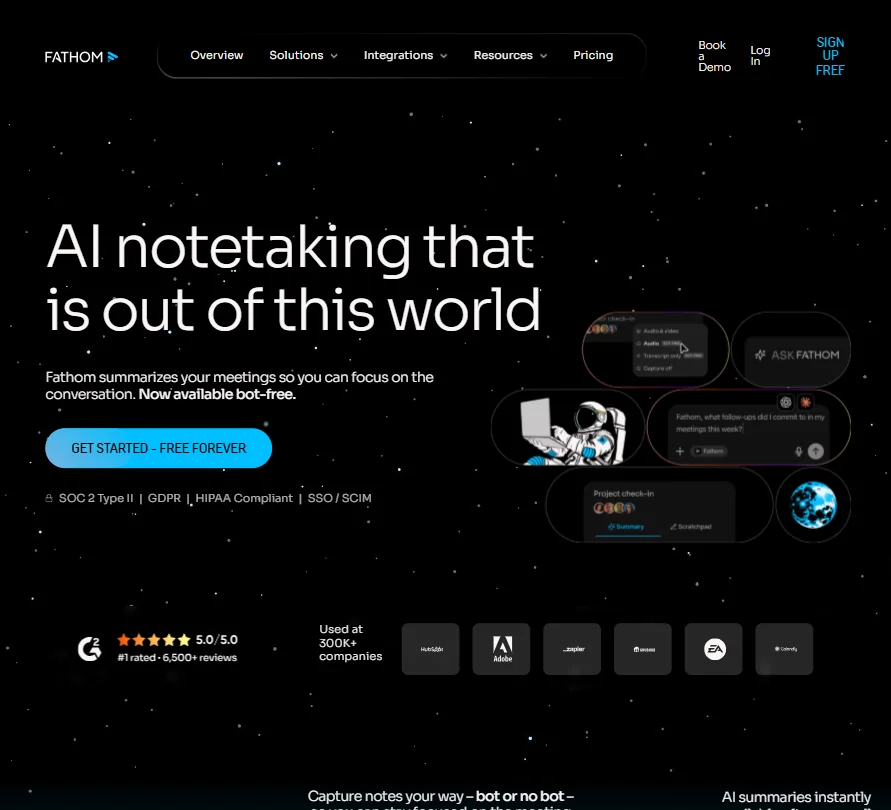
iPhone owners who want free notes without counting minutes should try Fathom: its free plan includes unlimited recordings and transcriptions, plus clips, playlists and search, and the iPhone app records in-person meetings and calls away from your laptop. There is no Android app, so it does not suit an Android user. Fathom also trains its own models on de-identified meeting data unless you opt out in account settings. Otter and Fireflies cover both phone platforms.
- The free plan includes unlimited recordings and transcriptions, plus clips, playlists and search across calls, at no cost.
- A beta bot-free recording mode on Mac works alongside the standard bot that joins Zoom, Google Meet and Microsoft Teams.
- A live transcript during the call comes only with the beta bot-free mode on Mac; with the bot, notes arrive after the call, and in-person recording needs an iPhone.
From $13.49free planFor meetings in more than one language, Notta transcribes live in 58 languages and records in person through its iOS and Android apps or the Notta Memo device.
Show detailsHide details03 Notta: Best for multilingual transcripts on a budget7.8Score 7.8 out of 10From $13.49free planFor meetings in more than one language, Notta transcribes live in 58 languages and records in person through its iOS and Android apps or the Notta Memo device.Visit site ↗ReviewDetailsCloseShow more about Notta
From $13.49free plan
For meetings in more than one language, Notta transcribes live in 58 languages and records in person through its iOS and Android apps or the Notta Memo device.
Show detailsHide detailsNotta: Best for multilingual transcripts on a budget
7.8Score 7.8 out of 10From $13.49free planFor meetings in more than one language, Notta transcribes live in 58 languages and records in person through its iOS and Android apps or the Notta Memo device.Visit site ↗ReviewDetailsClose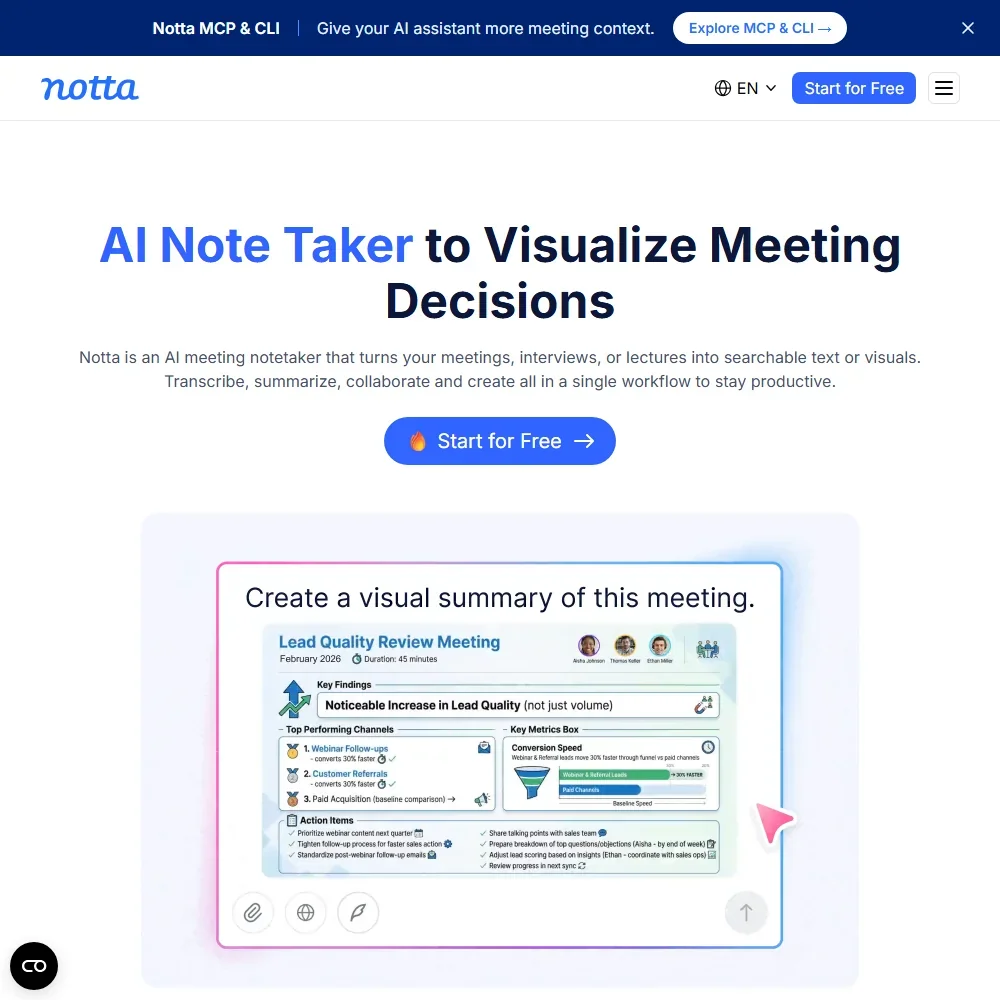
For meetings in more than one language, Notta transcribes live in 58 languages and records in person through its iOS and Android apps or the Notta Memo device. Pro costs $13.49 a month for 1,800 minutes, with recordings up to 5 hours and 100 AI summaries. The free plan caps each recording at 3 minutes, which rules it out for a real meeting, and video recording and team features start on Business. Plaud gives more free minutes.
- Notta Desktop records meetings on Mac and Windows without a bot joining the call.
- Live transcription covers 58 languages.
- The free plan caps each recording at 3 minutes.
From $17.99free planPlaud is the pick if you want a device on the table rather than your phone: its recorders pair with an app that transcribes in more than 112 languages, and the free Starter tier covers 300 minutes a month.
Show detailsHide details04 Plaud: Best for a dedicated recorder on the table7.6Score 7.6 out of 10From $17.99free planPlaud is the pick if you want a device on the table rather than your phone: its recorders pair with an app that transcribes in more than 112 languages, and the free Starter tier covers 300 minutes a month.Visit site ↗ReviewDetailsCloseShow more about Plaud
From $17.99free plan
Plaud is the pick if you want a device on the table rather than your phone: its recorders pair with an app that transcribes in more than 112 languages, and the free Starter tier covers 300 minutes a month.
Show detailsHide detailsPlaud: Best for a dedicated recorder on the table
7.6Score 7.6 out of 10From $17.99free planPlaud is the pick if you want a device on the table rather than your phone: its recorders pair with an app that transcribes in more than 112 languages, and the free Starter tier covers 300 minutes a month.Visit site ↗ReviewDetailsClose
Plaud is the pick if you want a device on the table rather than your phone: its recorders pair with an app that transcribes in more than 112 languages, and the free Starter tier covers 300 minutes a month. Plaud does not use your content to train AI without your explicit consent, and every plan includes SOC 2 Type II, GDPR and HIPAA compliance. The recorder is bought separately, from $159, unused minutes do not roll over, and it keeps audio, not video.
- Plaud Desktop captures Zoom, Google Meet and Microsoft Teams audio without a bot joining the call.
- Transcription covers more than 112 languages.
- Recording in-person meetings needs a Plaud device, which is sold separately from the membership plans.
From $8.33free planOtter suits someone who wants a live transcript on their phone and a free plan to start: the mobile and desktop apps capture in-person conversations with no bot, and the free Basic plan includes live transcription, 300 minutes a month and AI Chat across meetings.
Show detailsHide details05 Otter.ai: Best for live transcripts from a free phone app6.5Score 6.5 out of 10From $8.33free planOtter suits someone who wants a live transcript on their phone and a free plan to start: the mobile and desktop apps capture in-person conversations with no bot, and the free Basic plan includes live transcription, 300 minutes a month and AI Chat across meetings.Visit site ↗ReviewDetailsCloseShow more about Otter.ai
From $8.33free plan
Otter suits someone who wants a live transcript on their phone and a free plan to start: the mobile and desktop apps capture in-person conversations with no bot, and the free Basic plan includes live transcription, 300 minutes a month and AI Chat across meetings.
Show detailsHide detailsOtter.ai: Best for live transcripts from a free phone app
6.5Score 6.5 out of 10From $8.33free planOtter suits someone who wants a live transcript on their phone and a free plan to start: the mobile and desktop apps capture in-person conversations with no bot, and the free Basic plan includes live transcription, 300 minutes a month and AI Chat across meetings.Visit site ↗ReviewDetailsClose
Otter suits someone who wants a live transcript on their phone and a free plan to start: the mobile and desktop apps capture in-person conversations with no bot, and the free Basic plan includes live transcription, 300 minutes a month and AI Chat across meetings. The catch is privacy. Recordings and transcripts are de-identified and used to train Otter's models, with no opt-out, and it keeps audio playback with no video. Fireflies states it does not train on personal information.
- The free Basic plan runs forever and includes live transcription and AI Chat across meetings.
- Meetings can be captured with a bot that auto-joins Zoom, Google Meet and Microsoft Teams, or without one through desktop and mobile apps, including in-person conversations.
- Recordings and transcripts are automatically de-identified and used to train Otter's models, with no opt-out.
Best AI note takers that capture a room from your laptop
4 picksWhen a laptop is already open in the meeting, these apps listen through it with no bot joining. Granola turns your own typed notes into a clean summary and stores no audio, just the transcript. Jamie keeps data in Europe and never trains on it. Bluedot records without a bot by default and adds video from its Pro plan. Circleback adds mobile and Apple Watch apps for when you step away from the laptop. Choose by how much history the free plan keeps, where your data is stored and whether you need the recording itself.
#ToolScorePriceWhy pick it
From $18free planCircleback reaches you wherever the conversation happens: mobile and Apple Watch apps for in-person talks, a bot-free desktop app or a bot for online calls, and phone call recording.
Show detailsHide details06 Circleback: Best for capturing from a phone or Apple Watch8.6Score 8.6 out of 10From $18free planCircleback reaches you wherever the conversation happens: mobile and Apple Watch apps for in-person talks, a bot-free desktop app or a bot for online calls, and phone call recording.Visit site ↗ReviewDetailsCloseShow more about Circleback
From $18free plan
Circleback reaches you wherever the conversation happens: mobile and Apple Watch apps for in-person talks, a bot-free desktop app or a bot for online calls, and phone call recording.
Show detailsHide detailsCircleback: Best for capturing from a phone or Apple Watch
8.6Score 8.6 out of 10From $18free planCircleback reaches you wherever the conversation happens: mobile and Apple Watch apps for in-person talks, a bot-free desktop app or a bot for online calls, and phone call recording.Visit site ↗ReviewDetailsClose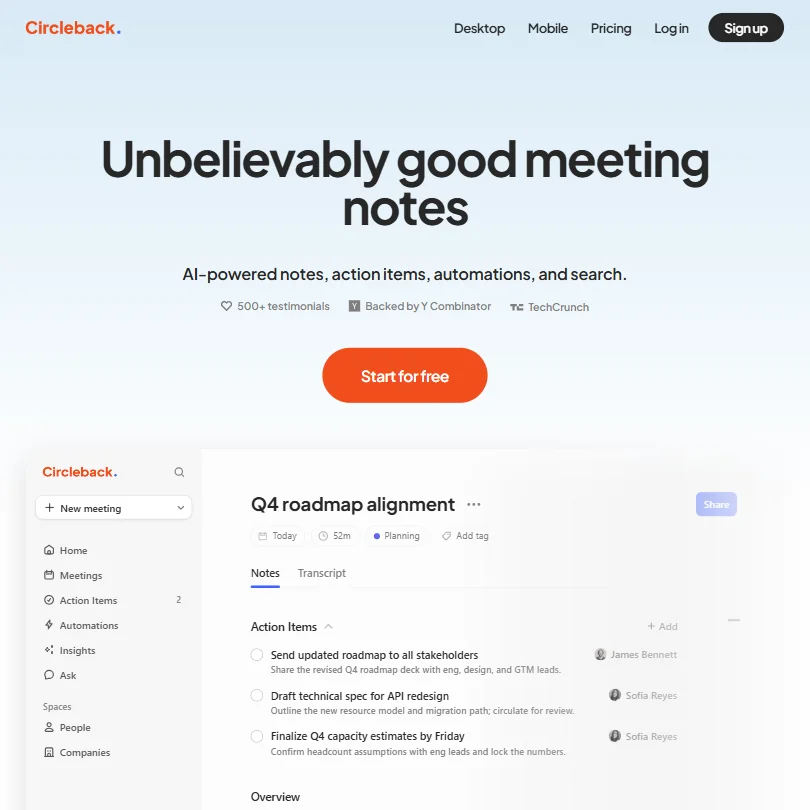
Circleback reaches you wherever the conversation happens: mobile and Apple Watch apps for in-person talks, a bot-free desktop app or a bot for online calls, and phone call recording. The free plan already includes AI notes, action items and Ask Circleback, which searches across your meetings, and it does not train AI on customer data. History is kept for 30 days on free, automations to Salesforce and HubSpot are limited, and all data is stored in the United States.
- The Free plan already includes AI meeting notes, action items and Ask Circleback, its cross-meeting search assistant.
- Circleback records in-person conversations through dedicated mobile and Apple Watch apps, not just online calls.
- Meeting and recording history is capped at 30 days on the Free plan; unlimited history requires the Pro plan.
From $18free planBluedot suits teams where a few people record and the rest just read, because it charges for the users who actually record a meeting, not every seat.
Show detailsHide details07 Bluedot: Best for paying just for the people who record7.7Score 7.7 out of 10From $18free planBluedot suits teams where a few people record and the rest just read, because it charges for the users who actually record a meeting, not every seat.Visit site ↗ReviewDetailsCloseShow more about Bluedot
From $18free plan
Bluedot suits teams where a few people record and the rest just read, because it charges for the users who actually record a meeting, not every seat.
Show detailsHide detailsBluedot: Best for paying just for the people who record
7.7Score 7.7 out of 10From $18free planBluedot suits teams where a few people record and the rest just read, because it charges for the users who actually record a meeting, not every seat.Visit site ↗ReviewDetailsClose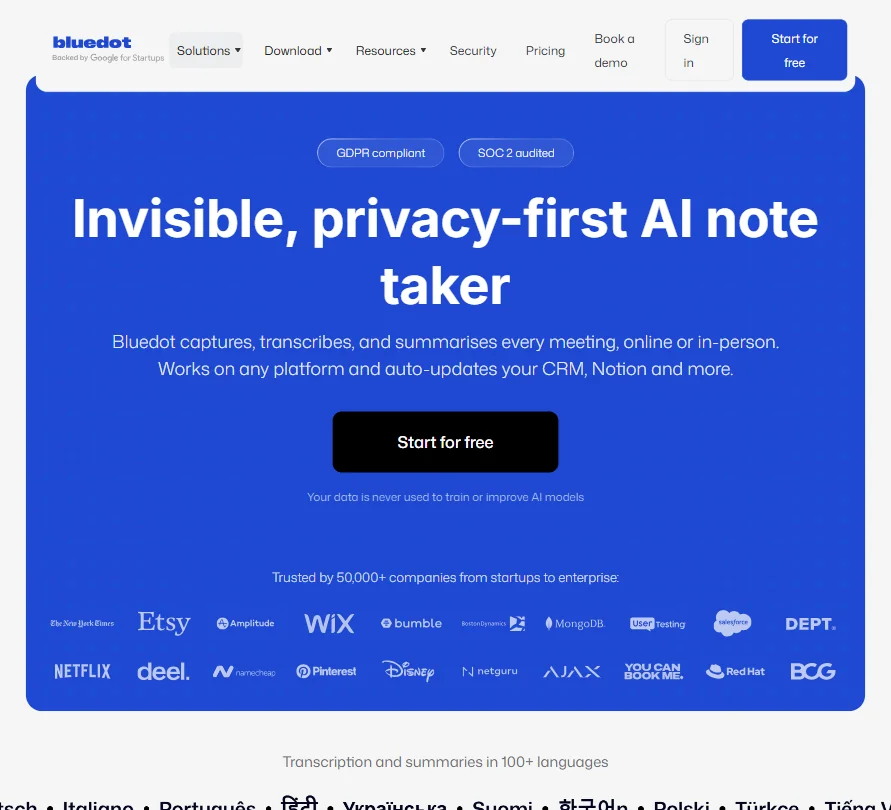
Bluedot suits teams where a few people record and the rest just read, because it charges for the users who actually record a meeting, not every seat. It records without a bot by default across in-person and online meetings, in more than 100 languages, and never trains on customer data. The free plan is 5 meetings for the life of the account, not each month, and Basic records audio, with video from Pro.
- The free plan never expires and gives 5 meetings for the life of the account.
- Bluedot only charges for users who actually record a meeting, not every seat on the account.
- The free plan is capped at 5 meetings for the life of the account, not renewed monthly.
From $14free planGranola fits people who type notes during a meeting and want them finished for them: the phone app is built for in-person meetings, the laptop app takes your microphone with no bot, and AI then turns your notes into a clean summary.
Show detailsHide details08 Granola: Best for typed notes with no audio kept7.4Score 7.4 out of 10From $14free planGranola fits people who type notes during a meeting and want them finished for them: the phone app is built for in-person meetings, the laptop app takes your microphone with no bot, and AI then turns your notes into a clean summary.Visit site ↗ReviewDetailsCloseShow more about Granola
From $14free plan
Granola fits people who type notes during a meeting and want them finished for them: the phone app is built for in-person meetings, the laptop app takes your microphone with no bot, and AI then turns your notes into a clean summary.
Show detailsHide detailsGranola: Best for typed notes with no audio kept
7.4Score 7.4 out of 10From $14free planGranola fits people who type notes during a meeting and want them finished for them: the phone app is built for in-person meetings, the laptop app takes your microphone with no bot, and AI then turns your notes into a clean summary.Visit site ↗ReviewDetailsClose
Granola fits people who type notes during a meeting and want them finished for them: the phone app is built for in-person meetings, the laptop app takes your microphone with no bot, and AI then turns your notes into a clean summary. No audio or video is stored, just the transcript, which is good for privacy and bad if you want to replay a moment. The free plan keeps 30 days of history, and Business removes that limit.
- Granola never adds a bot to your call; it records straight from your computer's own microphone and meeting audio.
- AI chat within and across meetings, plus customized note templates, are included from the free Basic plan.
- The free Basic plan only keeps 30 days of meeting history; viewing anything older requires upgrading to Business.
From $27 (€25)free planIf your meetings are confidential and you work in Europe, Jamie stores and processes everything within the EEA, Switzerland and the UK, and never trains its own or third-party models on your data.
Show detailsHide details09 Jamie: Best for private notes with data kept in Europe6.8Score 6.8 out of 10From $27 (€25)free planIf your meetings are confidential and you work in Europe, Jamie stores and processes everything within the EEA, Switzerland and the UK, and never trains its own or third-party models on your data.Visit site ↗ReviewDetailsCloseShow more about Jamie
From $27 (€25)free plan
If your meetings are confidential and you work in Europe, Jamie stores and processes everything within the EEA, Switzerland and the UK, and never trains its own or third-party models on your data.
Show detailsHide detailsJamie: Best for private notes with data kept in Europe
6.8Score 6.8 out of 10From $27 (€25)free planIf your meetings are confidential and you work in Europe, Jamie stores and processes everything within the EEA, Switzerland and the UK, and never trains its own or third-party models on your data.Visit site ↗ReviewDetailsClose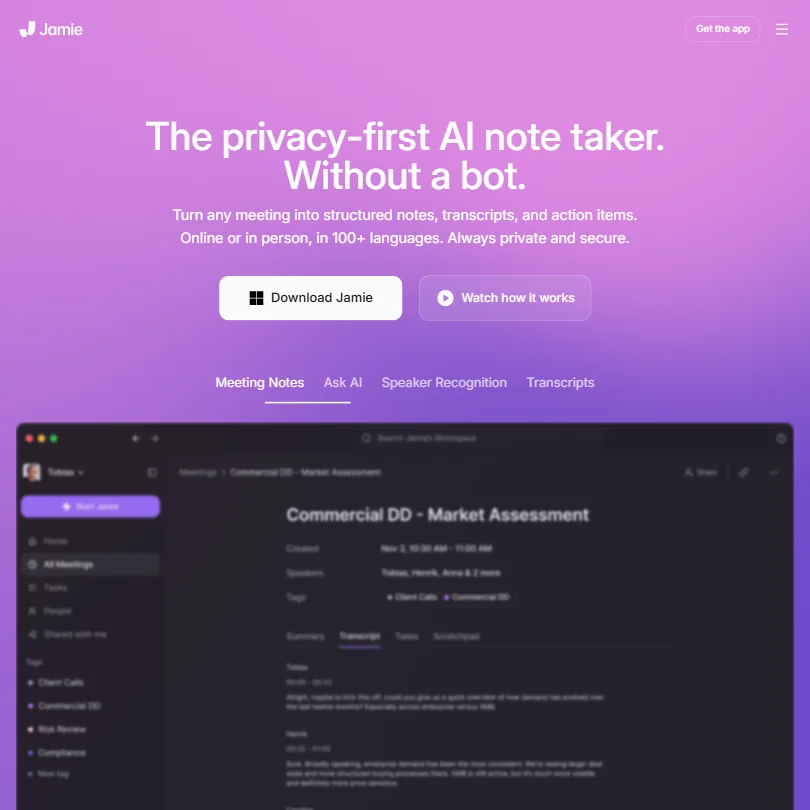
If your meetings are confidential and you work in Europe, Jamie stores and processes everything within the EEA, Switzerland and the UK, and never trains its own or third-party models on your data. The free plan includes in-person capture in more than 80 languages and unlimited storage. The limits arrive fast: 10 AI notes a month on free with a 30-minute meeting limit, and 20 notes on Plus. Its SOC 2 audit is still in progress.
- The free plan works forever and includes in-person meeting capture in more than 80 languages.
- Jamie runs on your device, so no bot joins the call for online or in-person meetings.
- The free plan allows only 10 AI notes a month, and Plus, the cheapest paid plan, raises that to just 20.
Best AI note takers for team notes after an in-person meeting
4 picksAfter a meeting in a room, the real work is sharing the notes and getting the actions done, and these tools are built for teams. MeetGeek records in person through its mobile app and lets you choose EU or US storage. Read AI adds a meeting coach and search across meetings, email and chat. Fellow gives admins control over recording and is HIPAA compliant. tl;dv records in-person conversations through its desktop app, with a coaching hub and EU data. Choose by how many meetings a month your team records and which paid plan removes the cap you hit.
#ToolScorePriceWhy pick it
From $15.99free planMeetGeek works for teams that mix in-person meetings with calls: the mobile app records in the room, a Chrome extension or desktop recorder captures calls with no bot, and AI chat across all meetings is on the free plan.
Show detailsHide details10 MeetGeek: Best for free monthly hours and EU storage9.3Score 9.3 out of 10From $15.99free planMeetGeek works for teams that mix in-person meetings with calls: the mobile app records in the room, a Chrome extension or desktop recorder captures calls with no bot, and AI chat across all meetings is on the free plan.Visit site ↗ReviewDetailsCloseShow more about MeetGeek
From $15.99free plan
MeetGeek works for teams that mix in-person meetings with calls: the mobile app records in the room, a Chrome extension or desktop recorder captures calls with no bot, and AI chat across all meetings is on the free plan.
Show detailsHide detailsMeetGeek: Best for free monthly hours and EU storage
9.3Score 9.3 out of 10From $15.99free planMeetGeek works for teams that mix in-person meetings with calls: the mobile app records in the room, a Chrome extension or desktop recorder captures calls with no bot, and AI chat across all meetings is on the free plan.Visit site ↗ReviewDetailsClose
MeetGeek works for teams that mix in-person meetings with calls: the mobile app records in the room, a Chrome extension or desktop recorder captures calls with no bot, and AI chat across all meetings is on the free plan. You can choose to store data in the EU or the US. Free covers 3 hours a month with 3 months of storage, Pro meters 20 hours, and unlimited transcription and HD video start on Business.
- No-bot Recording captures Zoom, Google Meet and Microsoft Teams calls through a Chrome extension or desktop recorder, included on the free Basic plan.
- AI Chat and search across all meetings is included from the free Basic plan.
- The free Basic plan caps transcription at 3 hours a month and keeps transcripts for 3 months.
From $11free planFellow suits teams in regulated work: it holds SOC 2 Type II and is HIPAA and GDPR compliant, never trains its AI on your data, and Enterprise adds advanced recording permissions and transcript redaction.
Show detailsHide details11 Fellow.ai: Best for admin control and HIPAA compliance8.5Score 8.5 out of 10From $11free planFellow suits teams in regulated work: it holds SOC 2 Type II and is HIPAA and GDPR compliant, never trains its AI on your data, and Enterprise adds advanced recording permissions and transcript redaction.Visit site ↗ReviewDetailsCloseShow more about Fellow.ai
From $11free plan
Fellow suits teams in regulated work: it holds SOC 2 Type II and is HIPAA and GDPR compliant, never trains its AI on your data, and Enterprise adds advanced recording permissions and transcript redaction.
Show detailsHide detailsFellow.ai: Best for admin control and HIPAA compliance
8.5Score 8.5 out of 10From $11free planFellow suits teams in regulated work: it holds SOC 2 Type II and is HIPAA and GDPR compliant, never trains its AI on your data, and Enterprise adds advanced recording permissions and transcript redaction.Visit site ↗ReviewDetailsClose
Fellow suits teams in regulated work: it holds SOC 2 Type II and is HIPAA and GDPR compliant, never trains its AI on your data, and Enterprise adds advanced recording permissions and transcript redaction. It records in-person meetings as well as calls, and the free plan accepts audio and video uploads, handy for a recorder file. Free means 5 AI notes and 5 recordings for the life of the account, Team caps use at 10 a month, and there are no clips.
- Botless Recording captures, transcribes and summarizes meetings without a bot joining the call, working across Microsoft Teams, Google Meet, Zoom and Slack huddles.
- Fellow's AI is never trained on your data.
- The free plan gives only 5 AI notes and 5 AI recordings for the life of the account, not a monthly allowance.
From $19.75free planRead AI is for people who want feedback as well as notes: its Meeting Coach tracks talking speed, filler words and more on the free plan, and Ask Read searches across meetings, email and chat.
Show detailsHide details12 Read AI: Best for a meeting coach and cross-app search8.2Score 8.2 out of 10From $19.75free planRead AI is for people who want feedback as well as notes: its Meeting Coach tracks talking speed, filler words and more on the free plan, and Ask Read searches across meetings, email and chat.Visit site ↗ReviewDetailsCloseShow more about Read AI
From $19.75free plan
Read AI is for people who want feedback as well as notes: its Meeting Coach tracks talking speed, filler words and more on the free plan, and Ask Read searches across meetings, email and chat.
Show detailsHide detailsRead AI: Best for a meeting coach and cross-app search
8.2Score 8.2 out of 10From $19.75free planRead AI is for people who want feedback as well as notes: its Meeting Coach tracks talking speed, filler words and more on the free plan, and Ask Read searches across meetings, email and chat.Visit site ↗ReviewDetailsClose
Read AI is for people who want feedback as well as notes: its Meeting Coach tracks talking speed, filler words and more on the free plan, and Ask Read searches across meetings, email and chat. In-person meetings are captured through the phone app, and training on your content stays off unless you opt in. The free plan gives 5 meeting reports a month, video playback starts on Enterprise, and video calls are joined by a visible bot.
- The free plan includes 5 meeting reports a month with unlimited enterprise search and no credit card required.
- Training on your content is opt-in and off by default.
- Read Assistant joins video calls only as a visible bot; there is no bot-free recording for them.
From $29free planTeams that want to record without counting should look at tl;dv. Its free plan gives unlimited recordings and transcription in 30+ languages, and its desktop app records in-person and unscheduled conversations without a bot.
Show detailsHide details13 tl;dv: Best for unlimited free recording with EU data8.2Score 8.2 out of 10From $29free planTeams that want to record without counting should look at tl;dv. Its free plan gives unlimited recordings and transcription in 30+ languages, and its desktop app records in-person and unscheduled conversations without a bot.Visit site ↗ReviewDetailsCloseShow more about tl;dv
From $29free plan
Teams that want to record without counting should look at tl;dv. Its free plan gives unlimited recordings and transcription in 30+ languages, and its desktop app records in-person and unscheduled conversations without a bot.
Show detailsHide detailstl;dv: Best for unlimited free recording with EU data
8.2Score 8.2 out of 10From $29free planTeams that want to record without counting should look at tl;dv. Its free plan gives unlimited recordings and transcription in 30+ languages, and its desktop app records in-person and unscheduled conversations without a bot.Visit site ↗ReviewDetailsClose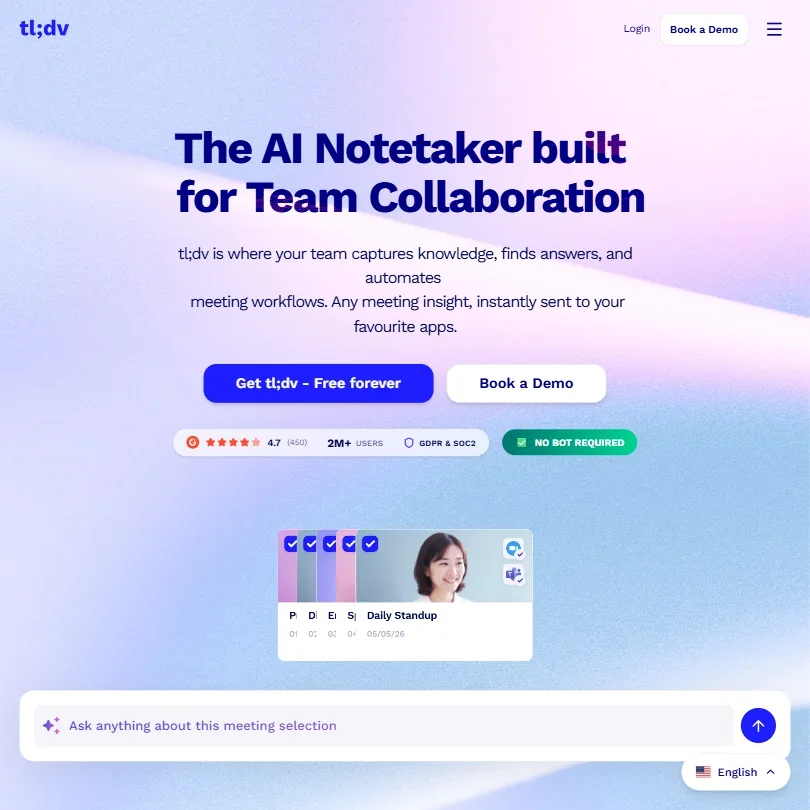
Teams that want to record without counting should look at tl;dv. Its free plan gives unlimited recordings and transcription in 30+ languages, and its desktop app records in-person and unscheduled conversations without a bot. It does not train on your calls and stores data in the EU, and a Coaching Hub reviews talk time and filler words. On free, AI notes stop at 10 meetings and Ask AI at 10 queries, free data is kept up to 3 months, and there is no HIPAA.
- The free plan gives unlimited video recording and unlimited transcription across more than 30 languages.
- tl;dv does not train its AI models on your calls, and data is processed and stored in the EU.
- The free plan caps AI meeting notes at 10 meetings and Ask AI at 10 queries (5 single-meeting, 5 multi-meeting), and keeps free data for up to 3 months.
How to choose an AI note taker for in-person meetings
In a meeting room there is no call for a bot to join, so every tool here records through a device you bring: a phone, a dedicated recorder or a laptop. That makes the device, the length of your meetings and what the free plan counts the real differences. Privacy matters more than usual too, because a room recording picks up everyone at the table, including people who never signed up for anything. This guide covers those choices, then matches the tools to the person doing the recording.
Start with the job, not the tool
Three jobs sit behind most in-person note taking, and most people need one far more than the others.
- Record from a phone or recorder. You put a device on the table and get a transcript and summary afterward. Plaud is built around its own recorders, Notta also sells the Notta Memo device, and most of the other tools here record in person from a phone app, Fathom on iPhone alone.
- Listen from a laptop. Your laptop sits open while you type, and the app adds the transcript and summary to your notes. Granola, Jamie, Bluedot and Circleback are built for this, and tl;dv's desktop app records in-person conversations too.
- Share notes and actions with a team. The meeting turns into shared notes, action items and searchable history. MeetGeek, Read AI, Fellow and tl;dv are built for teams, with coaching, CRM sync or admin controls on paid plans.
The table shows where to start on any budget.
| Job | Free | Worth paying for |
|---|---|---|
| Phone or recorder | Fireflies, or Fathom on iPhone, for unlimited transcription, or Otter for 300 minutes a month | Plaud Pro at $17.99 a month plus a recorder from $159, or Notta Pro at $13.49 a month |
| Laptop in the room | Granola (30 days of history) or Jamie (10 AI notes a month) | Granola Business at $14 a month, or Bluedot Basic at $18 a month per recording user |
| Team follow-up | tl;dv for unlimited recording, or MeetGeek for 3 hours a month | MeetGeek Pro at $15.99 a month, or Fellow Business at $23 a month for unlimited notes and CRM sync |
Free plans handle a few meetings a week, but most of them cap AI notes, history or the length of each recording. Pay first for whichever cap you hit in your first week of real use.
What the free plans actually give you
Each tool counts something different, so the same free plan can be generous for one person and useless for another.
- Minutes a month. Plaud's free Starter tier gives 300 transcription minutes, Otter 300, and Notta 120 with each recording capped at 3 minutes. MeetGeek gives 3 hours. Three one-hour meetings a month fit in Plaud, Otter or MeetGeek, while Notta's 3-minute cap does not fit a real meeting.
- Unlimited transcription. Fireflies, Fathom and tl;dv put no cap on transcription, so the limits sit elsewhere. tl;dv stops AI notes at 10 meetings and keeps free data up to 3 months.
- Notes or reports a month. Jamie gives 10 AI notes a month with a 30-minute meeting limit, and Read AI gives 5 meeting reports a month. That covers a light week of short meetings.
- A lifetime allowance. Bluedot gives 5 meetings and Fellow 5 AI notes and 5 recordings for the life of the account. Treat both as a trial rather than a plan you can stay on.
- History that expires. Granola and Circleback keep 30 days of history on free, and MeetGeek keeps transcripts for 3 months. Copy anything you need before it ages out.
Which tools fit which person
- An Android user who records on the go. Start with Fireflies or Otter, because both have Android apps that record in person, and Fireflies does not train on personal information. Add Notta if your meetings switch between languages.
- An iPhone user who wants it free. Start with Fathom, because the free plan has unlimited recordings and the iPhone app records in person. Add Granola for typed notes on the laptop.
- Someone who prefers a device to a phone. Start with Plaud, which pairs a recorder with an app and 300 free minutes a month. Notta's Memo device is the other recorder on this page.
- A consultant with confidential meetings. Start with Jamie, which keeps data in Europe and never trains on it, or Granola, which stores no audio at all. Add Fellow if a client needs HIPAA compliance.
- A manager running team meetings. Start with MeetGeek or tl;dv for shared notes, recording in person through MeetGeek's phone app or tl;dv's desktop app. Add Read AI for coaching on how the meeting went.
- A healthcare or regulated team. Start with Fellow, because it is HIPAA compliant and never trains on your data. Plaud includes HIPAA compliance on every plan, which suits a recorder on the table.
One in-person meeting, start to finish
- Tell the room. Say you are recording before you start, since everyone at the table is captured. Fellow gives admins control over recording notices for the whole team.
- Pick the device. Put a Plaud recorder or a phone running Otter, Fireflies, Notta or MeetGeek in the middle of the table, or open Granola, Jamie or Bluedot on your laptop.
- Check the length limit. Notta's free plan stops each recording at 3 minutes and Jamie's free plan at 30 minutes, while Notta Pro and Jamie Pro run to 5 hours.
- Type a few notes, if you like. Granola builds the summary from your typed notes plus the transcript, so a few words during the meeting shape the result.
- Review the summary. Check names, numbers and decisions. Ask follow-up questions with Otter's AI Chat, Fireflies' AskFred, Ask Jamie or Ask Circleback.
- Share and assign. Send notes to the team from MeetGeek, Fellow or tl;dv. Circleback creates action items on the free plan, and Fellow and Read AI sync to Salesforce and HubSpot on paid plans.
- Keep what matters. Granola and Circleback keep 30 days on free and tl;dv up to 3 months, so move key notes somewhere permanent, or upgrade before the history expires.
Where free plans stop
| Limit | Tools | What happens when you hit it |
|---|---|---|
| Minutes a month | Plaud (300), Otter (300), Notta (120), MeetGeek (3 hours) | You wait for next month or move to a paid plan, and Plaud's unused minutes do not roll over |
| Length per recording | Notta (3 minutes), Jamie (30 minutes) | Longer meetings need Notta Pro (5 hours) or Jamie Plus (2 hours) |
| Notes per month | Jamie (10 AI notes), Read AI (5 reports), tl;dv (AI notes on 10 meetings) | tl;dv keeps recording, and the others need a paid plan for more notes |
| Lifetime cap | Bluedot (5 meetings), Fellow (5 AI notes and 5 recordings) | The free allowance does not come back |
| History | Granola and Circleback (30 days) | Older meetings need Granola Business or Circleback's paid plans to view |
| Storage | MeetGeek (3 months of transcripts), tl;dv (data kept up to 3 months) | Older transcripts are not kept on free |
| Device | Plaud | In-person recording needs a Plaud recorder, from $159 |
Match the free plan to the shape of your meetings. Many short check-ins suit a minutes allowance, while a few long workshops need a tool with no per-recording cap. If a transcript is all you need, Fireflies, Fathom and tl;dv put no limit on transcription, and you can pay later for AI notes.
Privacy and who hears your meetings
A room recording captures everyone present, and some of those people may be clients or patients. The tools here state very different rules on training and on where data is kept.
| Tool | Training on your meetings |
|---|---|
| Jamie | Never used for its own or third-party models |
| Fireflies, Bluedot, Circleback, Fellow, tl;dv | Not used for training |
| Plaud | Not used without your explicit consent |
| Read AI | Off by default, used if you opt in |
| Fathom | Trains its own models on de-identified data unless you opt out |
| Otter | Trains on de-identified recordings and transcripts, with no opt-out |
For meetings with clients or patients, choose from the top rows, and switch training off in Fathom right after you sign up. Jamie and tl;dv keep data in Europe, MeetGeek and Bluedot offer EU storage, and Circleback stores everything in the United States. Granola keeps no audio or video at all, which limits what anyone could replay later.
Mistakes to avoid
- Buying a Plaud plan without the recorder. In-person recording needs a Plaud device, sold separately from the plans. Budget for both, or use a phone app such as Otter or Fireflies.
- Testing Notta's free plan on a real meeting. Each free recording stops at 3 minutes. Try it on a short conversation, or start on Pro.
- Picking Fathom on Android. Its in-person recording lives in the iPhone app, and there is no Android app. Android users should start with Otter, Notta or Fireflies.
- Expecting to replay the meeting in Granola. Granola keeps the transcript but no audio, so you cannot listen back to a moment. Plaud, Jamie and Otter keep audio if you need it.
- Recording confidential meetings on Otter. Otter trains on de-identified recordings with no opt-out. For client or patient conversations, use Jamie, Fellow, Fireflies or Plaud, which state they do not train on your content without consent.
When it is worth paying
You have outgrown a free plan when the cap starts shaping your meetings: you skip recording to save minutes, cut a meeting short, or lose notes to expired history. Teams hit a second limit, the need to share notes and send actions to a CRM.
| If you are | Upgrade to | What changes |
|---|---|---|
| Recording on the go | Plaud Pro ($17.99 a month) or Otter Pro ($16.99 a month) | 1,200 minutes a month, plus Plaud's AI summaries and templates or Otter's 10 file imports a month |
| Recording long sessions | Notta Pro ($13.49 a month) | 1,800 minutes a month and recordings up to 5 hours |
| Taking notes on a laptop | Granola Business ($14 a month) or Jamie Plus (€25 a month) | Unlimited history and integrations, or 20 meetings a month of up to 2 hours |
| A team sharing notes | MeetGeek Business ($27 a month) or tl;dv Pro ($29 a month per seat) | Unlimited transcription, HD video and team spaces, or unlimited AI notes and custom templates |
| A regulated team | Fellow Business ($23 a month), then Enterprise | Unlimited notes and CRM sync, then HIPAA compliance and transcript redaction |
Billing terms vary. Otter Pro is $16.99 a month or $8.33 a month billed yearly, Fellow Enterprise is $25 a month billed yearly from 10 users, and Fireflies Enterprise is billed yearly with no monthly option. Notta Business has a 7-day trial, MeetGeek 14 days and Read AI 7 days, while Plaud, Granola, Jamie and tl;dv use their free plans as the way in. Watch for minimums: Fathom's Team and Business plans need two users, and Read AI Enterprise needs five licenses.
What would this stack cost you?
Add our top picks (Fireflies.ai, Circleback, MeetGeek) to the calculator and see the monthly total, then swap in the plans you would pay for.
How we picked
Every tool here is ranked by its score, and each score is worked out from the vendor’s own published pages: pricing, plans, features and terms. No score is adjusted by hand. All 13 tools have enough published facts to be scored, and on average 92% of each score comes from facts the vendor publishes. The facts behind these scores were checked between 21 September 2026 and 3 November 2026.
Scores compare tools that do the same job, which is why the list is grouped by job: a video editor and a grammar checker are never ranked against each other.
| Ranked as | On this page | What we score | Scoring guide |
|---|---|---|---|
| AI meeting assistants20 reviewed | 13 | 4 criteria, 18 checked facts: what it captures, where it works, pricing, privacy and trust | How we score these → |
Common questions
Can I upload a recording from a separate voice recorder?
Some tools take uploaded files. Otter's free plan allows 3 audio or video imports in total and Pro allows 10 a month. Fellow's free plan includes audio and video uploads, and its Solo plan lists them too. Read AI's Pro plan includes 100 file upload credits a month, rising to 200 on Enterprise. Plaud's own recorders pair straight with its app, so no upload step is needed.
Which tools handle meetings in other languages?
Plaud transcribes in more than 112 languages, and Bluedot and Circleback cover more than 100. Jamie handles more than 80, Notta transcribes live in 58, and Granola covers 31 on desktop and 17 on mobile. tl;dv transcribes in more than 30 on its free plan. If your team mixes languages in one meeting, test a real recording on the free plan first.
Can I record in person on an Apple Watch?
Circleback has an Apple Watch app for capturing in-person conversations, and Granola has an Apple Watch companion app. For everyone else, the phone is the device: Fathom on iPhone, and Otter, Fireflies, Notta, Jamie, MeetGeek and Read AI on both iOS and Android. A watch is handy for a quick hallway chat, while a phone on the table suits a full meeting.
Do these apps work without an internet connection?
Jamie, Bluedot, Circleback, MeetGeek and Read AI list offline mode. Fathom, Granola, Fellow and tl;dv do not offer it, and Fathom, Otter and Fireflies process every meeting on their own servers. If you often meet where the signal is poor, pick one of the tools with offline mode and test it once before a meeting that matters.
Do I need a separate tool for my online calls?
Usually not. Plaud, Otter, Notta, Fireflies, Granola, Jamie, Bluedot, Circleback, MeetGeek, Fellow and tl;dv all capture online calls as well as rooms, many with a bot-free desktop app. Read AI joins video calls as a visible bot. Fathom records calls by bot or bot-free on Mac in beta. One tool for both keeps every meeting in the same search.