Pick Suno when you want a finished song, vocals and lyrics included, and mean to release it.
Buying guide · 16 tools ranked
Best AI Tools for Musicians
Find the best AI tools for musicians, grouped by the job each one does: songs from a prompt, background music, recording and production, cleanup and mastering, and visuals for music videos and cover art. Choose one tool per job instead of weighing every tool against every other, and use each group's notes to see what separates the picks.
Our top 3 AI Tools for Musicians
SOUNDRAW suits musicians who score their own videos or sell content and need instrumental tracks with a clear license.
Logic Pro is the choice for a Mac musician who wants AI help while writing. Session Players play drum, bass, keyboard and synth parts to fit your song, Stem Splitter pulls apart drums, bass, vocals, guitar and piano, and Dolby Atmos mixing is built in, all bought once.
Best AI song generators
3 picksSong generators write vocals, lyrics and backing from a text prompt, and the license matters more than the sound if you plan to release anything. Suno and Mureka assign ownership of what you make on paid plans and keep free output non-commercial. Mureka's paid plans add reference-track uploads and section editing, and Premier adds stems of up to twelve parts plus MIDI and DAW session downloads. Udio restricts every plan, paid included, to personal non-commercial use and disables downloads, so it works as a place to experiment. Choose by whether you will release the result and whether you need stems for your recording program.
#ToolScorePriceWhy pick it
From $6.40free planPick Suno when you want a finished song, vocals and lyrics included, and mean to release it.
Show detailsHide details01 Suno: Best for full songs you own on Pro8.4Score 8.4 out of 10From $6.40free planPick Suno when you want a finished song, vocals and lyrics included, and mean to release it.Visit site ↗ReviewDetailsCloseShow more about Suno
From $6.40free plan
Pick Suno when you want a finished song, vocals and lyrics included, and mean to release it.
Show detailsHide detailsSuno: Best for full songs you own on Pro
8.4Score 8.4 out of 10From $6.40free planPick Suno when you want a finished song, vocals and lyrics included, and mean to release it.Visit site ↗ReviewDetailsClose
Pick Suno when you want a finished song, vocals and lyrics included, and mean to release it. Pro and Premier assign you ownership of what you generate, and the paid plans add stem separation for taking parts into a recording program. The free plan gives 50 credits a day but keeps output personal and non-commercial, with no stems. The catch is that your prompts and outputs train Suno's models, with no opt-out described. Mureka is the closer rival.
- The free plan gives 50 credits a day forever and never expires.
- Pro and Premier assign you full ownership of songs generated from your prompts.
- The free plan has no commercial rights and no stem separation at all.
From $8free planMureka is the song generator to choose if you want to rework a track after it is made. Pro and Premier let you extend, edit and remix, match a reference track and use the result commercially, and Premier adds stems of up to twelve parts with MIDI and DAW session downloads.
Show detailsHide details02 Mureka: Best for editing and stems on paid plans8.2Score 8.2 out of 10From $8free planMureka is the song generator to choose if you want to rework a track after it is made. Pro and Premier let you extend, edit and remix, match a reference track and use the result commercially, and Premier adds stems of up to twelve parts with MIDI and DAW session downloads.Visit site ↗ReviewDetailsCloseShow more about Mureka
From $8free plan
Mureka is the song generator to choose if you want to rework a track after it is made. Pro and Premier let you extend, edit and remix, match a reference track and use the result commercially, and Premier adds stems of up to twelve parts with MIDI and DAW session downloads.
Show detailsHide detailsMureka: Best for editing and stems on paid plans
8.2Score 8.2 out of 10From $8free planMureka is the song generator to choose if you want to rework a track after it is made. Pro and Premier let you extend, edit and remix, match a reference track and use the result commercially, and Premier adds stems of up to twelve parts with MIDI and DAW session downloads.Visit site ↗ReviewDetailsClose
Mureka is the song generator to choose if you want to rework a track after it is made. Pro and Premier let you extend, edit and remix, match a reference track and use the result commercially, and Premier adds stems of up to twelve parts with MIDI and DAW session downloads. Free songs stay owned by Mureka and need a credit. The catch is that WAV downloads and stems wait for Premier, because Pro is MP3. Suno is simpler.
- Pro and Premier subscribers own the songs they generate, with full commercial rights.
- Premier includes stem separation of up to twelve stems, plus MIDI and DAW session downloads.
- The free tier forbids commercial use and requires giving Mureka attribution credit.
From $10free planTreat Udio as a place to play with songs, not to release them. Every plan, free and paid, restricts output to personal non-commercial use, disables downloads and keeps ownership with Udio, which also trains on your prompts and output.
Show detailsHide details03 Udio: Best for experimenting, not releasing5.0Score 5.0 out of 10From $10free planTreat Udio as a place to play with songs, not to release them. Every plan, free and paid, restricts output to personal non-commercial use, disables downloads and keeps ownership with Udio, which also trains on your prompts and output.Visit site ↗ReviewDetailsCloseShow more about Udio
From $10free plan
Treat Udio as a place to play with songs, not to release them. Every plan, free and paid, restricts output to personal non-commercial use, disables downloads and keeps ownership with Udio, which also trains on your prompts and output.
Show detailsHide detailsUdio: Best for experimenting, not releasing
5.0Score 5.0 out of 10From $10free planTreat Udio as a place to play with songs, not to release them. Every plan, free and paid, restricts output to personal non-commercial use, disables downloads and keeps ownership with Udio, which also trains on your prompts and output.Visit site ↗ReviewDetailsClose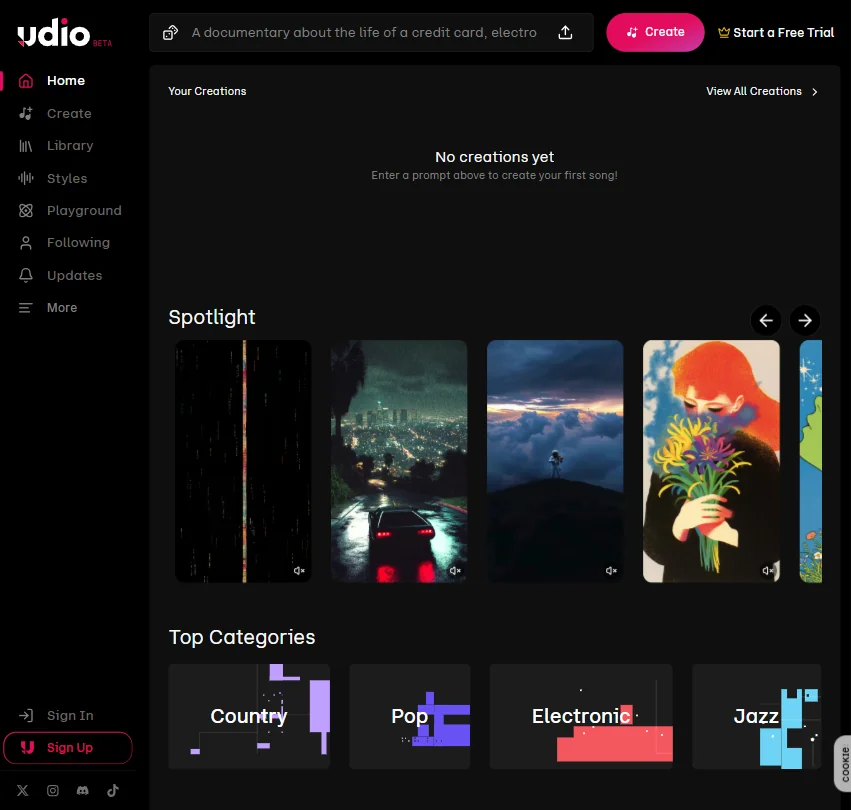
Treat Udio as a place to play with songs, not to release them. Every plan, free and paid, restricts output to personal non-commercial use, disables downloads and keeps ownership with Udio, which also trains on your prompts and output. What you get is a free plan that needs no card, a 7-day trial of paid features, and extending and remixing on every tier. If you plan to publish anything, choose Suno or Mureka instead.
- The free plan needs no card and gives a daily and monthly credit quota to start with.
- A one-time 7-day trial lets you test a subset of Standard features before subscribing.
- Output is restricted to personal, non-commercial use on every plan, including the paid ones.
Best AI tools for royalty-free background music
2 picksBackground music tools build instrumental tracks you license, not songs you sing. SOUNDRAW builds a track from a genre and mood picker, lets you rework blocks by instrument group, and includes commercial use for videos and podcasts on its cheapest paid plan, though its license is non-exclusive and you do not own the track. AIVA composes instrumental and orchestral pieces, can start from an audio or MIDI file you upload, and transfers copyright on Pro. Neither generates vocals or lyrics. Choose SOUNDRAW to score videos quickly, and AIVA to compose pieces you want to own.
#ToolScorePriceWhy pick it
From $16.99free planSOUNDRAW suits musicians who score their own videos or sell content and need instrumental tracks with a clear license.
Show detailsHide details04 SOUNDRAW: Best for licensed background music for videos5.0Score 5.0 out of 10From $16.99free planSOUNDRAW suits musicians who score their own videos or sell content and need instrumental tracks with a clear license.Visit site ↗ReviewDetailsCloseShow more about SOUNDRAW
From $16.99free plan
SOUNDRAW suits musicians who score their own videos or sell content and need instrumental tracks with a clear license.
Show detailsHide detailsSOUNDRAW: Best for licensed background music for videos
5.0Score 5.0 out of 10From $16.99free planSOUNDRAW suits musicians who score their own videos or sell content and need instrumental tracks with a clear license.Visit site ↗ReviewDetailsClose
SOUNDRAW suits musicians who score their own videos or sell content and need instrumental tracks with a clear license. You choose a genre and mood, then rework blocks by instrument group in Mixer Mode, and the cheapest paid plan covers commercial use on YouTube, client work and more. The catch is that you license a track and never own it, free accounts cannot download, and a single track tops out at five minutes. AIVA is the pick if ownership matters.
- Every paid plan, starting with Creator, includes commercial use across YouTube, product videos, client work, radio and TV.
- Tracks are built from blocks that can be added, removed or reworked in Mixer Mode by instrument group.
- Every plan grants only a non-exclusive licence to use a track, never ownership of the music itself.
Pricing N/Afree planAIVA is for composers who want instrumental or orchestral material they can steer with their own audio or MIDI file.
Show detailsHide details05 AIVA AI: Best for orchestral pieces with copyright on Pro4.6Score 4.6 out of 10Pricing N/Afree planAIVA is for composers who want instrumental or orchestral material they can steer with their own audio or MIDI file.Visit site ↗ReviewDetailsCloseShow more about AIVA AI
Pricing N/Afree plan
AIVA is for composers who want instrumental or orchestral material they can steer with their own audio or MIDI file.
Show detailsHide detailsAIVA AI: Best for orchestral pieces with copyright on Pro
4.6Score 4.6 out of 10Pricing N/Afree planAIVA is for composers who want instrumental or orchestral material they can steer with their own audio or MIDI file.Visit site ↗ReviewDetailsClose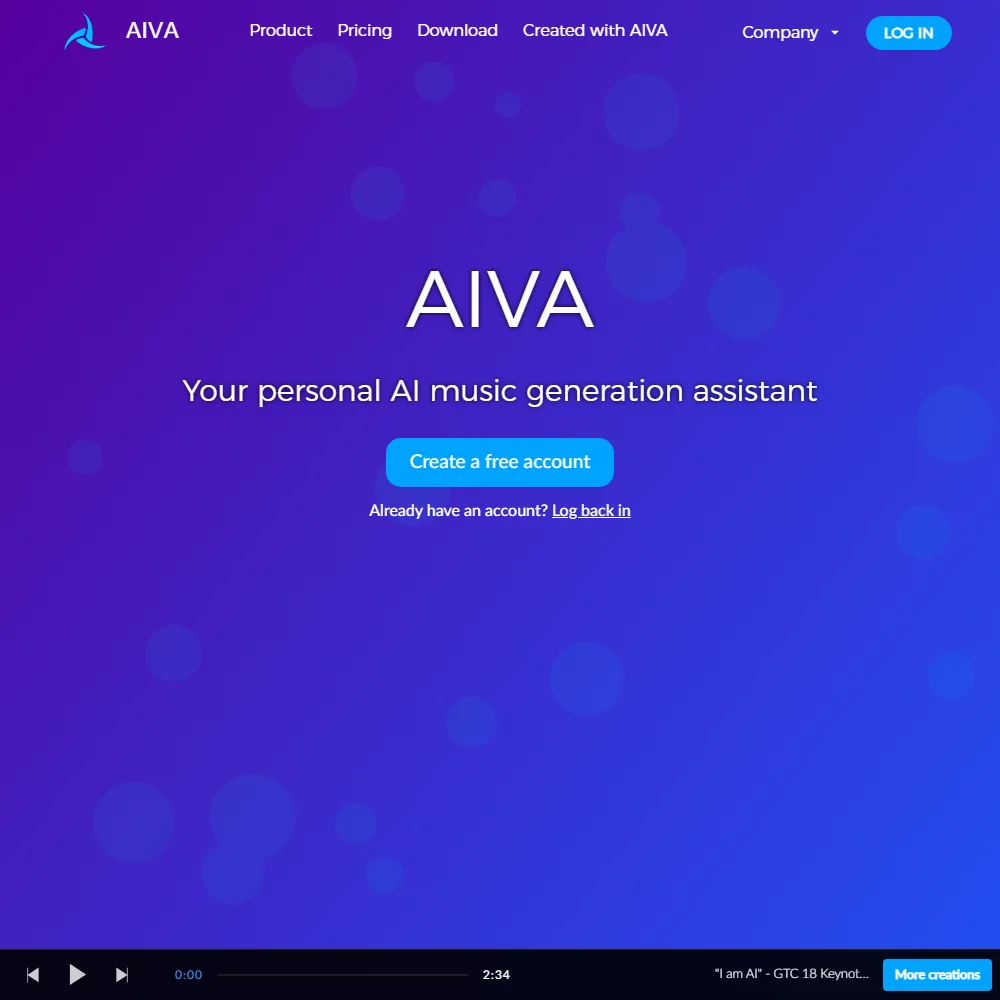
AIVA is for composers who want instrumental or orchestral material they can steer with their own audio or MIDI file. Pro hands you copyright with unrestricted monetization, adds WAV export and runs tracks to five minutes thirty seconds, and a desktop app for Windows and Mac is included. The catch is the ladder: free and Standard leave copyright with AIVA, and Standard limits monetization to YouTube, Twitch, TikTok and Instagram. SOUNDRAW is simpler for plain licensed video music.
- You can upload an audio or MIDI track as an influence for the style AIVA composes.
- The Pro plan hands you full copyright over what you make, with unrestricted monetization.
- The free plan keeps copyright with AIVA, forbids monetization entirely, and requires crediting AIVA.
Best music production software with AI features
5 picksA digital audio workstation (DAW) is where a song is recorded, arranged and mixed, and the AI features worth comparing are session players, stem separation and pitch correction. Logic Pro has AI Session Players and Stem Splitter, GarageBand has an AI session drummer, and Ableton Live and FL Studio add stem separation in the Suite and Producer editions. Reaper lists none of these but is scriptable and inexpensive. Four of the five are bought once, and GarageBand is free. Choose by computer first, since Logic Pro and GarageBand are Apple software, then by whether you build from clips, patterns or recorded takes.
#ToolScorePriceWhy pick it
From $199.99Logic Pro is the choice for a Mac musician who wants AI help while writing. Session Players play drum, bass, keyboard and synth parts to fit your song, Stem Splitter pulls apart drums, bass, vocals, guitar and piano, and Dolby Atmos mixing is built in, all bought once.
Show detailsHide details06 Logic Pro: Best for Mac studios with AI session players7.4Score 7.4 out of 10From $199.99Logic Pro is the choice for a Mac musician who wants AI help while writing. Session Players play drum, bass, keyboard and synth parts to fit your song, Stem Splitter pulls apart drums, bass, vocals, guitar and piano, and Dolby Atmos mixing is built in, all bought once.Visit site ↗ReviewDetailsCloseShow more about Logic Pro
From $199.99
Logic Pro is the choice for a Mac musician who wants AI help while writing. Session Players play drum, bass, keyboard and synth parts to fit your song, Stem Splitter pulls apart drums, bass, vocals, guitar and piano, and Dolby Atmos mixing is built in, all bought once.
Show detailsHide detailsLogic Pro: Best for Mac studios with AI session players
7.4Score 7.4 out of 10From $199.99Logic Pro is the choice for a Mac musician who wants AI help while writing. Session Players play drum, bass, keyboard and synth parts to fit your song, Stem Splitter pulls apart drums, bass, vocals, guitar and piano, and Dolby Atmos mixing is built in, all bought once.Visit site ↗ReviewDetailsClose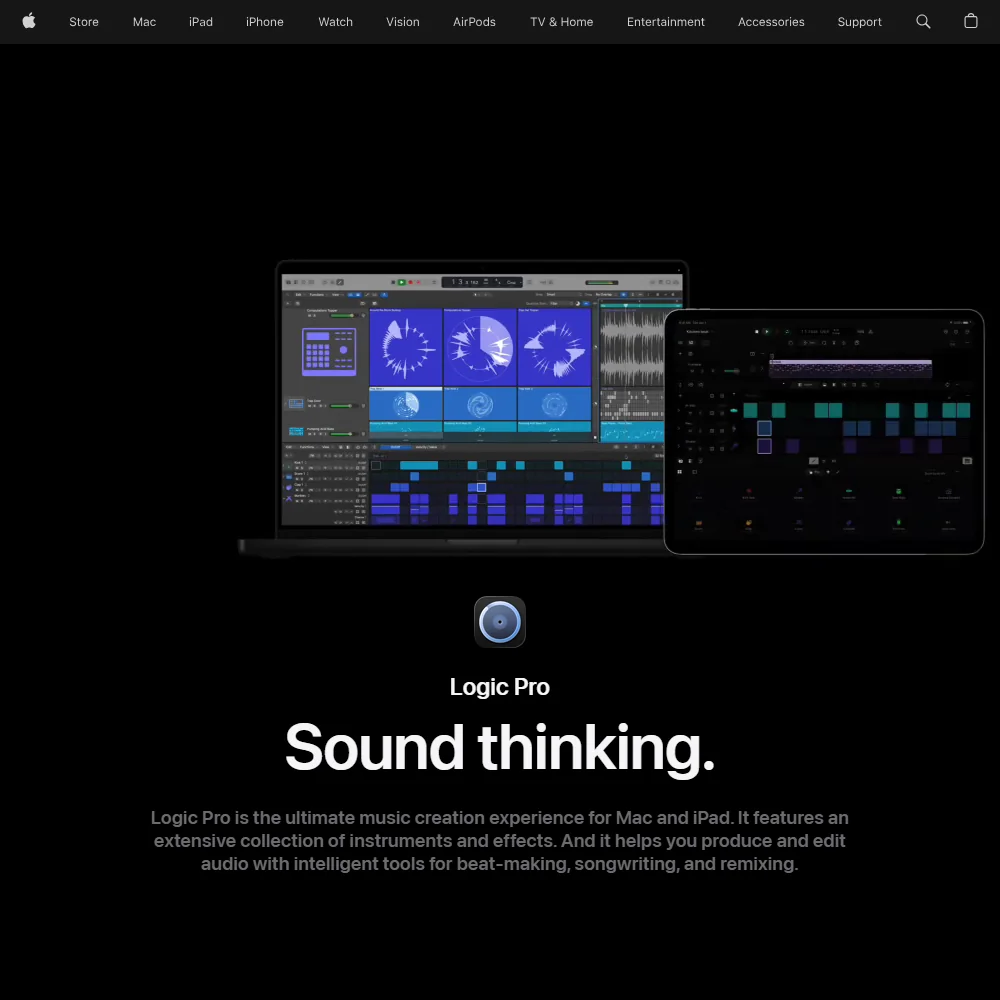
Logic Pro is the choice for a Mac musician who wants AI help while writing. Session Players play drum, bass, keyboard and synth parts to fit your song, Stem Splitter pulls apart drums, bass, vocals, guitar and piano, and Dolby Atmos mixing is built in, all bought once. The catch is the iPad: its full feature set needs the Apple Creator Studio subscription, and there is no real-time collaboration. GarageBand is the free step before it.
- Logic Pro for Mac is a one-time purchase, owned outright with no subscription required.
- Stem Splitter separates drums, bass, vocals, guitar and piano from a track for remixing or practice.
- Logic Pro for iPad's full feature set requires the separate Apple Creator Studio subscription bundle.
From $99Ableton Live fits electronic producers and performers who build tracks from clips and loops and play them live.
Show detailsHide details07 Ableton Live: Best for building tracks from clips and loops6.5Score 6.5 out of 10From $99Ableton Live fits electronic producers and performers who build tracks from clips and loops and play them live.Visit site ↗ReviewDetailsCloseShow more about Ableton Live
From $99
Ableton Live fits electronic producers and performers who build tracks from clips and loops and play them live.
Show detailsHide detailsAbleton Live: Best for building tracks from clips and loops
6.5Score 6.5 out of 10From $99Ableton Live fits electronic producers and performers who build tracks from clips and loops and play them live.Visit site ↗ReviewDetailsClose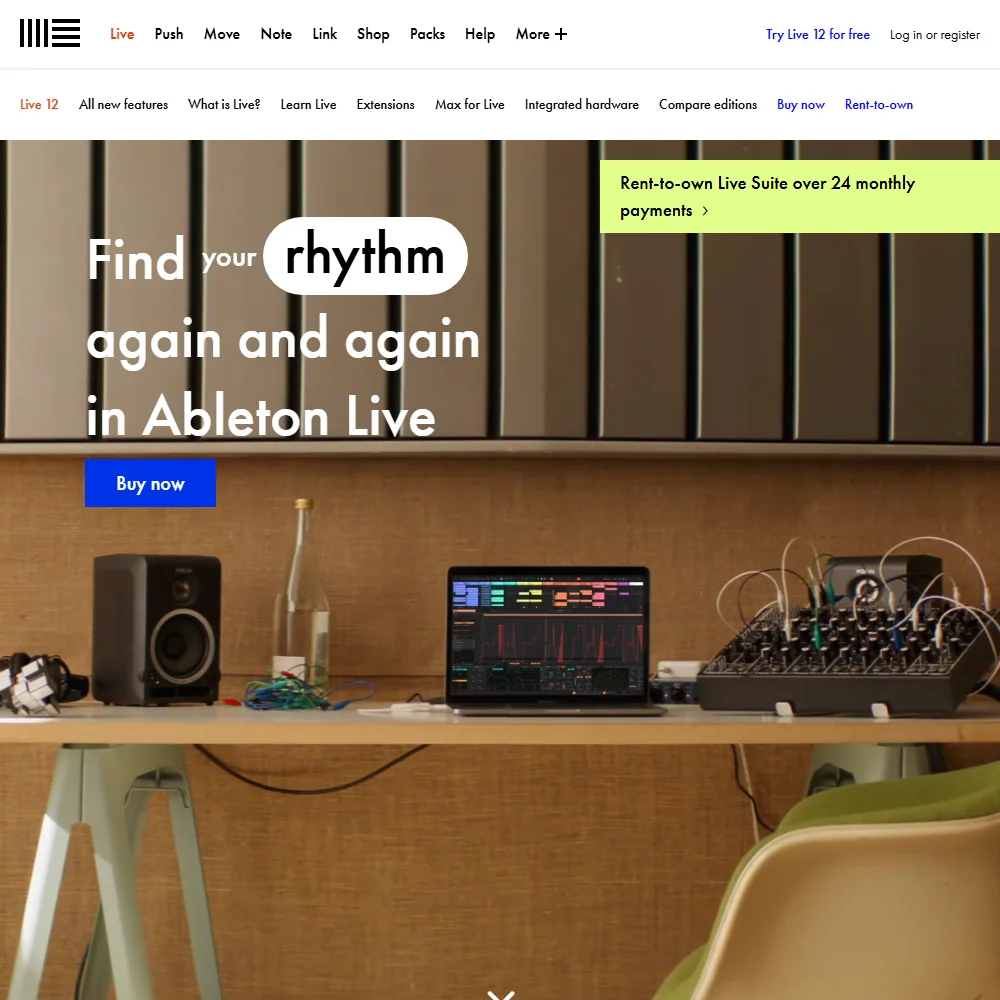
Ableton Live fits electronic producers and performers who build tracks from clips and loops and play them live. Auto Shift pitch correction comes in every edition, and Ableton Link syncs tempo across devices and apps. The catch is where the AI sits: Stem Separation and the Surround Panner are Suite features, there is no score view, and a project cannot be worked on by several people at once. Intro and Standard cost less. FL Studio is the pattern-based alternative.
- Sold as three one-time purchase editions rather than a subscription, so you own the software outright.
- Auto Shift gives real-time pitch tracking and correction for vocals, included in every edition.
- Stem Separation and the Surround Panner are only available in the Suite edition.
FreeStart with GarageBand if you own a Mac, iPhone or iPad and have not bought recording software yet.
Show detailsHide details08 GarageBand: Best for starting to record for free6.1Score 6.1 out of 10FreeStart with GarageBand if you own a Mac, iPhone or iPad and have not bought recording software yet.Visit site ↗ReviewDetailsCloseShow more about GarageBand
Free
Start with GarageBand if you own a Mac, iPhone or iPad and have not bought recording software yet.
Show detailsHide detailsGarageBand: Best for starting to record for free
6.1Score 6.1 out of 10FreeStart with GarageBand if you own a Mac, iPhone or iPad and have not bought recording software yet.Visit site ↗ReviewDetailsClose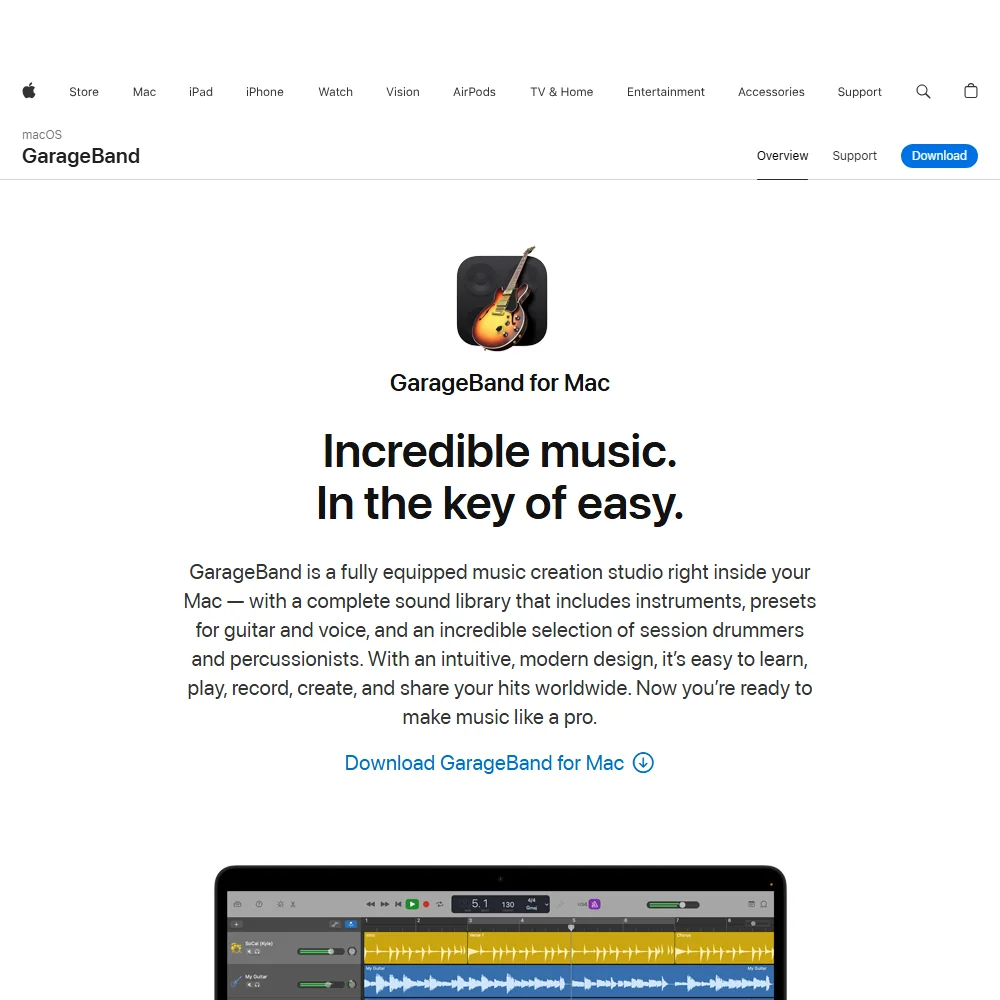
Start with GarageBand if you own a Mac, iPhone or iPad and have not bought recording software yet. It is free with no in-app purchases, and it includes Drummer, an AI session drummer with 28 drummers and three percussionists, plus a loop library, a score editor and pitch correction. The catch is what it leaves out: stem separation, surround or Atmos mixing and real-time collaboration. Logic Pro is the natural next step on a Mac.
- Entirely free on Mac, iPhone and iPad, with no paid tier or in-app purchase of any kind.
- Drummer, an AI session drummer, plays along with your song across 28 drummers and three percussionists in six genres.
- Has no surround or Atmos mixing.
From $60Reaper is for the musician who wants a full DAW without spending much and likes to tinker.
Show detailsHide details09 Reaper: Best for a low one-time price and scripting5.5Score 5.5 out of 10From $60Reaper is for the musician who wants a full DAW without spending much and likes to tinker.Visit site ↗ReviewDetailsCloseShow more about Reaper
From $60
Reaper is for the musician who wants a full DAW without spending much and likes to tinker.
Show detailsHide detailsReaper: Best for a low one-time price and scripting
5.5Score 5.5 out of 10From $60Reaper is for the musician who wants a full DAW without spending much and likes to tinker.Visit site ↗ReviewDetailsClose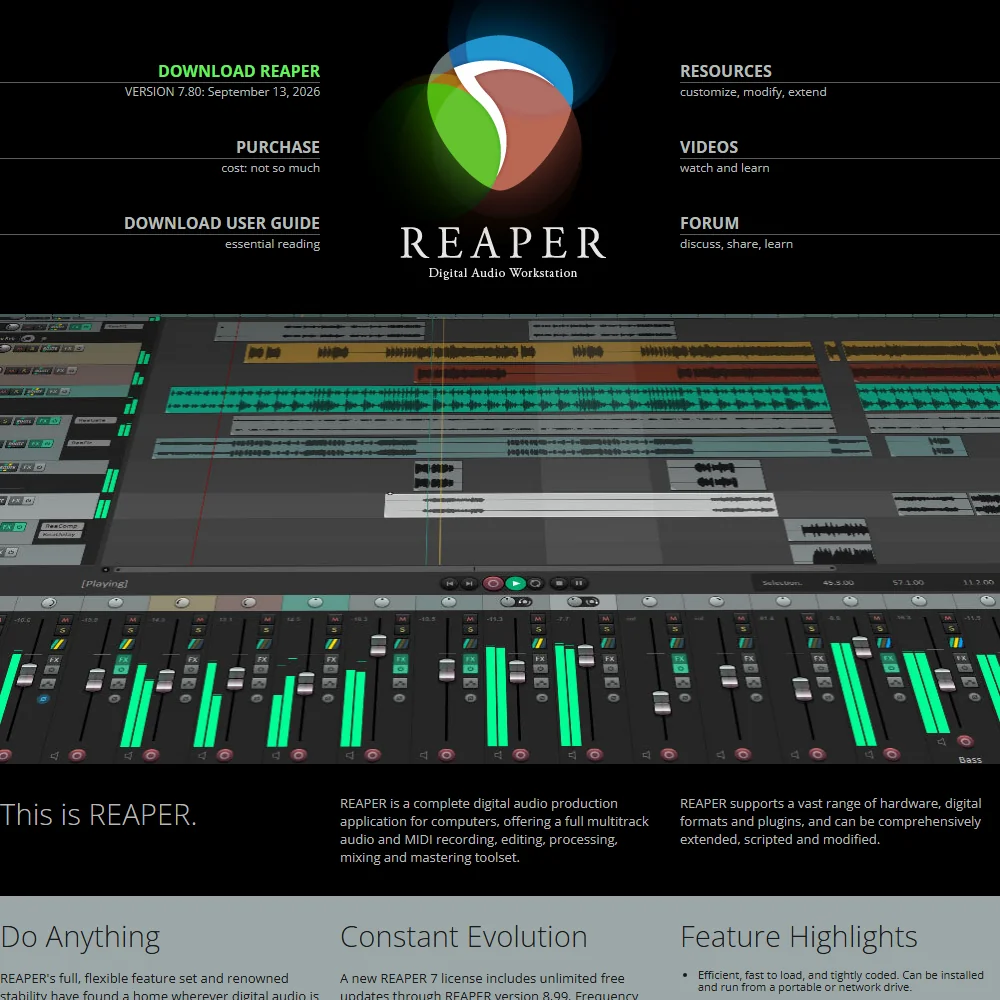
Reaper is for the musician who wants a full DAW without spending much and likes to tinker. The discounted license is $60 for individuals and for businesses grossing under $20,000 a year, the commercial license is $225, the evaluation runs 60 days and no account is needed. The ReaScript API lets you automate almost anything. The catch is that it ships no loop or sample library and has no AI stem separation or session players, so pair it with other tools.
- Sold as a low one-time licence, DRM-free, rather than a subscription.
- No registration or personal details are required to download or evaluate it.
- Ships no built-in library of loops or samples to build tracks from.
From $99free planFL Studio is built for beat makers who want to try everything before paying. The download is fully functional forever with no audio watermark, and you buy an edition when you want to reopen saved projects.
Show detailsHide details10 FL Studio: Best for beat making with lifetime updates5.3Score 5.3 out of 10From $99free planFL Studio is built for beat makers who want to try everything before paying. The download is fully functional forever with no audio watermark, and you buy an edition when you want to reopen saved projects.Visit site ↗ReviewDetailsCloseShow more about FL Studio
From $99free plan
FL Studio is built for beat makers who want to try everything before paying. The download is fully functional forever with no audio watermark, and you buy an edition when you want to reopen saved projects.
Show detailsHide detailsFL Studio: Best for beat making with lifetime updates
5.3Score 5.3 out of 10From $99free planFL Studio is built for beat makers who want to try everything before paying. The download is fully functional forever with no audio watermark, and you buy an edition when you want to reopen saved projects.Visit site ↗ReviewDetailsClose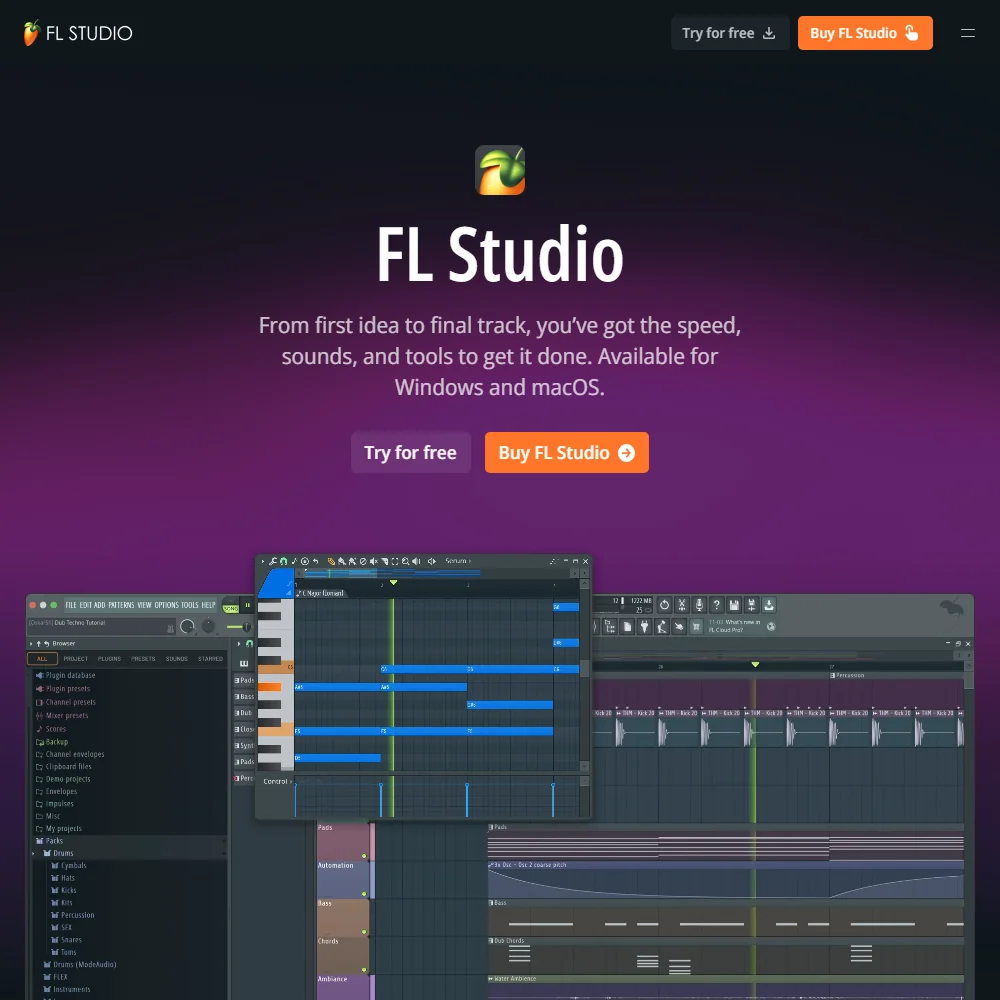
FL Studio is built for beat makers who want to try everything before paying. The download is fully functional forever with no audio watermark, and you buy an edition when you want to reopen saved projects. Updates are free for life, and the Producer edition adds audio recording and stem separation. The catch is that Fruity lacks both, and Newtone pitch correction waits for the Signature Bundle. Ableton Live suits clip-based work better.
- Sold as one-time purchase editions with Lifetime Free Updates rather than a subscription.
- The download is fully functional forever, with every instrument and effect unlocked and no audio watermark.
- A saved project file cannot be reopened again until an edition is purchased.
Best AI tools for cleaning up and mastering audio
3 picksCleanup tools fix a recording before you mix it: hiss, hum, clicks and room noise. iZotope RX is the deepest, with modules for hum, wind and rustle removal that load inside most DAWs, though its Advanced edition is a four-figure one-time price, and iZotope also sells Ozone mastering suites. Adobe Audition covers noise reduction, click and pop repair and broadcast loudness on a subscription. Audacity is free, has noise reduction and loudness normalization built in, and runs Whisper transcription on your own computer. Choose Audacity to start, Audition if you work in Adobe apps, and RX for stubborn faults.
#ToolScorePriceWhy pick it
FreeAudacity is the place to start when you want to record, edit and clean up audio without paying.
Show detailsHide details11 Audacity: Best for free recording cleanup and editing8.5Score 8.5 out of 10FreeAudacity is the place to start when you want to record, edit and clean up audio without paying.Visit site ↗ReviewDetailsCloseShow more about Audacity
Free
Audacity is the place to start when you want to record, edit and clean up audio without paying.
Show detailsHide detailsAudacity: Best for free recording cleanup and editing
8.5Score 8.5 out of 10FreeAudacity is the place to start when you want to record, edit and clean up audio without paying.Visit site ↗ReviewDetailsClose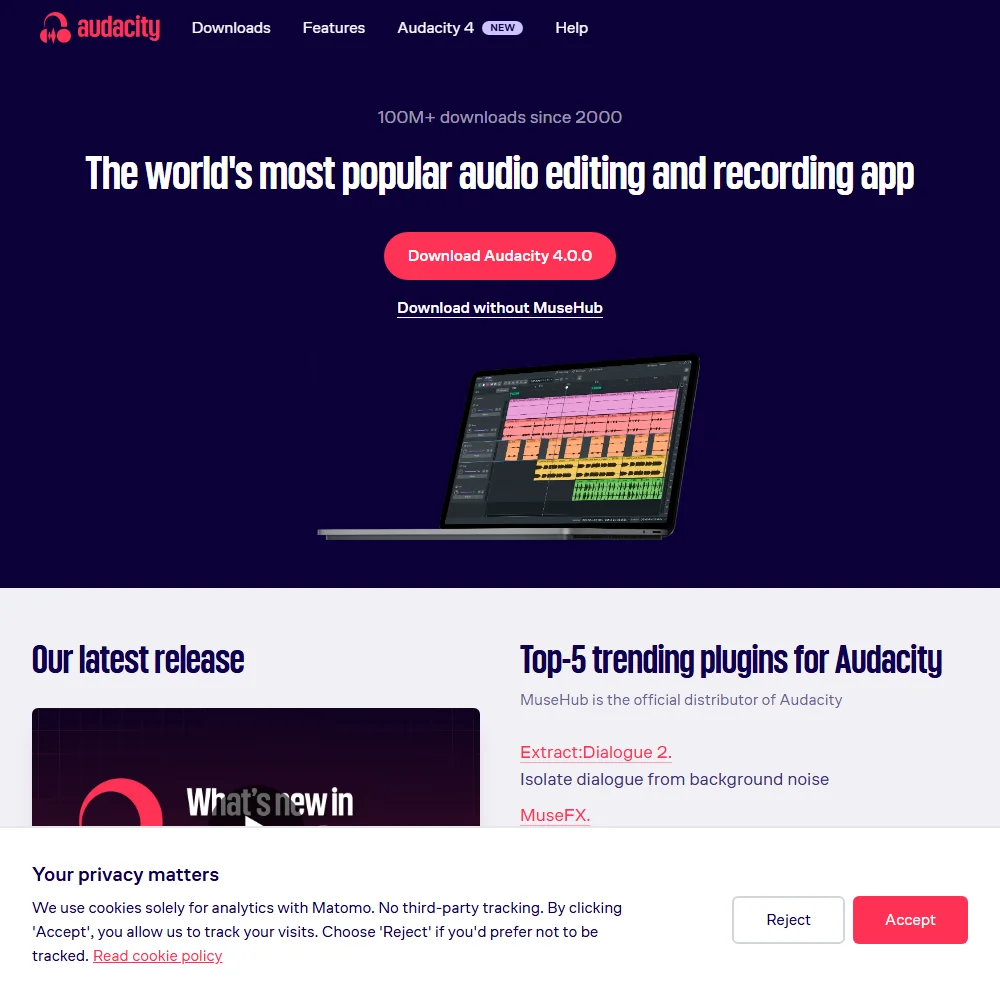
Audacity is the place to start when you want to record, edit and clean up audio without paying. It is free and open source, needs no account, and has multitrack editing, spectral editing, noise reduction and loudness normalization built in, with Whisper transcription running on your computer. The catch is that stem separation and dialogue isolation are separate free plugins from MuseHub, and a video file gives you its audio track and no picture.
- Free forever, open source, and needs no account to run.
- Multitrack editing, spectral editing, noise reduction and loudness normalization all built in.
- Pulls the audio track out of a video file but cannot display, edit or export back into the video picture.
From $22.99Audition makes sense if you already work in Adobe apps. It combines multitrack, waveform and spectral editing with noise reduction and click and pop repair, connects directly to Premiere Pro and After Effects, and its Video Panel helps if you score picture.
Show detailsHide details12 Adobe Audition: Best for spectral repair and broadcast loudness6.0Score 6.0 out of 10From $22.99Audition makes sense if you already work in Adobe apps. It combines multitrack, waveform and spectral editing with noise reduction and click and pop repair, connects directly to Premiere Pro and After Effects, and its Video Panel helps if you score picture.Visit site ↗ReviewDetailsCloseShow more about Adobe Audition
From $22.99
Audition makes sense if you already work in Adobe apps. It combines multitrack, waveform and spectral editing with noise reduction and click and pop repair, connects directly to Premiere Pro and After Effects, and its Video Panel helps if you score picture.
Show detailsHide detailsAdobe Audition: Best for spectral repair and broadcast loudness
6.0Score 6.0 out of 10From $22.99Audition makes sense if you already work in Adobe apps. It combines multitrack, waveform and spectral editing with noise reduction and click and pop repair, connects directly to Premiere Pro and After Effects, and its Video Panel helps if you score picture.Visit site ↗ReviewDetailsClose
Audition makes sense if you already work in Adobe apps. It combines multitrack, waveform and spectral editing with noise reduction and click and pop repair, connects directly to Premiere Pro and After Effects, and its Video Panel helps if you score picture. The catch is a subscription with no way to buy outright, an Adobe ID plus an internet connection to activate it, and a 7-day trial instead of a free plan. Audacity costs nothing.
- Combines multitrack, waveform and spectral editing with a Video Panel that syncs picture to the timeline while mixing.
- Noise Reduction and Restoration effects cover hiss, hum, reverb and click and pop repair in one suite.
- Sold by subscription, with no one-time purchase or perpetual license option.
From $1,399iZotope RX is for engineers fixing recordings that other tools cannot save. It has modules for spectral, voice, guitar, hum, wind and rustle noise, loads as a plugin in Pro Tools, Logic Pro, Cubase and more or runs standalone, and processes audio on your own machine.
Show detailsHide details13 iZotope: Best for repairing difficult audio in your DAW5.0Score 5.0 out of 10From $1,399iZotope RX is for engineers fixing recordings that other tools cannot save. It has modules for spectral, voice, guitar, hum, wind and rustle noise, loads as a plugin in Pro Tools, Logic Pro, Cubase and more or runs standalone, and processes audio on your own machine.Visit site ↗ReviewDetailsCloseShow more about iZotope
From $1,399
iZotope RX is for engineers fixing recordings that other tools cannot save. It has modules for spectral, voice, guitar, hum, wind and rustle noise, loads as a plugin in Pro Tools, Logic Pro, Cubase and more or runs standalone, and processes audio on your own machine.
Show detailsHide detailsiZotope: Best for repairing difficult audio in your DAW
5.0Score 5.0 out of 10From $1,399iZotope RX is for engineers fixing recordings that other tools cannot save. It has modules for spectral, voice, guitar, hum, wind and rustle noise, loads as a plugin in Pro Tools, Logic Pro, Cubase and more or runs standalone, and processes audio on your own machine.Visit site ↗ReviewDetailsClose
iZotope RX is for engineers fixing recordings that other tools cannot save. It has modules for spectral, voice, guitar, hum, wind and rustle noise, loads as a plugin in Pro Tools, Logic Pro, Cubase and more or runs standalone, and processes audio on your own machine. You keep the license. The catch is price: RX 12 Advanced is $1,399 one time, and the $99 Elements edition leaves out modules such as Trim Silence. Audacity handles simple jobs for nothing.
- RX 12 Advanced's modules cover spectral, voice, guitar, hum, wind and rustle noise removal for repairing a wide range of unwanted sound.
- Trim Silence, Scene Rebalance, Multichannel Processing and Multiple Speaker Detection are included alongside the full module set on the Advanced tier.
- RX has no automatic filler word removal; Mouth De-click only strips clicks and lip smacks, not spoken "um"s and "ah"s.
Best AI tools for music videos and cover art
3 picksThese tools turn a prompt or a still image into moving visuals and cover art. Kling AI generates clips of up to 15 seconds with sound, lip sync and named camera moves. Higgsfield puts Kling, Veo, Seedance and several image models on one credit account. Adobe Firefly makes images, video and audio in a web app that also reaches other companies' models, and states that it will not train on your content by default. Free plans mark or ration output: Kling's has a watermark and 720p, and Higgsfield's has a watermark on every generation. Choose by whether you want one model, many models or cover art next to your Adobe apps.
#ToolScorePriceWhy pick it
From $19free planHiggsfield is worth a look when you do not yet know which video model suits your song. One credit account reaches Kling 3.0, Veo 3.1, Seedance 2.0 and several image models, and an agent can plan a job from a plain description.
Show detailsHide details14 Higgsfield: Best for trying many video models at once9.0Score 9.0 out of 10From $19free planHiggsfield is worth a look when you do not yet know which video model suits your song. One credit account reaches Kling 3.0, Veo 3.1, Seedance 2.0 and several image models, and an agent can plan a job from a plain description.Visit site ↗ReviewDetailsCloseShow more about Higgsfield
From $19free plan
Higgsfield is worth a look when you do not yet know which video model suits your song. One credit account reaches Kling 3.0, Veo 3.1, Seedance 2.0 and several image models, and an agent can plan a job from a plain description.
Show detailsHide detailsHiggsfield: Best for trying many video models at once
9.0Score 9.0 out of 10From $19free planHiggsfield is worth a look when you do not yet know which video model suits your song. One credit account reaches Kling 3.0, Veo 3.1, Seedance 2.0 and several image models, and an agent can plan a job from a plain description.Visit site ↗ReviewDetailsClose
Higgsfield is worth a look when you do not yet know which video model suits your song. One credit account reaches Kling 3.0, Veo 3.1, Seedance 2.0 and several image models, and an agent can plan a job from a plain description. Starter removes the free account's watermark. The catch is that credits are spent per generation, so Starter buys a handful of videos, and by default your content can train its models unless you delete it.
- Kling 3.0, Veo 3.1, Seedance 2.0, Nano Banana Pro, GPT Image 2 and Flux 2 are all on the account alongside Higgsfield's own Soul models.
- Seedance 2.0 generates synchronized dialogue and sound in the same pass as the video.
- Every generation on the free account carries a visible watermark.
From $8.80free planKling AI is the video generator to try first when a music video clip needs picture, sound and lip sync generated together.
Show detailsHide details15 Kling AI: Best for short clips with sound and lip sync8.9Score 8.9 out of 10From $8.80free planKling AI is the video generator to try first when a music video clip needs picture, sound and lip sync generated together.Visit site ↗ReviewDetailsCloseShow more about Kling AI
From $8.80free plan
Kling AI is the video generator to try first when a music video clip needs picture, sound and lip sync generated together.
Show detailsHide detailsKling AI: Best for short clips with sound and lip sync
8.9Score 8.9 out of 10From $8.80free planKling AI is the video generator to try first when a music video clip needs picture, sound and lip sync generated together.Visit site ↗ReviewDetailsClose
Kling AI is the video generator to try first when a music video clip needs picture, sound and lip sync generated together. Clips run up to 15 seconds, with start and end frames, multi-shot storyboards and named camera moves, and the free plan gives daily credits at 720p with a watermark. The catch is that Standard's 660 monthly credits make about five ten-second 1080p clips with audio, and Kling's terms let it train on what you make. Higgsfield reaches Kling too.
- Kling VIDEO 3.0 generates sound, speech and lip sync together with the picture, in English, Chinese, Japanese, Korean and Spanish.
- Start and end frames, multi-shot storyboards and element references give close control over each shot.
- Standard's 660 monthly credits make about five ten-second 1080p clips with audio, or about eight without.
From $9.99free planAdobe Firefly suits musicians who need cover art and visuals and already use Photoshop or Express.
Show detailsHide details16 Adobe Firefly: Best for cover art inside Adobe apps8.1Score 8.1 out of 10From $9.99free planAdobe Firefly suits musicians who need cover art and visuals and already use Photoshop or Express.Visit site ↗ReviewDetailsCloseShow more about Adobe Firefly
From $9.99free plan
Adobe Firefly suits musicians who need cover art and visuals and already use Photoshop or Express.
Show detailsHide detailsAdobe Firefly: Best for cover art inside Adobe apps
8.1Score 8.1 out of 10From $9.99free planAdobe Firefly suits musicians who need cover art and visuals and already use Photoshop or Express.Visit site ↗ReviewDetailsClose
Adobe Firefly suits musicians who need cover art and visuals and already use Photoshop or Express. It generates images, video and audio, reaches Adobe's own models alongside ones from Google, OpenAI, Kling and Black Forest Labs, and Adobe does not train on your content by default. The free plan gives limited daily generations. The catch is that every paid plan is an annual commitment billed monthly, and the Text to Image tool has no seed or negative-prompt field.
- The free plan gives limited daily generations across image, video and audio models at no cost.
- Adobe will not use your content to train its models, except content you choose to submit to Adobe Stock, which is opt-in.
- No paid plan has a true month-to-month price; every one is an annual commitment paid in monthly instalments.
How to choose AI tools for musicians
Music tools look alike on their home pages and hand you very different rights. Song generators ration credits and decide who owns the result, background music tools sell a license, recording programs are bought once or free, and video tools meter seconds of footage. What you need depends on whether you release what you make, whether you play and record real instruments, and whether you also make video. This guide matches each job to the tools on this page, then covers free plans, where they stop, privacy and when paying is worth it.
Start with the job, not the tool
A finished release passes through several jobs, and no single tool on this page does all of them.
- Writing a song. Getting a draft with vocals and lyrics from a prompt. Suno and Mureka are built for it and assign ownership on paid plans, while Udio is for personal listening.
- Background music. Instrumental tracks for videos, streams and podcasts. SOUNDRAW licenses tracks built from a genre and mood, and AIVA composes pieces you can start from your own audio or MIDI.
- Recording and production. Where parts are recorded, arranged and mixed. Logic Pro, Ableton Live, GarageBand, Reaper and FL Studio are all programs you install, and several include AI session players or stem separation.
- Cleanup and mastering. Fixing noise and getting a track ready to release. Audacity, Adobe Audition and iZotope RX repair audio, and iZotope also sells Ozone for mastering.
- Visuals. Cover art and music video clips. Kling AI, Higgsfield and Adobe Firefly generate them.
The table shows where to start on any budget.
| Job | Free | Worth paying for |
|---|---|---|
| Songs from a prompt | Suno free plan, 50 credits a day, personal use | Suno Pro at $8 a month ($6.40 billed yearly), or Mureka Pro at $8 a month billed yearly |
| Background music | AIVA free plan, 3 downloads a month with a credit to AIVA | SOUNDRAW Creator at $19.99 a month ($16.99 billed yearly) |
| Recording and production | GarageBand on Apple devices, or the FL Studio free download | Reaper at $60 once, or Logic Pro at $199.99 once on a Mac |
| Cleanup and mastering | Audacity | Adobe Audition at $22.99 a month billed yearly, or iZotope RX Elements at $99 once |
| Cover art and video clips | Adobe Firefly free daily generations, or Kling AI daily credits with a watermark | Kling AI Standard at $8.80 a month, or Adobe Firefly Standard |
Free plans cannot give you rights to release a generated song, downloads of finished background music, or video without a watermark. Pay first for whichever of those you need, which for most musicians is the song generator's paid plan or the background music license, and leave the visuals until the music is done.
What the free plans actually give you
Each kind of tool rations something different, so one free plan lasts a month and another lasts an afternoon.
- Song generators. Suno gives 50 credits a day on its free model, with no commercial rights, no stems and no downloads. Udio gives 10 credits a day and 100 a month, up to 3 full-length songs a day, and no downloads on any tier. Mureka's free songs are non-commercial and need a credit to Mureka. In a normal week that is enough to draft ideas, not to release them.
- Background music. SOUNDRAW lets you generate and preview tracks without limit but not download them. AIVA gives 3 downloads a month in MP3 and MIDI, tracks up to 3 minutes, no monetization and a credit to AIVA.
- Recording programs. GarageBand is entirely free. FL Studio's download is fully functional forever with no watermark, but a saved project cannot be reopened until you buy an edition. Reaper offers a 60-day evaluation with every feature, and Ableton Live offers a 30-day trial of Suite after which you can open Sets but not save or export. Logic Pro has no free plan.
- Cleanup tools. Audacity is free with no paid tier. Adobe Audition has a 7-day trial and iZotope RX a time-limited trial, and neither has a free plan.
- Video and image tools. Kling AI gives daily credits at 720p with a watermark. Higgsfield's free account works but watermarks every generation and runs one job at a time. Adobe Firefly gives limited daily generations across image, video and audio.
Which tools fit which musician
- A songwriter sketching ideas. Start with Suno, because its free plan renews 50 credits a day and takes your own lyrics and audio. Add GarageBand or Audacity to record your own parts over the draft.
- An artist releasing AI-assisted songs. Start with Mureka or Suno on a paid plan, because both assign ownership of what you generate. Add Mureka Premier when you need stems and MIDI for a mix in your recording program.
- A video creator or streamer who needs music. Start with SOUNDRAW Creator, because it covers commercial use on YouTube and client work. Add Kling AI when you want custom footage to go with the track.
- A composer. Start with AIVA, because it takes an audio or MIDI file as an influence and hands you copyright on Pro. Add Logic Pro or Reaper to arrange and mix the pieces.
- A beginner on Apple devices. Start with GarageBand, because it is free and includes Drummer. Add Logic Pro on a Mac when you want Session Players and Stem Splitter.
- A beat maker or live electronic performer. Start with FL Studio for patterns or Ableton Live for clips and loops. Add Audacity or iZotope RX when a recording needs repair.
A typical track step by step
- Sketch the idea. Draft a version with Suno or Mureka, or record a rough take in GarageBand. Both generators accept your own lyrics.
- Build the arrangement. Open Logic Pro, Ableton Live, FL Studio or Reaper and lay out the song. Logic Pro Session Players and GarageBand Drummer can supply drum, bass and keyboard parts.
- Record real parts. Capture vocals and instruments in your recording program. Ableton Live's Auto Shift or GarageBand's pitch correction can tune a vocal.
- Split a reference into parts. Pull stems from a generated or finished track with Suno, Mureka Premier, Logic Pro's Stem Splitter, Ableton Live Suite or FL Studio Producer. Audacity can do it with a free plugin.
- Clean the audio. Remove hiss and hum with Audacity, Adobe Audition or iZotope RX.
- Master the track. Even out loudness with Audition's Match Loudness or Audacity's normalization, or step up to an Ozone mastering suite from iZotope.
- Make the cover art and a video clip. Generate art with Adobe Firefly and clips with Kling AI, or try several video models in Higgsfield.
- Check the license before release. Make sure the plan behind every generated element allows commercial use.
Where free plans stop
| Limit | Tools | What happens when you hit it |
|---|---|---|
| Daily or monthly credits | Suno (50 a day), Udio (10 a day, 100 a month), Kling AI (daily), Adobe Firefly (daily) | You wait for the reset or move to a paid plan |
| Download caps | AIVA (3 a month), SOUNDRAW (none on free) | You cannot export more until you subscribe |
| Non-commercial output | Suno, Mureka and AIVA free plans, every Udio plan | You cannot release or monetize what you made |
| Watermarks and size | Kling AI (720p, watermark), Higgsfield (watermark, one job at a time) | Footage stays marked until you pay |
| Time-limited trials | Reaper (60 days), Ableton Live (30 days), Adobe Audition (7 days), iZotope RX | The trial ends and you must buy to keep working |
| Locked projects | FL Studio free download | A saved project cannot be reopened until you buy an edition |
Credits reward planning: write the lyrics and the style notes first, then spend a day's allowance on one careful prompt instead of many loose ones. A download cap or a watermark is simpler, because nothing from that plan should go out under your name. Use free plans to decide which tool fits your music, then pay for the one that blocks your release.
Privacy and who sees your music
Unreleased demos and lyrics are your work, so check how a tool treats uploads. Several tools state a policy, and the programs you install keep audio on your own machine.
| Stated policy | Tools |
|---|---|
| Trains on your prompts and output | Suno (no opt-out described), Udio, Kling AI (no opt-out described) |
| Can train on your content unless you delete it | Higgsfield |
| Does not train on your content | Adobe Firefly (content you submit to Adobe Stock is opt-in), Adobe Audition (Creative Cloud does not train on personal content), FL Studio's FL Cloud |
| Works on your own computer | Audacity, iZotope RX, Reaper, GarageBand |
Keep unreleased demos out of the first two rows and in the last two, and read the license for every generated element before it appears on a release. SOUNDRAW trains its AI on music it produces in-house, so tracks you post avoid copyright claims.
Mistakes to avoid
- Releasing a song made on a free plan. Suno, Mureka and AIVA free plans keep output non-commercial, and AIVA's also forbids monetization. Subscribe before the song goes to streaming services.
- Treating Udio as a release tool. Every Udio plan restricts output to personal use, blocks downloads and keeps ownership with Udio. Use Suno or Mureka for anything you plan to publish.
- Confusing a license with ownership. SOUNDRAW grants a non-exclusive license on every plan, and AIVA's Standard plan leaves copyright with AIVA. Choose AIVA Pro or a generator that assigns ownership when you need to own the music.
- Buying the wrong edition. Ableton Live's Stem Separation is in Suite only, FL Studio's stem separation and audio recording start at Producer, and Logic Pro's iPad features need a subscription. Check the edition before you pay.
- Uploading unreleased demos to a service that trains on them. Suno, Udio, Kling AI and Higgsfield can train on what you submit. Keep early work in Audacity, GarageBand or another installed program.
When it is worth paying
You have outgrown a free plan when you plan your work around its limit. Holding back a finished song because of a license, skipping a video because of a watermark or avoiding a longer track because of a download cap are all signs.
| If you are | Upgrade to | What changes |
|---|---|---|
| Releasing generated songs | Suno Pro or Mureka Pro | Ownership and commercial rights; Suno Pro adds 2,500 credits a month and stems, and Mureka Pro adds editing and reference-track uploads with MP3 downloads |
| Needing stems and MIDI | Mureka Premier | WAV downloads, up to twelve stems, MIDI and DAW session downloads, 20,000 Gold a month |
| Scoring videos or streams | SOUNDRAW Creator | Unlimited downloads and commercial use across YouTube, client work and more |
| Composing instrumentals | AIVA Pro | Copyright, unrestricted monetization, WAV export and tracks to 5 minutes 30 seconds |
| Producing on a Mac | Logic Pro | Session Players, Stem Splitter and Dolby Atmos for a $199.99 one-time price |
| Making beats | FL Studio Producer | Audio recording and stem separation at $179 once |
| Cutting video clips | Kling AI Standard | 660 credits a month, with a first month at $6.99 |
Billing changes the price. Suno Pro is $8 monthly and $6.40 billed yearly, SOUNDRAW Creator is $19.99 monthly and $16.99 billed yearly, and Mureka Pro is $8 billed yearly. Adobe Audition's $22.99 is billed yearly, every Adobe Firefly paid plan is an annual commitment billed monthly, and Higgsfield Starter costs $19 a month either way. Udio offers a 7-day trial of paid features, Ableton Live a 30-day trial and Reaper a 60-day evaluation, so you can test before you commit. Software you buy once, such as Logic Pro, Reaper and FL Studio, costs less over several years than a subscription.
How we picked
Every tool here is ranked by its score, and each score is worked out from the vendor’s own published pages: pricing, plans, features and terms. No score is adjusted by hand. All 16 tools have enough published facts to be scored, and on average 89% of each score comes from facts the vendor publishes. The facts behind these scores were checked between 19 September 2026 and 27 September 2026.
Scores compare tools that do the same job, which is why the list is grouped by job: a video editor and a grammar checker are never ranked against each other.
| Ranked as | On this page | What we score | Scoring guide |
|---|---|---|---|
| AI music generators5 reviewed | 5 | 4 criteria, 16 checked facts: what you can make, workflow and output, pricing and rights, privacy and trust | How we score these → |
| Music production apps (DAWs)6 reviewed | 5 | 4 criteria, 17 checked facts: what it adds beyond the basics, workflow and output, pricing, privacy and trust | How we score these → |
| Audio editors3 reviewed | 2 | 4 criteria, 17 checked facts: what it adds beyond the basics, workflow and output, pricing, privacy and trust | How we score these → |
| Audio cleanup tools4 reviewed | 1 | 4 criteria, 20 checked facts: what it fixes, workflow and output, pricing, privacy and trust | How we score these → |
| Multi-model AI platforms14 reviewed | 1 | 5 criteria, 28 checked facts: for video, for images, pricing, workflow and teams, privacy and trust | How we score these → |
| AI video generators9 reviewed | 1 | 5 criteria, 27 checked facts: what it can generate, pricing, resolution and watermarks, voice, privacy and platforms | How we score these → |
| AI image generators7 reviewed | 1 | 5 criteria, 26 checked facts: what it makes, control and automation, rights and privacy, pricing, openness and support | How we score these → |
Common questions
Which AI song generator lets me take parts into my own recording program?
Suno and Mureka both offer stem separation on paid plans, which you import into a DAW. Suno exports up to 12 WAV stems, and Mureka Premier adds up to twelve stems with MIDI and DAW session downloads. Udio disables downloads of audio, video and stems on every tier, so nothing leaves the app.
Can an AI tool write the lyrics as well as the music?
Suno and Mureka both generate lyrics and accept your own, and Udio takes lyrics you supply. SOUNDRAW and AIVA produce instrumental music only, with no vocals or lyrics. If words matter to you, write them yourself and give them to the generator, or use an instrumental tool and record your own vocal in a recording program.
Is a one-time purchase or a subscription cheaper for music software?
Over a few years, a one-time purchase usually costs less. Reaper is $60 or $225, Logic Pro $199.99, Ableton Live $99 to $749 by edition, and FL Studio $99 to $449. Adobe Audition at $22.99 a month billed yearly adds up to about $276 a year, so it pays off mainly when you use other Adobe apps too.
Can I post AI video clips with my music online?
Kling AI, Higgsfield and Adobe Firefly all list commercial rights, but free Kling AI and Higgsfield output carries a watermark, which Higgsfield removes from Starter. Check the plan before you upload a release video, and remember that Kling's terms let it train on what you create.
Which tools keep working after a trial ends?
Audacity and GarageBand are free for good, and FL Studio's download never expires but will not reopen saved projects until you buy. Ableton Live lets you open Sets after its 30-day trial but not save or export. Reaper's 60-day evaluation has no restrictions during the period, and Audition's 7-day trial needs a subscription afterward.