Yaps is a dictation, transcription, translation and voice-cloning toolkit built around processing on your own device rather than in the cloud. What it can do for you splits sharply by plan: the free tier is a limited mobile app, and the fuller desktop toolkit sits behind Pro.
What is Yaps?
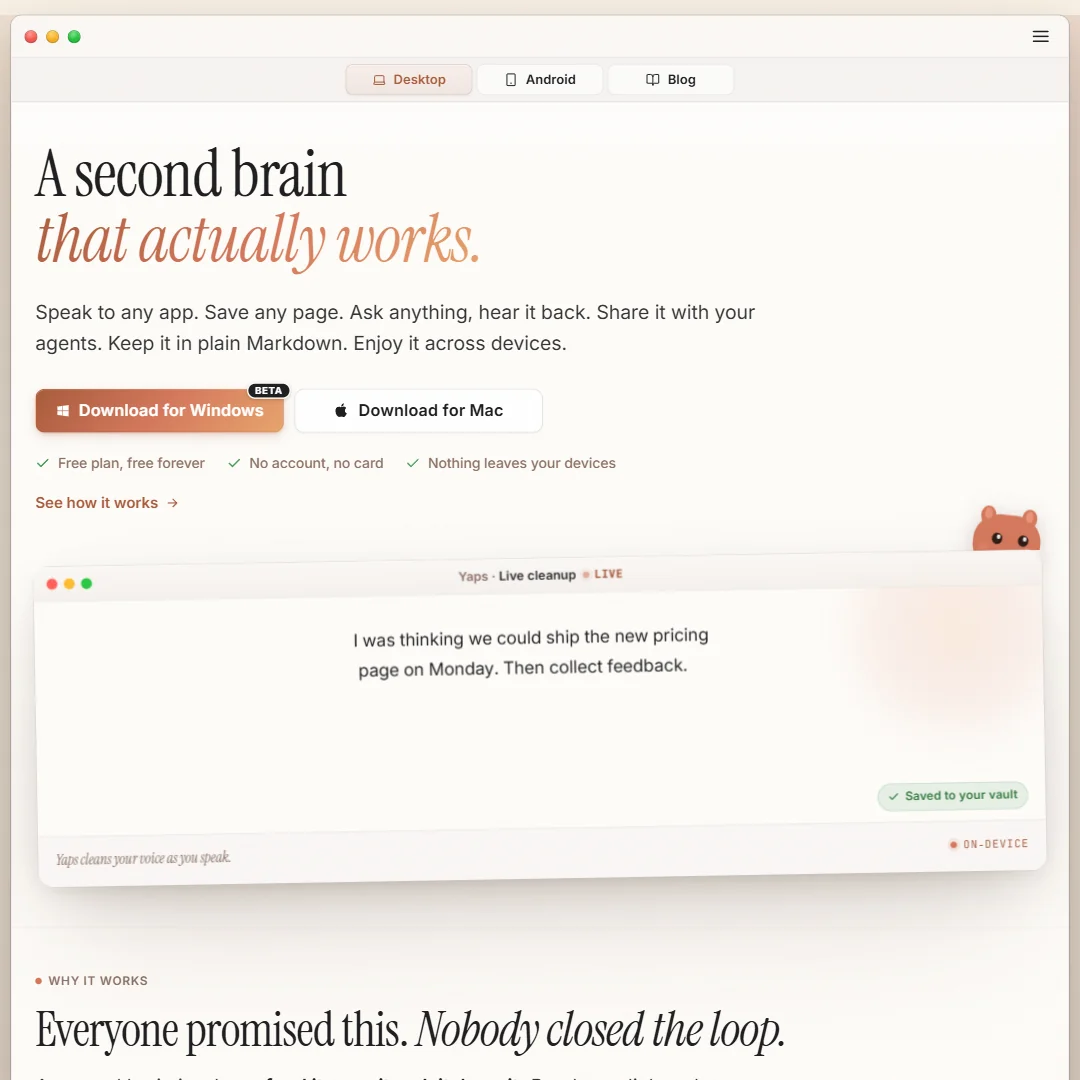
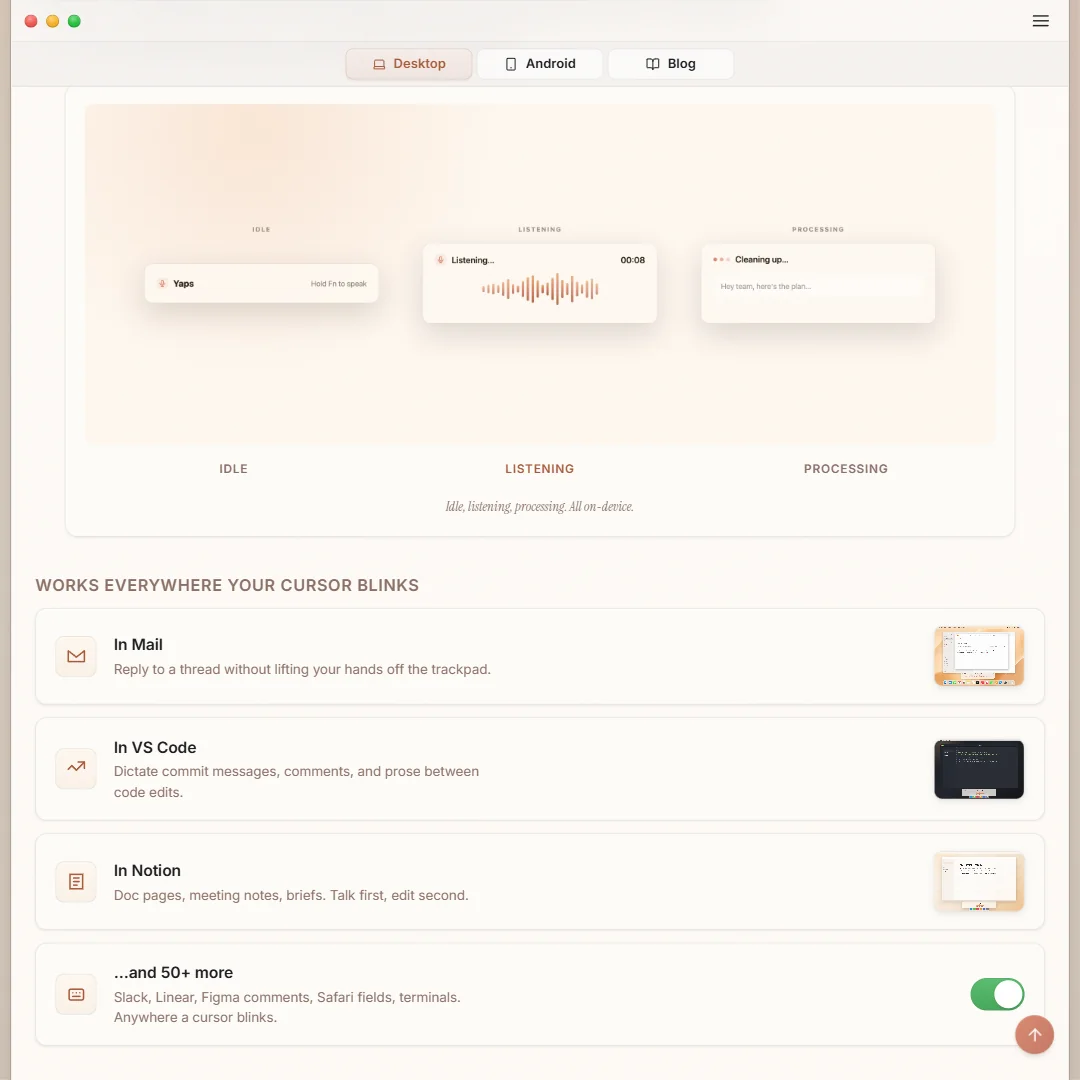
Yaps runs as native apps for Windows, macOS, iPhone, iPad and Android, plus a browser-based web studio and a Chrome extension for saving pages. Its core dictation, transcription and translation work happens on the device itself rather than being sent to a cloud AI service; only signing in, billing and syncing between devices need an internet connection.
What you get from a recording
Dictation is multilingual and auto-detects around 25 languages, with no menu needed to set one first. You hold a shortcut and speak, and the text appears as you talk, which covers live dictation rather than capturing a separate meeting or call. On the Pro plan, speaker identification is available on Windows and macOS, so a recording with more than one voice can be labeled by speaker.
There is no synced, click-to-correct transcript editor: the Studio's waveform view is for previewing audio it generates from typed text, and Voice Notes keeps only the resulting text rather than the original recording. Translation is a desktop feature that works on notes, a selected paragraph or a subtitle file, with a Standard pack covering 28 languages and an Extended pack covering 53, both downloaded once and then usable offline. Subtitle export produces SRT files alongside generated audio, and existing SRT files can be translated with their timing kept intact. Yaps does not generate summaries, show notes, blog posts or social copy from what you dictate or transcribe, and it does not cut clips.
Working with other people
There is no public developer API and no named third-party integrations. Yaps is available on web, Windows, macOS, iOS and Android. There is no shared team workspace: each account's vault is kept local, and even the Enterprise tier is described only as volume licensing and centralized billing for many individual accounts, not a shared space to collaborate in.
Yaps pricing: what each plan gives
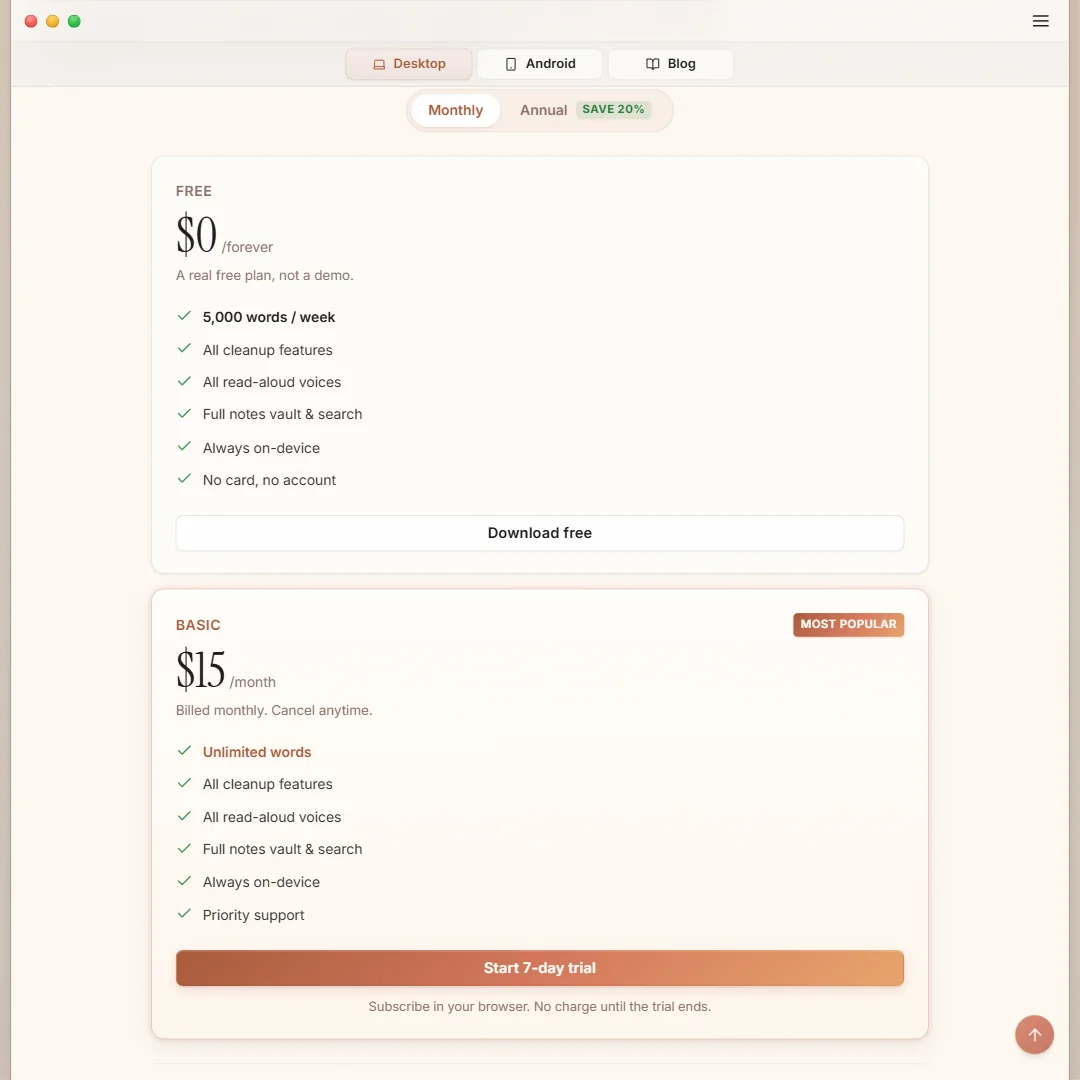
The free plan costs nothing and needs no account or card. It is mobile only, on Android, iPhone and iPad, with voice typing in apps, voice notes with local search, and read-aloud limited to two voices.
Pro costs $15 a month, or $12 a month billed yearly, and comes with a 7-day free trial. It covers unlimited dictation, read-aloud, transcription of audio and video files, and unlimited video captioning exported as SRT, along with the Studio editor, vault sync, translation and voice cloning that the free tier does not include. Enterprise is available by custom quote for teams, adding volume licensing and centralized billing.
Privacy and support
Its privacy policy sets out rights under GDPR, CCPA or similar rules depending on where someone is located, including a right to request a copy of the personal data it holds. Support runs through email and a help center with frequently asked questions.
Who Yaps suits
Yaps suits someone who wants dictation, transcription and translation handled locally rather than uploaded to a cloud service, and who works across a desktop and a phone. The unlimited allowance on Pro fits anyone with a steady volume of audio or video to caption rather than an occasional file.
It suits less well a team that needs a shared workspace to collaborate in, since even Enterprise is licensing rather than shared space, and anyone who wants automatic summaries, show notes or clips pulled out of a recording, since none of that is built in. The free tier alone will not cover more than basic mobile dictation and two voices.
Screenshots
Frequently Asked Questions
How much does Yaps cost?
The mobile app is free with no account needed. The full desktop toolkit is on the Pro plan, at $15 a month or $12 a month billed yearly, with a 7-day free trial. Enterprise pricing is by custom quote.
How many languages does Yaps support?
Dictation auto-detects around 25 languages. Translation on desktop covers 28 languages in the Standard pack and 53 in the Extended pack, both downloaded once and used offline afterward.
Does Yaps work without an internet connection?
Yes for its core work. Dictation, cleanup, transcription, read-aloud and translation run on-device once set up; only signing in, billing and syncing between devices need a connection.
What rights do I have over my data with Yaps?
Its privacy policy sets out rights such as requesting a copy of the personal data it holds, available under GDPR, CCPA or similar rules depending on where someone is located.









