Homestyler is mainly a 3D home planner with AI added, which makes it the free pick for beginners who want to lay out a room properly: the free plan includes the floor planner, unlimited 1K renders and more than 100,000 models and materials.
Buying guide · 8 tools ranked
Best AI Interior Design Apps
Find the best AI interior design apps, grouped by the job in front of you: trying new looks on a photo of your own room, staging empty rooms for a property listing, or turning sketches and 3D models into renders for clients. Pick the group that matches your work, then read who each app suits and where its free option stops before you upload a single photo.
Our top 3 AI Interior Design Apps
When a listing needs more than furniture, Collov AI covers the outside too: day to dusk, rain removal, season change, pool water and lawn replacement from Advanced up.
Spacely AI is built for designers who already model their projects: renders start from a sketch, 3D model, room photo or floor plan, and official plugins exist for SketchUp and Rhino.
Best AI interior design apps for redesigning a room
4 picksRedesigning a room starts with a photo of the space you already have, and the apps here differ in what they let you do after the first result. Interior AI gives a large monthly allowance and copies a style from any photo you upload. ReimagineHome lets you talk to a design companion and fill the room with real products you can buy. RoomGPT turns one photo into up to four restyles and sells credits once, with no subscription. Homestyler is mainly a 3D home planner, with AI staging added on top. Choose by whether you want quick ideas, shoppable furniture or a proper plan of the room.
#ToolScorePriceWhy pick it
FreeHomestyler is mainly a 3D home planner with AI added, which makes it the free pick for beginners who want to lay out a room properly: the free plan includes the floor planner, unlimited 1K renders and more than 100,000 models and materials.
Show detailsHide details01 Homestyler: Best for planning a room in 3D for free7.9Score 7.9 out of 10FreeHomestyler is mainly a 3D home planner with AI added, which makes it the free pick for beginners who want to lay out a room properly: the free plan includes the floor planner, unlimited 1K renders and more than 100,000 models and materials.Visit site ↗ReviewDetailsCloseShow more about Homestyler
Free
Homestyler is mainly a 3D home planner with AI added, which makes it the free pick for beginners who want to lay out a room properly: the free plan includes the floor planner, unlimited 1K renders and more than 100,000 models and materials.
Show detailsHide detailsHomestyler: Best for planning a room in 3D for free
7.9Score 7.9 out of 10FreeHomestyler is mainly a 3D home planner with AI added, which makes it the free pick for beginners who want to lay out a room properly: the free plan includes the floor planner, unlimited 1K renders and more than 100,000 models and materials.Visit site ↗ReviewDetailsClose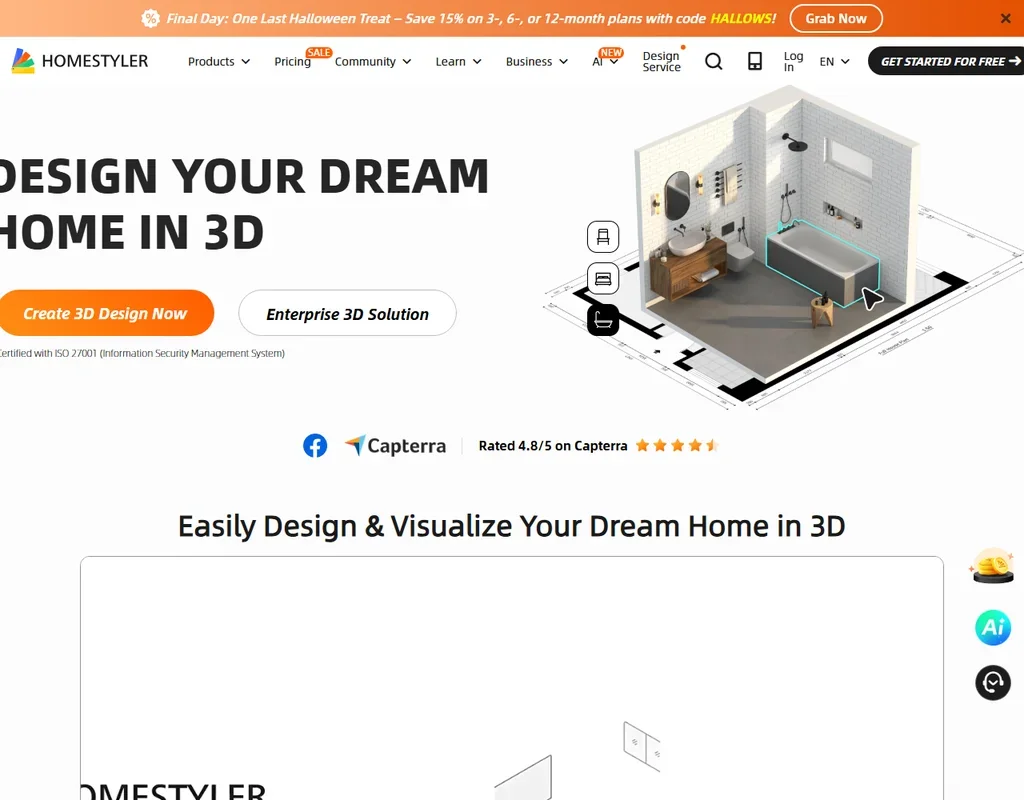
Homestyler is mainly a 3D home planner with AI added, which makes it the free pick for beginners who want to lay out a room properly: the free plan includes the floor planner, unlimited 1K renders and more than 100,000 models and materials. The AI side is thin on free, with 3 credits in total while AI Stager uses 10 per image, and free renders carry a watermark. Interior AI is quicker if all you want is new looks on a photo.
- The free Basic plan includes the cloud 3D floor planner, unlimited 1K renders and more than 100,000 3D models and materials.
- AutoCAD floor plans can be imported as DWG files, including multi-floor plans.
- Paid plan prices are not published without signing in.
From $49If you want to try dozens of looks on the same room, Interior AI gives the most room to experiment: even Pro allows 1,000 designs a month, with 50+ styles and a custom style copied from any interior photo.
Show detailsHide details02 Interior AI: Best for many quick redesigns every month5.3Score 5.3 out of 10From $49If you want to try dozens of looks on the same room, Interior AI gives the most room to experiment: even Pro allows 1,000 designs a month, with 50+ styles and a custom style copied from any interior photo.Visit site ↗ReviewDetailsCloseShow more about Interior AI
From $49
If you want to try dozens of looks on the same room, Interior AI gives the most room to experiment: even Pro allows 1,000 designs a month, with 50+ styles and a custom style copied from any interior photo.
Show detailsHide detailsInterior AI: Best for many quick redesigns every month
5.3Score 5.3 out of 10From $49If you want to try dozens of looks on the same room, Interior AI gives the most room to experiment: even Pro allows 1,000 designs a month, with 50+ styles and a custom style copied from any interior photo.Visit site ↗ReviewDetailsClose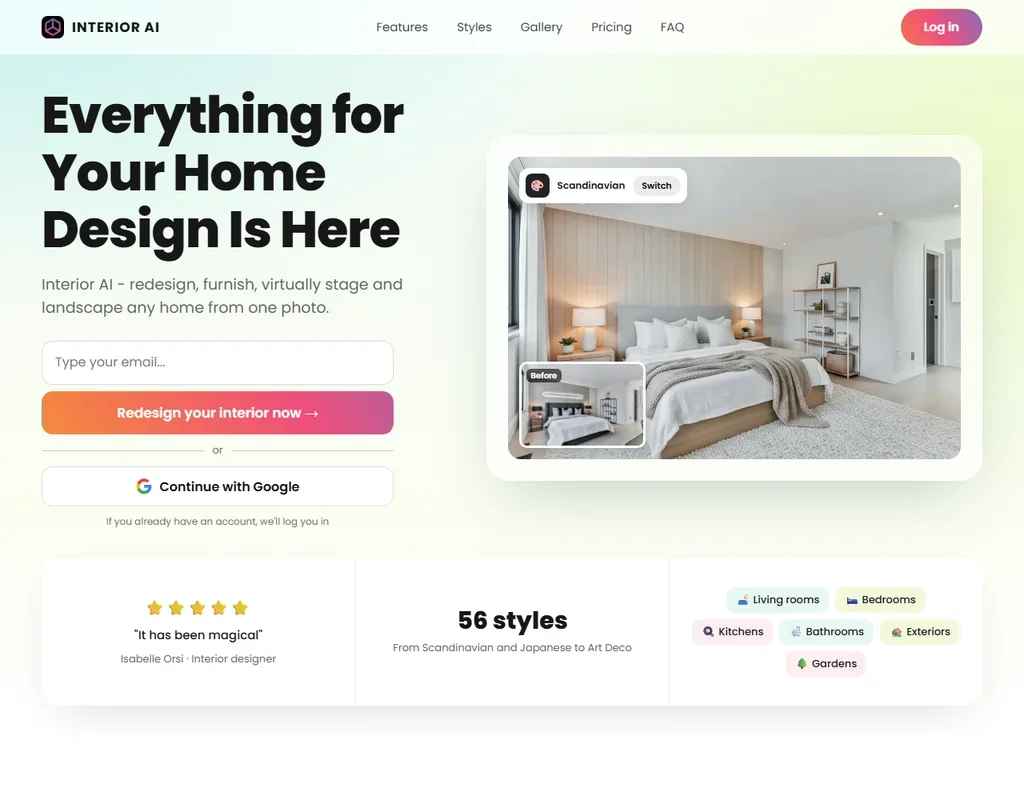
If you want to try dozens of looks on the same room, Interior AI gives the most room to experiment: even Pro allows 1,000 designs a month, with 50+ styles and a custom style copied from any interior photo. It also turns a SketchUp screenshot into a finished interior and does not train on your photos. There is no free plan, trial or refund, and editing and virtual staging start on Premium. RoomGPT is the cheaper way to test the idea first.
- Even the Pro plan allows 1,000 designs a month.
- A custom style copies the look of any interior photo you upload, alongside 50+ preset styles.
- There is no free plan, no free trial and no refunds.
From $19Pick ReimagineHome when you would rather describe changes than scroll through styles. Its design companion reworks a room when you tell it what to add, remove or replace, chatting with it costs nothing, and shoppable designs fill the room with real products from Amazon or Shopify.
Show detailsHide details03 ReimagineHome: Best for talking through changes and shopping the look3.8Score 3.8 out of 10From $19Pick ReimagineHome when you would rather describe changes than scroll through styles. Its design companion reworks a room when you tell it what to add, remove or replace, chatting with it costs nothing, and shoppable designs fill the room with real products from Amazon or Shopify.Visit site ↗ReviewDetailsCloseShow more about ReimagineHome
From $19
Pick ReimagineHome when you would rather describe changes than scroll through styles. Its design companion reworks a room when you tell it what to add, remove or replace, chatting with it costs nothing, and shoppable designs fill the room with real products from Amazon or Shopify.
Show detailsHide detailsReimagineHome: Best for talking through changes and shopping the look
3.8Score 3.8 out of 10From $19Pick ReimagineHome when you would rather describe changes than scroll through styles. Its design companion reworks a room when you tell it what to add, remove or replace, chatting with it costs nothing, and shoppable designs fill the room with real products from Amazon or Shopify.Visit site ↗ReviewDetailsClose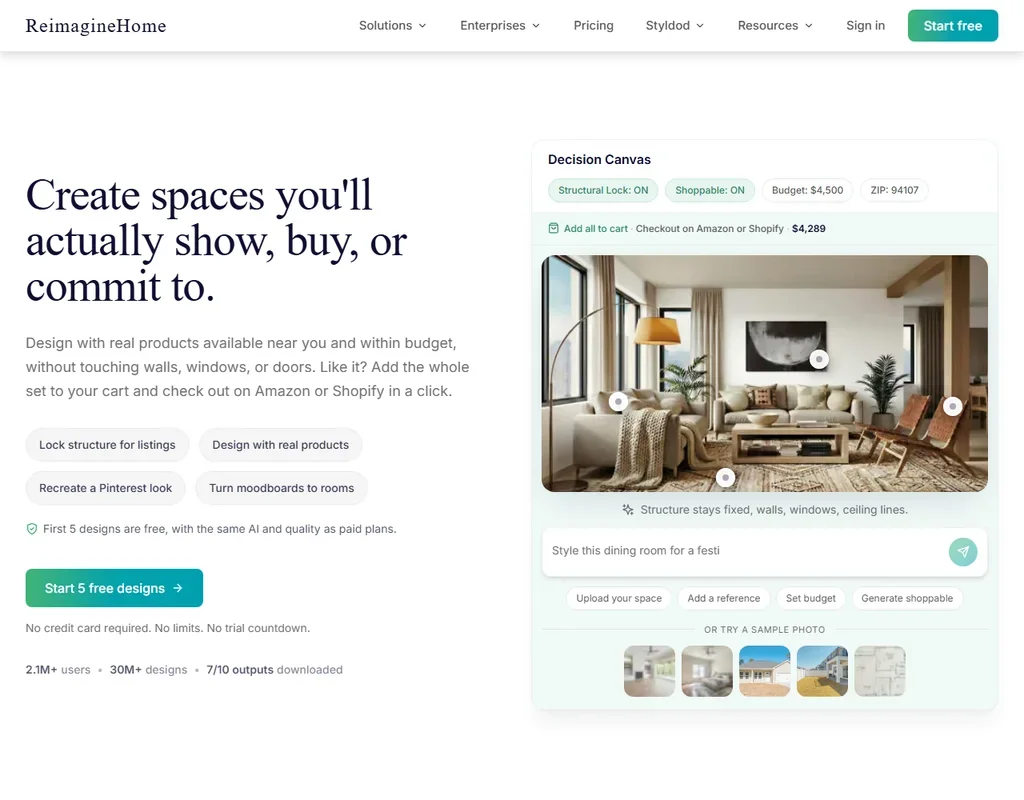
Pick ReimagineHome when you would rather describe changes than scroll through styles. Its design companion reworks a room when you tell it what to add, remove or replace, chatting with it costs nothing, and shoppable designs fill the room with real products from Amazon or Shopify. New accounts get 5 free designs with no card. The companion, reference photos and real products start on Pro, since Essential runs the older tools, and uploads train Styldod's models unless you opt out.
- A design companion reworks a room when you tell it what to add, remove or replace, and chatting with it is free.
- Shoppable designs fill a room with real products you can check out on Amazon or Shopify.
- Essential uses the older tools only, without the design companion, reference photos, real products or high resolution.
From $9For a homeowner or renter who wants a handful of ideas without a monthly bill, RoomGPT sells credit packs once and the credits never expire.
Show detailsHide details04 RoomGPT: Best for a few restyles without a subscription2.4Score 2.4 out of 10From $9For a homeowner or renter who wants a handful of ideas without a monthly bill, RoomGPT sells credit packs once and the credits never expire.Visit site ↗ReviewDetailsCloseShow more about RoomGPT
From $9
For a homeowner or renter who wants a handful of ideas without a monthly bill, RoomGPT sells credit packs once and the credits never expire.
Show detailsHide detailsRoomGPT: Best for a few restyles without a subscription
2.4Score 2.4 out of 10From $9For a homeowner or renter who wants a handful of ideas without a monthly bill, RoomGPT sells credit packs once and the credits never expire.Visit site ↗ReviewDetailsClose
For a homeowner or renter who wants a handful of ideas without a monthly bill, RoomGPT sells credit packs once and the credits never expire. One photo becomes up to four redesigns in preset themes, and a new account gets one free generation. That is the whole tool: there is no editing, object removal or staging, a photo is the one input it accepts, and past rooms cannot be saved in the app yet. ReimagineHome is the step up when details matter.
- There is no subscription: credits come in one-time packs and unused credits never expire.
- One photo becomes up to four redesigns in different themes at once.
- It makes whole-room redesigns only, with no editing, object removal or virtual staging.
Best AI virtual staging tools for real estate
3 picksVirtual staging fills photos of empty rooms with furniture so a listing looks lived in, and the picks here differ in how they charge and what else they fix. Virtual Staging AI stages in one click from preset styles, with unlimited renders per photo and furniture removal on every plan. Collov AI adds exterior fixes such as day to dusk and lawn replacement, plus virtual tour videos on its higher plans. ReimagineHome makes royalty-free images you can use on MLS listings, with shoppable furniture as an extra. Choose by how many photos you stage each month and whether exteriors and video matter.
#ToolScorePriceWhy pick it
From $27When a listing needs more than furniture, Collov AI covers the outside too: day to dusk, rain removal, season change, pool water and lawn replacement from Advanced up.
Show detailsHide details05 Collov AI: Best for exterior fixes and listing tour videos4.8Score 4.8 out of 10From $27When a listing needs more than furniture, Collov AI covers the outside too: day to dusk, rain removal, season change, pool water and lawn replacement from Advanced up.Visit site ↗ReviewDetailsCloseShow more about Collov AI
From $27
When a listing needs more than furniture, Collov AI covers the outside too: day to dusk, rain removal, season change, pool water and lawn replacement from Advanced up.
Show detailsHide detailsCollov AI: Best for exterior fixes and listing tour videos
4.8Score 4.8 out of 10From $27When a listing needs more than furniture, Collov AI covers the outside too: day to dusk, rain removal, season change, pool water and lawn replacement from Advanced up.Visit site ↗ReviewDetailsClose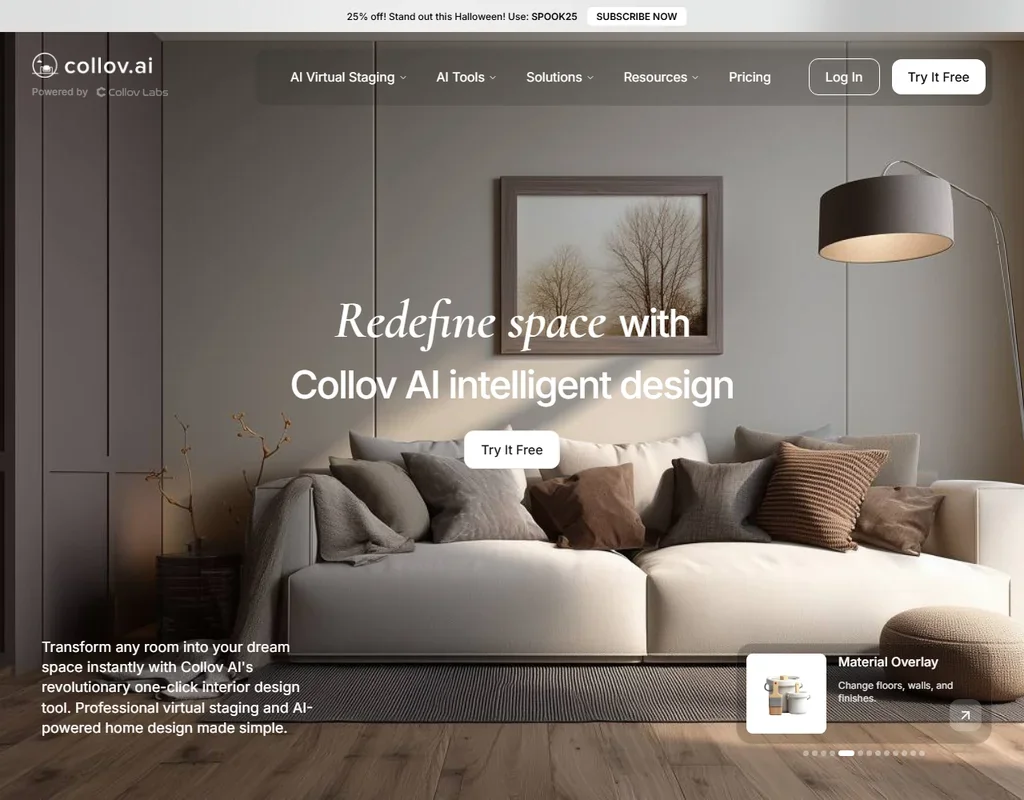
When a listing needs more than furniture, Collov AI covers the outside too: day to dusk, rain removal, season change, pool water and lawn replacement from Advanced up. Premium turns up to 20 photos into a virtual tour video with a 360 panorama and 3D tour, and an API on Enterprise suits brokerages building their own tools. There is no free plan, just a few watermarked tries per tool, and unused credits reset each month. Virtual Staging AI is simpler for interiors.
- Exterior tools cover day to dusk, rain removal, season change, pool water and lawn replacement, from Advanced up.
- Premium and Enterprise turn up to 20 photos into a virtual tour video, with a 360 panorama and 3D tour.
- There is no free plan, only a few free tries per tool, most of them watermarked.
From $25Virtual Staging AI suits agents and listing photographers who stage many empty rooms and want it done fast: pick a room type and one of more than 50 styles, and each photo gets unlimited renders within your plan.
Show detailsHide details06 Virtual Staging AI: Best for one-click staging of empty listing rooms3.9Score 3.9 out of 10From $25Virtual Staging AI suits agents and listing photographers who stage many empty rooms and want it done fast: pick a room type and one of more than 50 styles, and each photo gets unlimited renders within your plan.Visit site ↗ReviewDetailsCloseShow more about Virtual Staging AI
From $25
Virtual Staging AI suits agents and listing photographers who stage many empty rooms and want it done fast: pick a room type and one of more than 50 styles, and each photo gets unlimited renders within your plan.
Show detailsHide detailsVirtual Staging AI: Best for one-click staging of empty listing rooms
3.9Score 3.9 out of 10From $25Virtual Staging AI suits agents and listing photographers who stage many empty rooms and want it done fast: pick a room type and one of more than 50 styles, and each photo gets unlimited renders within your plan.Visit site ↗ReviewDetailsClose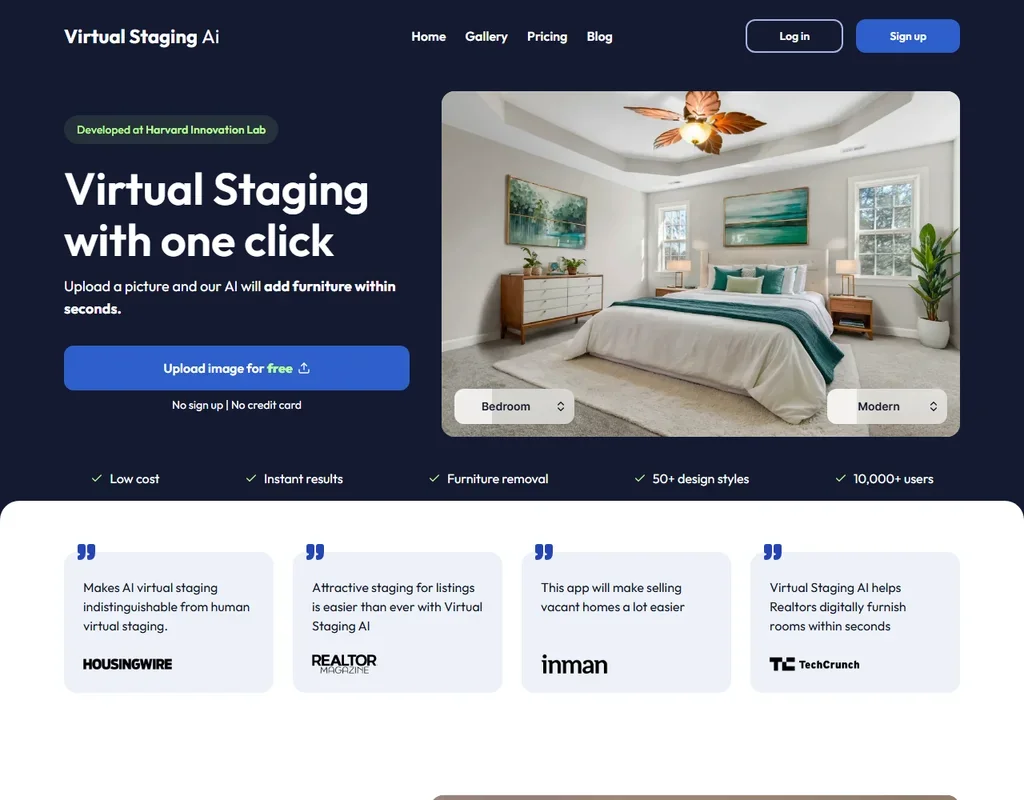
Virtual Staging AI suits agents and listing photographers who stage many empty rooms and want it done fast: pick a room type and one of more than 50 styles, and each photo gets unlimited renders within your plan. Furniture removal is on every plan, and you can stage one photo free with no sign-up. Styles are presets with no written prompt, enhancement and day to dusk need a separate subscription, and the terms grant a perpetual license over your uploads.
- Staging takes one click: pick a room type and one of more than 50 design styles.
- Each photo gets unlimited renders and downloads within your plan.
- Photo enhancement and day to dusk need a separate Image Editing subscription.
From $19Agents who want staged photos they can use anywhere get a clear answer from ReimagineHome, which states that all outputs are royalty-free for commercial use, including MLS listings and marketing.
Show detailsHide details07ReimagineHome: Best for royalty-free staged photos for MLS listings3.8Score 3.8 out of 10From $19Agents who want staged photos they can use anywhere get a clear answer from ReimagineHome, which states that all outputs are royalty-free for commercial use, including MLS listings and marketing.Visit site ↗ReviewDetailsCloseShow more about ReimagineHome
From $19
Agents who want staged photos they can use anywhere get a clear answer from ReimagineHome, which states that all outputs are royalty-free for commercial use, including MLS listings and marketing.
Show detailsHide detailsReimagineHome: Best for royalty-free staged photos for MLS listings
3.8Score 3.8 out of 10From $19Agents who want staged photos they can use anywhere get a clear answer from ReimagineHome, which states that all outputs are royalty-free for commercial use, including MLS listings and marketing.Visit site ↗ReviewDetailsCloseAgents who want staged photos they can use anywhere get a clear answer from ReimagineHome, which states that all outputs are royalty-free for commercial use, including MLS listings and marketing. The design companion lets you ask for a different sofa or rug rather than restaging from scratch, and the 5 free designs show the full quality before you pay. Every plan is a single-user account, with team features still in development, so an office of agents pays per person. Collov AI goes further on exteriors.
- A design companion reworks a room when you tell it what to add, remove or replace, and chatting with it is free.
- Shoppable designs fill a room with real products you can check out on Amazon or Shopify.
- Essential uses the older tools only, without the design companion, reference photos, real products or high resolution.
Best AI rendering tools for interior designers and architects
3 picksDesigners and architects need renders from their own drawings and models, not just from photos of a finished room. Spacely AI takes a sketch, 3D model, room photo or floor plan and has official plugins for SketchUp and Rhino. mnml.ai renders from sketches, photos, floor plans or text, adds 8K upscaling and video on every plan, and states it never trains on your uploads, though a view has to be exported as an image first. Homestyler is the full 3D planner of the three, with DWG import from AutoCAD. Choose by whether you model in another program or want to plan inside the app.
#ToolScorePriceWhy pick it
FreeDesigners who want to plan the whole home inside one app, rather than render a model built elsewhere, should look at Homestyler.
Show detailsHide details08Homestyler: Best for importing AutoCAD plans into a 3D model7.9Score 7.9 out of 10FreeDesigners who want to plan the whole home inside one app, rather than render a model built elsewhere, should look at Homestyler.Visit site ↗ReviewDetailsCloseShow more about Homestyler
Free
Designers who want to plan the whole home inside one app, rather than render a model built elsewhere, should look at Homestyler.
Show detailsHide detailsHomestyler: Best for importing AutoCAD plans into a 3D model
7.9Score 7.9 out of 10FreeDesigners who want to plan the whole home inside one app, rather than render a model built elsewhere, should look at Homestyler.Visit site ↗ReviewDetailsCloseDesigners who want to plan the whole home inside one app, rather than render a model built elsewhere, should look at Homestyler. You can import AutoCAD floor plans as DWG files, including multi-floor plans, furnish them from a large 3D library, and render stills up to 4K and panoramas up to 12K, with video renders on paid plans. Paid prices appear after you sign in, and free renders carry a watermark. Spacely AI is quicker when the model already exists in SketchUp.
- The free Basic plan includes the cloud 3D floor planner, unlimited 1K renders and more than 100,000 3D models and materials.
- AutoCAD floor plans can be imported as DWG files, including multi-floor plans.
- Paid plan prices are not published without signing in.
Pricing N/Afree planSpacely AI is built for designers who already model their projects: renders start from a sketch, 3D model, room photo or floor plan, and official plugins exist for SketchUp and Rhino.
Show detailsHide details09 Spacely AI: Best for renders from SketchUp and Rhino models7.1Score 7.1 out of 10Pricing N/Afree planSpacely AI is built for designers who already model their projects: renders start from a sketch, 3D model, room photo or floor plan, and official plugins exist for SketchUp and Rhino.Visit site ↗ReviewDetailsCloseShow more about Spacely AI
Pricing N/Afree plan
Spacely AI is built for designers who already model their projects: renders start from a sketch, 3D model, room photo or floor plan, and official plugins exist for SketchUp and Rhino.
Show detailsHide detailsSpacely AI: Best for renders from SketchUp and Rhino models
7.1Score 7.1 out of 10Pricing N/Afree planSpacely AI is built for designers who already model their projects: renders start from a sketch, 3D model, room photo or floor plan, and official plugins exist for SketchUp and Rhino.Visit site ↗ReviewDetailsClose
Spacely AI is built for designers who already model their projects: renders start from a sketch, 3D model, room photo or floor plan, and official plugins exist for SketchUp and Rhino. The free plan needs no card and gives 40 credits with access to every feature, so you can test it on a live project. Personal is one seat, while Studio adds a second seat, real-time collaboration, a commercial license and credits that roll over. mnml.ai adds video generation.
- The free plan costs nothing forever and needs no credit card.
- Even the free plan includes watermark-free exports and a commercial license.
- Personal is capped at one seat; a second seat requires upgrading to Studio.
From $29Architecture studios that present to clients get the most from mnml.ai: it renders from sketches, photos, floor plans or a written description, with presets for time of day, weather and camera angle, and every plan includes 8K upscaling, video generation and a commercial license.
Show detailsHide details10 mnml.ai: Best for architecture renders with video and 8K upscaling6.3Score 6.3 out of 10From $29Architecture studios that present to clients get the most from mnml.ai: it renders from sketches, photos, floor plans or a written description, with presets for time of day, weather and camera angle, and every plan includes 8K upscaling, video generation and a commercial license.Visit site ↗ReviewDetailsCloseShow more about mnml.ai
From $29
Architecture studios that present to clients get the most from mnml.ai: it renders from sketches, photos, floor plans or a written description, with presets for time of day, weather and camera angle, and every plan includes 8K upscaling, video generation and a commercial license.
Show detailsHide detailsmnml.ai: Best for architecture renders with video and 8K upscaling
6.3Score 6.3 out of 10From $29Architecture studios that present to clients get the most from mnml.ai: it renders from sketches, photos, floor plans or a written description, with presets for time of day, weather and camera angle, and every plan includes 8K upscaling, video generation and a commercial license.Visit site ↗ReviewDetailsClose
Architecture studios that present to clients get the most from mnml.ai: it renders from sketches, photos, floor plans or a written description, with presets for time of day, weather and camera angle, and every plan includes 8K upscaling, video generation and a commercial license. It states it never trains on uploads, and new accounts get 100 credits that never expire. There is no plugin for SketchUp, Revit or Rhino, so each view goes in as an exported image.
- Every new account gets 100 free credits that never expire, with no card required.
- Renders can start from a sketch, a photo, a floor plan or a written description.
- There is no permanent free plan, only a one-time grant of credits.
How to choose an AI interior design app
These apps all start from a picture of a room, but they split on what happens next. Some restyle a photo and stop there, some stage empty rooms for a sale, and some are 3D planners or rendering tools built for people who draw plans for a living. What you can keep, edit and use commercially differs as much as the images do. This guide covers those differences, then matches the apps on this page to the person using them.
Start with the job, not the tool
The apps here do four different jobs, and the job decides most of the choice.
- Get ideas for your own room. You upload a photo and see it in new styles. Interior AI, ReimagineHome and RoomGPT are built for this, from a large monthly allowance to a few one-time credits.
- Plan a room in 3D. You draw the floor plan, place furniture and render it. Homestyler is mainly a 3D home planner with AI added on top, which makes it the one to use when sizes and layout matter.
- Stage a property for sale. You furnish photos of empty rooms for a listing. Virtual Staging AI, Collov AI and ReimagineHome are built for real estate, and Collov AI also fixes exteriors.
- Render a design for a client. You turn a sketch, floor plan or 3D model into a photoreal image. Spacely AI and mnml.ai are tools for interior designers and architects, and Homestyler handles AutoCAD plans.
The table shows where to start on any budget.
| Job | Free | Worth paying for |
|---|---|---|
| Get ideas for your own room | ReimagineHome's 5 free designs or RoomGPT's free generation | Interior AI Pro at $49 a month for 1,000 designs, or RoomGPT credit packs from $9 once |
| Plan a room in 3D | Homestyler's free plan, with the 3D floor planner and unlimited 1K renders | Homestyler's paid plans for video renders and monthly AI credits (prices shown after sign-in) |
| Stage a property for sale | One free photo on Virtual Staging AI with no sign-up, or ReimagineHome's free designs | Virtual Staging AI Basic at $25 a month, or Collov AI Advanced at $59 a month for exterior fixes |
| Render a design for a client | Spacely AI's free plan with 40 credits, or mnml.ai's 100 signup credits | Spacely AI Studio at $50 a month, or mnml.ai Lite at $29 a month |
Apart from Homestyler's 3D planner, the free options here are tastes rather than plans you can work on. Pay first for the job you do every week, and try the others on their free credits.
What the free plans actually give you
Most apps here have no ongoing free plan, so what you get for nothing is a fixed number of tries.
- Photo restylers. ReimagineHome gives new accounts 5 free designs with no card, at the same quality as paid plans, and chatting with its design companion costs nothing. RoomGPT gives one free generation, and Interior AI has no free plan or trial. In a normal week that is enough to see whether you like the results on one room, not to redesign a home.
- 3D planner. Homestyler's free plan is a real 3D planner with unlimited 1K renders and more than 100,000 models and materials. It has 3 AI credits in total, and AI Stager uses 10 per image, so the AI side needs a paid plan. Free renders carry a watermark that costs coins to remove, render by render.
- Staging tools. Virtual Staging AI stages one photo free with no sign-up and no card. Collov AI gives a few free tries per tool, most of them watermarked. Neither covers a whole listing, but both show the style before you pay.
- Rendering tools. Spacely AI's free plan costs nothing, needs no card and gives 40 credits with access to every feature. mnml.ai gives 100 credits at signup that never expire. Each is enough to test a handful of renders on a real project.
Which apps fit which person
- A beginner redesigning one room. Start with ReimagineHome's 5 free designs, because the companion takes plain requests such as removing a rug or swapping a sofa. Add RoomGPT if you want a few more ideas paid once, with credits that never expire.
- A homeowner planning a renovation. Start with Homestyler, because the free plan lets you draw the floor plan and furnish it in 3D before you buy anything. Add Interior AI for quick style ideas from a photo once the layout is settled.
- A renter who wants a fresh look. Start with RoomGPT, since there is no subscription and one photo gives up to four themes. Add ReimagineHome's shoppable designs to find real products that match the look.
- A real estate agent. Start with Virtual Staging AI for interiors, with furniture removal on every plan and unlimited renders per photo. Add Collov AI when listings need day to dusk or lawn fixes, or ReimagineHome for royalty-free images with real products.
- An interior designer. Start with Spacely AI if you work in SketchUp or Rhino, because its plugins render from the model you already have. Add Homestyler when a client sends a DWG floor plan.
- An architecture studio. Start with mnml.ai for renders, video and 8K upscaling on every plan, with no training on uploads. Add Spacely AI where a direct SketchUp link saves export steps.
One room, from photo to finished design
- Photograph the room. Take a clear photo of the space as it is. RoomGPT works from a photo alone, while Interior AI also accepts a sketch or a SketchUp screenshot.
- Settle the layout. If walls or furniture positions will move, draw the floor plan in Homestyler first, or import a DWG file, so the plan is fixed before you try styles.
- Try styles. Run the photo through Interior AI's 50+ styles or RoomGPT's preset themes, or describe what you want to ReimagineHome's companion. Interior AI can also copy a style from any interior photo you upload.
- Change the details. Ask ReimagineHome to add, remove or replace items, or use Interior AI's editing on Premium. RoomGPT has no editing, so a change means a new generation.
- Find the furniture. ReimagineHome's shoppable designs fill the room with real products from Amazon or Shopify, at two credits per design instead of one.
- Stage or render for others. For a listing, stage the empty rooms in Virtual Staging AI or Collov AI. For a client, render the final model in Spacely AI or mnml.ai.
- Check the rights before publishing. Interior AI includes a commercial license from Pro, RoomGPT includes commercial use with purchased credits, and ReimagineHome outputs are royalty-free, including for MLS listings.
Where free plans stop
| Limit | Tools | What happens when you hit it |
|---|---|---|
| No free plan or trial | Interior AI | You pay for Pro before the first design, and there are no refunds |
| One-time tries | ReimagineHome (5 designs), RoomGPT (1 generation), Virtual Staging AI (1 photo), Collov AI (a few per tool) | The next design needs a plan or a credit pack |
| AI credits in total | Homestyler (3 AI credits, with AI Stager at 10 per image) | The 3D planner keeps working, but AI staging needs a paid plan |
| Watermarks | Homestyler free renders, most Collov AI free tries | Homestyler charges coins per render to remove it, and paid Collov AI plans carry no watermark |
| Signup credits | Spacely AI (40 credits), mnml.ai (100 credits that never expire) | You move to a monthly plan or buy a credit pack |
| Credits that reset | Virtual Staging AI and Collov AI photo credits | Unused photo credits do not carry into the next month |
Spend the free tries on your hardest room, the one with odd light or an awkward shape, so you see the weak spots before paying. If you render now and then rather than every week, RoomGPT's packs and Spacely AI's credit top-ups never expire, which suits occasional work better than a monthly plan whose credits reset.
Privacy and who sees your rooms
Photos of your home show its layout and contents, and listing photos belong to a seller. A few apps here state what happens to what you upload.
| Tool | What happens to your uploads |
|---|---|
| Interior AI | Not used for training, and your photos and renders are accessible to you alone |
| mnml.ai | Never used to train AI models, and not shared beyond the providers it needs to operate |
| ReimagineHome | May train Styldod's models unless you opt out |
| Virtual Staging AI | The terms give the provider a perpetual license over uploads and outputs, with no promise not to train AI on them |
Switch off training in ReimagineHome right after you sign up. For a client's home or a property that is not yet listed, Interior AI and mnml.ai state the clearest limits on what happens to the photos.
Mistakes to avoid
- Expecting a photo restyler to plan a renovation. Interior AI, ReimagineHome and RoomGPT change how a photo of the room looks. When walls, sizes or the floor plan matter, plan in Homestyler's 3D planner first.
- Counting on Homestyler's free AI credits. The free plan has 3 AI credits in total and AI Stager uses 10 per image, so it cannot run a single staging. Use the free plan for the 3D planner and pay when you need AI staging.
- Buying the cheapest plan for a feature it lacks. Interior AI's editing and staging start on Premium, ReimagineHome's companion and real products start on Pro, and Collov AI's exterior tools start on Advanced. Read the plan that holds the feature you need.
- Leaving credits unused at month end. Virtual Staging AI and Collov AI photo credits do not carry over. Size the plan to the photos you stage in a normal month, and look at Spacely AI's Studio or Agency plans if you want credits that roll over.
- Exporting views by hand every day. mnml.ai has no SketchUp, Revit or Rhino plugin, so each view goes in as an exported image. If you render from SketchUp or Rhino daily, Spacely AI's plugins save those steps.
When it is worth paying
You have outgrown the free tries when the images leave your screen: a listing goes live, a client sees a concept, or you need the same room in many styles. That is also where commercial rights, watermarks and seats for other people start to matter.
| If you are | Upgrade to | What changes |
|---|---|---|
| Redesigning your own home often | Interior AI Pro ($49 a month) | 1,000 designs a month, a custom style from any photo and a commercial license |
| Shopping for furniture | ReimagineHome Pro ($36 a month) | The design companion, reference photos, real products and high resolution |
| Staging listings | Virtual Staging AI Basic ($25 a month) or Collov AI Advanced ($59 a month) | No watermark and furniture removal, plus Collov AI's exterior tools and furniture editing |
| A designer rendering models | Spacely AI Studio ($50 a month) | 1,500 credits a month, credits that roll over, a commercial license and up to two seats |
| An architecture studio | mnml.ai Plus ($49 a month) | 3,000 credits a month, about 300 fast renders, with 8K upscaling and video |
Some of these apps sell credits you pay for once. RoomGPT packs start at $9 for 30 credits and Spacely AI sells 200 credits for $9, and neither expires, while mnml.ai's 10,000 credit pack at $149 lasts 12 months. mnml.ai Lite is $29 a month, or $24 a month billed yearly. Virtual Staging AI's Image Editing subscription, which adds enhancement and day to dusk, includes a free trial. Interior AI offers no refunds, so start on Pro and move up when you need editing or staging.
What would this stack cost you?
Add our top picks (Homestyler, Collov AI, Homestyler) to the calculator and see the monthly total, then swap in the plans you would pay for.
How we picked
Every tool here is ranked by its score, and each score is worked out from the vendor’s own published pages: pricing, plans, features and terms. No score is adjusted by hand. All 8 tools have enough published facts to be scored, and on average 88% of each score comes from facts the vendor publishes. The facts behind these scores were checked between 20 September 2026 and 31 October 2026.
Scores compare tools that do the same job, which is why the list is grouped by job: a video editor and a grammar checker are never ranked against each other.
| Ranked as | On this page | What we score | Scoring guide |
|---|---|---|---|
| AI room and building renderers8 reviewed | 8 | 4 criteria, 14 checked facts: what you can render, workflow and teams, pricing, privacy and trust | How we score these → |
Common questions
Can I use an AI interior design app on my phone?
Homestyler has apps for iOS and Android as well as the browser, and Interior AI runs in the browser on a laptop or a phone. RoomGPT, ReimagineHome, Virtual Staging AI and Collov AI are browser apps. Spacely AI and mnml.ai run on the web with no mobile app, so they are better used on a computer, where your design files are anyway.
Can I start from a sketch or floor plan instead of a photo?
Yes, with the right tool. Spacely AI renders from a sketch, 3D model, room photo or floor plan, and mnml.ai from a sketch, photo, floor plan or written description. Interior AI takes a photo, a sketch or a SketchUp screenshot, and Homestyler imports AutoCAD DWG plans. RoomGPT accepts a photo alone, so it suits rooms that already exist.
Can I use AI staged photos in a property listing?
Look for commercial rights and no watermark. ReimagineHome states every output is royalty-free, including for MLS listings and marketing. Collov AI includes a commercial photo license on every paid plan, and Virtual Staging AI's paid plans carry no watermark. Free tries on Collov AI are mostly watermarked, so use a paid plan for anything a buyer will see.
Can these apps make a video of a room?
Several can, on different plans. Interior AI adds walkthrough videos on Premium and Ultra, and Collov AI turns up to 20 photos into a virtual tour video on Premium and Enterprise. mnml.ai includes video generation on every plan, and Homestyler offers video renders on paid plans. RoomGPT produces still photos alone, with no video tools.
Can a team share one account?
Most of these apps are built for one person. Interior AI accounts are for one user with no team plan, ReimagineHome plans are single-user, and Collov AI has no shared workspaces or team seats. Spacely AI is the exception among the rendering tools, with up to two seats on Studio and up to five on Agency, and mnml.ai lists team seats.