
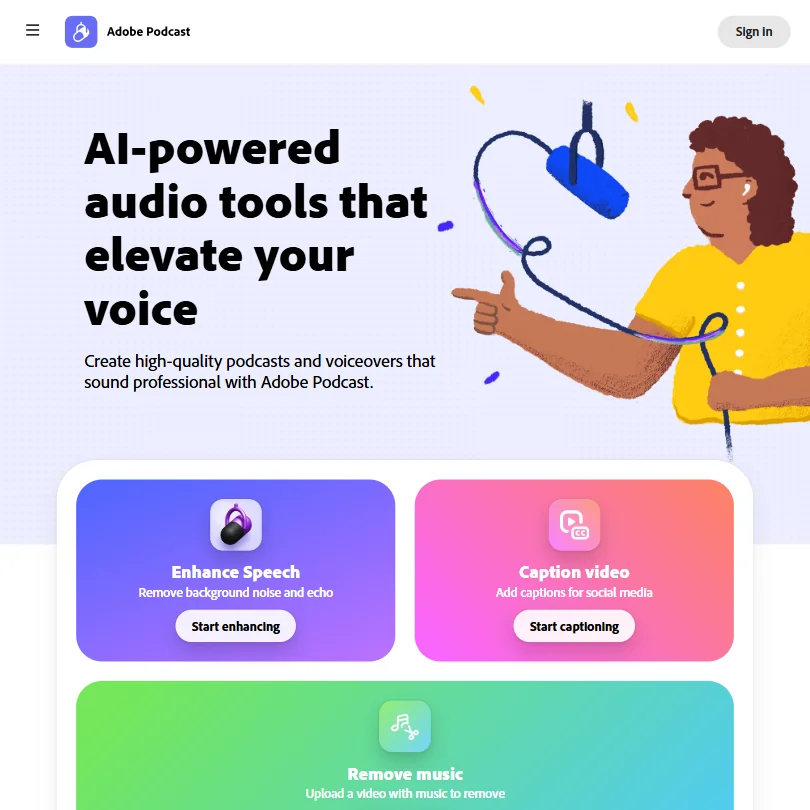
Adobe Podcast is a browser-based tool for cleaning up recorded speech and editing a podcast episode by editing its transcript. It has a genuinely free tier for short files, but the only paid option now is a plan that bundles it with Adobe's much broader Firefly generative tools, which changes what you are actually paying for.
What is Adobe Podcast?
Adobe Podcast is made by Adobe, based in the United States. It runs entirely in the browser at podcast.adobe.com, with no desktop or mobile app, letting you record, transcribe, edit and share audio without installing anything.
What Adobe Podcast fixes
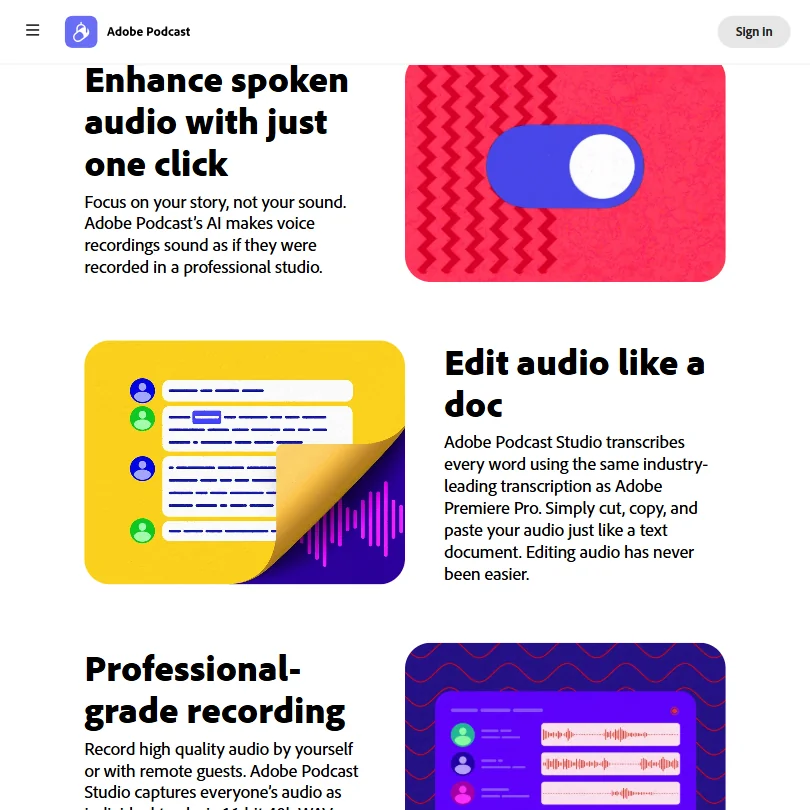
Enhance Speech removes background noise and echo, and normalizes loudness by adjusting pitch and volume levels across a file. On the Firefly Pro plan you can also separately adjust the levels of speech, background noise and music using source separation, a control the free plan does not have. There is no automatic filler-word or silence removal: editing in Studio works by cutting, copying and pasting the transcript itself, so removing an "um" or a pause means deleting that word or gap from the text, not an automated pass.
Studio accepts multi-track audio and video, keeping each track separate for editing while syncing them automatically into one shared transcript. Bulk uploading several files for enhancement at once is a Firefly Pro feature; the free plan processes one file at a time. Studio records live sessions, including guests joining remotely, but the AI cleanup is applied to the recording afterward rather than live during the call. There is no plugin version for a digital audio workstation: it is web only, with no VST, AU or AAX support. Output is downloaded or shared through an Adobe Podcast project link rather than published directly to a podcast host or video platform.
Working with other people
There is no public developer API. Studio can import multi-participant recordings from Zoom, Restream, StreamYard or Riverside for multi-track editing. It runs only in the browser, and there is no shared team workspace or seat-based plan; guests can join a live recording session, but that is collaborative recording rather than a shared workspace across projects.
Adobe Podcast pricing: what each plan gives
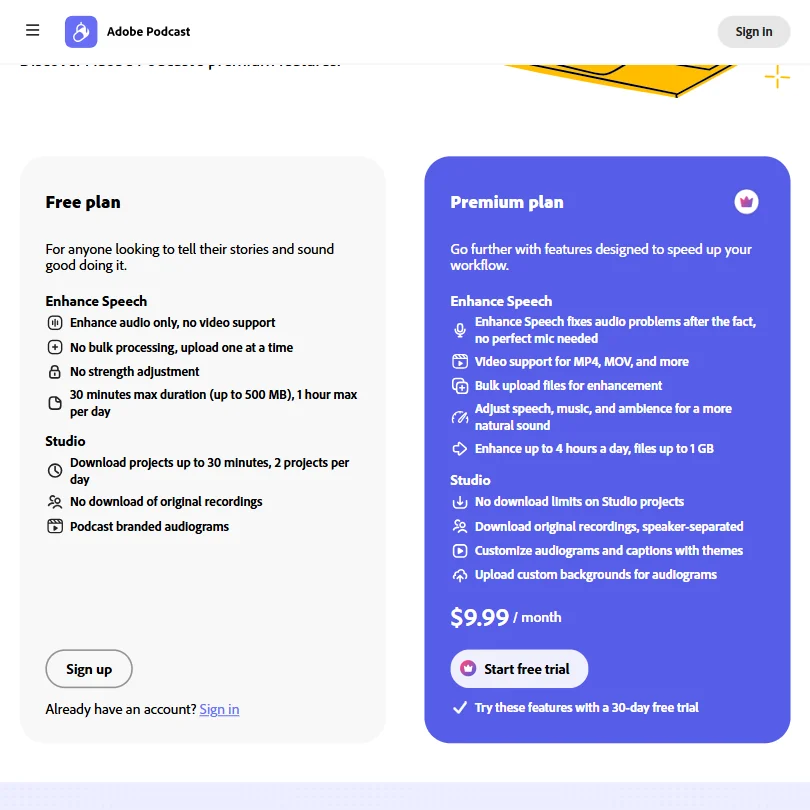
The free plan allows a limited number of complimentary generations a day. Enhance Speech on free covers audio only, not video, one file at a time, with no strength adjustment, a 30 minute maximum duration up to 500 MB, and a one hour cap on enhanced audio per day. Studio on free caps projects at 30 minutes, allows two project downloads a day, does not let you download the original recording, and adds Adobe Podcast branding to audiograms.
Adobe Podcast Premium is no longer sold as its own standalone plan. The only paid tier now is the Firefly Pro plan at $19.99 a month, which includes everything Premium offered, plus up to 4,000 Firefly generative credits a month shared across Adobe's other Firefly image, video and audio tools. Enhance Speech itself is capped at four hours of audio a day regardless of the credit balance. Firefly Pro also removes the Podcast branding, adds video support, bulk upload and the advanced source-separation controls. A free trial of Firefly Pro is offered.
Privacy and support
Adobe's privacy policy allows it to analyze content you upload, including with machine learning, to improve its services, and it sets out how to opt out of that analysis. It also covers GDPR rights for people in the EU and EEA, naming Adobe Systems Software Ireland Limited as the data controller there. Support runs through live chat, a community forum and a help center.
Who Adobe Podcast suits
Adobe Podcast suits someone who records or receives short episodes and wants quick, browser-based cleanup without installing software, and it suits people already paying for Adobe's Firefly tools, since Firefly Pro now covers both. Guests can join a Studio session directly for a remote recording without extra software.
It suits less well anyone who wants automatic filler-word or silence removal, since editing stays manual and transcript-based, or anyone who wants to process a live call rather than clean up a recording afterward. It is also a weaker fit for someone who only wants Podcast's cleanup and nothing else, since the paid tier now comes bundled with unrelated Firefly generative credits rather than sold on its own.
Screenshots
How Adobe Podcast compares
Adobe Podcast scores 5.3 out of 10 among the audio cleanup tools we rate. These three do the same job and are the closest to it, compared on what each vendor publishes.
Auphonic
Adobe Podcast rebuilds speech to sound studio-recorded and sets loudness to a target, but it does not cut filler words or silence, only manual transcript edits. Auphonic cuts both on every plan, including its free tier, and adds a REST API on every plan too. Adobe Podcast's only paid tier is $19.99 a month; Auphonic's cheapest paid plan is $13 a month.
Pick Auphonic if you want filler word and silence cutting built in, on any plan.
Pick Adobe Podcast if you already work in Adobe apps and want studio-quality speech rebuilding.
iZotope
Adobe Podcast is a web app with an ongoing free plan and a $19.99 a month paid tier. iZotope RX is desktop software you install and can buy outright as a one-time purchase, with no free plan, only a trial. Adobe Podcast processes multiple tracks together; iZotope does not mix several speaker tracks into one, though it runs as a plugin in your DAW with 4 plugin formats, which Adobe Podcast does not offer at all.
Pick iZotope if you want a one-time purchase you own, not a subscription.
Pick Adobe Podcast if you want a free web app with multitrack import and no install.
Cleanvoice AI
Cleanvoice AI cuts filler words, stutters and dead air automatically; Adobe Podcast only lets you delete them one at a time in the transcript. Cleanvoice's cheapest paid plan is $11 a month, with no free ongoing tier, just a trial; Adobe Podcast keeps a free tier plus one paid tier at $19.99 a month. Both process several tracks and many files at once, but only Cleanvoice ships a developer API.
Pick Cleanvoice AI if you want filler words and dead air cut automatically.
Pick Adobe Podcast if you want an ongoing free plan instead of a trial.
Frequently Asked Questions
How much does Adobe Podcast cost?
The free plan allows a capped number of daily generations, one file at a time, up to 30 minutes and one hour of enhanced audio a day. The only paid tier is the Firefly Pro plan at $19.99 a month, which also includes Adobe's broader Firefly credits.
What file formats does Adobe Podcast export?
Audio exports as MP3 or WAV, video as MP4, and transcripts as TXT, DOCX or PDF.
Does Adobe Podcast work as a plugin in my recording software?
No. It is a web app only, with no VST, AU or AAX plugin version for a digital audio workstation.
Does Adobe train on the audio I upload?
Adobe's privacy policy allows it to analyze uploaded content, including with machine learning, to improve its services, and it sets out how to opt out.









