Meshy takes a character from prompt to animation in one place: text, single-image or multi-view input, AI texturing with PBR maps, quad remeshing, then auto rigging with a library of more than 600 animations.
Buying guide · 5 tools ranked
Best AI 3D Model Generators
Find the best AI 3D model generators, grouped by job: game-ready models, files for 3D printing, or production assets for a studio. Pick the group that matches where your model will end up, then read who each tool suits, which files and rights its plans give you, and what the free plan holds back.
Our top 3 AI 3D Model Generators
For anyone printing a lot of figures or parts, Tripo AI keeps the cost per model low: Pro's 3,000 credits a month cover about 200 models, and an HD model costs 15 credits before any texture.
Kaedim is a production partner rather than an app: you send sketches, photos or briefs, the AI drafts a model, and in-house artists review it with unlimited revisions and custom styles.
Best AI 3D model generators for games
4 picksA game asset has to be light enough to run, cleanly built and often rigged to move. The picks differ in topology control, rigging and price per model. Meshy covers text, image and multi-view input through to auto rigging and more than 600 animations. Tripo AI rebuilds a mesh with quad retopology to a polygon count you set, with a DCC Bridge into Blender, Unity, Unreal and Roblox. Sloyd gives unlimited standard generations on a flat plan, with quad or triangle output. Rodin makes high-detail static meshes with LOD control but no rigging. Choose by whether your characters need to move.
#ToolScorePriceWhy pick it
From $20free planMeshy takes a character from prompt to animation in one place: text, single-image or multi-view input, AI texturing with PBR maps, quad remeshing, then auto rigging with a library of more than 600 animations.
Show detailsHide details01 Meshy: Best for going from prompt to rigged character9.2Score 9.2 out of 10From $20free planMeshy takes a character from prompt to animation in one place: text, single-image or multi-view input, AI texturing with PBR maps, quad remeshing, then auto rigging with a library of more than 600 animations.Visit site ↗ReviewDetailsCloseShow more about Meshy
From $20free plan
Meshy takes a character from prompt to animation in one place: text, single-image or multi-view input, AI texturing with PBR maps, quad remeshing, then auto rigging with a library of more than 600 animations.
Show detailsHide detailsMeshy: Best for going from prompt to rigged character
9.2Score 9.2 out of 10From $20free planMeshy takes a character from prompt to animation in one place: text, single-image or multi-view input, AI texturing with PBR maps, quad remeshing, then auto rigging with a library of more than 600 animations.Visit site ↗ReviewDetailsClose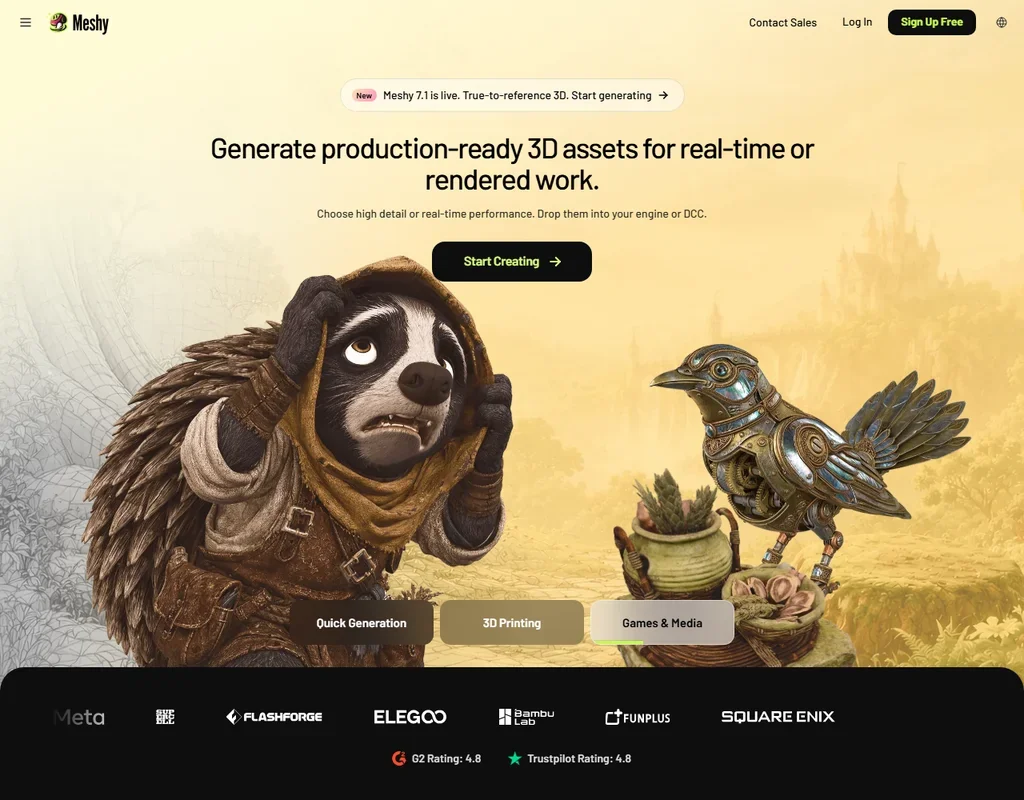
Meshy takes a character from prompt to animation in one place: text, single-image or multi-view input, AI texturing with PBR maps, quad remeshing, then auto rigging with a library of more than 600 animations. Exports include GLB, FBX, OBJ, USDZ and BLEND, so a model goes straight into a game engine or 3D tool. Multi-view input, remeshing and engine plugins need a paid plan, and non-Enterprise work can train its models unless you opt out by email.
- Text, single-image and multi-view image to 3D are all available.
- Auto rigging and a library of more than 600 animations are built in.
- Non-Enterprise inputs and outputs can be used for training unless you opt out by email.
From $20free planTripo AI suits indie developers who care about clean meshes: quad retopology rebuilds a model to the polygon count you set, part segmentation is built in, and the DCC Bridge sends models to Blender, Unity, Unreal, Maya, Godot or Roblox.
Show detailsHide details02 Tripo AI: Best for clean topology at a low price8.5Score 8.5 out of 10From $20free planTripo AI suits indie developers who care about clean meshes: quad retopology rebuilds a model to the polygon count you set, part segmentation is built in, and the DCC Bridge sends models to Blender, Unity, Unreal, Maya, Godot or Roblox.Visit site ↗ReviewDetailsCloseShow more about Tripo AI
From $20free plan
Tripo AI suits indie developers who care about clean meshes: quad retopology rebuilds a model to the polygon count you set, part segmentation is built in, and the DCC Bridge sends models to Blender, Unity, Unreal, Maya, Godot or Roblox.
Show detailsHide detailsTripo AI: Best for clean topology at a low price
8.5Score 8.5 out of 10From $20free planTripo AI suits indie developers who care about clean meshes: quad retopology rebuilds a model to the polygon count you set, part segmentation is built in, and the DCC Bridge sends models to Blender, Unity, Unreal, Maya, Godot or Roblox.Visit site ↗ReviewDetailsClose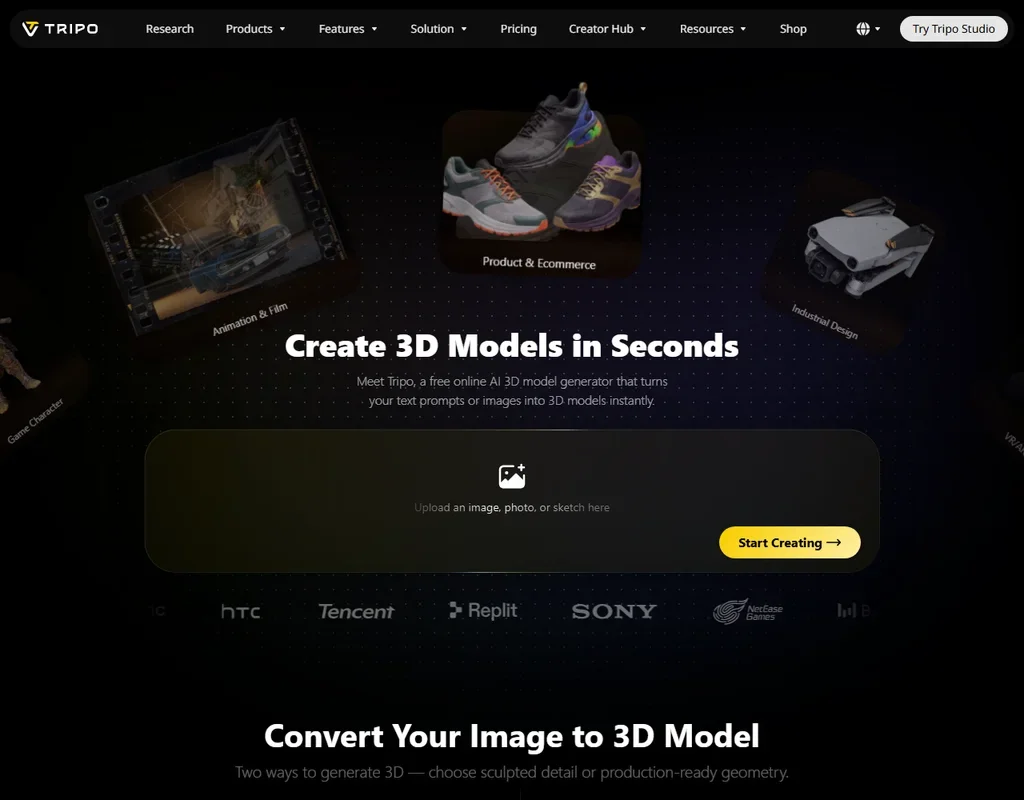
Tripo AI suits indie developers who care about clean meshes: quad retopology rebuilds a model to the polygon count you set, part segmentation is built in, and the DCC Bridge sends models to Blender, Unity, Unreal, Maya, Godot or Roblox. Pro gives 3,000 credits a month, about 200 models. Texturing, PBR and auto rigging each cost credits on top of the model, and free models are public and for non-commercial use.
- Quad retopology rebuilds a mesh to a polygon count you set.
- Paid plans keep inputs and outputs out of training data.
- Free plan models are public and for non-commercial use only.
From $15free planIf you make a lot of props and want to stop counting credits, Sloyd's Plus and Pro plans give unlimited standard text and image to 3D at a flat monthly price.
Show detailsHide details03 Sloyd: Best for unlimited generations at a flat price8.0Score 8.0 out of 10From $15free planIf you make a lot of props and want to stop counting credits, Sloyd's Plus and Pro plans give unlimited standard text and image to 3D at a flat monthly price.Visit site ↗ReviewDetailsCloseShow more about Sloyd
From $15free plan
If you make a lot of props and want to stop counting credits, Sloyd's Plus and Pro plans give unlimited standard text and image to 3D at a flat monthly price.
Show detailsHide detailsSloyd: Best for unlimited generations at a flat price
8.0Score 8.0 out of 10From $15free planIf you make a lot of props and want to stop counting credits, Sloyd's Plus and Pro plans give unlimited standard text and image to 3D at a flat monthly price.Visit site ↗ReviewDetailsClose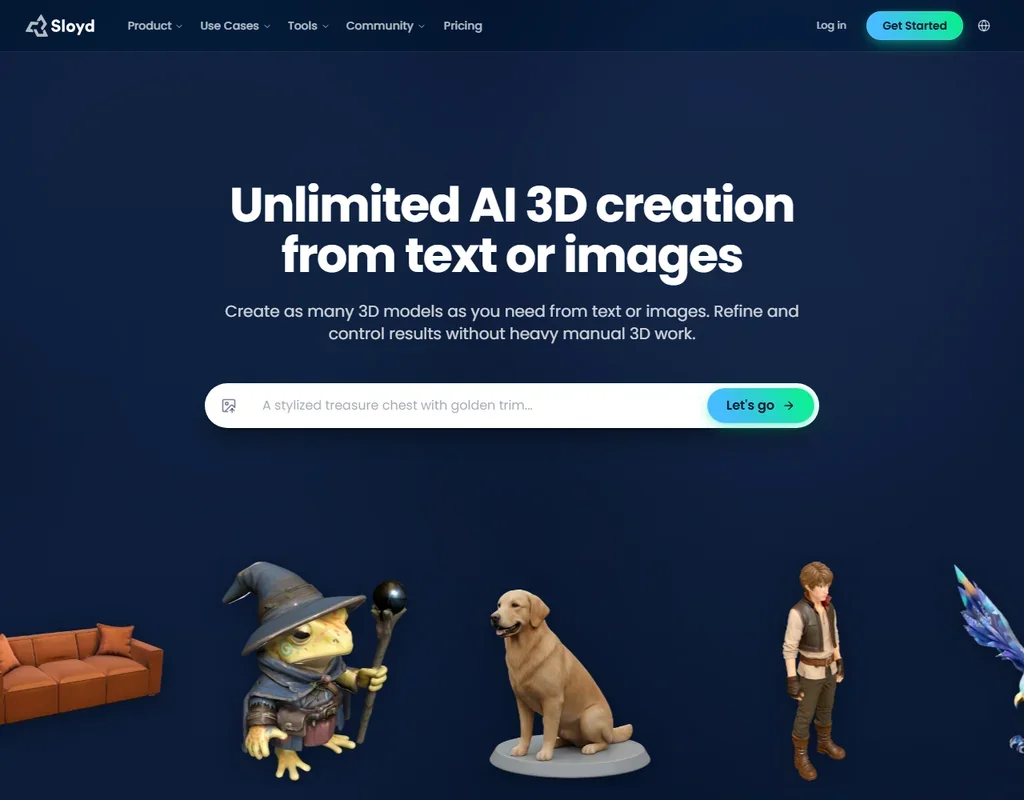
If you make a lot of props and want to stop counting credits, Sloyd's Plus and Pro plans give unlimited standard text and image to 3D at a flat monthly price. You set the polygon count and pick quad or triangle topology, and plugins reach Roblox, Unity, Unreal, Godot, Maya and Blender. Parametric templates can be customized without limit, even on the free plan. That free Guest plan allows one AI generation a day for personal use, and the API is a separate product.
- Standard text and image to 3D generations are unlimited on Plus and Pro.
- You control the polygon count and choose quad or triangle topology.
- The free Guest plan is for personal use only, with one AI generation a day.
From $30free planRodin is for detail rather than motion: every model comes with albedo, roughness and metalness maps, polygon counts run up to 10 million, and LOD generation is optional.
Show detailsHide details04 Rodin: Best for high-detail models with LOD control6.2Score 6.2 out of 10From $30free planRodin is for detail rather than motion: every model comes with albedo, roughness and metalness maps, polygon counts run up to 10 million, and LOD generation is optional.Visit site ↗ReviewDetailsCloseShow more about Rodin
From $30free plan
Rodin is for detail rather than motion: every model comes with albedo, roughness and metalness maps, polygon counts run up to 10 million, and LOD generation is optional.
Show detailsHide detailsRodin: Best for high-detail models with LOD control
6.2Score 6.2 out of 10From $30free planRodin is for detail rather than motion: every model comes with albedo, roughness and metalness maps, polygon counts run up to 10 million, and LOD generation is optional.Visit site ↗ReviewDetailsClose
Rodin is for detail rather than motion: every model comes with albedo, roughness and metalness maps, polygon counts run up to 10 million, and LOD generation is optional. It makes static meshes ready for rigging but does not rig or animate them, so characters need Meshy, Tripo AI or your own rigging afterward. Creator and Business allow unlimited export and any use of what you make. On the free plan, each confirmed result costs $1.50 a credit.
- Every model includes PBR textures: albedo, roughness and metalness maps.
- Polygon counts are selectable up to 10 million, with optional LOD generation.
- Rodin does not rig or animate models.
Best AI 3D model generators for 3D printing
4 picksA printable model has to come out in a file your slicer opens, such as STL or 3MF, under a license that covers what you do with the print. The picks differ in file formats and rights. Meshy exports STL and 3MF, and its free models carry a CC BY 4.0 license that allows commercial use with attribution. Tripo AI gives about 200 models a month on Pro, with commercial rights on paid plans. Rodin exports STL and 3MF at up to 10 million polygons. Sloyd exports STL, 3MF and PLY, with reselling rights on Pro. Choose by whether you will sell the prints.
#ToolScorePriceWhy pick it
From $20free planFor printing, Meshy exports STL and 3MF next to its game formats, and text, image and multi-view input give you three ways to describe the object.
Show detailsHide details05Meshy: Best for STL and 3MF files from text9.2Score 9.2 out of 10From $20free planFor printing, Meshy exports STL and 3MF next to its game formats, and text, image and multi-view input give you three ways to describe the object.Visit site ↗ReviewDetailsCloseShow more about Meshy
From $20free plan
For printing, Meshy exports STL and 3MF next to its game formats, and text, image and multi-view input give you three ways to describe the object.
Show detailsHide detailsMeshy: Best for STL and 3MF files from text
9.2Score 9.2 out of 10From $20free planFor printing, Meshy exports STL and 3MF next to its game formats, and text, image and multi-view input give you three ways to describe the object.Visit site ↗ReviewDetailsCloseFor printing, Meshy exports STL and 3MF next to its game formats, and text, image and multi-view input give you three ways to describe the object. Free plan models carry a CC BY 4.0 license that allows commercial use with attribution, so you can sell a print as long as you give credit. The free plan downloads from Meshy 6 Lite. Paid plans make assets private, and new users get 50% off the first month of Pro.
- Text, single-image and multi-view image to 3D are all available.
- Auto rigging and a library of more than 600 animations are built in.
- Non-Enterprise inputs and outputs can be used for training unless you opt out by email.
From $20free planFor anyone printing a lot of figures or parts, Tripo AI keeps the cost per model low: Pro's 3,000 credits a month cover about 200 models, and an HD model costs 15 credits before any texture.
Show detailsHide details06Tripo AI: Best for a low cost per printed model8.5Score 8.5 out of 10From $20free planFor anyone printing a lot of figures or parts, Tripo AI keeps the cost per model low: Pro's 3,000 credits a month cover about 200 models, and an HD model costs 15 credits before any texture.Visit site ↗ReviewDetailsCloseShow more about Tripo AI
From $20free plan
For anyone printing a lot of figures or parts, Tripo AI keeps the cost per model low: Pro's 3,000 credits a month cover about 200 models, and an HD model costs 15 credits before any texture.
Show detailsHide detailsTripo AI: Best for a low cost per printed model
8.5Score 8.5 out of 10From $20free planFor anyone printing a lot of figures or parts, Tripo AI keeps the cost per model low: Pro's 3,000 credits a month cover about 200 models, and an HD model costs 15 credits before any texture.Visit site ↗ReviewDetailsCloseFor anyone printing a lot of figures or parts, Tripo AI keeps the cost per model low: Pro's 3,000 credits a month cover about 200 models, and an HD model costs 15 credits before any texture. Quad retopology lets you set the polygon count before export. Paid plans add commercial rights and keep your work out of training. Free models are public and for non-commercial use, so selling prints means paying for a plan.
- Quad retopology rebuilds a mesh to a polygon count you set.
- Paid plans keep inputs and outputs out of training data.
- Free plan models are public and for non-commercial use only.
From $15free planSloyd's parametric templates are the draw for printers who want a shape they can adjust rather than regenerate: you customize them without limit in the browser, even on the free plan.
Show detailsHide details07Sloyd: Best for customizable parametric templates8.0Score 8.0 out of 10From $15free planSloyd's parametric templates are the draw for printers who want a shape they can adjust rather than regenerate: you customize them without limit in the browser, even on the free plan.Visit site ↗ReviewDetailsCloseShow more about Sloyd
From $15free plan
Sloyd's parametric templates are the draw for printers who want a shape they can adjust rather than regenerate: you customize them without limit in the browser, even on the free plan.
Show detailsHide detailsSloyd: Best for customizable parametric templates
8.0Score 8.0 out of 10From $15free planSloyd's parametric templates are the draw for printers who want a shape they can adjust rather than regenerate: you customize them without limit in the browser, even on the free plan.Visit site ↗ReviewDetailsCloseSloyd's parametric templates are the draw for printers who want a shape they can adjust rather than regenerate: you customize them without limit in the browser, even on the free plan. Exports include STL, 3MF and PLY. Commercial use starts on Plus, and reselling models on marketplaces needs Pro, which adds 350 credits a month and a priority queue. The free Guest plan is for personal use, with one AI generation a day.
- Standard text and image to 3D generations are unlimited on Plus and Pro.
- You control the polygon count and choose quad or triangle topology.
- The free Guest plan is for personal use only, with one AI generation a day.
From $30free planRodin suits a detailed print made from reference photos: multi-image to 3D combines several images into one model on Creator and above, and exports include STL and 3MF.
Show detailsHide details08Rodin: Best for detailed prints from several photos6.2Score 6.2 out of 10From $30free planRodin suits a detailed print made from reference photos: multi-image to 3D combines several images into one model on Creator and above, and exports include STL and 3MF.Visit site ↗ReviewDetailsCloseShow more about Rodin
From $30free plan
Rodin suits a detailed print made from reference photos: multi-image to 3D combines several images into one model on Creator and above, and exports include STL and 3MF.
Show detailsHide detailsRodin: Best for detailed prints from several photos
6.2Score 6.2 out of 10From $30free planRodin suits a detailed print made from reference photos: multi-image to 3D combines several images into one model on Creator and above, and exports include STL and 3MF.Visit site ↗ReviewDetailsCloseRodin suits a detailed print made from reference photos: multi-image to 3D combines several images into one model on Creator and above, and exports include STL and 3MF. Polygon counts reach 10 million, which leaves room for fine surface detail. On the free plan you generate at no cost and pay $1.50 a credit for each confirmed result, exports come from legacy models and commercial use needs a subscription. Meshy's free license already allows selling with attribution.
- Every model includes PBR textures: albedo, roughness and metalness maps.
- Polygon counts are selectable up to 10 million, with optional LOD generation.
- Rodin does not rig or animate models.
Best AI 3D tools for production assets
3 picksA studio needs assets that drop straight into the game or product it is building: set polygon budgets, clean quads, clear ownership and a team account. The picks differ in how much human work is included. Kaedim pairs AI generation with in-house artist review and unlimited revisions, priced through sales. Rodin's Business plan adds High-Poly Quads, full API access and about 416 models a month at its base tier. Meshy's Studio plan shares 5,500 credits a month across a team, with plugins for game engines and 3D tools. Choose by whether you want a service or a tool your own artists run.
#ToolScorePriceWhy pick it
From $20free planMeshy's Studio plan suits a team that wants artists to generate their own assets: 5,500 credits a month are shared across the team, and plugins connect to game engines and 3D tools.
Show detailsHide details09Meshy: Best for team credits and engine plugins9.2Score 9.2 out of 10From $20free planMeshy's Studio plan suits a team that wants artists to generate their own assets: 5,500 credits a month are shared across the team, and plugins connect to game engines and 3D tools.Visit site ↗ReviewDetailsCloseShow more about Meshy
From $20free plan
Meshy's Studio plan suits a team that wants artists to generate their own assets: 5,500 credits a month are shared across the team, and plugins connect to game engines and 3D tools.
Show detailsHide detailsMeshy: Best for team credits and engine plugins
9.2Score 9.2 out of 10From $20free planMeshy's Studio plan suits a team that wants artists to generate their own assets: 5,500 credits a month are shared across the team, and plugins connect to game engines and 3D tools.Visit site ↗ReviewDetailsCloseMeshy's Studio plan suits a team that wants artists to generate their own assets: 5,500 credits a month are shared across the team, and plugins connect to game engines and 3D tools. The API is on paid plans, so assets can be generated from your own tools. Work on plans below Enterprise can be used for training unless you opt out by email, so studios with client work should send that email first. Kaedim adds artist review on top of generation.
- Text, single-image and multi-view image to 3D are all available.
- Auto rigging and a library of more than 600 animations are built in.
- Non-Enterprise inputs and outputs can be used for training unless you opt out by email.
Pricing N/AKaedim is a production partner rather than an app: you send sketches, photos or briefs, the AI drafts a model, and in-house artists review it with unlimited revisions and custom styles.
Show detailsHide details10 Kaedim: Best for artist-checked assets for production teams7.0Score 7.0 out of 10Pricing N/AKaedim is a production partner rather than an app: you send sketches, photos or briefs, the AI drafts a model, and in-house artists review it with unlimited revisions and custom styles.Visit site ↗ReviewDetailsCloseShow more about Kaedim
Pricing N/A
Kaedim is a production partner rather than an app: you send sketches, photos or briefs, the AI drafts a model, and in-house artists review it with unlimited revisions and custom styles.
Show detailsHide detailsKaedim: Best for artist-checked assets for production teams
7.0Score 7.0 out of 10Pricing N/AKaedim is a production partner rather than an app: you send sketches, photos or briefs, the AI drafts a model, and in-house artists review it with unlimited revisions and custom styles.Visit site ↗ReviewDetailsClose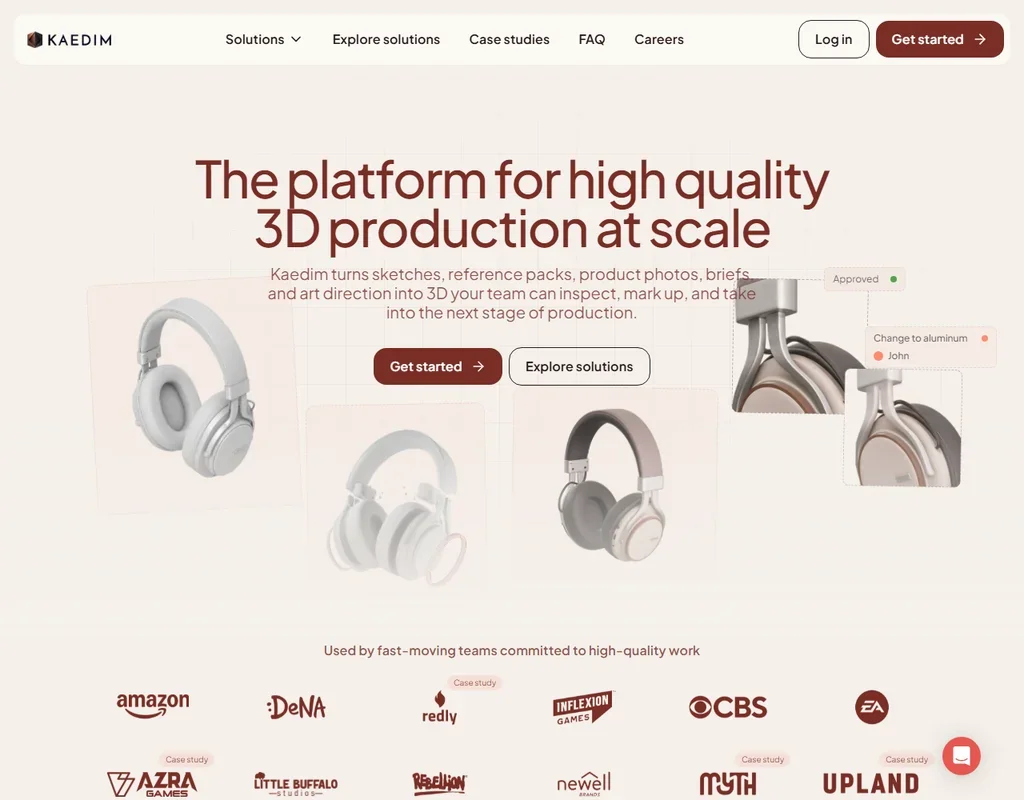
Kaedim is a production partner rather than an app: you send sketches, photos or briefs, the AI drafts a model, and in-house artists review it with unlimited revisions and custom styles. Outputs are made from quads, split into multiple meshes and watertight, and they arrive textured and rigged, with full ownership. A customer success manager and an art lead come with every team. There is no free plan, no self-serve tier and no public price list, and it does not animate.
- In-house artists review the AI output, with unlimited revisions and custom styles.
- Outputs are made from quads, split into multiple meshes and watertight.
- There is no free plan or self-serve tier; teams start through sales.
From $30free planRodin's Business plan fits a studio that needs detail within a budget: polygon counts are selectable up to 10 million, LOD generation is optional, and High-Poly Quads and full API access are included.
Show detailsHide details11Rodin: Best for polygon budgets up to 10 million6.2Score 6.2 out of 10From $30free planRodin's Business plan fits a studio that needs detail within a budget: polygon counts are selectable up to 10 million, LOD generation is optional, and High-Poly Quads and full API access are included.Visit site ↗ReviewDetailsCloseShow more about Rodin
From $30free plan
Rodin's Business plan fits a studio that needs detail within a budget: polygon counts are selectable up to 10 million, LOD generation is optional, and High-Poly Quads and full API access are included.
Show detailsHide detailsRodin: Best for polygon budgets up to 10 million
6.2Score 6.2 out of 10From $30free planRodin's Business plan fits a studio that needs detail within a budget: polygon counts are selectable up to 10 million, LOD generation is optional, and High-Poly Quads and full API access are included.Visit site ↗ReviewDetailsCloseRodin's Business plan fits a studio that needs detail within a budget: polygon counts are selectable up to 10 million, LOD generation is optional, and High-Poly Quads and full API access are included. The base tier covers about 416 models a month, with tiers up to $1,200 a month, and Business adds a ChatAvatar commercial license. Plugins bring it into 3D tools and game engines. Rigging and animation stay with your team, since Rodin does neither.
- Every model includes PBR textures: albedo, roughness and metalness maps.
- Polygon counts are selectable up to 10 million, with optional LOD generation.
- Rodin does not rig or animate models.
How to choose an AI 3D model generator
AI 3D generators all turn a prompt or a picture into a mesh, and they split on what happens next: whether the model is rigged, how clean the topology is, which file formats you get and who may use the result. Licenses matter more than usual here, because several free plans make your models public or rule out commercial use. This guide sorts the jobs, then the free plans, the files and the point where paying makes sense.
Start with the job, not the tool
The tools here do three jobs, and the job narrows the list fast.
- Game-ready models. Meshy, Tripo AI and Sloyd generate textured models with rigging and engine plugins, and Rodin makes detailed static meshes with LOD control.
- Models for 3D printing. Meshy, Rodin and Sloyd export STL and 3MF, and Tripo AI gives a large number of models a month at a low price.
- Production assets for a studio. Kaedim delivers artist-reviewed assets as a service, Rodin's Business plan adds quads and full API access, and Meshy's Studio plan shares credits across a team.
The table shows where to start on any budget.
| Job | Free | Worth paying for |
|---|---|---|
| Game-ready models | Meshy (100 credits a month, CC BY 4.0 license) | Tripo AI Pro at $20 a month, or Sloyd Plus at $15 for unlimited standard generations |
| 3D printing | Meshy, whose free models allow commercial use with attribution | Sloyd Pro at $50 a month for reselling rights, or Rodin Creator at $30 |
| Production assets | Rodin's free plan, paying $1.50 a credit per confirmed result | Kaedim through sales, or Rodin Business at $120 a month |
Free plans make models you can look at and test, but most hold back privacy, commercial rights or the better mesh tools. Pay first for commercial rights if anything you make will be sold or shipped in a game.
What the free plans actually give you
Each free plan rations something different.
- Meshy. 100 credits a month, monthly downloads from Meshy 6 Lite, 20 animations and a CC BY 4.0 license that allows commercial use with attribution. No credit card is needed.
- Tripo AI. 200 credits a month, about 13 models, one task at a time, 15 exports on the H2.5 model, 10 stored models and a one-day edit history. Models are public and for non-commercial use.
- Sloyd. One AI generation a day on the Guest plan, for personal use, plus parametric templates you can customize without limit.
- Rodin. Generating costs nothing, each confirmed result costs $1.50 a credit, exports come from legacy models, and multi-image input has limited use.
In a normal week, Meshy's monthly credits and Tripo AI's 13 models are enough to test a style, and Sloyd's daily generation suits one prop a day. A whole game level or a run of prints needs a paid plan.
Which tools fit which maker
- An indie game developer. Start with Tripo AI for quad retopology and the DCC Bridge. Add Meshy's animation library when characters need to move.
- A Roblox creator. Start with Sloyd, which has a Roblox plugin and unlimited standard generations on Plus. Tripo AI's DCC Bridge reaches Roblox too.
- A hobby 3D printer. Start with Meshy's free plan, because it exports STL and 3MF under a license that allows commercial use with attribution. Add Sloyd's free templates for shapes you want to adjust.
- Someone selling prints or models. Start with Sloyd Pro, which includes reselling rights on marketplaces. Rodin's Creator plan allows any use of what you make.
- A studio with a delivery schedule. Start with Kaedim for artist-reviewed, rigged assets. Add Rodin Business for in-house generation with polygon budgets.
- A developer building 3D into an app. Start with the Meshy or Tripo AI API. Sloyd sells its API separately, and Rodin's full API access is on Business.
One model from prompt to file, step by step
- Describe or photograph it. Use text, one image or several views. Meshy, Tripo AI and Rodin accept several images, and Kaedim works from sketches, photos and briefs.
- Generate a draft. Try the free plans first: Meshy, Tripo AI and Sloyd each give a few models a month or a day.
- Fix the topology. Set the polygon count with Tripo AI's quad retopology, Sloyd's polycount control or Rodin's selectable counts, or remesh in Meshy on a paid plan.
- Texture it. Meshy and Tripo AI add AI textures and PBR maps, and Rodin includes albedo, roughness and metalness maps on every model.
- Rig and animate. Meshy and Tripo AI auto rig, and Sloyd rigs and animates. Kaedim delivers rigged assets, and Rodin's static meshes go to your own rigging.
- Export the right format. GLB or FBX for engines, STL or 3MF for printing. Meshy and Sloyd also export BLEND, and Rodin exports glTF and DXF.
- Send it to your engine or slicer. Plugins connect Meshy, Sloyd, Rodin and Tripo AI to game engines and 3D tools.
- Check the license. Before you sell anything, confirm the plan you made it on allows it.
Where free plans stop
| Limit | Tools | What happens when you hit it |
|---|---|---|
| Public models | Tripo AI free | Your models are public until you move to a paid plan |
| Non-commercial or personal use | Tripo AI free, Sloyd Guest | You can learn and test, but not sell |
| Attribution | Meshy free (CC BY 4.0) | Commercial use is allowed with credit, and paid plans make assets private |
| Daily count | Sloyd (1 AI generation a day) | A new generation opens the next day |
| Monthly credits | Meshy (100), Tripo AI (200, about 13 models) | You wait for next month or upgrade |
| Pay per result | Rodin free ($1.50 a credit per confirmed result) | Each model you keep costs money |
Use the free plans to find the tool whose style and topology fit your project, then pay for the one you settle on.
Privacy and who owns your models
Concept art and client designs can be confidential, and a public free plan shows them to everyone. These tools state how they treat your work and what you may do with it.
| Tool | Training and ownership |
|---|---|
| Kaedim | Project data is never used for general training, and assets come with full ownership and commercial rights |
| Tripo AI | Paid plans keep inputs and outputs out of training and allow commercial use; free models are public and non-commercial |
| Meshy | Non-Enterprise inputs and outputs can be used for training unless you opt out by email; free models carry CC BY 4.0, paid assets are private |
| Rodin | Creator and Business give any use of what you make |
| Sloyd | Commercial use starts on Plus, and reselling on marketplaces needs Pro |
For client work, use Kaedim or a paid Tripo AI plan, or send Meshy the opt-out email before you upload anything. Keep unreleased designs off Tripo AI's free plan, where models are public.
Mistakes to avoid
- Selling a model made on a free plan. Tripo AI's free models are non-commercial and Sloyd's Guest plan is personal use. Meshy's free license allows selling with attribution, so check which one you used.
- Counting models instead of credits. On Tripo AI an HD model is 15 credits, texturing adds 10, PBR 5 and auto rigging 20, so a finished, rigged model costs 50 credits. Plan your month from the finished cost.
- Forgetting the training opt-out. Meshy can use non-Enterprise work for training unless you email to opt out. Do it before uploading client concepts.
- Exporting too dense a mesh for a game. Rodin allows up to 10 million polygons. Use its LOD generation or Tripo AI's quad retopology to bring the count down for real-time use.
- Buying the wrong plan for reselling. Sloyd's reselling rights on marketplaces start on Pro, not Plus.
When it is worth paying
Pay when a model leaves your screen: when it goes into a game you will ship, onto a marketplace or into a print you sell. Private assets and commercial rights are the main things the paid plans add.
| If you are | Upgrade to | What changes |
|---|---|---|
| Making game characters | Meshy Pro ($20 a month) | 1,000 credits (up to 100 assets), private assets, multi-view input, remeshing and plugins |
| Making many props | Sloyd Plus ($15 a month) | Unlimited standard generations, commercial use and 50 credits for premium features |
| Producing at volume | Tripo AI Max ($90 a month) | 25,000 credits, about 1,660 models |
| Needing detail and quads | Rodin Business ($120 a month) | High-Poly Quads, full API access and about 416 models a month |
| Working as a team | Meshy Studio ($70 a month) or Tripo AI Team ($110 per user) | Shared credits: 5,500 or 90,000 a month |
Yearly billing lowers most self-serve plans: Meshy Pro is $192 a year, or $16 a month, Sloyd Plus $150 a year and Rodin Creator $288 a year, or $24 a month. Tripo AI Pro is $240 a year, the same as paying monthly. New Meshy users get 50% off their first month, and Rodin offers a free trial. Kaedim is priced on request through sales, with no public price list.
What would this stack cost you?
Add our top picks (Meshy, Meshy, Meshy) to the calculator and see the monthly total, then swap in the plans you would pay for.
How we picked
Every tool here is ranked by its score, and each score is worked out from the vendor’s own published pages: pricing, plans, features and terms. No score is adjusted by hand. All 5 tools have enough published facts to be scored, and on average 92% of each score comes from facts the vendor publishes. The facts behind these scores were checked between 31 October 2026.
Scores compare tools that do the same job, which is why the list is grouped by job: a video editor and a grammar checker are never ranked against each other.
| Ranked as | On this page | What we score | Scoring guide |
|---|---|---|---|
| AI 3D model generators6 reviewed | 5 | 4 criteria, 17 checked facts: what it makes, files and tools, pricing, privacy and trust | How we score these → |
Common questions
Can I make 3D models on my phone?
Meshy has free apps for iOS and Android alongside its browser version. Tripo AI's editor, Tripo Studio, runs in the browser, as do Sloyd's web app and Rodin. For game or print work you will still move the file into a 3D tool or slicer on a computer, so treat the phone as a place to generate and review ideas.
Do AI 3D generators work with Blender?
Meshy and Sloyd both export BLEND files, and Sloyd has a Blender plugin. Tripo AI's DCC Bridge connects to Blender on paid plans, and Meshy's plugins for 3D tools also need a paid plan. Rodin has plugins for 3D tools and game engines and exports FBX, OBJ and glTF, so a model reaches Blender from any of the self-serve tools here.
How many models do I get each month?
Meshy Pro covers up to 100 assets on 1,000 credits, Tripo AI Pro about 200 models on 3,000 credits, and Rodin Creator about 60 models at its base tier. Sloyd's Plus and Pro plans give unlimited standard generations, with credits for premium features. Compare by the plan that matches your monthly volume rather than by the cheapest entry price, since the counts per dollar differ widely.
Can I turn a photo into a 3D model?
Every tool here works from images. Meshy takes a single image or several views, Tripo AI one image or several, and Rodin one image or several combined into one model. Sloyd does image to 3D, unlimited on its paid plans, and Kaedim works from sketches and photos with artist review. Multi-view input is a paid feature on Meshy and Tripo AI, and Rodin's is on Creator with limited free use.