Fluently isn't easy to categorize. It's a speaking practice app, not a writing assistant, which puts it in an awkward spot inside our AI Writing Tool category. We flagged that tension early in our research and kept going anyway, because the concept is specific enough to be worth covering. The pricing situation, though. That's a different conversation.
What is Fluently?
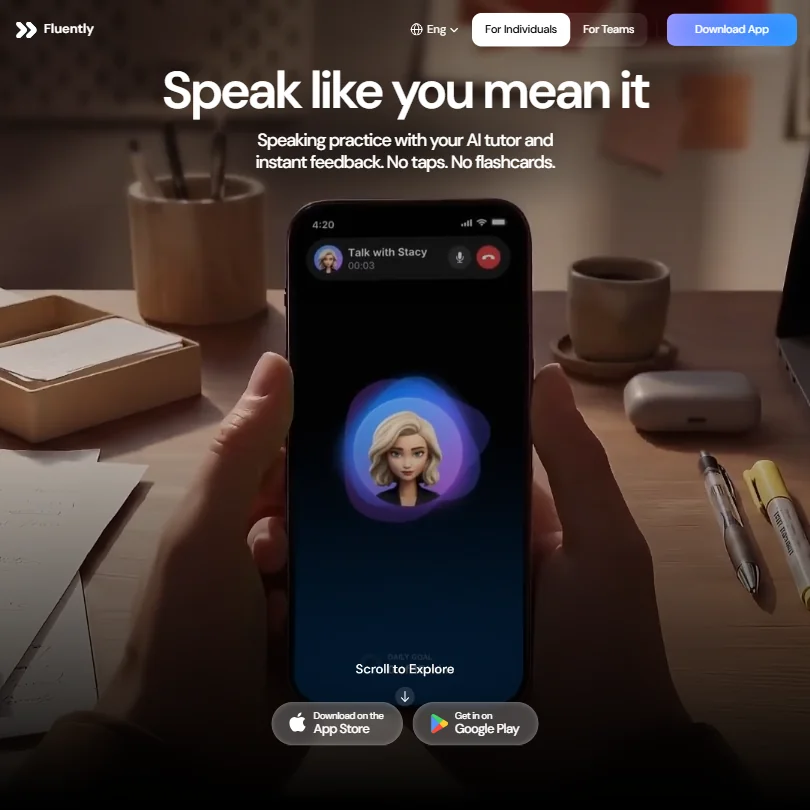
A mobile app, iOS and Android, built around a single premise: talk to an AI tutor hands-free, like a phone call. No push-to-talk button. No flashcard decks. You speak, the AI listens, and corrections come back in real time.
That's the pitch. And based on what we aggregated across app store reviews and Reddit threads, it mostly holds up. The pattern we kept seeing was users specifically praising how natural the back-and-forth feels, which isn't something you hear often about structured language apps. The other thing that came up repeatedly: the AI tutor retains memory of past sessions, which is genuinely useful for anyone trying to track improvement over weeks, not just individual drills.
Fluently claims over 999,000 users. We couldn't verify that number independently. The review volume suggests it's at least plausible.
Fluently Features: What You Actually Get
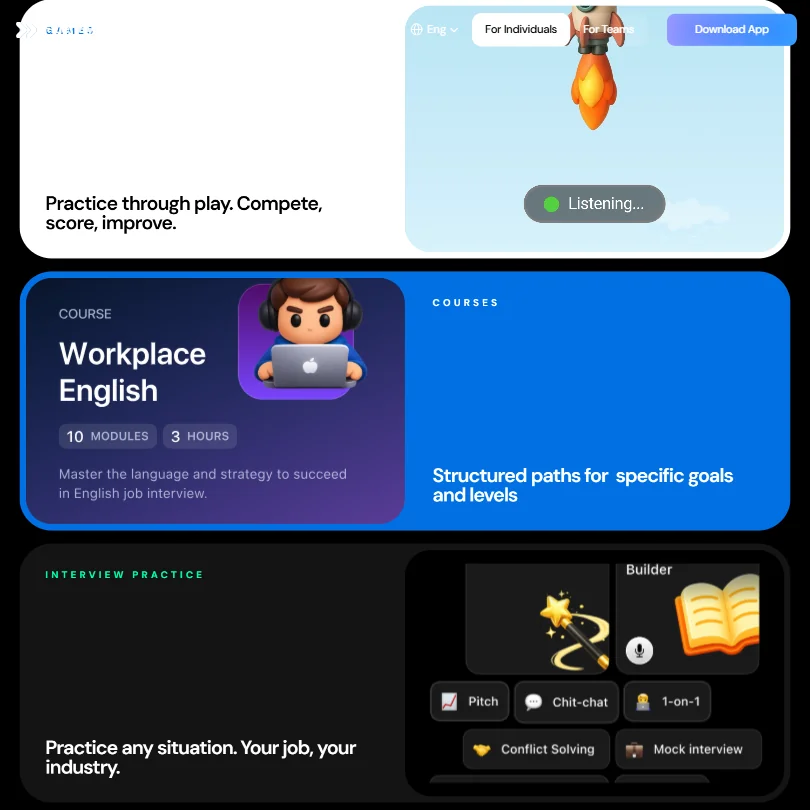
The feature set is narrow by design. Real-time sentence correction sits at the center. The AI flags unnatural phrasing and offers alternatives closer to how a fluent speaker would actually say something, which is the paraphrasing function in practice. Users describe the suggestions as accurate rather than generic, though we're working from aggregated reports here, not hands-on testing.
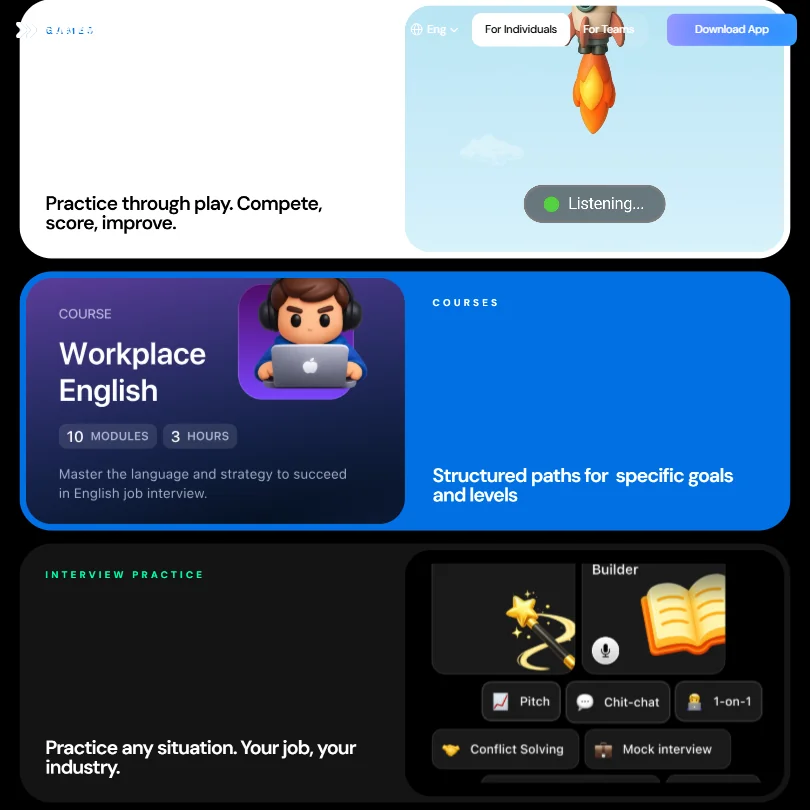
Structured courses exist too. Interview prep is the most specific one we kept seeing mentioned, with users noting they could practice for their industry rather than generic business English. Vocabulary games round out the daily habit loop for learners who'd otherwise drift off after a few sessions.
What isn't there: no browser extension, no API, no integrations of any kind. If you need real-time correction inside the tools you already write in, that's not this app. We'd point you toward Grammarly for that.
Fluently supports five languages as interface or learning options. English is the core. Spanish, Korean, Portuguese (Brazil), and Japanese are the others listed.
Fluently AI Output Quality: Is It Good Enough?
Honestly, this ended up being the strongest part of the product. That surprised us a little.
App store reviews from early 2026 describe the corrections as accurate and the conversation as natural-feeling. One reviewer called it the most comfortable AI speaking tool they'd tried after testing several others. Another described it as talking to a real colleague. We can't verify those hands-on. But the pattern was consistent enough across enough reviewers that we're taking it seriously rather than discounting it.
The underlying AI model is proprietary. No architecture details anywhere. Frustrating from a research standpoint, but it doesn't appear to be hurting actual performance based on what users report. That tracks with what we see from other consumer-facing AI tools that keep the stack quiet.
Is Fluently Easy to Use?
The hands-free design is the clearest usability win. No interface friction during conversations. Open the app, start talking. That's genuinely the whole experience, and it's a real differentiator over push-to-talk competitors like Elsa Speak or Duolingo's speaking exercises.
Progress tracking is visible and specific. Skill scores and speaking streaks are surfaced without digging through menus, which matters more than it sounds for habit formation. We've seen far more feature-rich apps get this wrong.
We couldn't evaluate onboarding directly, and feedback is mixed: some users praise the tutorial, while others complain that the initial questionnaire is too long. A March 2026 App Store reviewer said they quit after ten questions into what they called an "endless list." Fluently replied publicly that the flow should feel faster and more transparent. Fair. At least they acknowledged it.
Fluently Pricing: Is It Worth the Cost?
The website has no pricing page. No plan names, no dollar amounts, no free trial details. Nothing public. Pricing only appears inside the App Store, which means you have to download the app before you know what you're signing up for financially.
That's a trust problem, not a minor inconvenience. We've reviewed 28 AI writing tools for this site. Fifteen of them document a free plan publicly. Fluently doesn't confirm whether one exists at all. We're not going to pretend that's acceptable when competing tools like Elsa Speak and Duolingo are upfront about their pricing tiers. Neither should anyone else trying to compare options before committing time to a sign-up flow.
No refund policy is publicly stated either. No support documentation is findable from outside the app. That silence drags down our overall assessment more than any feature gap does.
Fluently vs Elsa Speak: Which Is Better?
Elsa Speak is the most direct comparison. Both target spoken English for non-native speakers, both use AI for real-time feedback, and both are mobile-first. Elsa has been around longer and has more visible pricing, which already gives it a practical edge for anyone doing upfront research.
On pronunciation specifically: ELSA has historically placed a stronger emphasis on detailed pronunciation analysis, including explicit phoneme-level scoring, while Fluently now also advertises sound-by-sound feedback. So the gap there is narrower than it used to be, though we can't verify how the implementations actually compare without hands-on testing.
Where Fluently pulls ahead, based on user reports, is conversational flow. Elsa tends toward structured drills. Fluently tends toward something that feels like an exchange. Neither integrates with anything else. That's a shared limitation worth naming plainly.
We're skeptical of making a hard recommendation between them without pricing parity. Elsa is the more pragmatic pick if transparency matters to you before you download.
Who Should Use Fluently? (And Who Shouldn't)
Non-native English speakers practicing for workplace conversations. Specifically people preparing for job interviews in English, or professionals who need to sound more natural in meetings and calls. That's the fit.
Content teams and writers looking for a writing assistant. Stop here. The gap between Fluently and something like Grammarly for actual text correction is enormous, and this app won't close it.
Anyone who needs pricing transparency before downloading should also look elsewhere. The information simply isn't there, and that's a reasonable dealbreaker.
Fluently Review Verdict
The core product works. That much comes through clearly in what we aggregated. Conversation quality seems genuinely good, and the hands-free design is a real differentiator over push-to-talk competitors. For a specific type of learner with a specific goal, this is probably worth trying.
But opaque pricing, no public refund policy, and no findable support documentation are not small problems. There's a version of Fluently we'd recommend more directly. It would have a pricing page, a documented refund process, and onboarding that doesn't make users quit before they've seen the product. Until then, go in with eyes open.
Frequently Asked Questions
Is Fluently free to use?
Fluently doesn't publicly state whether a free plan or free trial exists on its website. Pricing details appear to live inside the App Store only, which means you'll need to download the app before you see what the actual options are. Not ideal for anyone comparing tools before committing.
What languages does Fluently support?
English is the primary learning language. Spanish, Korean, Portuguese (Brazil), and Japanese are also listed on the site. We couldn't confirm the depth of support for each from external reviews alone, so mileage may vary depending on which you're looking for.
How does Fluently compare to other AI English speaking apps?
The hands-free conversation format is where Fluently stands out from most competitors. Elsa Speak leans toward structured pronunciation drills, Duolingo toward gamified exercises. Based on user reports, Fluently feels more like an actual exchange, which matters if conversational fluency is the specific thing you're practicing for.











