
What is BiteSyzed?
The pitch is simple enough. Drop in a long video, let the AI find the interesting moments, get short clips back with captions already attached. Sized for TikTok, Instagram Reels, or YouTube Shorts. Older promotional and affiliate material claimed the tool could generate 100+ clips from a single source video, but the current homepage doesn't confirm that figure anywhere. We'd treat it as unverified until the product page says otherwise.
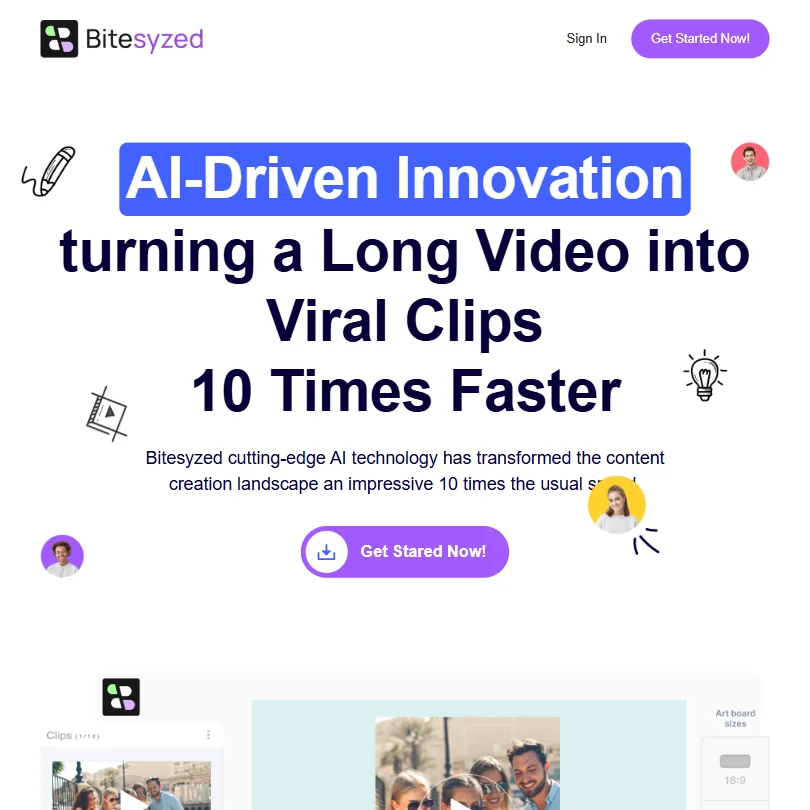
Founded date is unknown. Headquarters, unknown. BiteSyzed has a very limited independent public footprint.
BiteSyzed Features: Video Generation, Editing & AI Capabilities
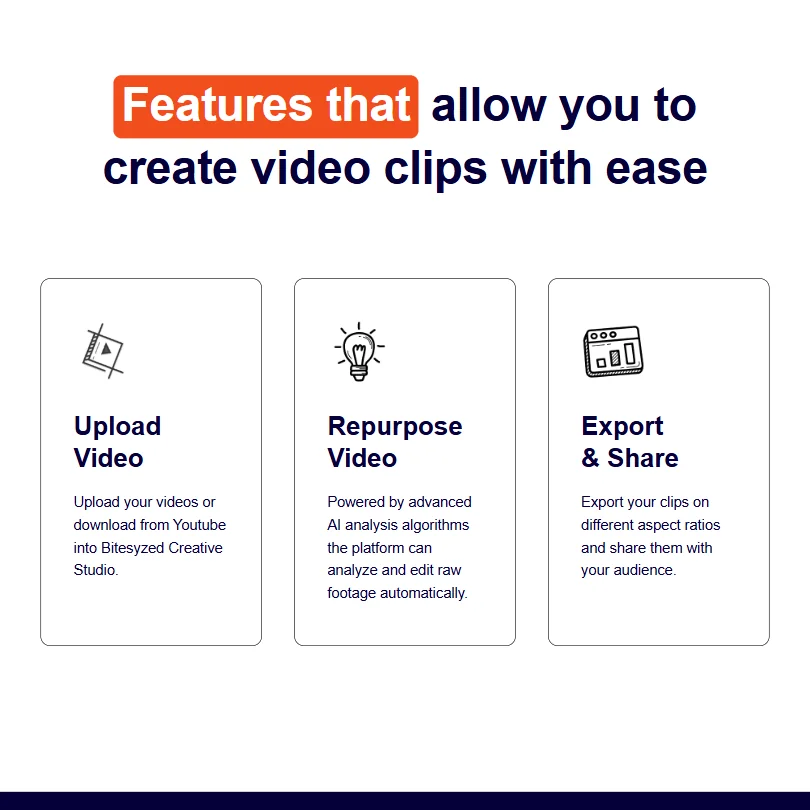
The feature set is tightly scoped, and honestly, that's fine for what this tool is trying to do. AI-powered video clipping is the whole point. The system analyzes raw footage, extracts moments with supposed viral potential, and hands you clips. It also writes descriptions and suggests hashtags automatically. Multilingual captions are included, which is genuinely useful for creators working across more than one market.
Beyond that, you get multiple aspect ratios and a drag-and-drop editor for minor tweaks. YouTube import works. That's where the integrations stop. No API, no Zapier, nothing connecting to external workflows.
The problem isn't the feature list. It's that we can't find anyone outside the vendor confirming these things actually perform.
BiteSyzed Video Quality: How Good Does the Output Actually Look?
The homepage has demo clips. They look fine. But vendor-produced demos are not user results, and those are two very different things.
The auto-subtitles feature supports multiple languages, which the vendor emphasizes. That tracks with where the market is moving. Whether accuracy holds across accents and fast speech is impossible to say right now. No data to pull from.
BiteSyzed AI Avatars & Voiceover: How Realistic Are They?
Not applicable. BiteSyzed doesn't do avatars, voice cloning, or text-to-speech. Full stop.
This isn't really a gap so much as a different product entirely. If avatar or voiceover output is what you need, HeyGen is where most people in this category end up. BiteSyzed is purely a clipping tool for footage you've already recorded. Worth knowing before signing up expecting something broader.
Is BiteSyzed Easy to Use?
The described workflow is short. Upload a video, wait for AI analysis, review the clips, export. Web-based, so nothing to install. YouTube import means you can skip downloading the file first, which is a small convenience but a real one for creators who live inside the platform.
The feature set is narrow enough that there probably isn't much to get lost in. Narrow tools tend to be easier to learn, for better or worse.
BiteSyzed Pricing: Is It Worth It for Creators & Teams?
Pricing is published on the site. Ask whether a free plan or free trial is available, since neither is mentioned on the product page.
Not great. Twenty-two of the 34 AI video tools we've reviewed in this category offer a free plan as a baseline. Opus Clip shows you what you're paying before you commit. Klap does the same. The absence of a confirmed free tier, in a category where free tiers are table stakes, is something that's going to cost BiteSyzed signups from cautious buyers. The refund policy also isn't publicly documented, which adds friction for anyone spending their own money.
BiteSyzed vs Opus Clip: Which AI Video Tool Is Better?
Opus Clip is the obvious benchmark. Same core job, long video in and short clips out, but with documented pricing and a free tier. Vidyo.ai and Klap are also worth a look, both more established, both with legible pricing pages.
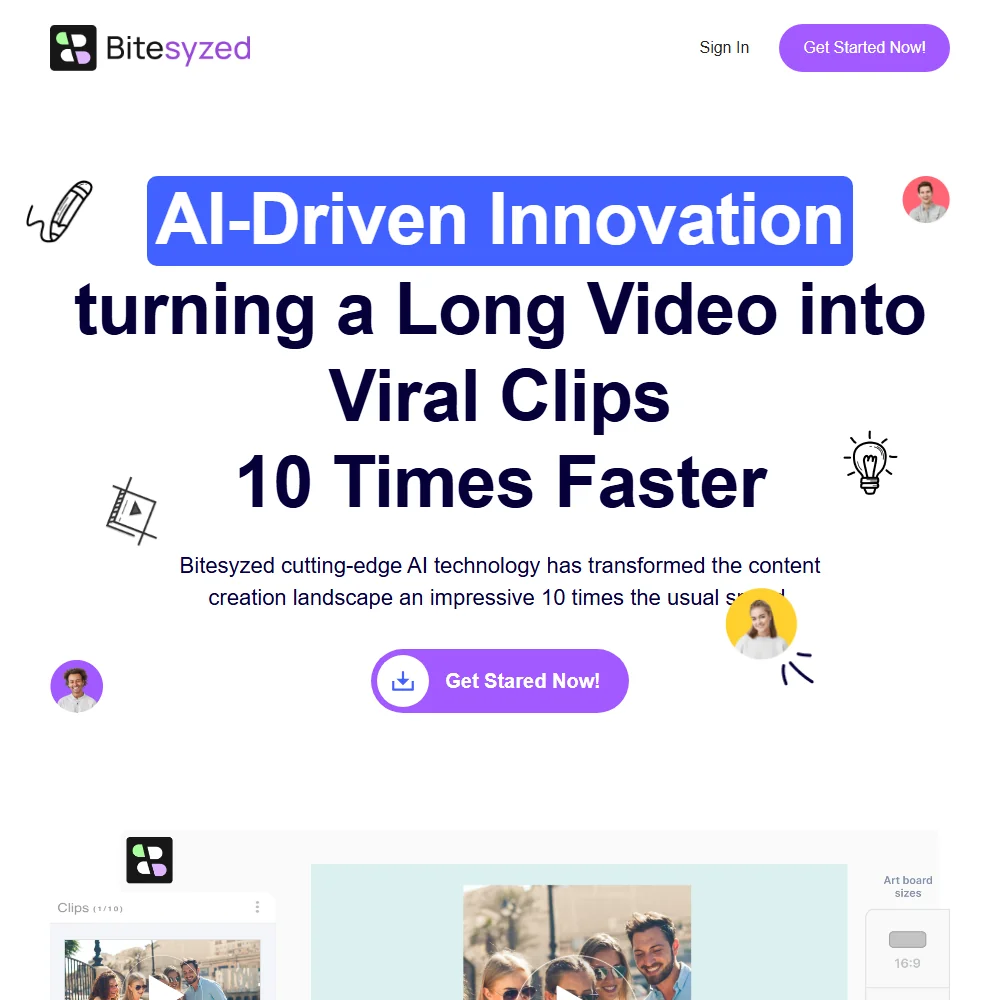
BiteSyzed claims to process videos 10x faster than competitors. That's a marketing number with no third-party verification behind it, so don't count on it as stated.
The honest comparison right now isn't really about features. It's about evidence. Opus Clip has it. BiteSyzed doesn't yet. That's the whole gap.
Who Should Use BiteSyzed? (And Who Shouldn't)
Early adopters who don't mind opacity. That's the honest fit.
Solo creators with existing long-form video who want short clips fast and aren't bothered by a thin public record. Anyone needing to justify a tool purchase internally, with support documentation or transparent pricing to point at, should look elsewhere right now. Marketing teams expecting API access or Zapier connectivity will hit a wall immediately.
BiteSyzed Review Verdict
The category is real. Repurposing long-form video into short clips is a genuine workflow problem, and the features BiteSyzed describes would address it. But the tool's near-zero independent public footprint is a serious issue for anyone doing due diligence before spending money.
Email support is all that's confirmed. That's thin for a paid product competing against Opus Clip and Munch, both of which have built actual communities. We're not writing it off entirely. New tools need time to accumulate a record. But right now, the evidence base is too thin to recommend it over established competitors.











