01In plain English
Colour correction fixes footage so it looks natural and matches from shot to shot. Colour grading goes further and gives the whole piece a style, such as warm, cold or filmic. Grading tools use wheels, curves and masks to change parts of the picture.
02Why it matters when you are choosing
Grading is a big part of what makes video look professional. Editors range from a few preset filters to full grading suites used on films.
03What to check
Ask the vendor
Check whether the editor has proper grading tools such as colour wheels and scopes, and whether it can load LUTs.
04The tools
8of 10 checked
8 of the 10 tools we checked have colour grading tools. Each one is checked against the vendor's own pages. A tool missing from this list may not have been checked yet, which is not the same as a no.
Adobe Premiere
8.0
Rank #3 of 10 professional video editors
Best:Pro editing10
Weakest:Pricing3.8
Several editors on one project: yes
From $22.99No free plan
100% from published facts · checked 22 Sep
→

Avid Media Composer
8.0
Rank #3 of 10 professional video editors
Best:Privacy and support10
Weakest:AI in the editor4.4
Several editors on one project: yes
From $39.99Free plan
90% from published facts · checked 26 Sep
→

DaVinci Resolve
9.3
Rank #1 of 10 professional video editors
Best:Pro editing10
Weakest:AI in the editor6.2
Several editors on one project: yes
FreeFree plan
100% from published facts · checked 22 Sep
→

Filmora
8.6
Rank #2 of 10 professional video editors
Best:AI in the editor10
Weakest:Workflow and teams4.2
Several editors on one project: no
From $49.99 per yearFree plan
100% from published facts · checked 28 Sep
→
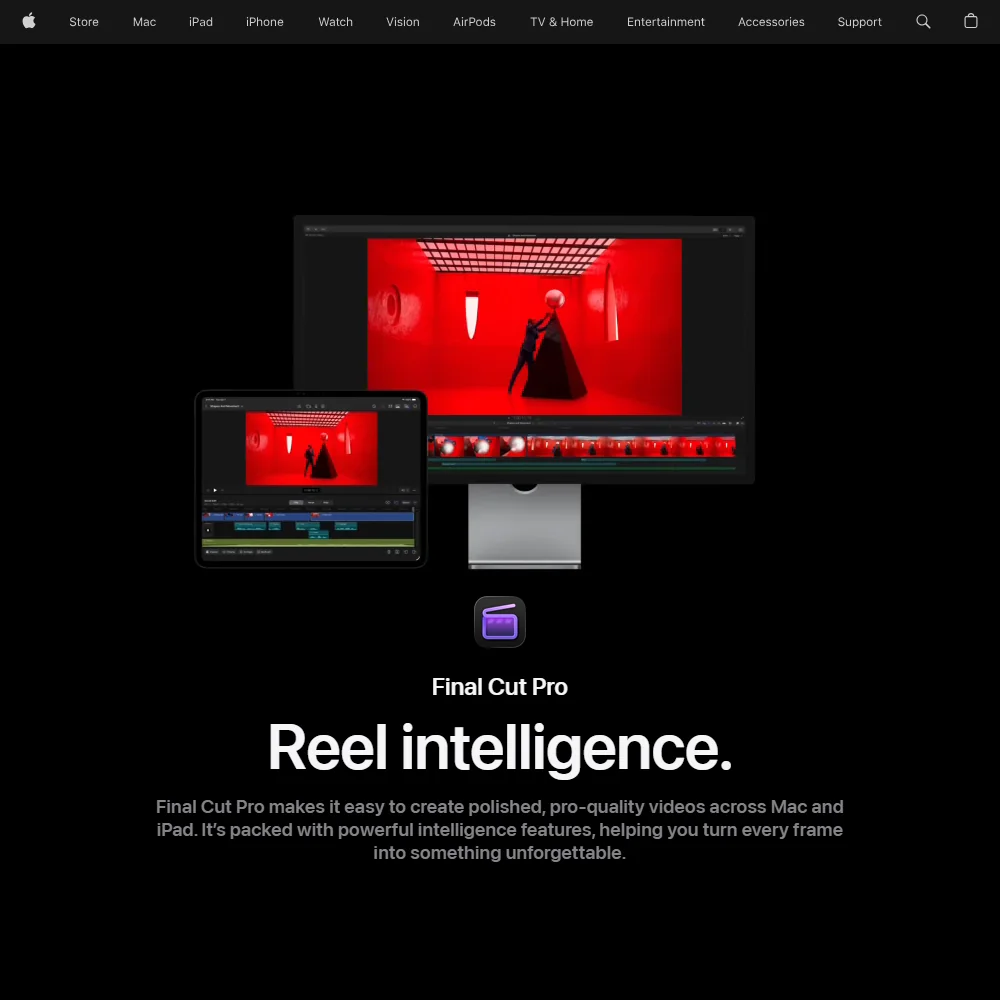
Final Cut Pro
7.2
Rank #6 of 10 professional video editors
Best:Pro editing10
Weakest:Workflow and teams3.2
Several editors on one project: no
From $12.99No free plan
100% from published facts · checked 22 Sep
→
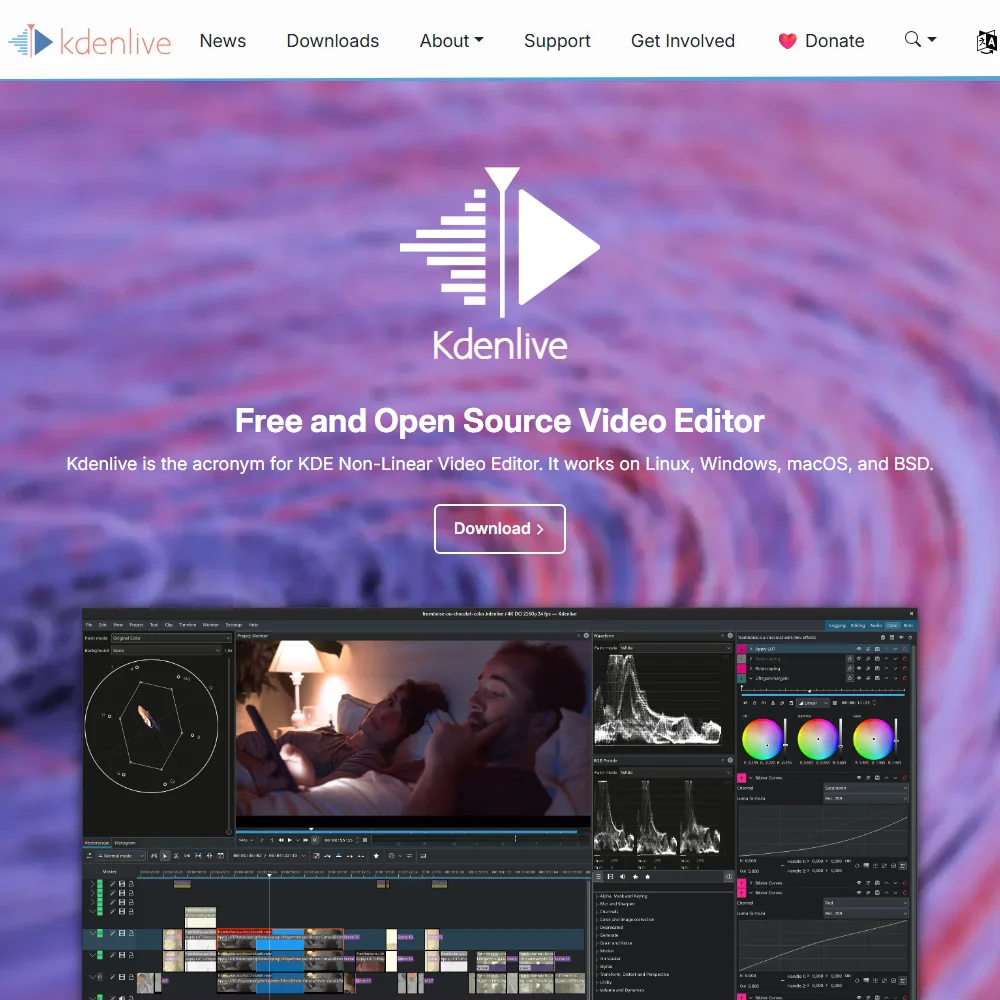
Kdenlive
6.1
Rank #9 of 10 professional video editors
Best:Pricing10
Weakest:AI in the editor1.8
Several editors on one project: no
FreeFree plan
100% from published facts · checked 26 Sep
→
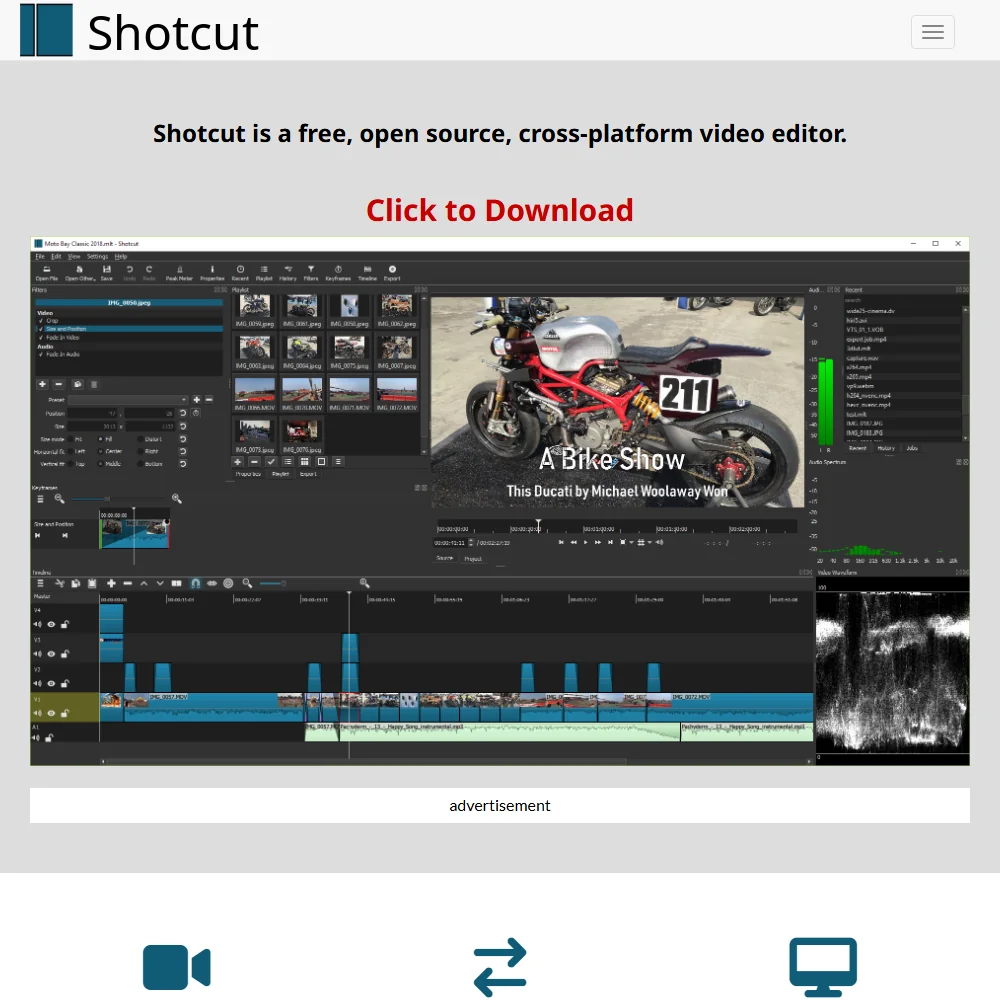

Shotcut
6.2
Rank #8 of 10 professional video editors
Best:Pricing10
Weakest:AI in the editor1.2
Several editors on one project: no
FreeFree plan
100% from published facts · checked 26 Sep
→
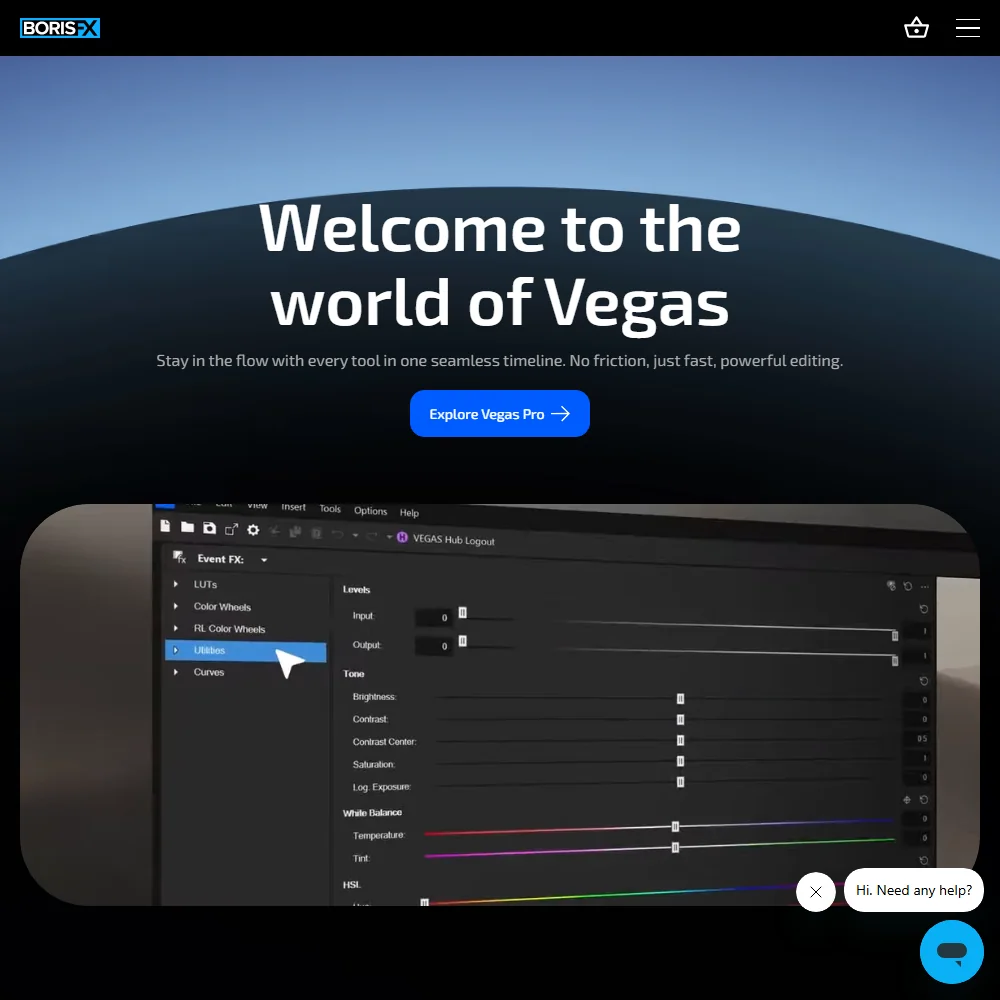
Vegas Pro
7.9
Rank #5 of 10 professional video editors
Best:Pro editing10
Weakest:Workflow and teams4
Several editors on one project: no
From $99.95 per yearNo free plan
100% from published facts · checked 26 Sep
→