Pykaso Review
$6.00
Pykaso is an AI-powered content generation suite built specifically for creators, influencers, and marketers looking to go viral — fast. It offers tools for generating hyper-realistic AI images, short animated videos, bulk face-swaps, and even training your own AI influencer using LoRA models. Everything runs in-browser, and its gem-based pricing model makes it easy to get started.
In this review, we’ll break down how Pykaso works, what it’s best for, and how it compares to more cinematic tools like Runway or Genmo. Whether you’re experimenting with text-to-image or building a full-on AI persona, this tool aims to make content creation fast, consistent, and social-media-ready.
Pykaso AI Key Features & Capabilities
From ultra-fast face swaps to LoRA character training and AI upscaling, Pykaso covers a broad set of tools. Here’s what stood out during my testing:
- Face Swap (Photo + Video): Upload a source video and swap it with any face image — bulk processing supported. The results are surprisingly fast and decent, though occasionally hit-or-miss on expressions.
- AI Image Generator: Supports both text-to-image and image-to-image, with a big emphasis on character consistency — useful if you’re creating an ongoing influencer or persona.
- AI Video Generator: You can animate a still image into a short, social-ready video. It supports different aspect ratios and resolutions (up to 1080p in UI, 4K claimed).
- AI Upscaler: Adds more detail to AI-generated or low-res photos. It’s handy for improving realism in skin texture.
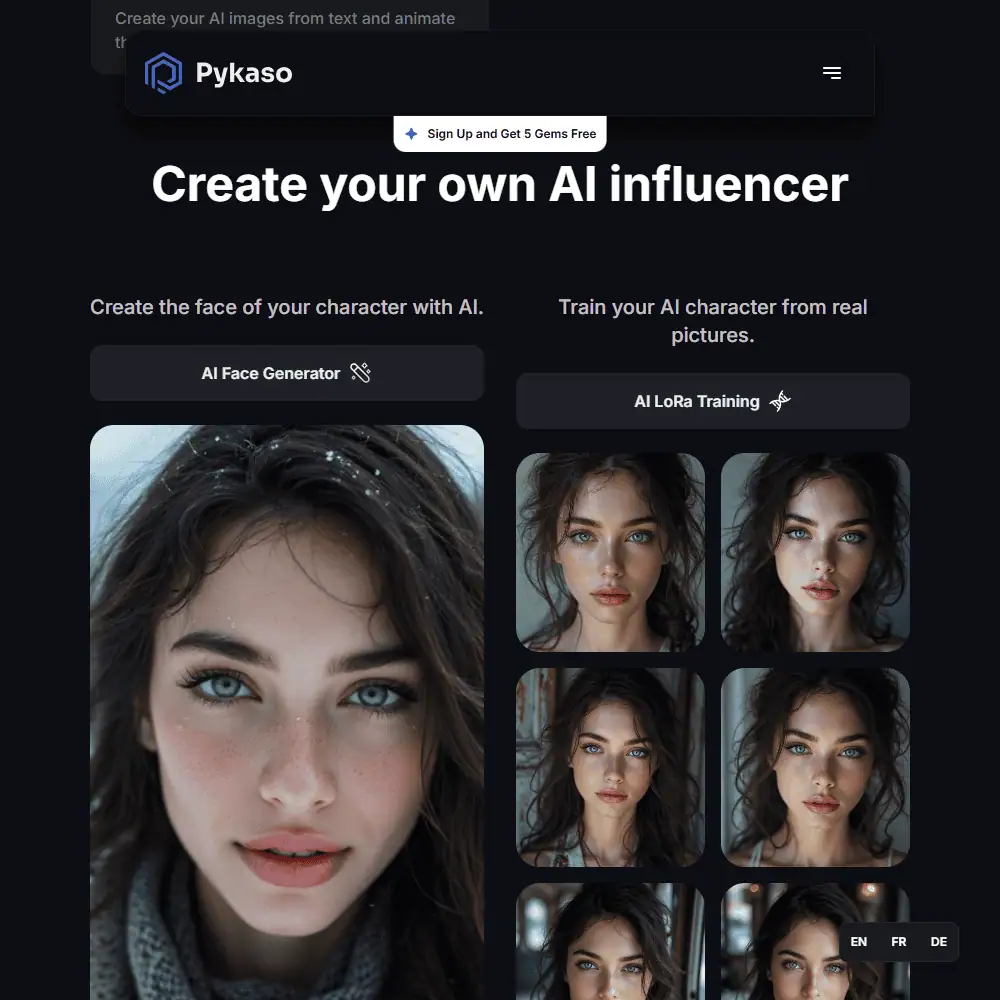
- AI Face Generator + LoRA Training: You can build a custom AI character and train it with 10+ photos to get consistent results in later image/video generations.
While using Pykaso, I found the tools well-organized, and it’s genuinely satisfying to see a generated AI face animate across multiple formats. The LoRA training unlocks another level of control — though it requires a bit more effort and image prep.
That said, tools like the video generator don’t give as much control over animation type or pacing compared to Runway or Genmo. And if you’re hoping for cinematic storytelling, this might feel a bit too “influencer-focused.”
Ease of Use & Workflow
- Sign-In & Setup: Pykaso runs in-browser — no downloads, no waitlists. Just sign up and you get 5 free Gems instantly.
- UI Design: Clean, minimal black interface with side tabs for each tool. It’s easy to move between face swap, image gen, and video.
- Customization: Some tools offer aspect ratio and freedom sliders, but don’t expect deep prompt control like Midjourney or PromptLayer.
The learning curve is minimal. In less than 10 minutes, I had generated a face, swapped it into a video, and upscaled the result. If you’re a creator who values speed over prompt perfection, this hits the mark.
Pykaso vs Alternatives
Pykaso vs Runway ML
- Pykaso is faster for bulk influencer-style content and face swaps.
- Runway offers more fine control and stronger video stylization options.
Similar tools to Pykaso
- Leonardo AI – better for artistic/illustrative generation.
- Genmo – stronger for text-to-video storytelling.
- DeepSwap AI – good alternative if you’re purely after face swaps.
Pykaso Pricing & Subscription Plans
Plan |
Price |
Gems |
|---|---|---|
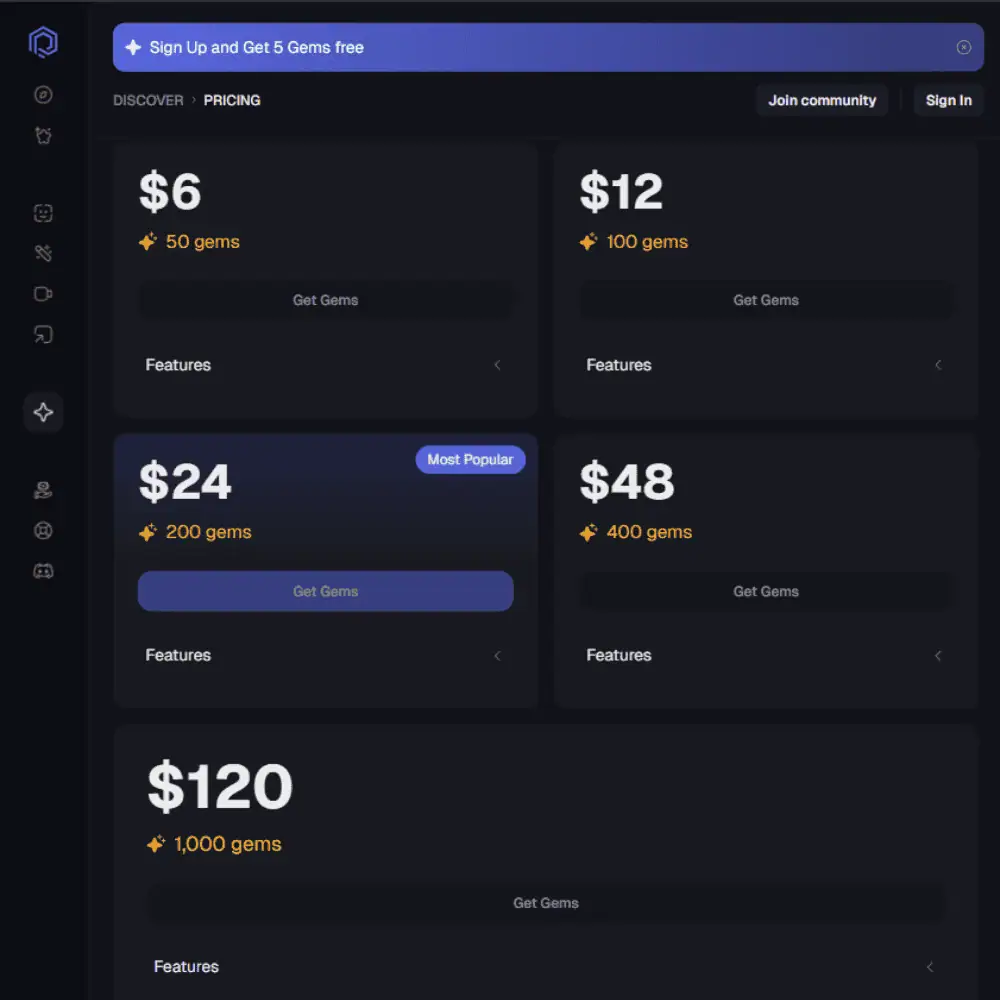
| Small | $6 | 50 |
| Medium | $12 | 100 |
| Large | $24 | 200 |
| XL | $48 | 400 |
| Pro | $120 | 1,000 |
| Enterprise | $240 | 2,000 |
- Is Pykaso Free? Yes, 5 gems are included at signup.
- Refund Policy: Not publicly documented.
- Pykaso Promo Code or Discounts? None currently visible on-site.
If your focus is fast, photorealistic influencer-style content, Pykaso is way more efficient than the alternatives. But if you’re crafting high-art or narrative scenes, other tools might serve you better.
Pykaso AI Final Verdict & Recommendations
If you’re looking to mass-produce consistent, influencer-style content — fast — Pykaso is hard to beat. The ability to combine face-swapping, AI-generated faces, upscaling, and animated videos in one streamlined platform is what makes it stand out.
While it may lack fine-tuned prompt engineering and narrative video tools, it’s laser-focused on virality and speed.
Best For:
- AI influencer creators
- Viral content marketers
- TikTok/Instagram short-form video creators
Frequently Asked Questions (FAQs)
What is Pykaso AI used for?
Pykaso AI is an all-in-one generative platform for creating AI influencers, swapping faces in videos, and generating photorealistic content using text or images.
Is Pykaso free to use?
Pykaso offers a free sign-up bonus with 5 gems, which lets you test some tools. After that, you’ll need to purchase gems starting at $6 for 50 gems.
Can I generate AI videos with Pykaso?
Yes, Pykaso supports both image-to-video and text-to-video generation, letting users animate images and produce short influencer-style video clips.
What are Gems on Pykaso AI?
Gems are the in-app currency used across all Pykaso AI tools, including image generation, face swaps, upscaling, and video creation. Each action consumes a certain number of Gems based on complexity, with one Gem roughly equal to $0.10 USD. You can purchase them in bundles, and they’re required for every generation task on the platform.
Specification: Pykaso Review
| Basic Specifications | ||||||||||||||||||||||||
|---|---|---|---|---|---|---|---|---|---|---|---|---|---|---|---|---|---|---|---|---|---|---|---|---|
|
||||||||||||||||||||||||
| Pricing & Plans | ||||||||||||||||||||||||
|
||||||||||||||||||||||||
| Core Features | ||||||||||||||||||||||||
|
||||||||||||||||||||||||
| User Experience & Interface | ||||||||||||||||||||||||
|
||||||||||||||||||||||||
| Integrations & Compatibility | ||||||||||||||||||||||||
|
||||||||||||||||||||||||
| Automation & Workflows | ||||||||||||||||||||||||
|
||||||||||||||||||||||||
| Security & Compliance | ||||||||||||||||||||||||
|
||||||||||||||||||||||||
| Customer Support & Community | ||||||||||||||||||||||||
|
||||||||||||||||||||||||
Photos: Pykaso Review



User Reviews
Be the first to review “Pykaso Review”










There are no reviews yet.